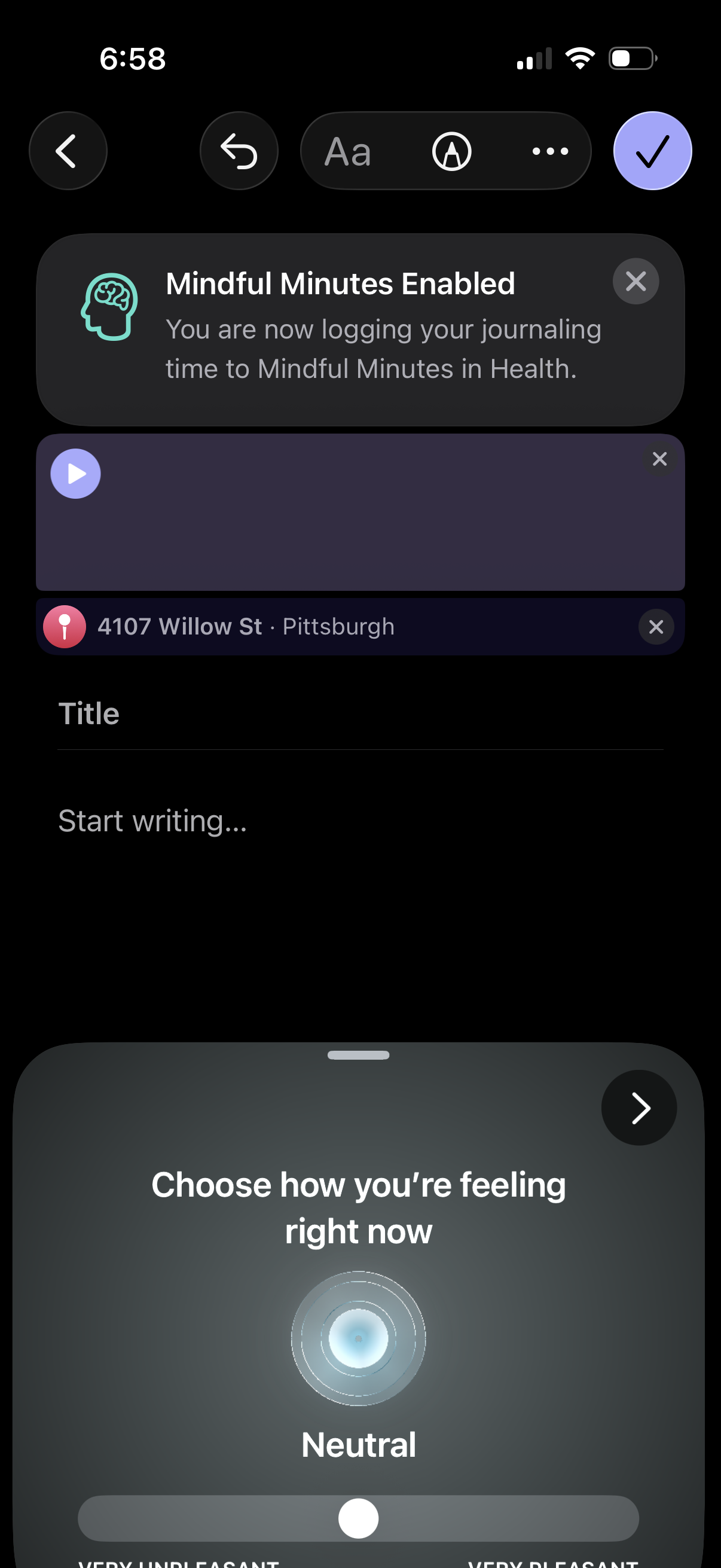
Journal entry creation screen with a title field and writing area, plus options to add media/audio and attach a location. Shows a banner confirming Mindful Minutes tracking in Health and a bottom sheet mood selector slider to log how you’re feeling before saving the entry.
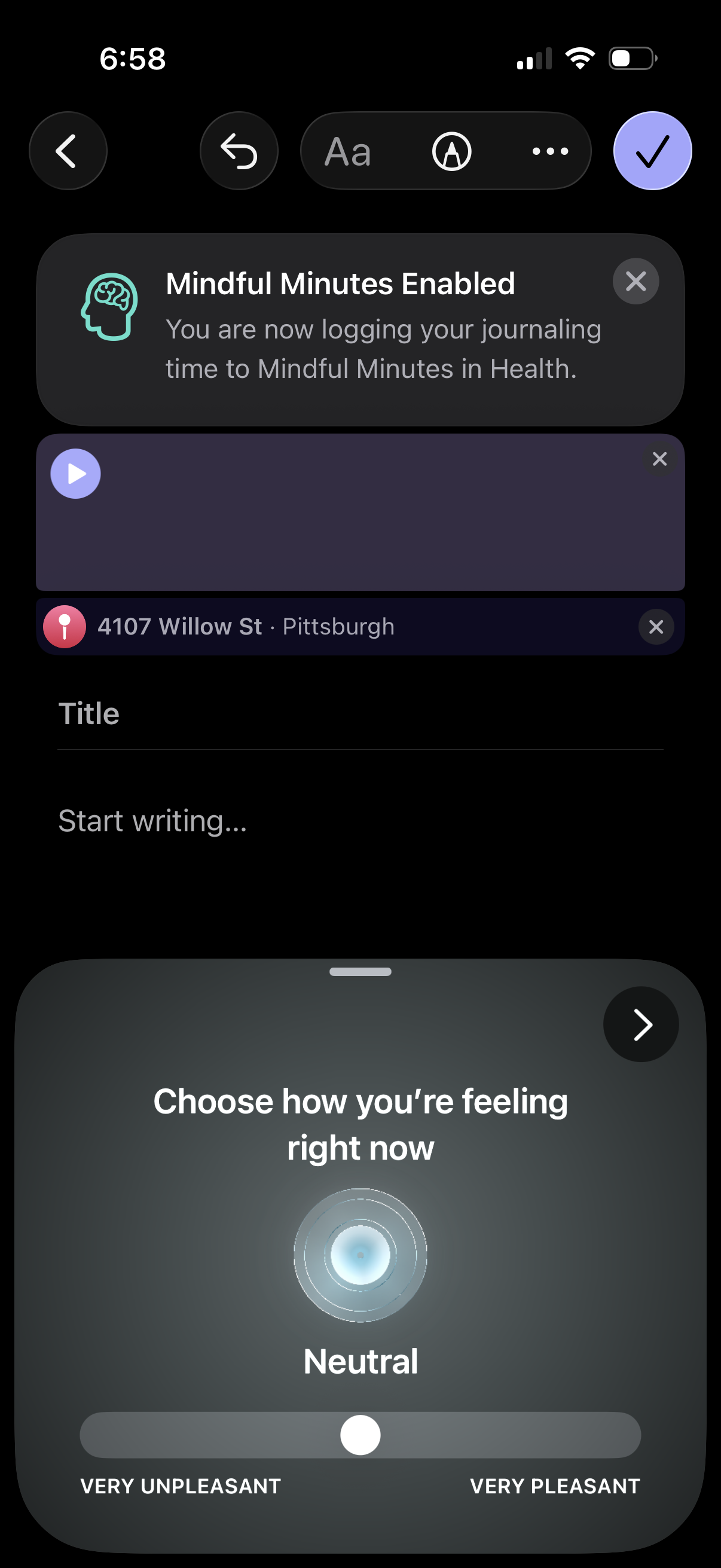
Journaling editor screen with a title and text field plus options to attach media/audio and a location tag, showing a banner confirming “Mindful Minutes” health logging enabled. A bottom sheet mood check-in prompts the user to choose how they’re feeling on a very unpleasant to very pleasant slider before saving.
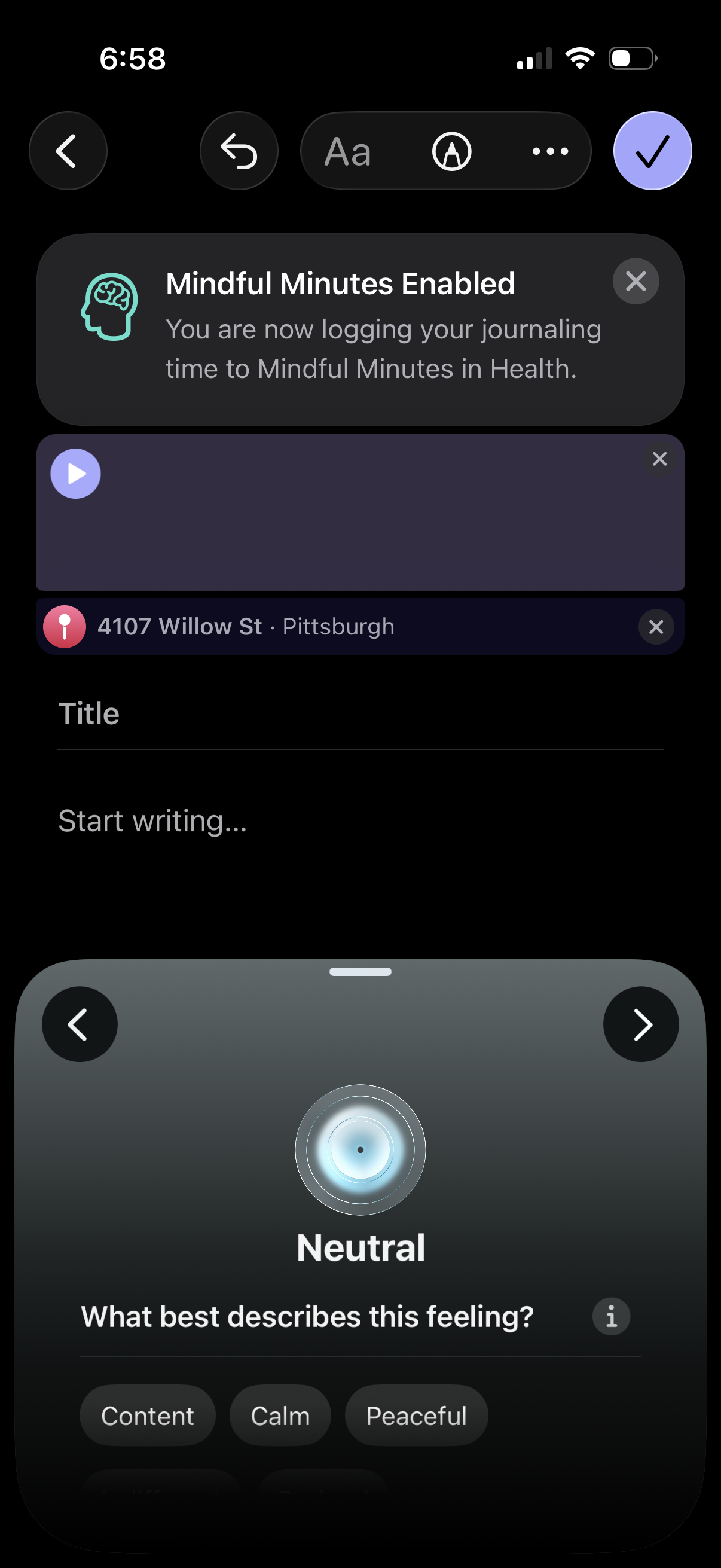
Journal entry creation screen with formatting tools and attachments, including an info banner confirming Mindful Minutes tracking to Health plus options to add audio and location. A mood selector panel lets the user choose a feeling (e.
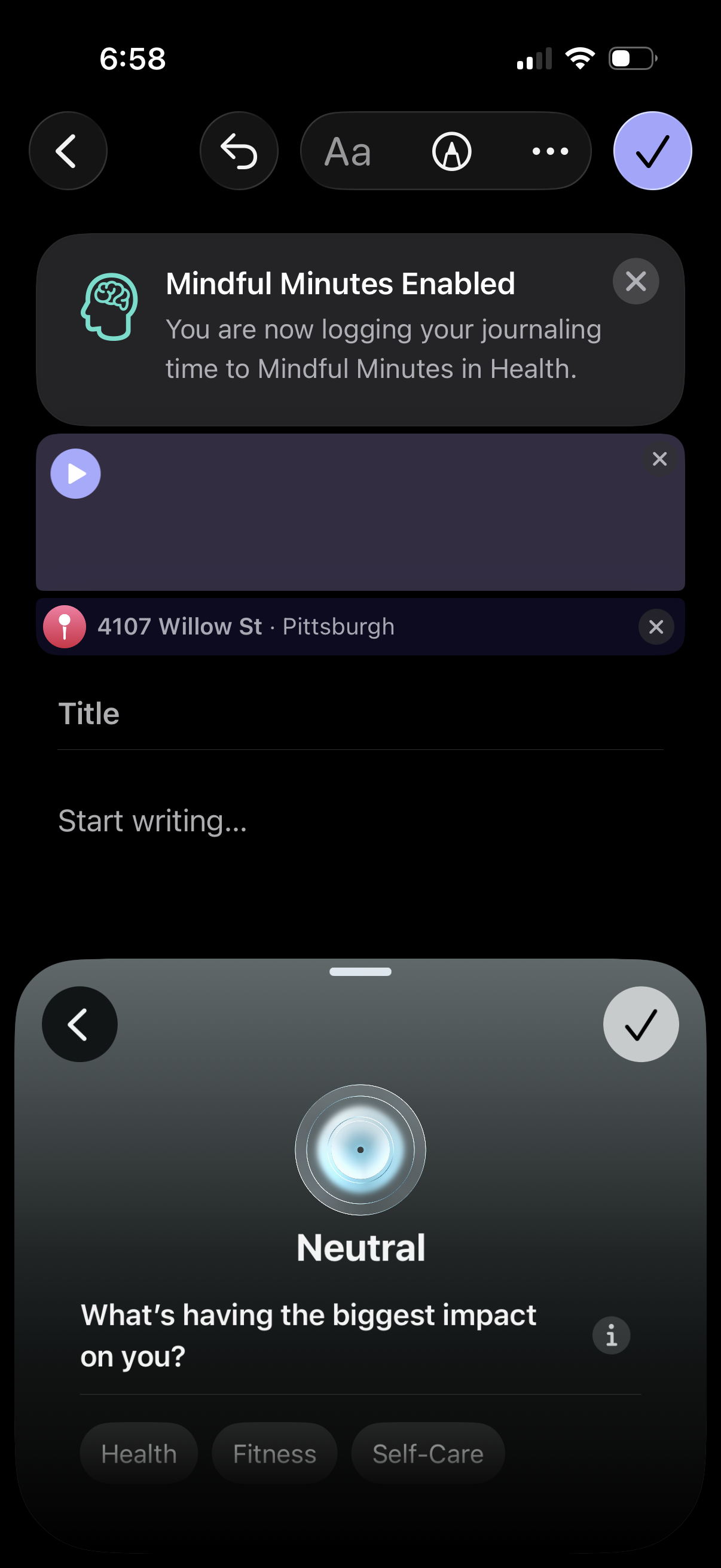
Journaling entry composer screen with a “Mindful Minutes Enabled” banner indicating the journaling time will be logged to Apple Health, plus options to attach an audio recording and a location tag. User can add a title and start writing, then open a mood check-in bottom sheet (neutral state) asking what’s impacting them with selectable categories and a confirm action.
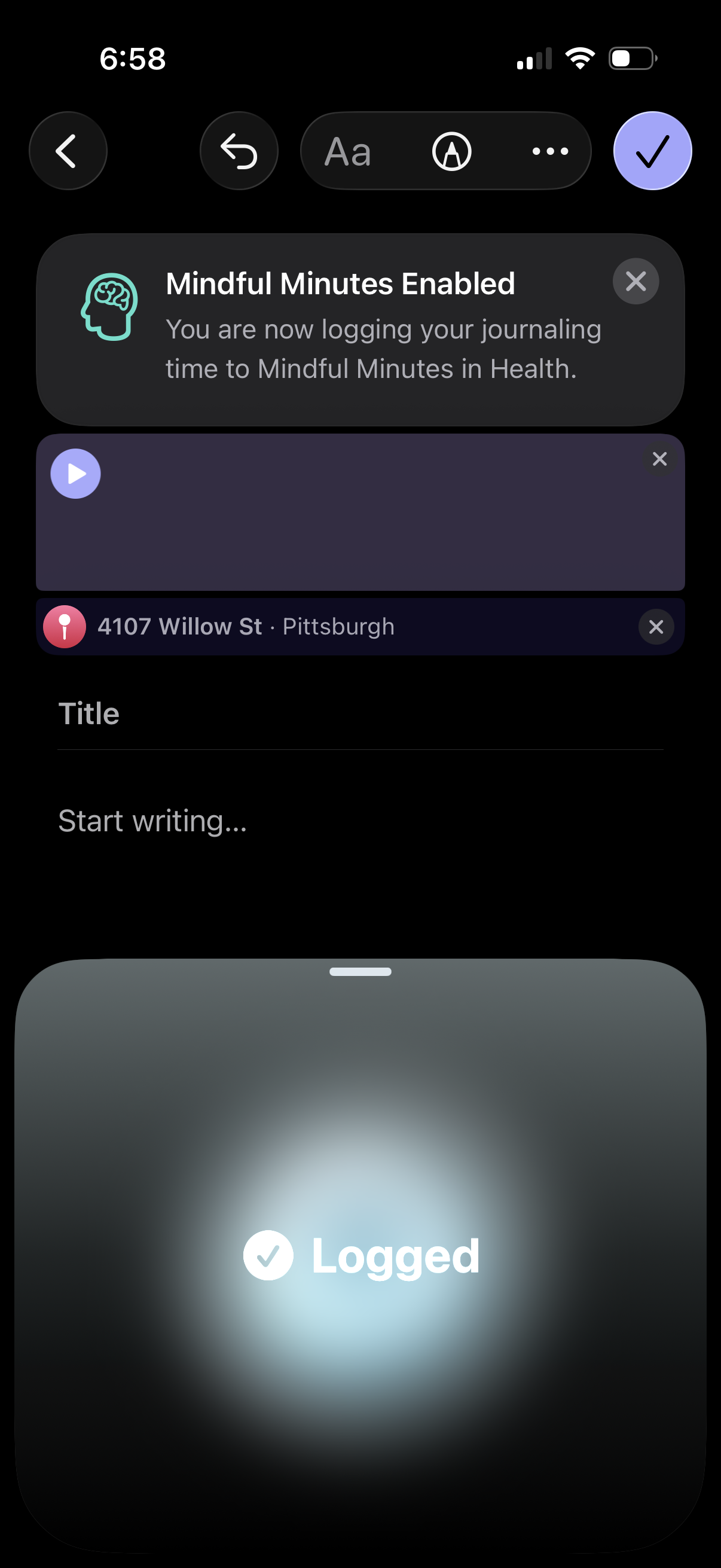
Mobile journaling entry composer with a title and writing field, plus attachable elements like an audio recording and location tag. A success banner confirms “Mindful Minutes” logging is enabled for Health, with close/remove controls for attachments and a checkmark button to save/finish the entry.