add location to entry
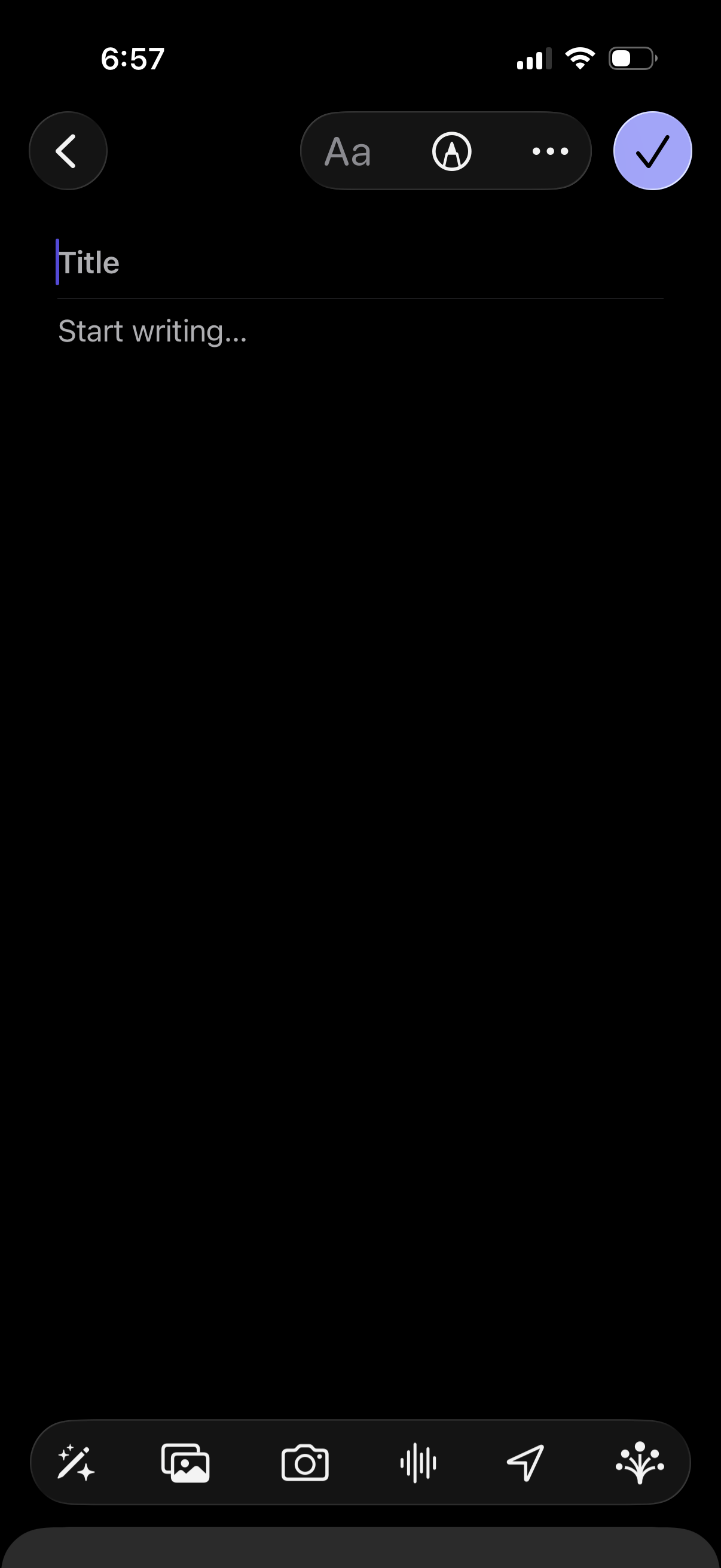
Note creation editor in dark mode with fields for Title and body text, plus formatting options and a more menu. Bottom toolbar lets users insert attachments like photos or camera images, add audio/voice recording, and send/share, with a checkmark to save/confirm and a back button to cancel.
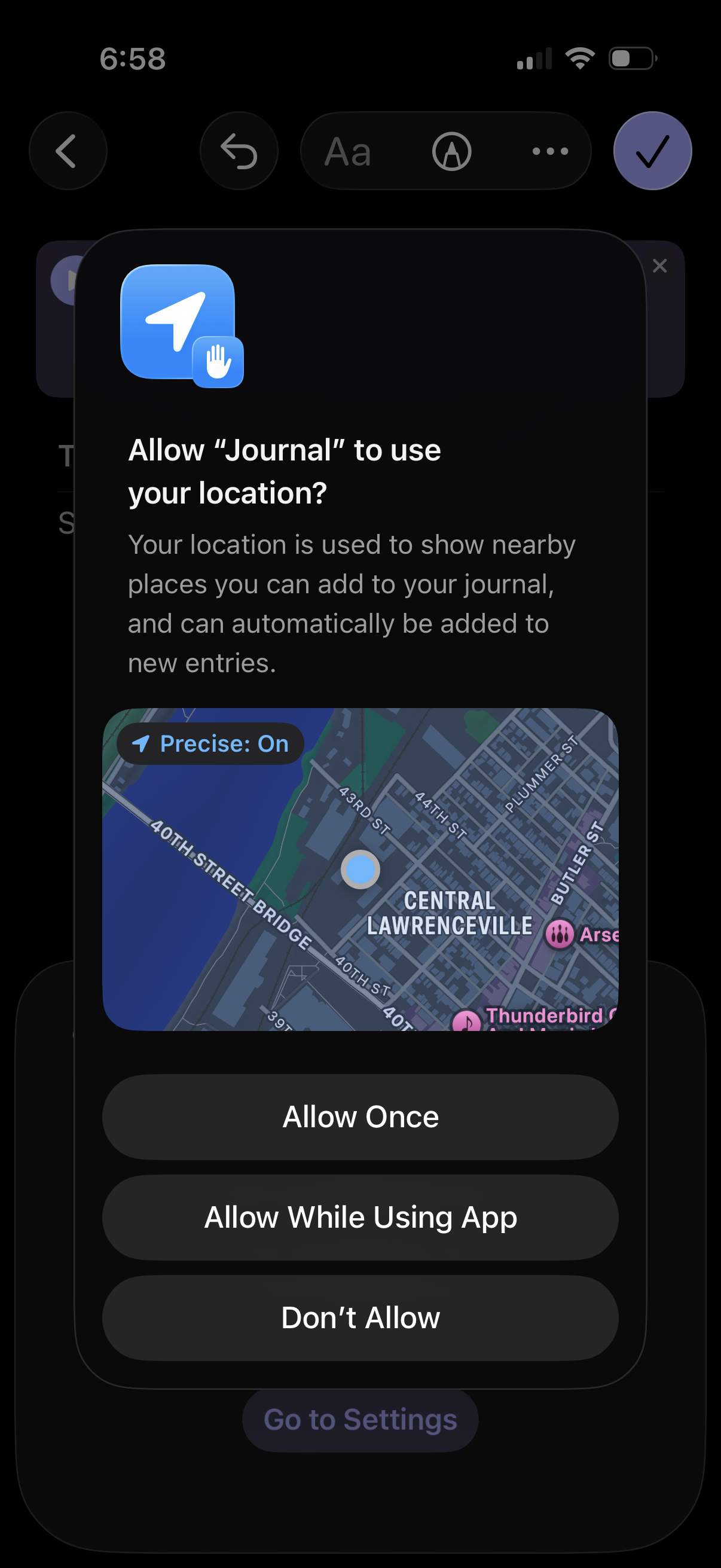
iOS system location permission prompt asking to allow a journaling app to access your location to suggest nearby places and auto-add location to new entries, with a map preview and options for Allow Once, Allow While Using App, or Don’t Allow.
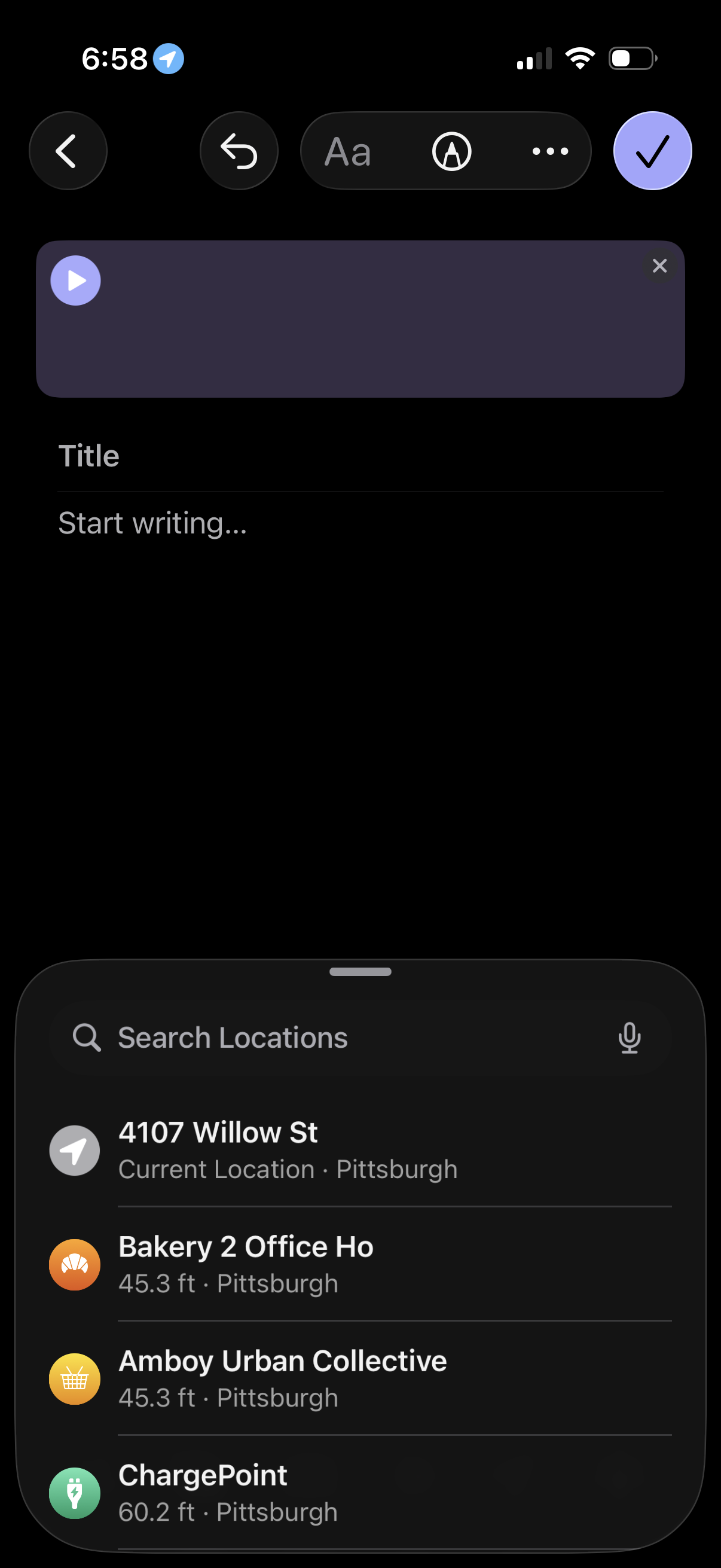
Note creation/editing screen with a rich text toolbar and a large attachment/audio preview module, plus fields to enter a title and start writing content, with a checkmark to save and back/undo actions. A bottom sheet lets users search and pick a location (current location and nearby places) to attach to the note.
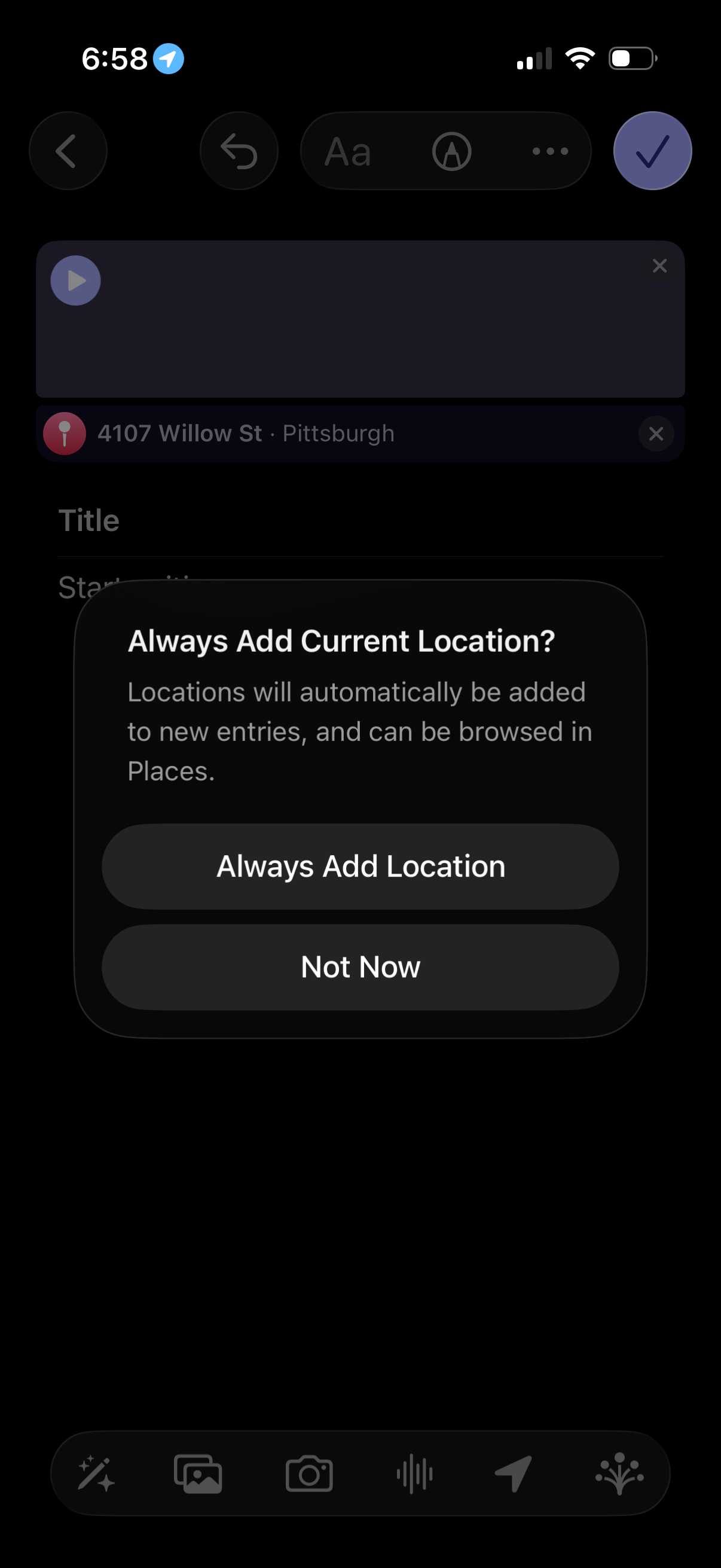
Modal confirmation dialog asking whether to always add the user’s current location to new entries, explaining that locations will be automatically attached and browsable in Places. Provides two primary actions: “Always Add Location” or “Not Now,” shown over a note/journal creation screen with a location field.
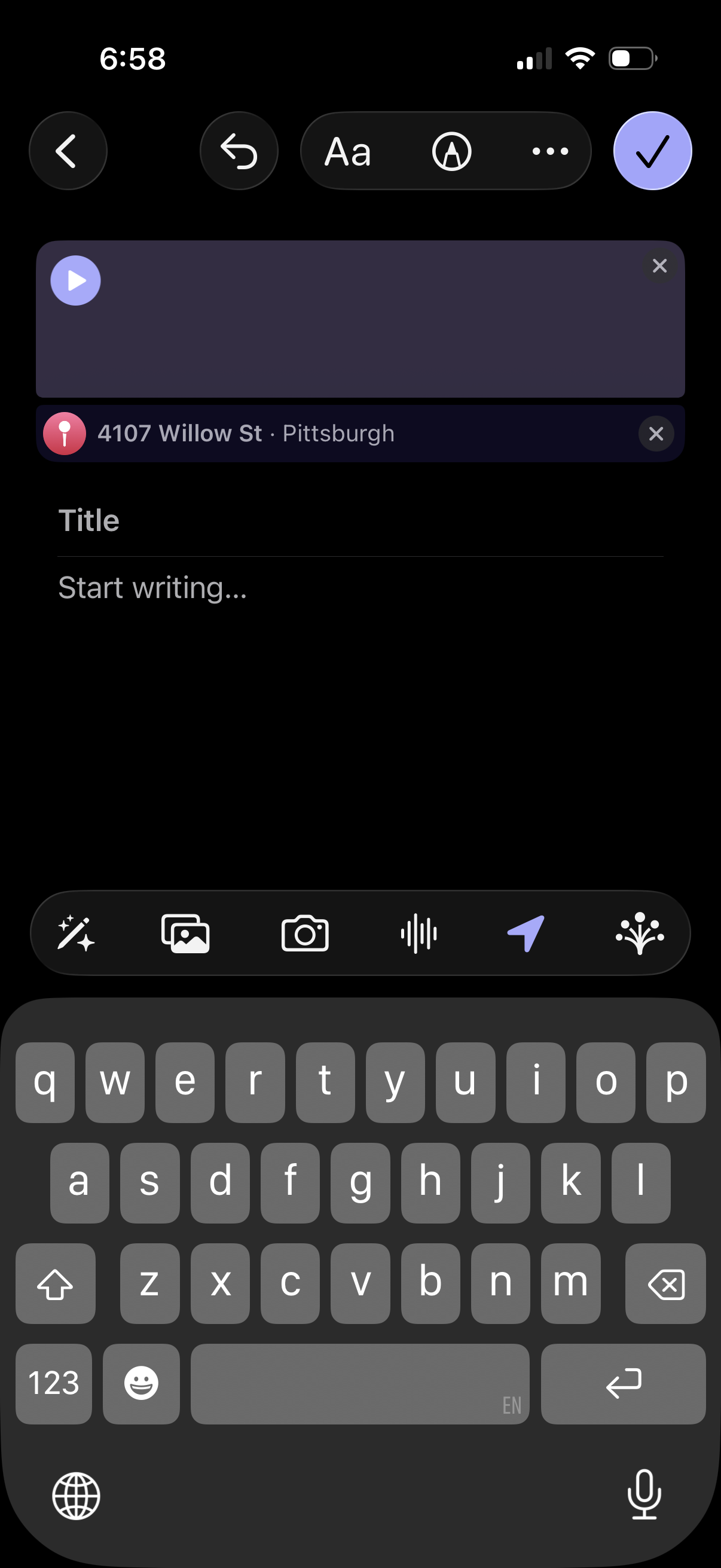
Mobile post composer screen for creating a story/status update with optional audio playback attachment and a tagged location chip, plus fields to add a title and start writing. Top bar includes back, undo, text/style options, and a checkmark to publish, while the bottom toolbar lets you add effects, photos, camera, voice/audio, or location.