Minimalist onboarding splash screen with a dark background and abstract flame animation, showing a reflective prompt about meeting someone by chance to set the tone before continuing into the app. No primary actions or form fields are visible, functioning as an intro/branding moment in the onboarding flow.
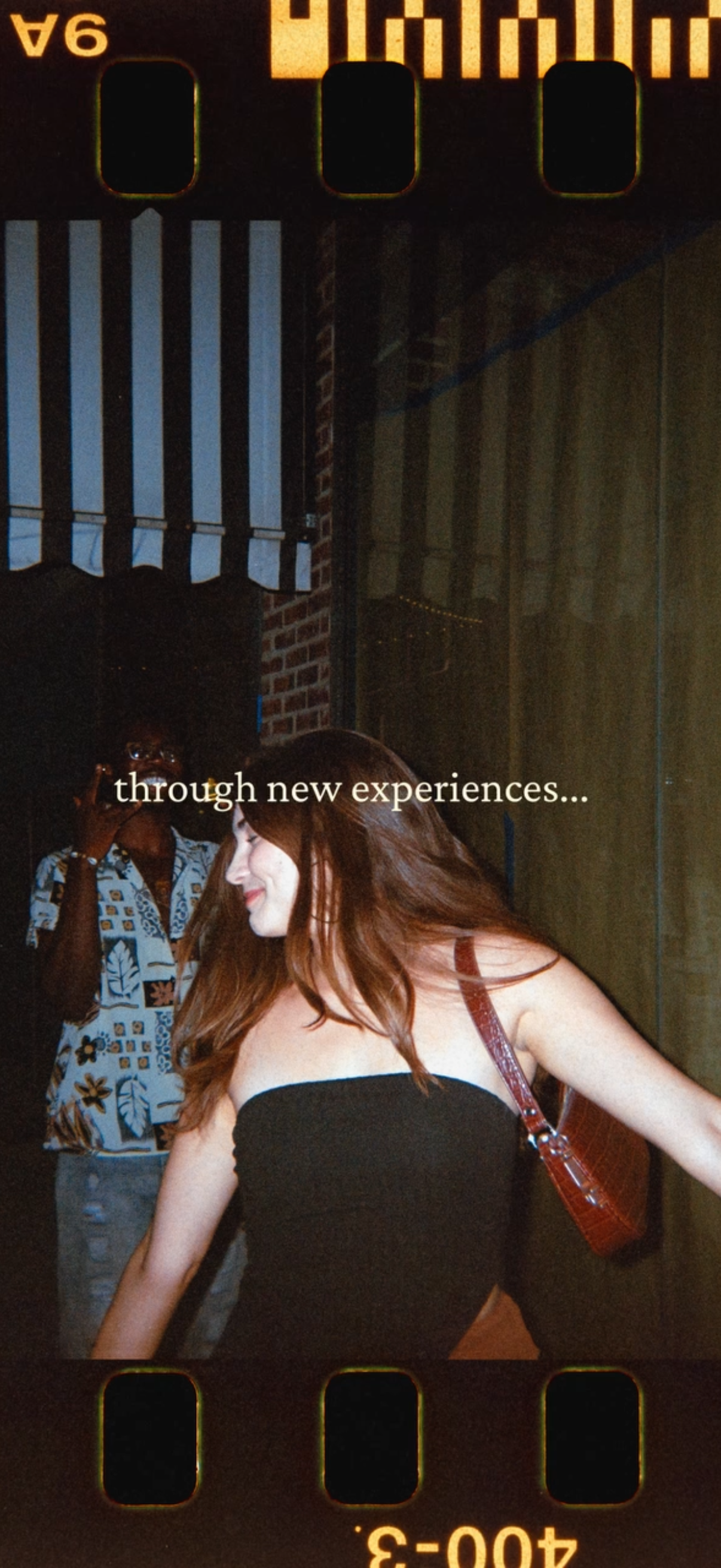
Full-screen onboarding or splash screen with a lifestyle photo background and a motivational tagline (“through new experiences…”) centered over the image. No visible navigation controls or buttons, designed to set brand tone and introduce the app experience.
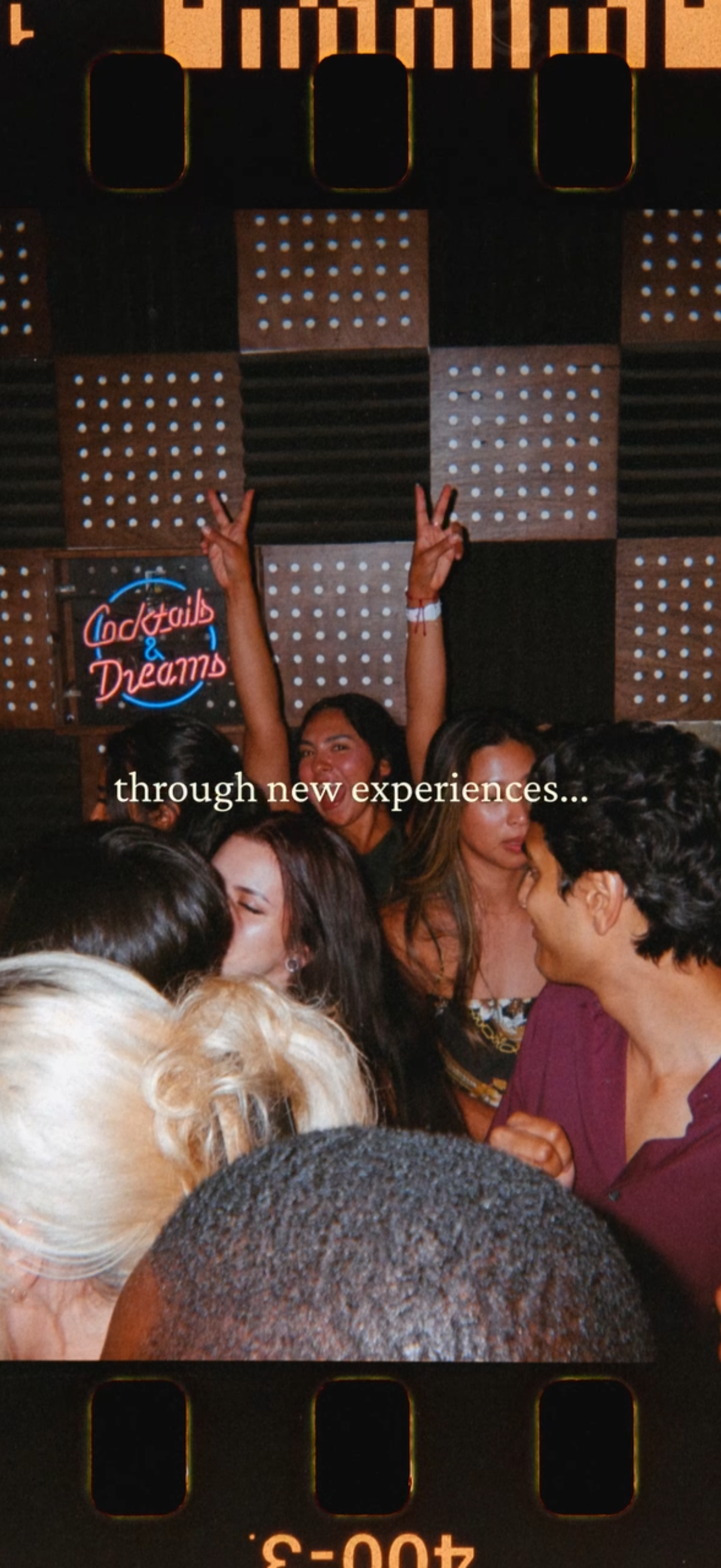
Full-screen onboarding or splash screen with a lifestyle photo of people partying at a bar/club, featuring a centered inspirational tagline (“through new experiences…”) overlaid on the image. No visible navigation or form elements, designed as a branded intro slide in an onboarding/story flow.

Full-screen splash or loading screen featuring a minimal dark background with a close-up photo of a lit match flame. No visible UI elements, navigation, text, or actions.
Minimal full-screen splash/interstitial with dark background and centered poetic copy (“through spending our time together? ”), functioning as a narrative onboarding or quote screen with no visible navigation or action buttons.

Minimalist full-screen interstitial title card with a dark background displaying the centered text “what happened to chance? ” and no visible navigation or actions, suggesting a story chapter or transition screen.
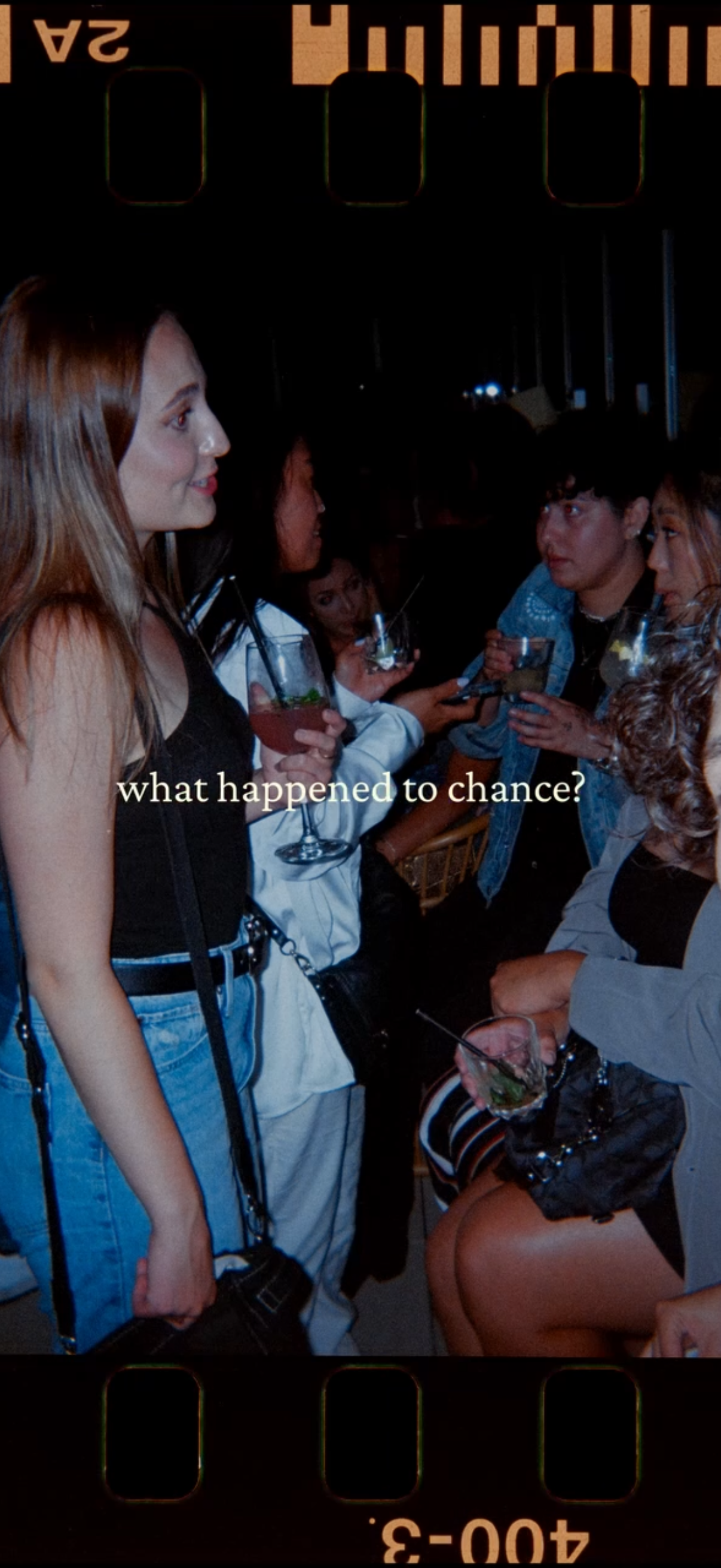
Full-screen story-style photo viewer showing a single image with centered overlay text/caption, designed like a social media Stories screen with minimal UI and no visible buttons or navigation controls.
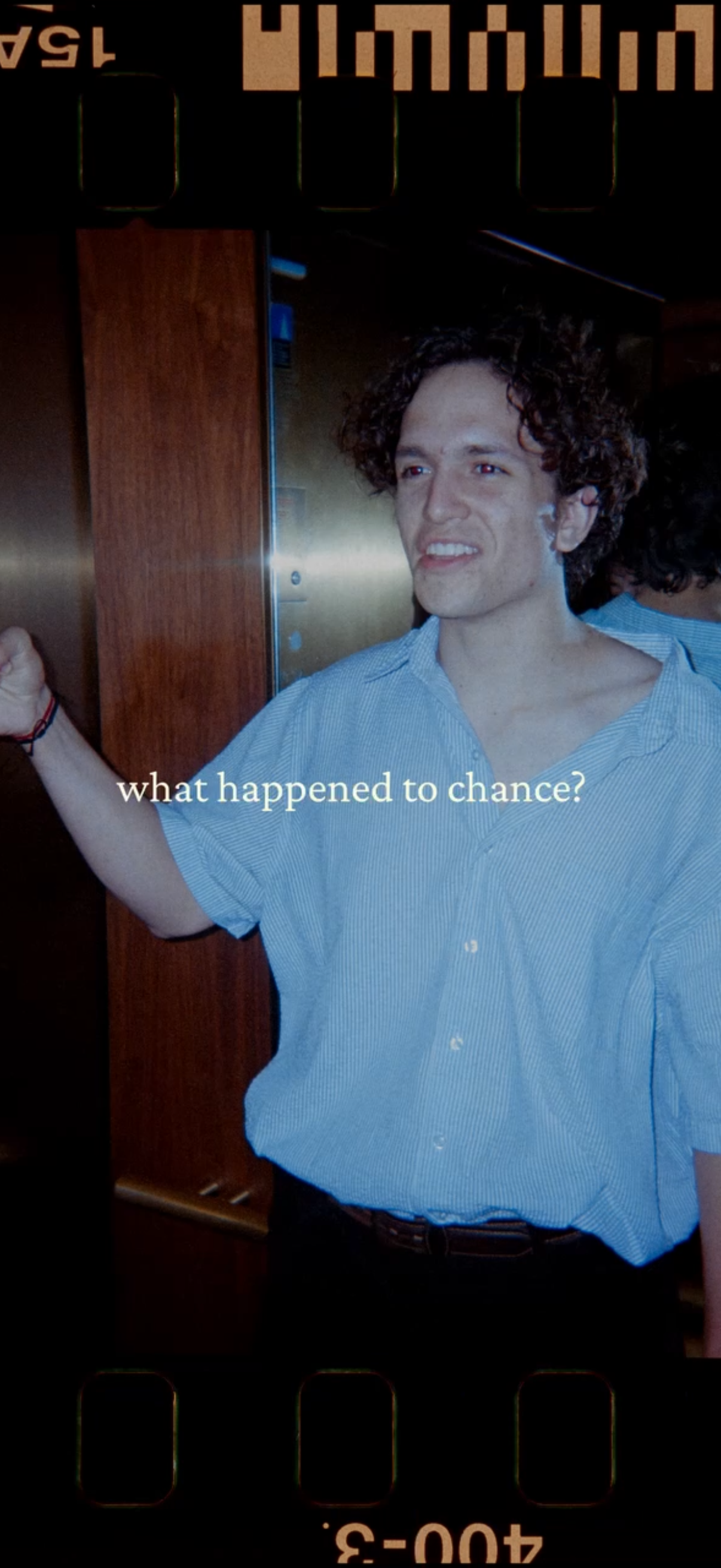
Full-screen story-style photo viewer with a vintage film frame overlay, displaying a single image and centered caption text (“what happened to chance? ”) as an overlaid question.
A full-screen camera/photo capture view showing a live scene preview with minimal UI, designed for taking or reviewing a picture without visible controls beyond standard camera framing. The screen focuses on the viewfinder content rather than navigation or settings.
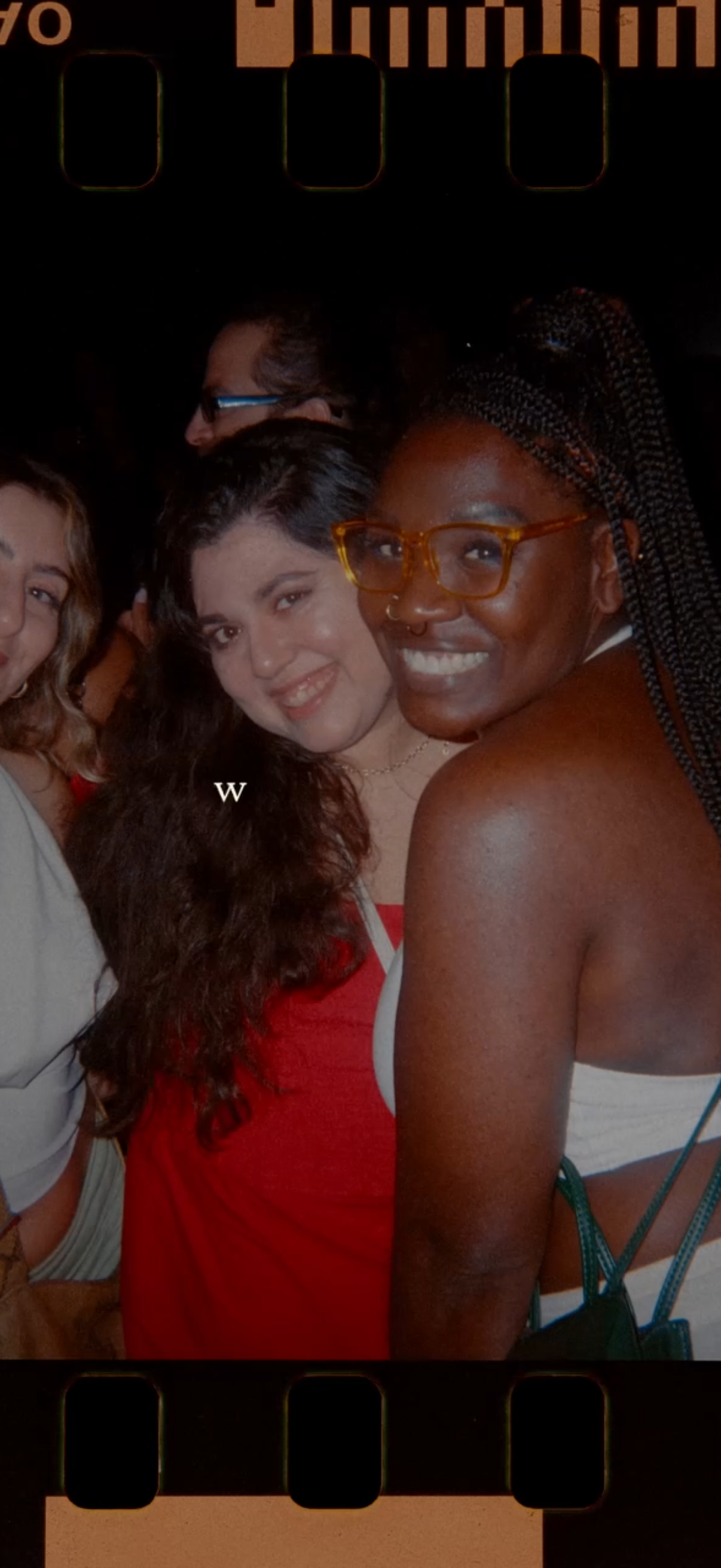
Full-screen photo viewer showing a single image (portrait) with a film/retro overlay and minimal UI, used for browsing or viewing a captured photo in a gallery or story-style media screen.
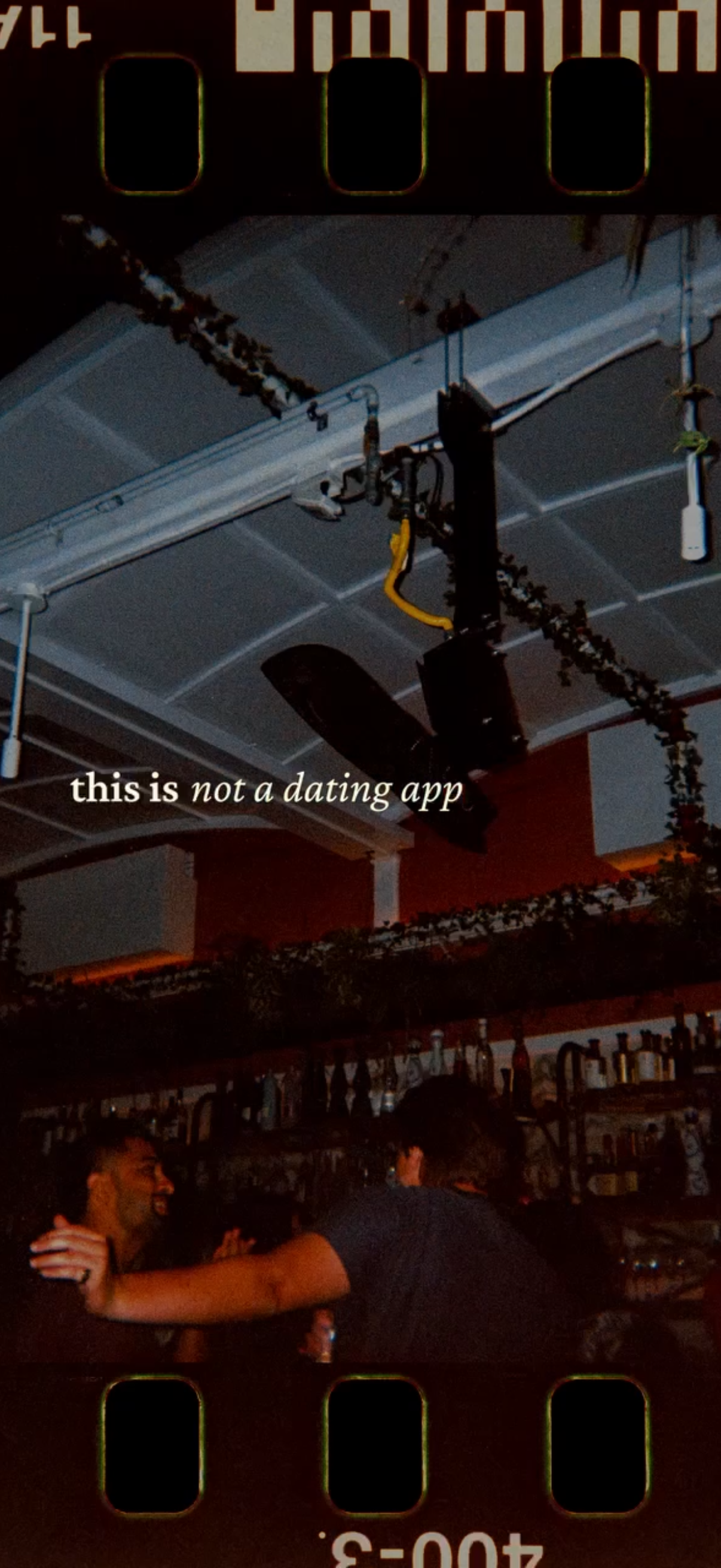
Full-screen splash/onboarding screen with a lifestyle background photo and centered tagline text (“this is not a dating app”), used as an intro/brand positioning page with no visible navigation or actions.
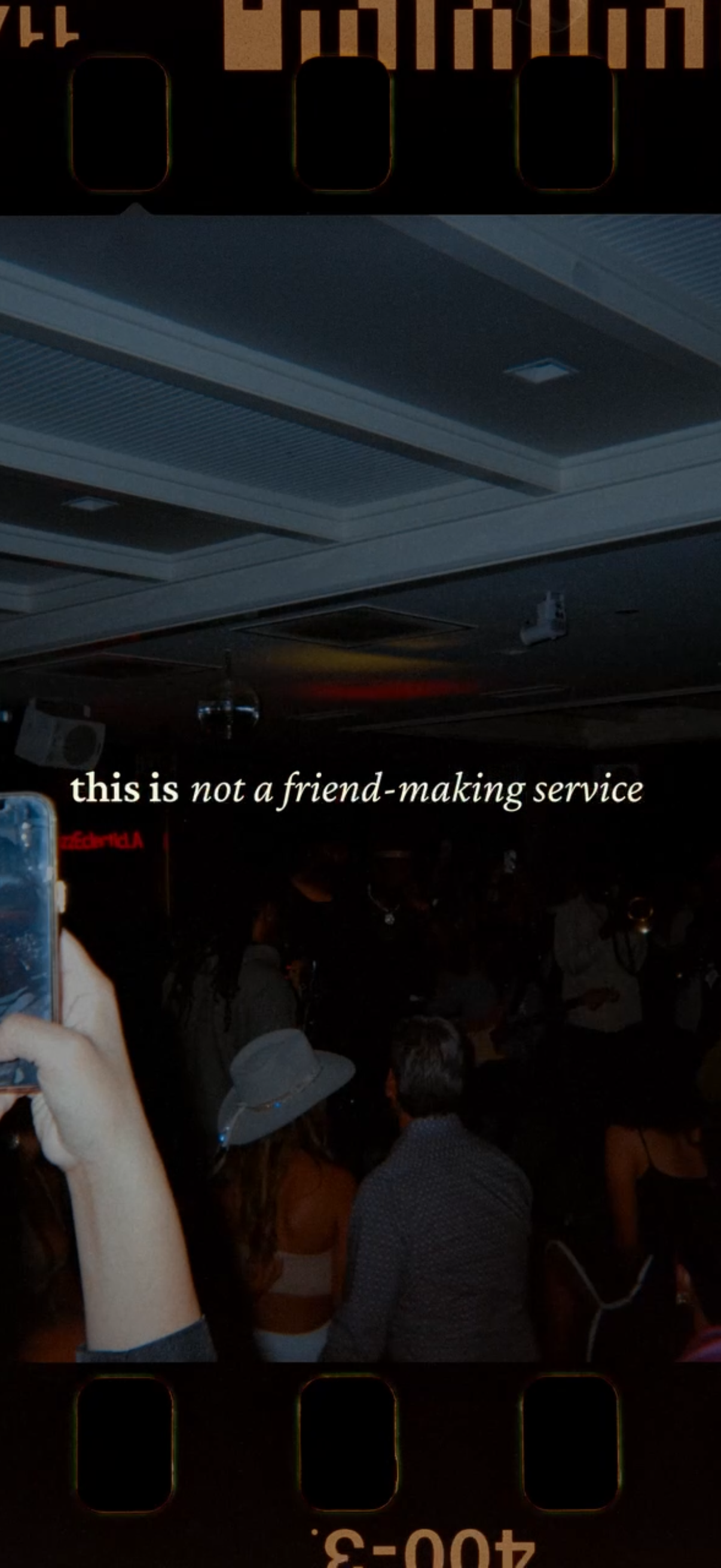
Full-screen splash/intro screen with a dark party photo background and a centered tagline message (“this is not a friend-making service”), acting as a branding or onboarding statement screen without visible navigation or controls.
A full-screen inspirational quote screen showing “this is not networking” over a photographic background, functioning like a story/quote card with no visible navigation or interactive controls. It’s a minimalist, text-over-image layout meant for passive viewing or motivational messaging.
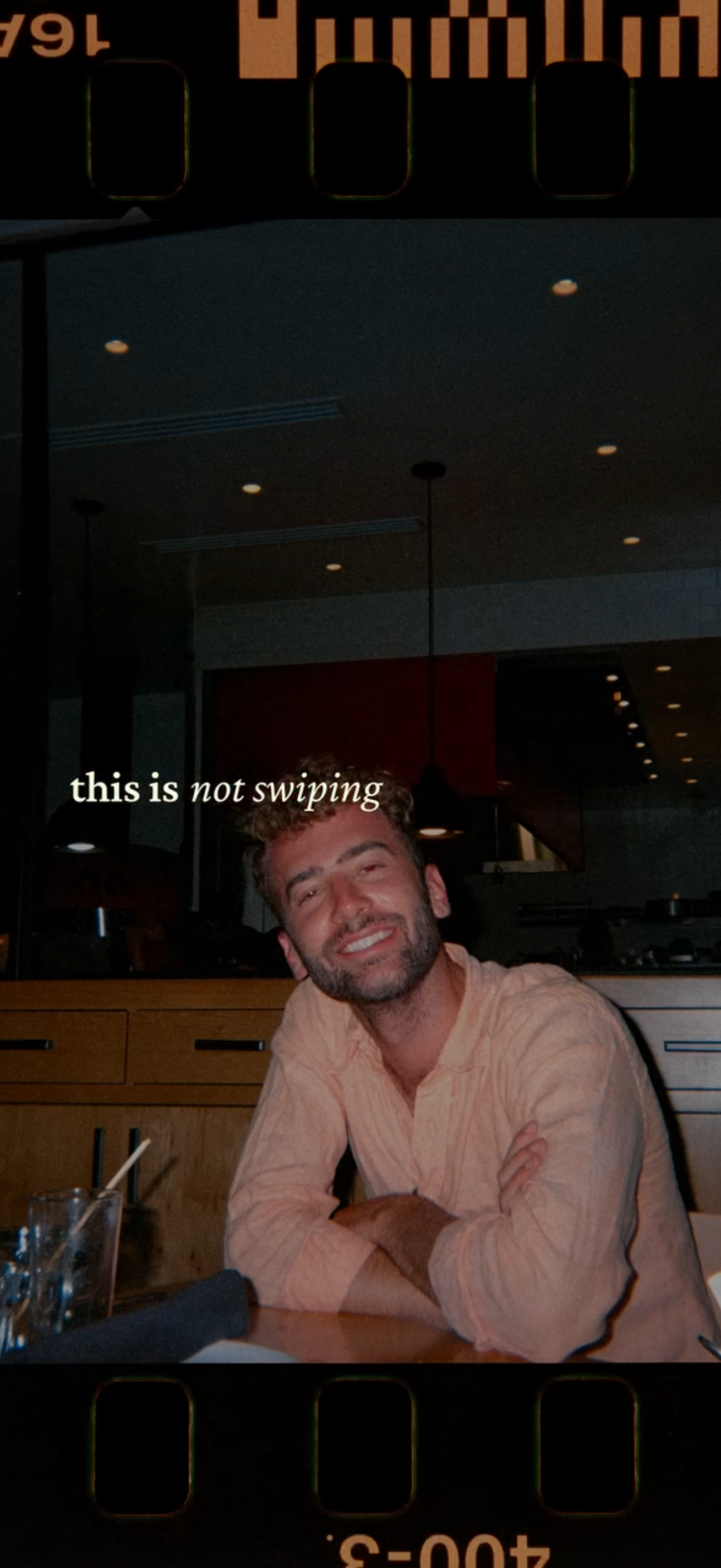
A full-screen photo viewer with a filmstrip-style border showing a single portrait image and an overlaid caption text reading “this is not swiping. ” Designed for browsing or viewing a story/post photo with text overlay and no visible controls.
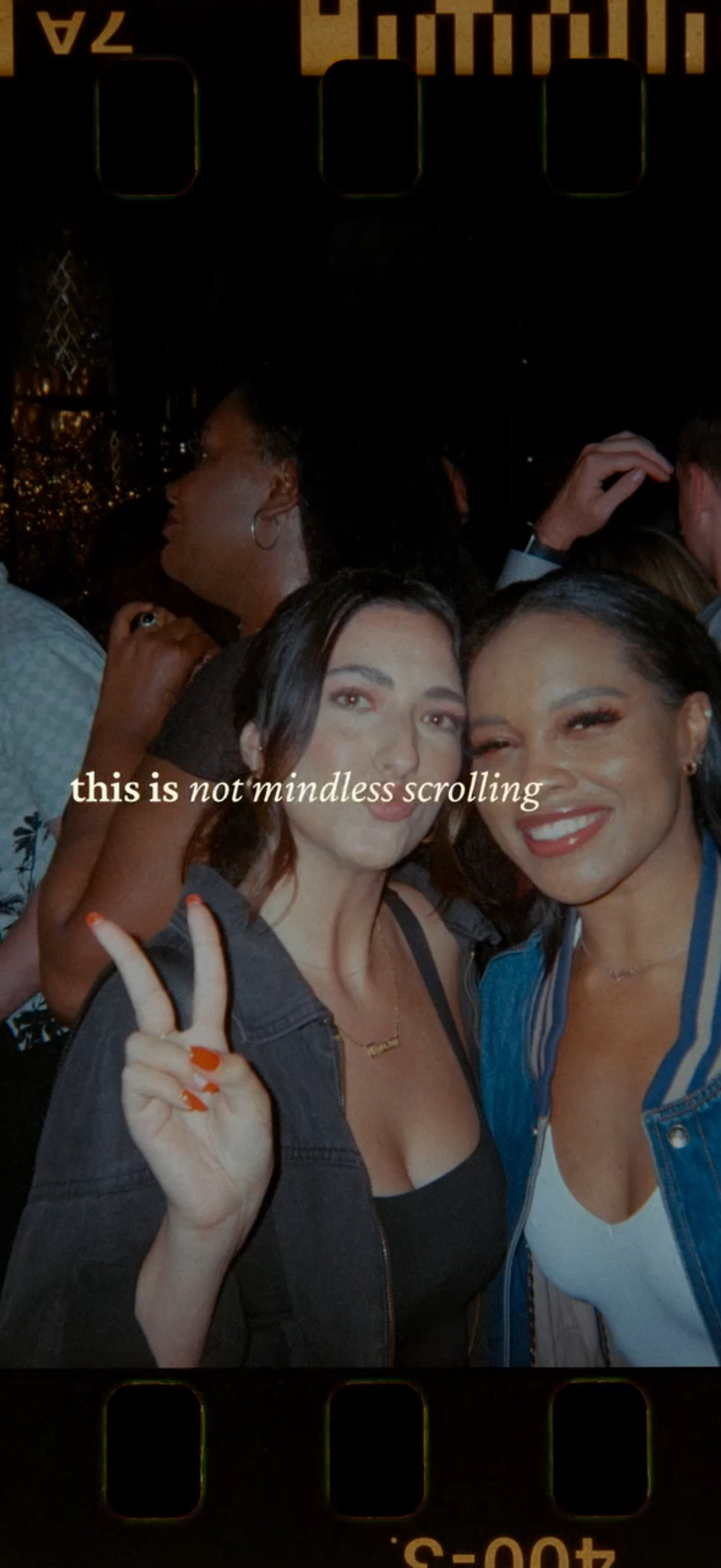
Full-screen story-style photo viewer showing a social image with an overlaid quote text (“this is not mindless scrolling”), resembling an inspirational interstitial or social feed story screen with no visible controls.
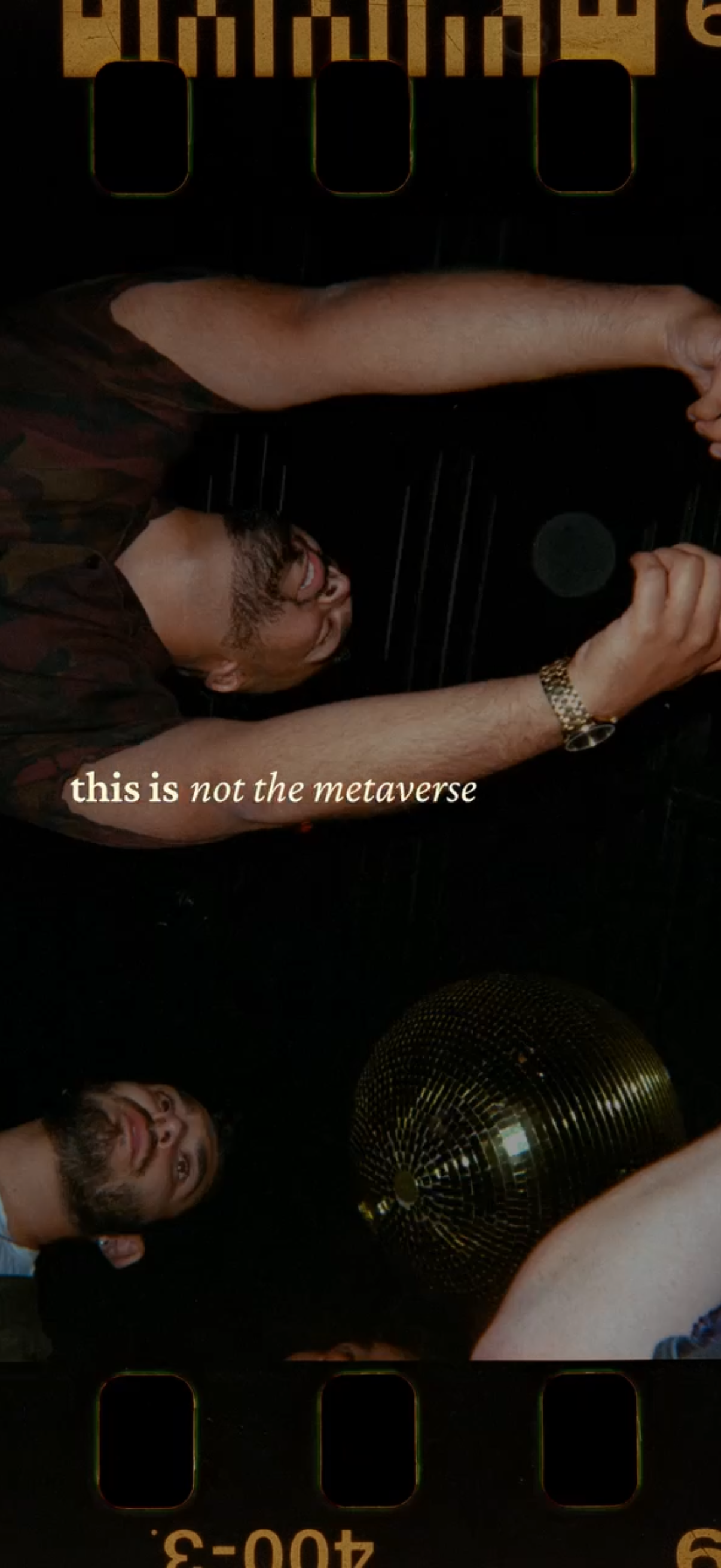
Full-screen editorial image or story-style cover with a prominent tagline reading “this is not the metaverse,” presented as a static visual slide with no visible navigation, controls, or calls to action. The screen functions like a magazine/album poster or campaign splash image focused on branding and message rather than interaction.
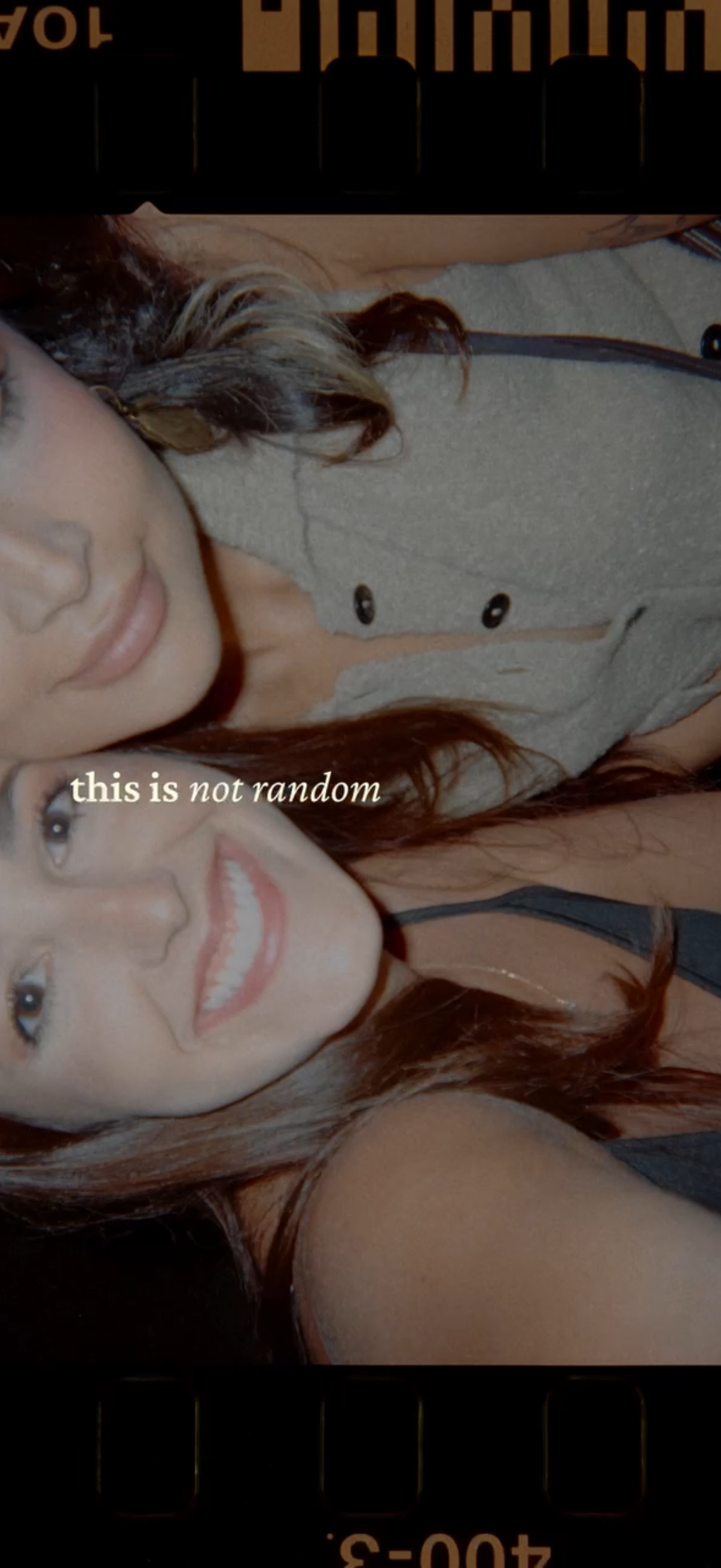
Full-screen social media story viewer displaying a photo with an overlaid text caption, with minimal UI chrome indicating a tappable/advanceable story format. This screen focuses on viewing ephemeral story content rather than editing, featuring the media as the primary element.
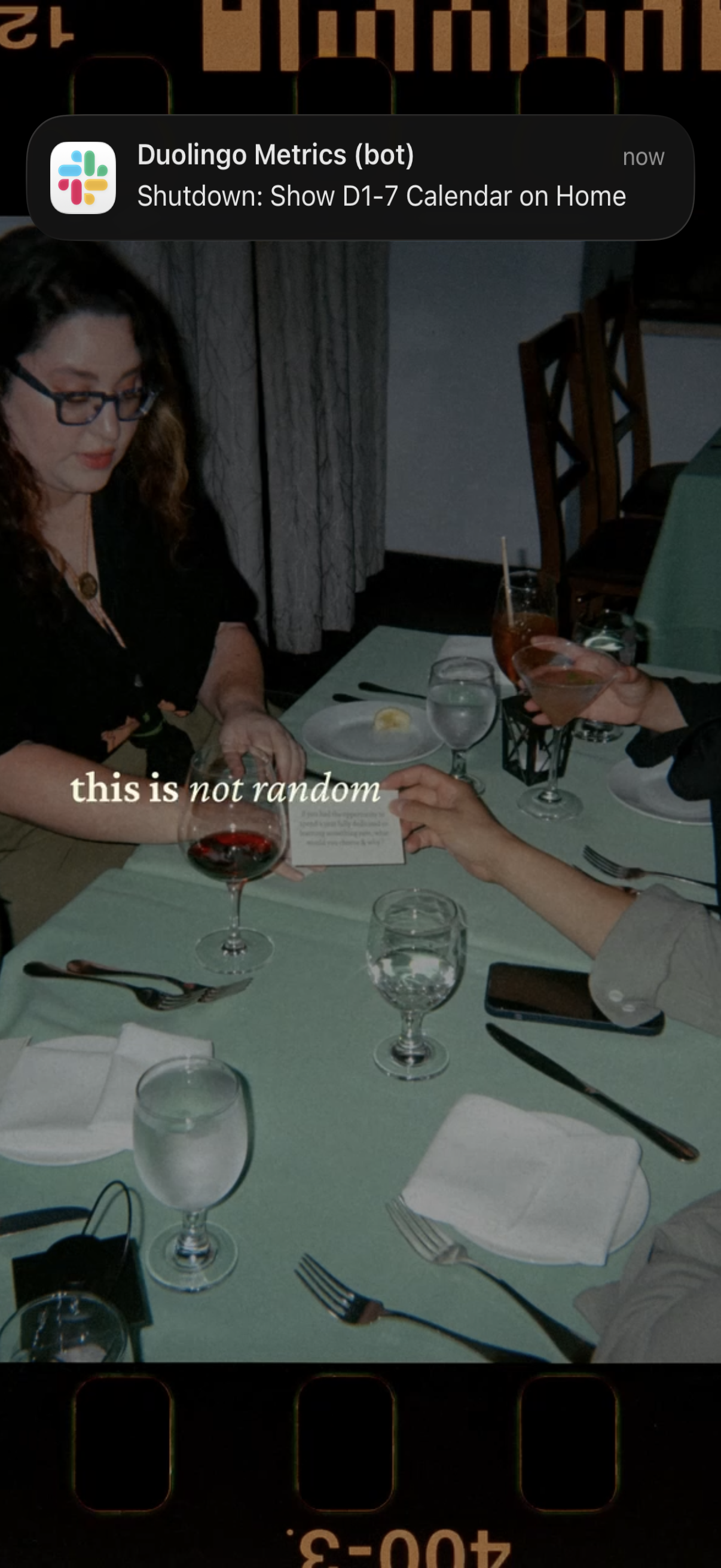
Lock screen push notification banner from a Slack-style app/bot labeled “Duolingo Metrics (bot)” showing an alert message (“Shutdown: Show D1-7 Calendar on Home”) with timestamp “now” over the phone wallpaper. This screen focuses on receiving and viewing a real-time system/metrics notification from an automated bot.
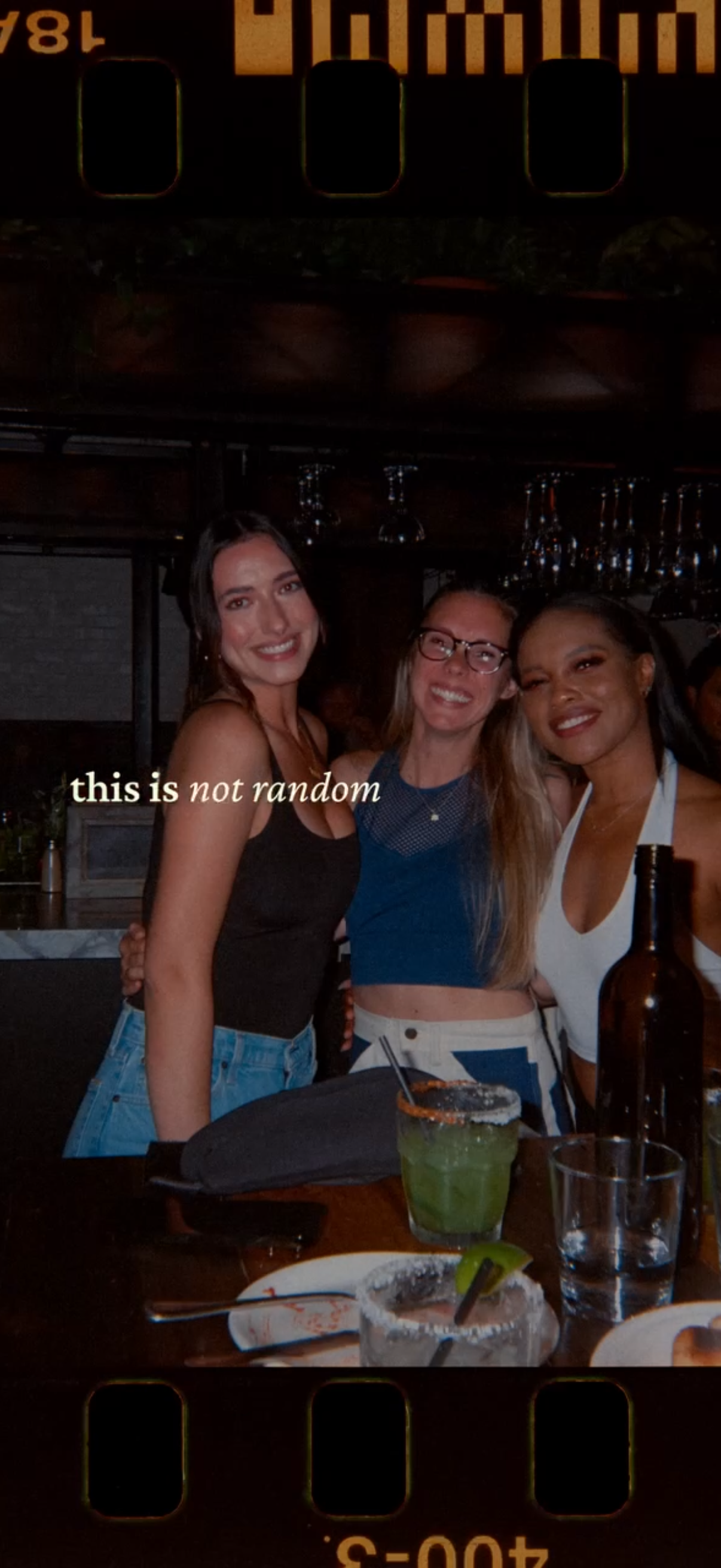
A social media story-style photo viewer showing a group nightlife snapshot at a bar/restaurant, overlaid with a short text caption. Full-screen image-centric screen with no visible controls beyond the story presentation.
Minimal splash/loading screen with a dark starfield animation background and centered brand text, used as an app intro before navigating to the main experience.
Minimal splash/intro screen with a dark starry background and centered motivational copy “choose chance. ”, serving as a loading or onboarding transition with no visible buttons or navigation controls.