start curation profile
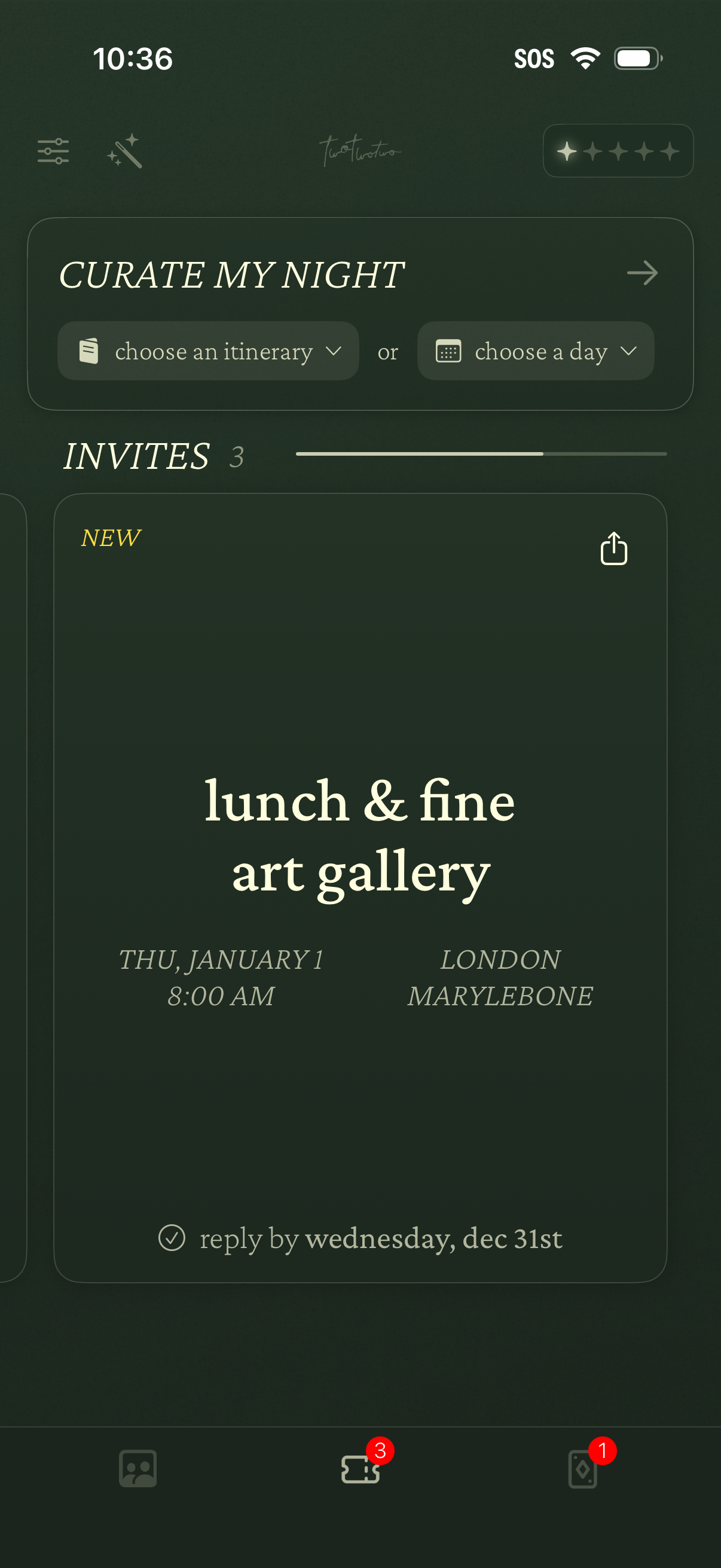
Event planning home screen for curating a night out, with dropdown actions to choose an itinerary or select a day. Displays an Invites section with event cards showing title, date/time, location, RSVP deadline, and a share option, plus bottom navigation with badge counts.
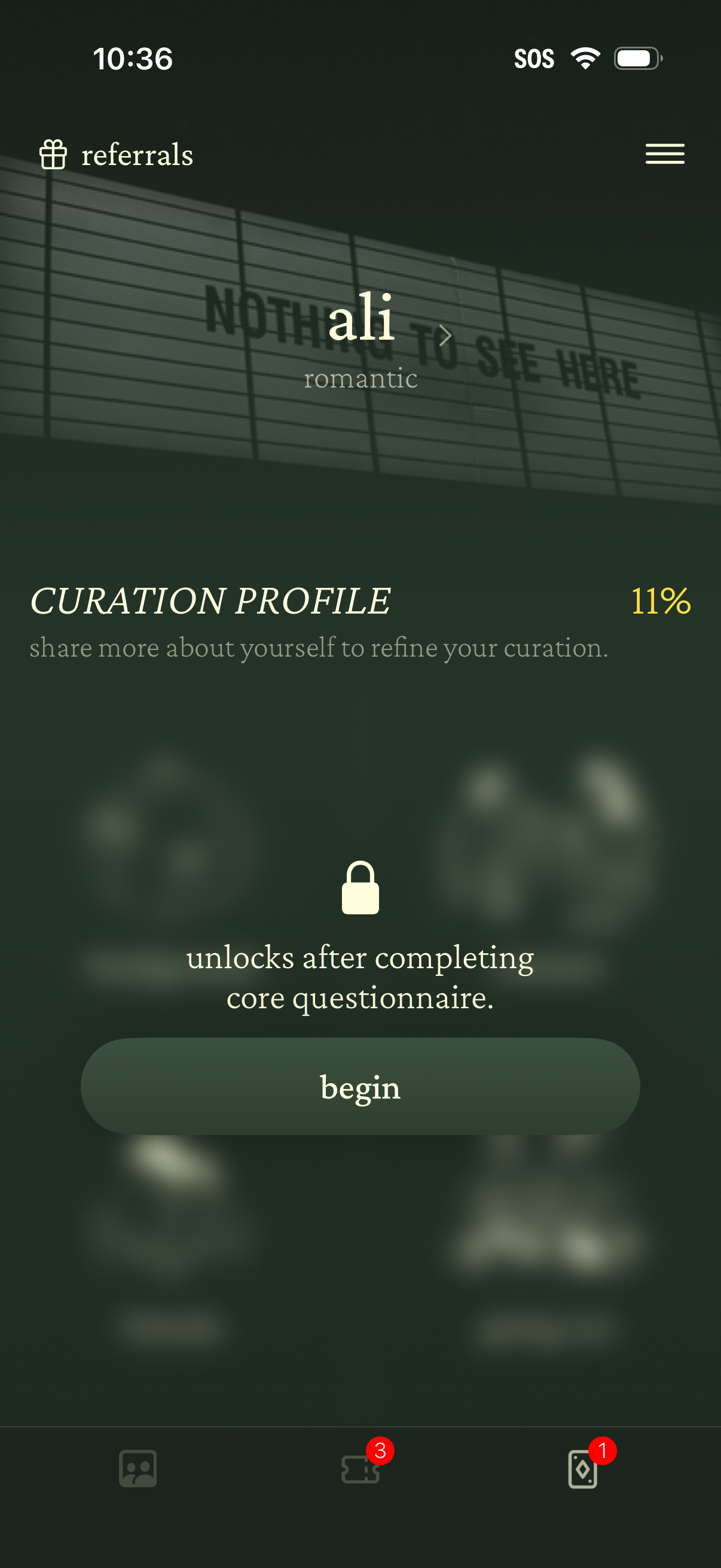
Profile onboarding screen for a personalization/curation app showing a “Curation Profile” setup with 11% progress, prompting the user to answer a core questionnaire to refine recommendations. A locked state message explains it unlocks after completion, with a primary “Begin” button and access to referrals and a menu.
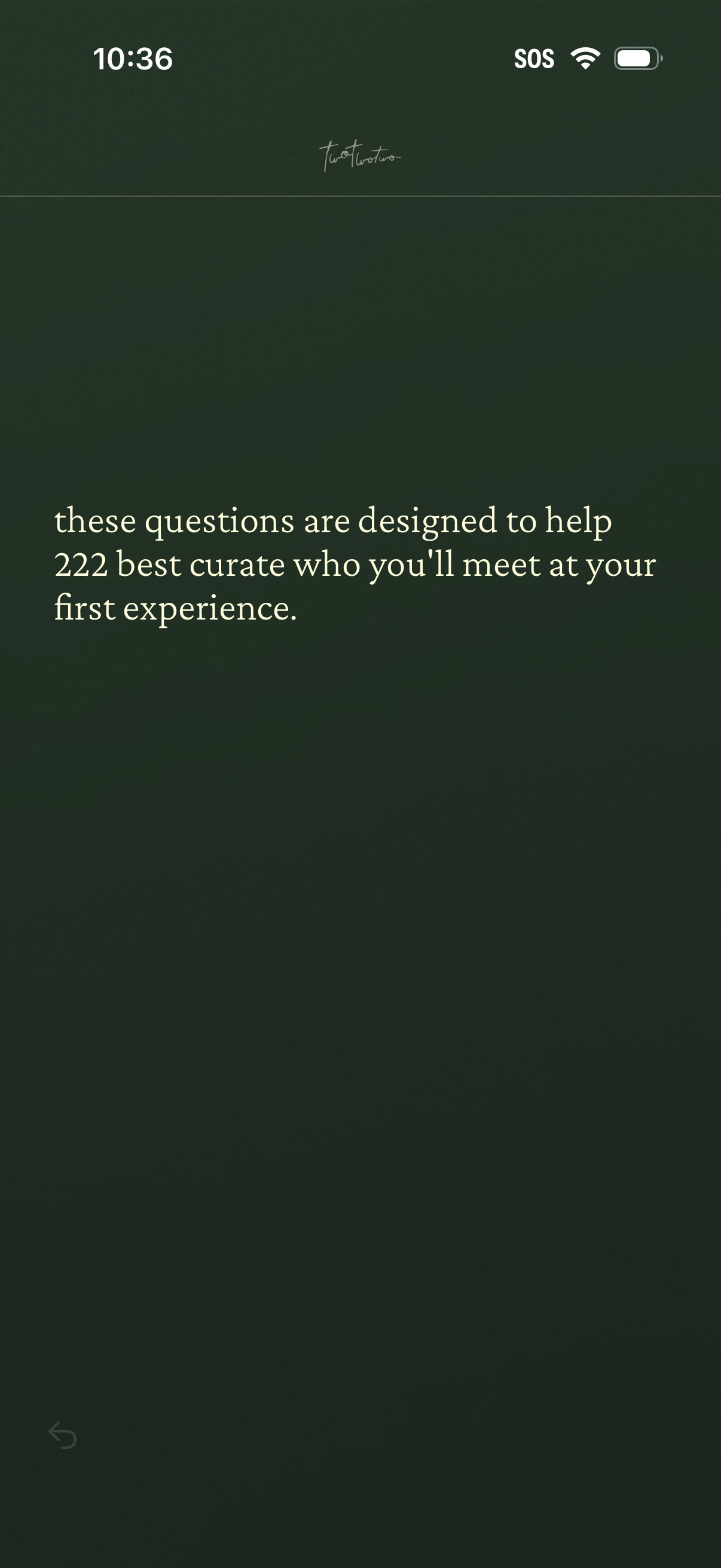
Introductory onboarding screen explaining that a set of questions will be used to curate and match who the user will meet at their first experience. Minimal text-only layout with a back navigation option.
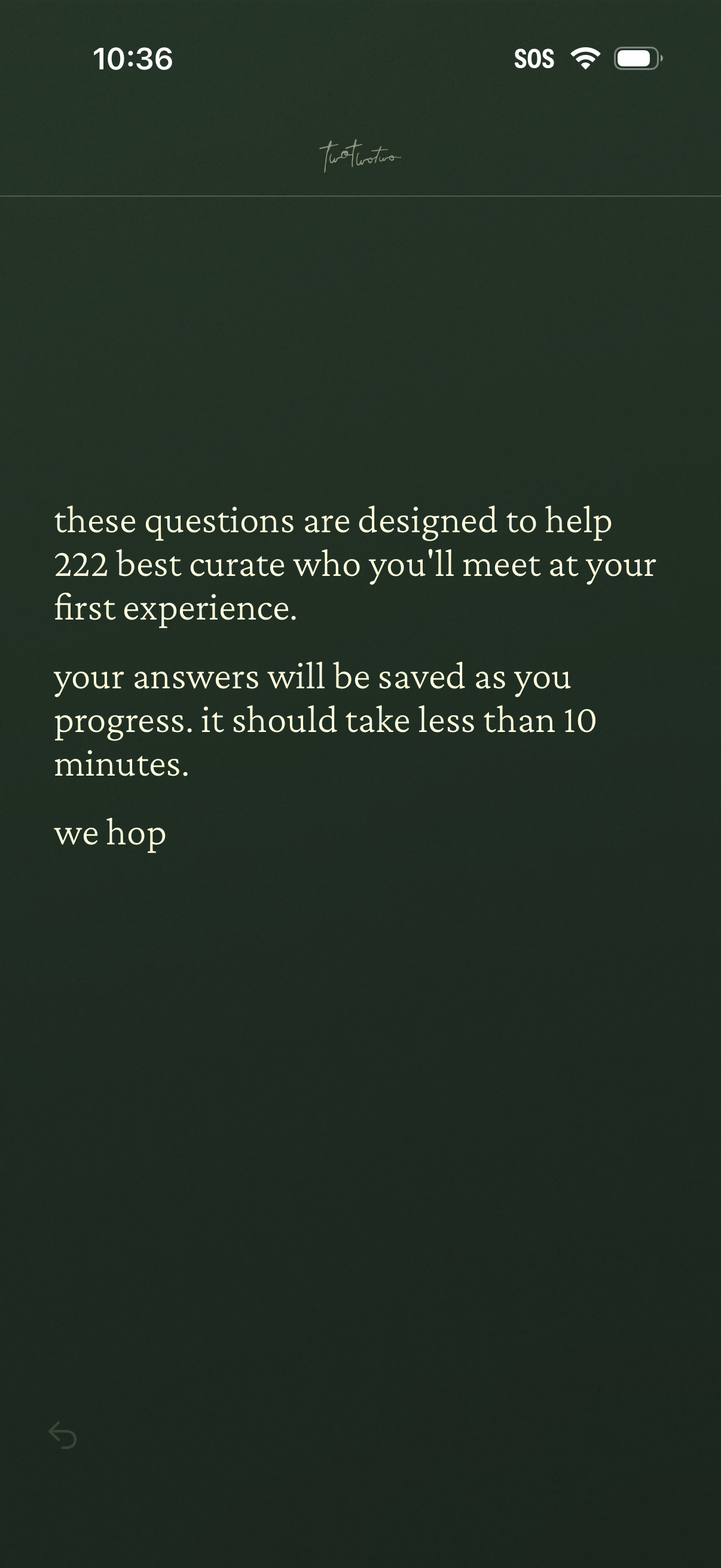
Intro onboarding screen explaining a short questionnaire used to curate and match who the user will meet at their first experience, noting answers are saved as they progress and it takes under 10 minutes. Minimal text-only layout with a back navigation control.
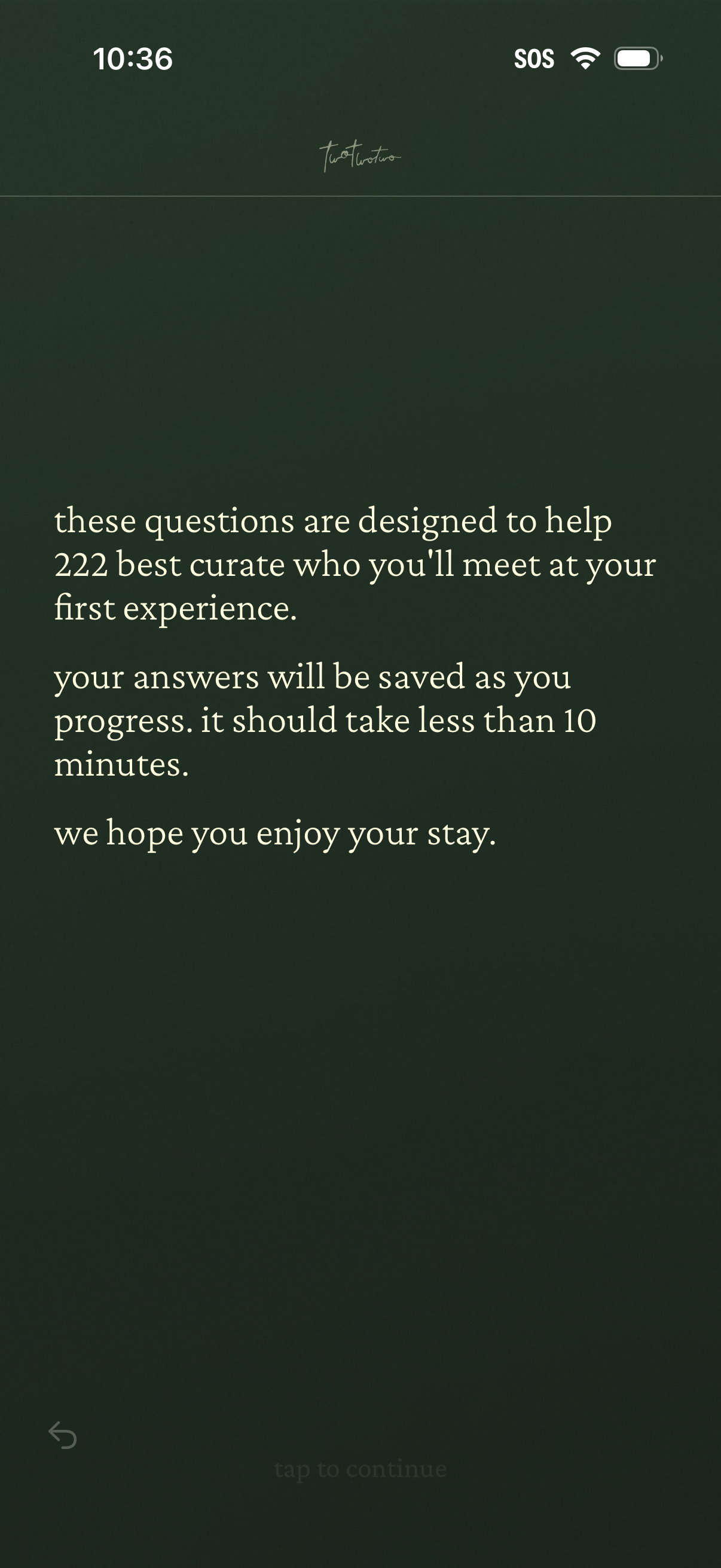
Introductory onboarding screen explaining a short questionnaire used to curate who the user will meet for their first experience, noting answers are saved and it takes under 10 minutes. Minimal text-only layout with a back button and “tap to continue” prompt to proceed.