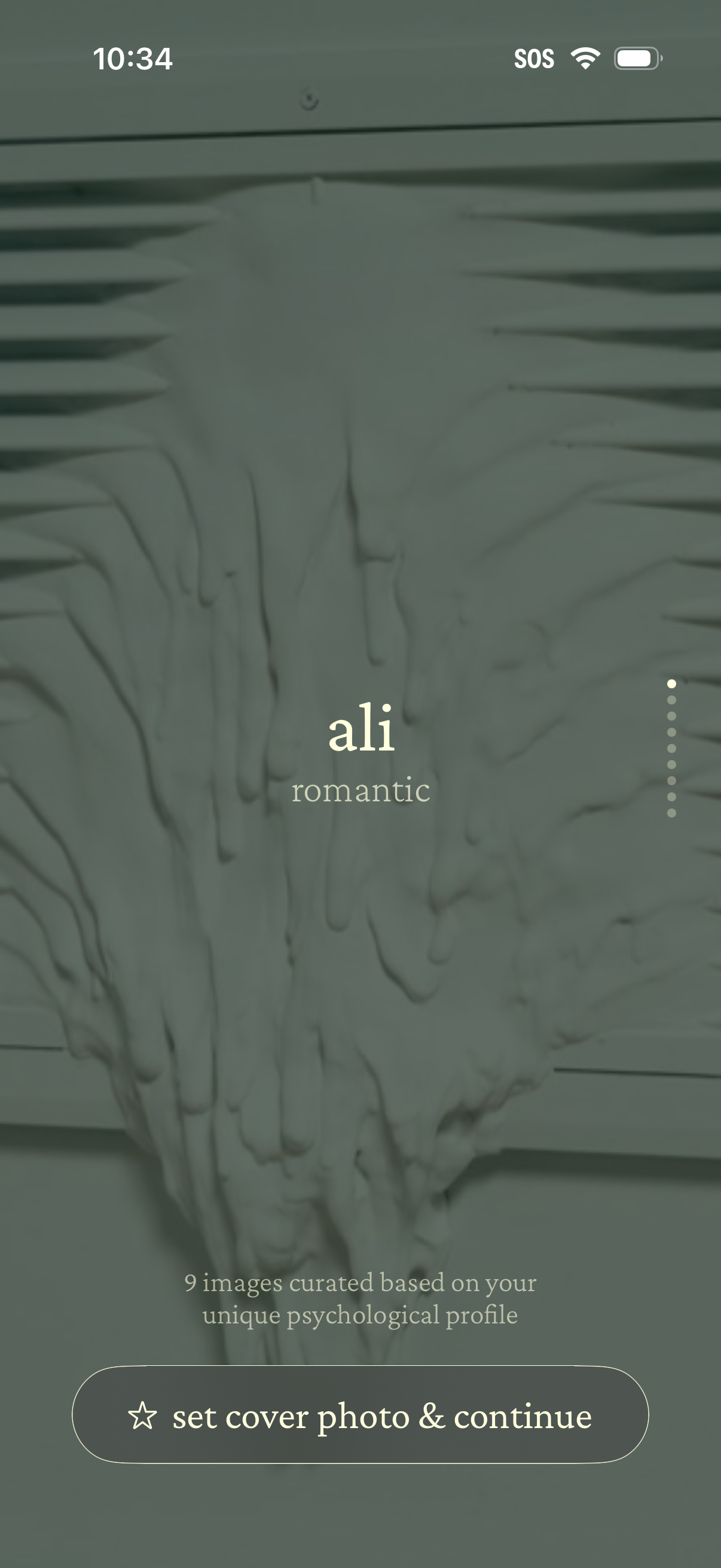
A personalized photo selection screen showing a curated cover image option labeled with a style/mood (e. g.
Profile cover selection screen showing a recommended cover photo style with a title and mood label, plus an indicator for browsing multiple curated images. Primary action is a CTA button to set the cover photo and continue.
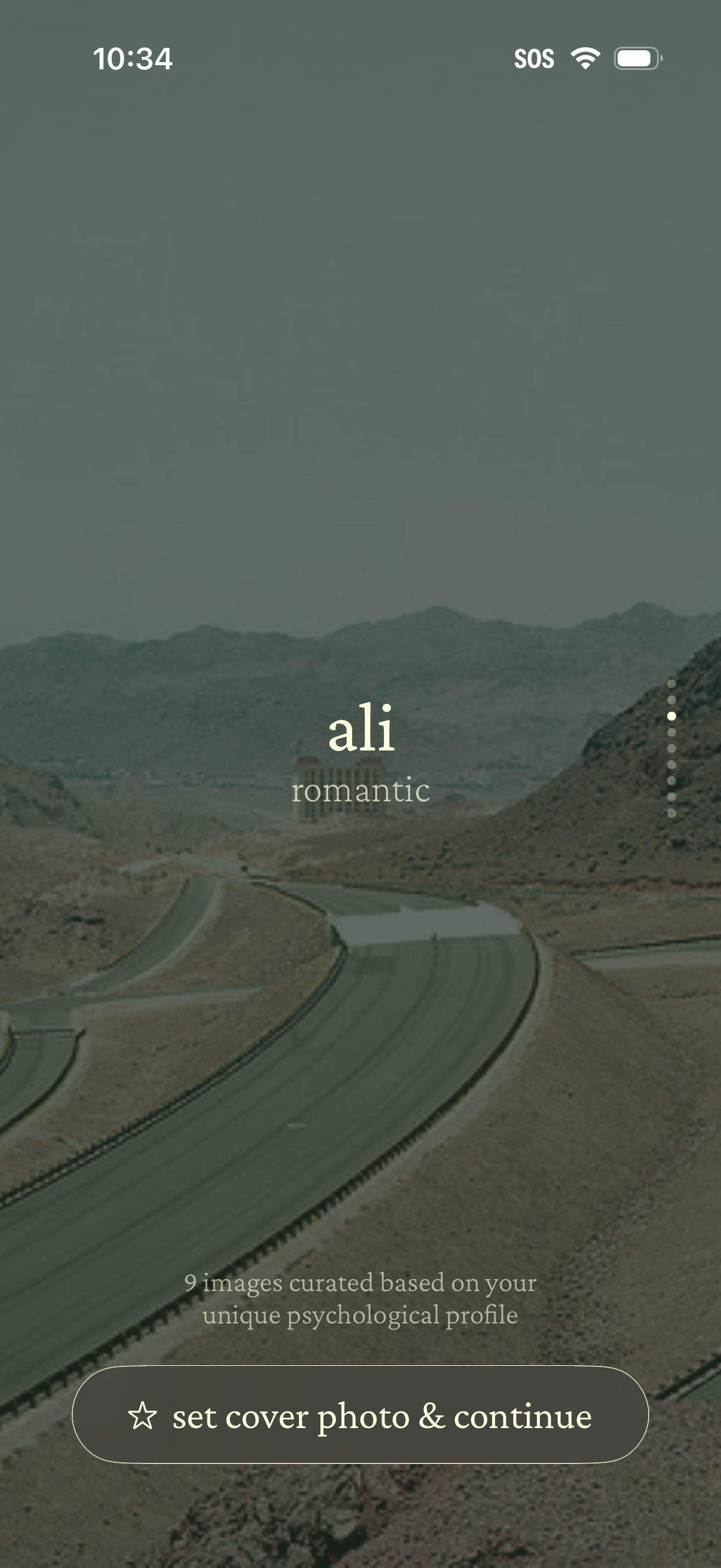
Profile cover photo selection screen showing a curated set of images based on the user’s psychological profile, with a vertical image carousel indicator and the current theme label. Primary action button lets the user set the chosen image as their cover photo and continue.
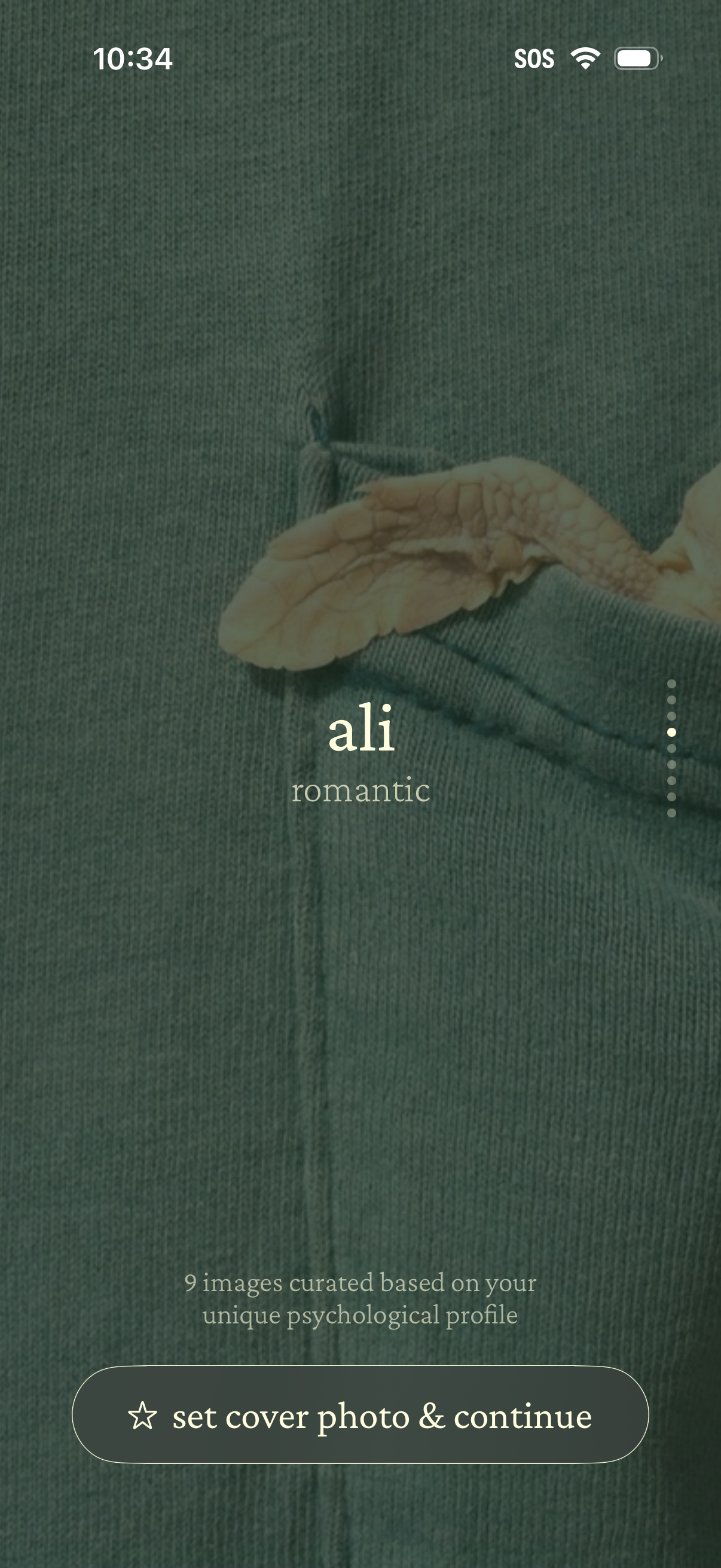
Profile cover photo selection screen for a dating app, showing a curated image option with a name and vibe tag (e. g.
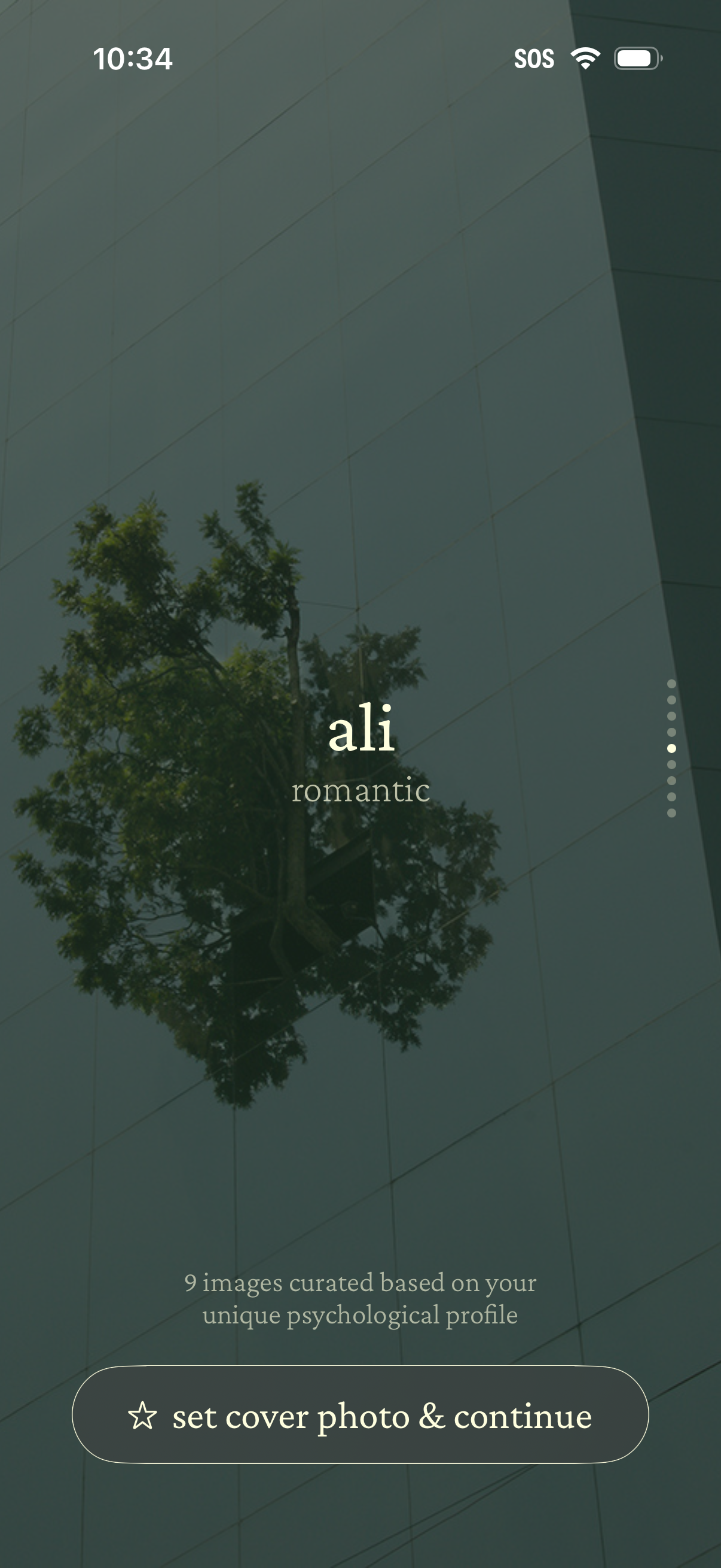
Cover photo selection screen where the user previews a curated image (with theme tags like “romantic”) and can swipe through multiple options via pagination dots, then confirm by tapping “set cover photo & continue” to proceed.

Cover photo selection screen showing a chosen image with a title and mood/style label, plus a note that images are curated based on the user’s psychological profile. Primary action is a large “set cover photo & continue” button to confirm the cover photo and proceed.
Profile personalization screen where a user selects a mood/theme label (e. g.
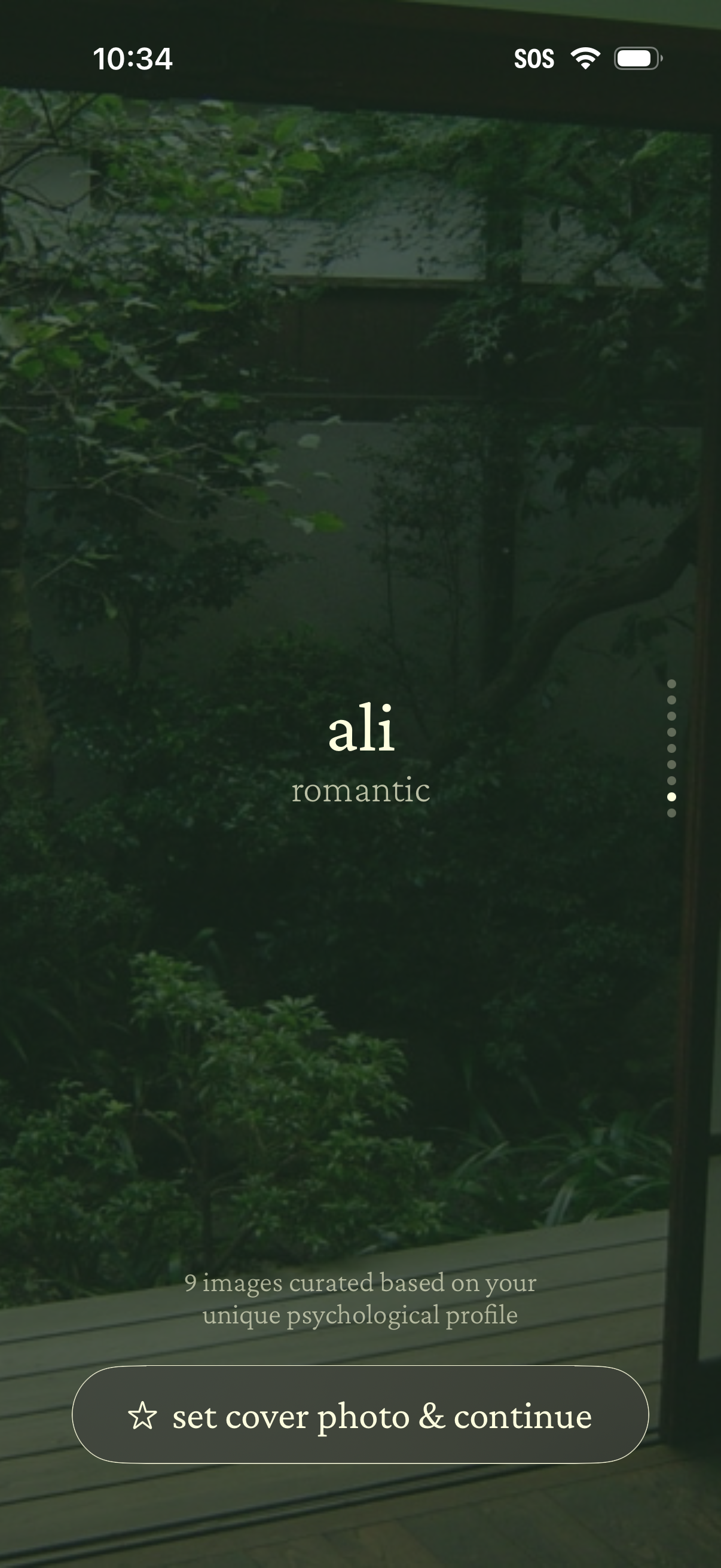
Profile customization screen for selecting a cover photo, showing a curated image set based on the user’s psychological profile with a vertical gallery indicator and a primary “set cover photo & continue” call to action. The screen labels the profile/name and vibe (e.
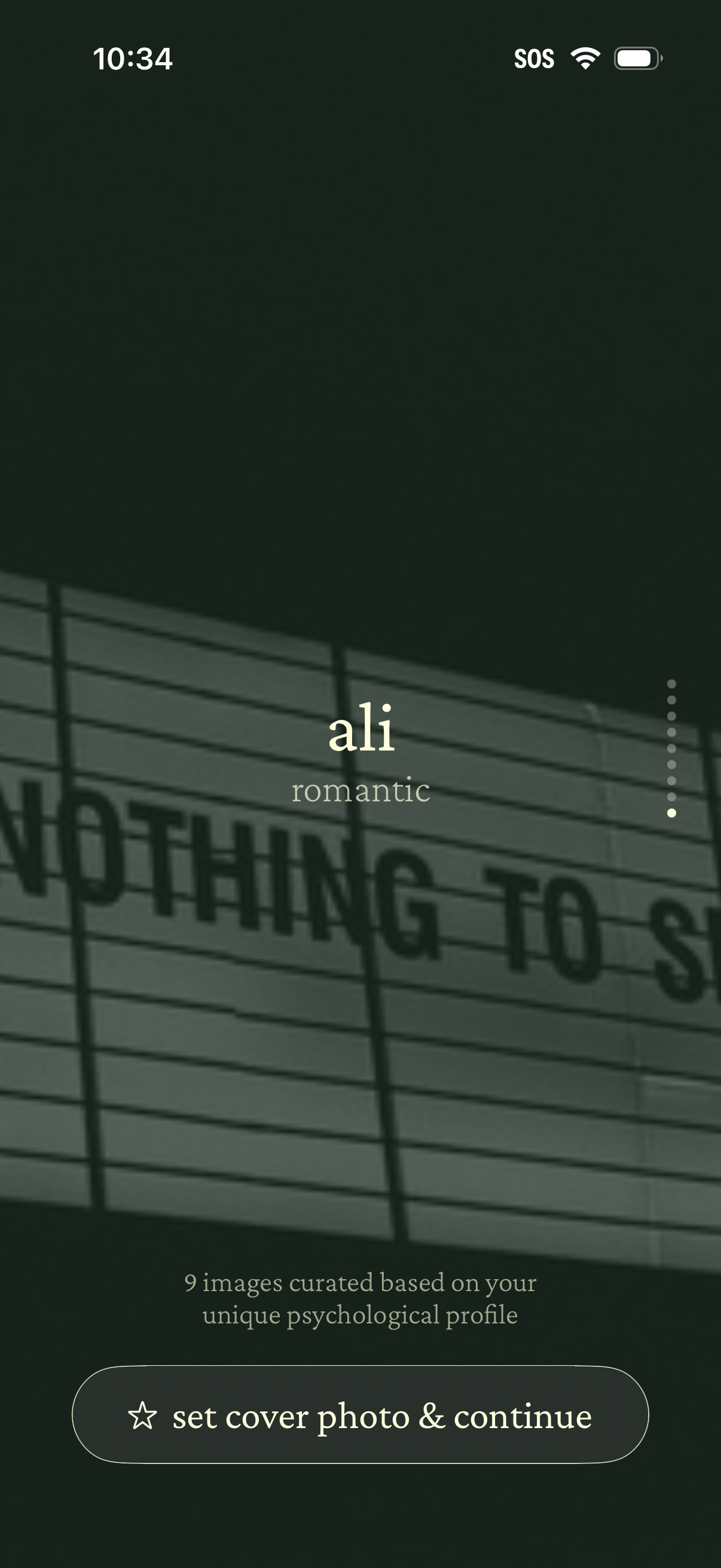
Cover photo selection screen showing a curated gallery based on the user’s psychological profile, with the current image labeled with a name and mood tag (e. g.