fill background info
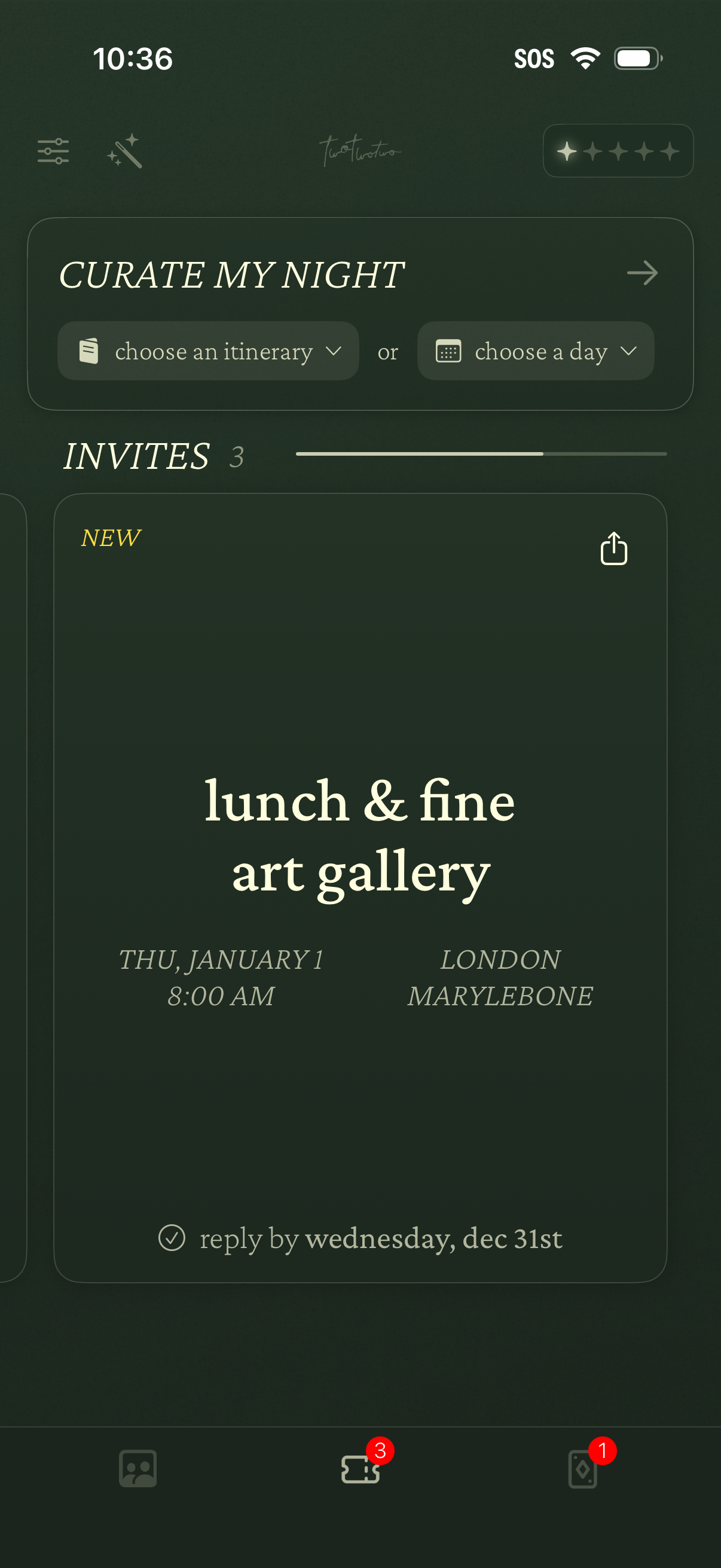
Event planning home screen for curating a night out, with dropdown actions to choose an itinerary or select a day. Displays an Invites section with event cards showing title, date/time, location, RSVP deadline, and a share option, plus bottom navigation with badge counts.
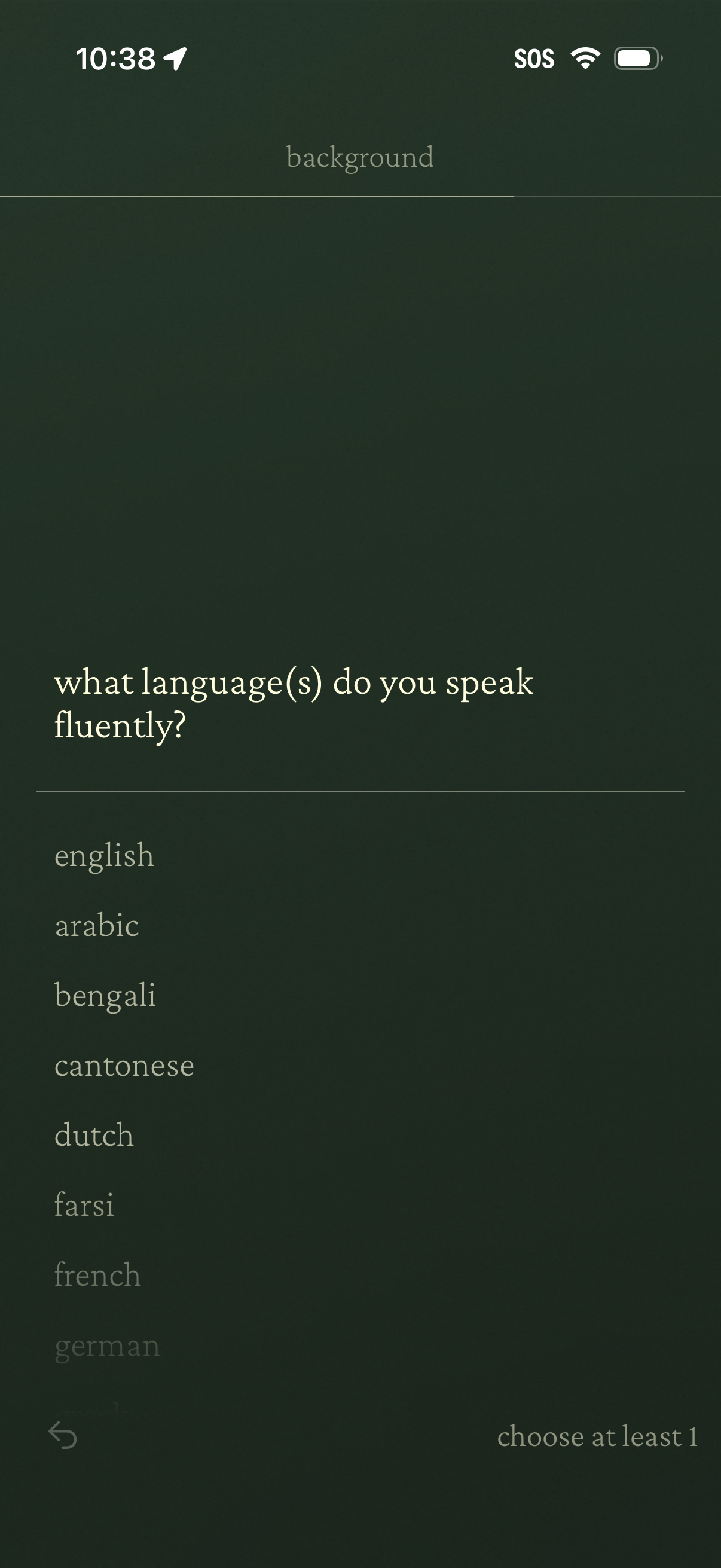
Onboarding or profile setup screen asking “what language(s) do you speak fluently? ” with a scrollable list of language options to select from.
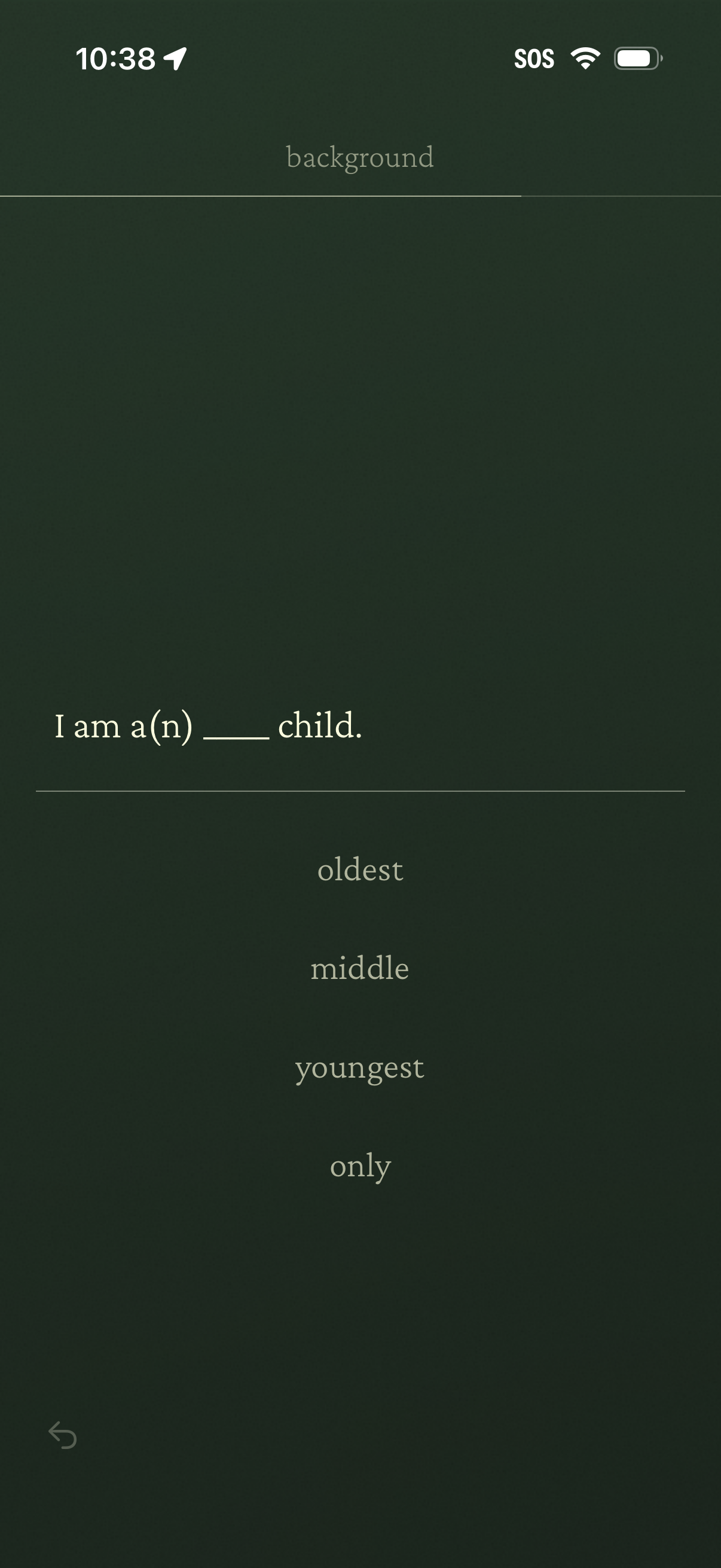
Onboarding questionnaire screen asking the user to identify their family background by choosing their birth order, with a prompt “I am a(n) ___ child. ” and selectable options for oldest, middle, youngest, or only child, plus a back navigation control.
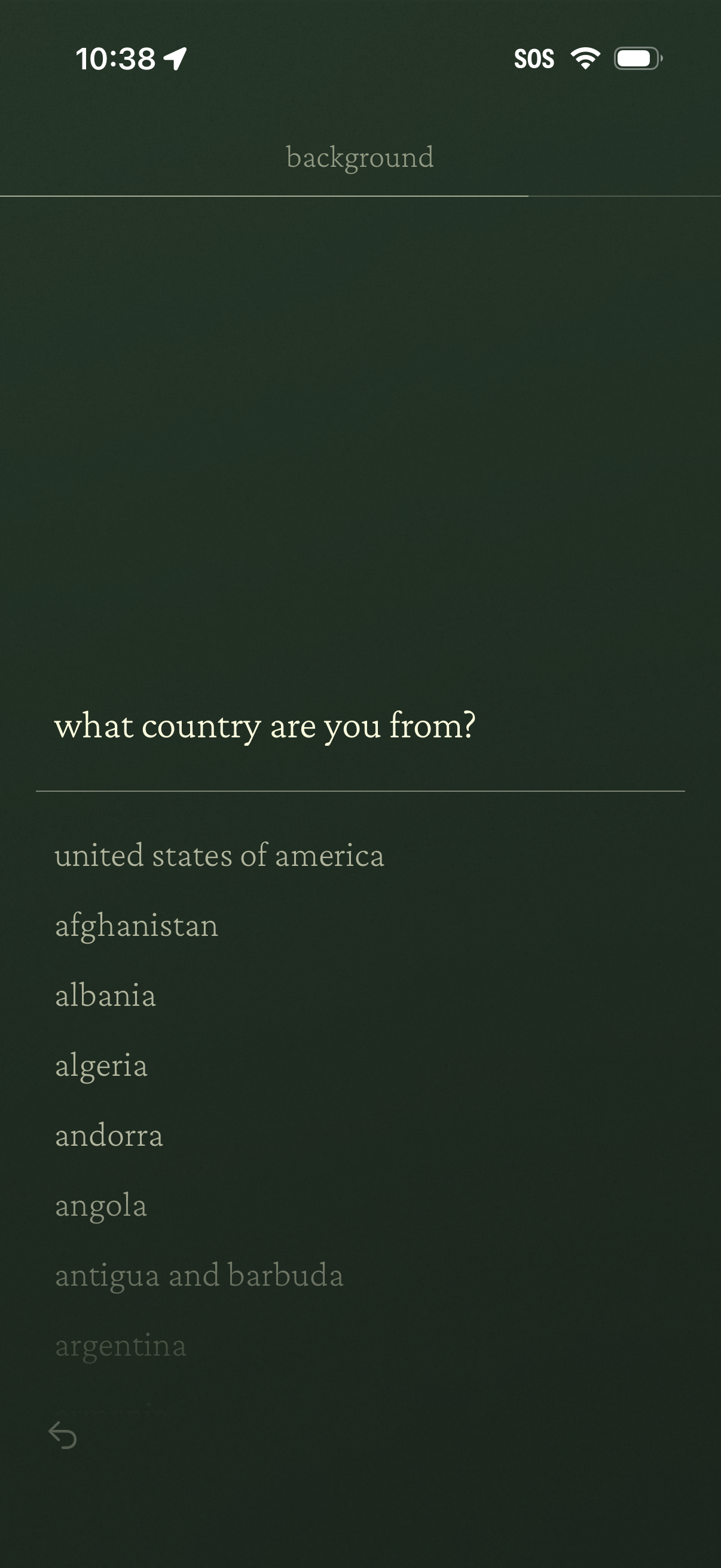
Onboarding/profile setup screen asking “What country are you from? ” with a scrollable alphabetical list of countries to choose from.
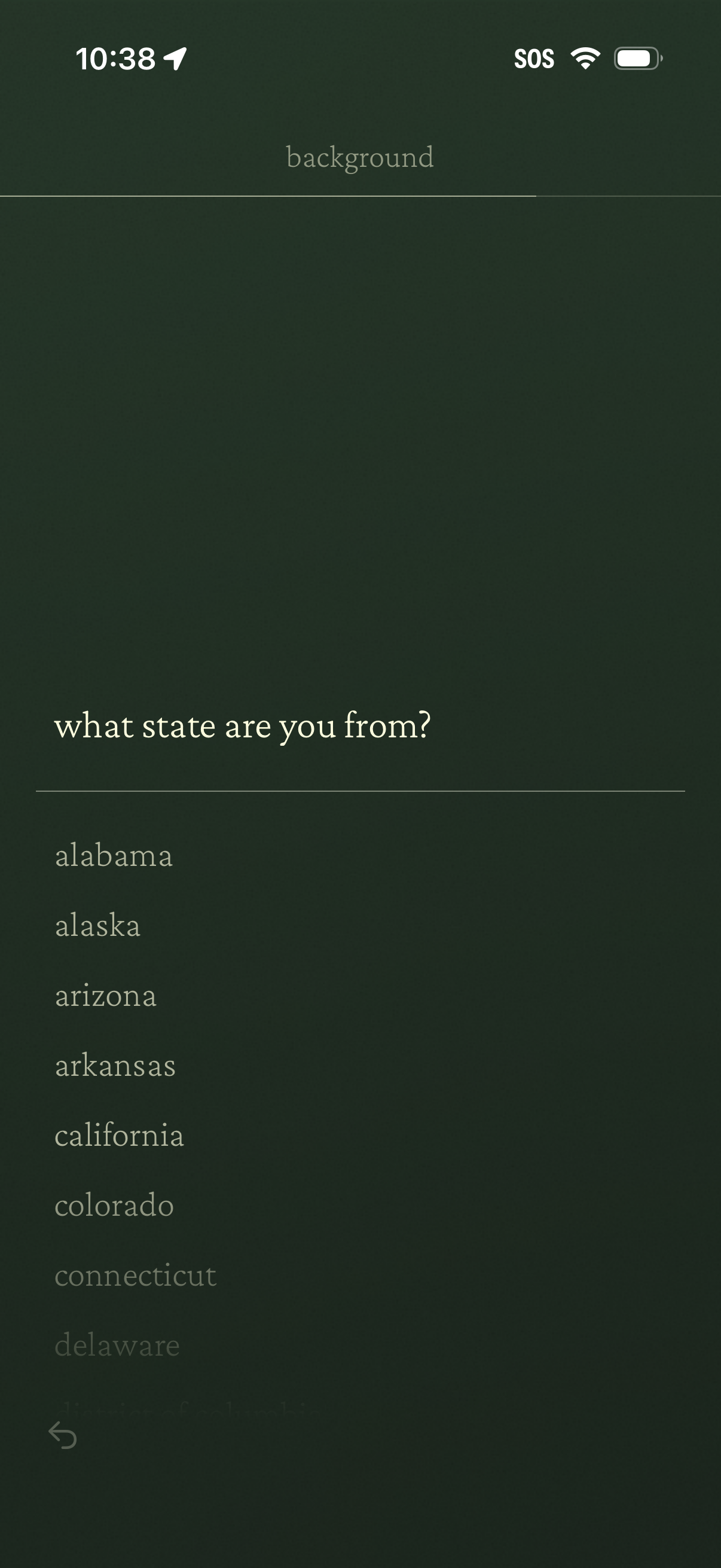
Onboarding/profile setup screen asking “what state are you from? ” with a scrollable list of U.
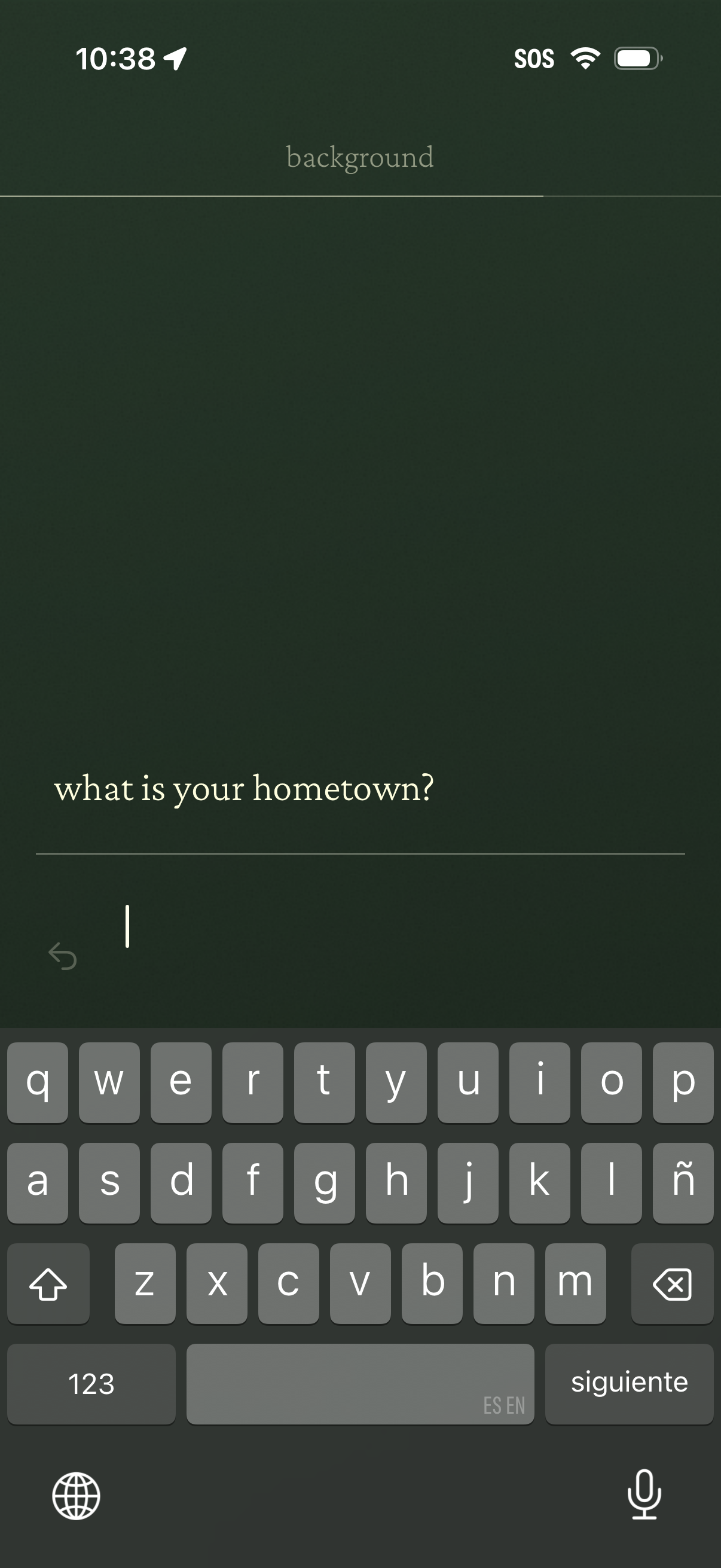
Minimal onboarding/profile setup screen prompting the user to enter their hometown, featuring a single text input field with an on-screen keyboard and next/continue action to proceed.
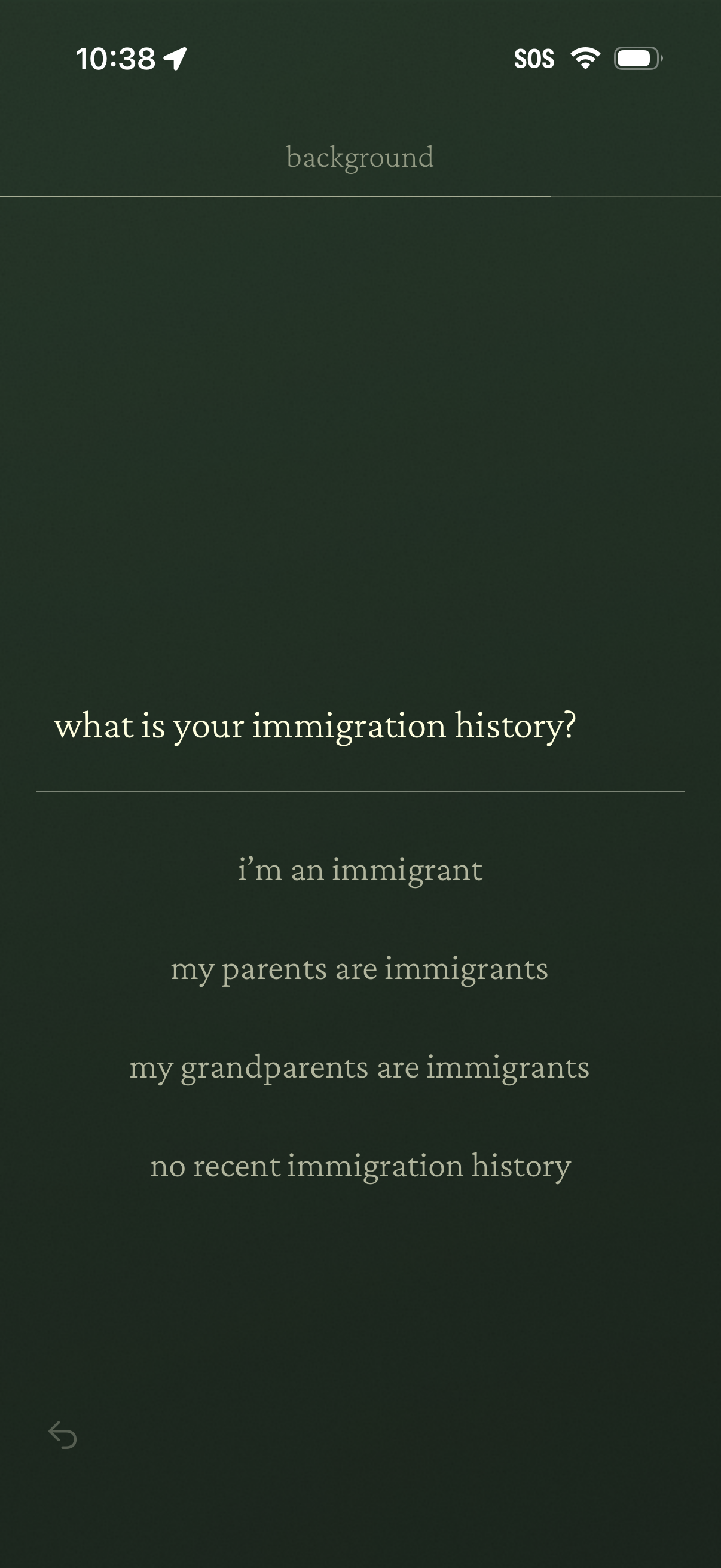
Onboarding questionnaire screen asking “what is your immigration history? ” with multiple-choice options (I’m an immigrant, my parents are immigrants, my grandparents are immigrants, no recent immigration history) and a back navigation control.
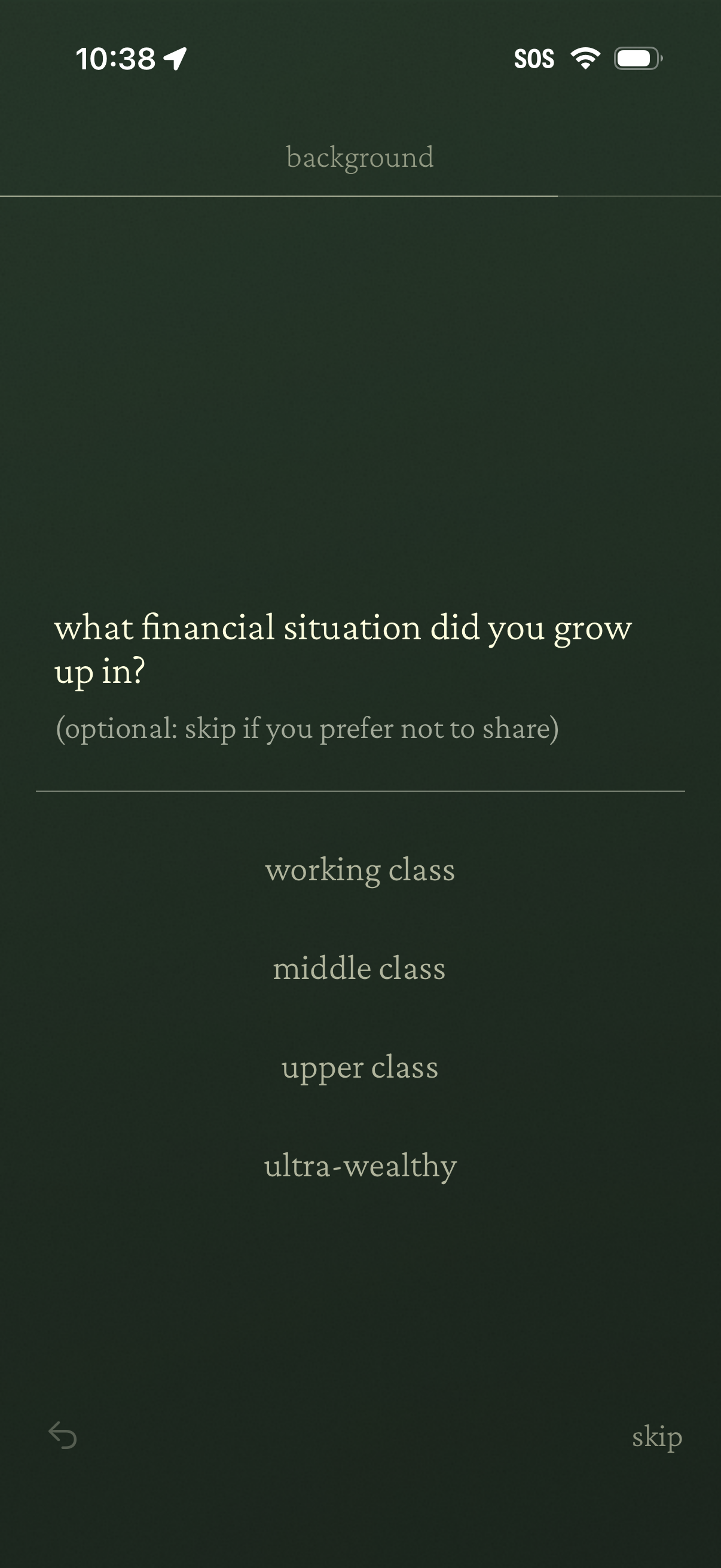
Onboarding survey screen asking the user what financial situation they grew up in, offering single-choice options (working class, middle class, upper class, ultra-wealthy). Includes back navigation and an optional “skip” action for users who prefer not to share.
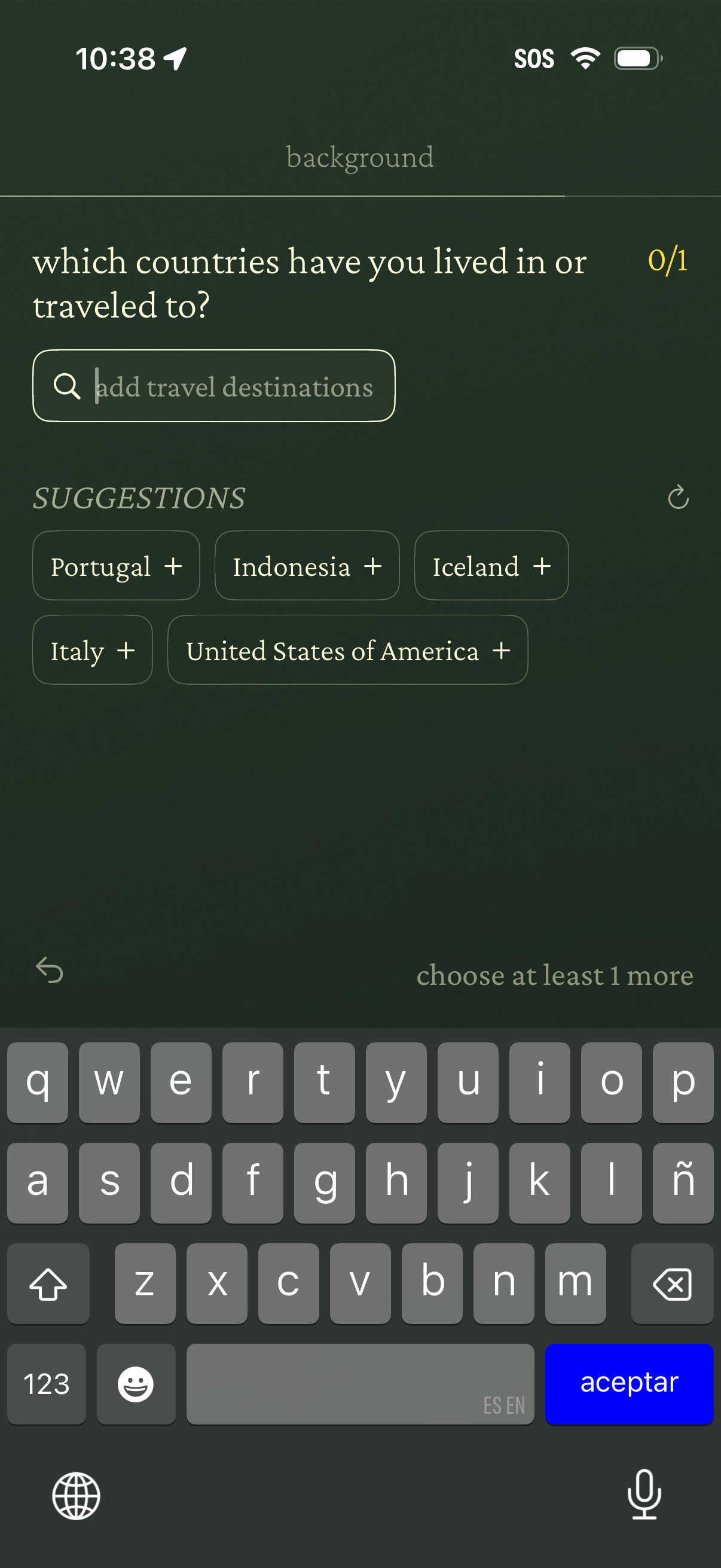
Onboarding profile question screen asking the user to select which countries they have lived in or traveled to. Includes a search field to add travel destinations, suggested country chips with “+” to add, a selection counter/progress indicator, and a prompt to choose at least one more before continuing.
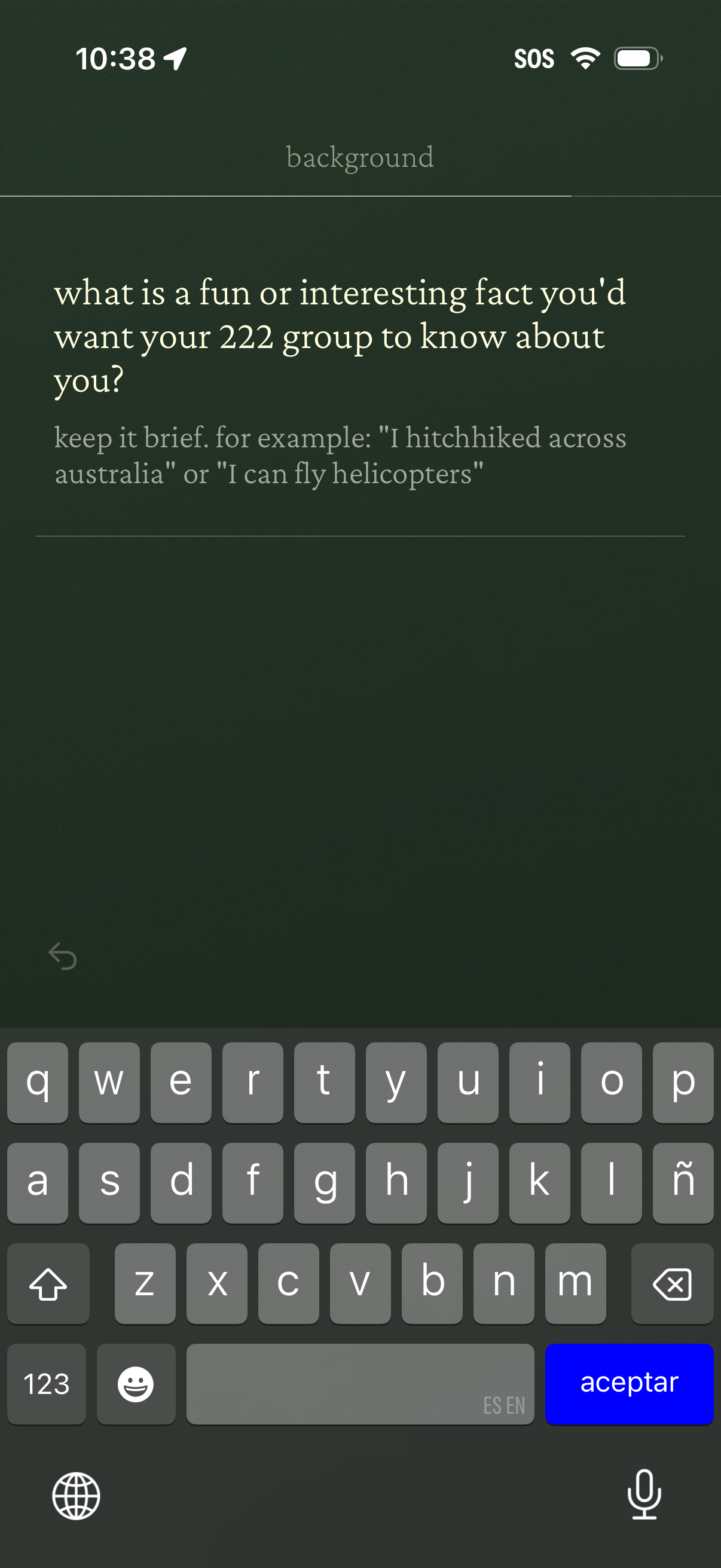
Profile onboarding text-entry screen asking the user to share a fun or interesting fact for their group, with example prompts and a large multiline input area. Includes a back navigation control and keyboard for typing the short bio/background response.