choose friend to bring
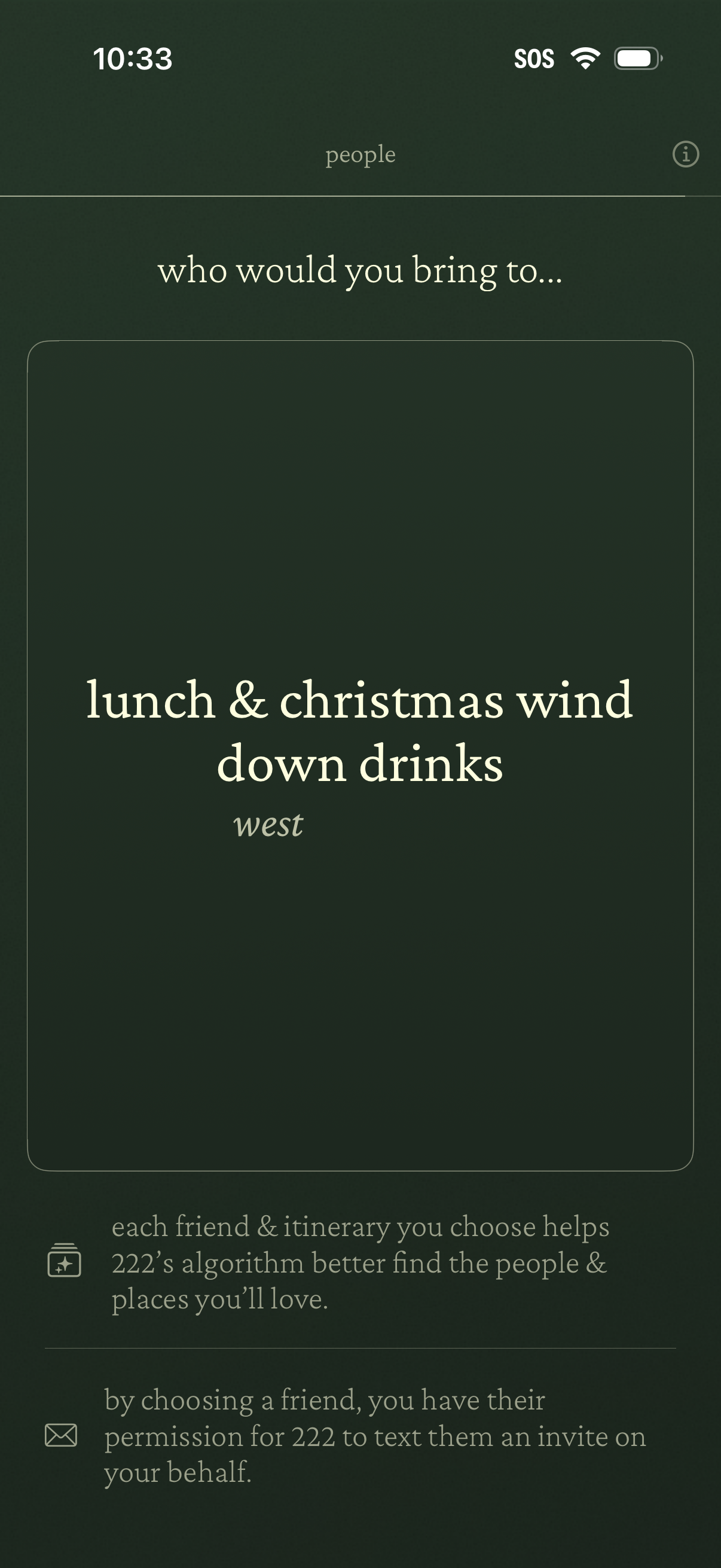
A social planning screen asking “who would you bring to…” a selected itinerary or event, showing the destination/plan title in a large card. Includes an info button and explanatory notes about choosing a friend to improve recommendations and granting permission for the app to text an invite on the user’s behalf.
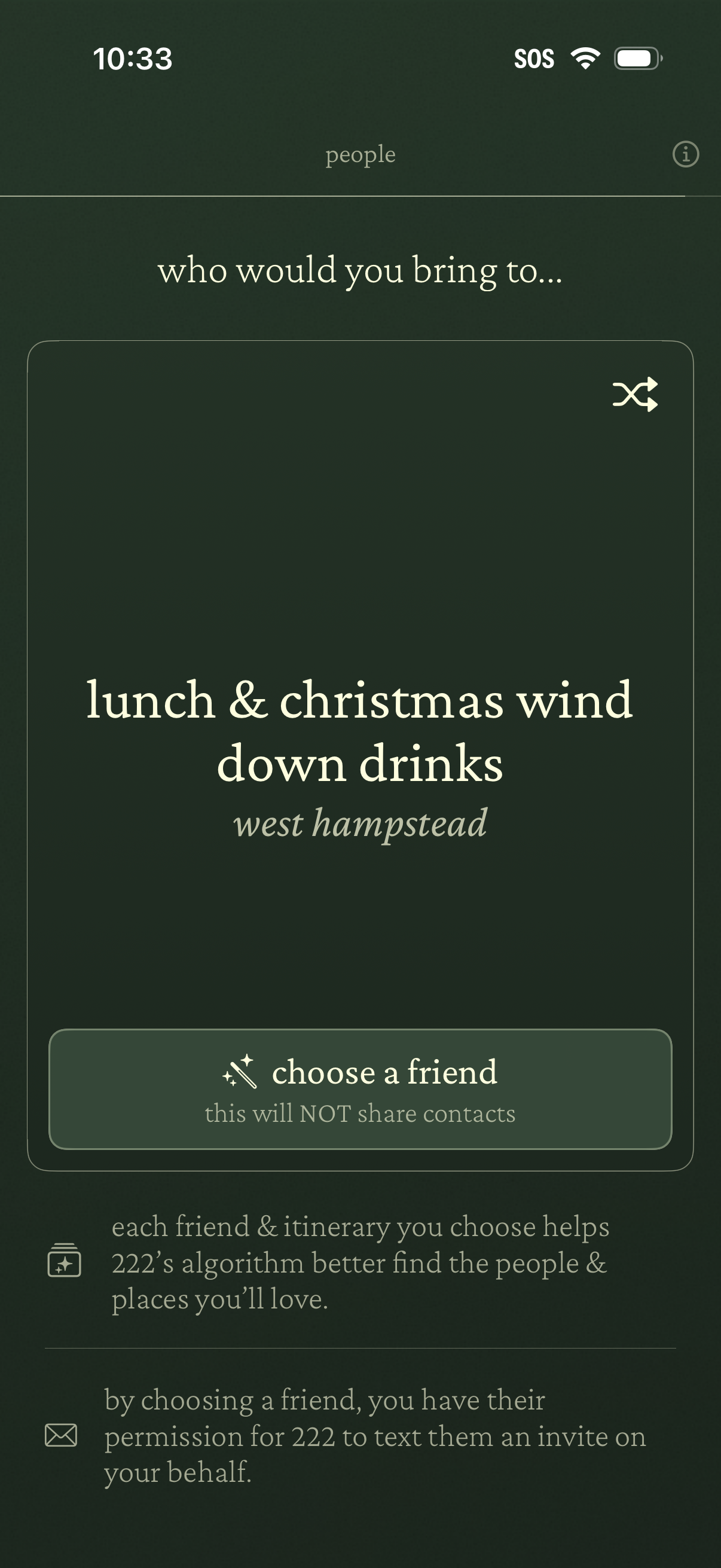
Event planning invite screen that asks “who would you bring to…” a selected itinerary, with a primary action to choose a friend (without sharing contacts) and a shuffle button to change the suggested plan. Includes explanatory copy about improving recommendations and permission to text an invite on the user’s behalf.
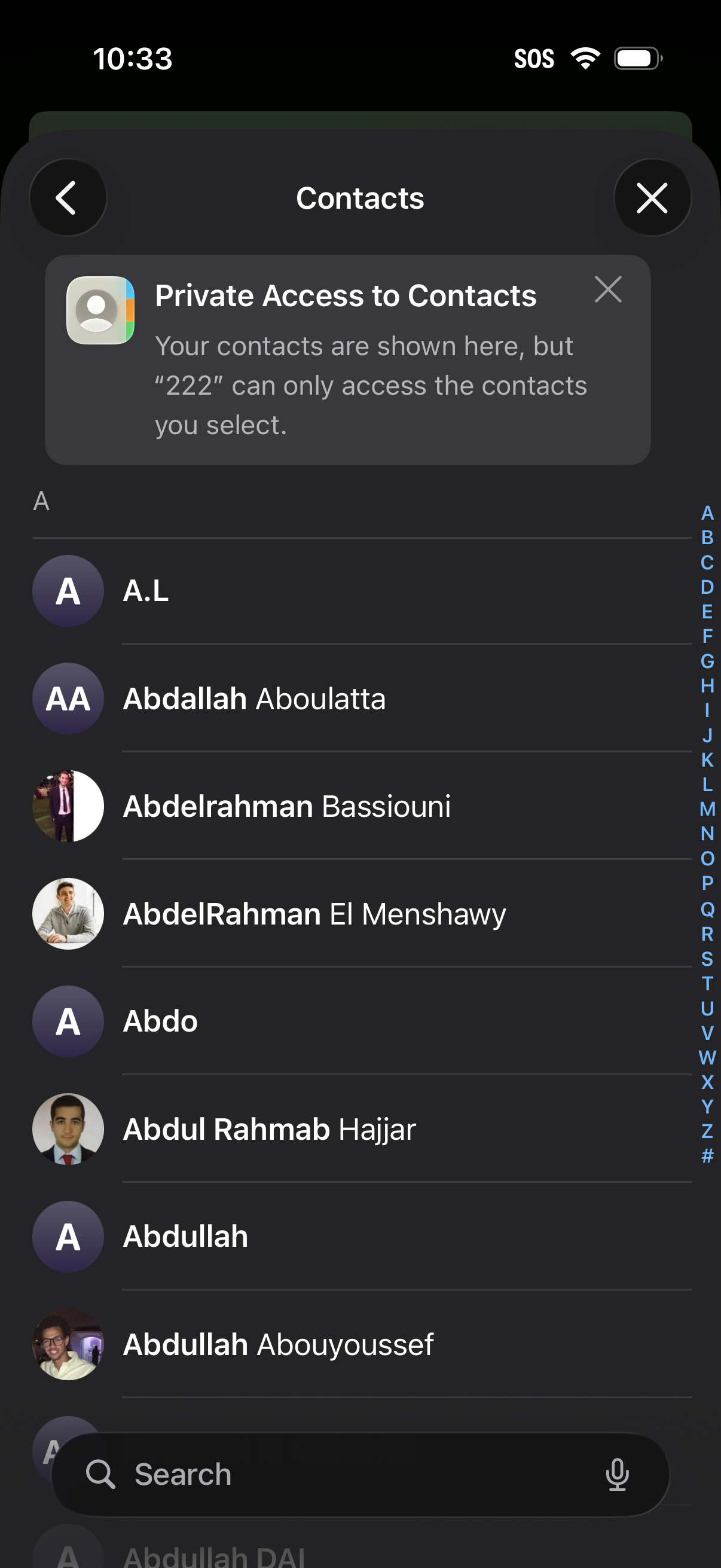
Contacts picker screen showing an alphabetical list of contacts with avatars, an A–Z index for quick scrolling, and a search bar to find people. A privacy notice banner explains that only selected contacts will be shared with an app, with back and close controls to exit.
Onboarding step in a social planning app asking “who would you bring to…” for a lunch outing, with a progress indicator (People 1 of 5) and an empty selection card for choosing friends. Explanatory text notes that selecting friends and an itinerary improves recommendations and gives permission to text an invite on the user’s behalf.
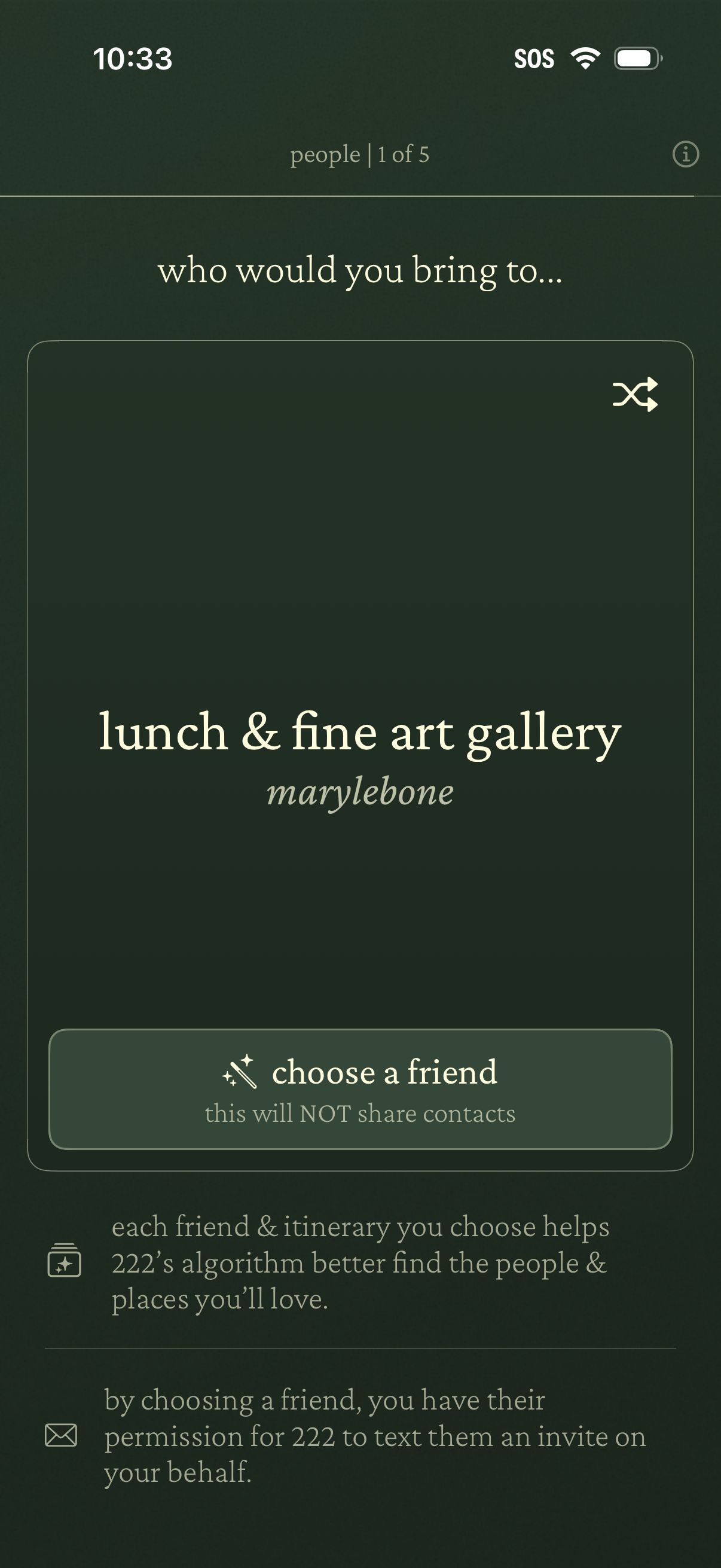
A step in a social planning/onboarding flow that asks who you would bring to a suggested itinerary, showing the destination “lunch & fine art gallery” and a shuffle option to change it. The primary action is a “choose a friend” button with privacy reassurance that contacts won’t be shared and that selecting a friend permits sending them an invite via text.
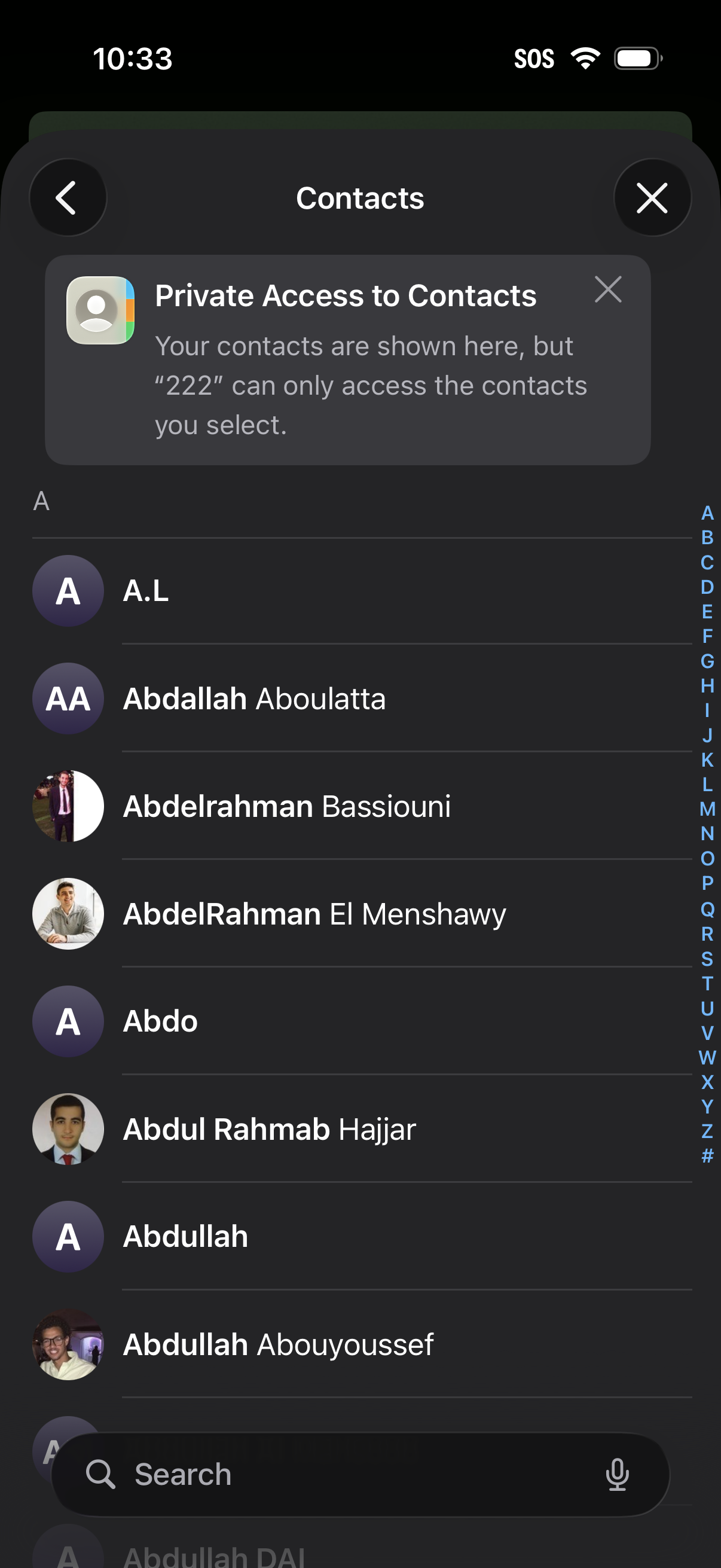
Contacts list screen showing a searchable address book with alphabetized entries, contact avatars, and an A–Z index for quick navigation. A privacy banner explains private contact access where only selected contacts can be shared with a specific app or number, with options to dismiss and exit.