
workday screenshots
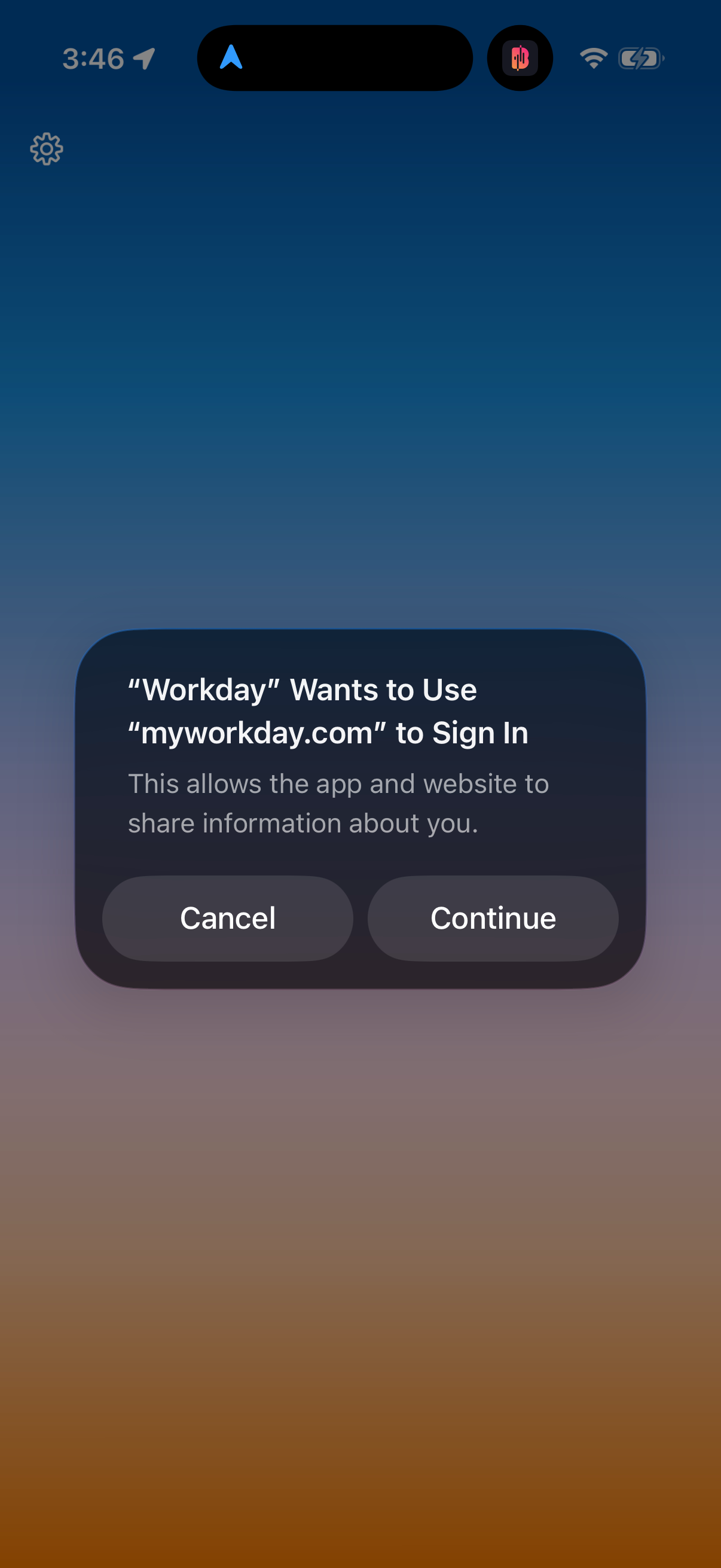
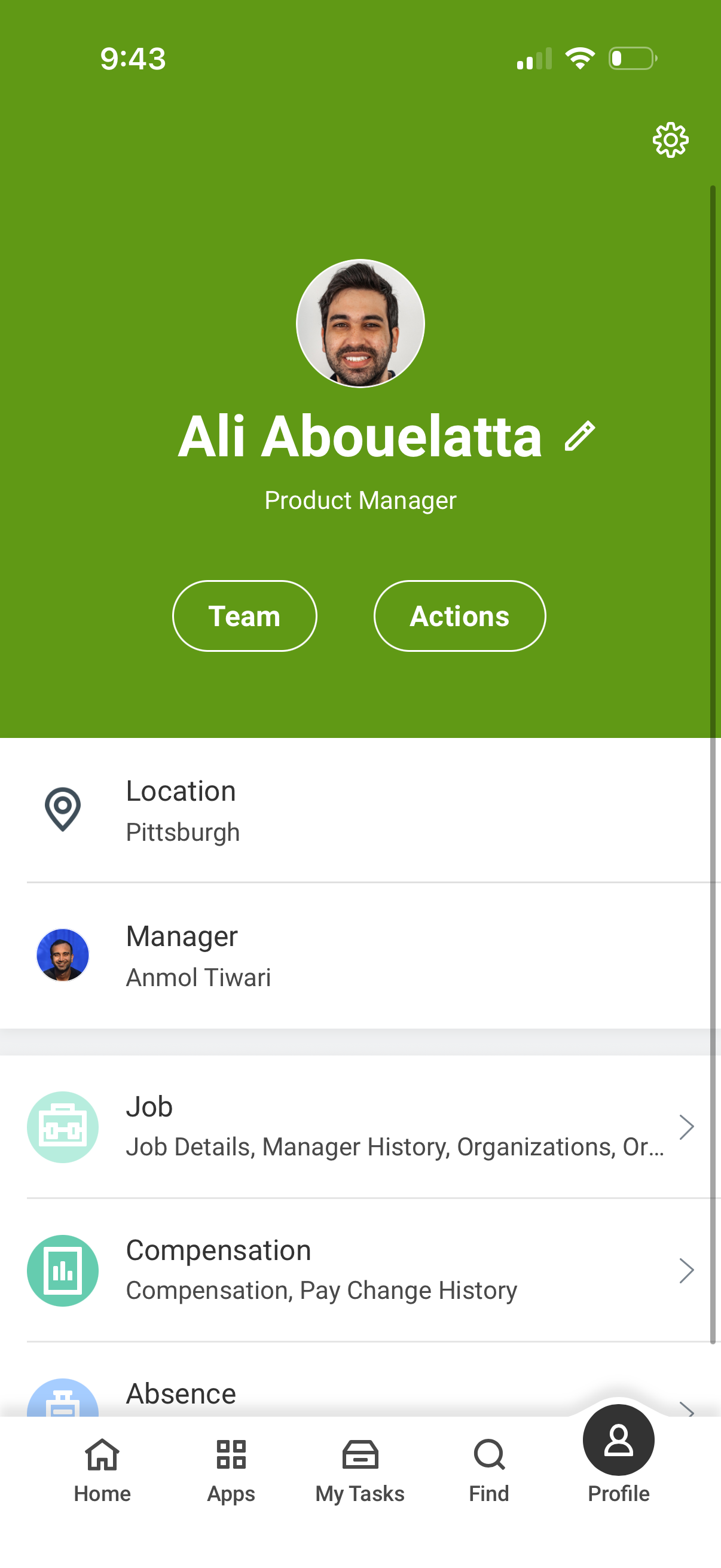
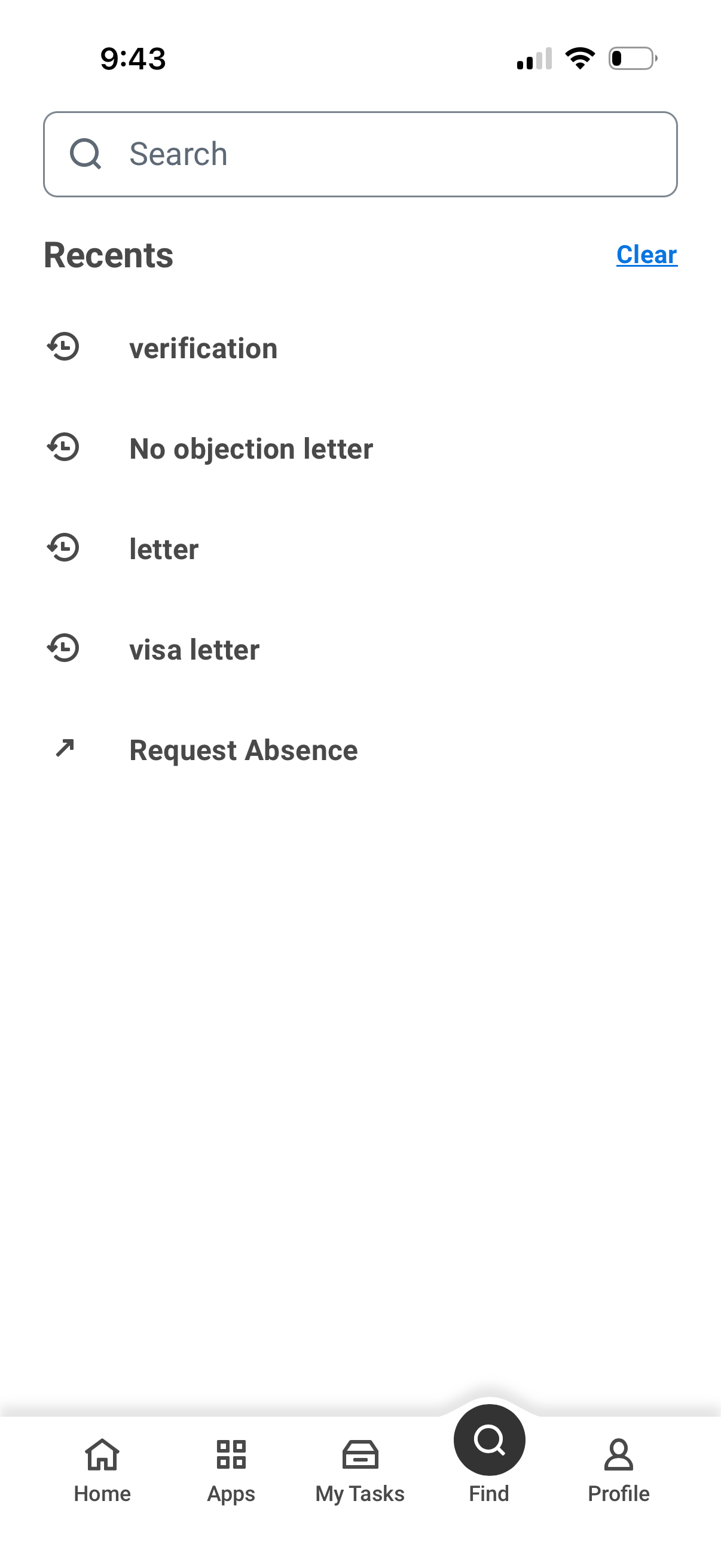
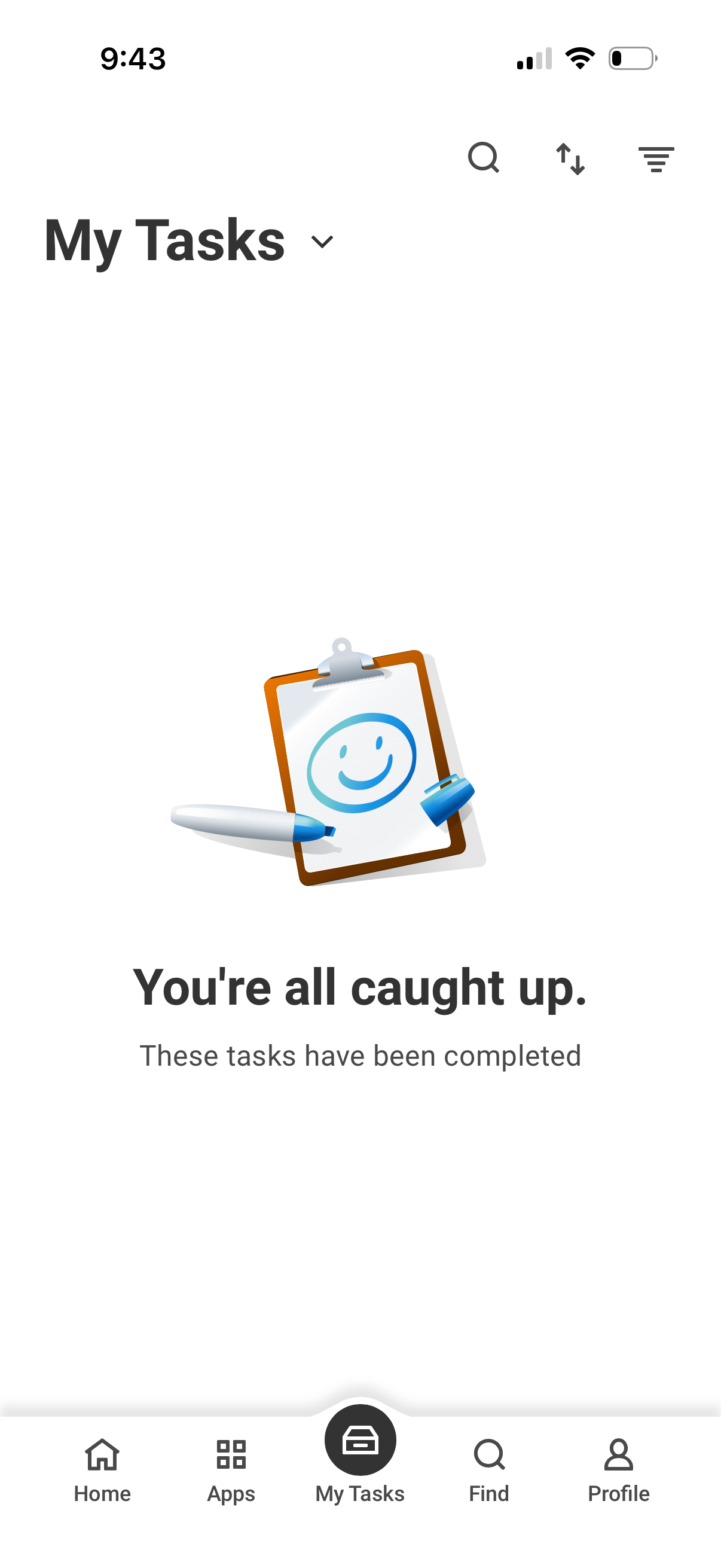
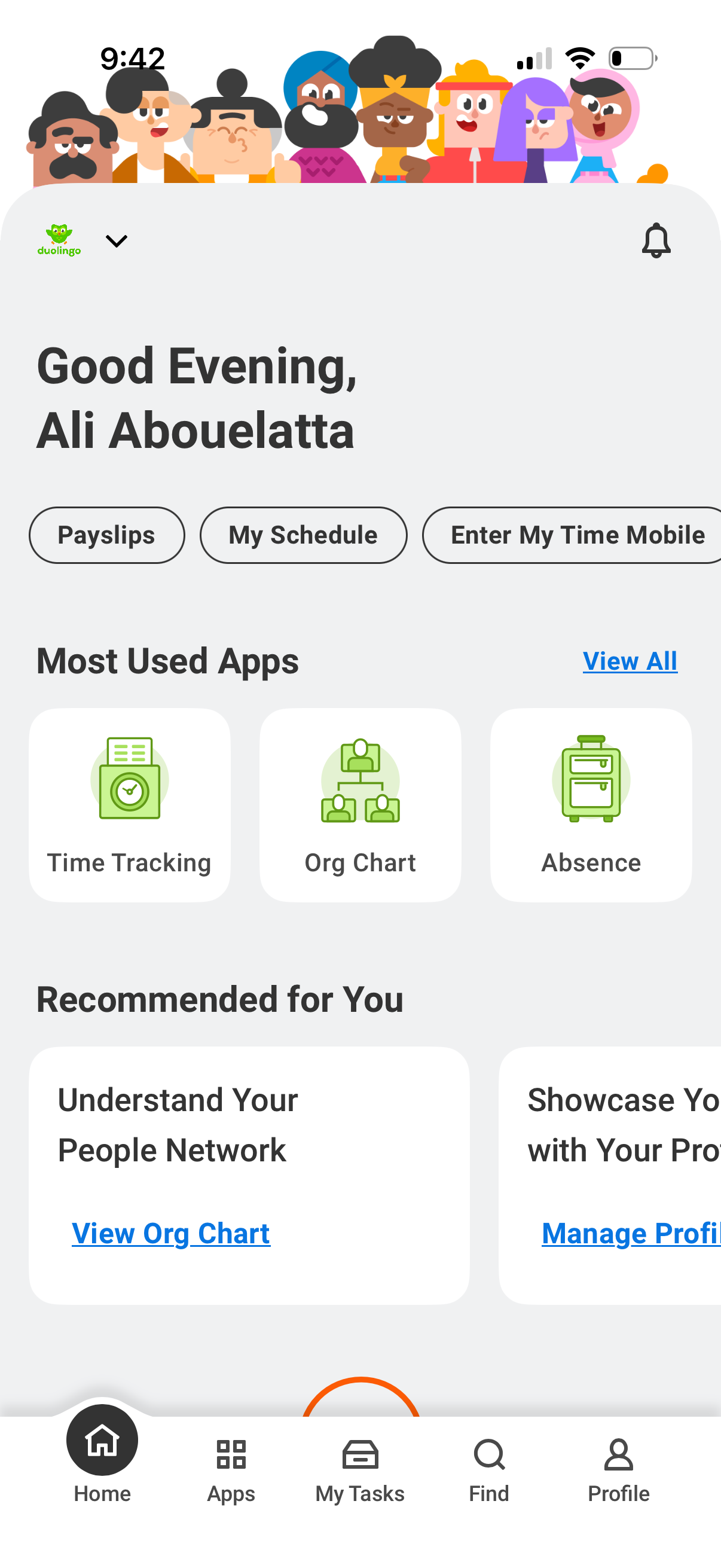
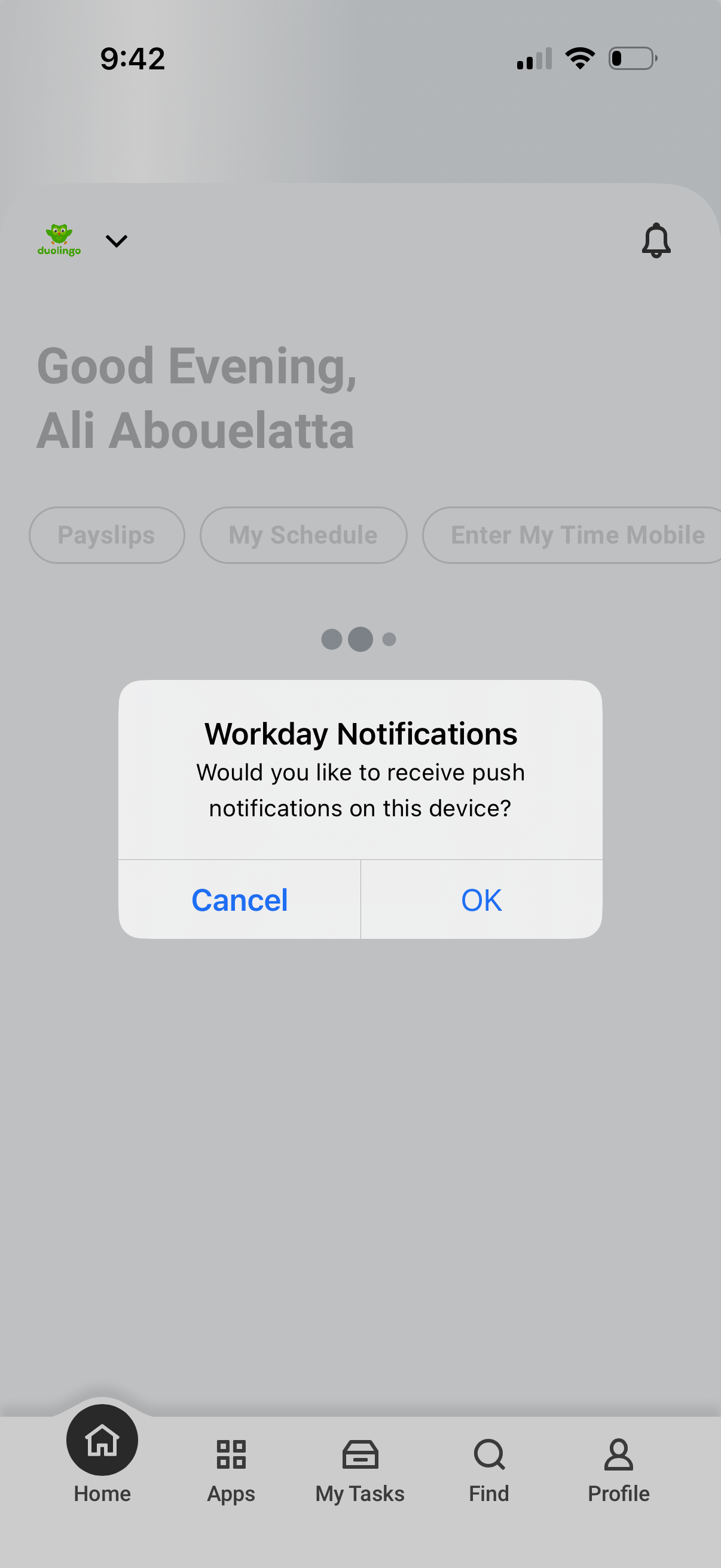
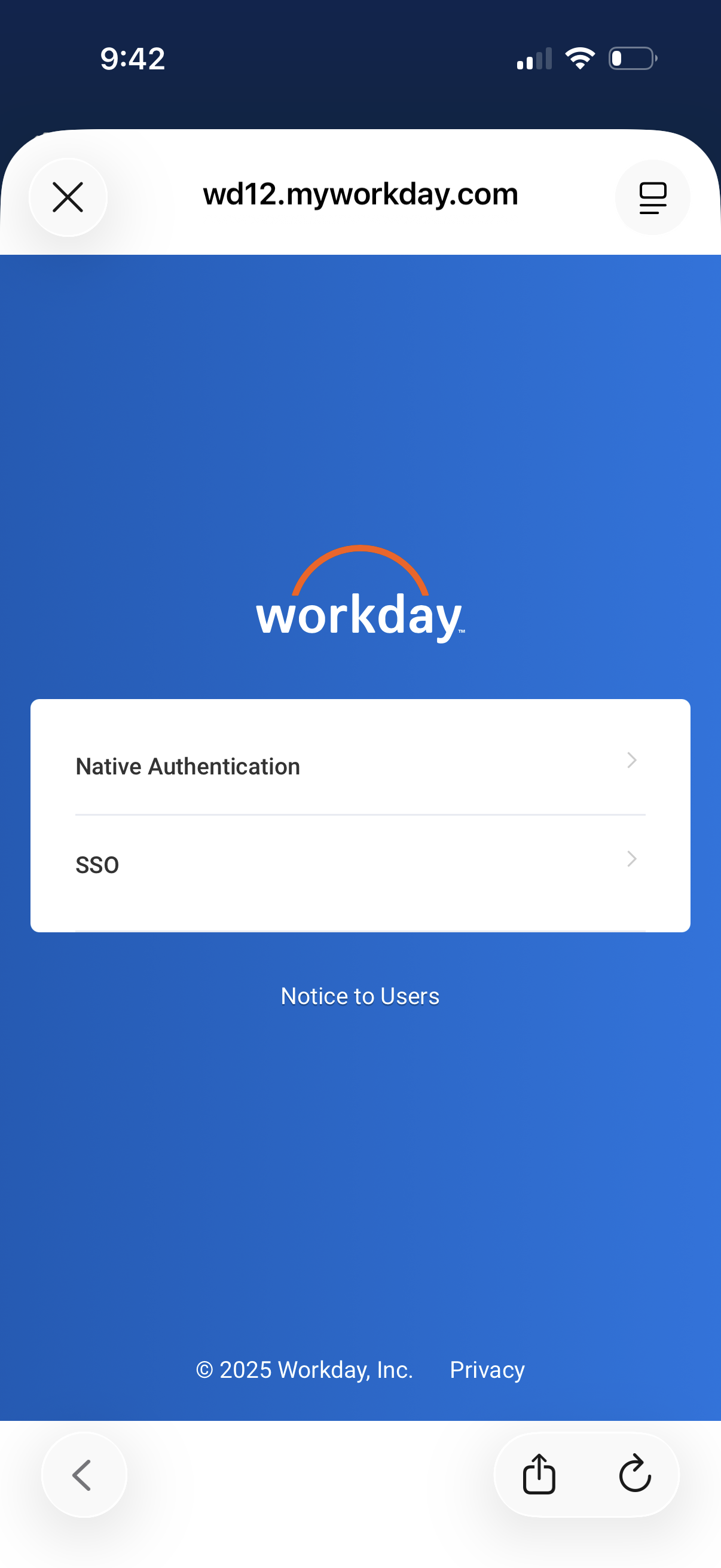
Explore up to date search, profile, dashboard, booking, and notifications flows from workday and more on Lazyweb.
workday app screenshots and user flows
Browse workday screens, user flow examples, and UI patterns. Explore search, profile, dashboard, booking, and notifications flows inside Lazyweb's 100k+ screen design research library for competitive analysis and benchmarking.
Lazyweb is a blazing-fast design research library with 100k+ real app screens, user flow examples, UI patterns, and product design patterns for competitive analysis and benchmarking.
Screenshots
The first 5 screenshots are shown in full. Additional screens are blurred previews.
Company metadata
App Store description
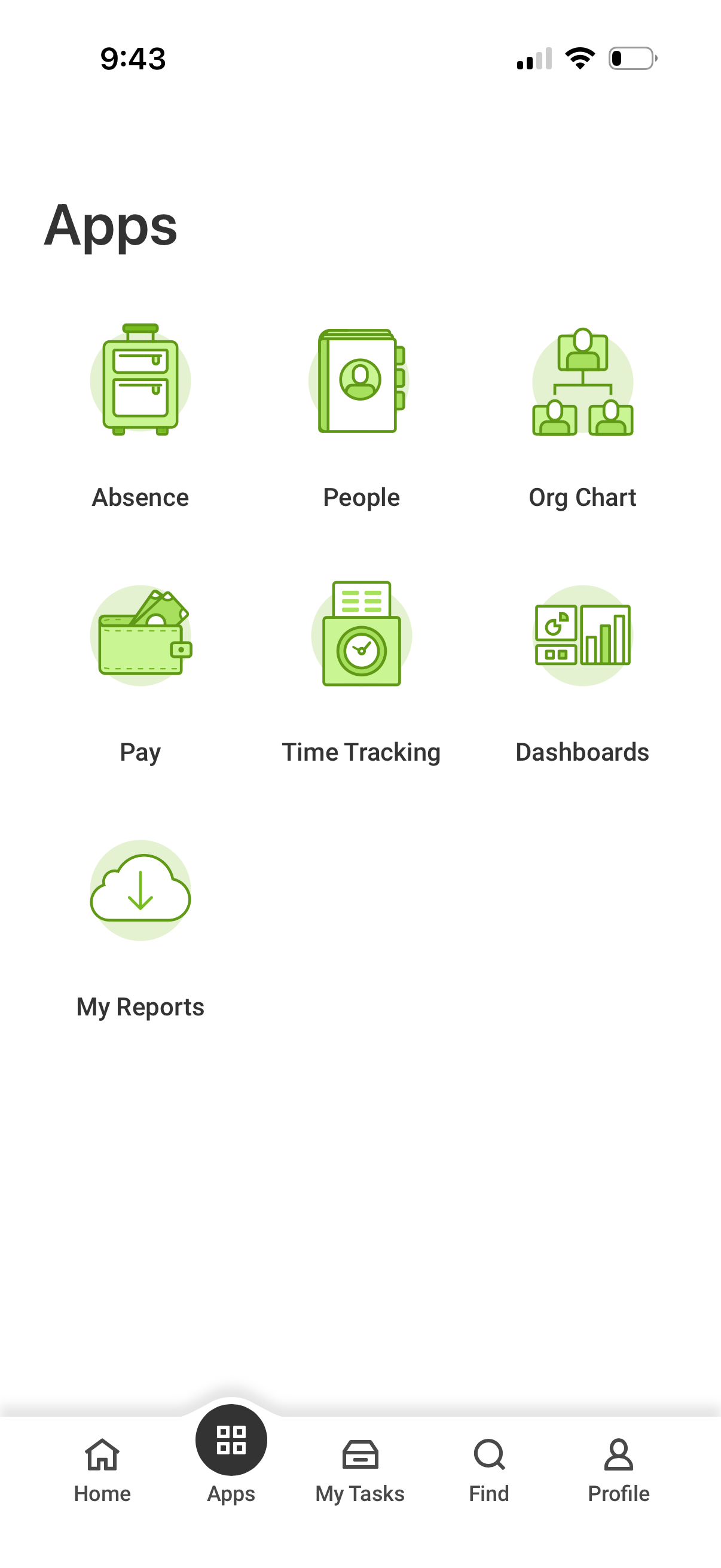
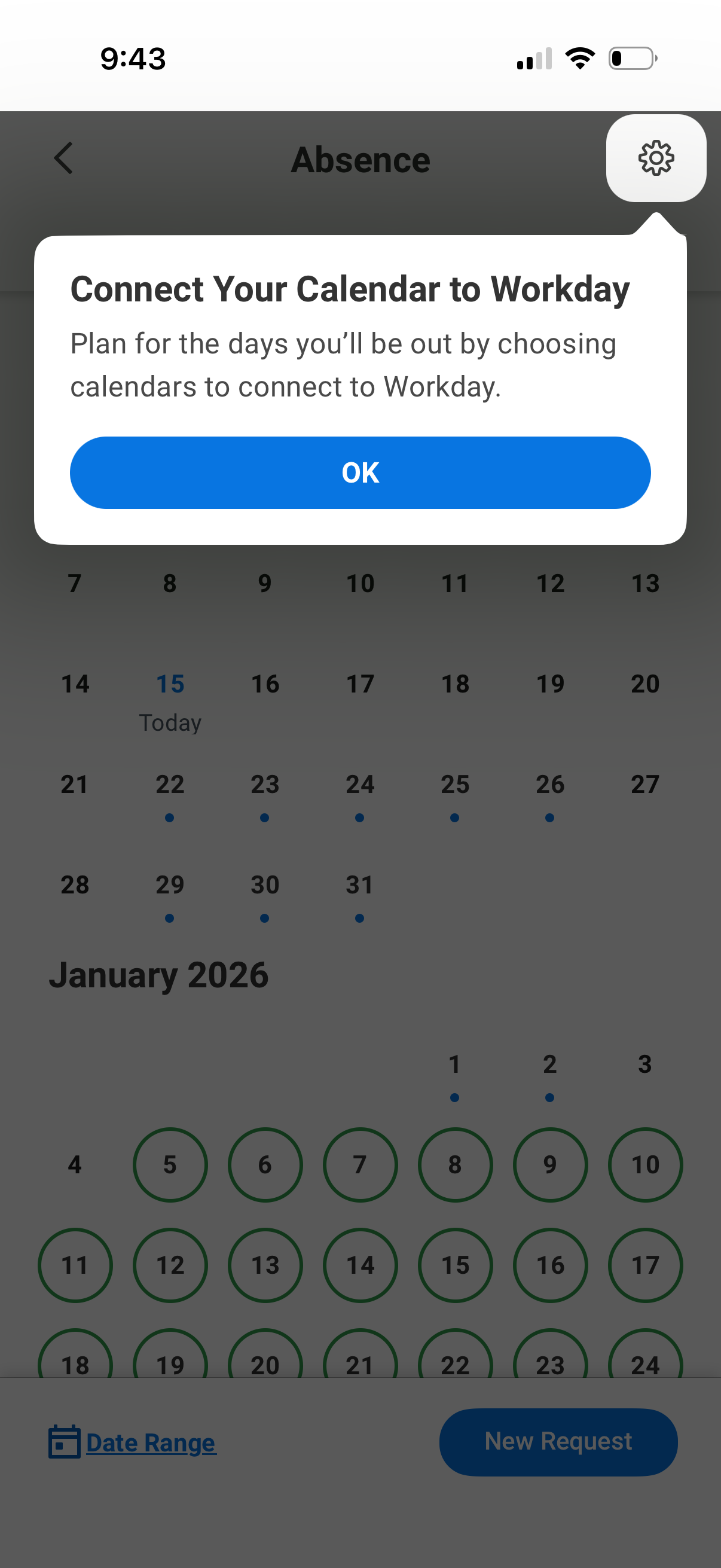
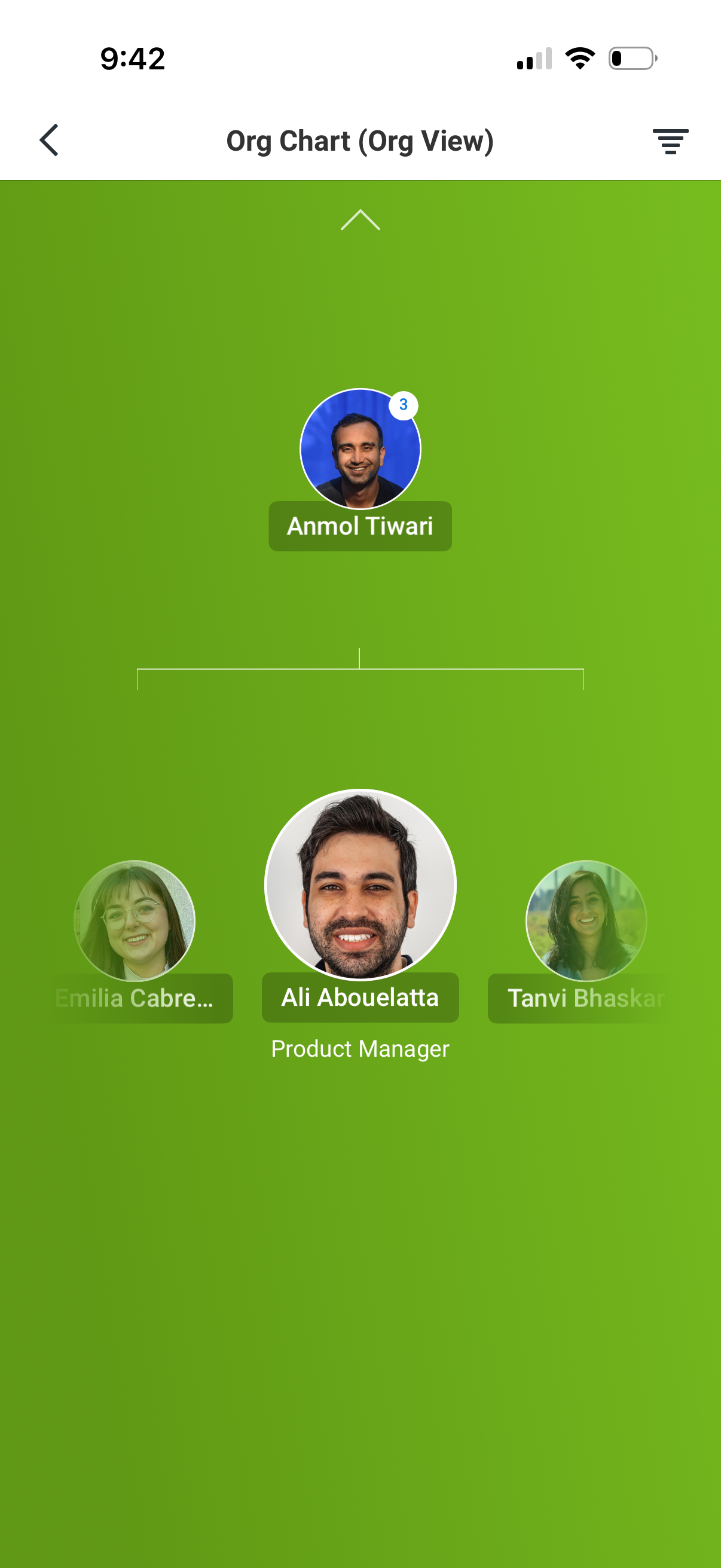
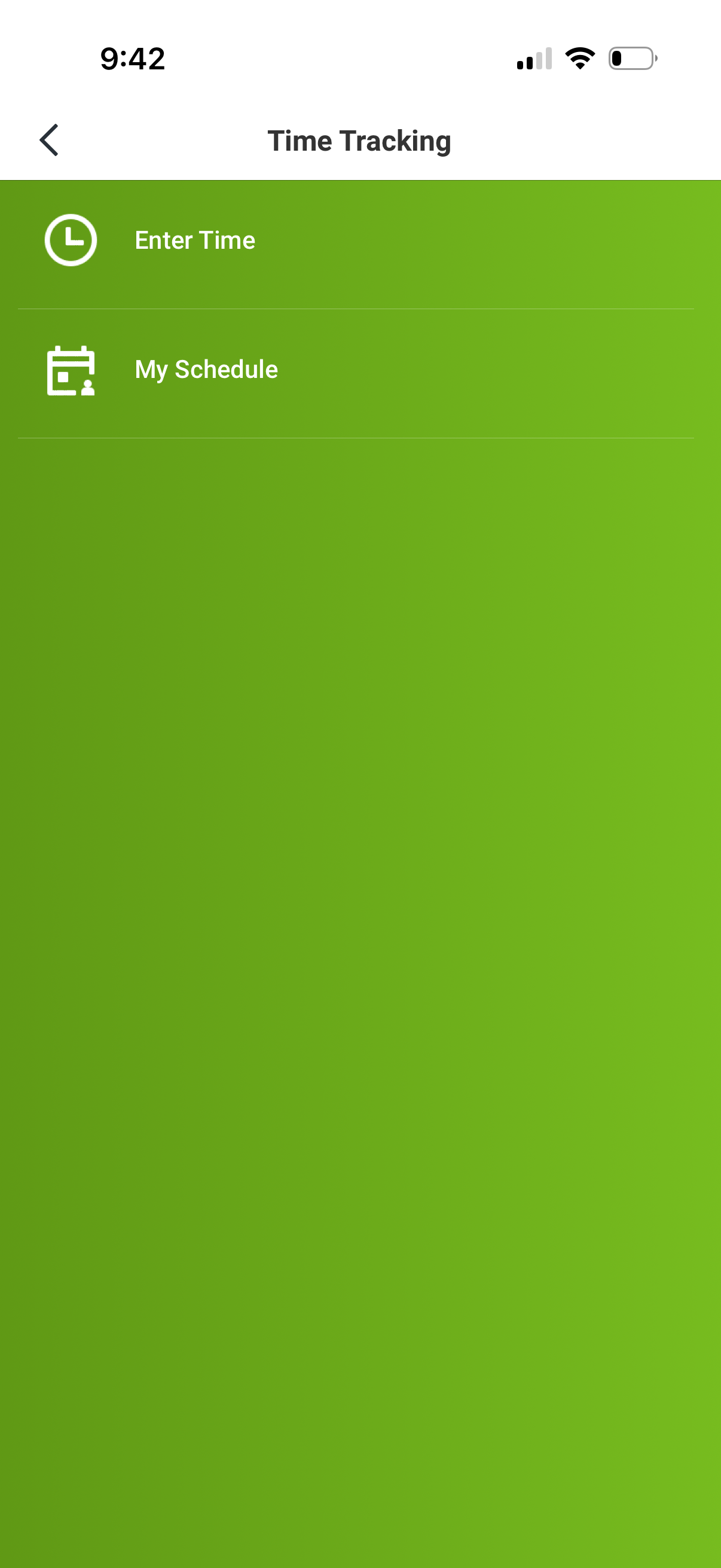
The Workday app provides secure, mobile access to your Workday applications on-the-go. As an employee, our simple interface allows you to •Review your pay, view or request time off, check in and out for work, submit your timesheet, and submit expenses quickly. •Get push notifications alerts and reminders for time tracking, important updates, and approvals. Immediately take action right from the app. •Browse your company directory, securely view coworker profiles, leave feedback, and take learning courses on-the-go. As a manager, you can take action wherever you are •Approve your employee requests easily. •View your team or individual profiles and immediately take actions relevant to your role, such as perform a job change, make a compensation change, or provide performance feedback. •Stay connected to your business by gaining quick insight into what's important through interactive reports and dashboards. And if your mobile device is ever lost or stolen, you can be confident that your data is secure. With support for Touch ID and Face ID, only you can access your information. Note: Your organization must authorize access to the Workday mobile app. You will only have access to mobile features your organization has enabled, based on your role (not all mobile features may be available to you). Not all Workday features are available on mobile.
Compare competitors with Lazyweb
Search every screen, flow, and UX pattern in one place.