
wisper-flow screenshots
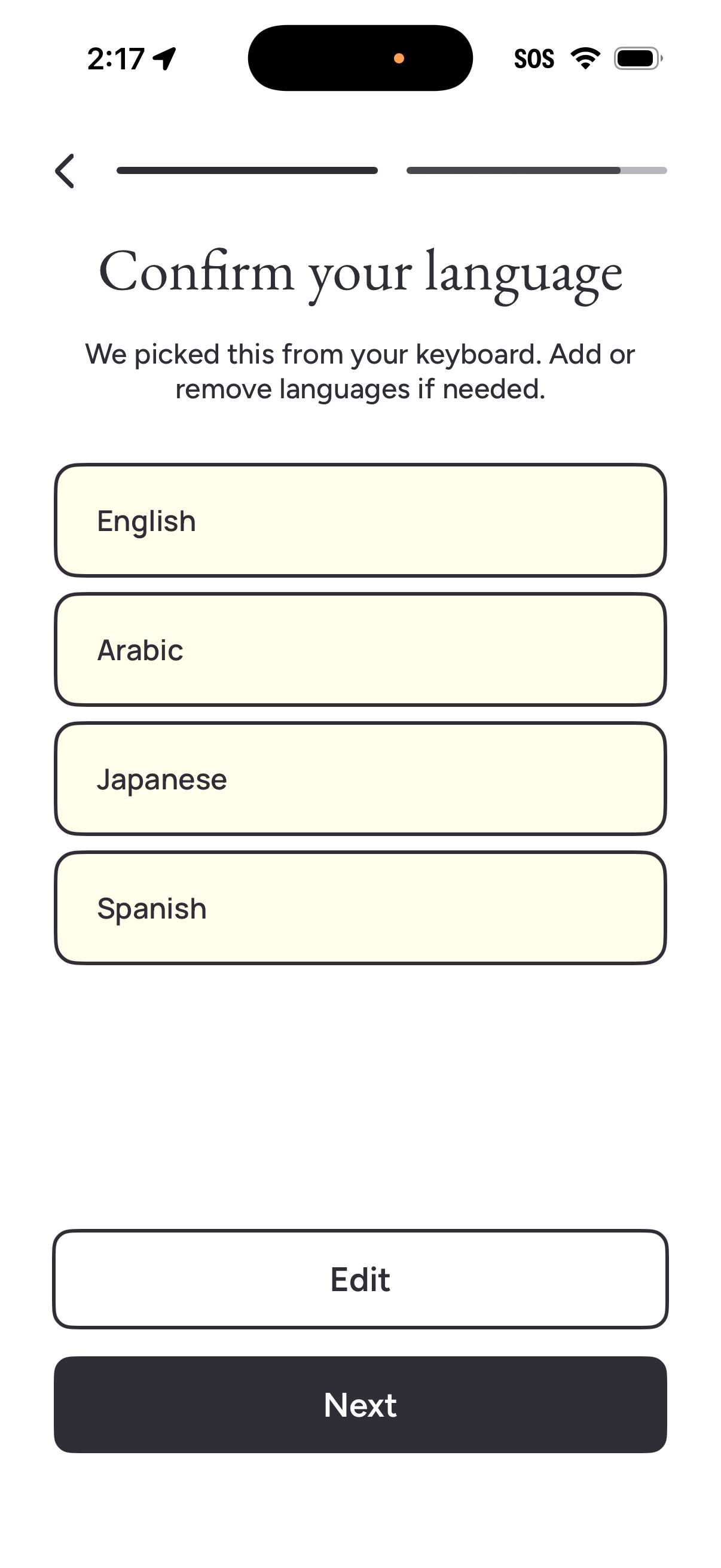
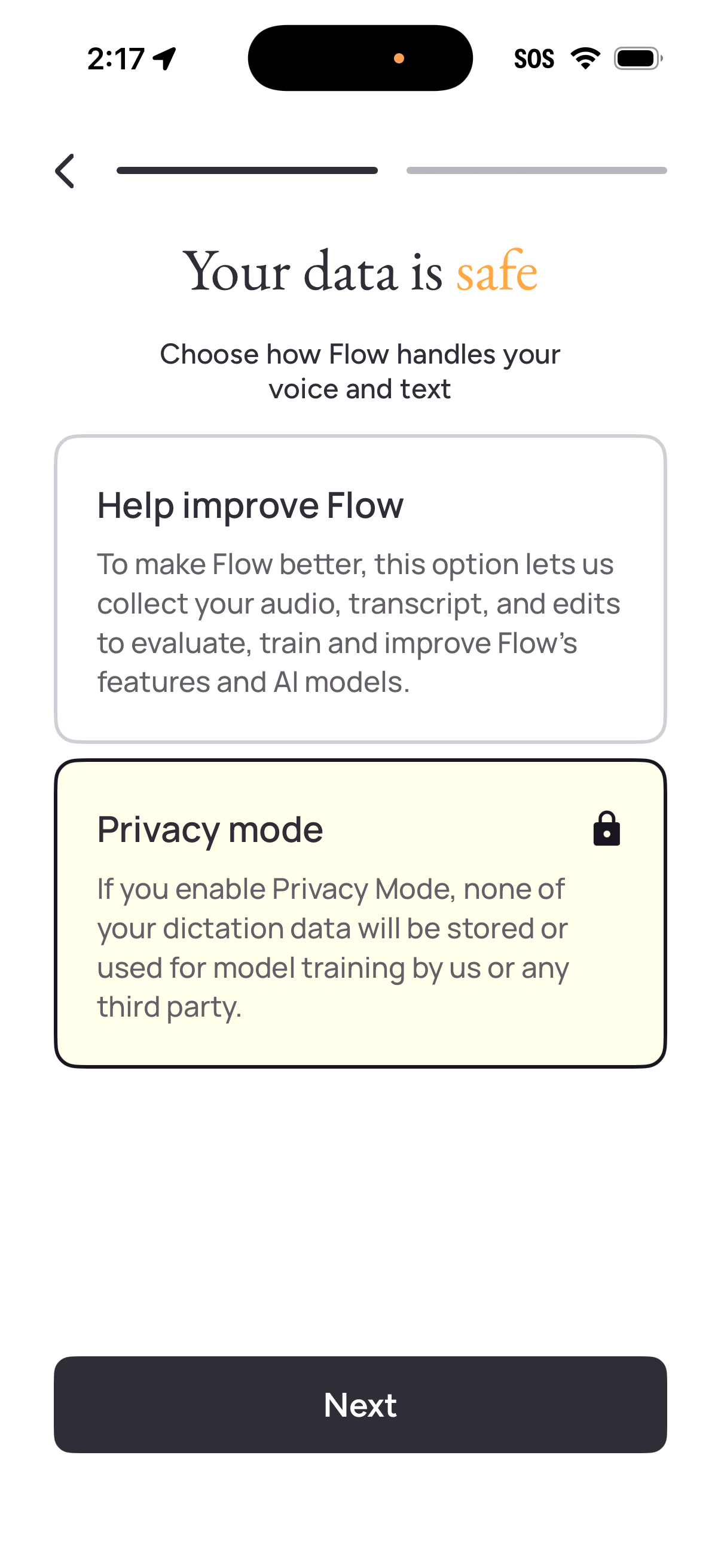
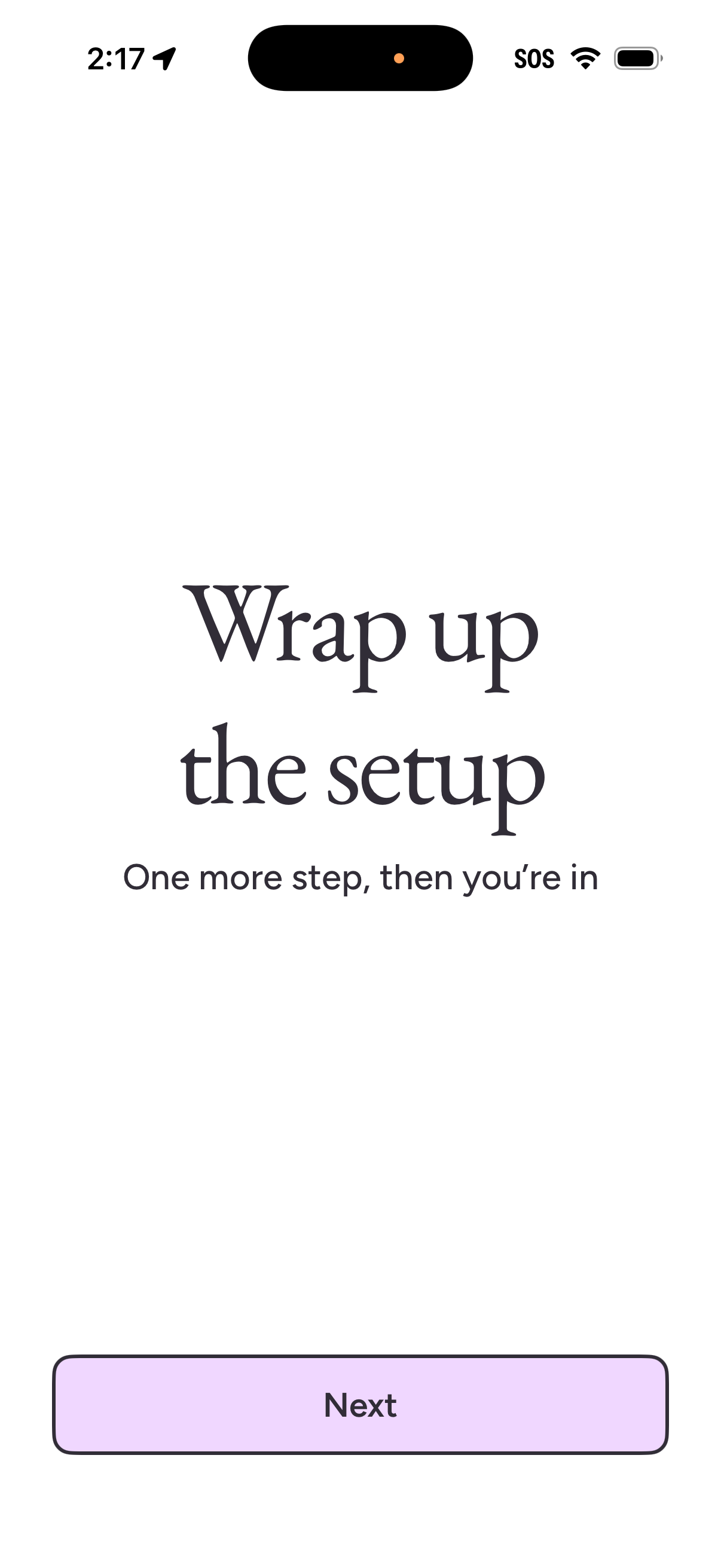
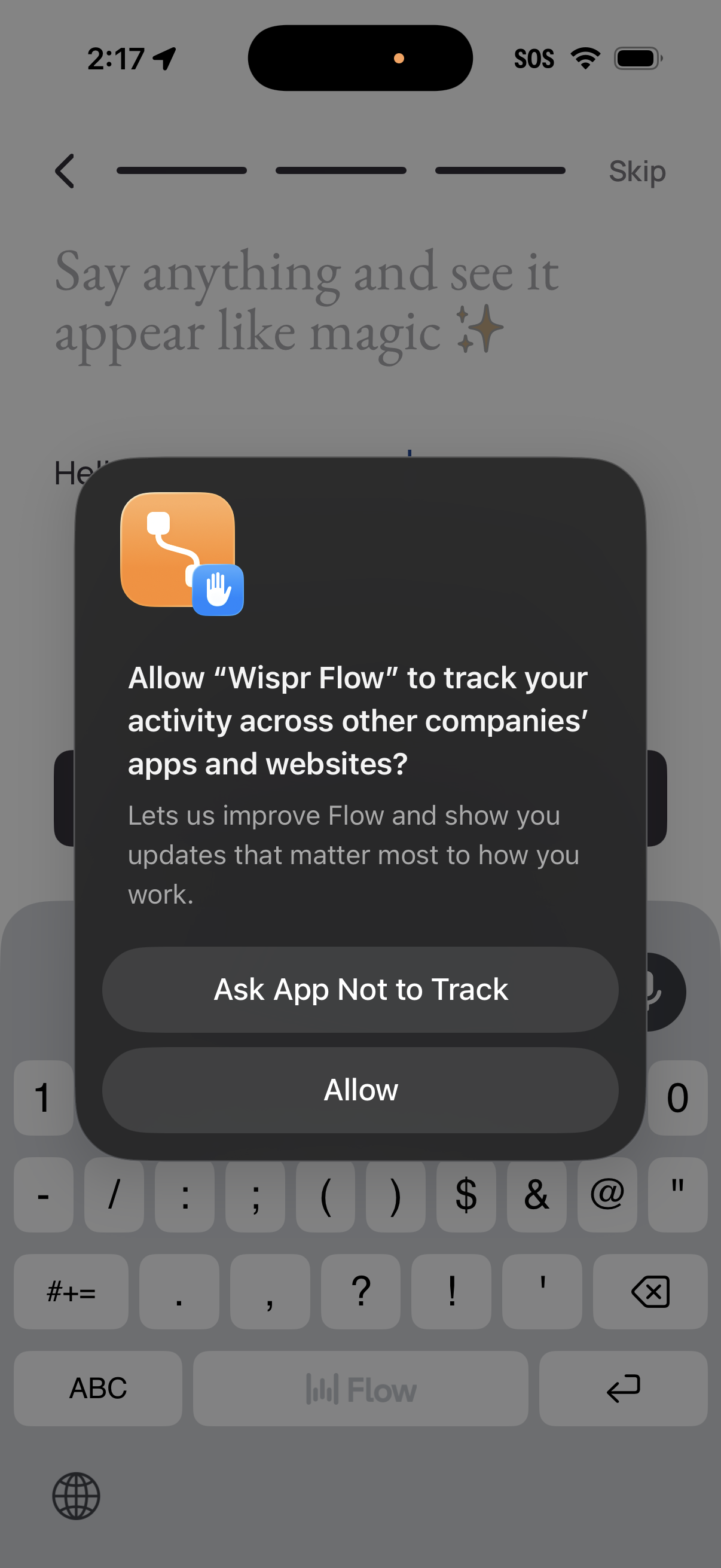
Explore up to date onboarding, permissions, messaging, wishlist, and settings flows from wisper-flow and more on Lazyweb.
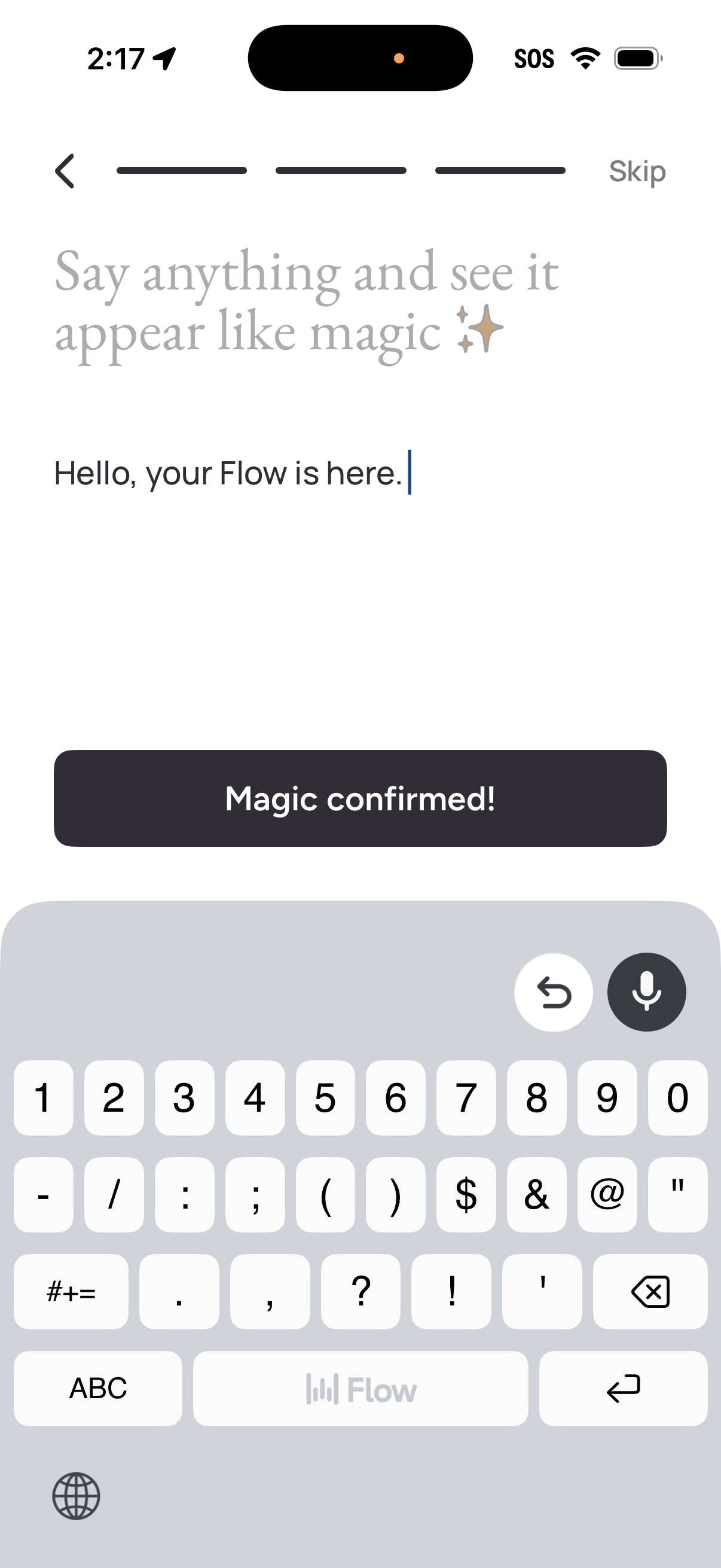
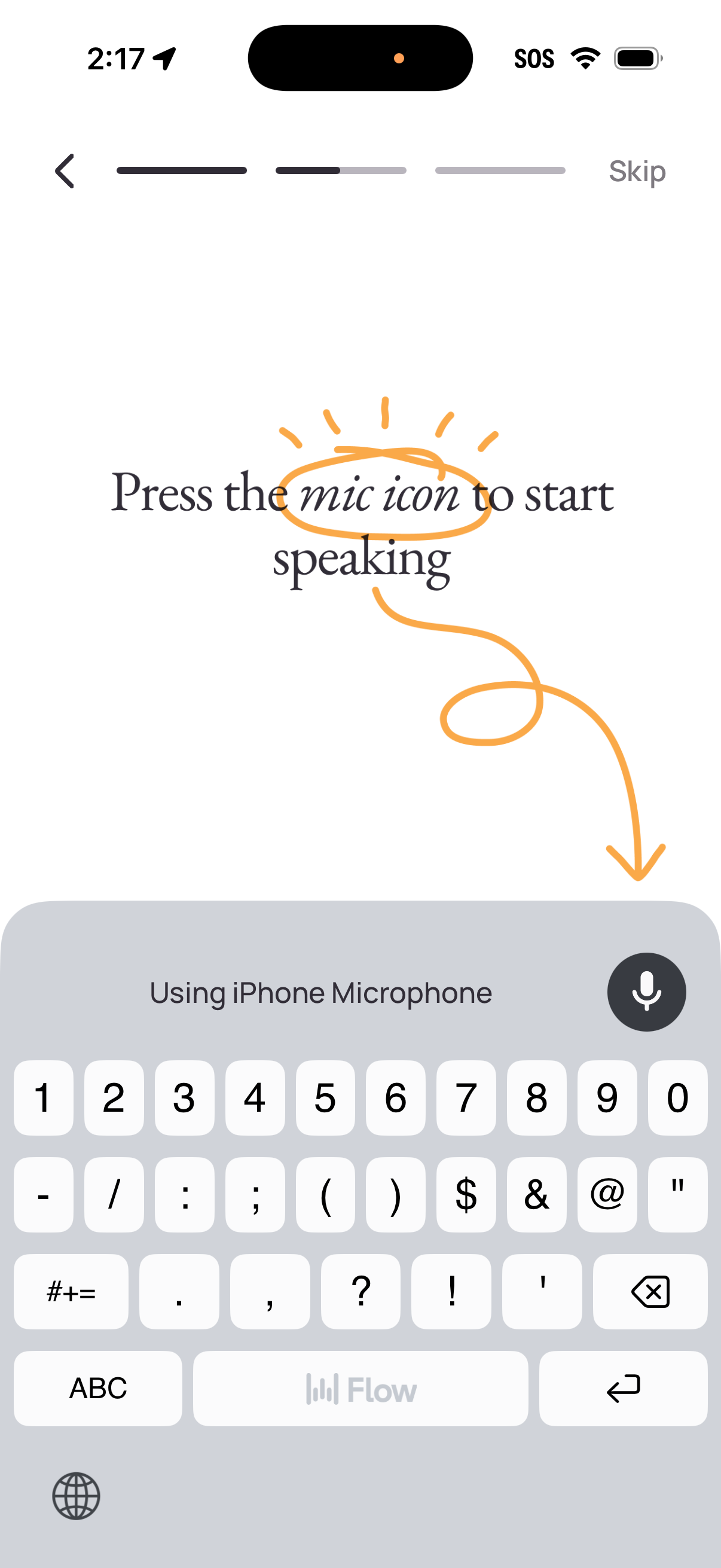
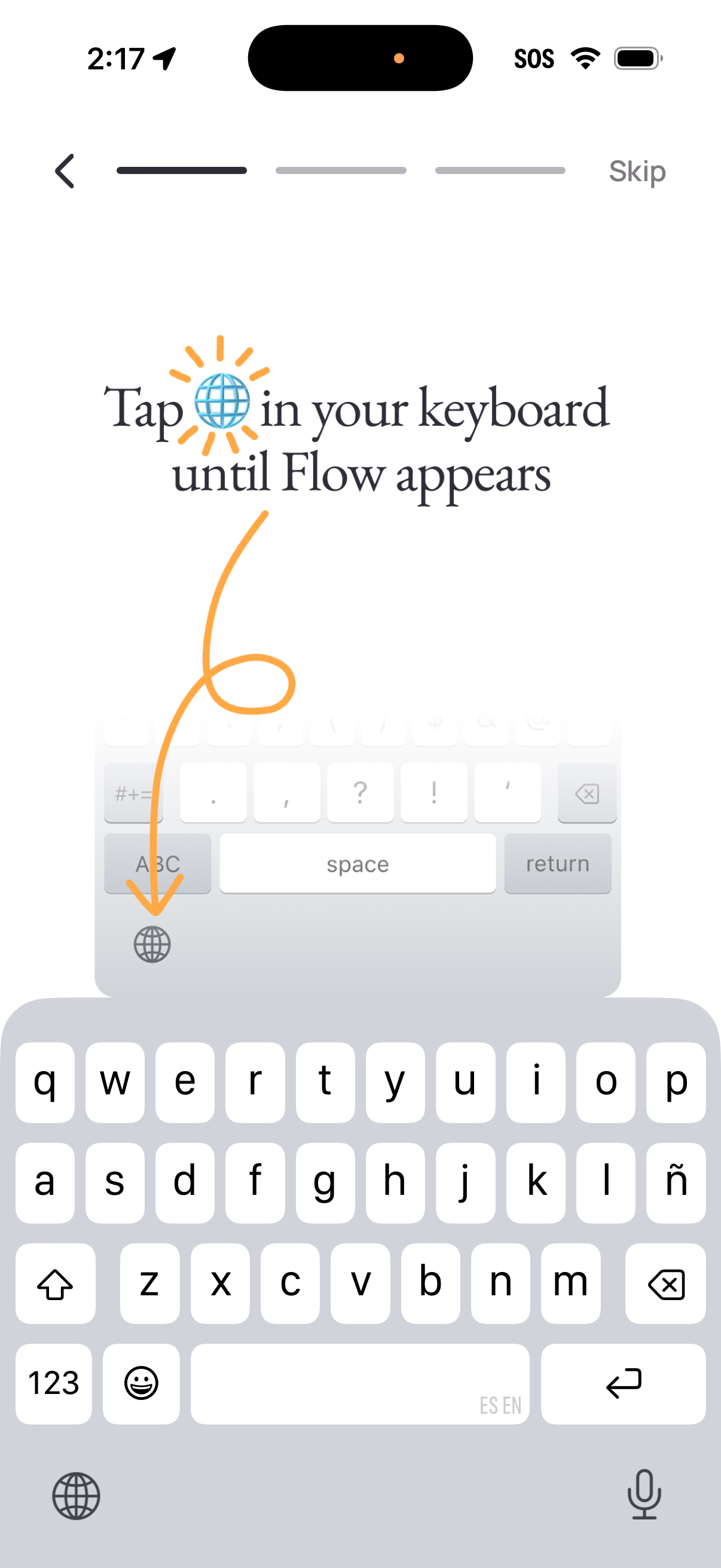
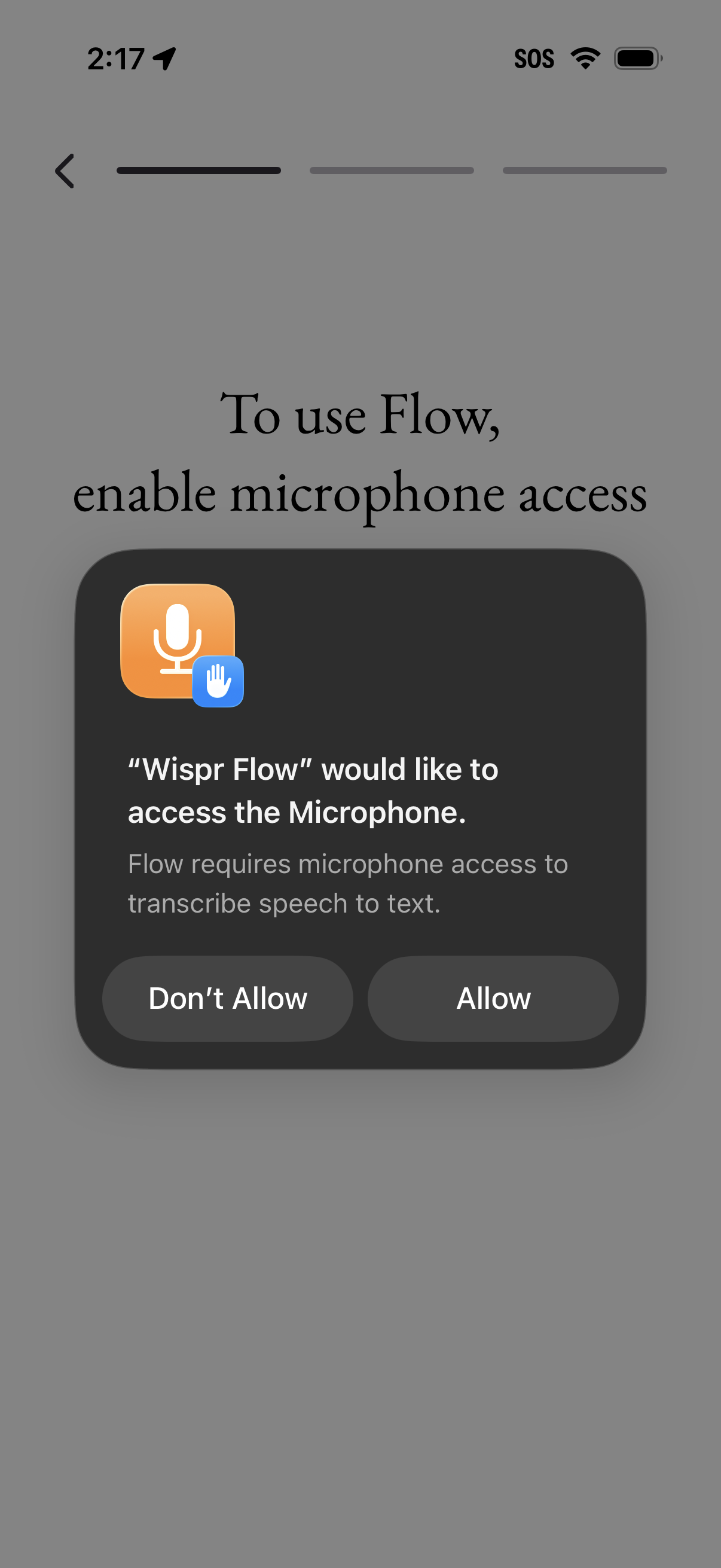
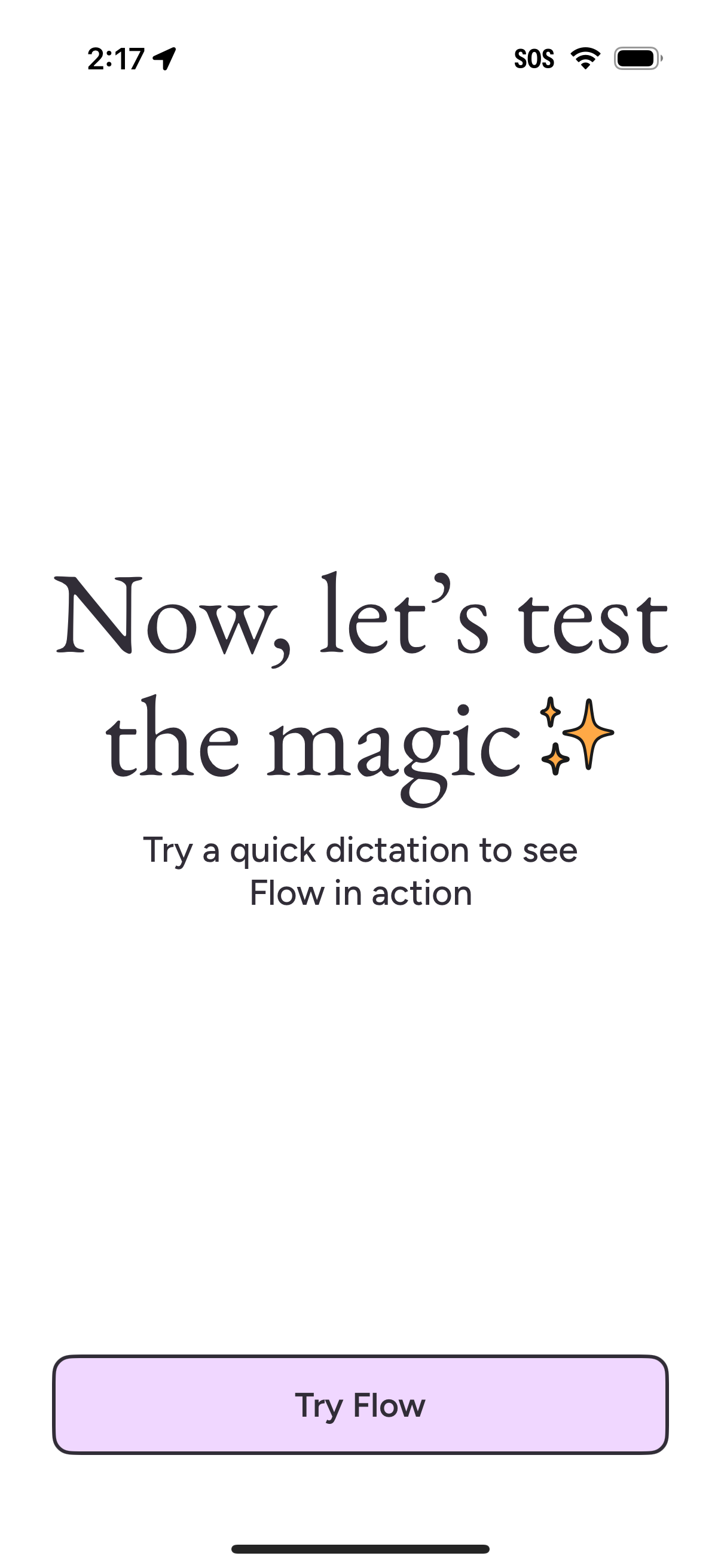
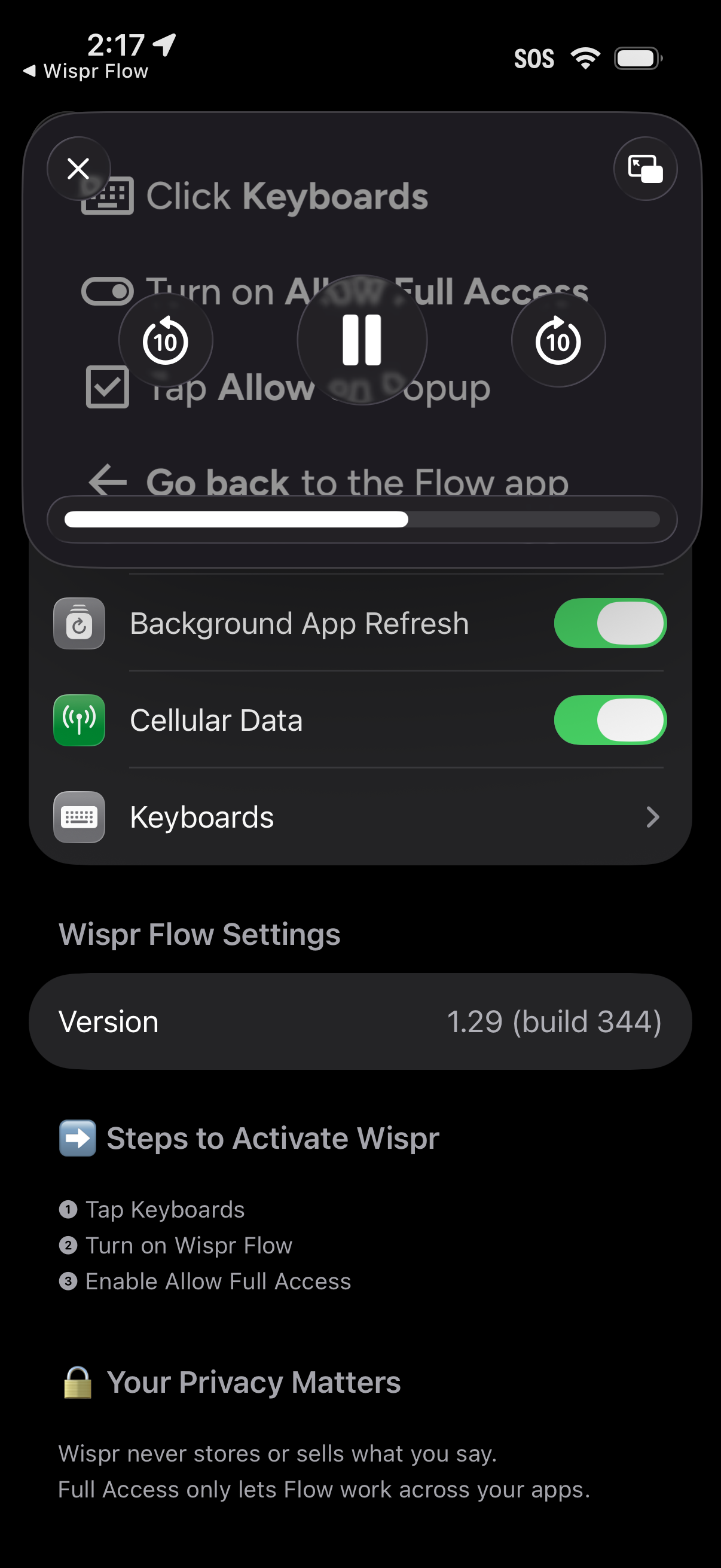
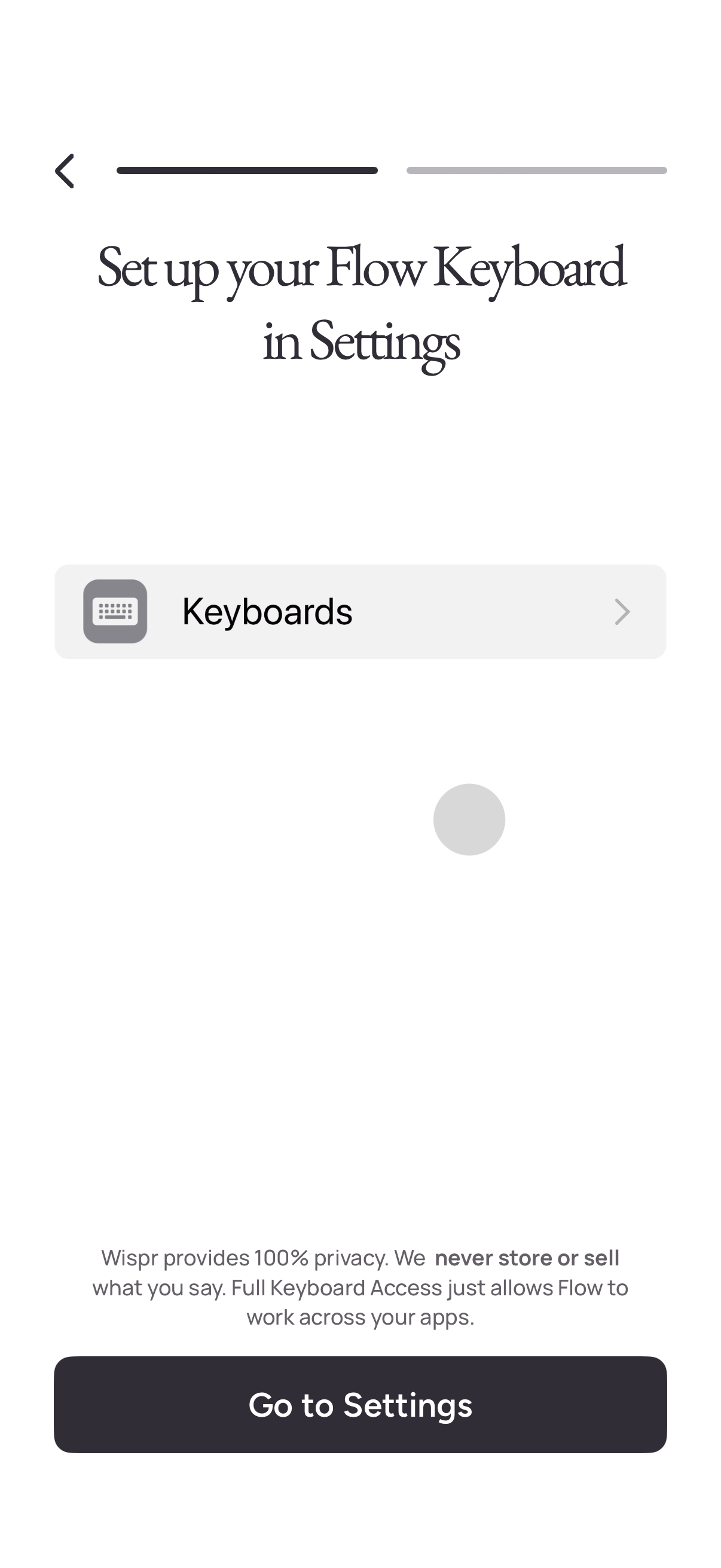
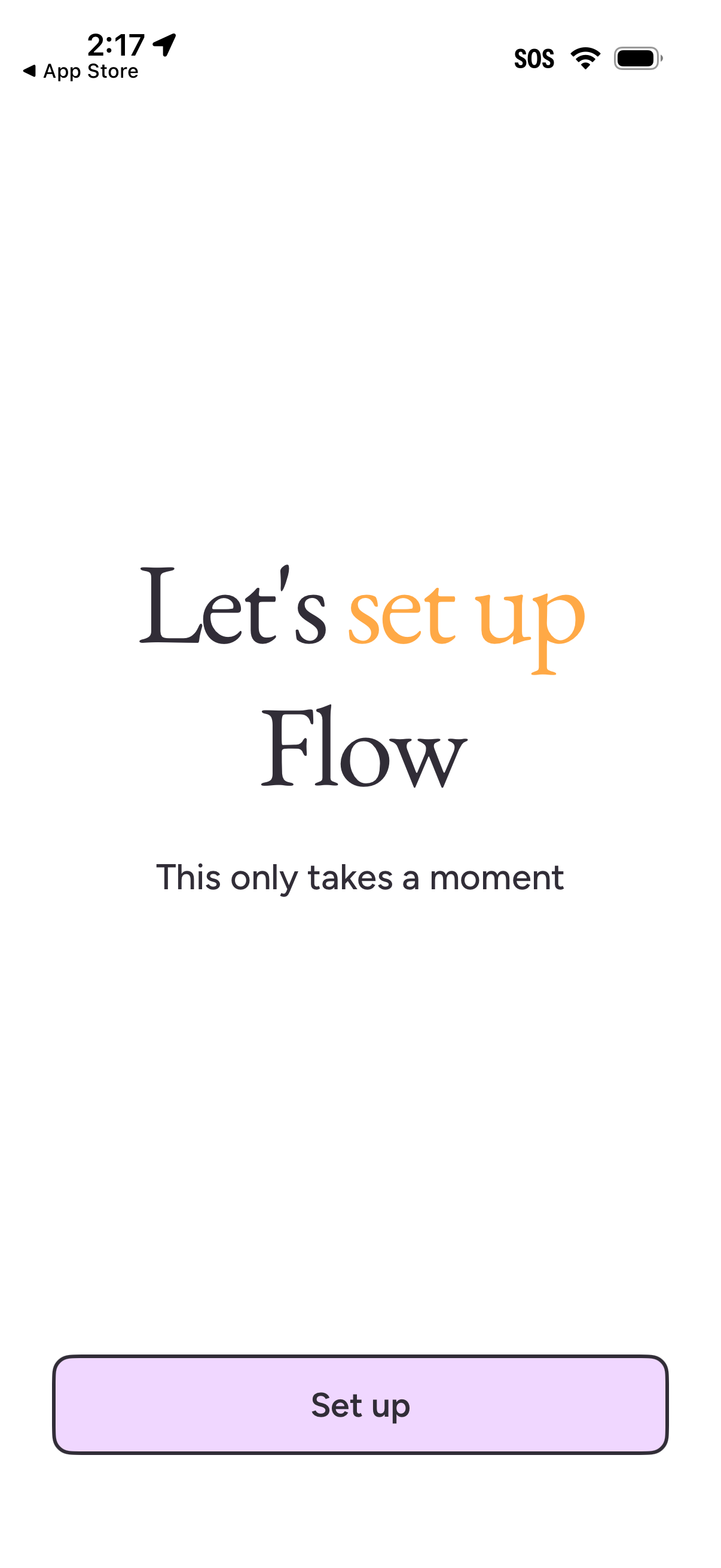
wisper-flow app screenshots and user flows
Browse wisper-flow screens, user flow examples, and UI patterns. Explore onboarding, permissions, messaging, wishlist, and settings flows inside Lazyweb's 100k+ screen design research library for competitive analysis and benchmarking.
Lazyweb is a blazing-fast design research library with 100k+ real app screens, user flow examples, UI patterns, and product design patterns for competitive analysis and benchmarking.
Screenshots
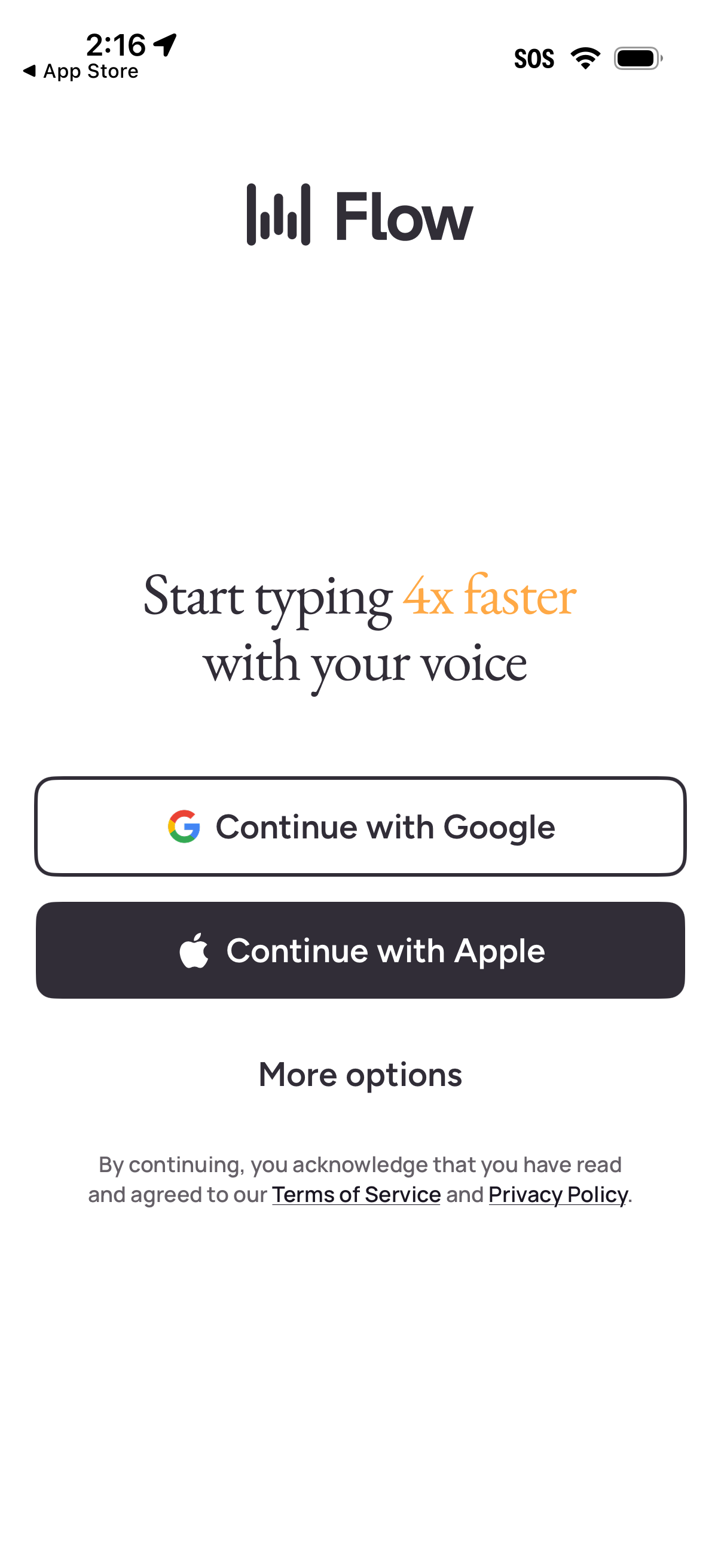
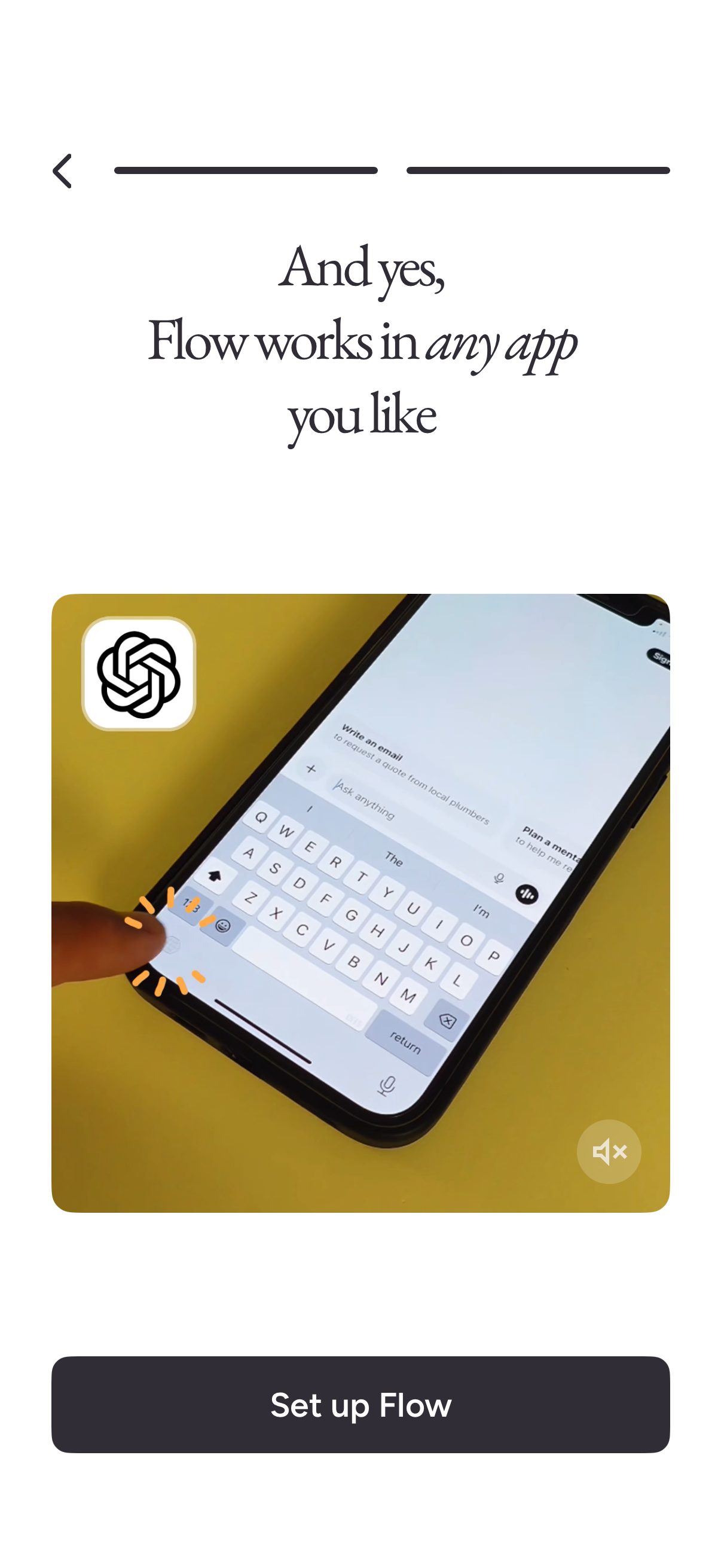
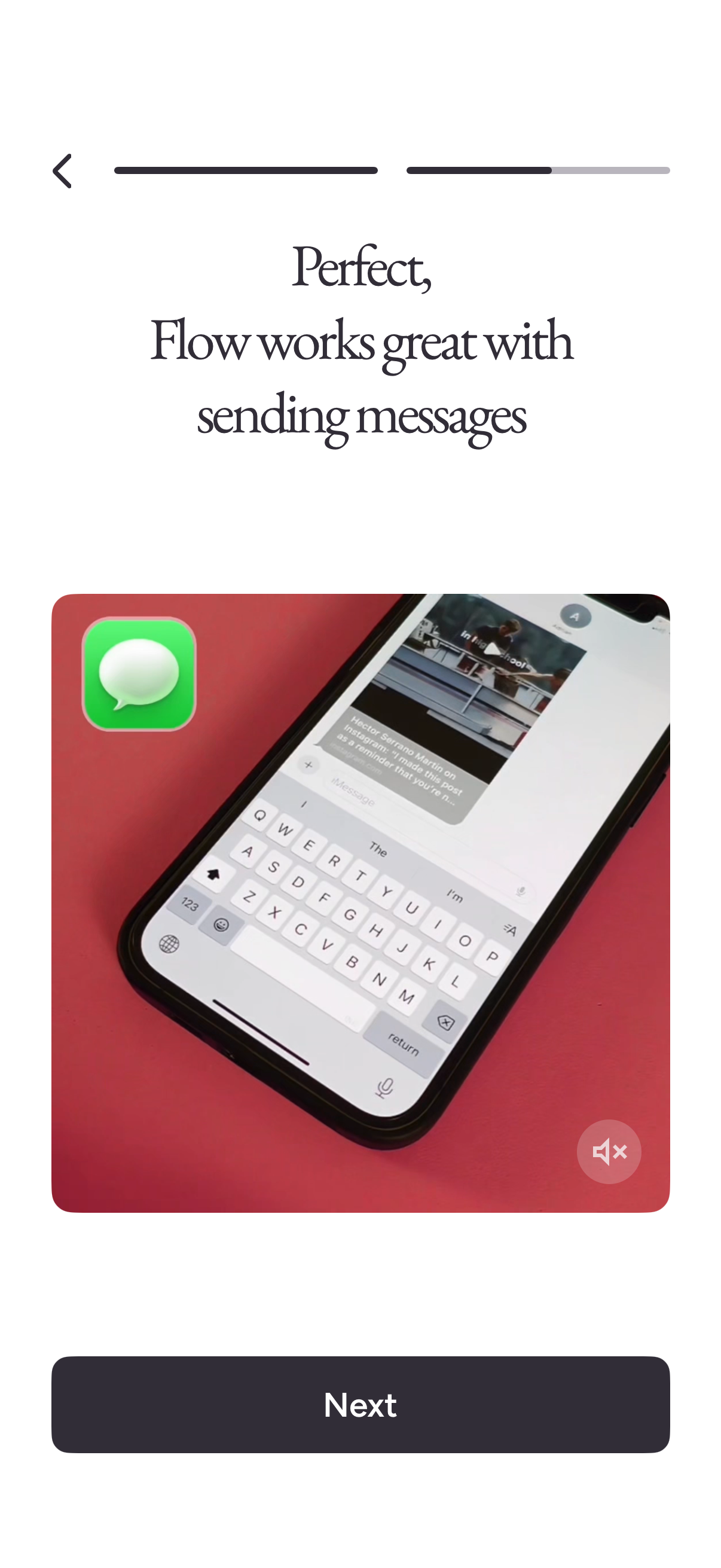
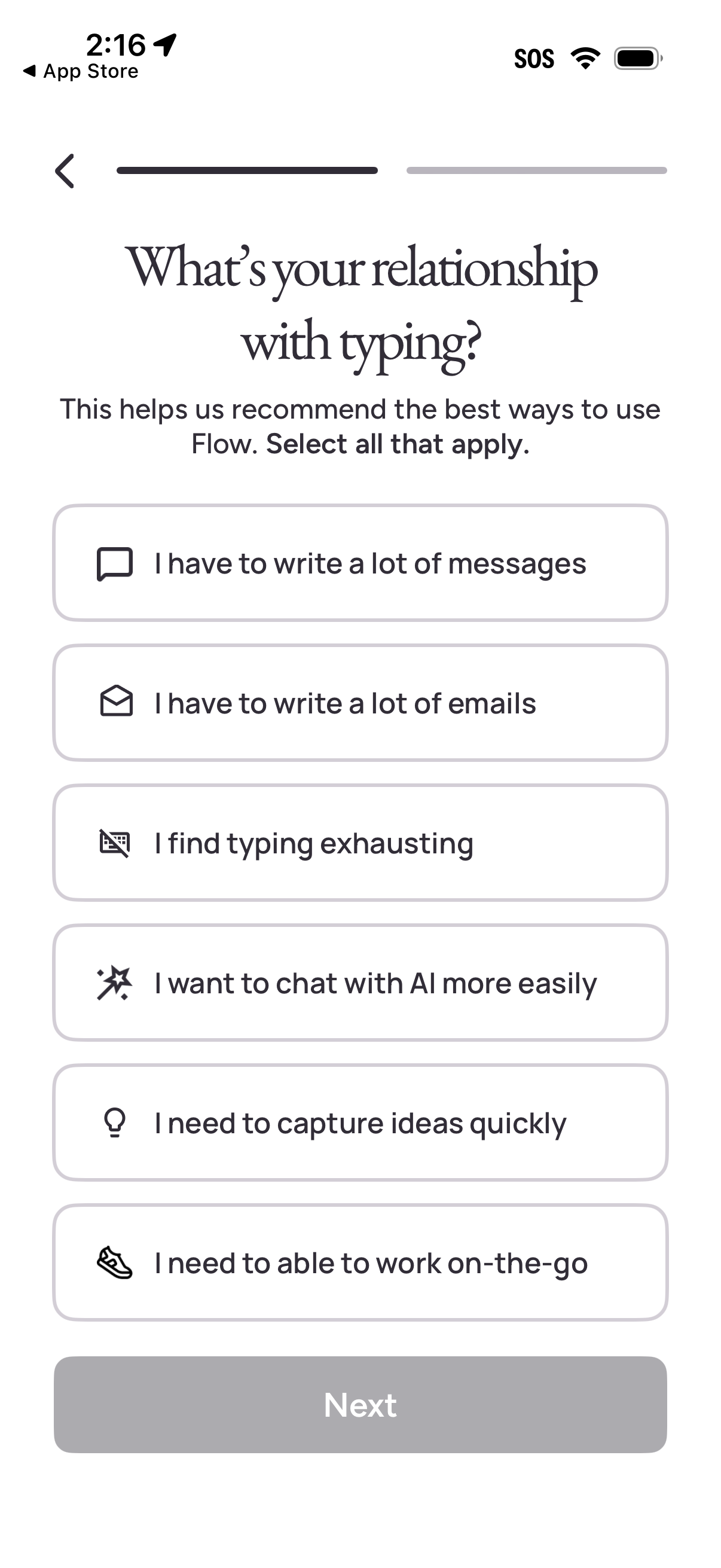
The first 5 screenshots are shown in full. Additional screens are blurred previews.
Company metadata
App Store description
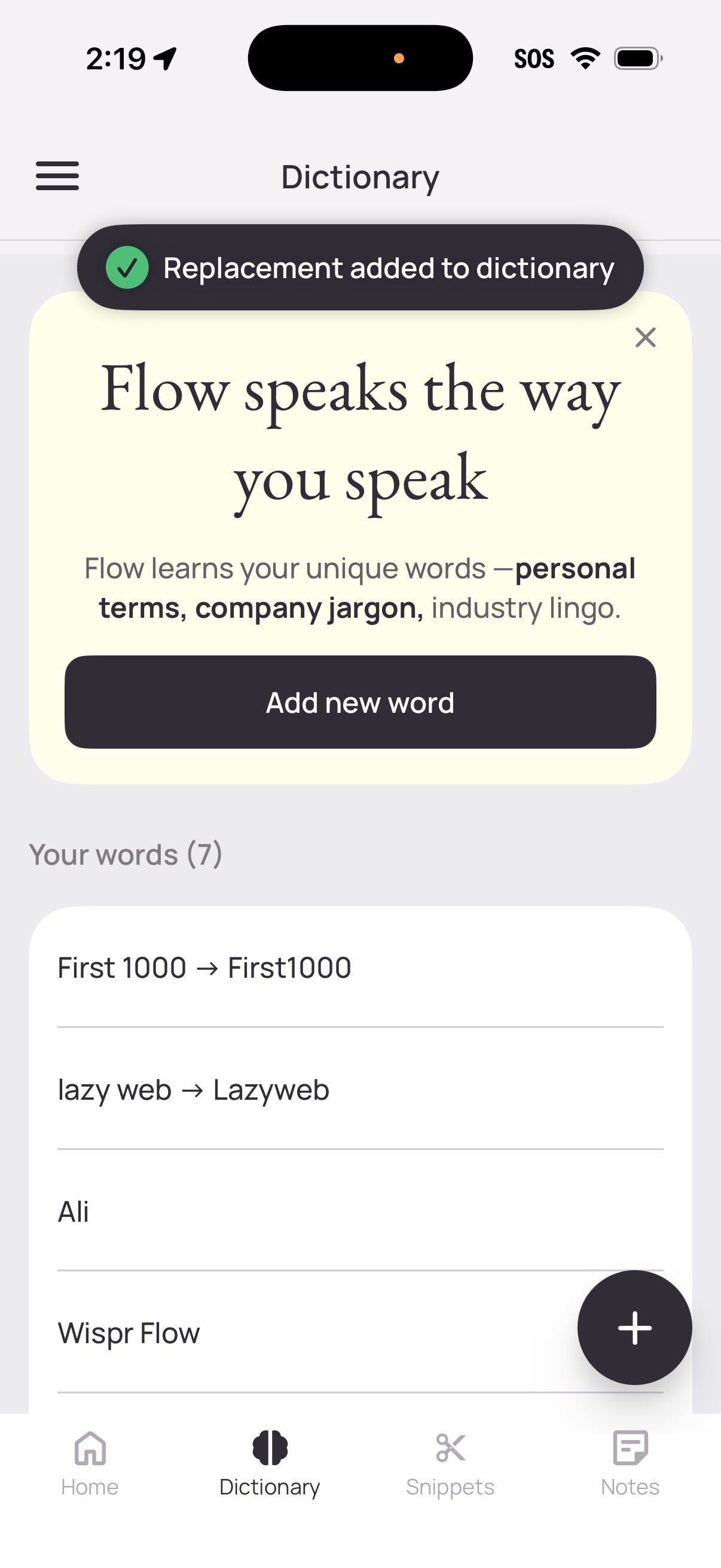
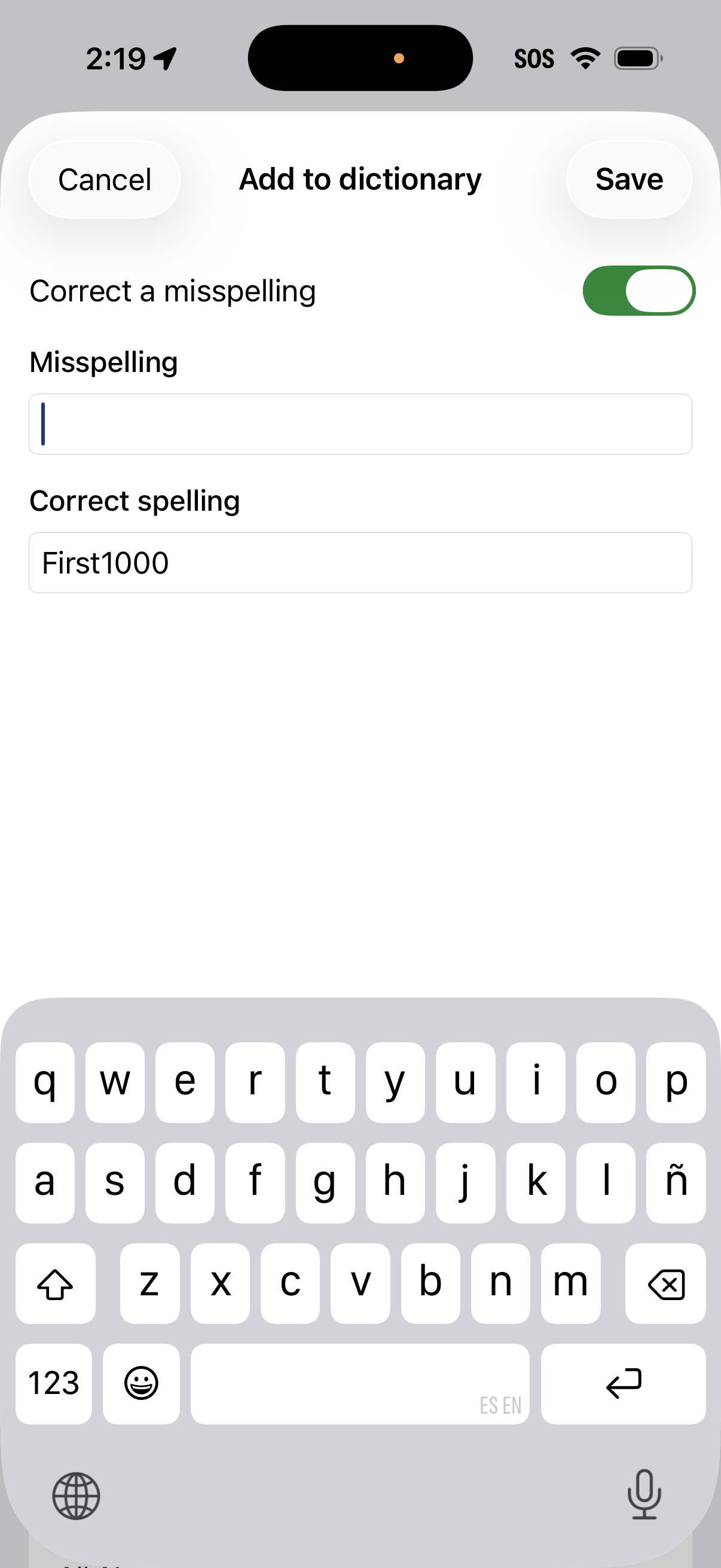
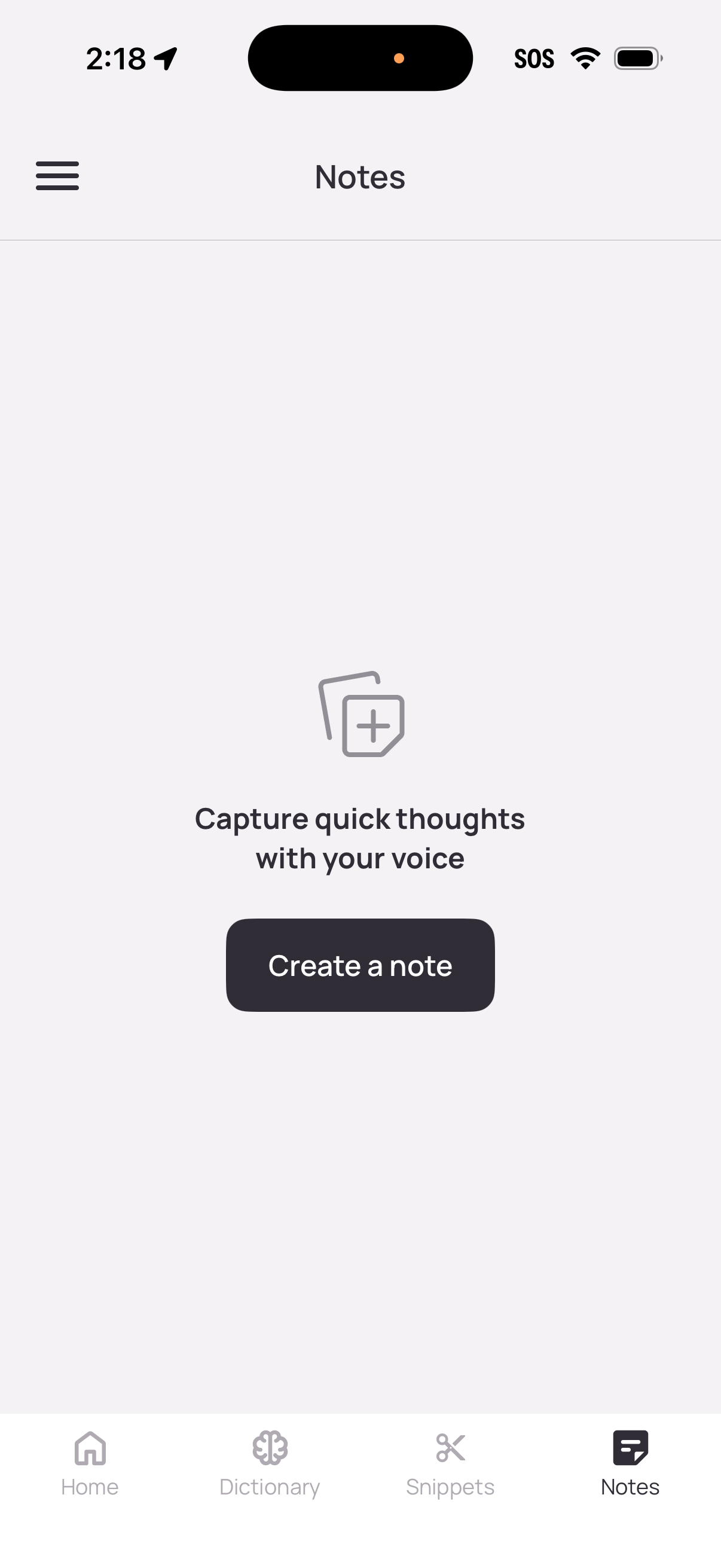
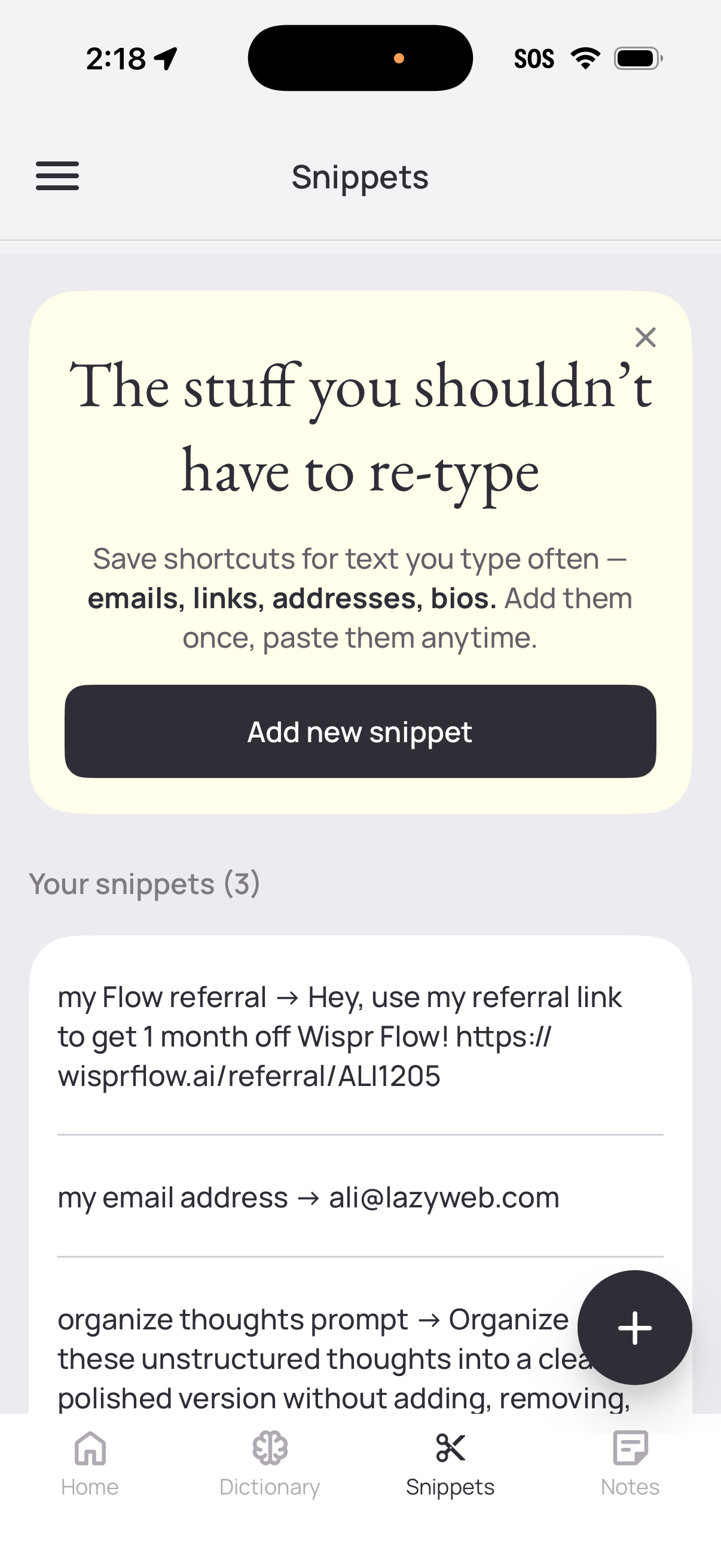
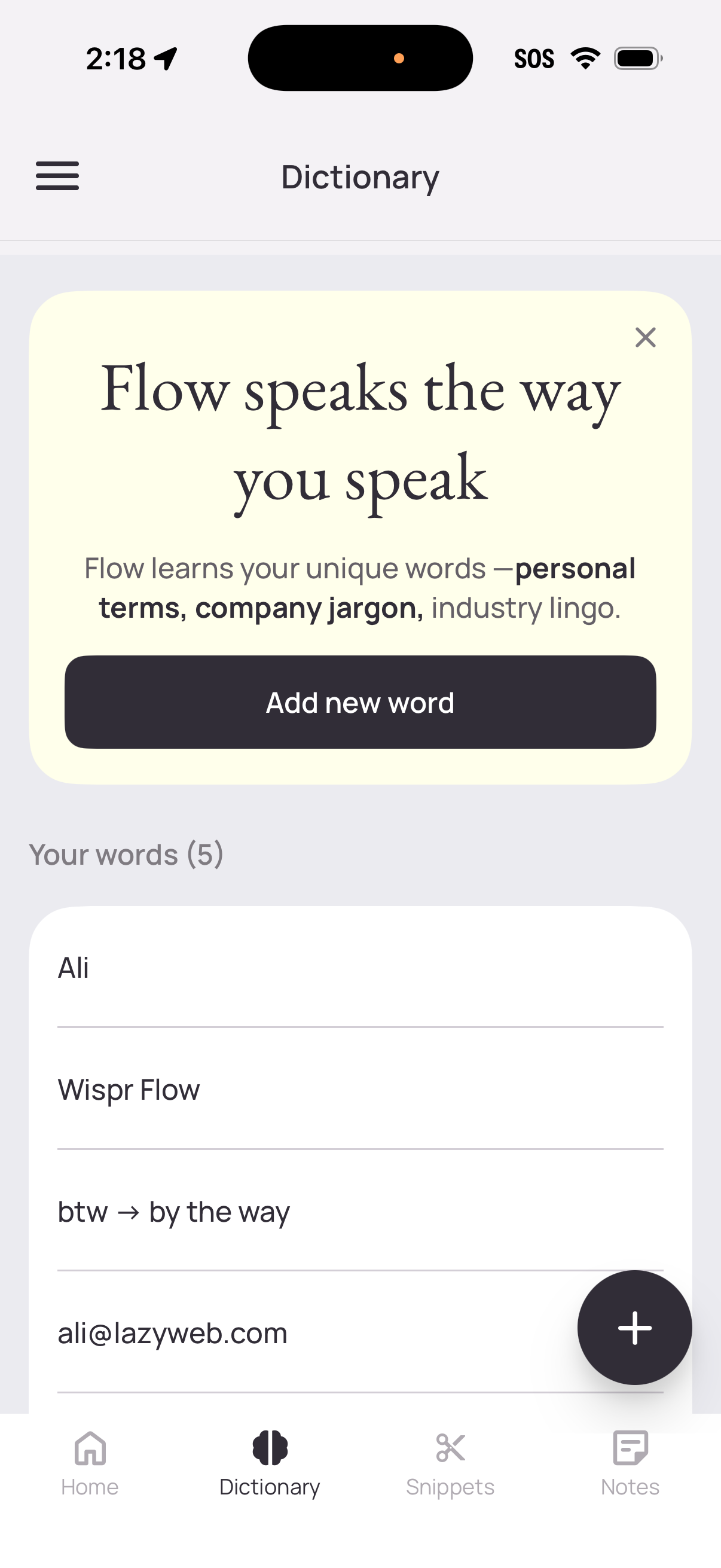
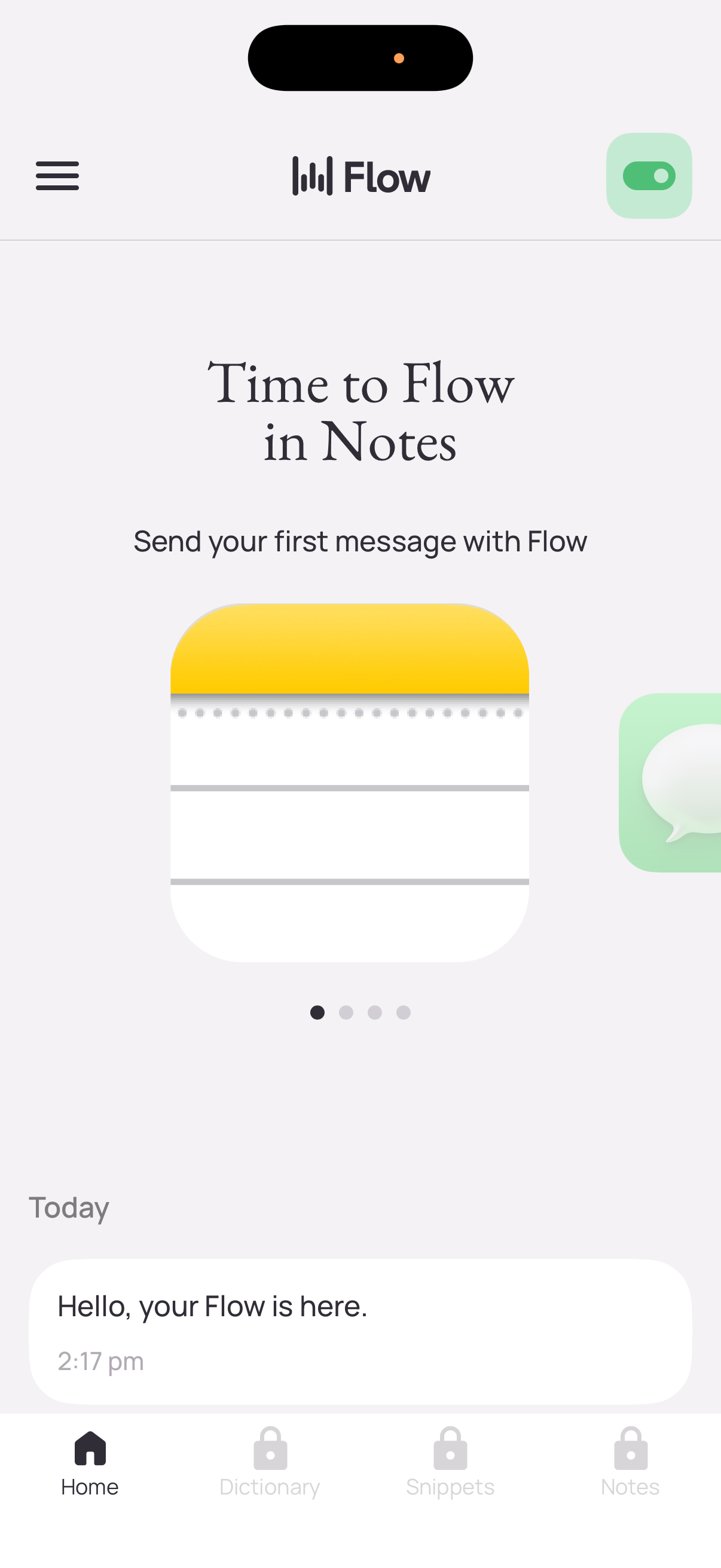
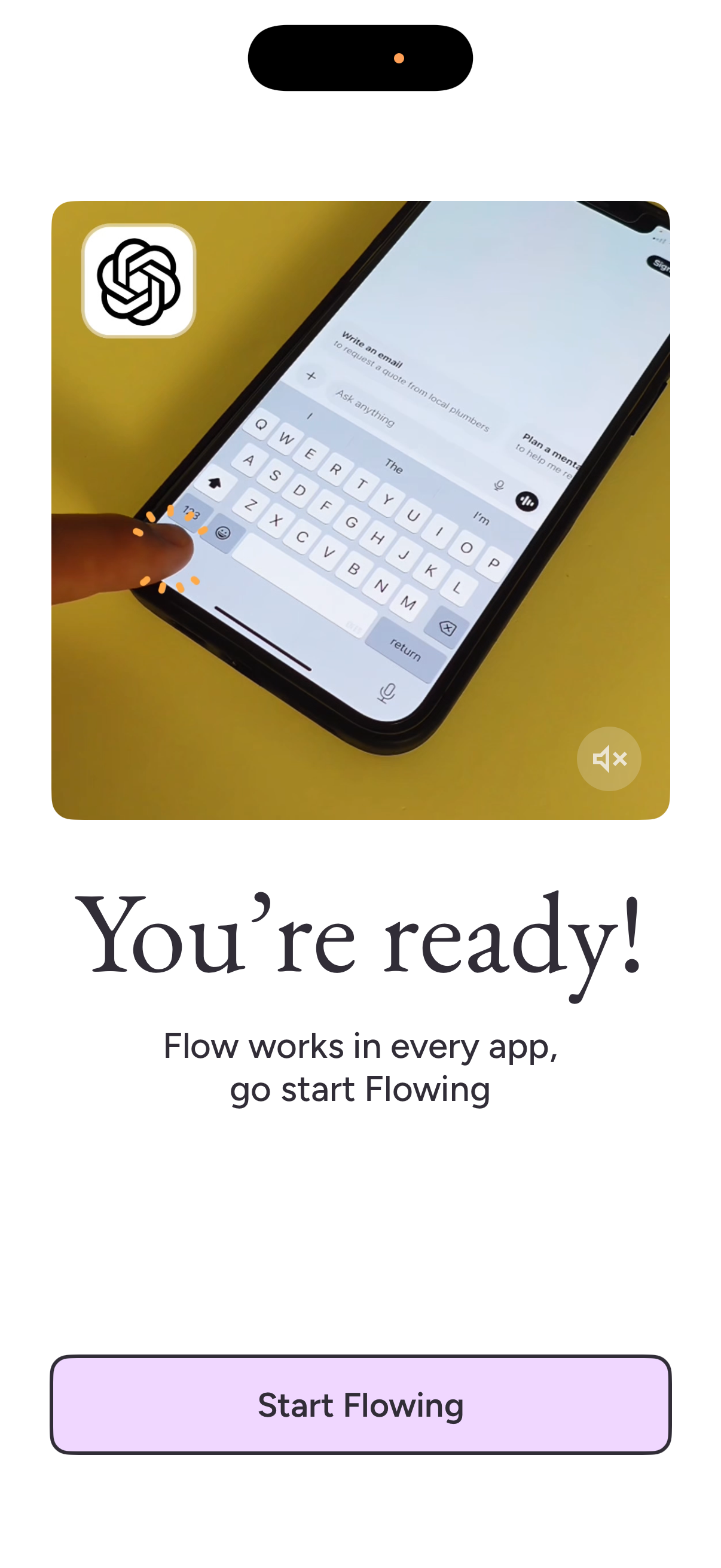
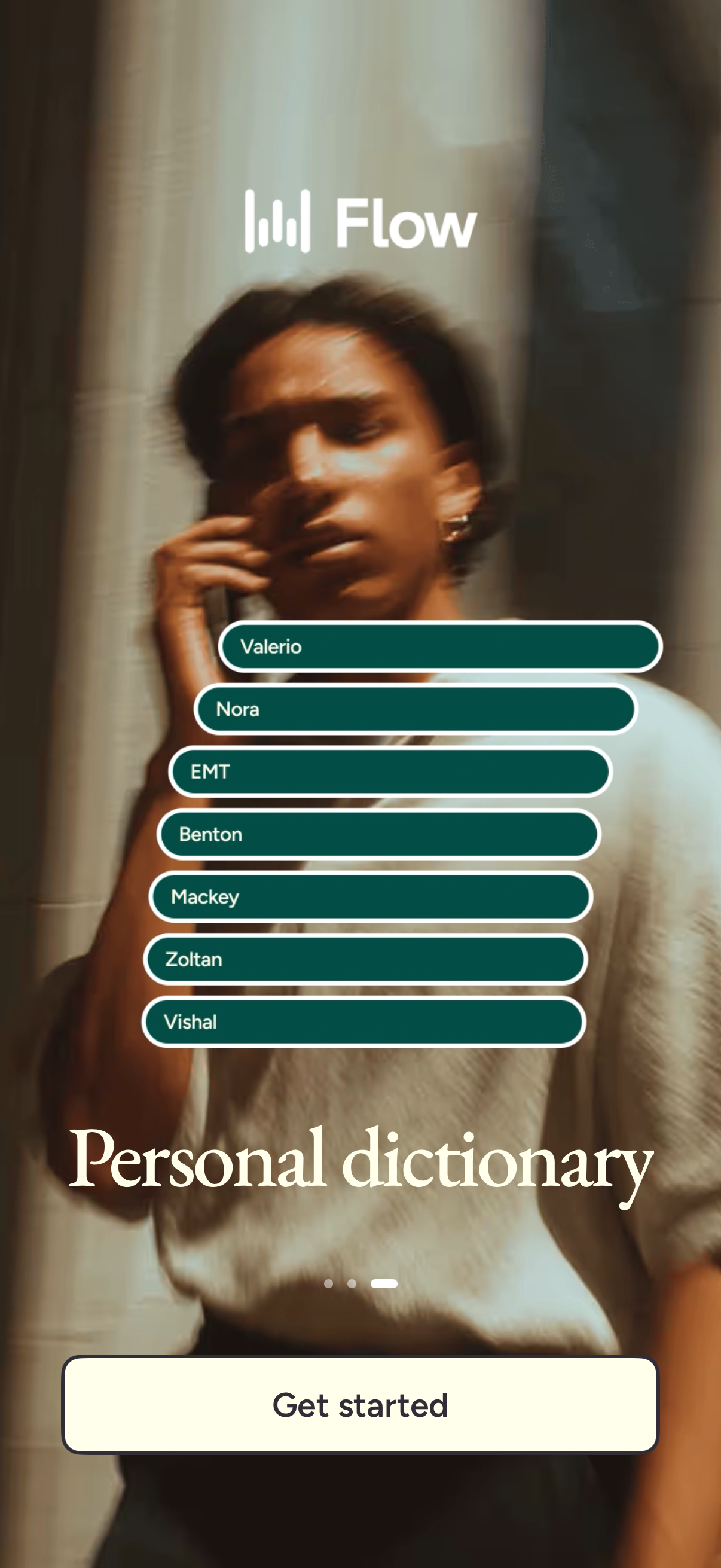
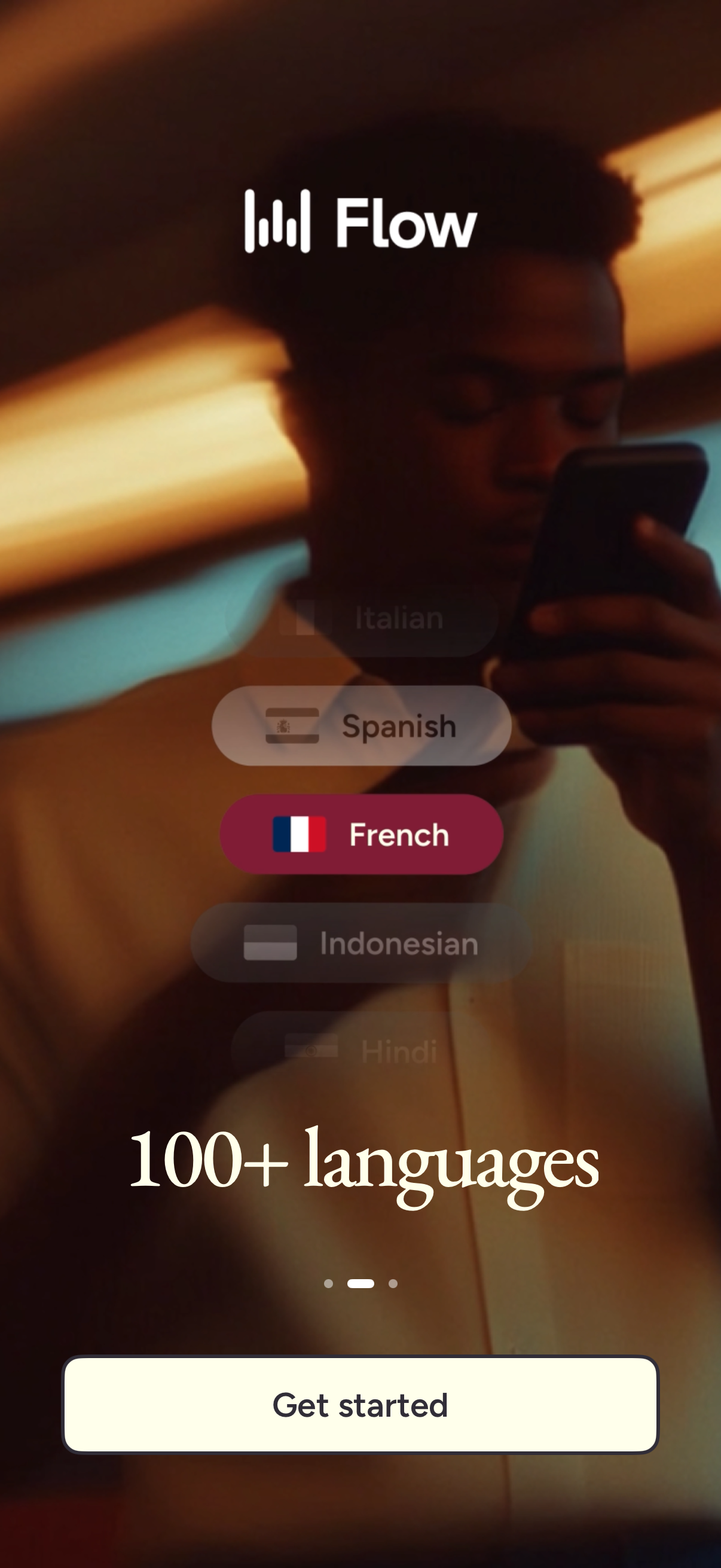
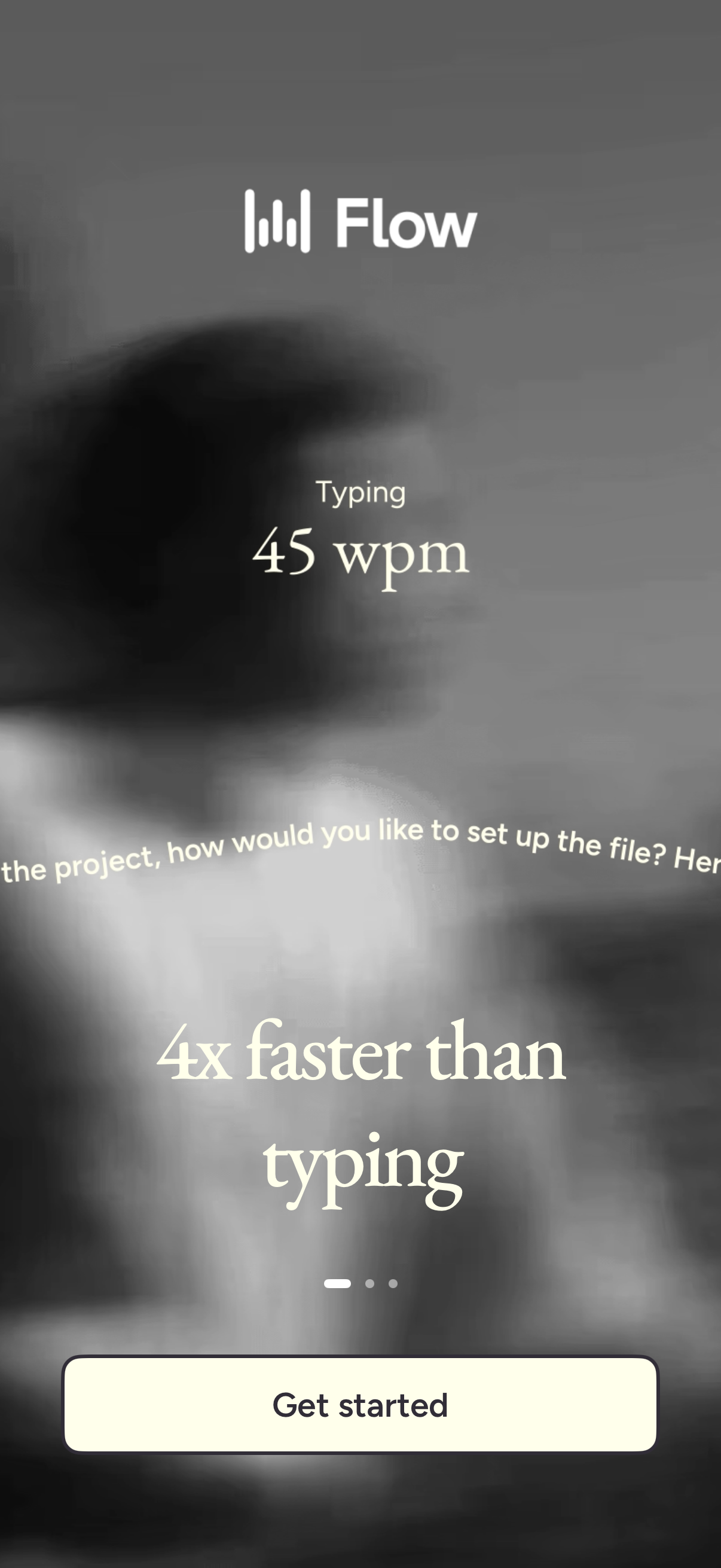
Talk naturally. Flow writes perfectly. Trusted by business leaders, creatives, students, and professionals to boost productivity every day. Wispr Flow is the AI voice keyboard and speech to text app built for speed and accuracy. It works inside any app—including Slack, Messages, Email, WhatsApp, ChatGPT, and Docs—instantly turning your spoken words into polished, formatted writing. Whether you’re taking quick notes, drafting long messages, or capturing detailed transcriptions, Flow is 4x faster than typing. Whether you are walking, commuting, or whispering around others, Flow refines and writes what you say. No filler words, no autocorrect fumbles, no awkward phrasing. Just fast, fluent writing that sounds like you. Why people choose Flow •World’s best voice‑first keyboard: Write with your voice in every application. Flow adapts tone and formatting for email, texting, and more. •AI‑polished output: Your voice, cleaned up and ready to send. No edits required. •Works in every app: From email to iMessage to Slack and Notion. •Natural talking only: No weird commands. Flow handles punctuation and formatting for you. •Learns your lingo: Add custom names, acronyms, and phrases with your personal dictionary. •Whisper to it: Dictate quietly without disturbing anyone nearby. •Quick capture notes: Use the shortcut to save ideas instantly and sync with the desktop app. •100+ languages supported. Great for •Replying to emails while walking the dog •Drafting long documents on your commute •Responding to your team with full context, hands‑free •Capturing ideas after meetings or before bed Free to use with a weekly word limit. Upgrade to Pro for unlimited dictation and advanced features. Syncs with desktop apps on Mac and Windows. TERMS, PRIVACY & CONDITIONS Read on https://wisprflow.ai/terms-of-service and https://www.apple.com/legal/internet-services/itunes/dev/stdeula/
Compare competitors with Lazyweb
Search every screen, flow, and UX pattern in one place.