
up-ahead screenshots
Explore up to date settings, dashboard, onboarding, notifications, and paywall flows from up-ahead and more on Lazyweb.
up-ahead app screenshots and user flows
Browse up-ahead screens, user flow examples, and UI patterns. Explore settings, dashboard, onboarding, notifications, and paywall flows inside Lazyweb's 100k+ screen design research library for competitive analysis and benchmarking.
Lazyweb is a blazing-fast design research library with 100k+ real app screens, user flow examples, UI patterns, and product design patterns for competitive analysis and benchmarking.
Screenshots
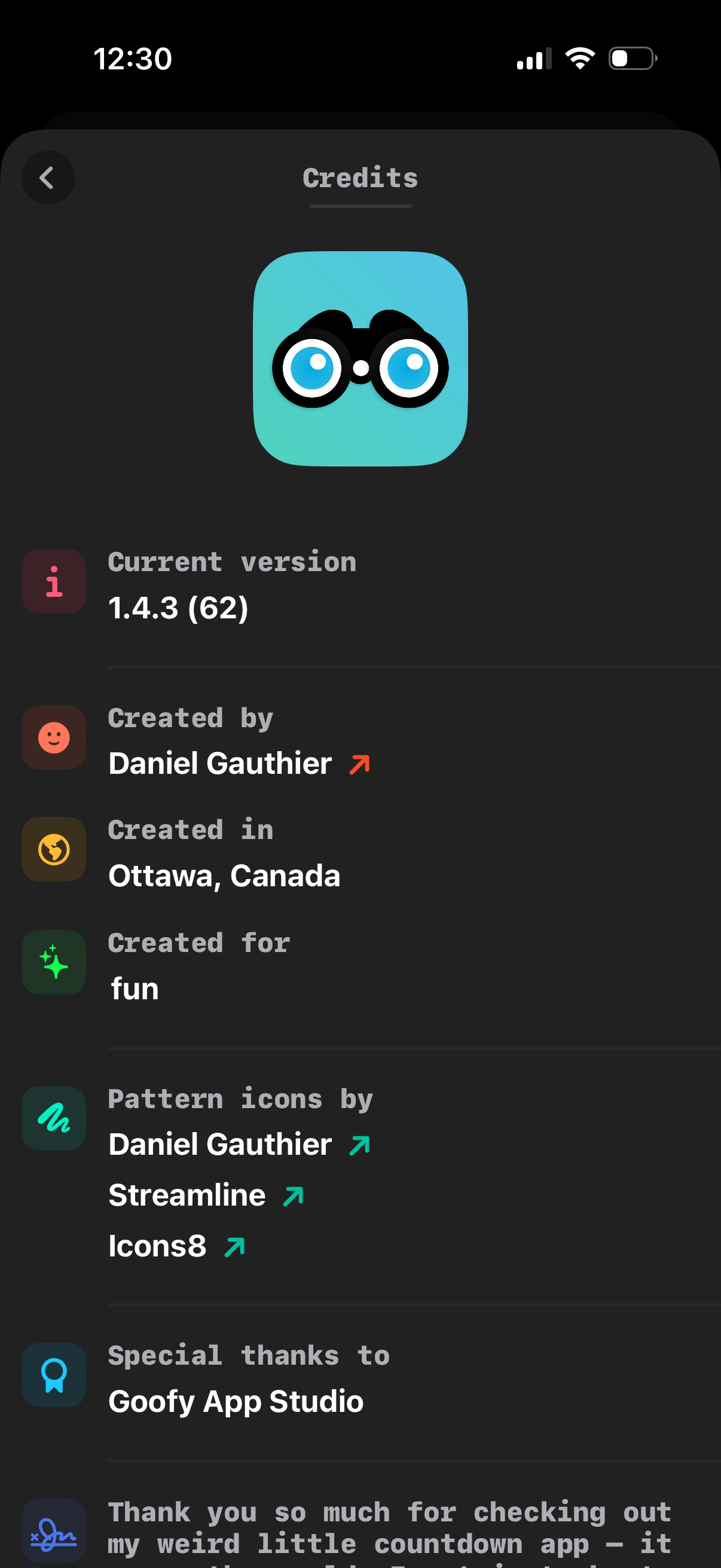
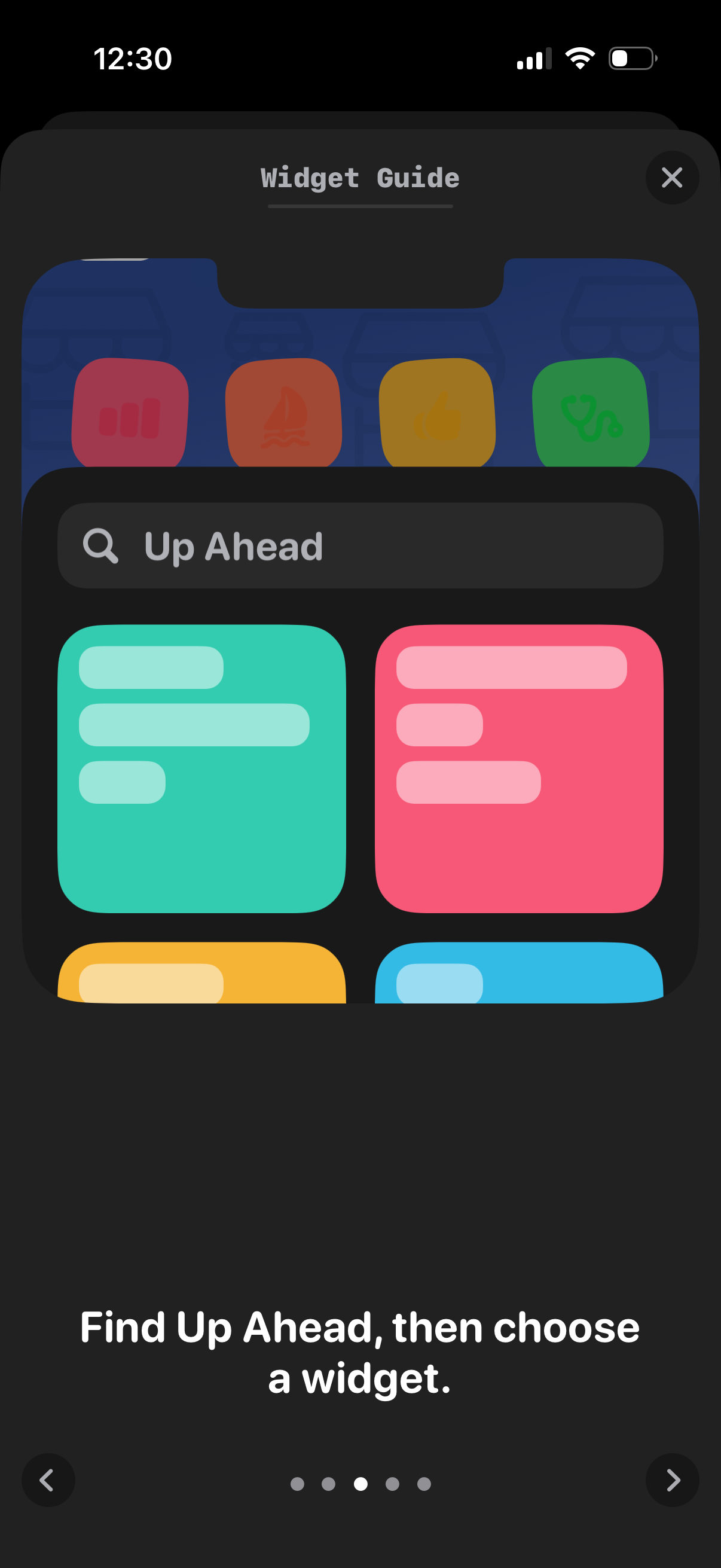
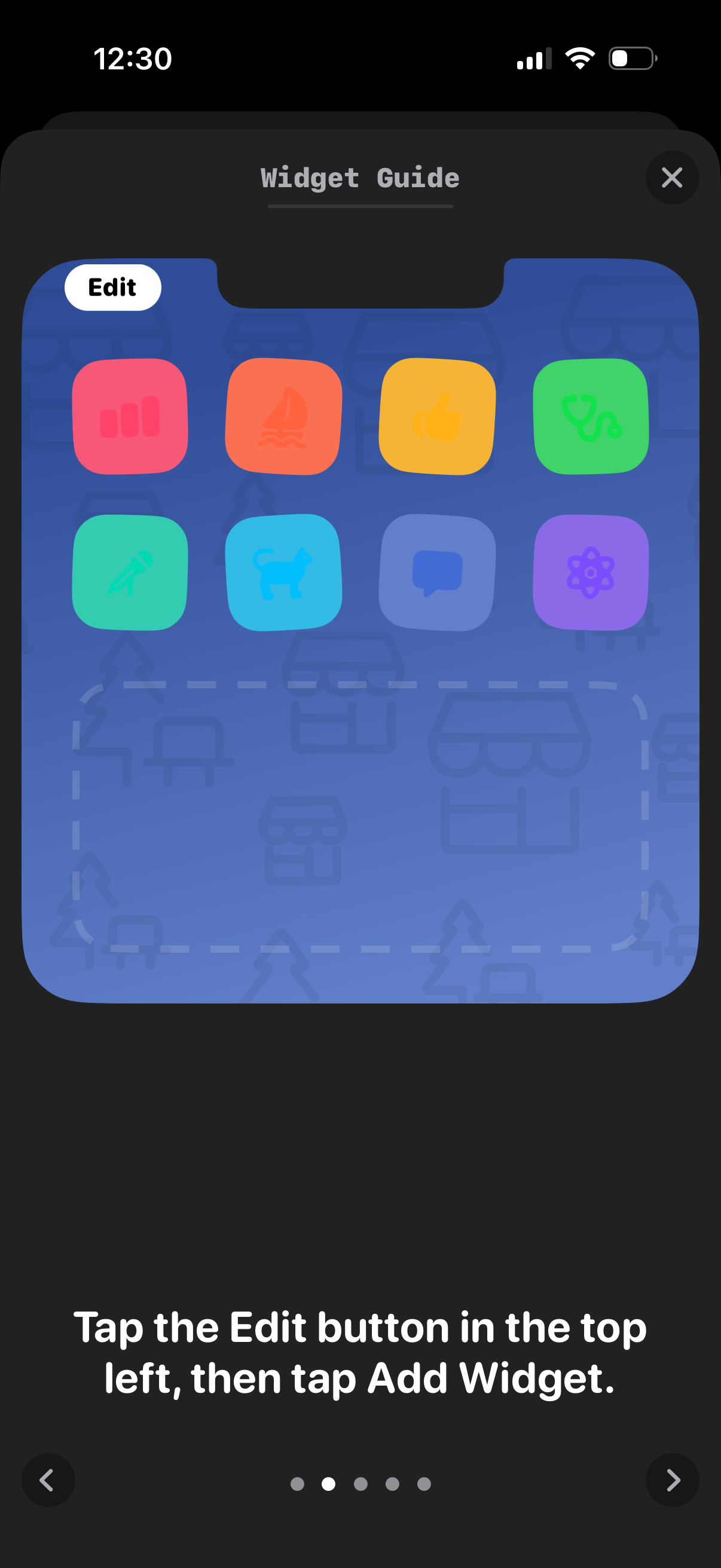
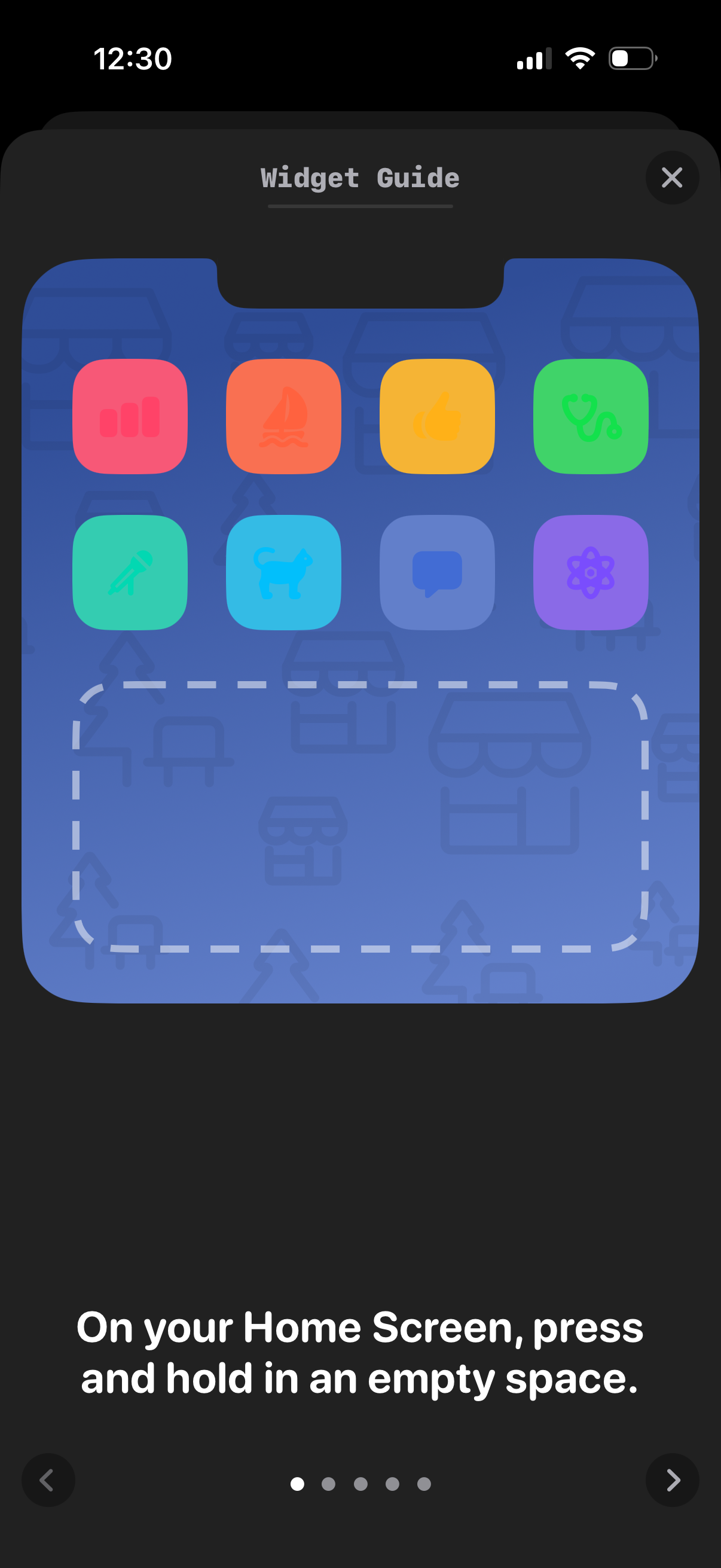
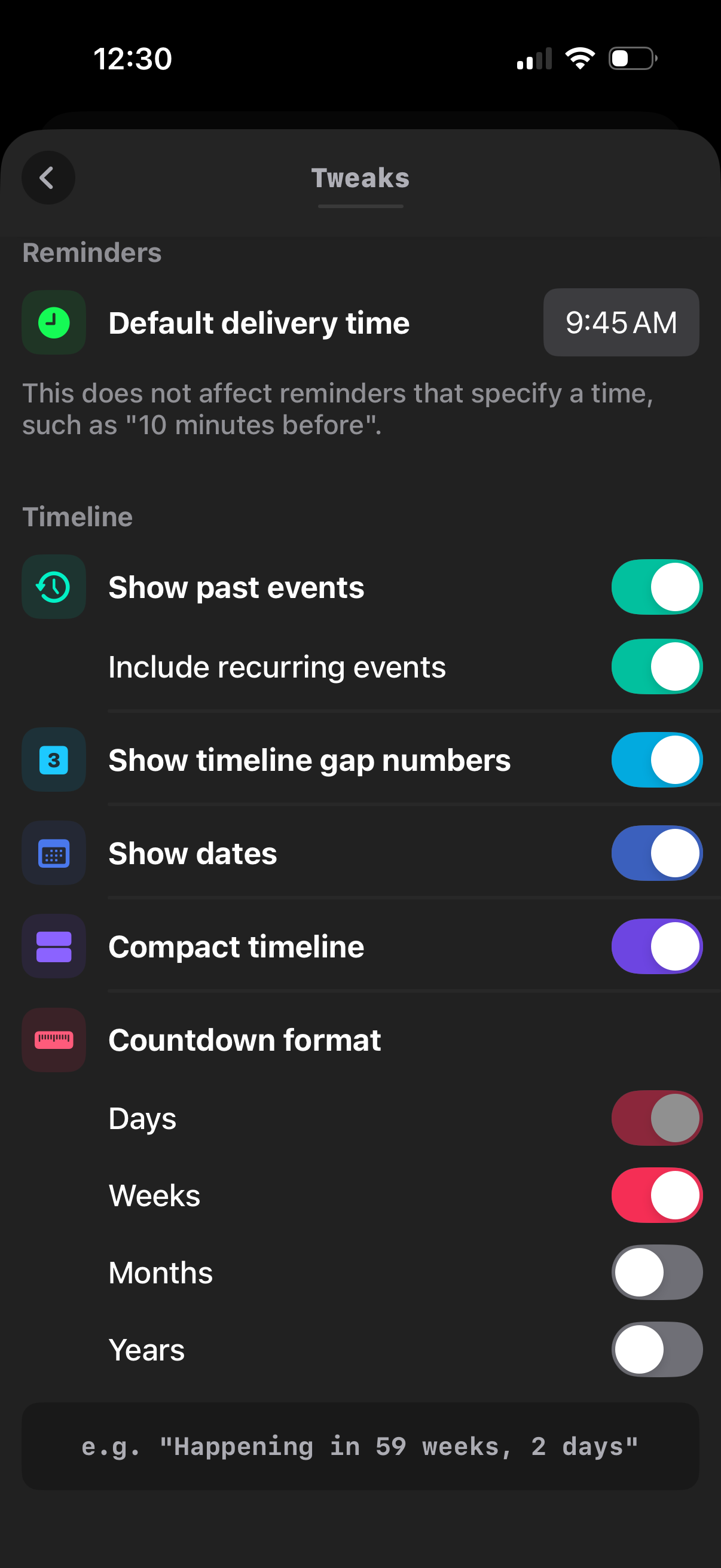
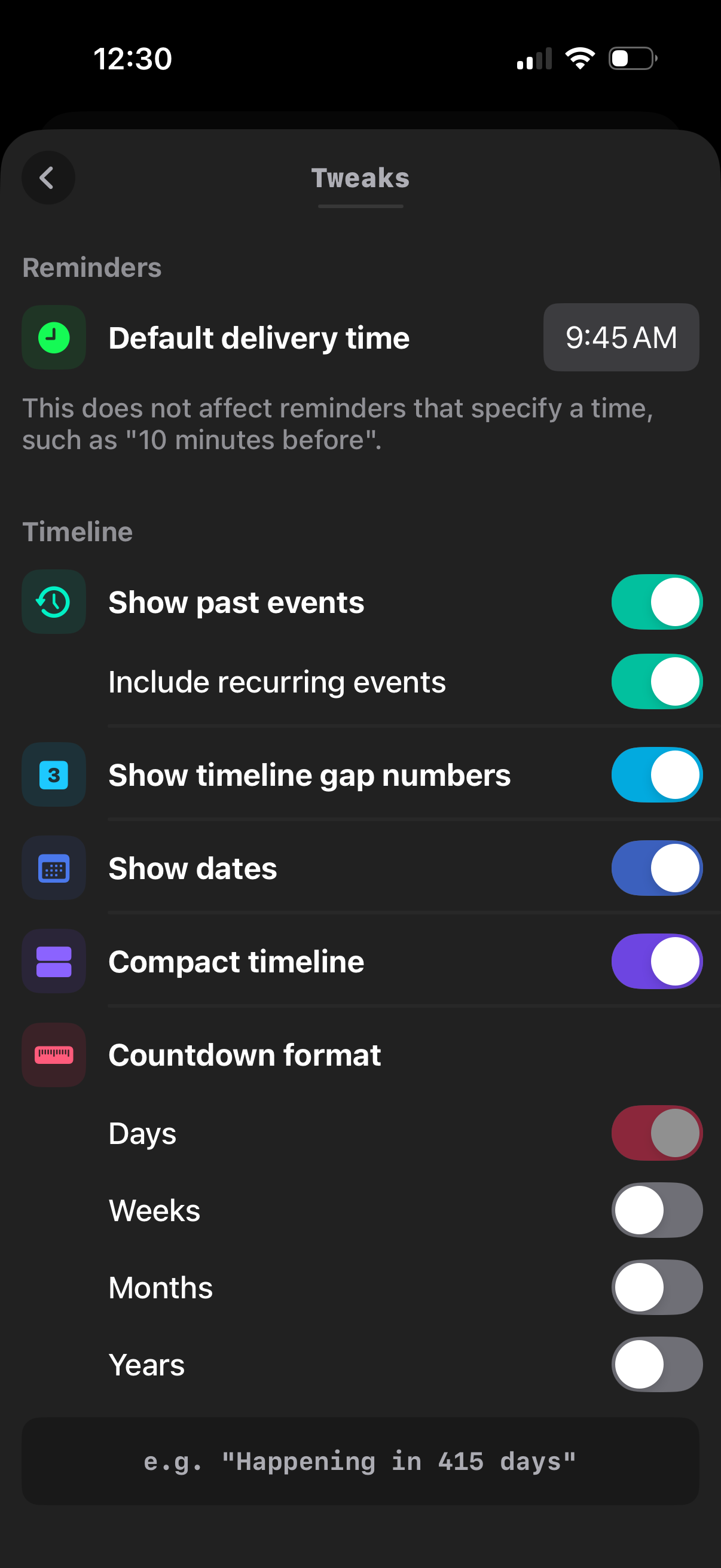
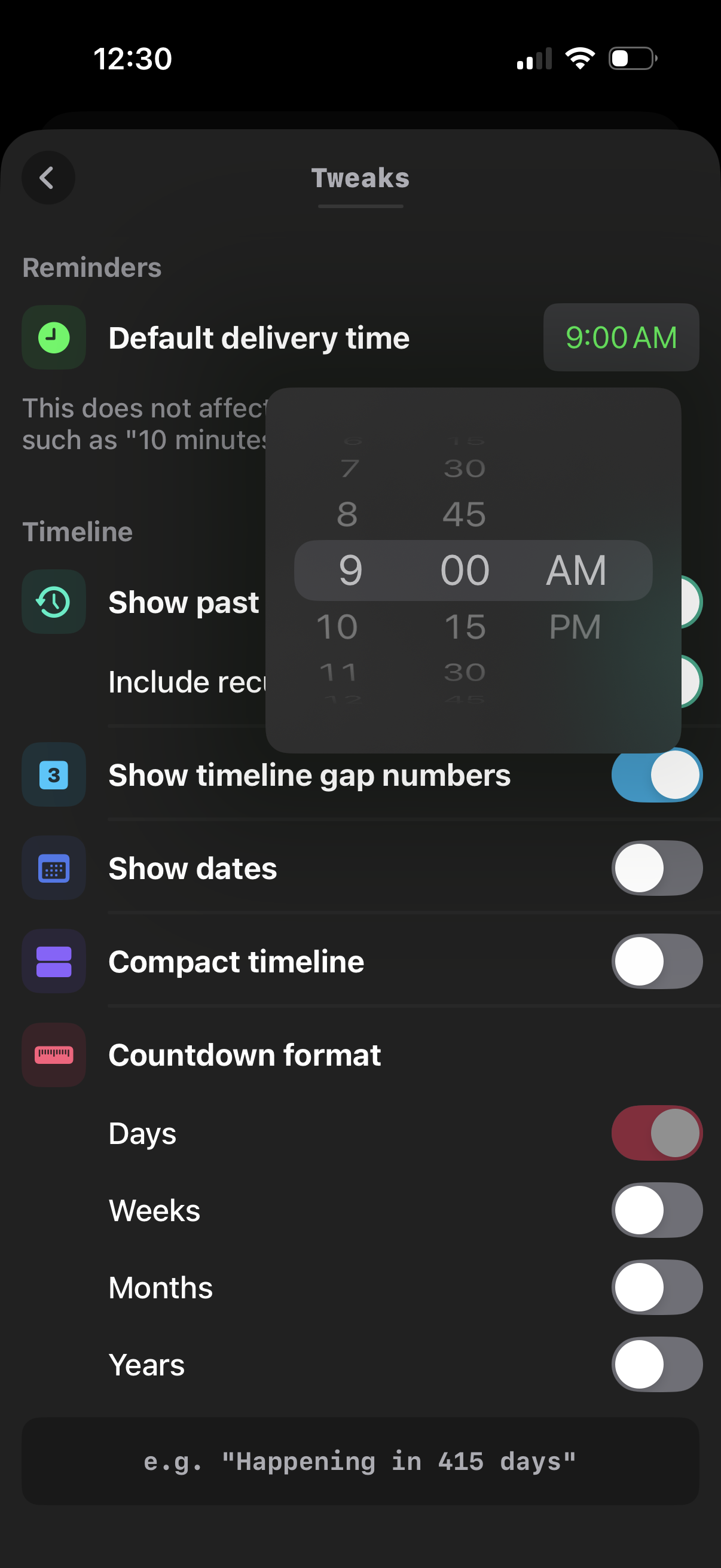
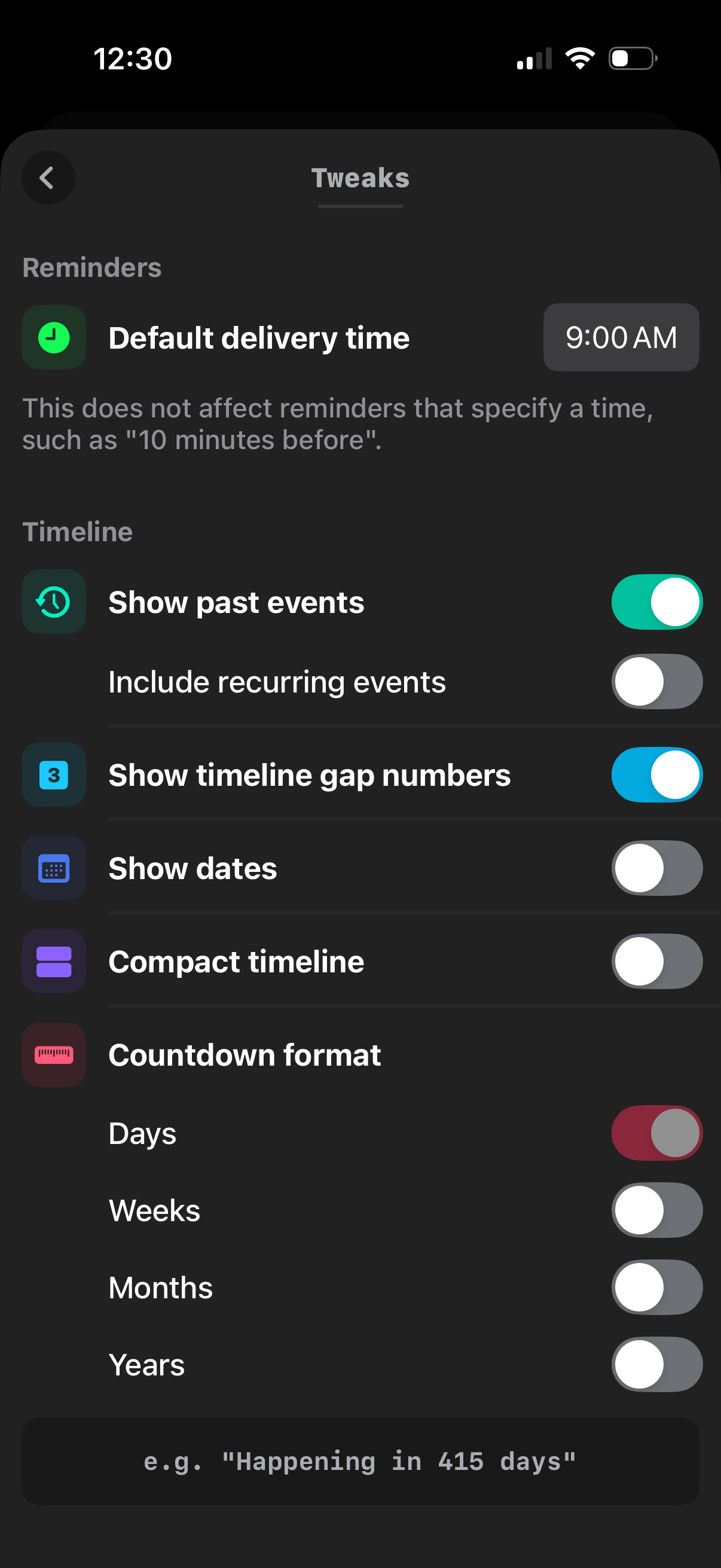
The first 5 screenshots are shown in full. Additional screens are blurred previews.













Company metadata
App Store description
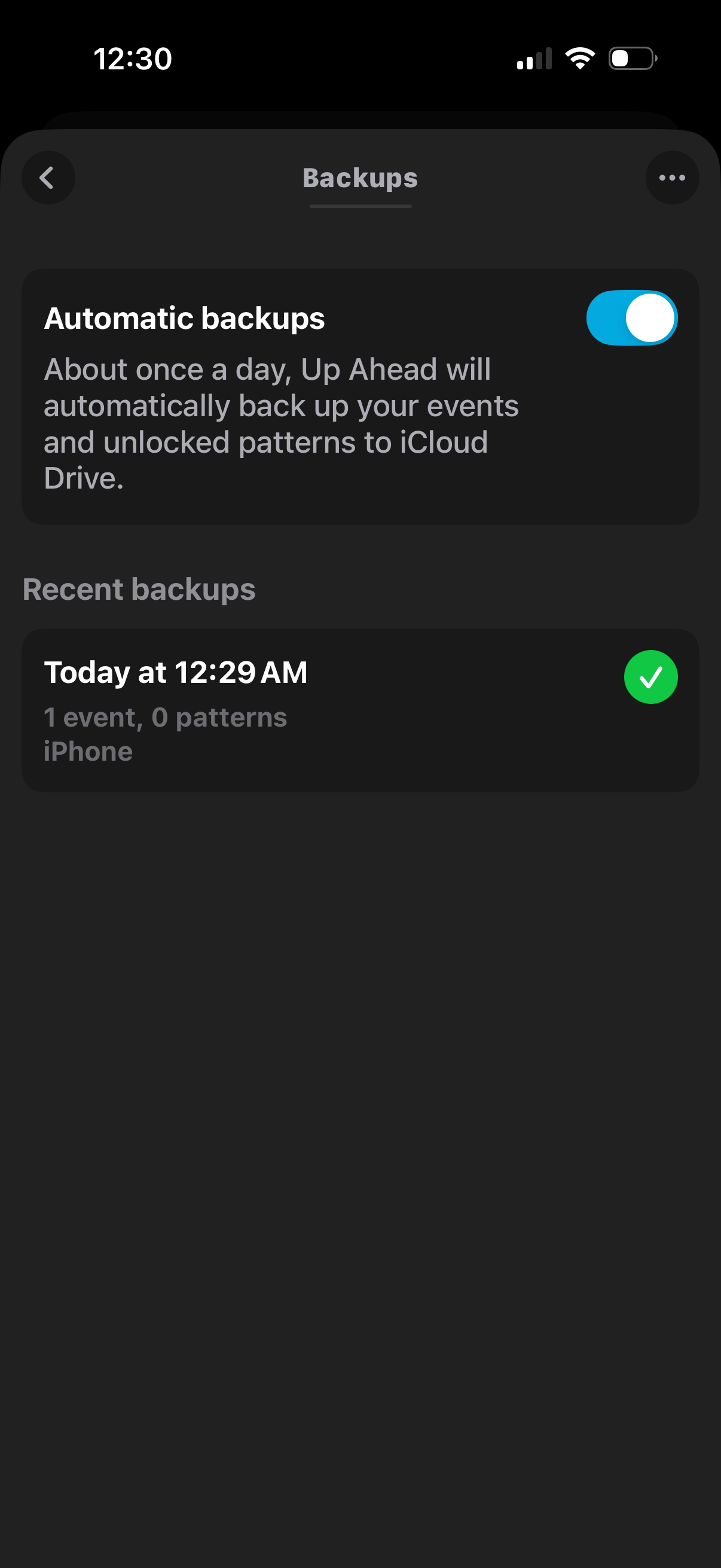
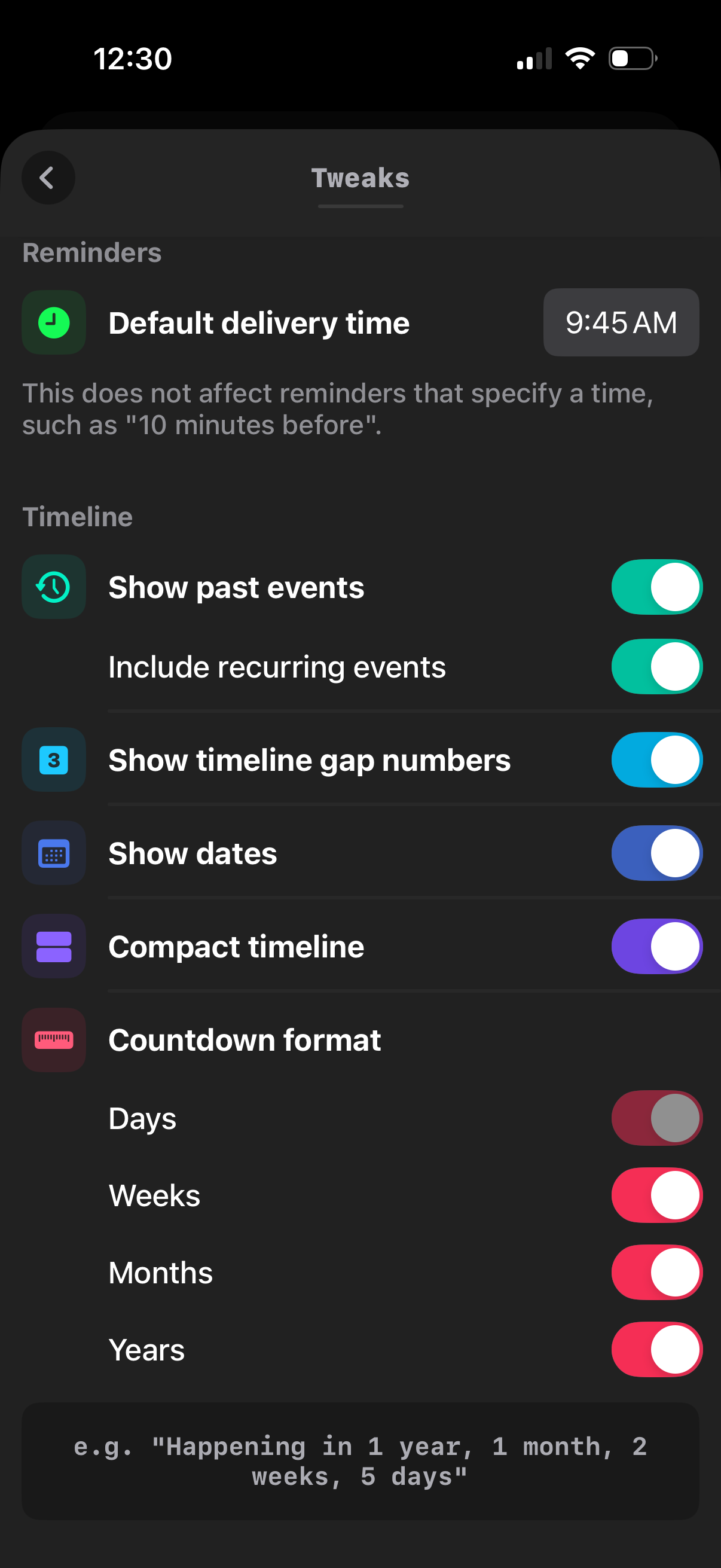
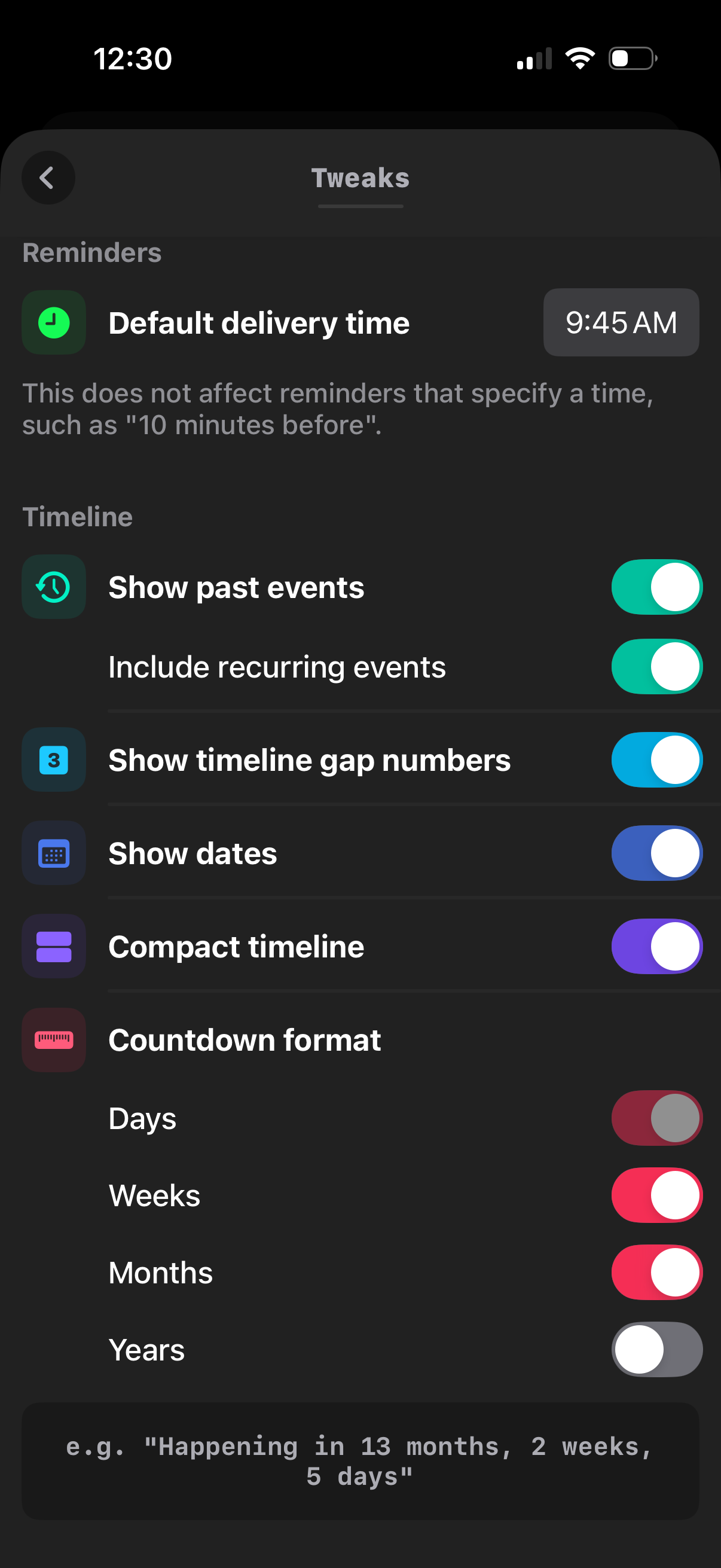
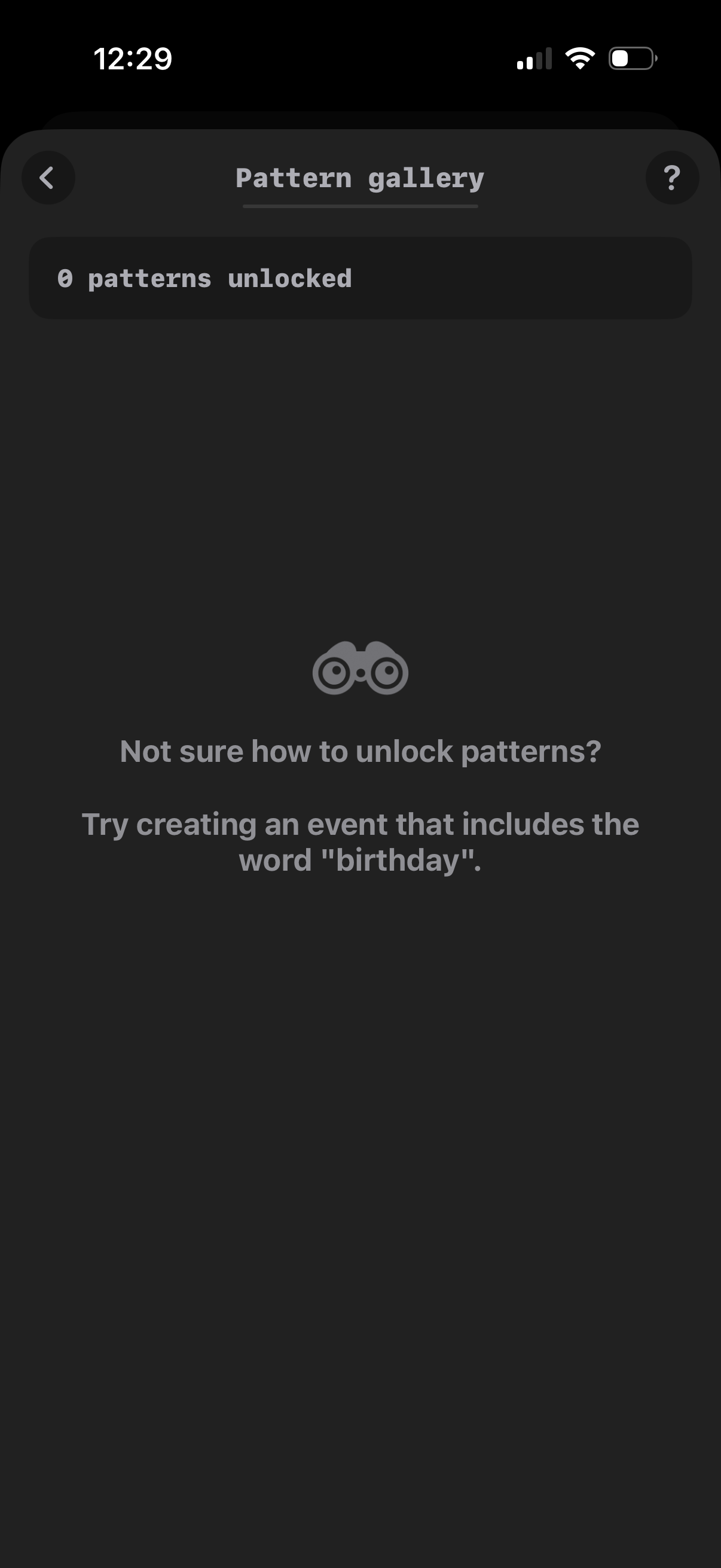
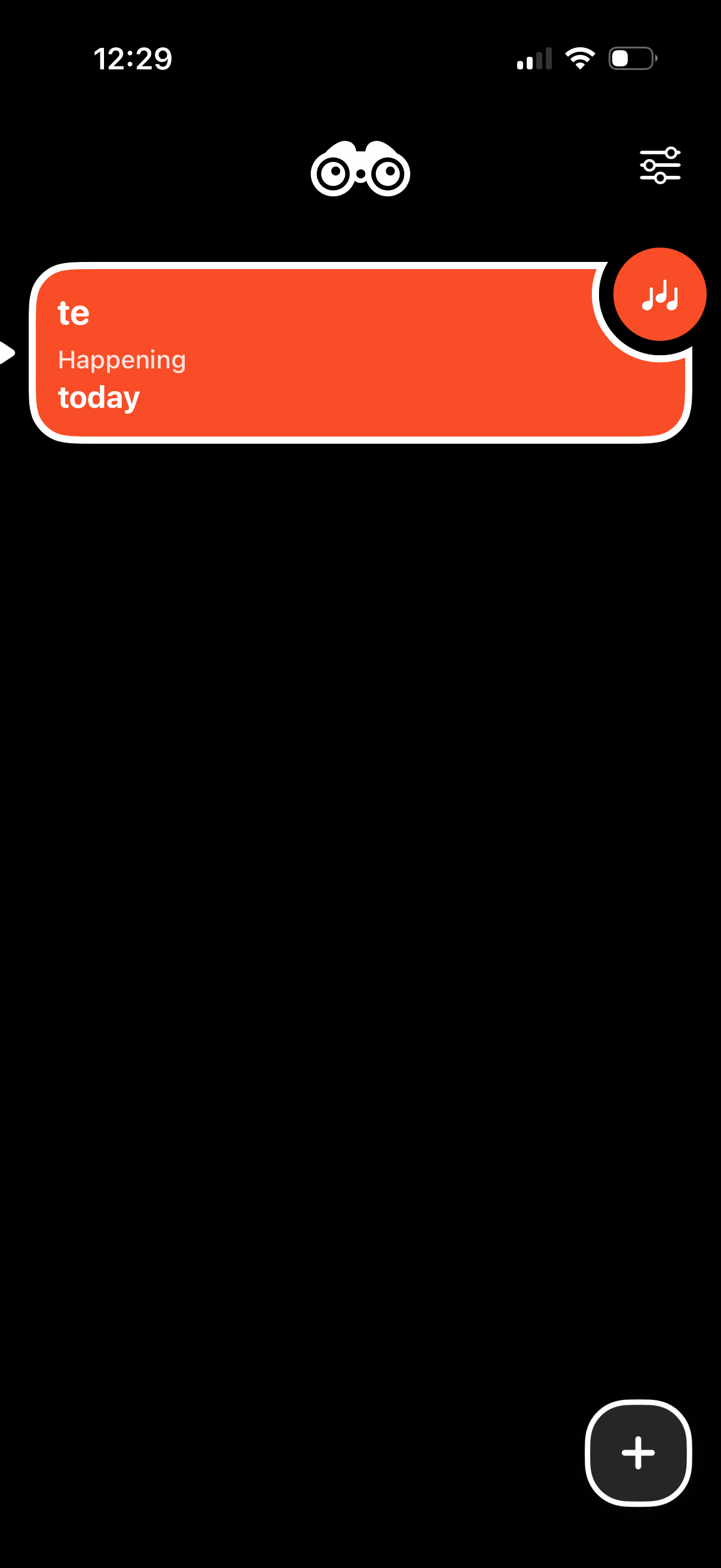
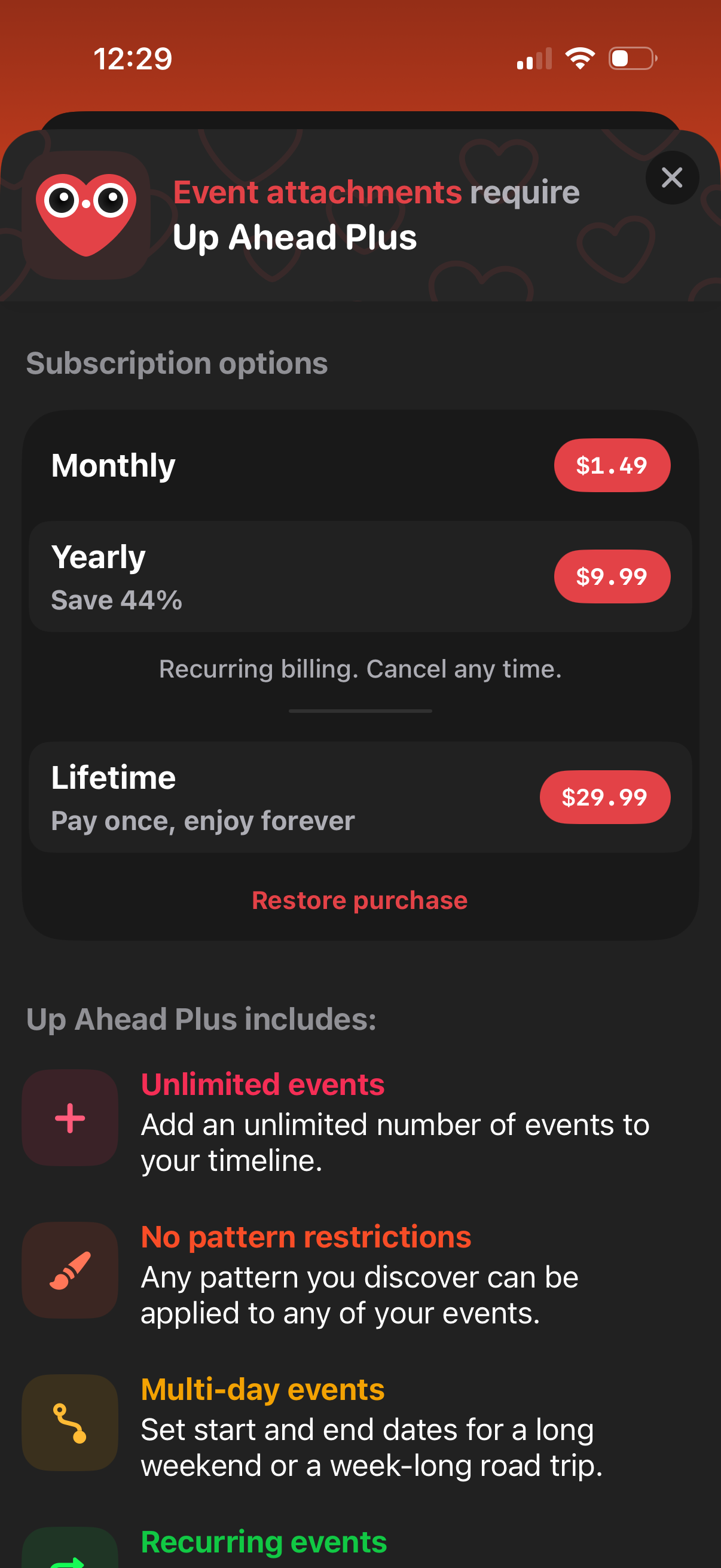
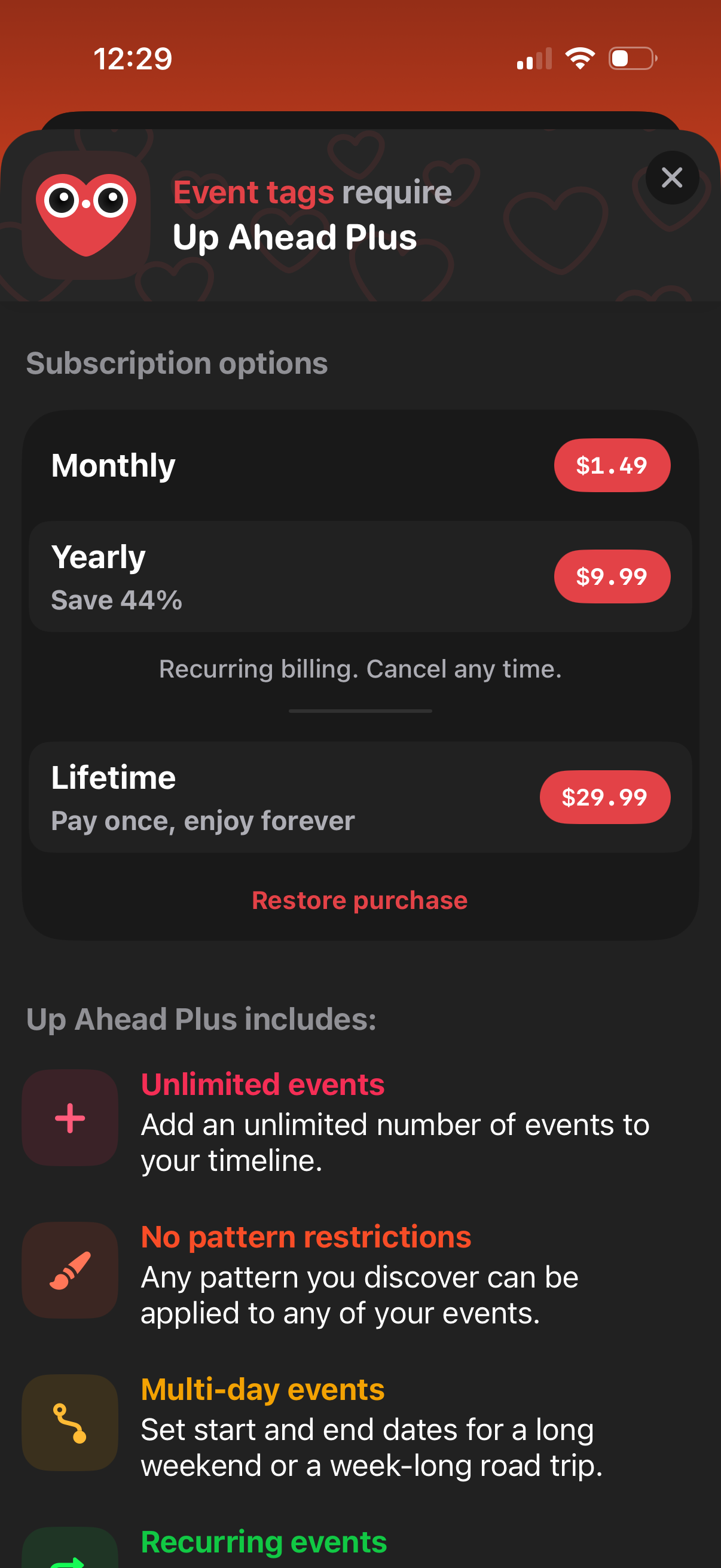
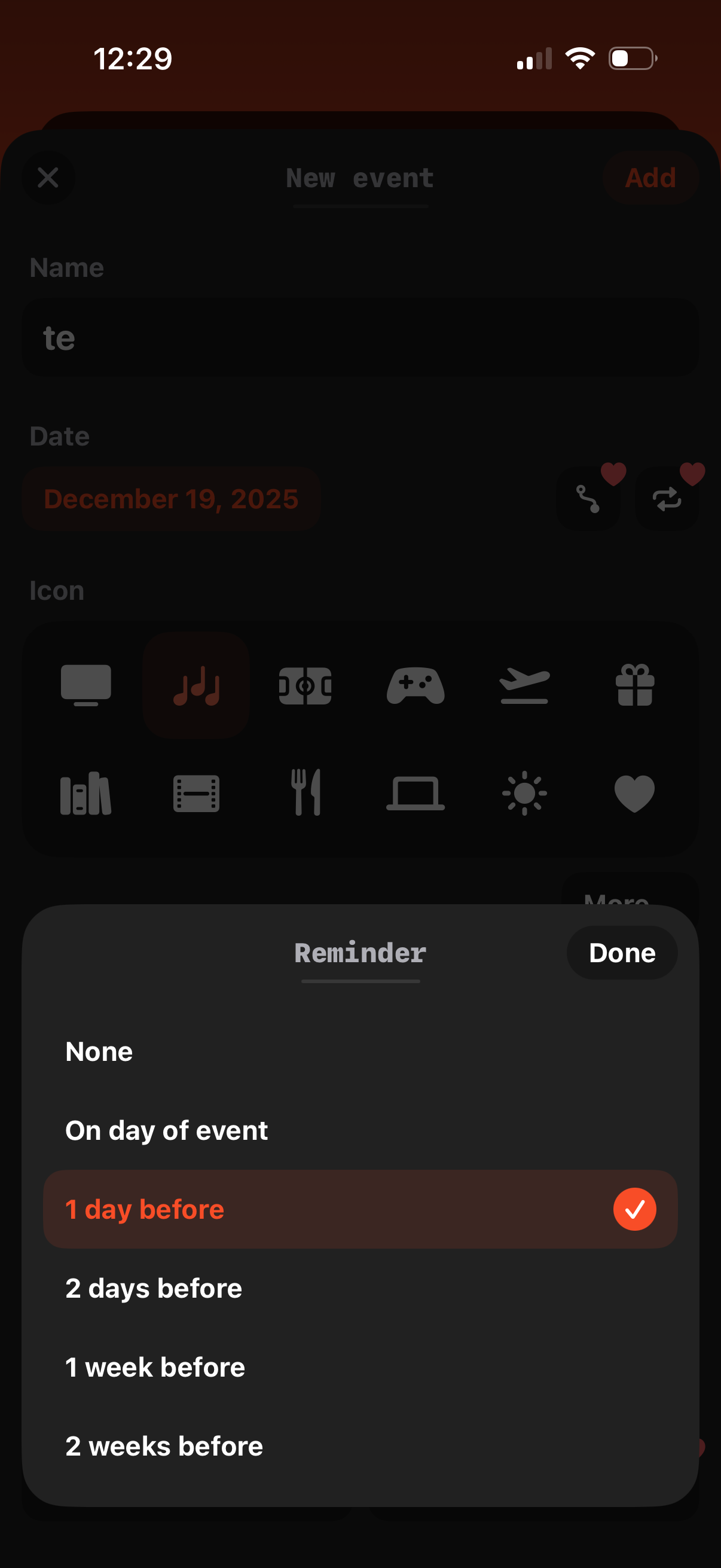
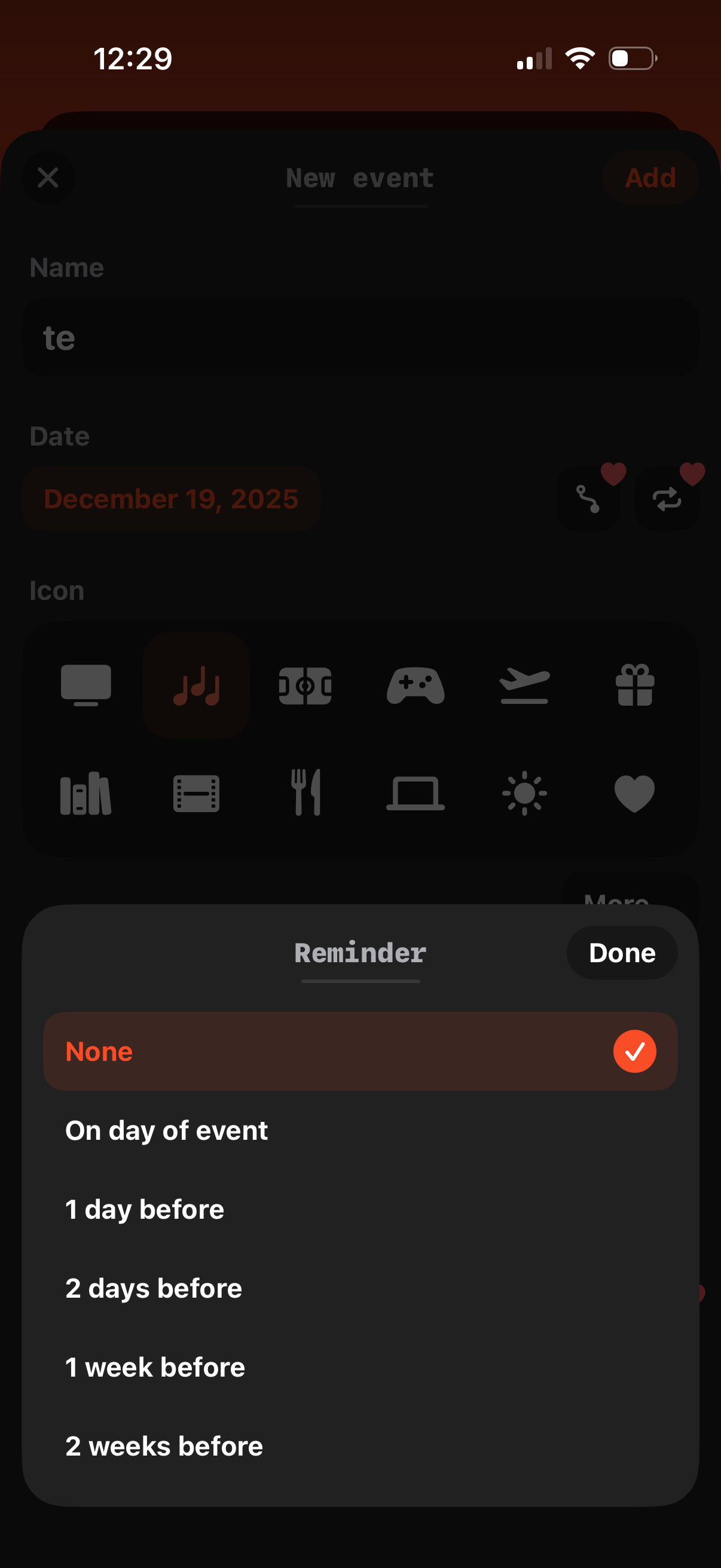
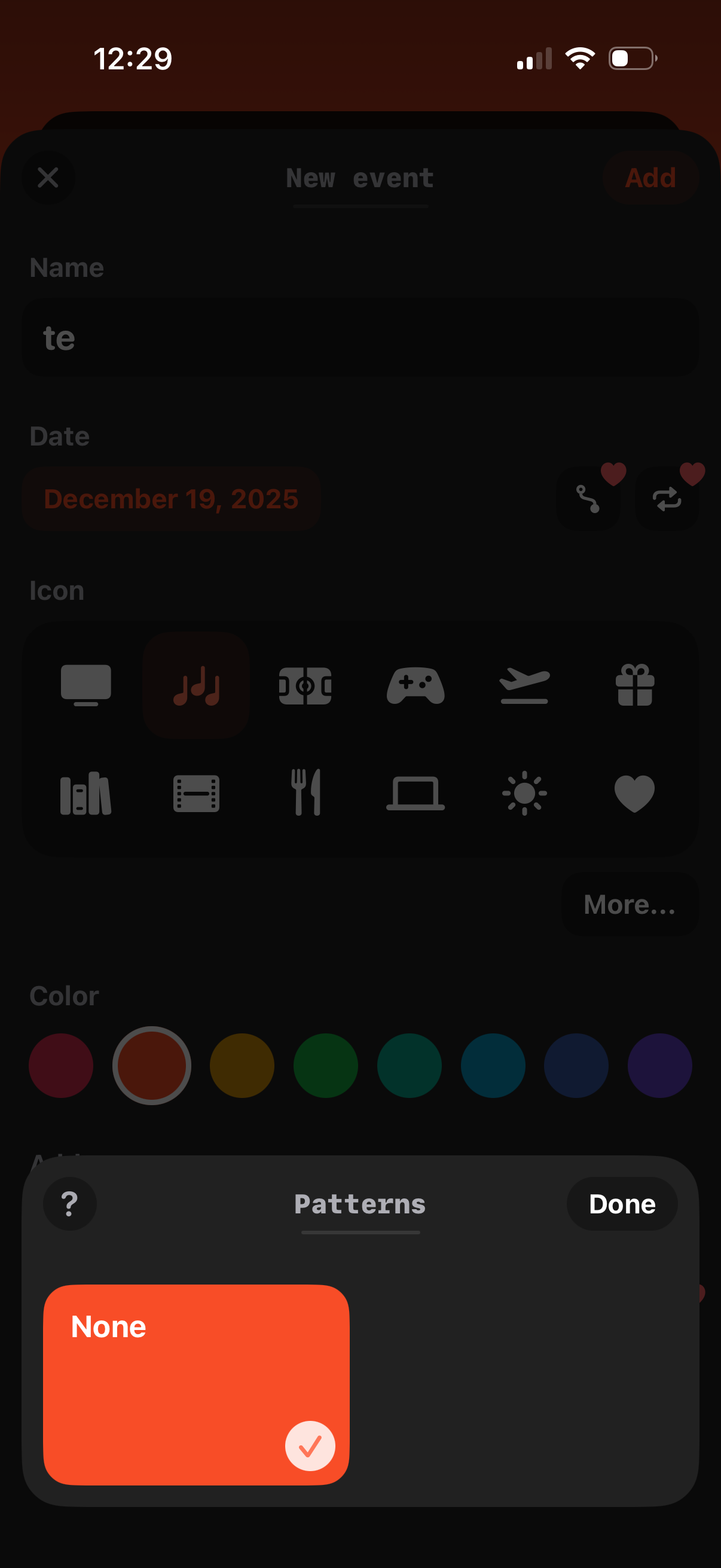
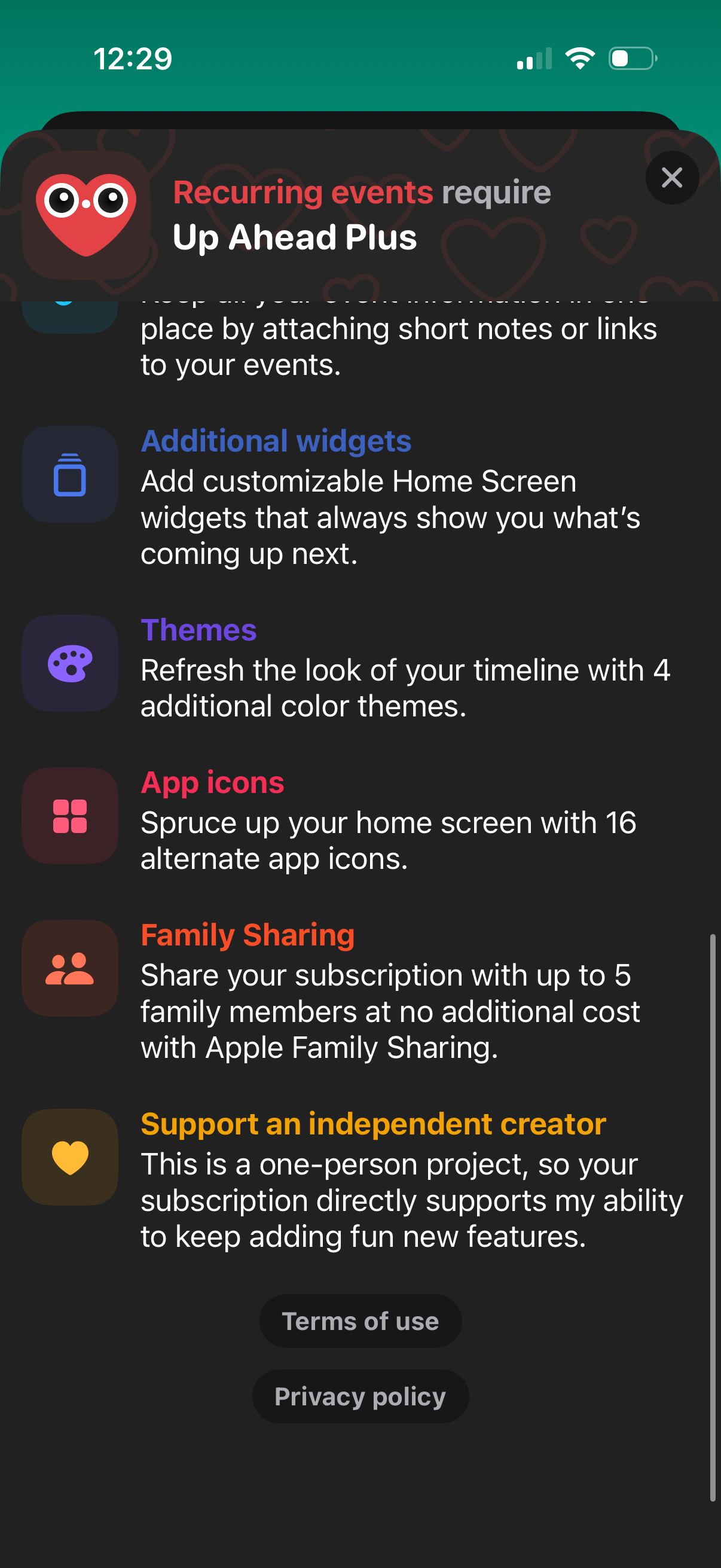
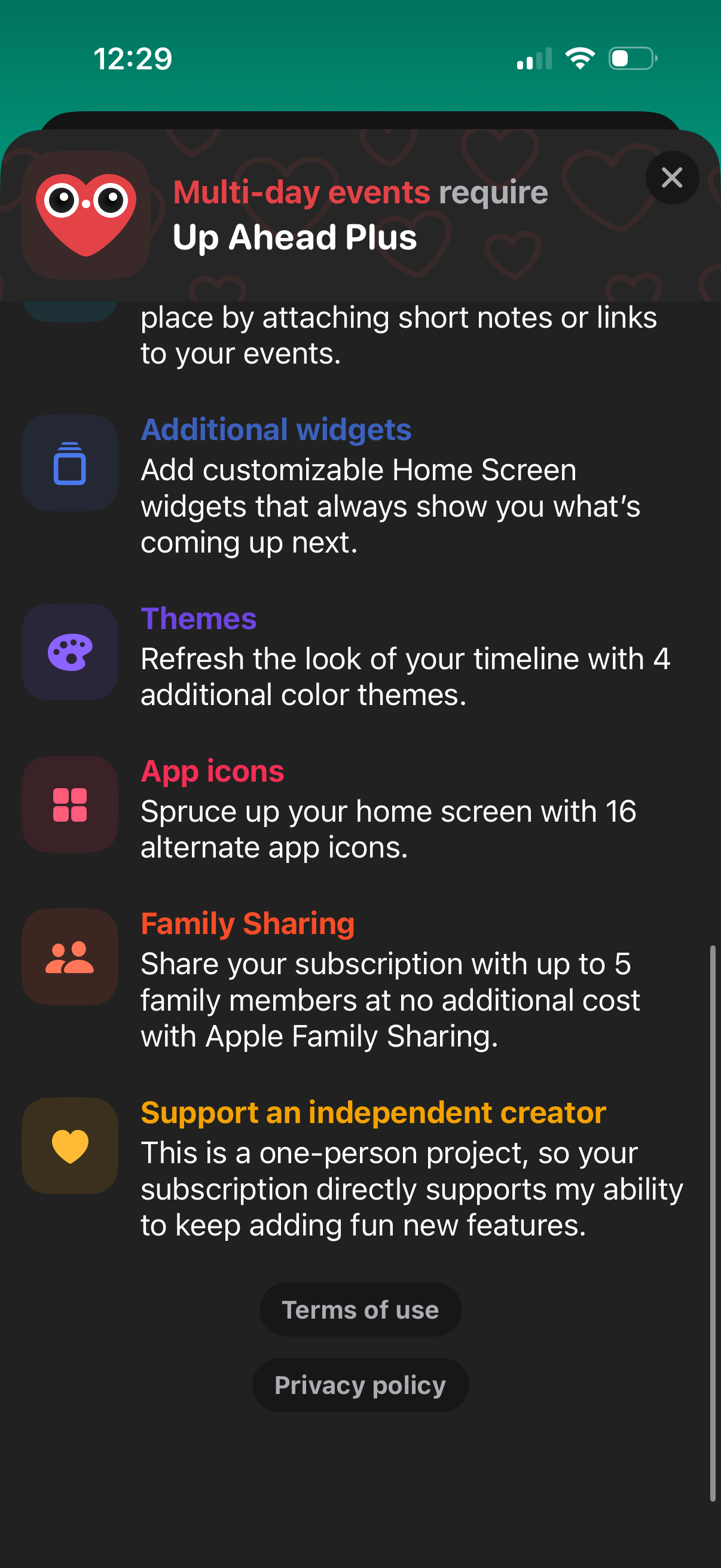
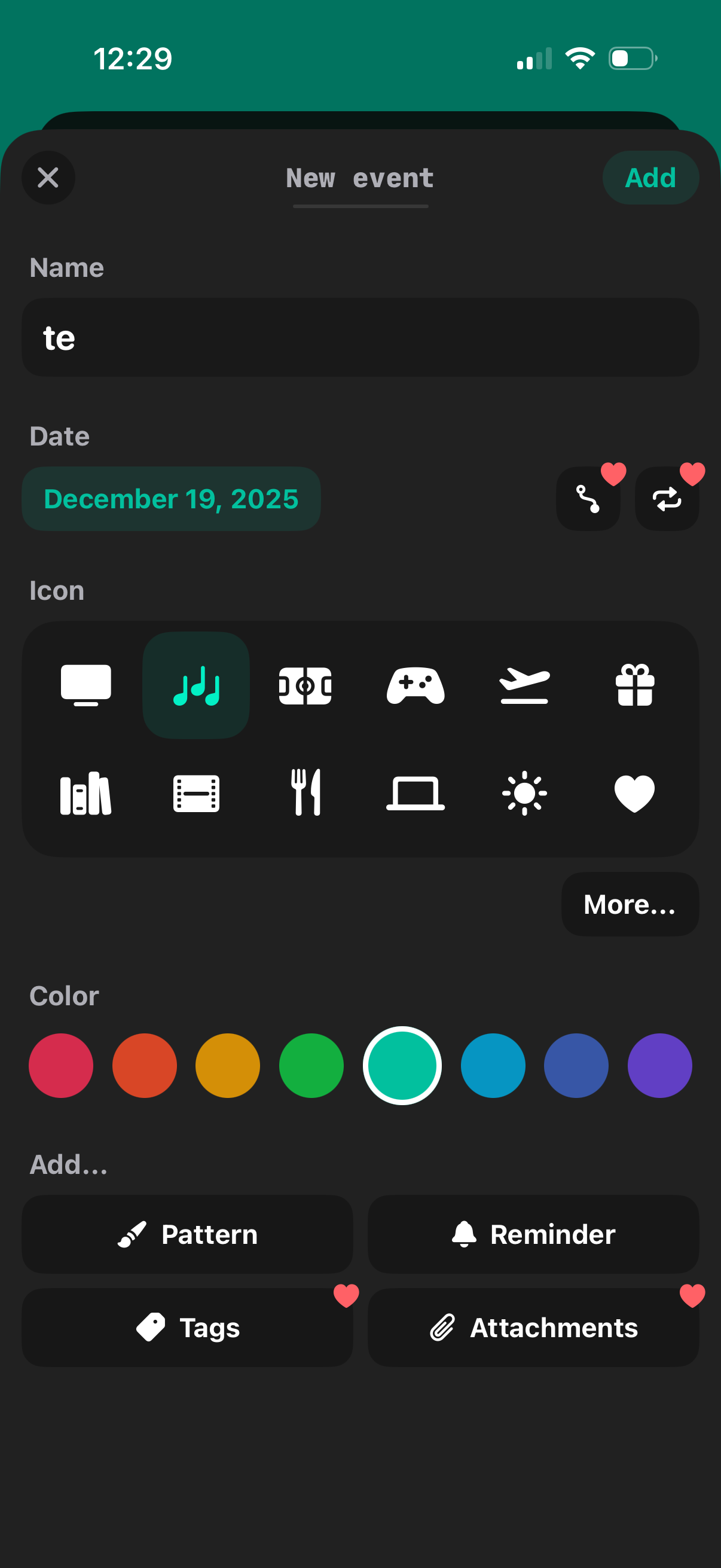
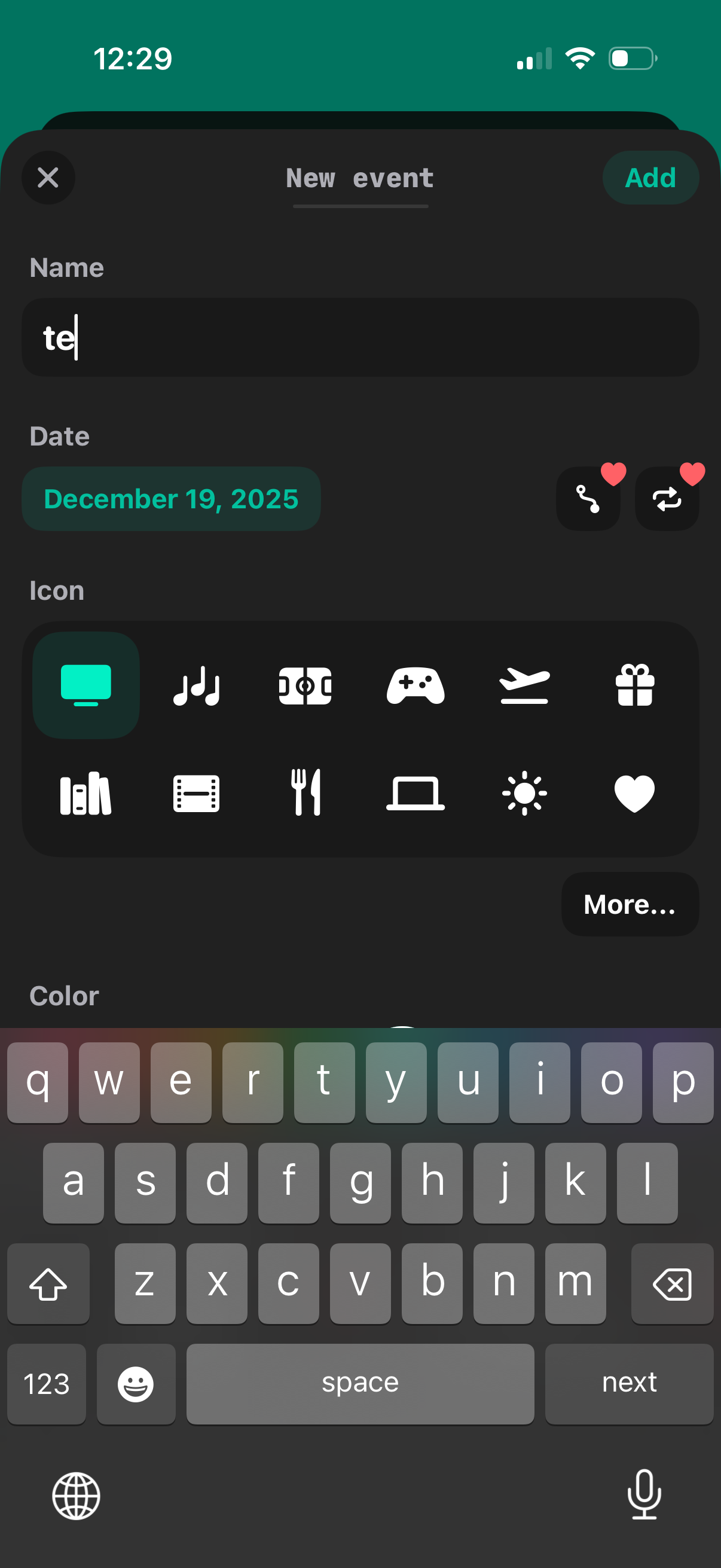
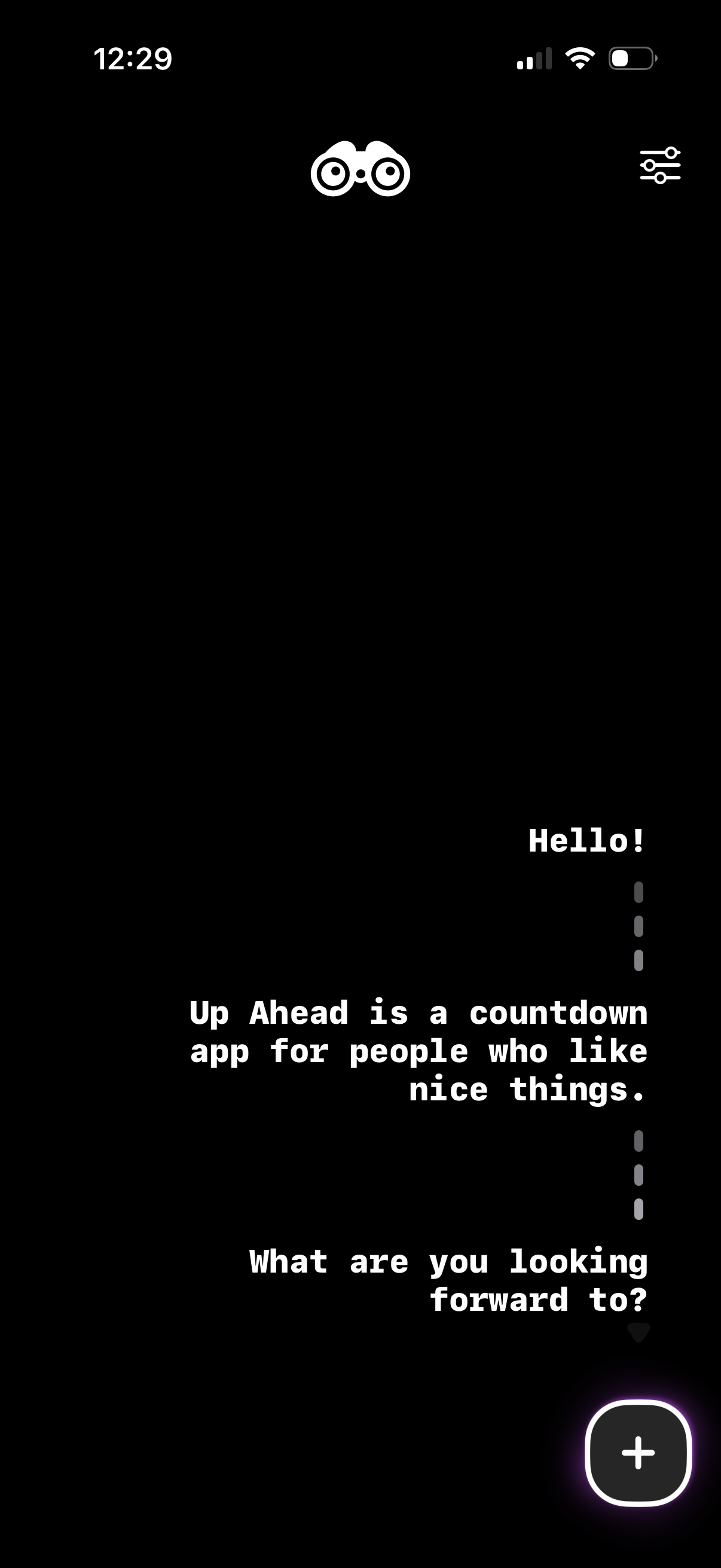
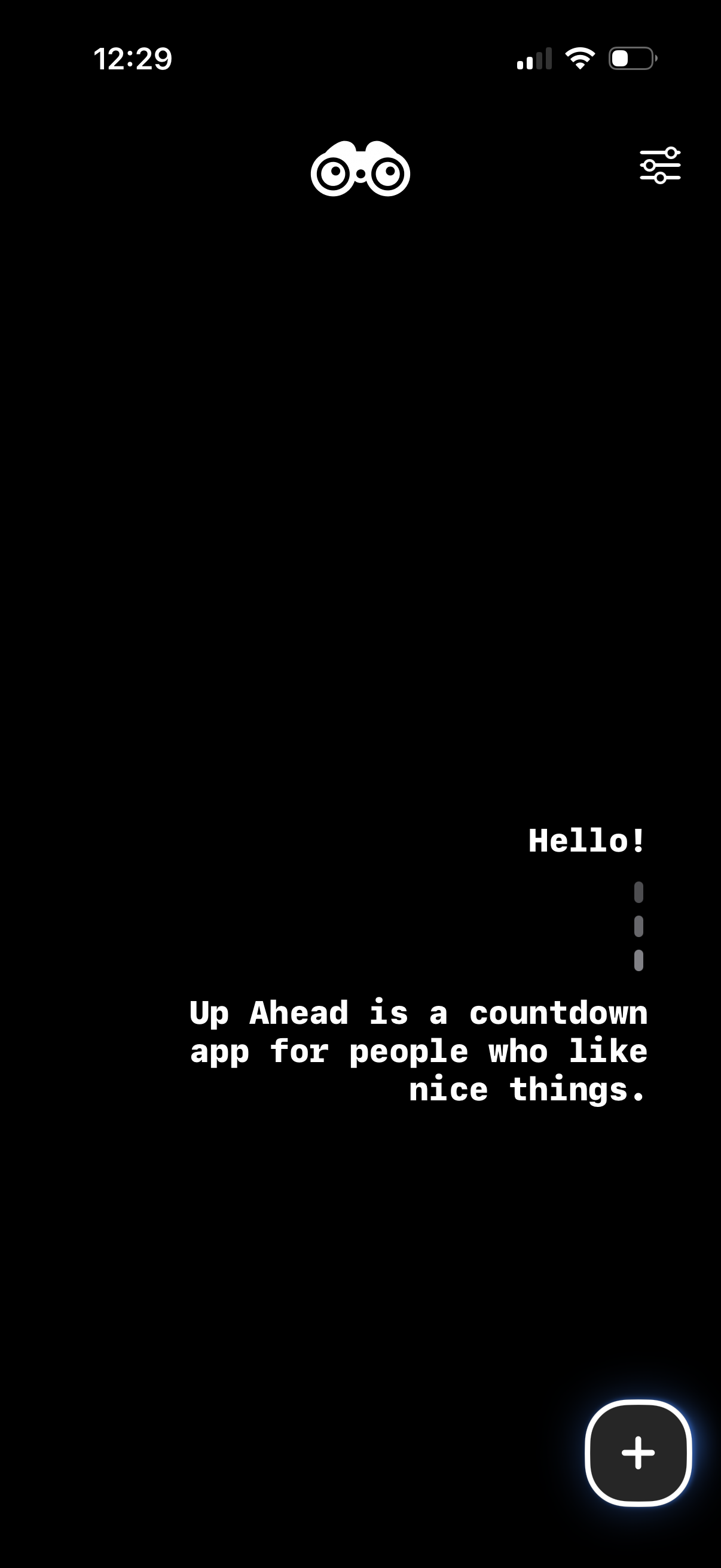
Up Ahead is a playful, beautiful way to keep track of everything you’re looking forward to. Create events in seconds, and build yourself an eclectic timeline full of birthdays, weddings, holidays, vacations, game releases, sporting events, or anything coming up that brings you joy. As your timeline grows, you’ll unlock themed patterns that can be used to give your events personality. Keep your countdowns top of mind with customizable widgets for your Home Screen or Lock Screen. --- CREATE EVENTS Up Ahead events are quick and simple to create —just give your event a name, a date (with optional time), a category icon, and a color. EVENT TIMELINE View your events in a unique timeline format that gives you visual information about how much time is passing between events, and allows you to easily look back on your entire event history. PATTERNS As you create events, you’ll start to unlock decorative patterns that can be applied to any of your events and appear in both your in-app timeline and your widgets. Patterns are unlocked based on the content of your events, or as weekly gifts. How many can you find? REMINDERS Schedule flexible reminders to get notified about the events you don't want to miss. ATTACHMENTS Keep all your event information in one place by attaching short notes or links to your events. HOME SCREEN WIDGETS * "Countdown" widgets are simple widgets for counting down to a specific event. * "Coming up" widgets come in multiple sizes and will dynamically count down to whatever event is coming up next. They can be customized with filters and display names, allowing you to create widgets such as “Next Raptors game” or “Upcoming game releases”. * "Timeline grid" widgets give you a colorful high-level overview of all your upcoming events. LOCK SCREEN WIDGETS Simplified versions of “Countdown” and “Coming up” widgets are available to place right on your Lock Screen. SIRI SHORTCUTS Automate event creation or ask Siri about your events with Siri Shortcuts. TIMELINE FILTERING Quickly filter your events temporarily so that you can get a clean look at just the film releases you’re looking forward to, or the birthdays you want to remember. RECURRING EVENTS Mark an event as recurring —weekly, bi-weekly, monthly, or yearly —to have it automatically replace itself in your timeline when an instance of the event has passed. MULTI-DAY EVENTS Give an event an optional end date to countdown to both an event’s beginning and its end. ICLOUD BACKUPS Automatically back up your events and pattern unlocks to iCloud Drive to ensure you never lose access to your data. EVENT SHARING Lightweight event sharing allows you to export and share colorful images of any event. SOUND AND HAPTICS Delightful sound effects and haptics bring the app to life. ...and lots more fun stuff to discover. --- The free version of Up Ahead is free forever, and contains no ads. If you’re looking for the best way to simply pop a few good-looking countdown widgets onto your Home Screen or Lock Screen, downloading Up Ahead for free is a great place to start. With an in-app subscription to Up Ahead Plus, you’ll get all the bells and whistles: unlimited event creation, recurring and multi-day events, the full suite of widget types, and more. --- Payment will be charged to your Apple ID account at the confirmation of purchase. The subscription automatically renews unless it is canceled at least 24 hours before the end of the current period. Your account will be charged for renewal within 24 hours before the end of the current period. You can manage and cancel your subscriptions by going to your App Store account settings after purchase. Cancellation of the current active subscription period is not allowed. Privacy policy: https://upaheadapp.com/privacy Terms of service: https://www.apple.com/legal/internet-services/itunes/dev/stdeula/
Compare competitors with Lazyweb
Search every screen, flow, and UX pattern in one place.