
trello screenshots
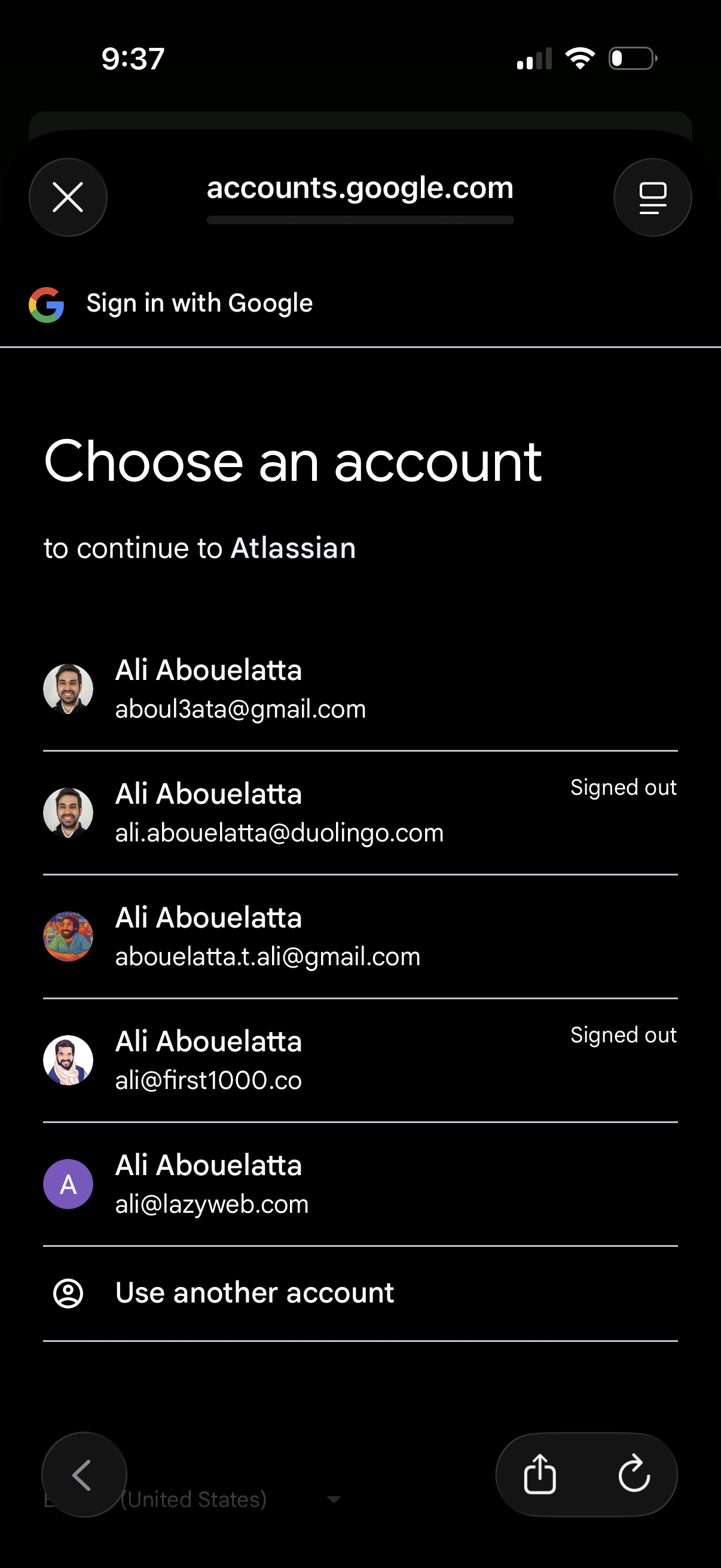
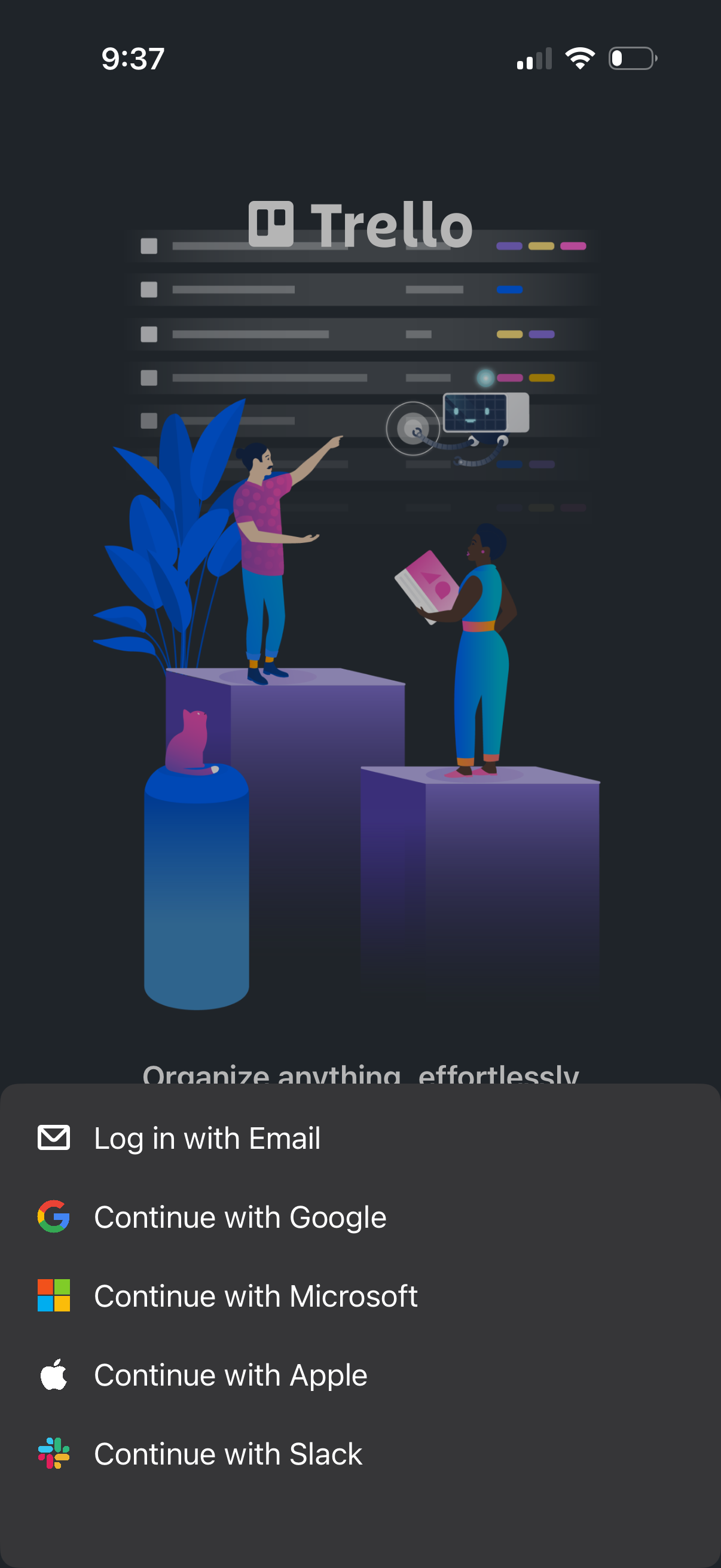
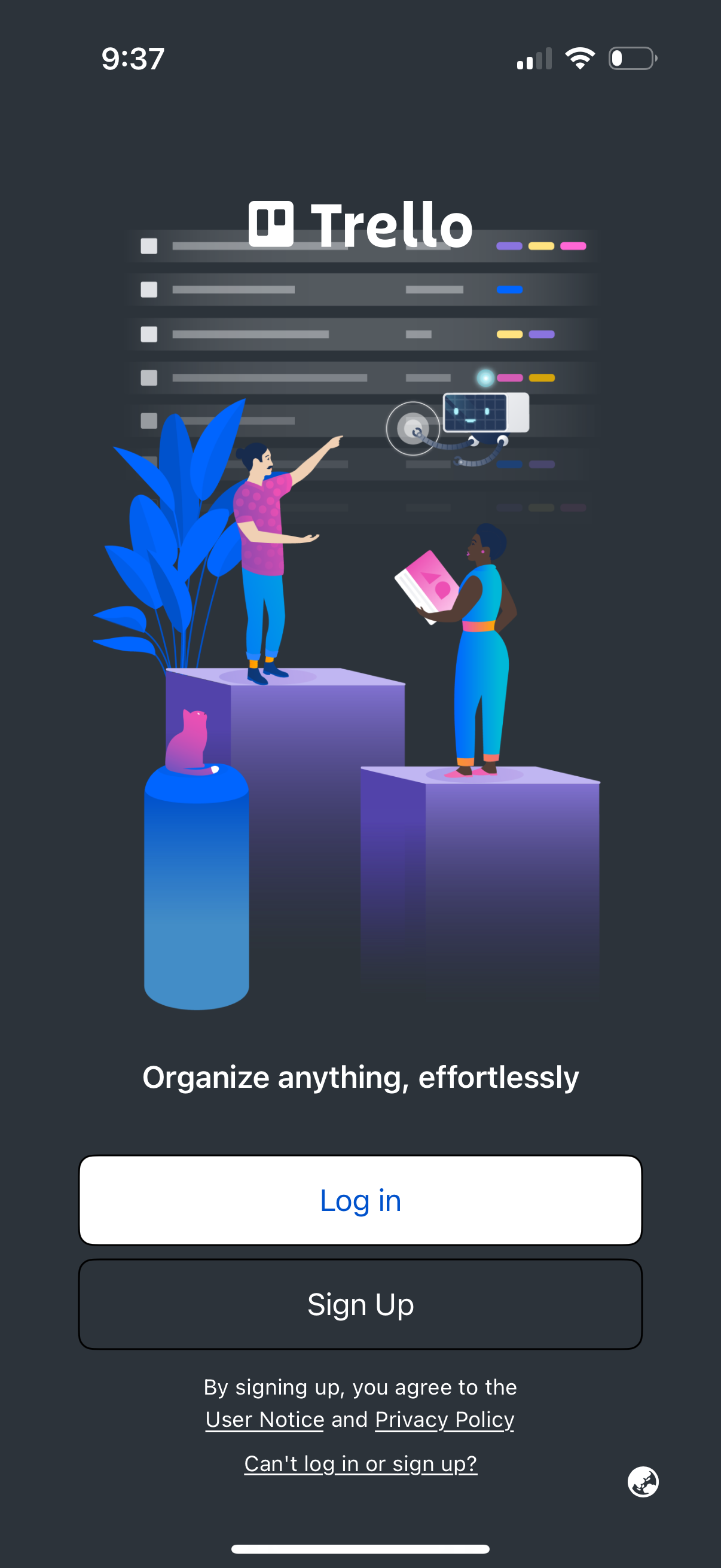
Explore up to date profile, notifications, messaging, login, and search flows from trello and more on Lazyweb.
trello app screenshots and user flows
Browse trello screens, user flow examples, and UI patterns. Explore profile, notifications, messaging, login, and search flows inside Lazyweb's 100k+ screen design research library for competitive analysis and benchmarking.
Lazyweb is a blazing-fast design research library with 100k+ real app screens, user flow examples, UI patterns, and product design patterns for competitive analysis and benchmarking.
Screenshots
The first 5 screenshots are shown in full. Additional screens are blurred previews.
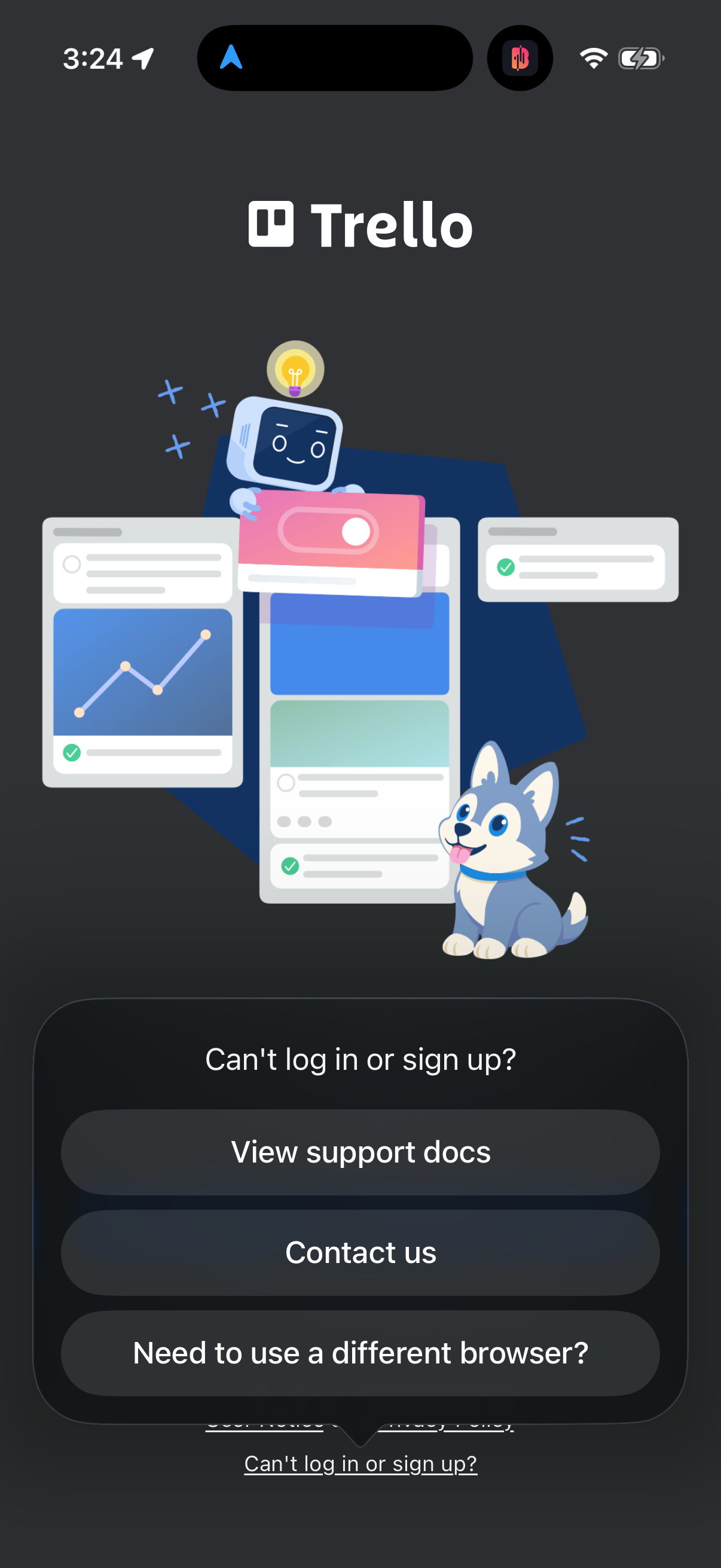
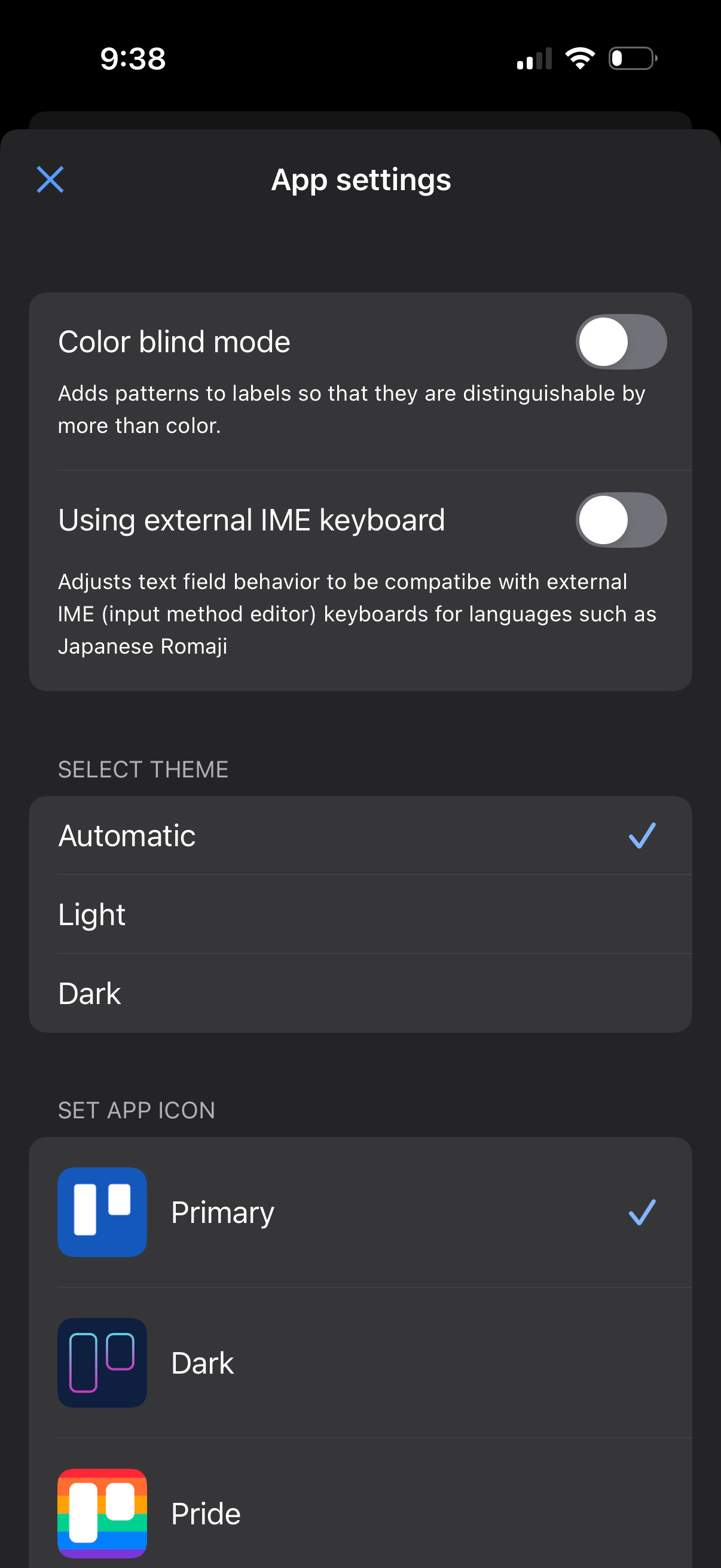
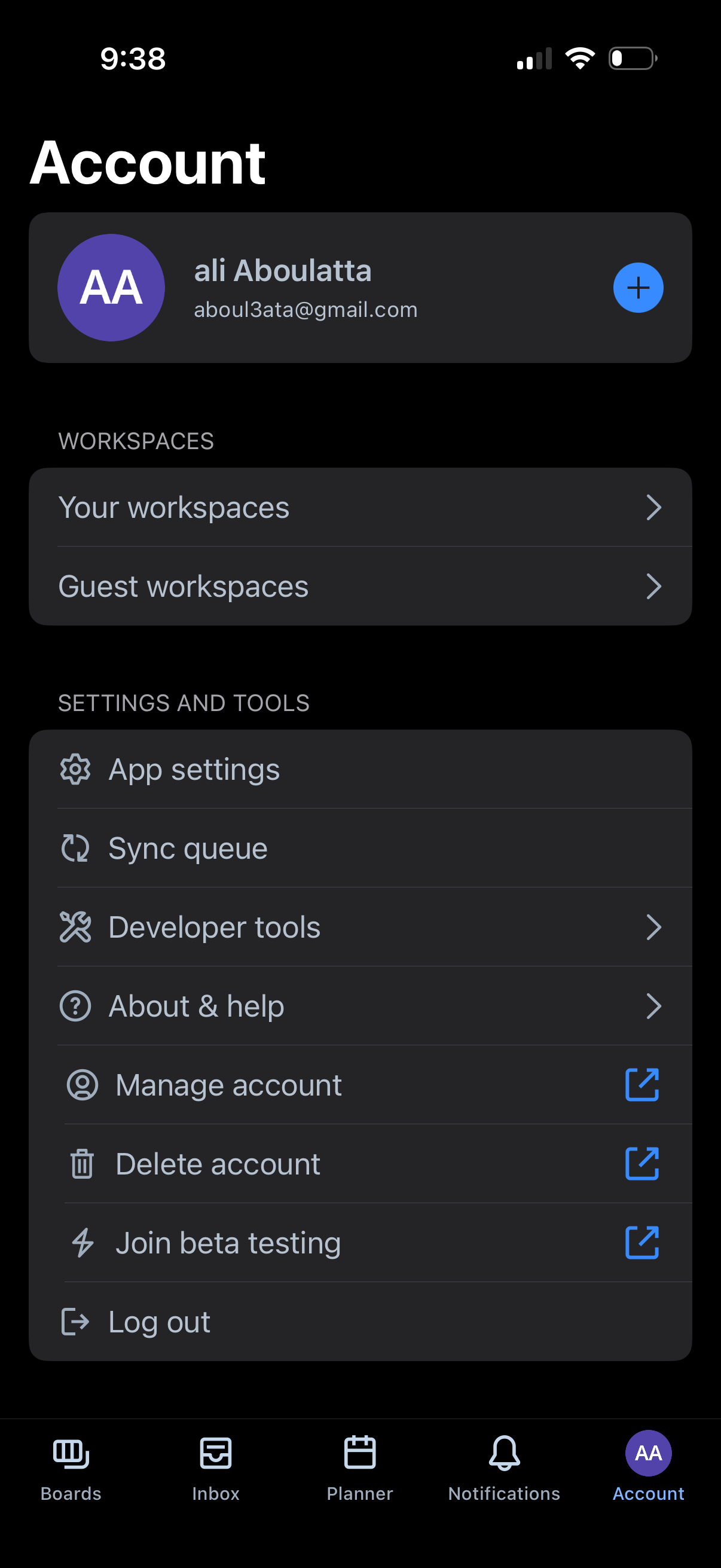
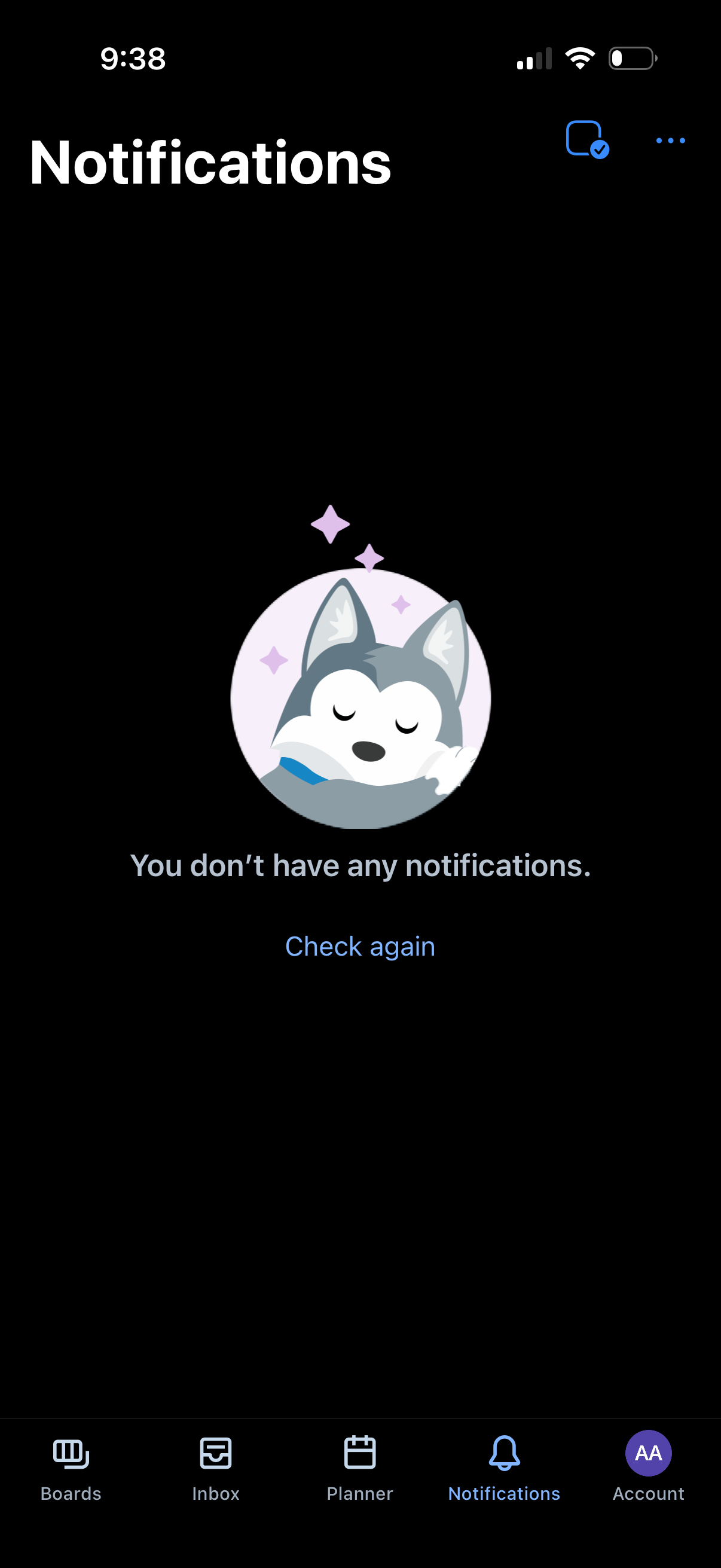
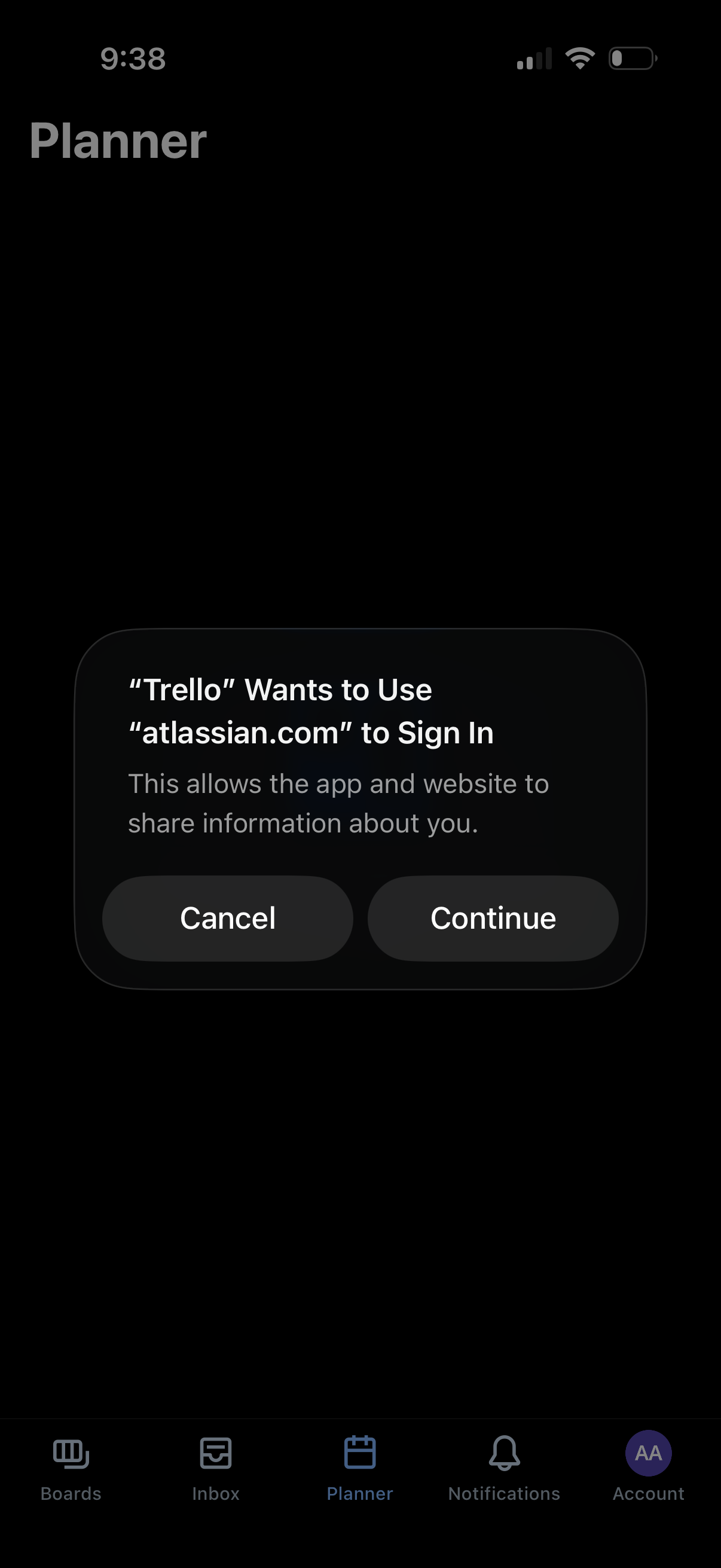
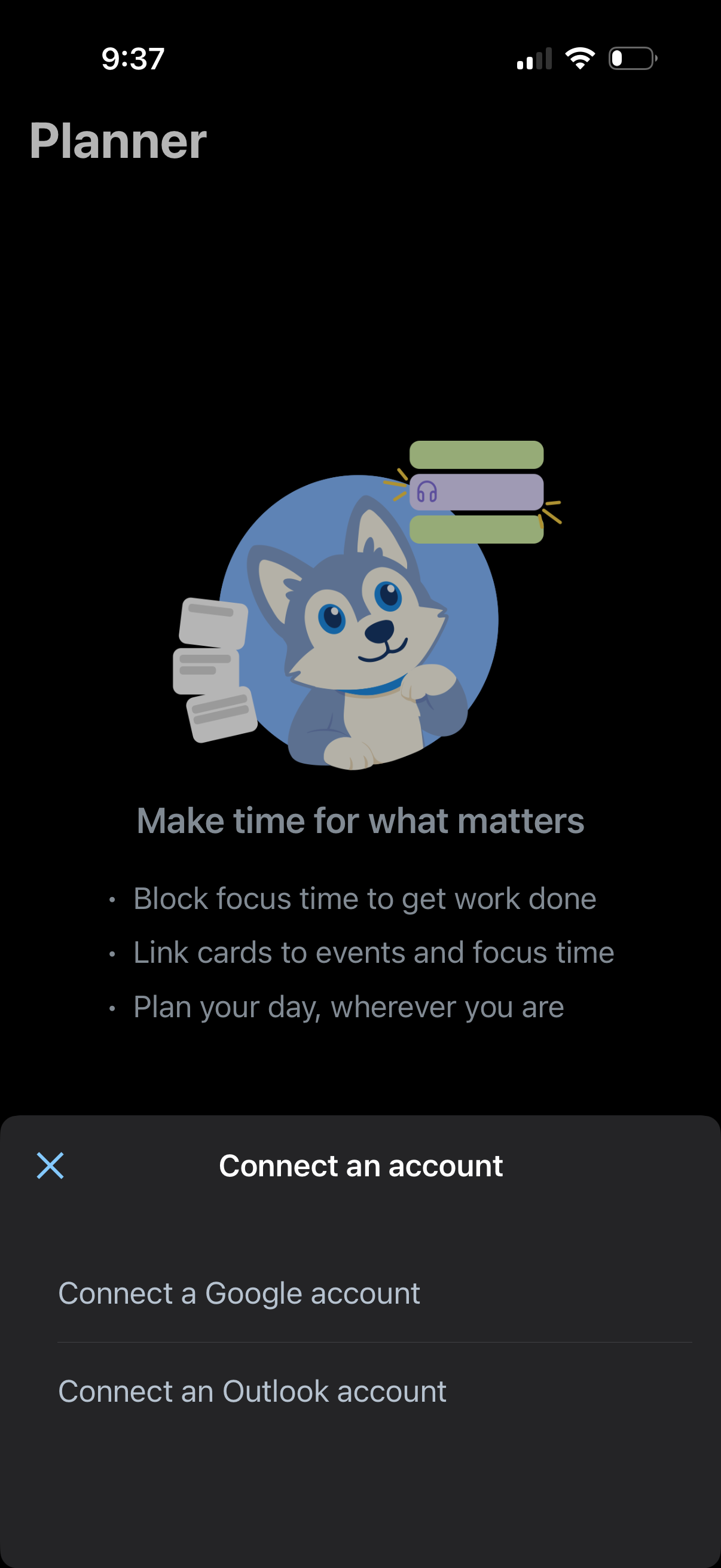
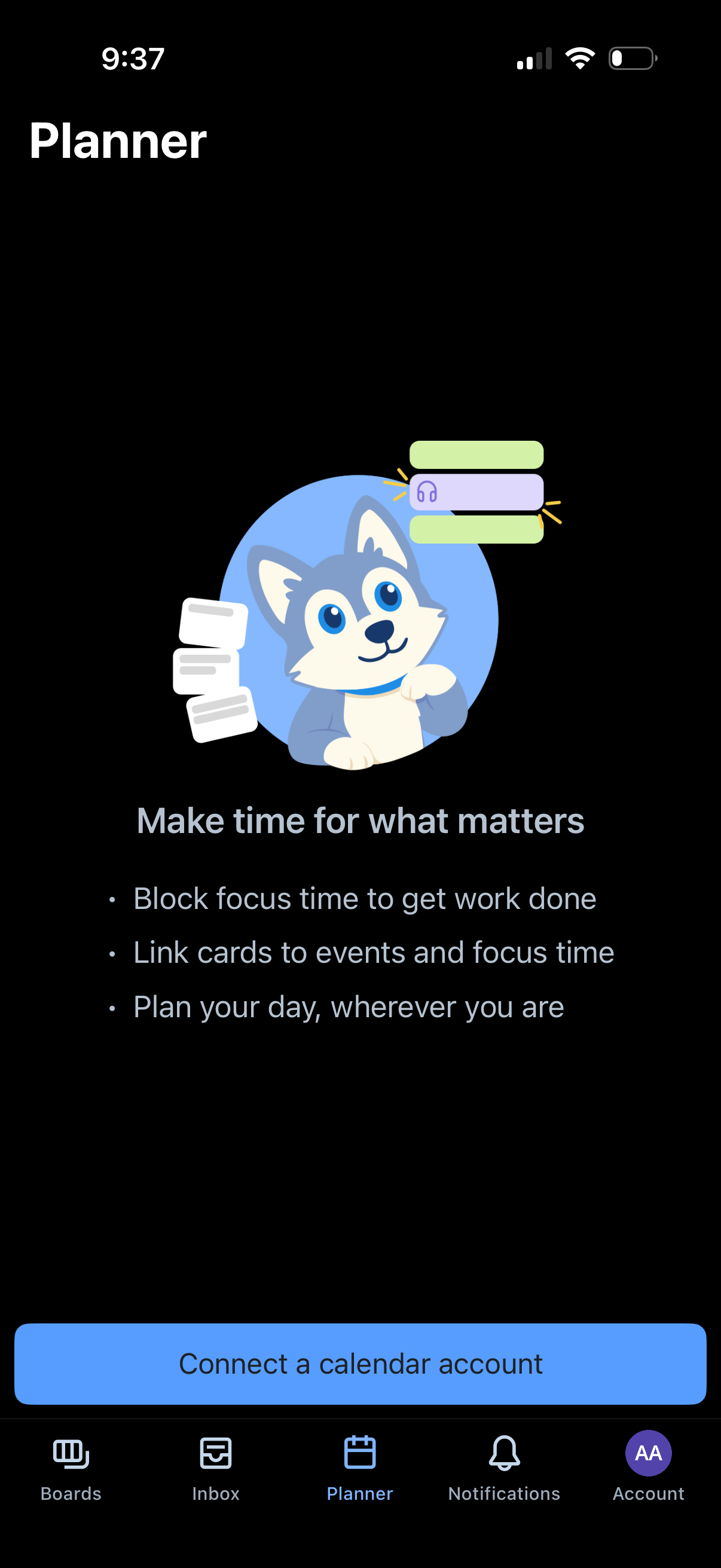
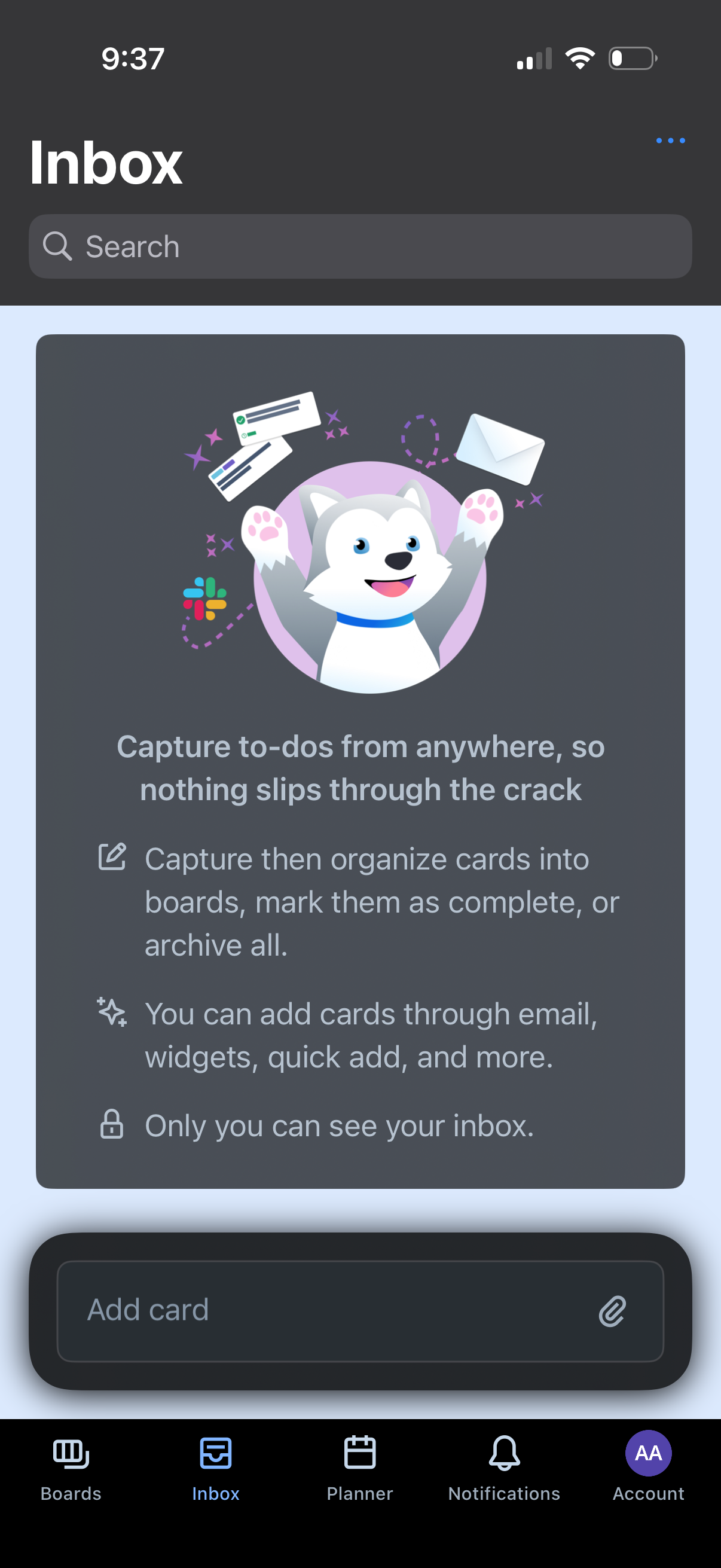
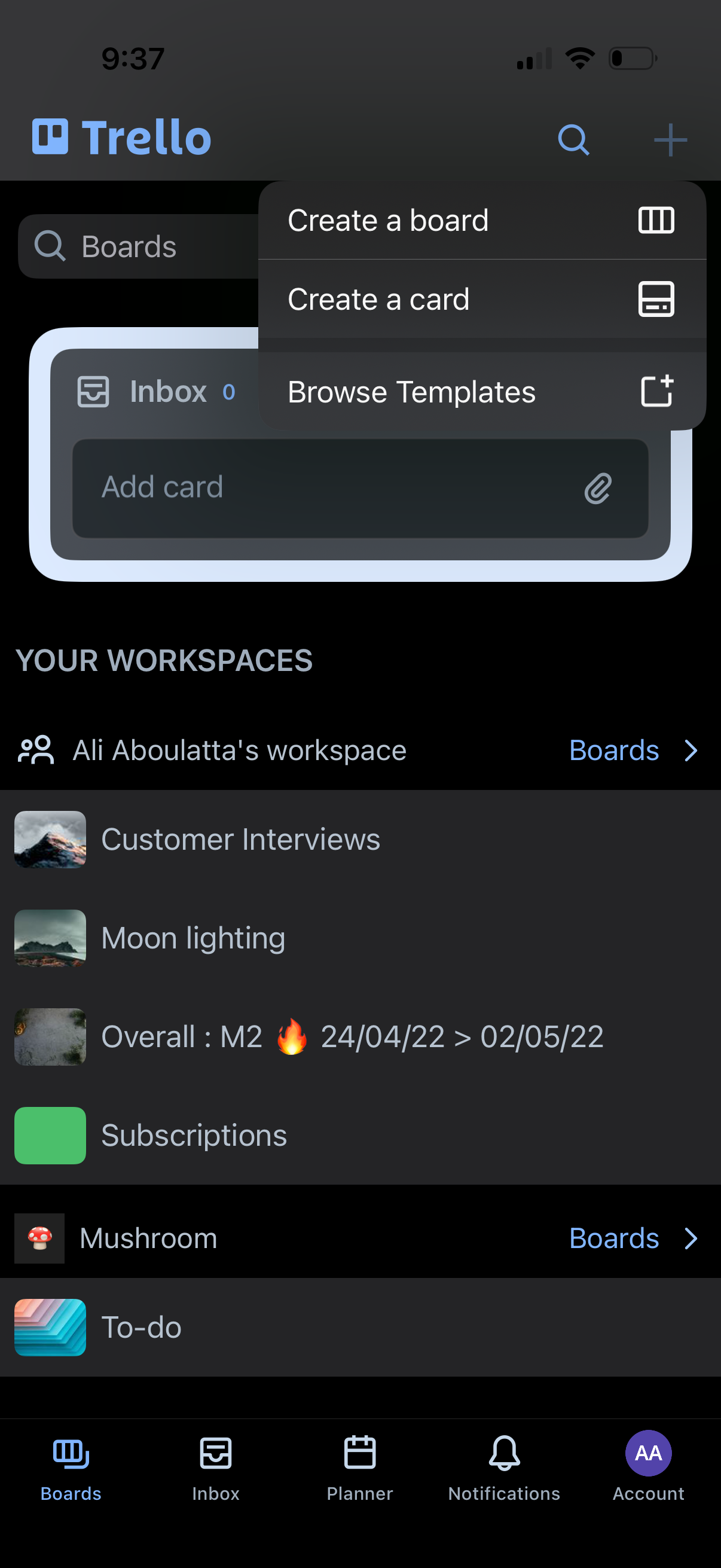
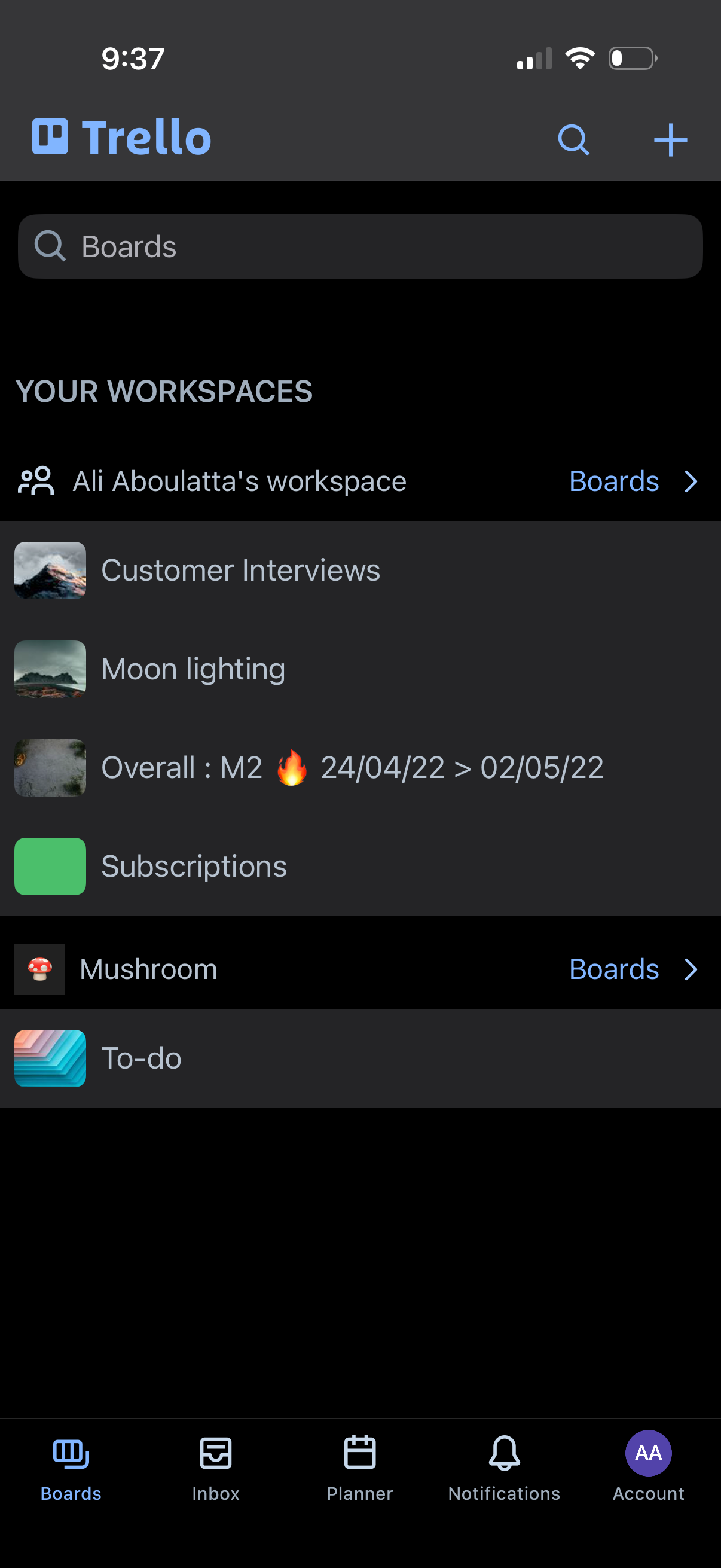
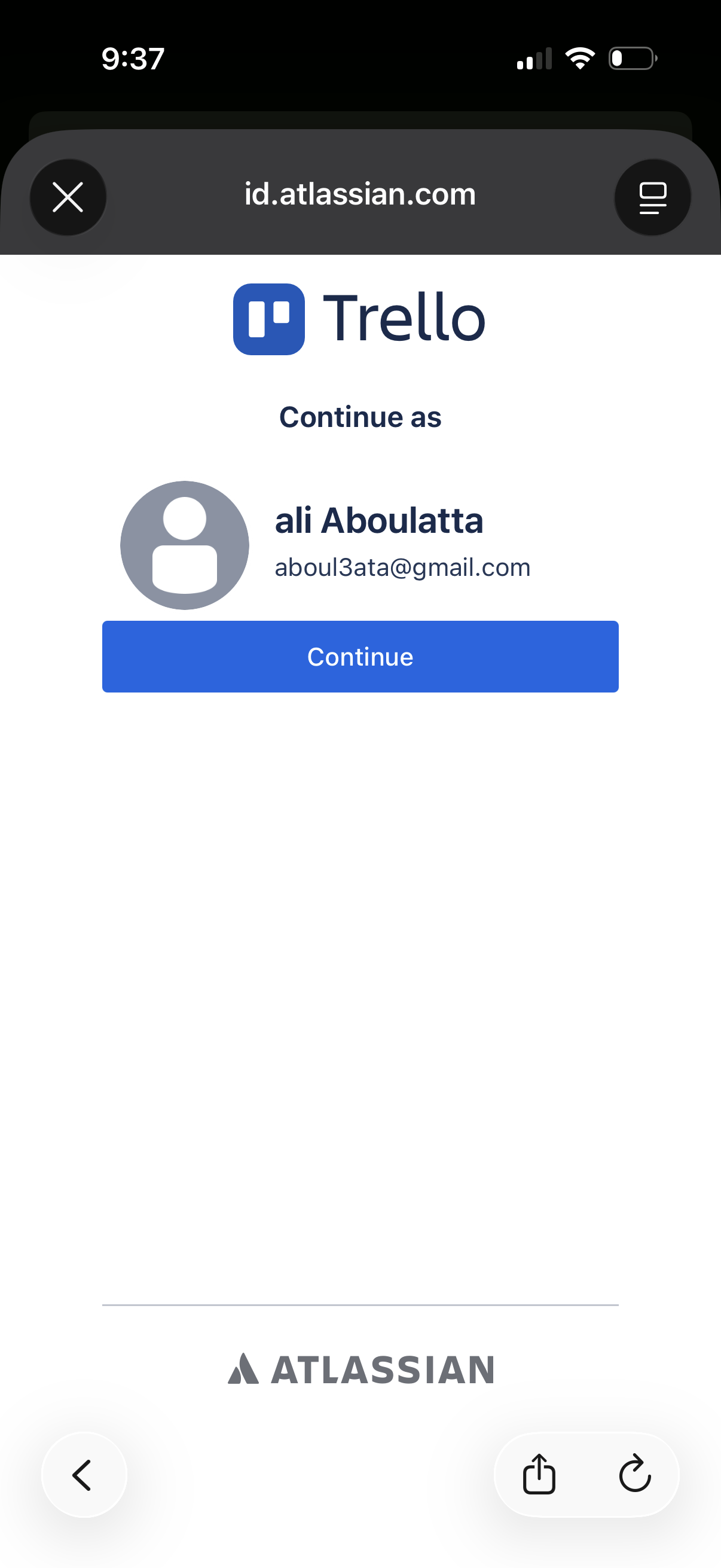
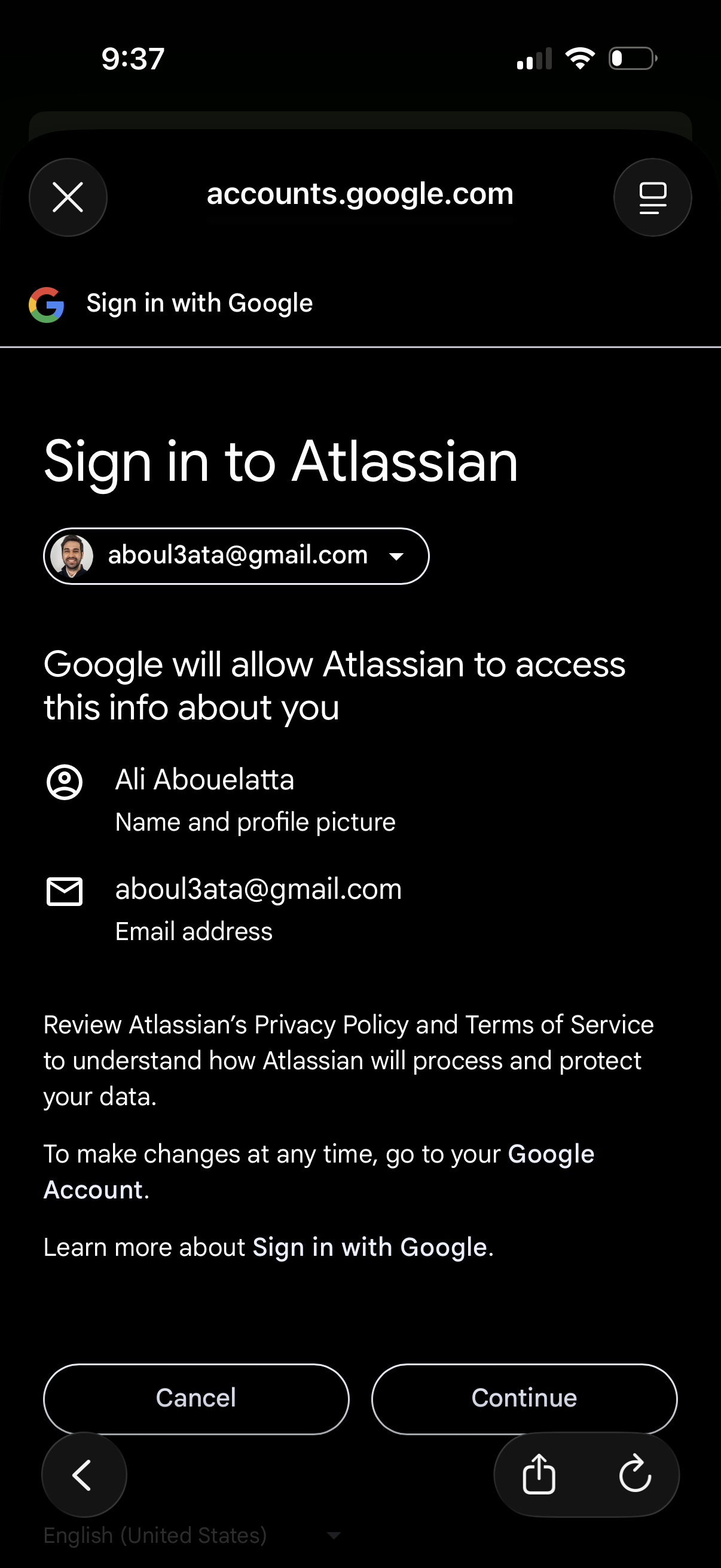
Company metadata
App Store description
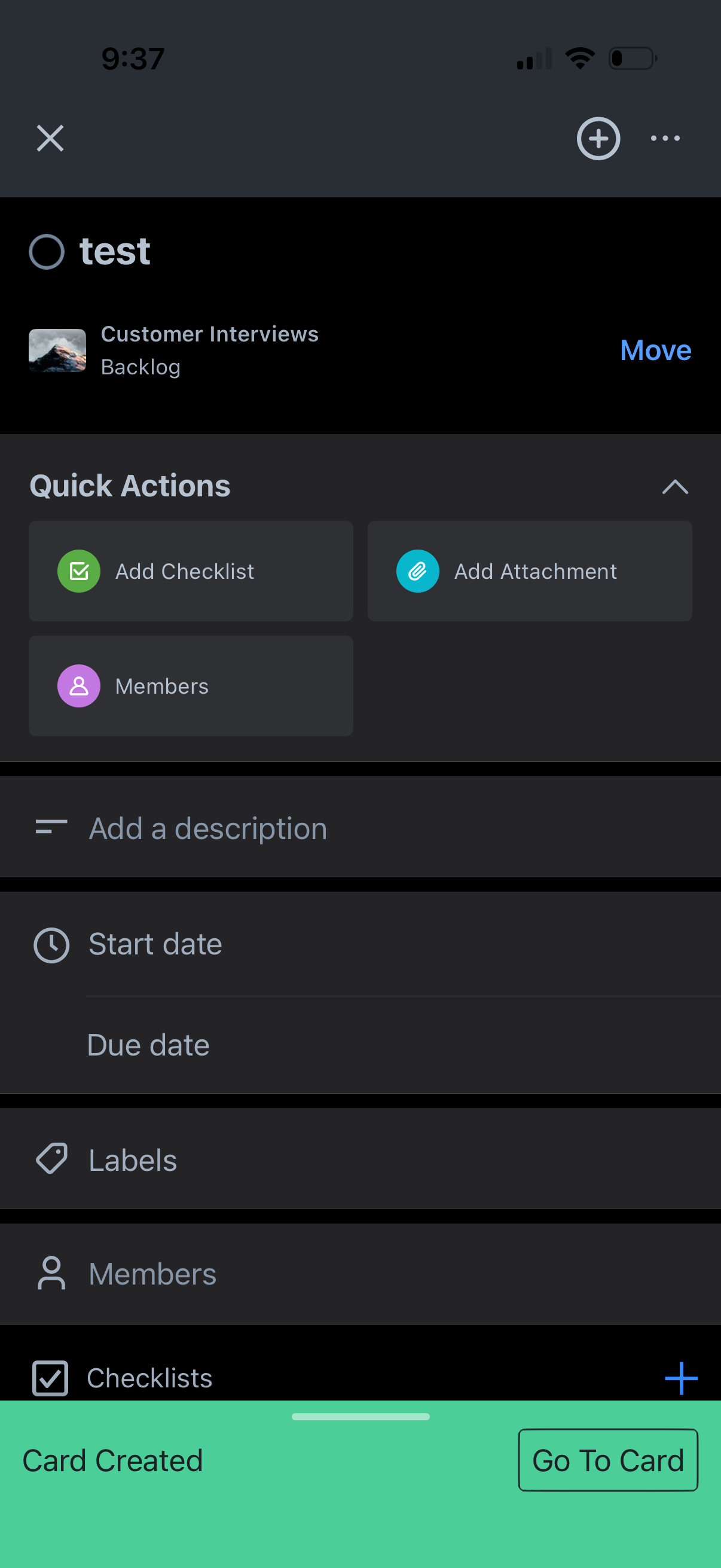
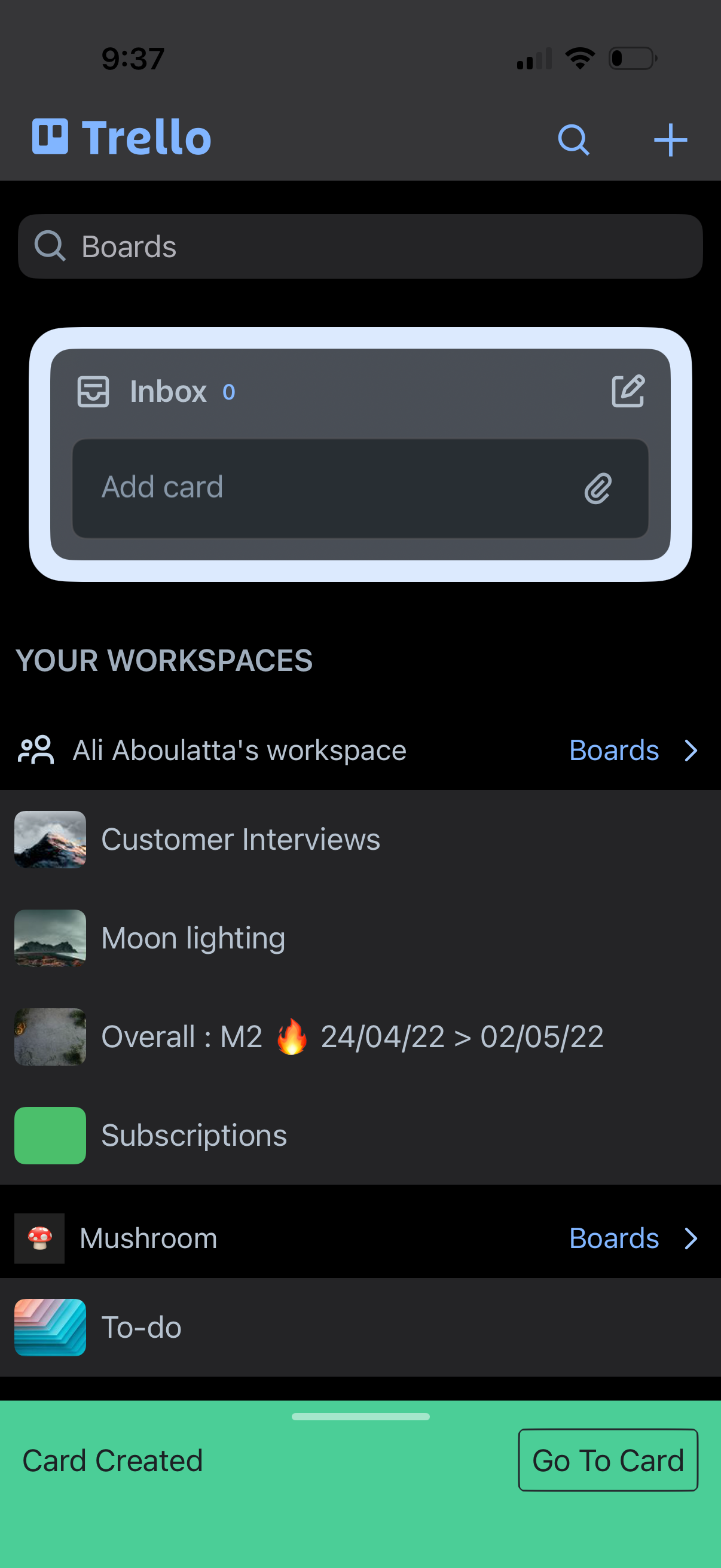
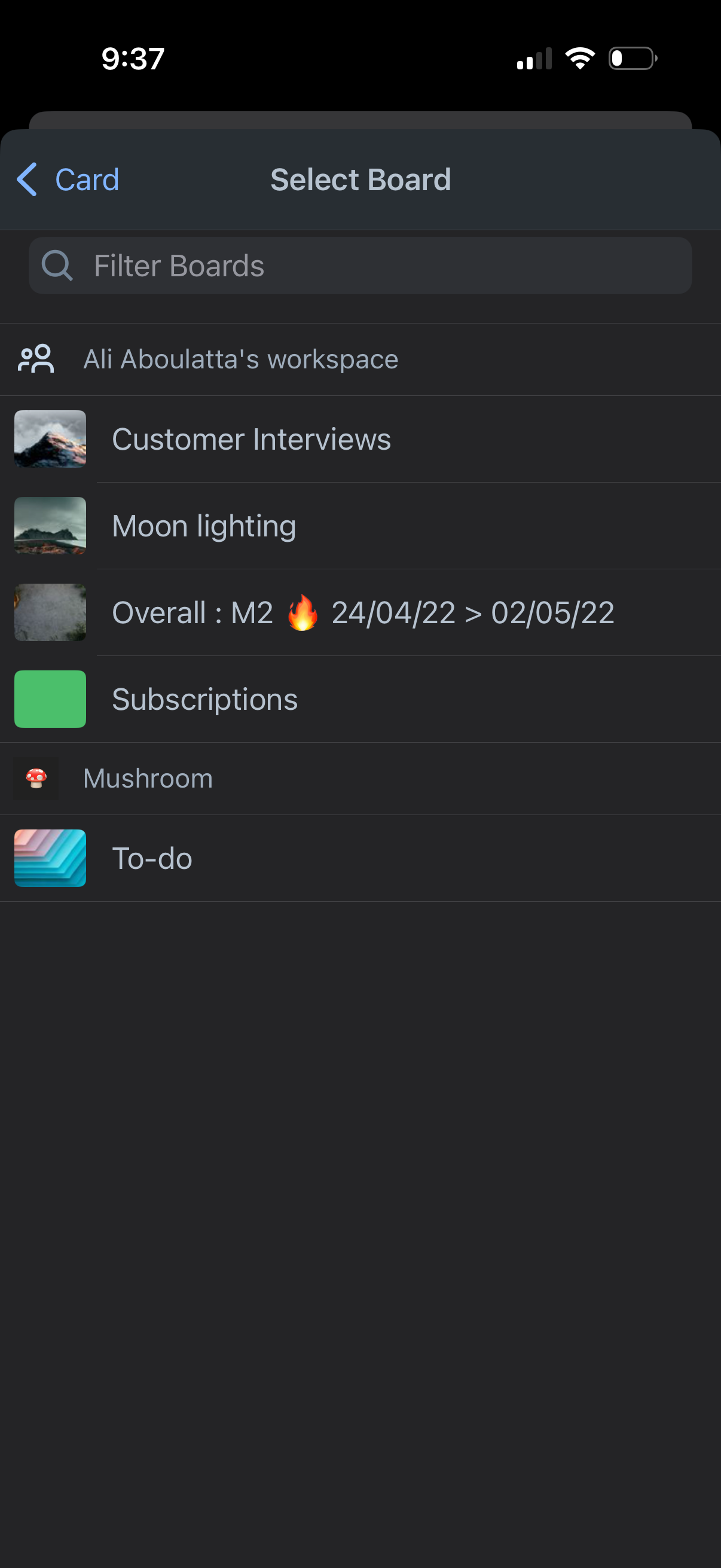
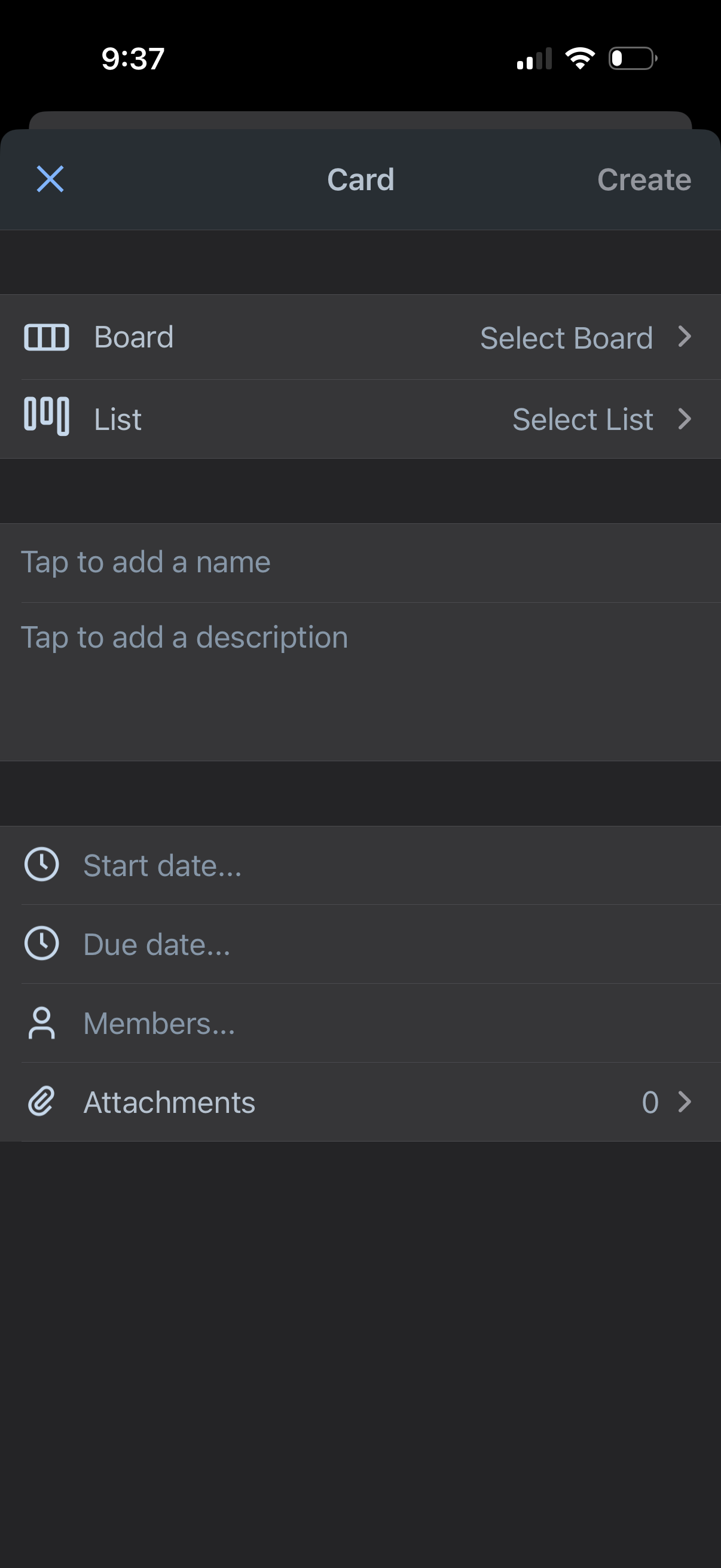
Manage any team project or task thanks to Trello’s boards, cards and checklists. Improve collaboration and productivity—join our community of 50 million registered users! Trello: Organize anything while on-the-go. Capture your to-dos as cards and move them into lists using the Trello mobile app to stay on top of your tasks and deadlines. Join millions of users who trust Trello to help them be more efficient and get more done. No more lost sticky notes or searching for bookmarked messages across apps. With Trello on your phone, you can use the app while on-the-go to: * List out your to-dos while on-the-go: Instantly capture tasks, ideas, and notes right from your phone into a Trello card—add due dates, comments, checklists, descriptions, files, and more. Save messages from popular work apps like Slack or Microsoft Teams, snap a photo, and forward emails to Trello. AI can also help summarize your saved to-dos into a Trello card so that nothing slips through the cracks. * Centralize your work: Everything captured lands as a card in your Trello Inbox, making it easy to review, prioritize, and organize your work across boards. See your scheduled day in Trello Planner, synced with your Google or Outlook calendars. Standard and Premium users can also enable Planner to schedule focus time in completing saved to-dos. * Create beautiful, flexible boards: Organize your captured cards into customizable kanban boards and lists, tailored to your workflow. Trello’s tactile and visual mobile interface, featuring drag-and-drop gestures and smooth transitions between boards, offers a natural way to plan your work on a mobile device. * Seamlessly integrate with Apple: Add tasks from Siri, share content into Trello through the iOS share sheet, and enjoy a polished experience across iPhone, iPad, and web. Capture and complete tasks right from your home screen widget—add new to-dos, see what’s next, and mark tasks done, all without having to open the app so that nothing slips through the cracks. * Easily see your entire schedule: With Trello’s Planner enabled with your Google or Outlook calendar, you can see what you have scheduled for your day (and set aside focus time on what you’ve captured in Trello cards to get done later). * Get reminders that work for you: Set up push notifications to get timely alerts for the updates you care about—like due dates, changes, or when you mark tasks as done. * Work offline: Capture ideas and update boards even without internet—your changes sync automatically when you’re back online. Download Trello and experience a new era of productivity. It’s free! Where you use features that require your device’s photos, camera, microphone, or contacts, we will request permission before accessing that data.
Compare competitors with Lazyweb
Search every screen, flow, and UX pattern in one place.