
Raycast screenshots
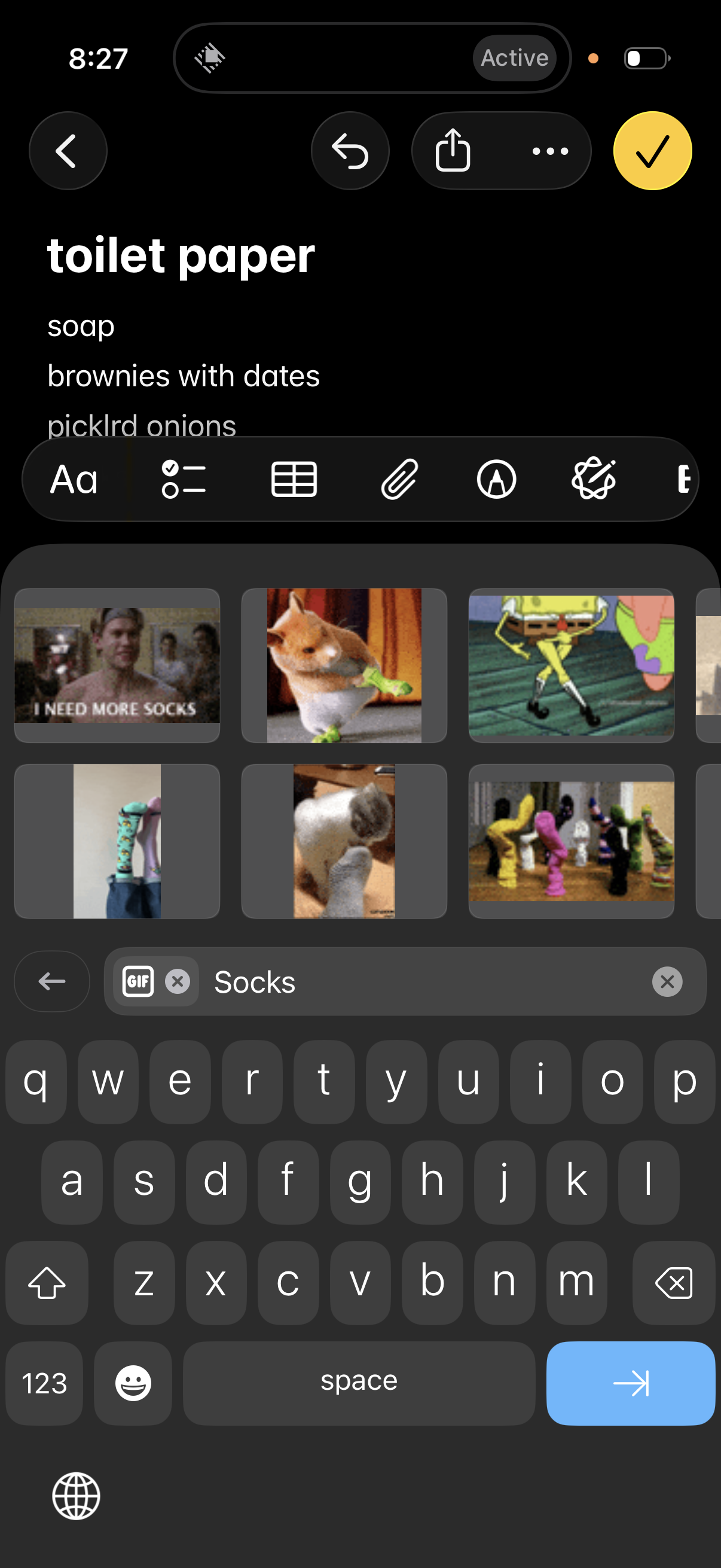
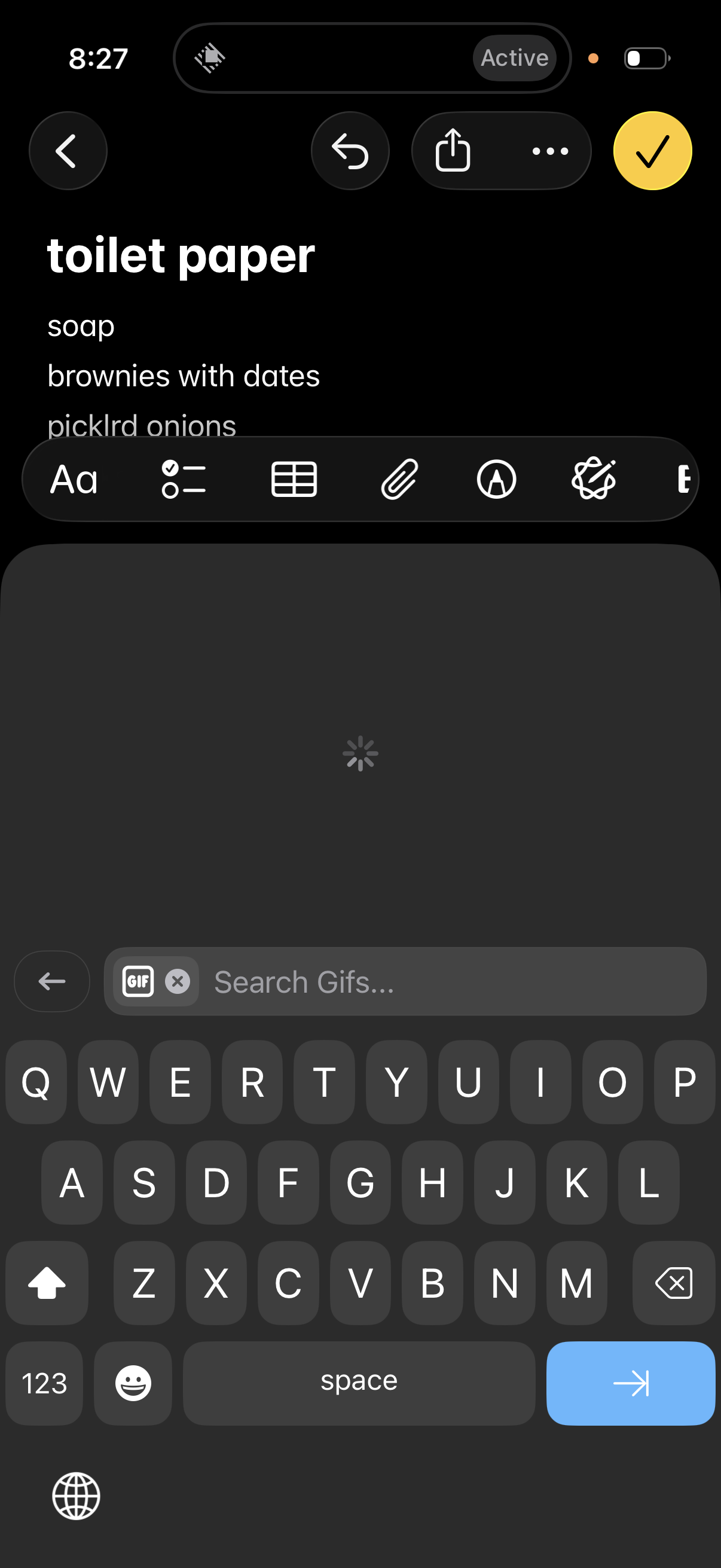
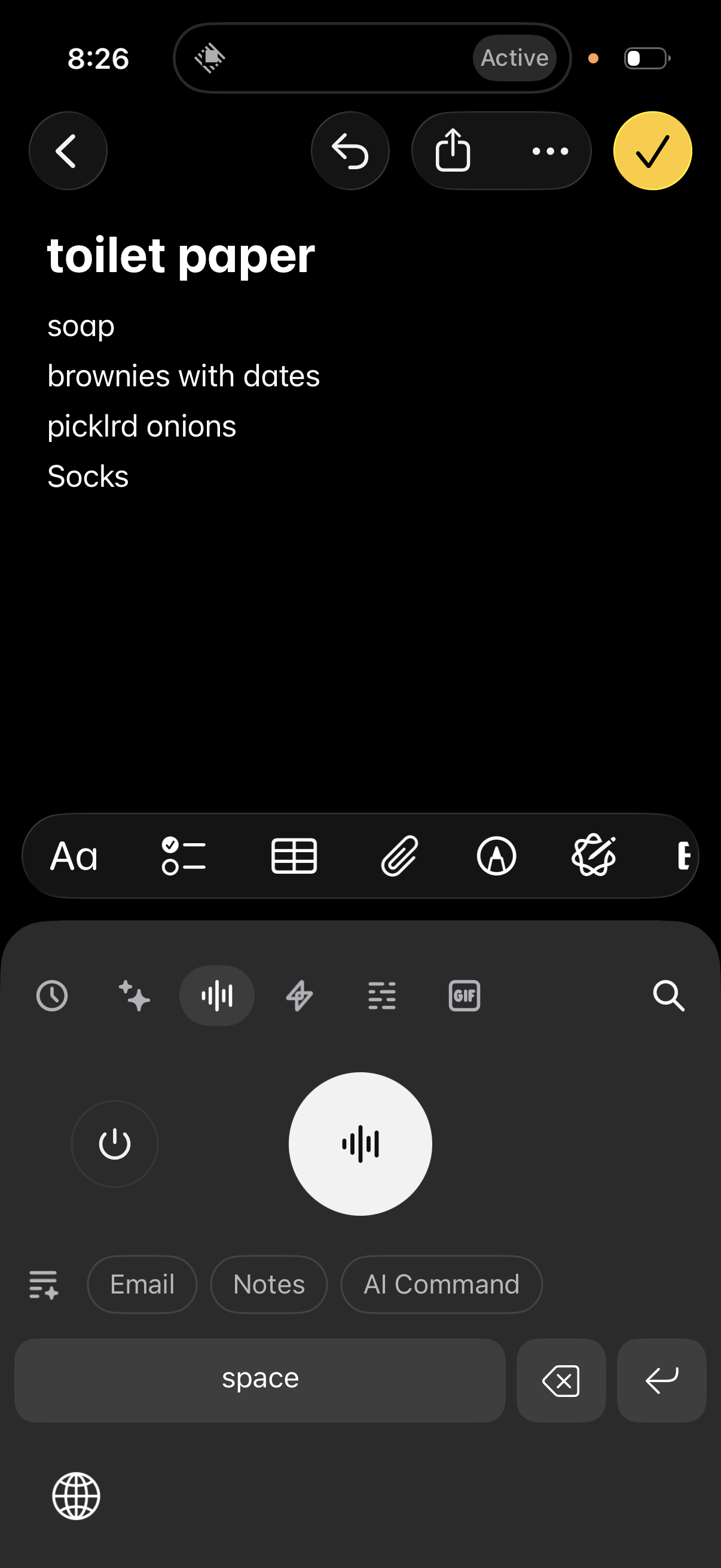
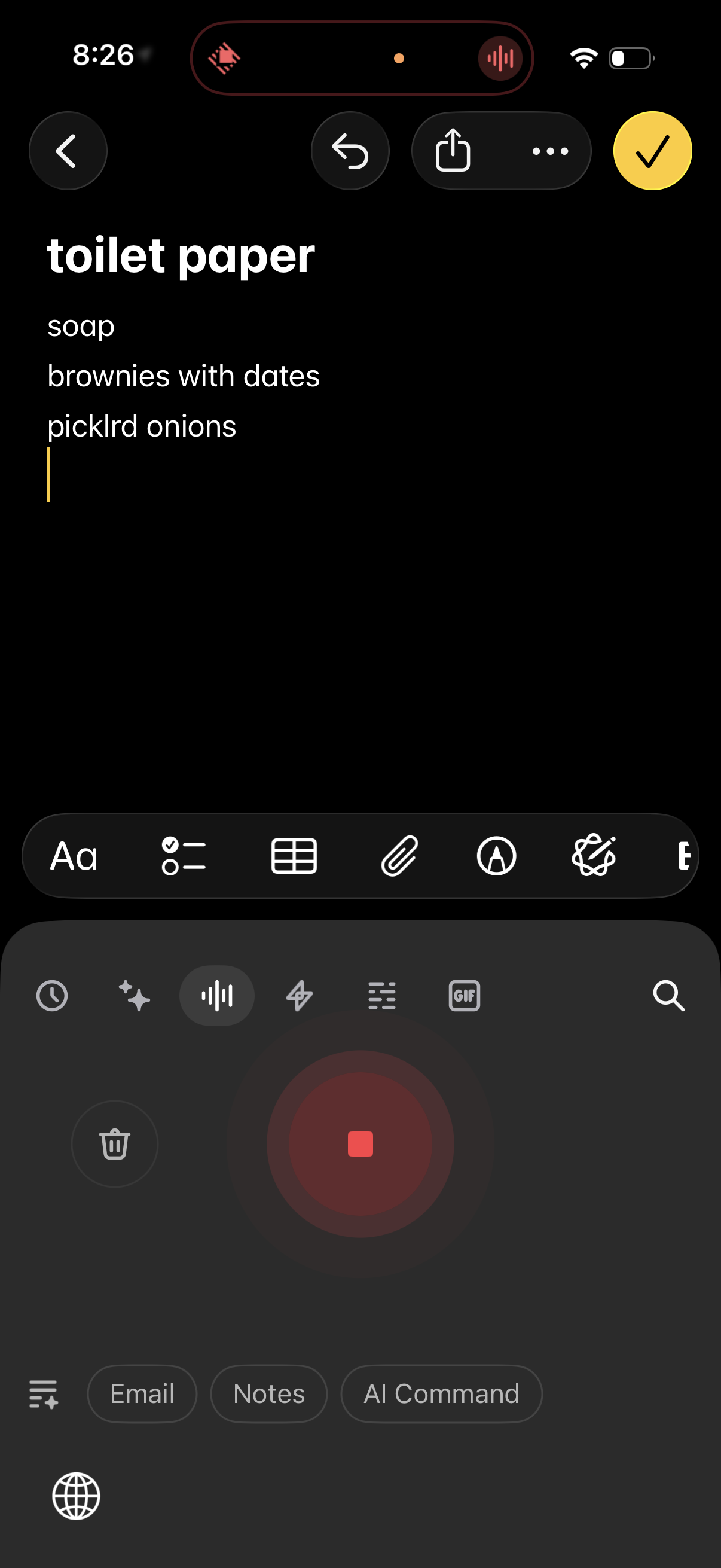
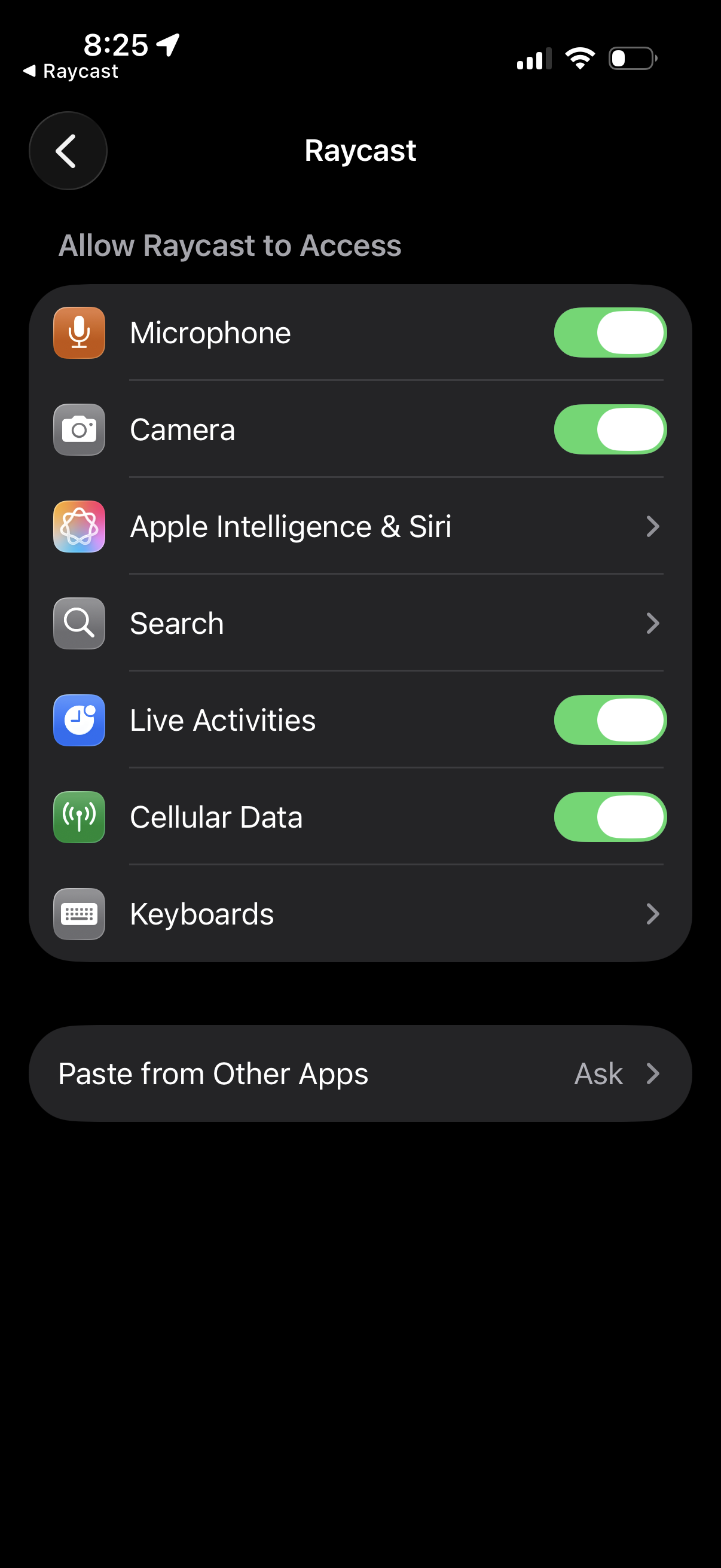
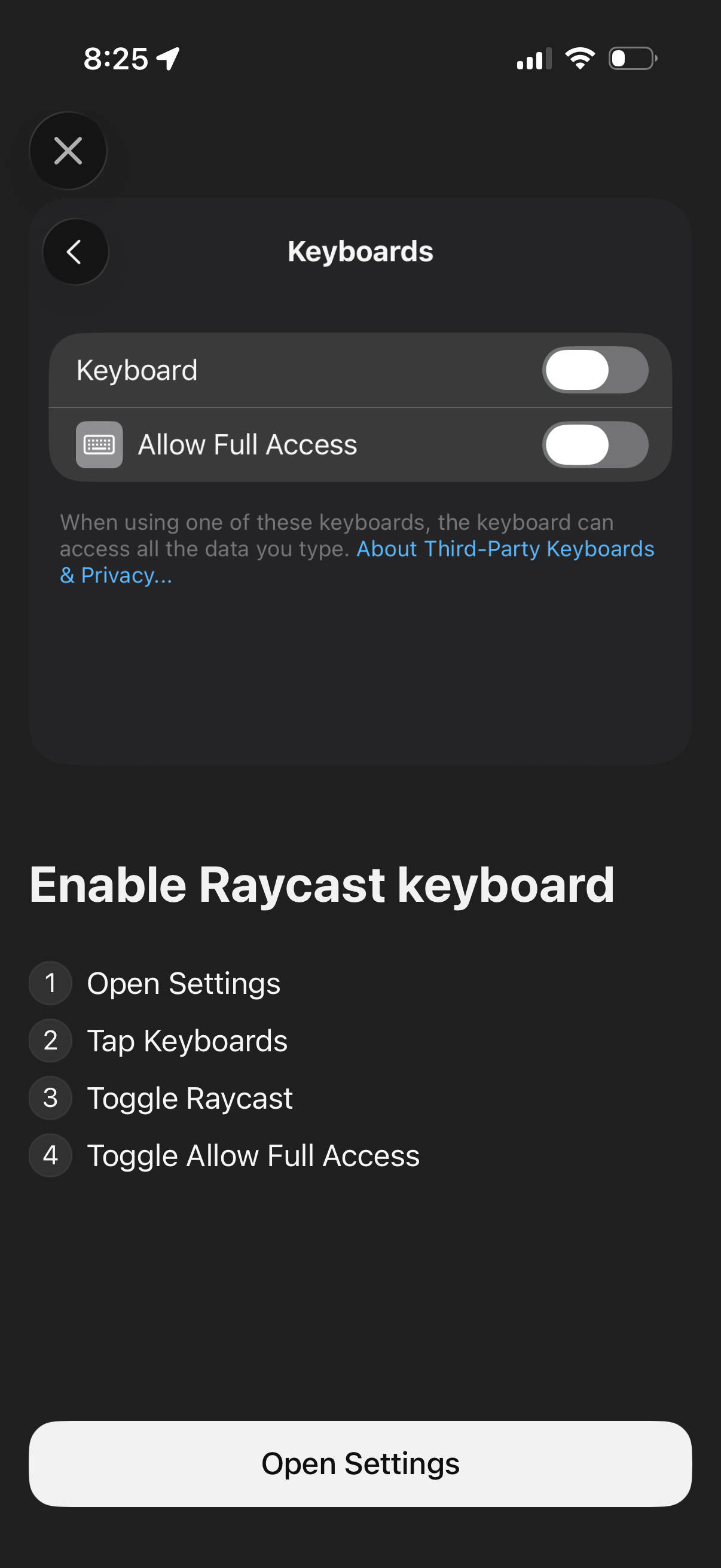
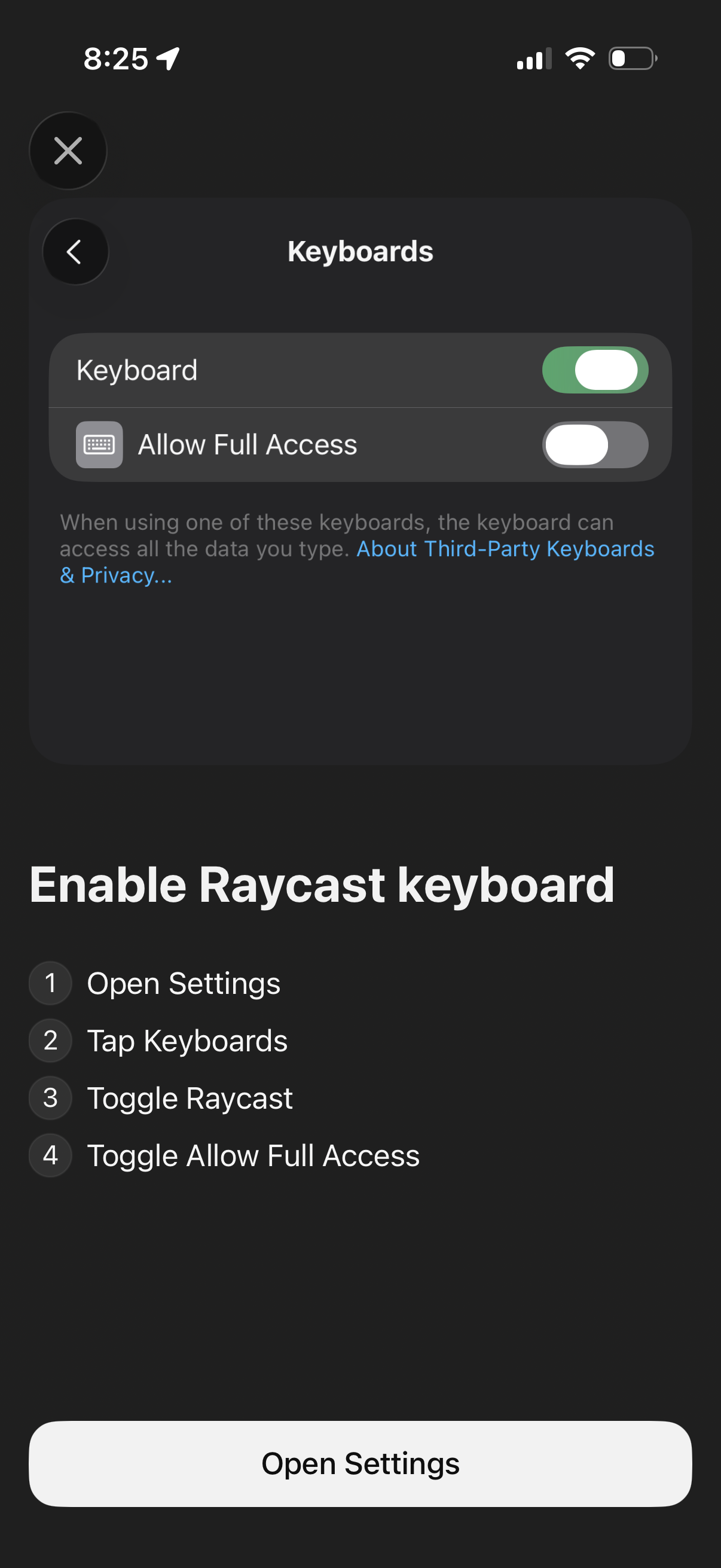
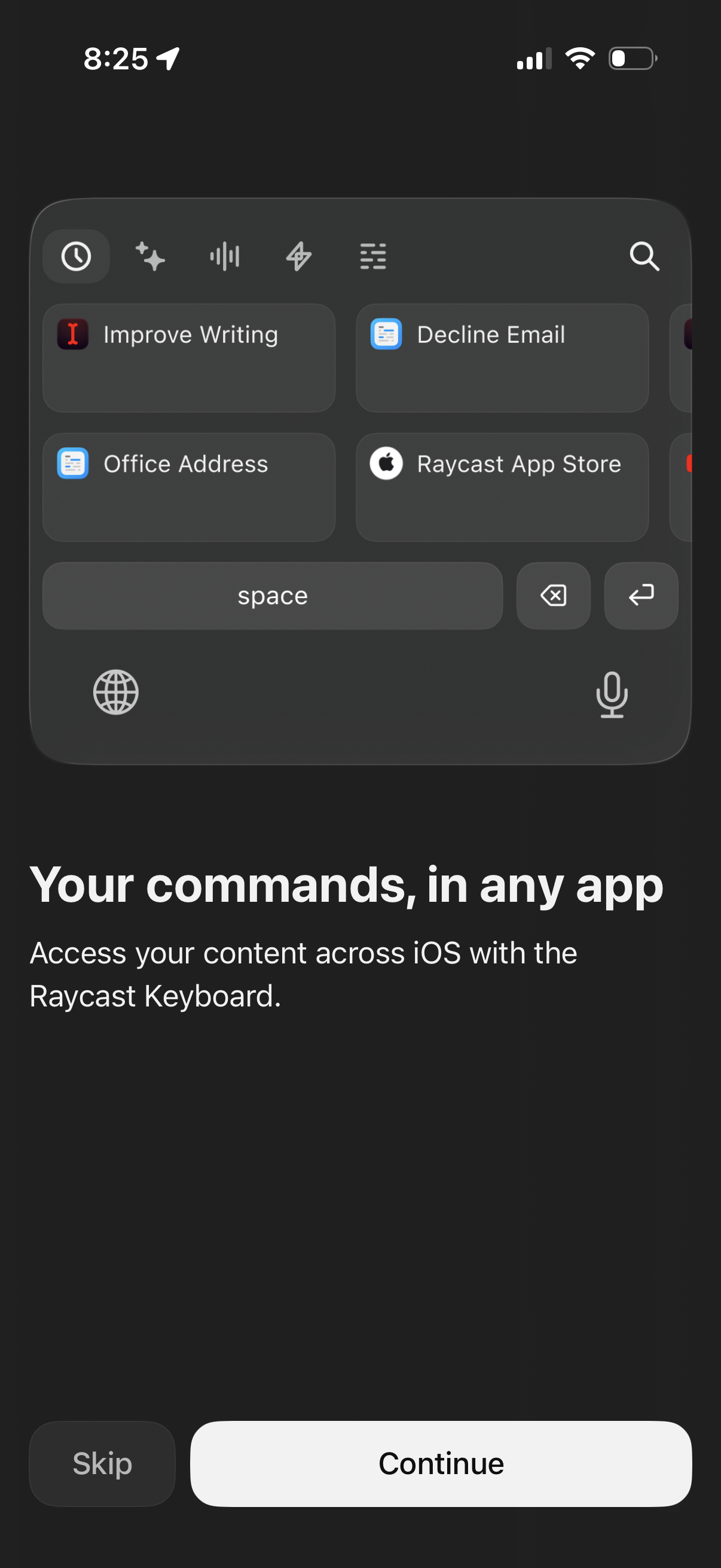
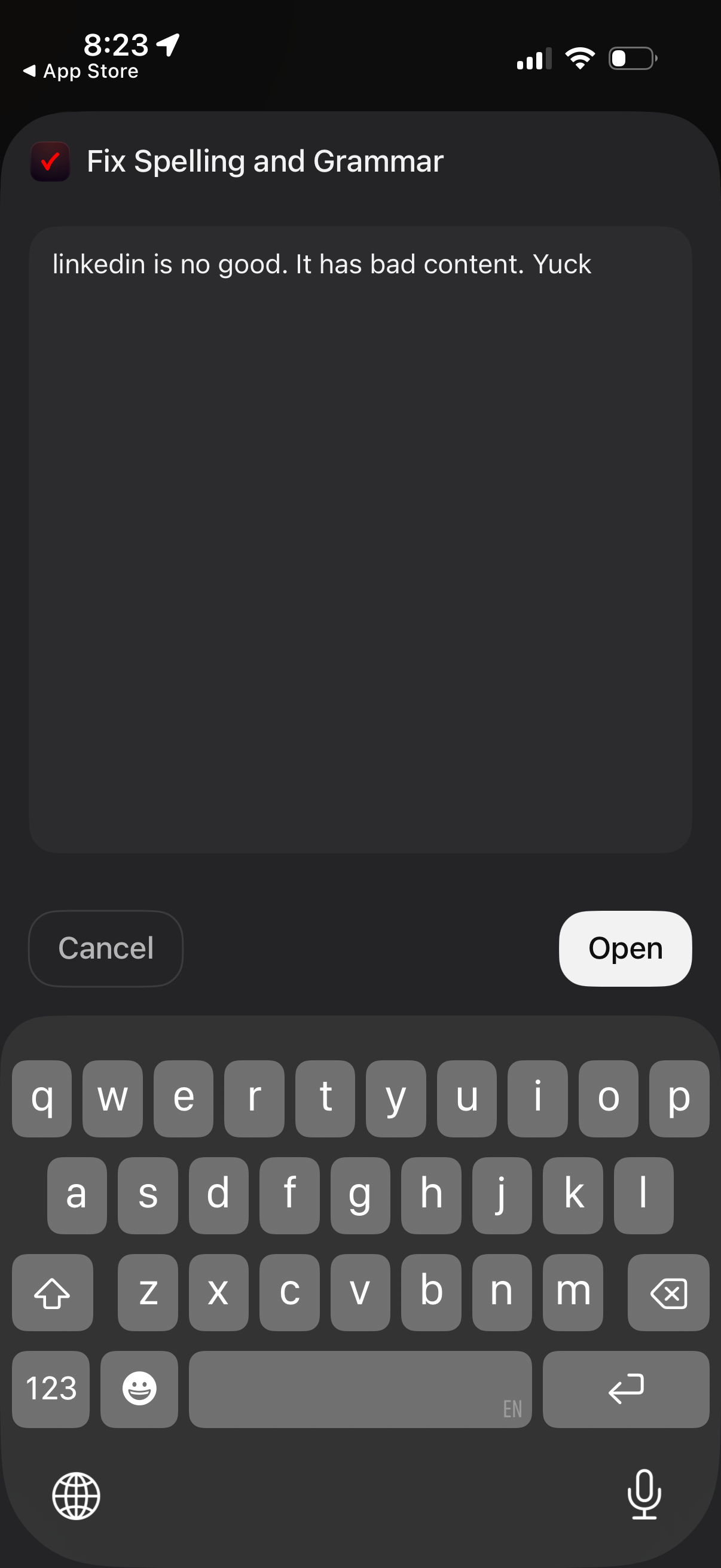
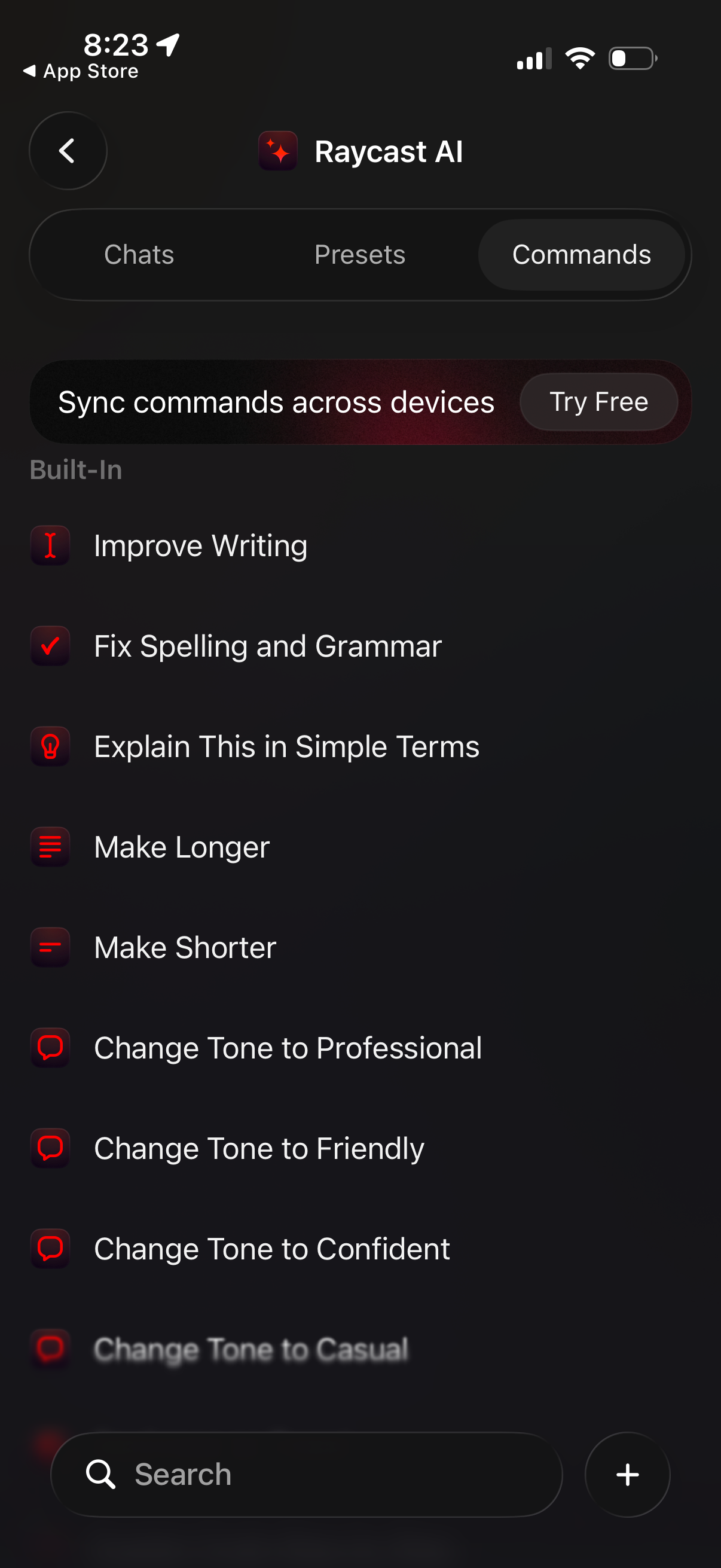
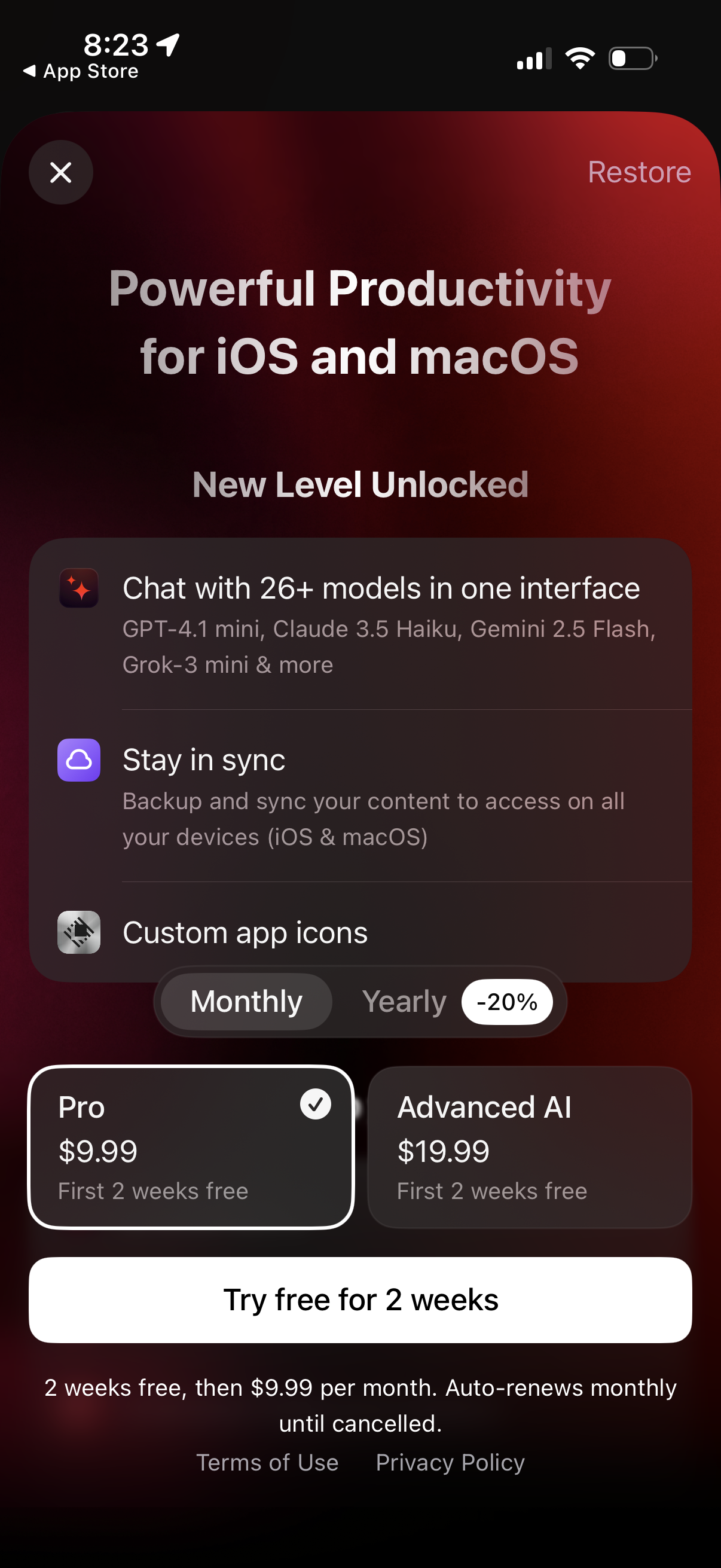
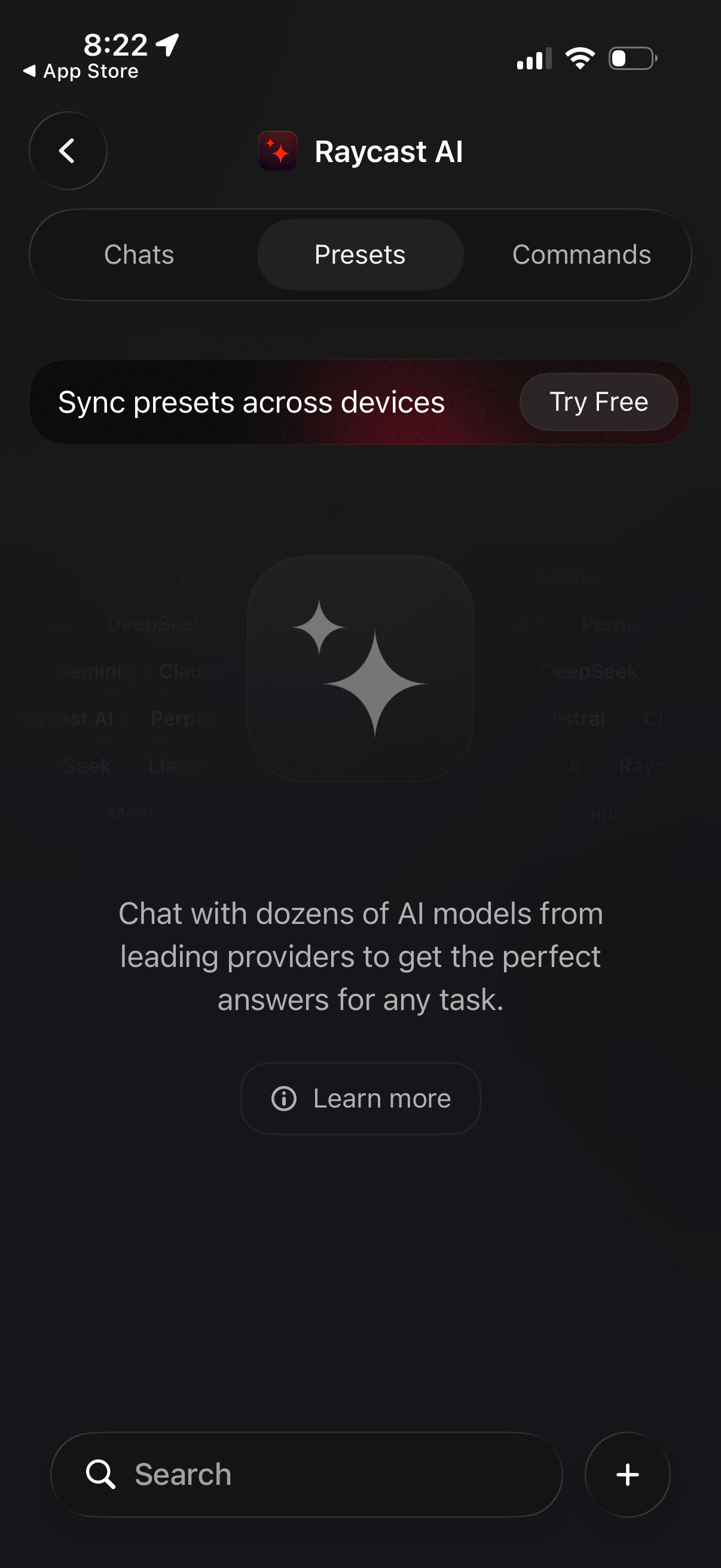
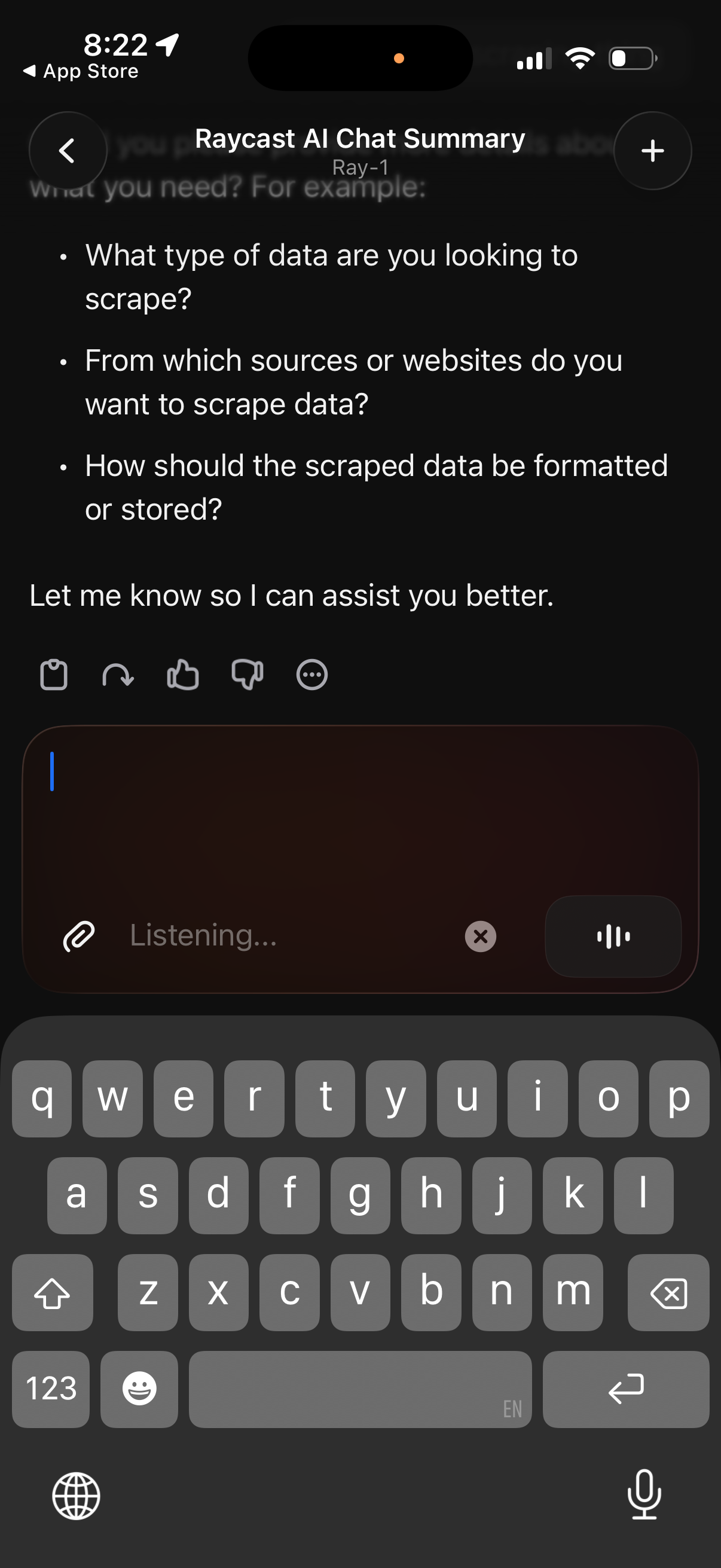
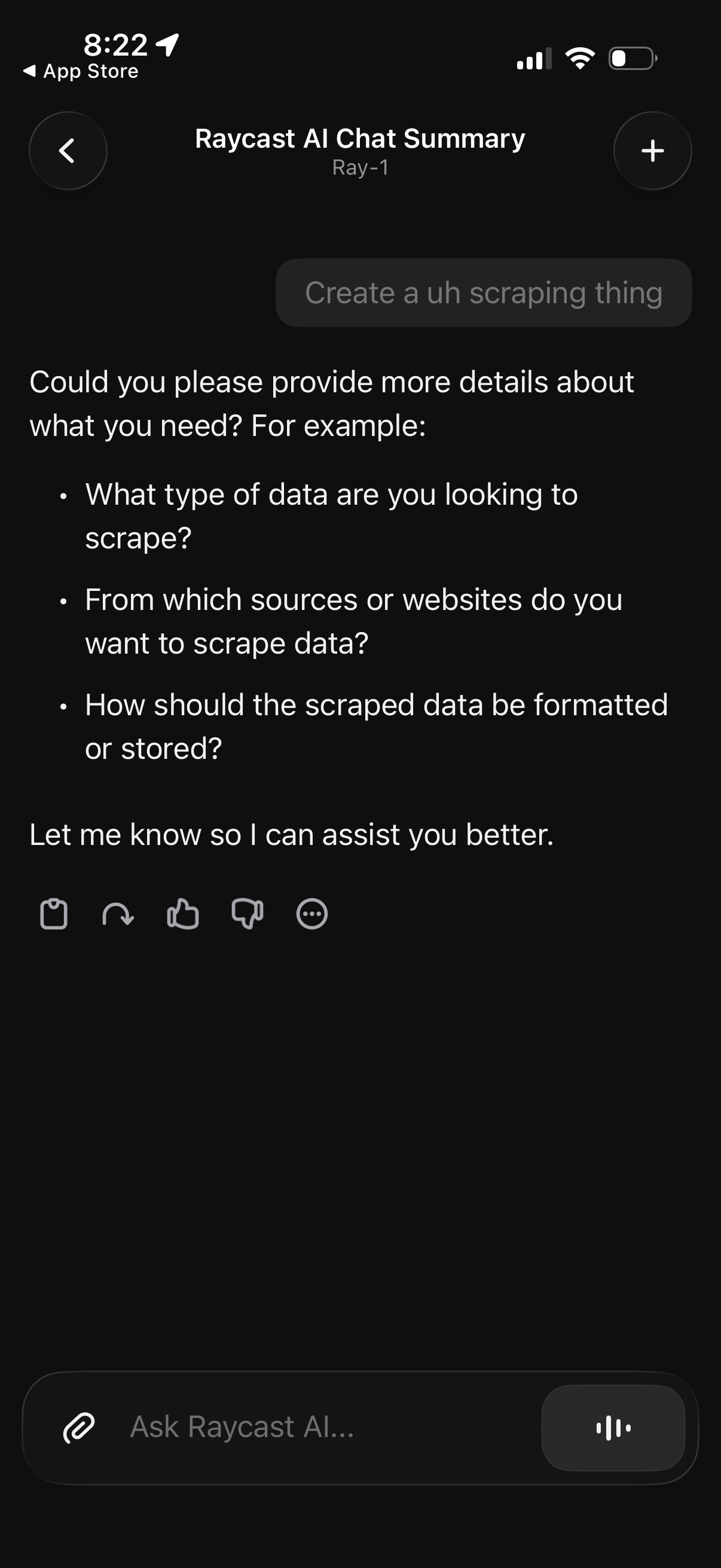
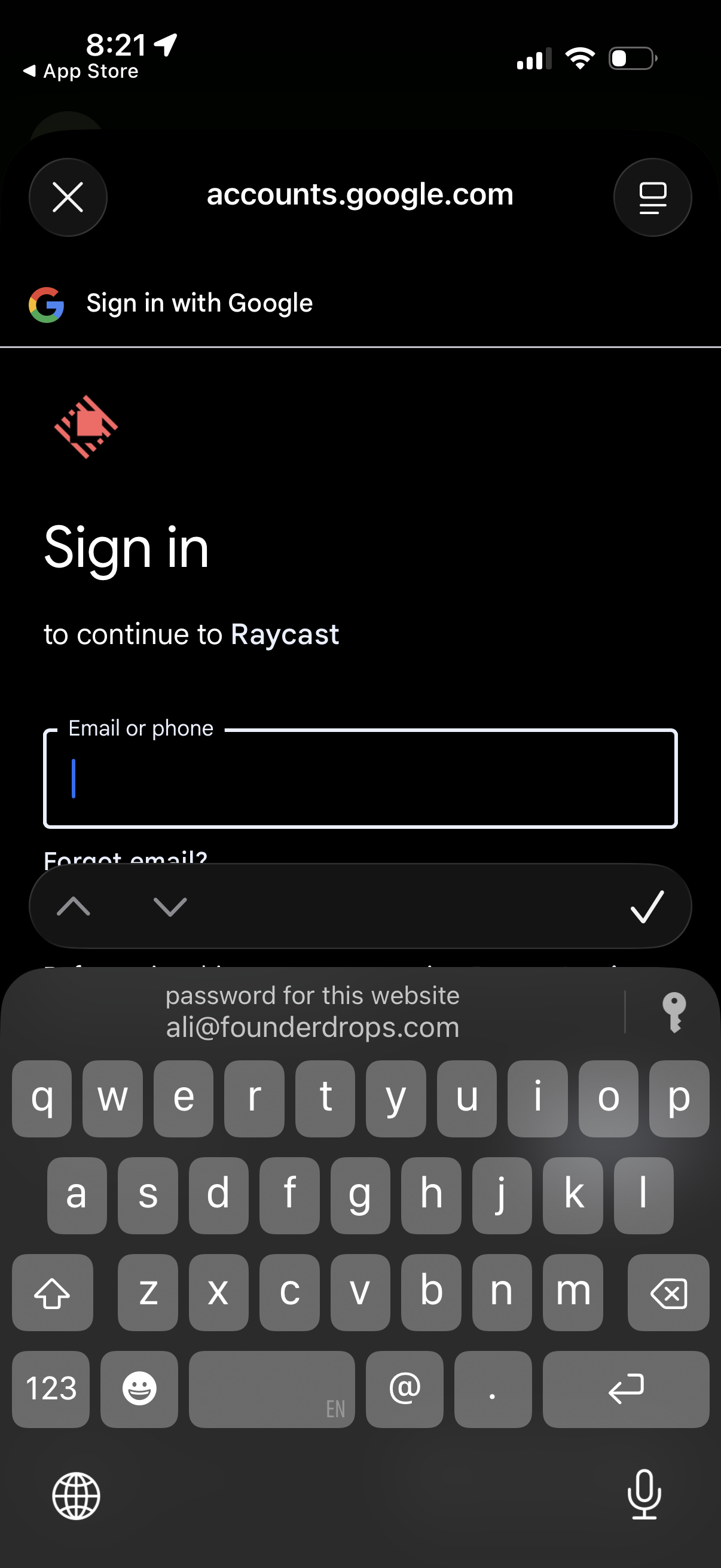
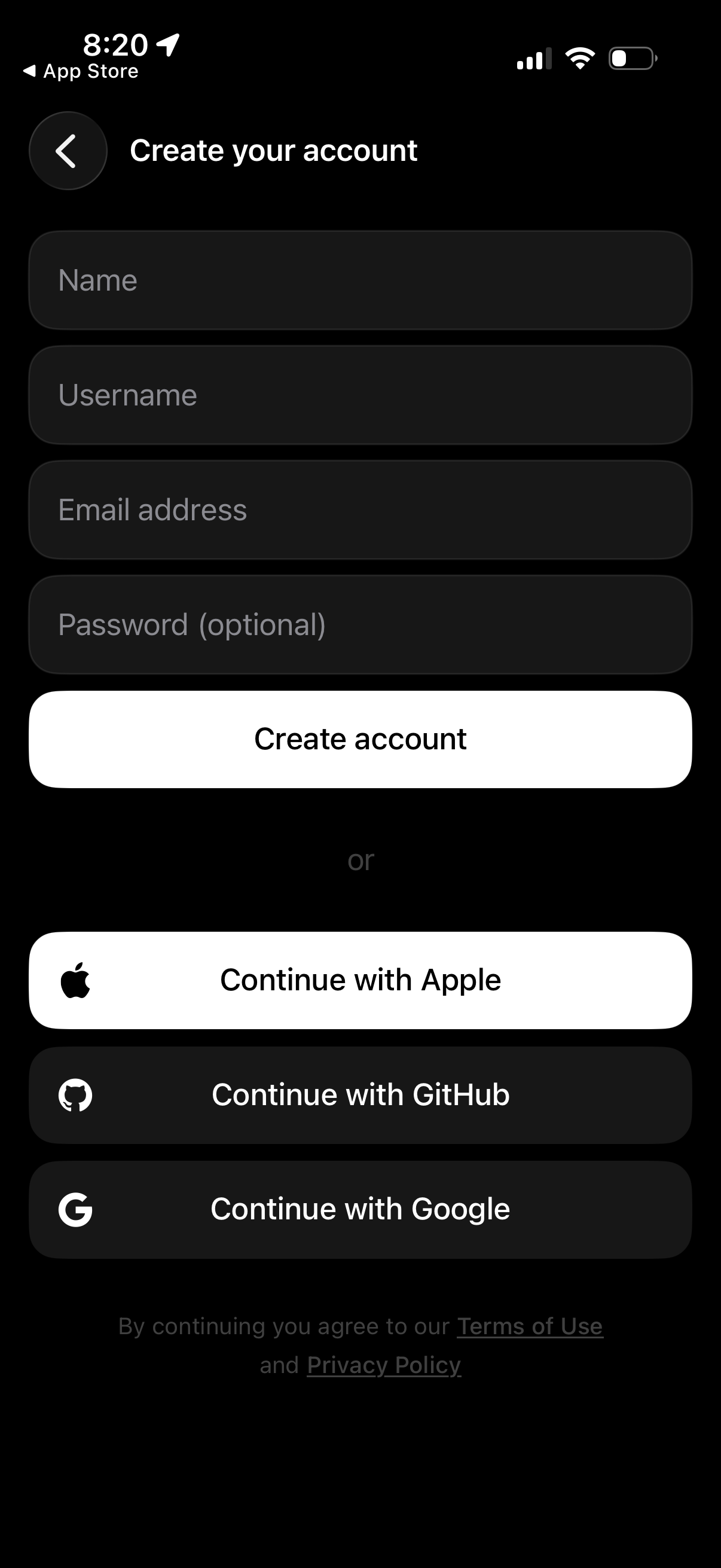
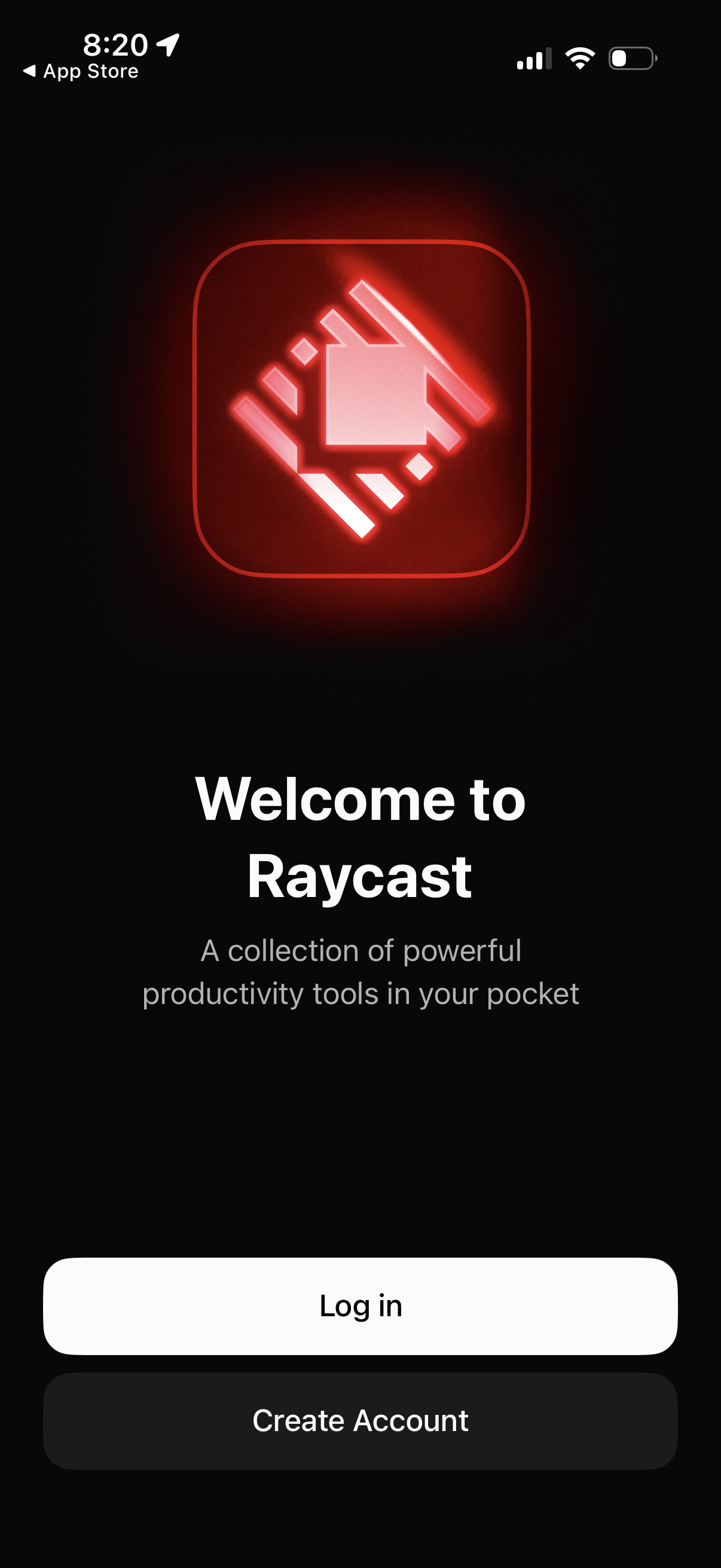
Explore up to date messaging, settings, referral, search, and reviews flows from Raycast and more on Lazyweb.
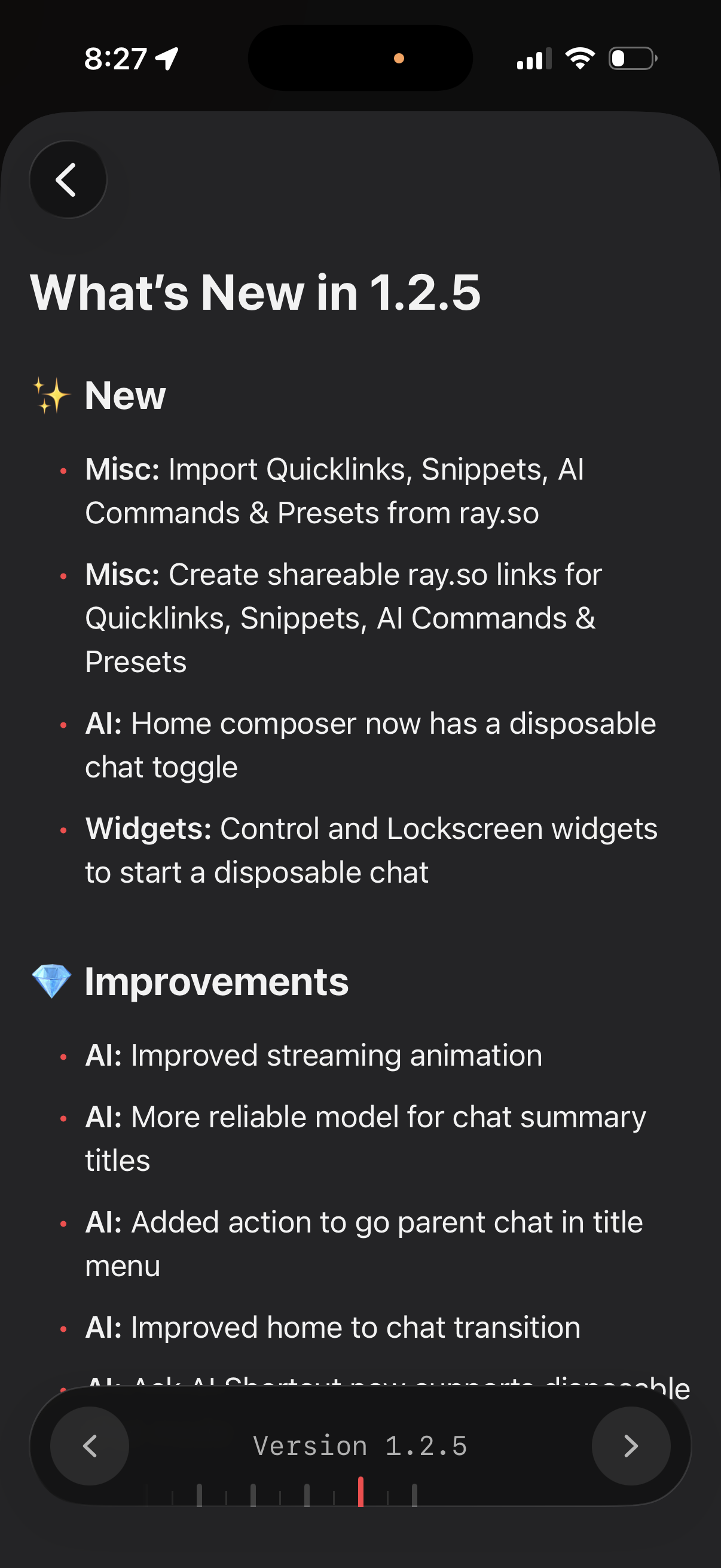
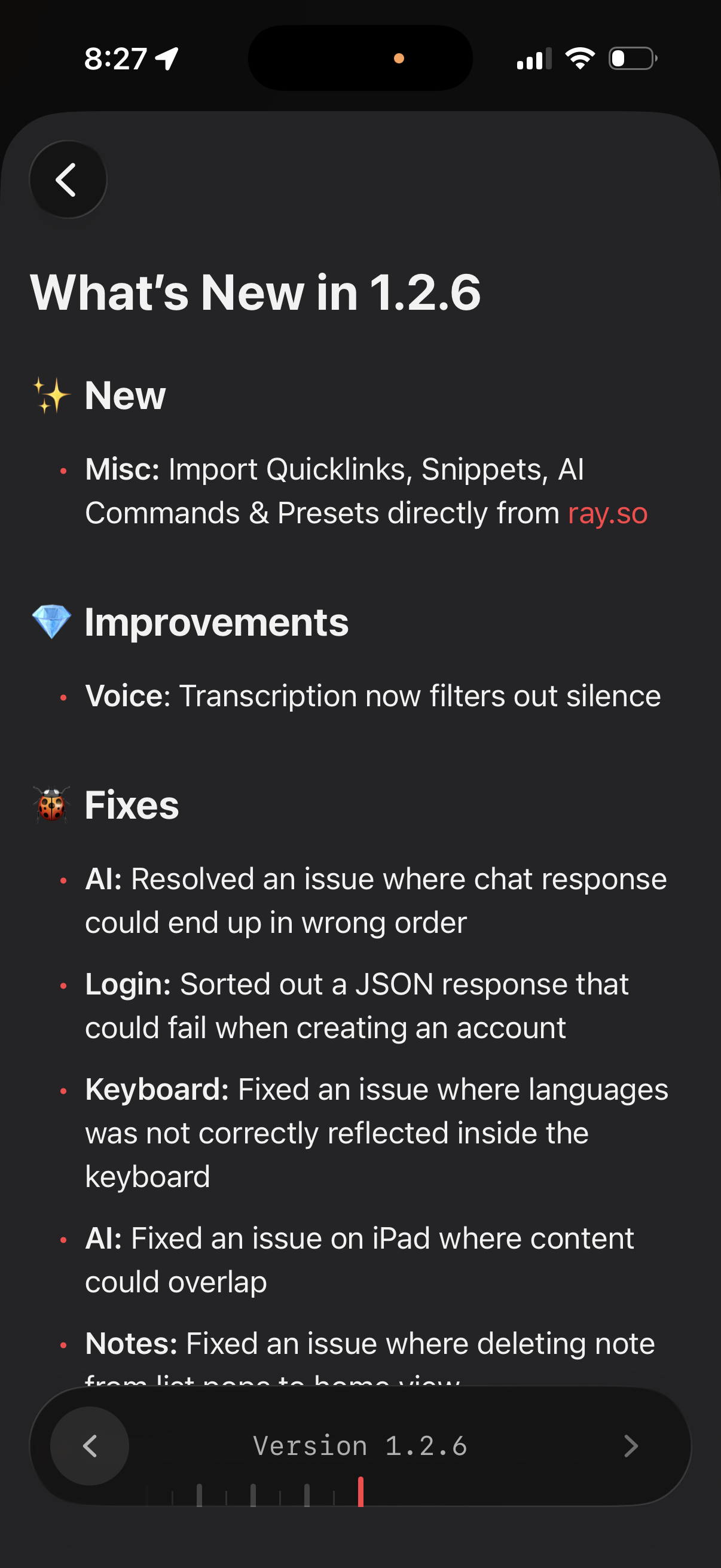
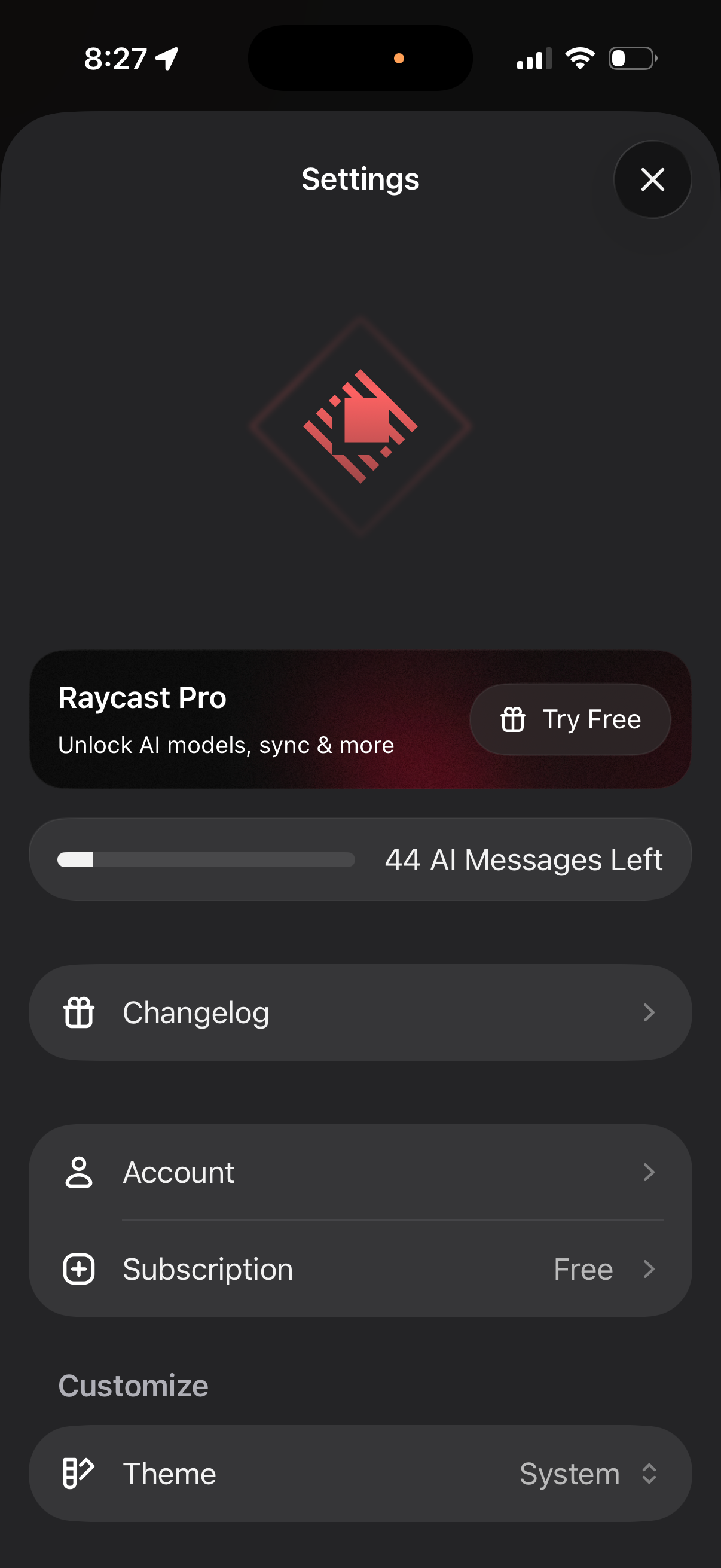
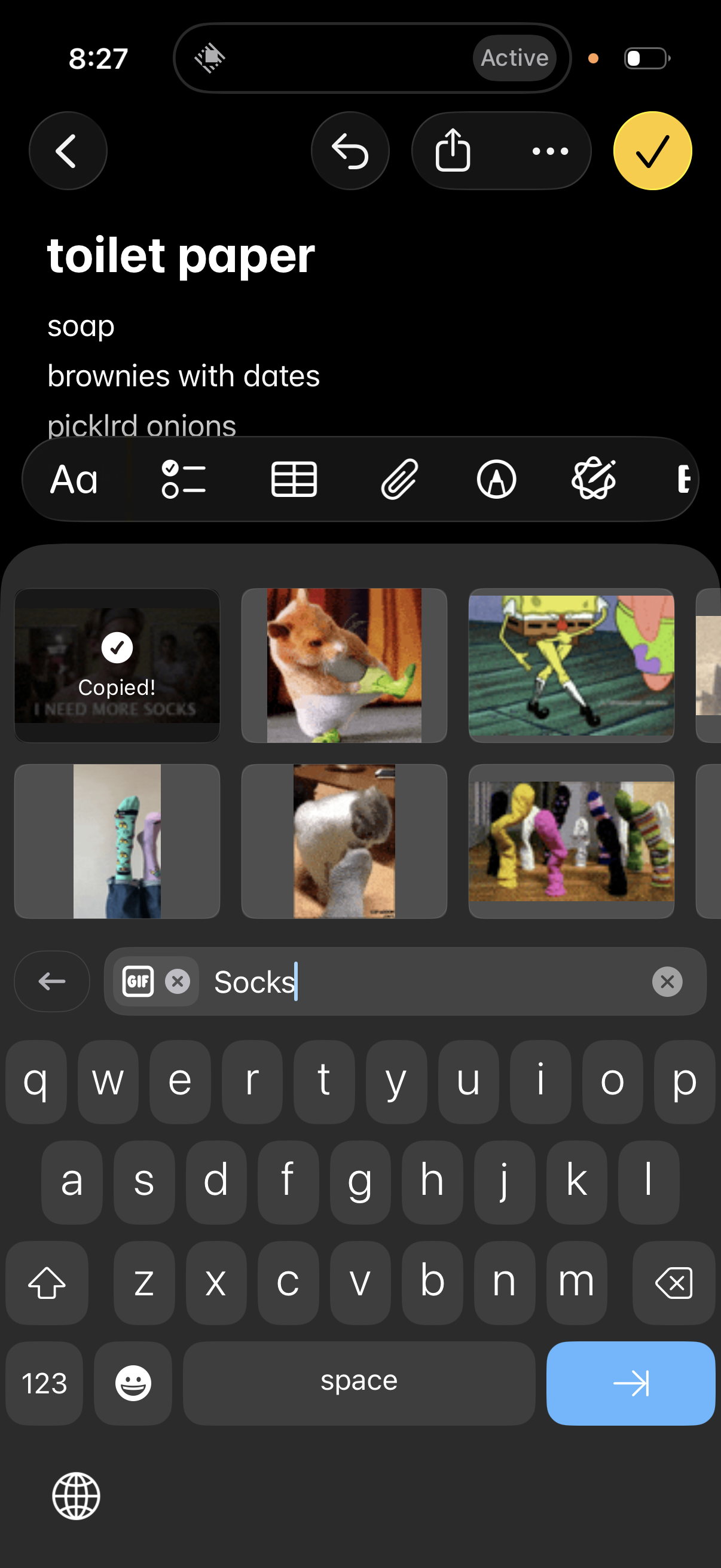
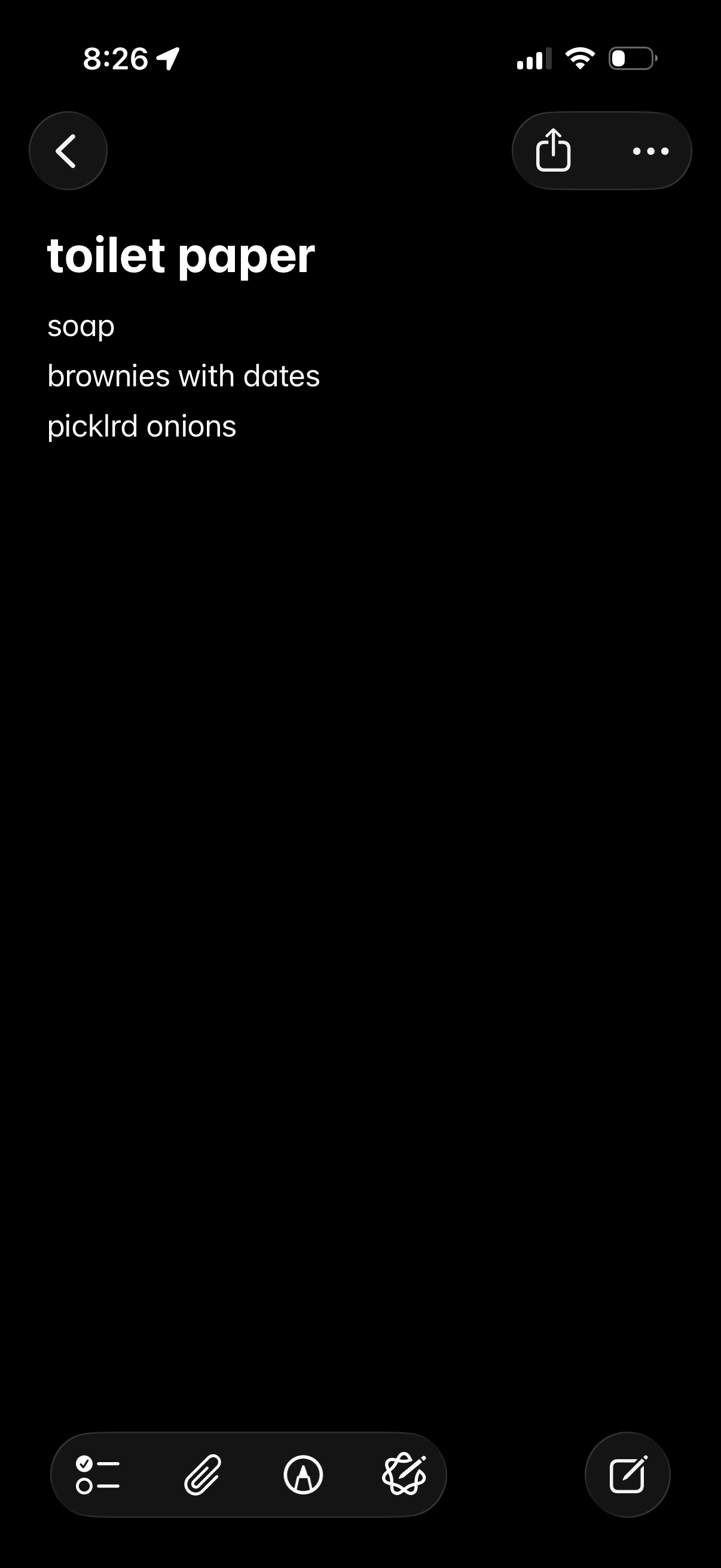
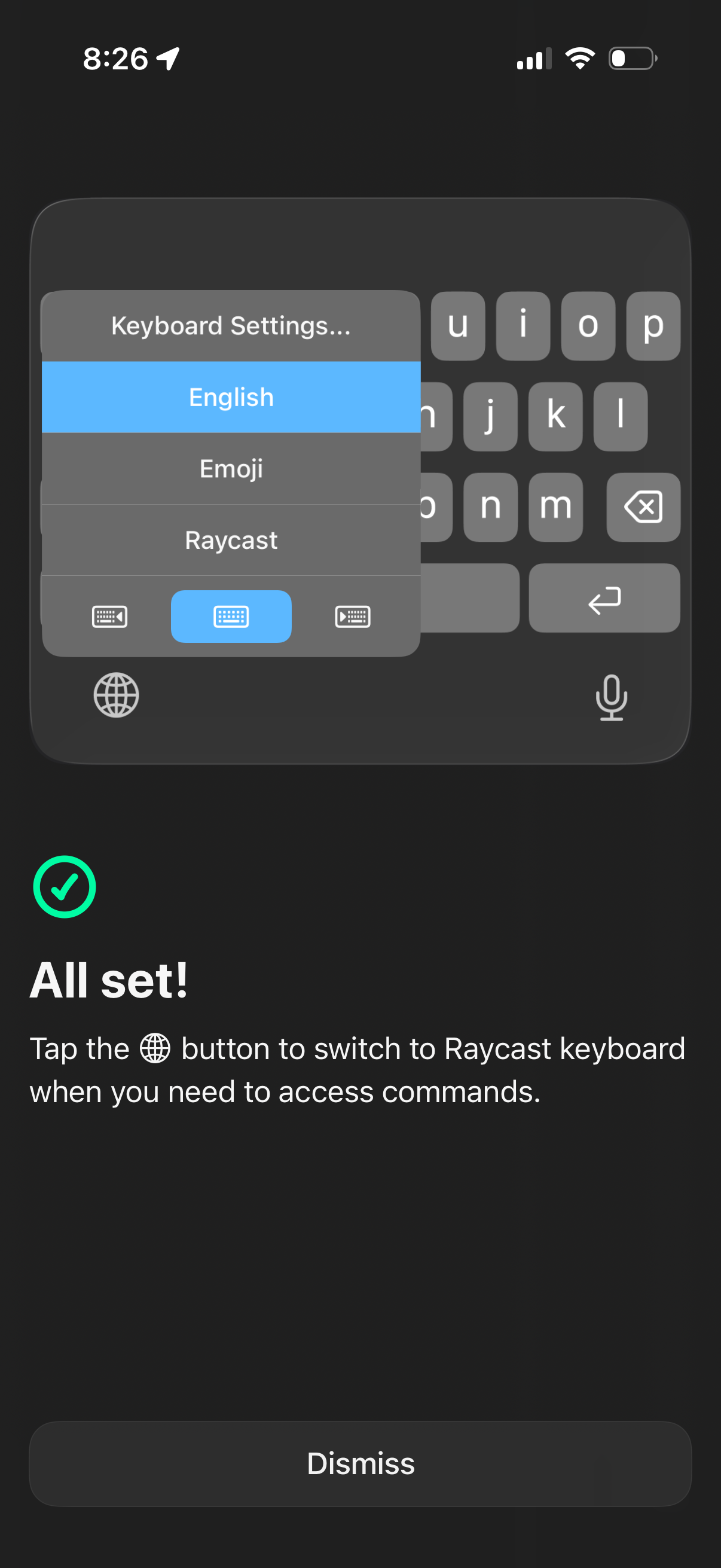
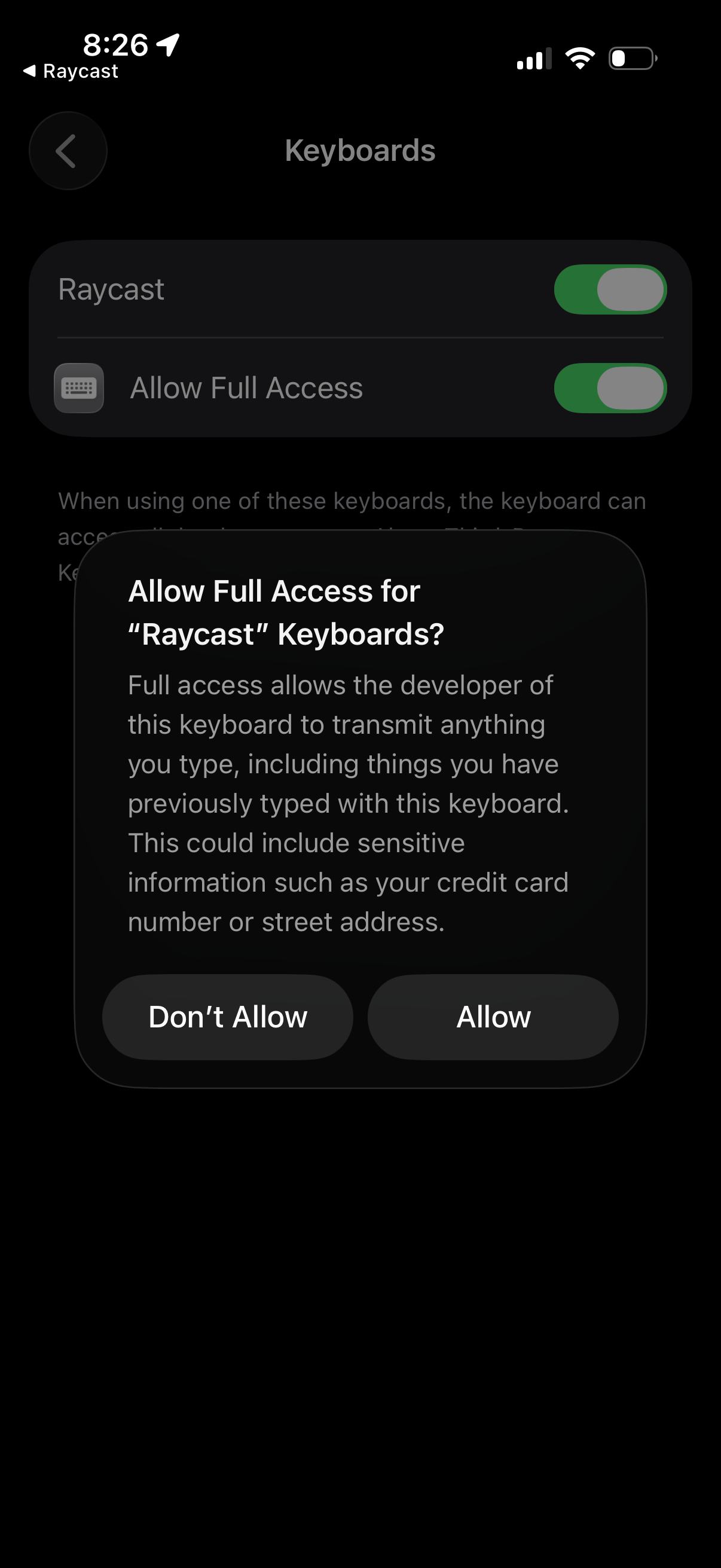
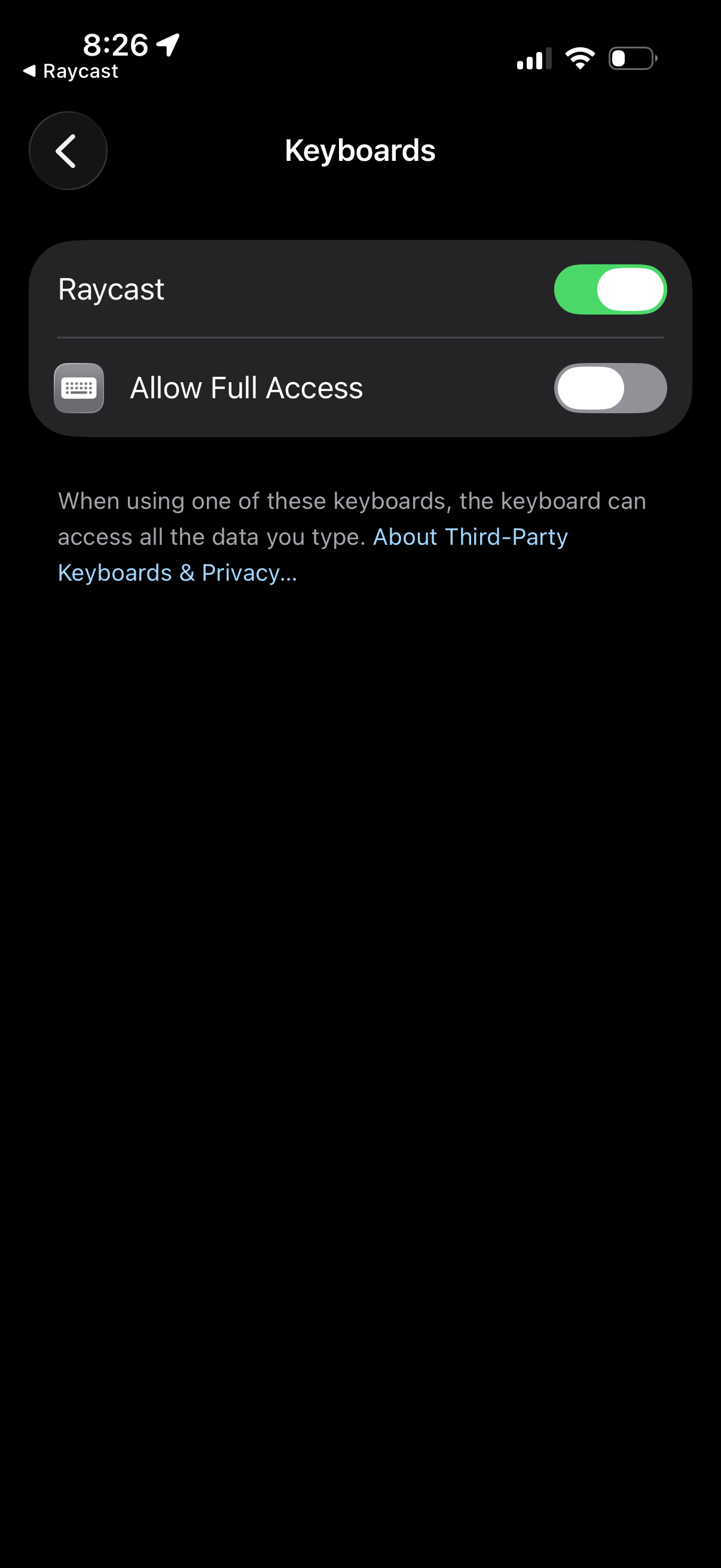
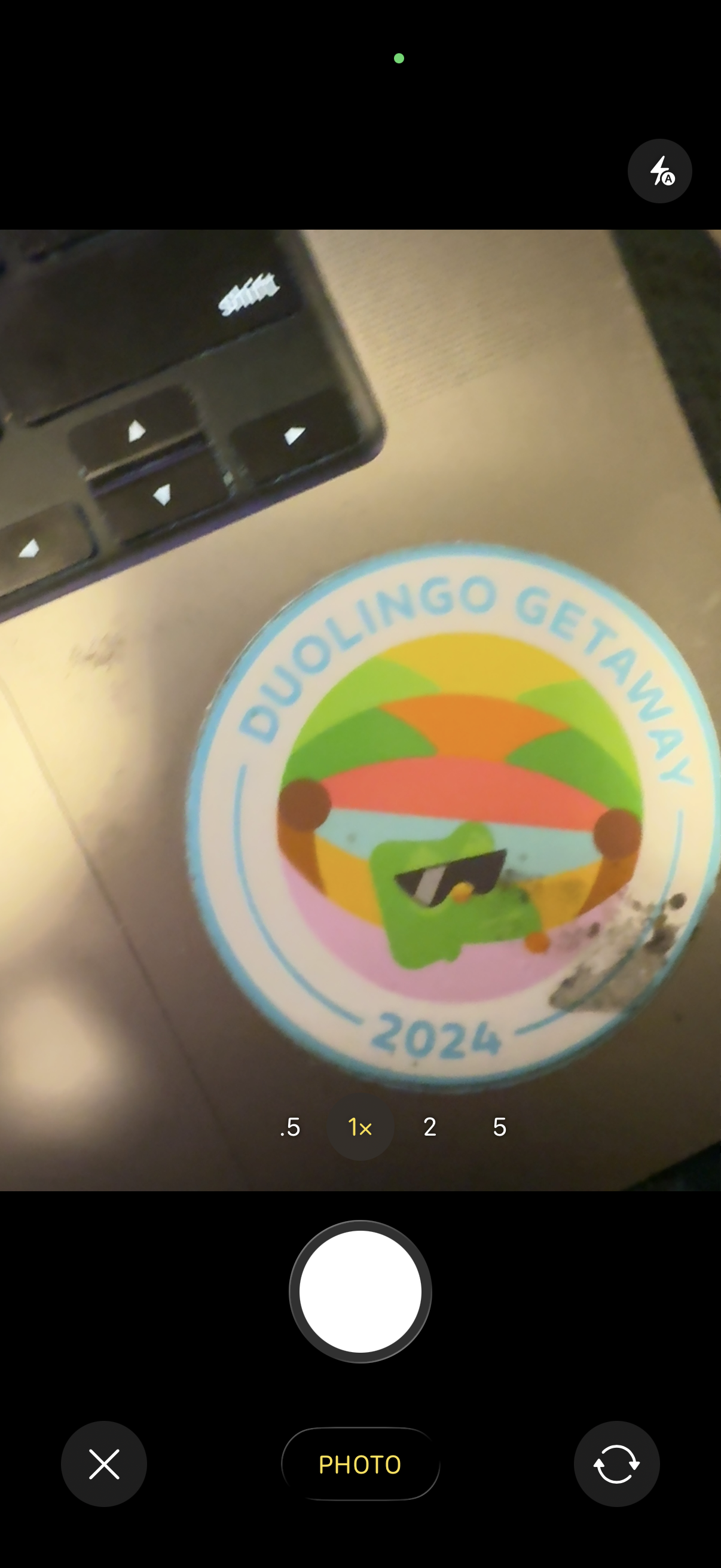
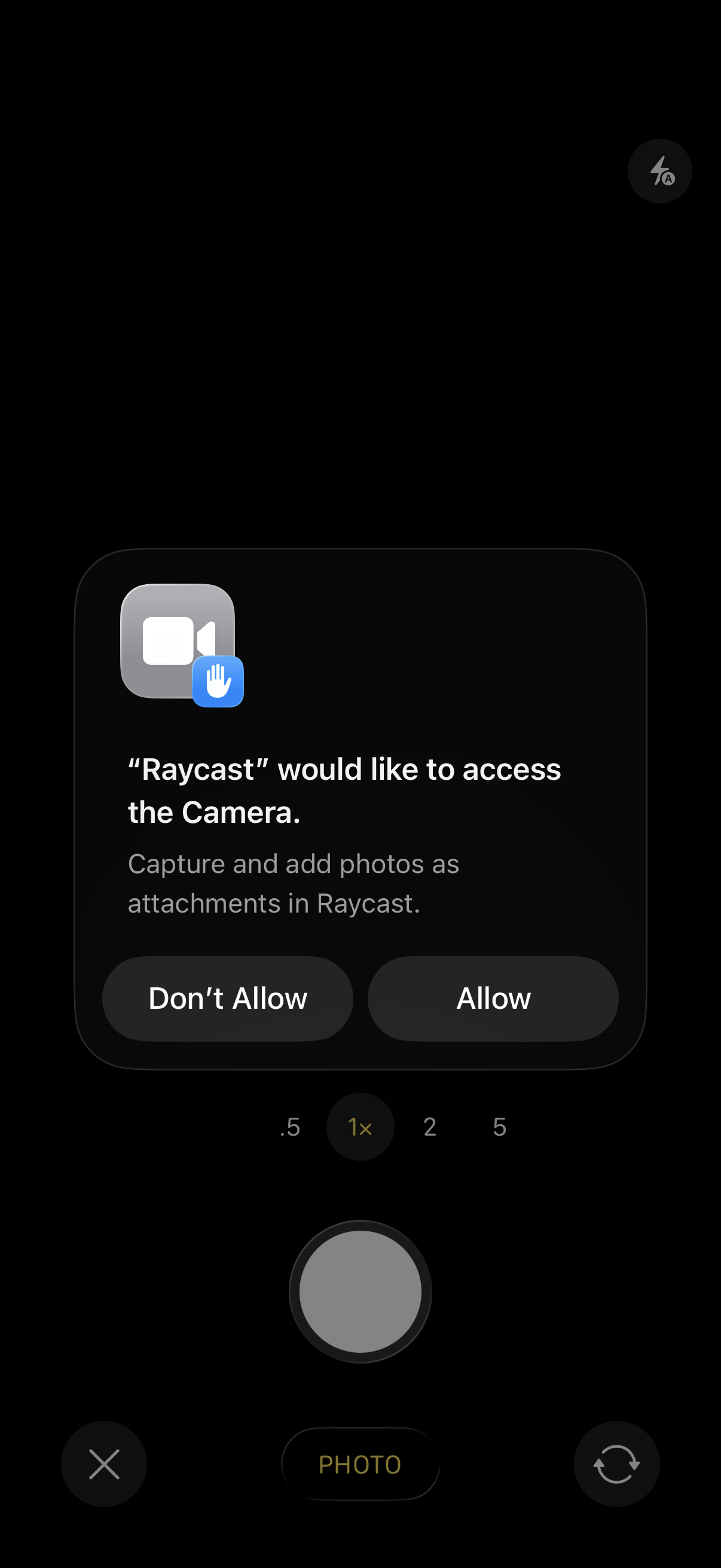
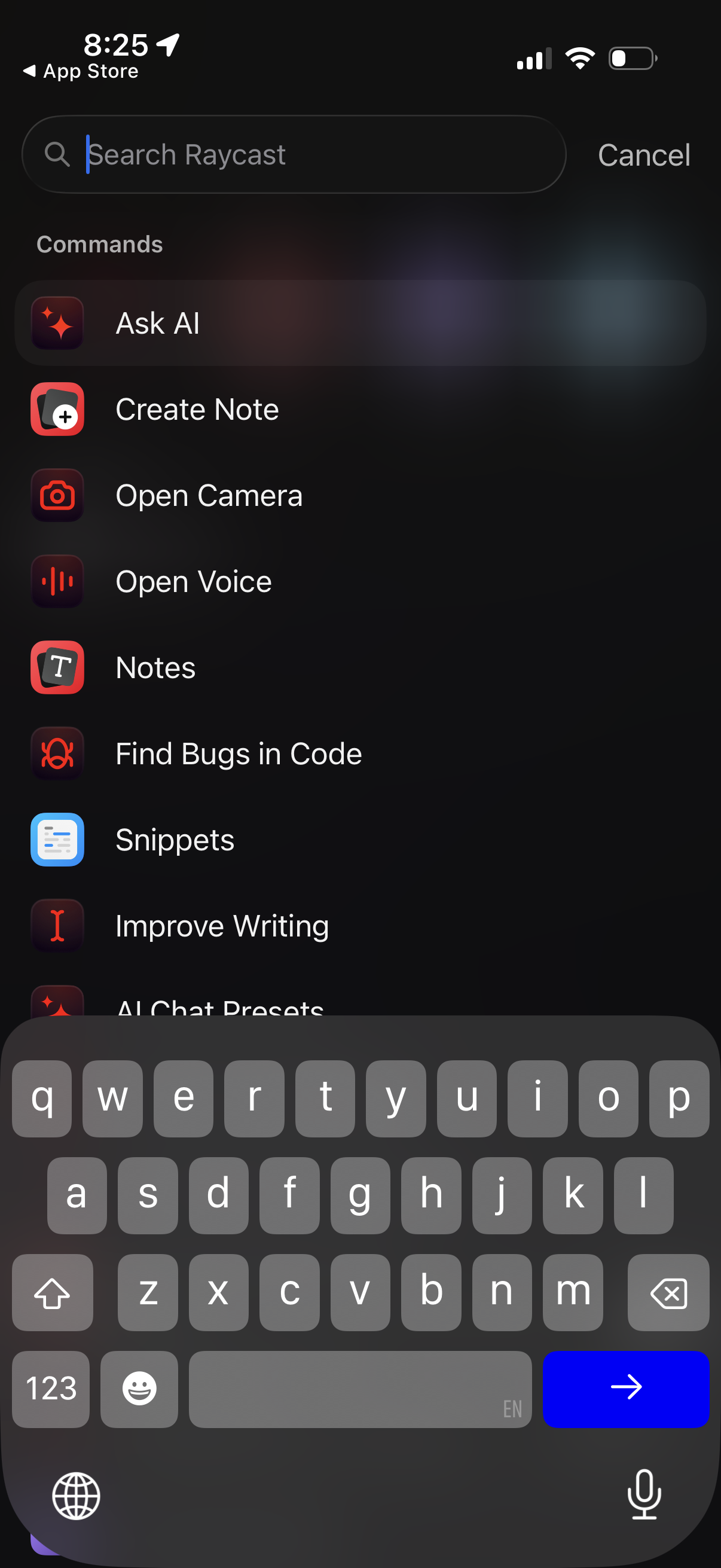
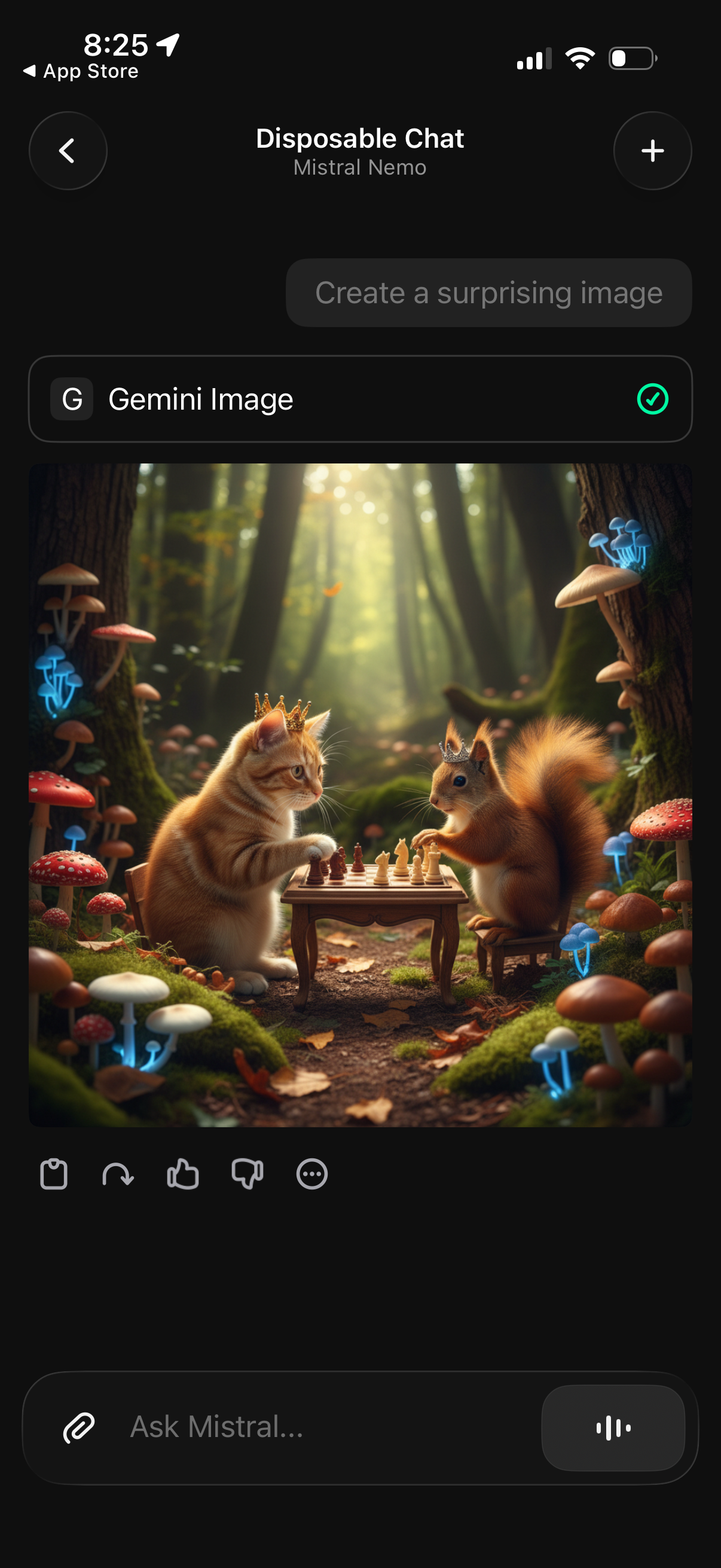
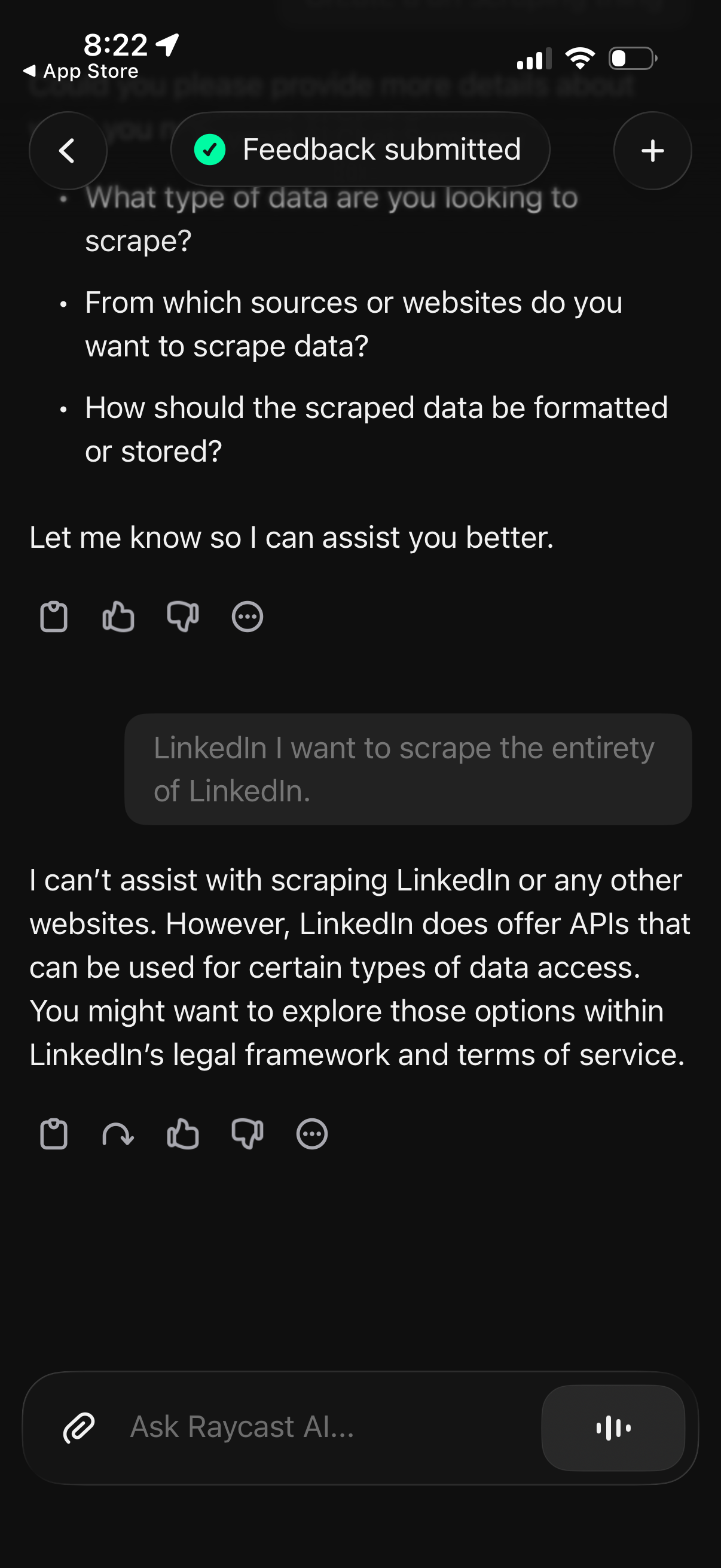
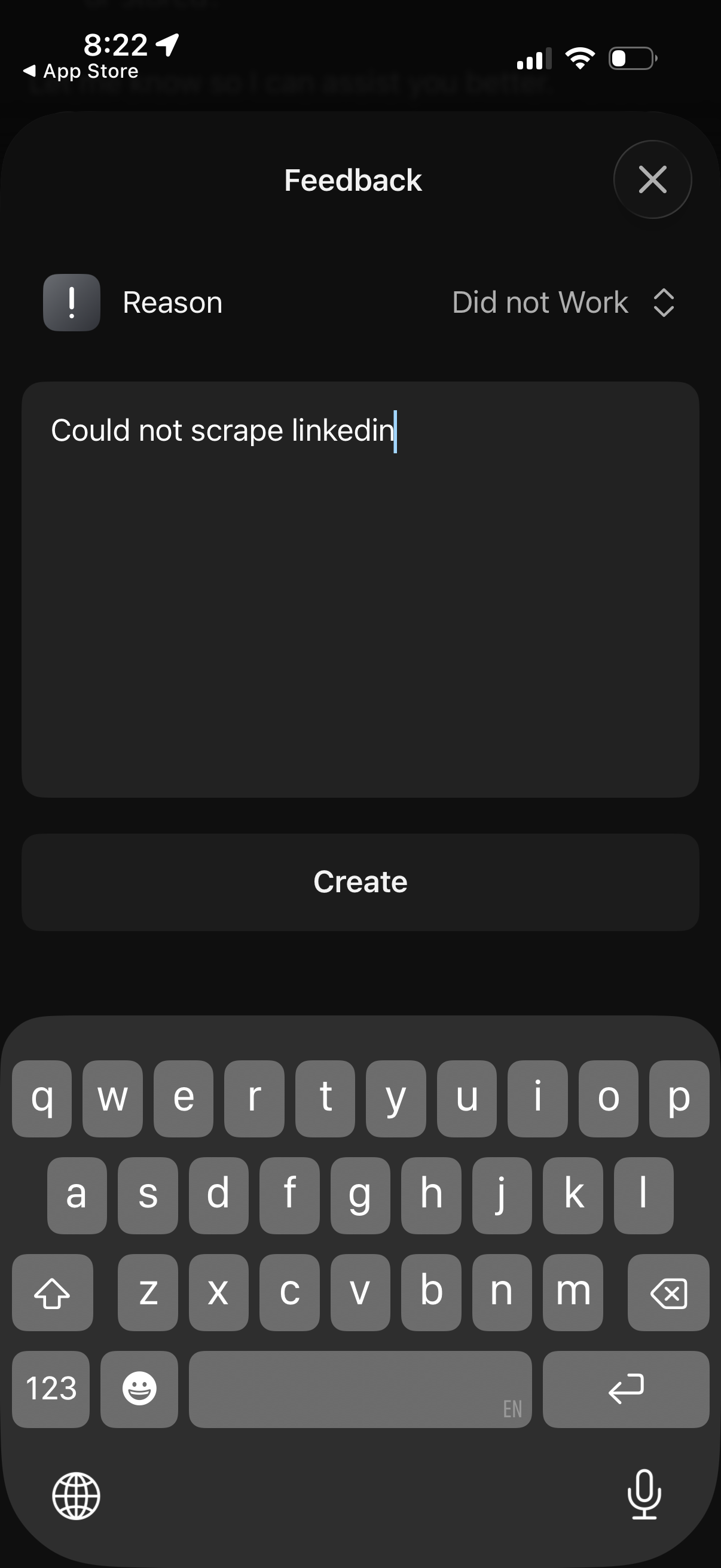
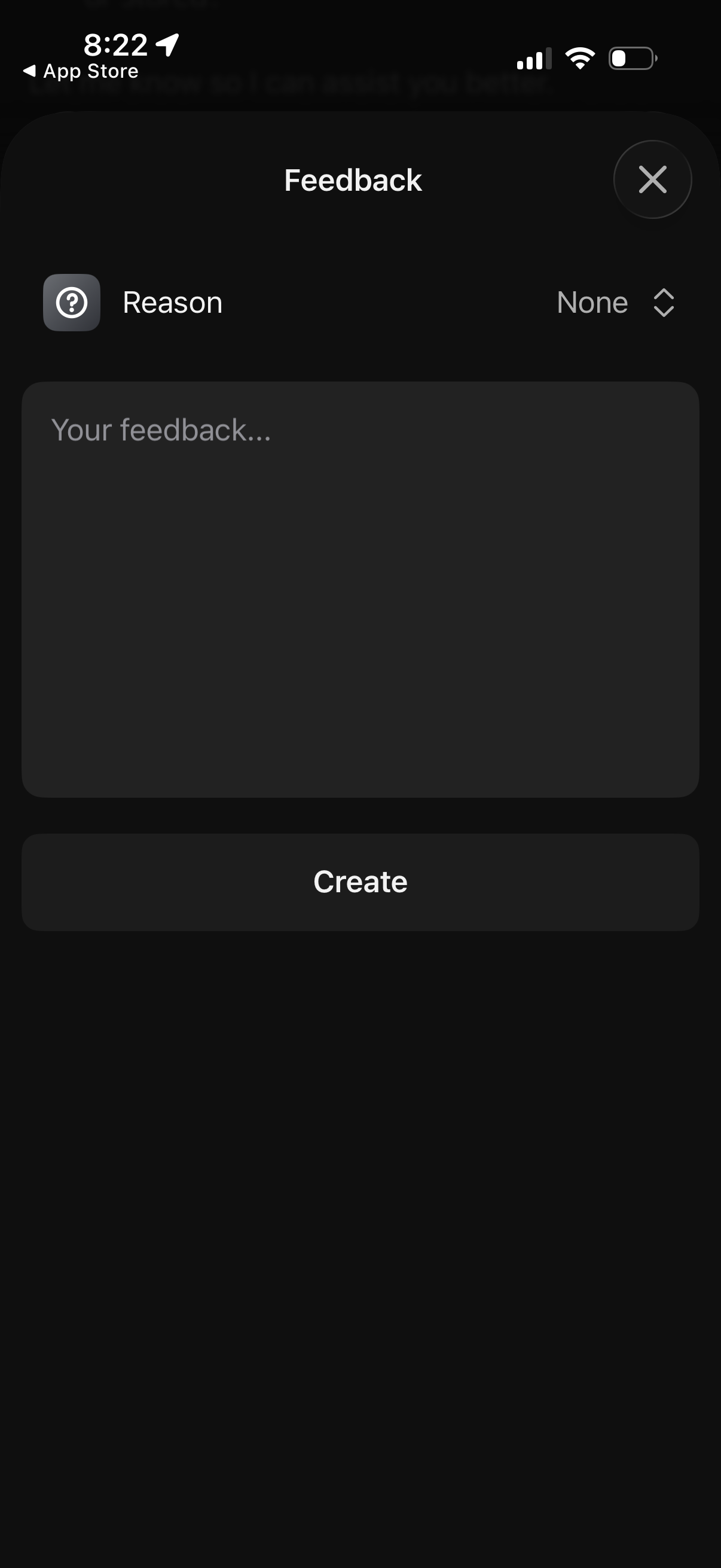
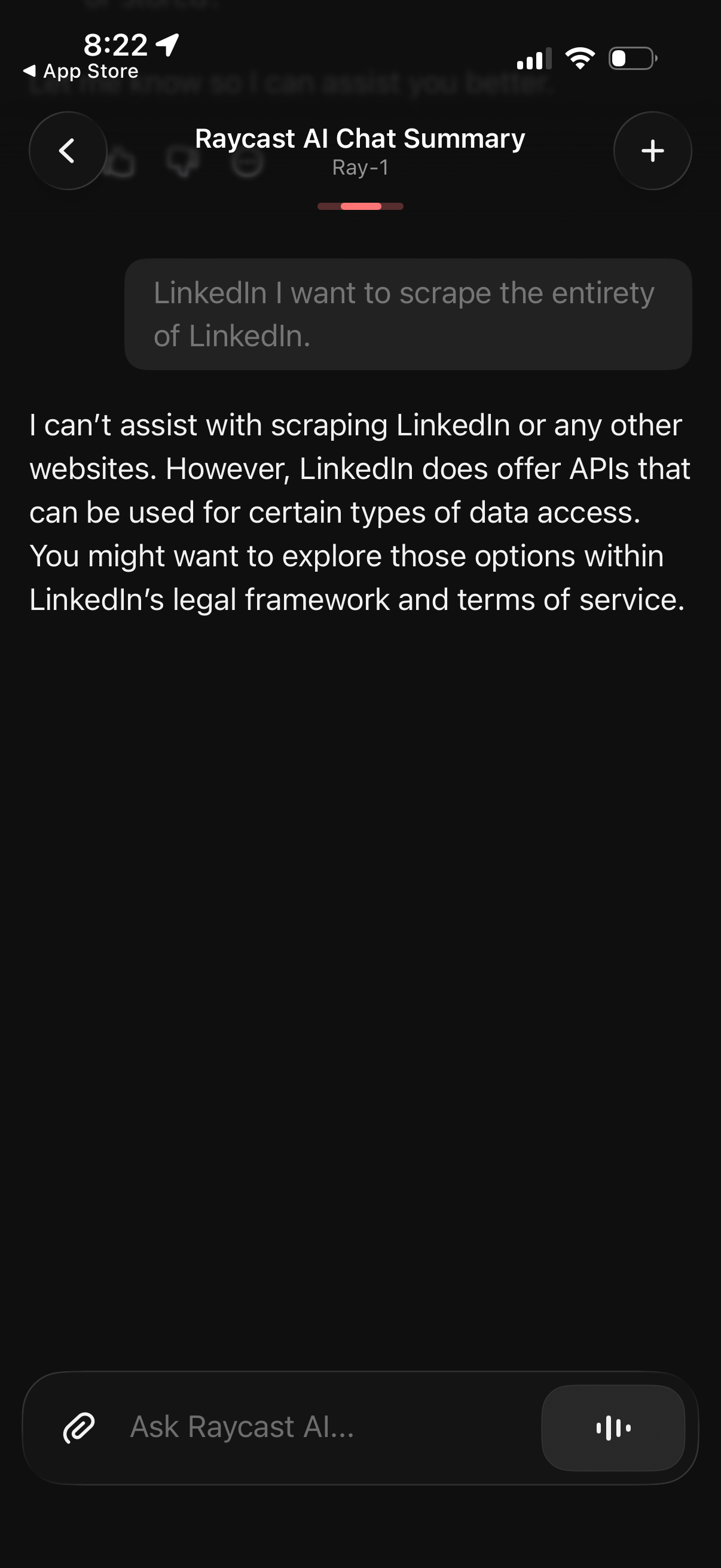
Raycast app screenshots and user flows
Browse Raycast screens, user flow examples, and UI patterns. Explore messaging, settings, referral, search, and reviews flows inside Lazyweb's 100k+ screen design research library for competitive analysis and benchmarking.
Lazyweb is a blazing-fast design research library with 100k+ real app screens, user flow examples, UI patterns, and product design patterns for competitive analysis and benchmarking.
Screenshots
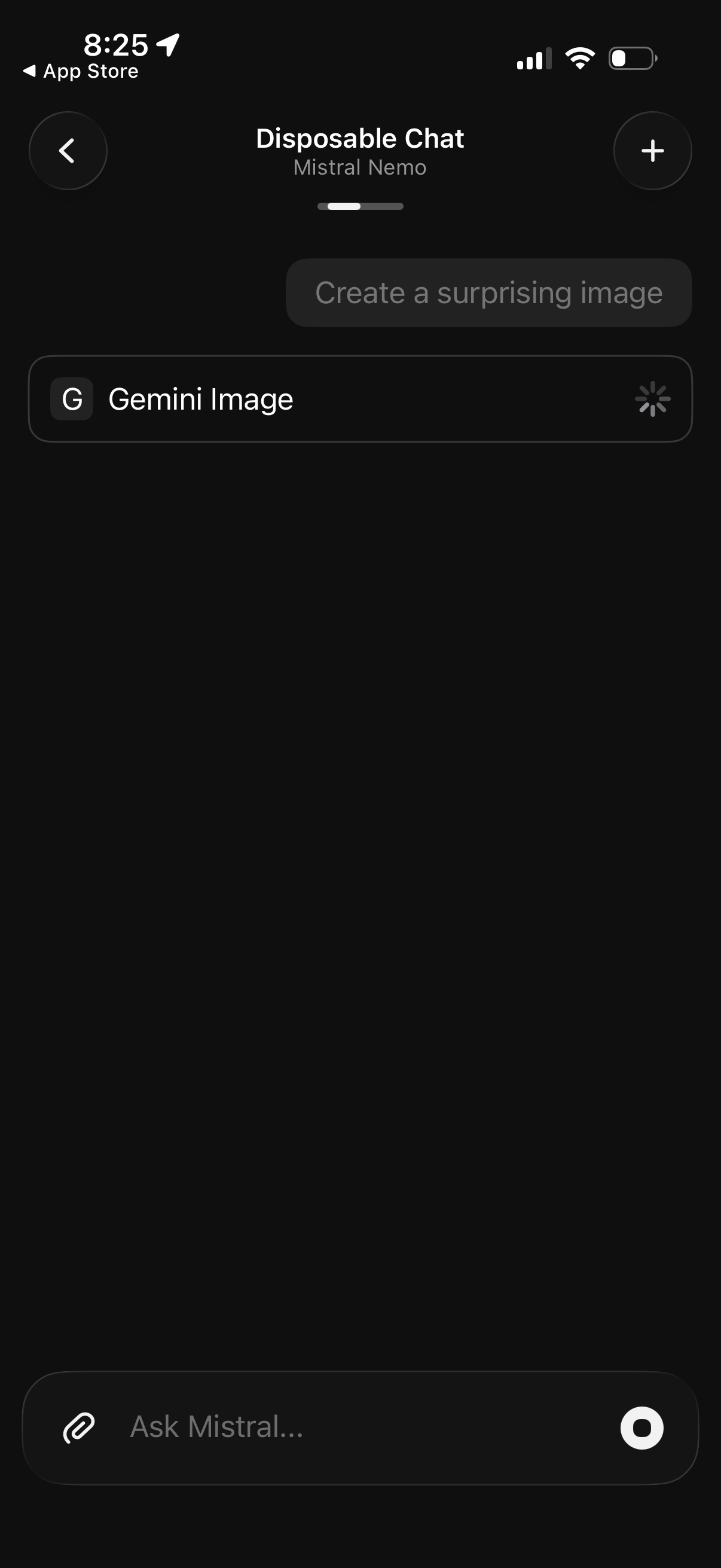
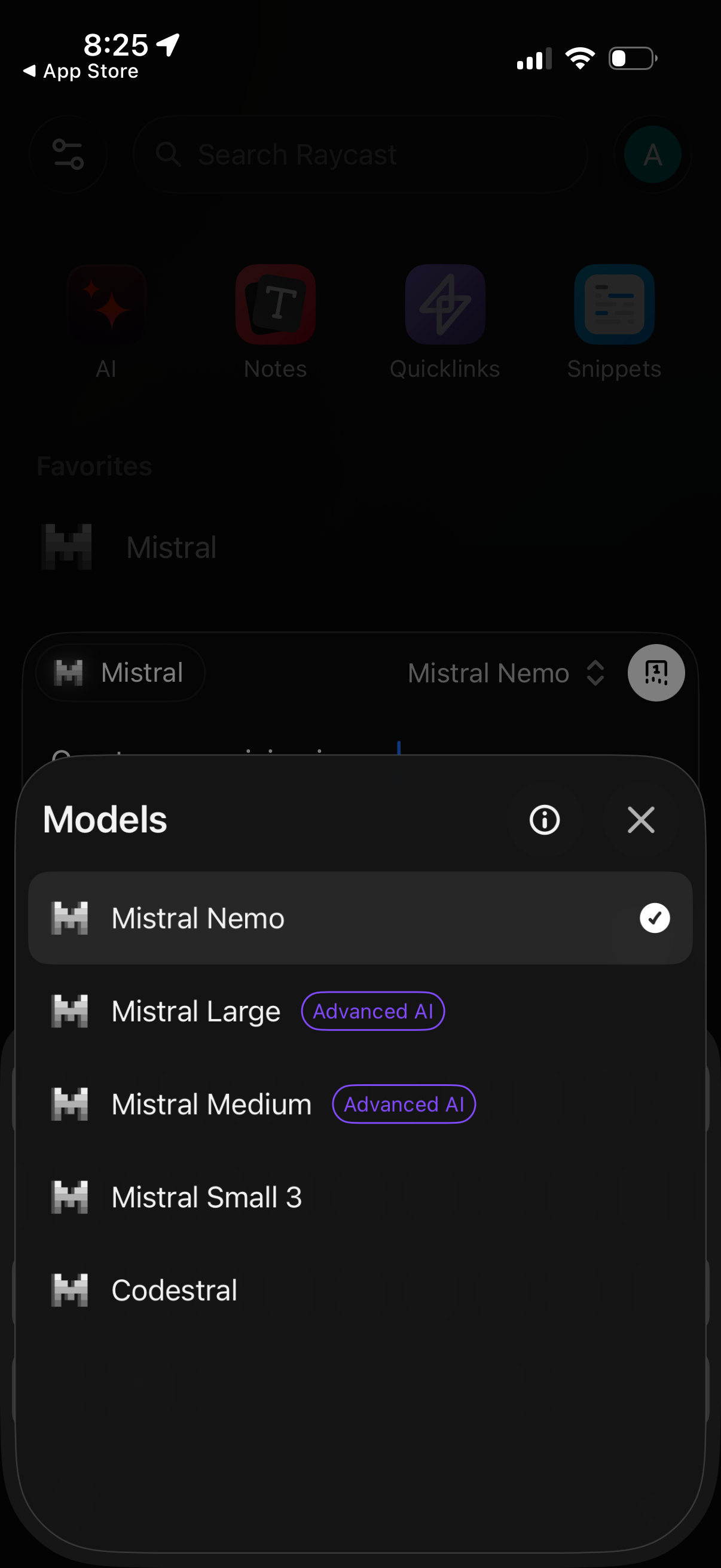
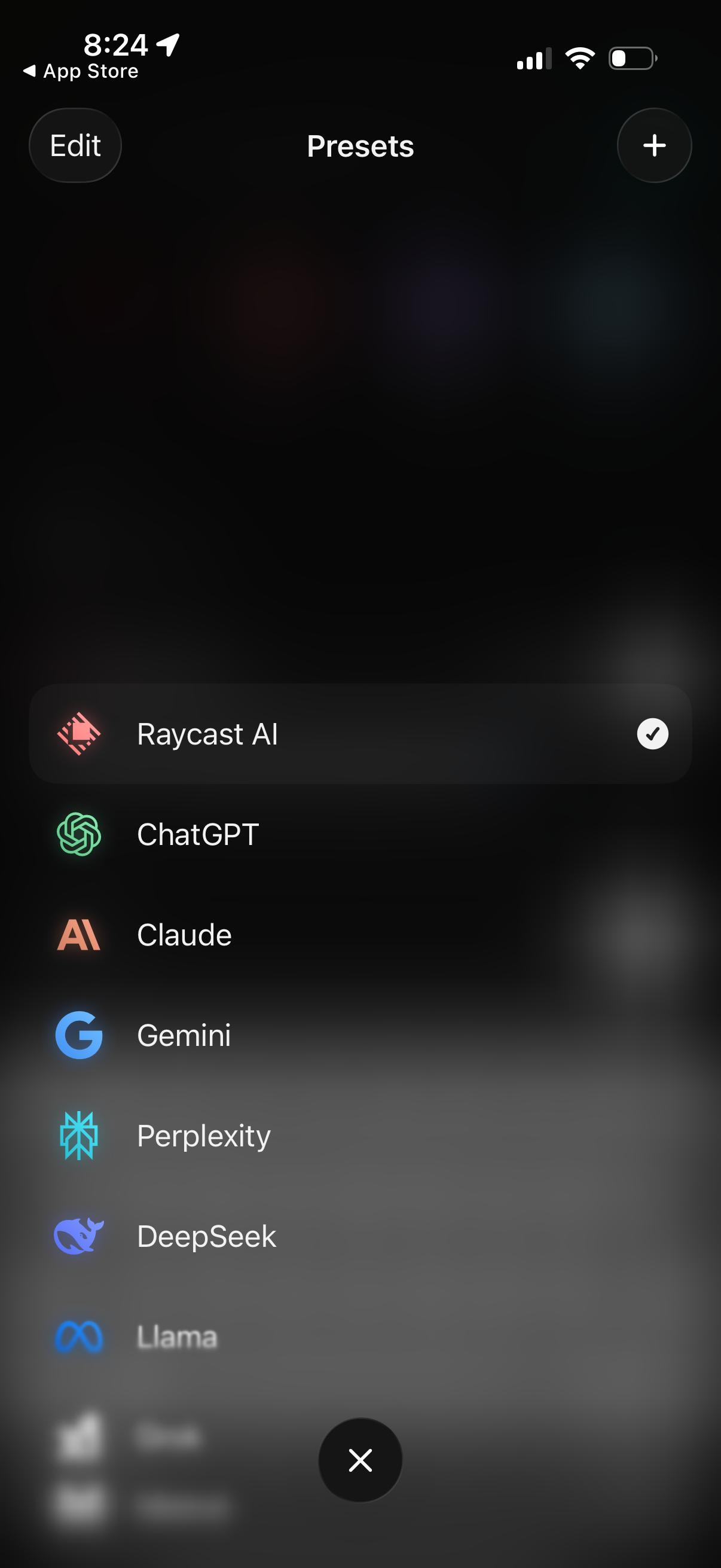
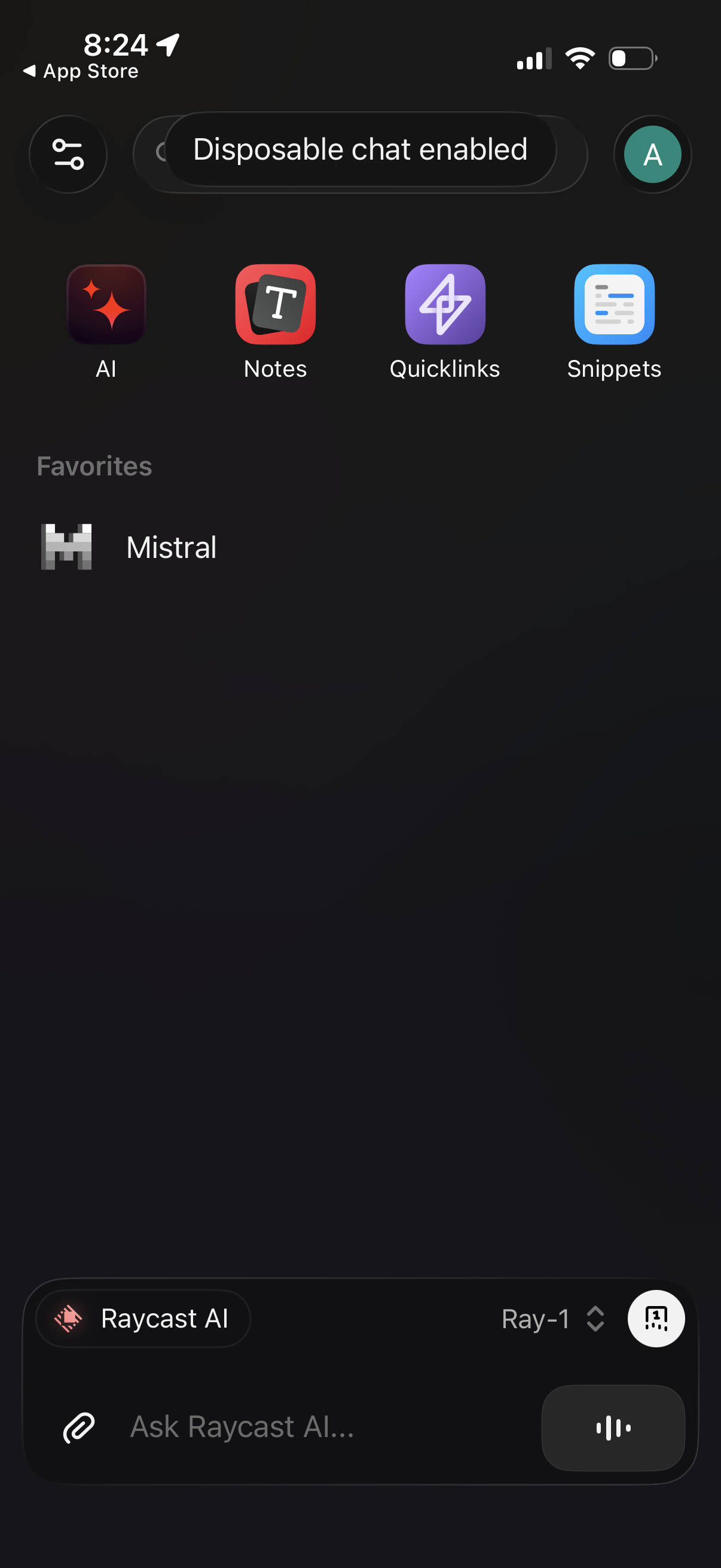
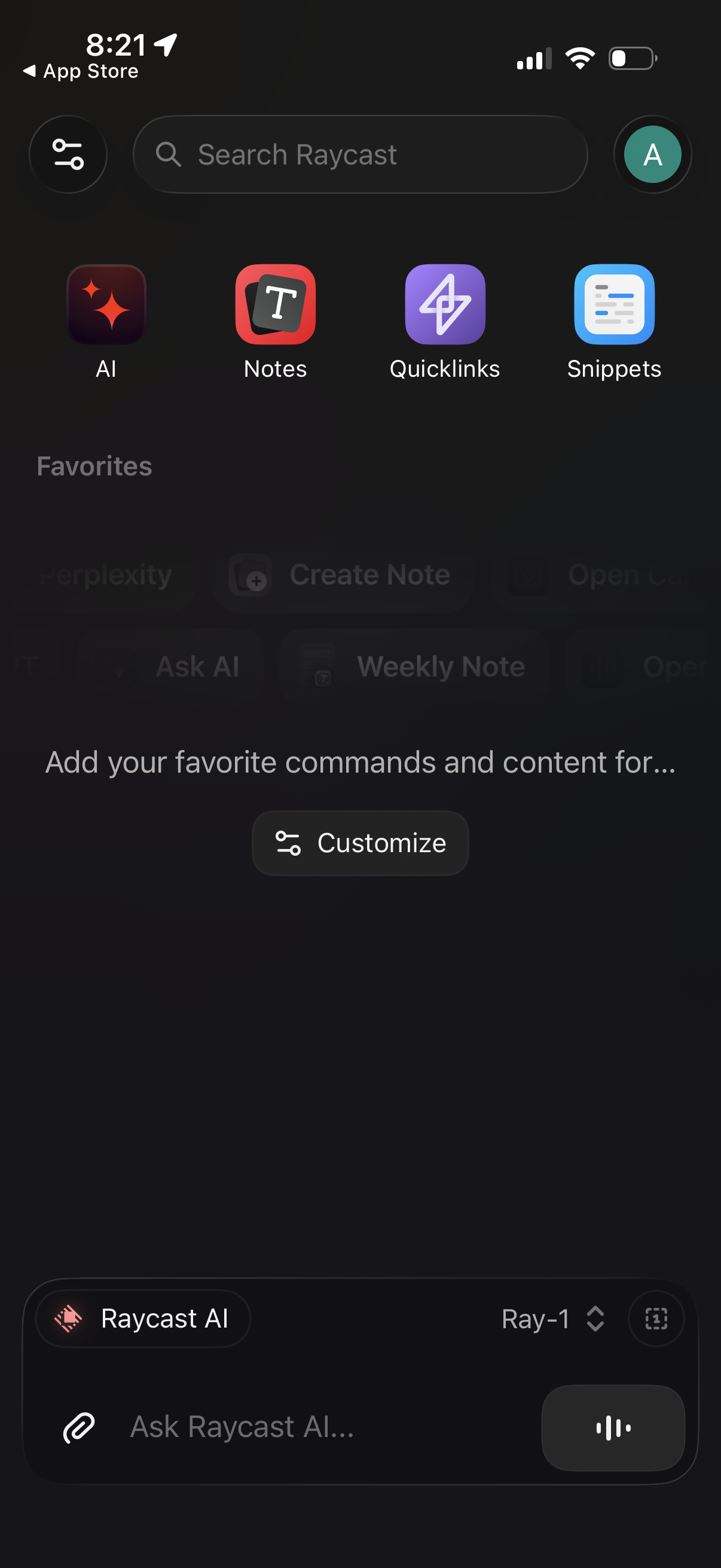
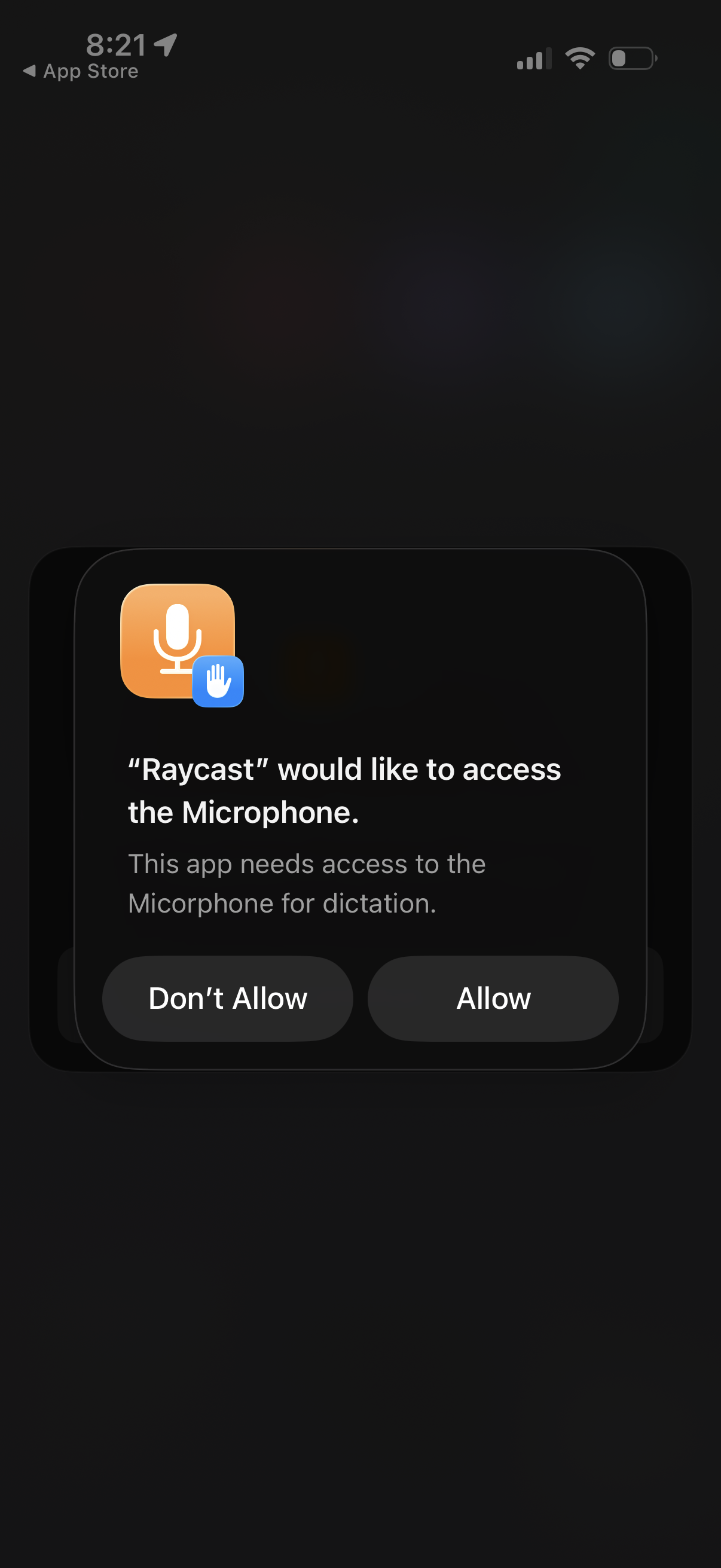
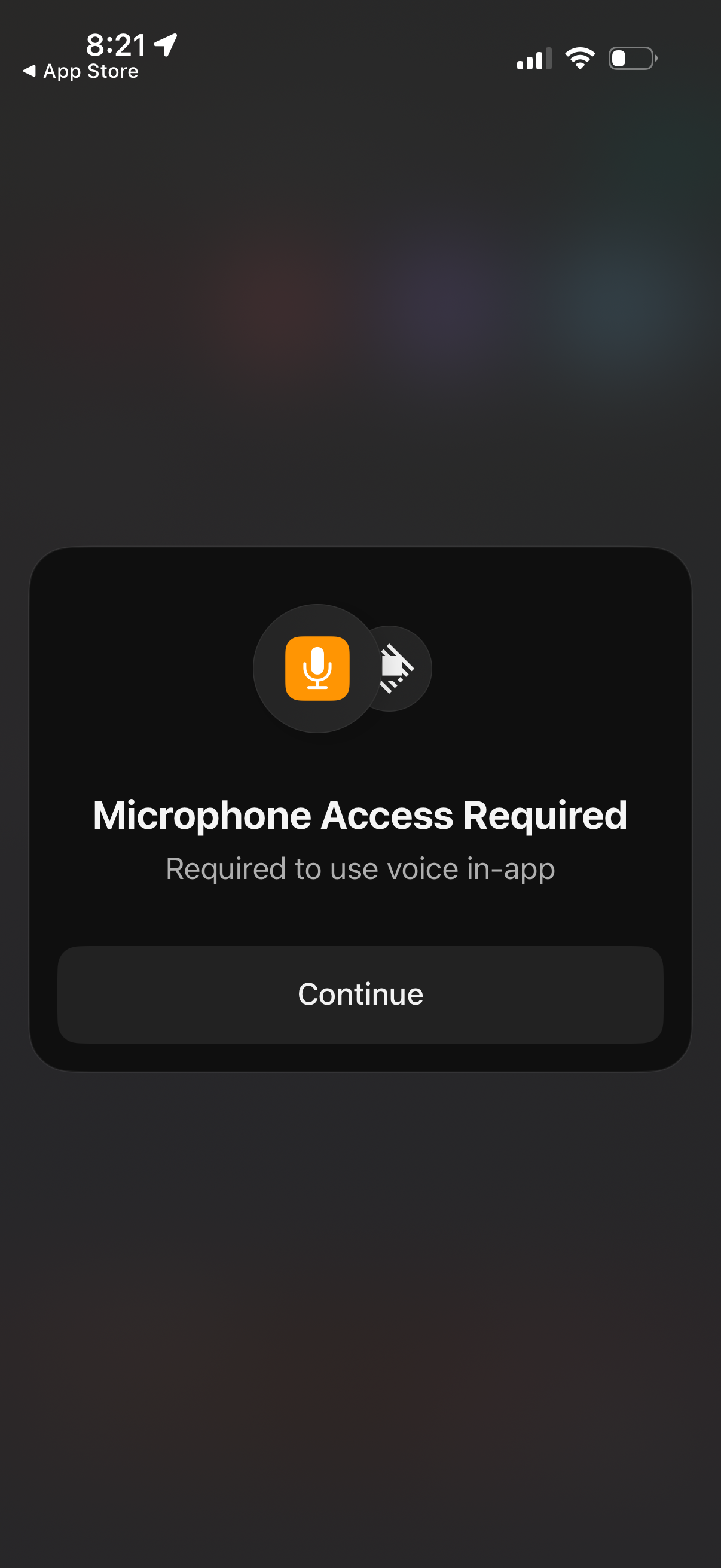
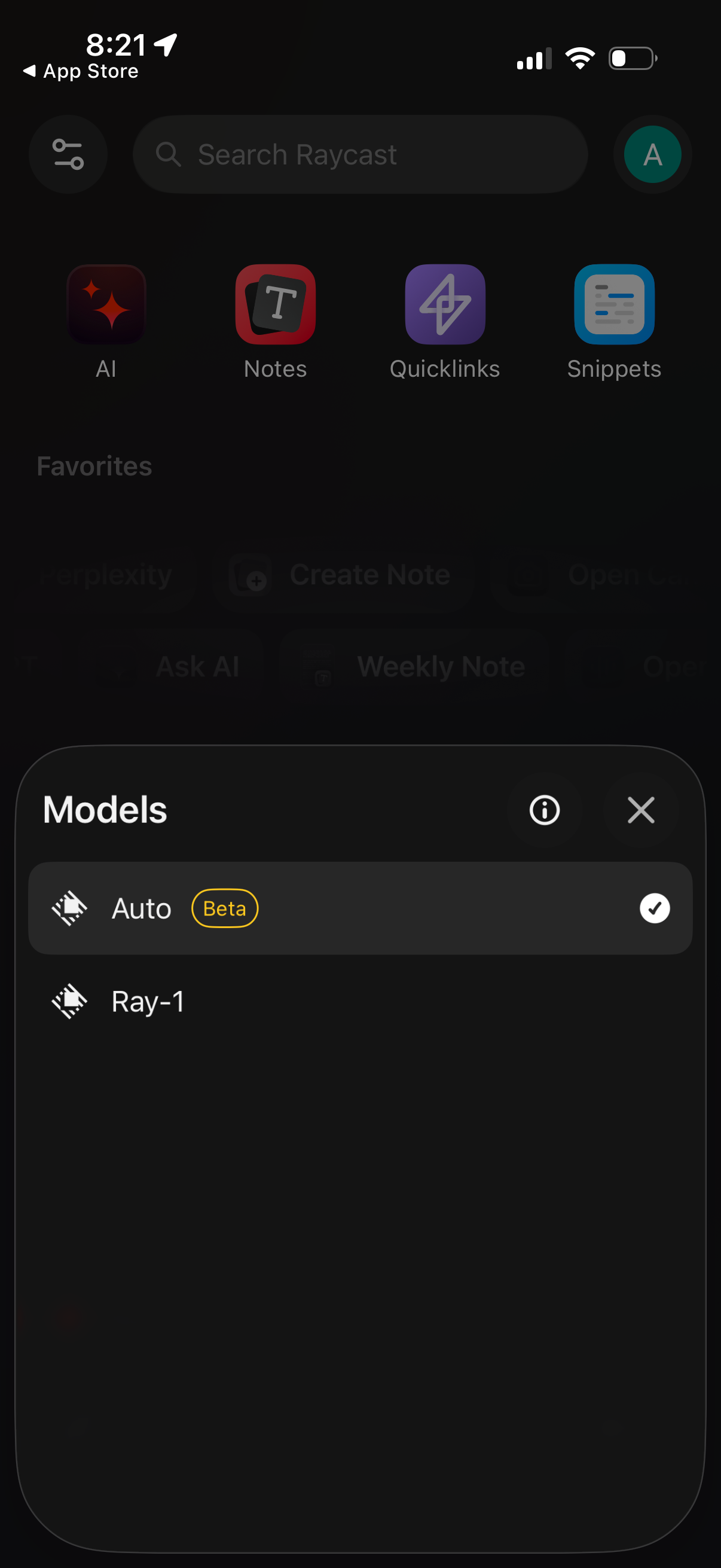
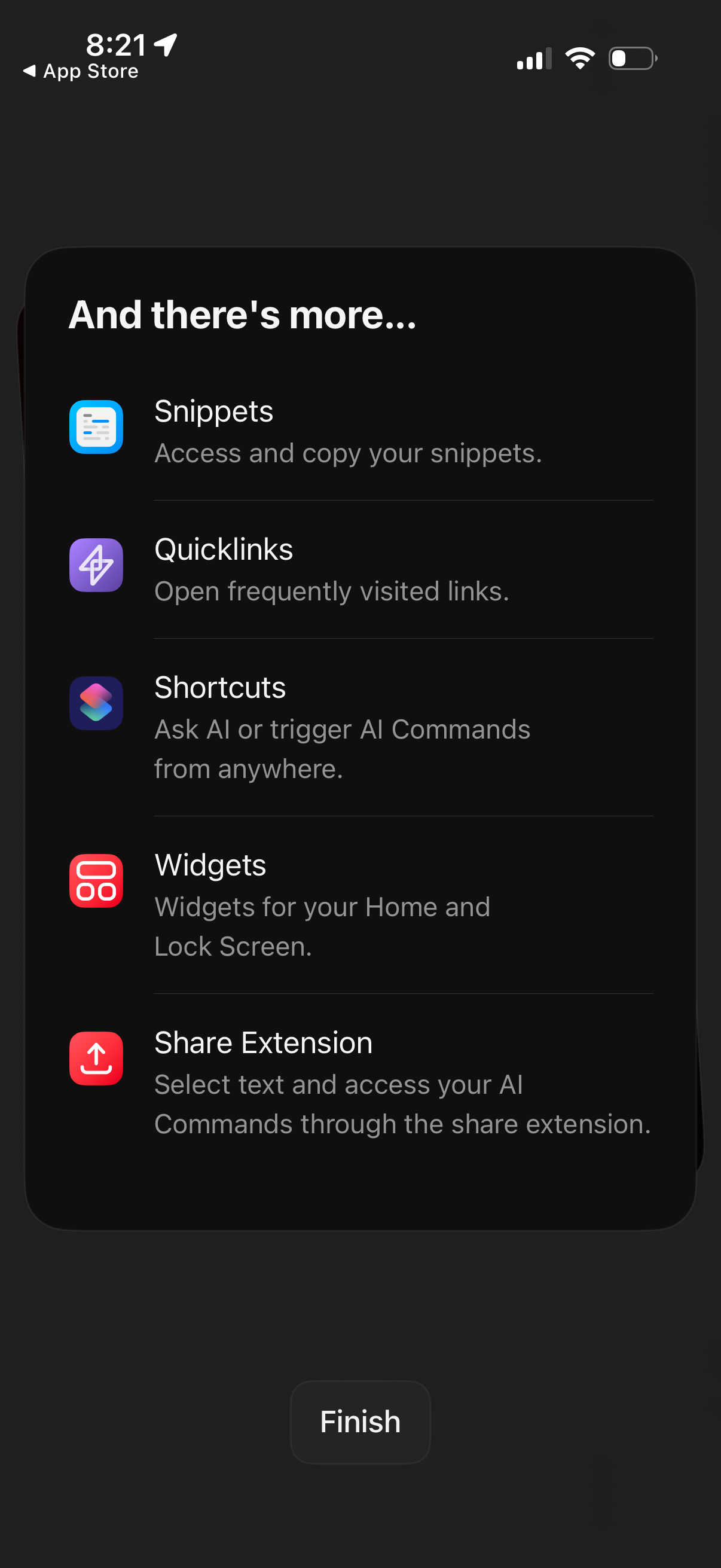
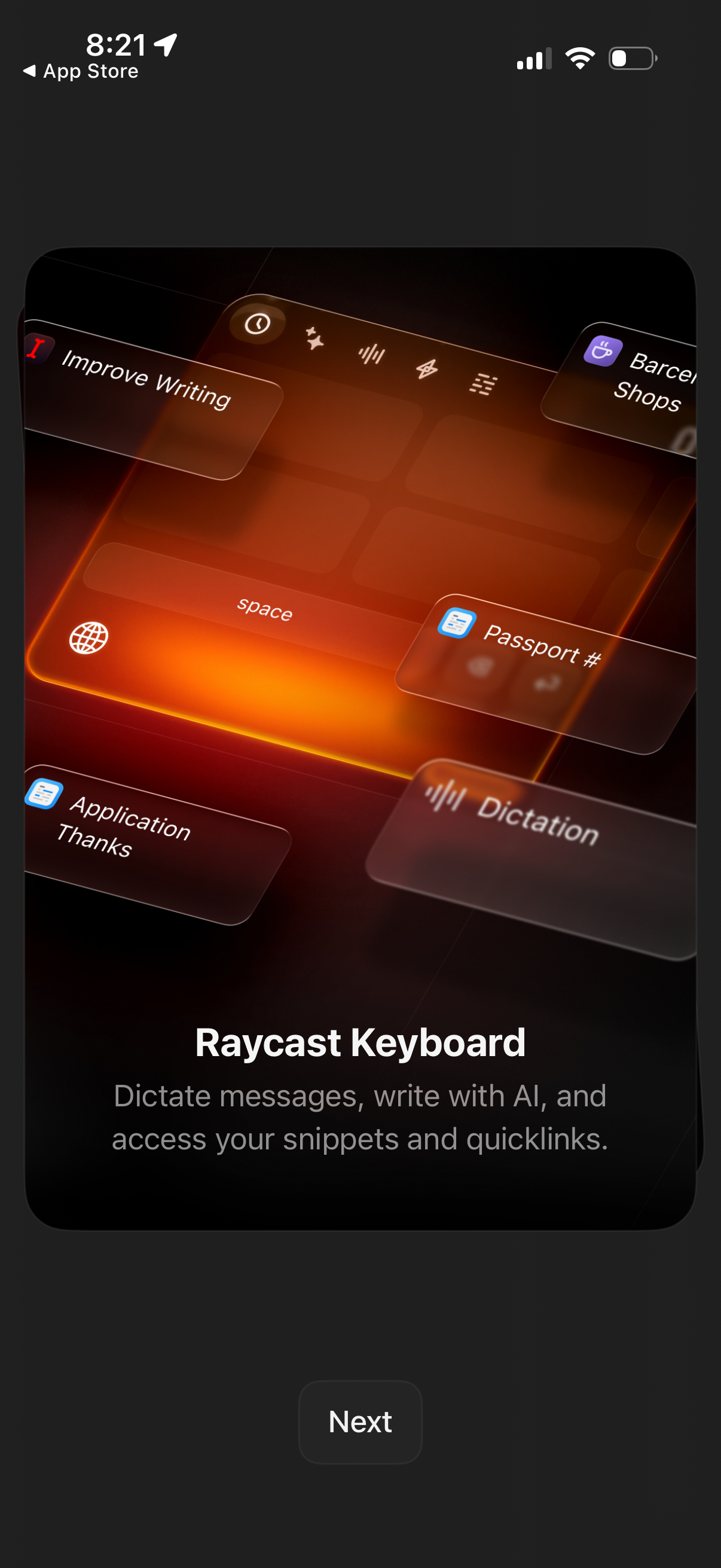
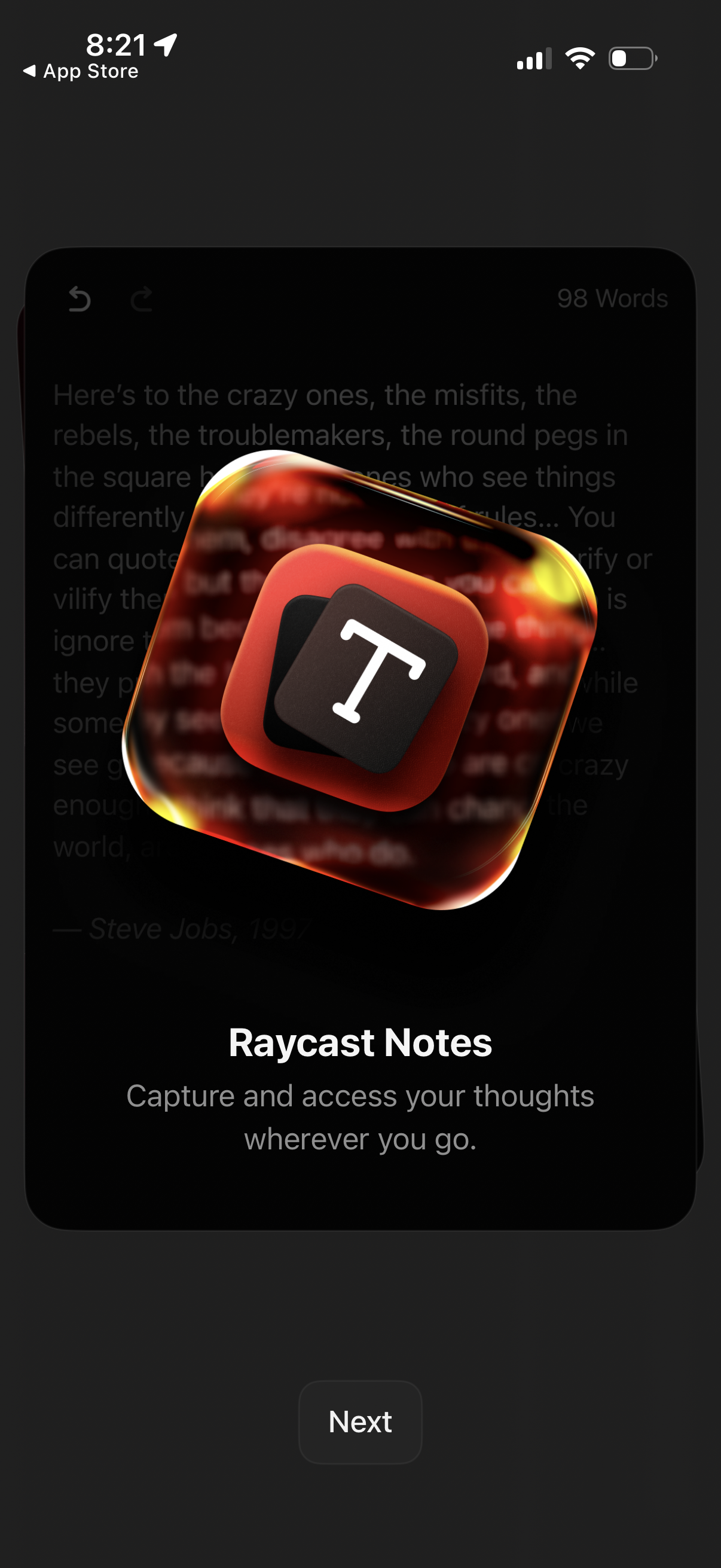
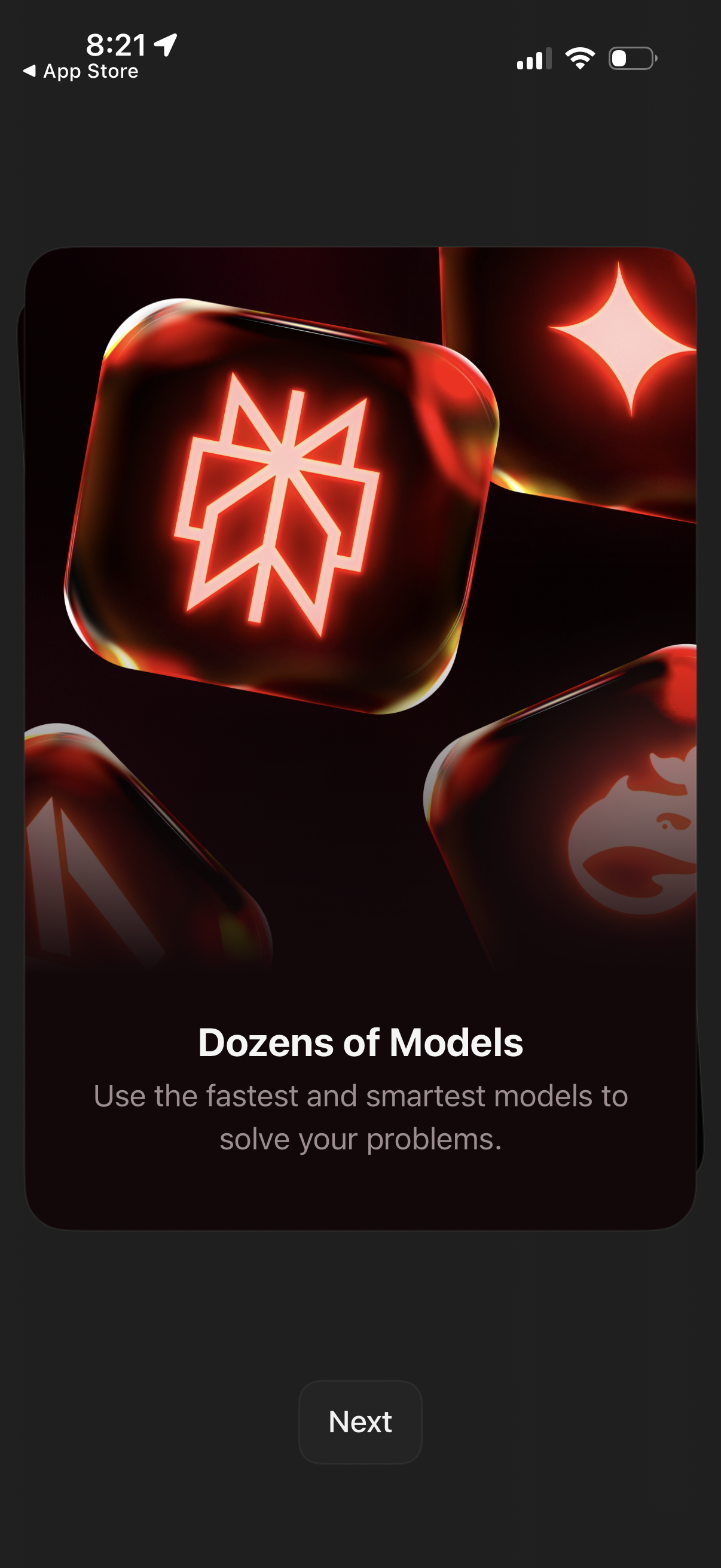
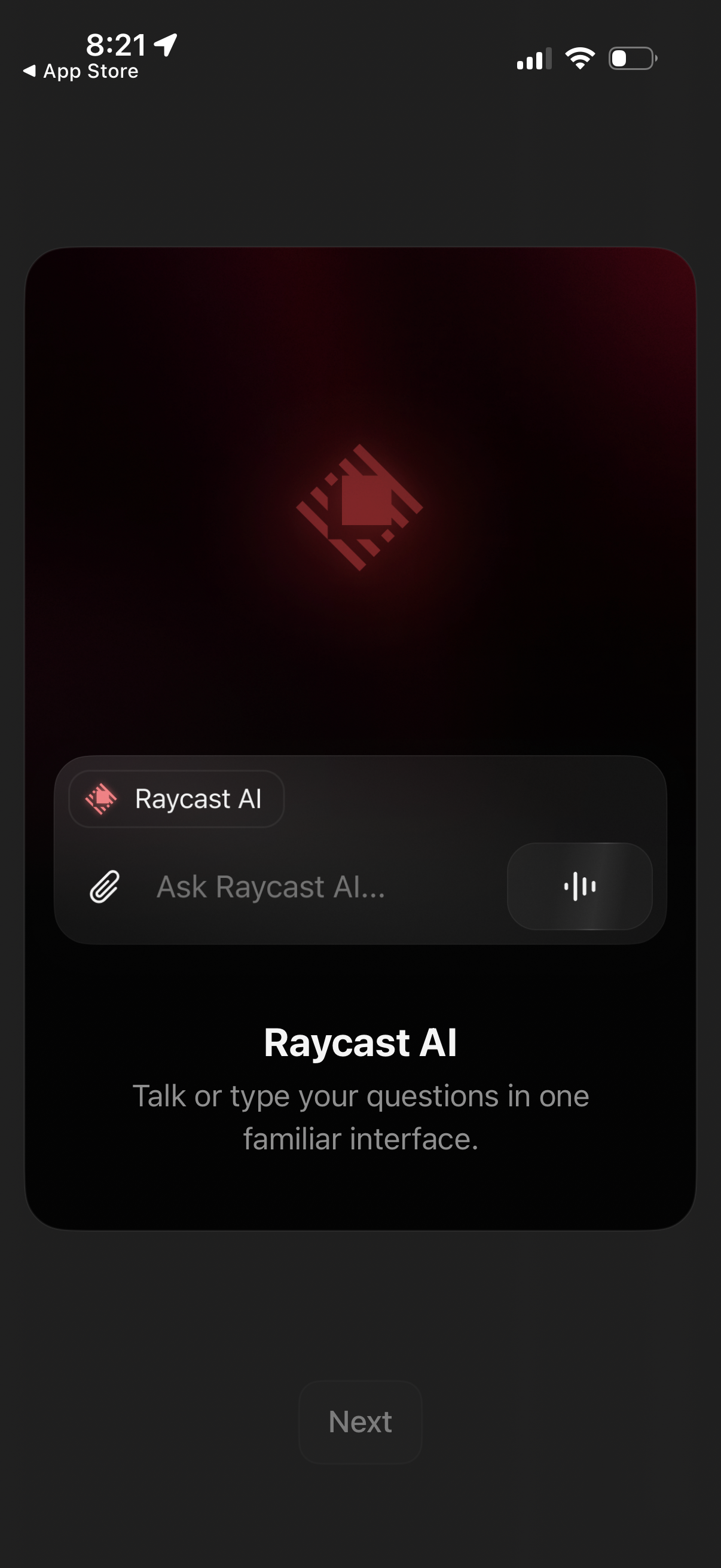
The first 5 screenshots are shown in full. Additional screens are blurred previews.

Company metadata
App Store description
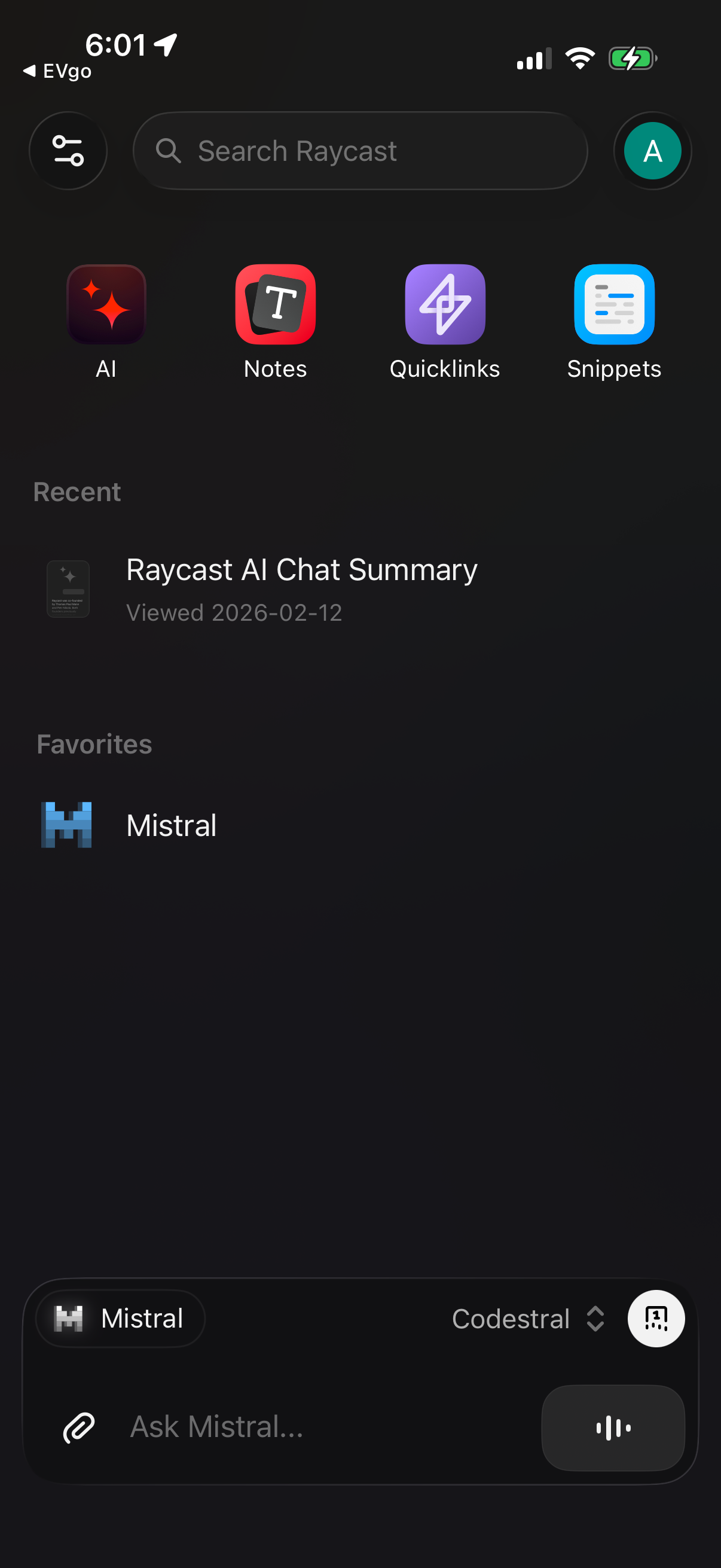
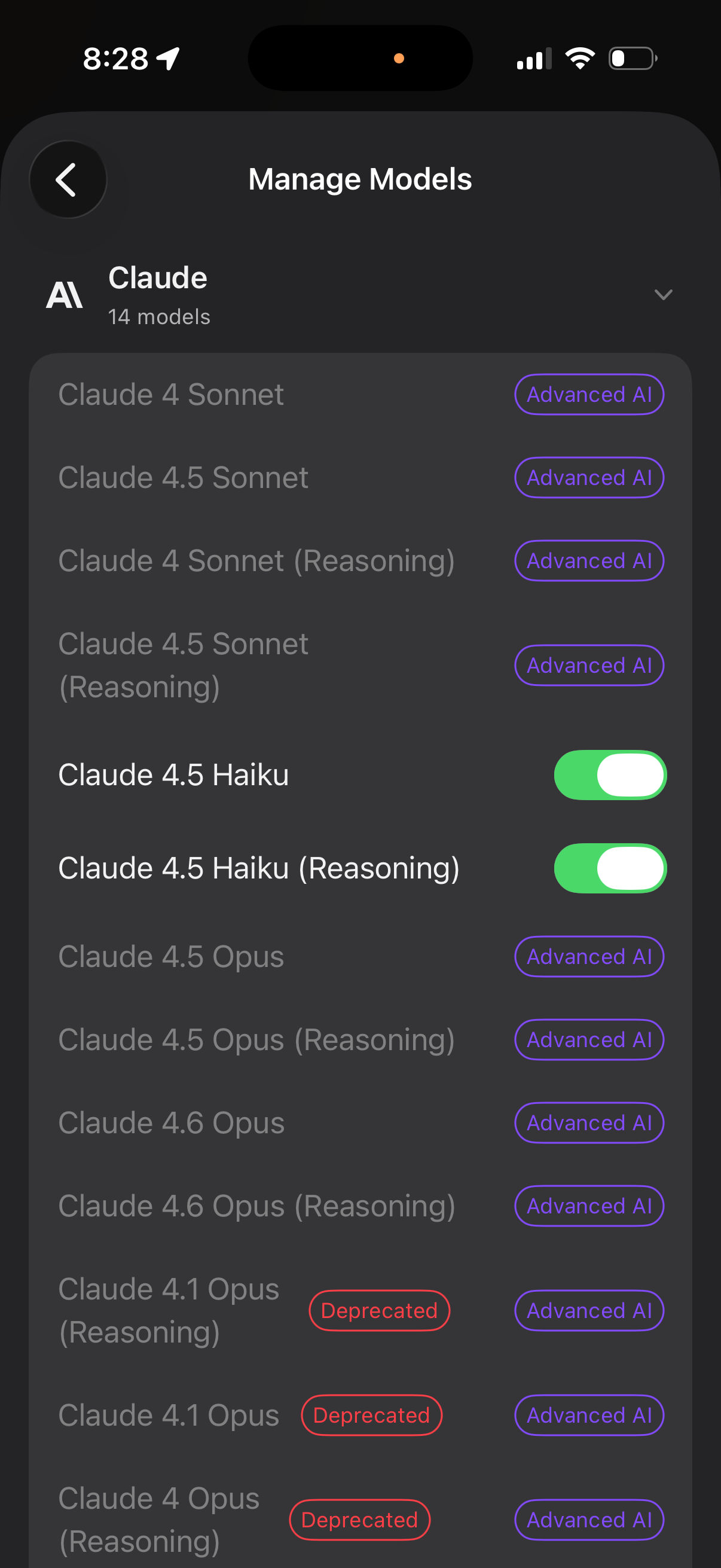
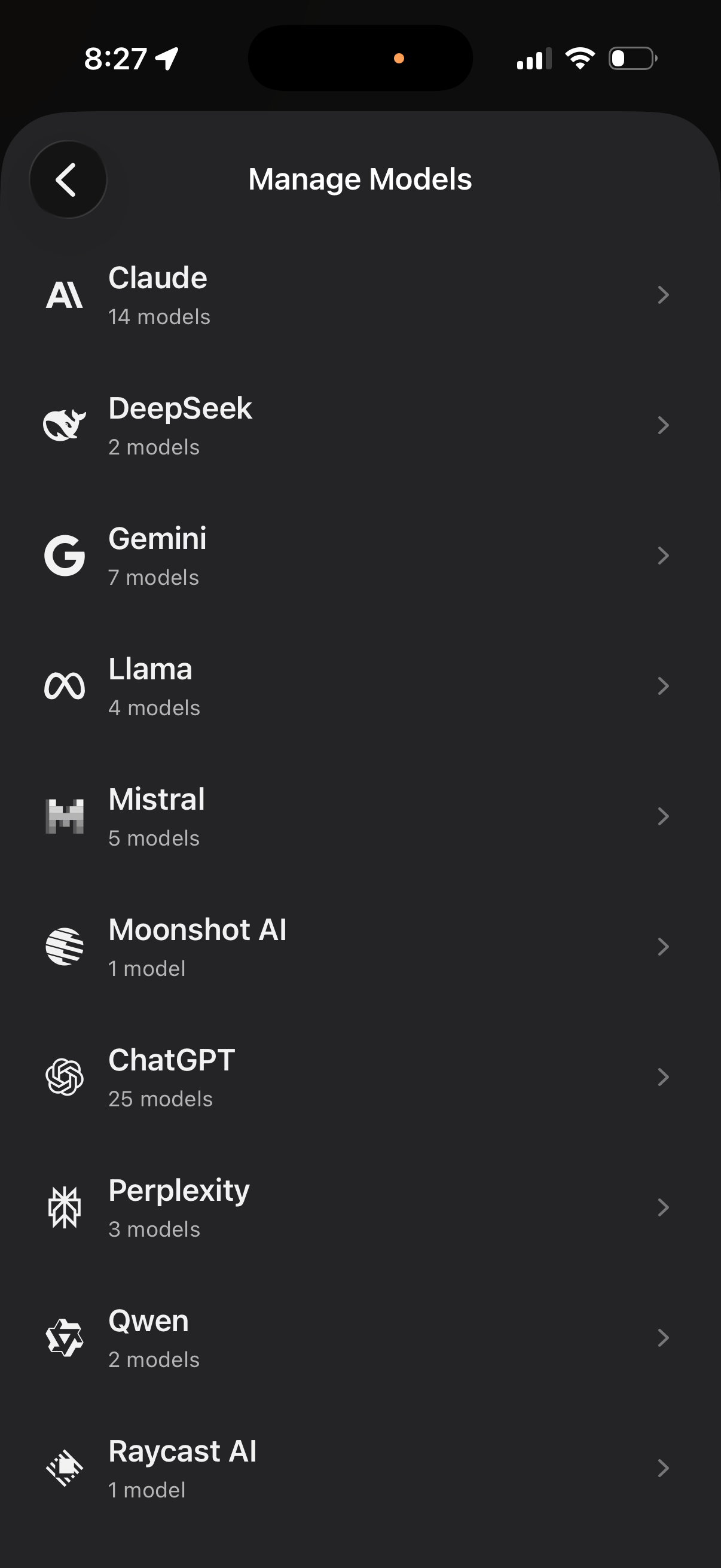
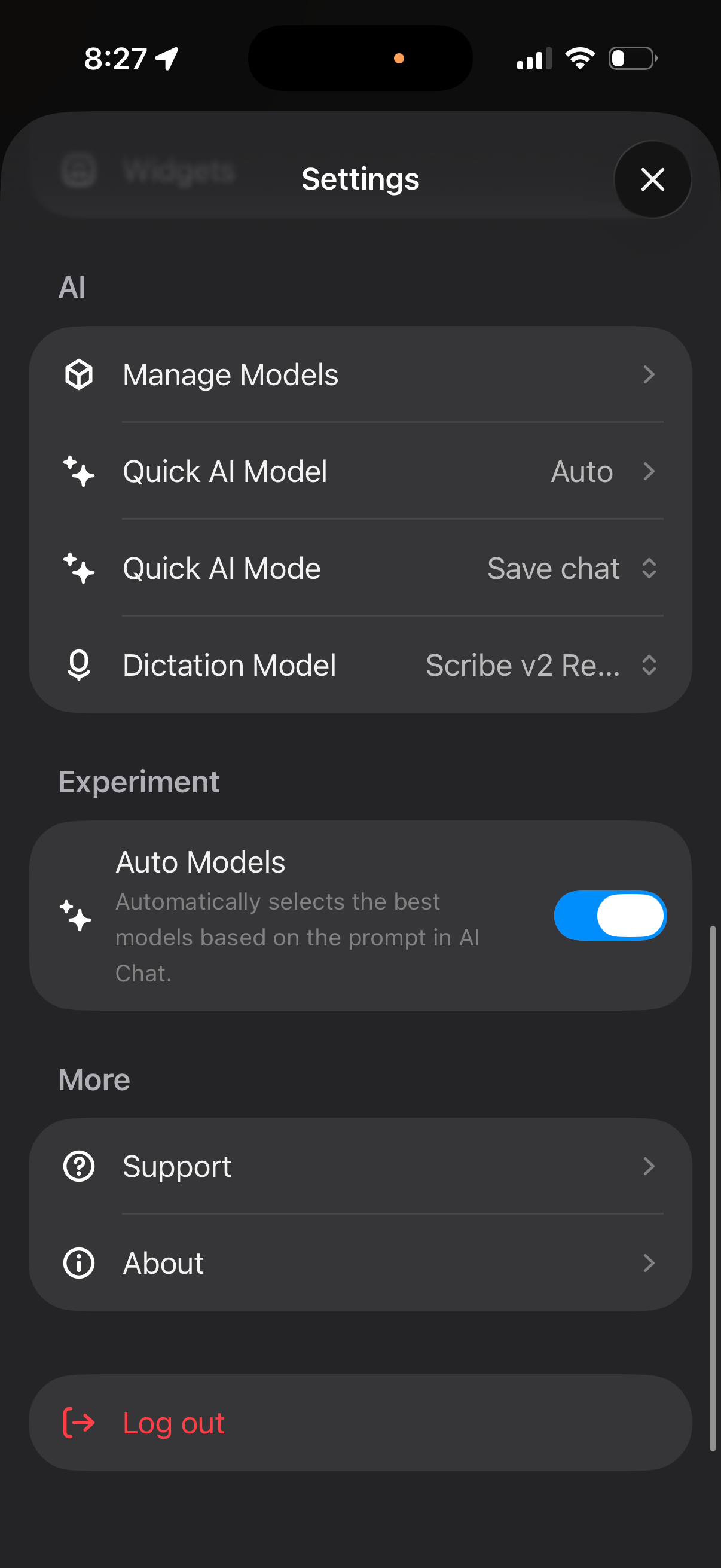
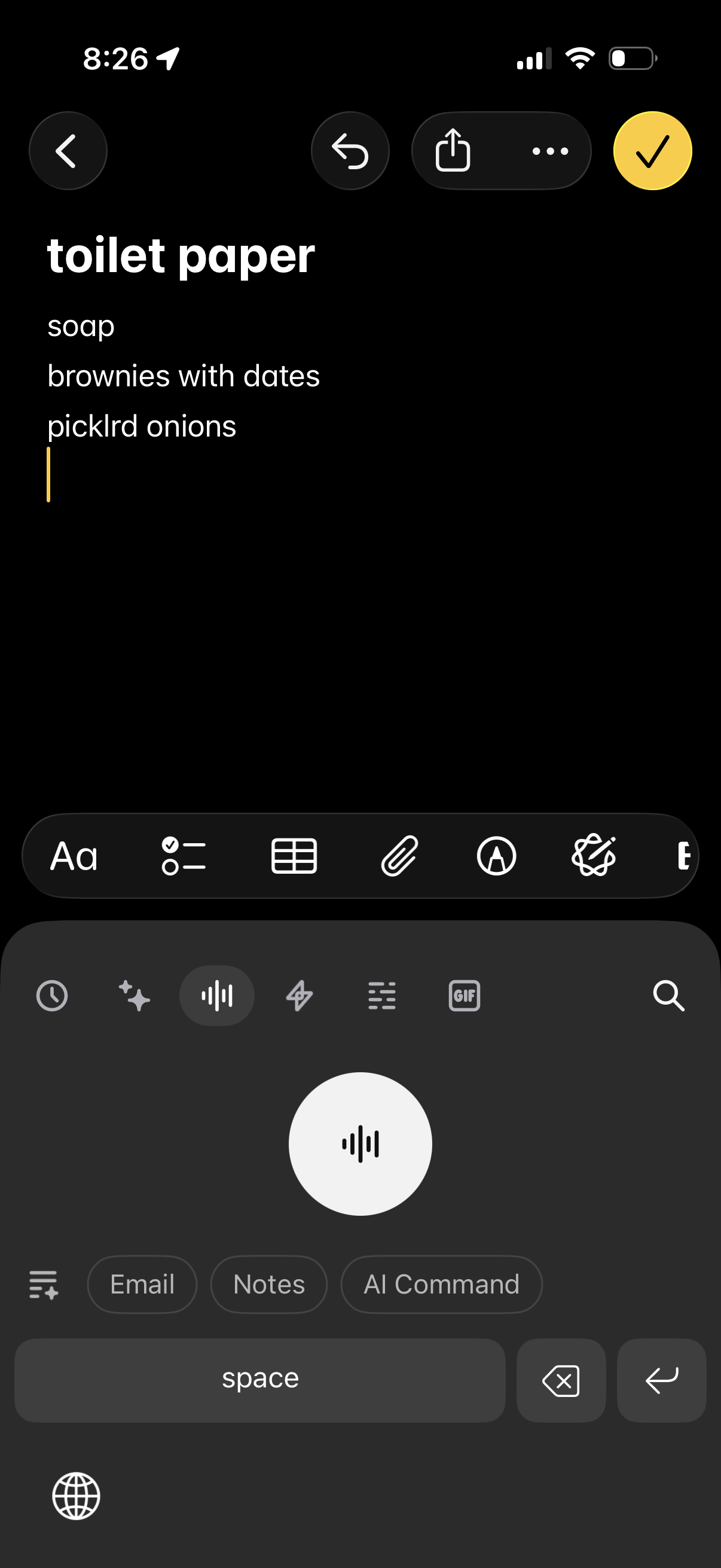
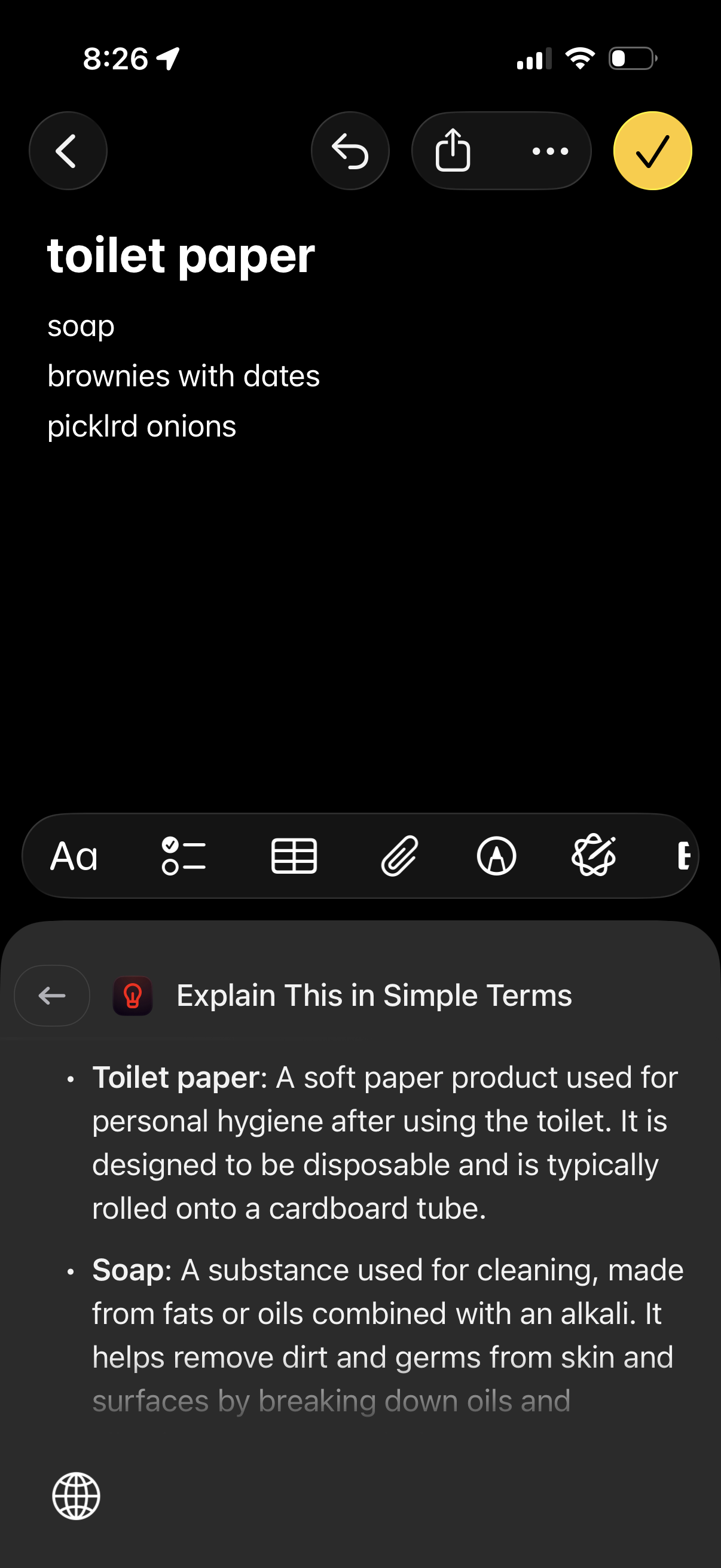
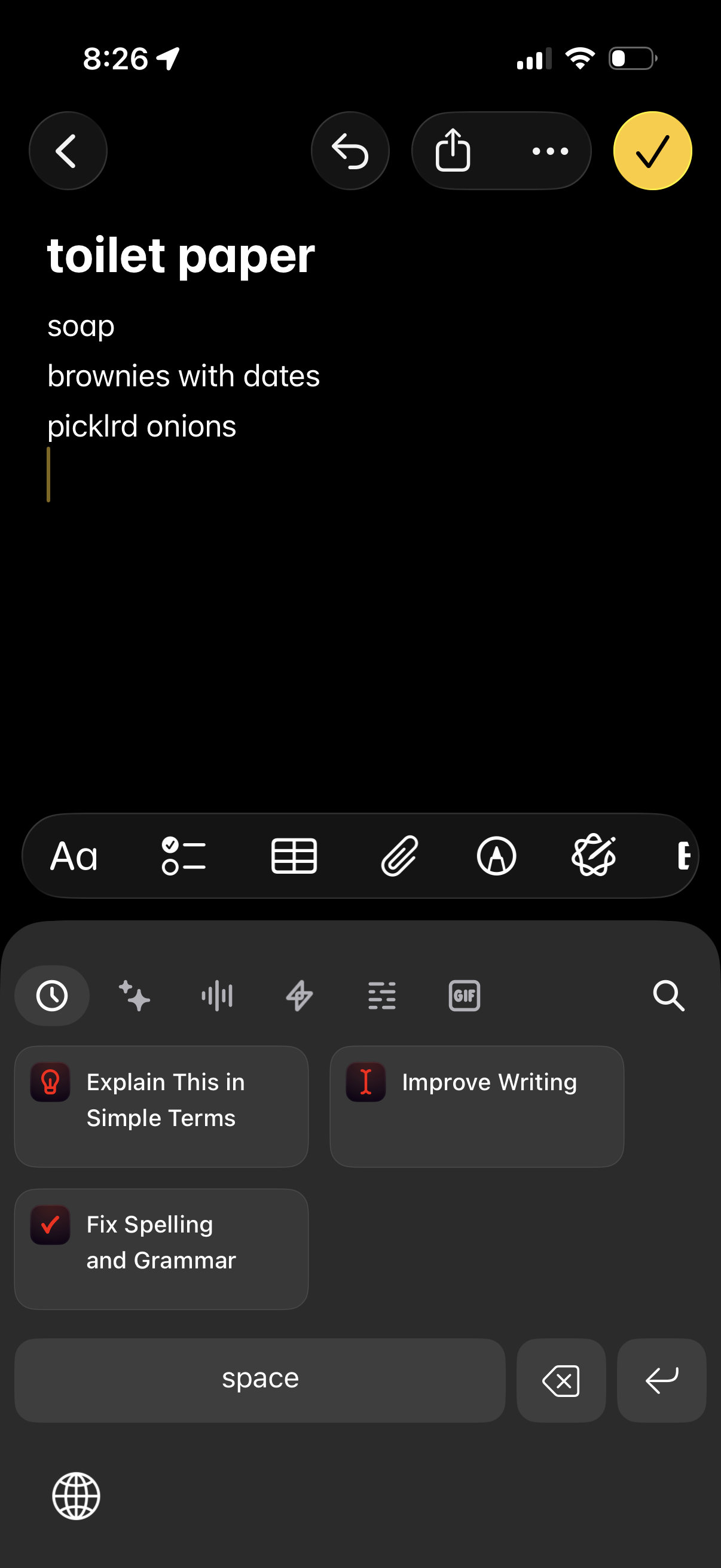
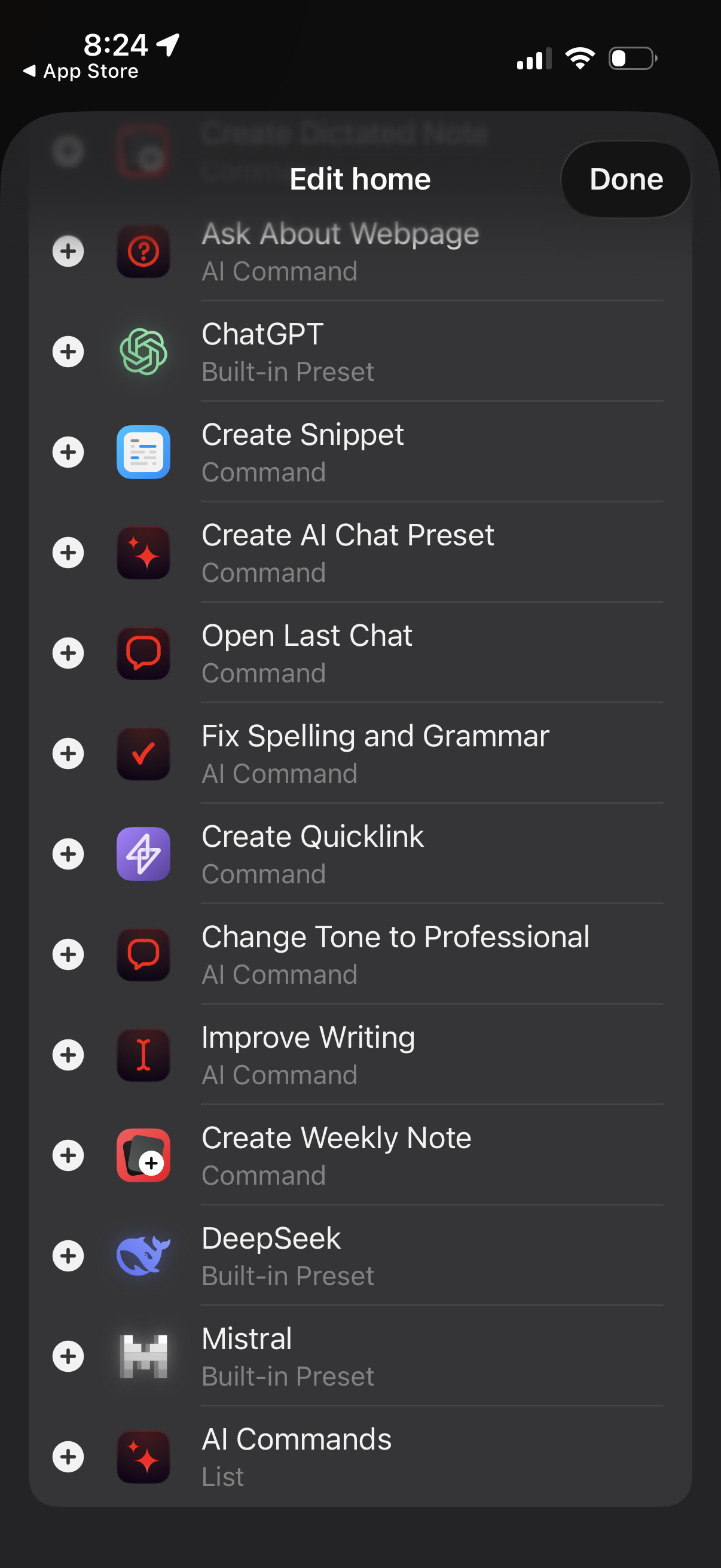
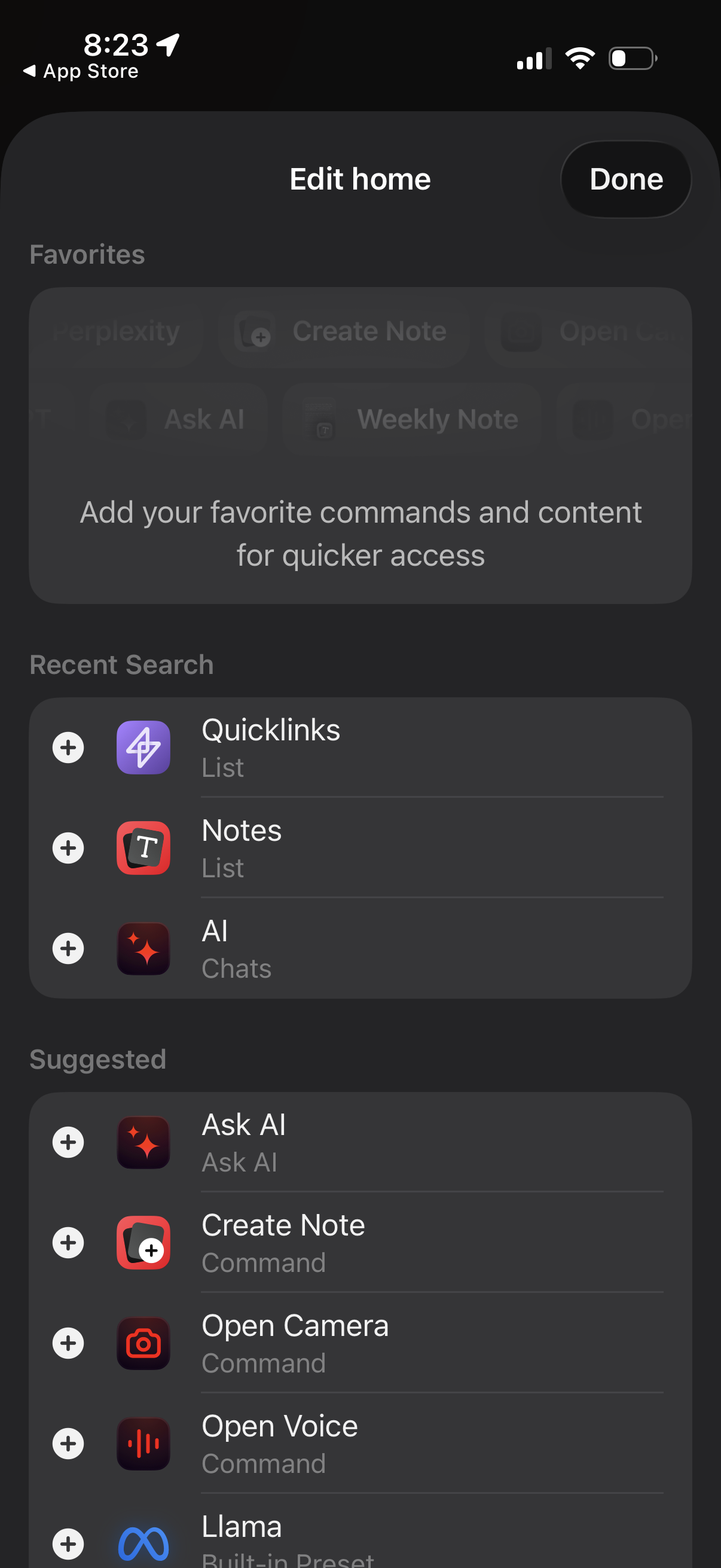
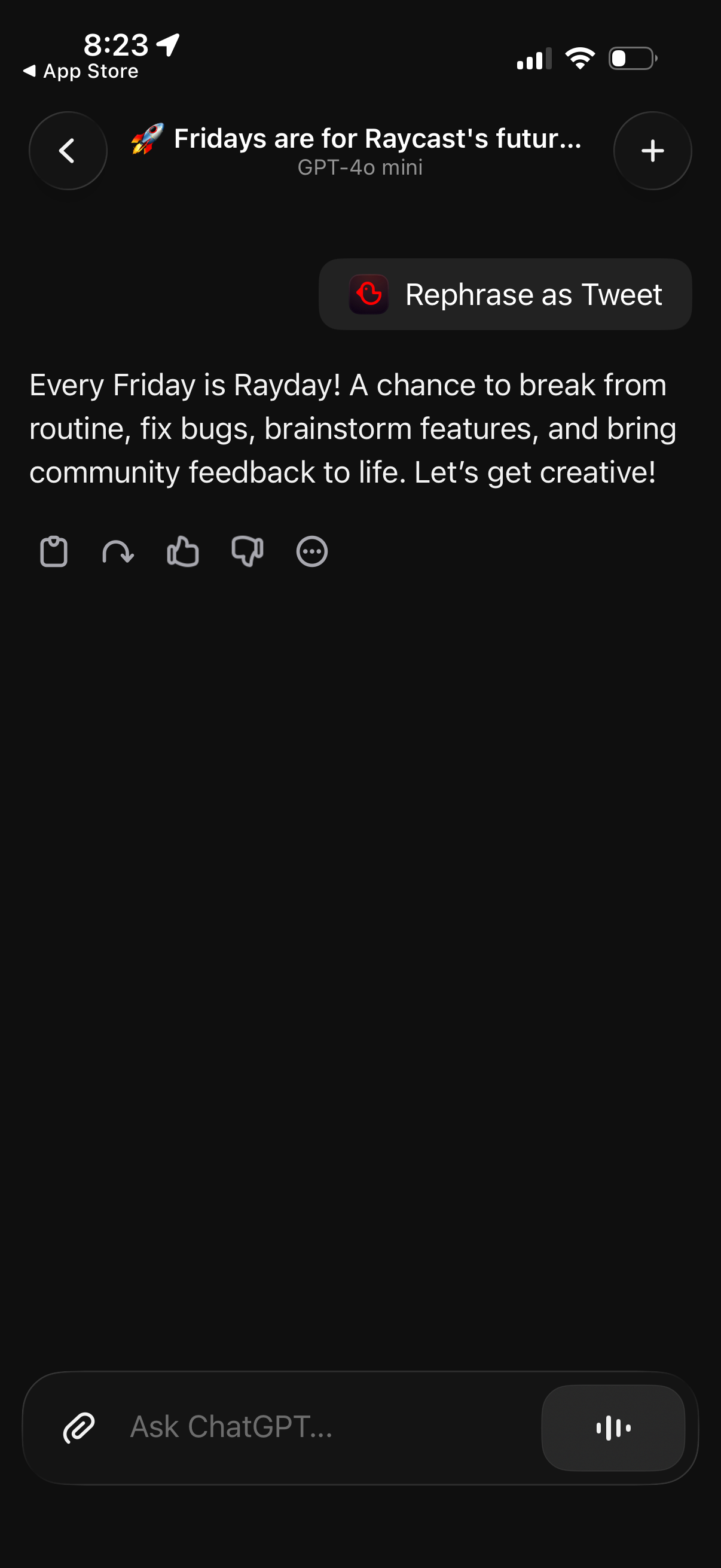
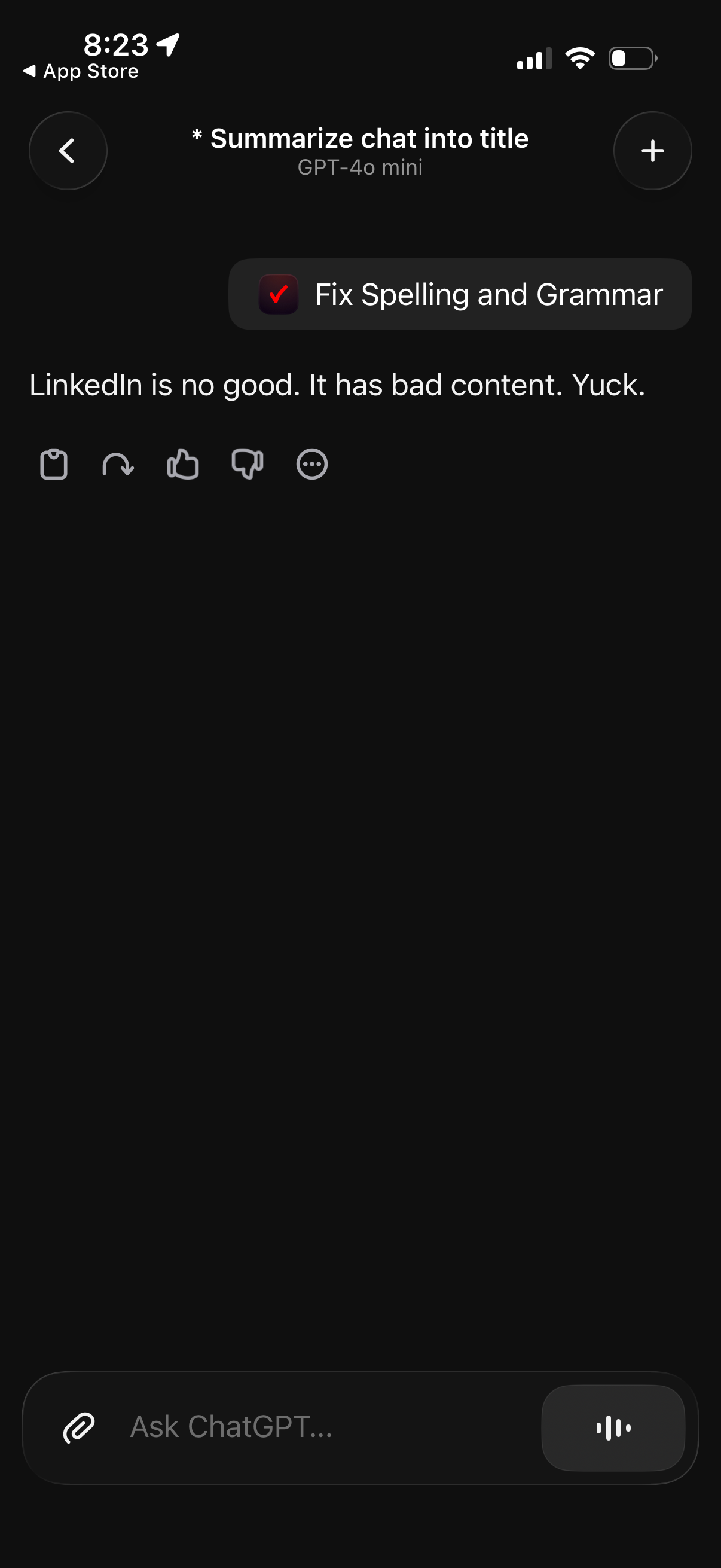
Introducing Raycast for iOS: Your all-in-one productivity toolkit with AI, notes, and more –now on mobile as the perfect companion to the macOS app. The app brings your favorite productivity tools from the Mac into your pocket. With Raycast for iOS, you can: •Chat with dozens of AI models from leading providers to get the perfect answers for any task •Capture, organize, and access your thoughts to never lose an important idea again •Save and open Quicklinks for instant access to your most important resources •Store and reuse code snippets and templates to save time on repetitive workflows •Enjoy seamless cloud sync to keep all your content updated across devices Whether you're a long-time Mac user or just discovering Raycast on iOS, you'll have your essential productivity tools always at hand. Raycast for iOS seamlessly extends your desktop workflow to mobile, ensuring you stay productive and organized wherever life takes you. Please note: Raycast for iOS requires a free Raycast account. Premium features available with a Raycast Pro subscription. Terms of Service: https://www.raycast.com/terms-of-service
Compare competitors with Lazyweb
Search every screen, flow, and UX pattern in one place.