
one-year screenshots
Explore up to date onboarding, paywall, dashboard, messaging, and settings flows from one-year and more on Lazyweb.
one-year app screenshots and user flows
Browse one-year screens, user flow examples, and UI patterns. Explore onboarding, paywall, dashboard, messaging, and settings flows inside Lazyweb's 100k+ screen design research library for competitive analysis and benchmarking.
Lazyweb is a blazing-fast design research library with 100k+ real app screens, user flow examples, UI patterns, and product design patterns for competitive analysis and benchmarking.
Screenshots
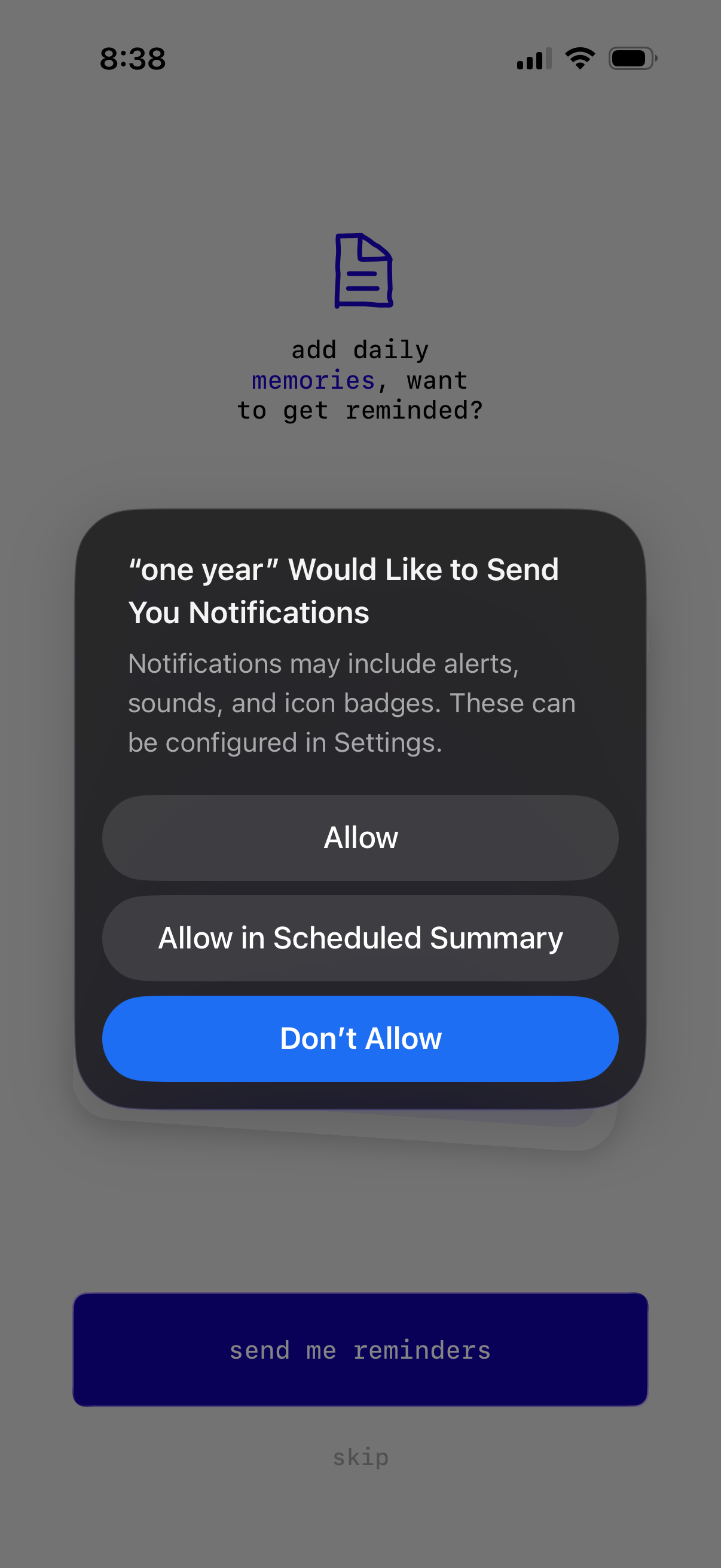
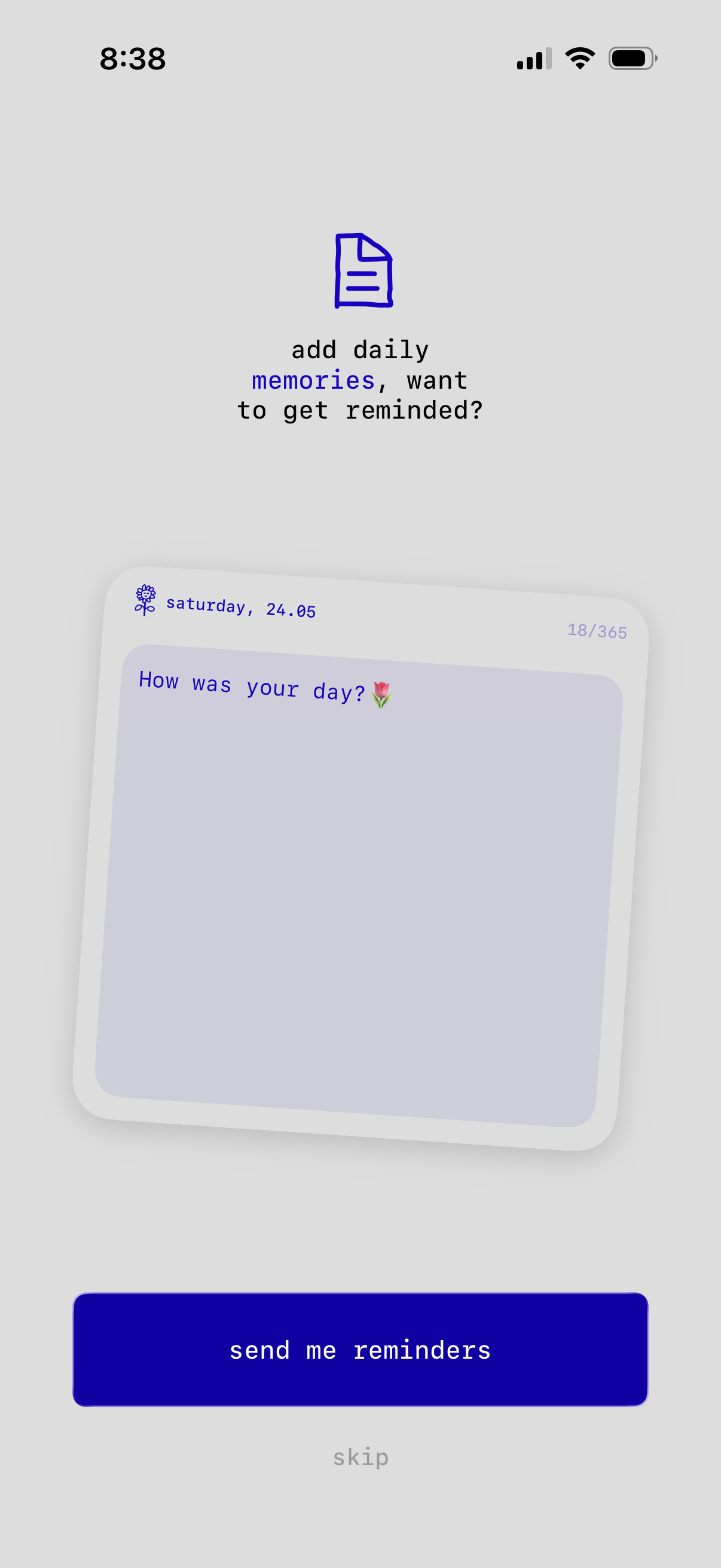
The first 5 screenshots are shown in full. Additional screens are blurred previews.

Company metadata
App Store description
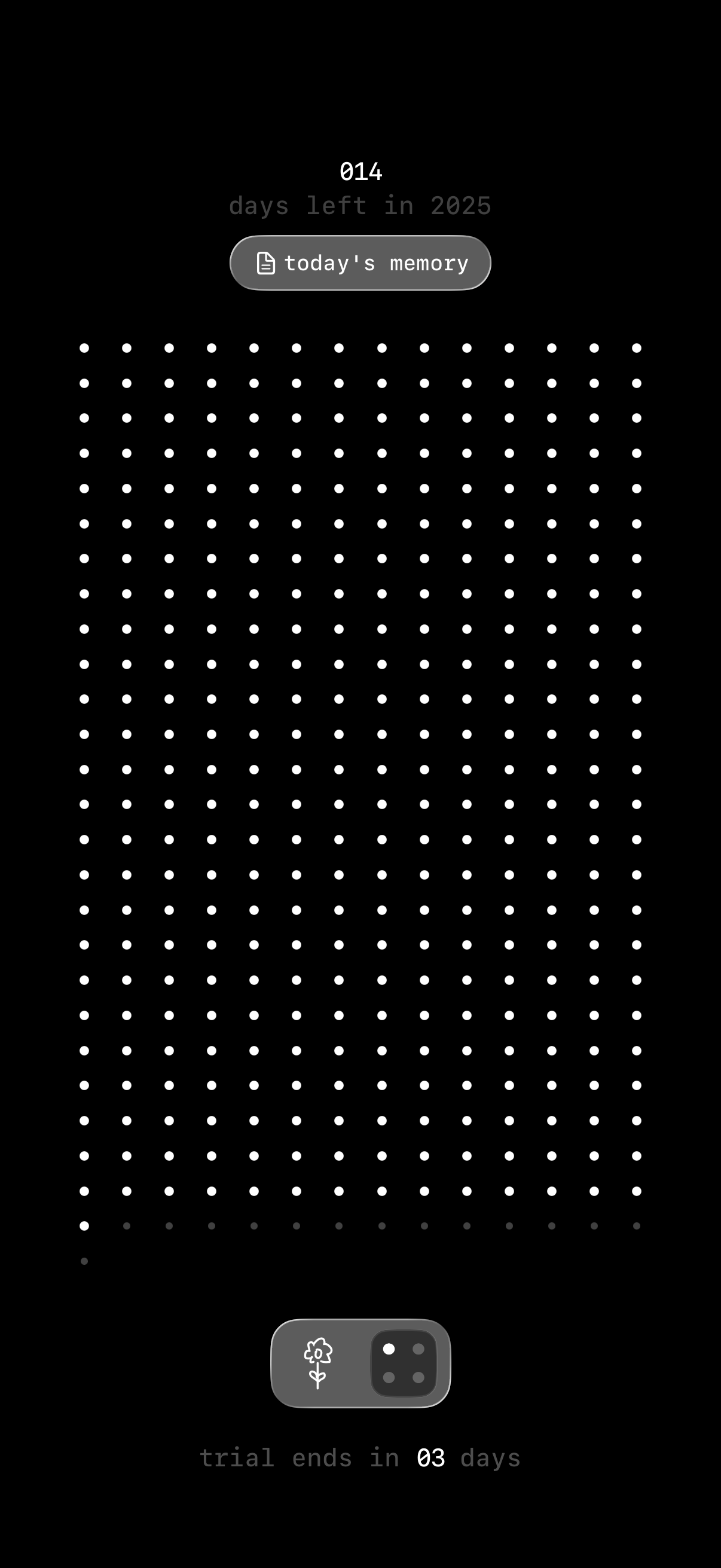
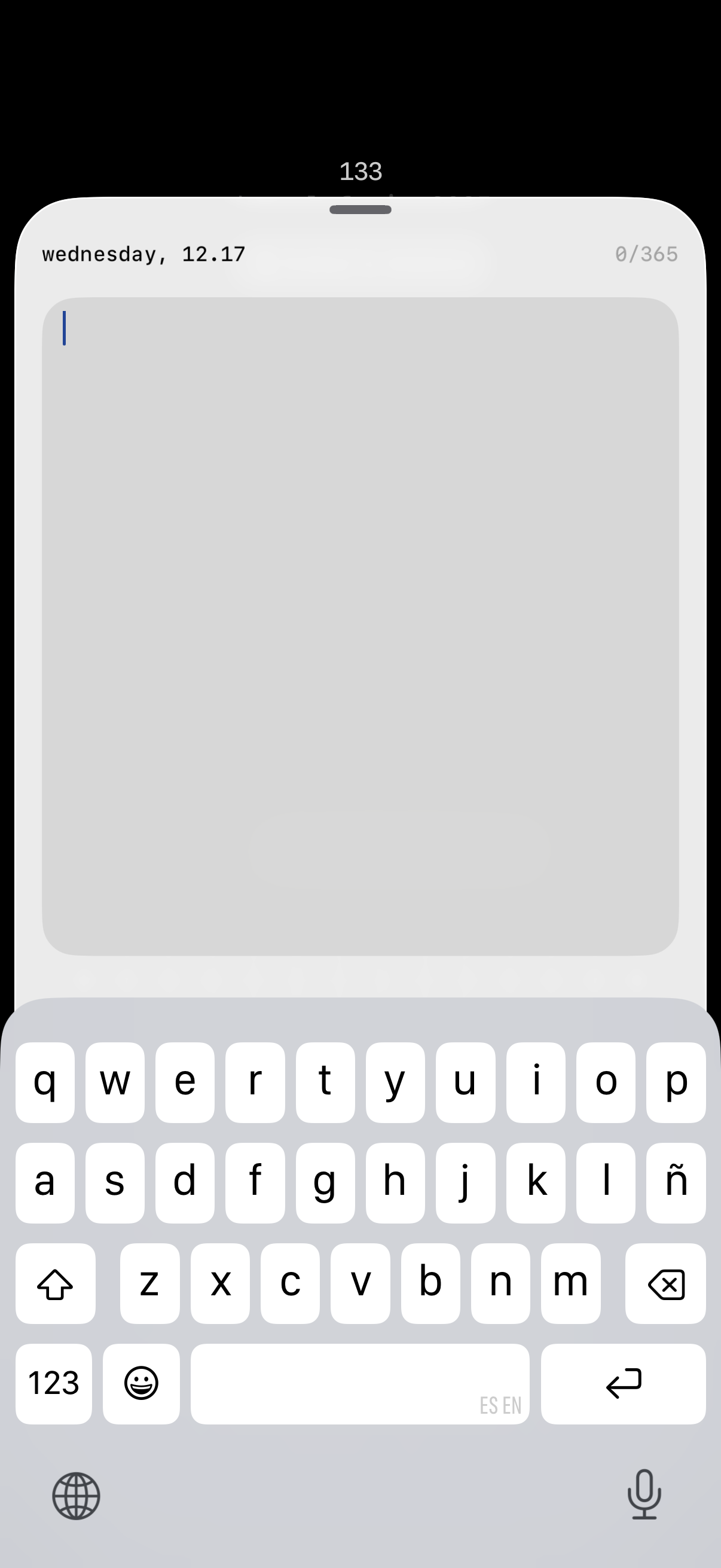
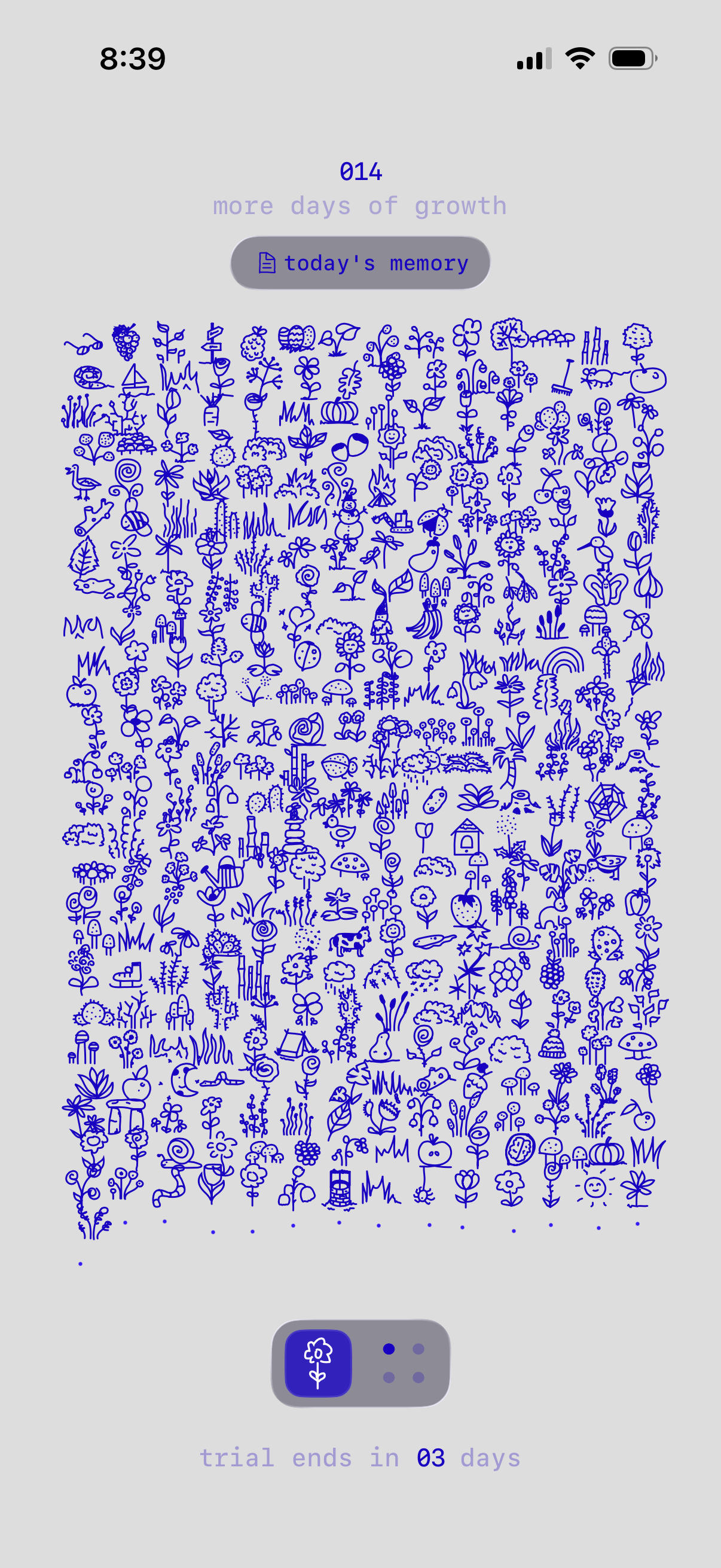
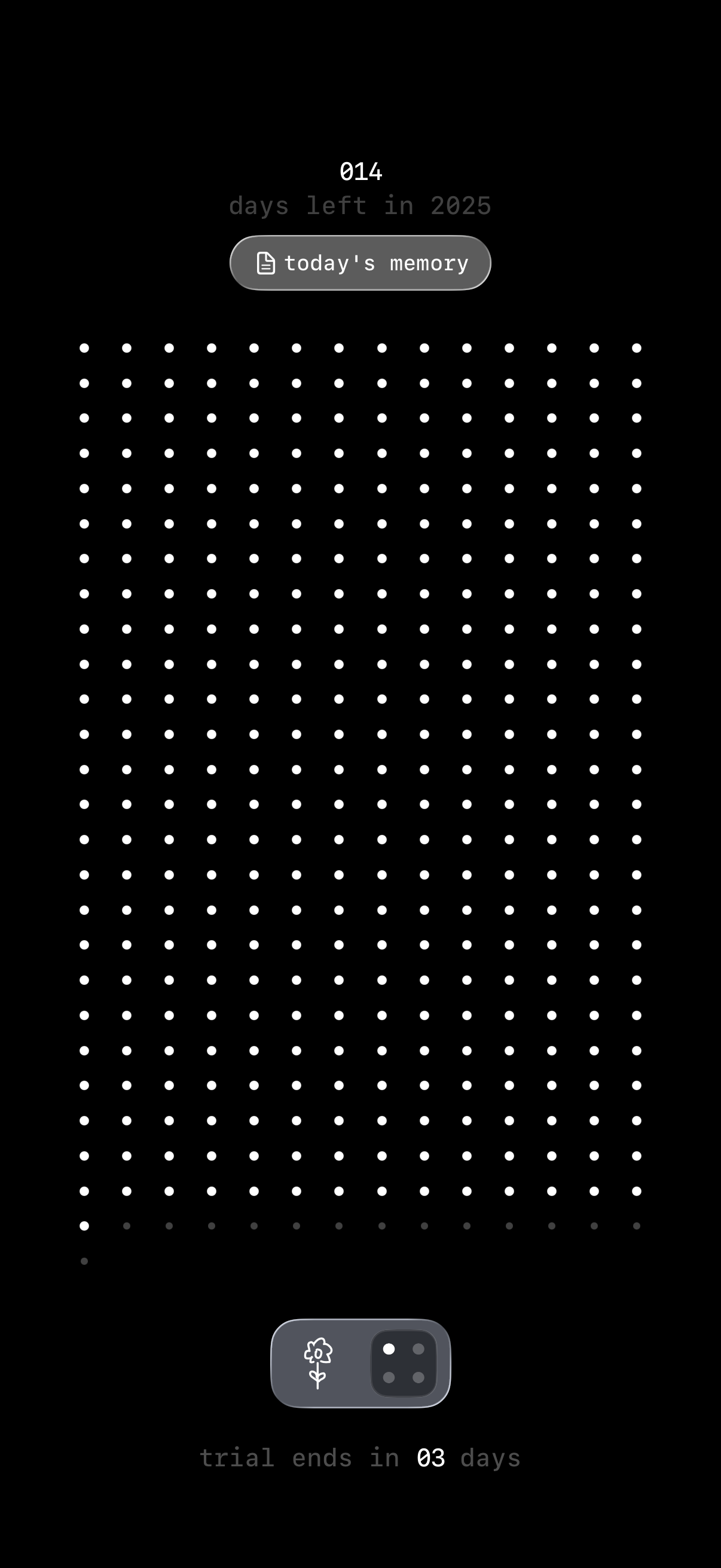
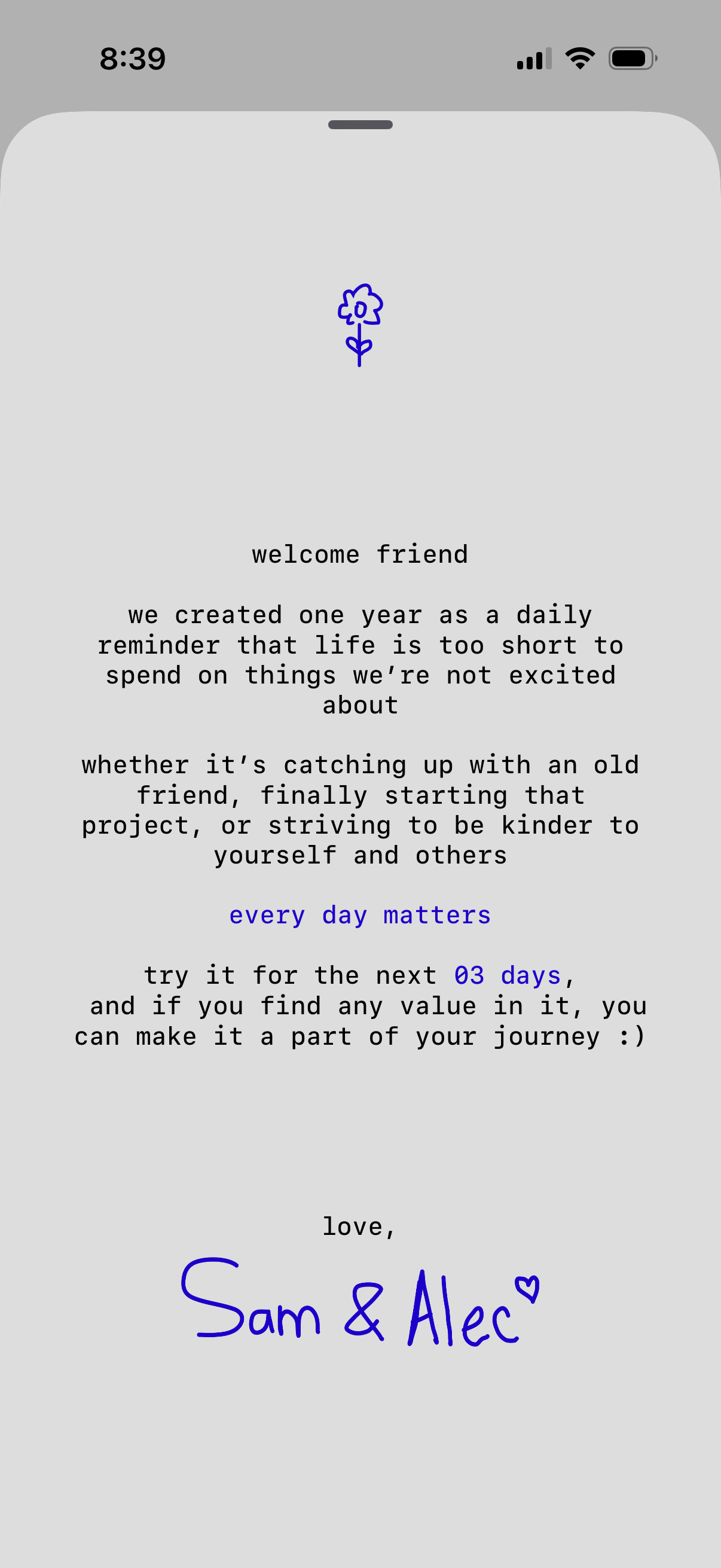
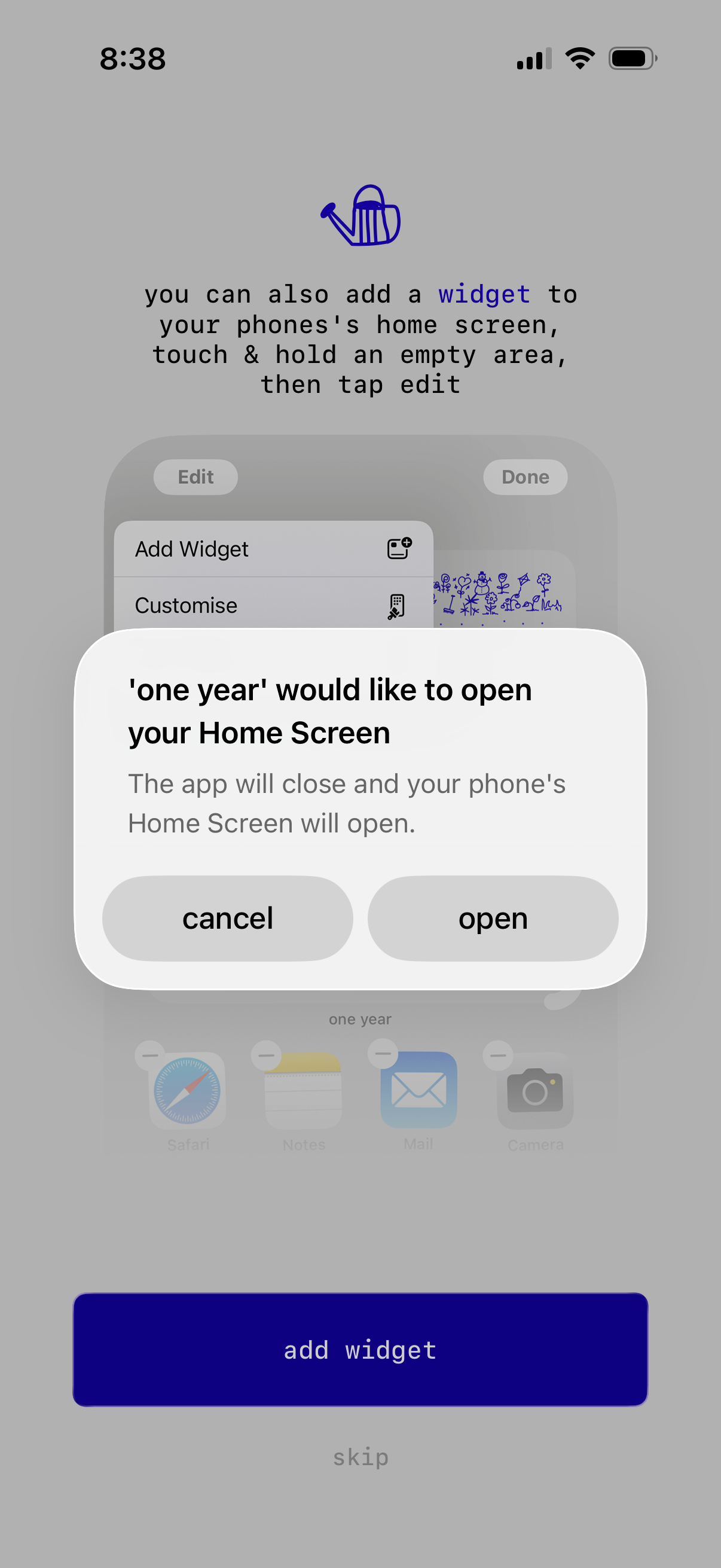
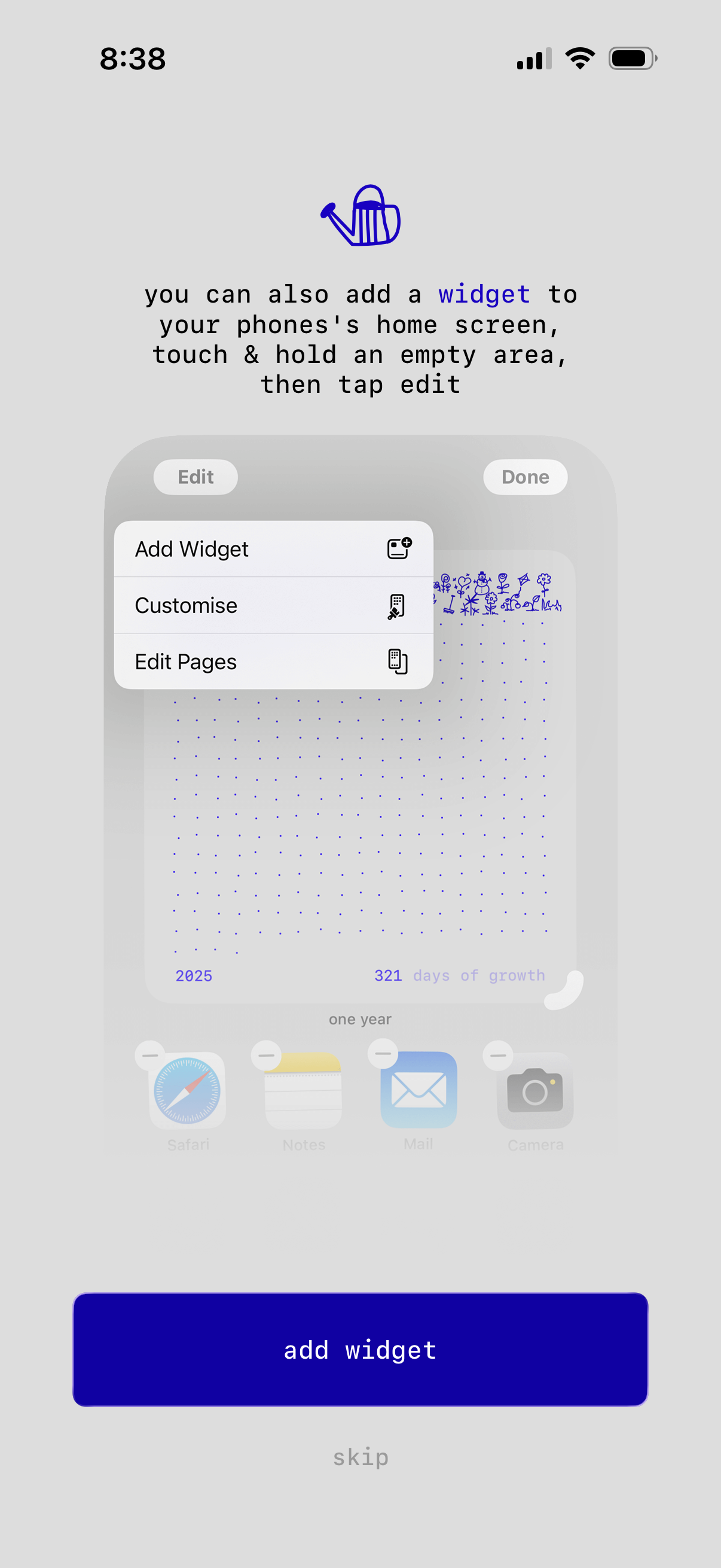
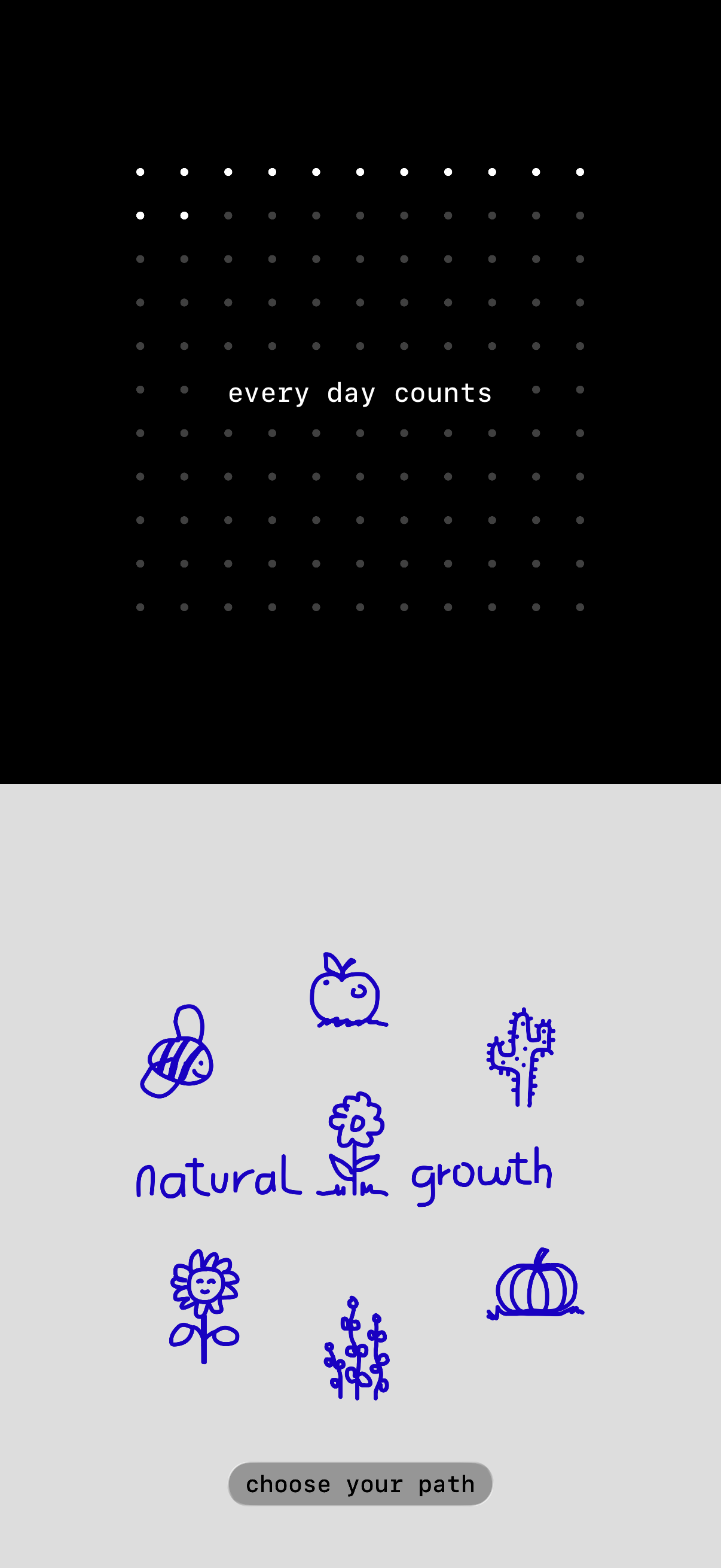
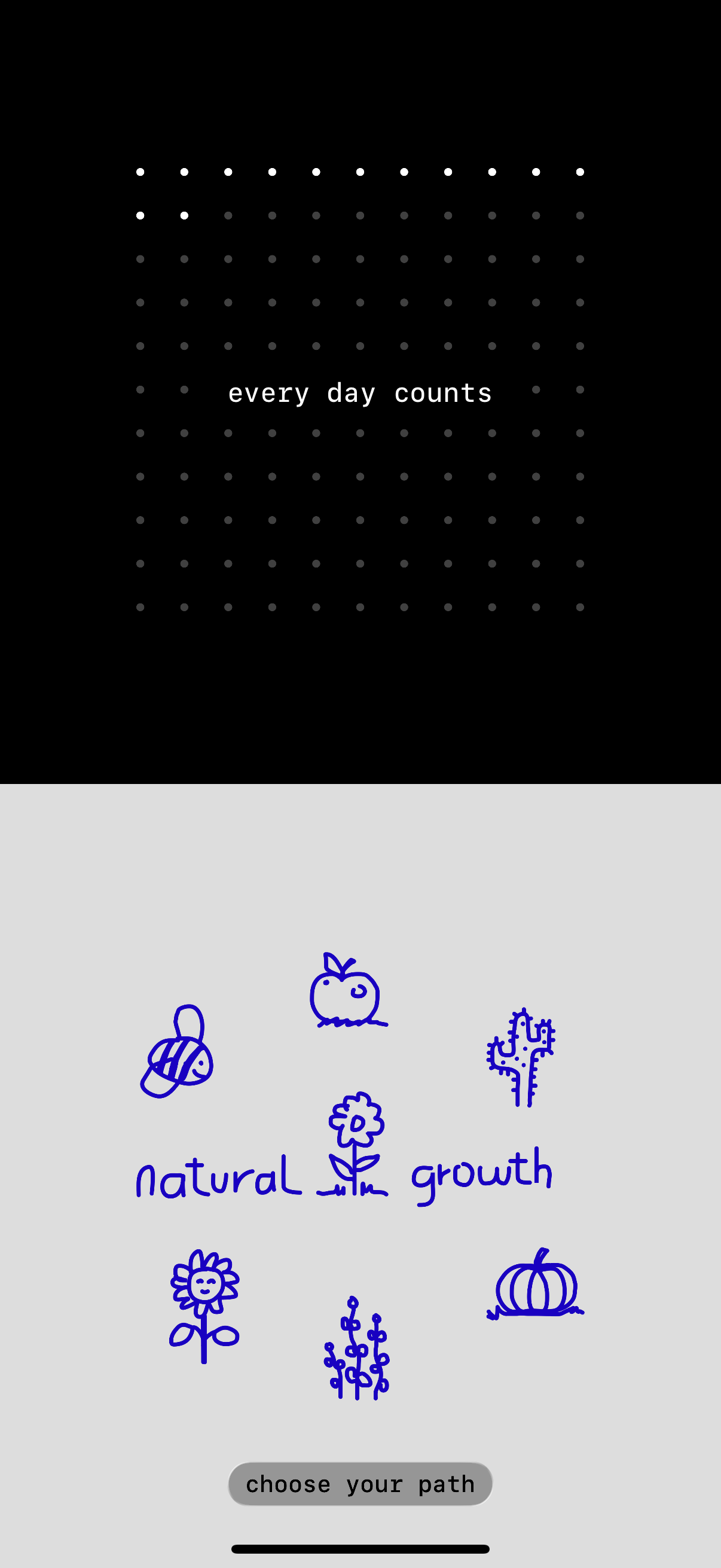
A small daily journal that grows into a garden. Write one short (or long) memory each day. Every entry becomes a hand-drawn plant, slowly forming a garden over the year. Journaling that feels light, visual, and easy to keep up with. “This is the first time I’ve actually stuck with journaling every day.” Why One Year •One small moment a day •Write as much or little as you want •No pressure, no streaks •Built for consistency, not perfection How it works •Write a short daily memory •A new plant grows for that day •Over time, a full garden filled with your memories form •Revisit any day, any moment Your privacy comes first •Private by default •Stored on your device or your personal iCloud •No accounts, no feeds •No tracking or ads Your garden •365 hand-drawn plants, one for each day (no Ai) •Watch the year grow day by day •Scroll through the full year •Option to show plants only on days you wrote Widgets & sync •Home & Lock Screen widgets •Full garden view or simple progress dots •Works across iPhone, iPad, Mac, and Apple Vision Pro •Everything stays in sync Every day counts. Support & feedback: hi@wndn.studio Terms of Use: https://www.apple.com/legal/internet-services/itunes/dev/stdeula/
Compare competitors with Lazyweb
Search every screen, flow, and UX pattern in one place.