
mill screenshots
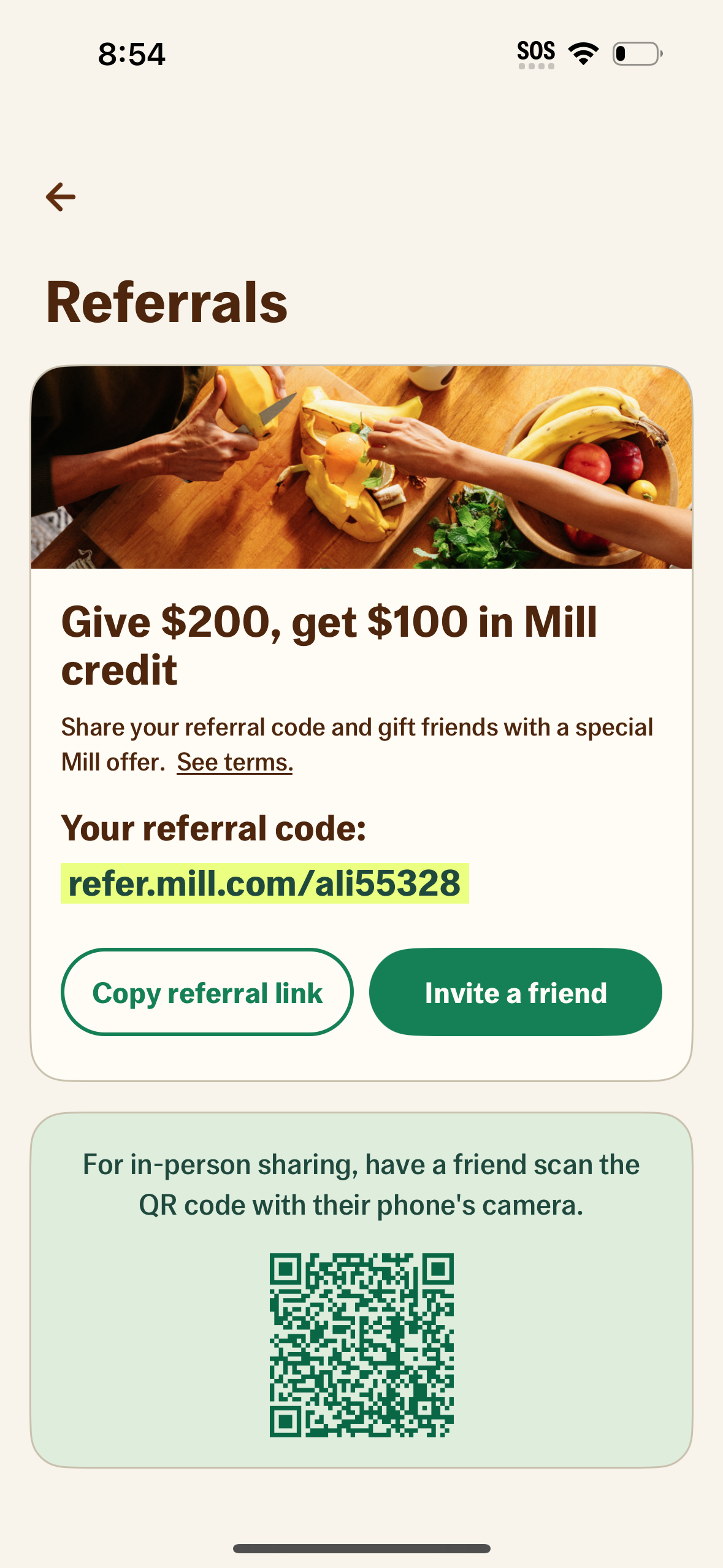
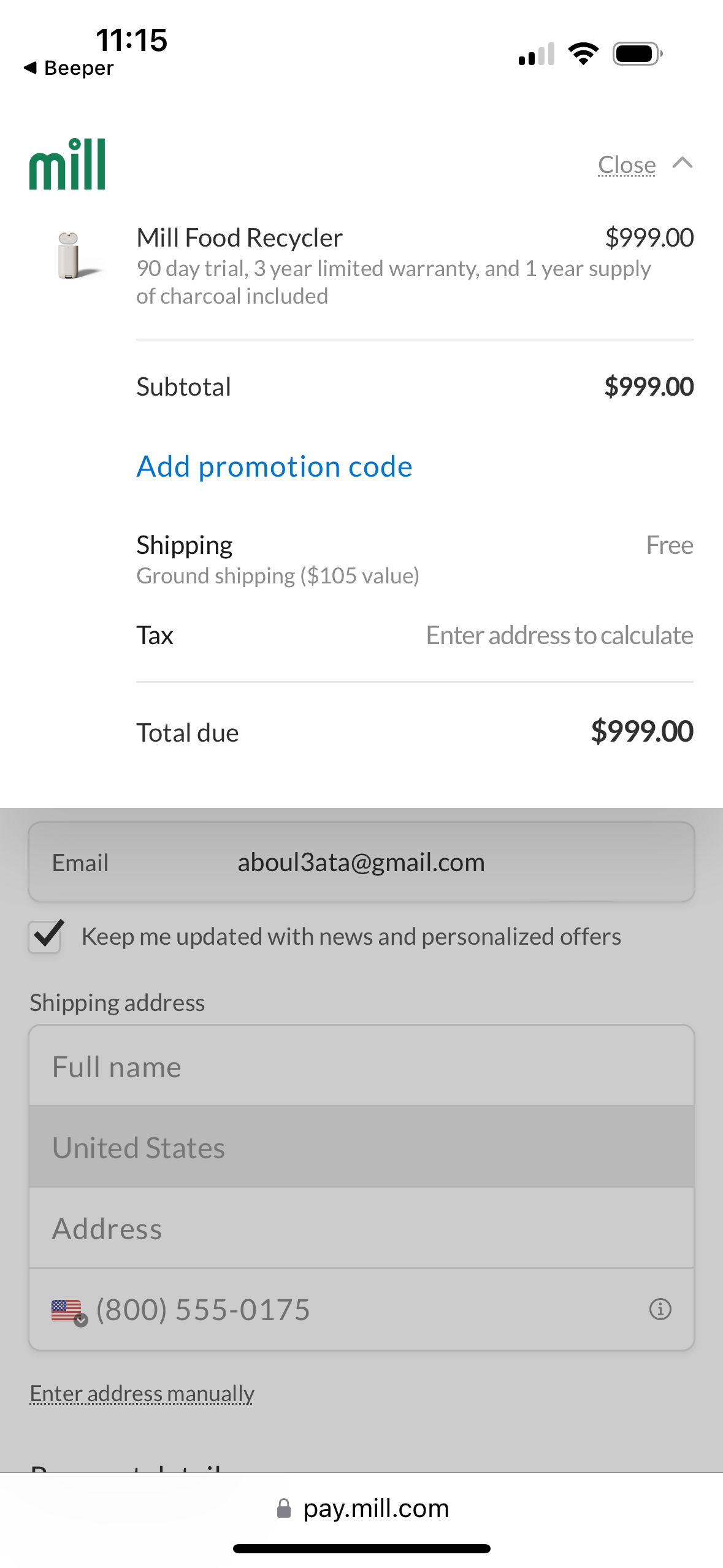
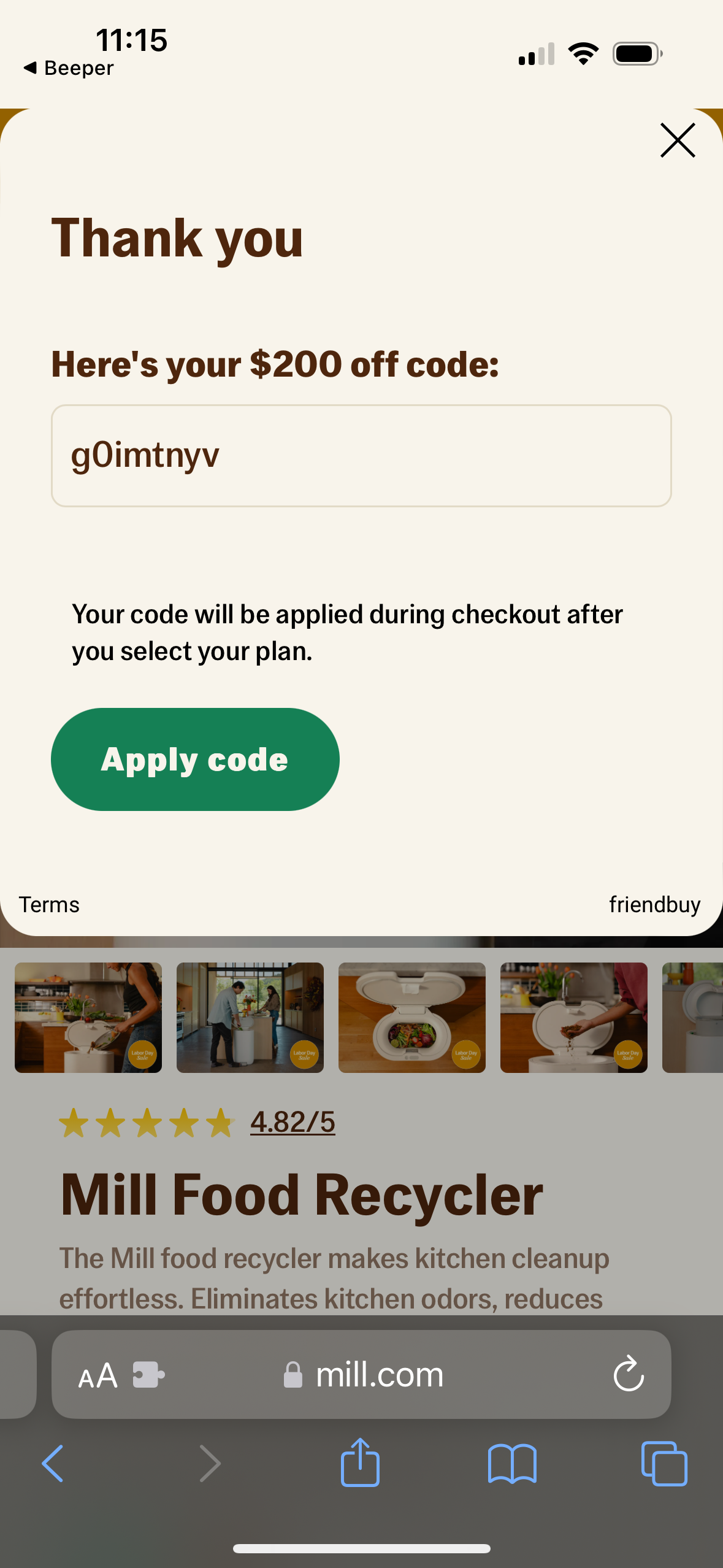
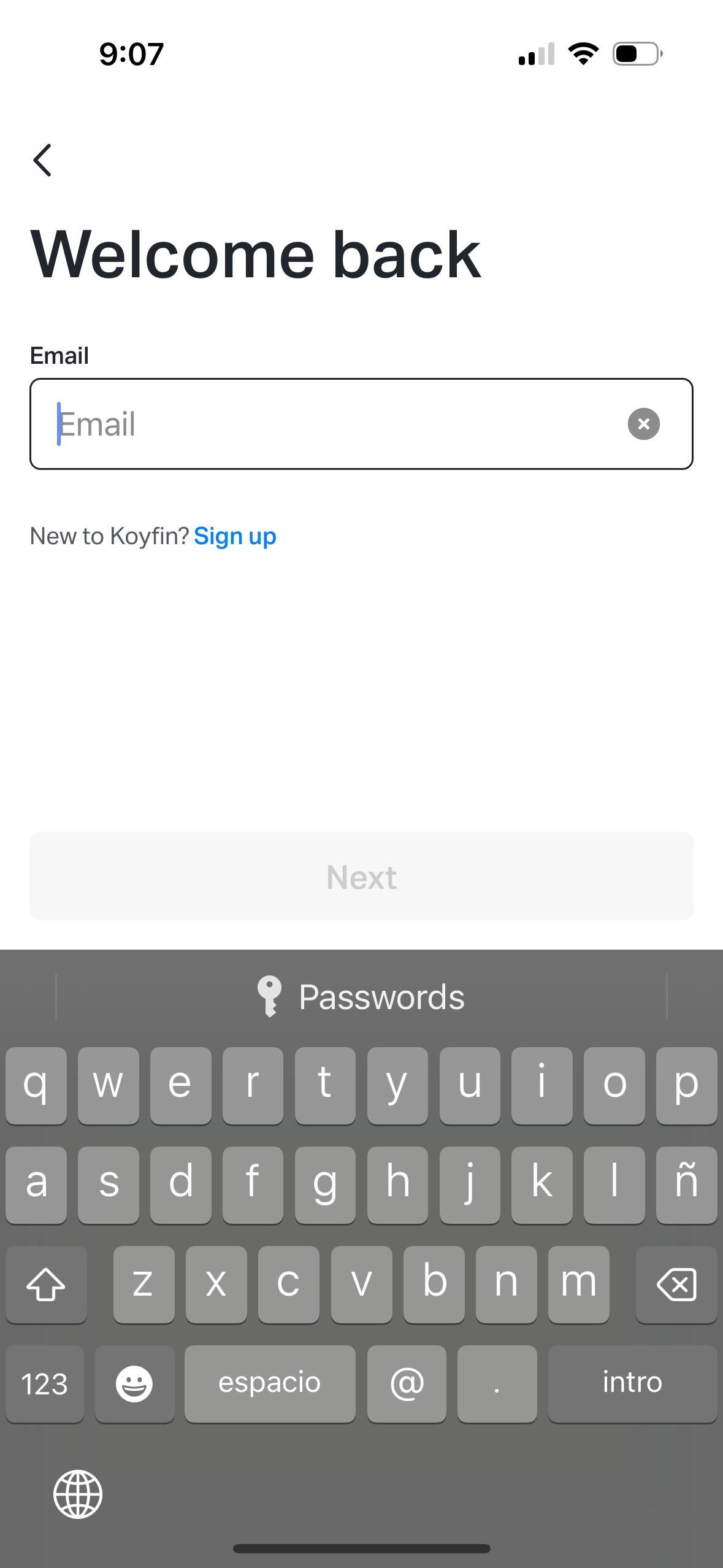
Explore up to date settings, dashboard, profile, referral, and onboarding flows from mill and more on Lazyweb.
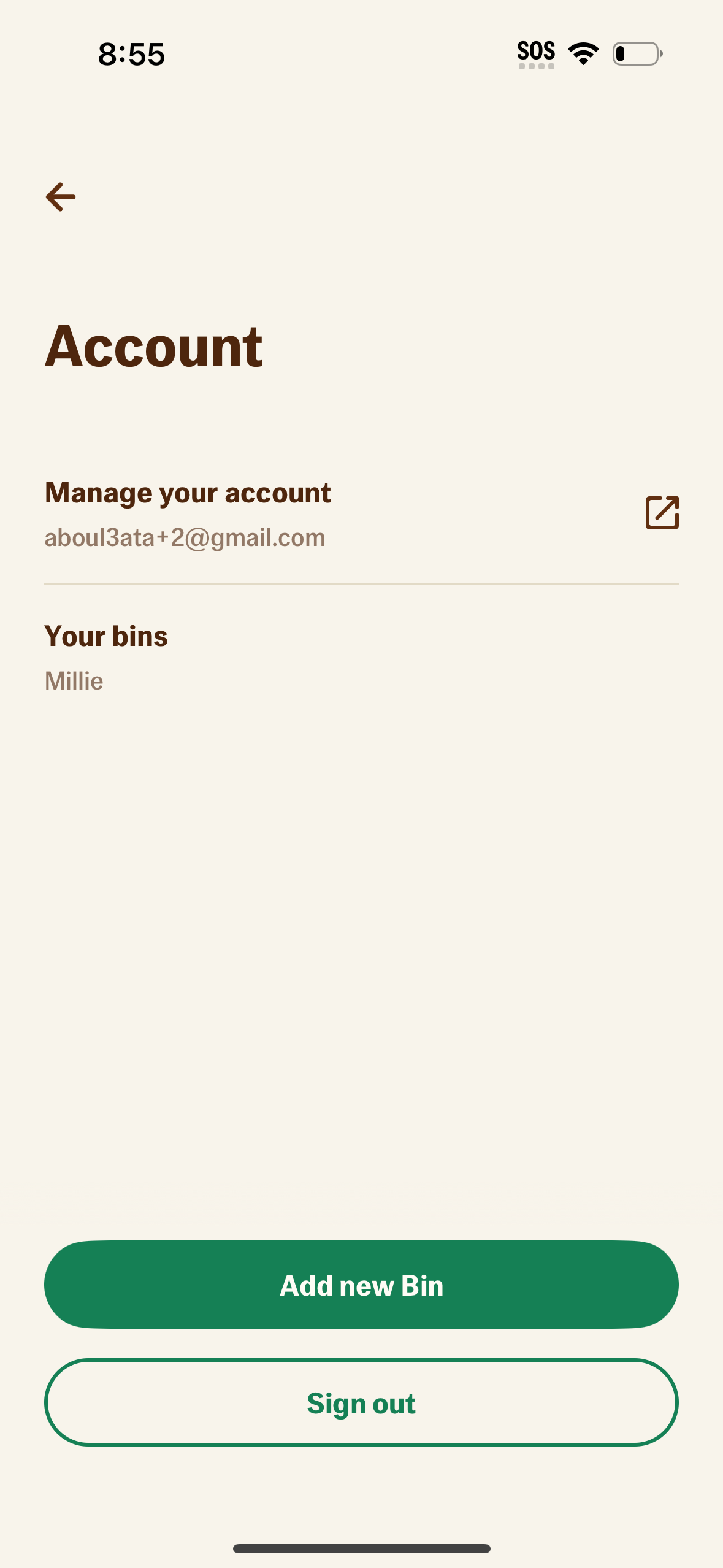
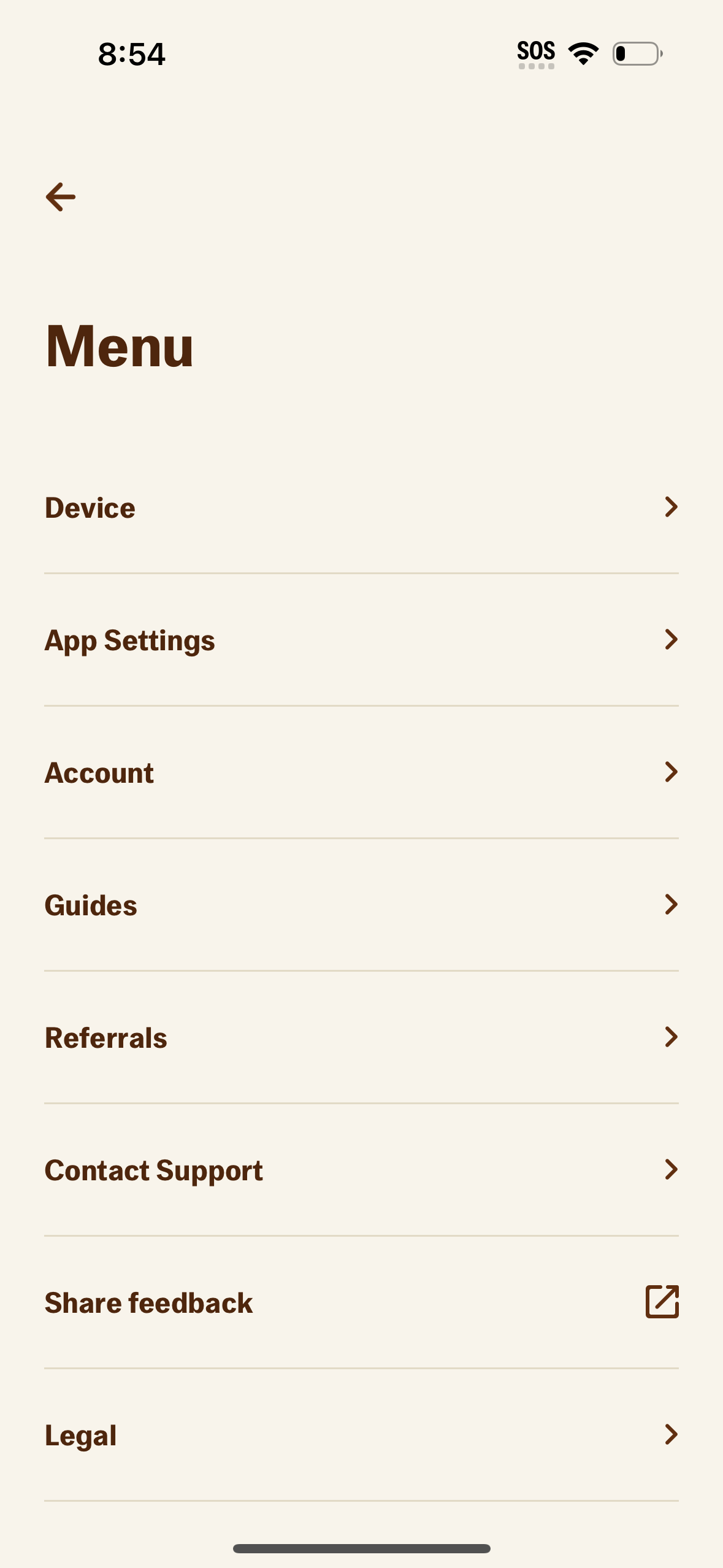
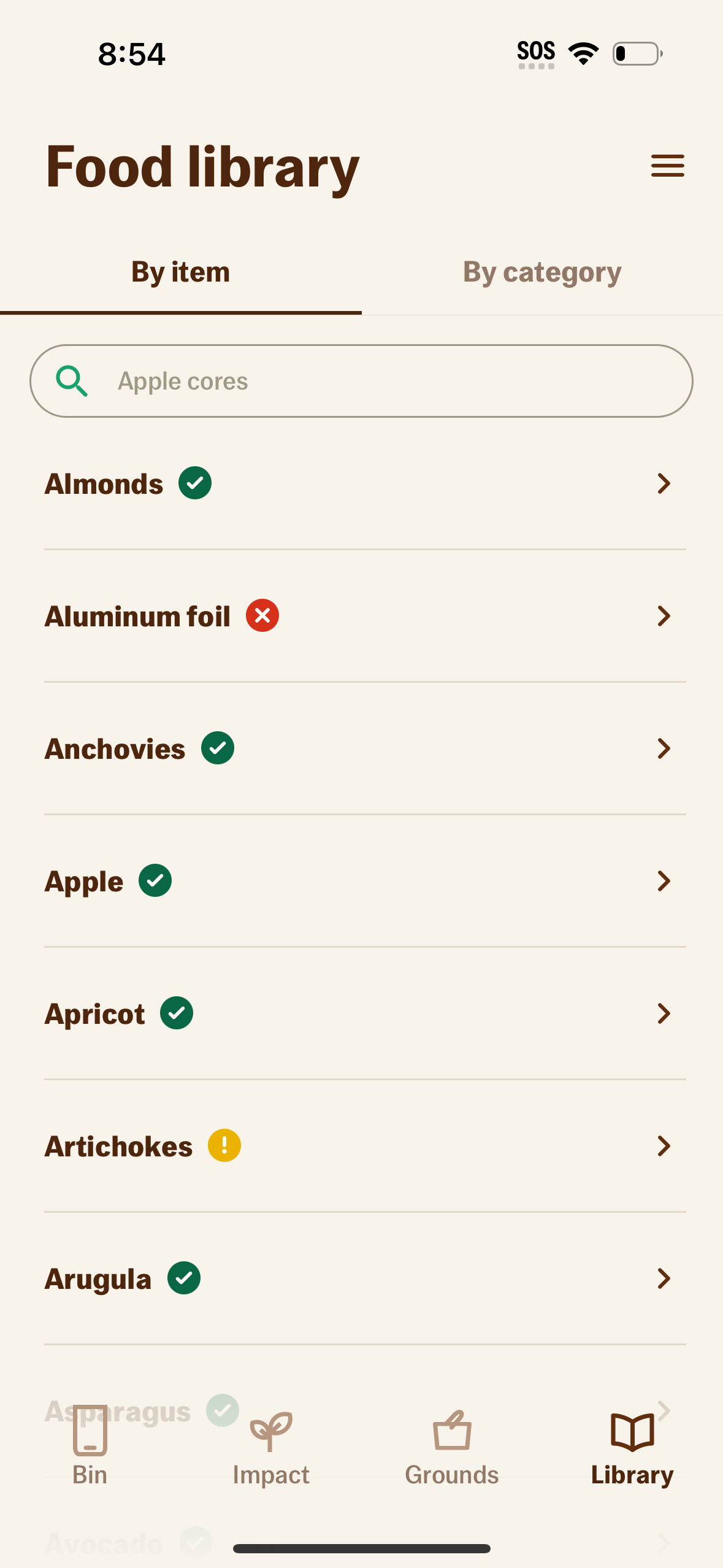
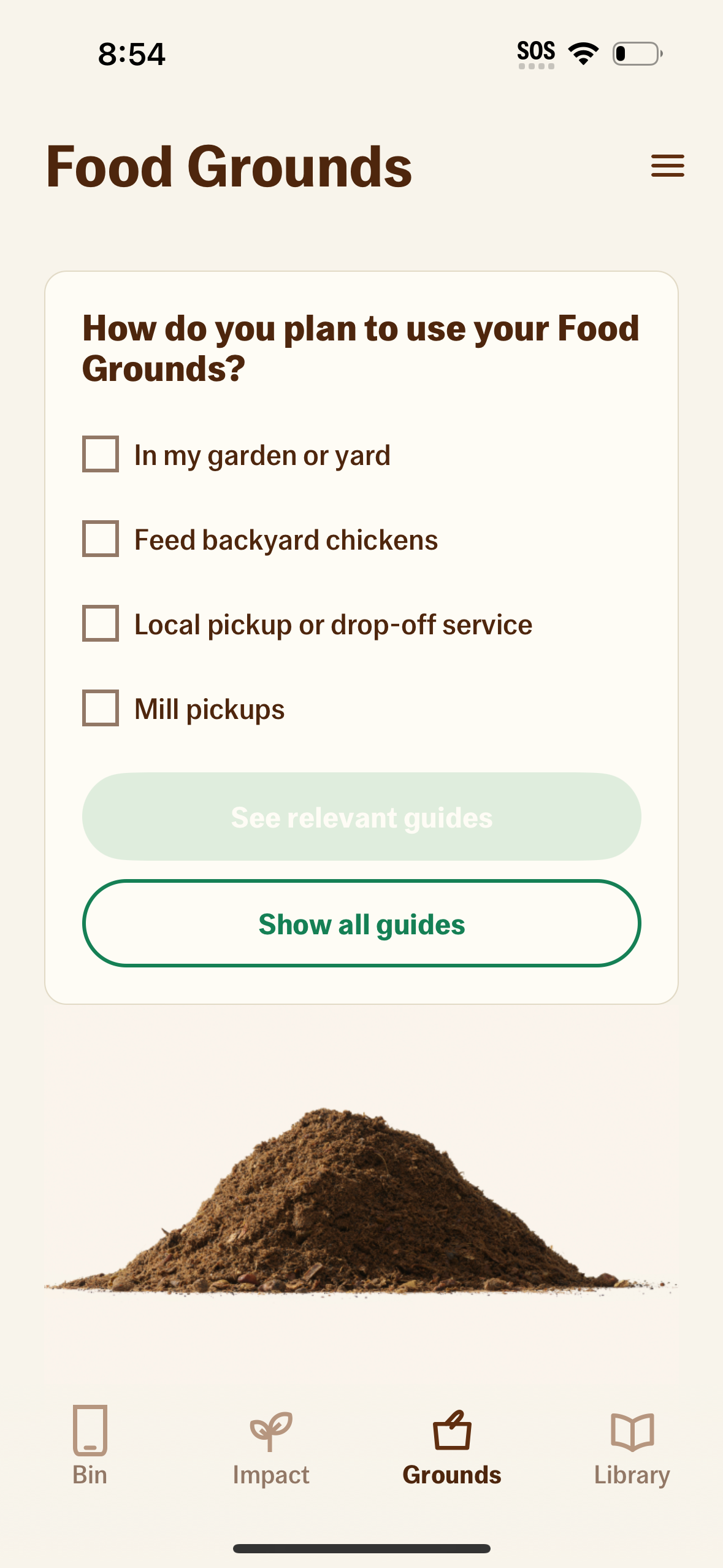
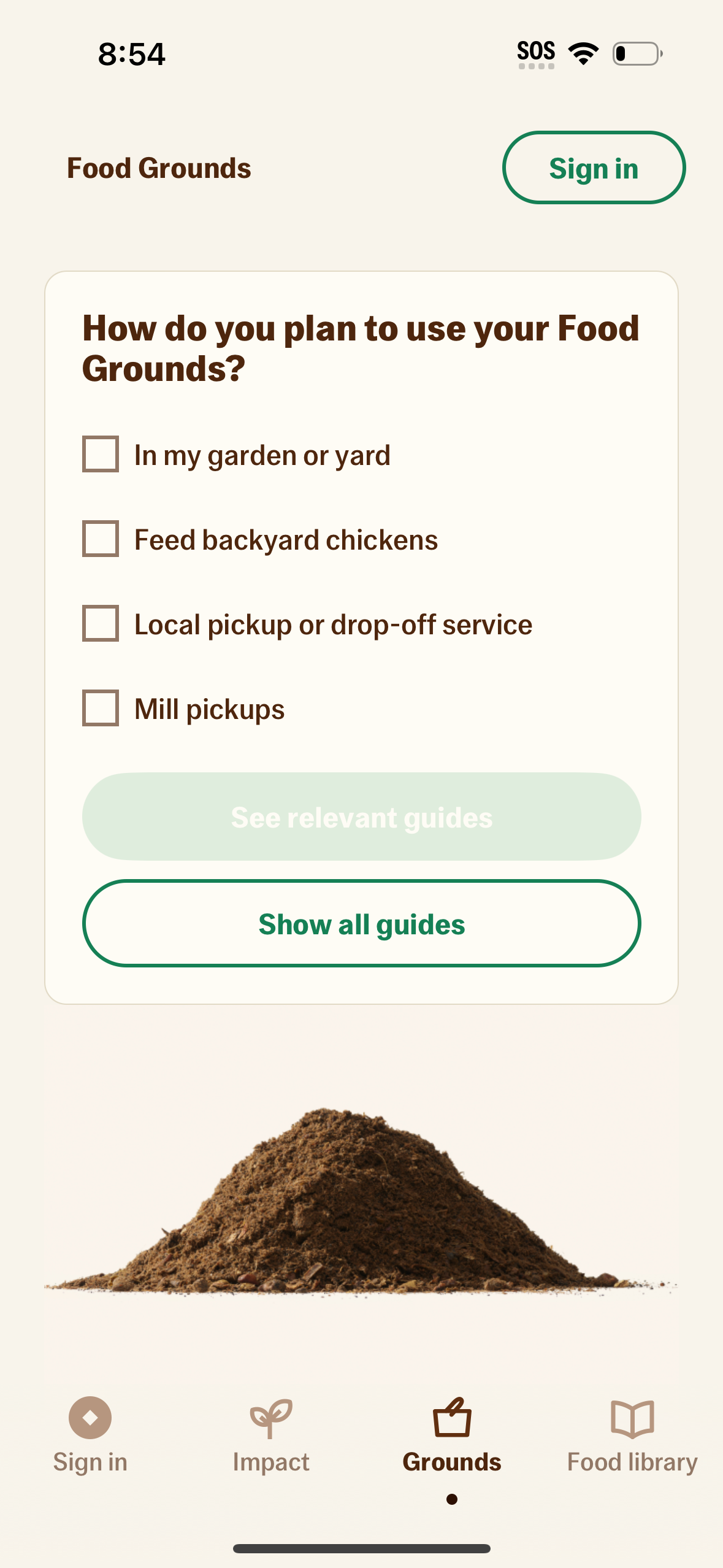
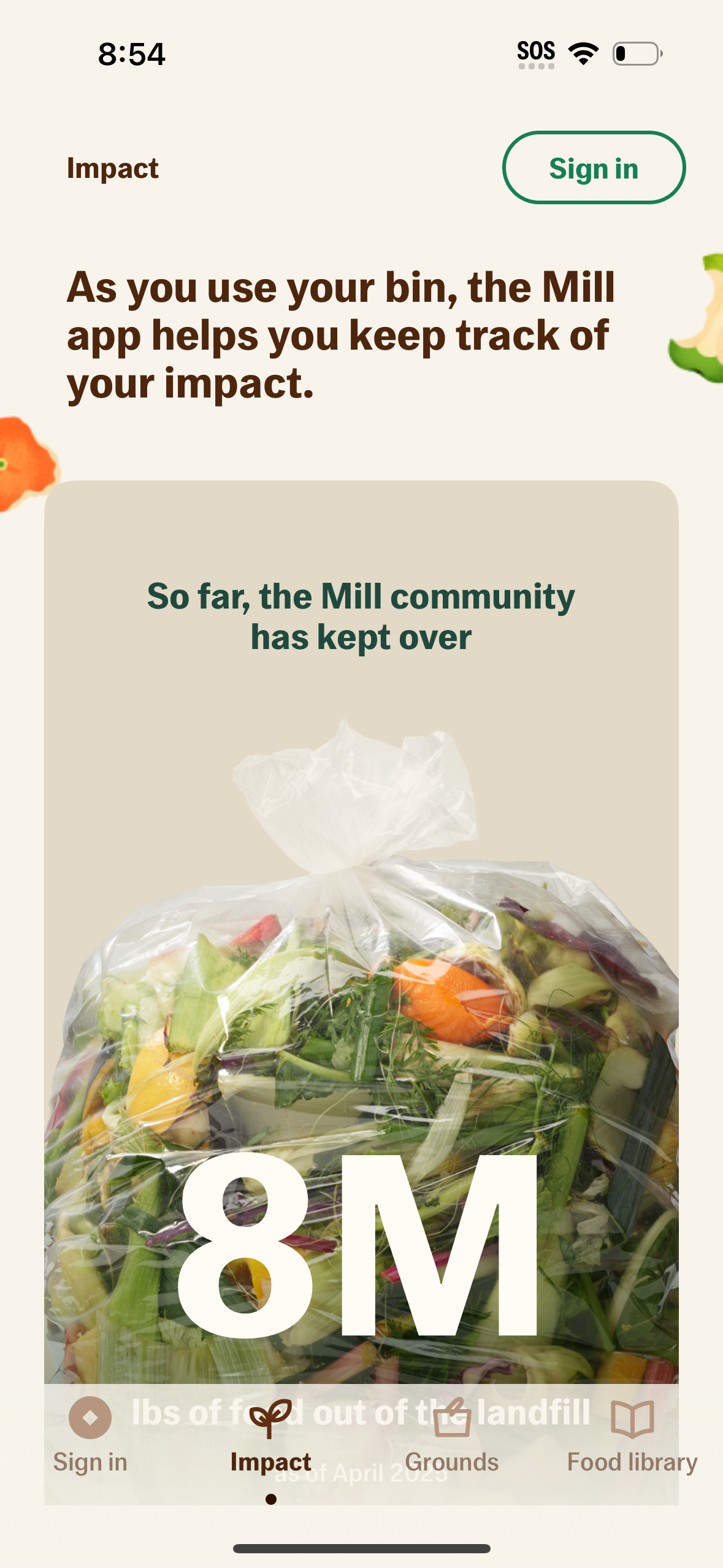
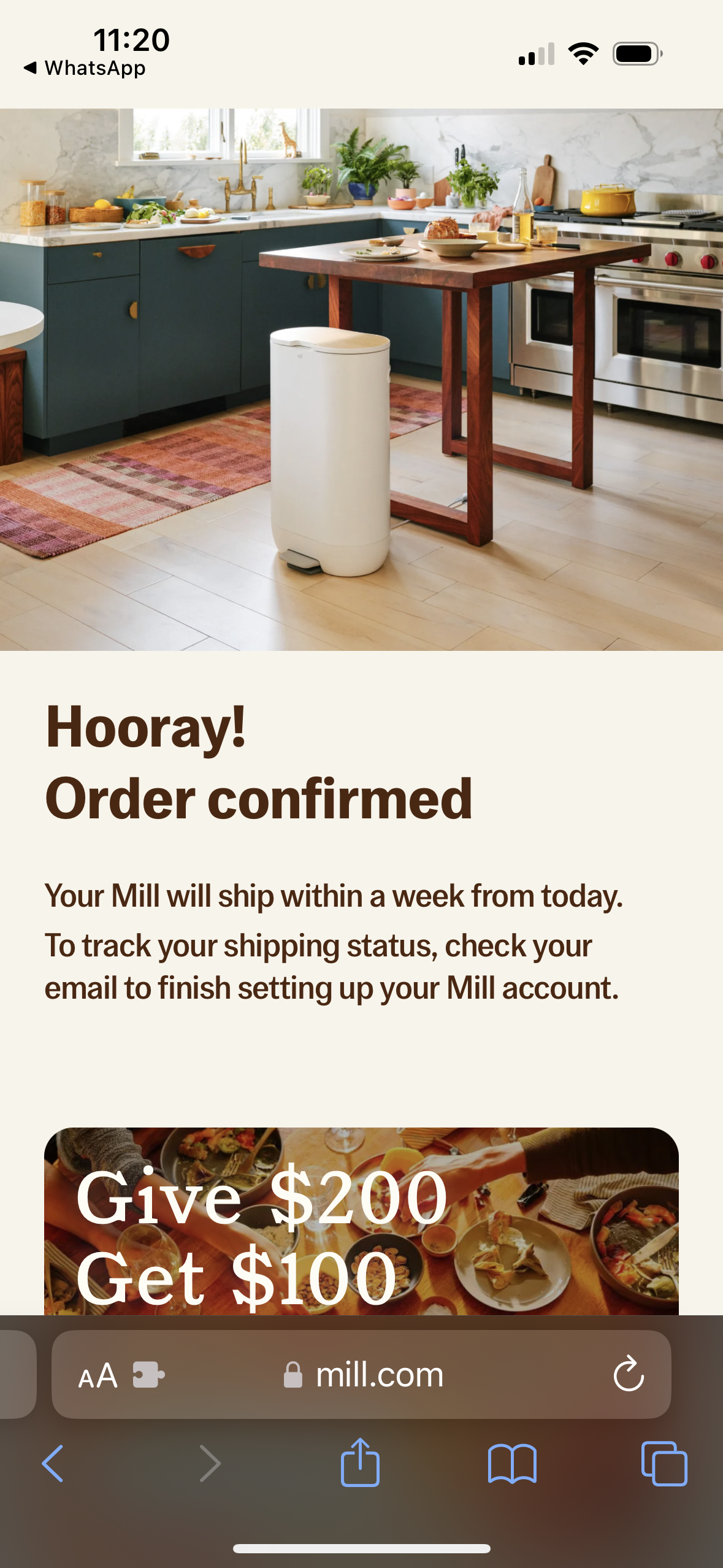
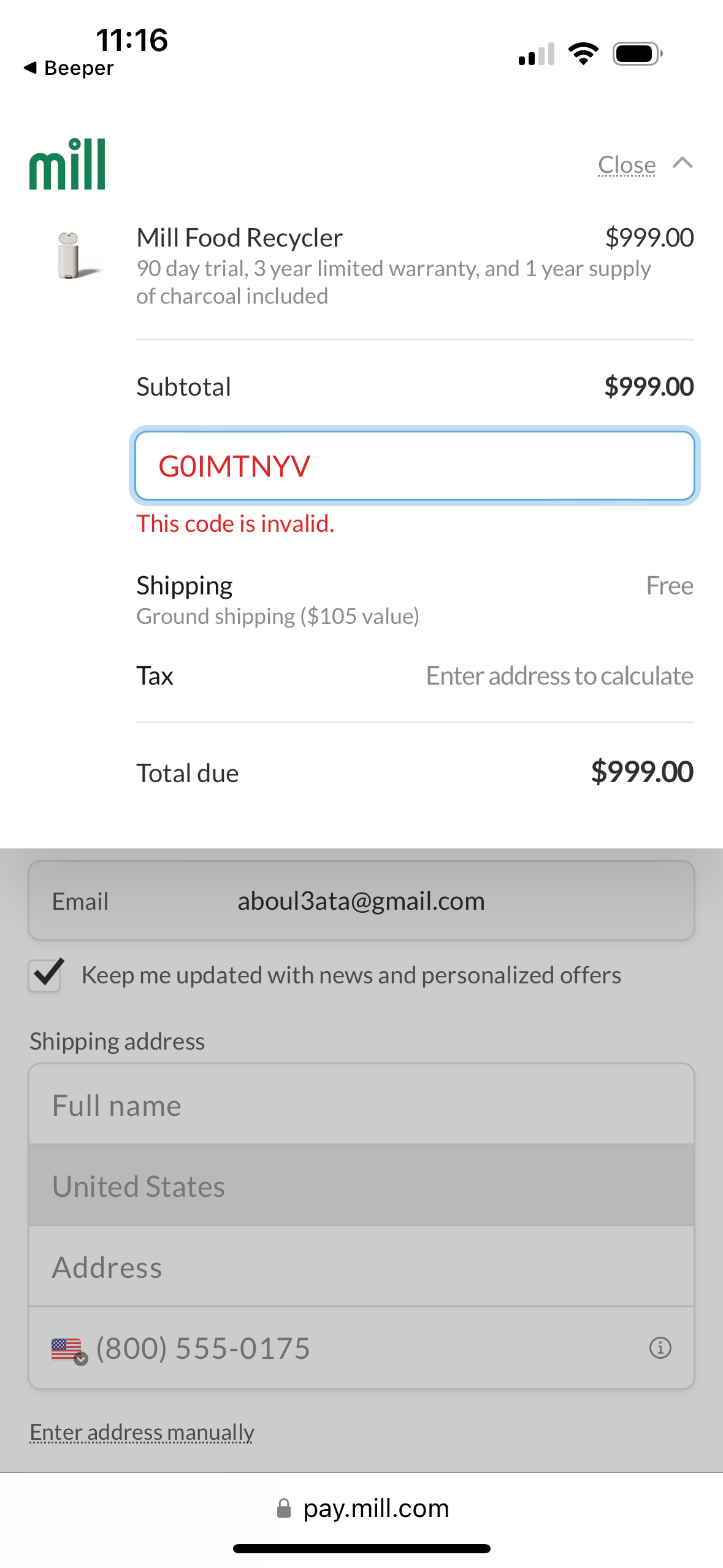
mill app screenshots and user flows
Browse mill screens, user flow examples, and UI patterns. Explore settings, dashboard, profile, referral, and onboarding flows inside Lazyweb's 100k+ screen design research library for competitive analysis and benchmarking.
Lazyweb is a blazing-fast design research library with 100k+ real app screens, user flow examples, UI patterns, and product design patterns for competitive analysis and benchmarking.
Screenshots
The first 5 screenshots are shown in full. Additional screens are blurred previews.





Company metadata
App Store description
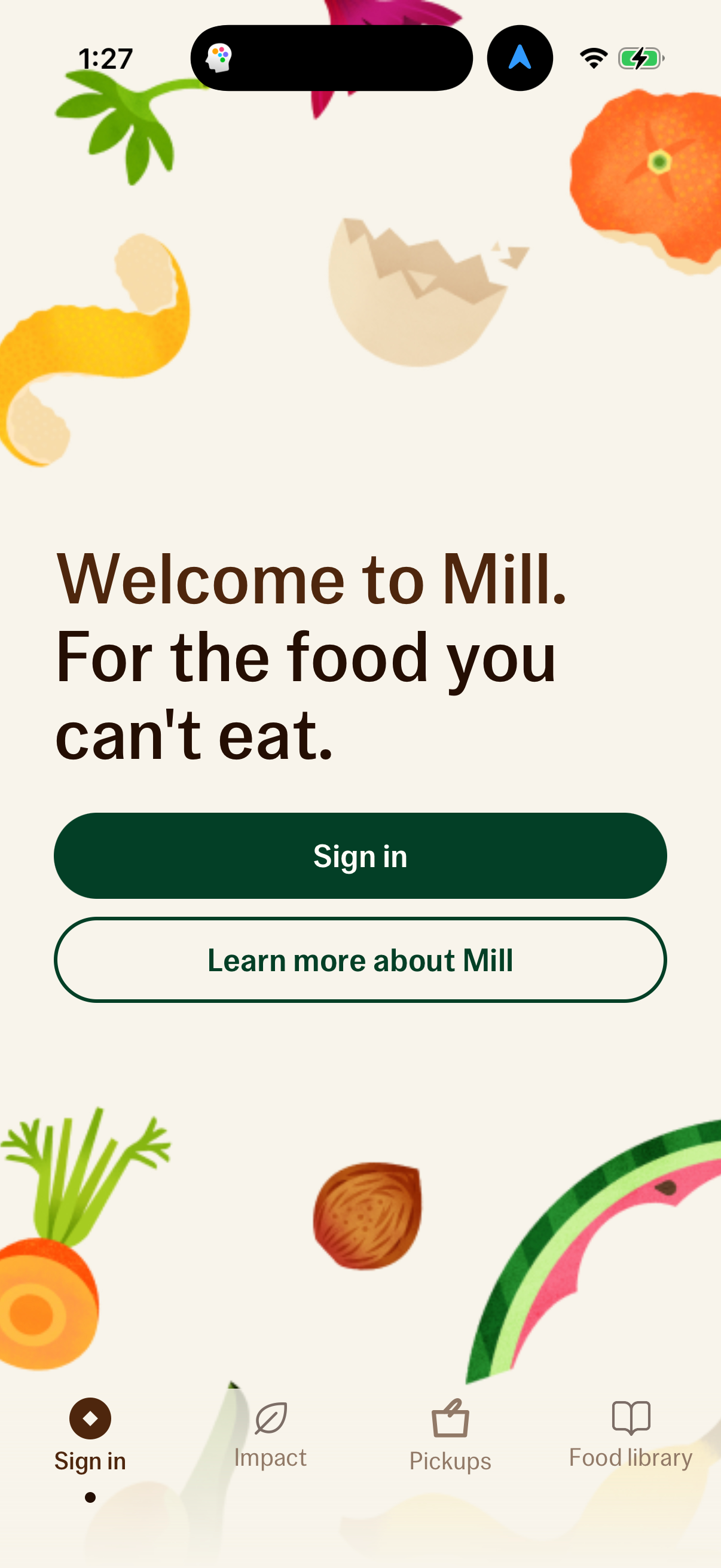
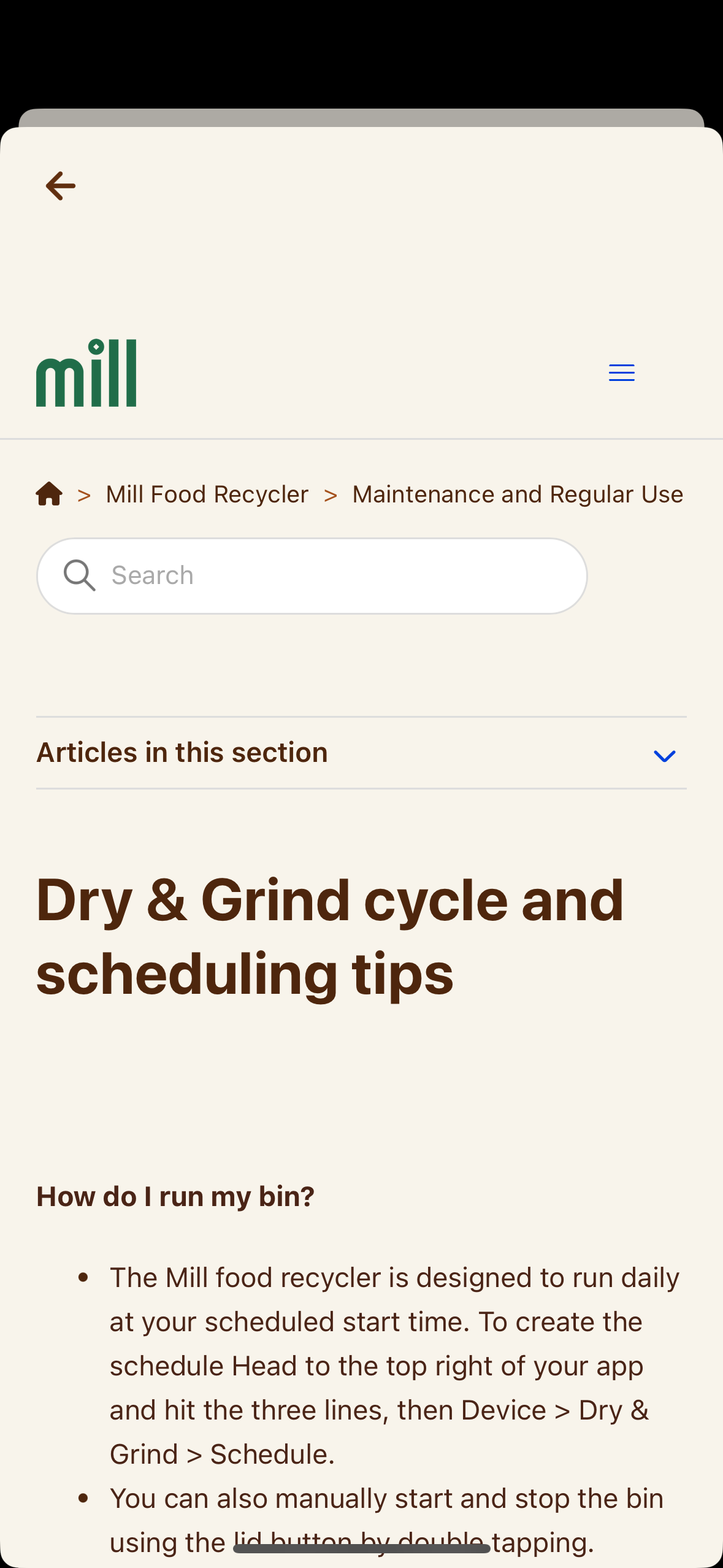
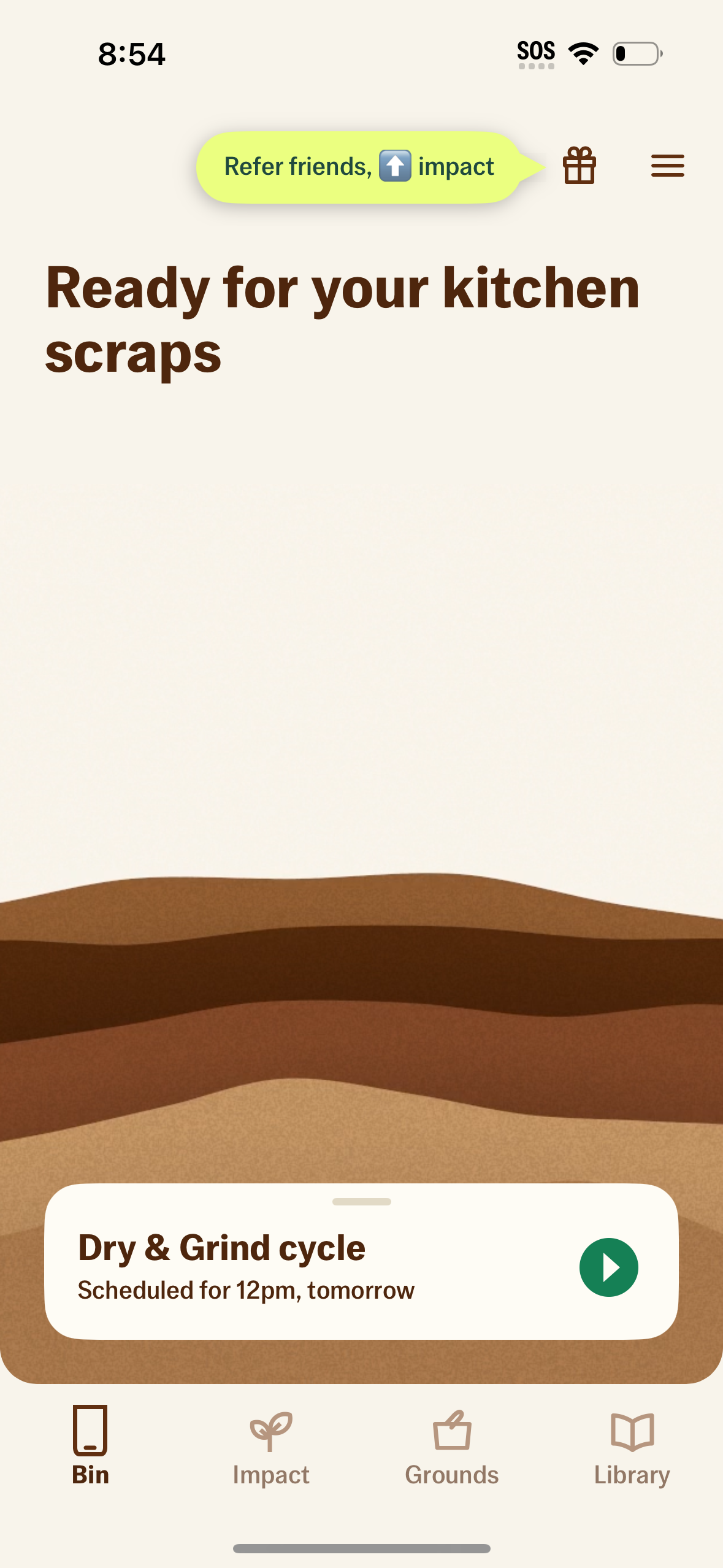
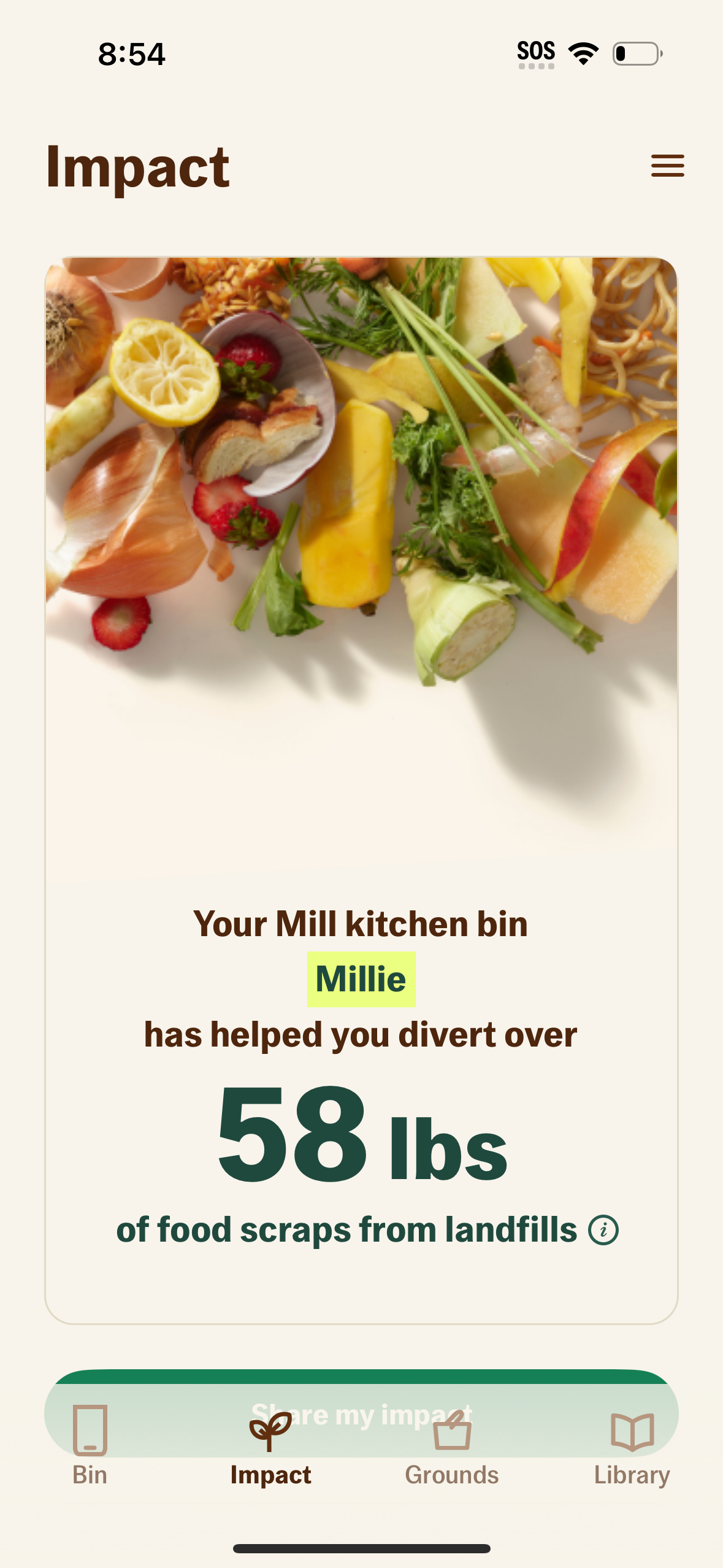
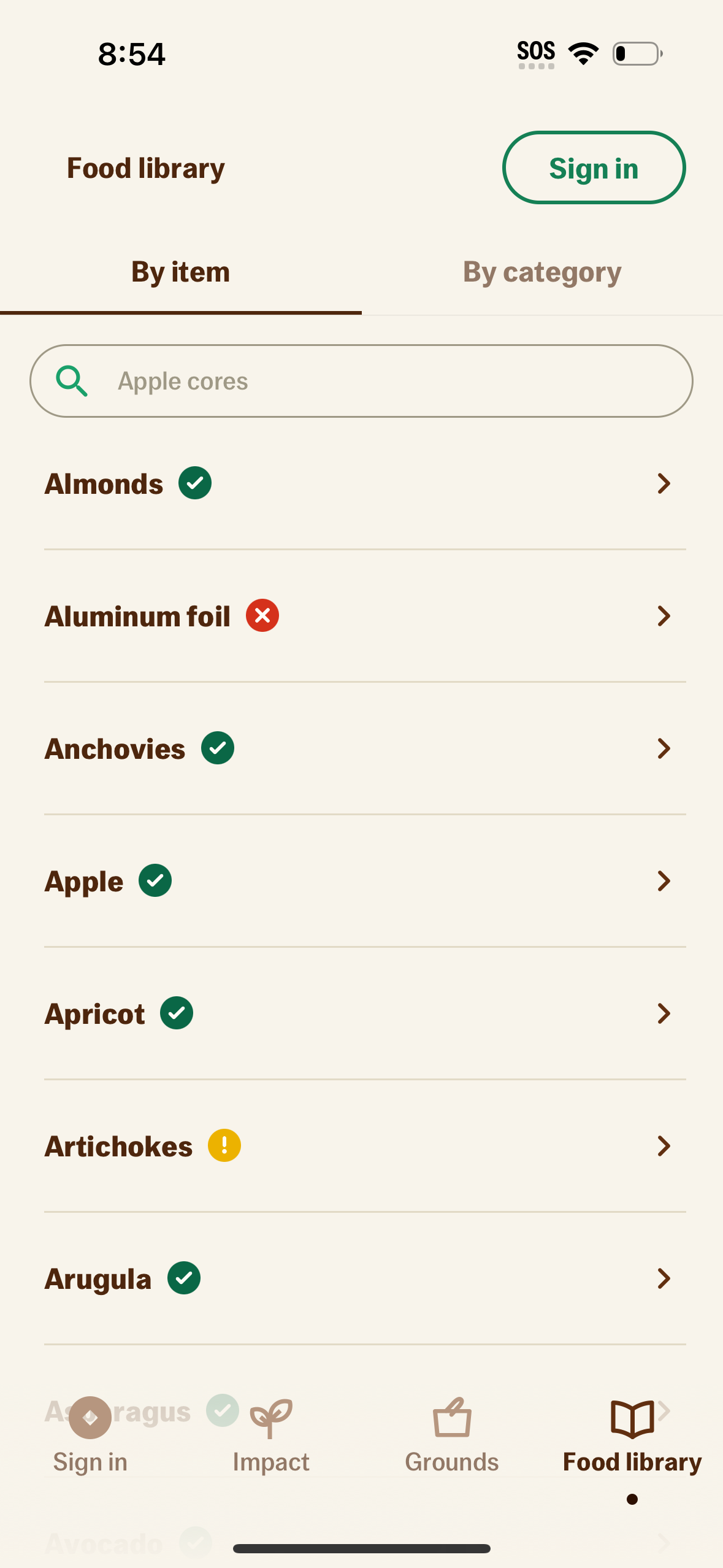
Meet the Mill app. Set up, manage and control your kitchen bin — all in one place. Setup and pairing – Connect your bin to Wi‑Fi – Easily access and control bin settings Customize your bin – Manage your Dry & Grind schedule – Turn the Kid & Pet lock on or off – Give your bin a name of its own Schedule pickups – Schedule a Food Grounds™ pickup or find drop‑off locations – Order more prepaid boxes – Track the status of Food Grounds returns Get helpful guides – See what’s ok (and not ok) to add to the bin – Get tips to keep your bin running at its best – Learn more about the impact of your Mill Membership™ The Mill app is designed to use with the Mill kitchen bin, all part of your Mill Membership™
Compare competitors with Lazyweb
Search every screen, flow, and UX pattern in one place.