Download App
Company library
linkedin logo

linkedin screenshots

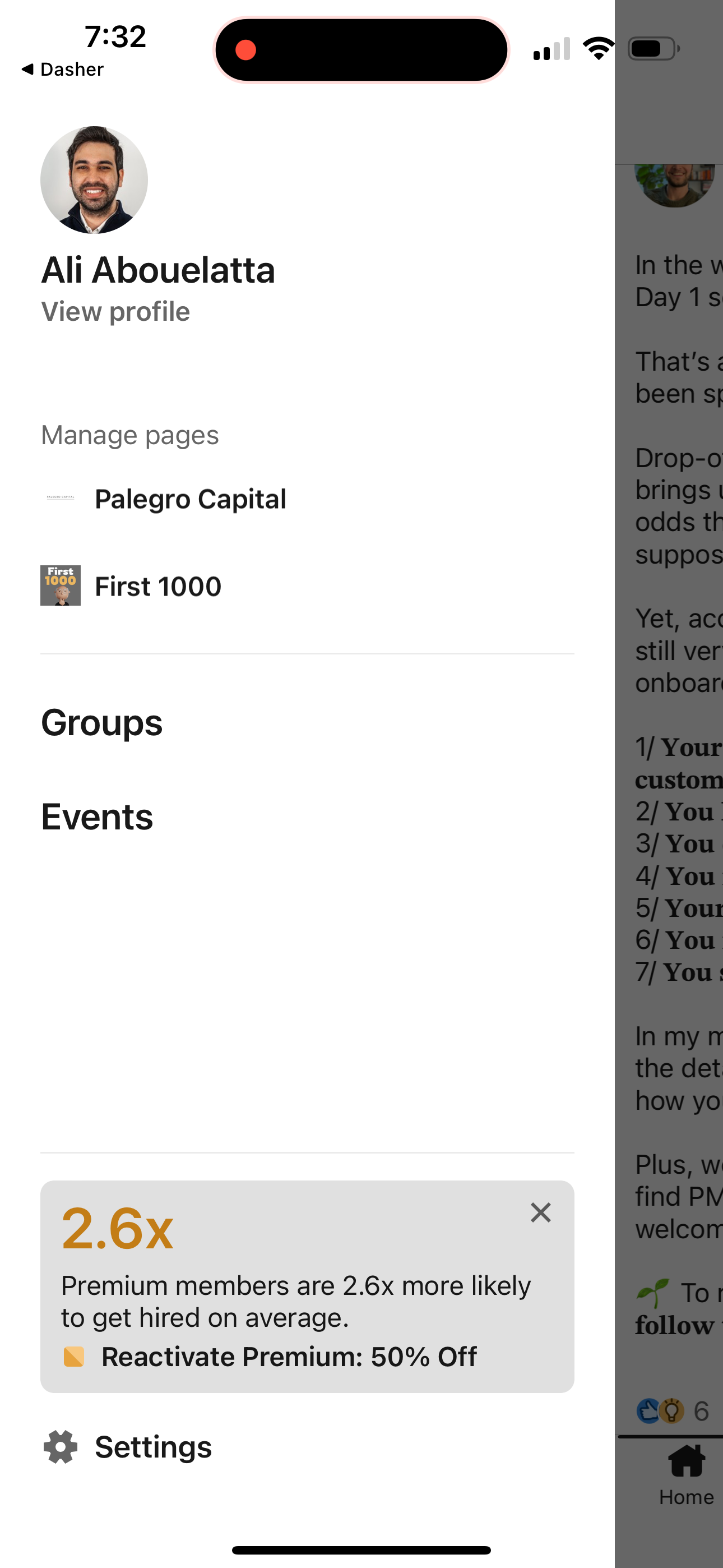
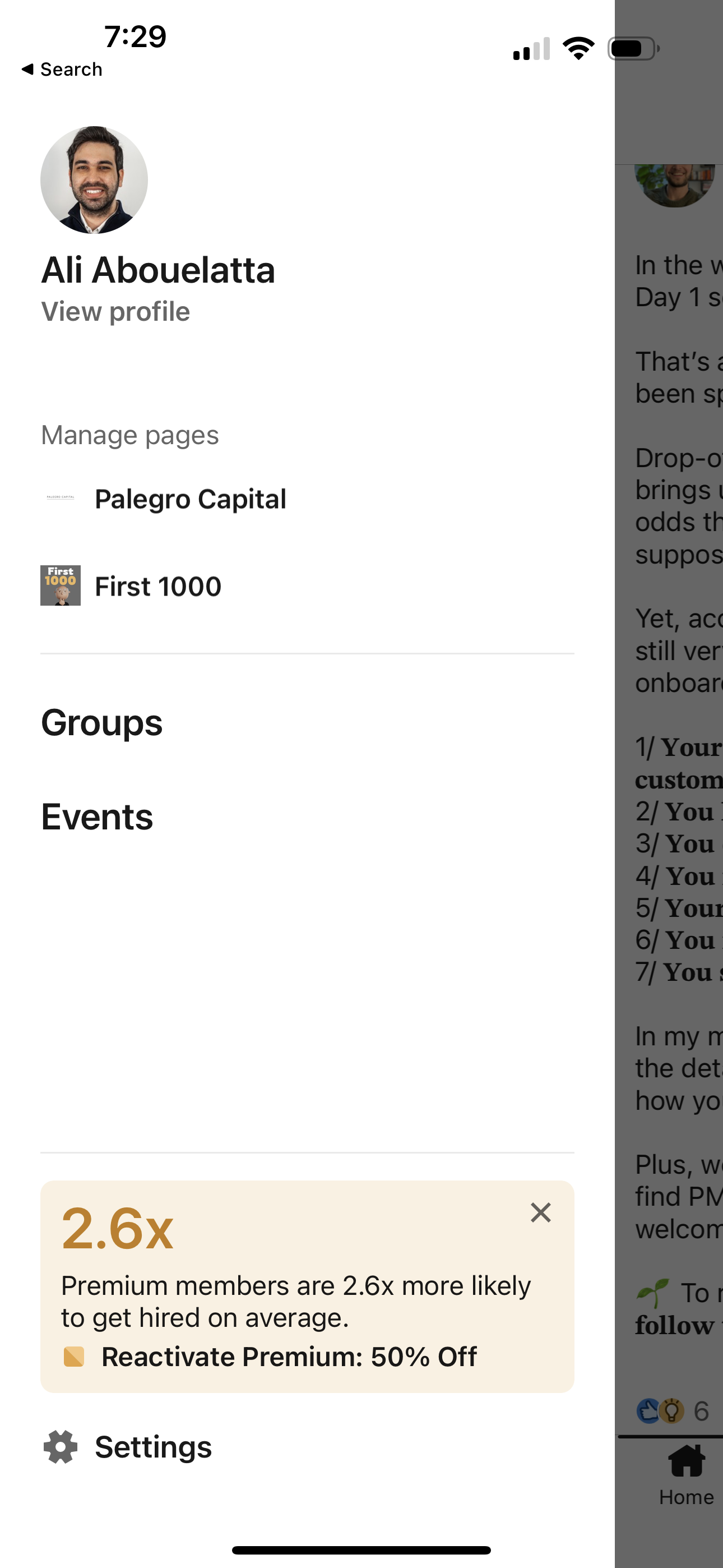
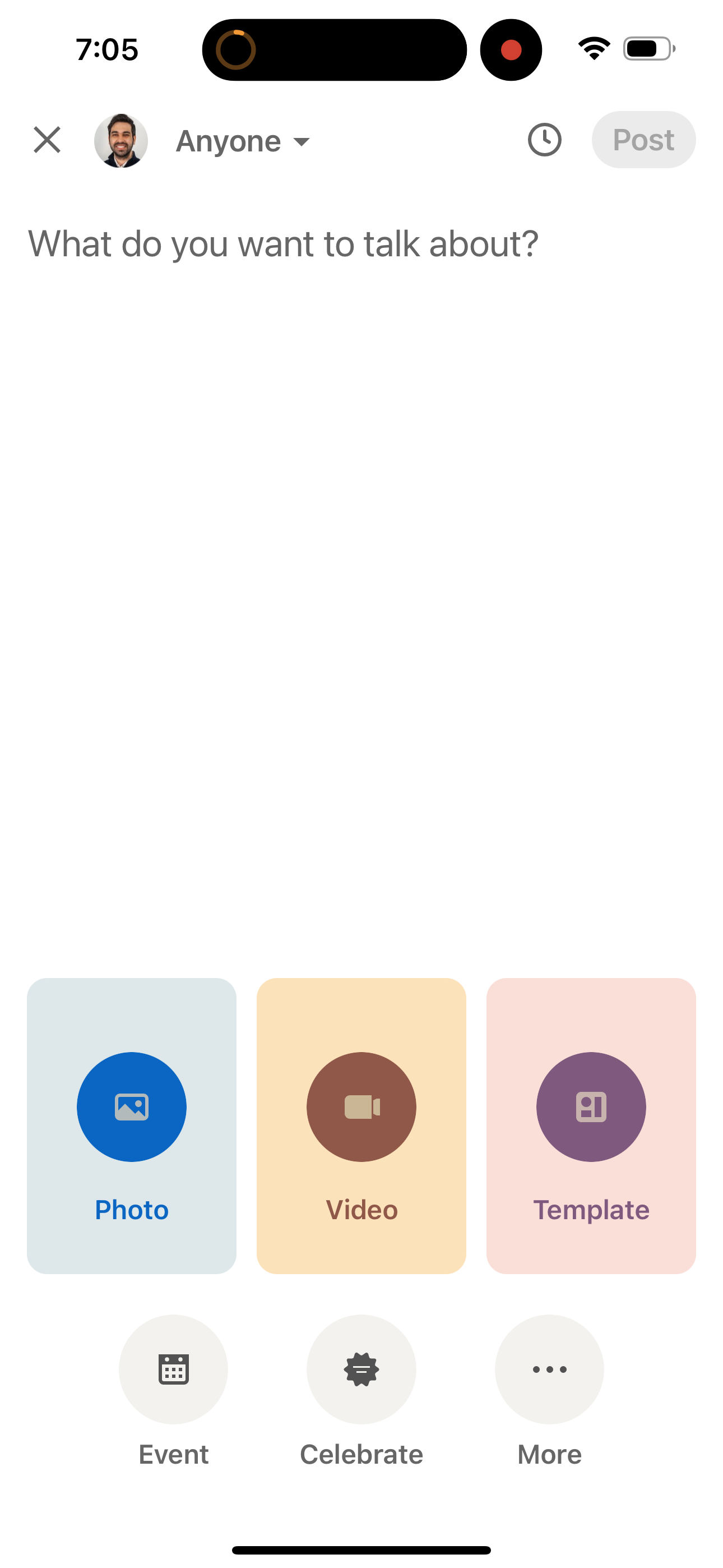
Explore up to date search, dashboard, notifications, referral, and reviews flows from linkedin and more on Lazyweb.

search, dashboard, notifications, referral, and reviews flows 192 screens App screenshots

linkedin app screenshots and user flows

Browse linkedin app screenshots, user flow examples, and UI patterns. Explore search, dashboard, notifications, referral, and reviews flows for competitive app analysis and design benchmarking with Lazyweb.

Lazyweb is a library of mobile app screenshots, user flow examples, UI patterns, and product design patterns for competitive app analysis and design benchmarking.

Screenshots

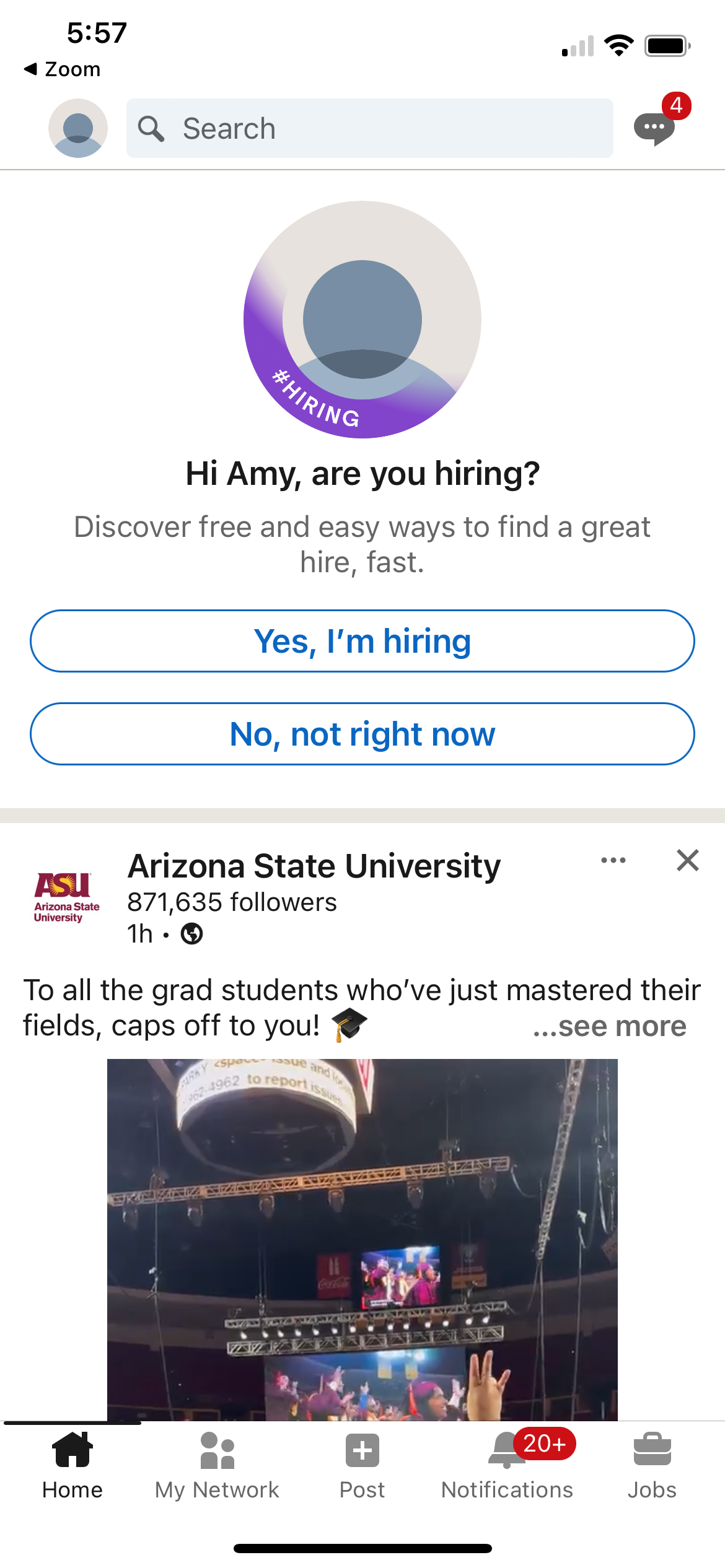
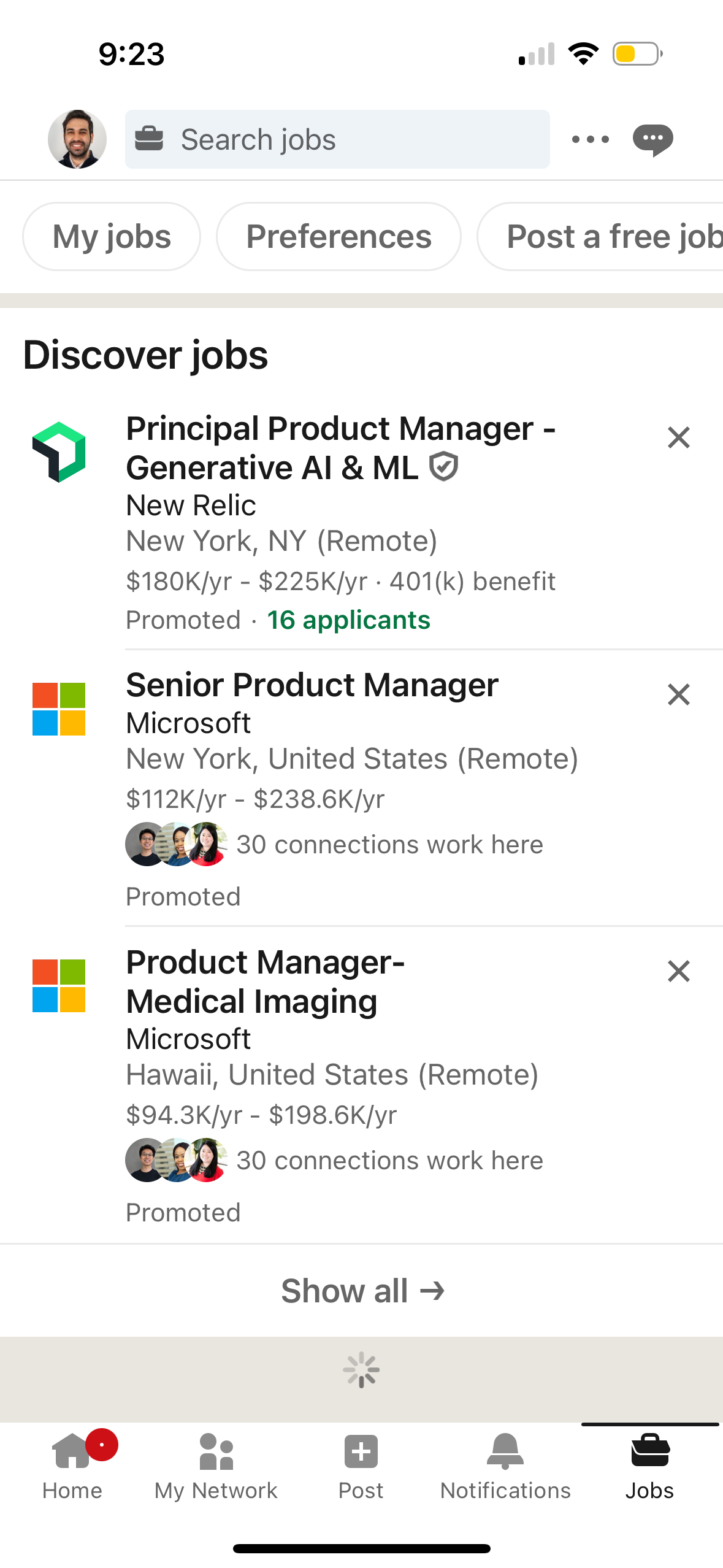
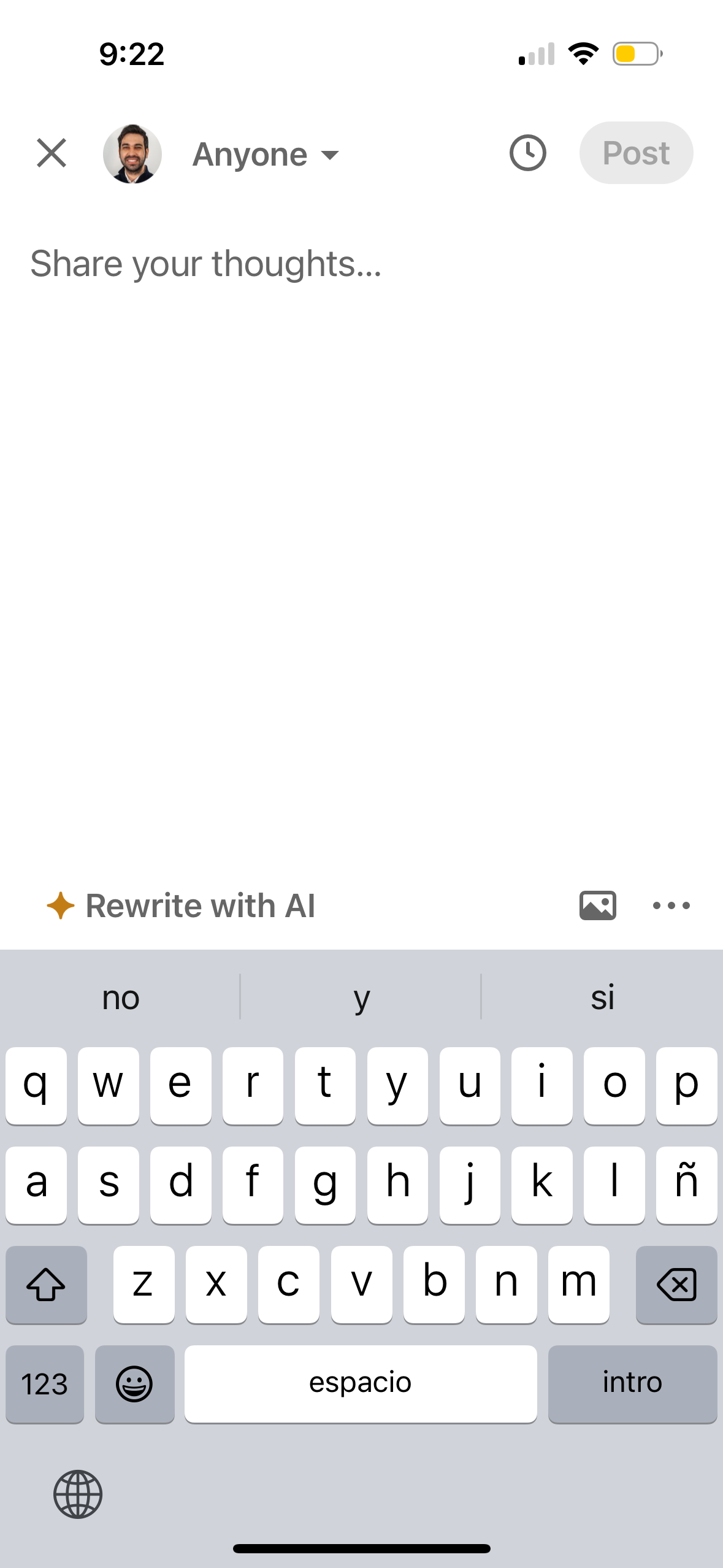
The first 5 screenshots are shown in full. Additional screens are blurred previews.
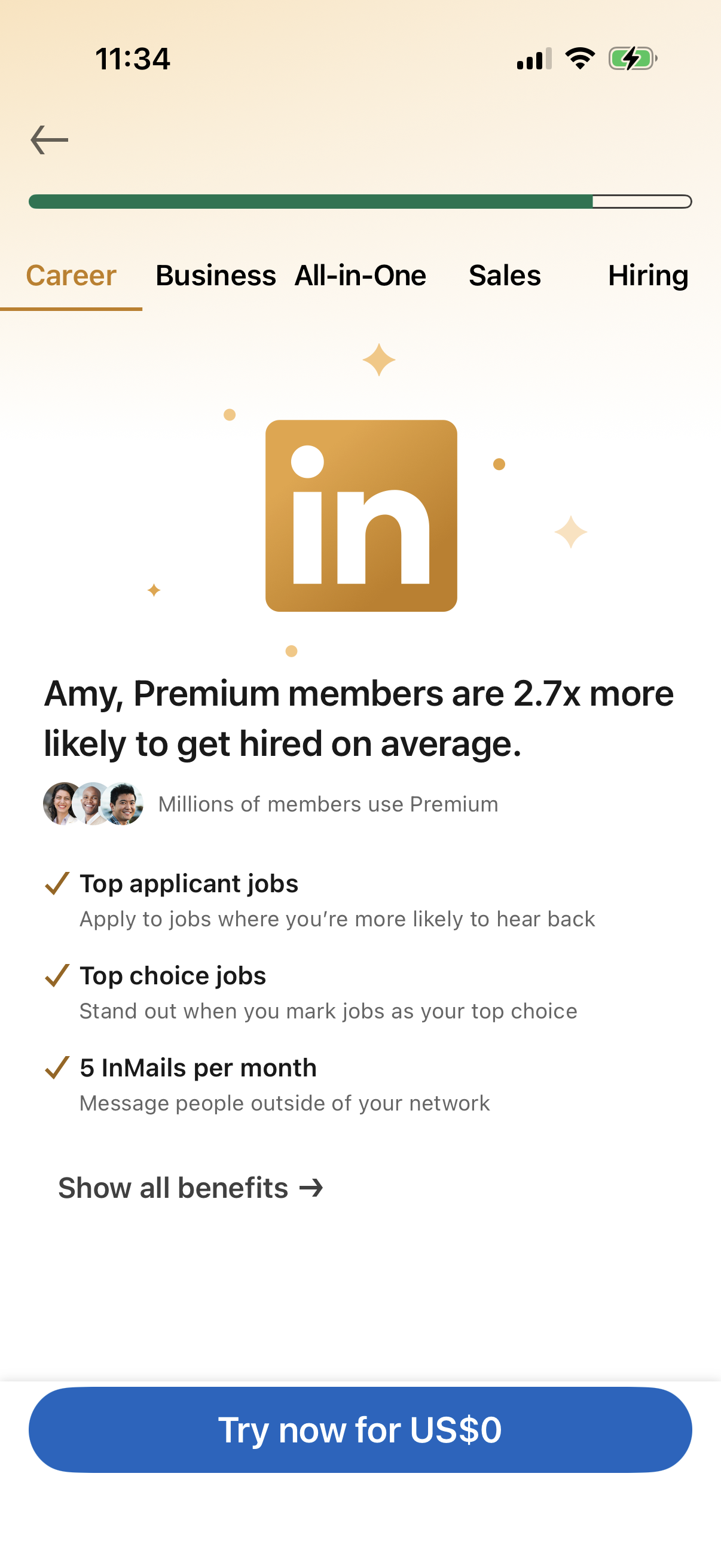
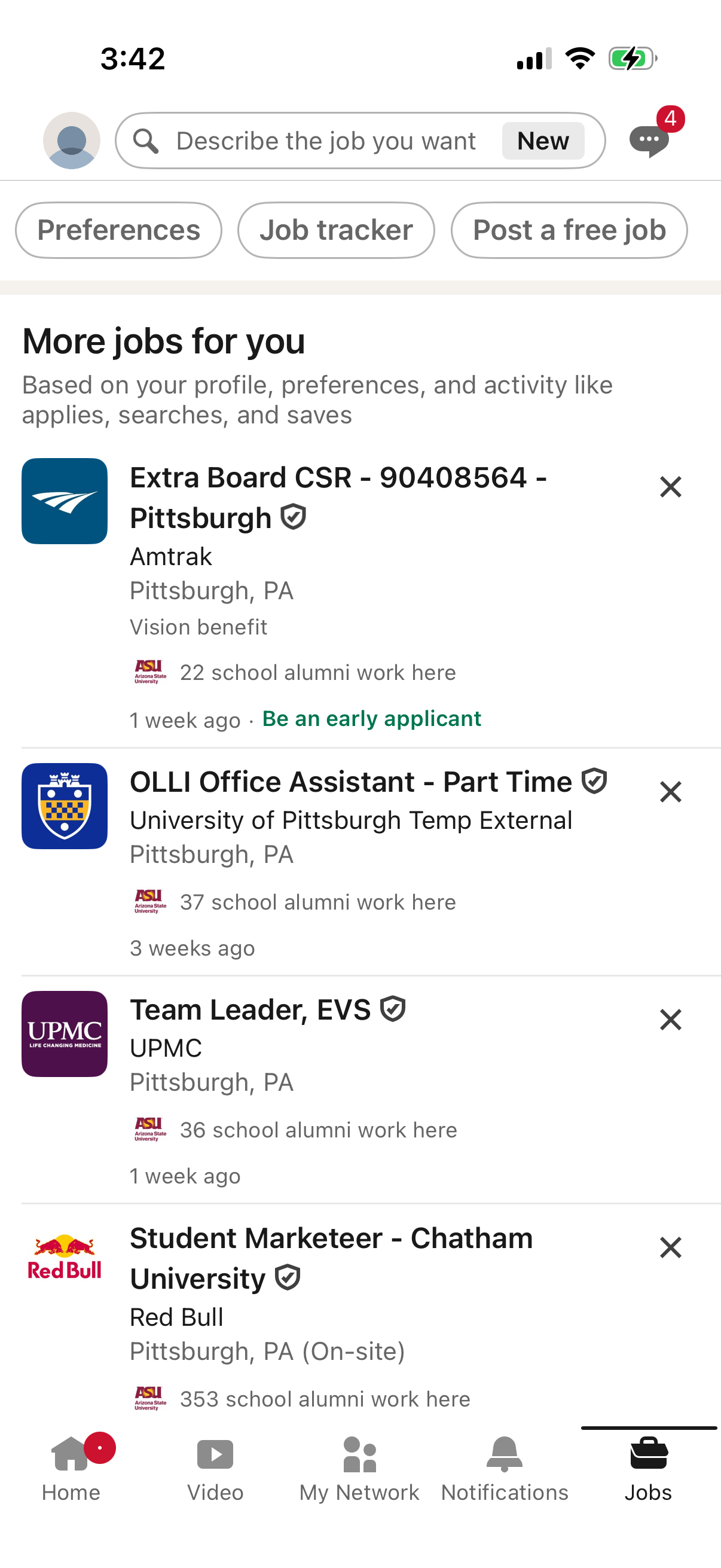
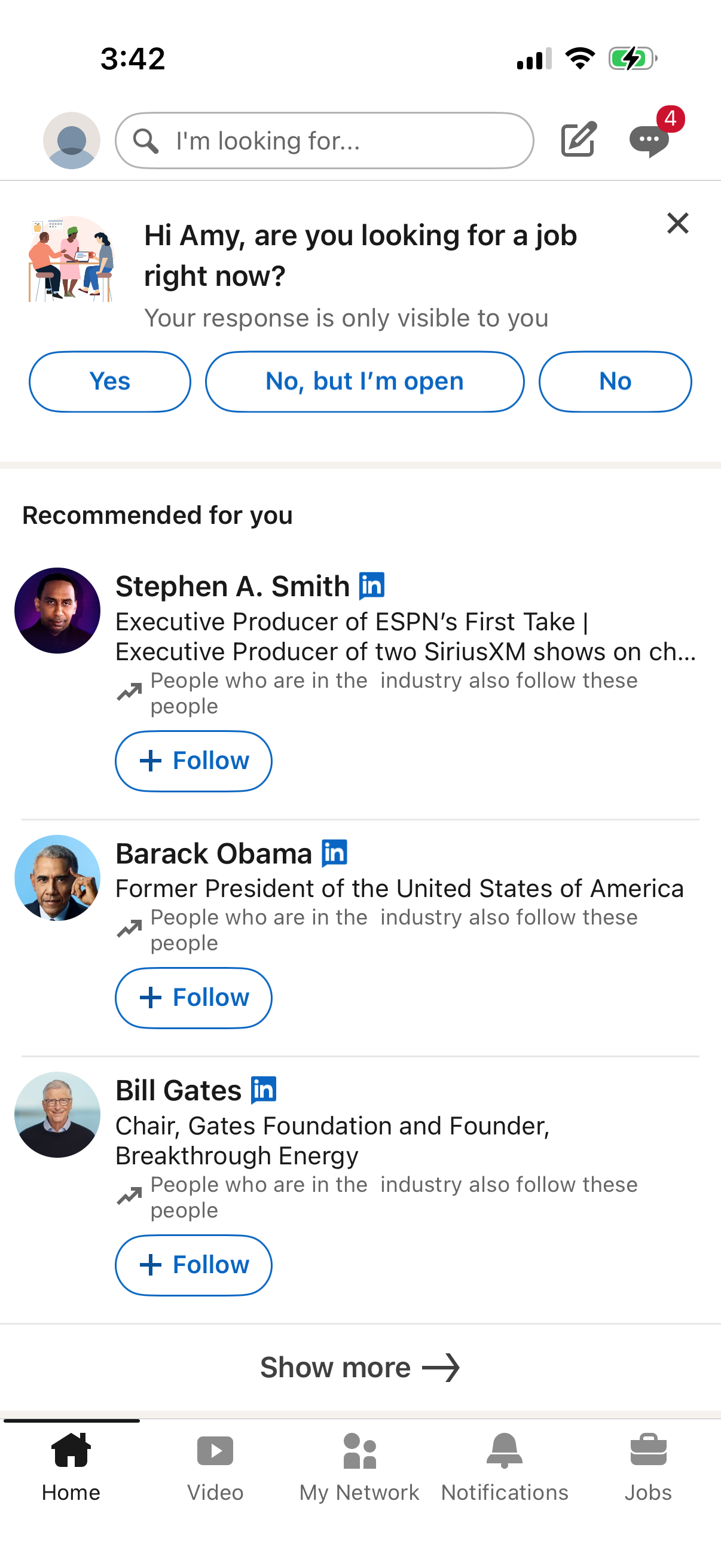
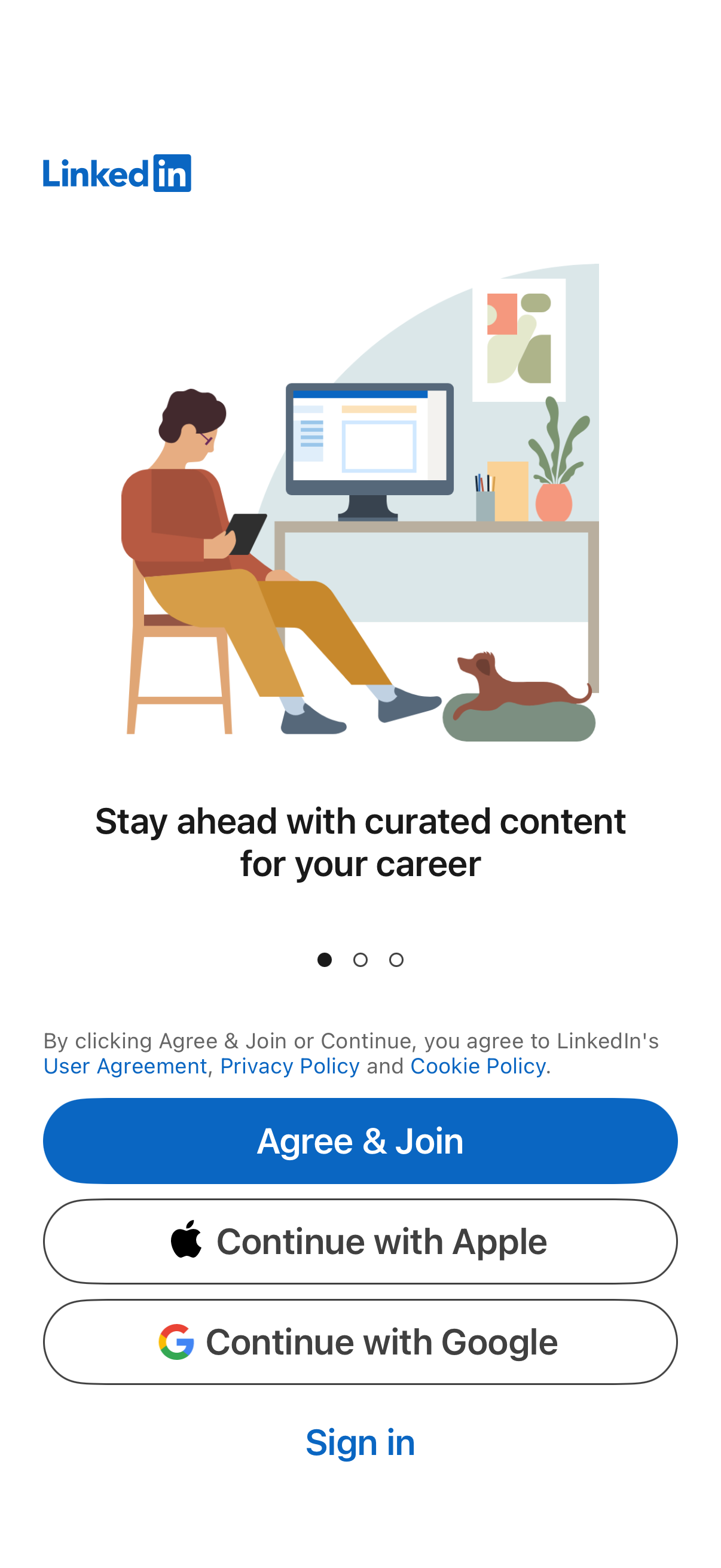
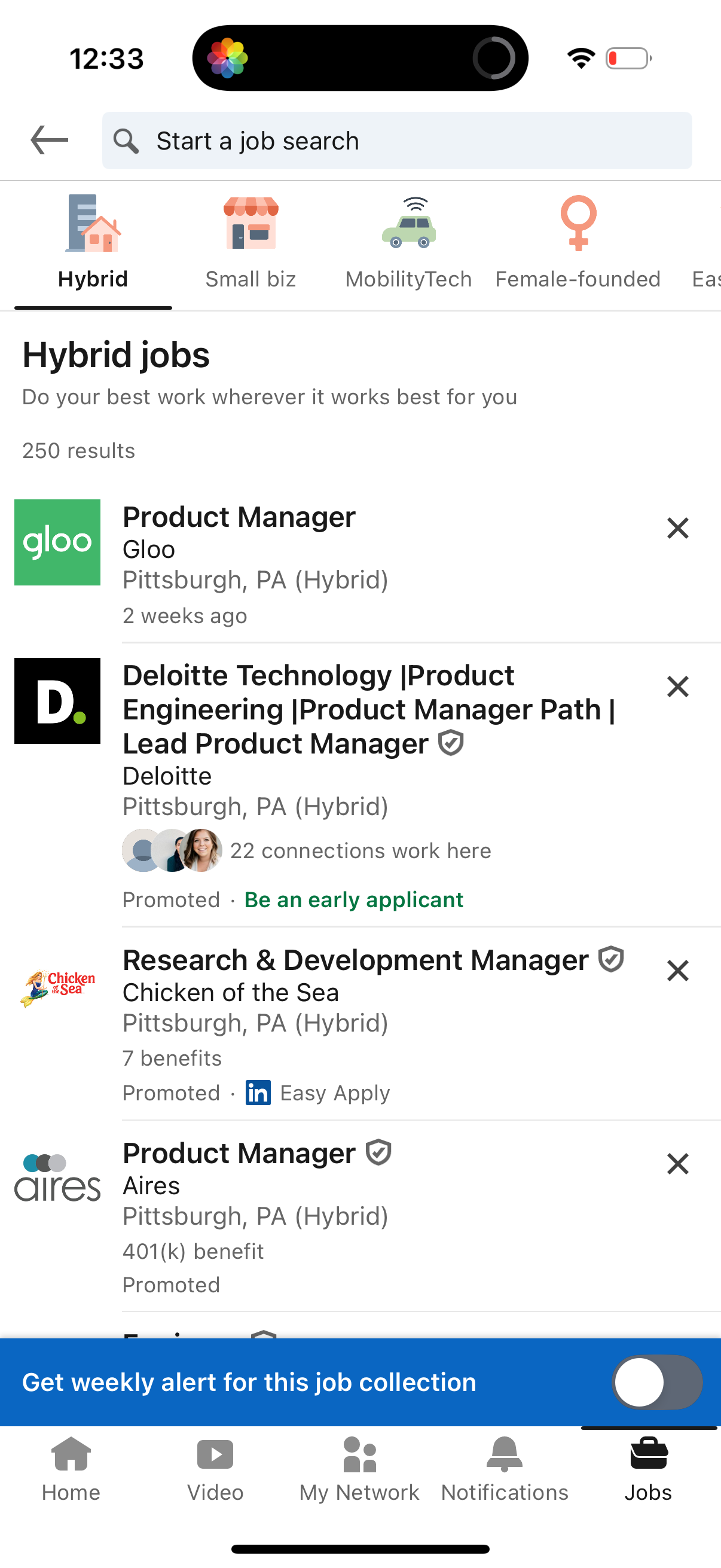
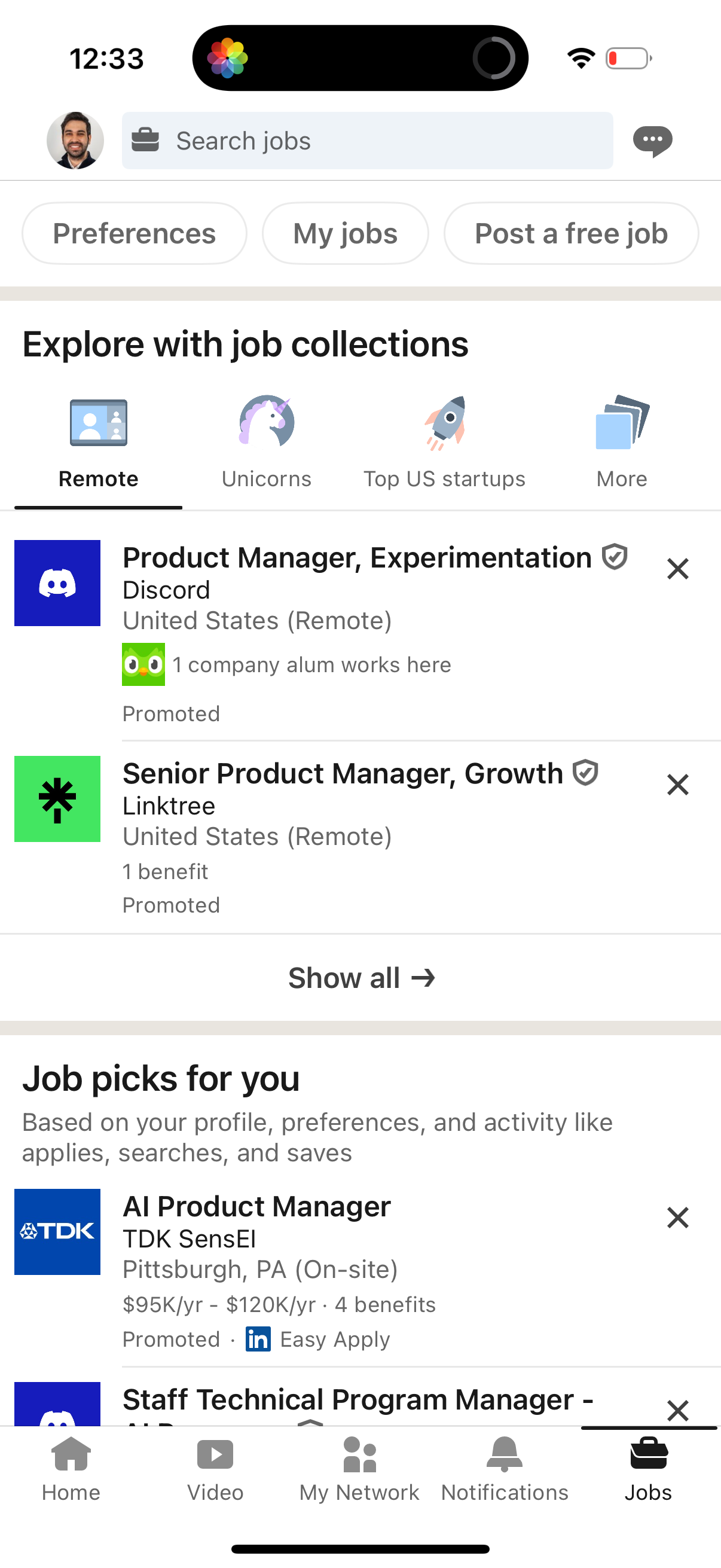
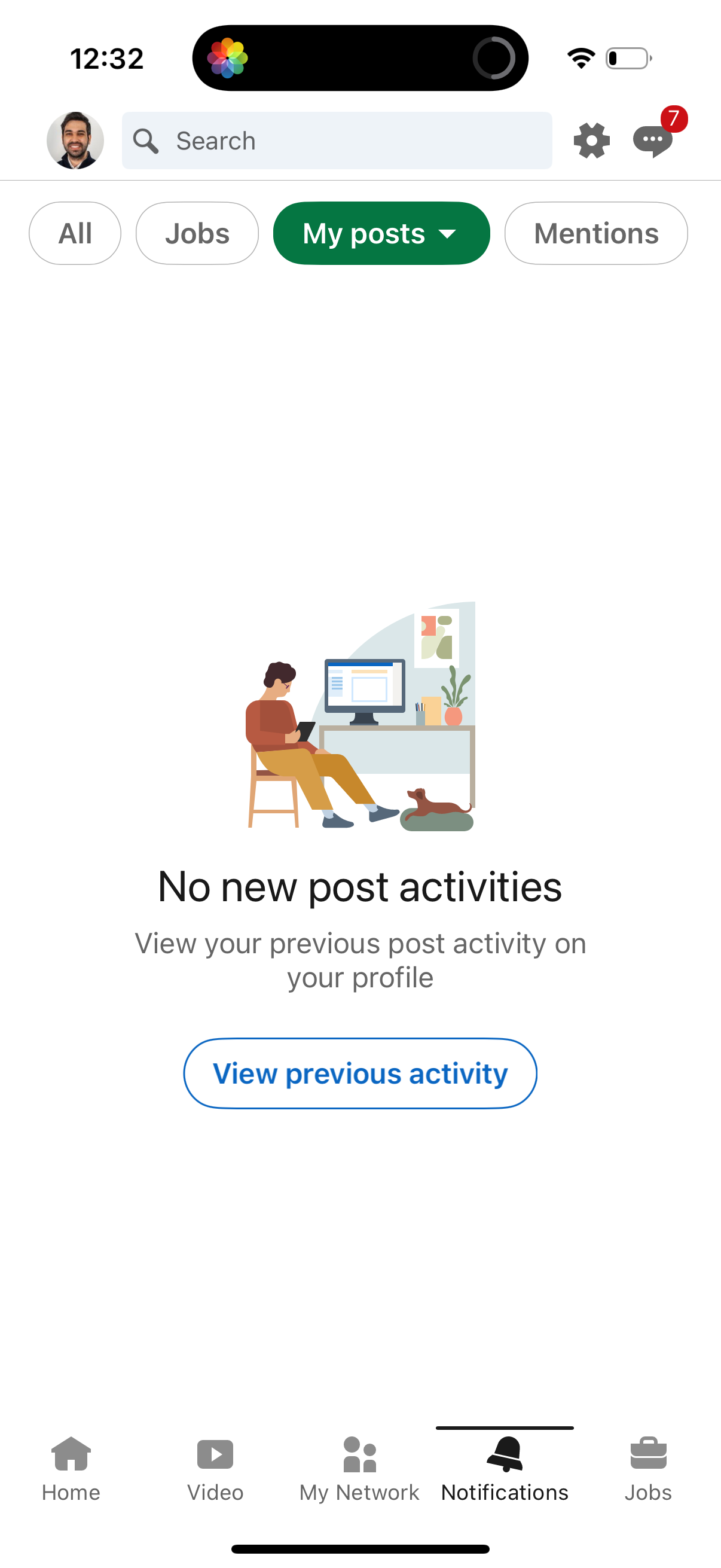
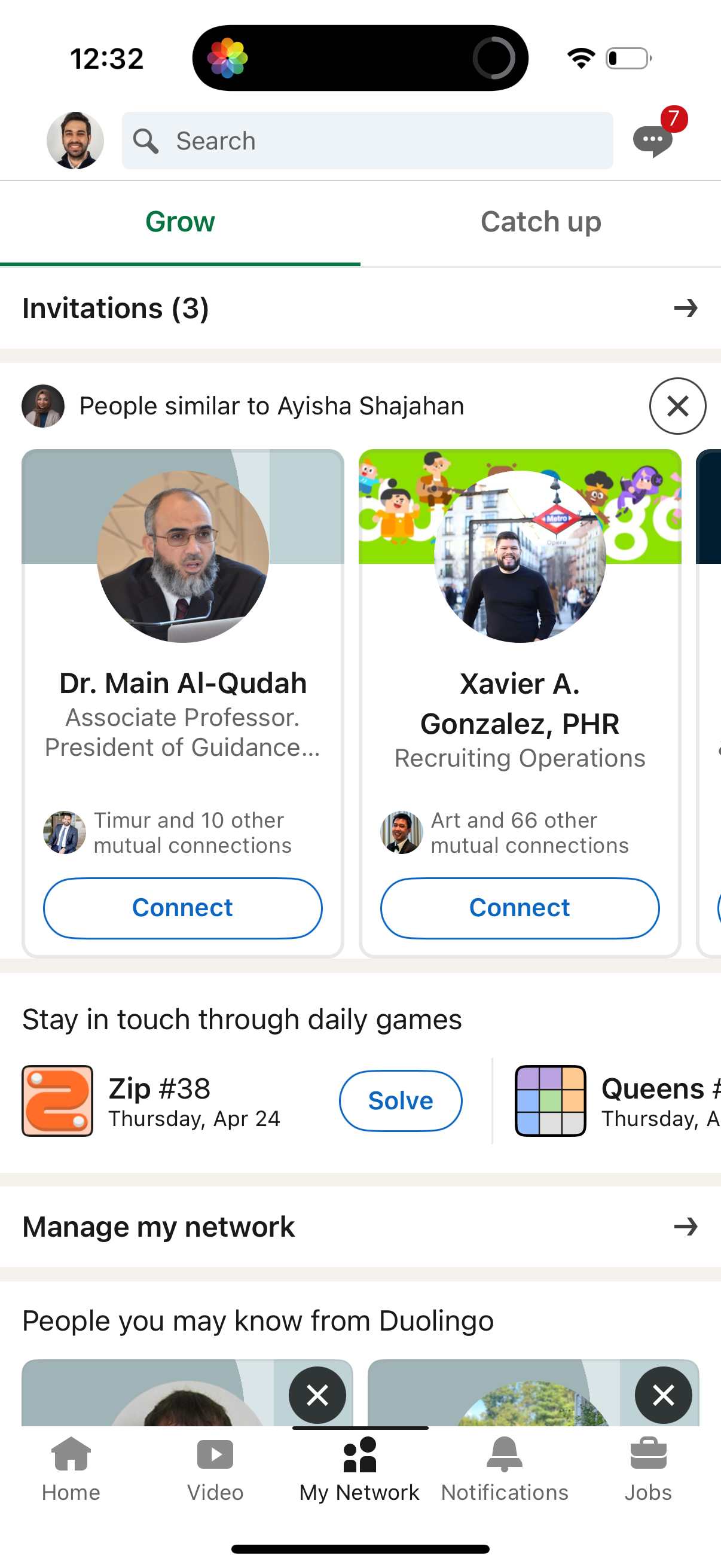
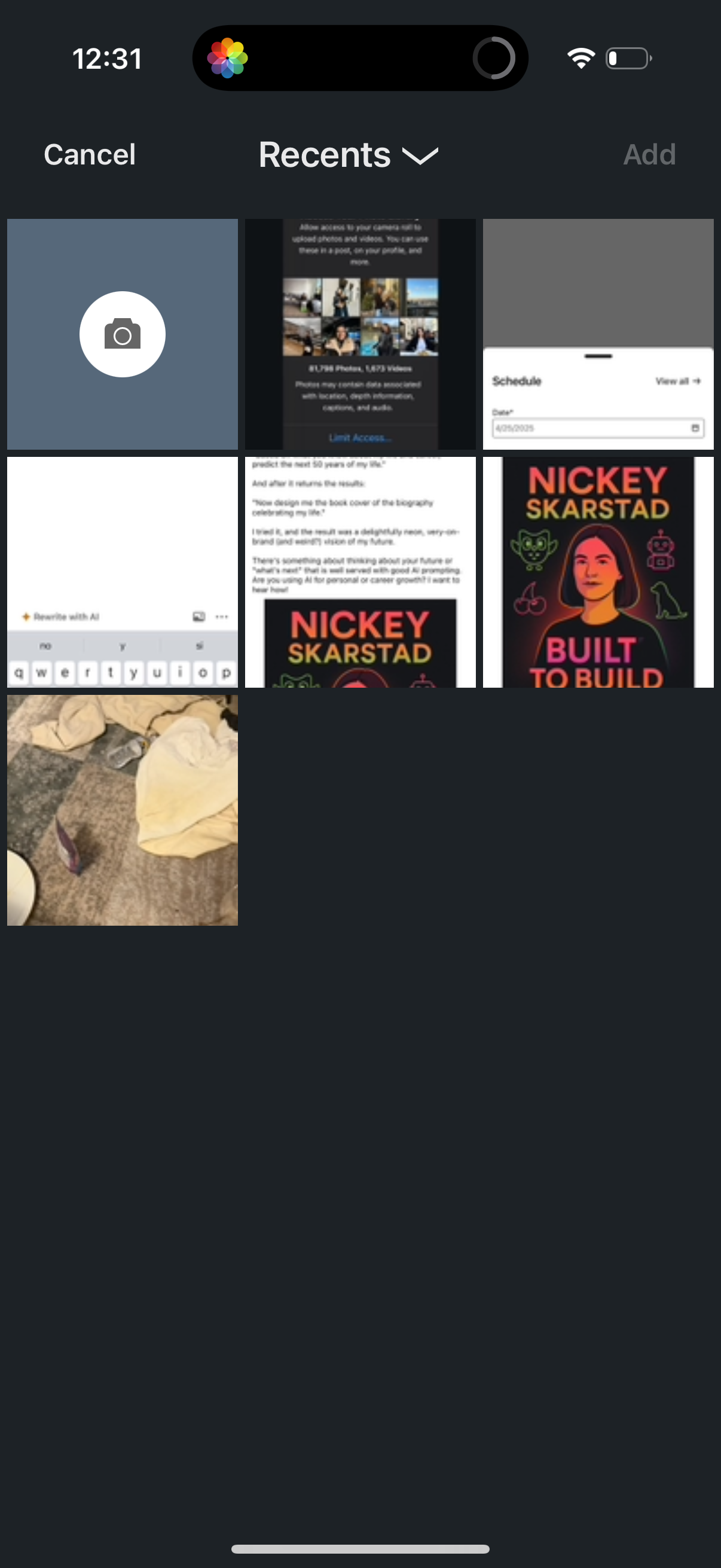
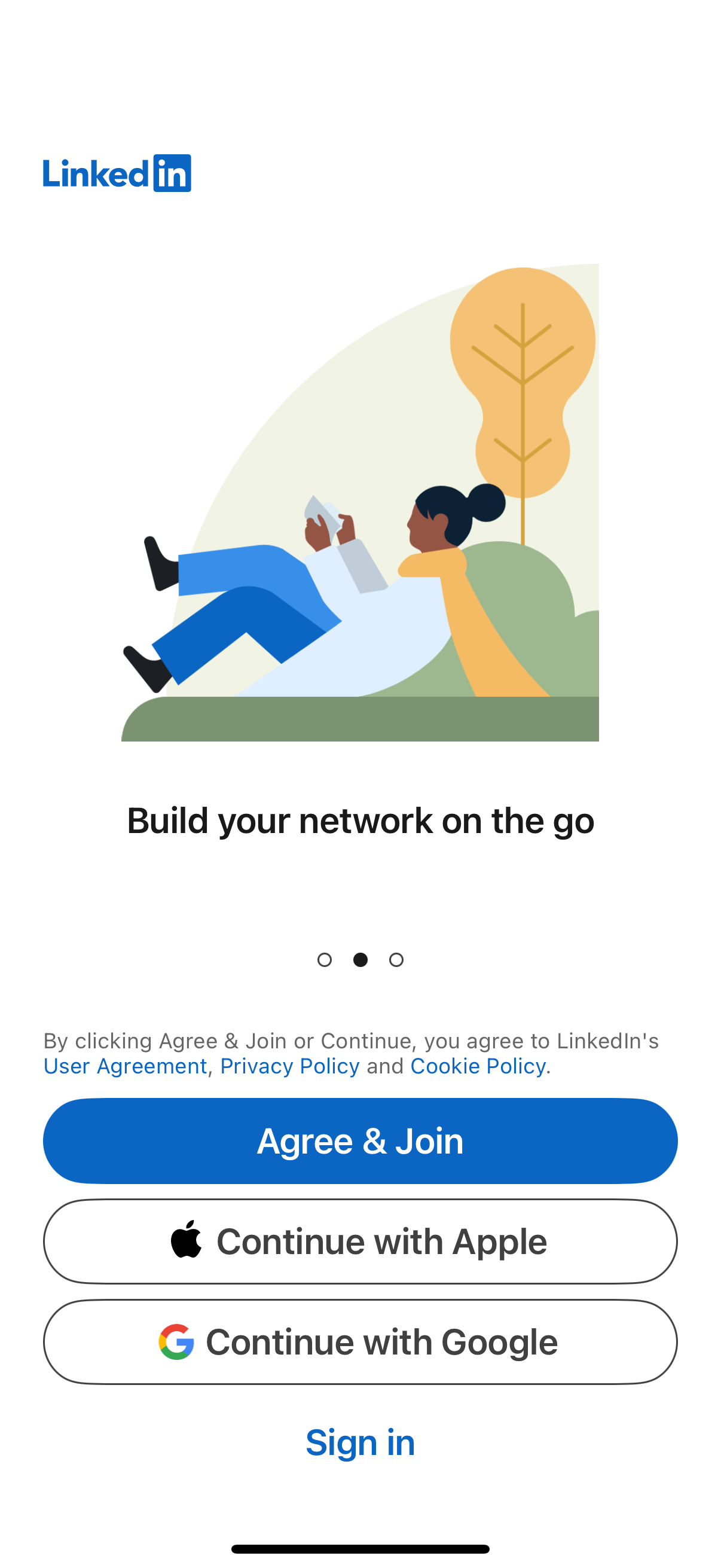
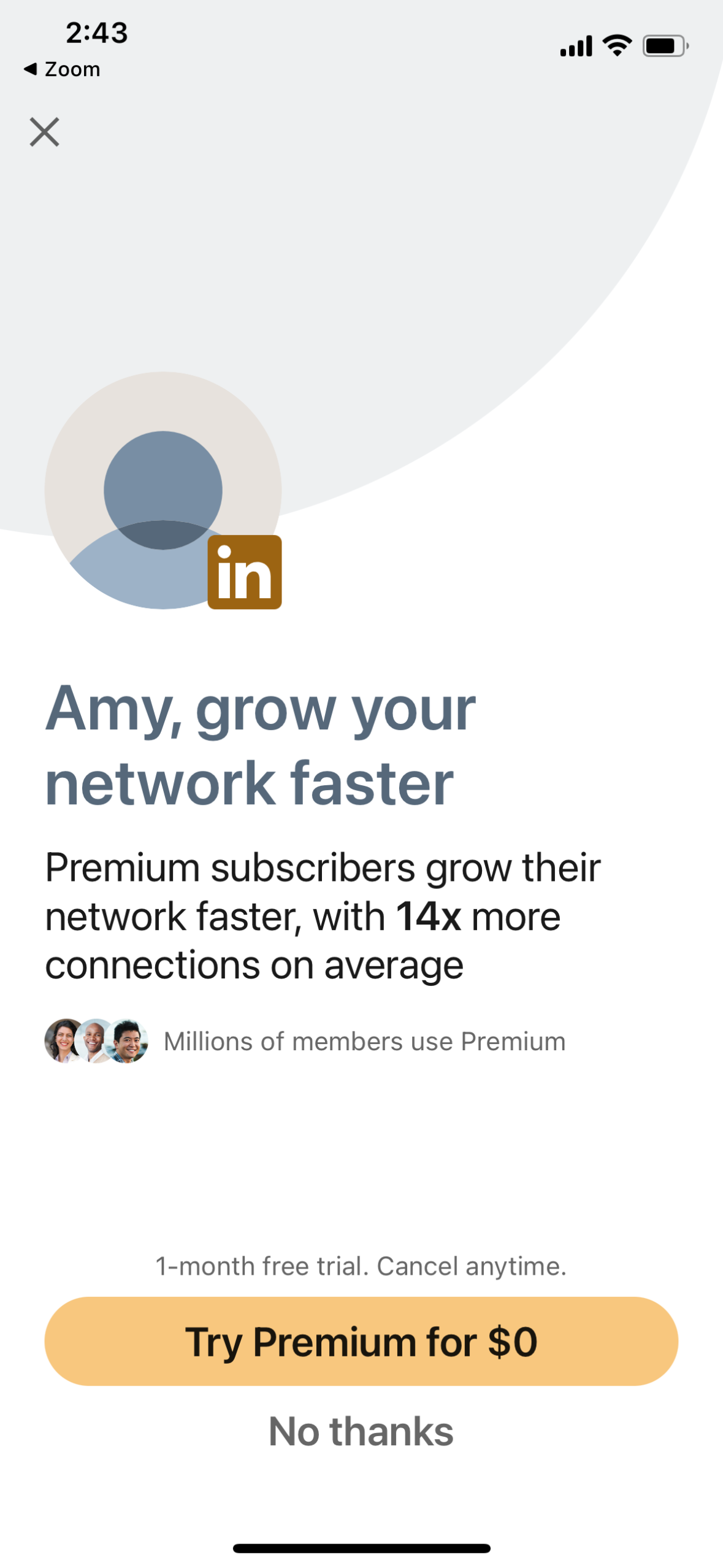
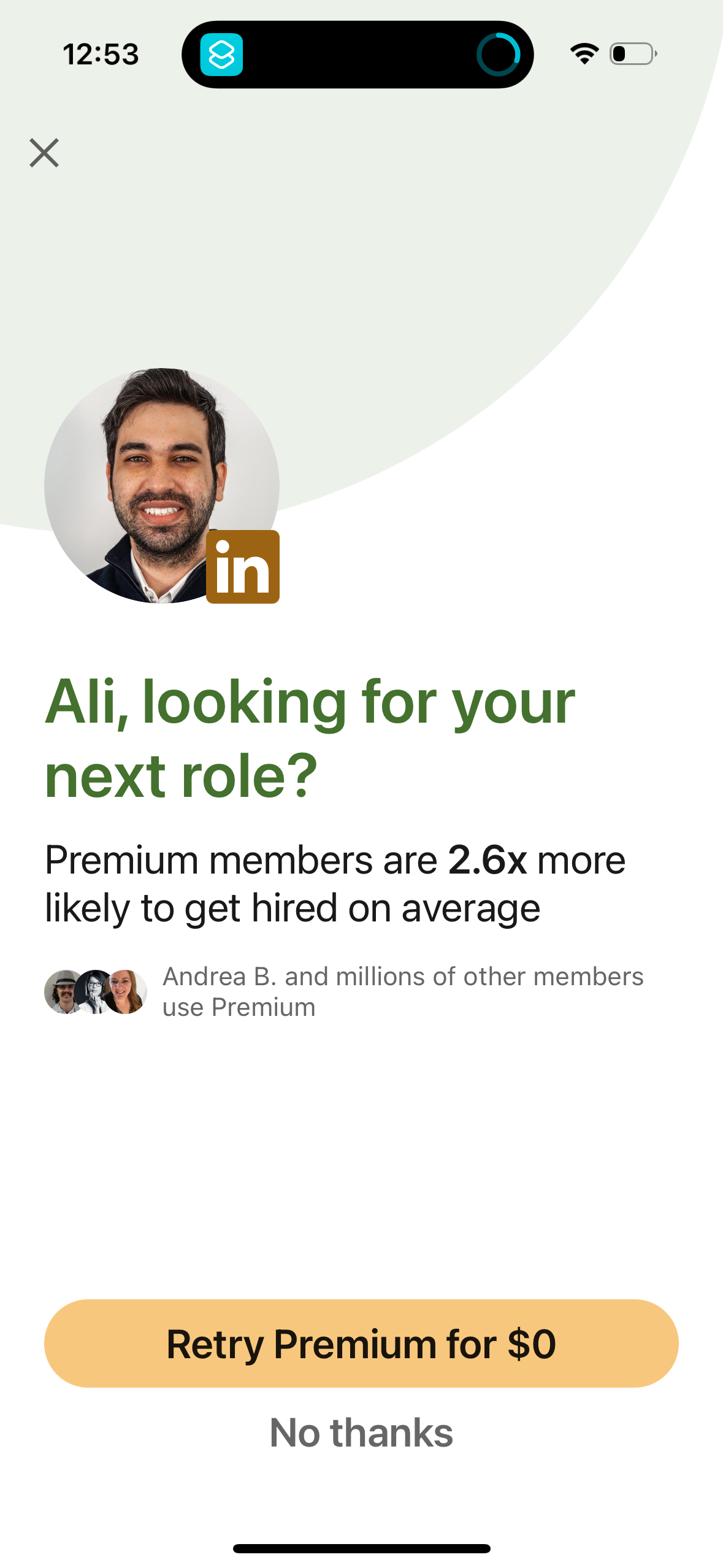
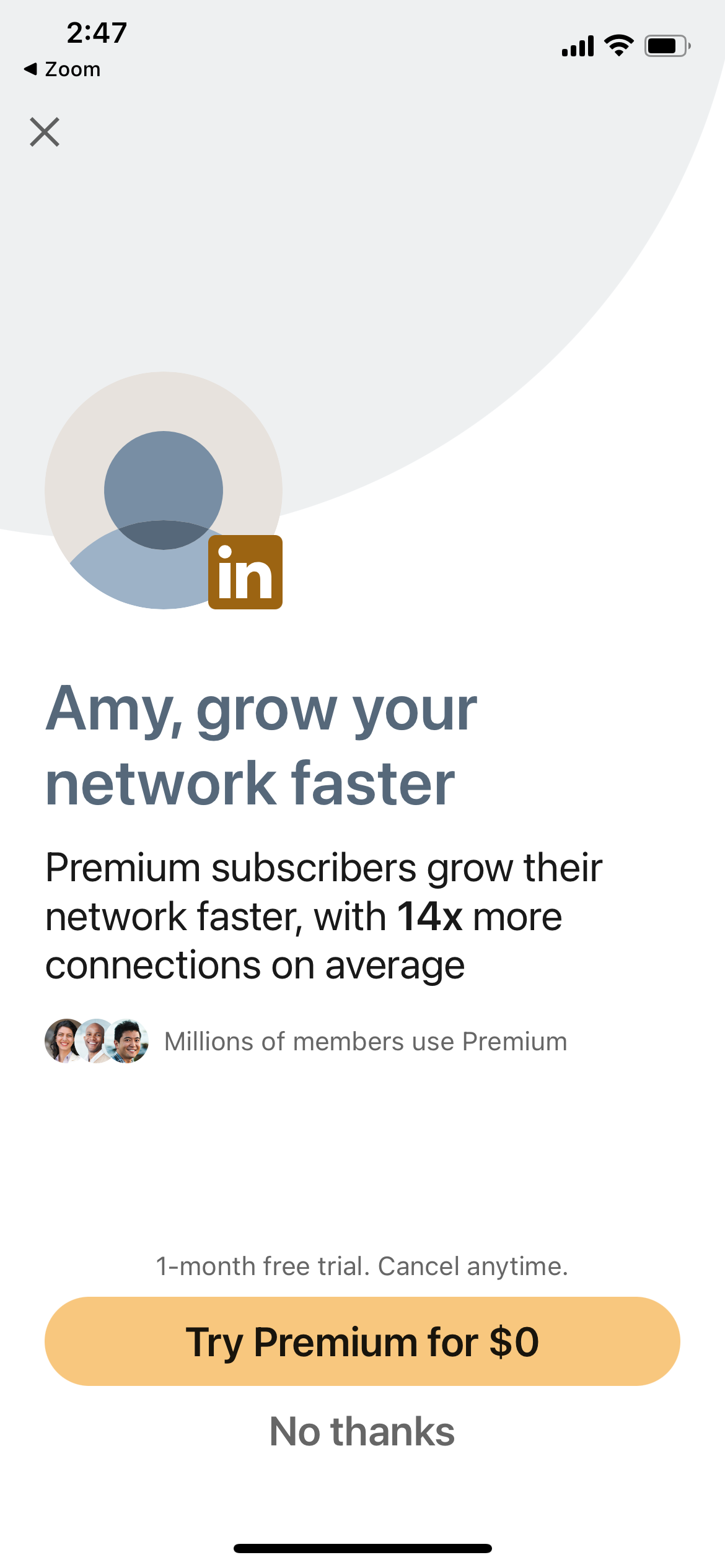
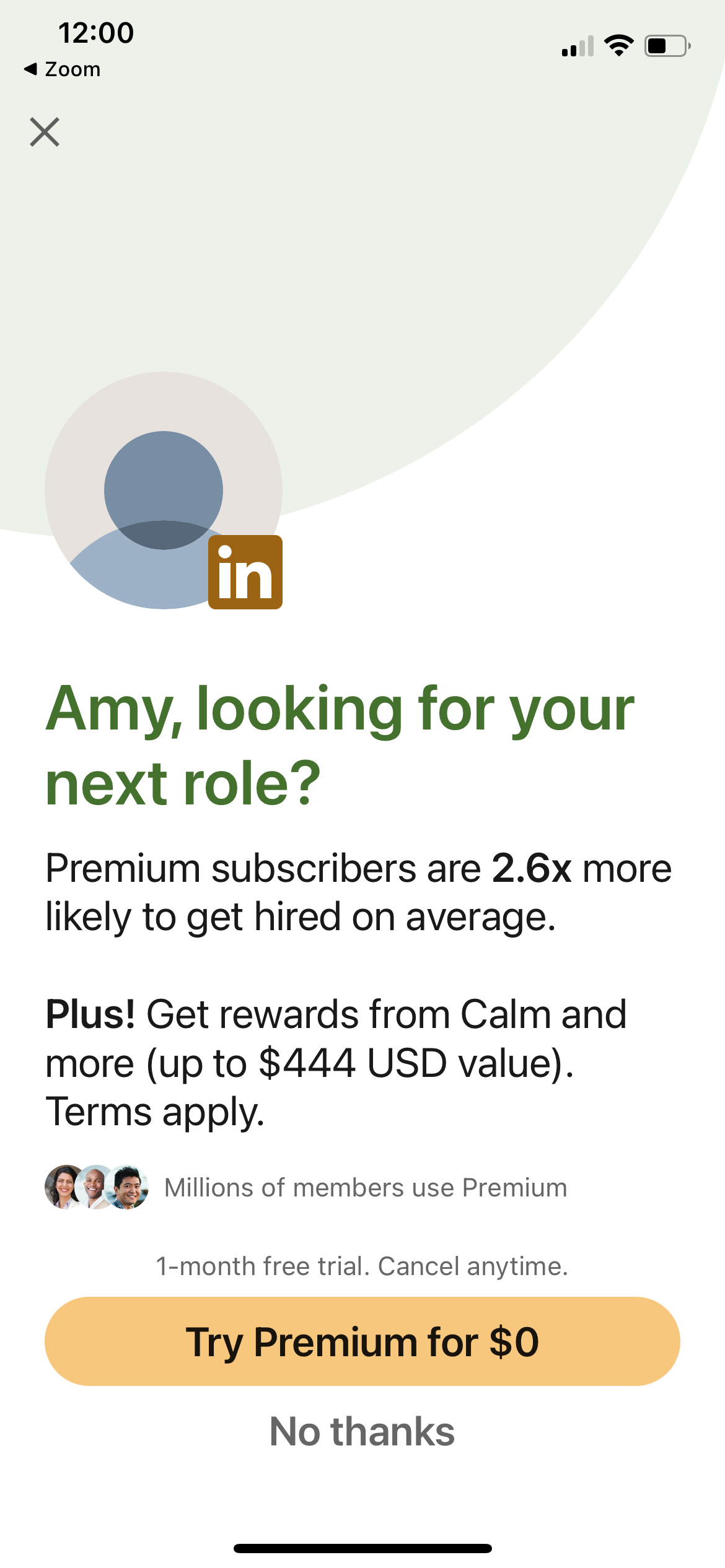
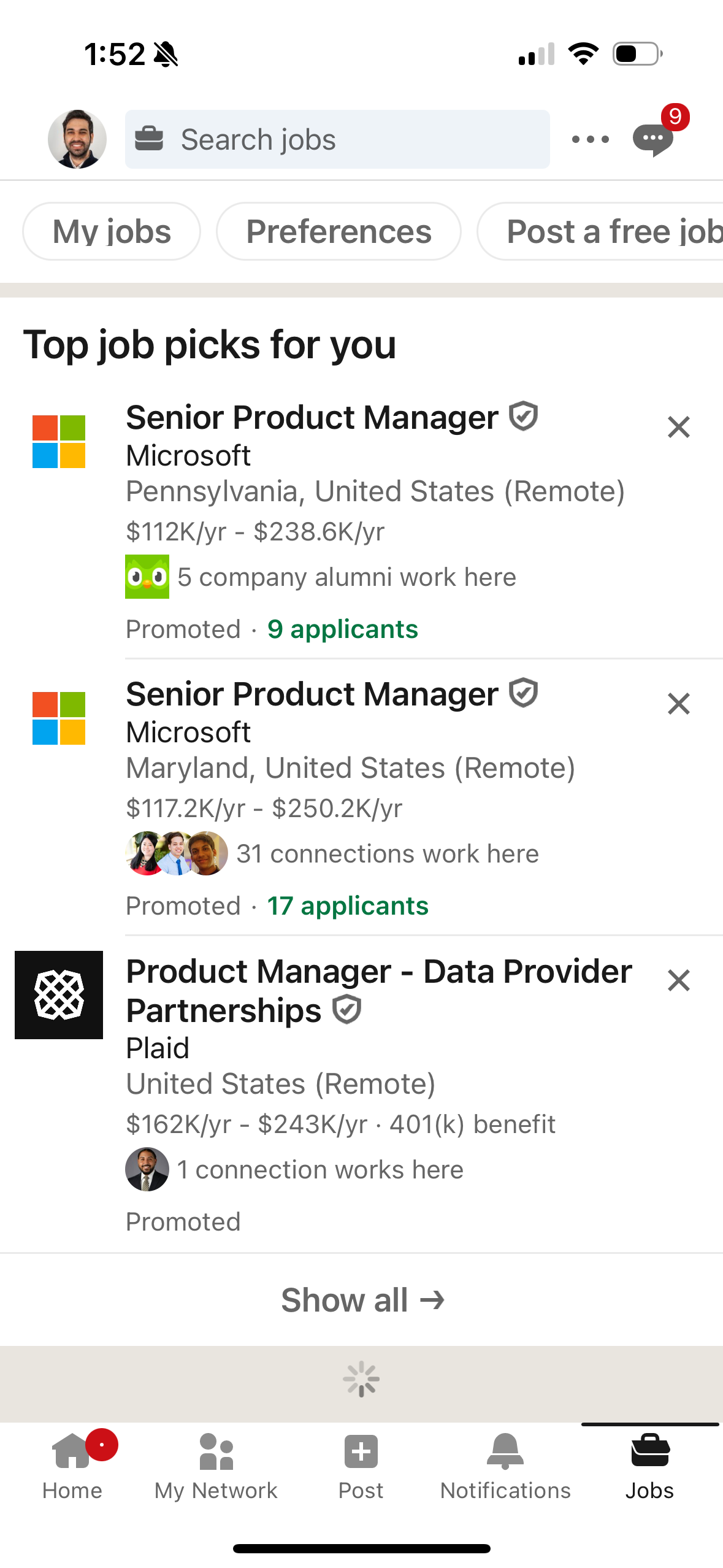
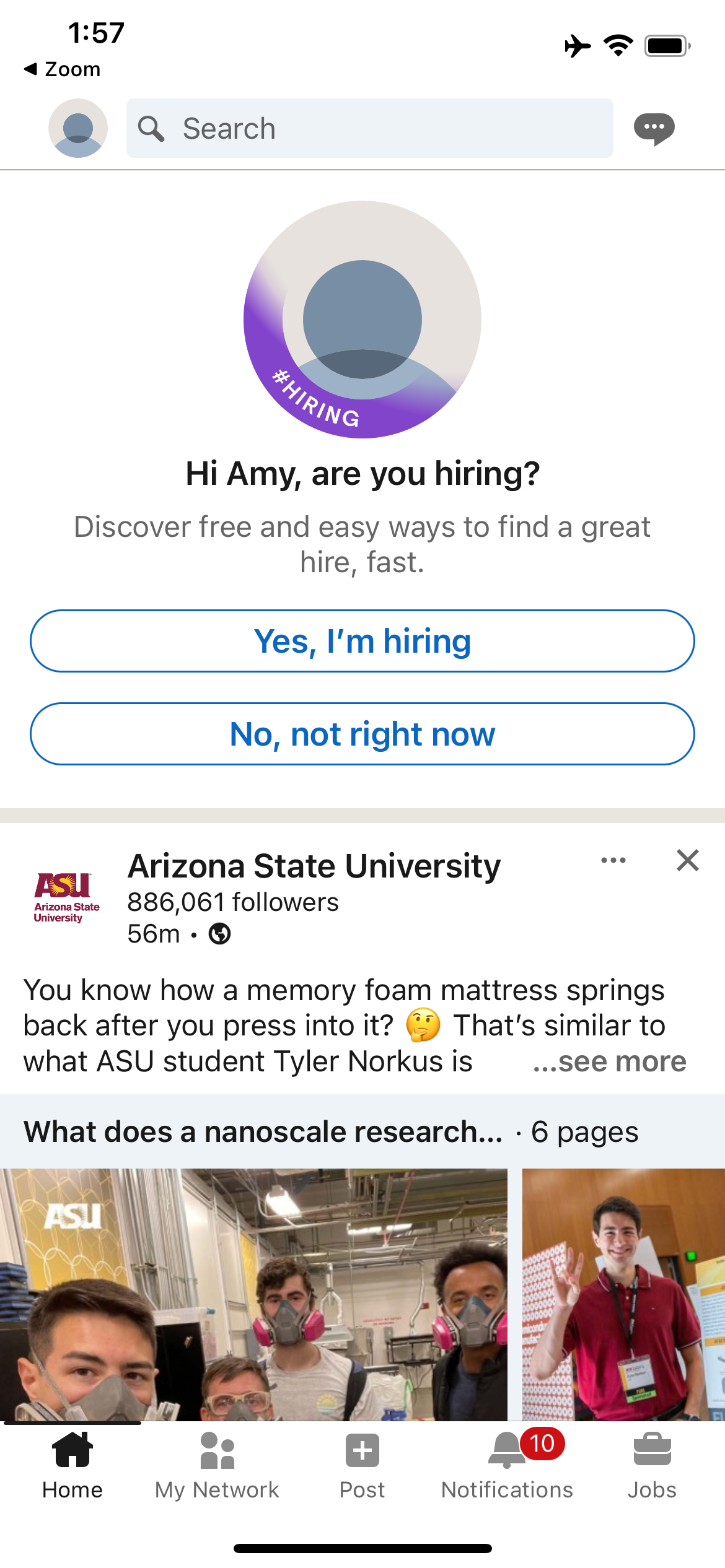
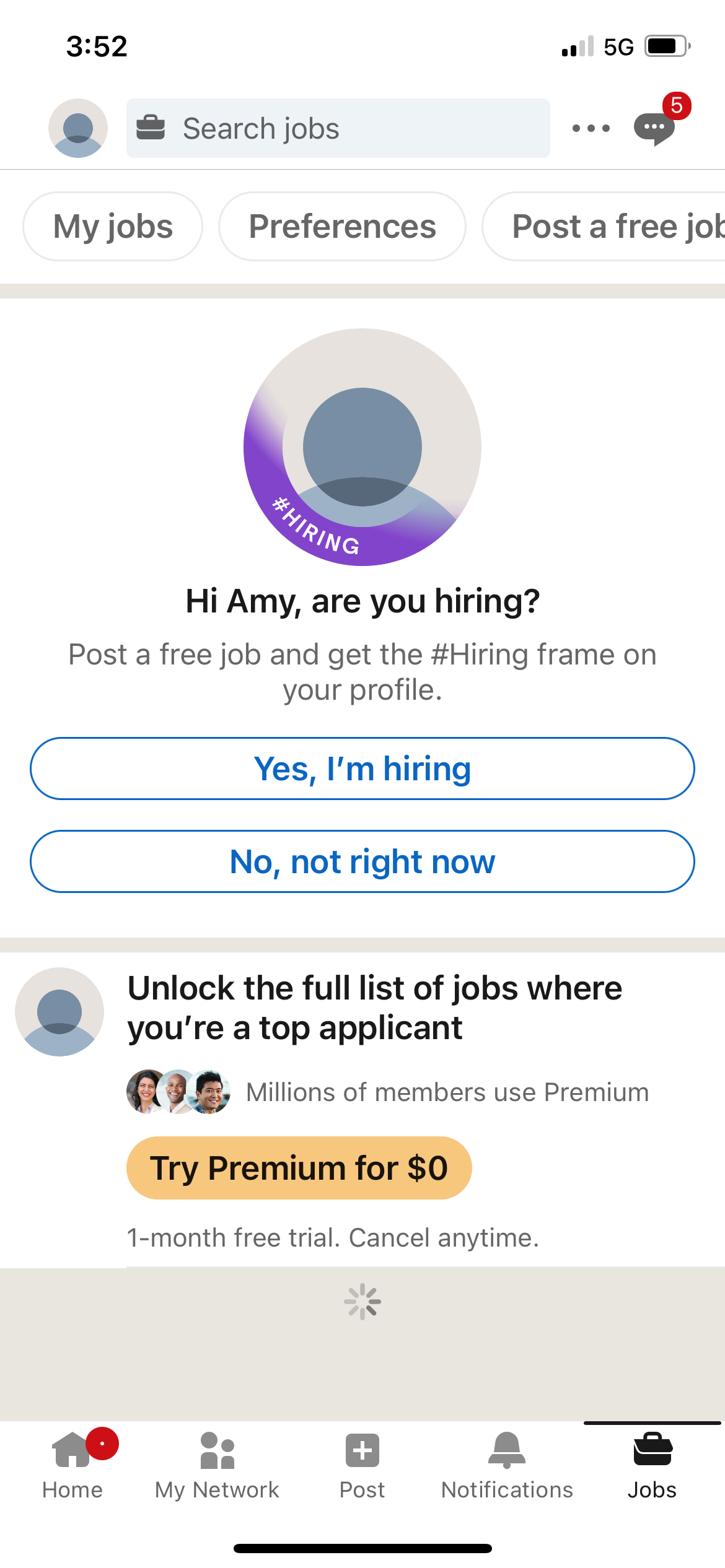
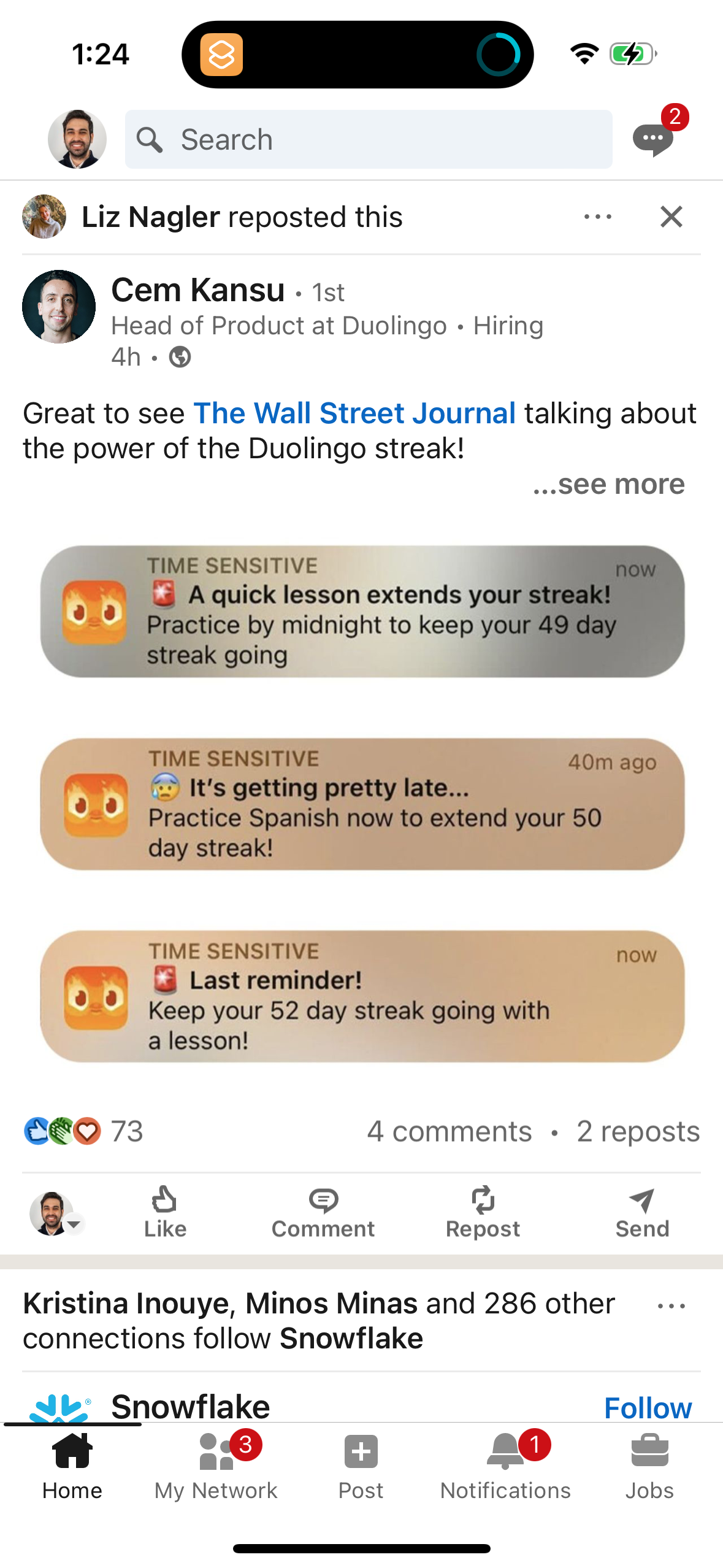
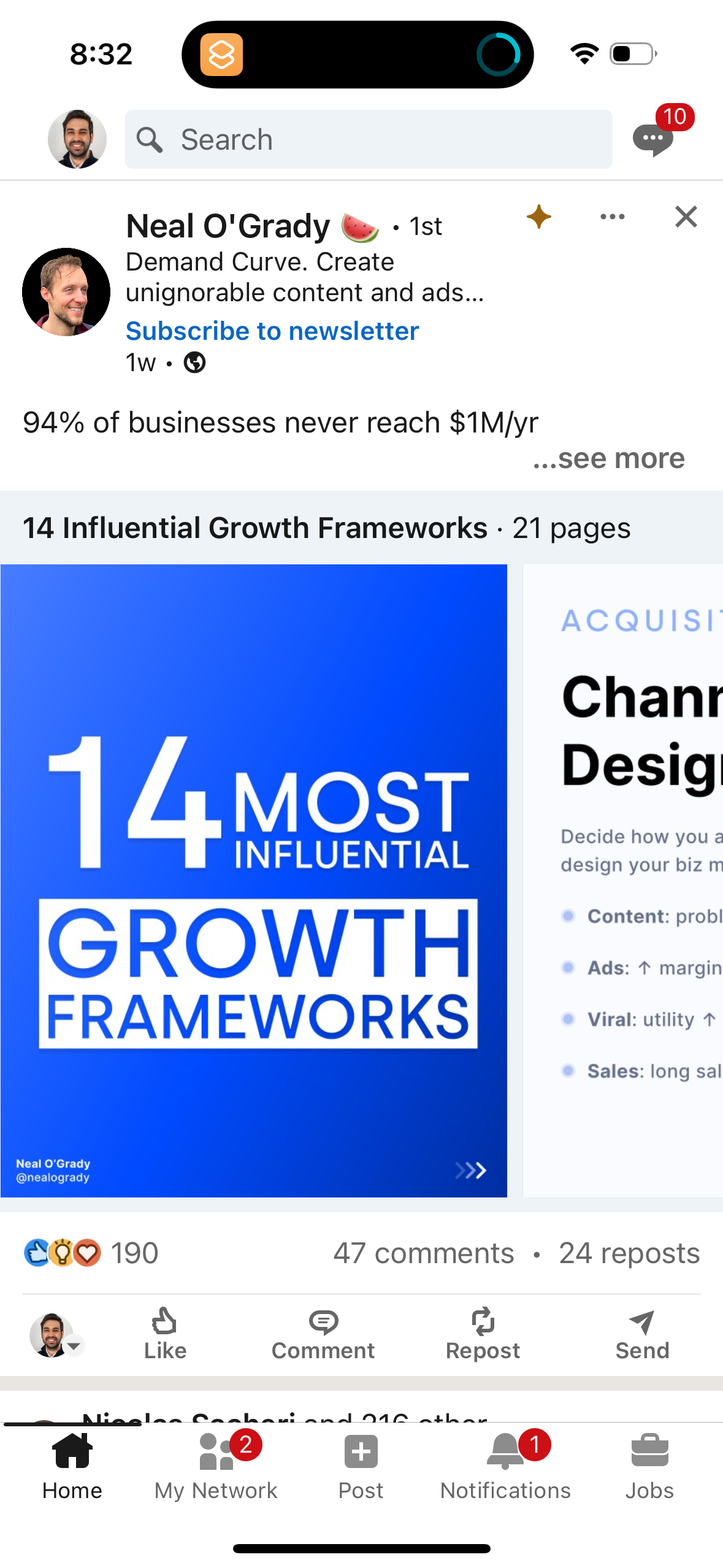
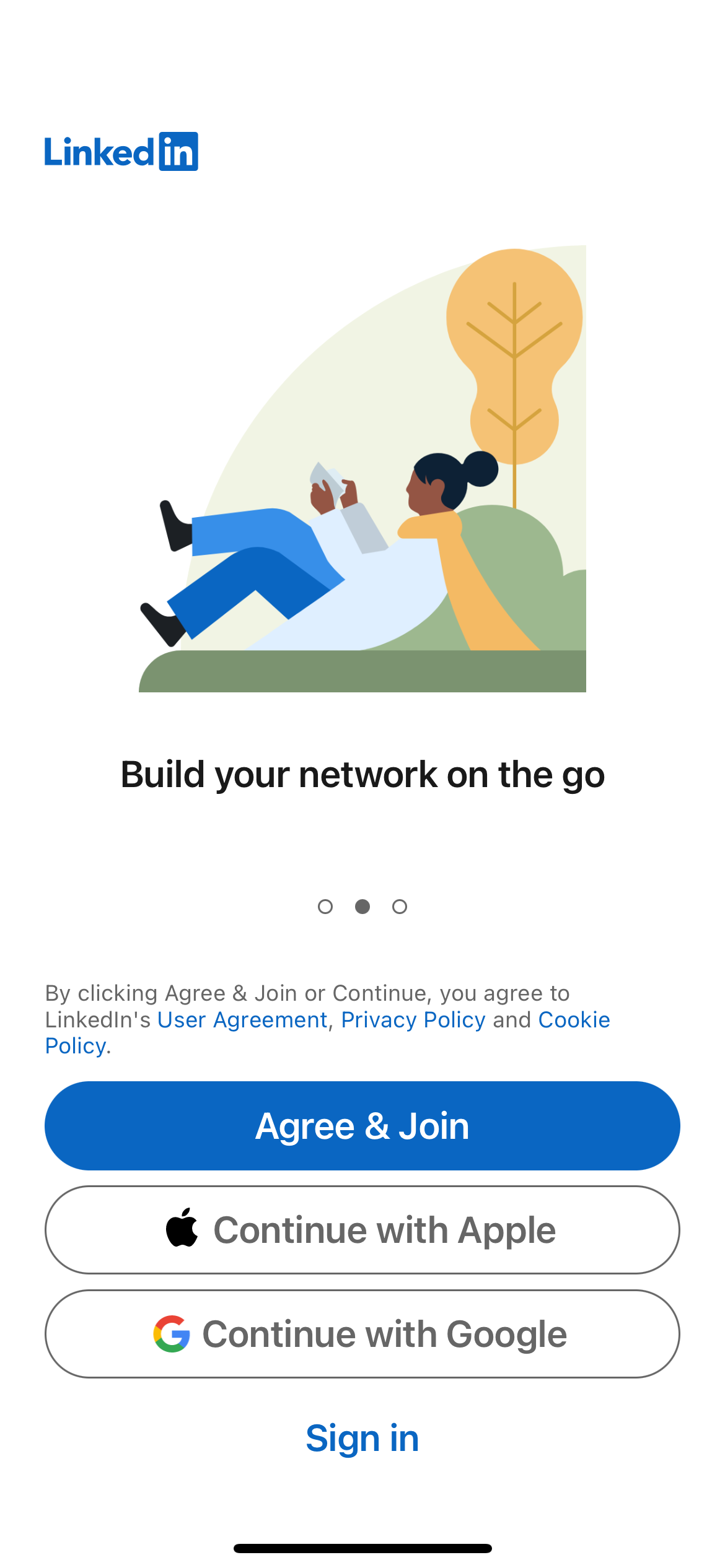
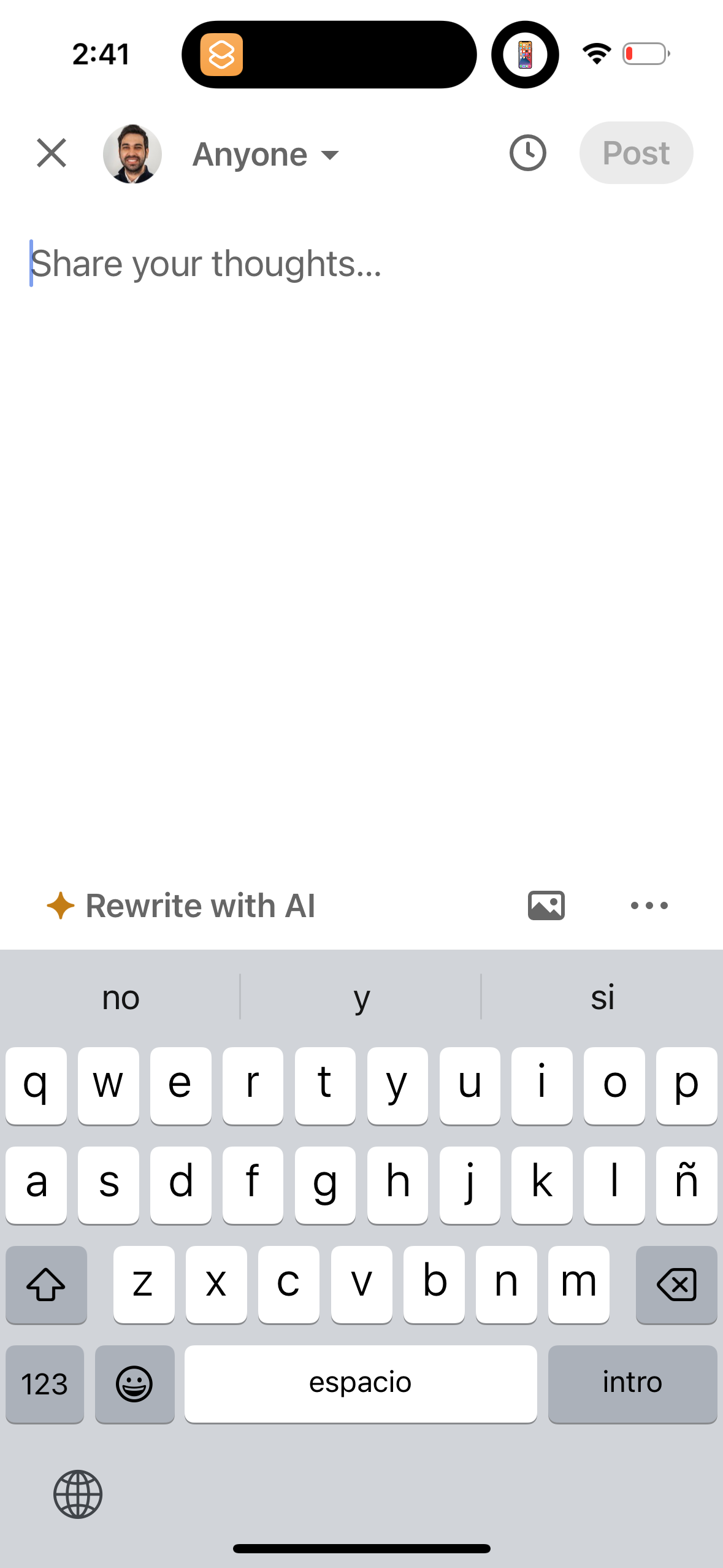
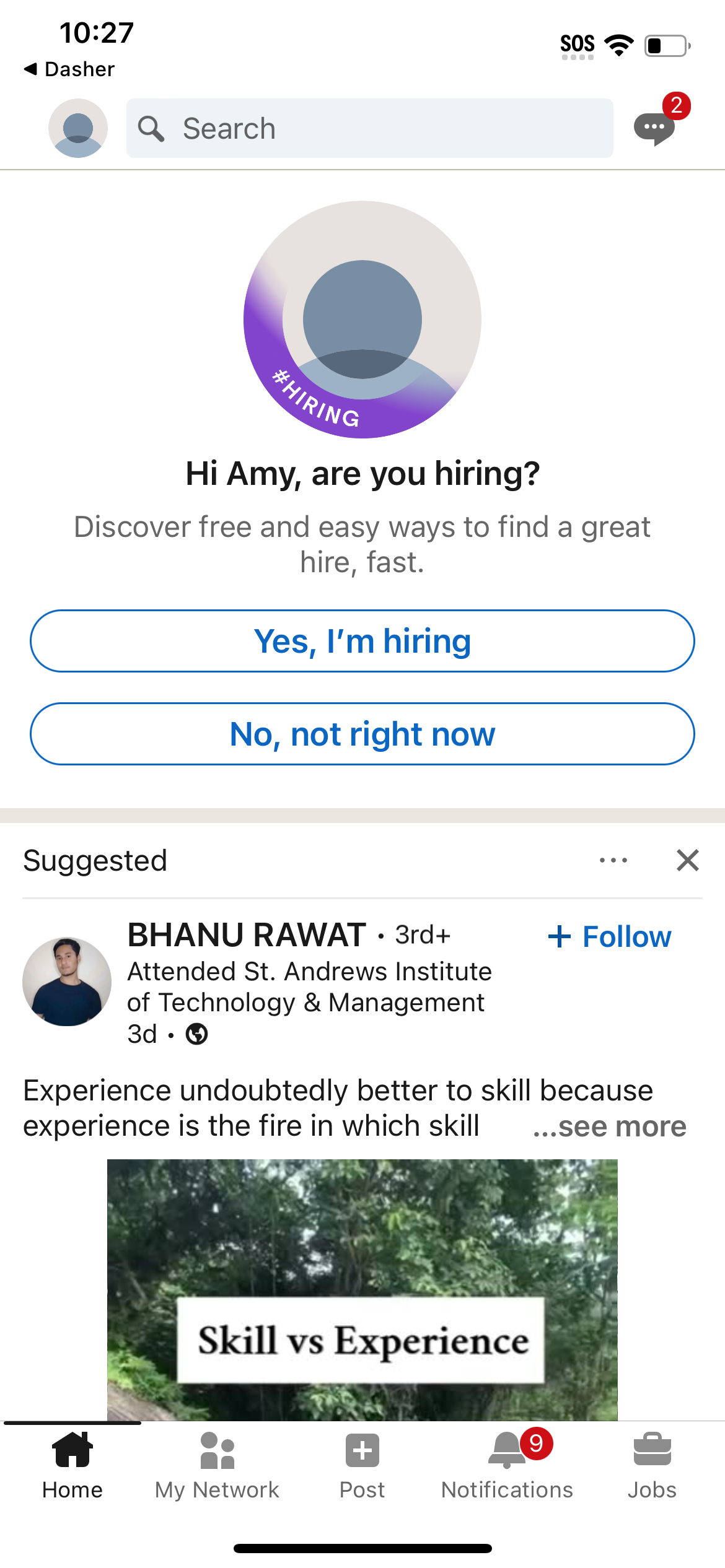
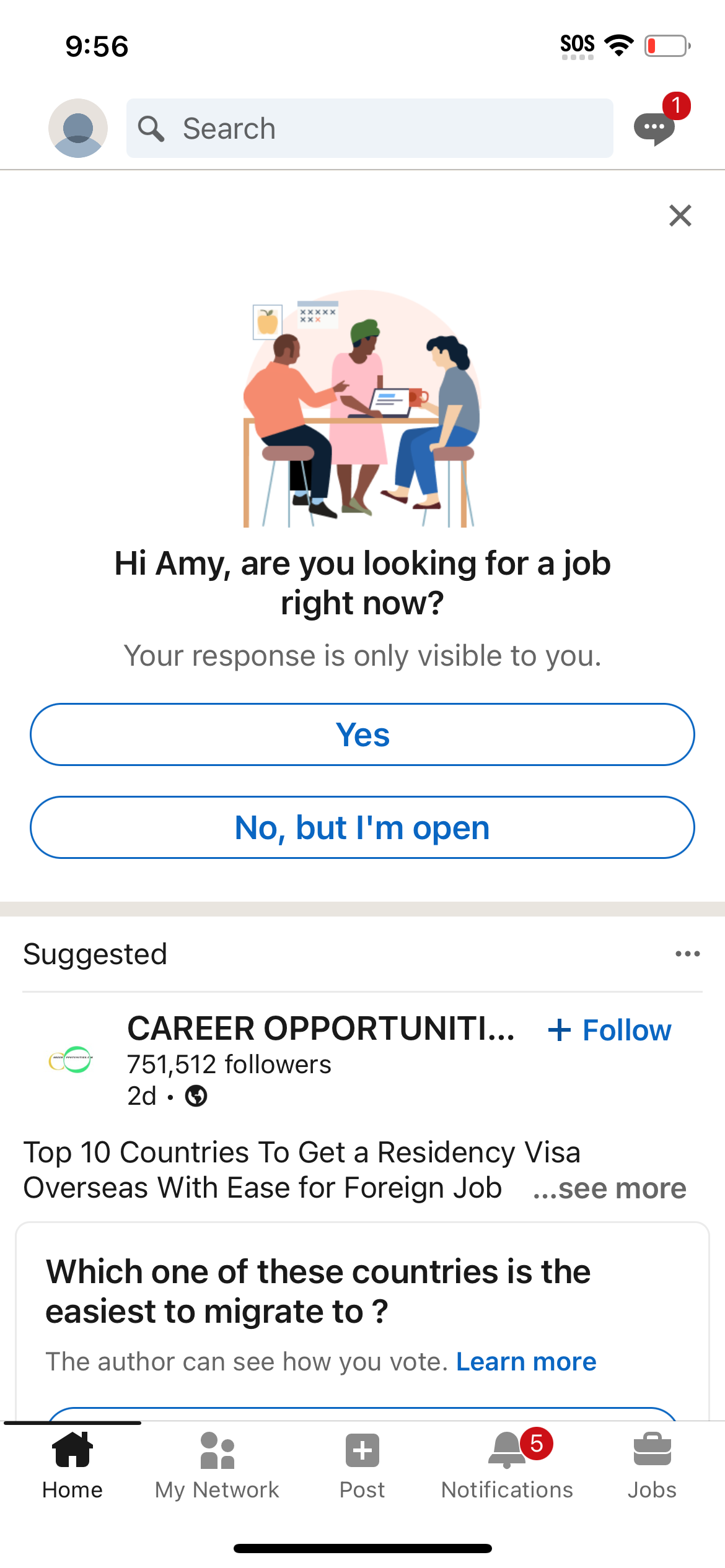
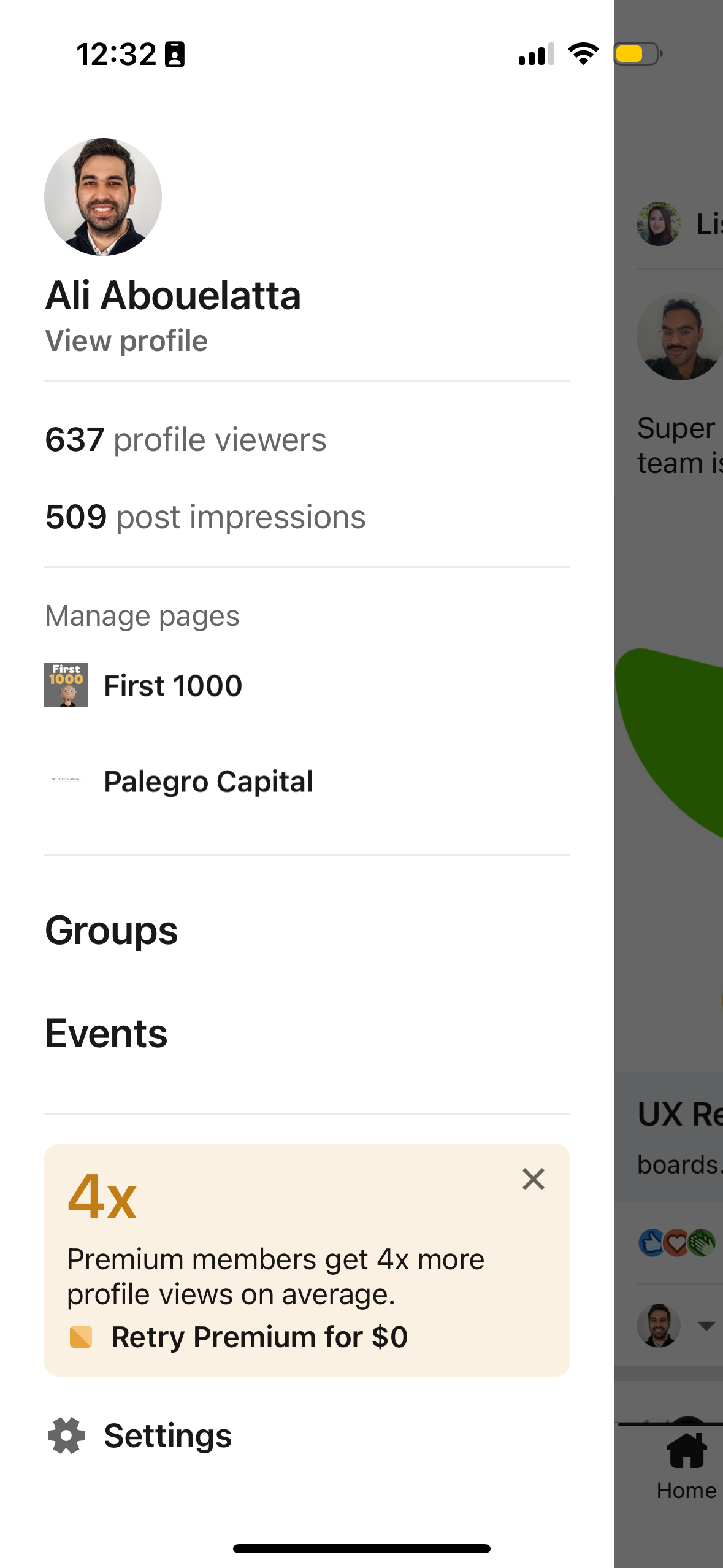
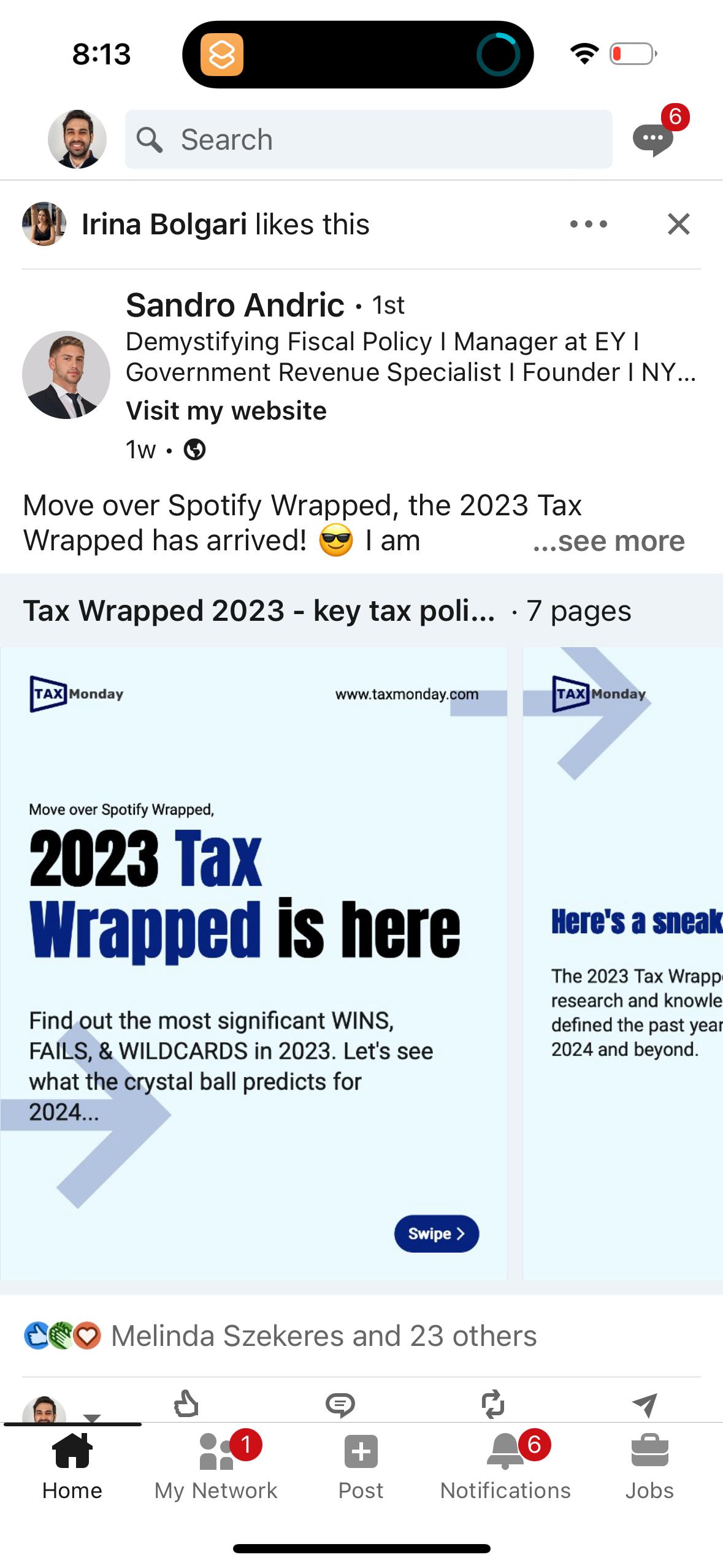
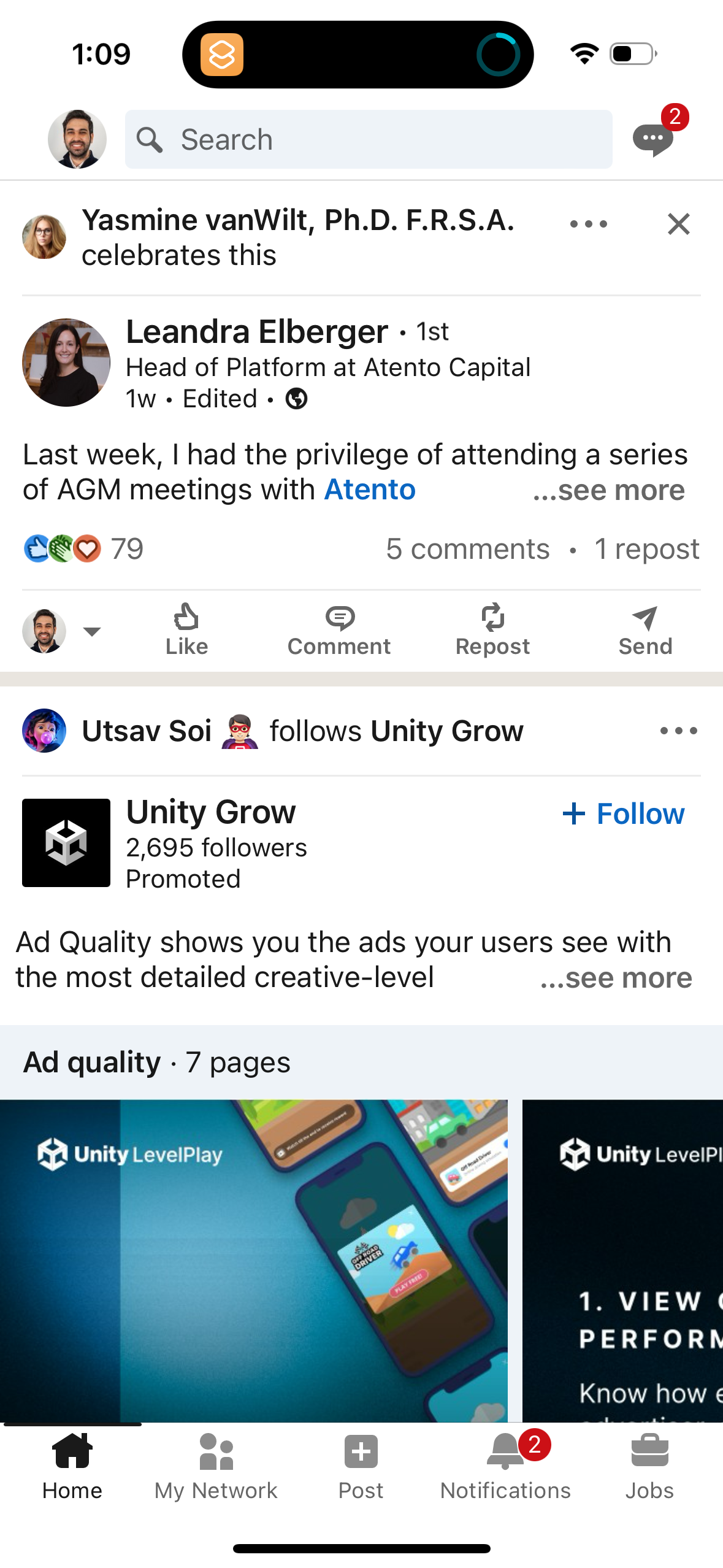
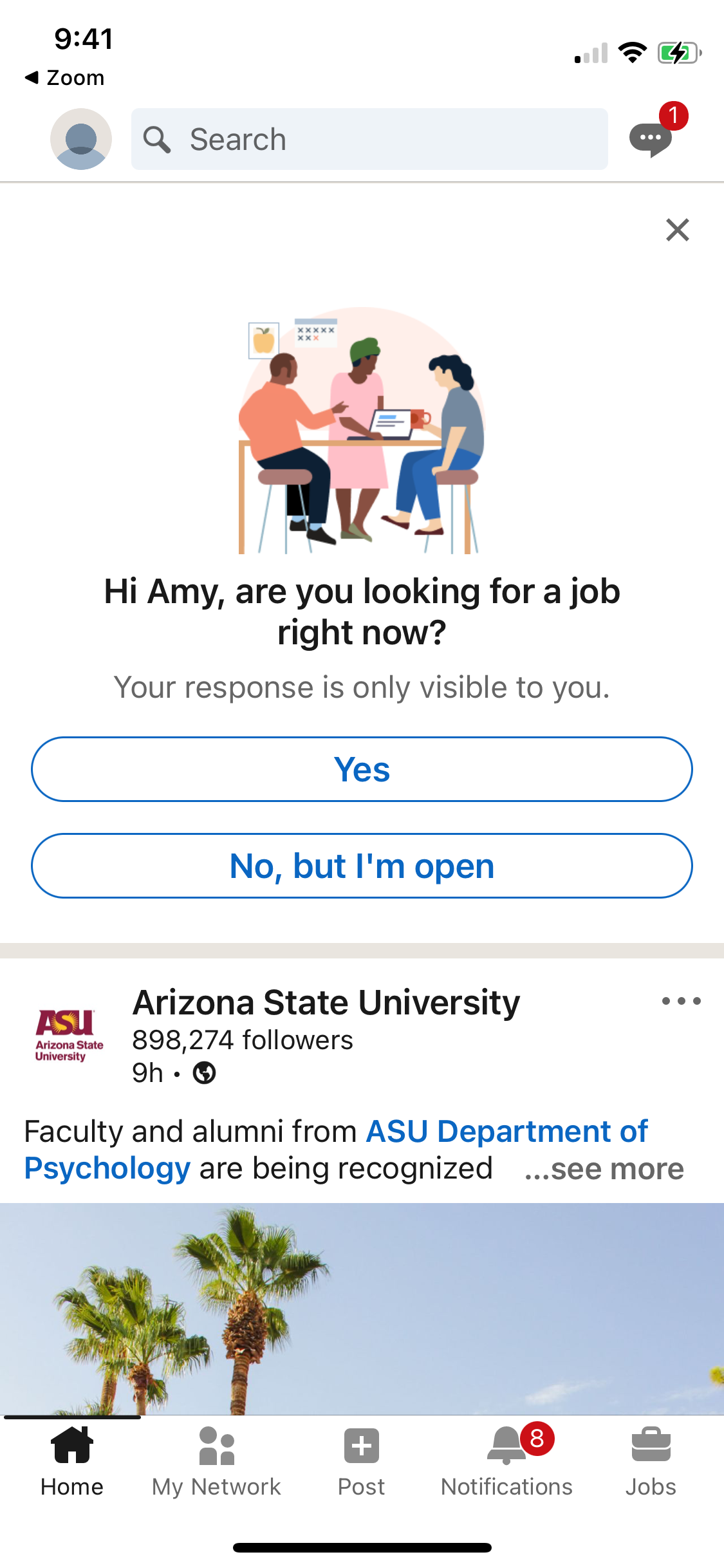
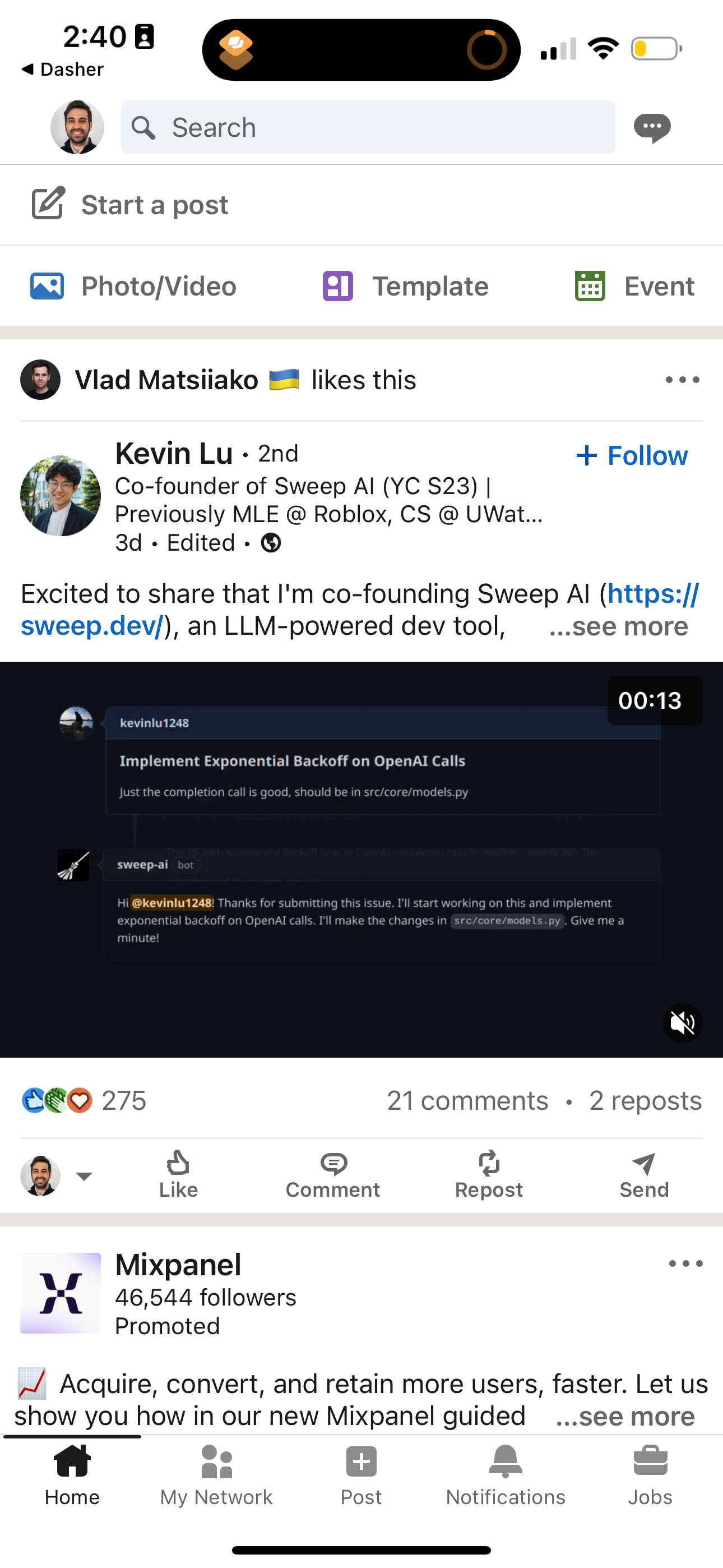
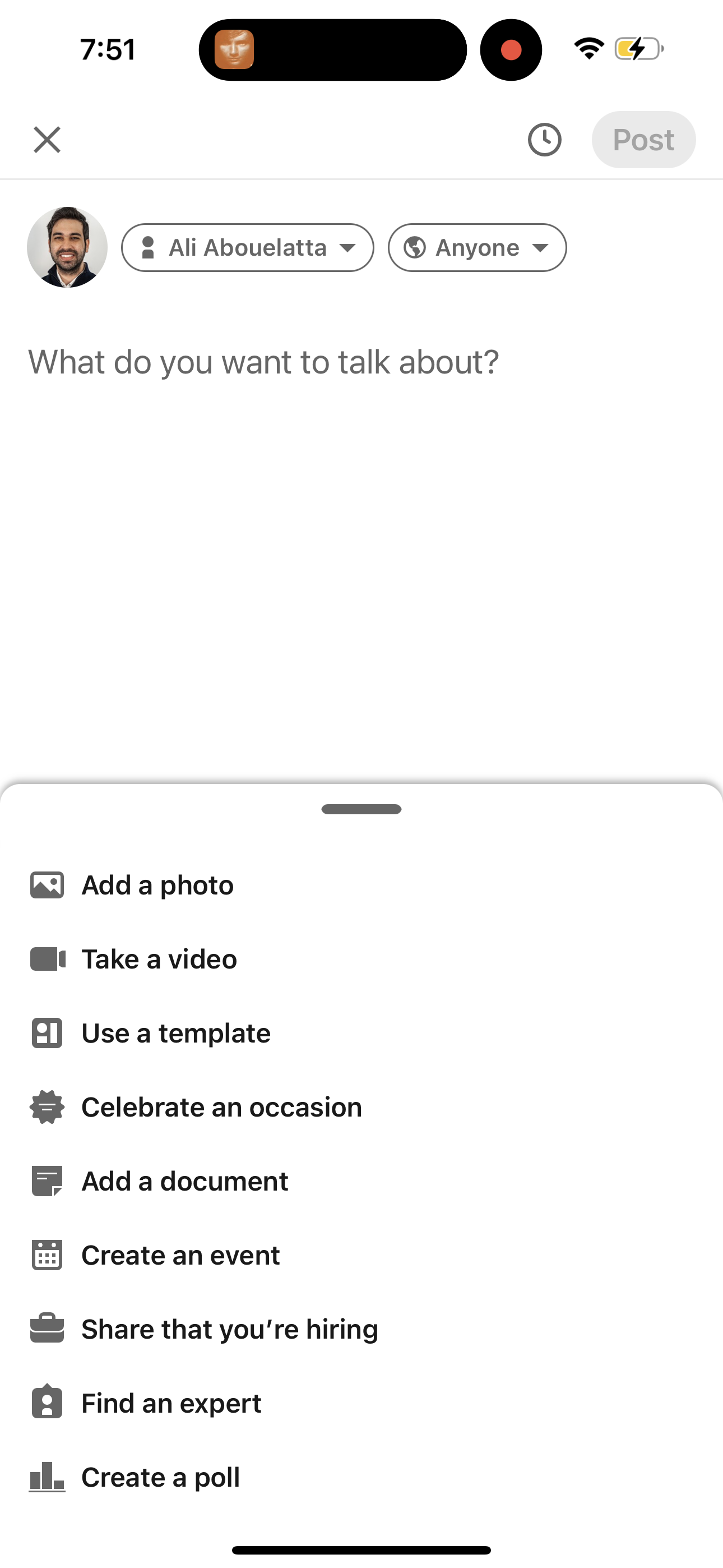
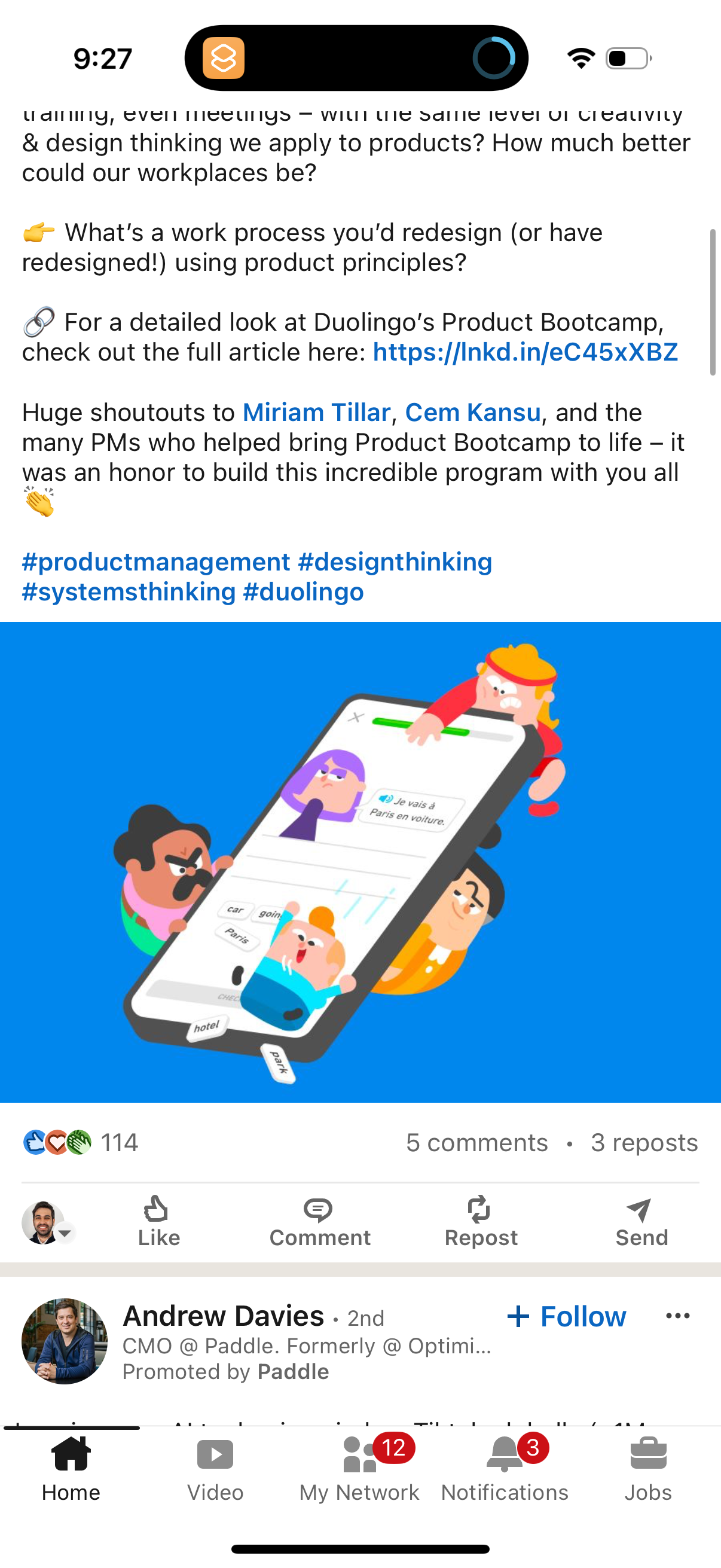
linkedin app screenshot 1
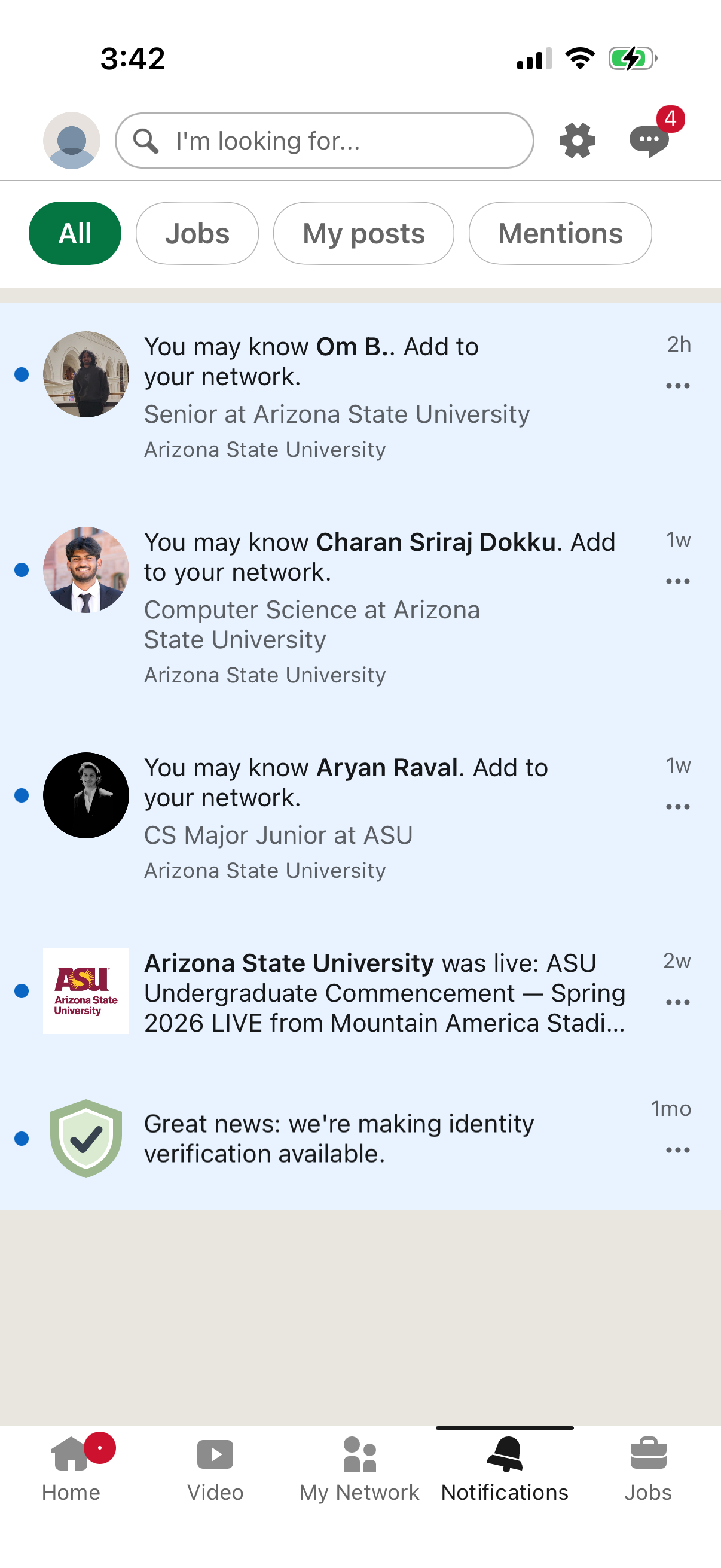
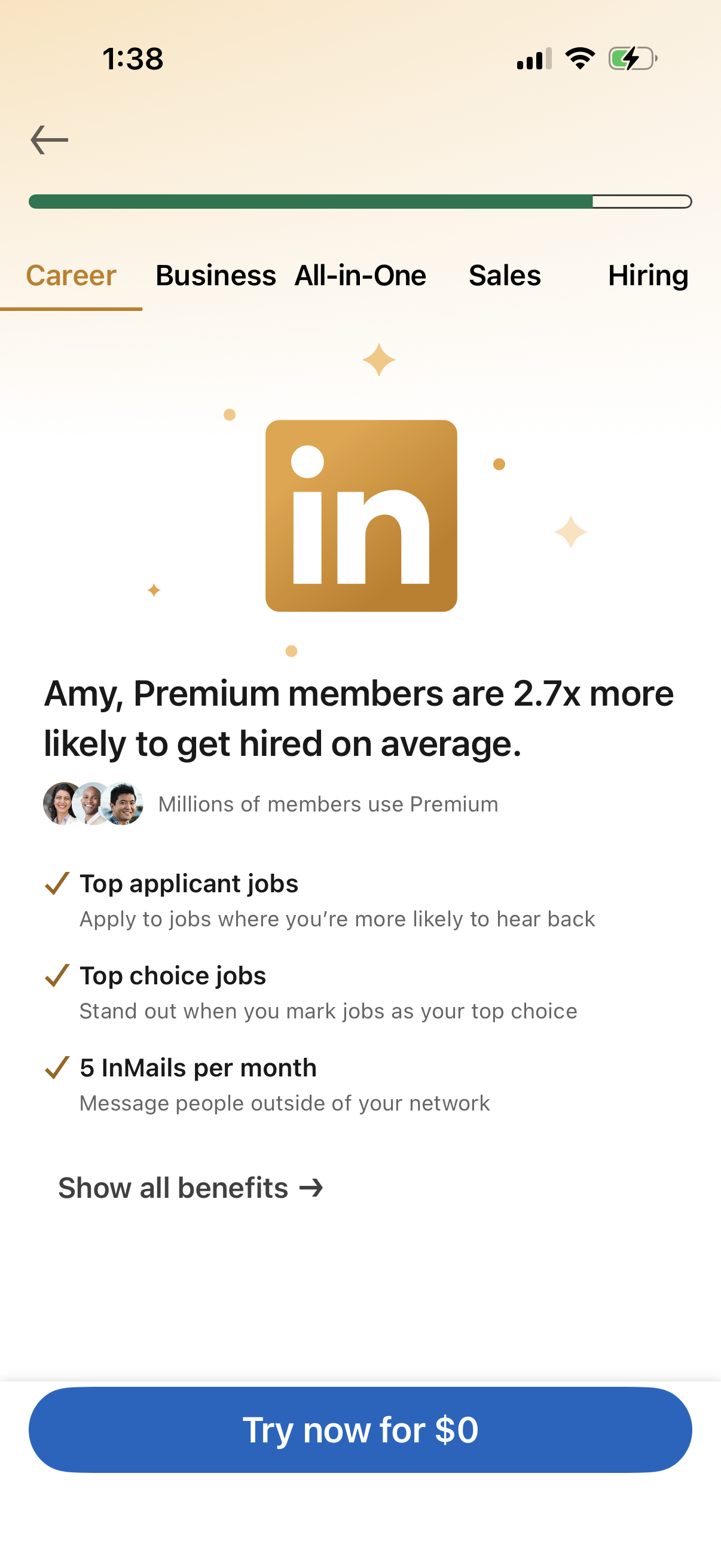
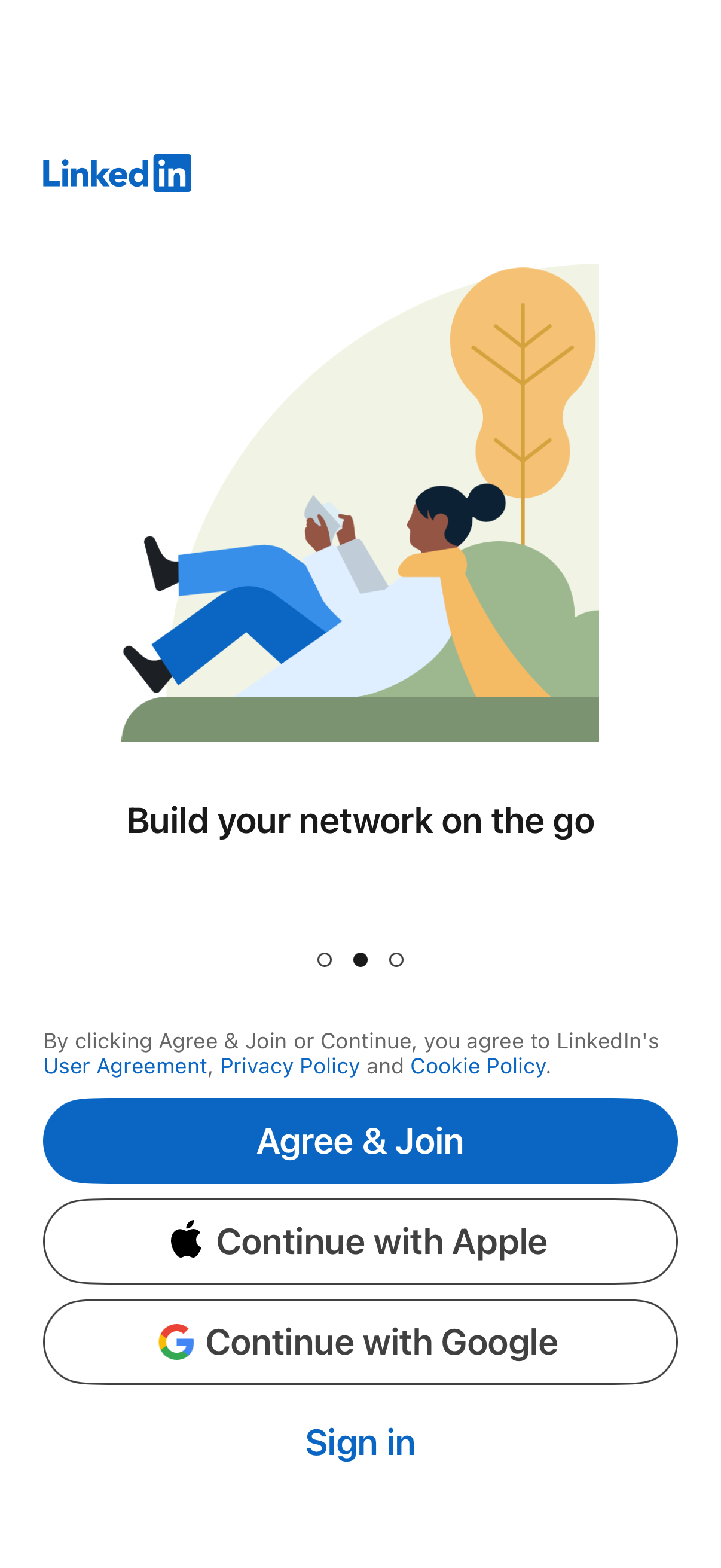
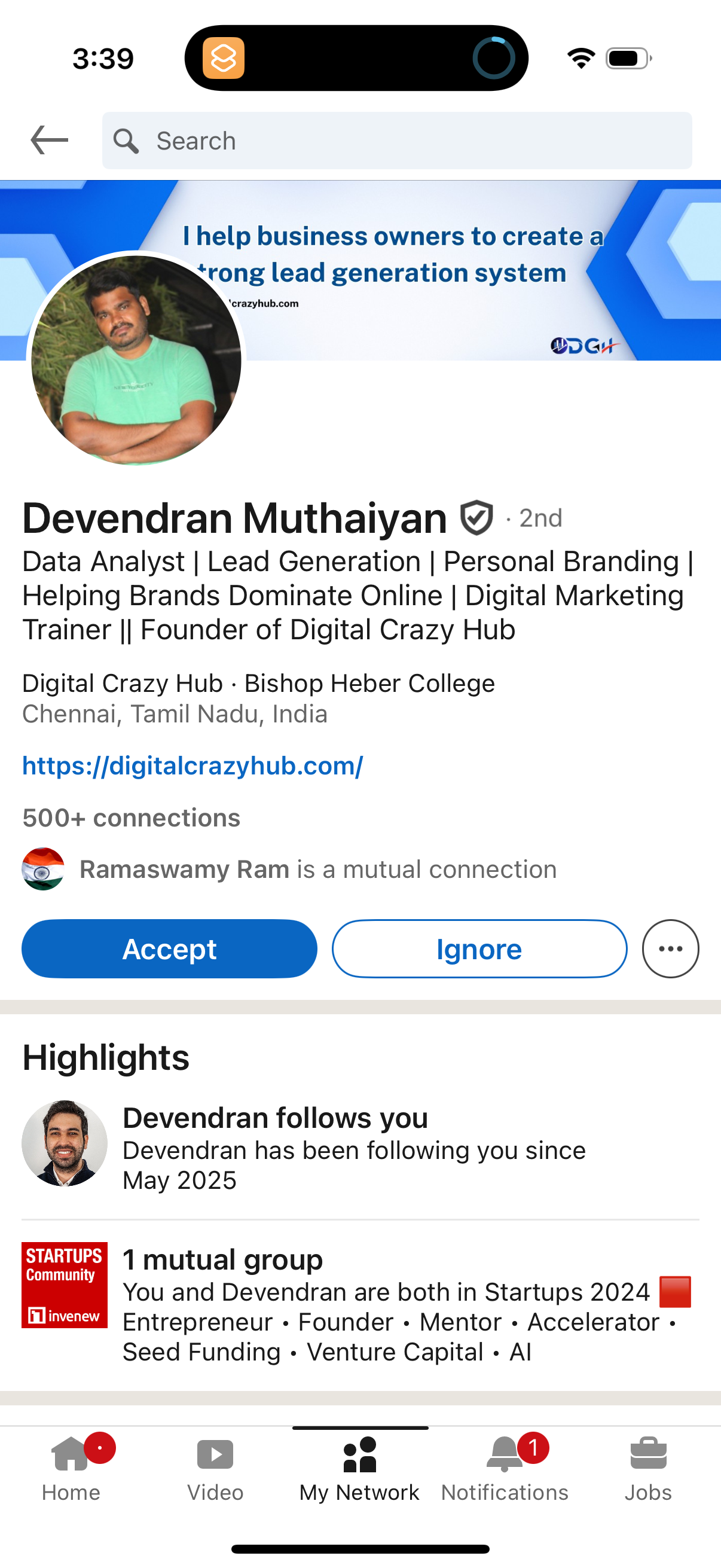
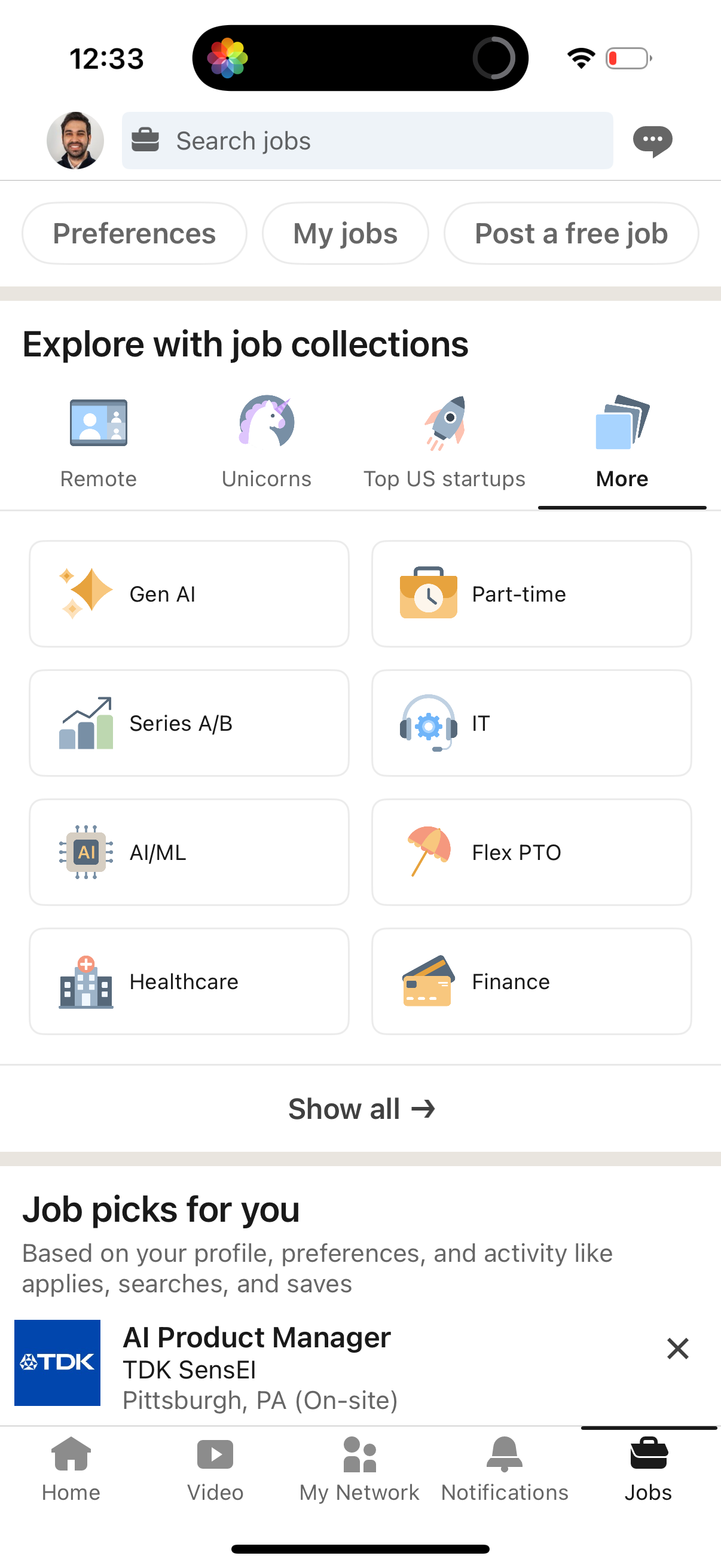
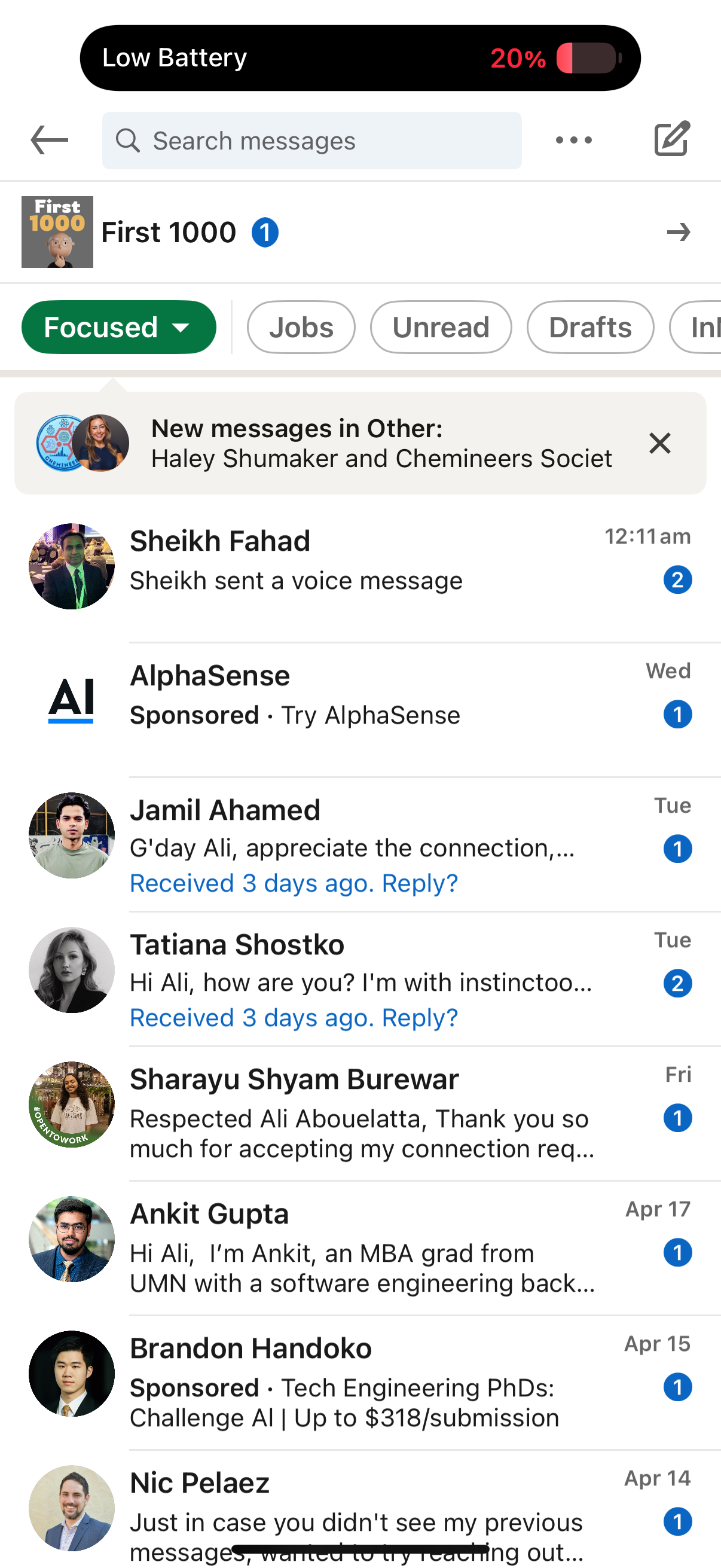
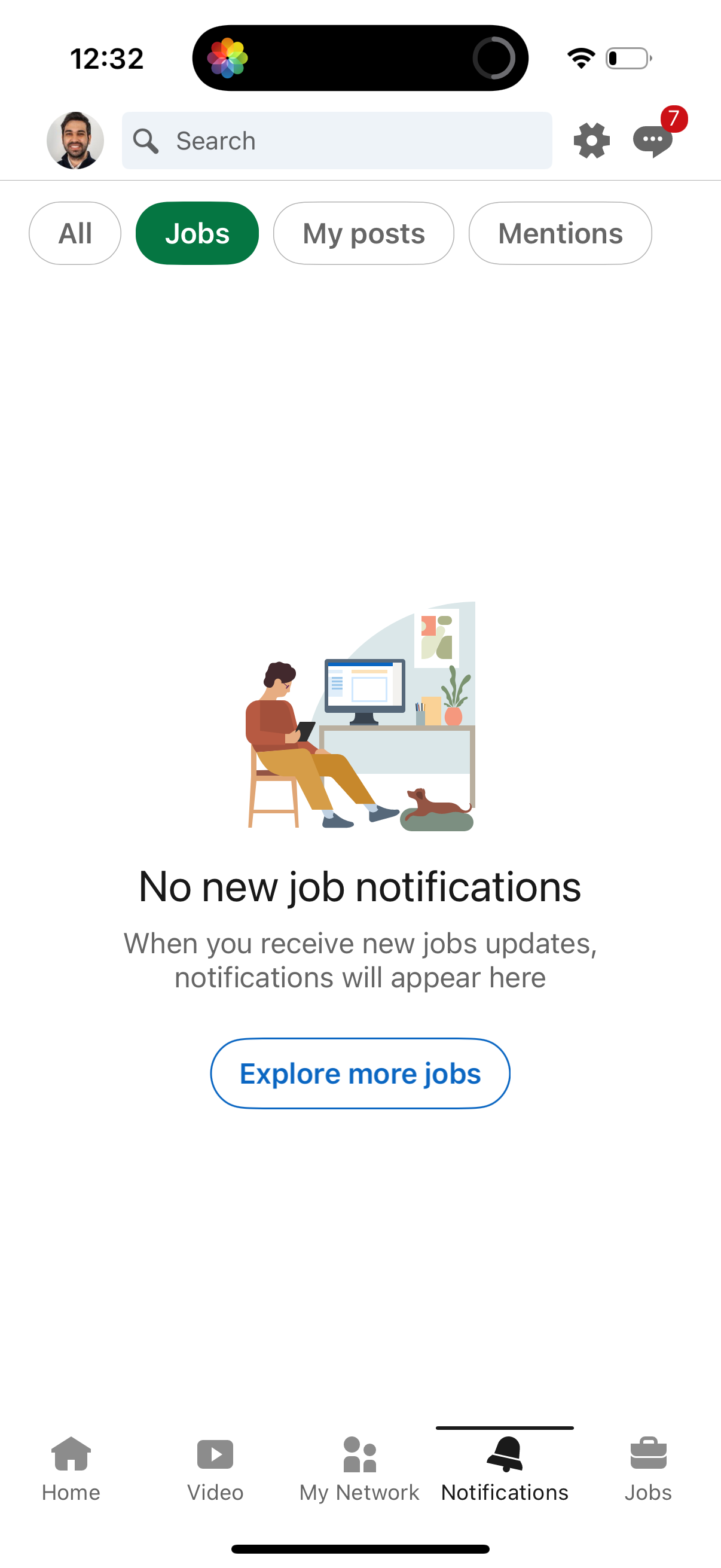
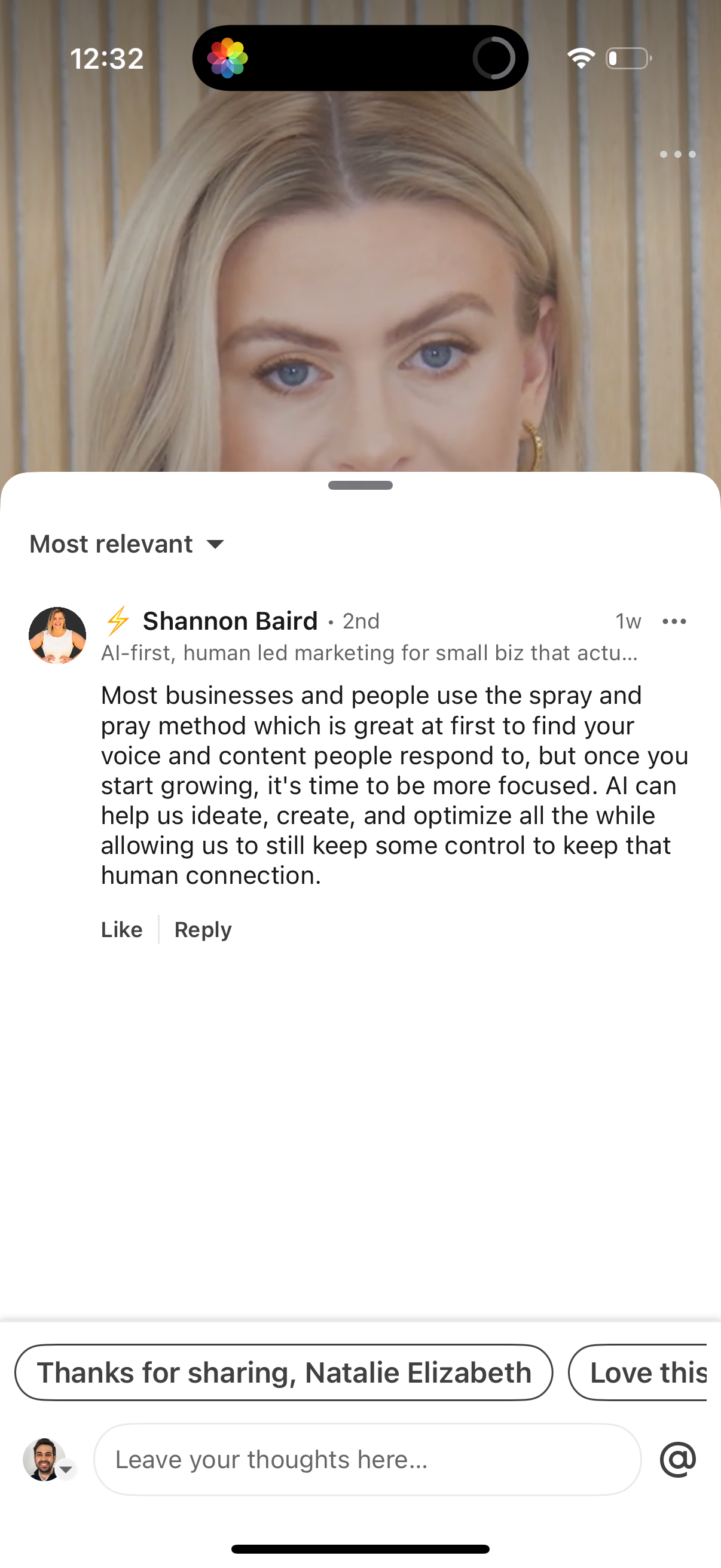
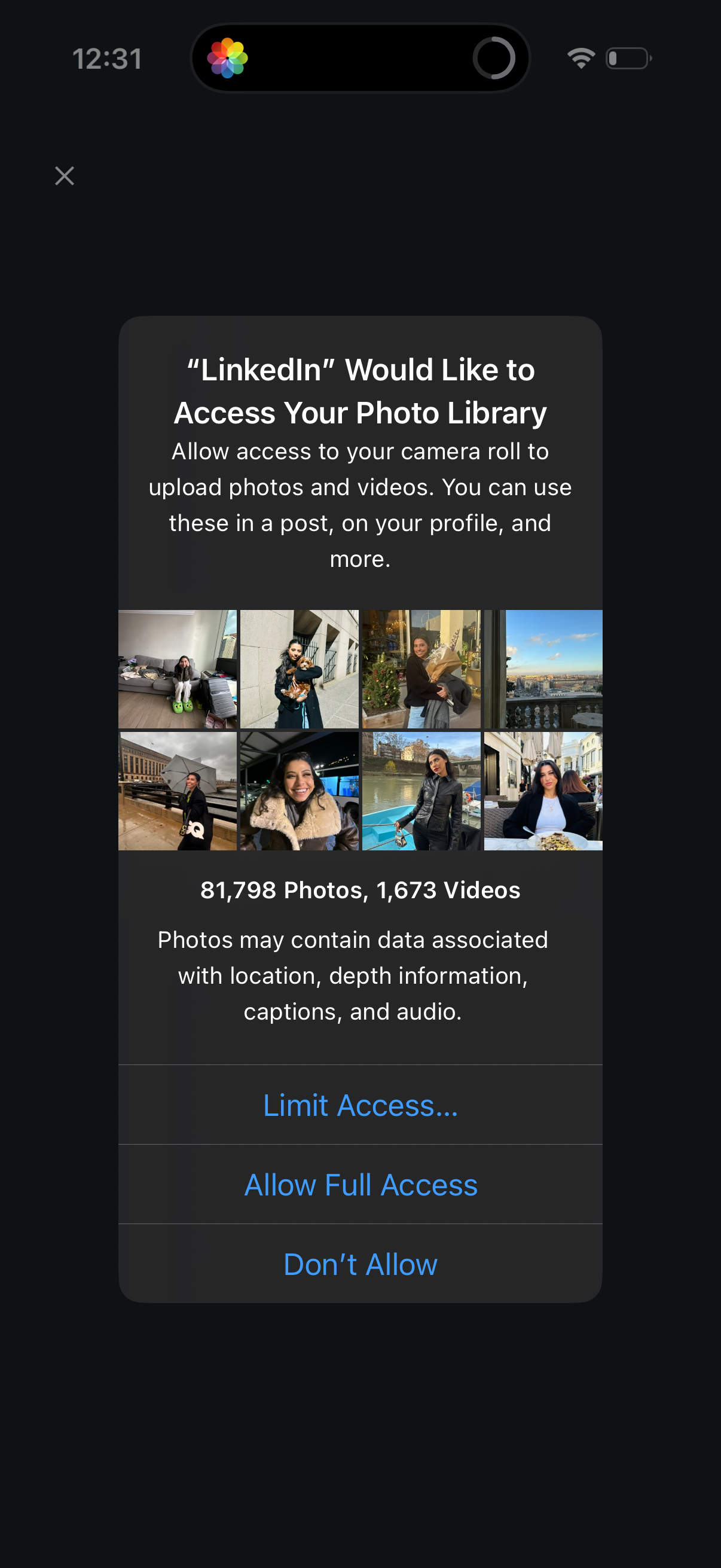
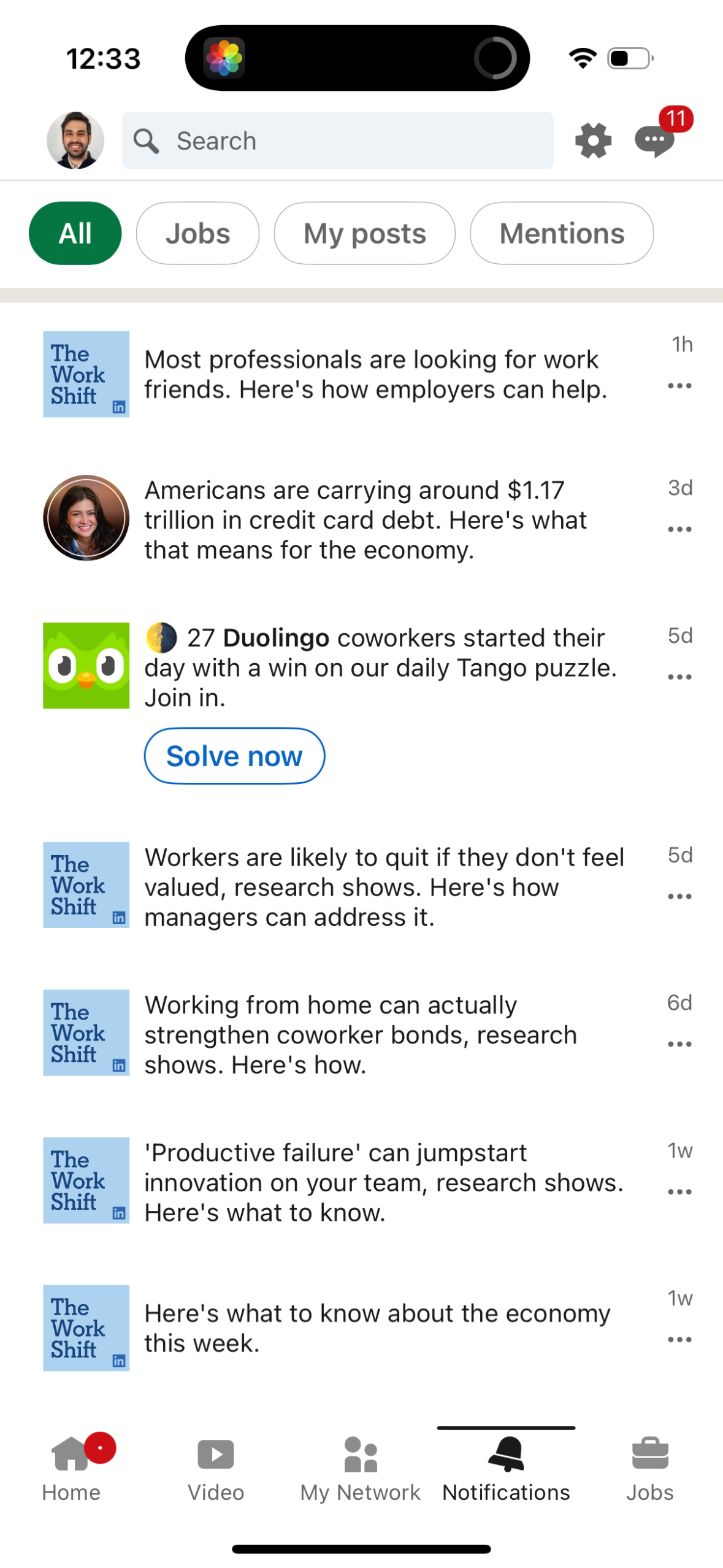
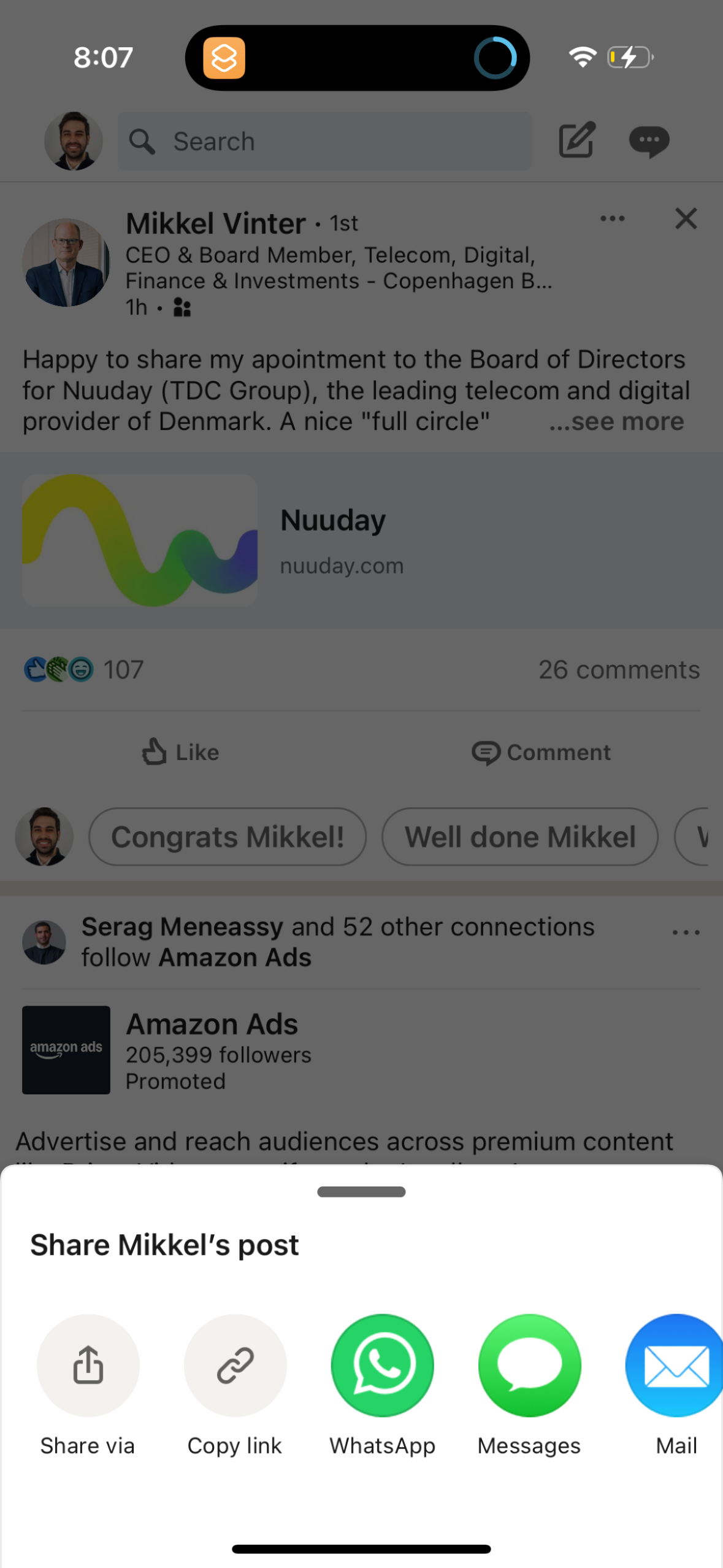
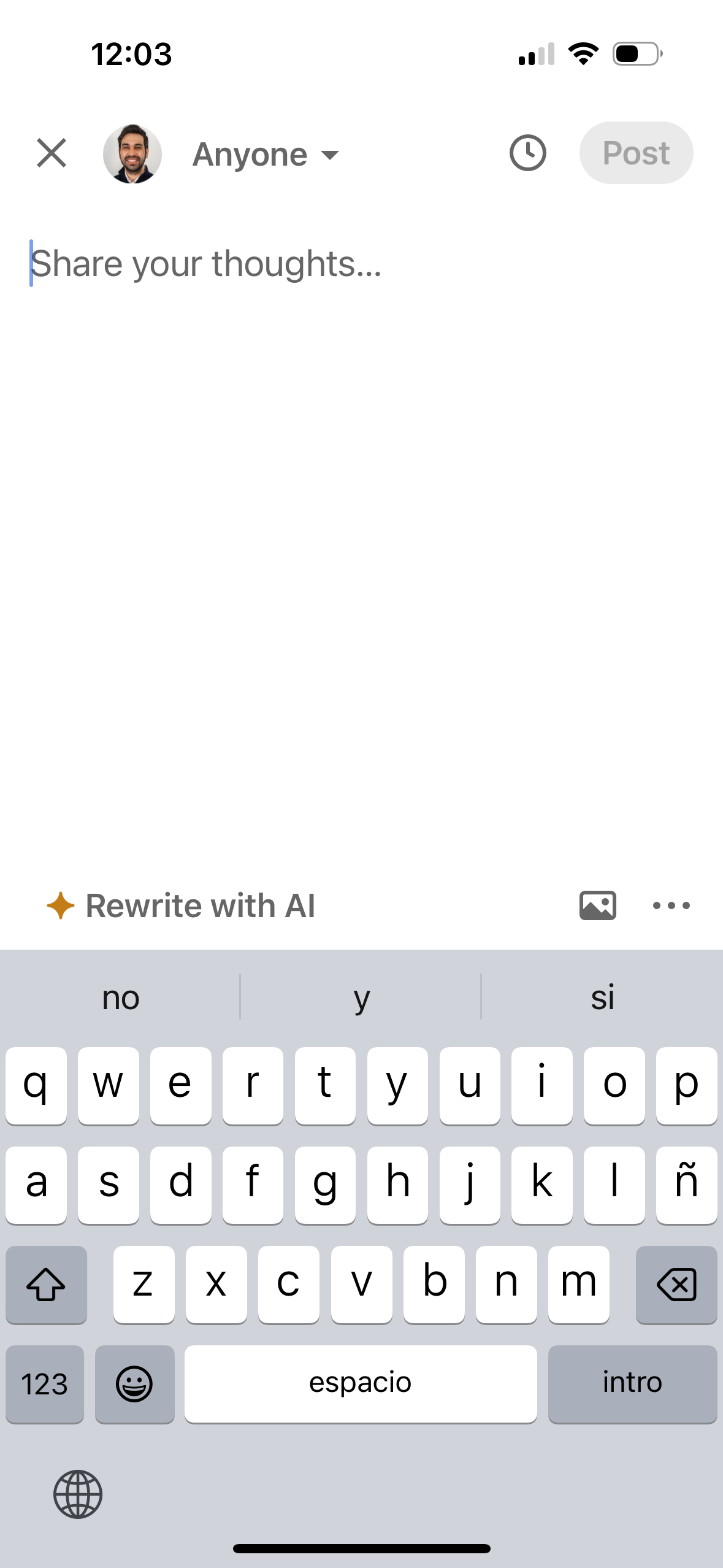
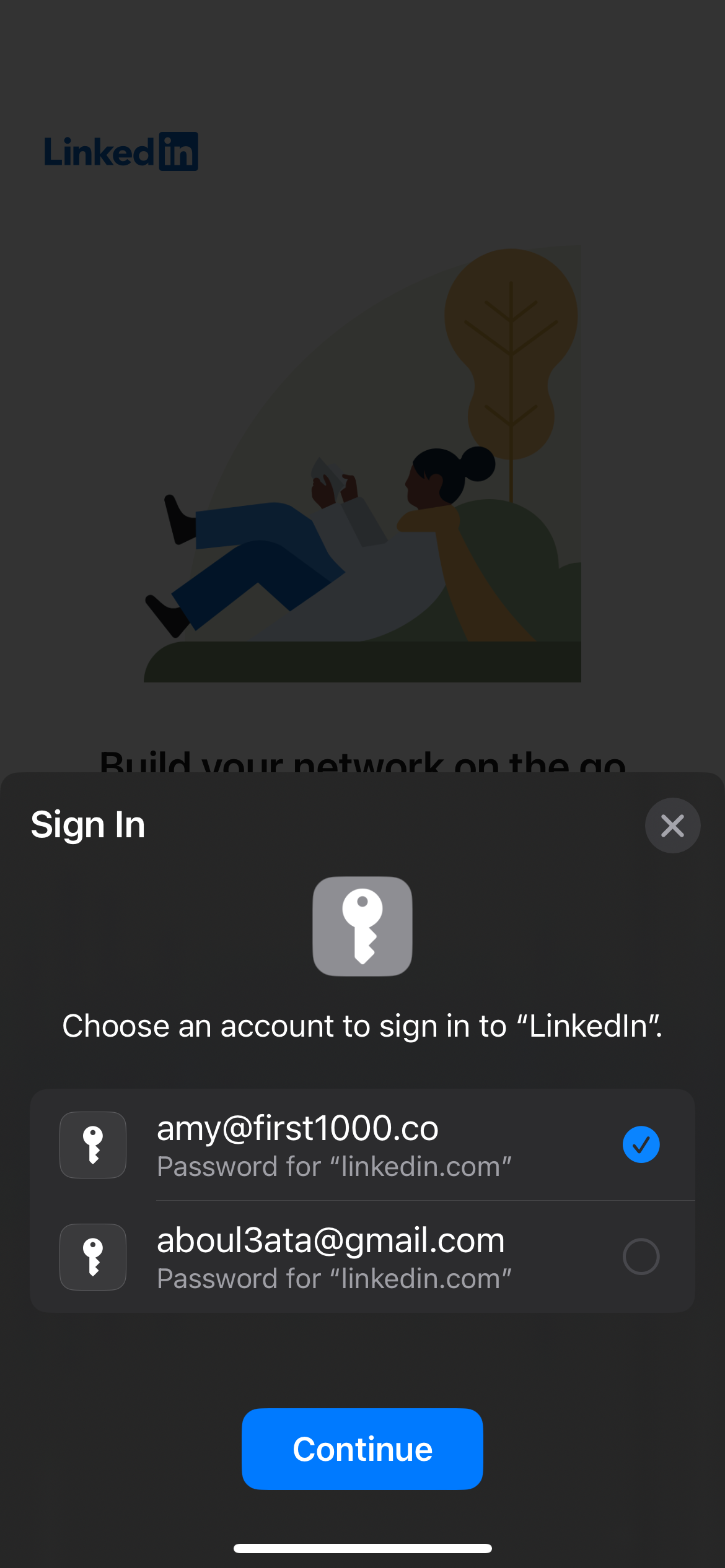
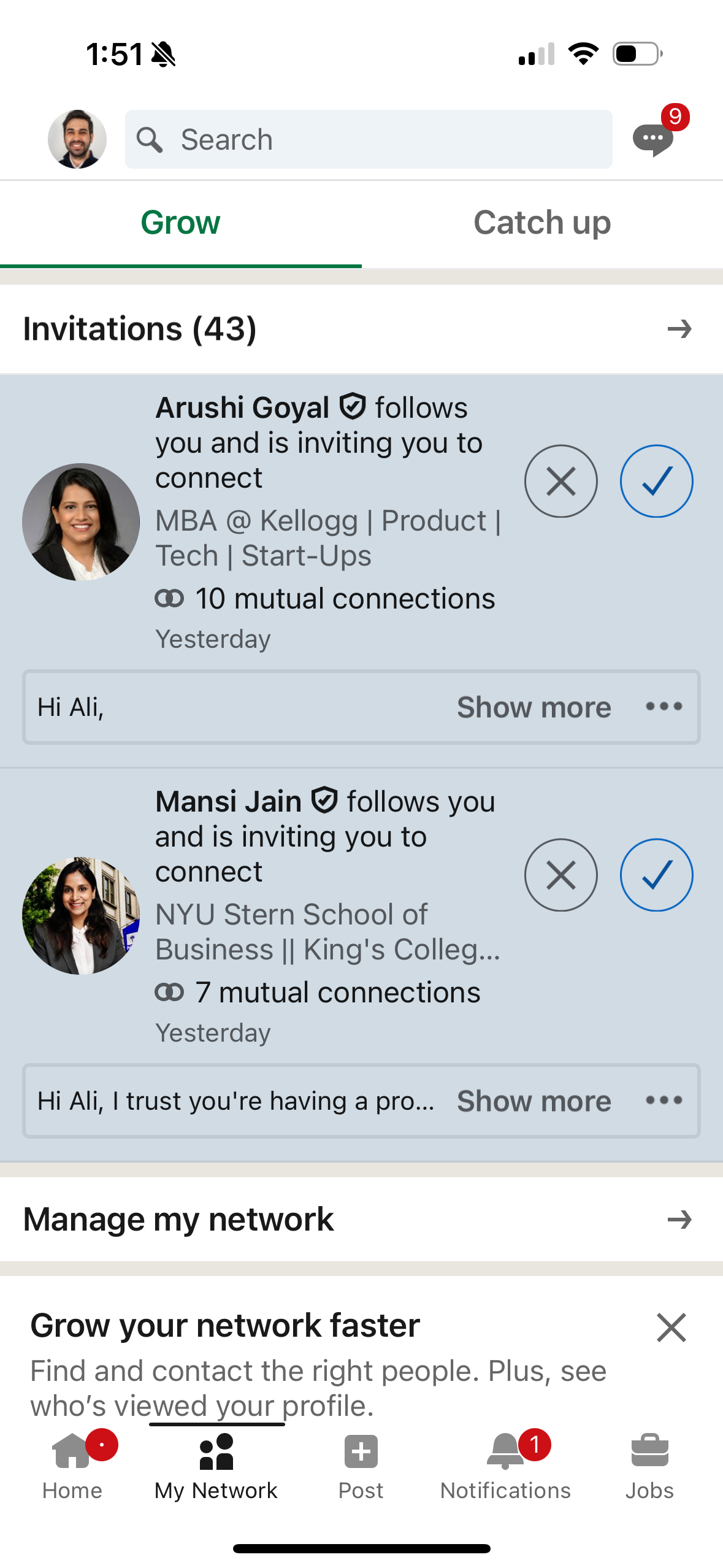
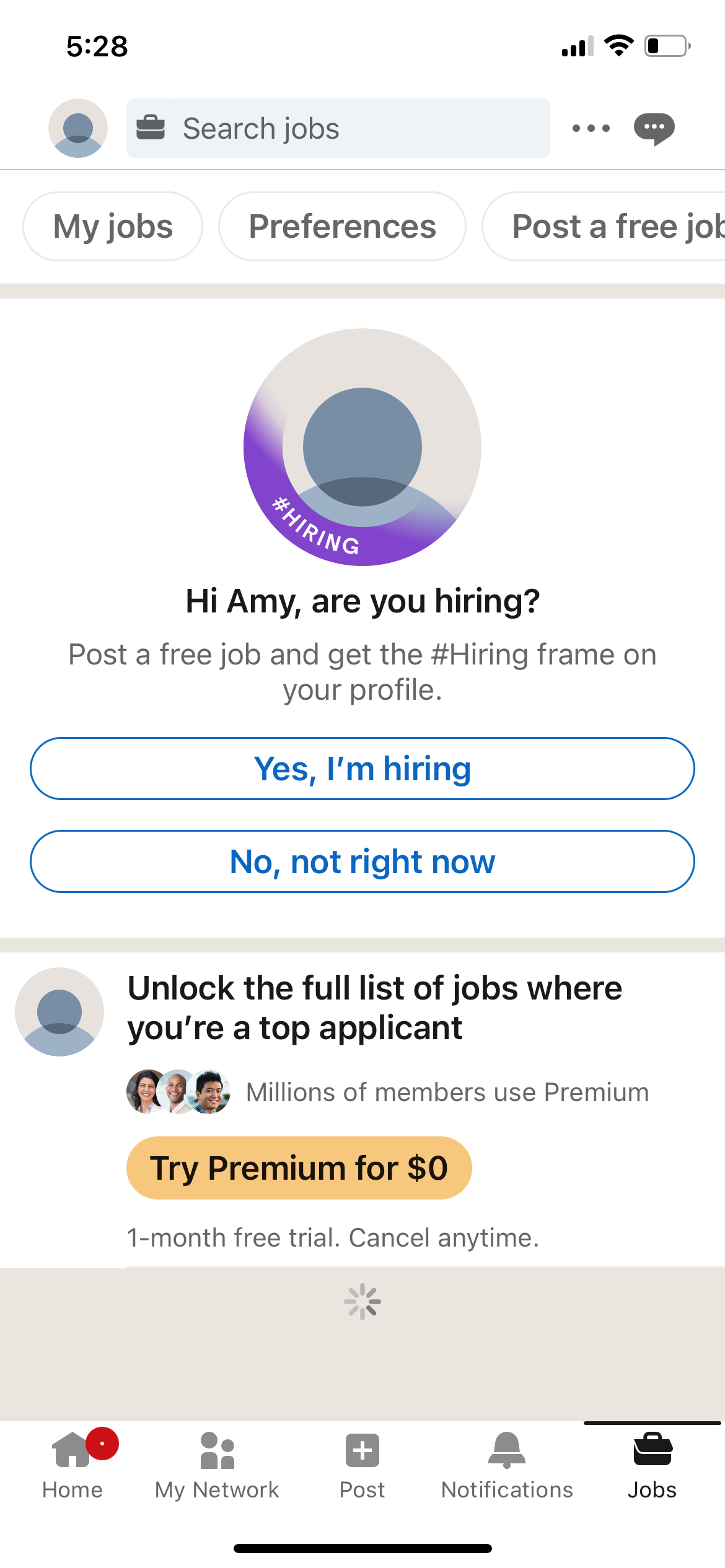
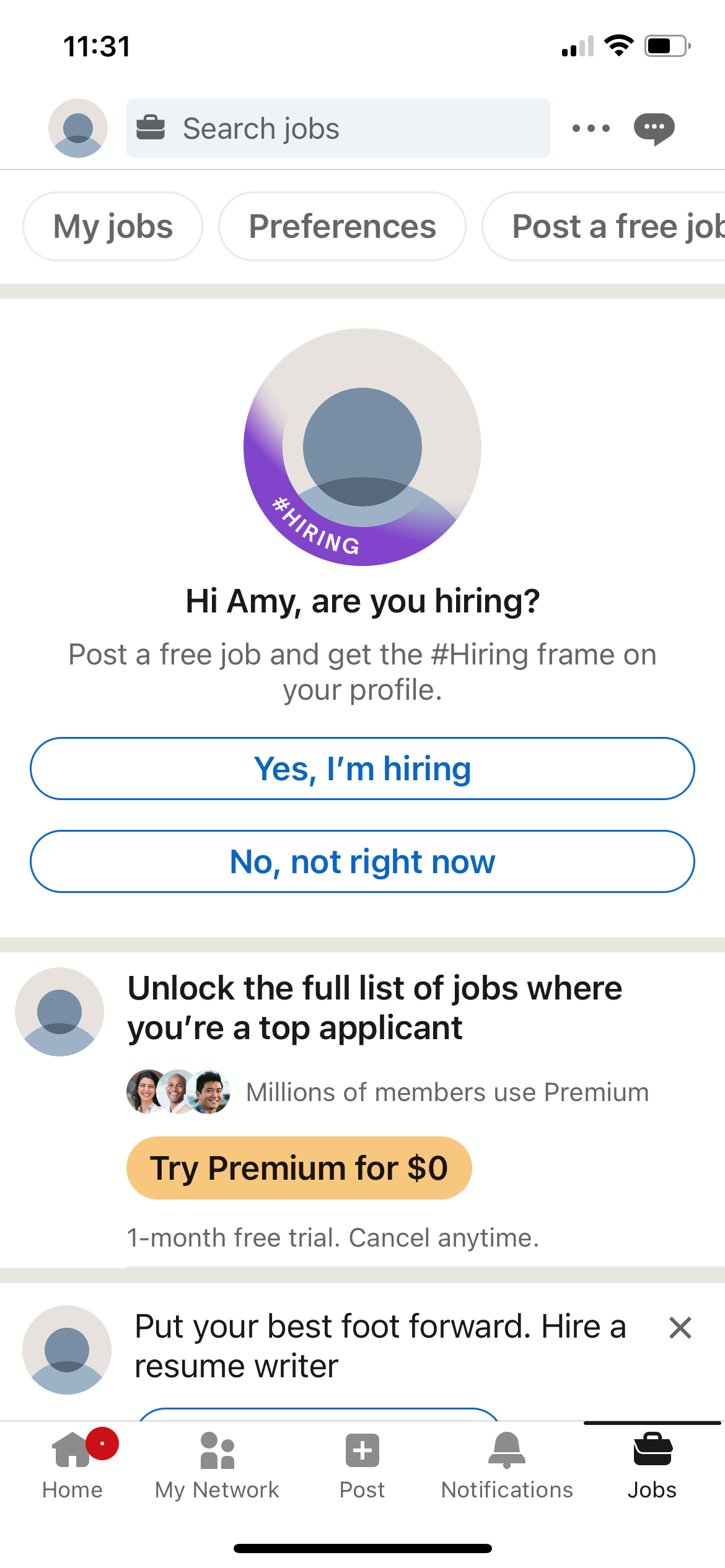
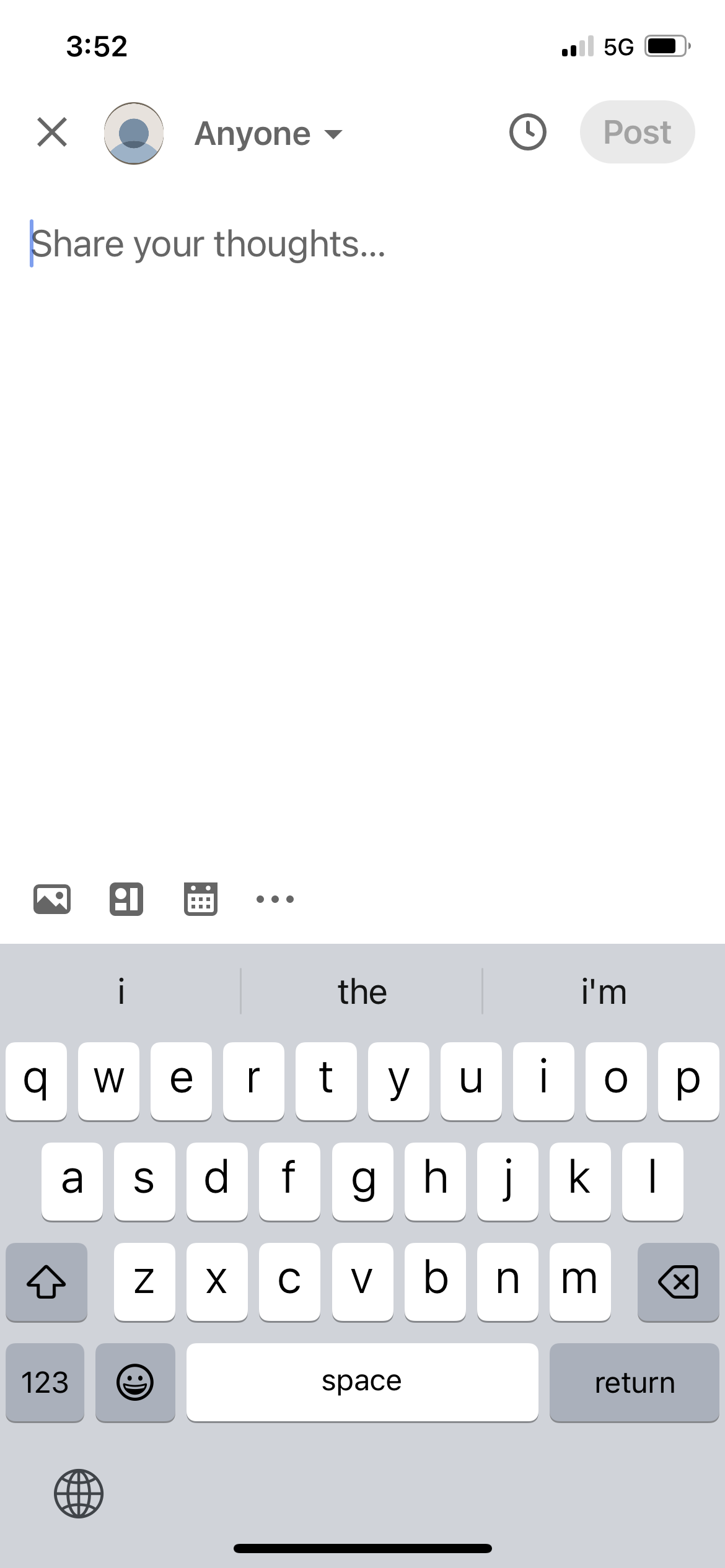
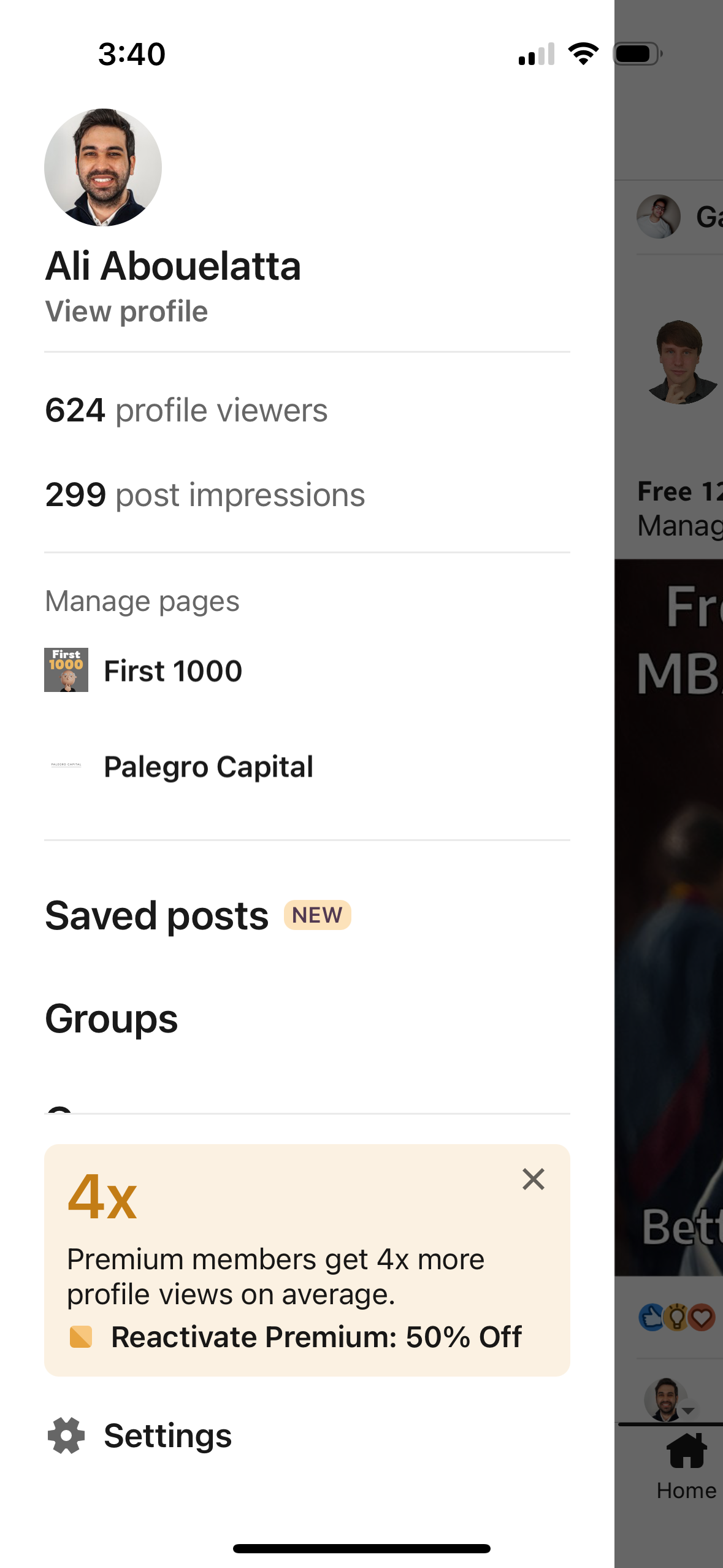
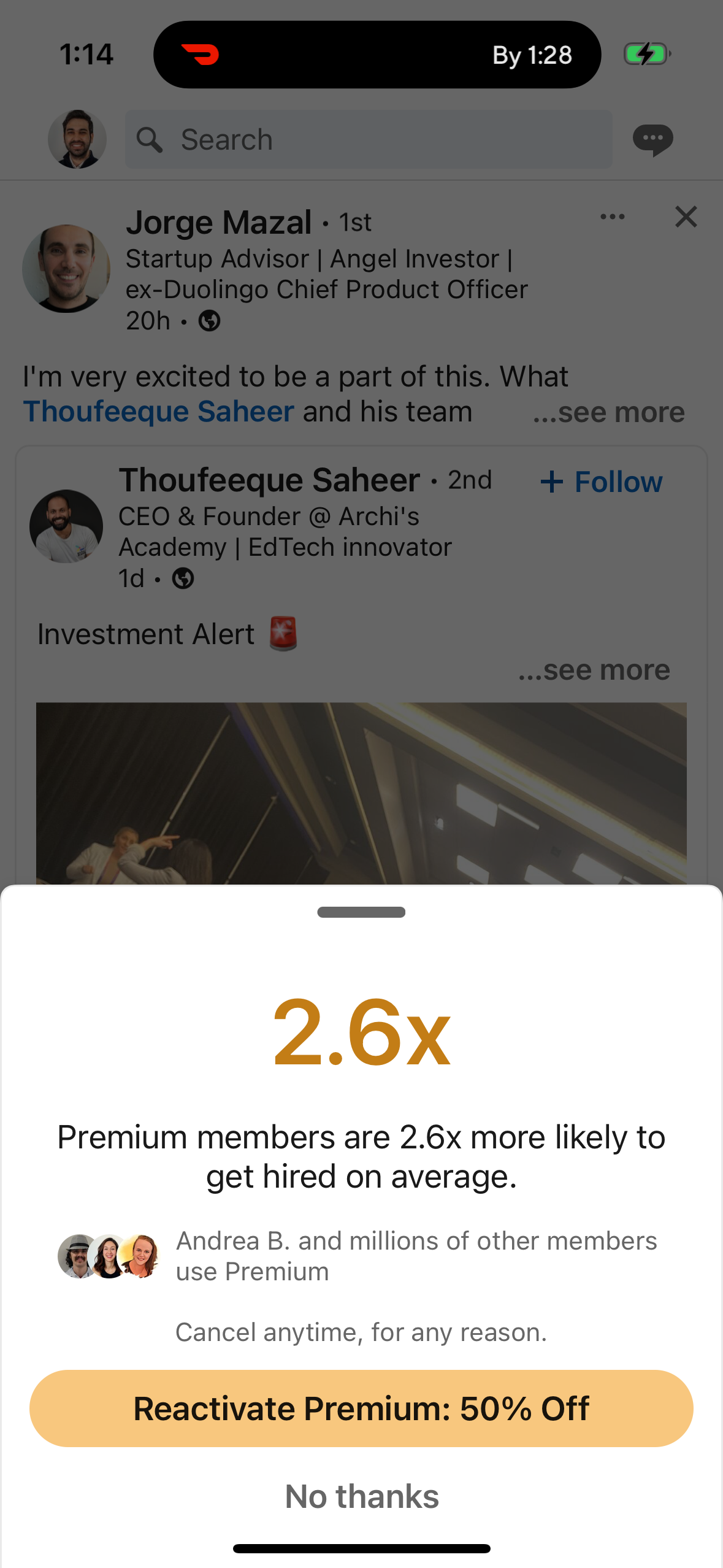
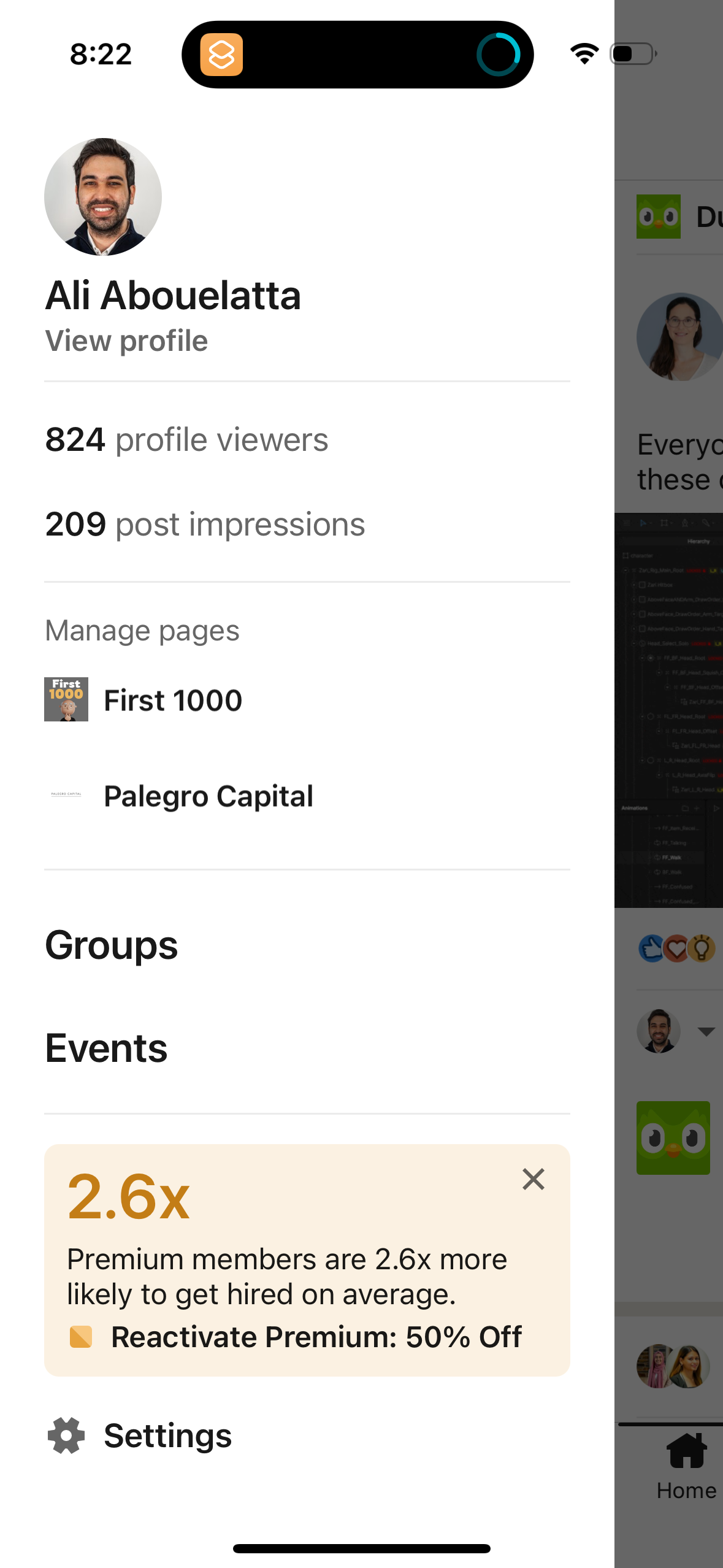
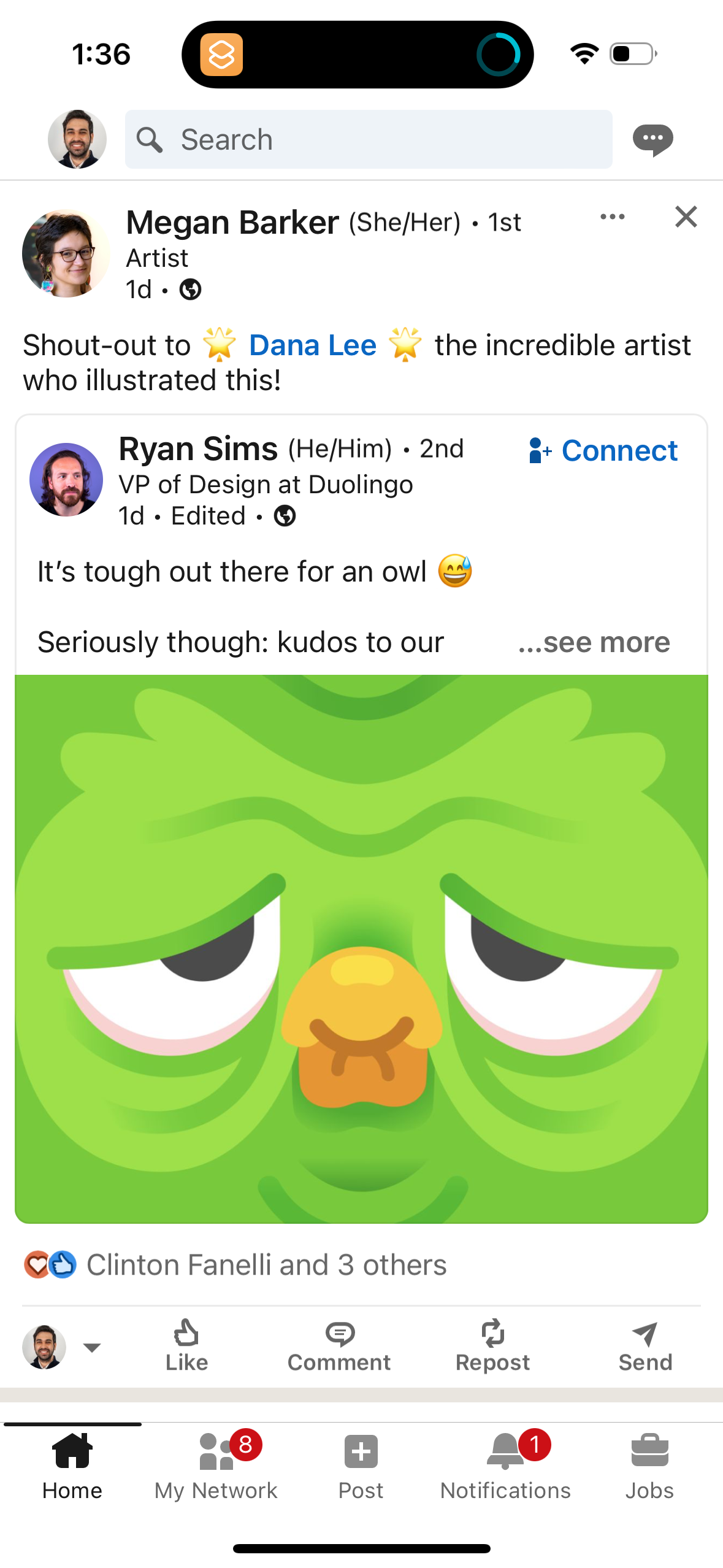
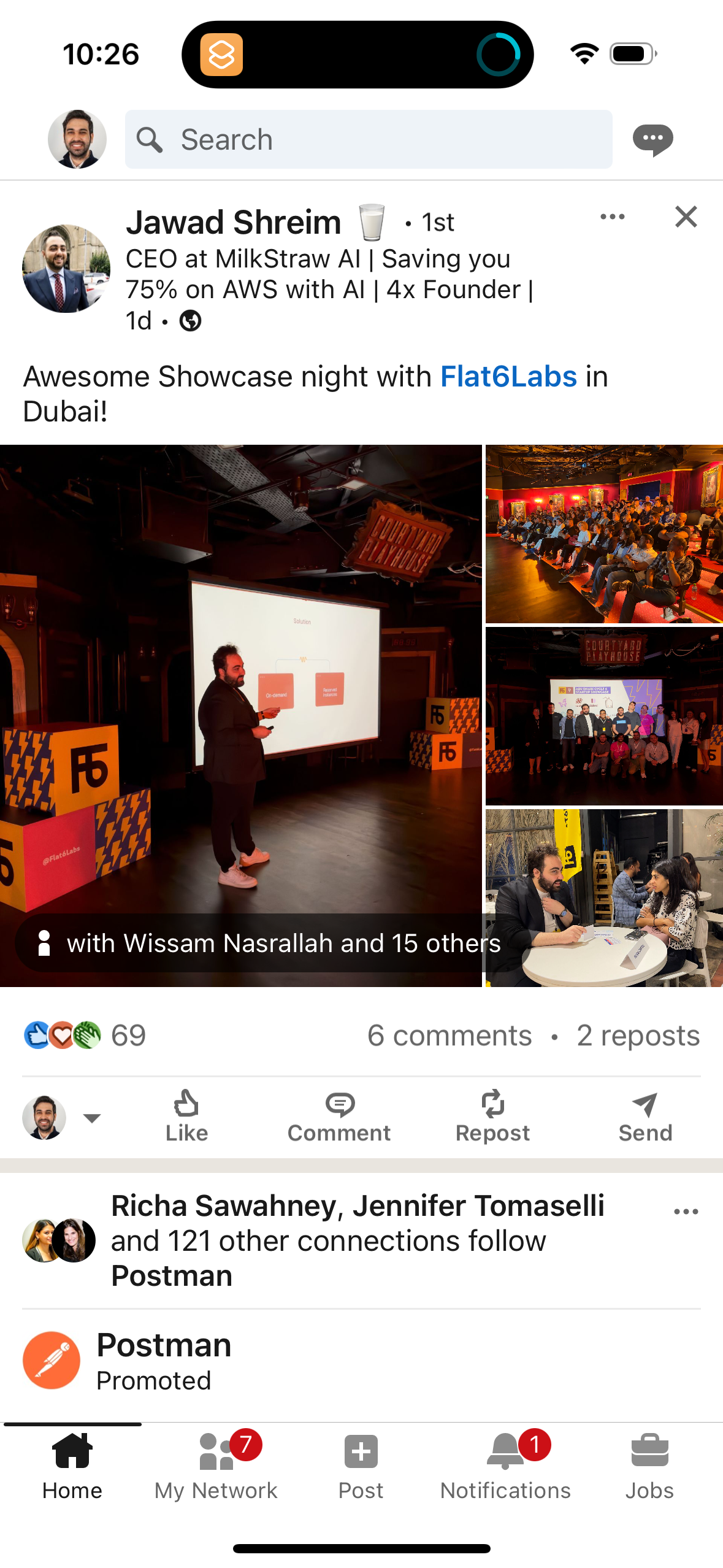
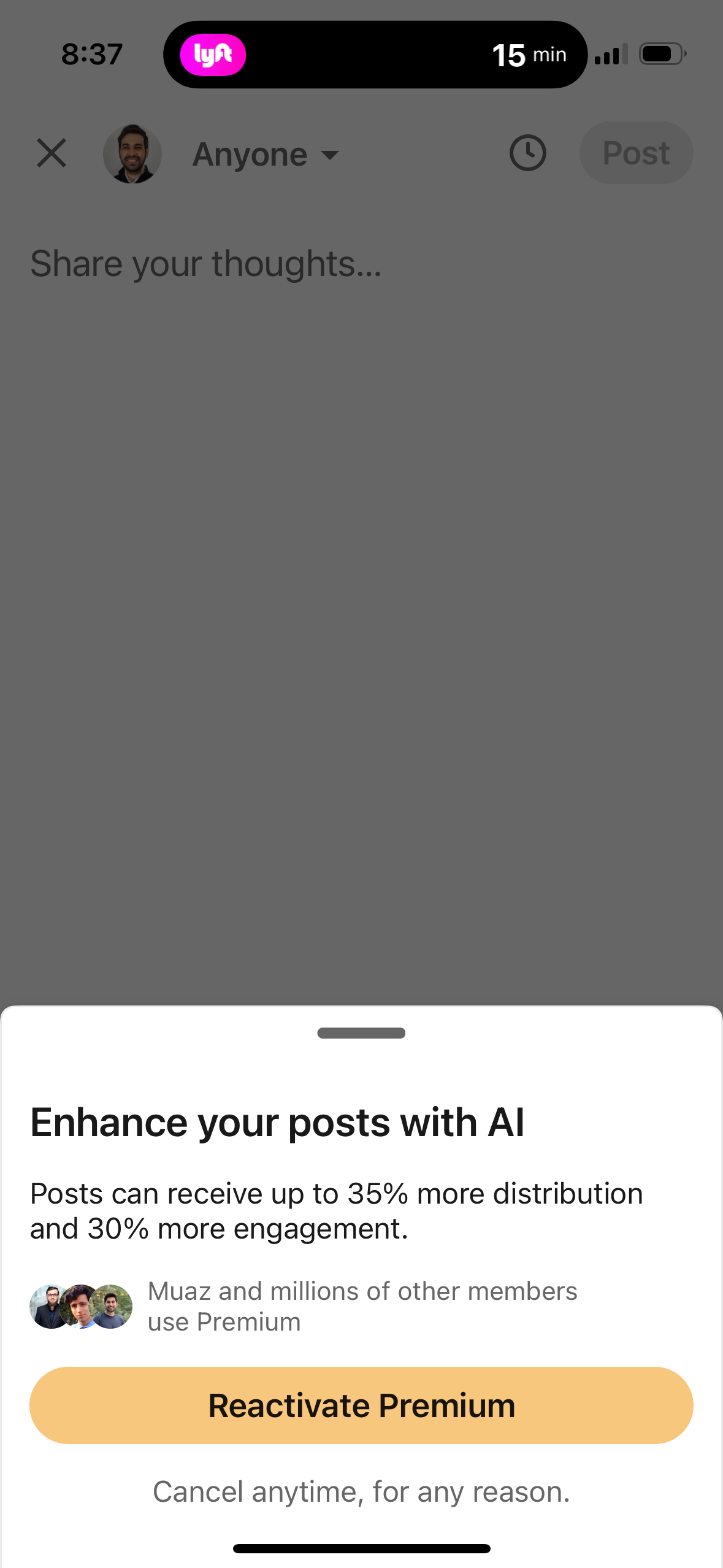
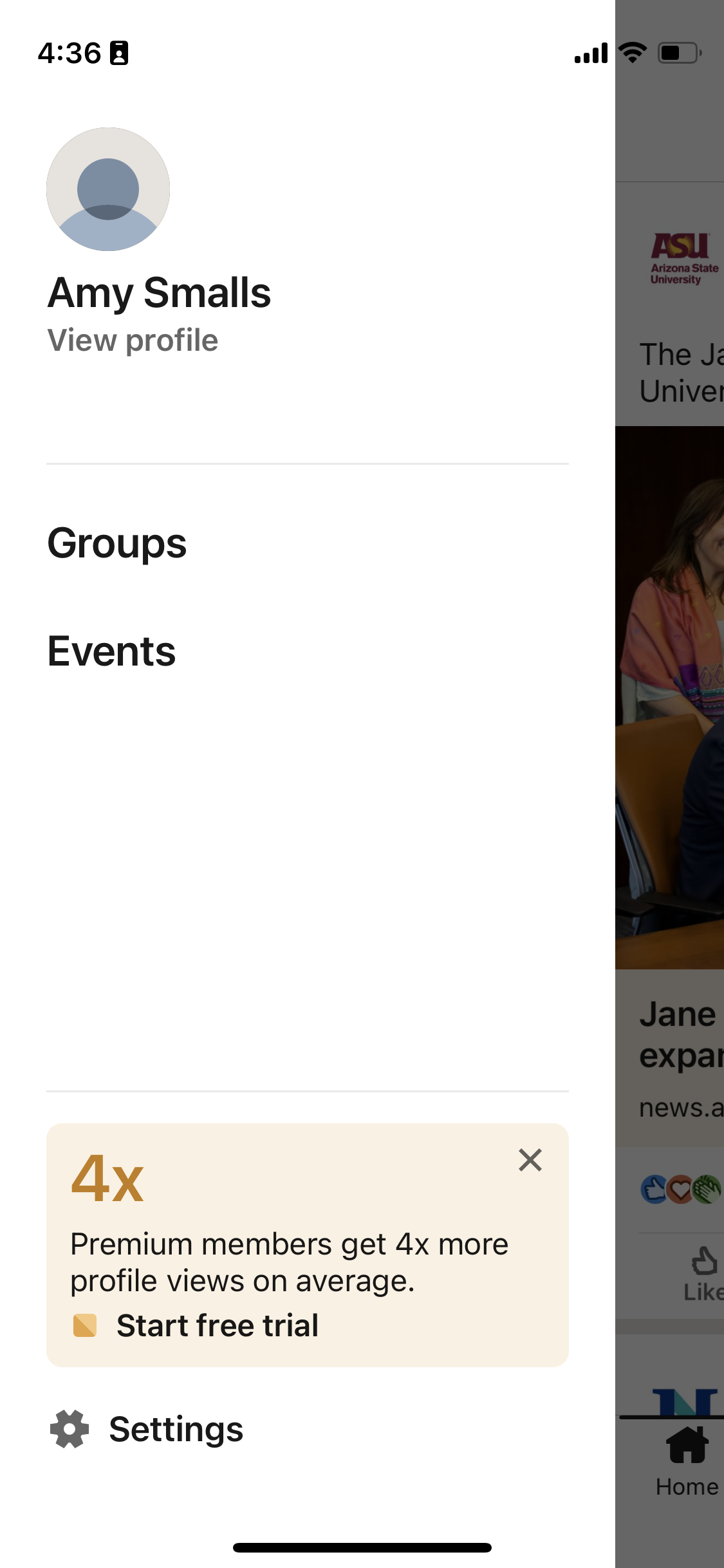
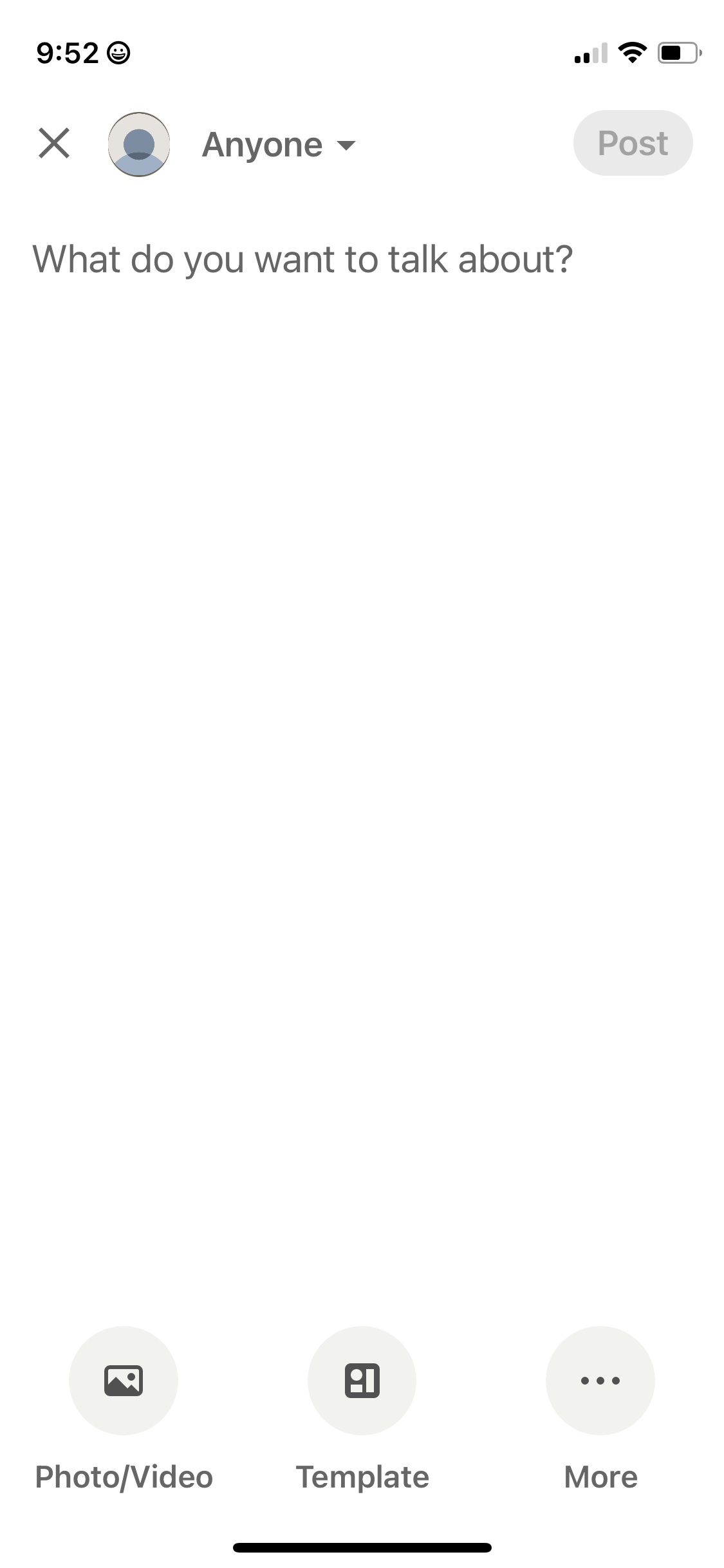
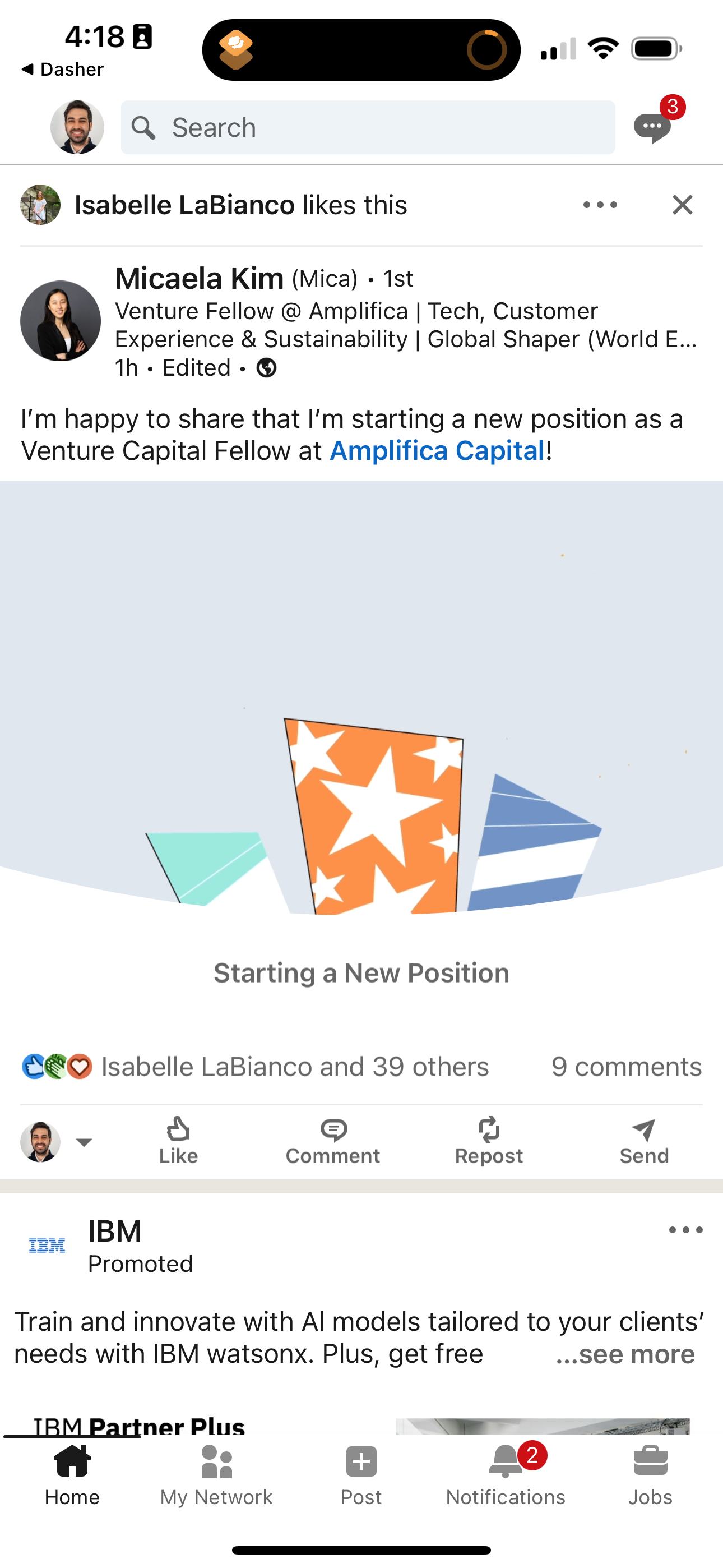
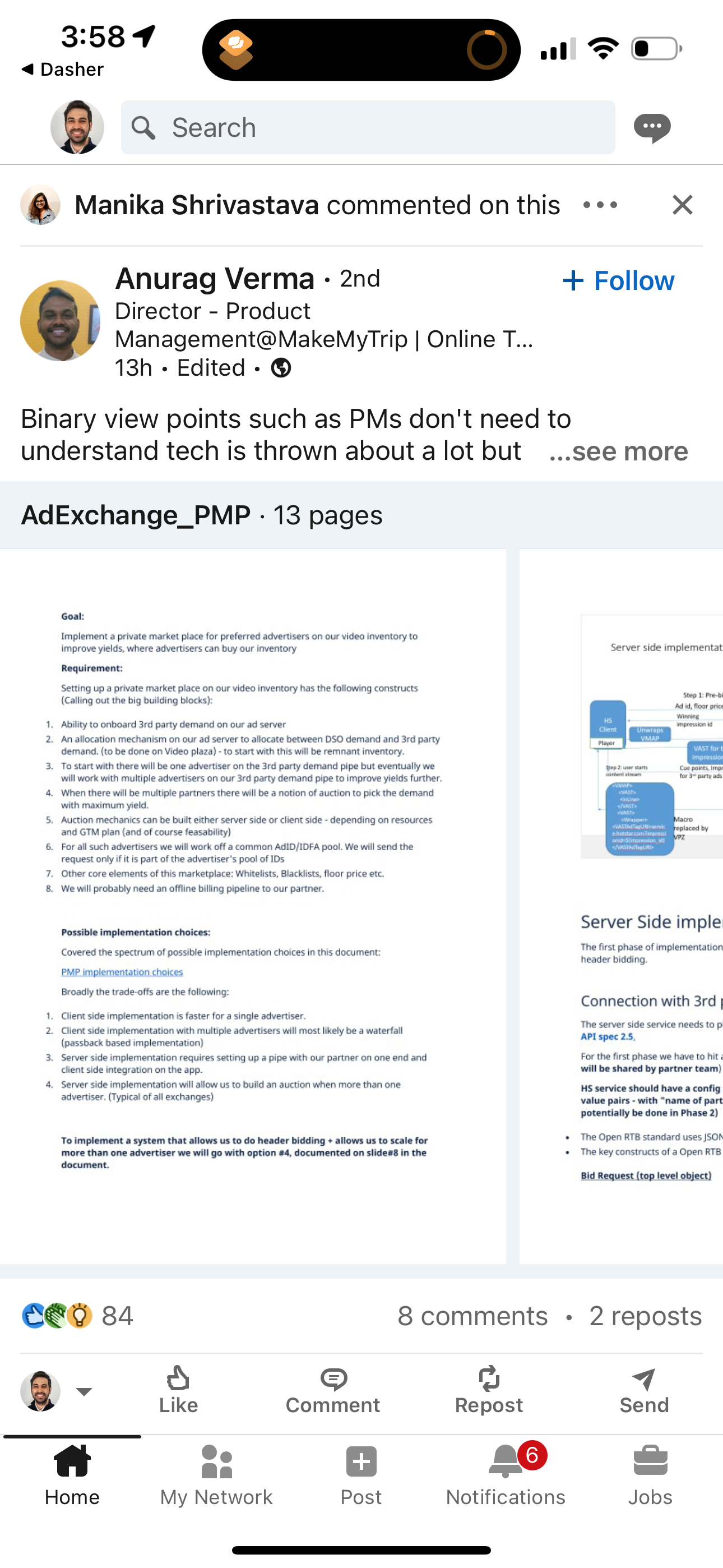
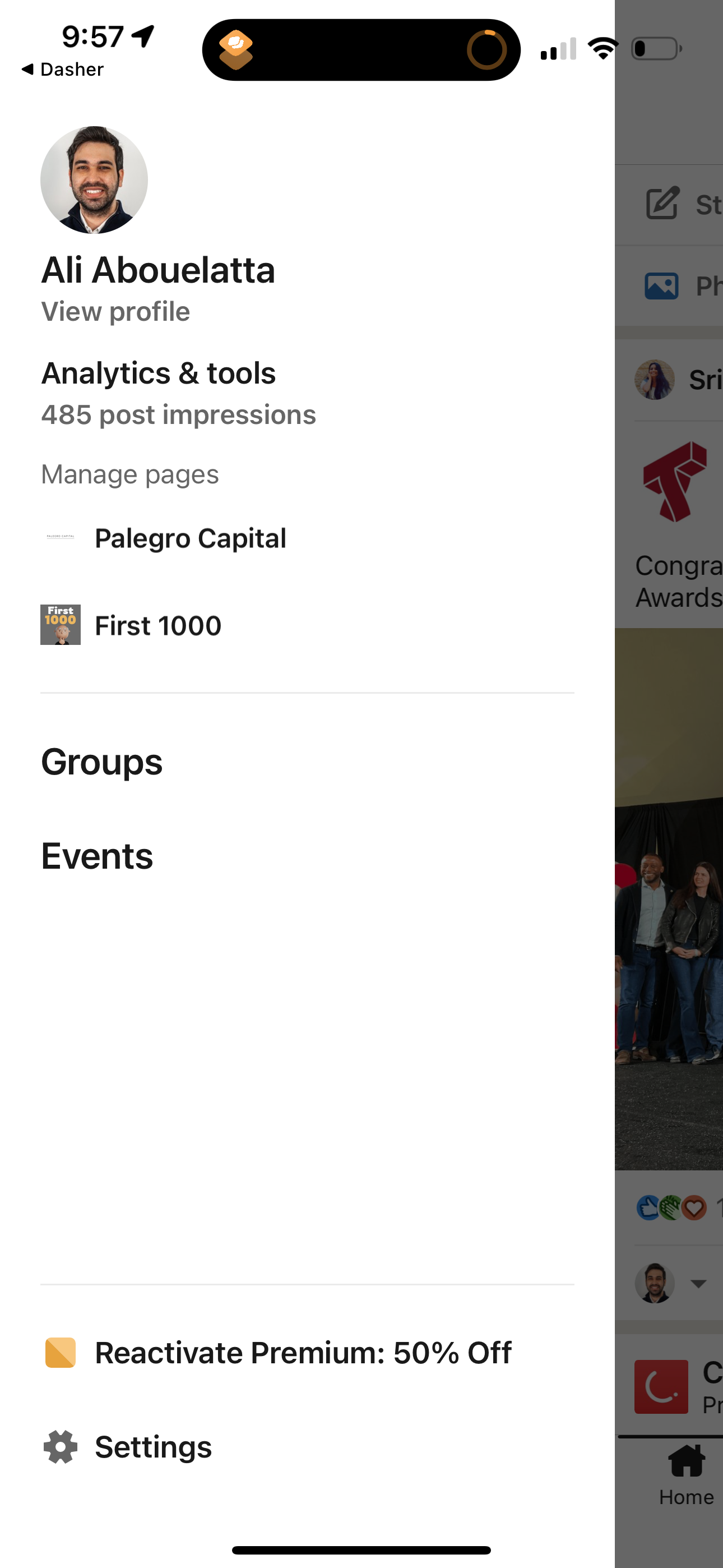
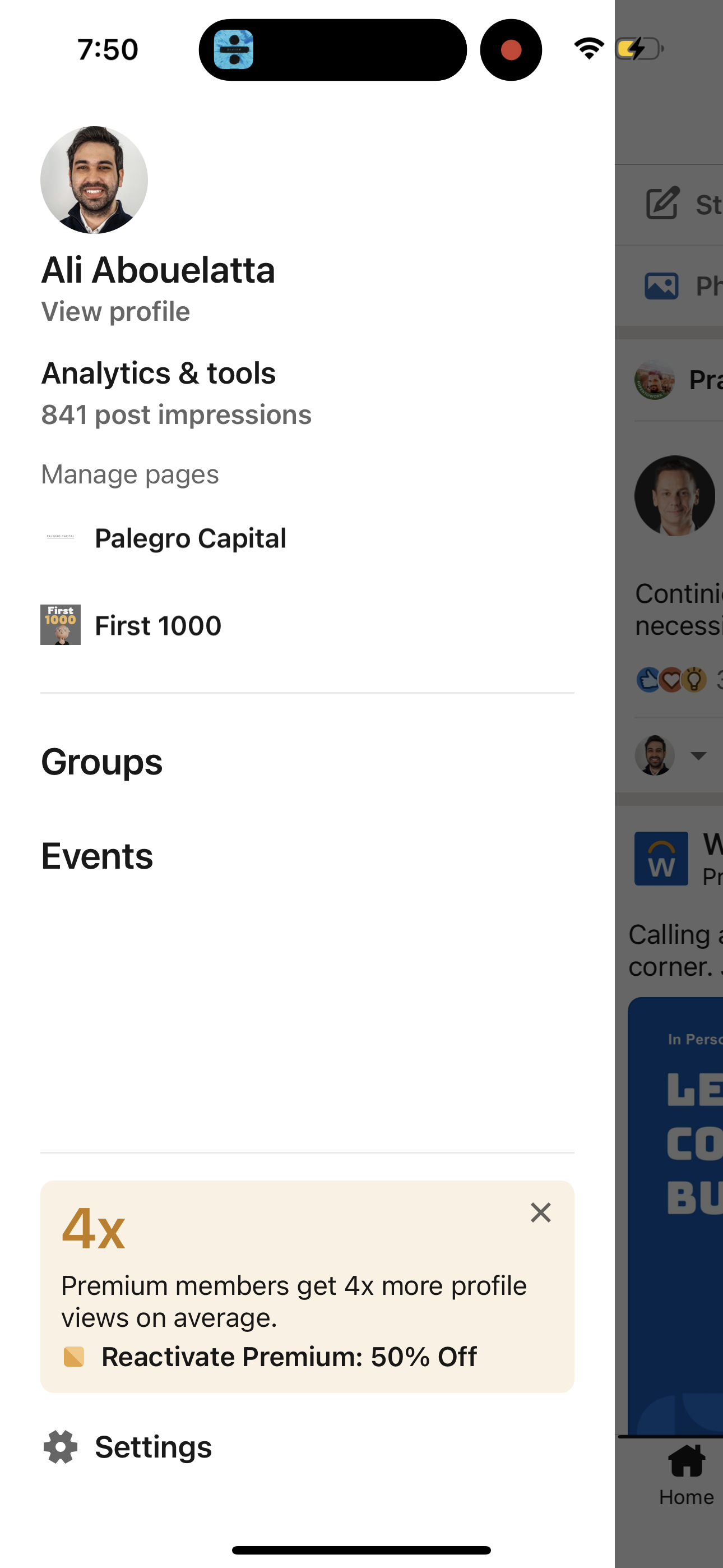
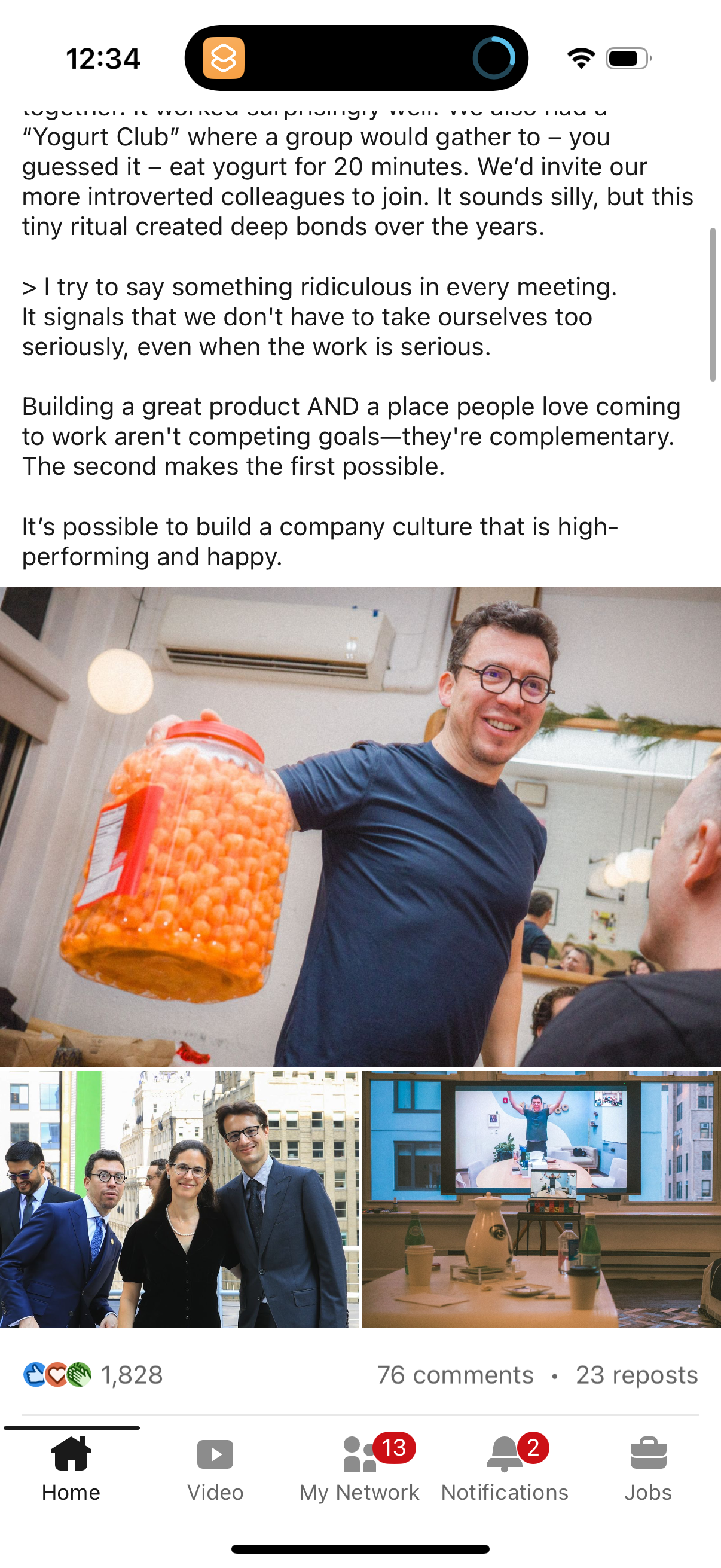
linkedin app screenshot 2
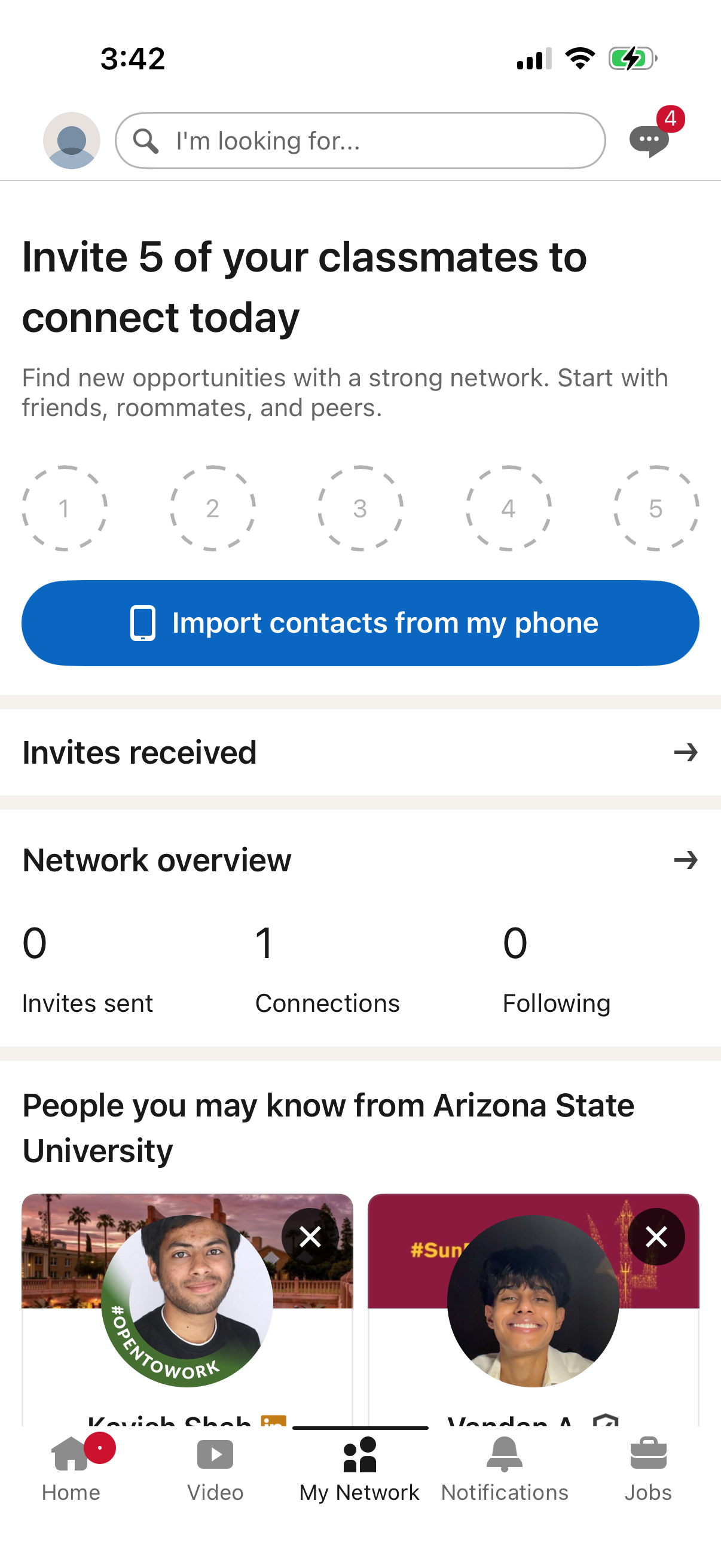
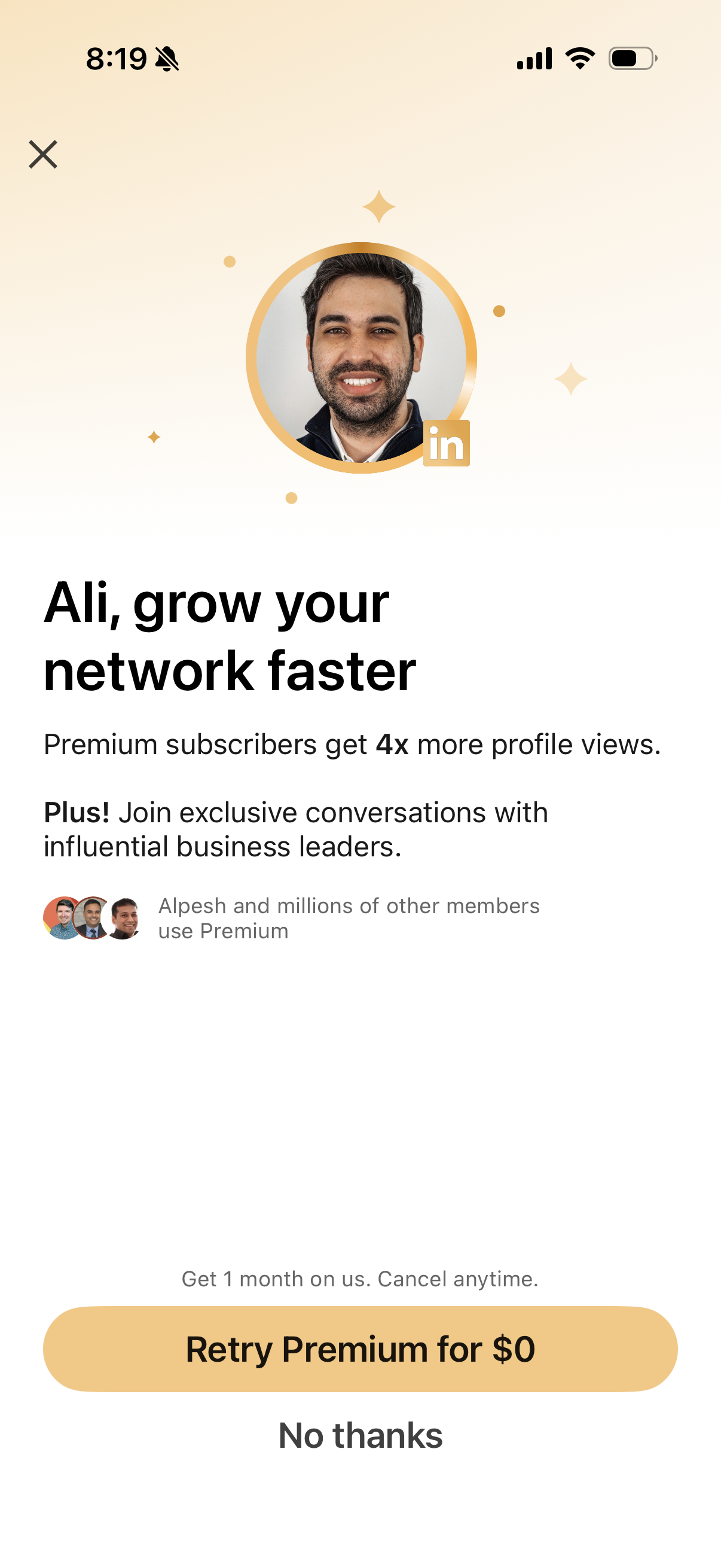
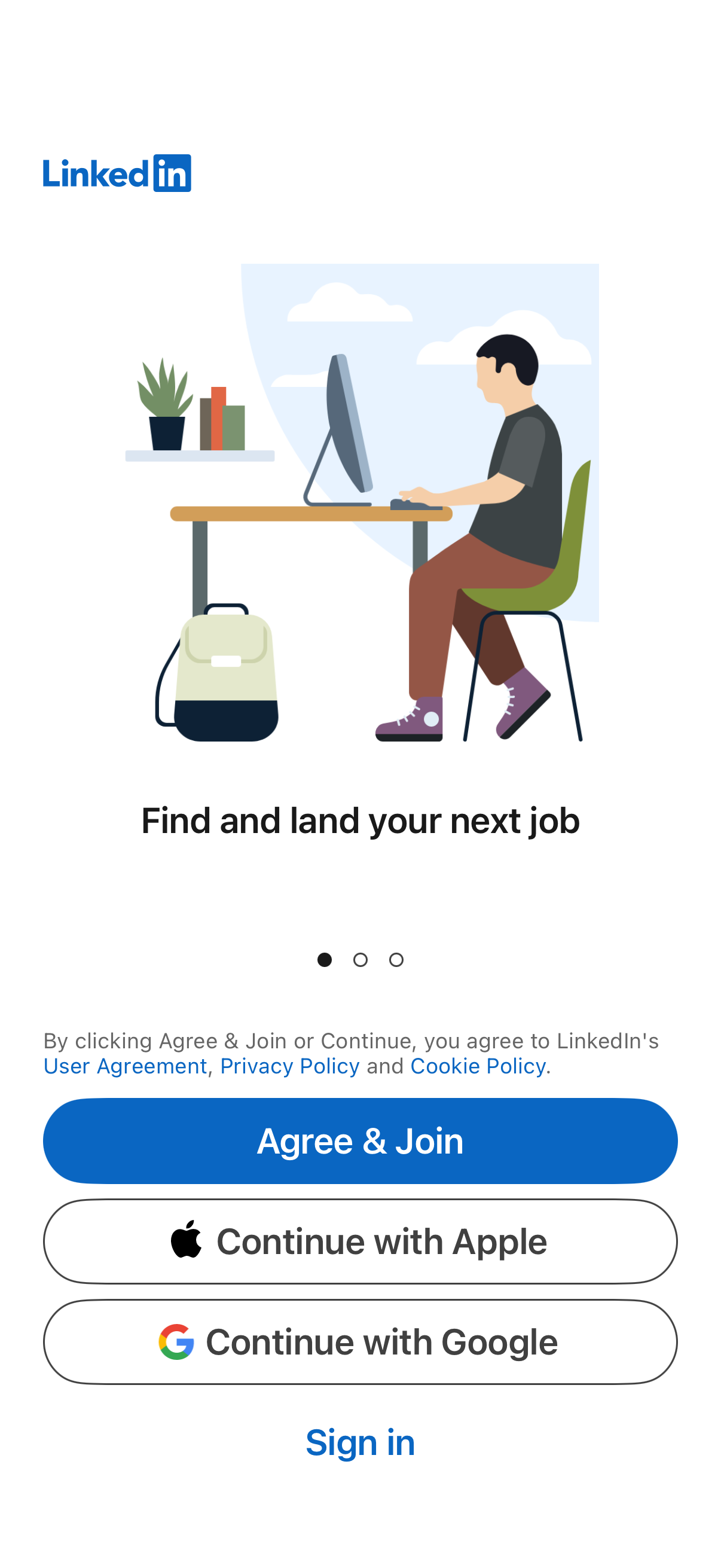
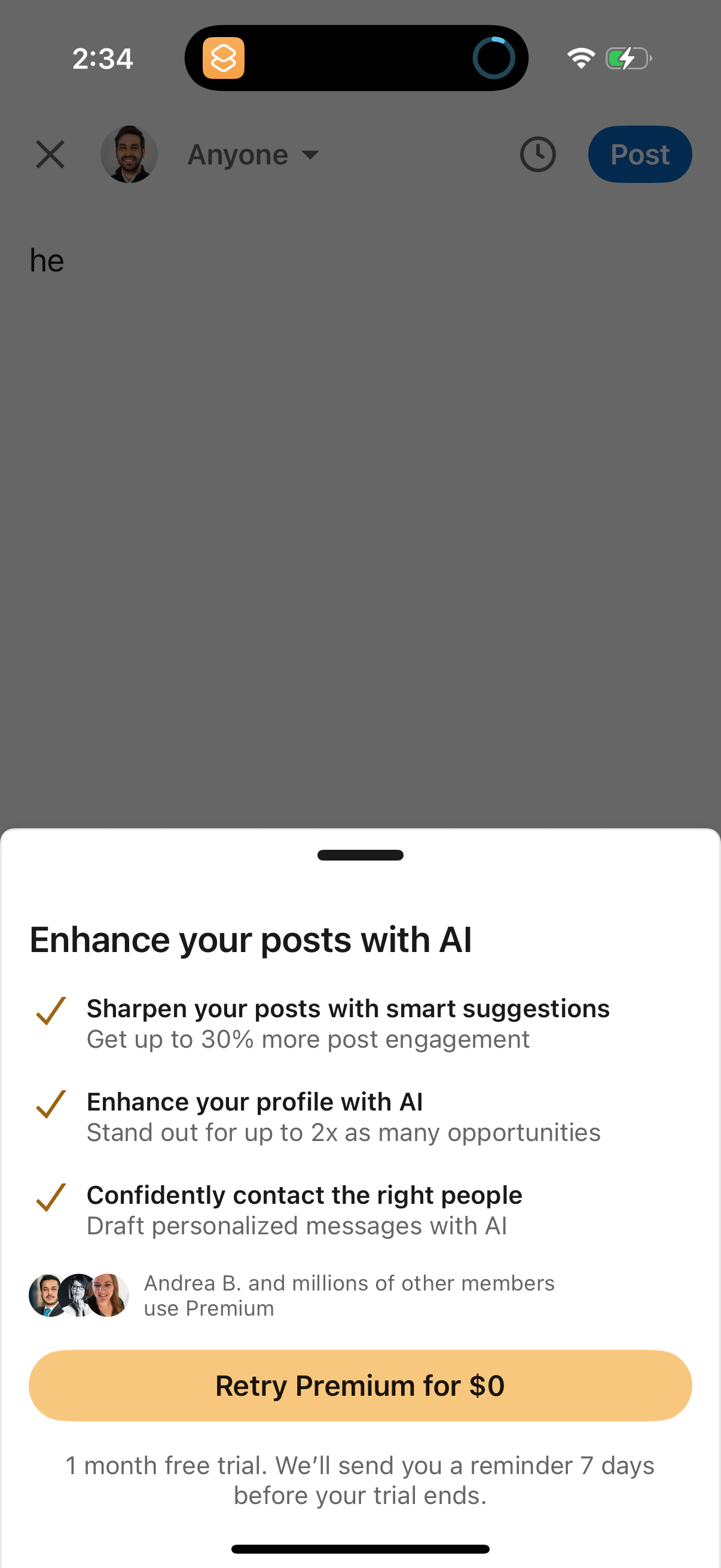
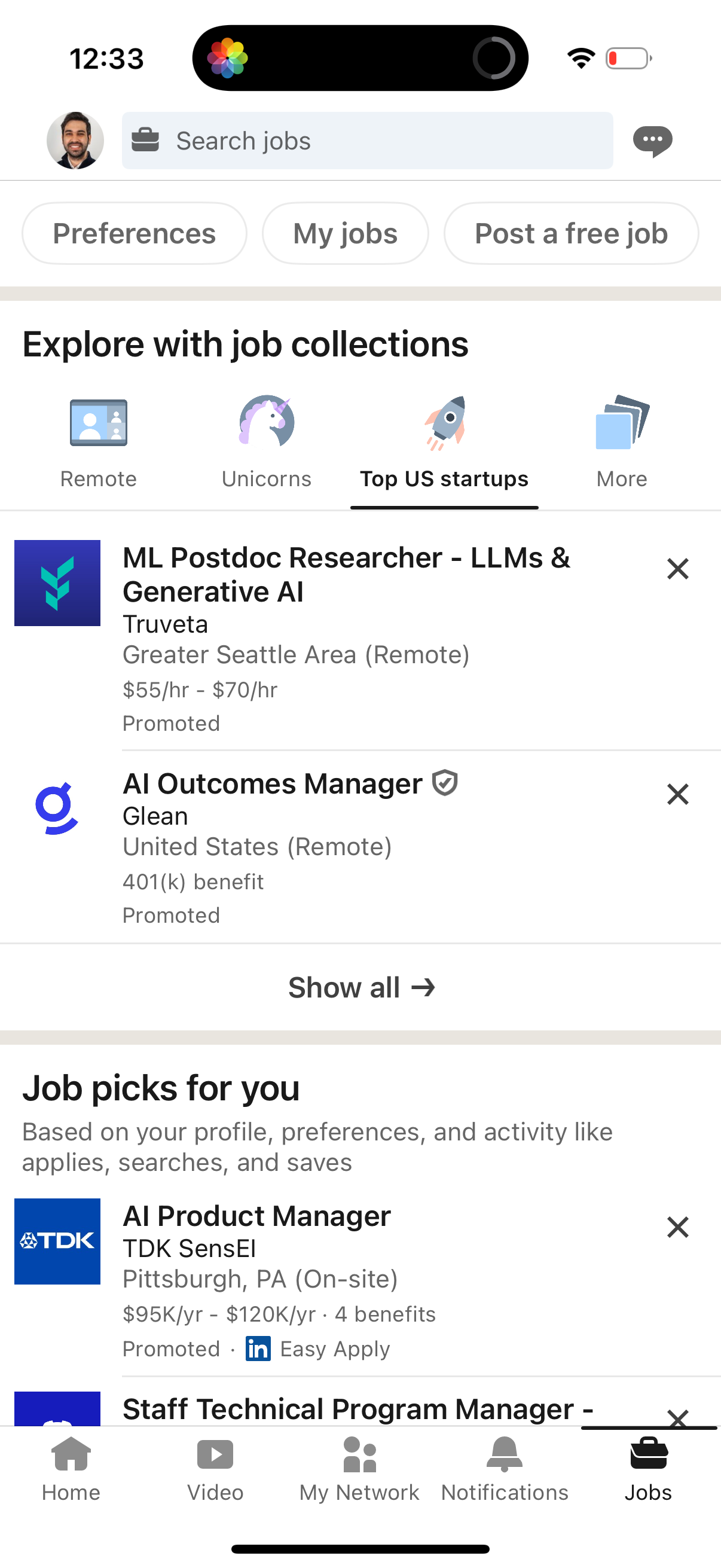
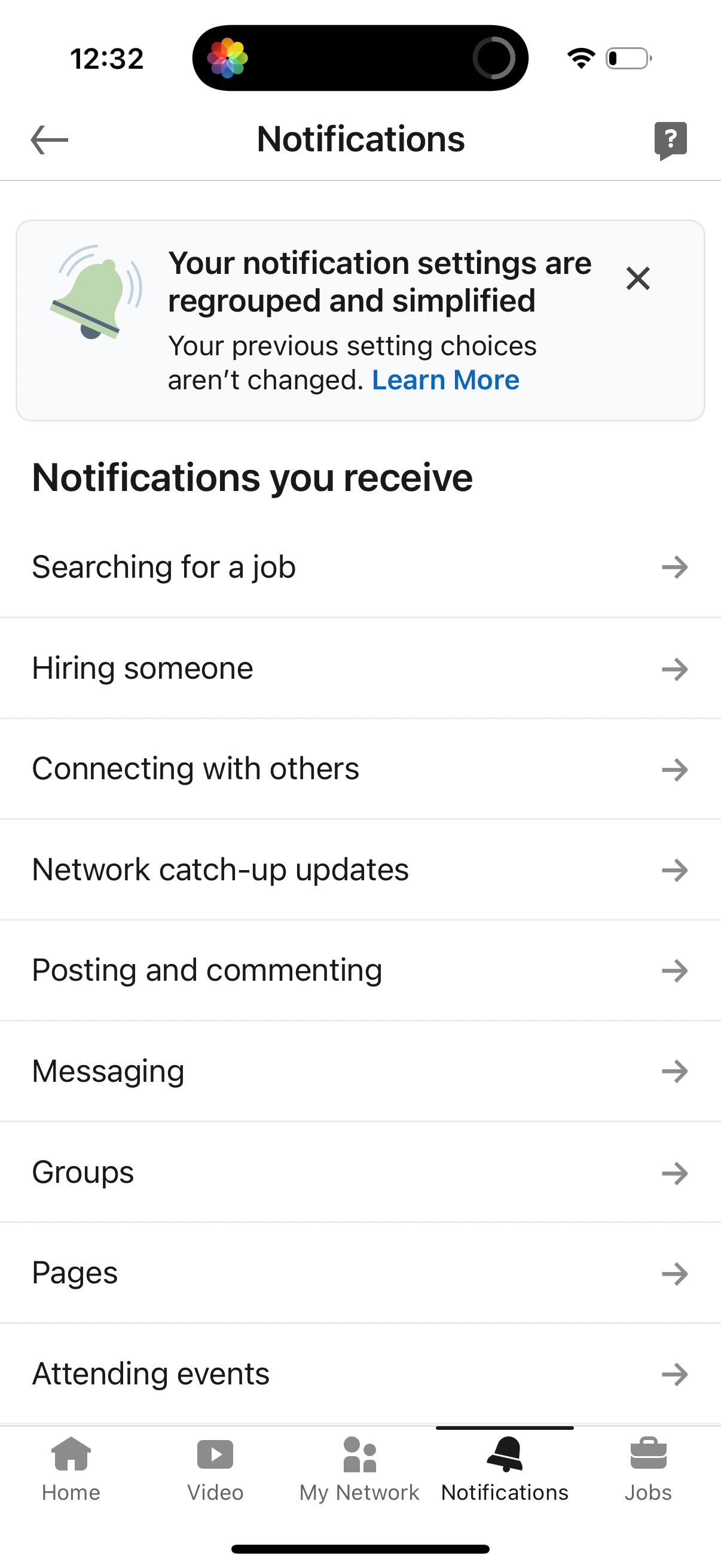
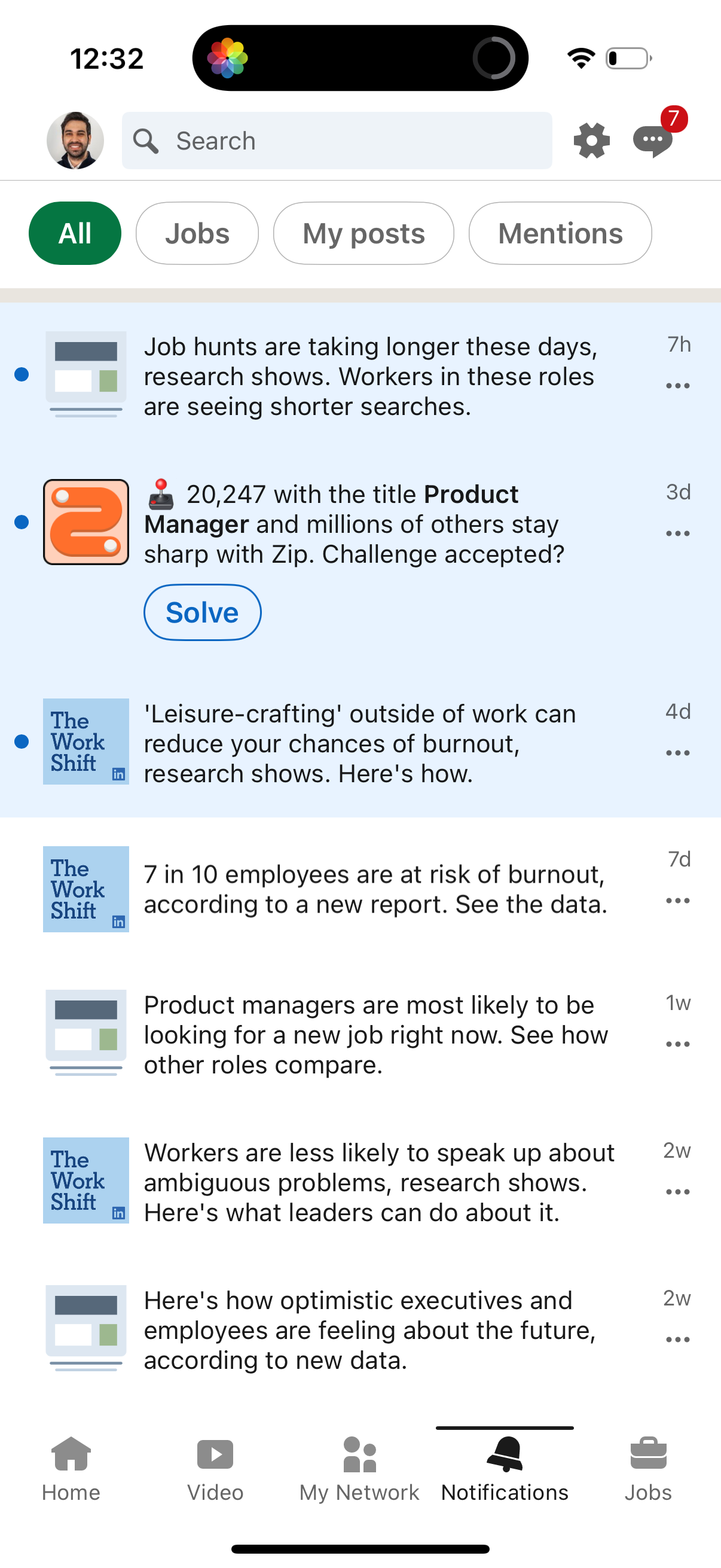
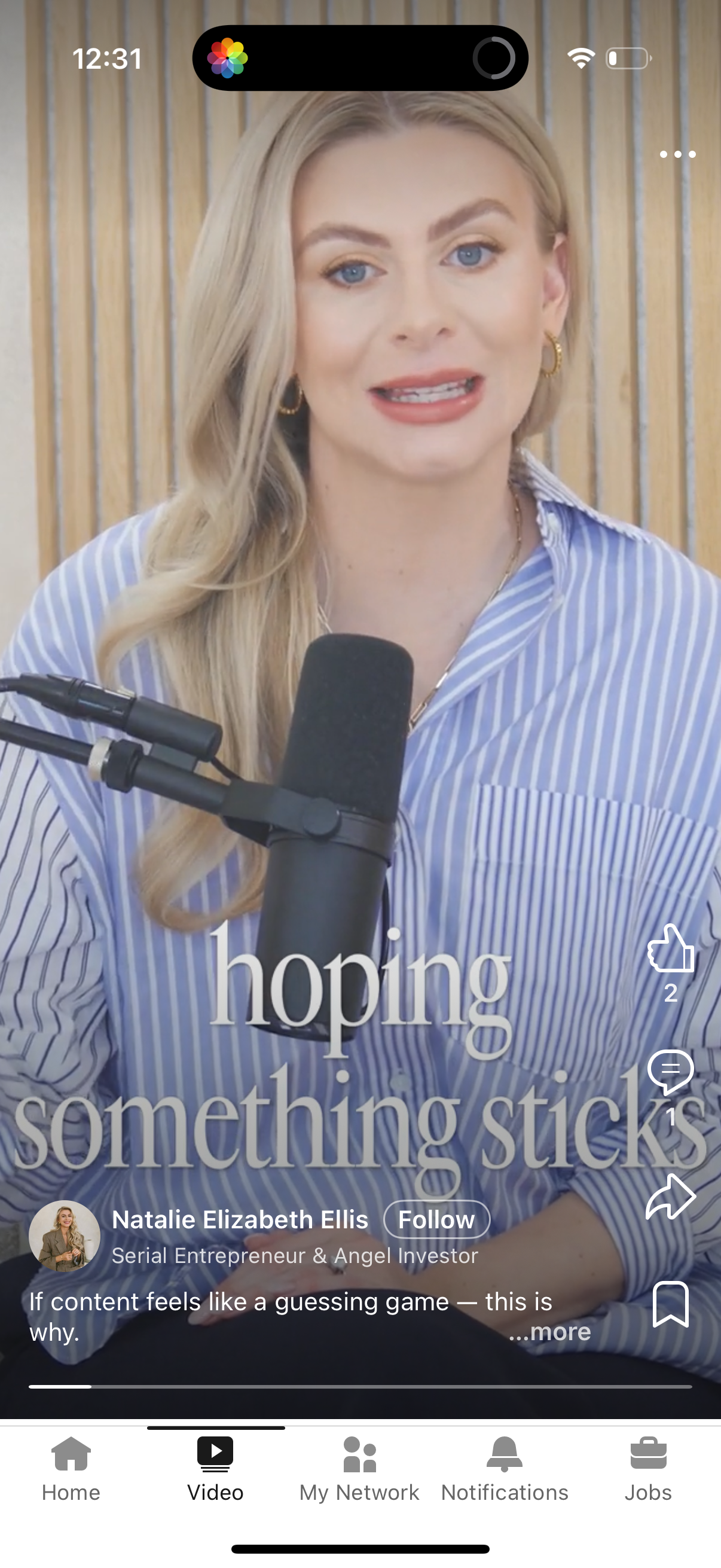
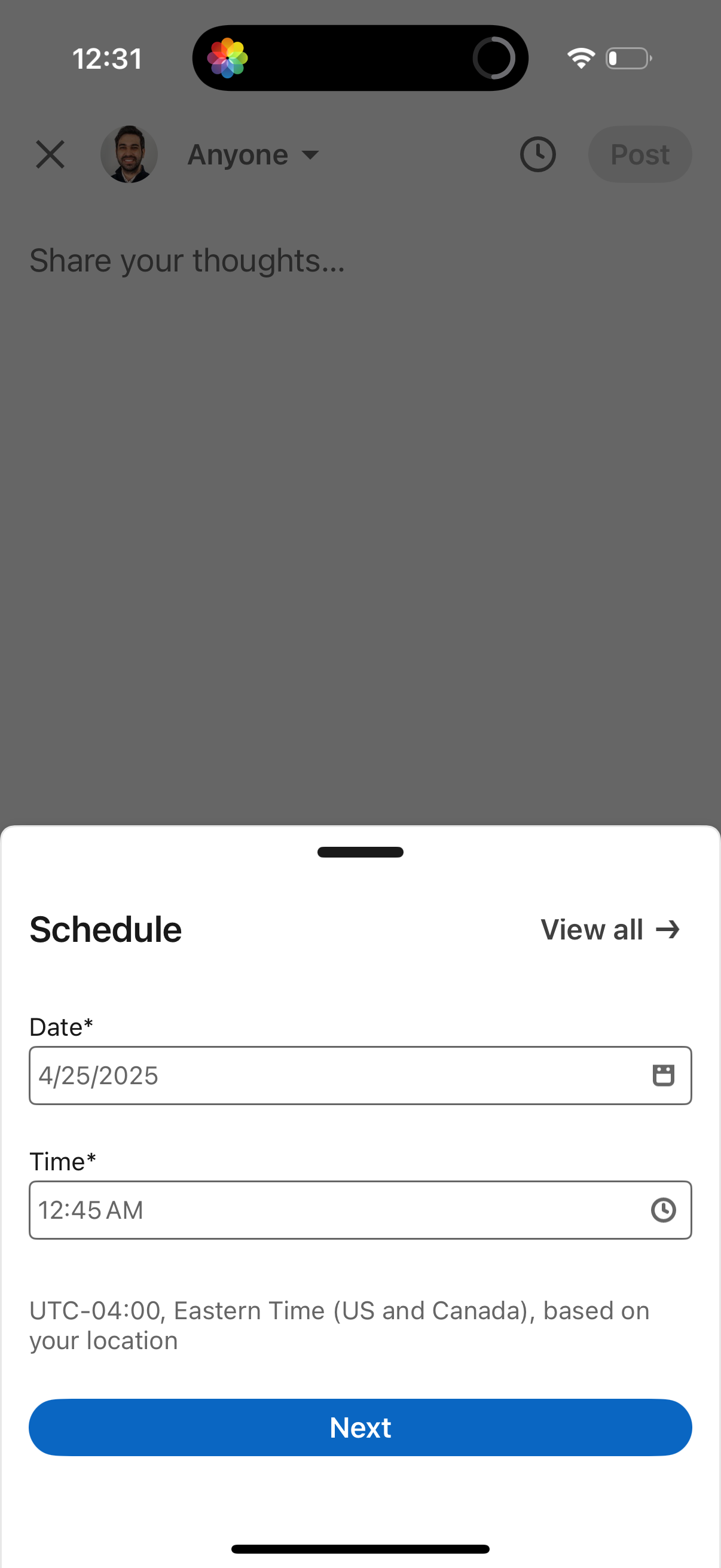
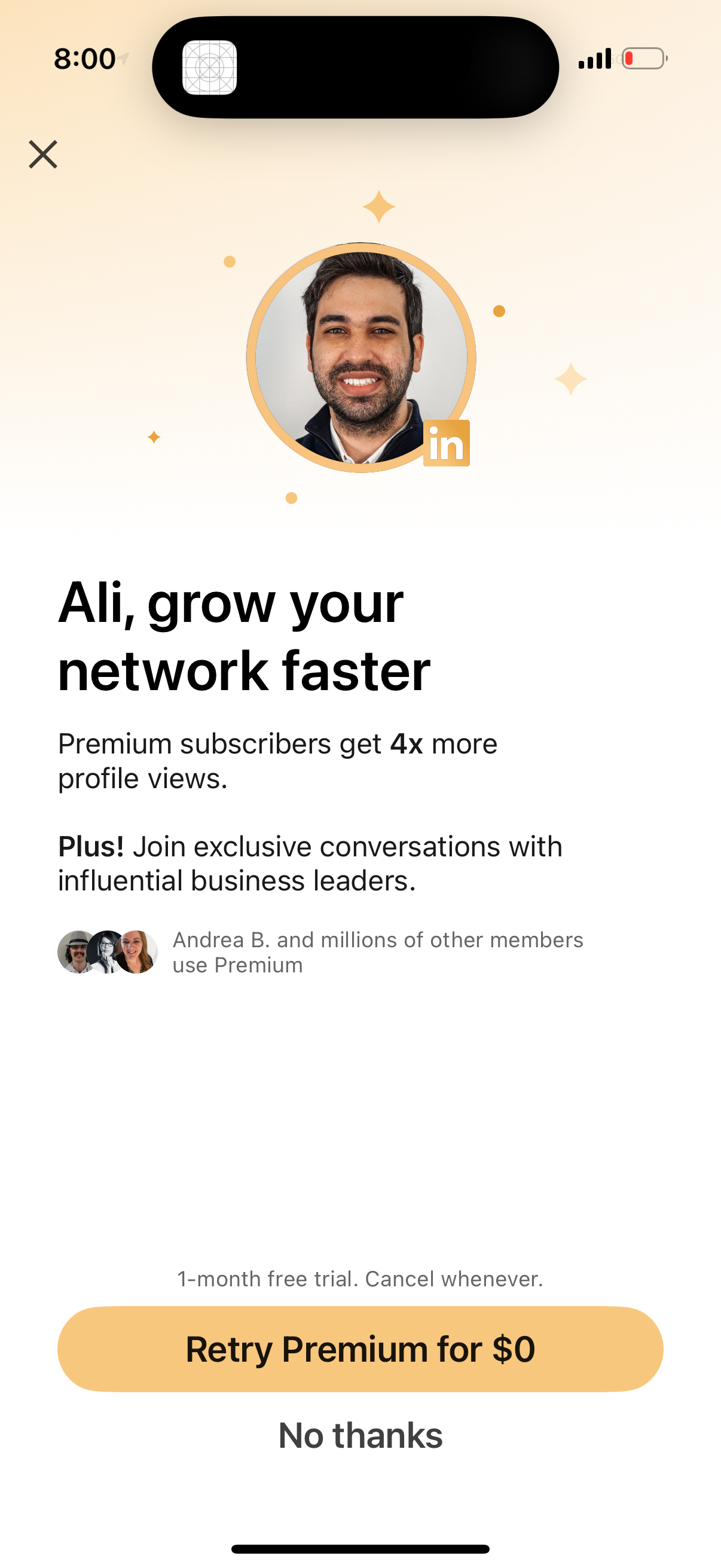
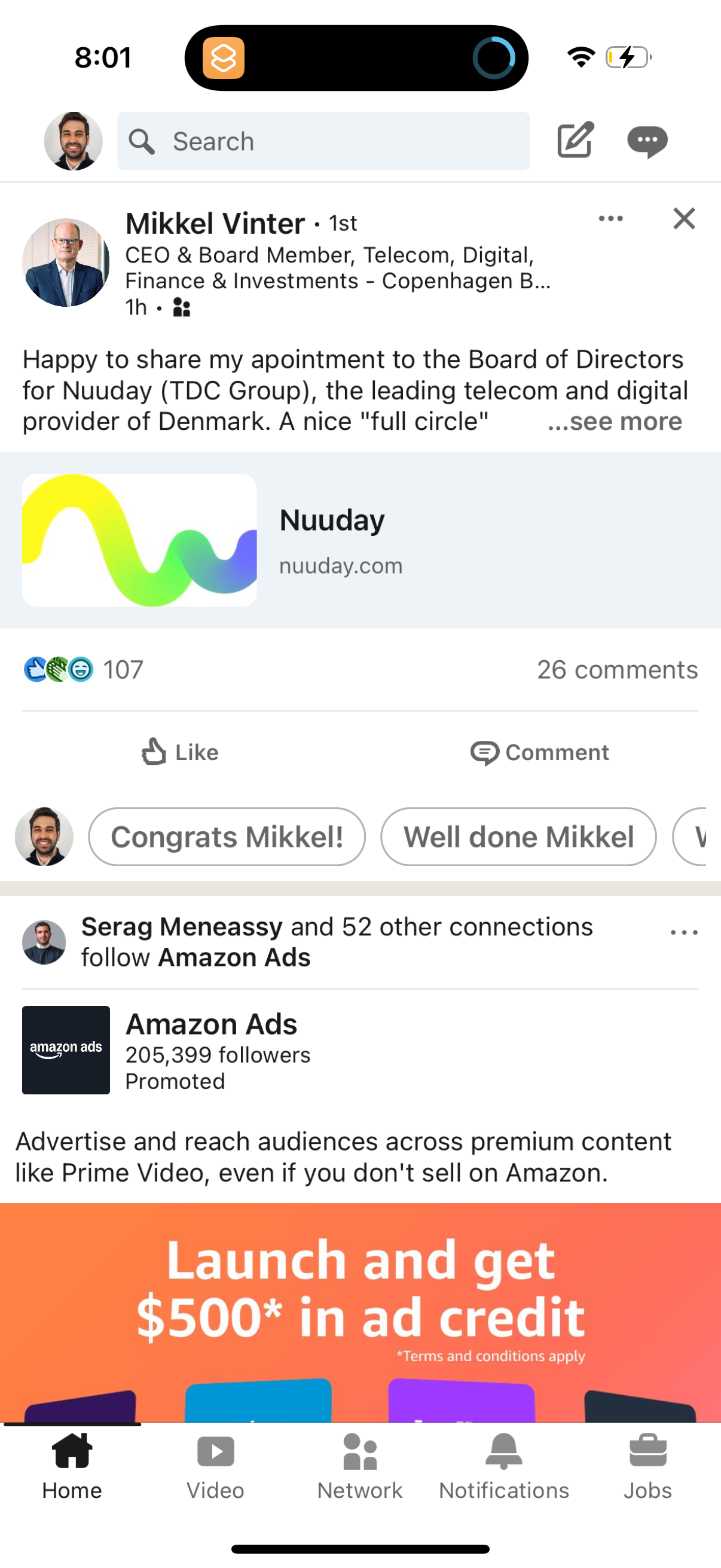
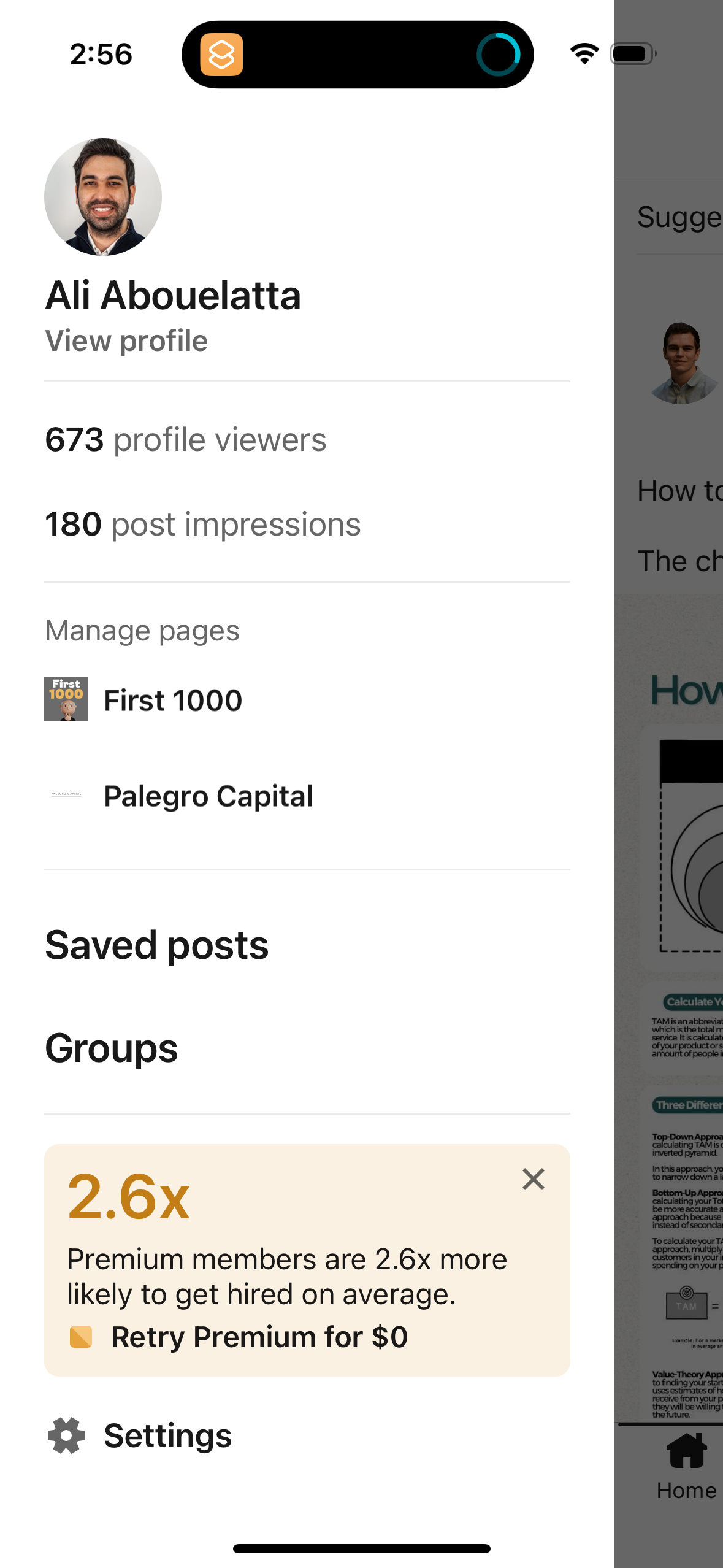
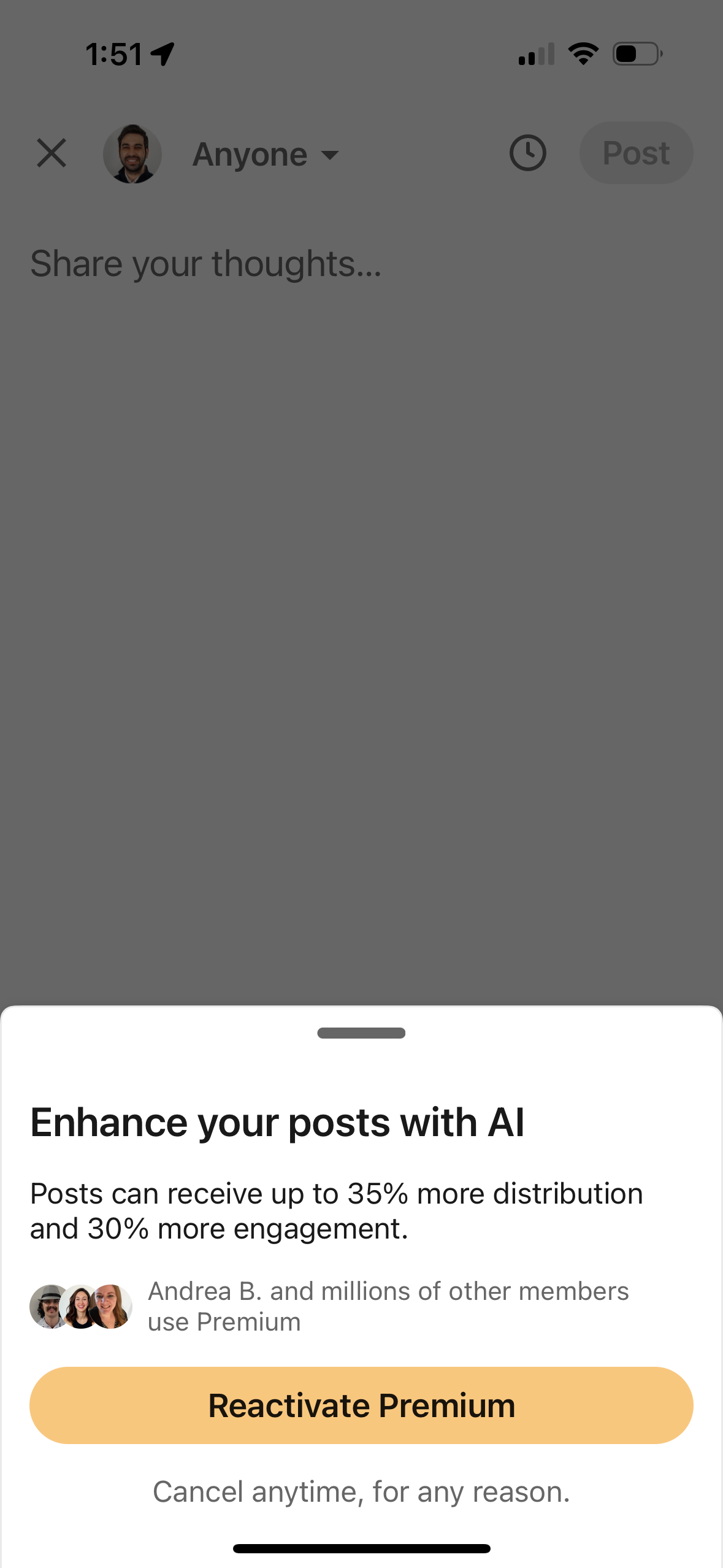
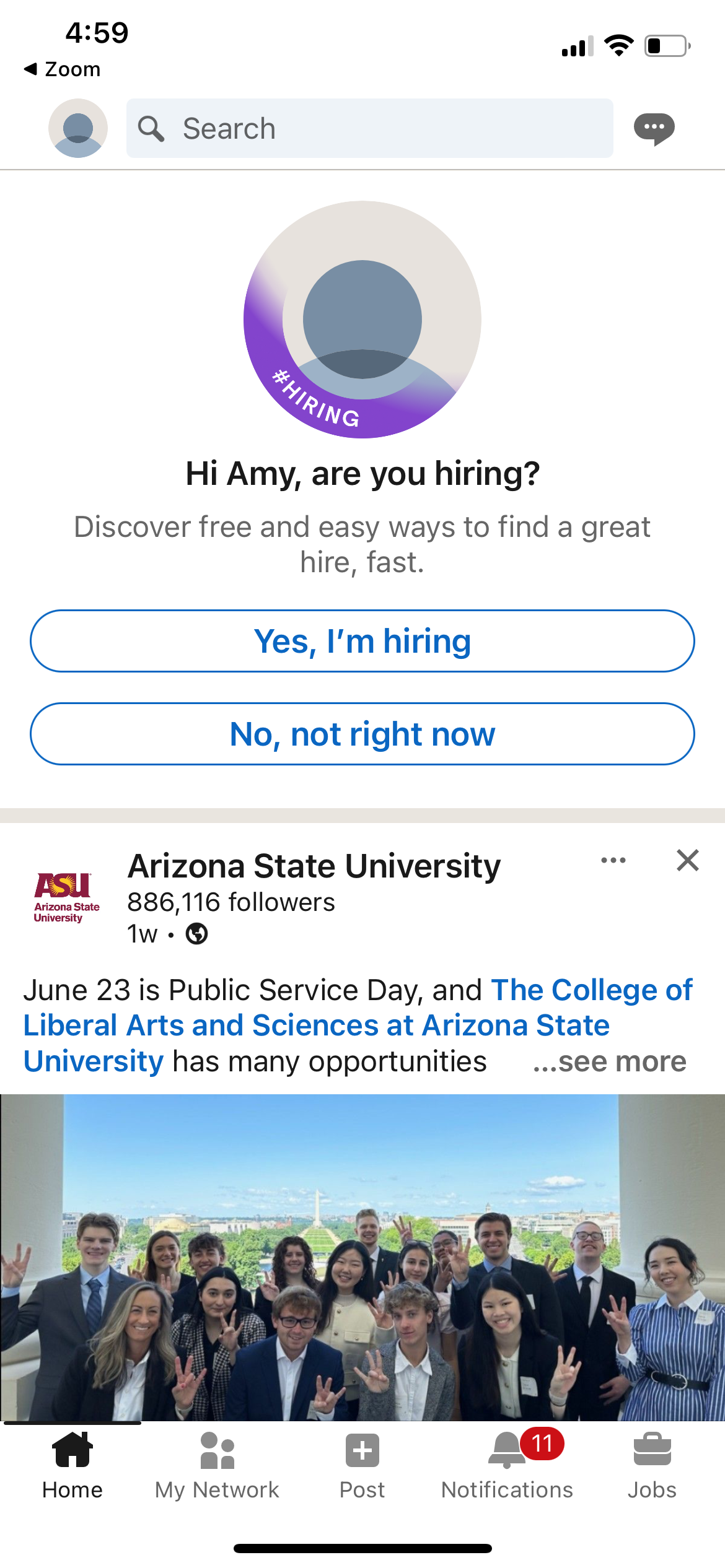
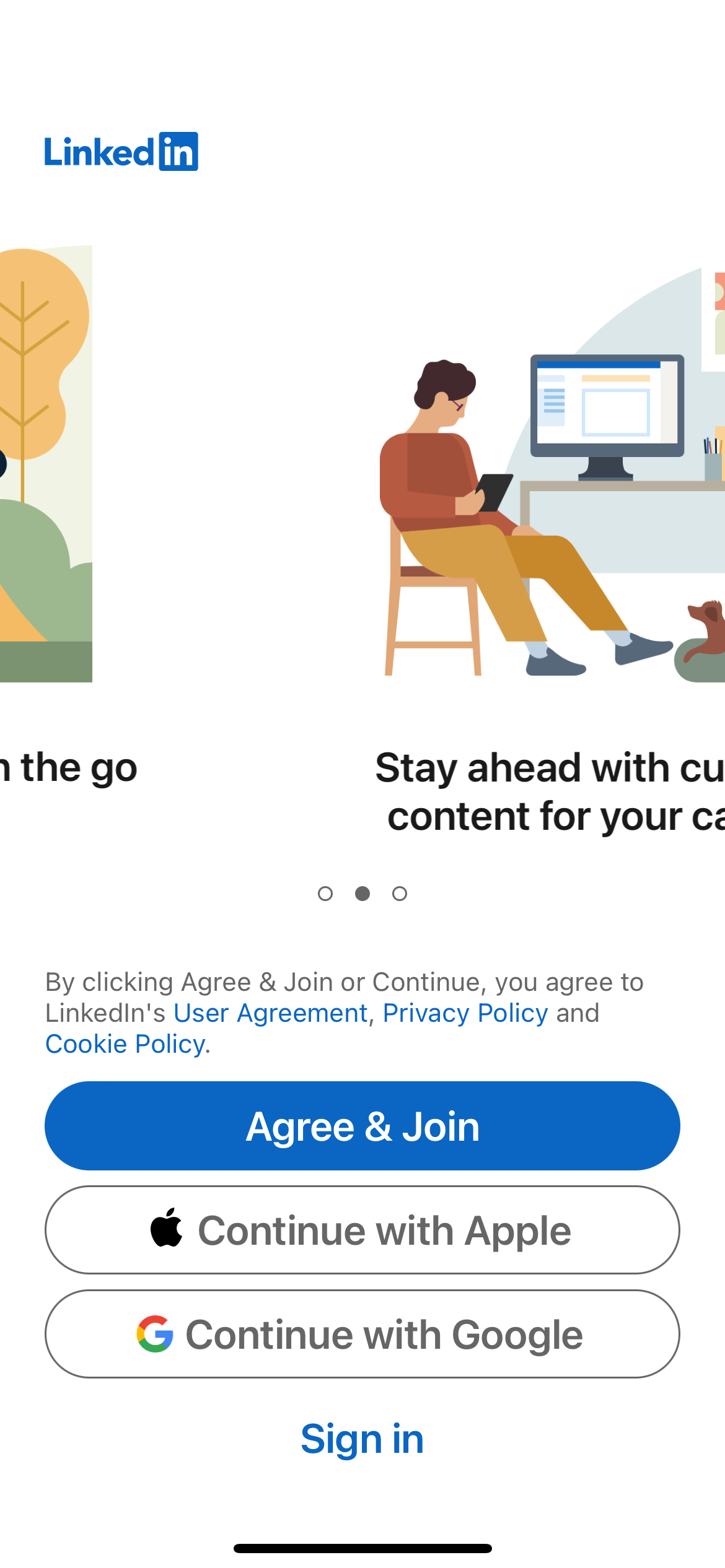
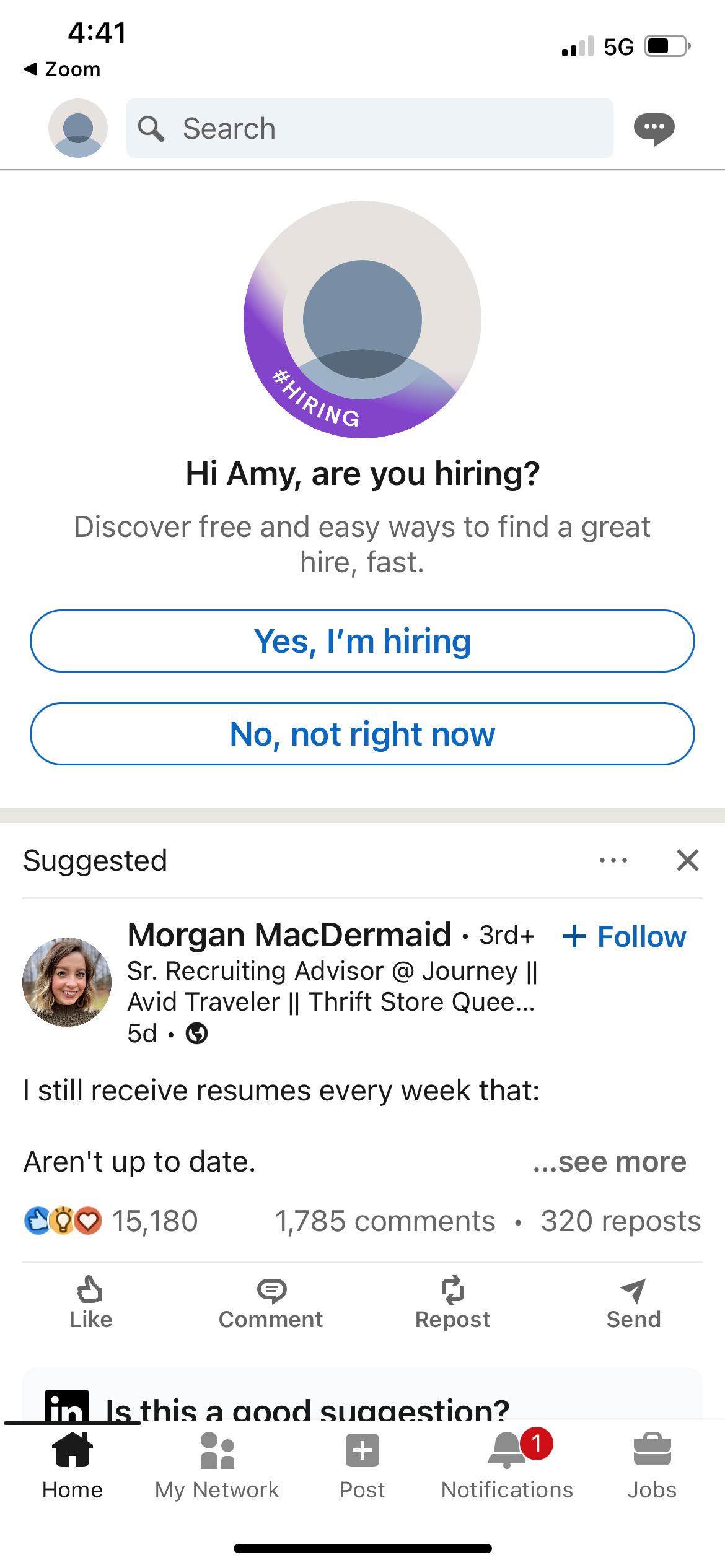
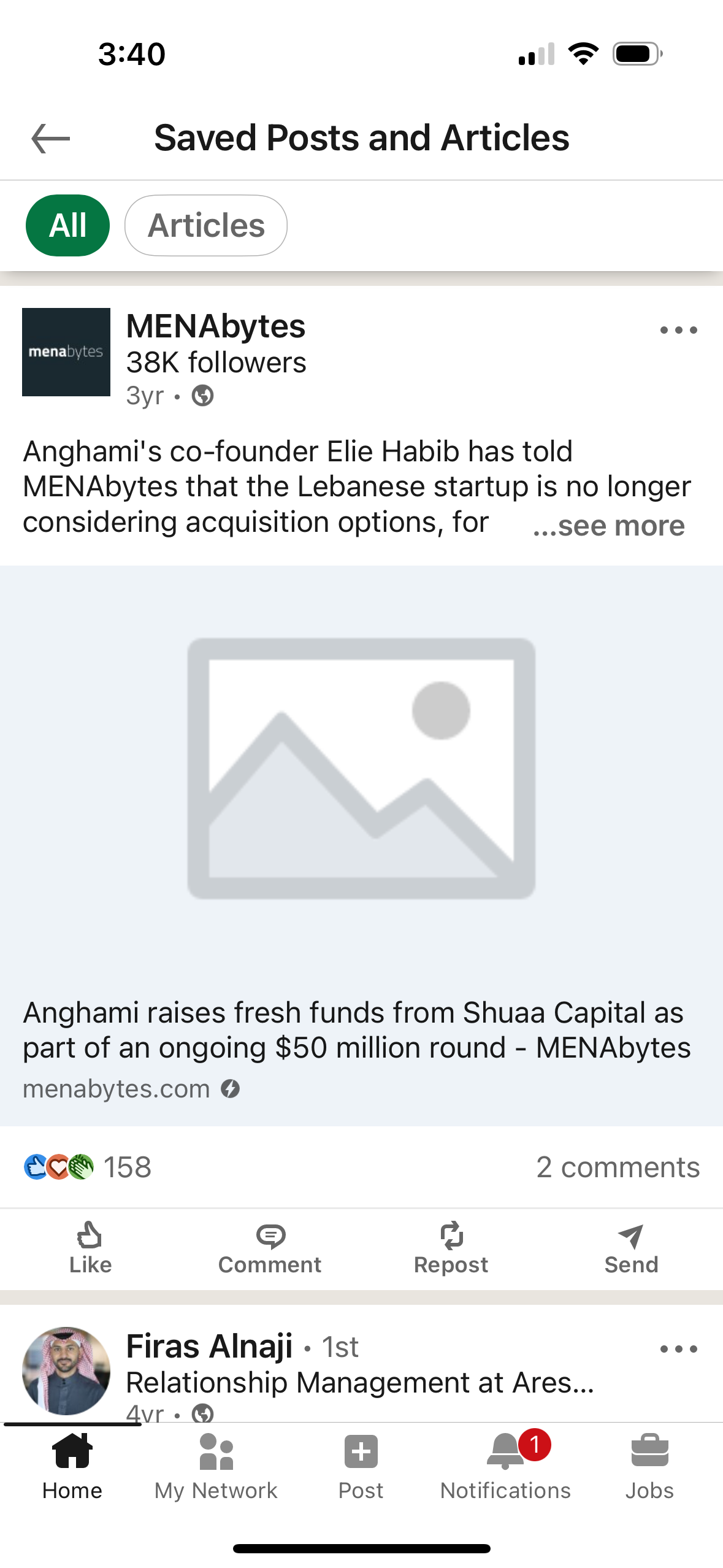
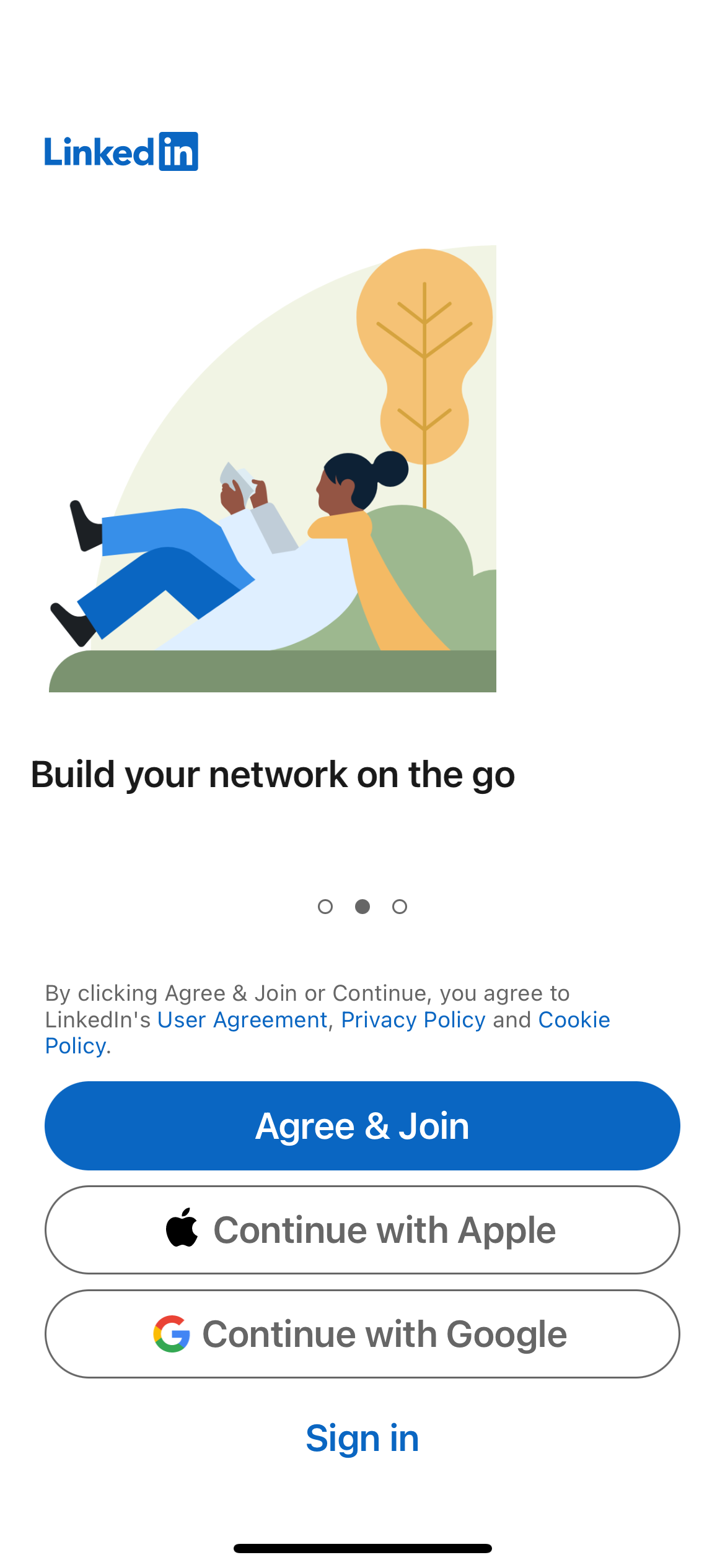
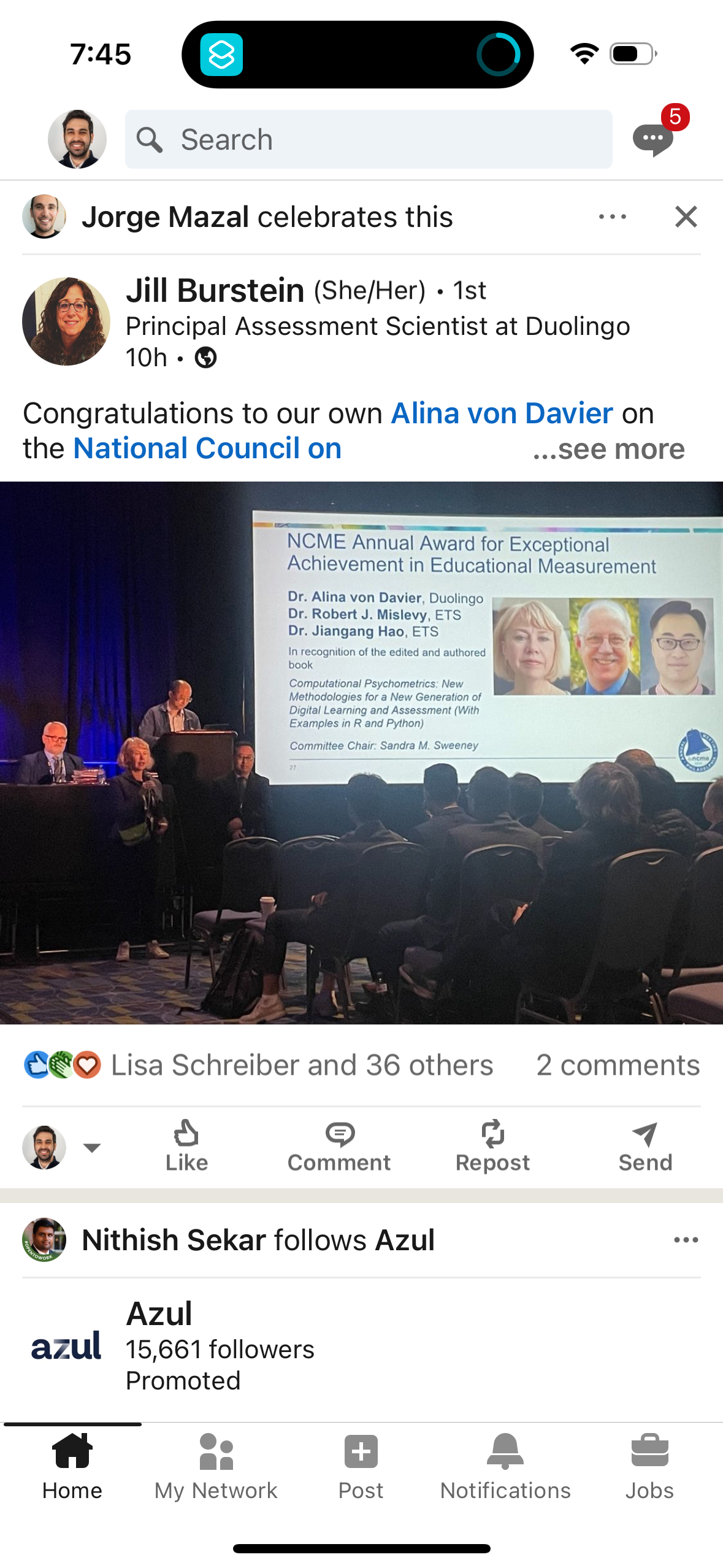
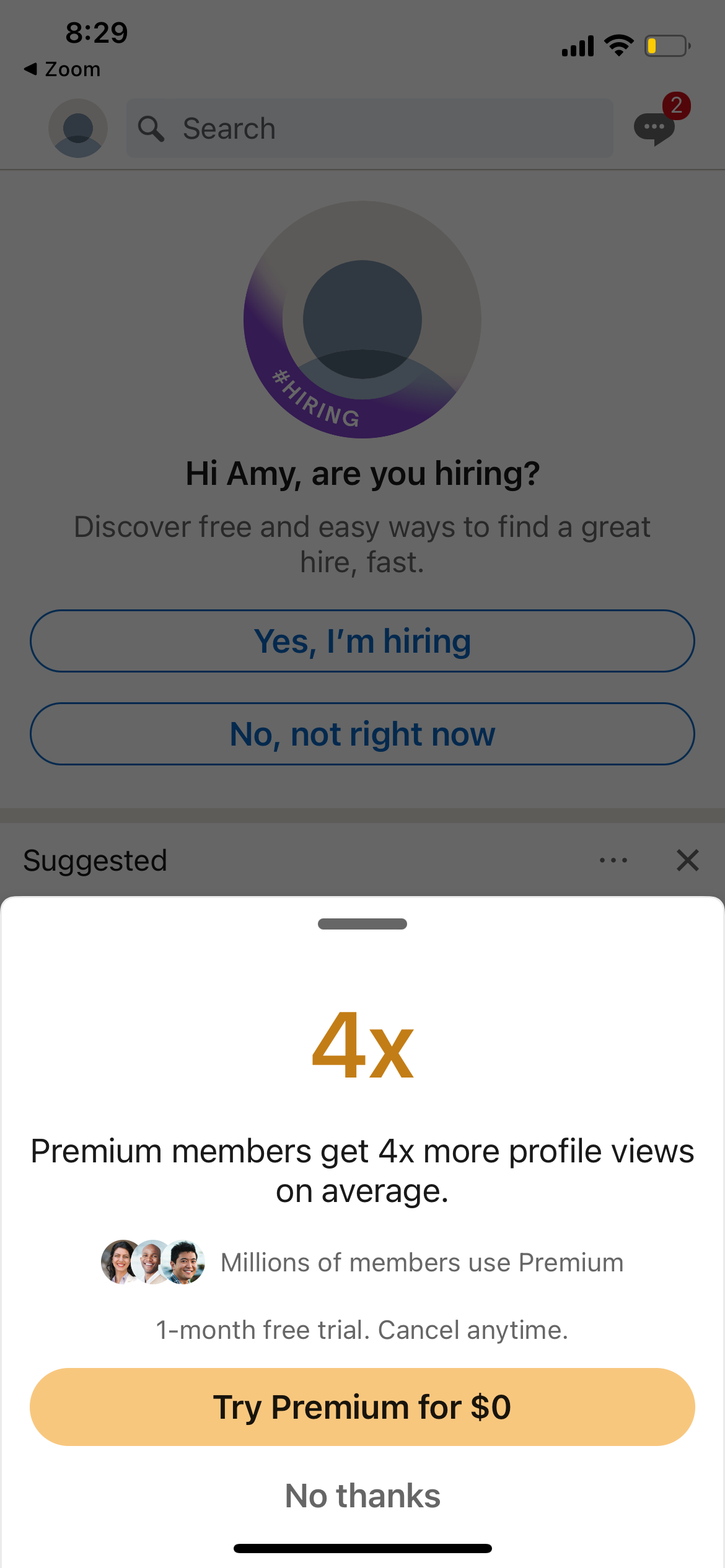
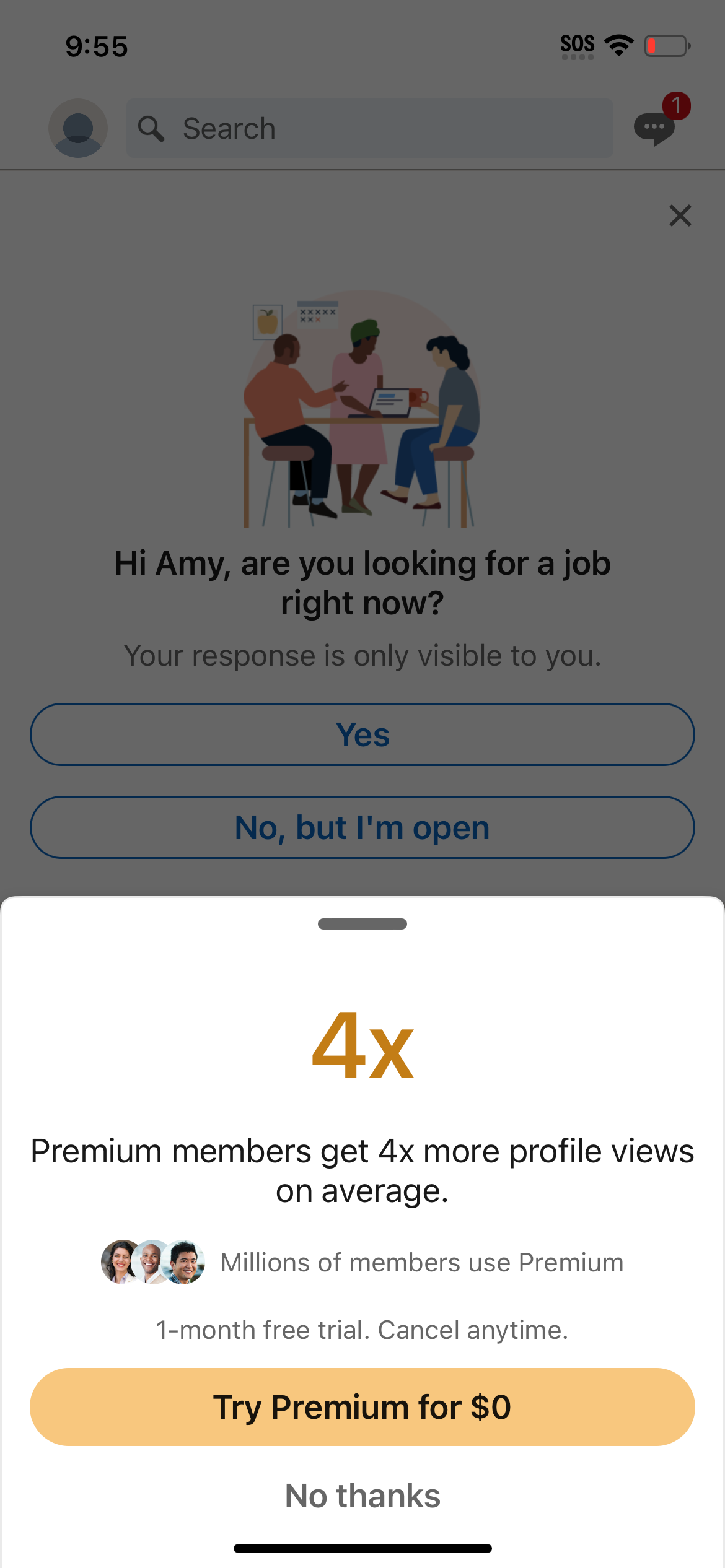
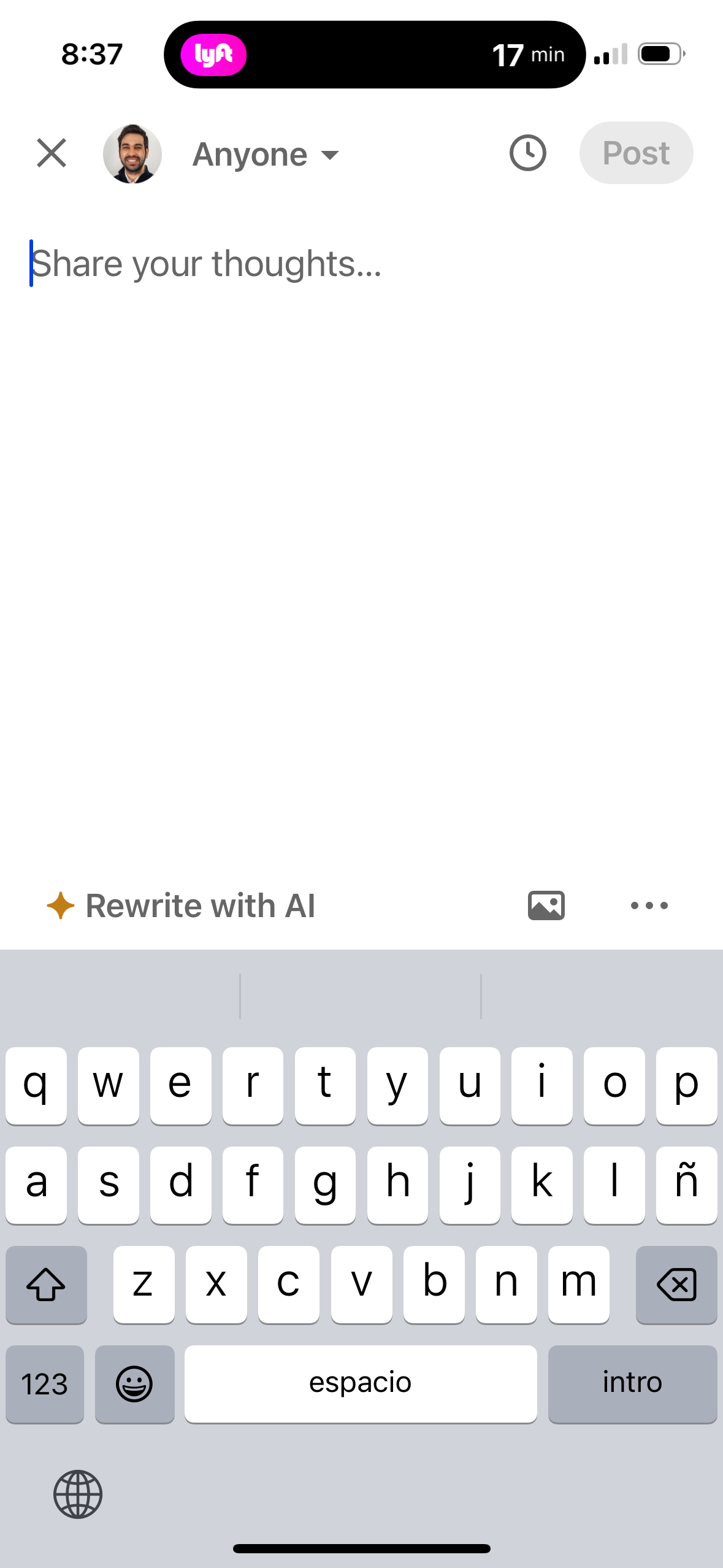
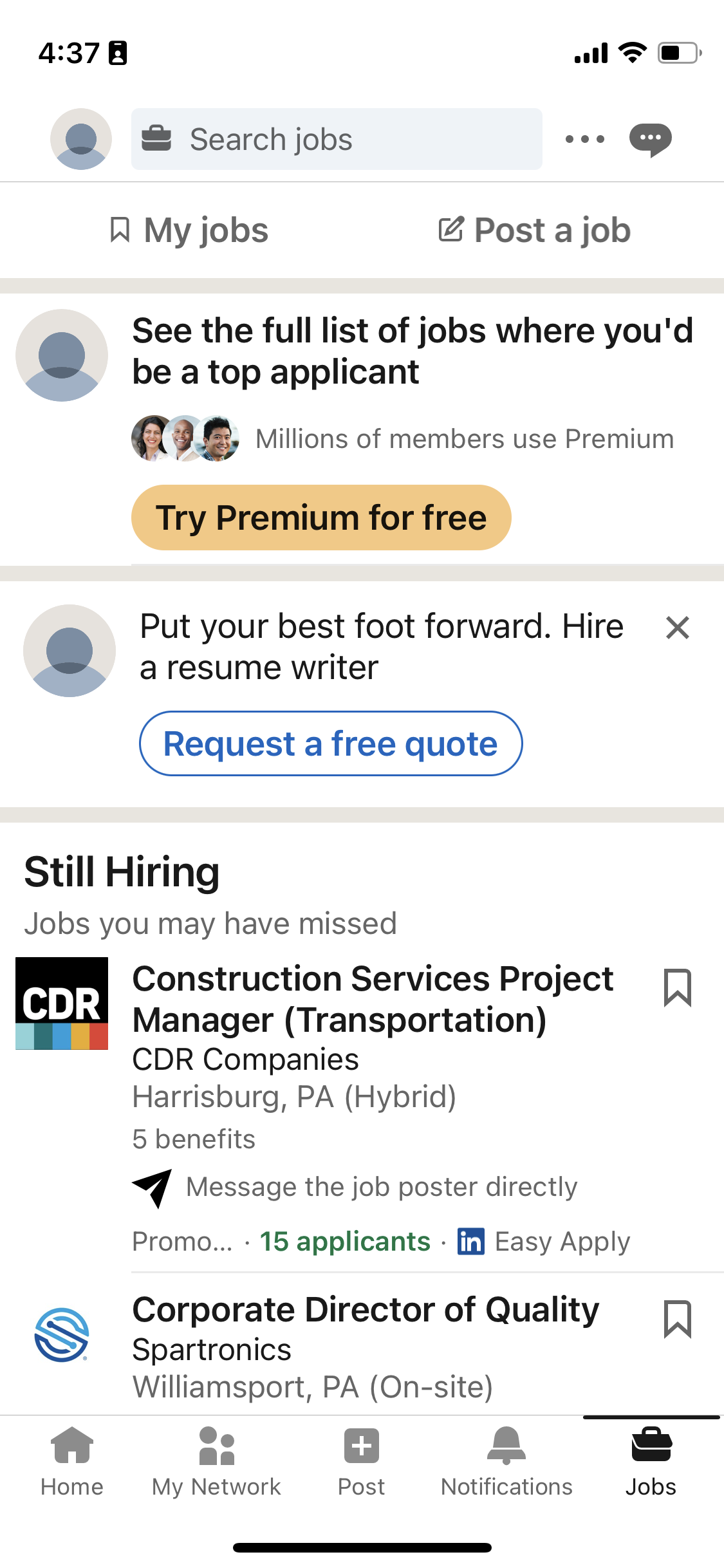
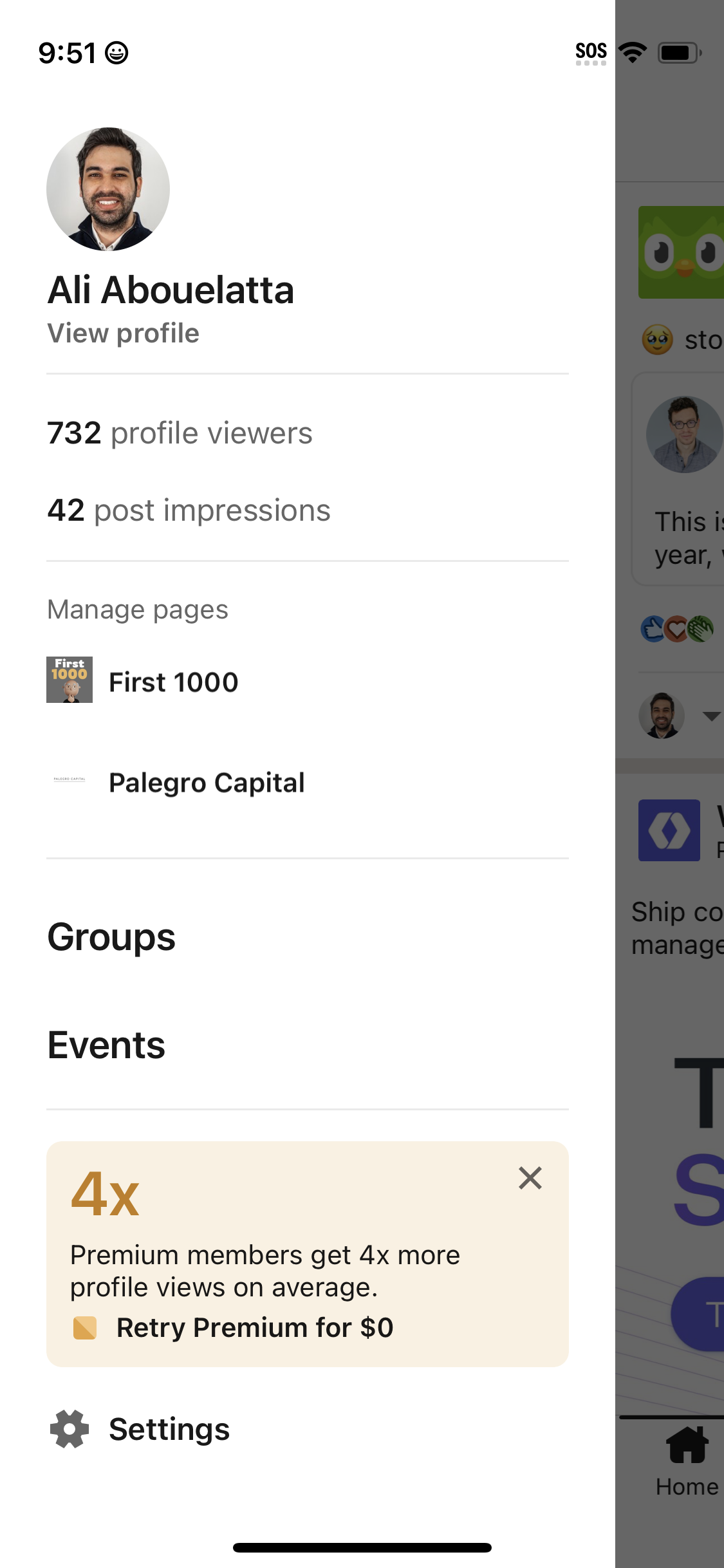
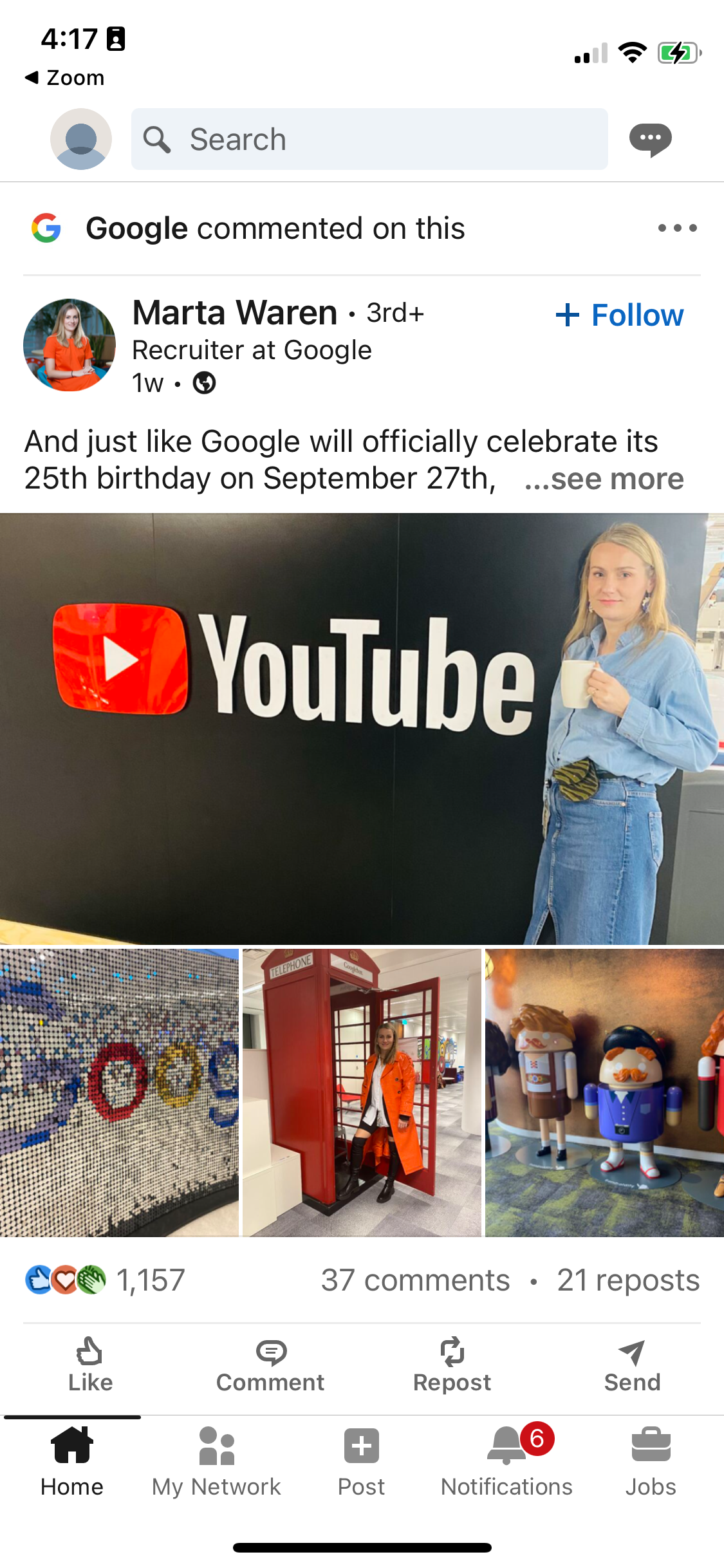
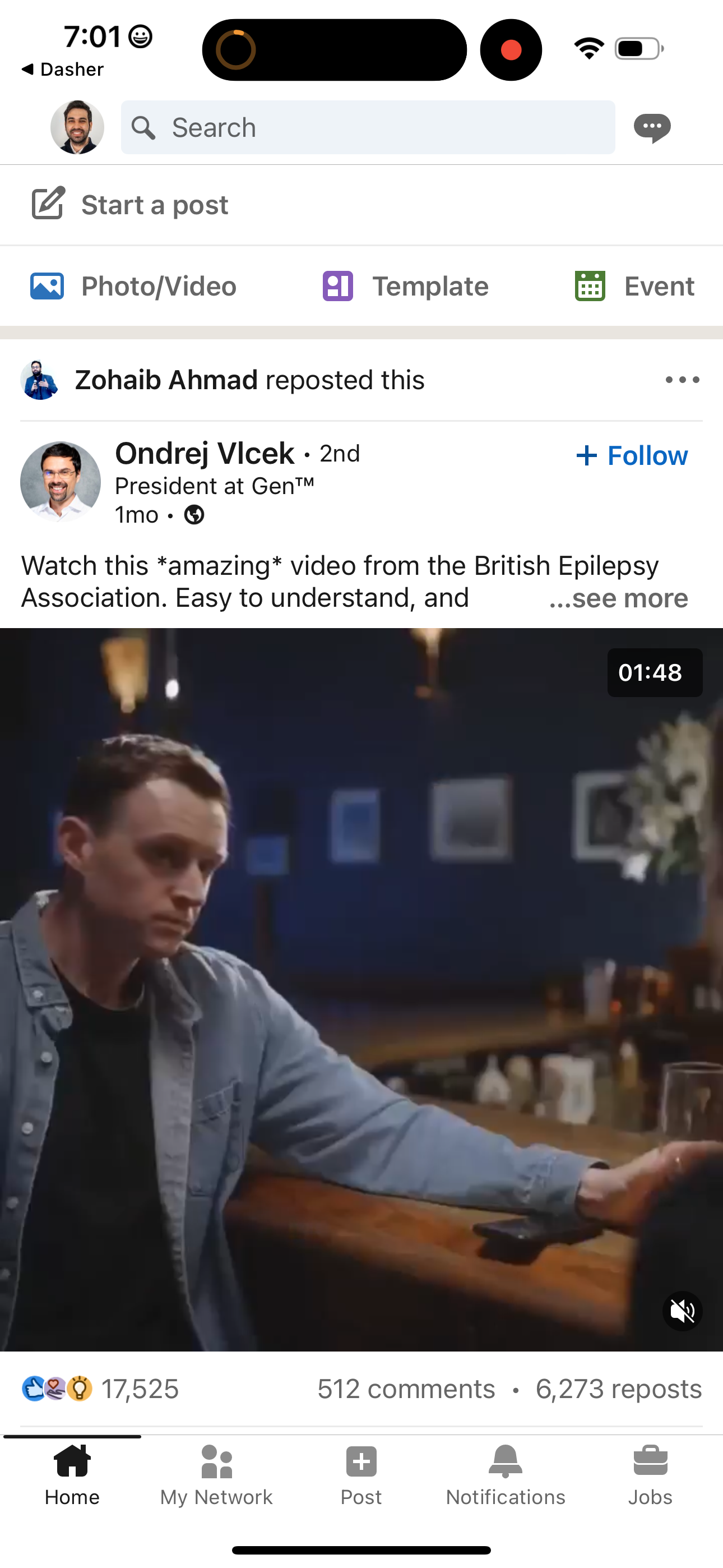
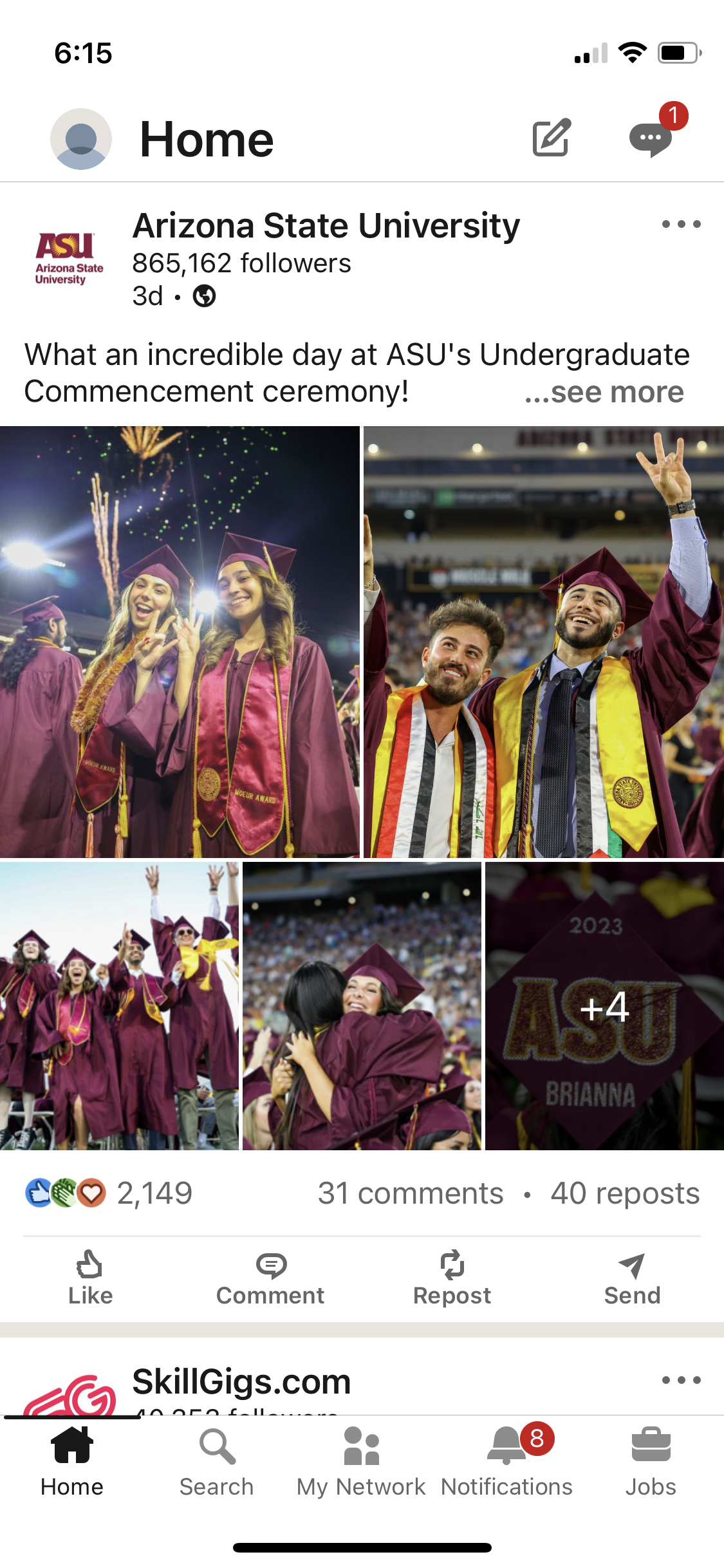
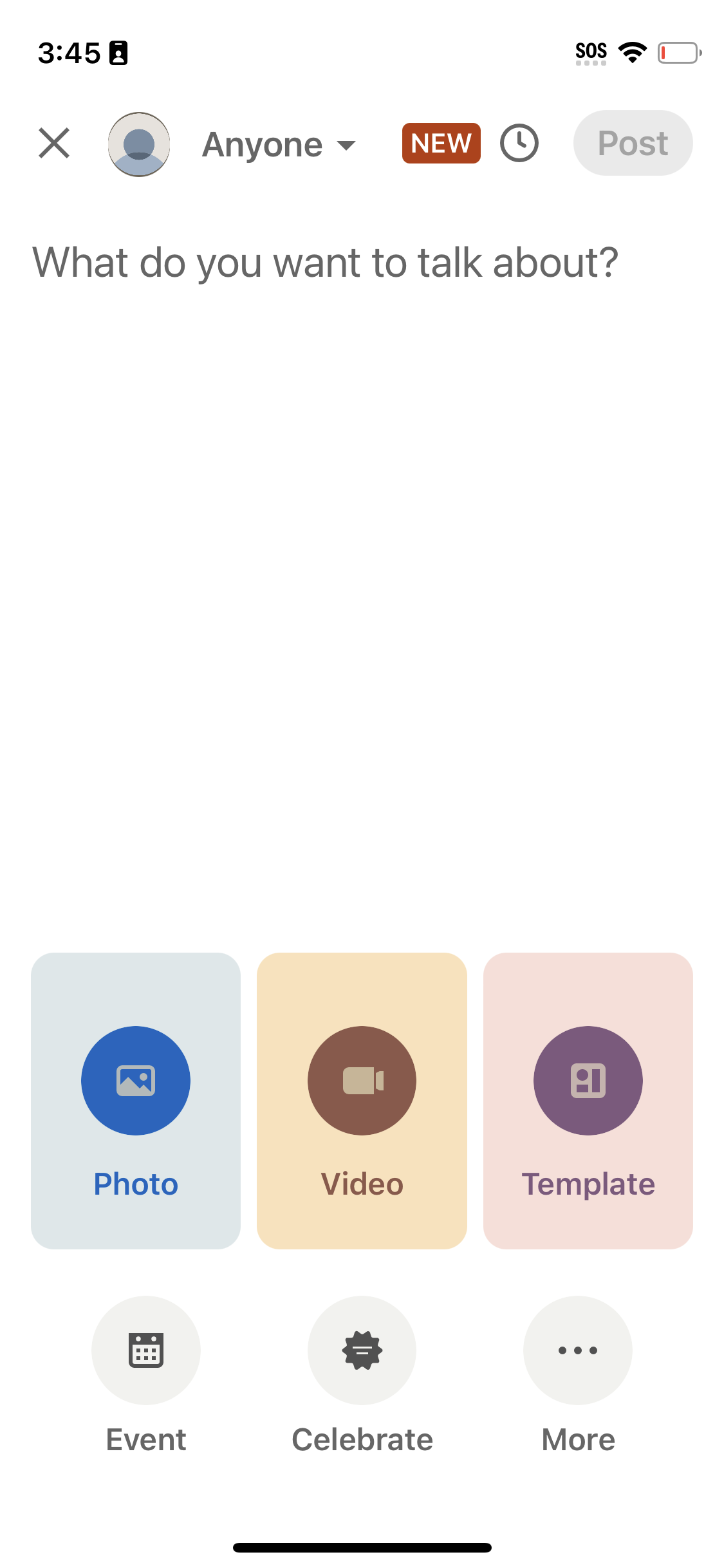
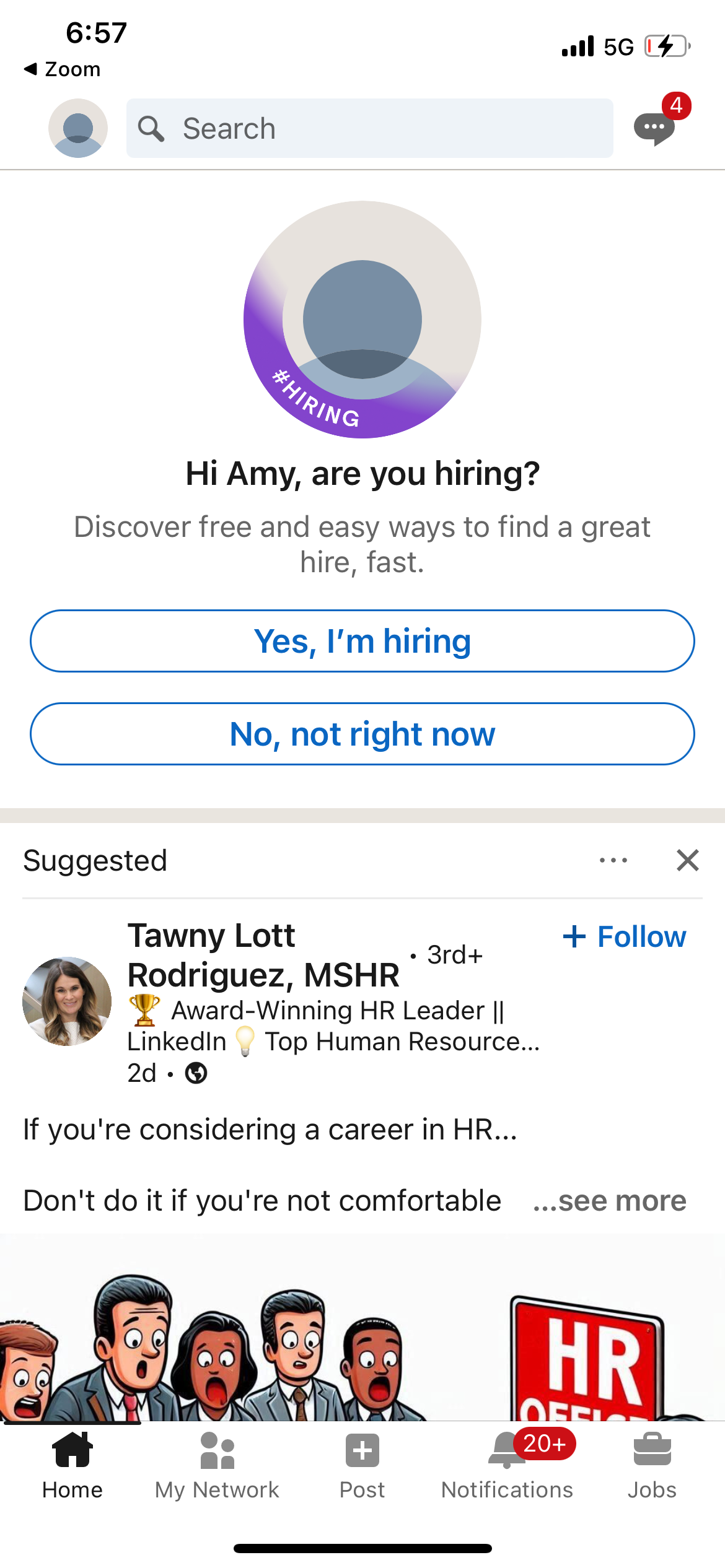
linkedin app screenshot 3
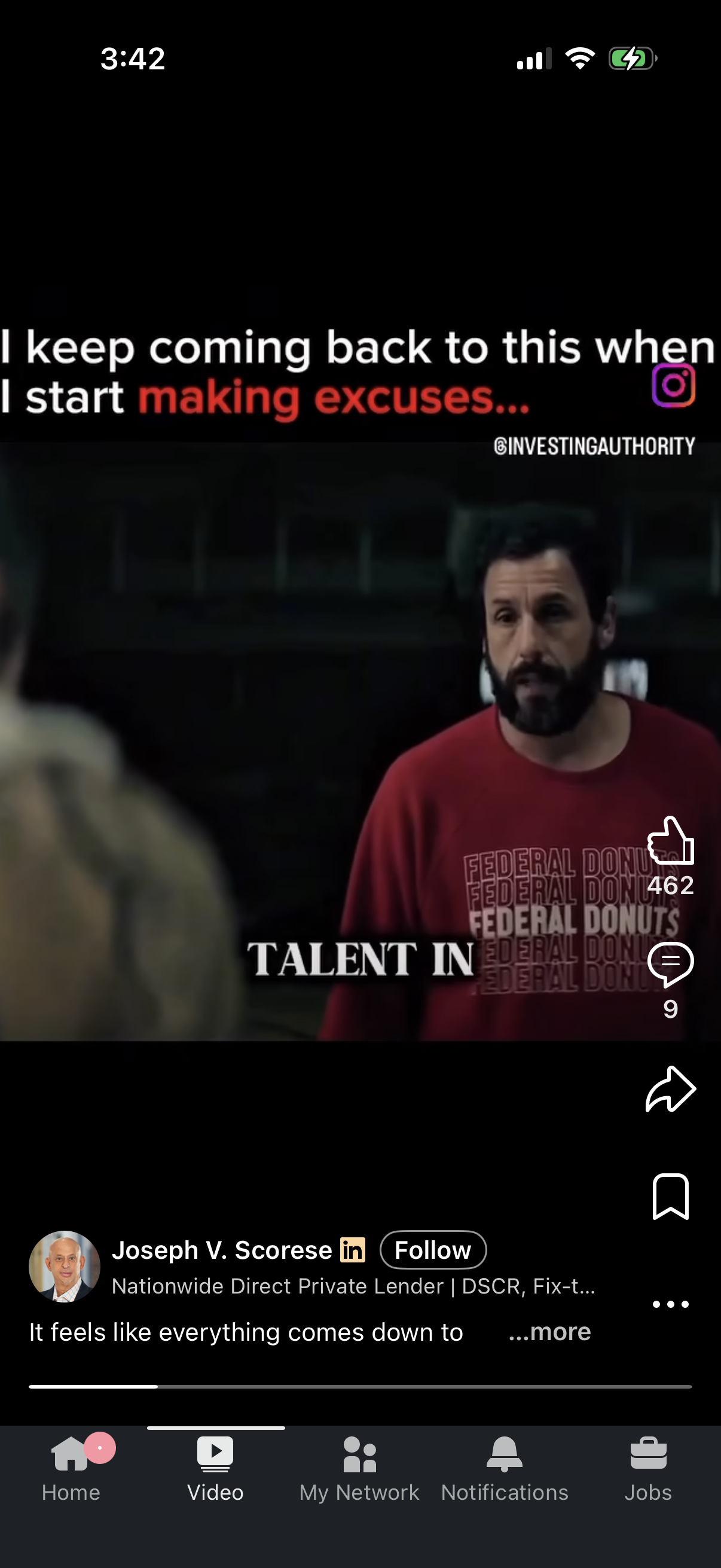
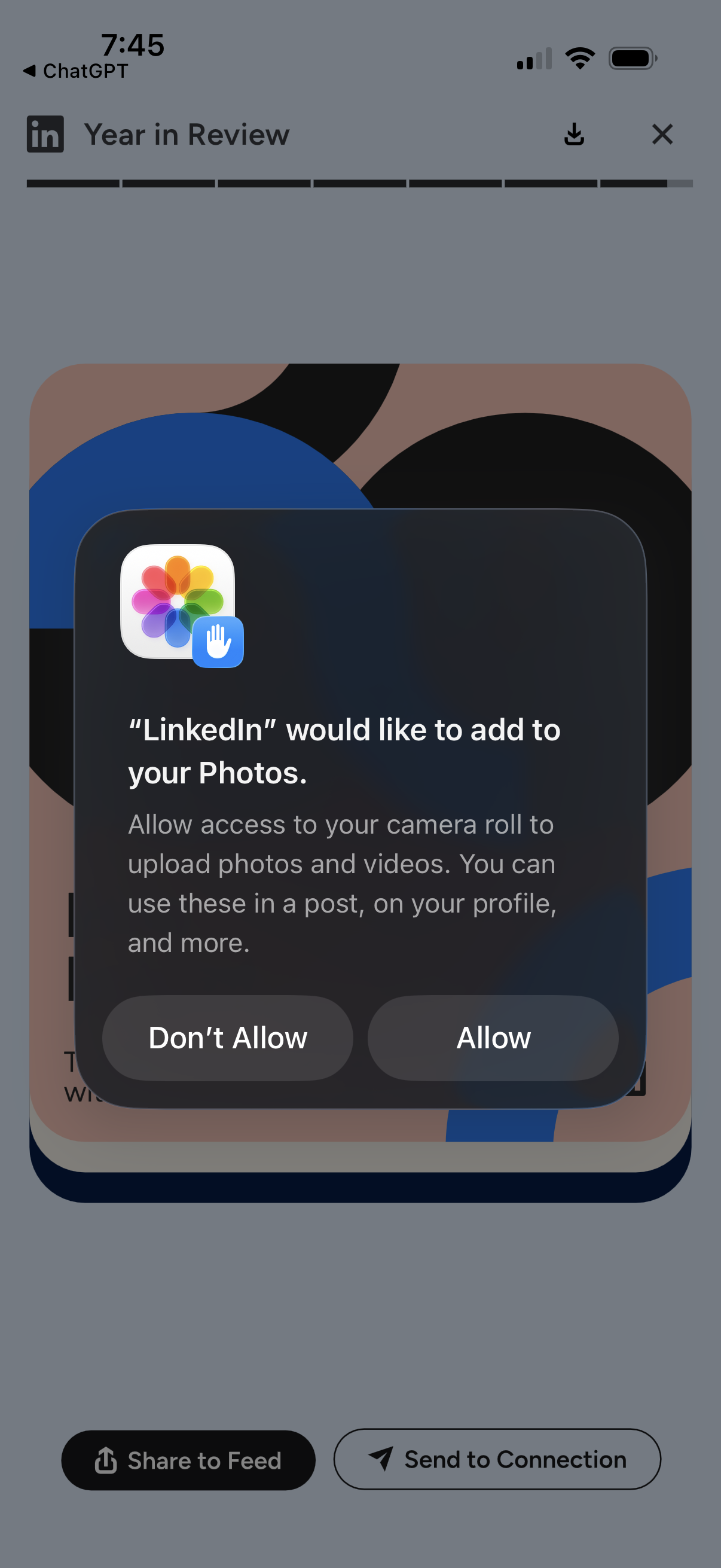
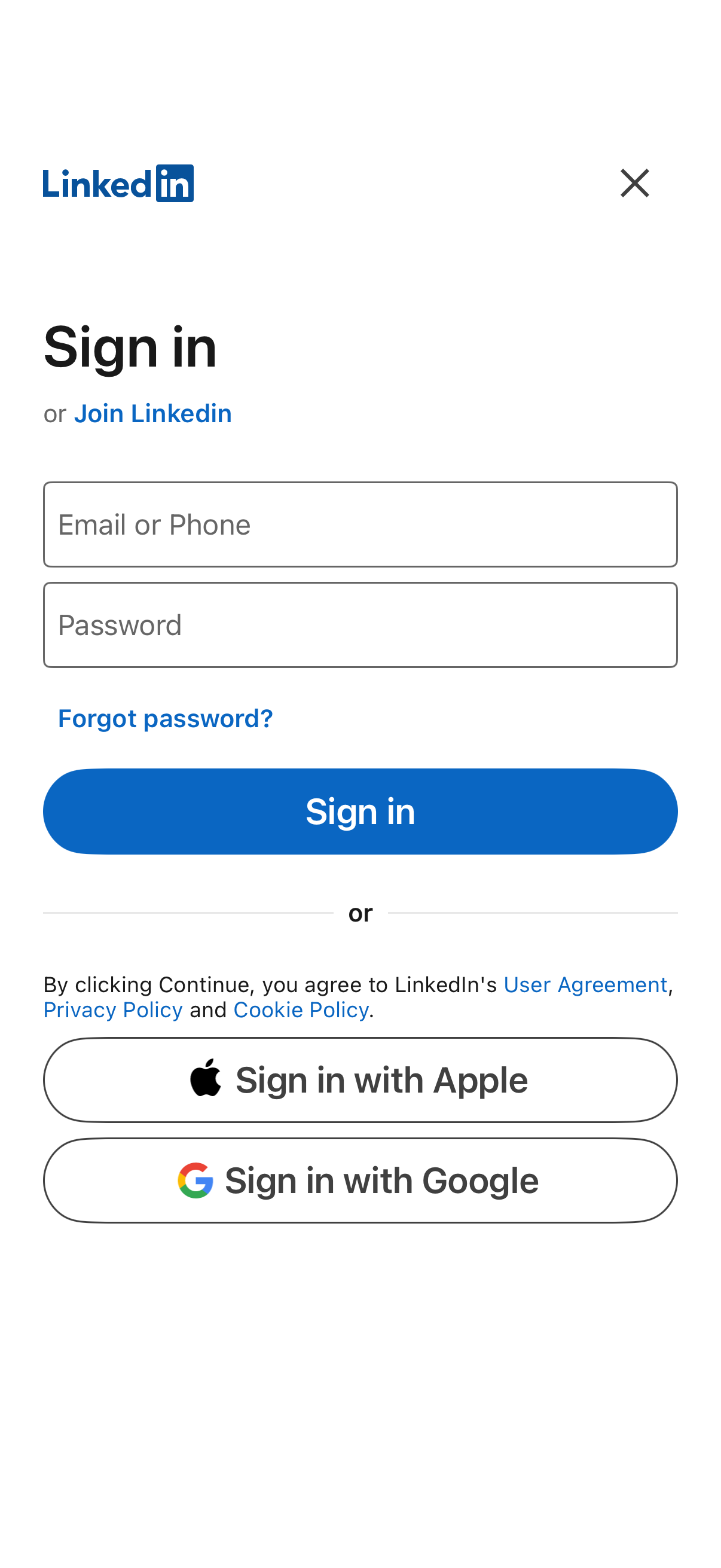
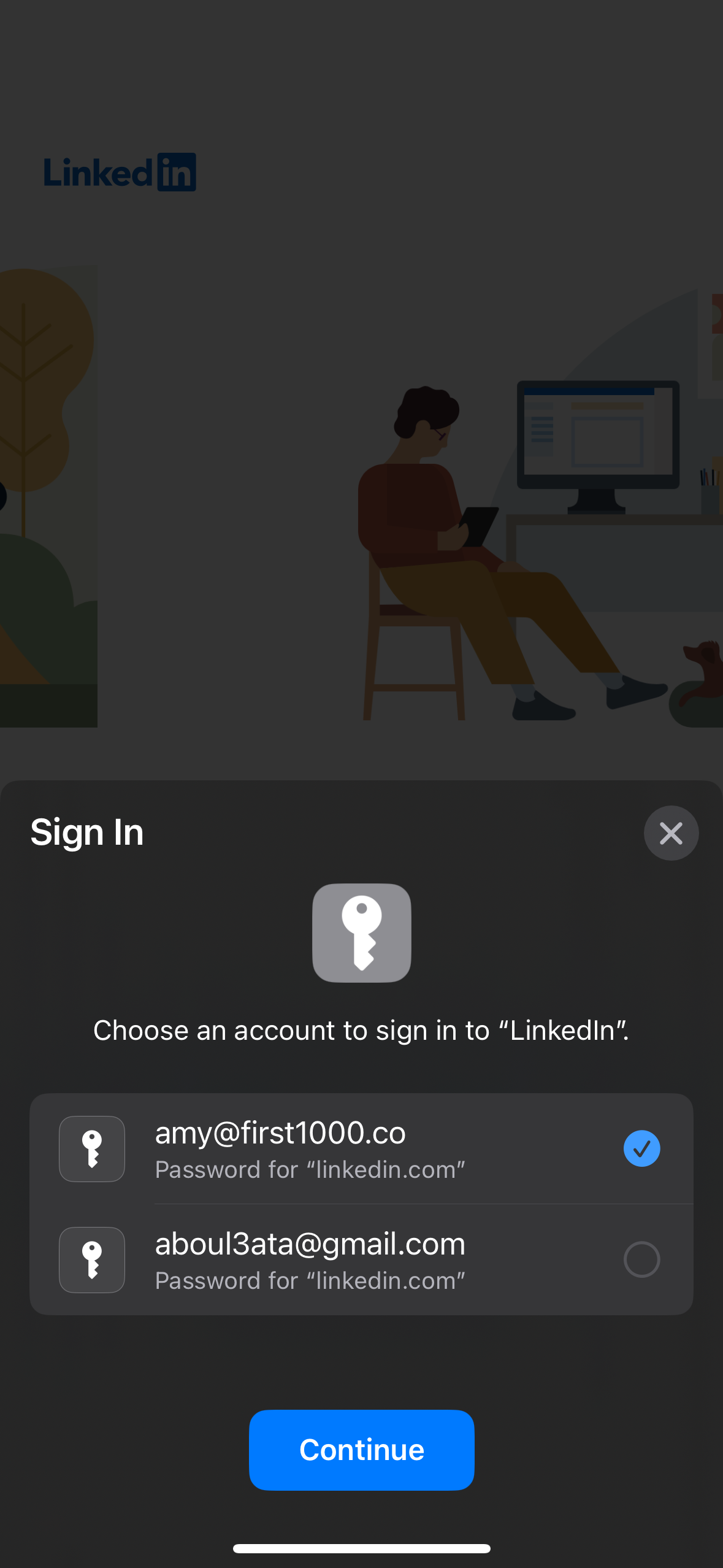
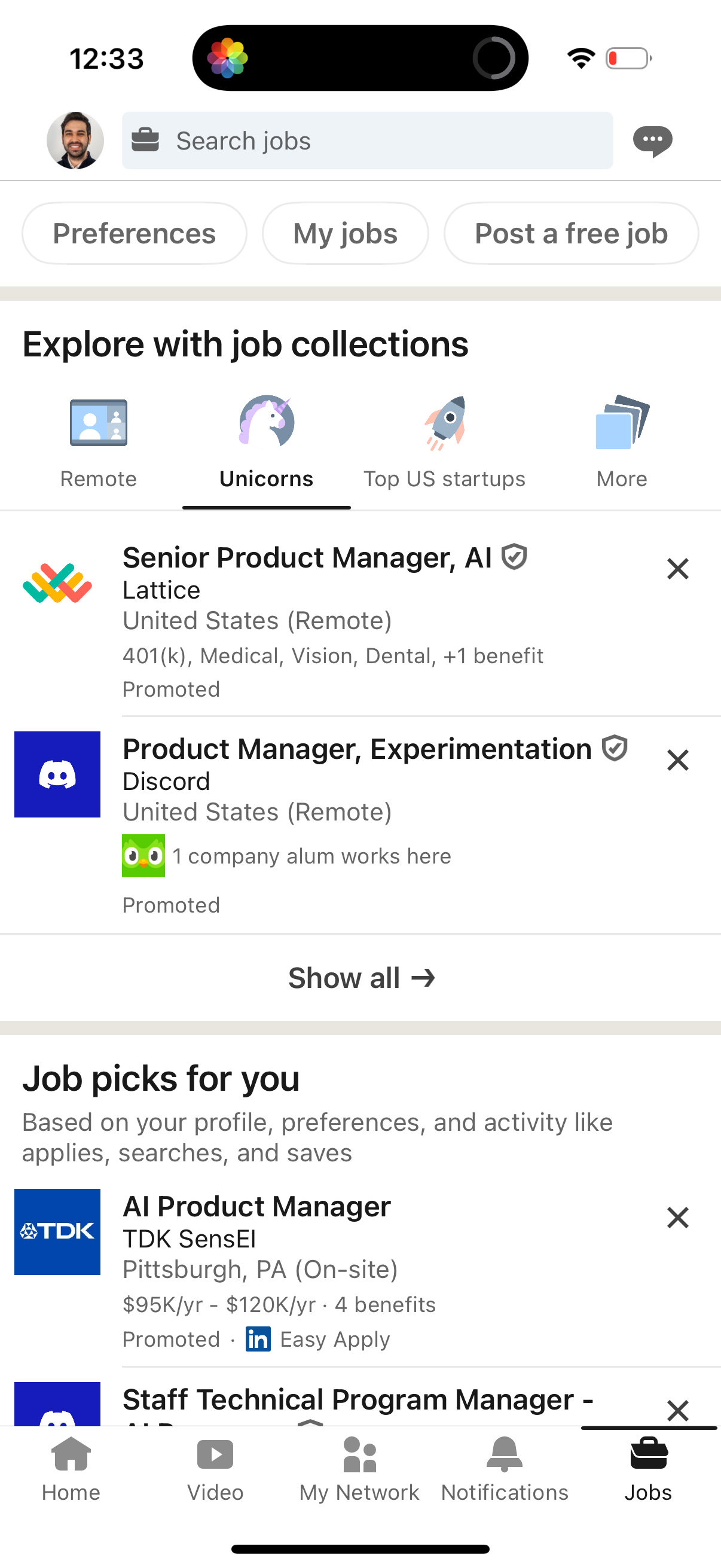
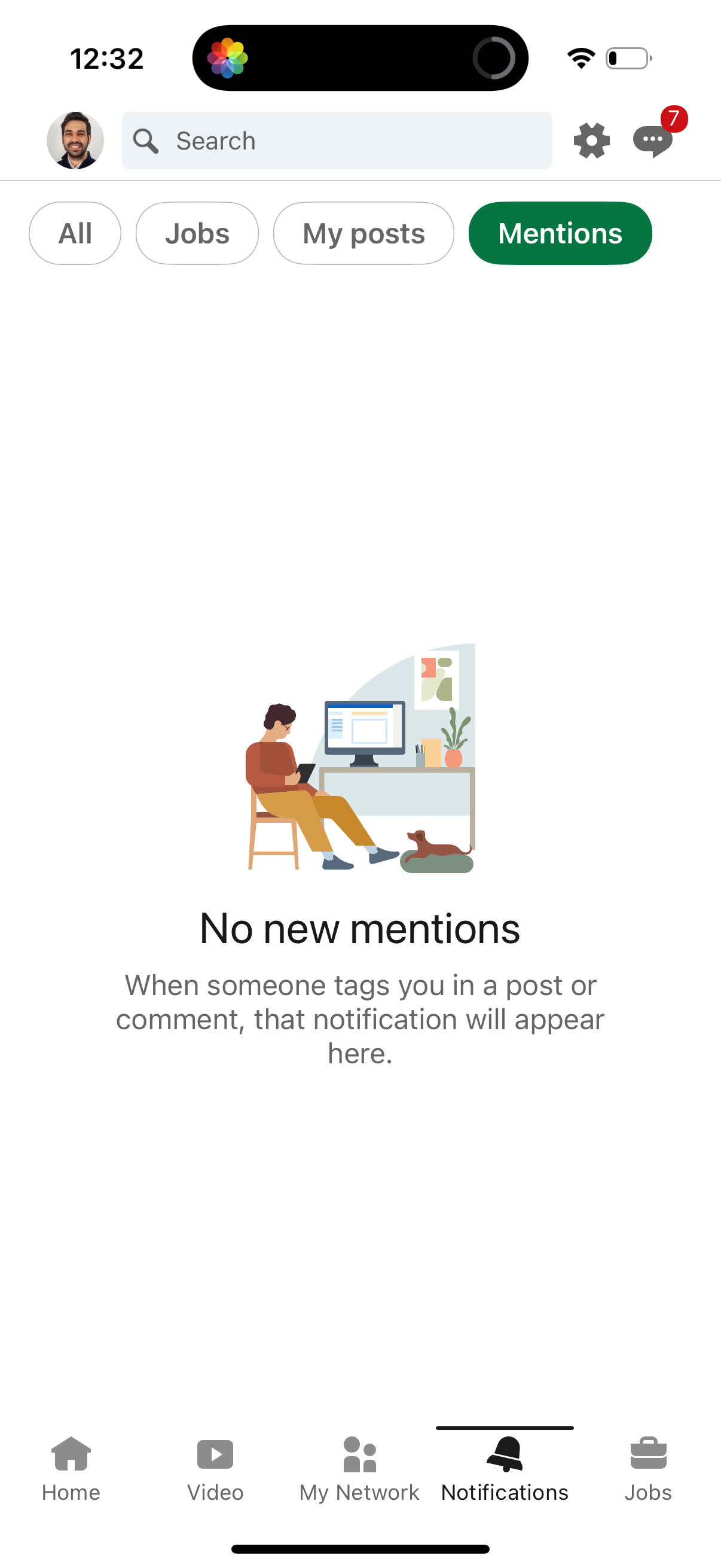
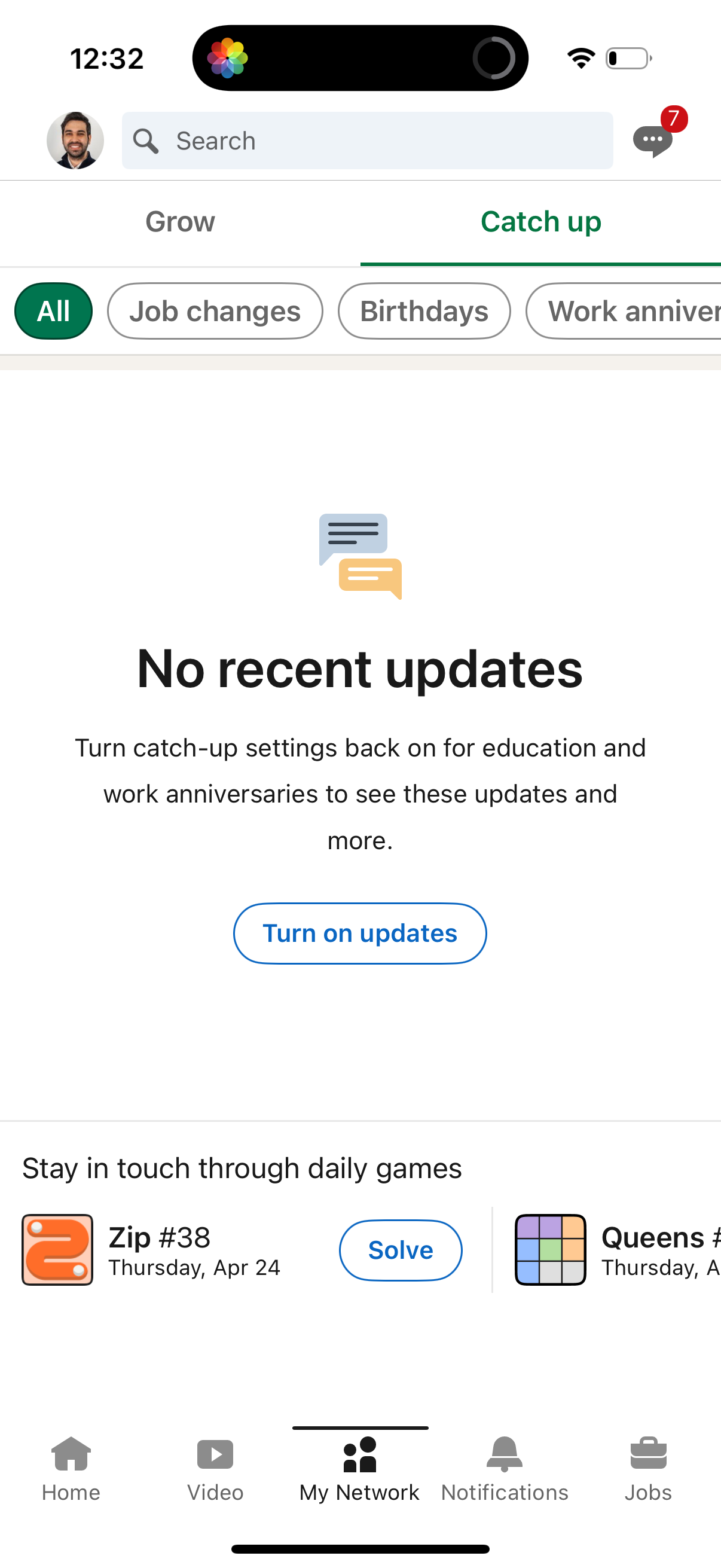
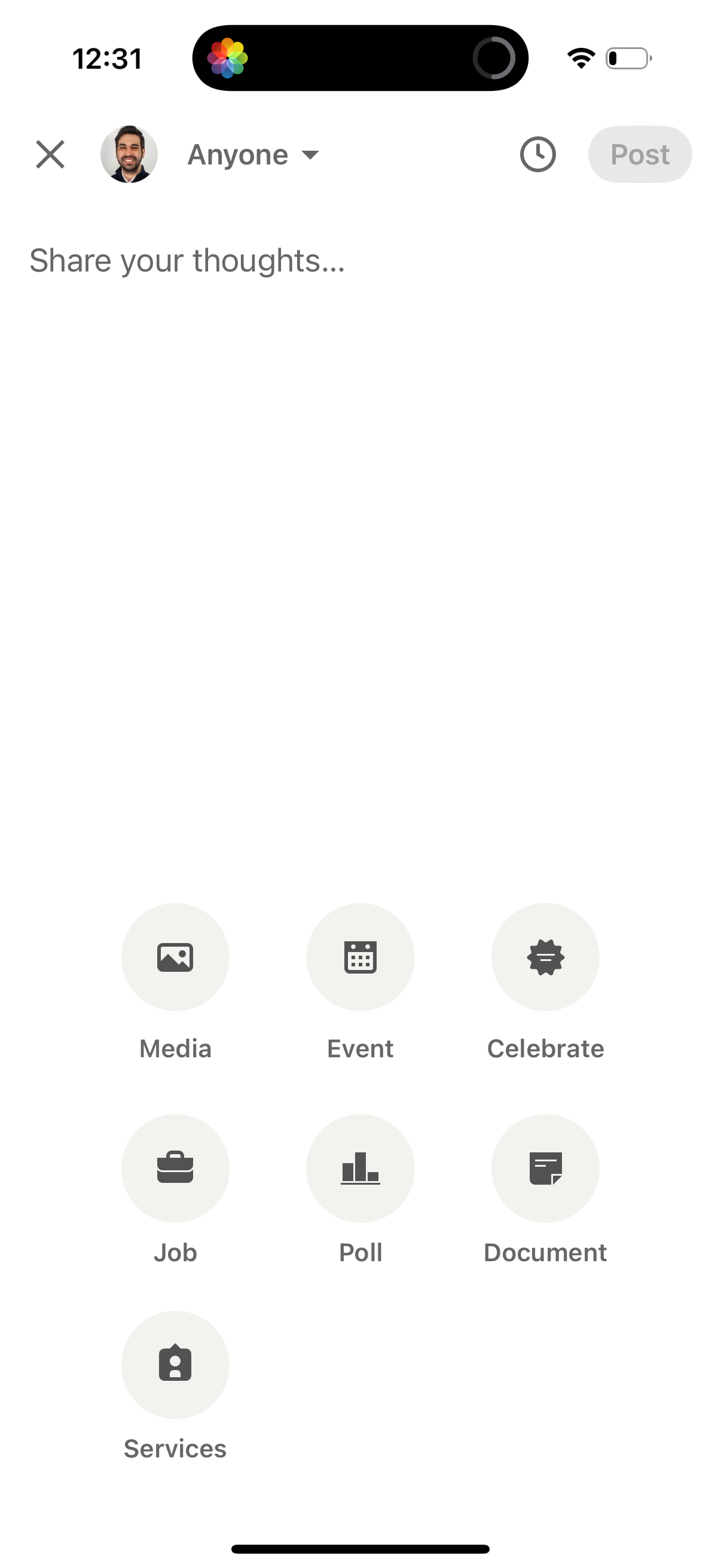
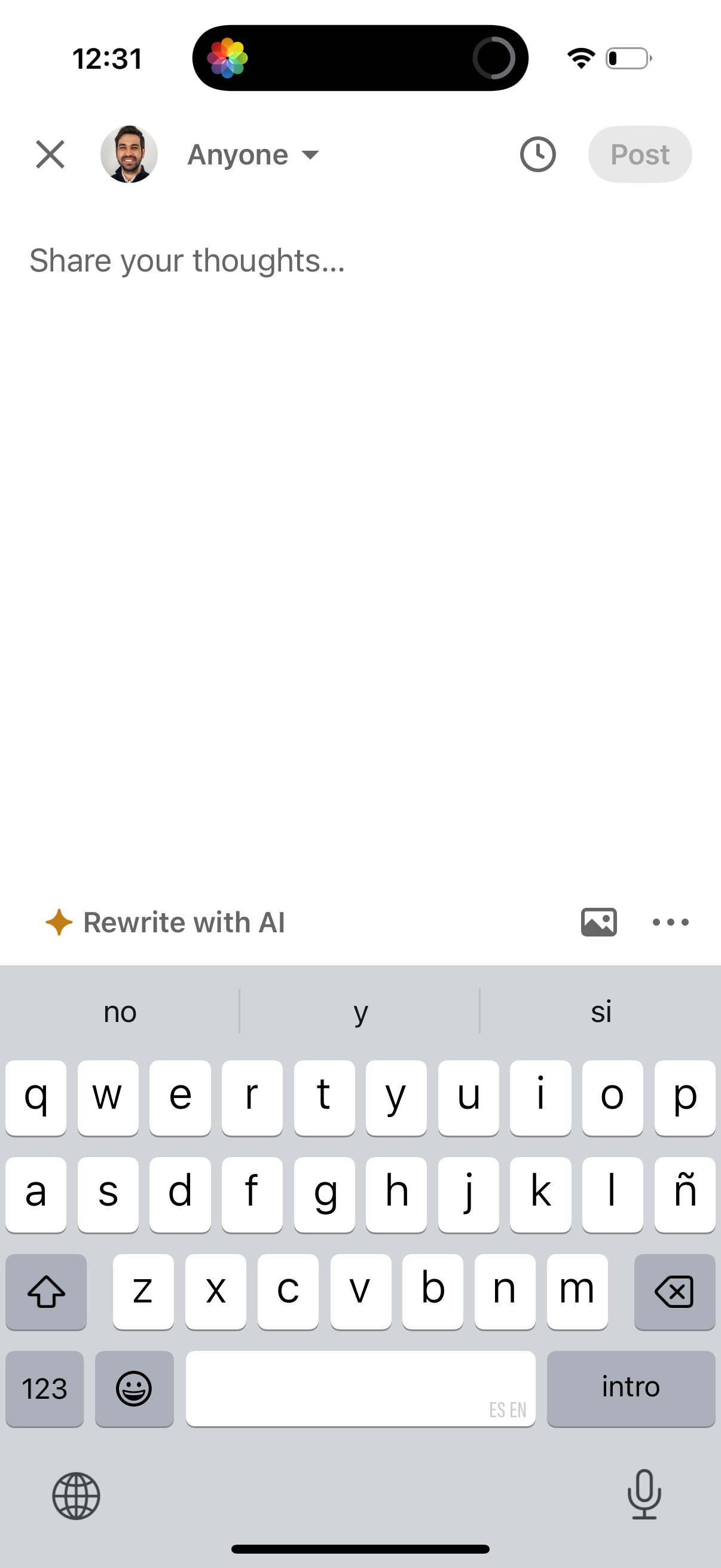
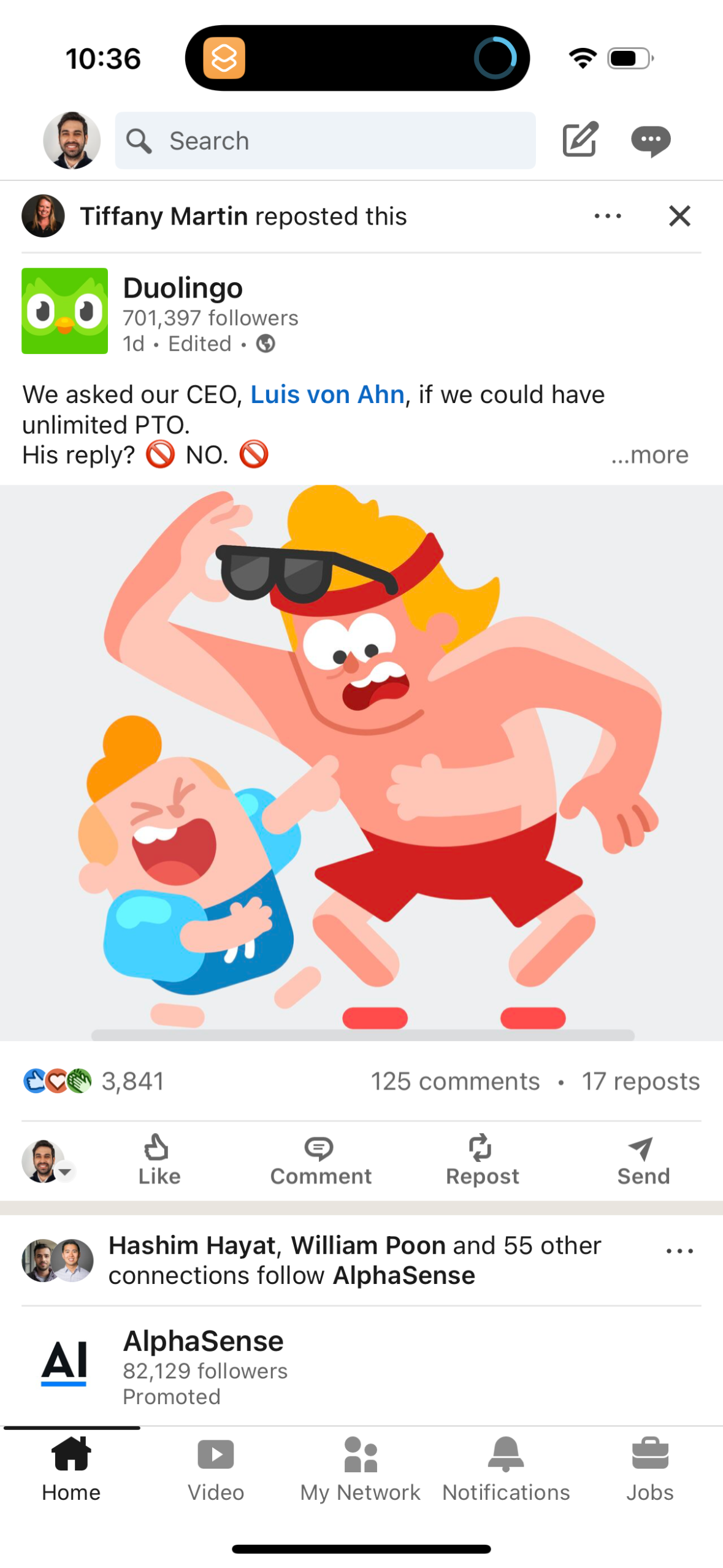
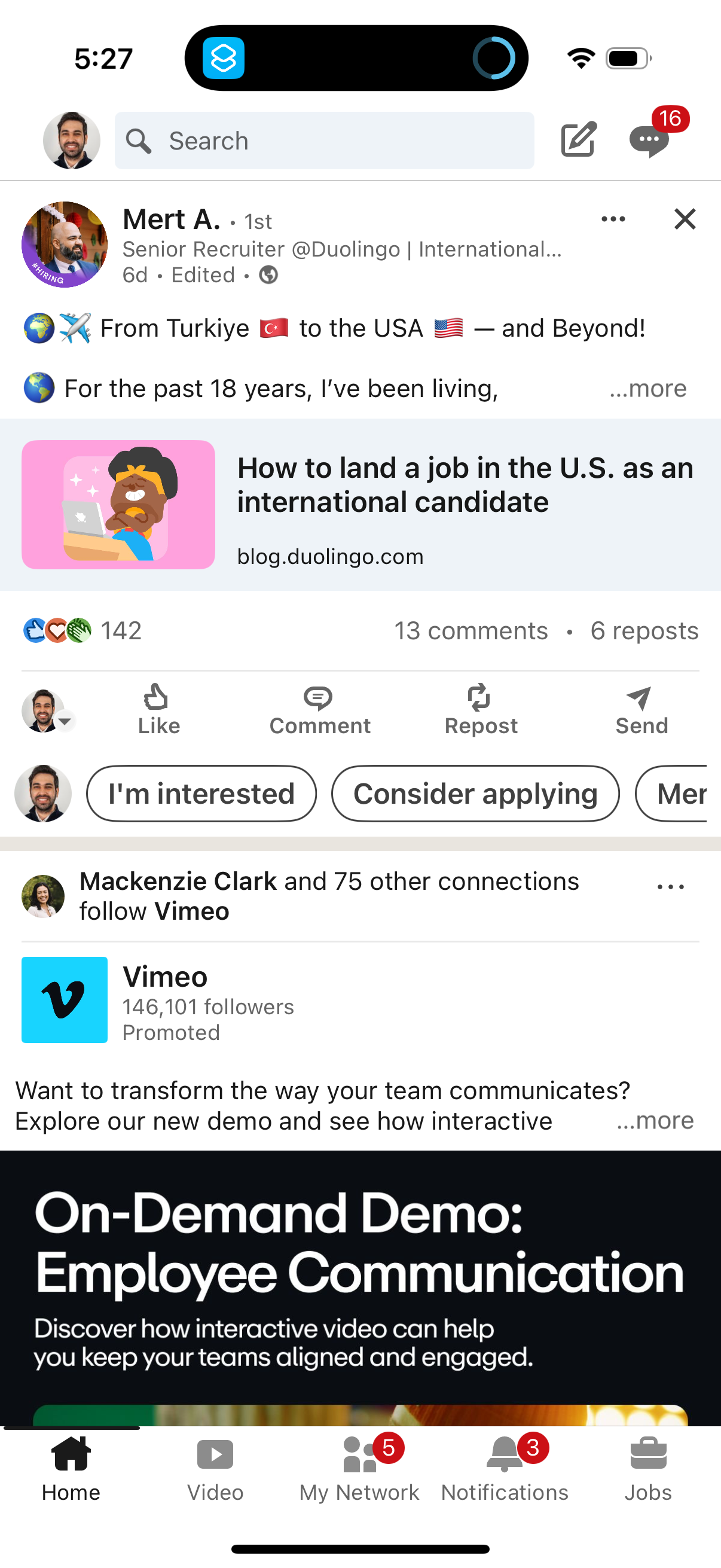
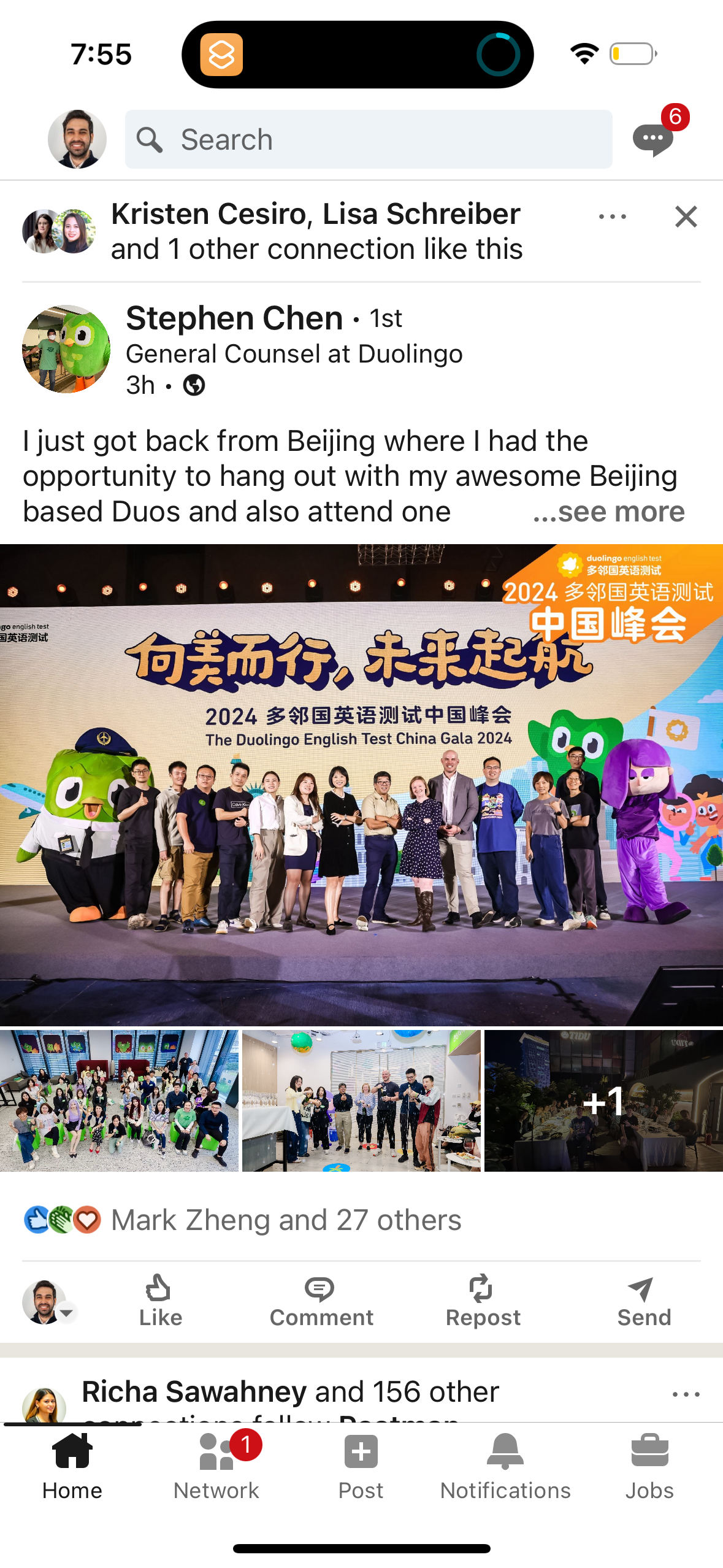
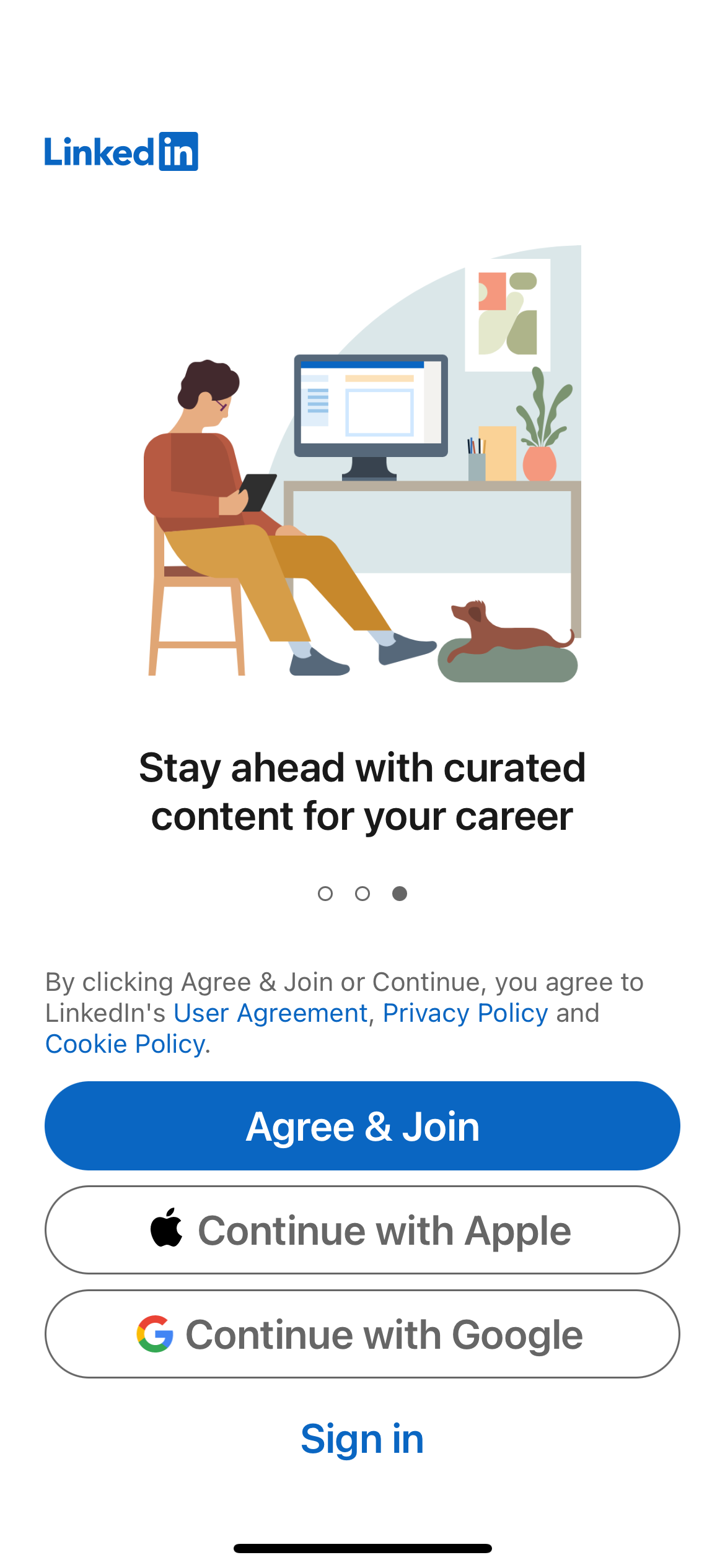
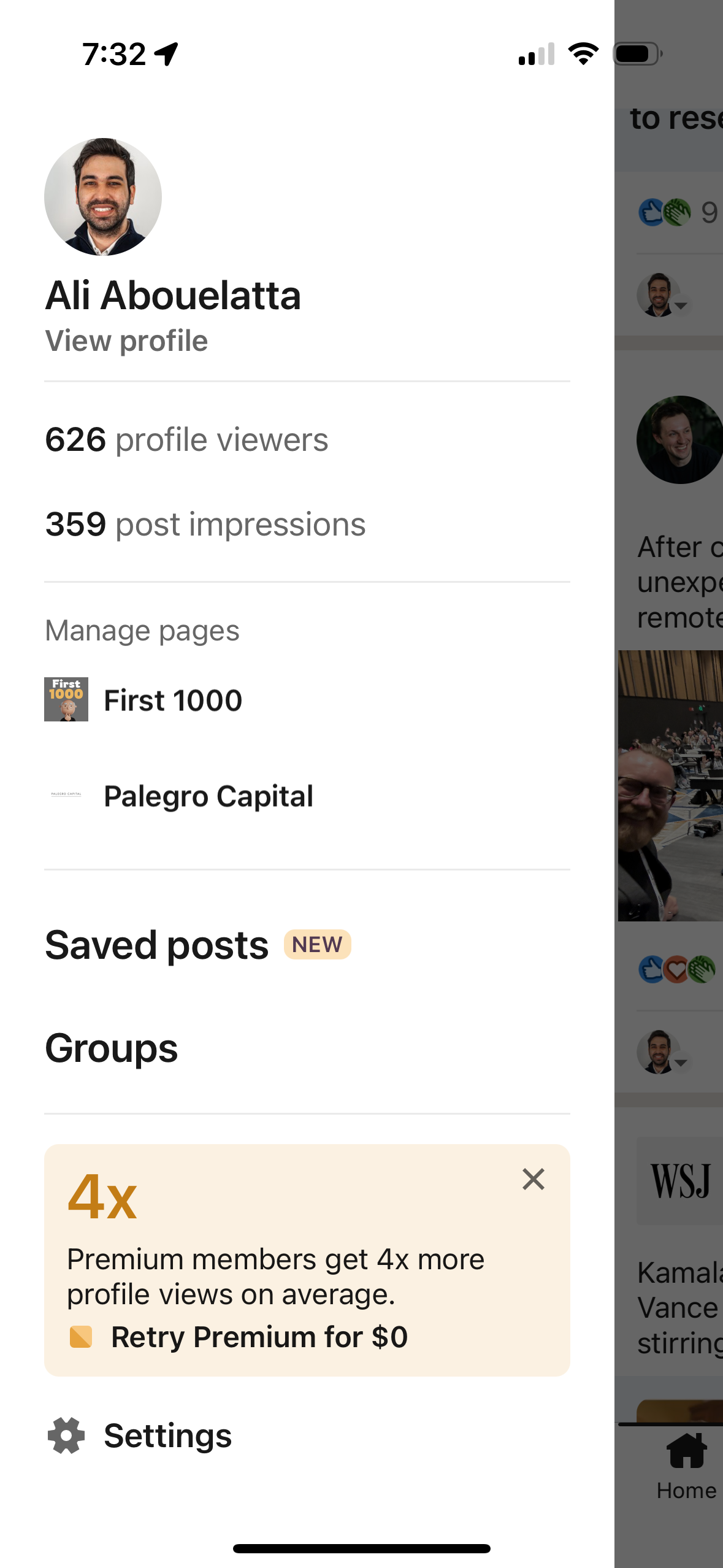
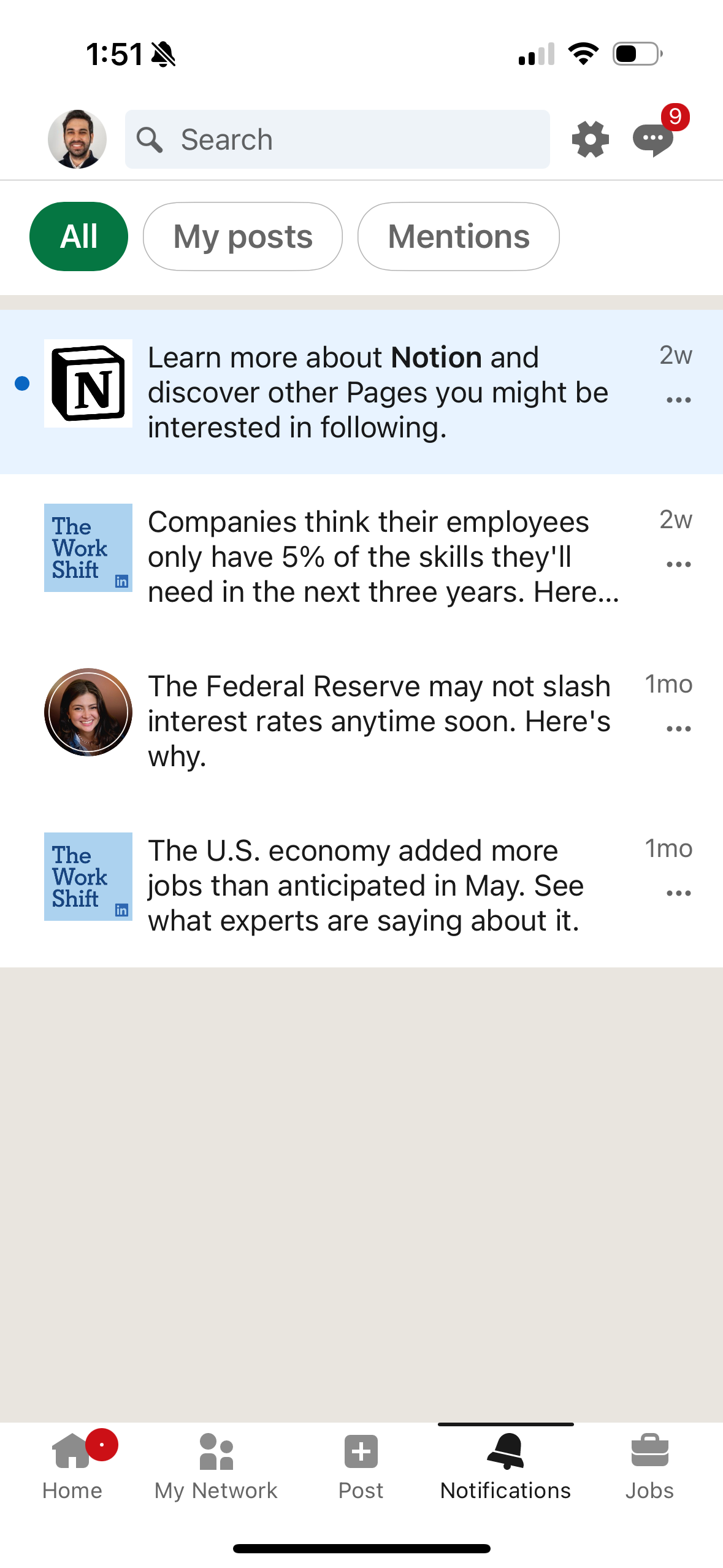
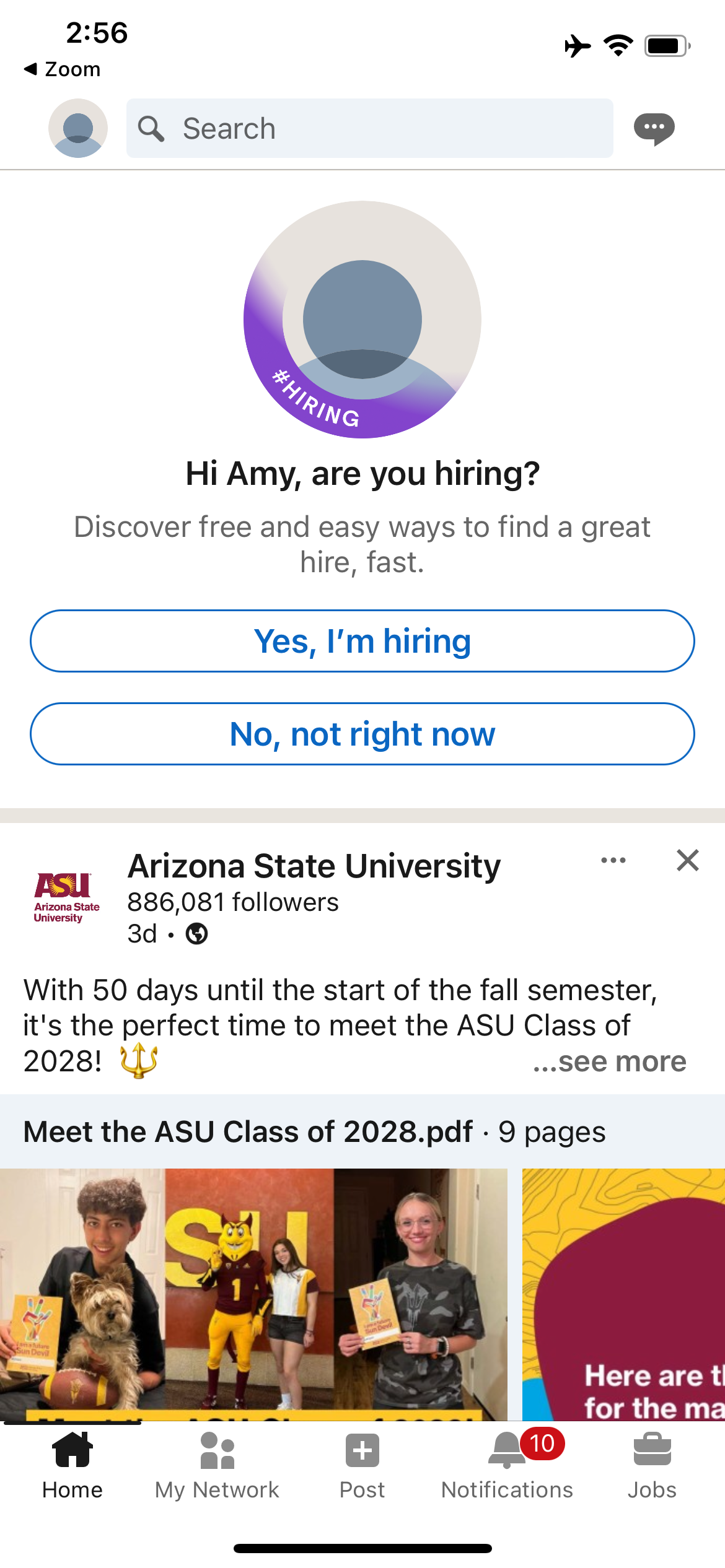
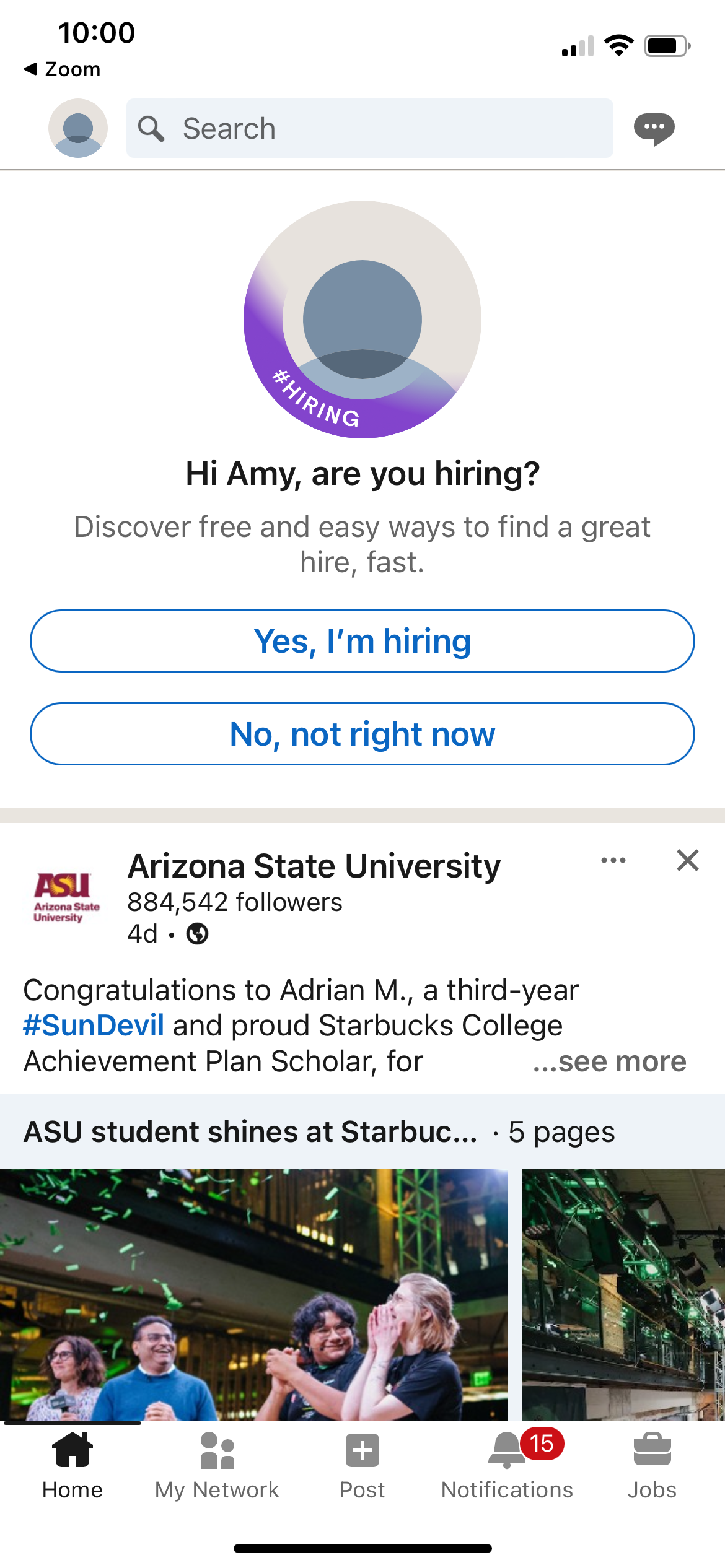
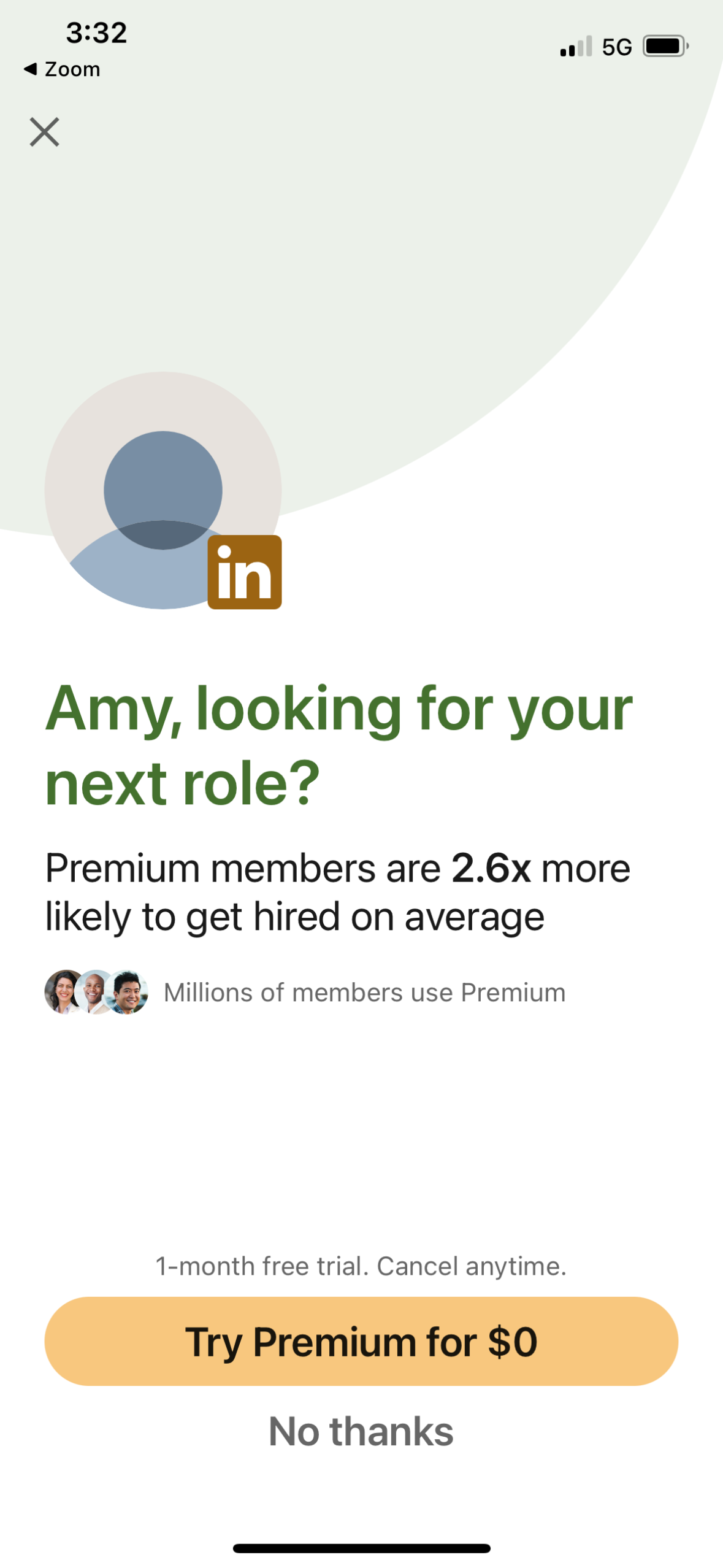
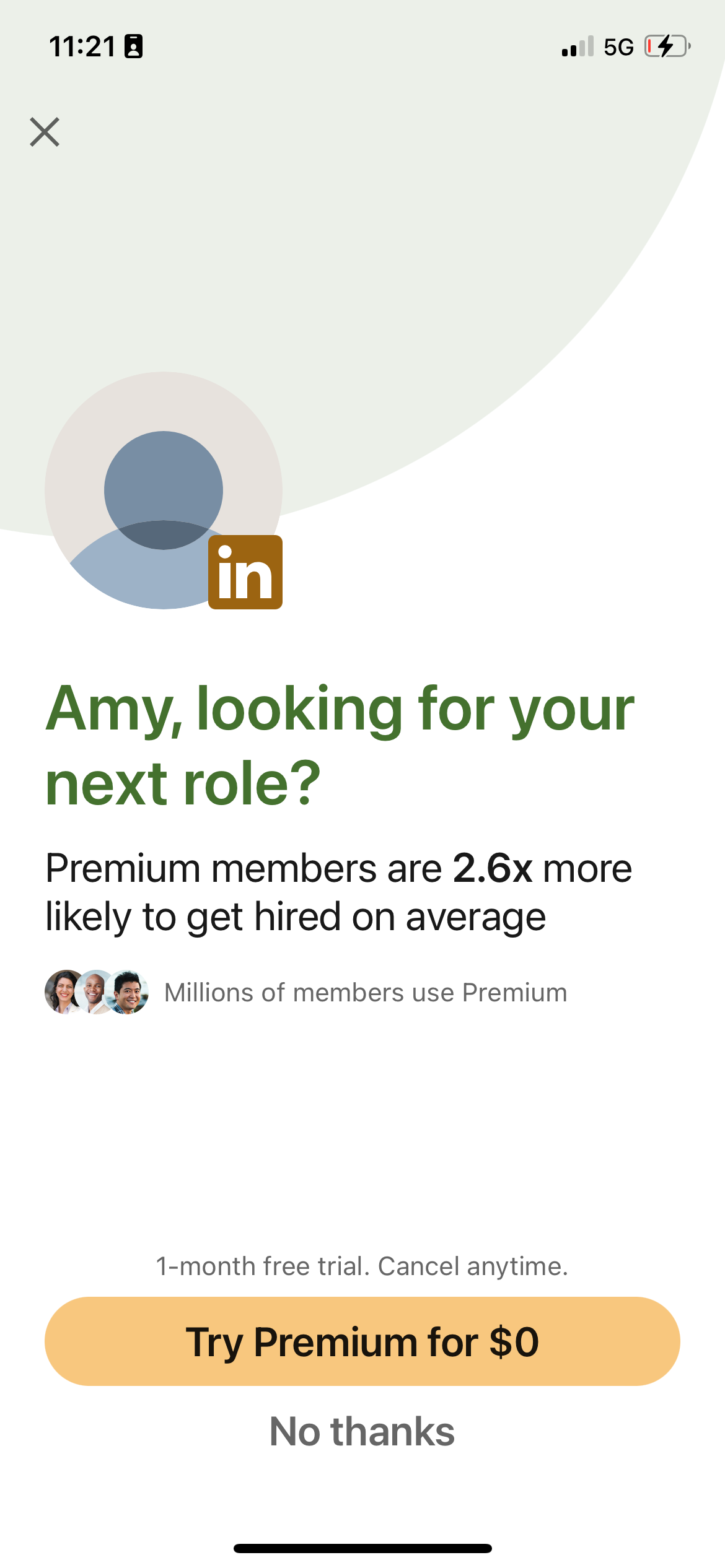
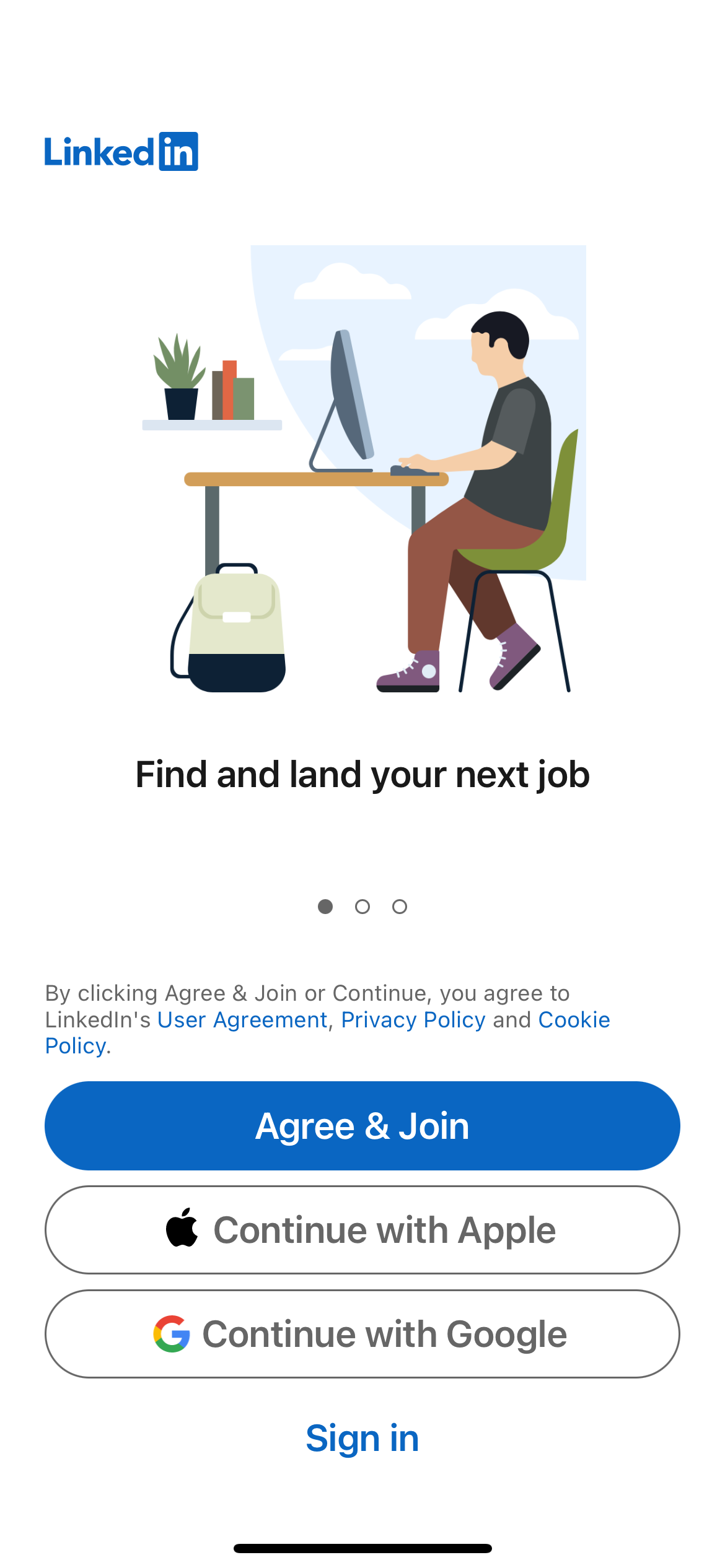
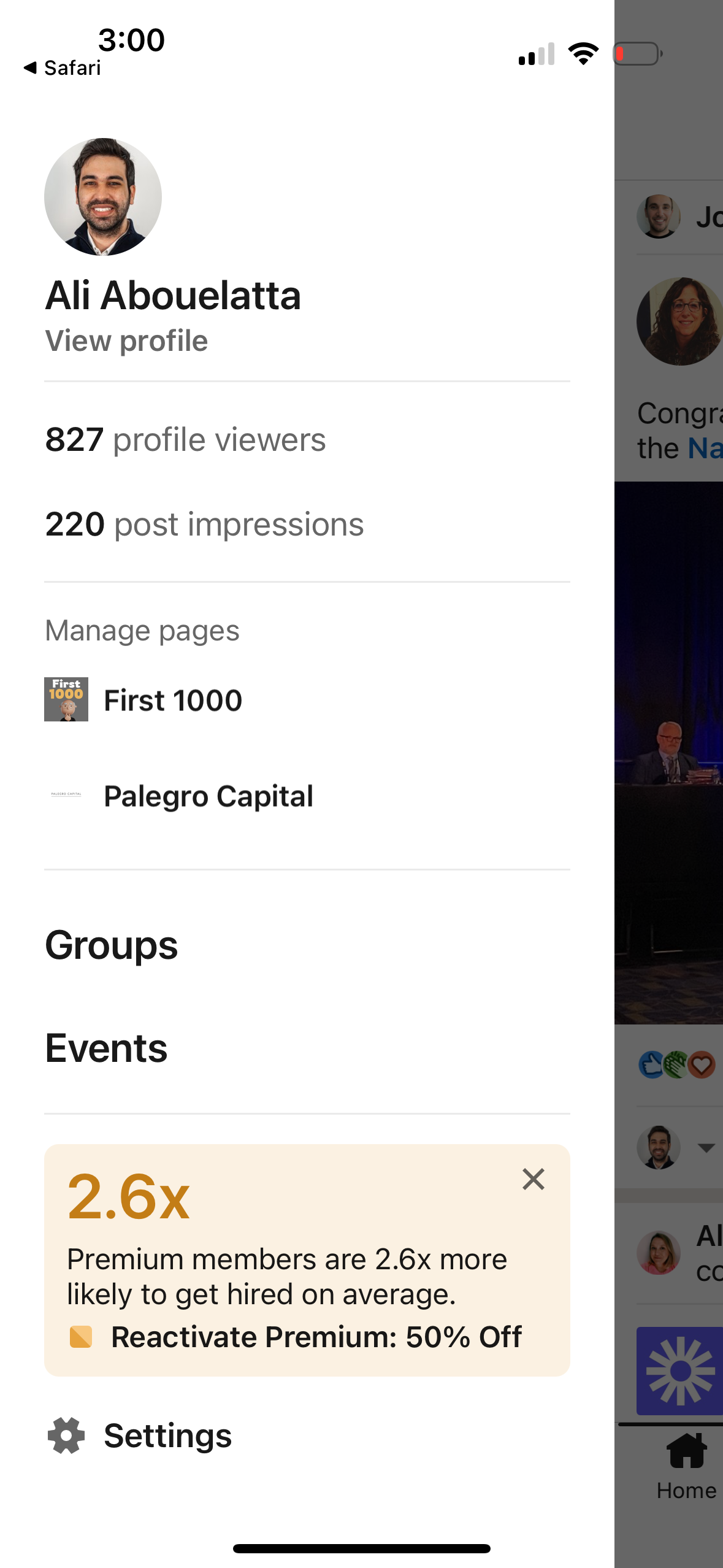
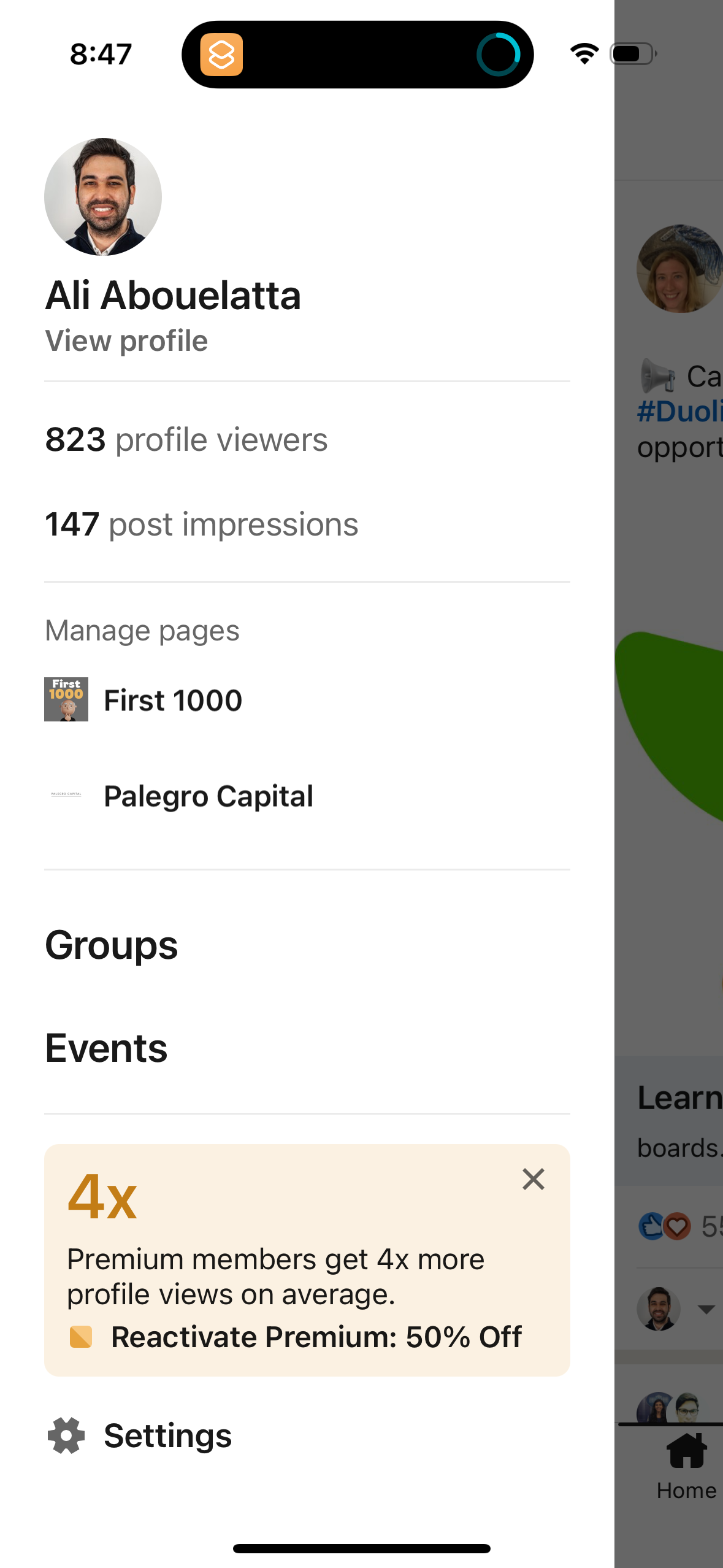
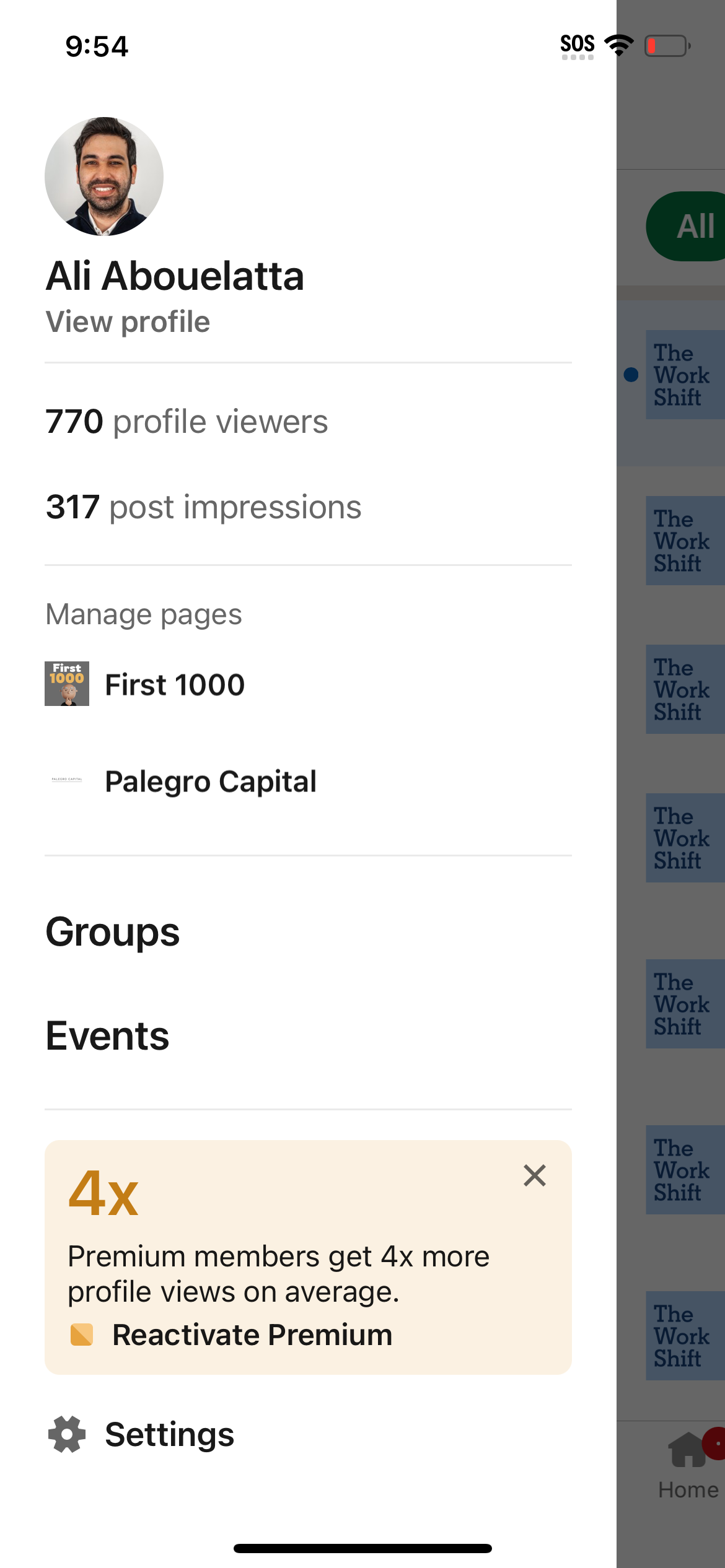
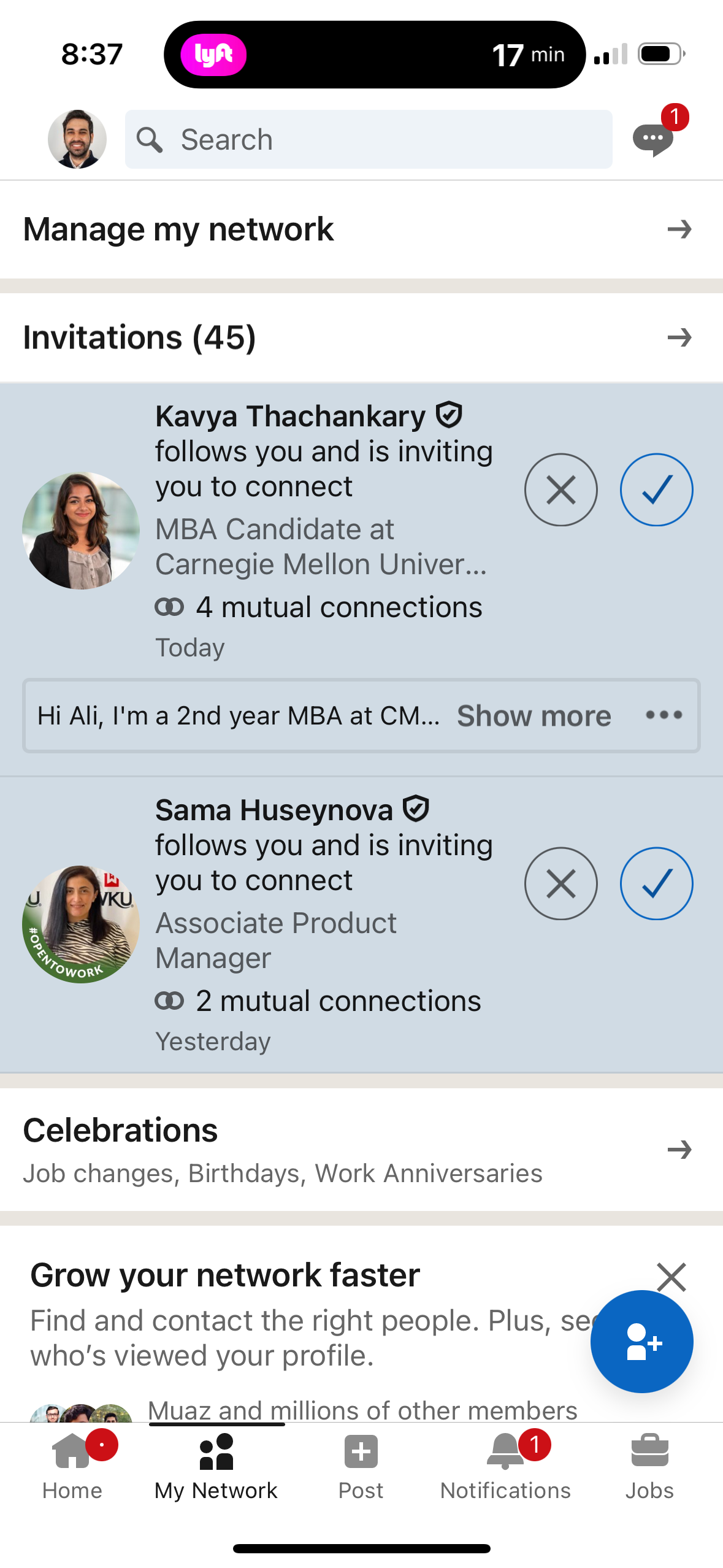
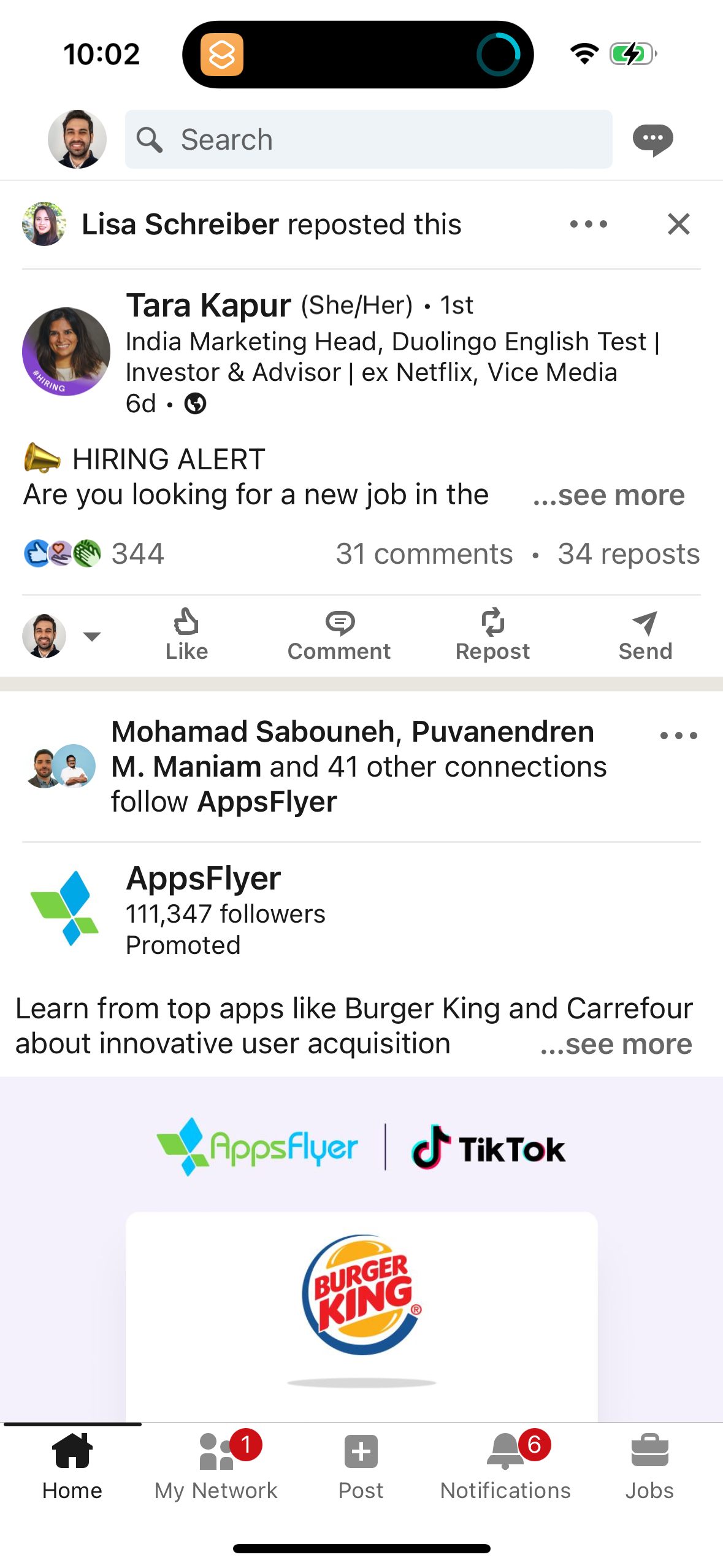
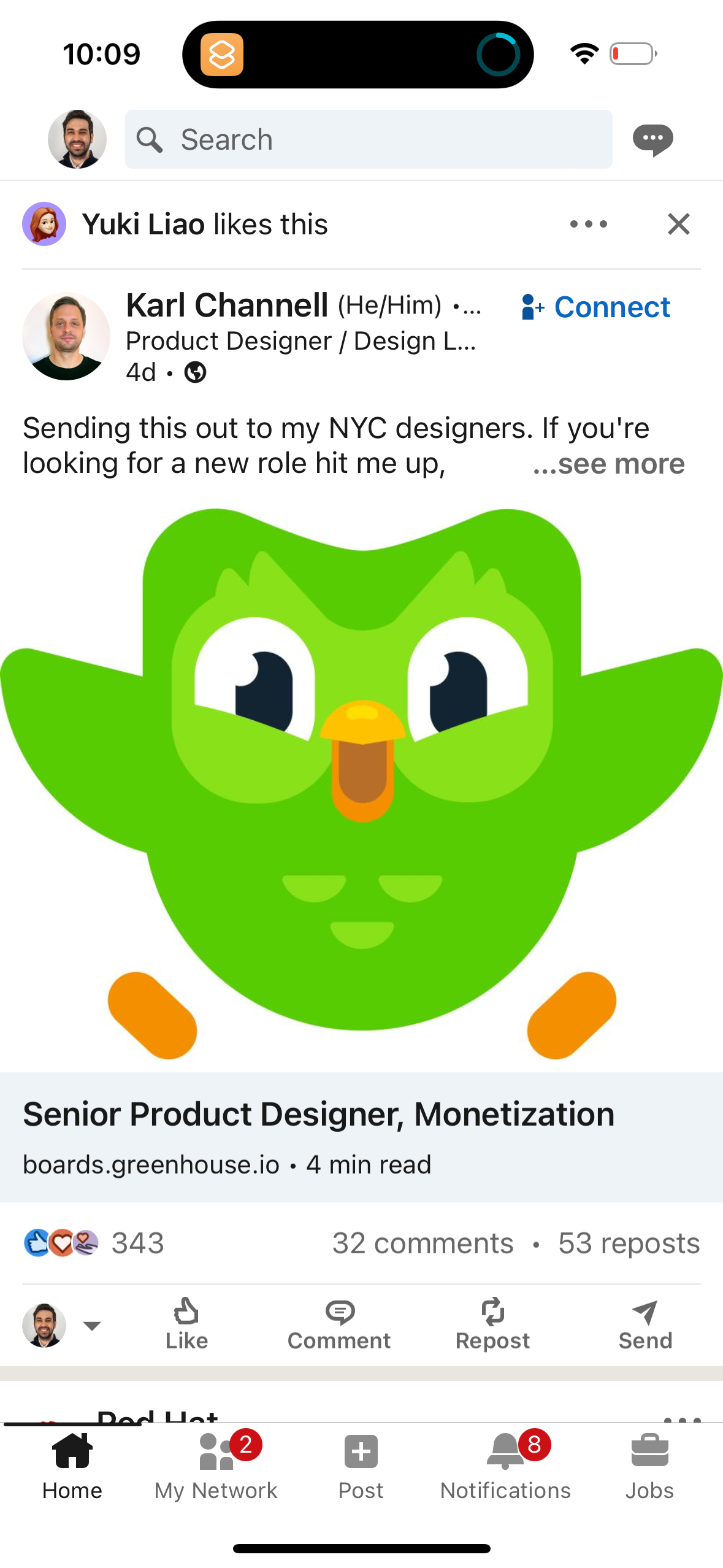
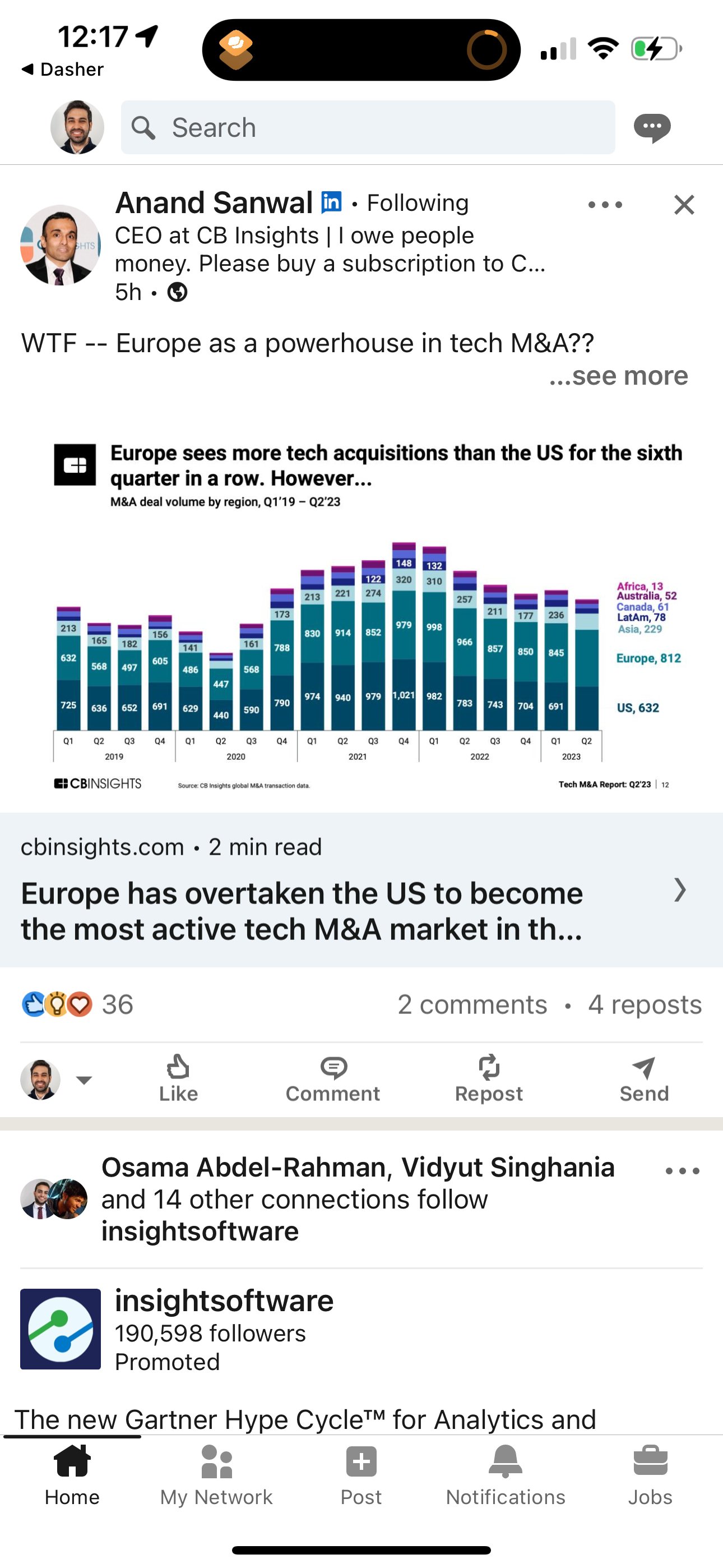
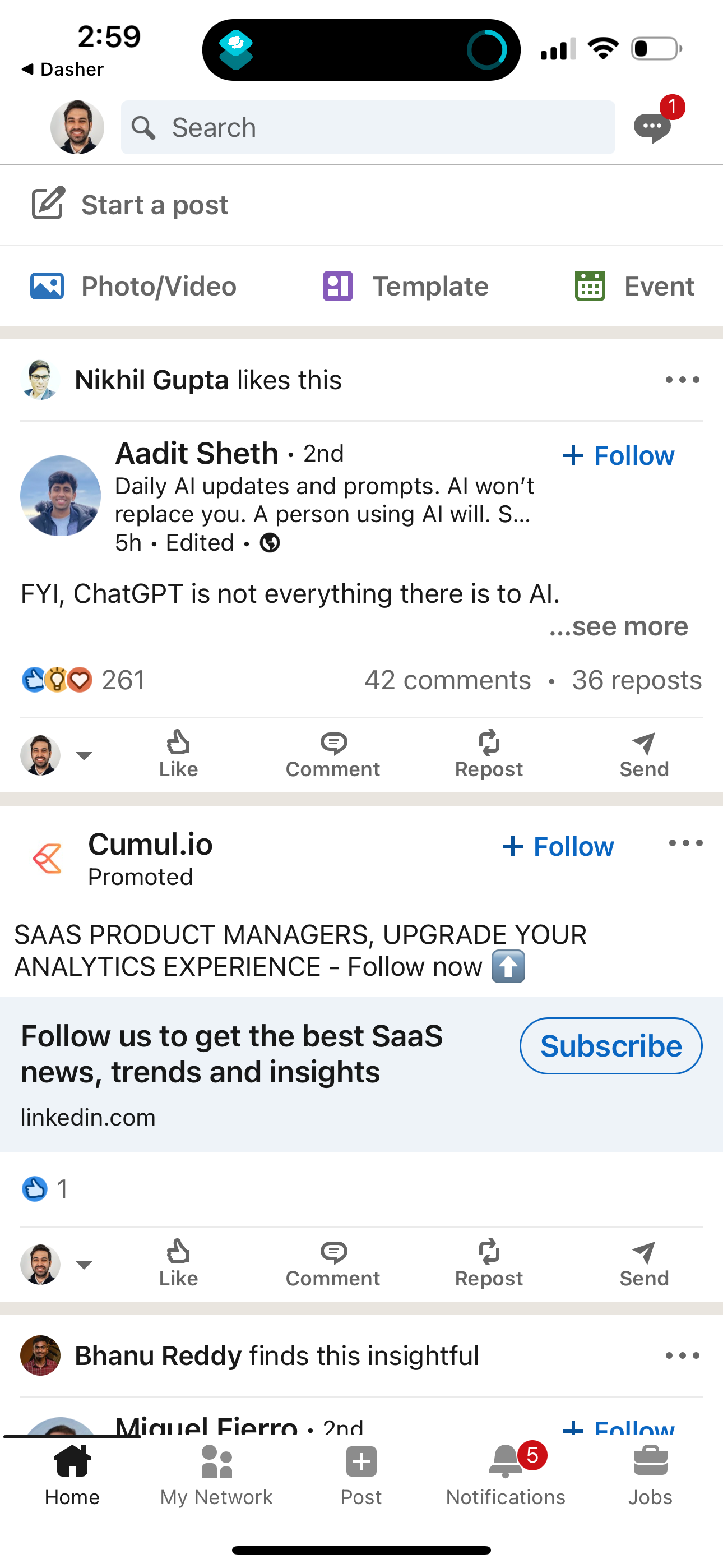
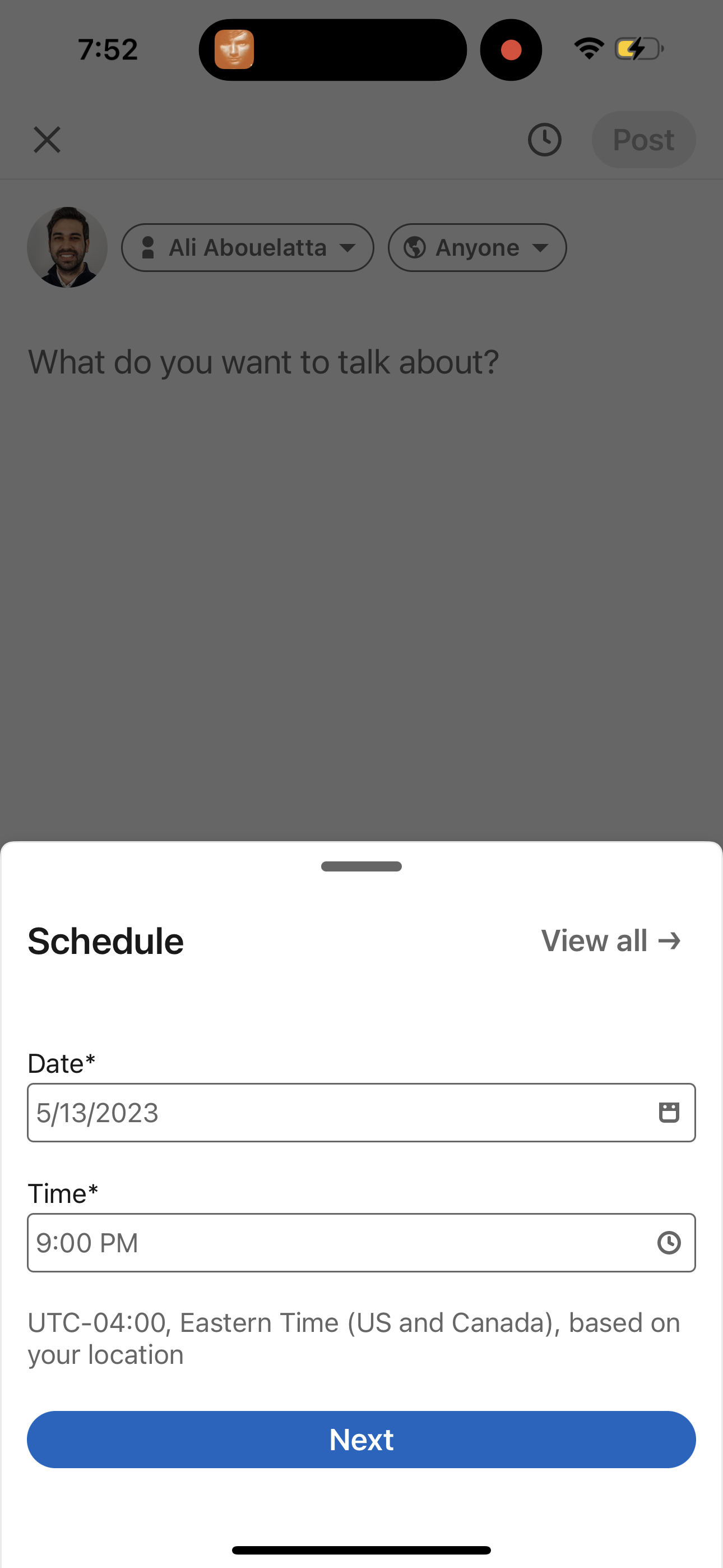
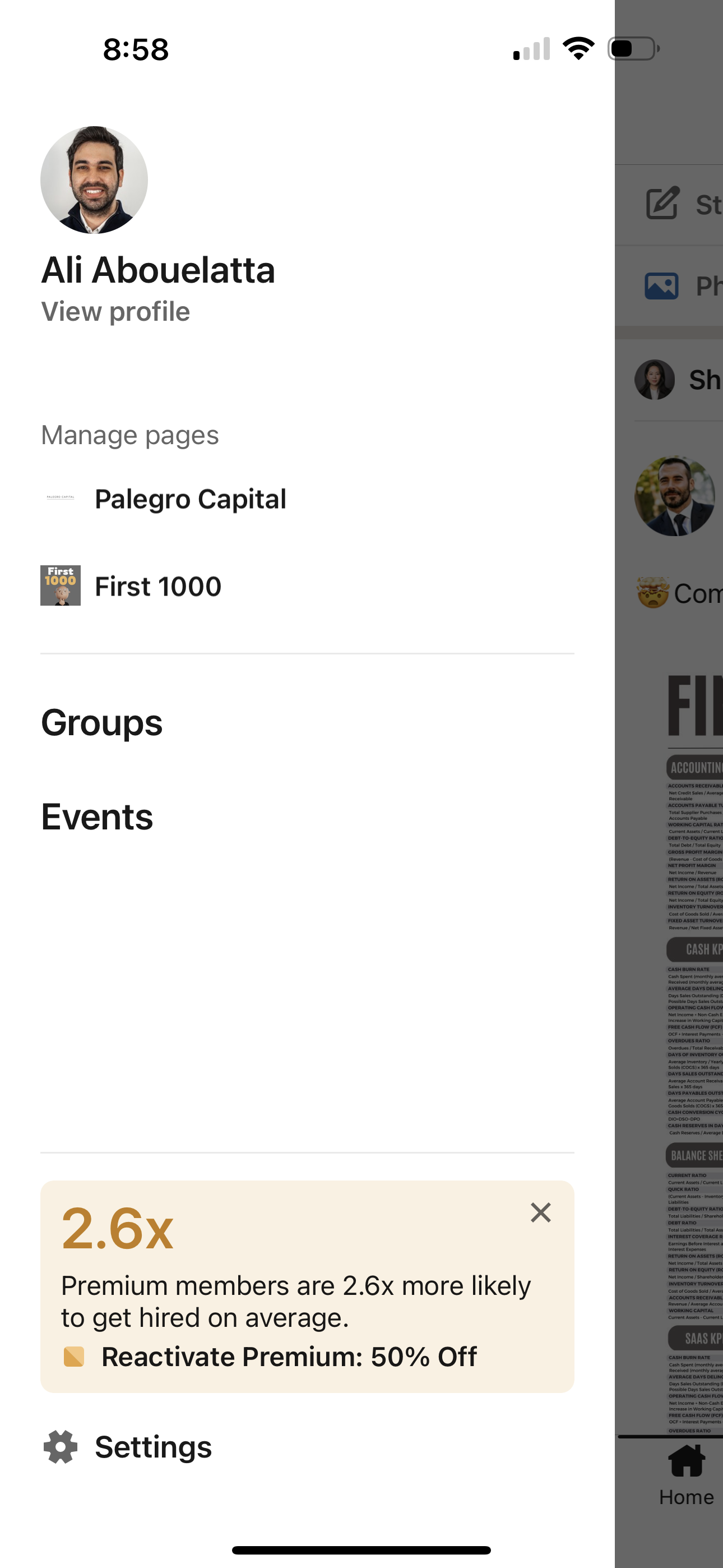
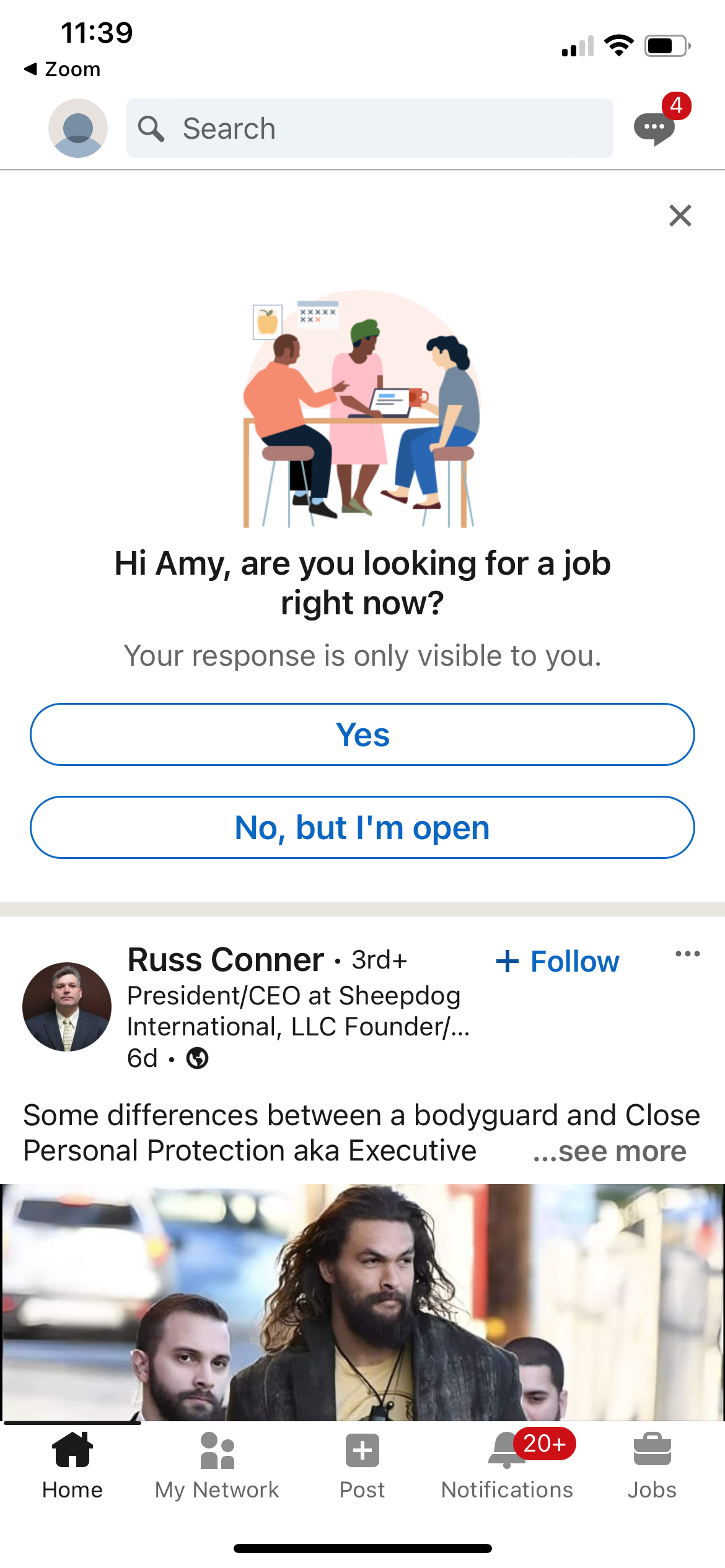
linkedin app screenshot 4
linkedin app screenshot 5
linkedin app screenshot 6
linkedin app screenshot 7
linkedin app screenshot 8
linkedin app screenshot 9
linkedin app screenshot 10
linkedin app screenshot 11
linkedin app screenshot 12
linkedin app screenshot 13
linkedin app screenshot 14
linkedin app screenshot 15
linkedin app screenshot 16
linkedin app screenshot 17
linkedin app screenshot 18
linkedin app screenshot 19
linkedin app screenshot 20
linkedin app screenshot 21
linkedin app screenshot 22
linkedin app screenshot 23
linkedin app screenshot 24
linkedin app screenshot 25
linkedin app screenshot 26
linkedin app screenshot 27
linkedin app screenshot 28
linkedin app screenshot 29
linkedin app screenshot 30
linkedin app screenshot 31
linkedin app screenshot 32
linkedin app screenshot 33
linkedin app screenshot 34
linkedin app screenshot 35
linkedin app screenshot 36
linkedin app screenshot 37
linkedin app screenshot 38
linkedin app screenshot 39
linkedin app screenshot 40
linkedin app screenshot 41
linkedin app screenshot 42
linkedin app screenshot 43
linkedin app screenshot 44
linkedin app screenshot 45
linkedin app screenshot 46
linkedin app screenshot 47
linkedin app screenshot 48
linkedin app screenshot 49
linkedin app screenshot 50
linkedin app screenshot 51
linkedin app screenshot 52
linkedin app screenshot 53
linkedin app screenshot 54
linkedin app screenshot 55
linkedin app screenshot 56
linkedin app screenshot 57
linkedin app screenshot 58
linkedin app screenshot 59
linkedin app screenshot 60
linkedin app screenshot 61
linkedin app screenshot 62
linkedin app screenshot 63
linkedin app screenshot 64
linkedin app screenshot 65
linkedin app screenshot 66
linkedin app screenshot 67
linkedin app screenshot 68
linkedin app screenshot 69
linkedin app screenshot 70
linkedin app screenshot 71
linkedin app screenshot 72
linkedin app screenshot 73
linkedin app screenshot 74
linkedin app screenshot 75
linkedin app screenshot 76
linkedin app screenshot 77
linkedin app screenshot 78
linkedin app screenshot 79
linkedin app screenshot 80
linkedin app screenshot 81
linkedin app screenshot 82
linkedin app screenshot 83
linkedin app screenshot 84
linkedin app screenshot 85
linkedin app screenshot 86
linkedin app screenshot 87
linkedin app screenshot 88
linkedin app screenshot 89
linkedin app screenshot 90
linkedin app screenshot 91
linkedin app screenshot 92
linkedin app screenshot 93
linkedin app screenshot 94
linkedin app screenshot 95
linkedin app screenshot 96
linkedin app screenshot 97
linkedin app screenshot 98
linkedin app screenshot 99
linkedin app screenshot 100
linkedin app screenshot 101
linkedin app screenshot 102
linkedin app screenshot 103
linkedin app screenshot 104
linkedin app screenshot 105
linkedin app screenshot 106
linkedin app screenshot 107
linkedin app screenshot 108
linkedin app screenshot 109
linkedin app screenshot 110
linkedin app screenshot 111
linkedin app screenshot 112
linkedin app screenshot 113
linkedin app screenshot 114
linkedin app screenshot 115
linkedin app screenshot 116
linkedin app screenshot 117
linkedin app screenshot 118
linkedin app screenshot 119
linkedin app screenshot 120
linkedin app screenshot 121
linkedin app screenshot 122
linkedin app screenshot 123
linkedin app screenshot 124
linkedin app screenshot 125
linkedin app screenshot 126
linkedin app screenshot 127
linkedin app screenshot 128
linkedin app screenshot 129
linkedin app screenshot 130
linkedin app screenshot 131
linkedin app screenshot 132
linkedin app screenshot 133
linkedin app screenshot 134
linkedin app screenshot 135
linkedin app screenshot 136
linkedin app screenshot 137
linkedin app screenshot 138
linkedin app screenshot 139
linkedin app screenshot 140
linkedin app screenshot 141
linkedin app screenshot 142
linkedin app screenshot 143
linkedin app screenshot 144
linkedin app screenshot 145
linkedin app screenshot 146
linkedin app screenshot 147
linkedin app screenshot 148
linkedin app screenshot 149
linkedin app screenshot 150
linkedin app screenshot 151
linkedin app screenshot 152
linkedin app screenshot 153
linkedin app screenshot 154
linkedin app screenshot 155
linkedin app screenshot 156
linkedin app screenshot 157
linkedin app screenshot 158
linkedin app screenshot 159
linkedin app screenshot 160
linkedin app screenshot 161
linkedin app screenshot 162
linkedin app screenshot 163
linkedin app screenshot 164
linkedin app screenshot 165
linkedin app screenshot 166
linkedin app screenshot 167
linkedin app screenshot 168
linkedin app screenshot 169
linkedin app screenshot 170
linkedin app screenshot 171
linkedin app screenshot 172
linkedin app screenshot 173
linkedin app screenshot 174
linkedin app screenshot 175
linkedin app screenshot 176
linkedin app screenshot 177
linkedin app screenshot 178
linkedin app screenshot 179
linkedin app screenshot 180
linkedin app screenshot 181
linkedin app screenshot 182
linkedin app screenshot 183
linkedin app screenshot 184
linkedin app screenshot 185
linkedin app screenshot 186
linkedin app screenshot 187
linkedin app screenshot 188
linkedin app screenshot 189
linkedin app screenshot 190
linkedin app screenshot 191
linkedin app screenshot 192

Company metadata

CategoryBusiness
SubcategoryProfessional Networking & Job Search
TaglineWelcome to your professional community
Business modelAdvertising, Subscription, B2B Licensing
Product archetypeSocial, Enterprise
Growth engineNetwork effects (social graph), UGC / creator-led, Sales-led (B2B), Product-led sales (PLS), Land-and-expand, Cold outreach, Channel / partnership-led, Paid performance marketing
Revenue (2024)$16,372,000,000
Active users350,000,000
Money raised$455,800,000
Public companyYes
Market leaderYes

App Store description

Welcome professionals! The key to getting in is getting started. Begin your career journey with LinkedIn today. Are you searching for the right job opportunities to advance your career? LinkedIn is one of the largest social networking apps for online job searches that also provides content that can help you grow. Build your resume, nurture your professional relationships, connect with recruiters, and apply for your next job. You can establish job alerts for local or remote positions, expand your network of business contacts, stay informed about the latest industry news, read articles, and stay up-to-date with companies and industry leaders to enhance your workplace and career- builder experience. Get business insights before you apply for the job, including company information and job responsibilities. Then quickly and safely apply to any position through the LinkedIn app with your resume or professional profile. Why You’ll Love the LinkedIn App: - Job search and recruiting: Research companies you’re interested in and find positions suited to your skills, then apply to a new job with your LinkedIn profile or resume. - Resume builder: Create your online resume, showcase your experiences, and highlight your skills to enhance your career opportunities. - Business news: Get relevant news delivered to you and join the conversation. - Professional network: Create your profile, update your resume online, and make connections. LinkedIn App Features: JOB SEARCH • Find jobs and connections through your LinkedIn network. • Search for opportunities and set up job alerts for companies that are currently hiring. • Job openings: Submit job applications across a wide range of professions and secure interviews for your dream job. • Find local jobs in your area or online opportunities that let you work from home. • Job App: Easily apply for jobs and set up job alerts for any full-time or part-time jobs you might be interested in. BUSINESS NEWS AND INSIGHTS • Stay up-to-date by following business news and company content from related industries. • See what your connections are saying in posts and conversations. • Share articles and newsworthy topics with your LinkedIn community and business contacts. SOCIAL NETWORKING • Utilize LinkedIn's profile-building tools to enhance your connections and expand your social network for career growth. • Connect with members from across the globe on the world's largest social network. BUILD YOUR BUSINESS COMMUNITY • Easily find groups or communities that share your interests on LinkedIn. • Network on the go: Connect with new contacts and industry experts. • Follow companies, top voices, and professionals. • Social networking for businesses: Gain new opportunities through showcasing your company or product. RESUME AND PROFILE • Job finder: Apply for jobs using your LinkedIn profile. • Social network: Build your professional profile and make business connections. • Resume: Create your online CV and use it as a resume for job applications. Whether you're seeking new job opportunities, aiming to expand your business network, or staying updated on the latest business news and industry buzz, LinkedIn has you covered. Want to make the most of LinkedIn? Upgrade to a Premium subscription for exclusive tools. We ask for a few permissions when you use this app. Here’s why: http://linkd.in/1l0S8Y - LinkedIn members have the option to verify their identity by securely uploading a government ID and/or taking a live selfie using certain trusted partners. For more information about the data collected by our trusted partners through this process and the periods for which it will be retained, see: https://www.linkedin.com/help/linkedin/answer/a1359065
Compare competitors with Lazyweb

Search every screen, flow, and UX pattern in one place.

Download Mac App