_jpg_pixar.png)
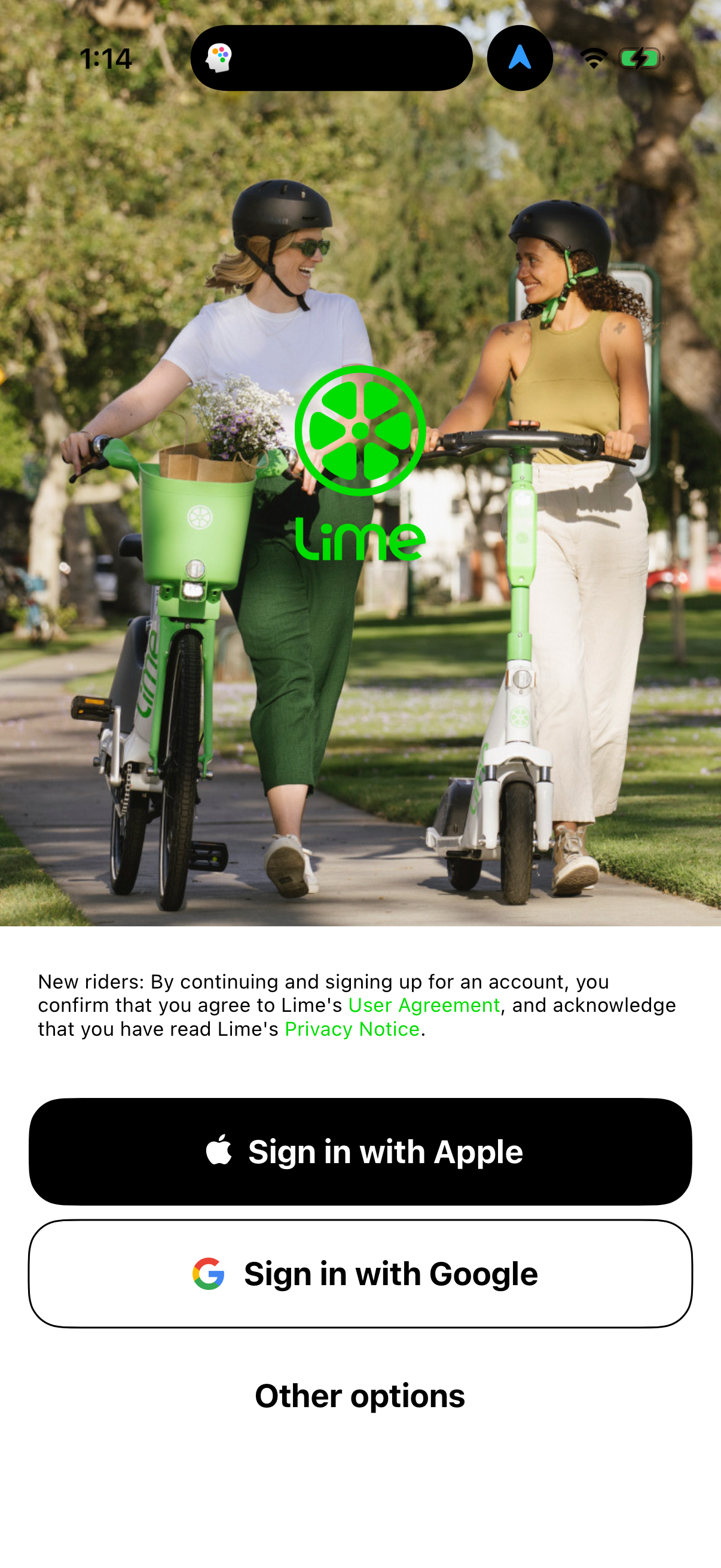
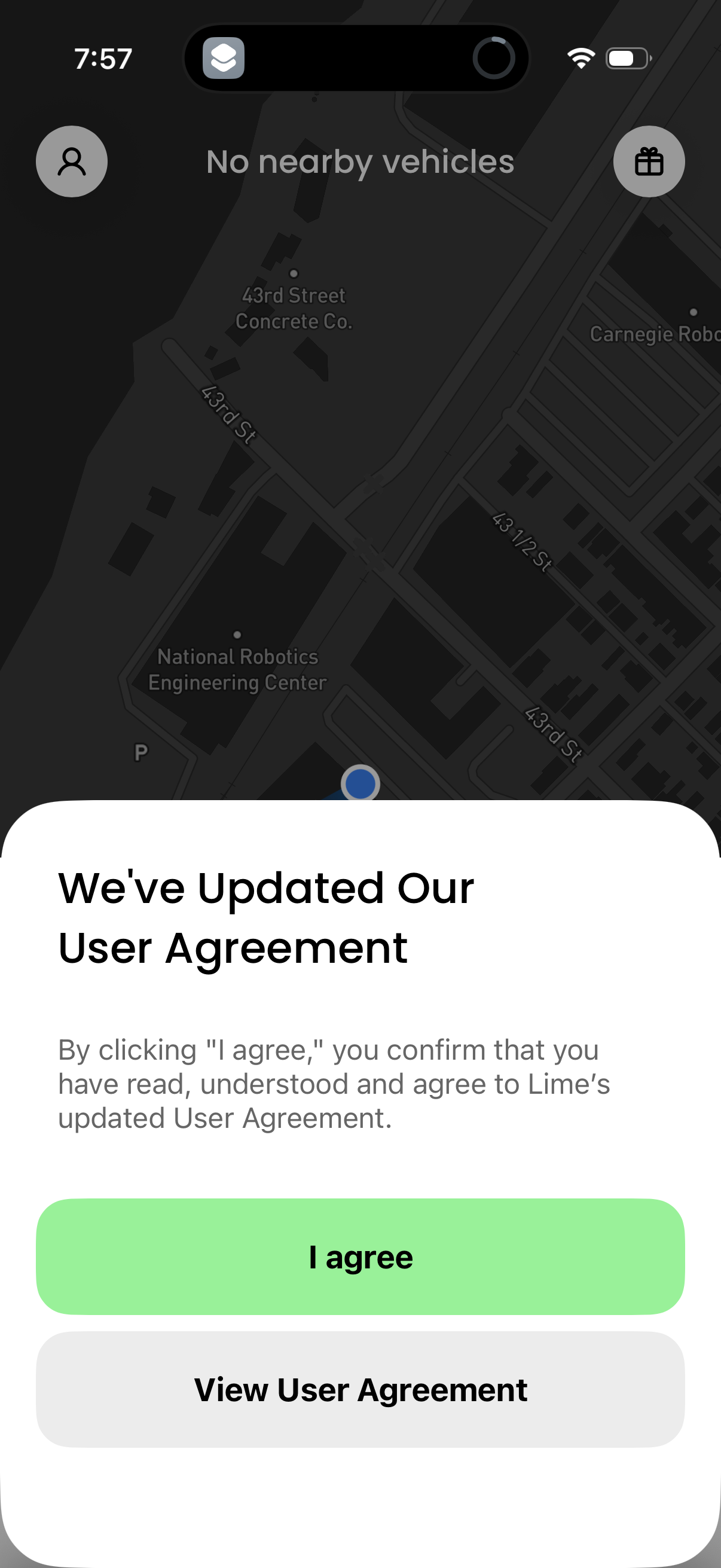
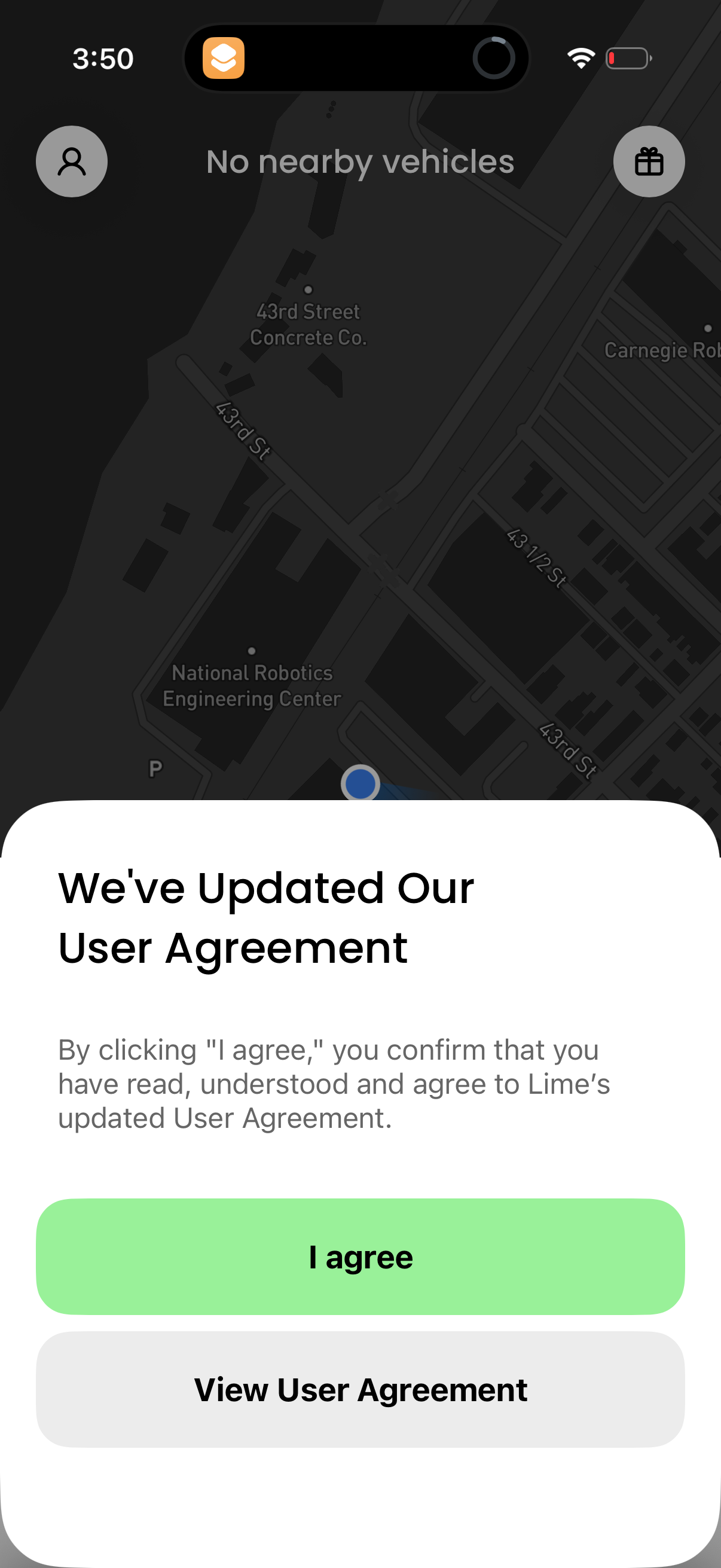
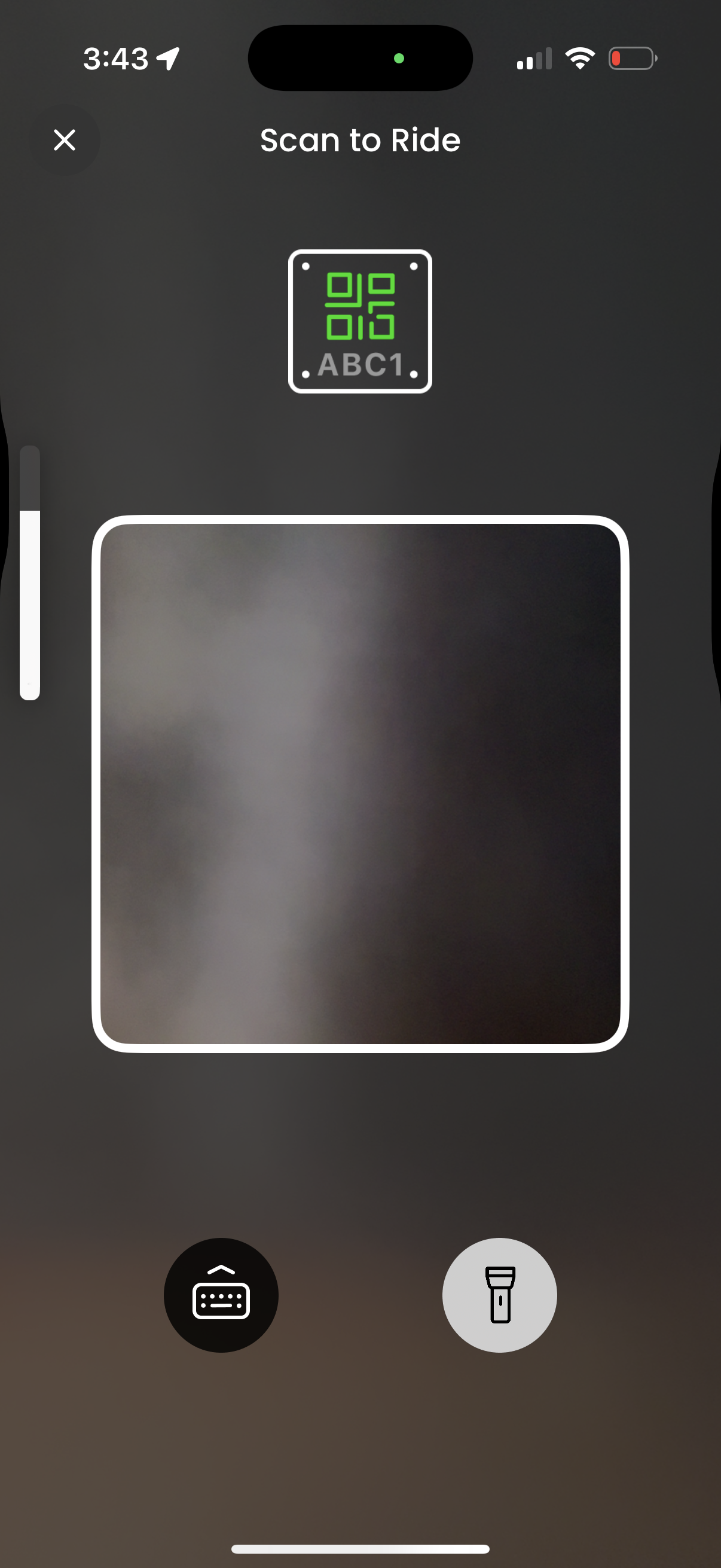
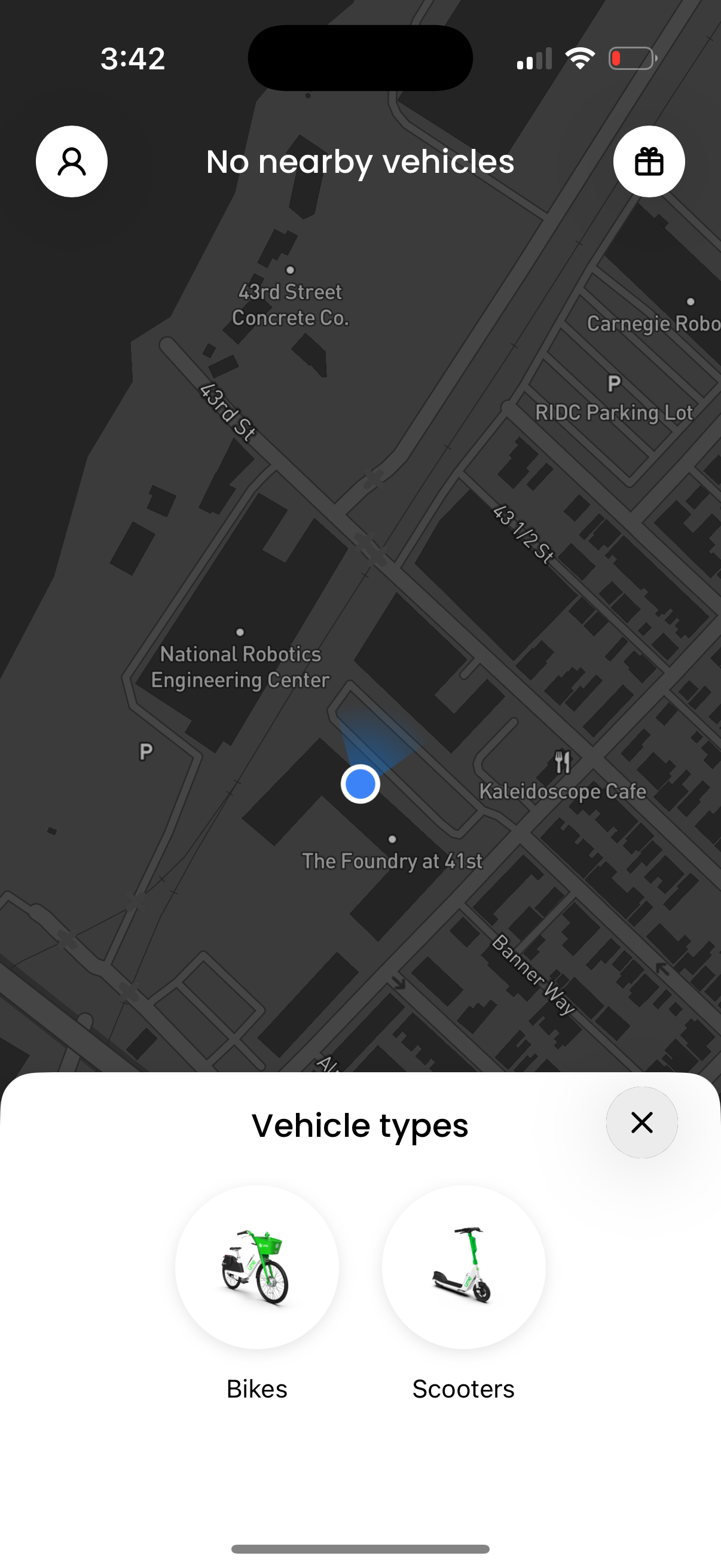
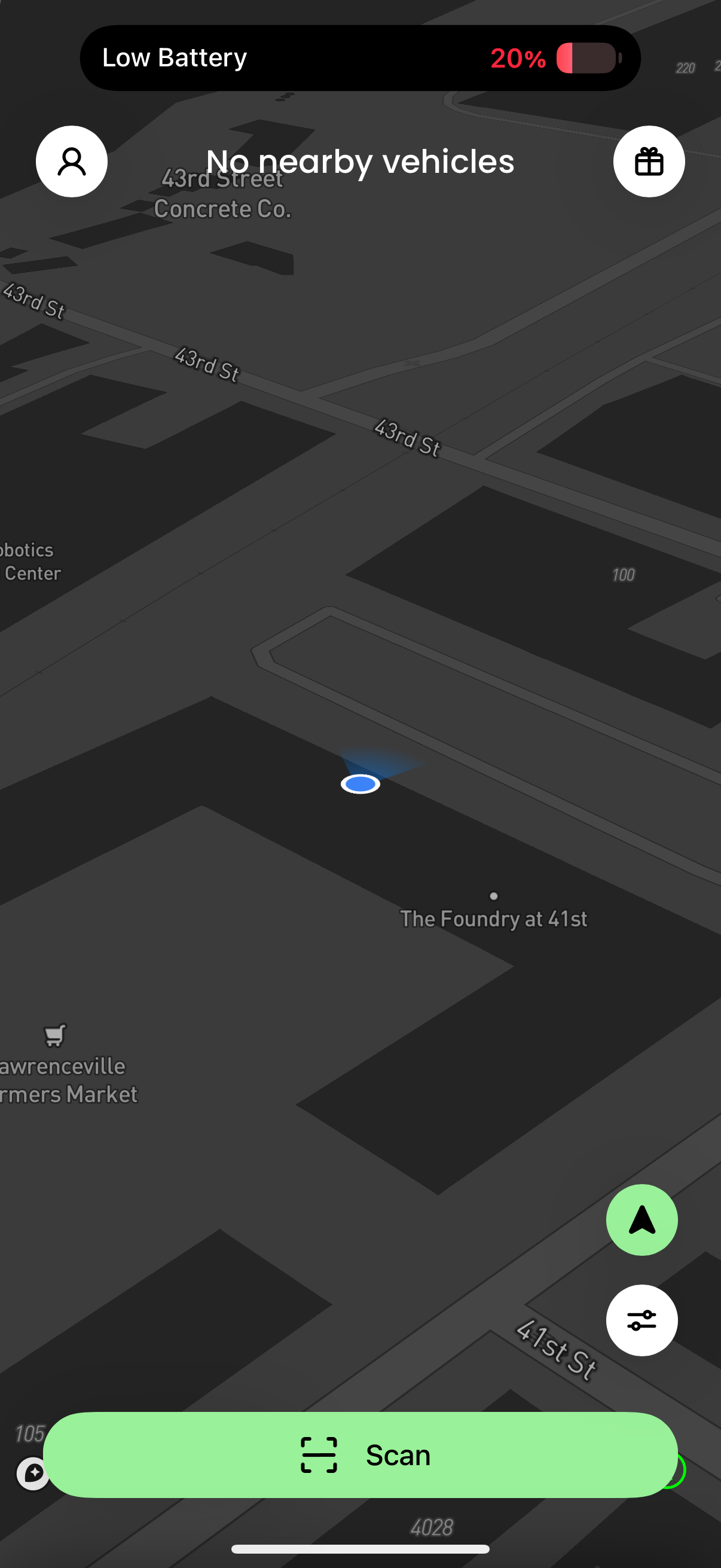
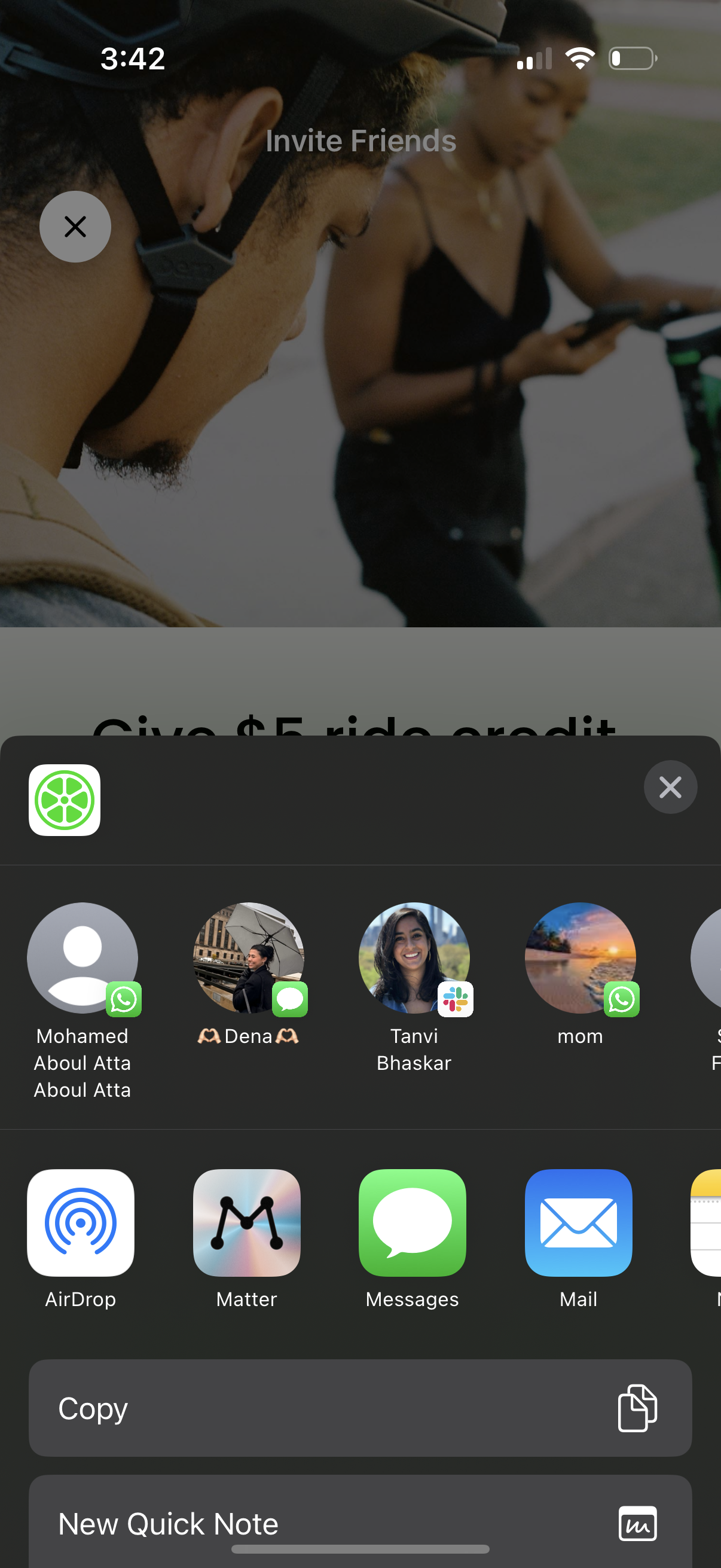
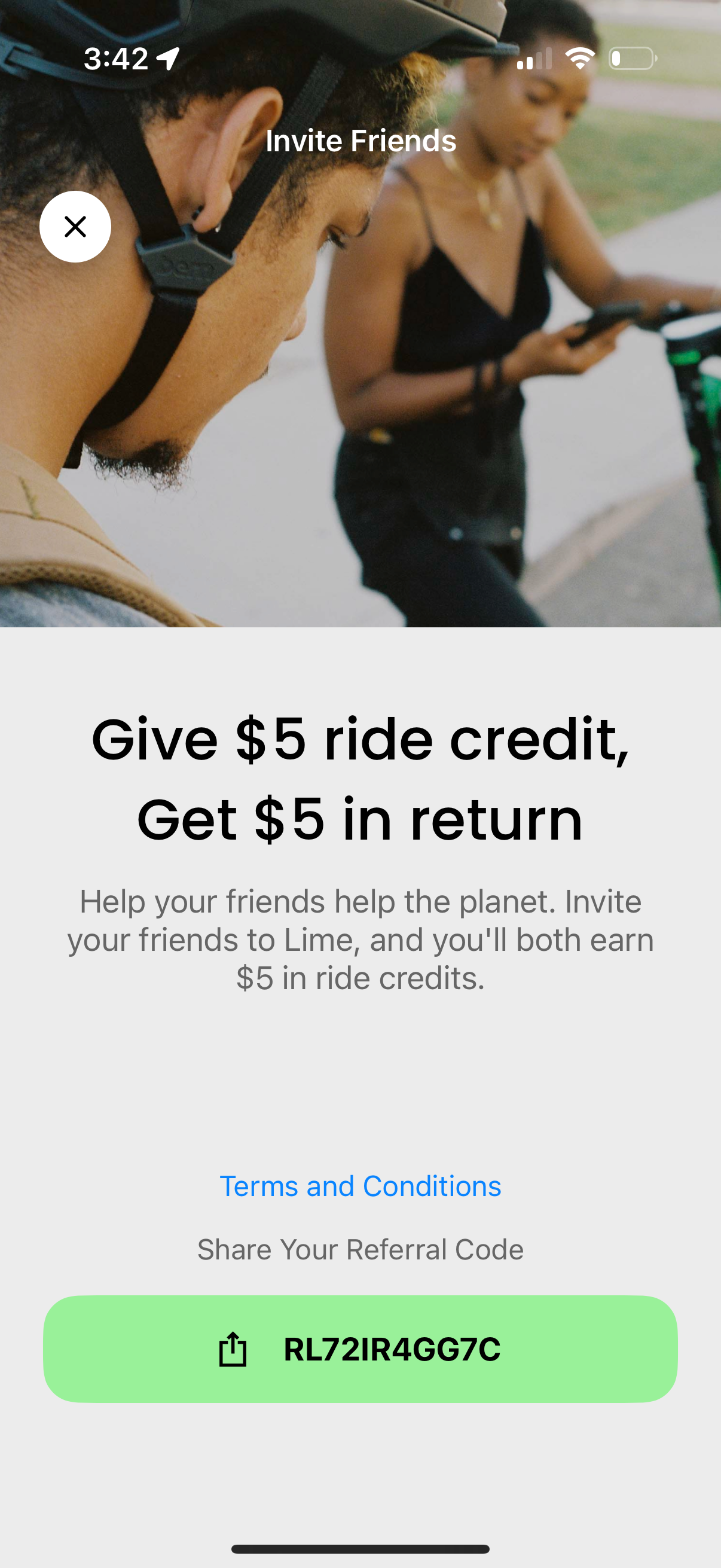
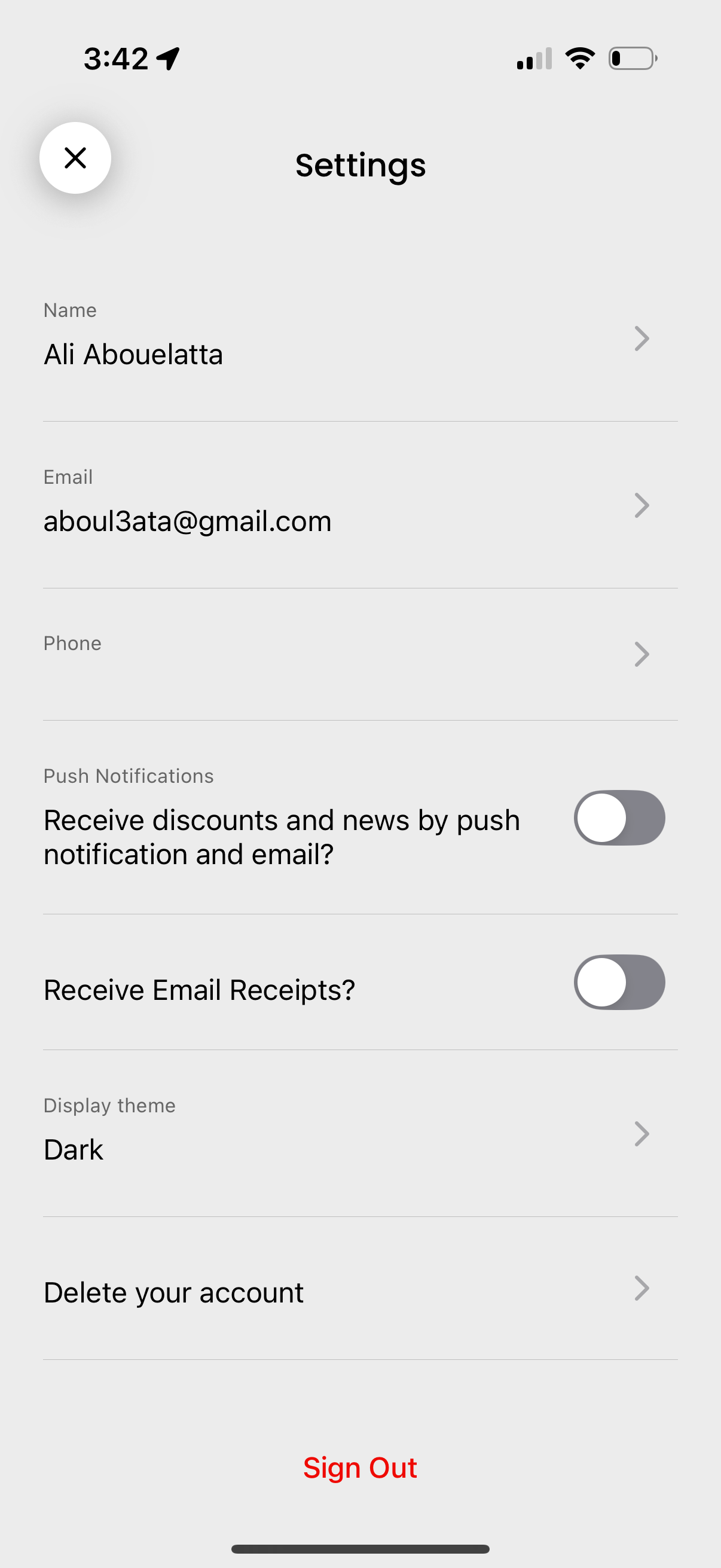
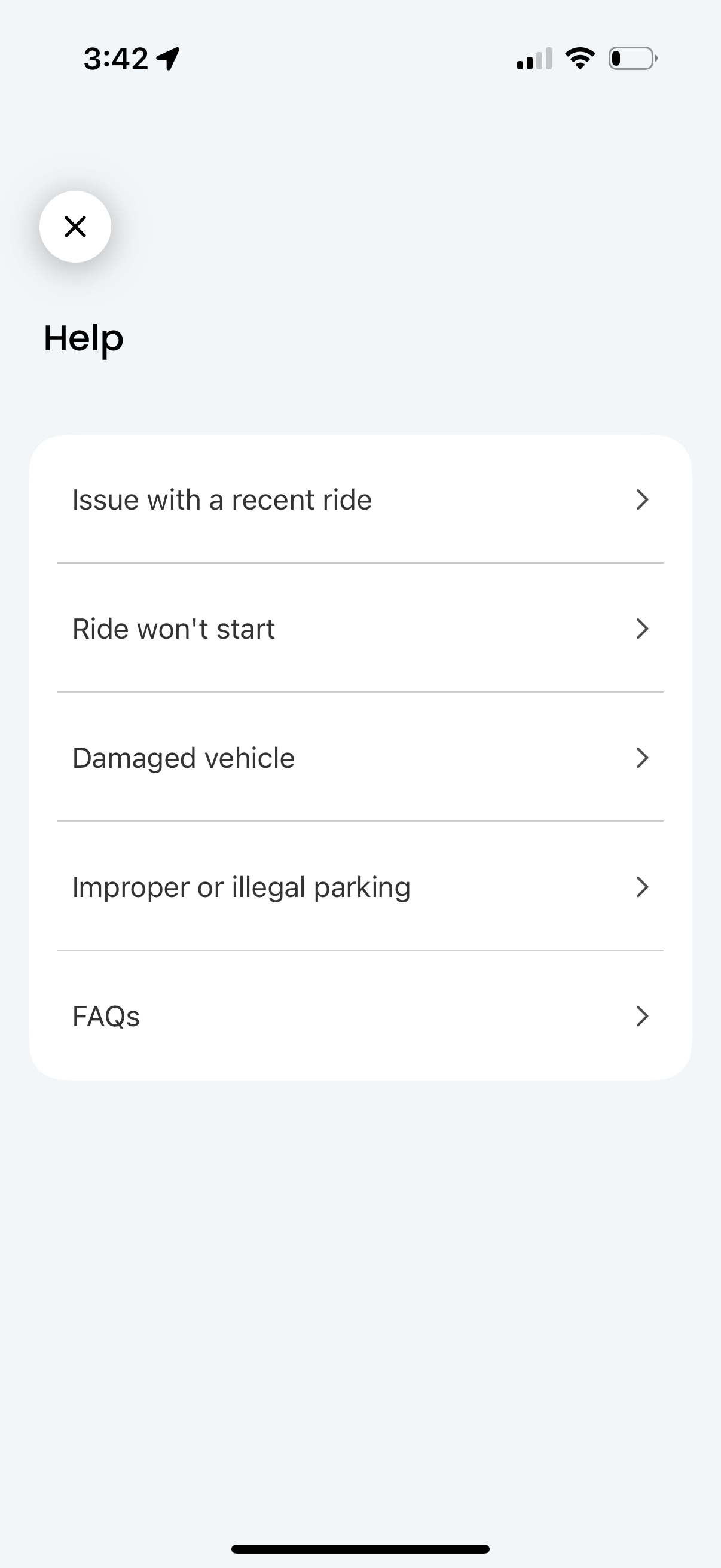
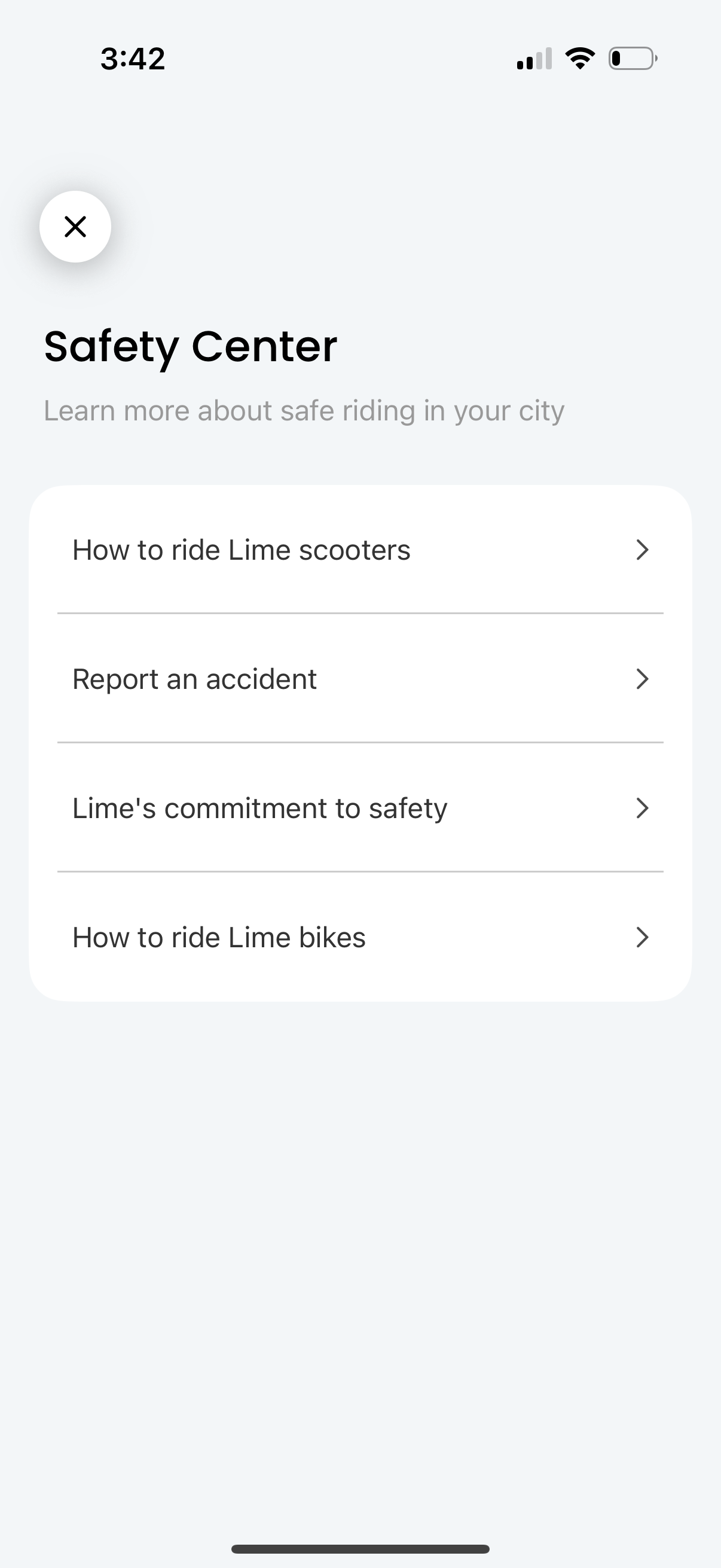
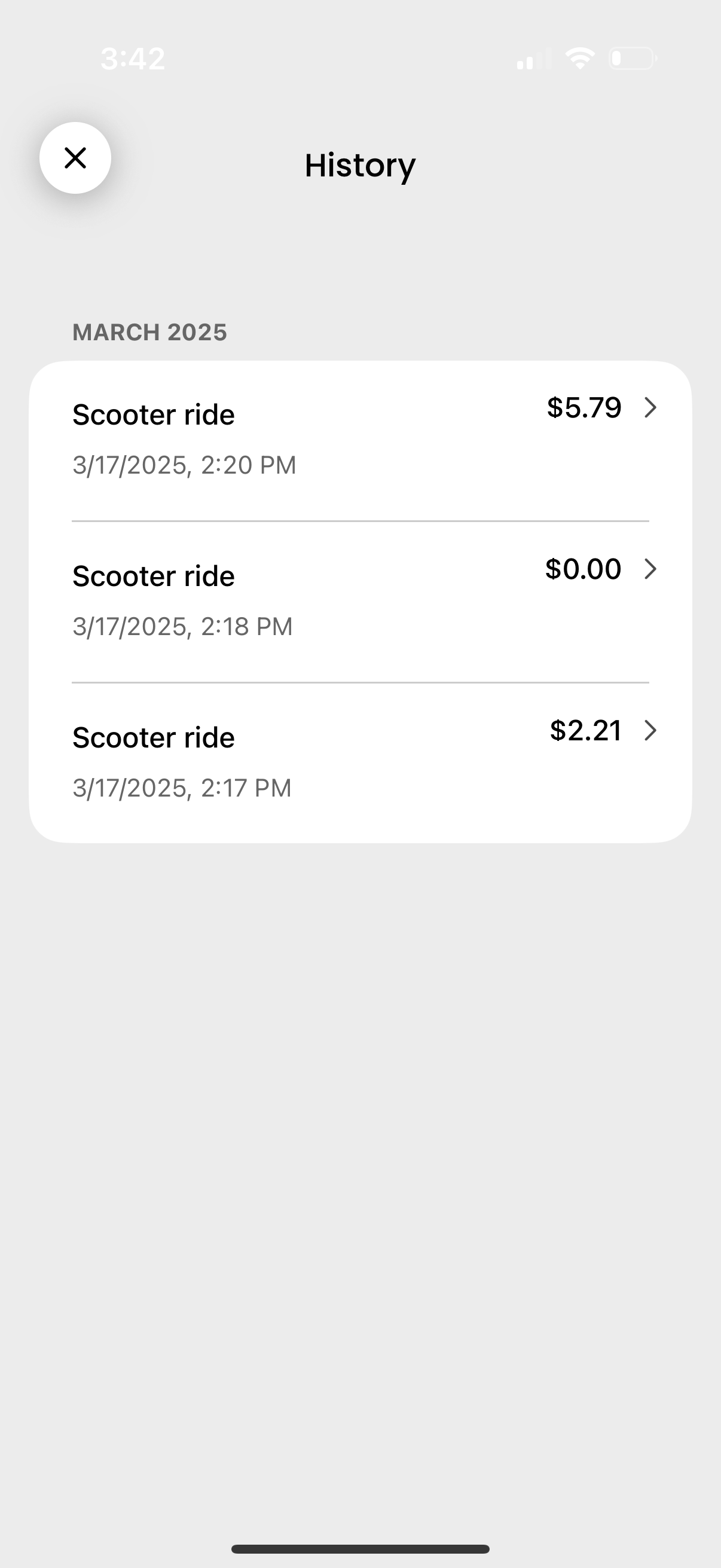
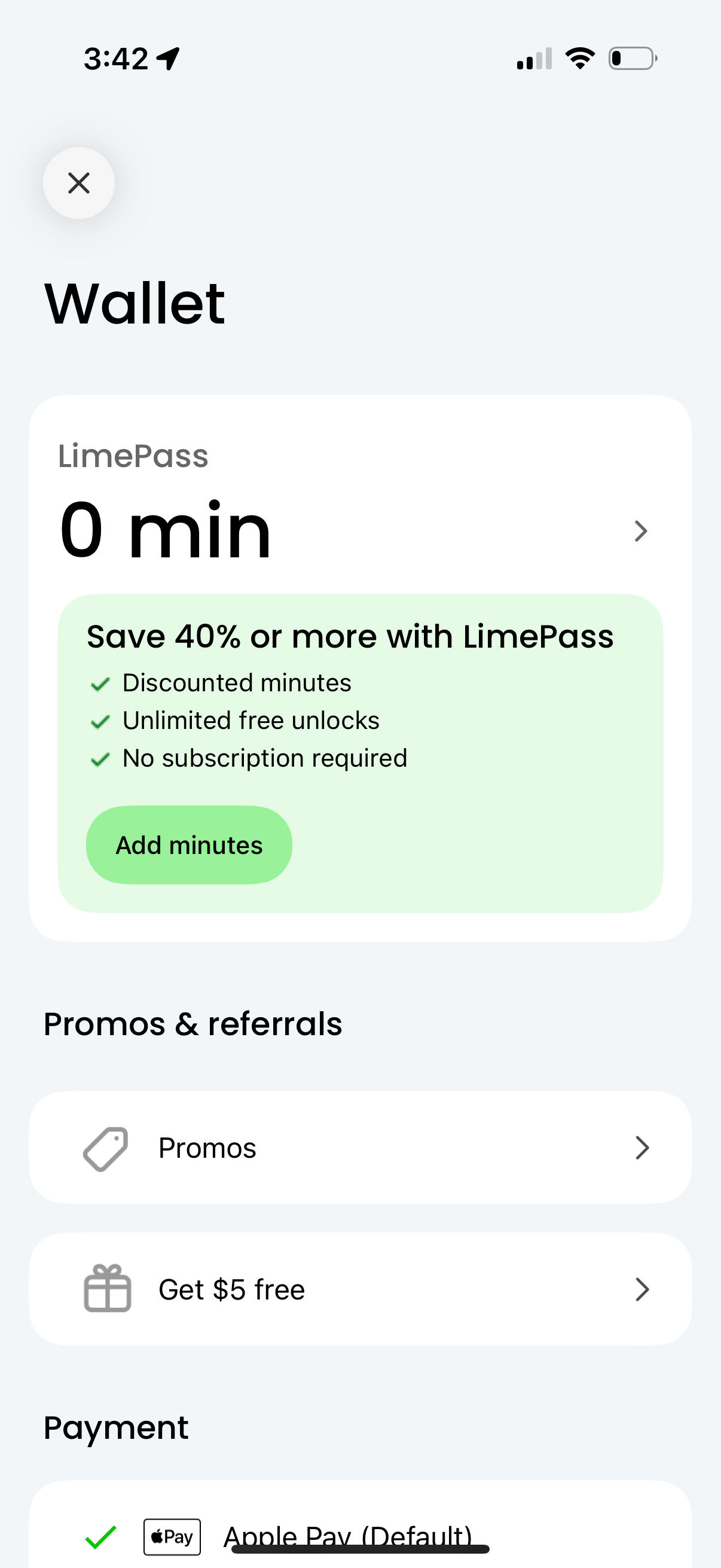
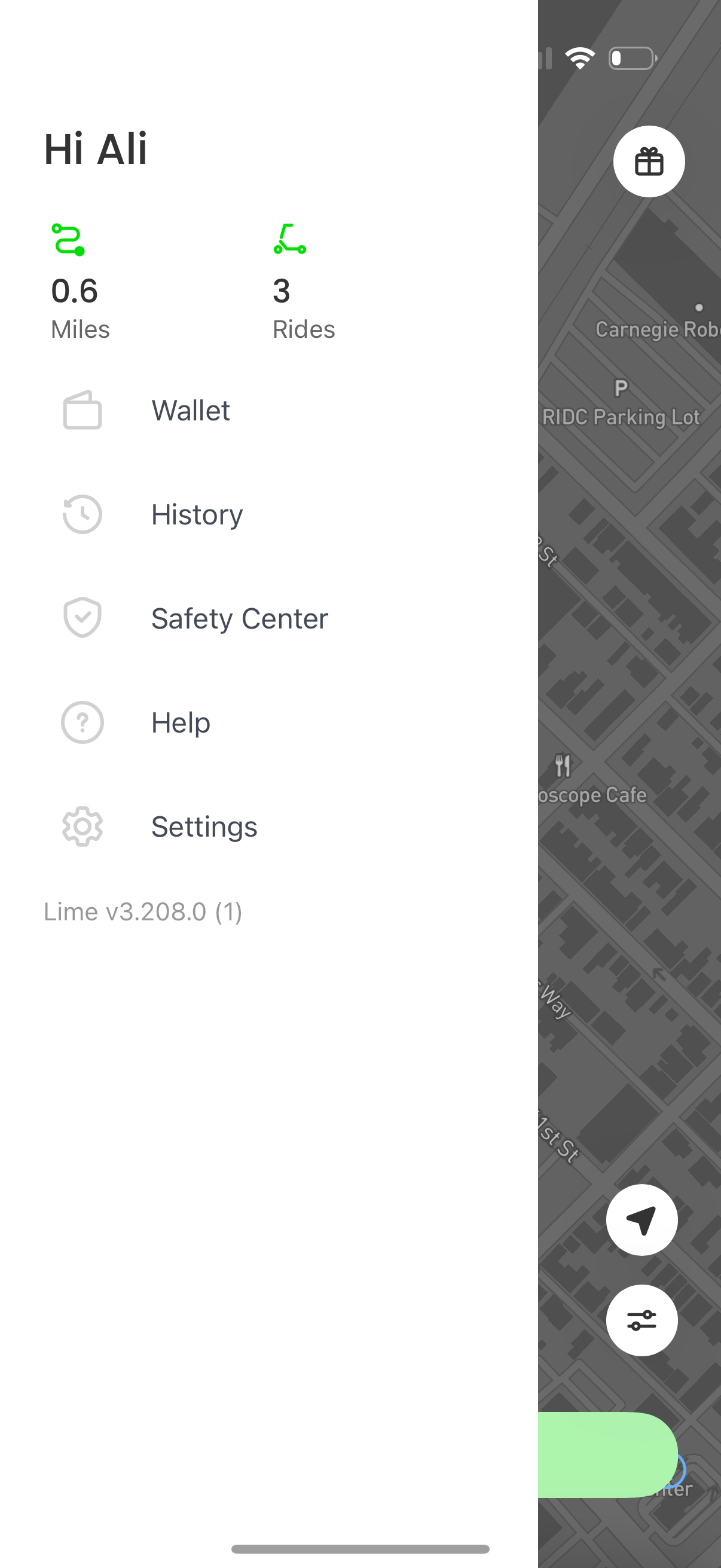
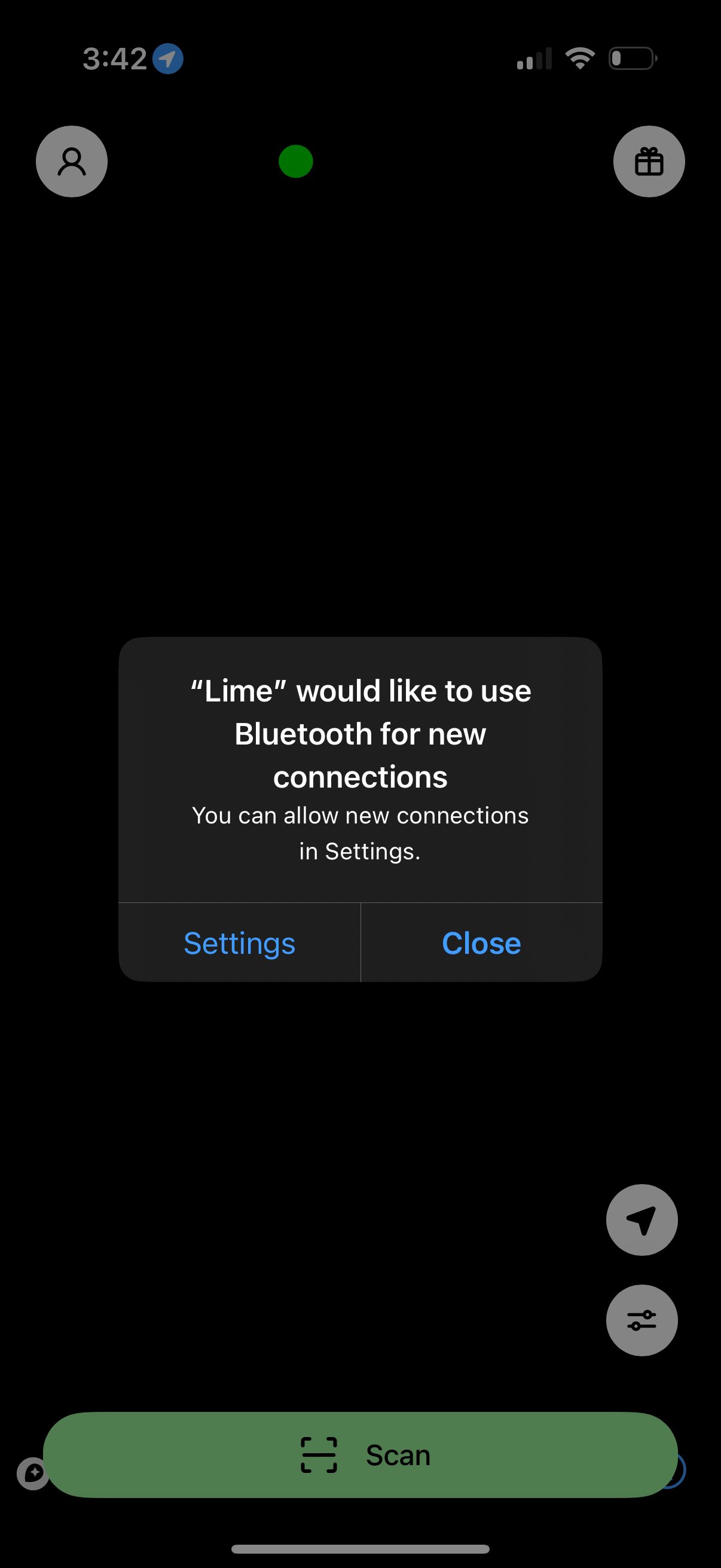
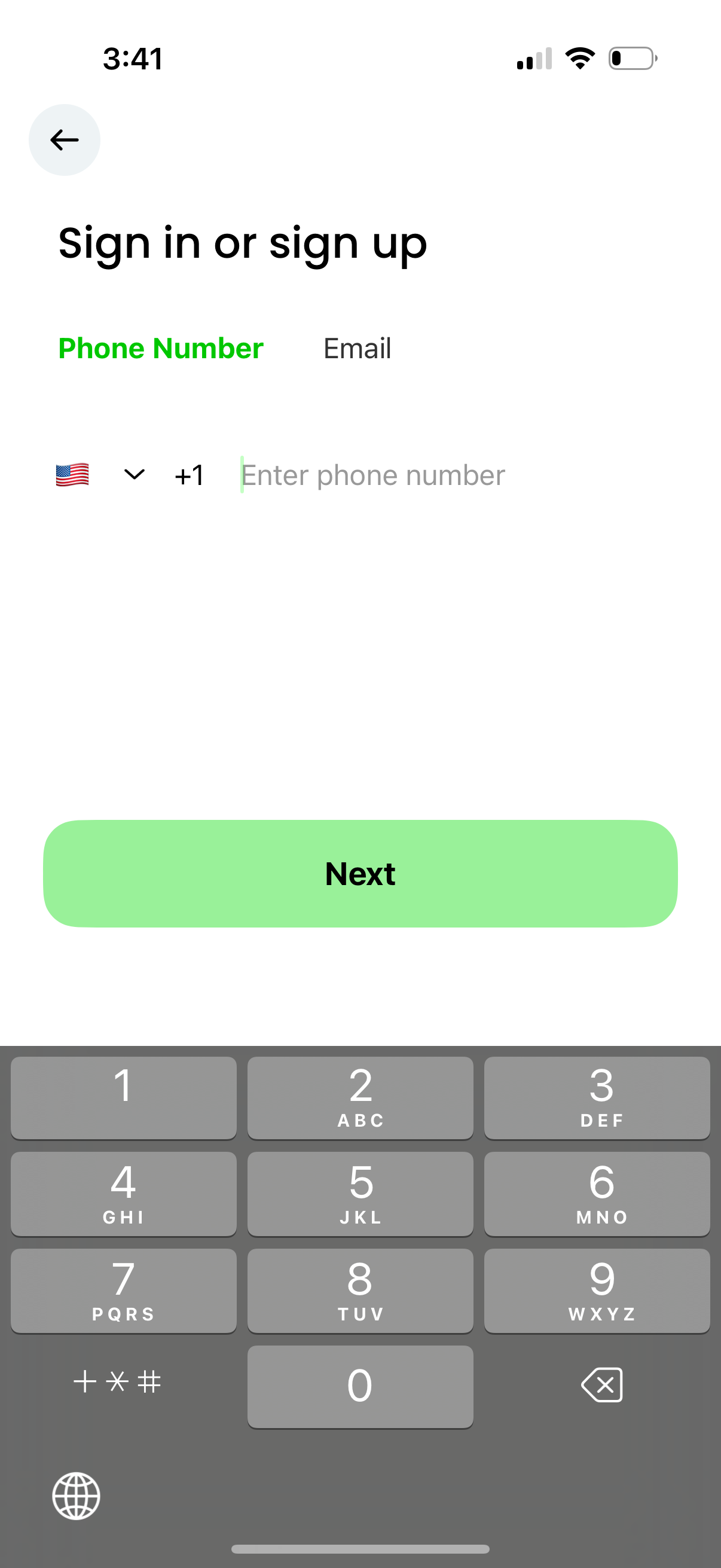
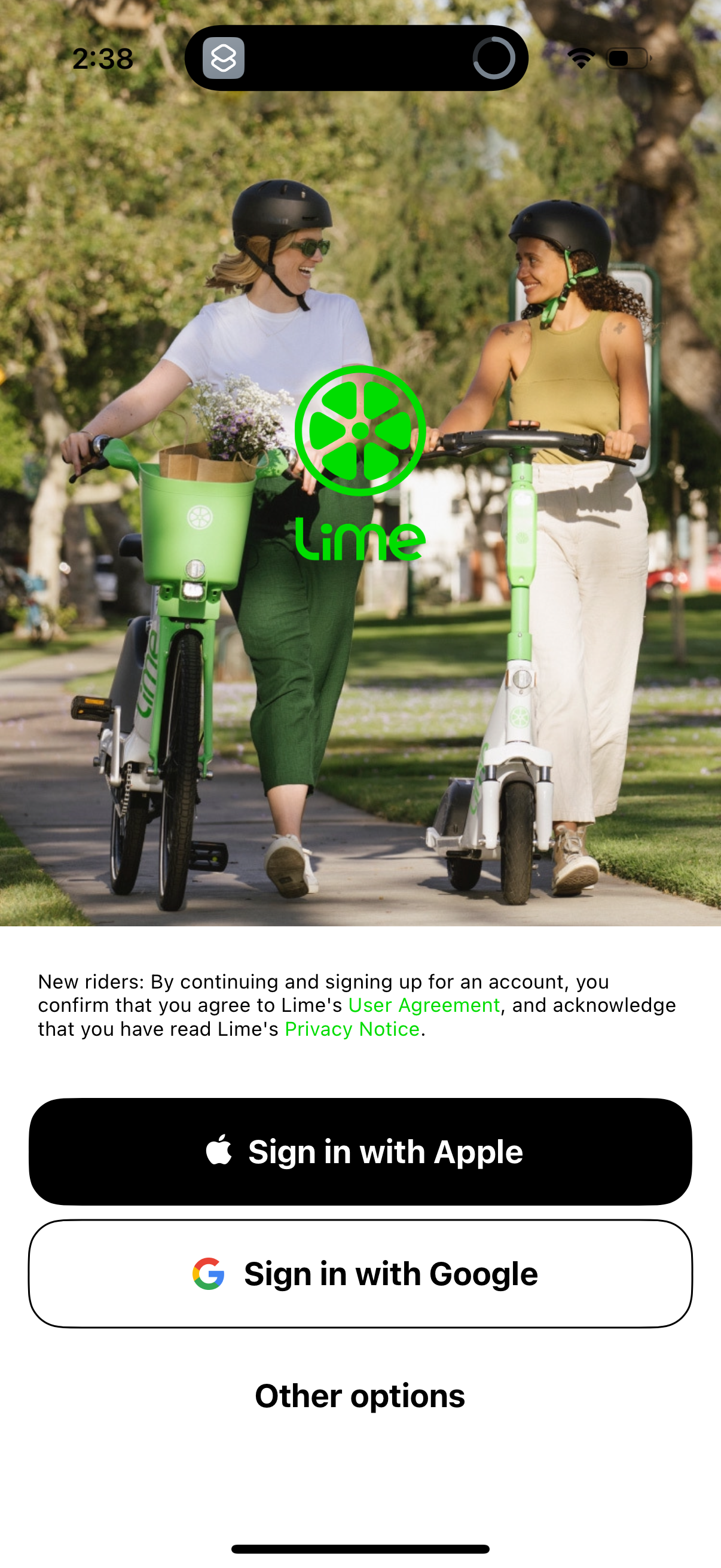
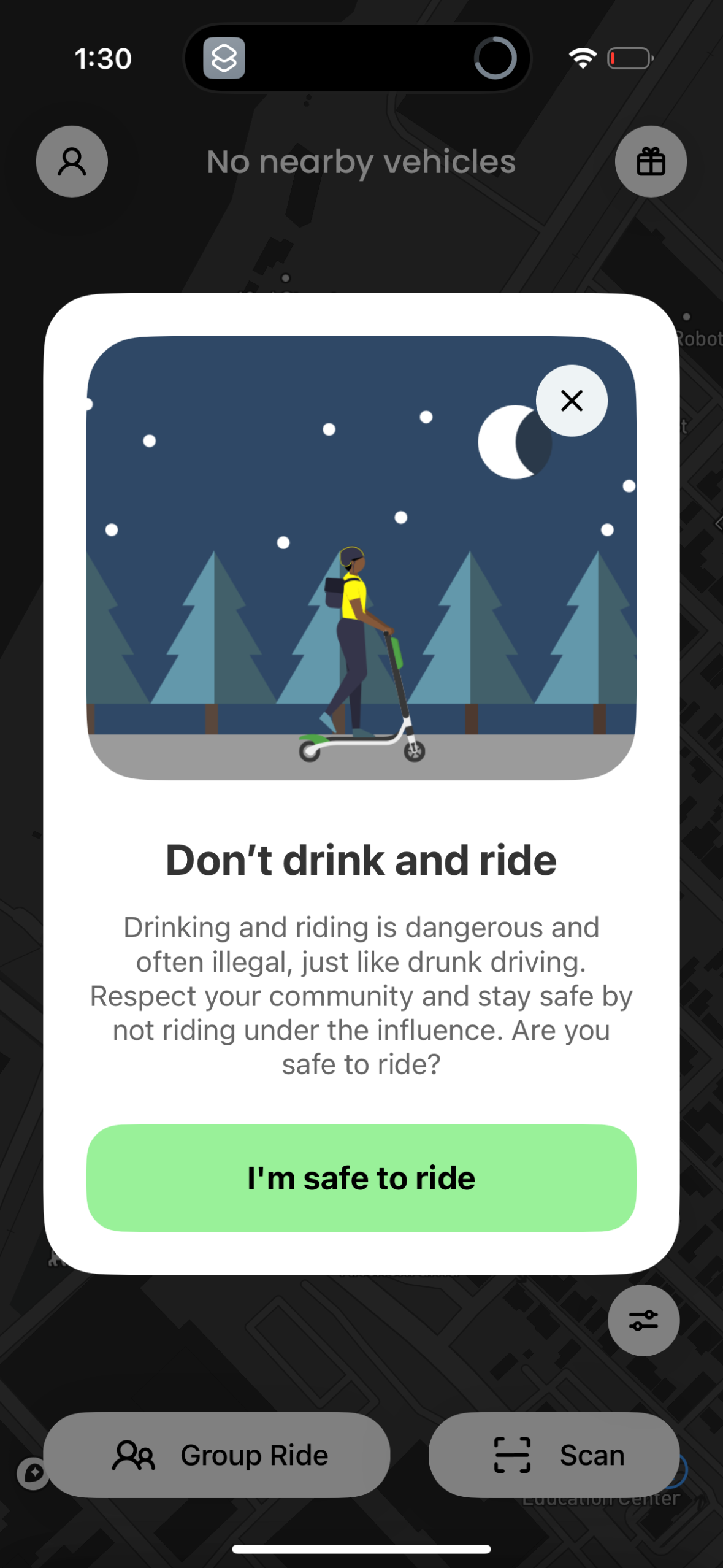
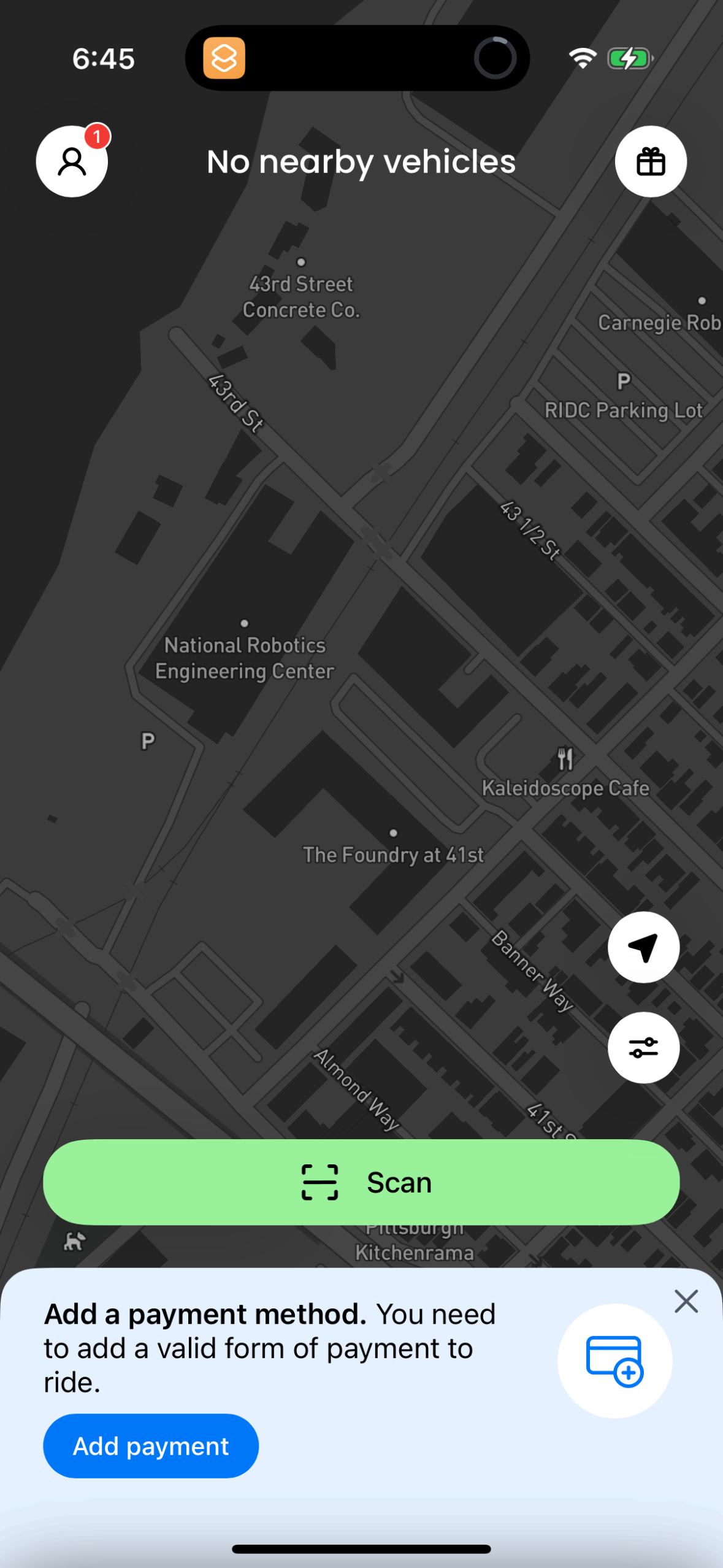
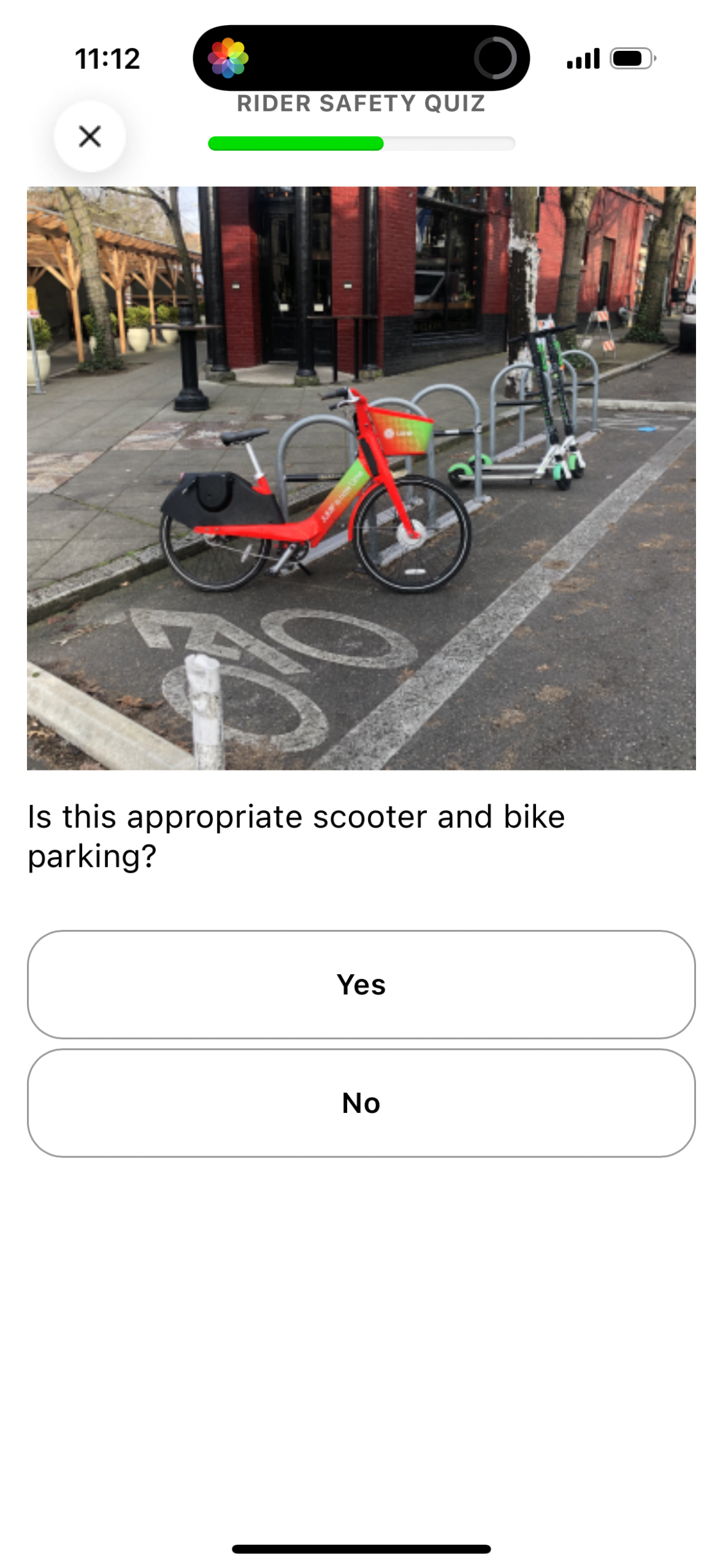
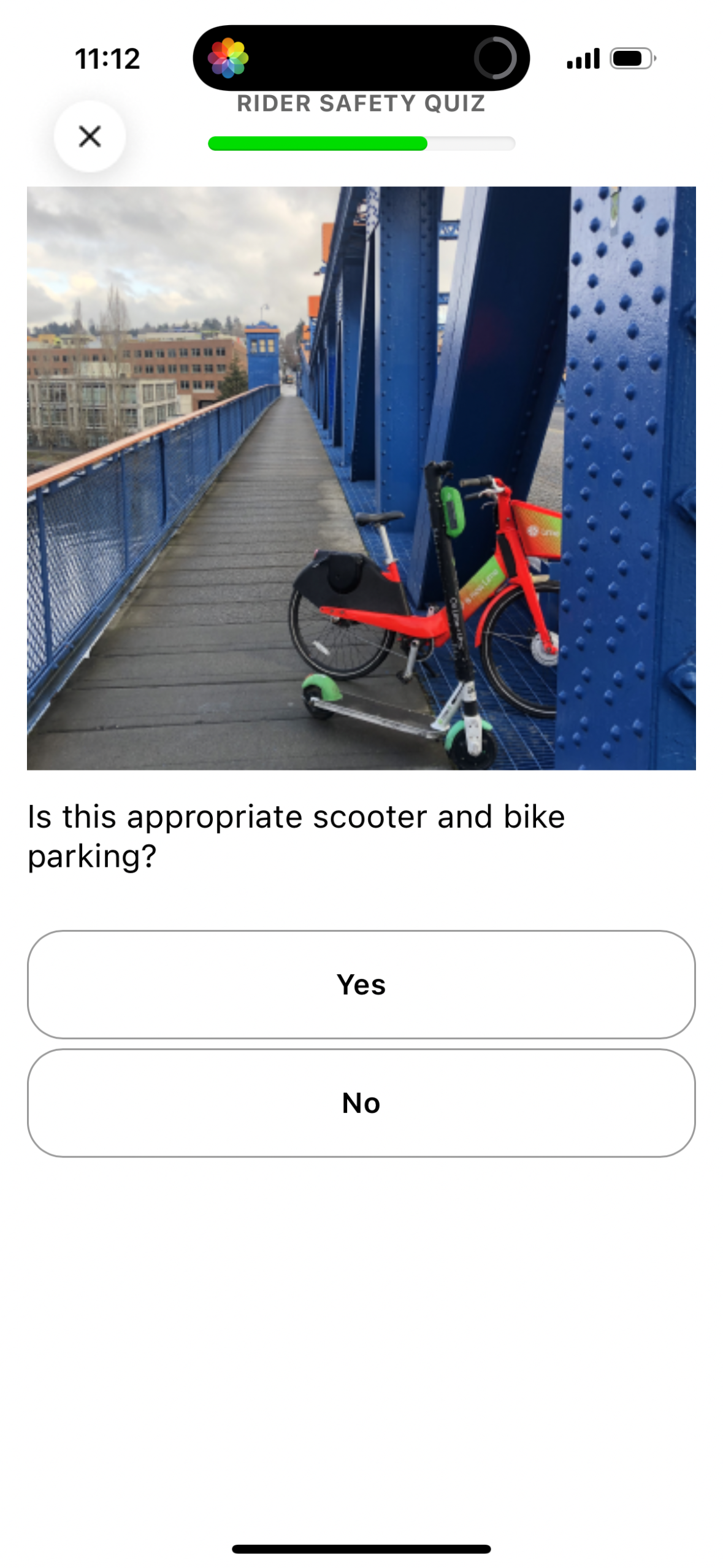
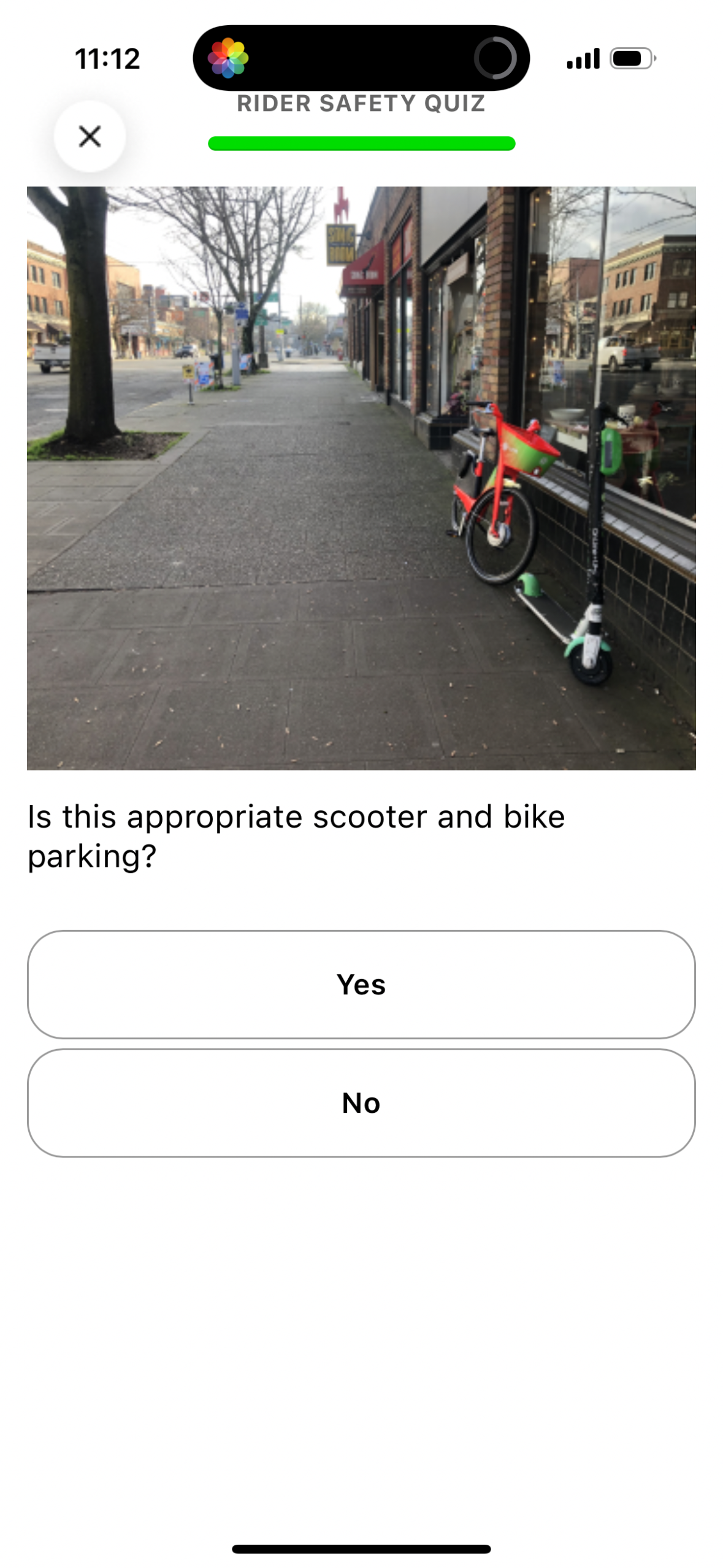
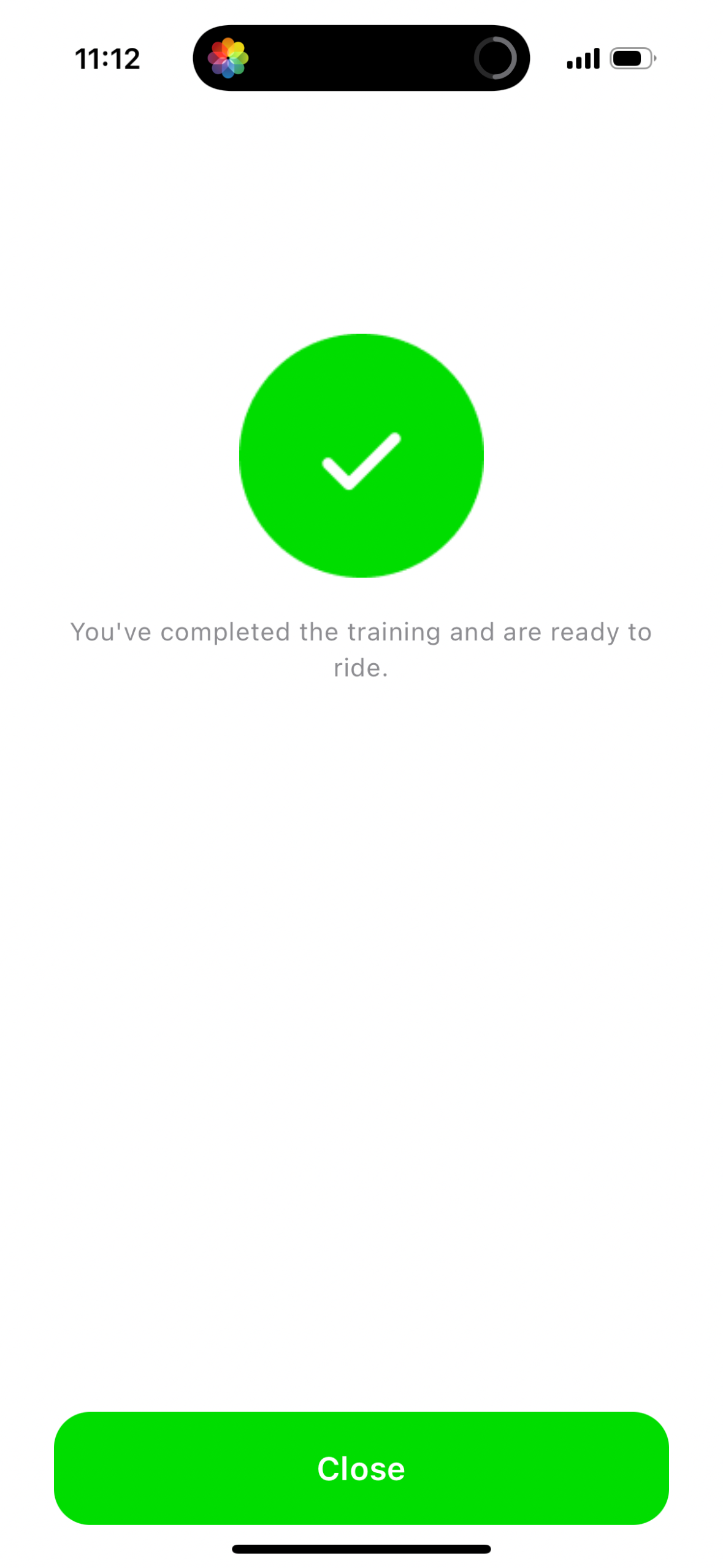
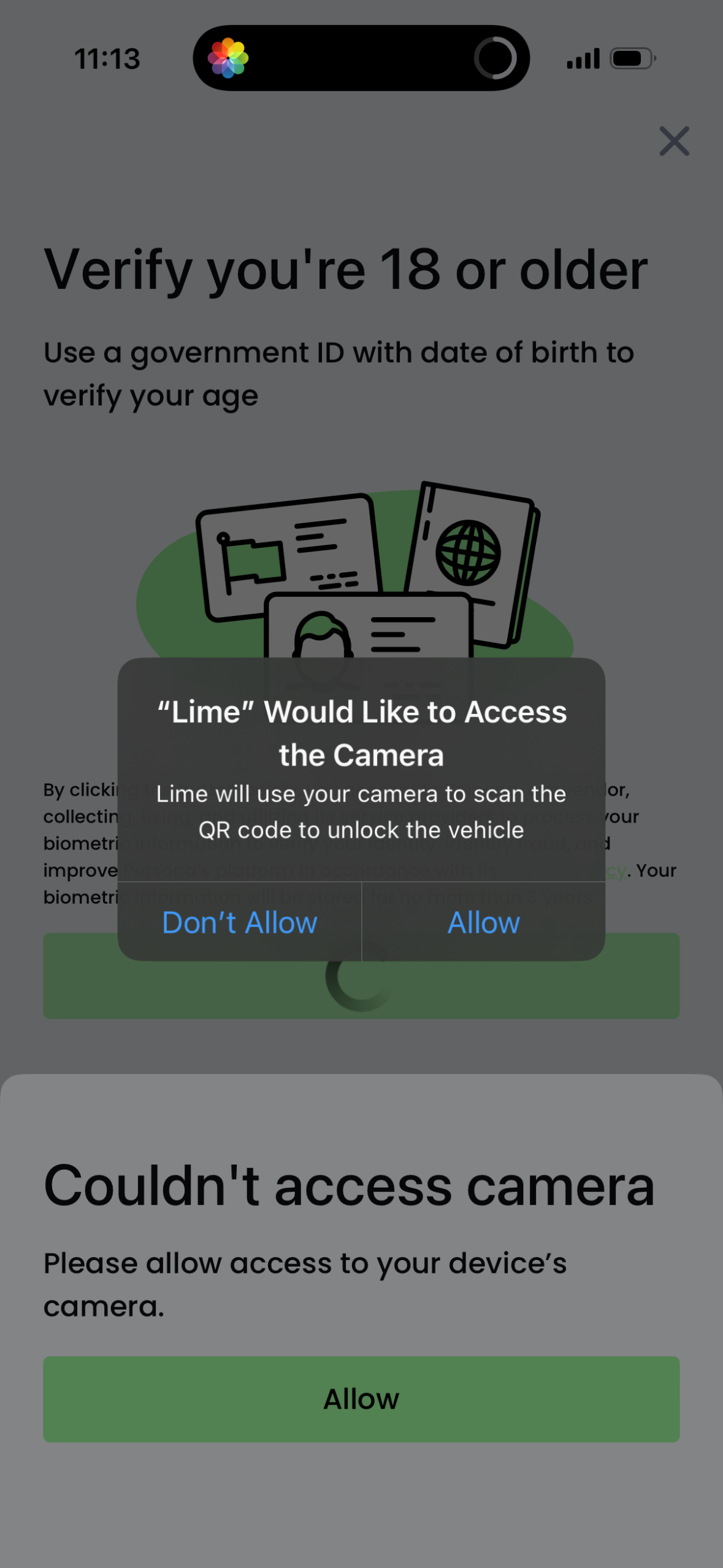
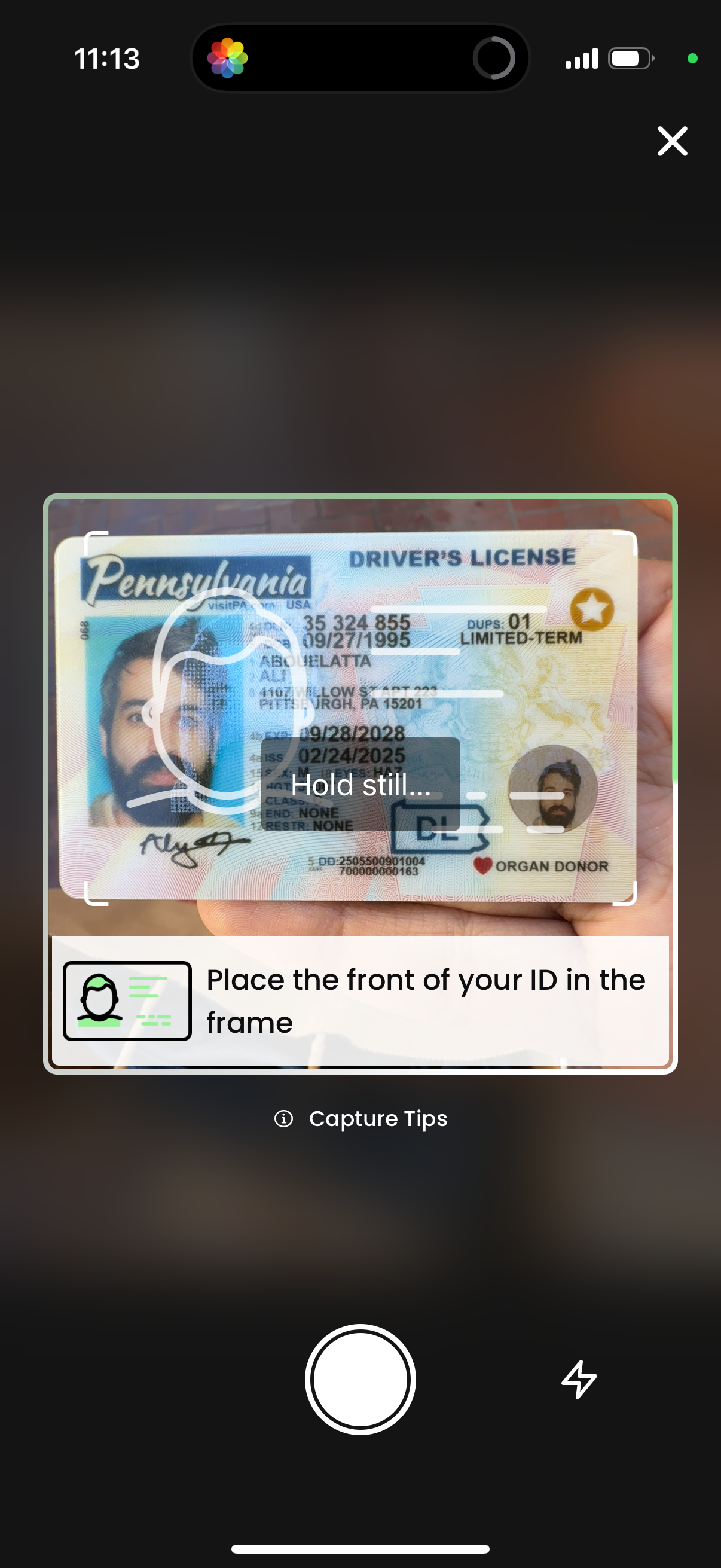
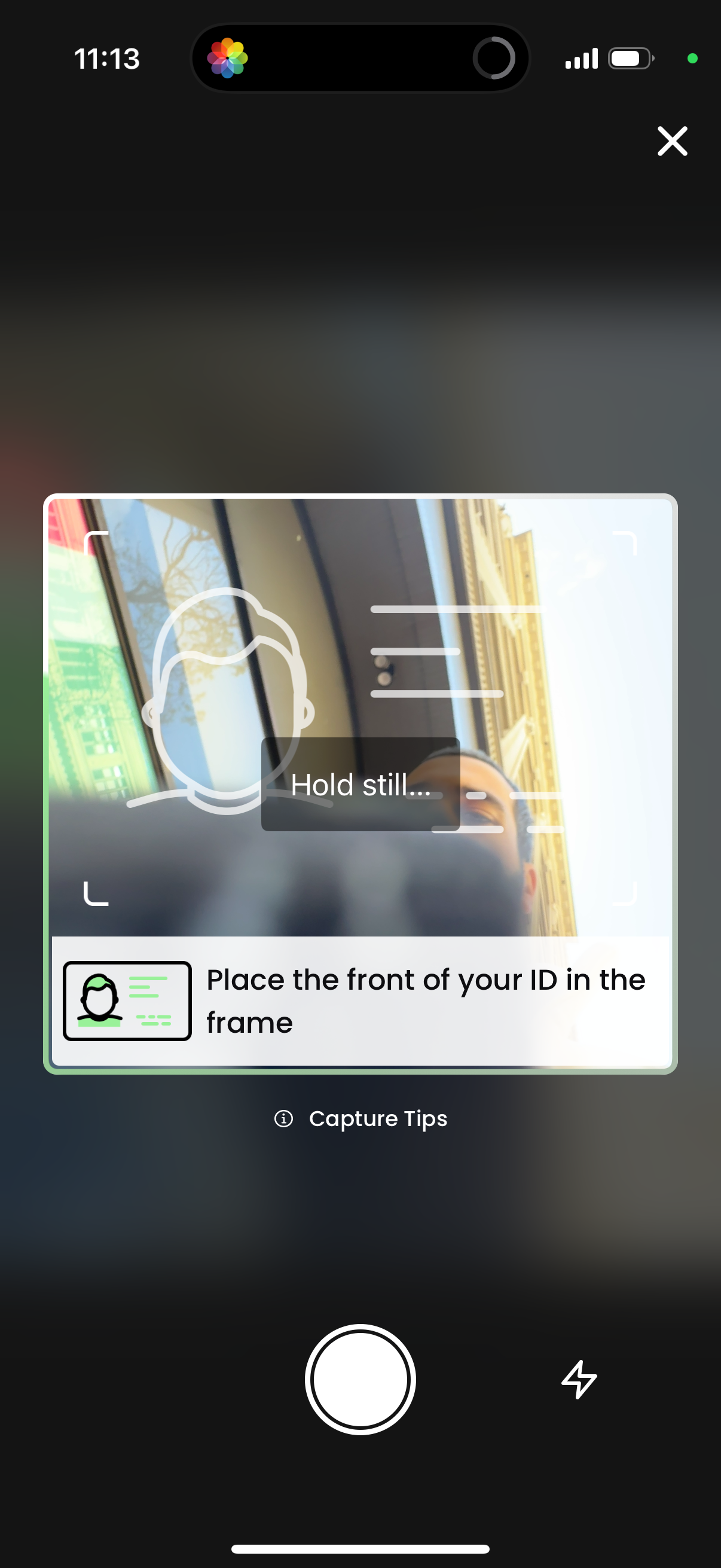
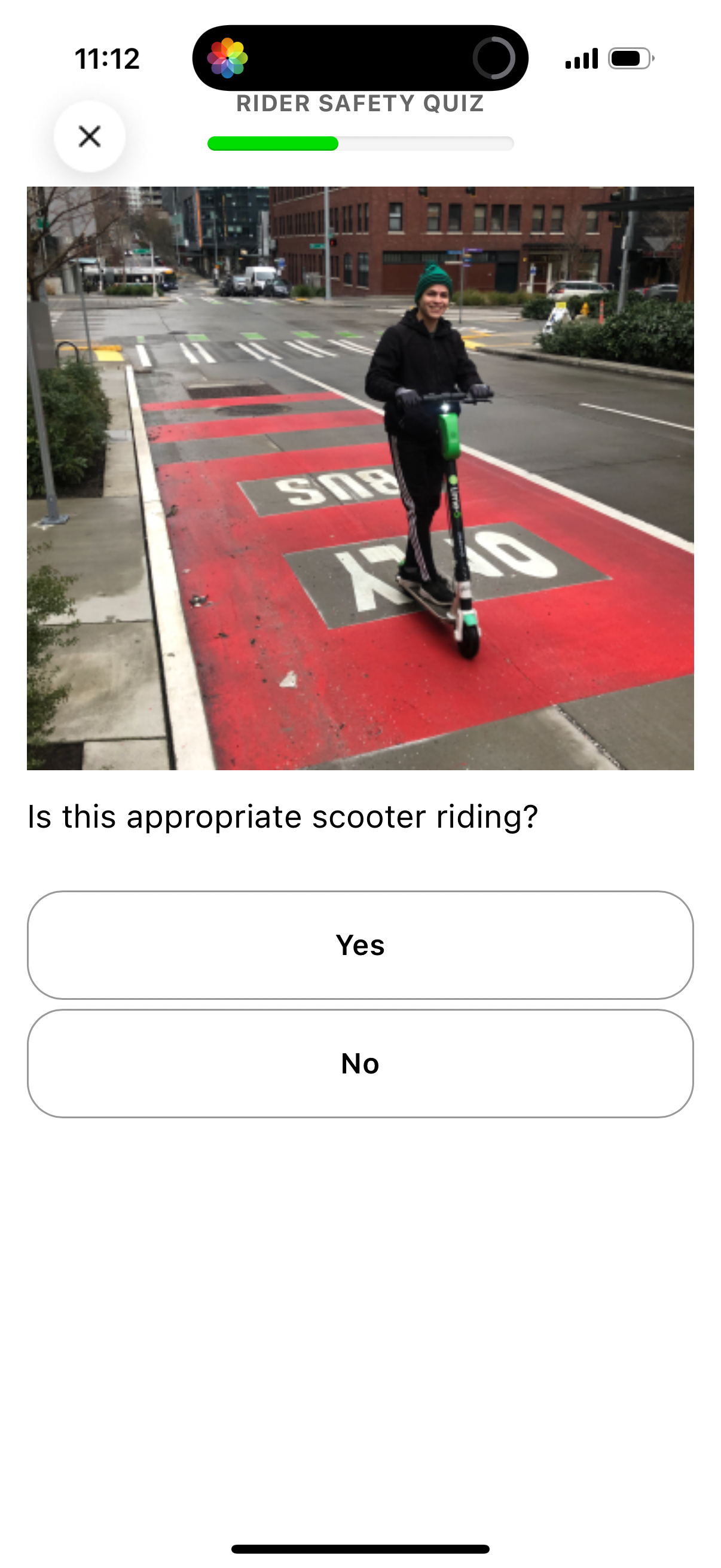
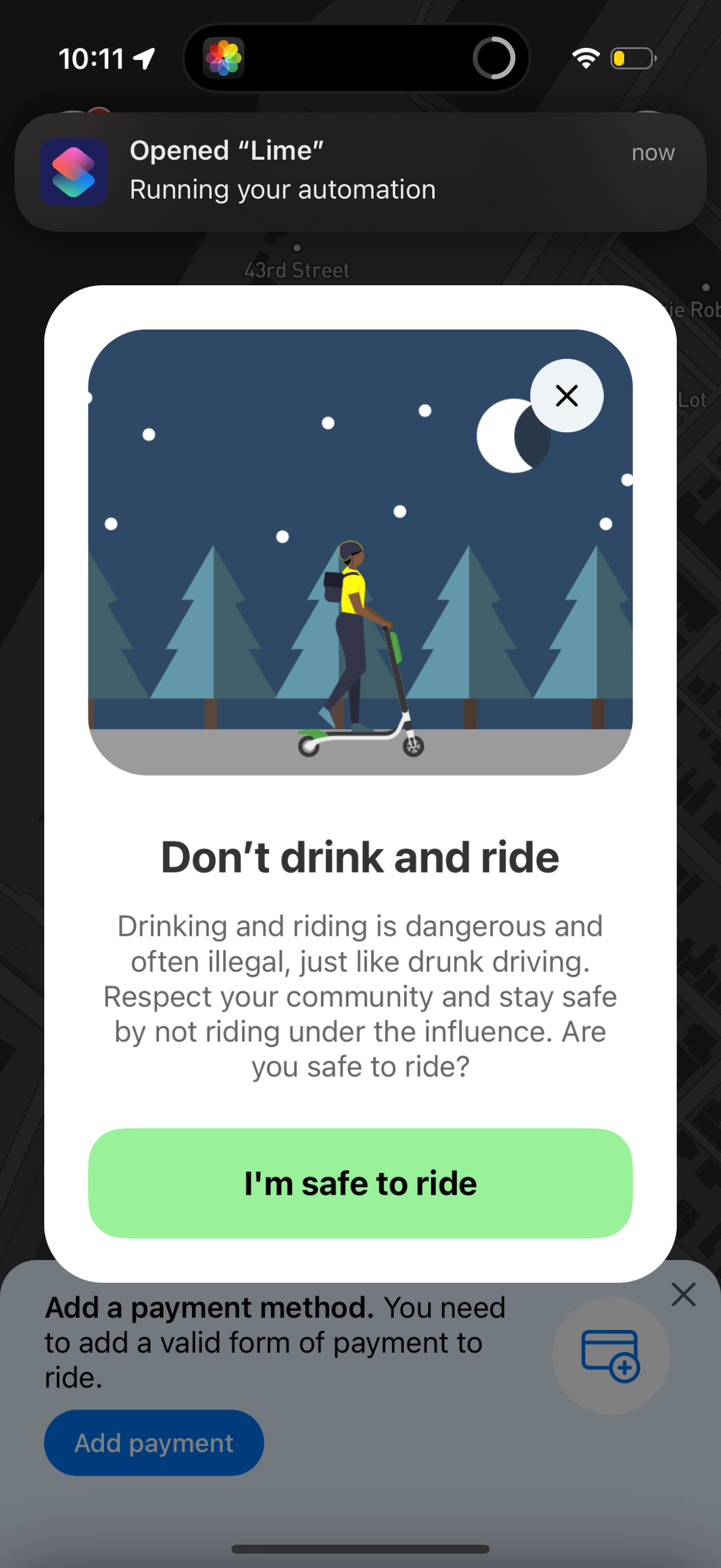
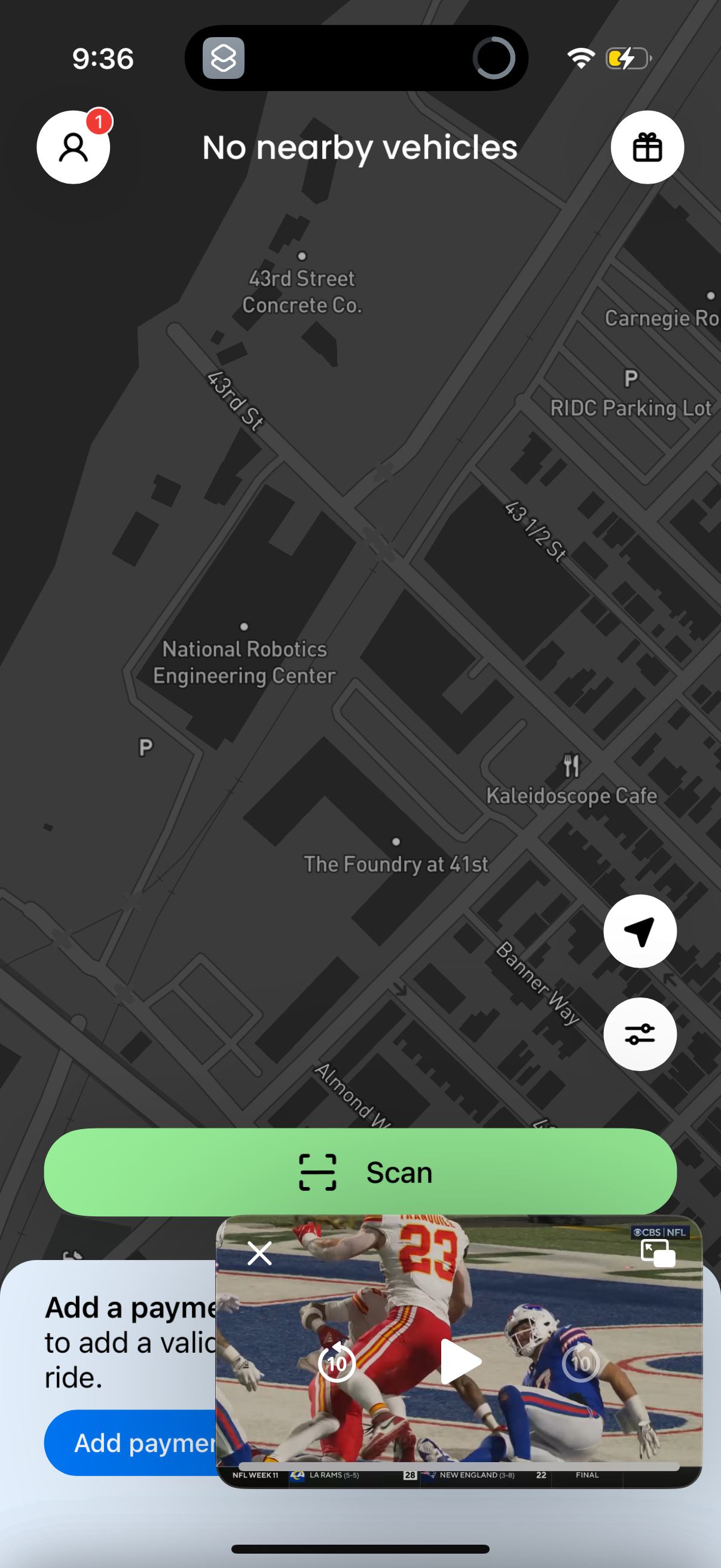
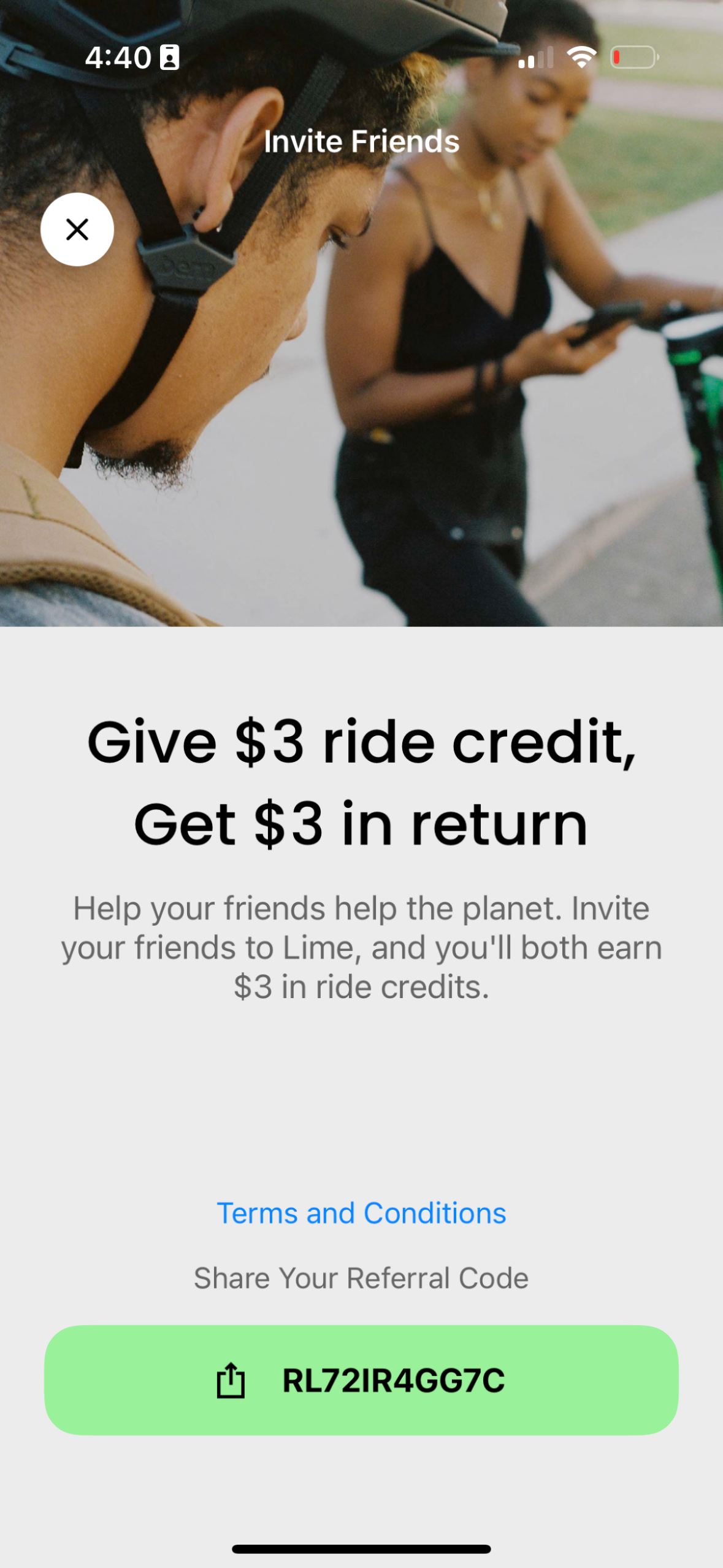
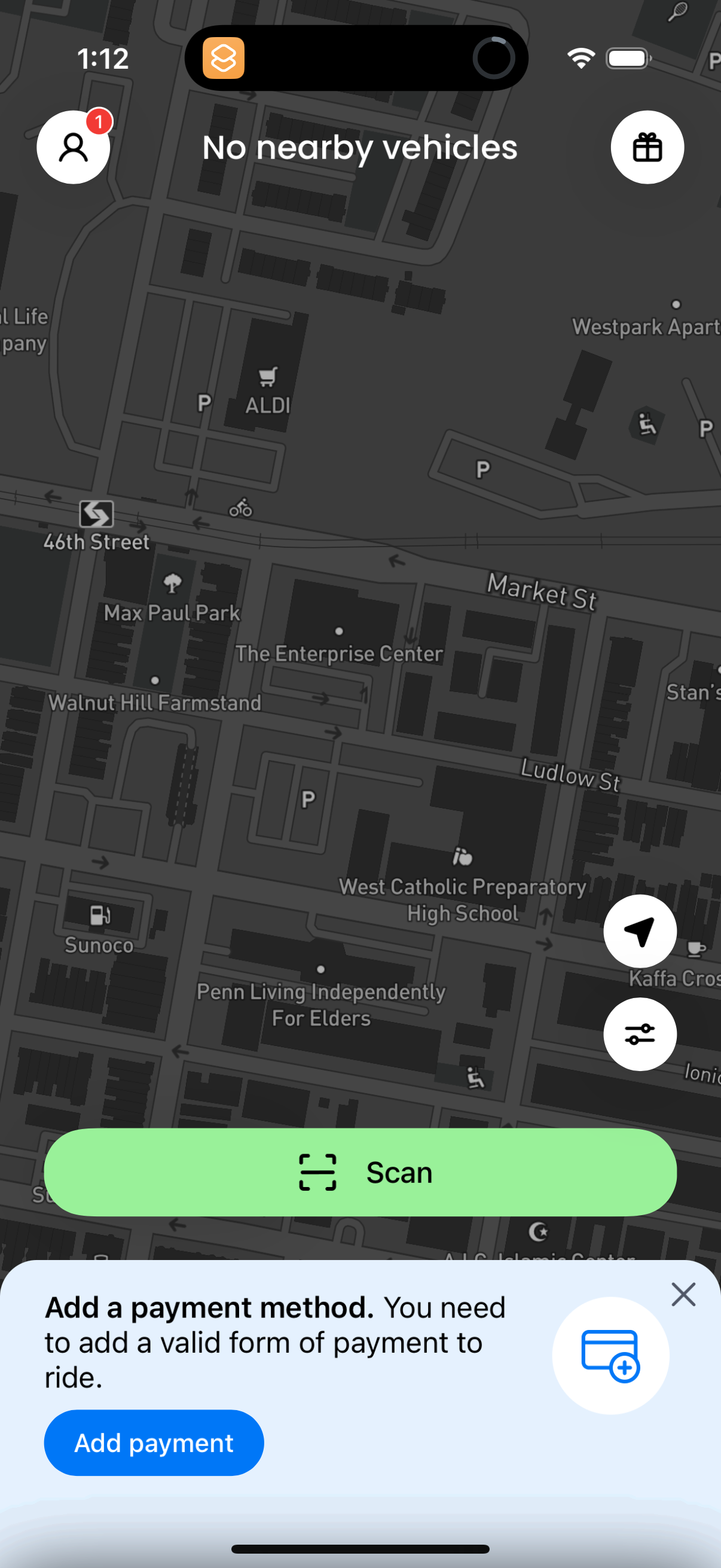
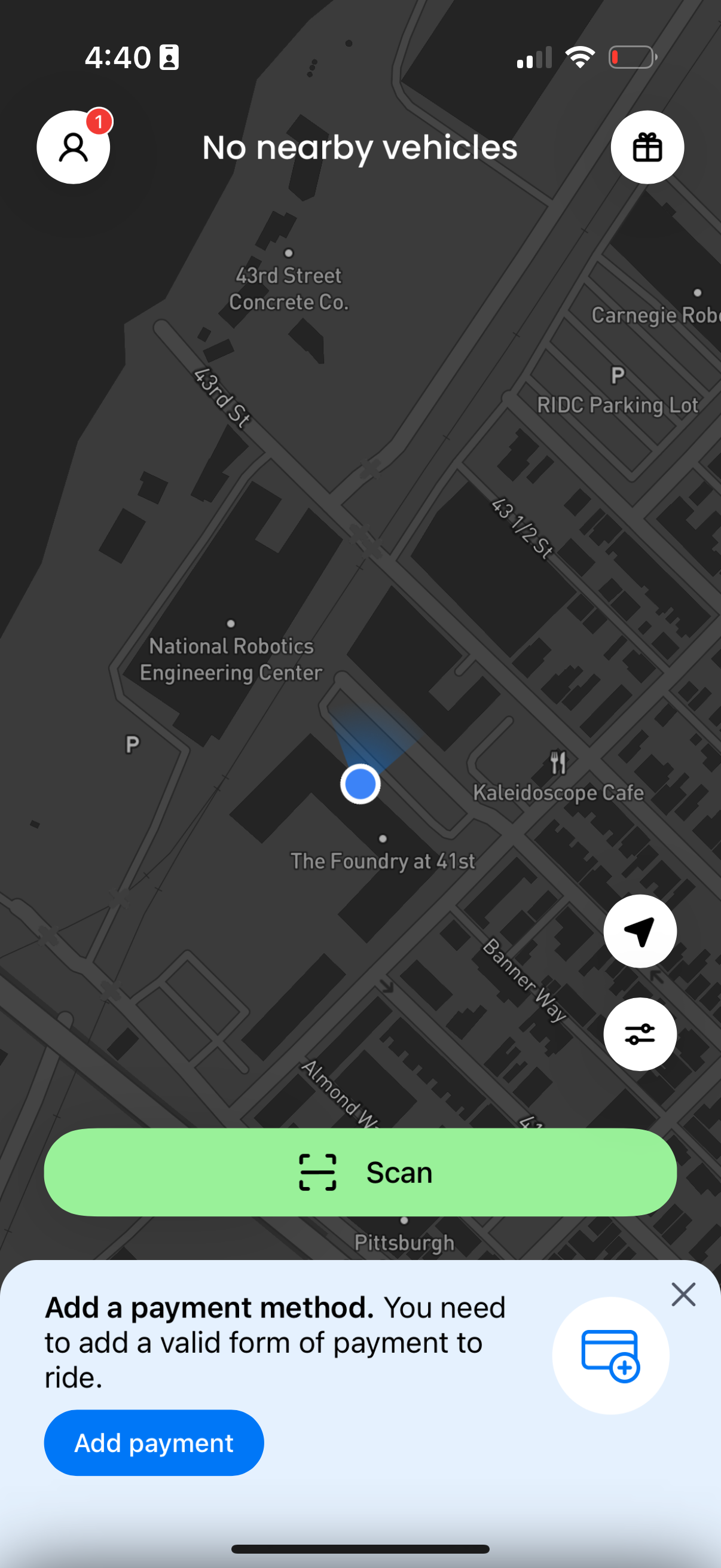
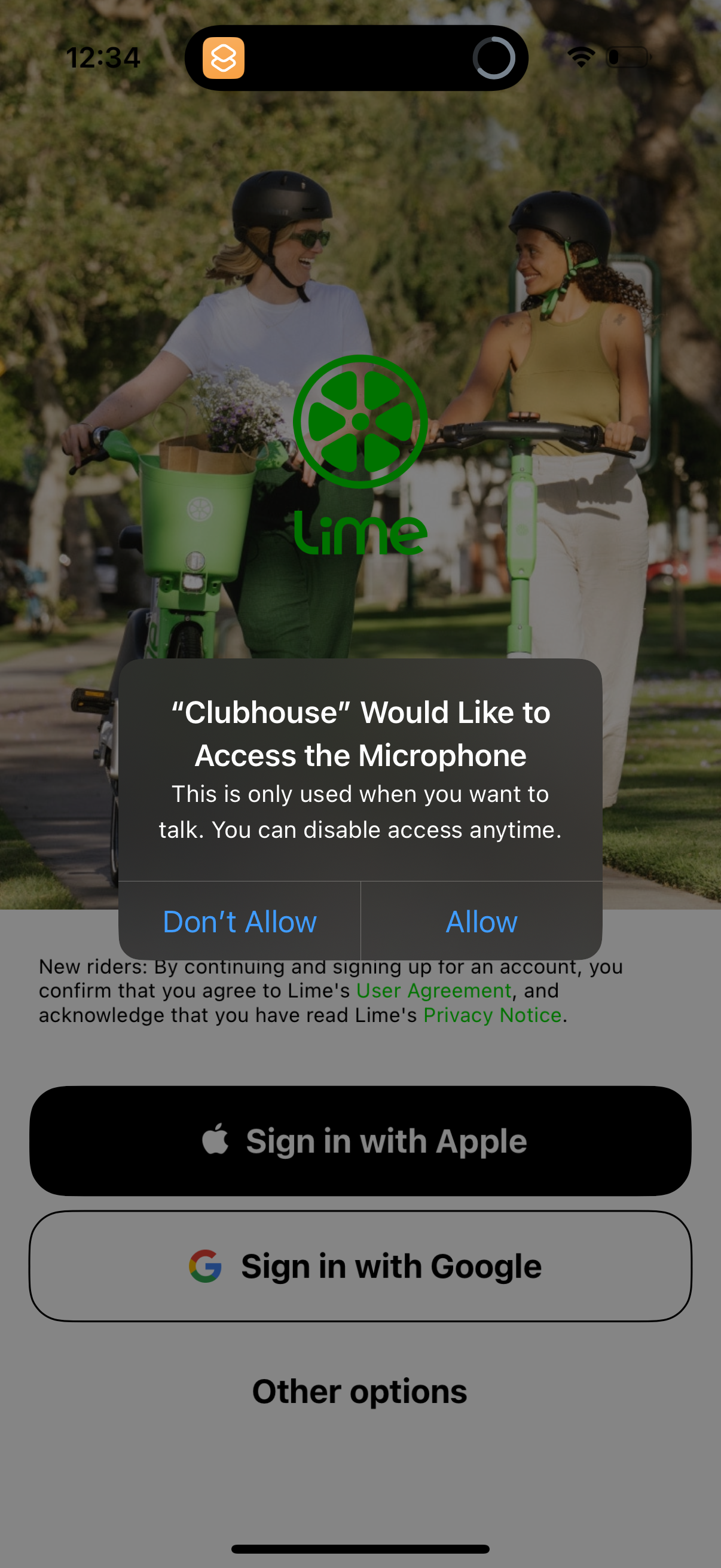
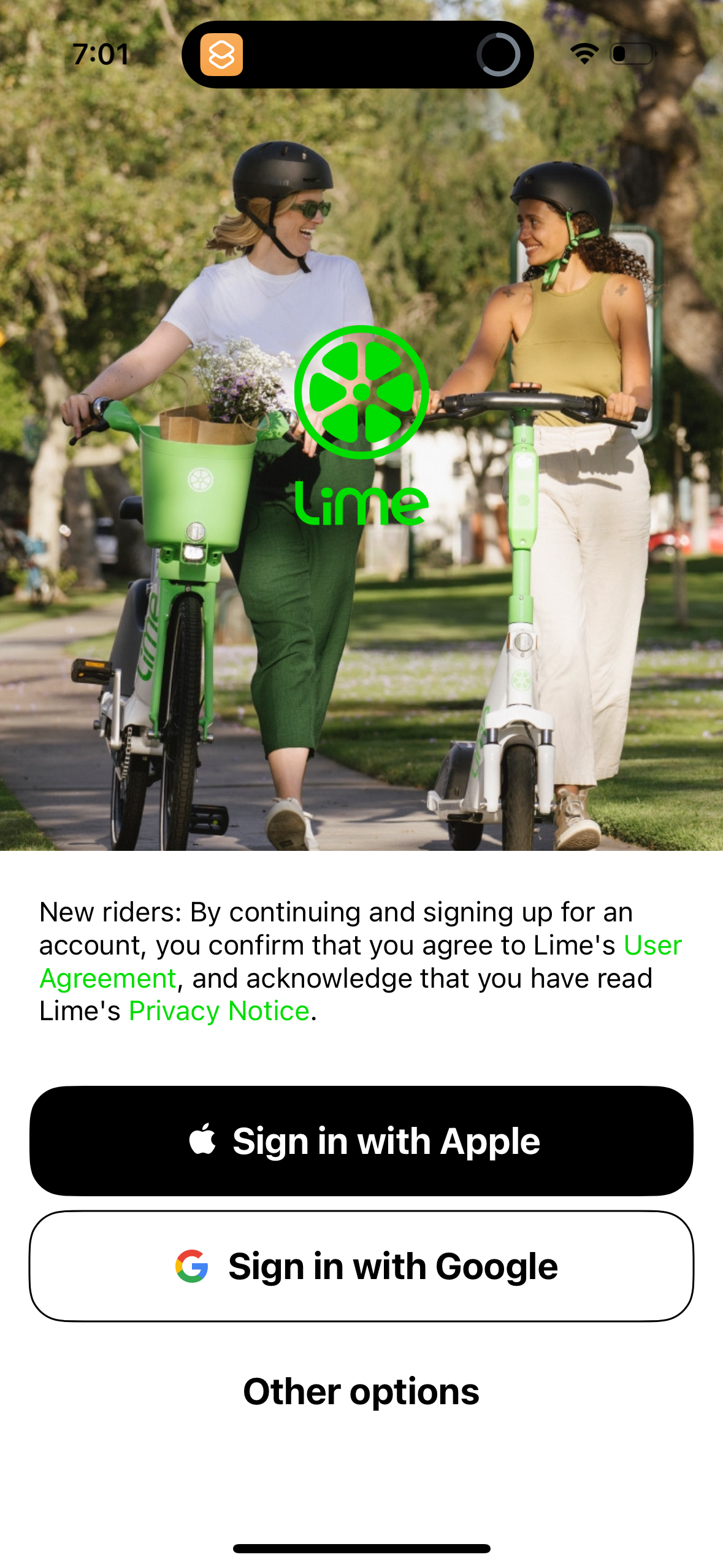
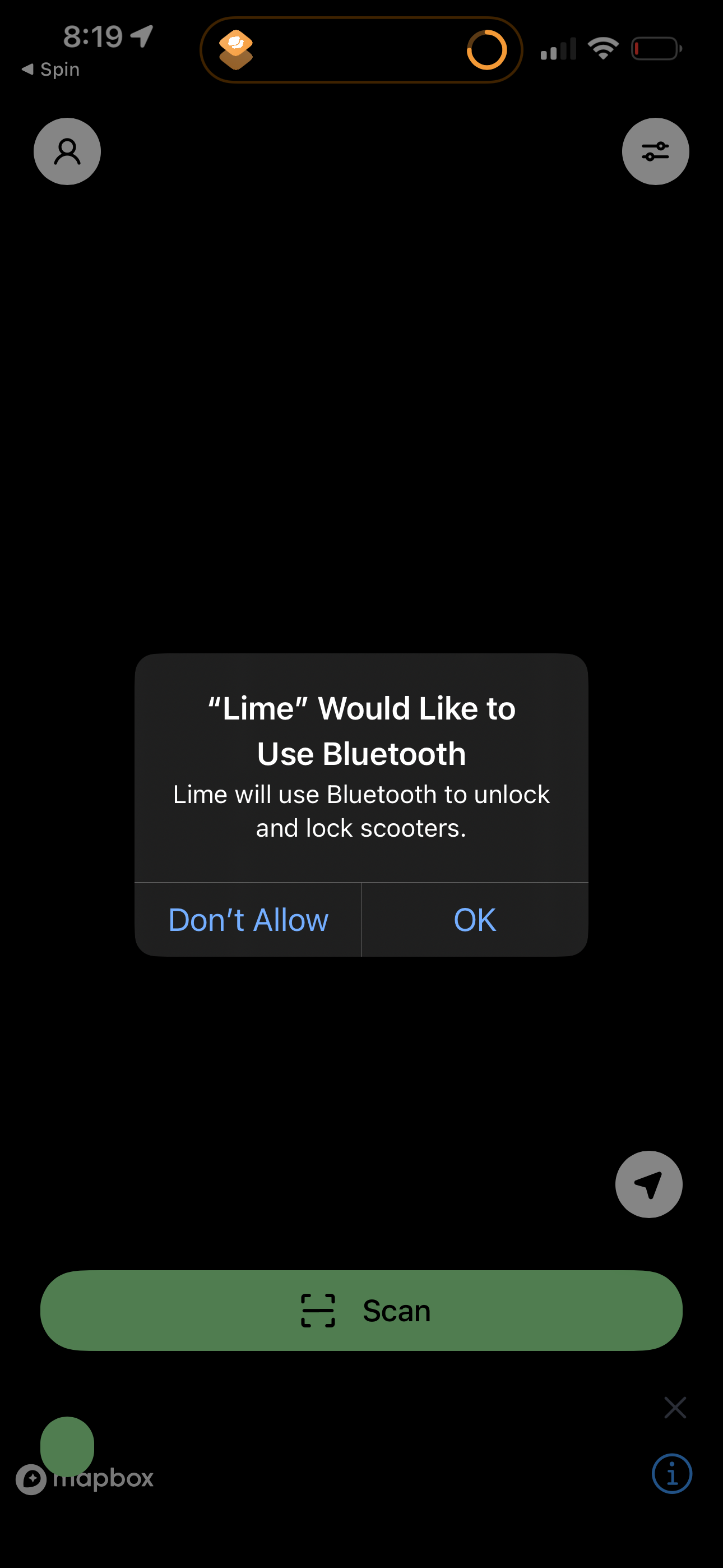
lime screenshots
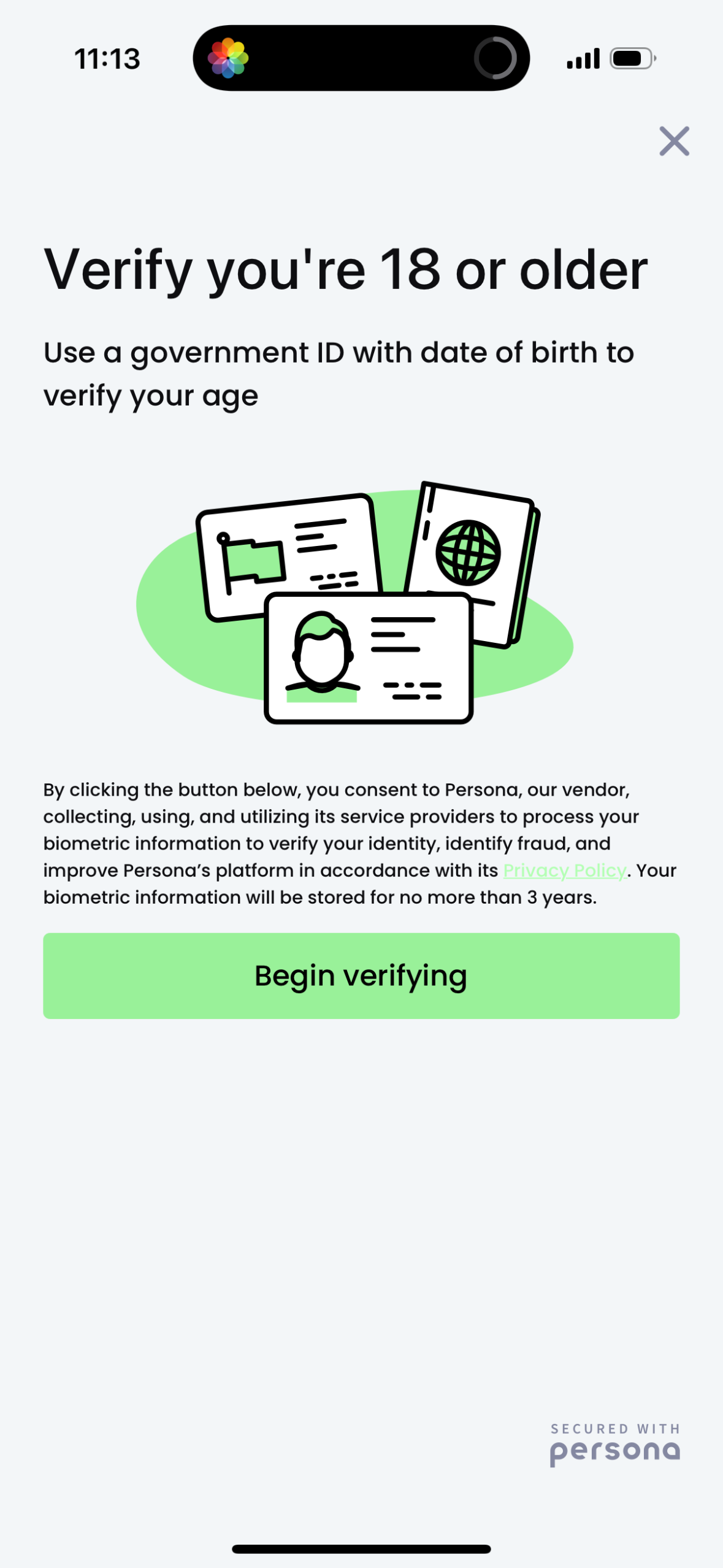
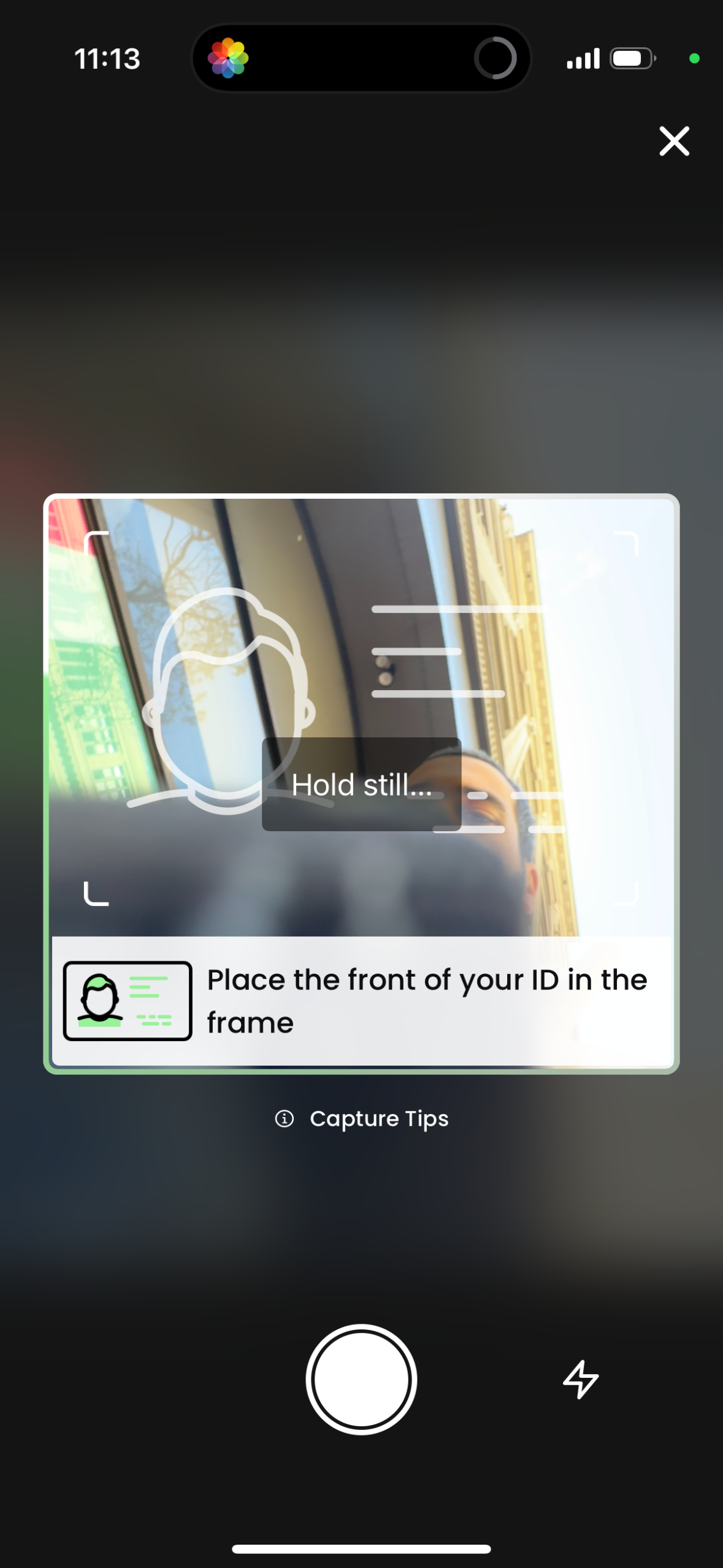
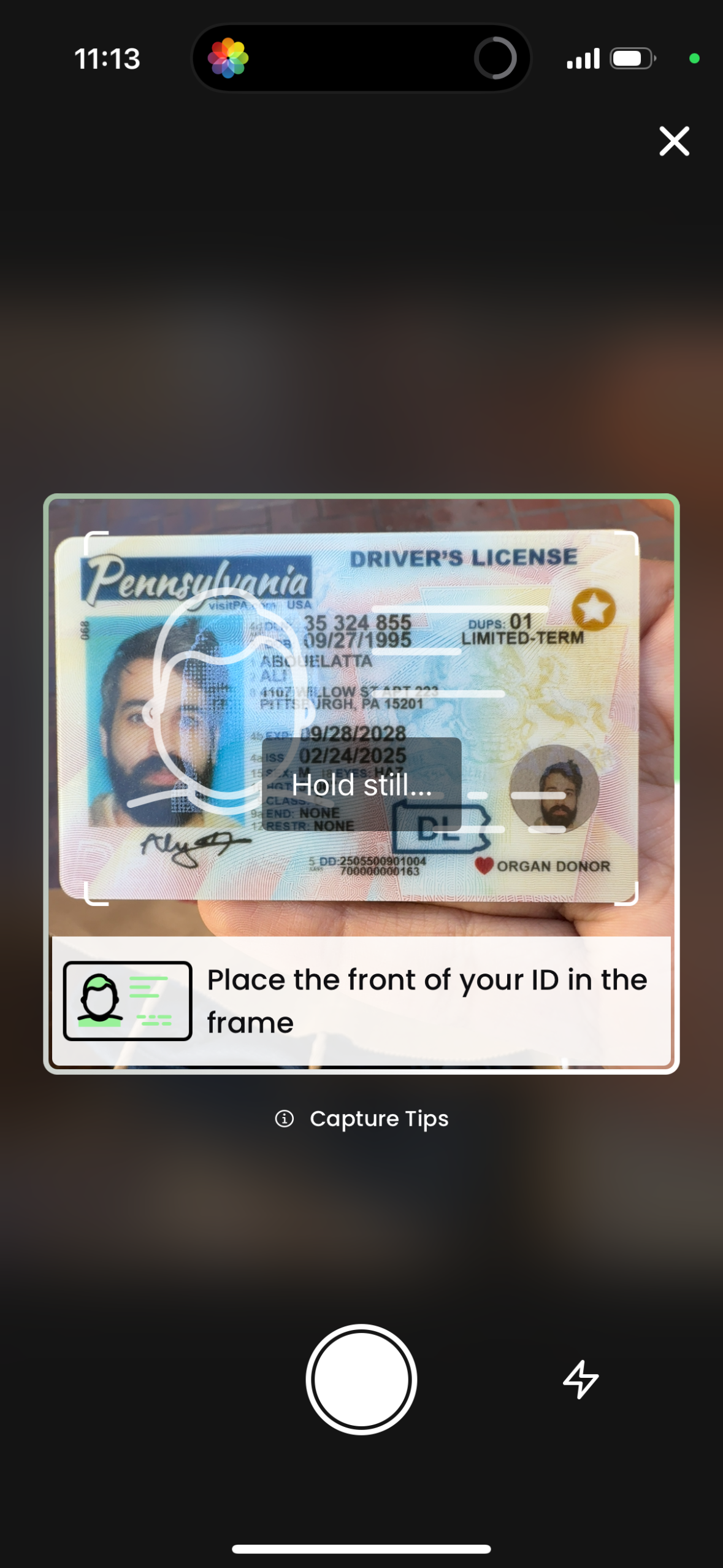
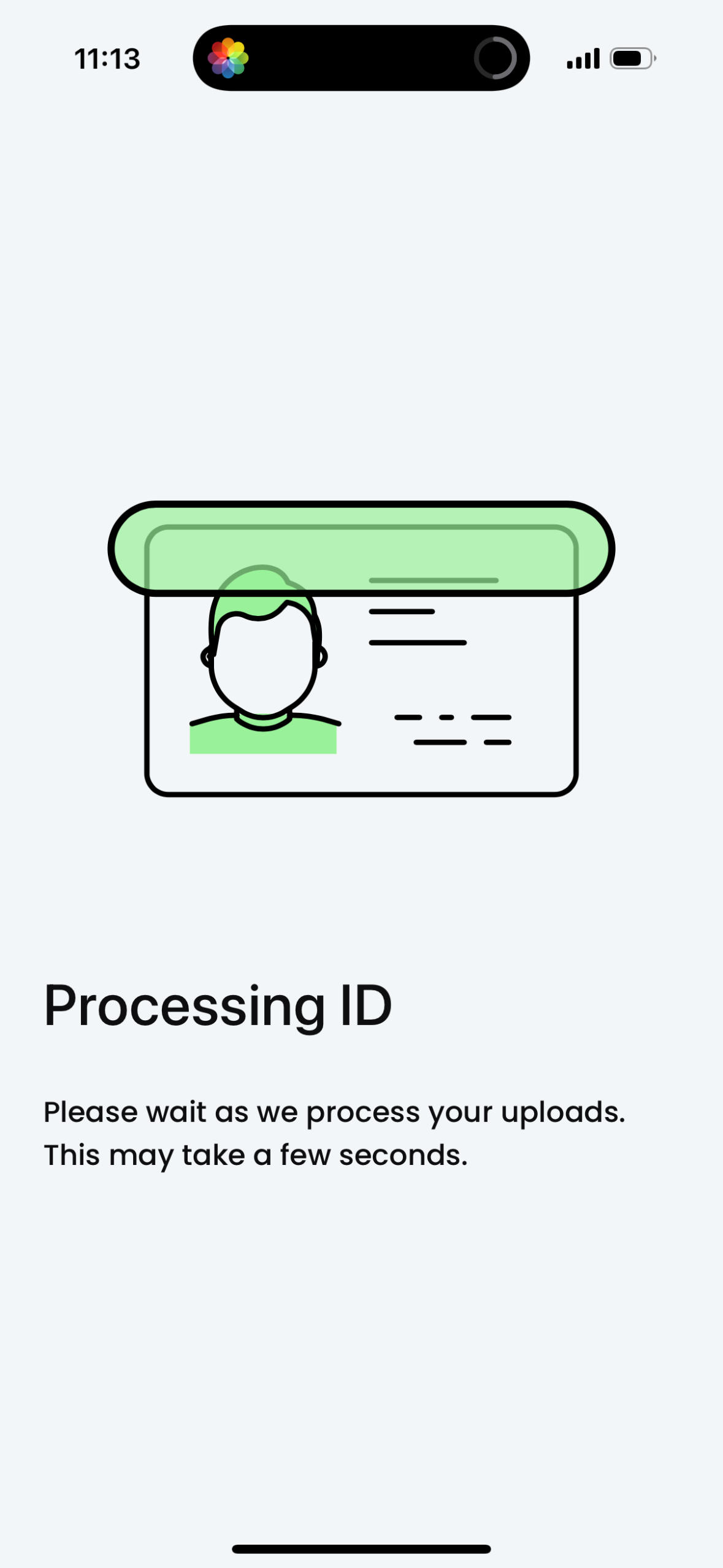
Explore up to date profile, referral, onboarding, messaging, and verification flows from lime and more on Lazyweb.
lime app screenshots and user flows
Browse lime screens, user flow examples, and UI patterns. Explore profile, referral, onboarding, messaging, and verification flows inside Lazyweb's 100k+ screen design research library for competitive analysis and benchmarking.
Lazyweb is a blazing-fast design research library with 100k+ real app screens, user flow examples, UI patterns, and product design patterns for competitive analysis and benchmarking.
Screenshots
The first 5 screenshots are shown in full. Additional screens are blurred previews.


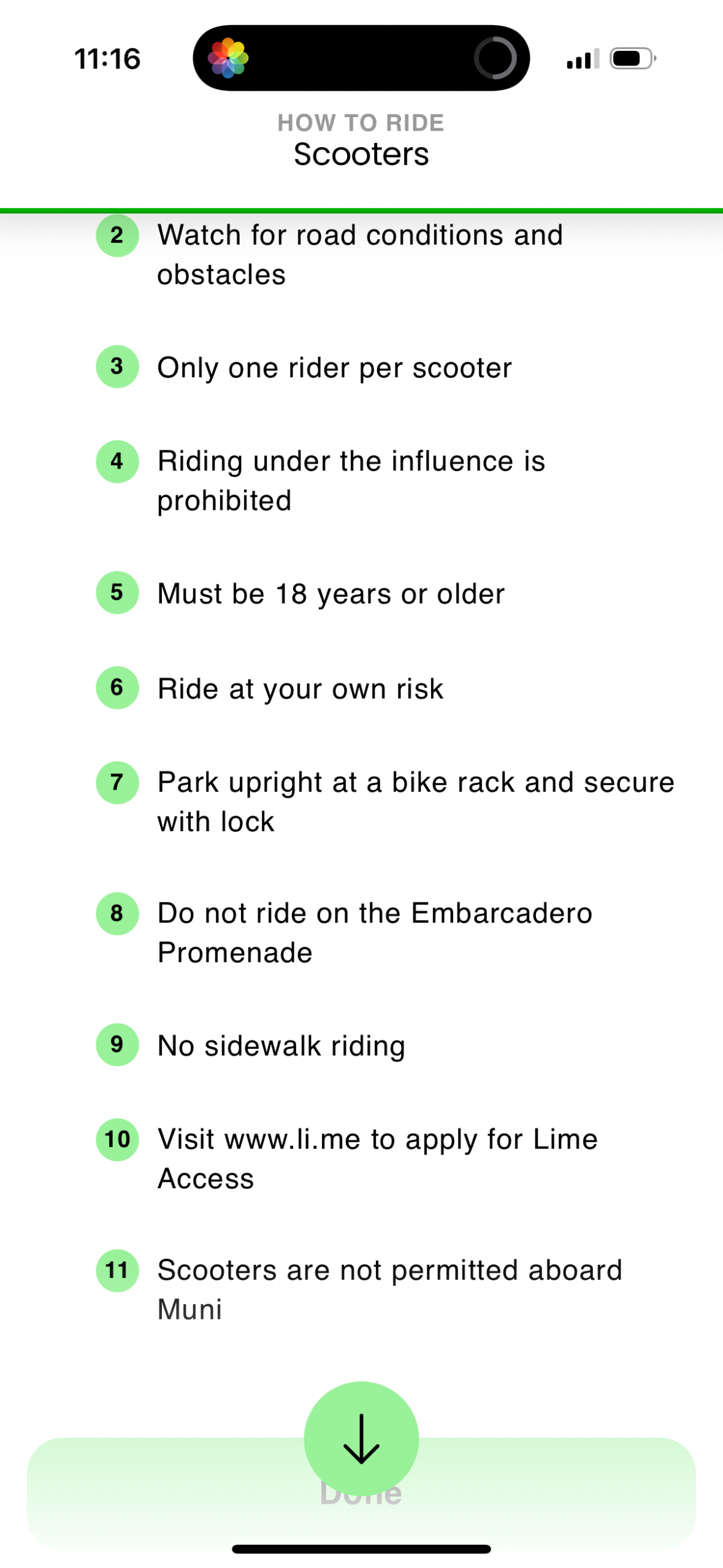
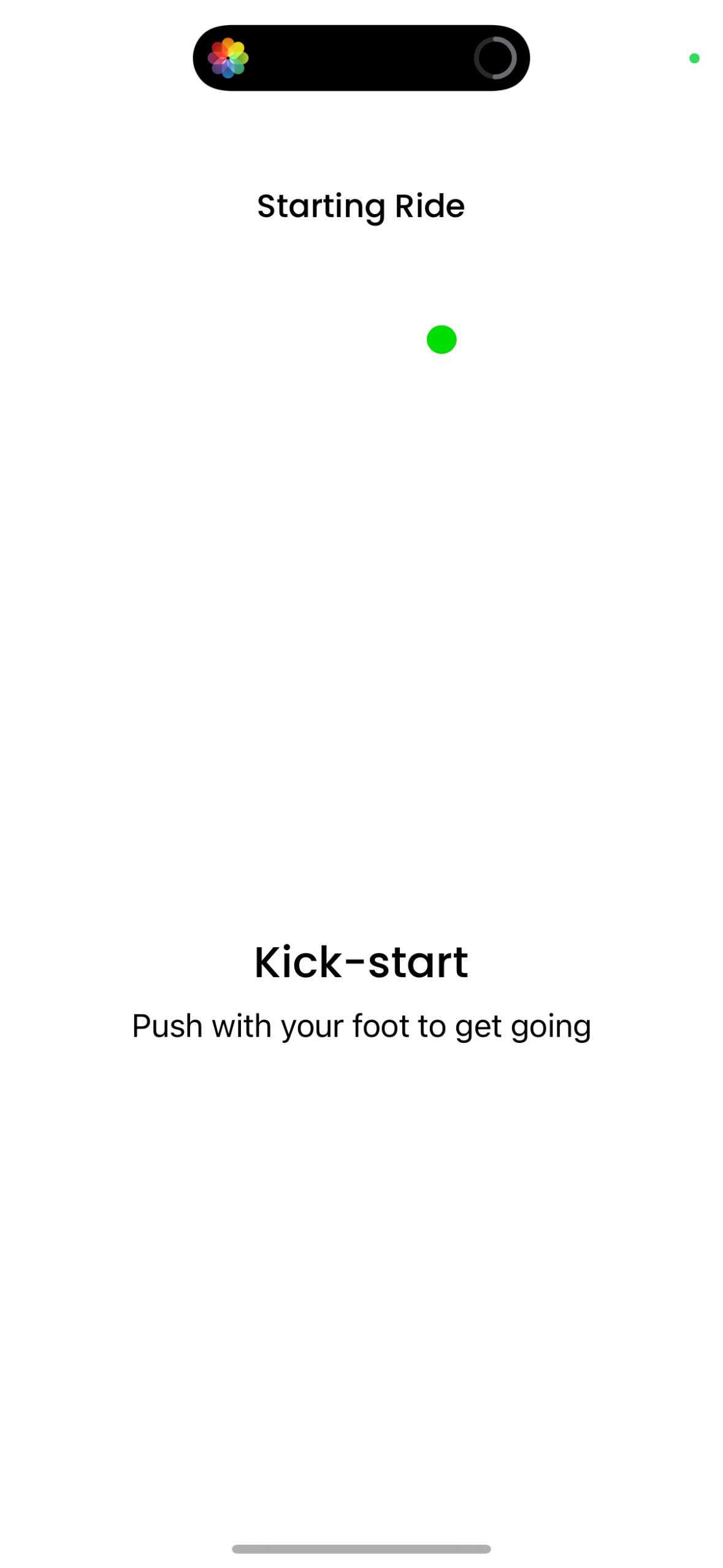
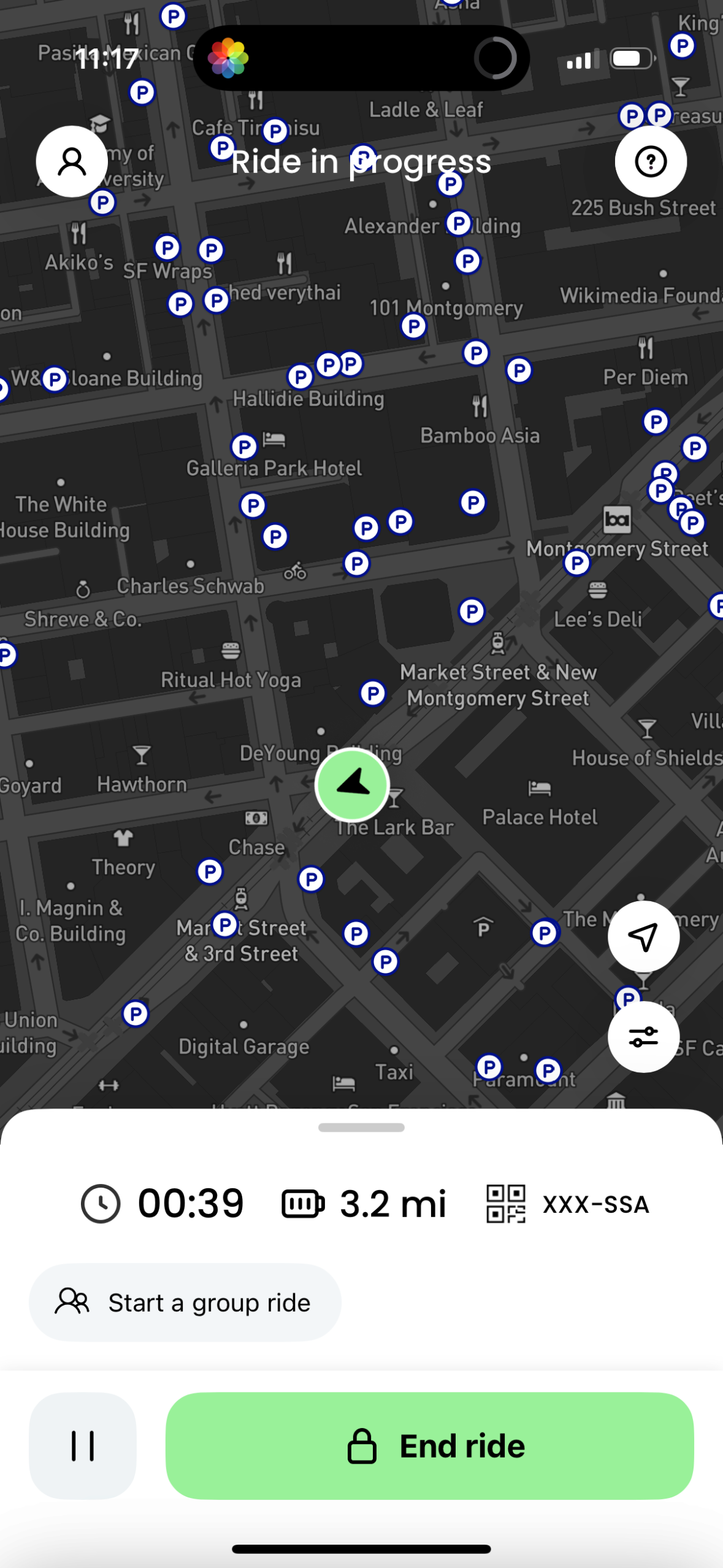
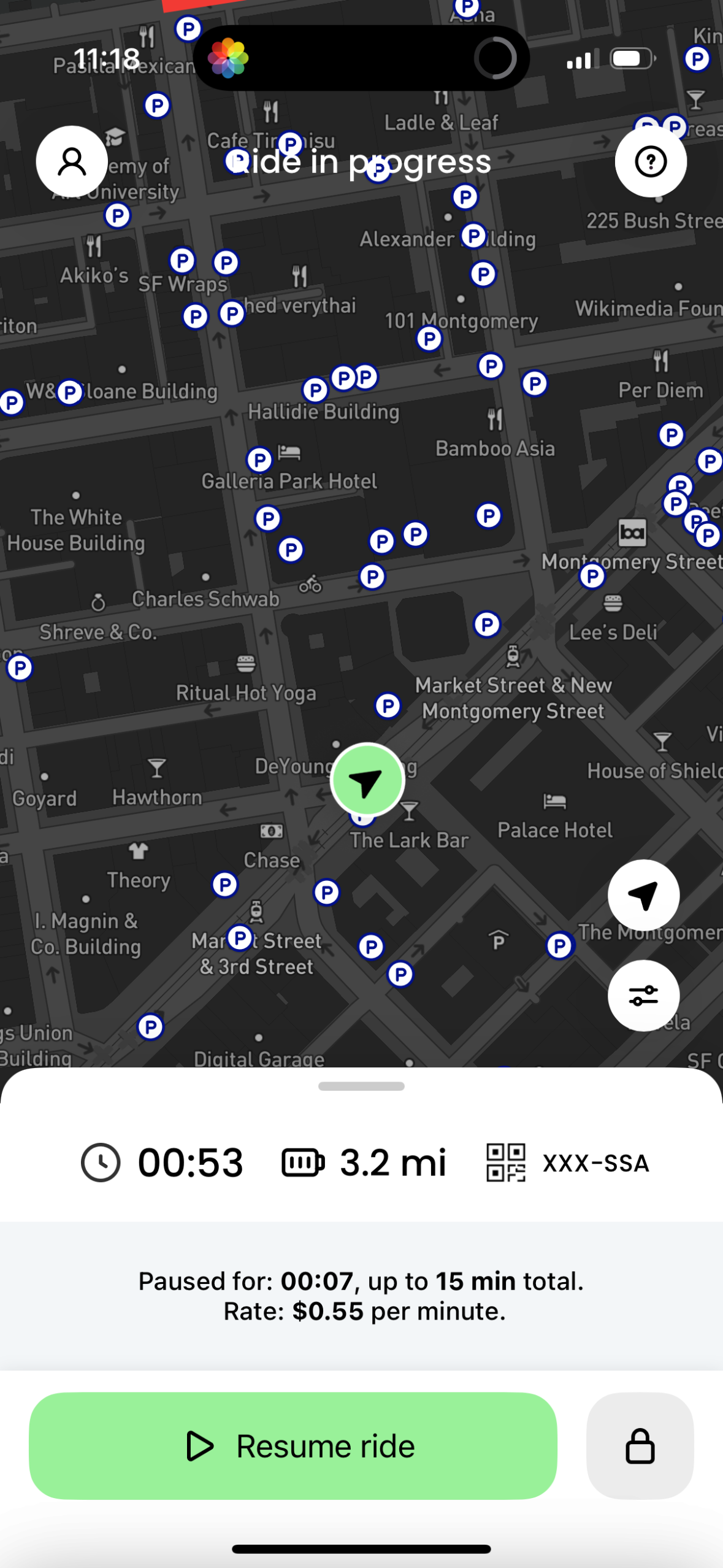
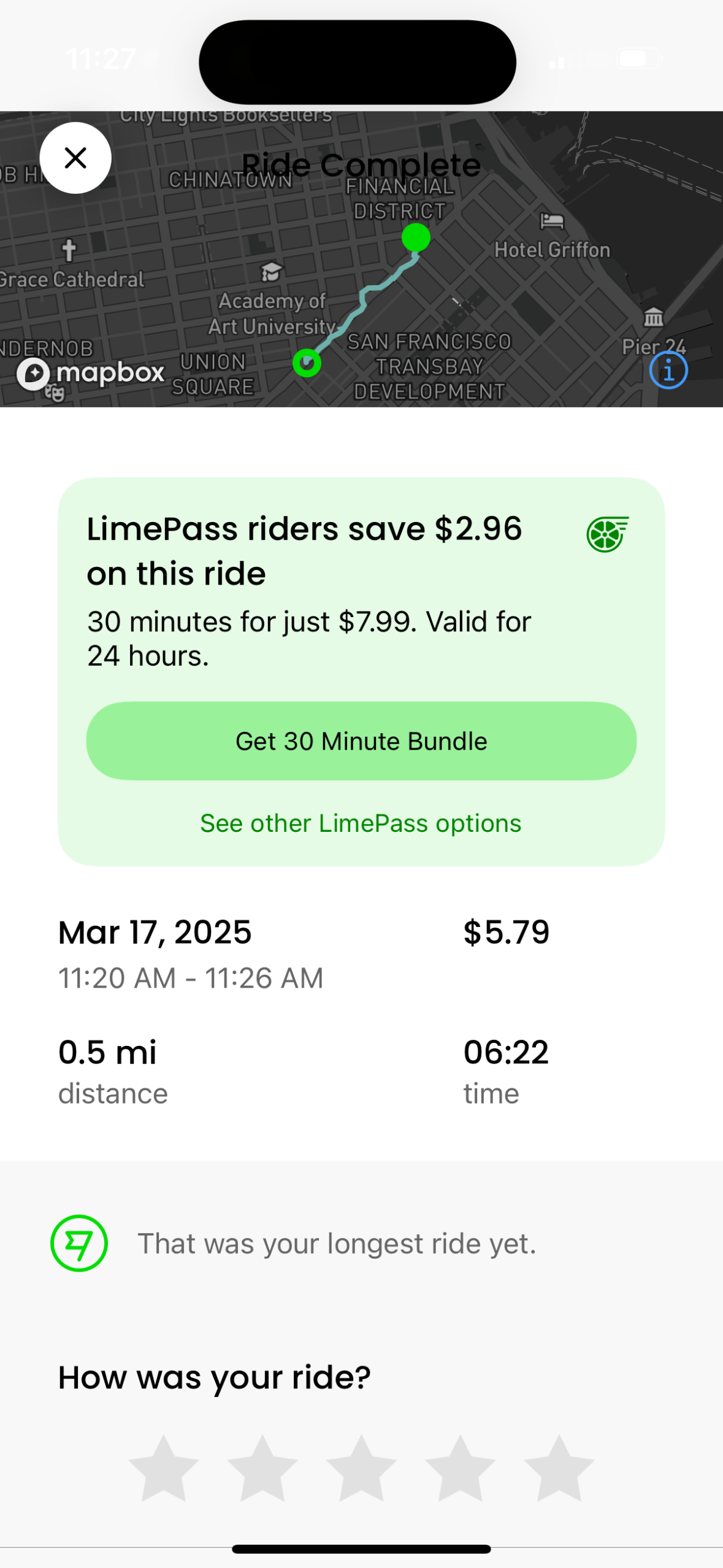
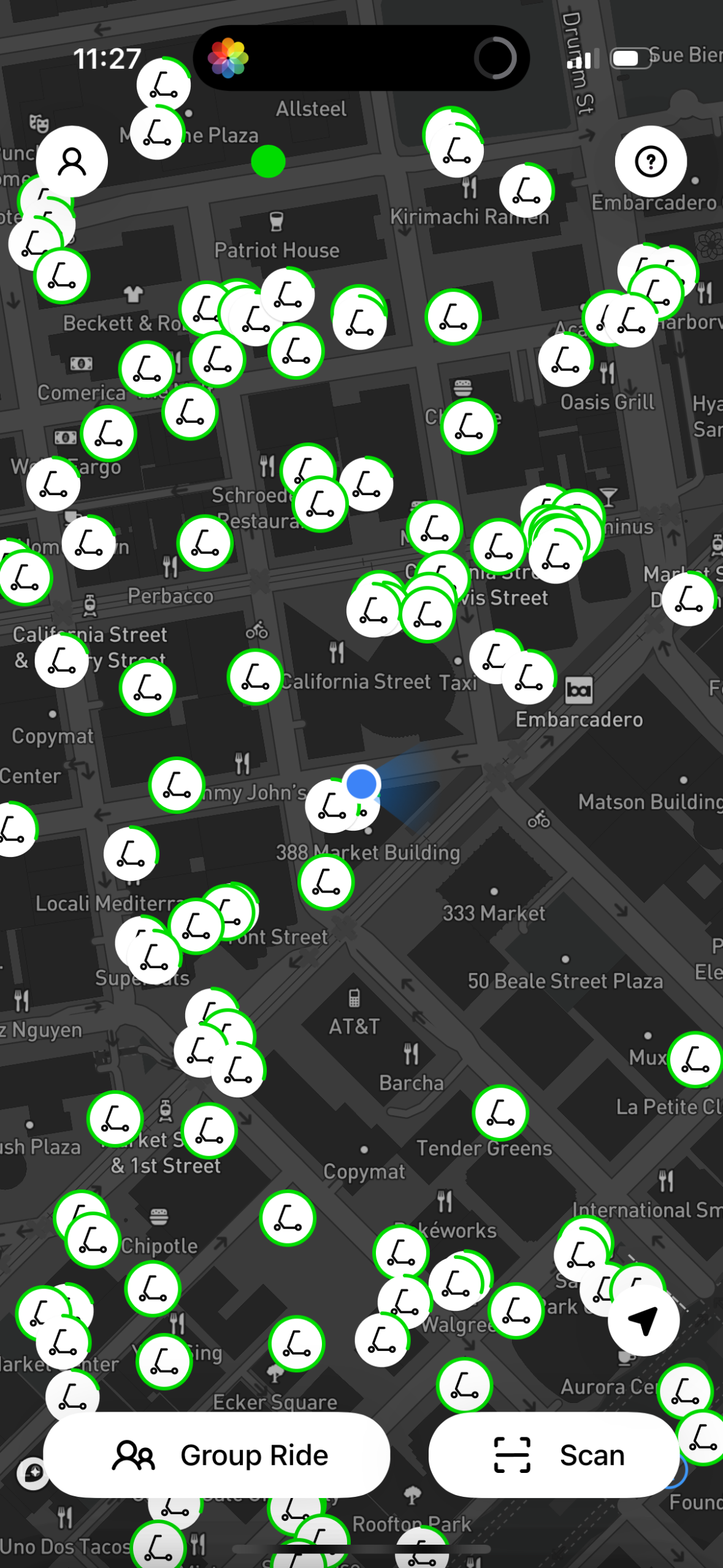
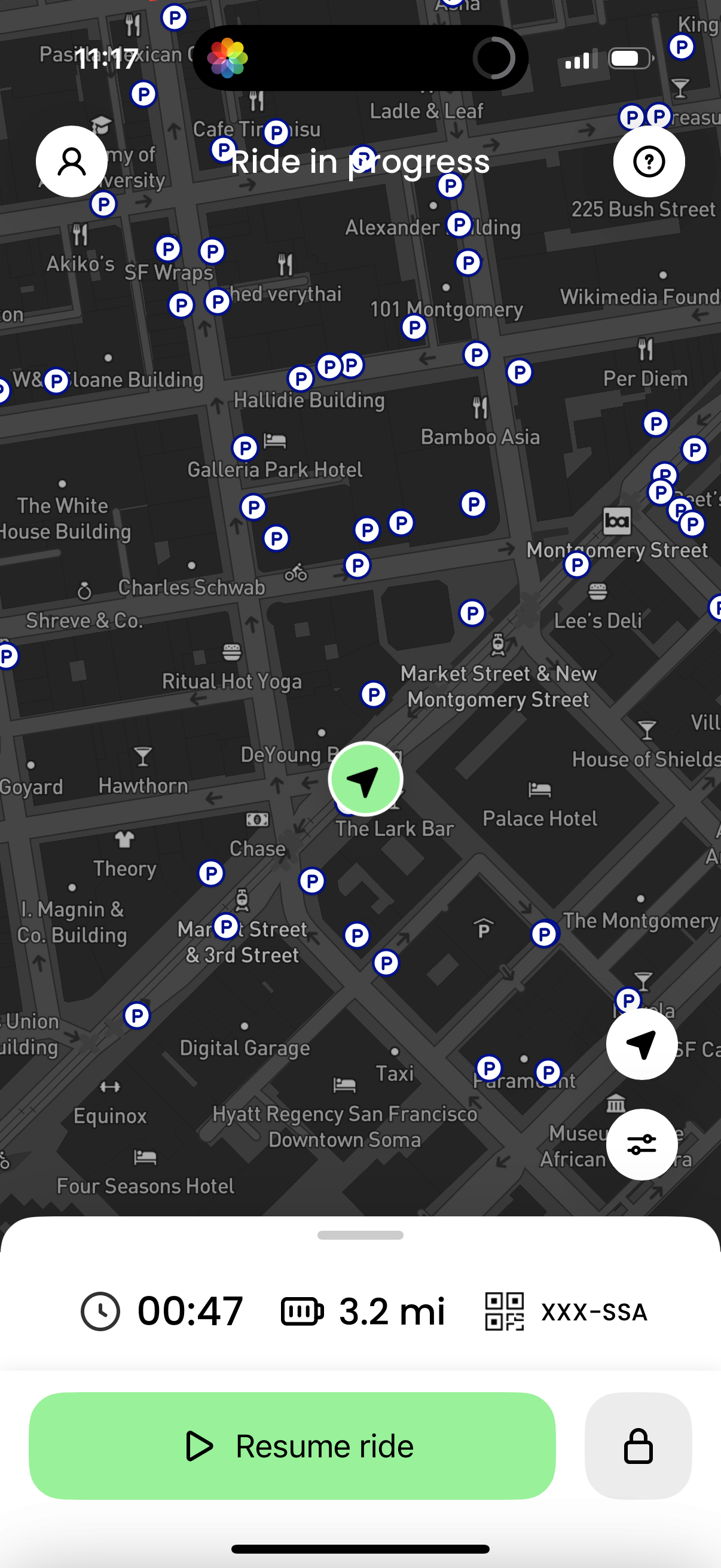
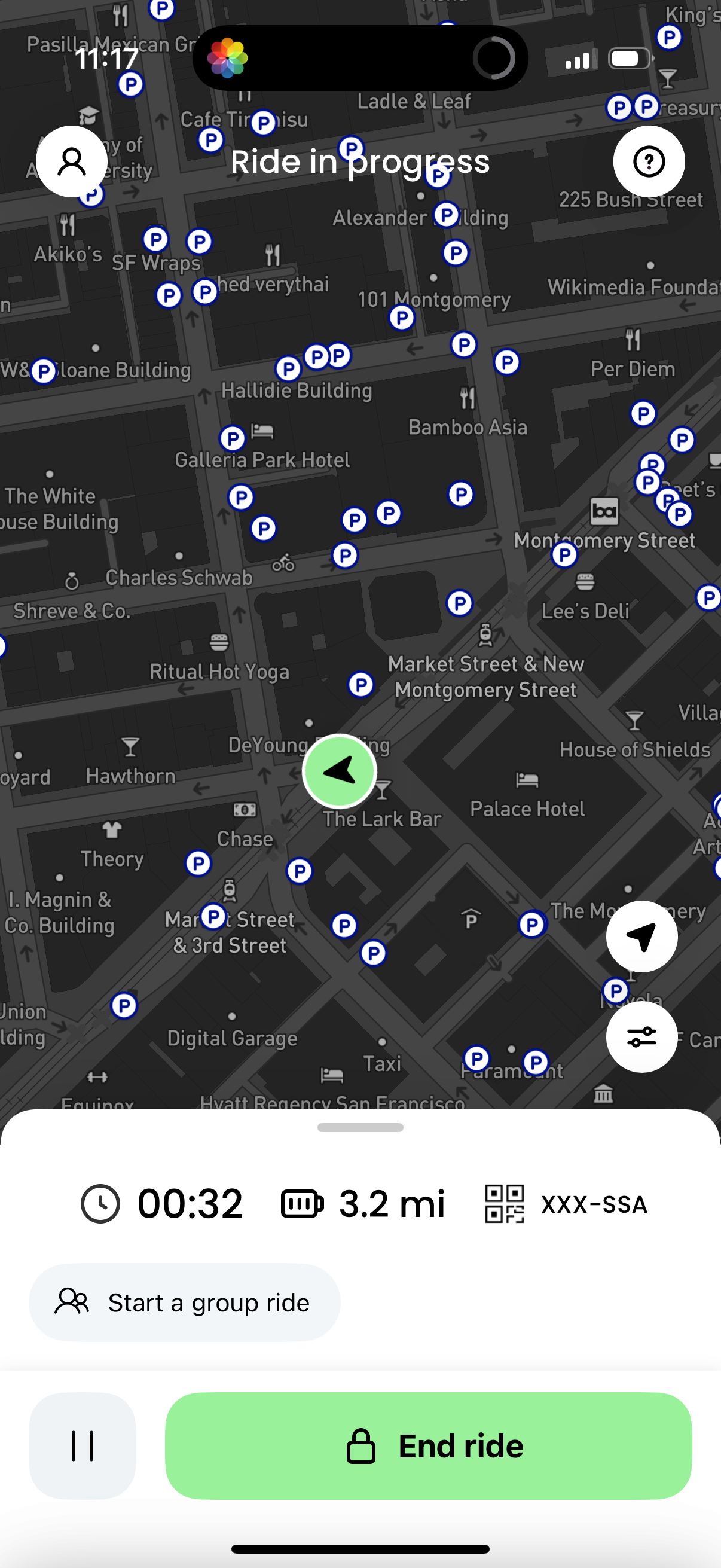
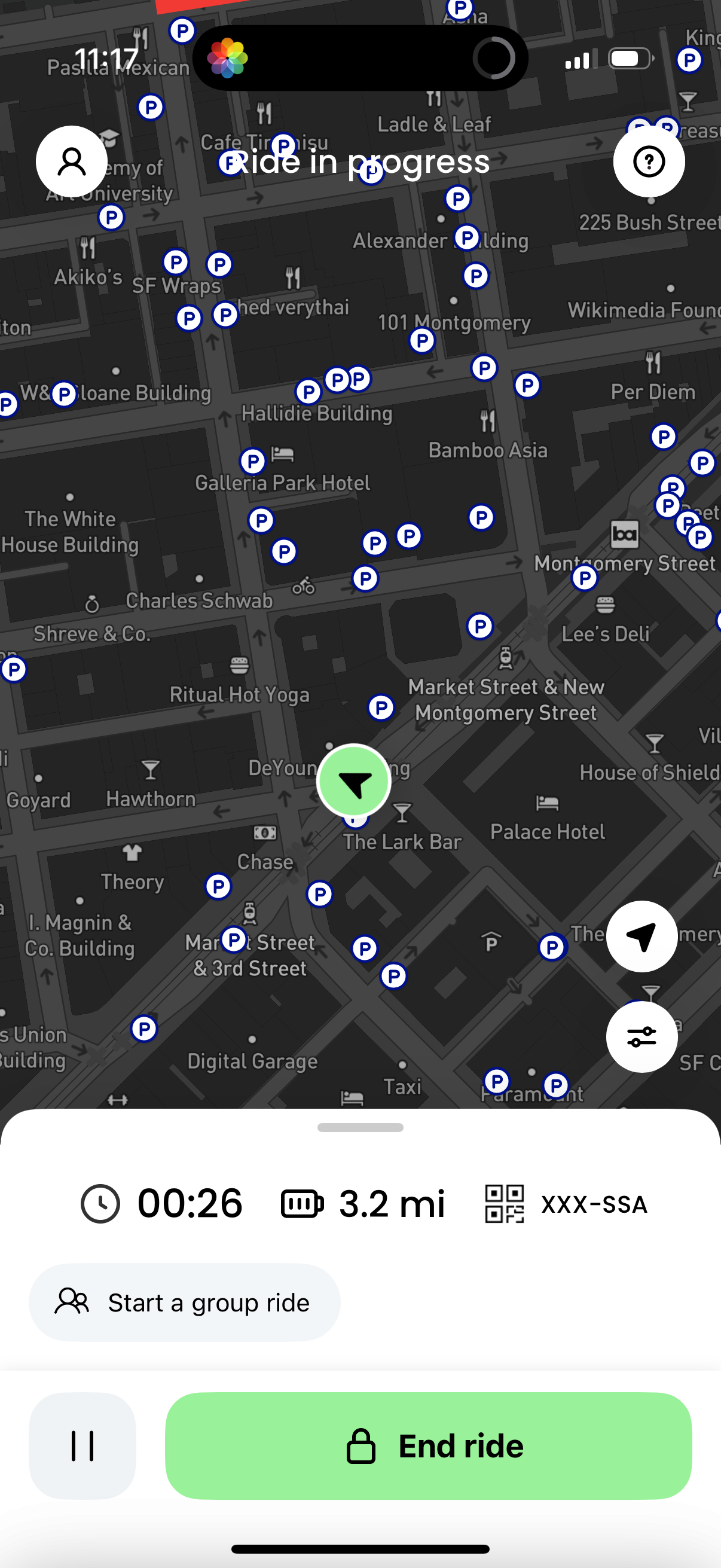
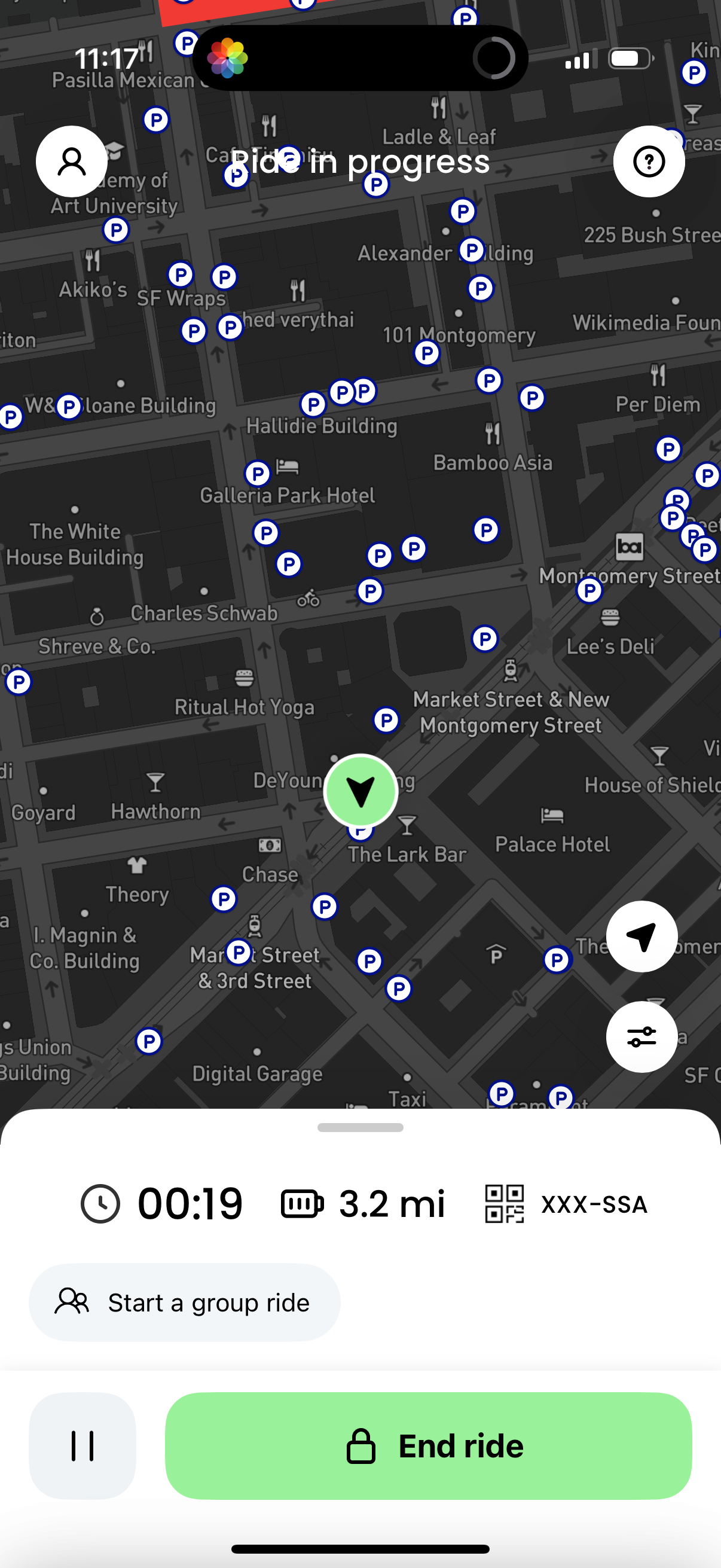
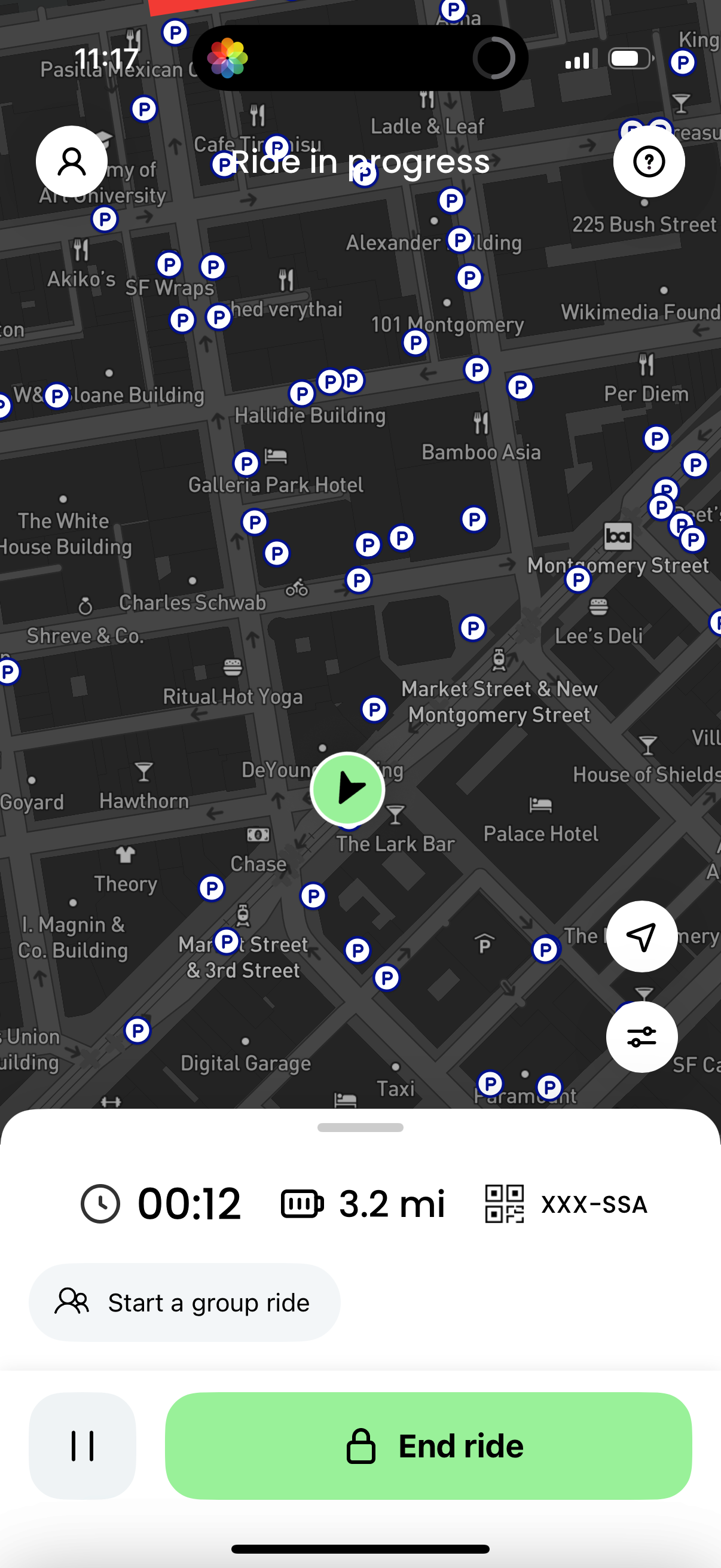
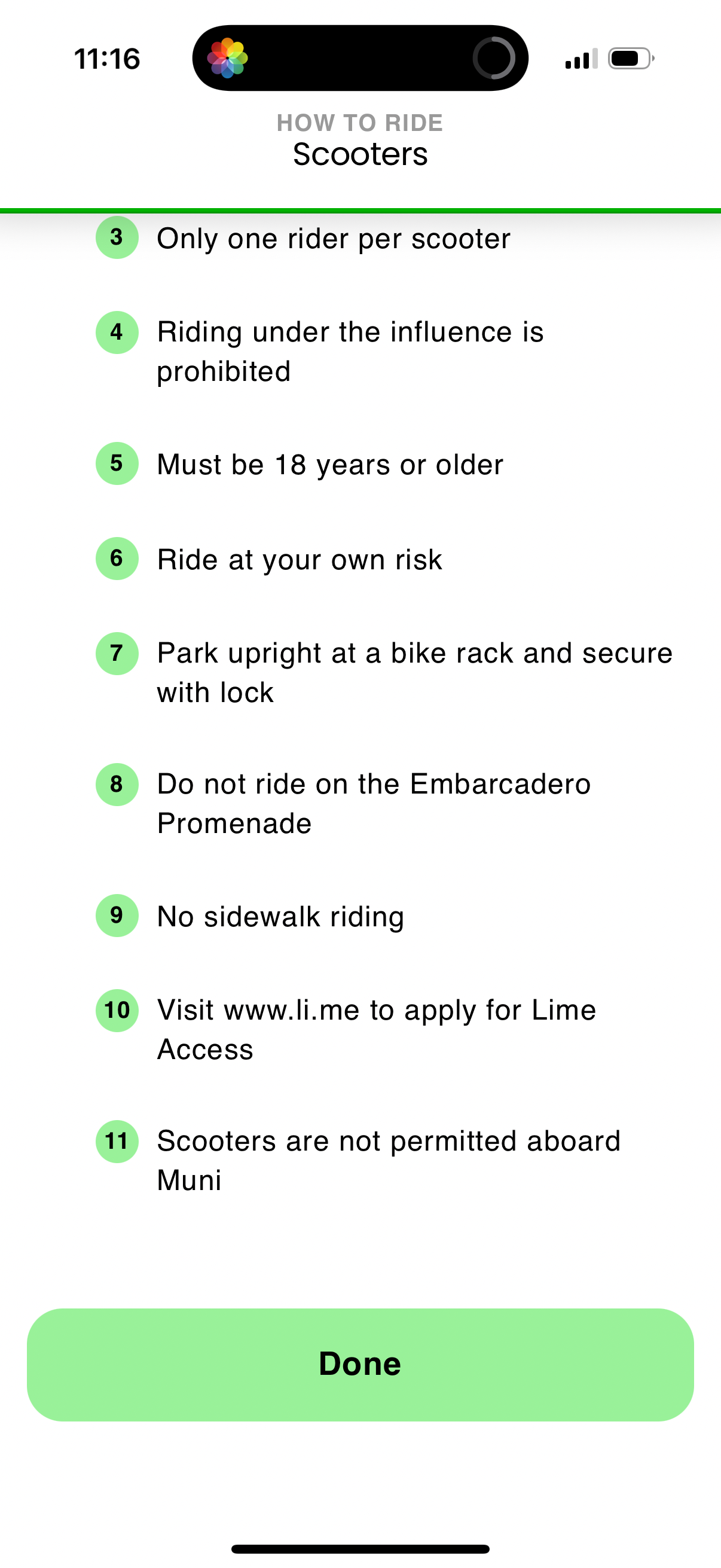


Company metadata
App Store description
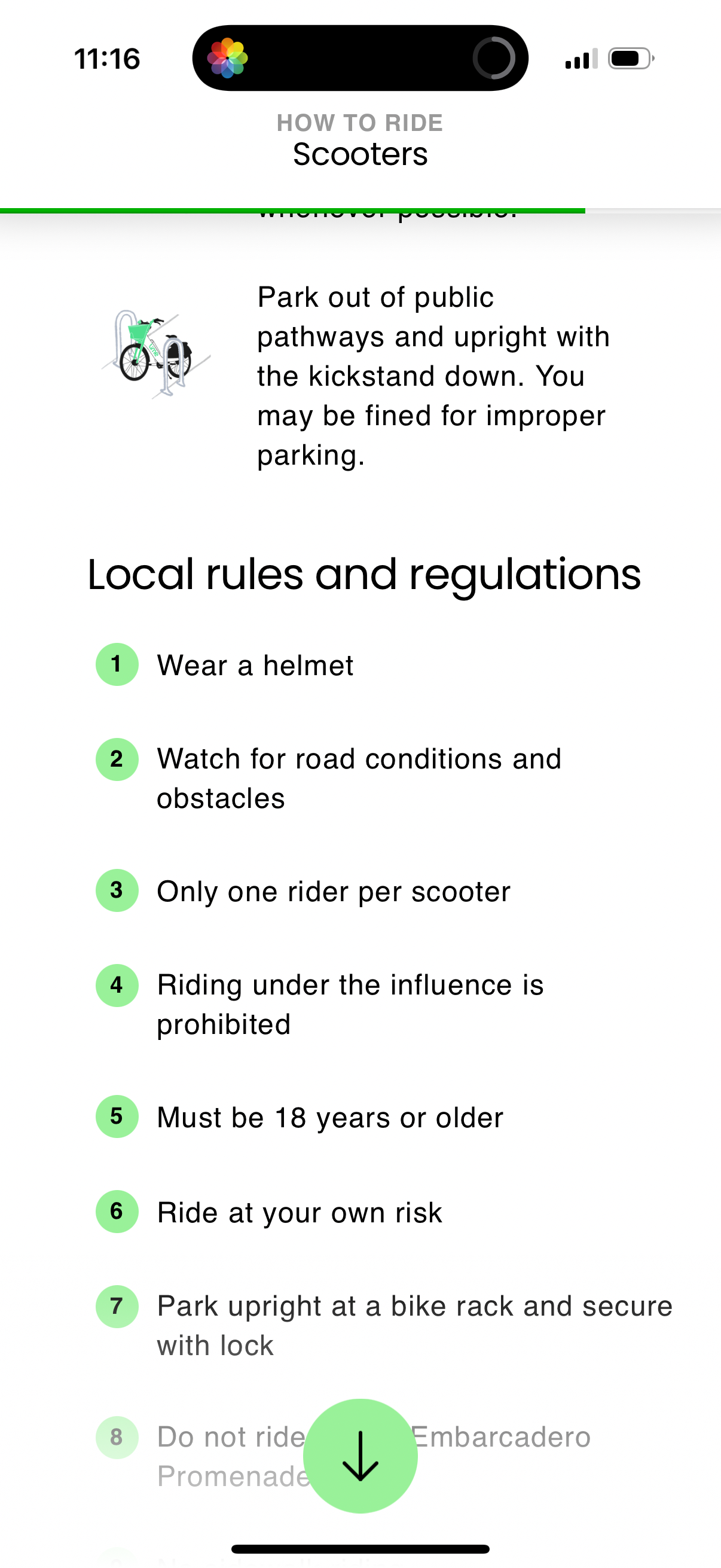
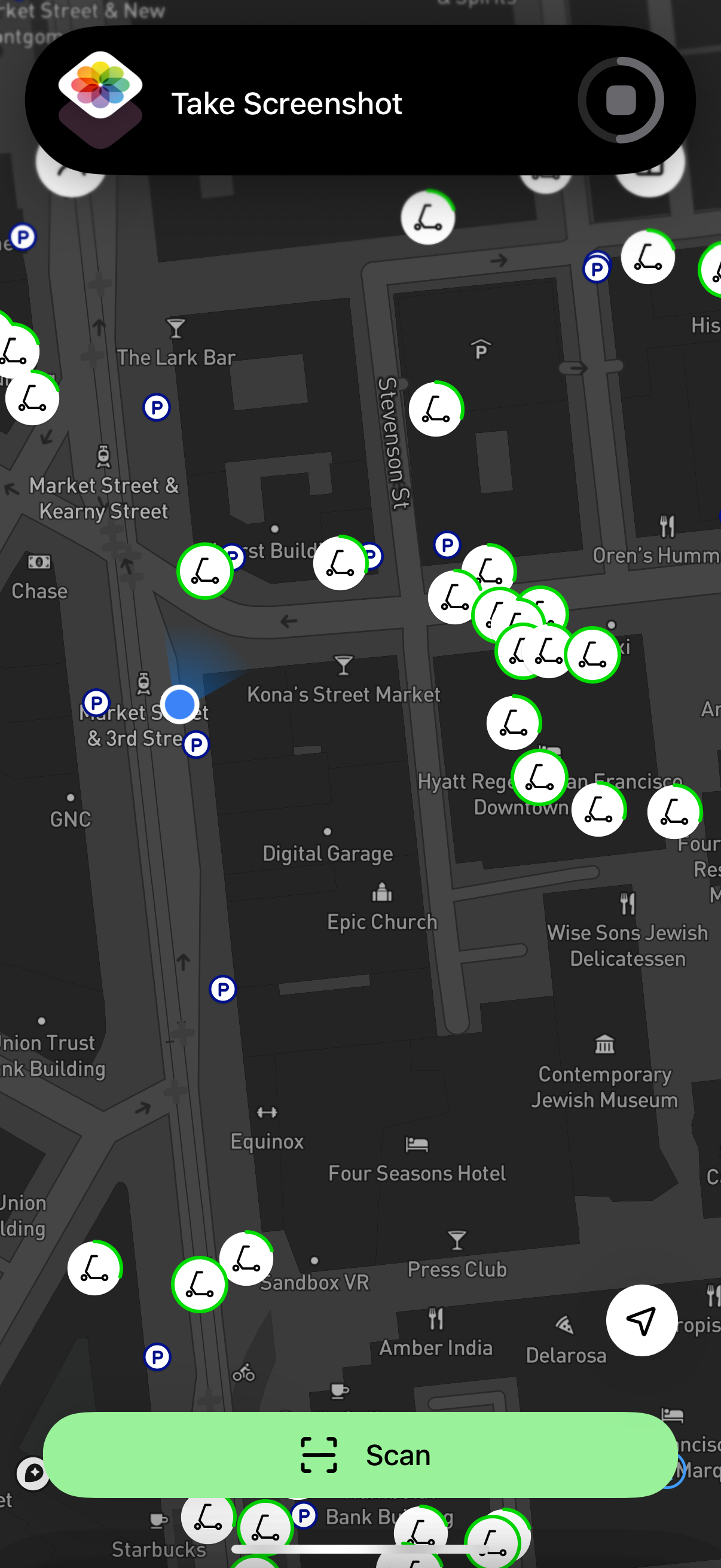
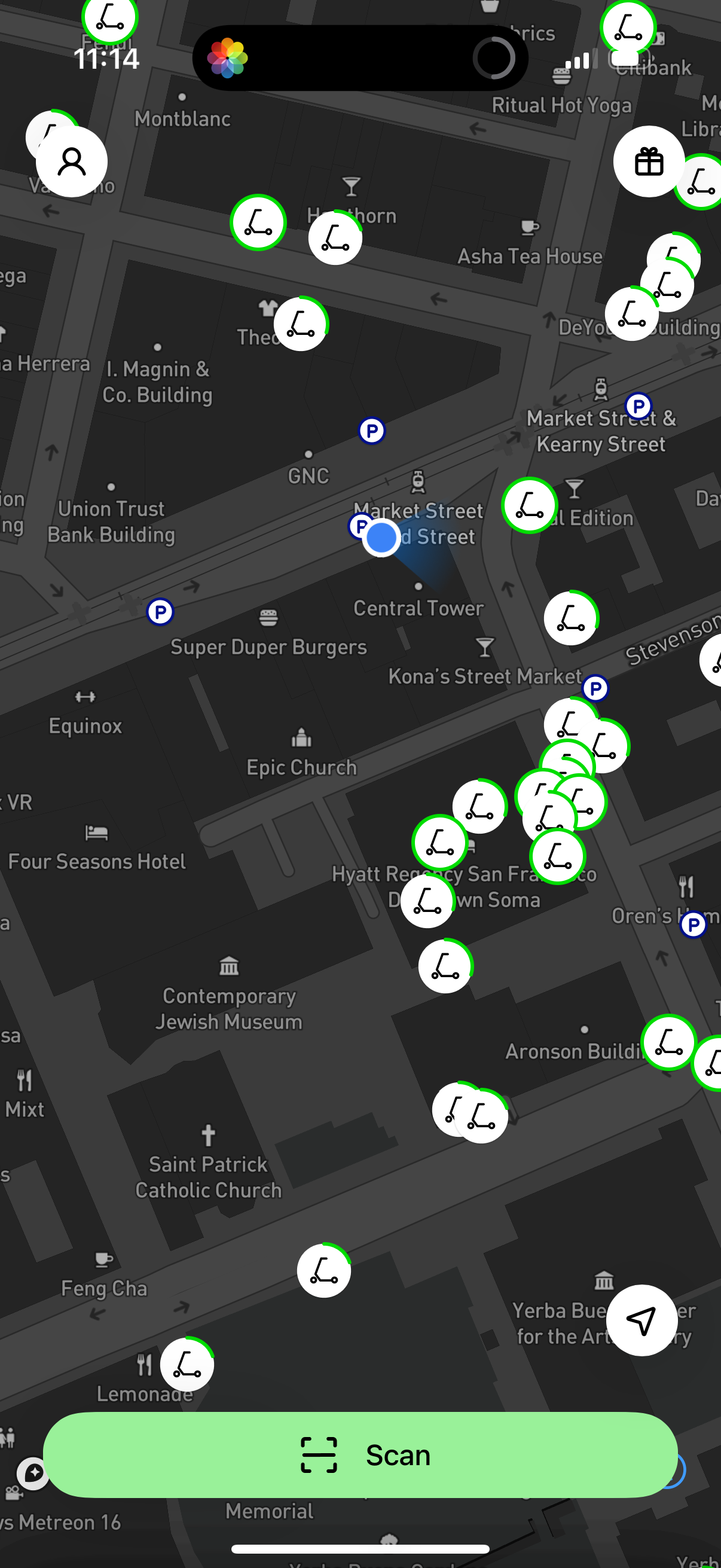
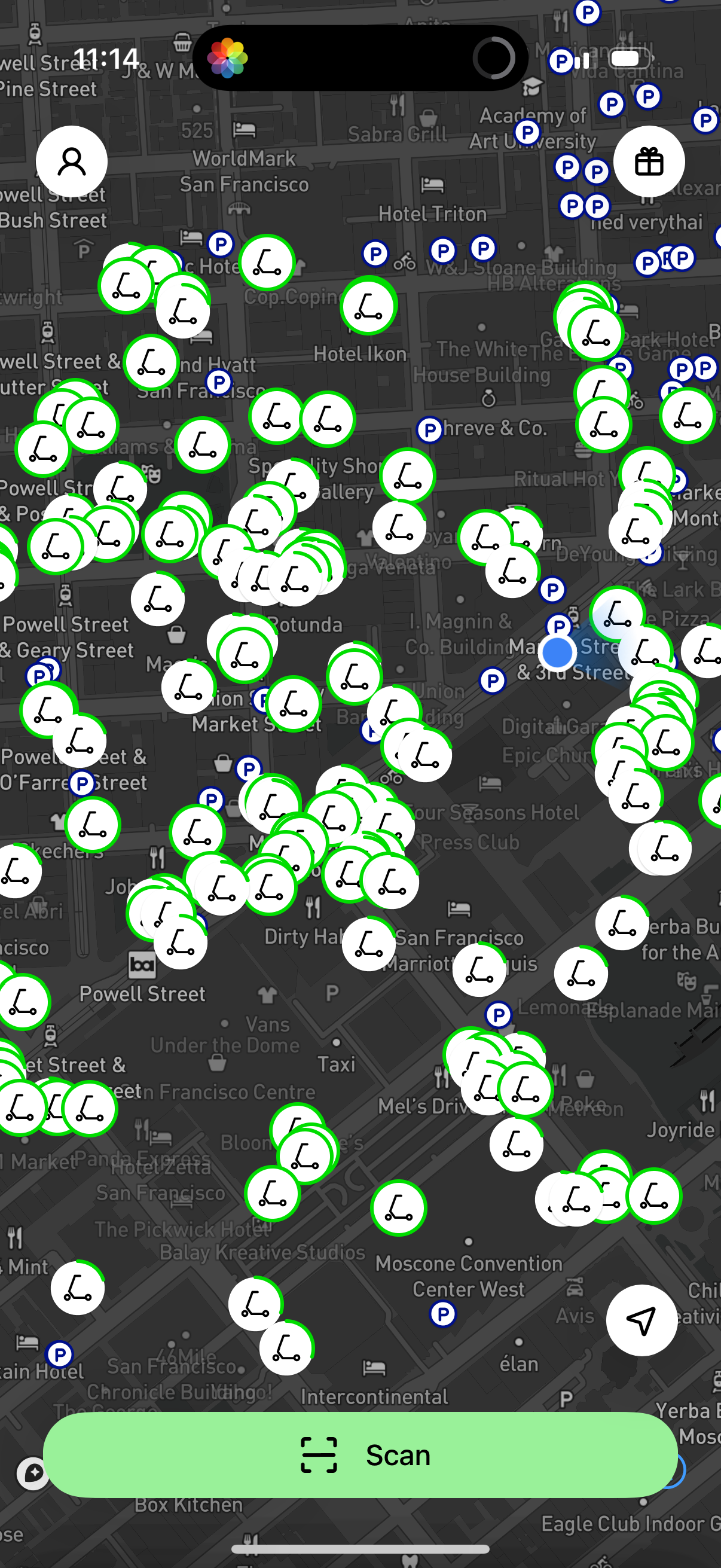
Replace your car trips with the world’s largest shared electric vehicle company. Download and #RideGreen today. You have places to be and people to see. Get there easily and on time with an emissions-free Lime e-bike or e-scooter! START YOUR RIDE IN 3 STEPS Step 1 Download the app, create an account and accept our terms and conditions https://www.li.me/user-agreement Privacy Notice https://www.li.me/legal/privacy-policy/ Step 2 Find a nearby Lime vehicle on the map (vehicle availability depends on your city and supply) Step 3 Unlock your vehicle by scanning the QR code, entering the plate number, or by tapping a button on the app. RIDE RESPONSIBLY A safe community starts with riding responsibly. It’s important to remember the rules of the road before every ride. You should always: - Ride in bike lanes, never on sidewalks - Wear a helmet when you ride - Park clear of walkways, driveways and access ramps - Visit https://safety.li.me/ to learn more #RIDEGREEN Lime is on a mission to build a future where transportation is shared, affordable and carbon-free. You can read more about Lime’s products and services, including how we calculate our prices in our terms and conditions https://www.li.me/user-agreement.
Compare competitors with Lazyweb
Search every screen, flow, and UX pattern in one place.