irobot screenshots
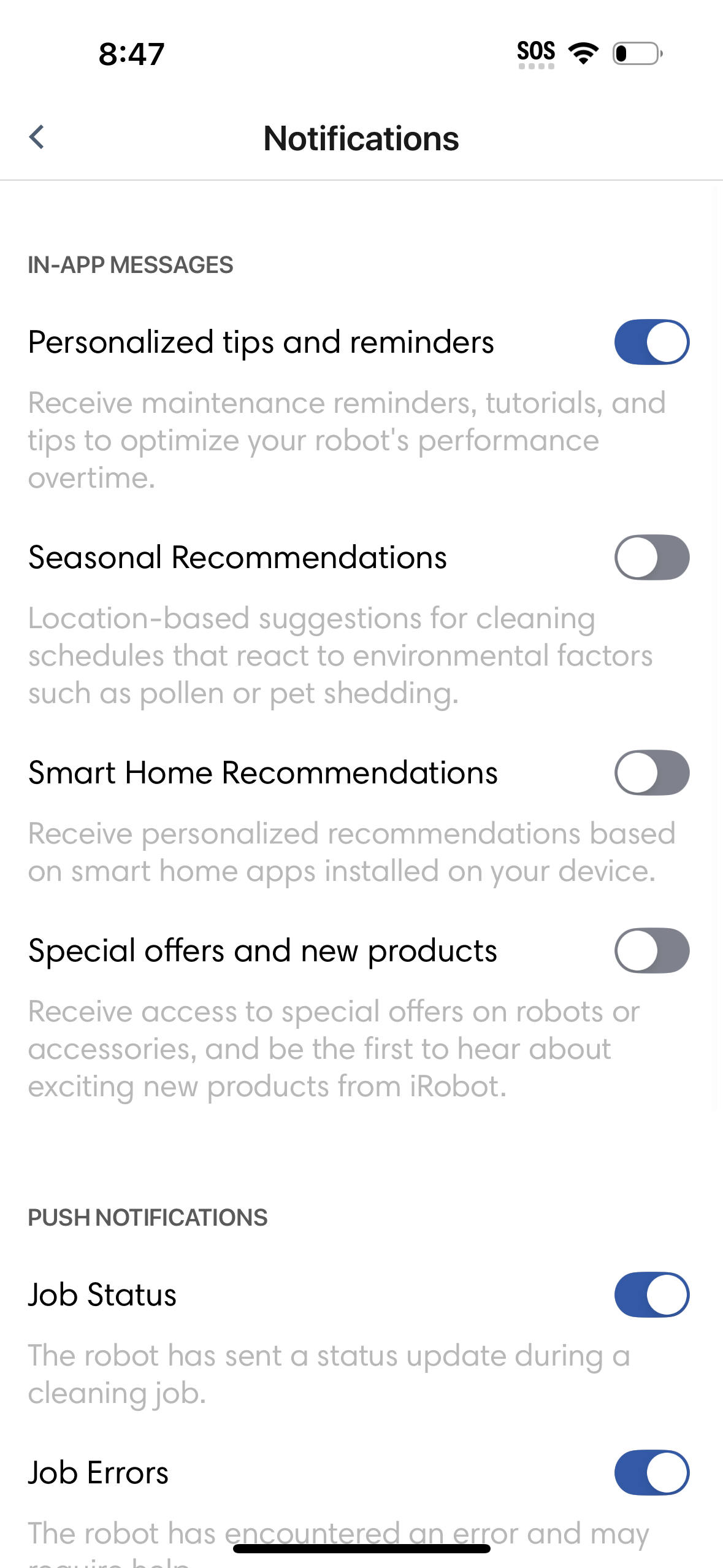
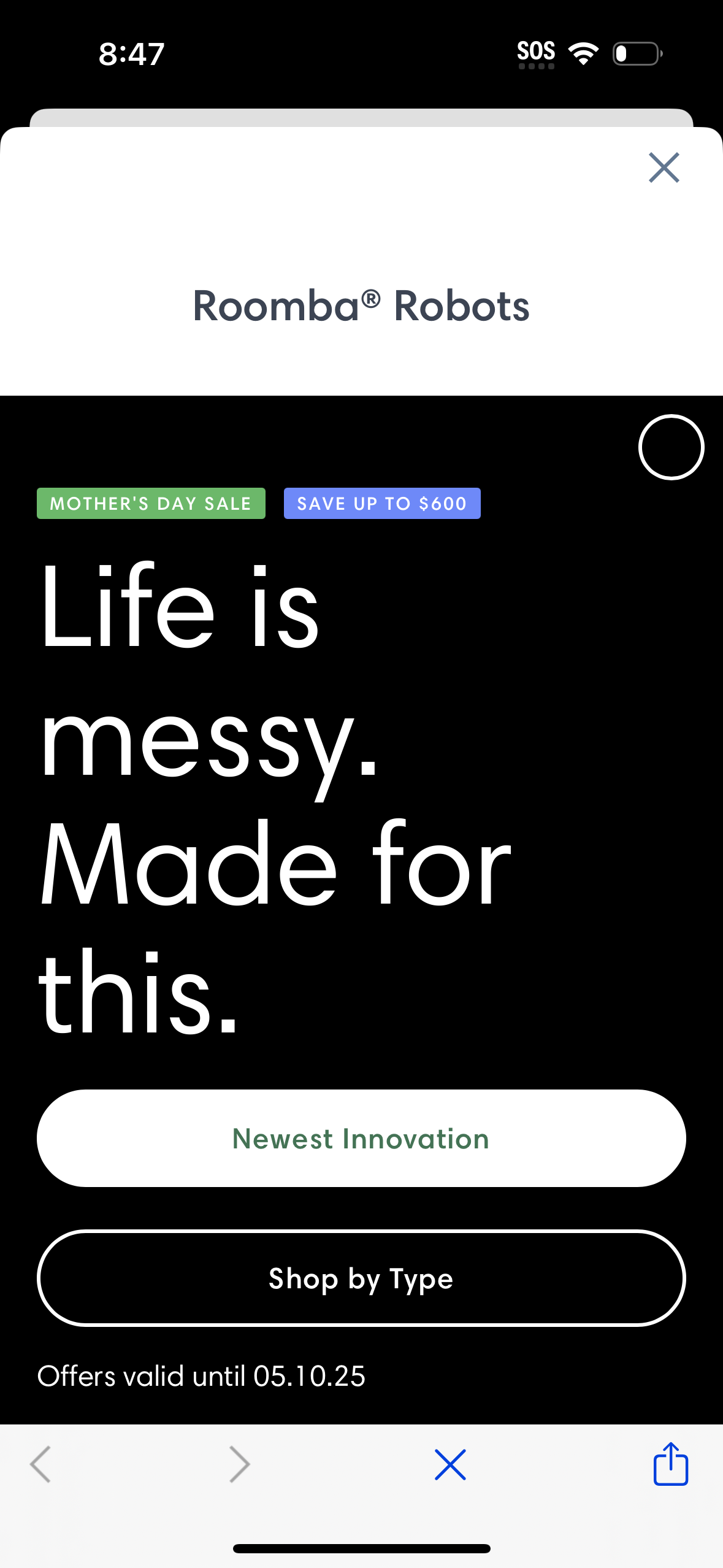
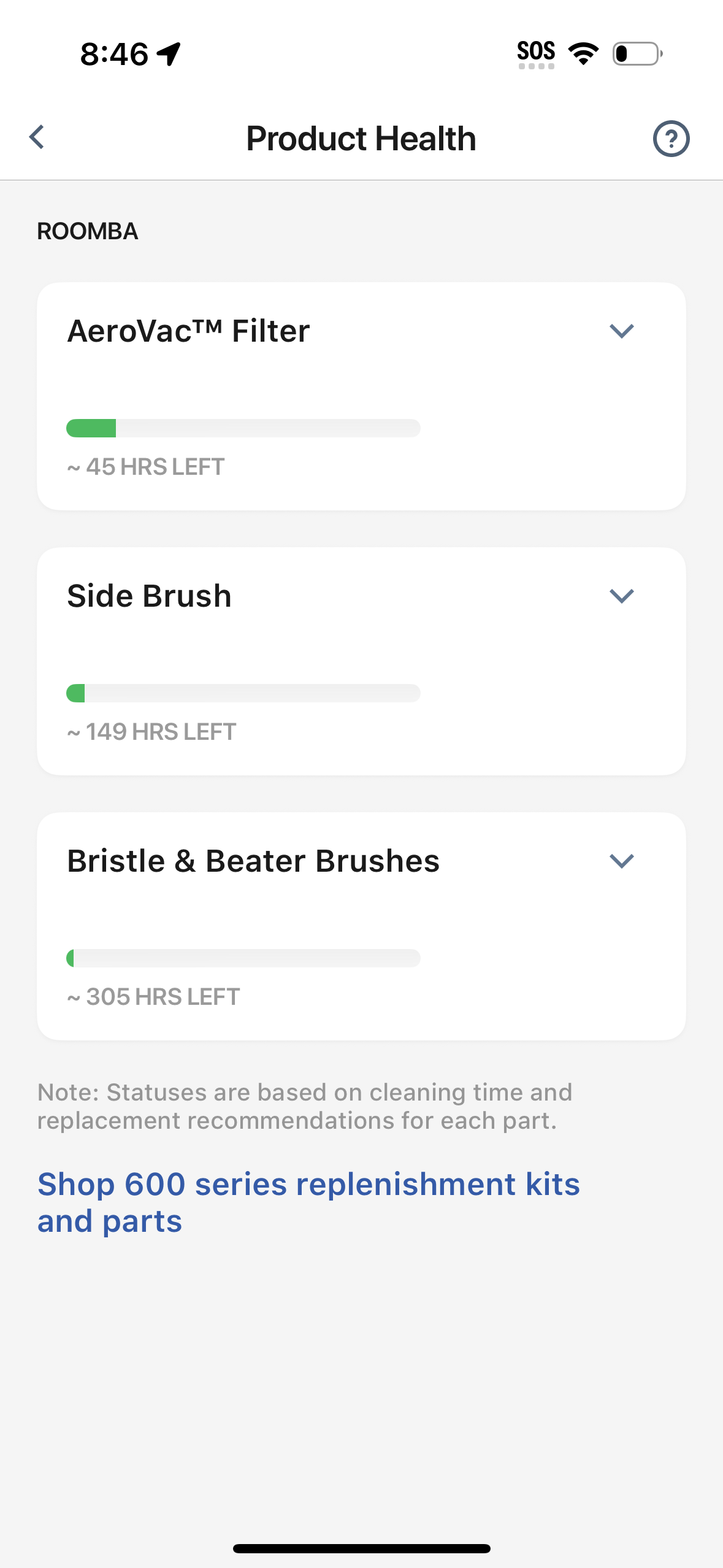
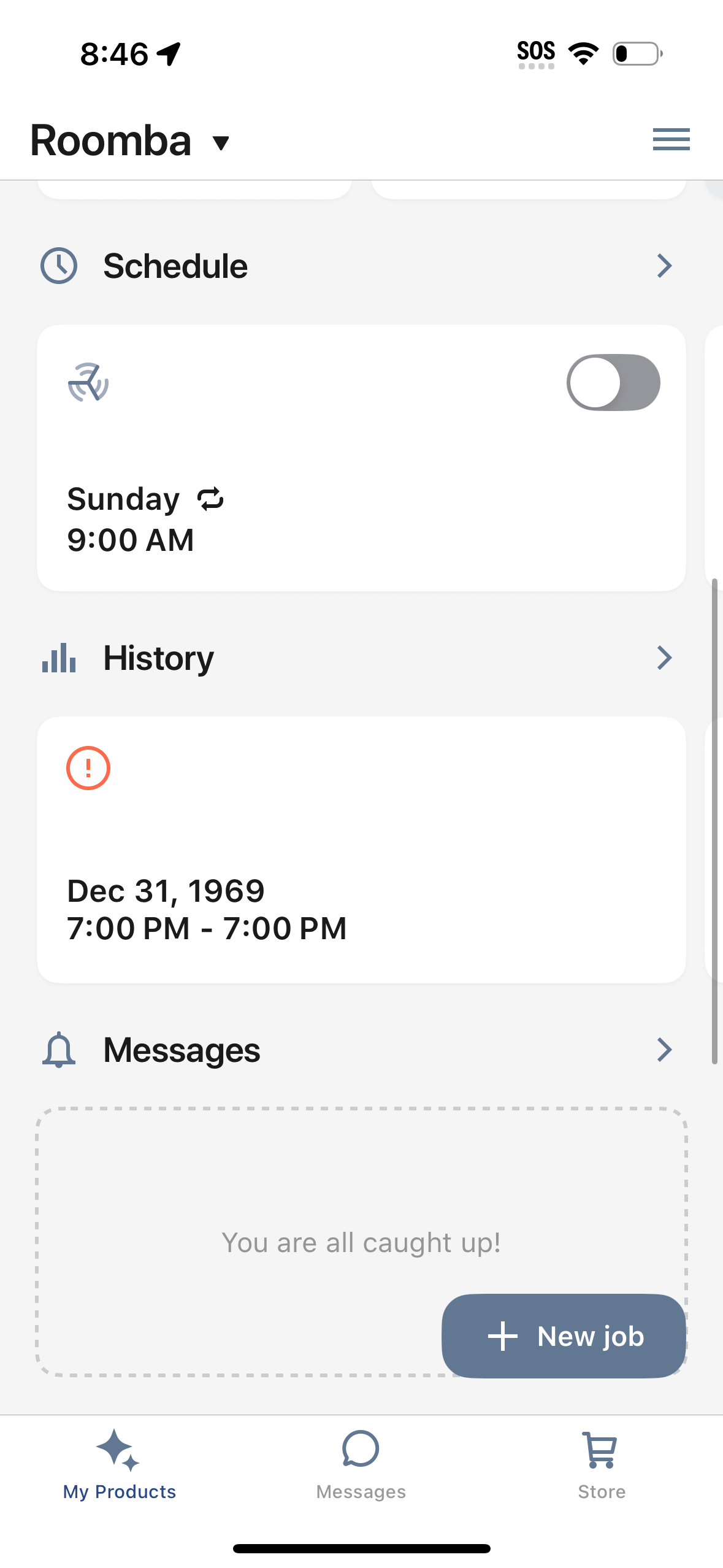
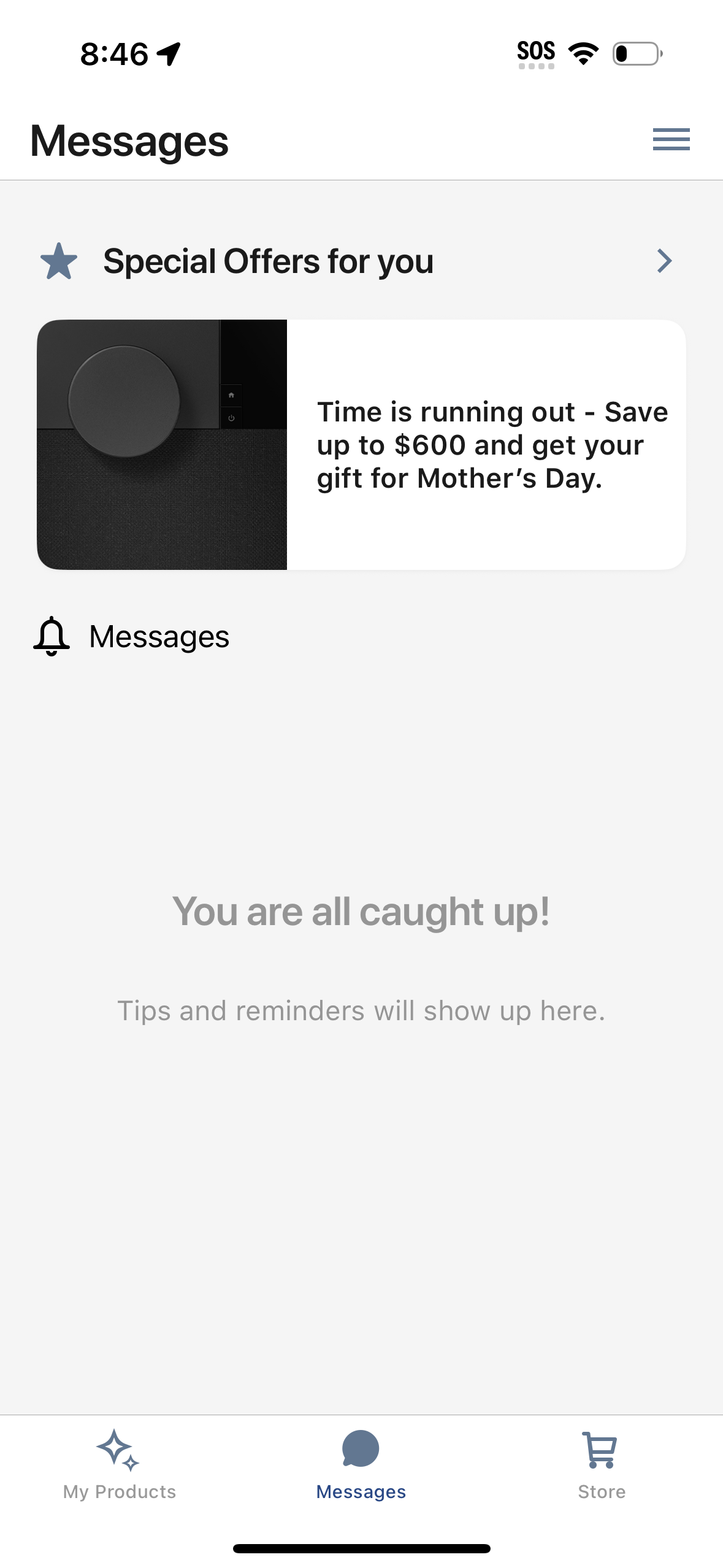
Explore up to date dashboard, settings, messaging, notifications, and cart flows from irobot and more on Lazyweb.
irobot app screenshots and user flows
Browse irobot screens, user flow examples, and UI patterns. Explore dashboard, settings, messaging, notifications, and cart flows inside Lazyweb's 100k+ screen design research library for competitive analysis and benchmarking.
Lazyweb is a blazing-fast design research library with 100k+ real app screens, user flow examples, UI patterns, and product design patterns for competitive analysis and benchmarking.
Screenshots
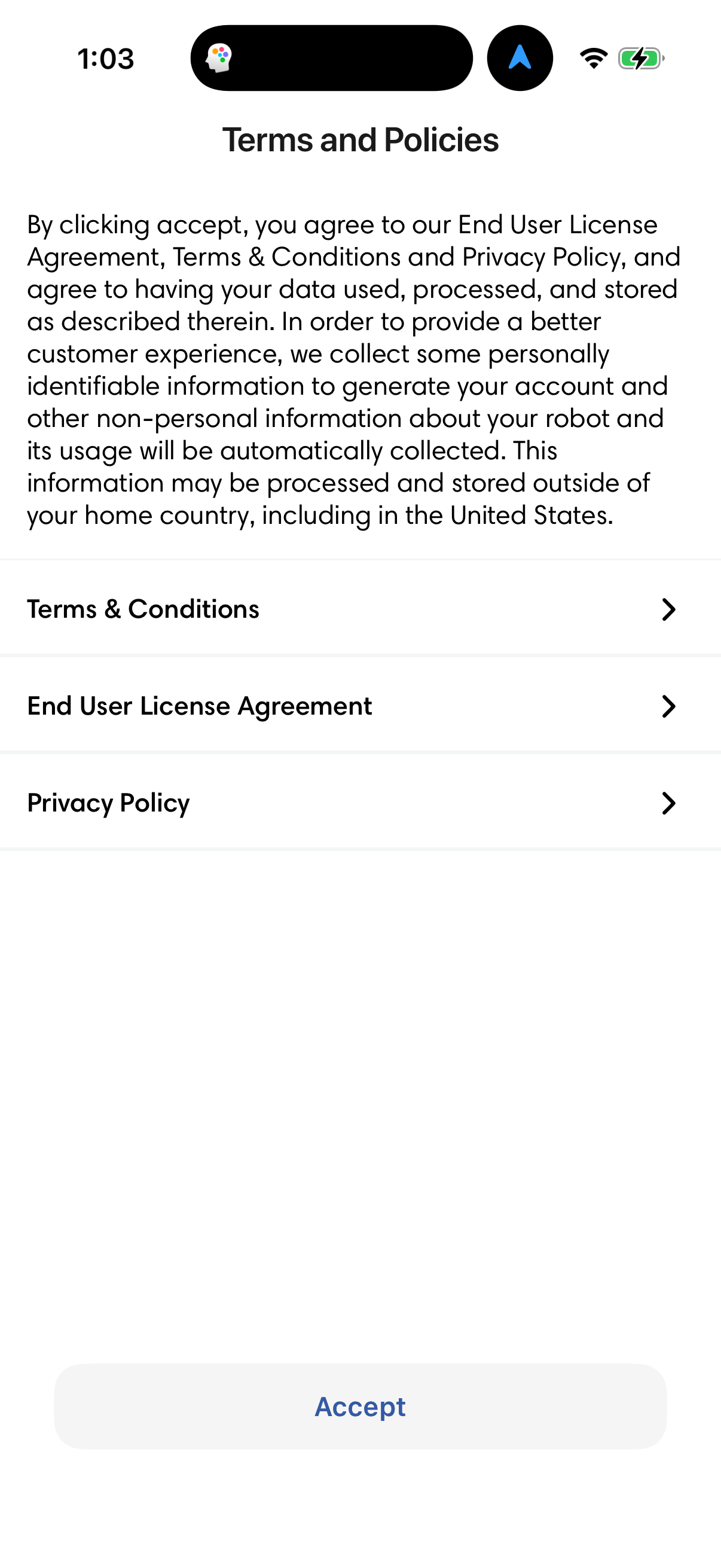
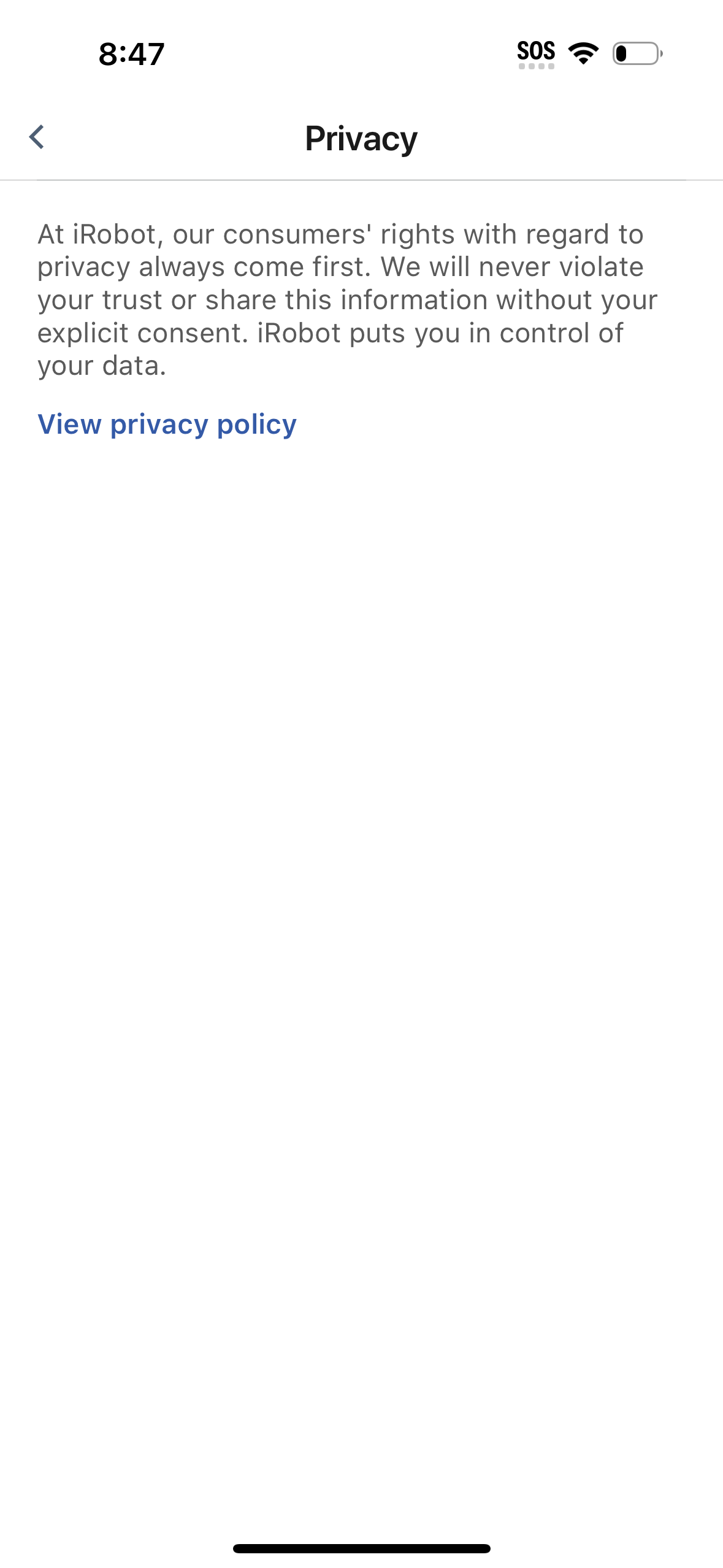
The first 5 screenshots are shown in full. Additional screens are blurred previews.






Company metadata
App Store description
The classic iRobot Home App is compatible with older Roomba®, Braava® and Klaara™ products, including Roomba® or Roomba Combo® e, i, s, m, j, Essential, Essential 2, and 10 Max series robots. For other Roomba® models, please download the Roomba® Home app. Take control of cleaning your home with the classic iRobot Home app. The easy-to-use app offers enhanced maps, room, zone and object-specific cleaning, customized scheduling, personalized cleaning suggestions, and simple smart home integrations with Alexa, Siri, and Google Assistant-enabled devices*, all designed to make sure you get the most out of your iRobot floor cleaning robots. Feature availability varies by model. *Works with Alexa, Siri, and Google Assistant-enabled devices. Alexa and all related logos are trademarks of Amazon.com or its affiliates. Google and Google Home are trademarks of Google LLC. Siri is a registered trademark of Apple Inc., registered in the U.S. and other countries and regions.
Compare competitors with Lazyweb
Search every screen, flow, and UX pattern in one place.