
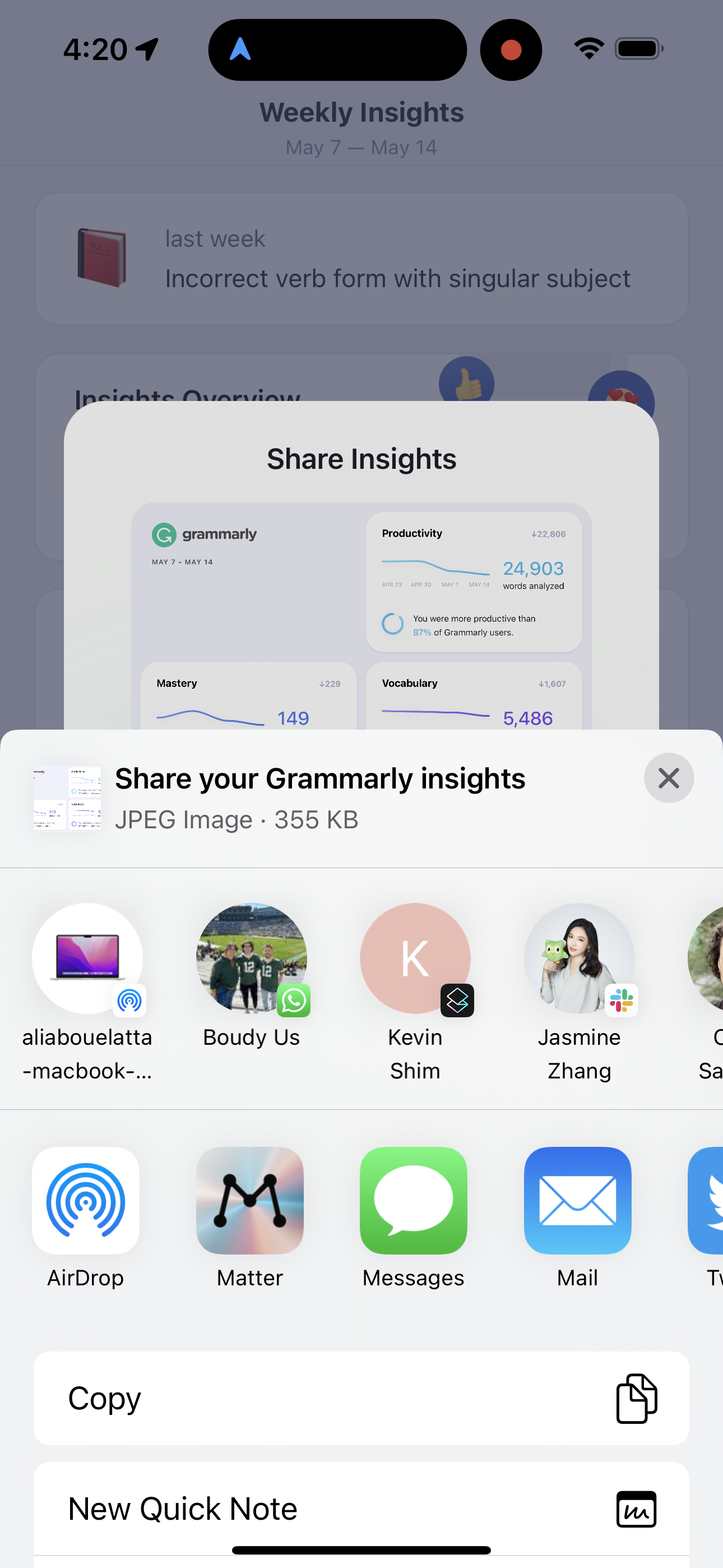
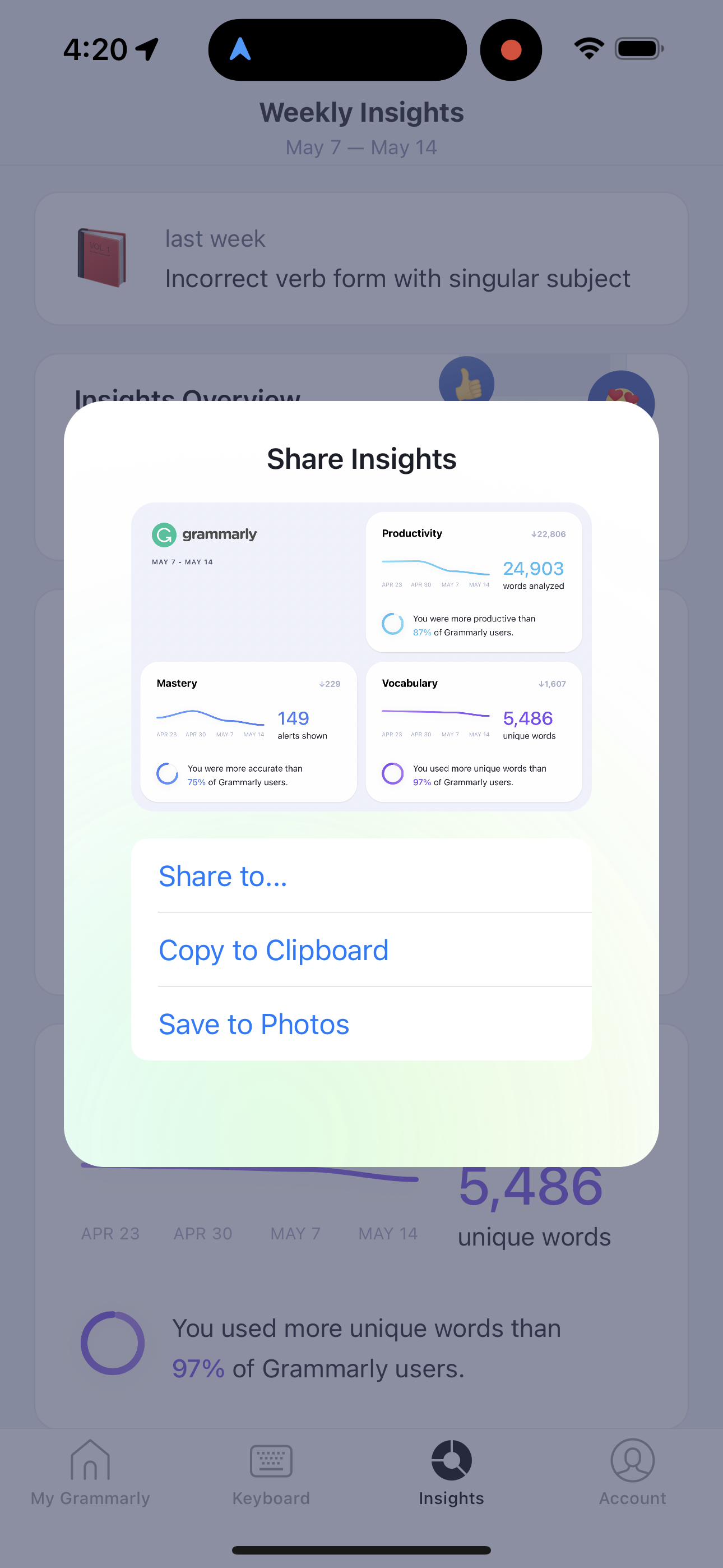
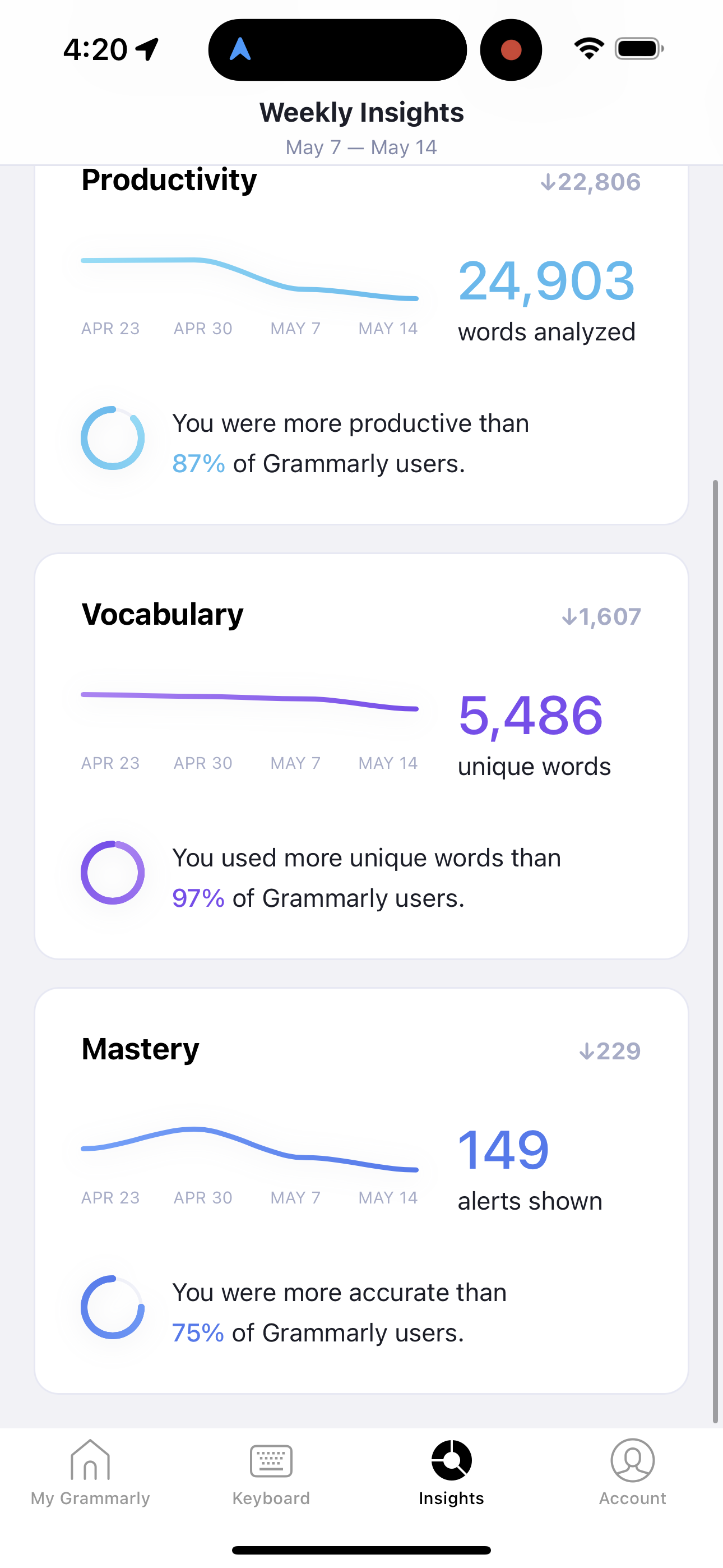
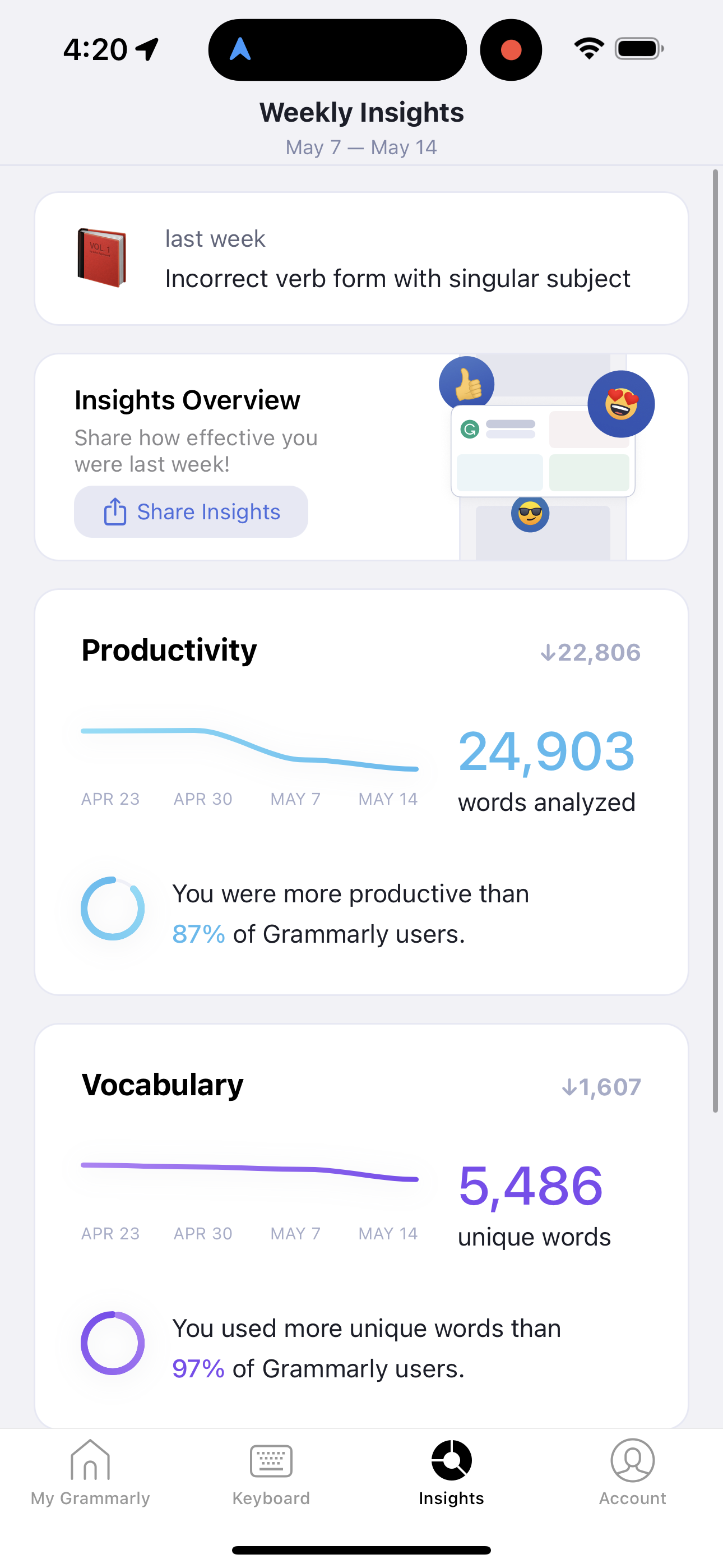
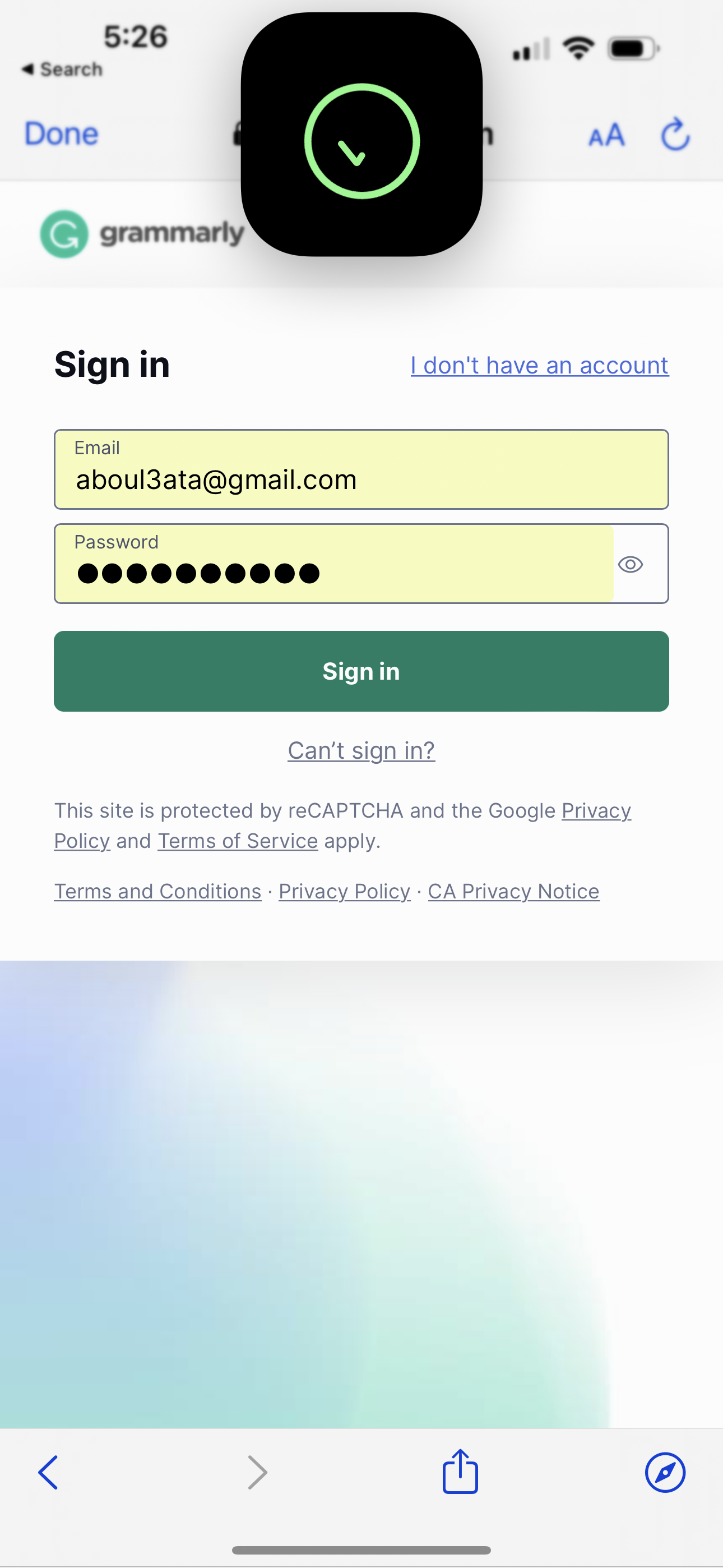
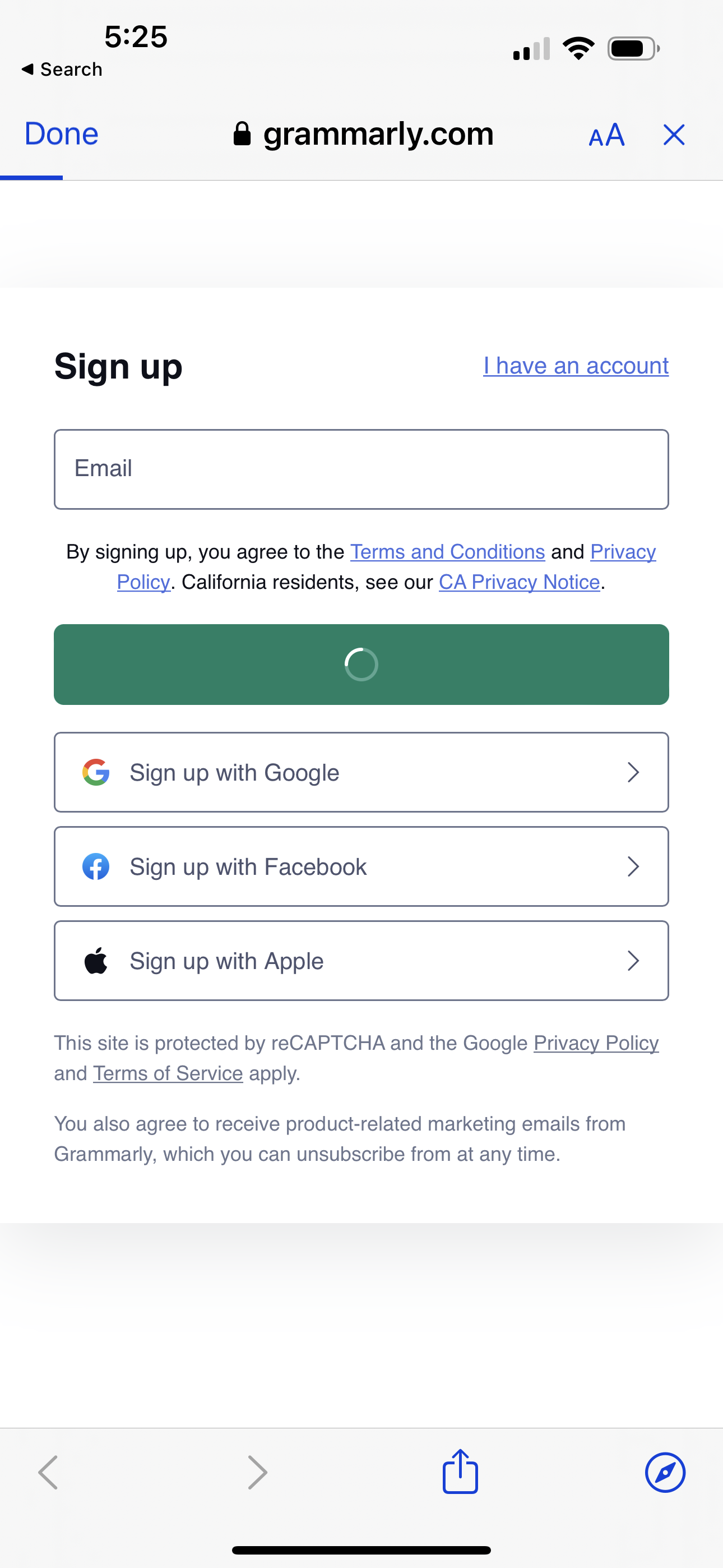
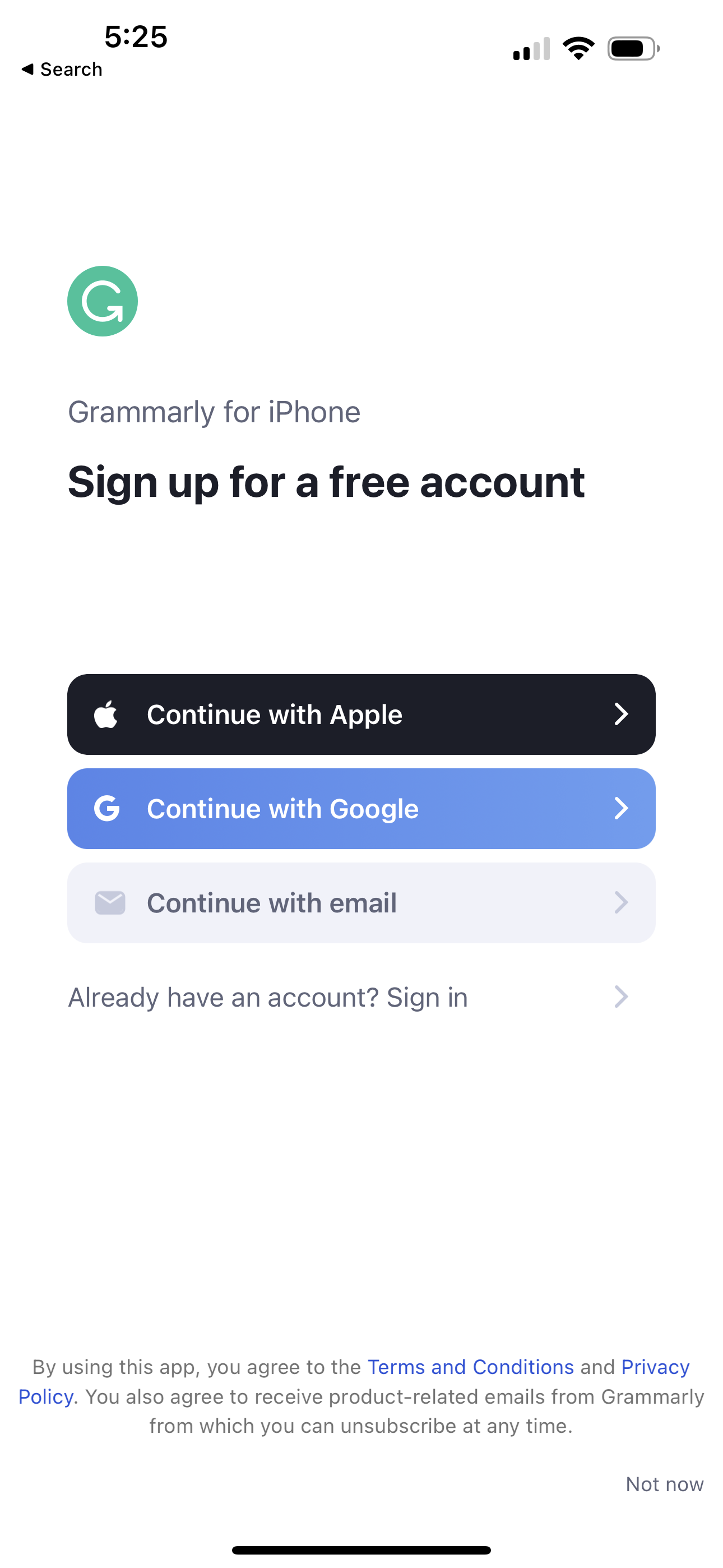
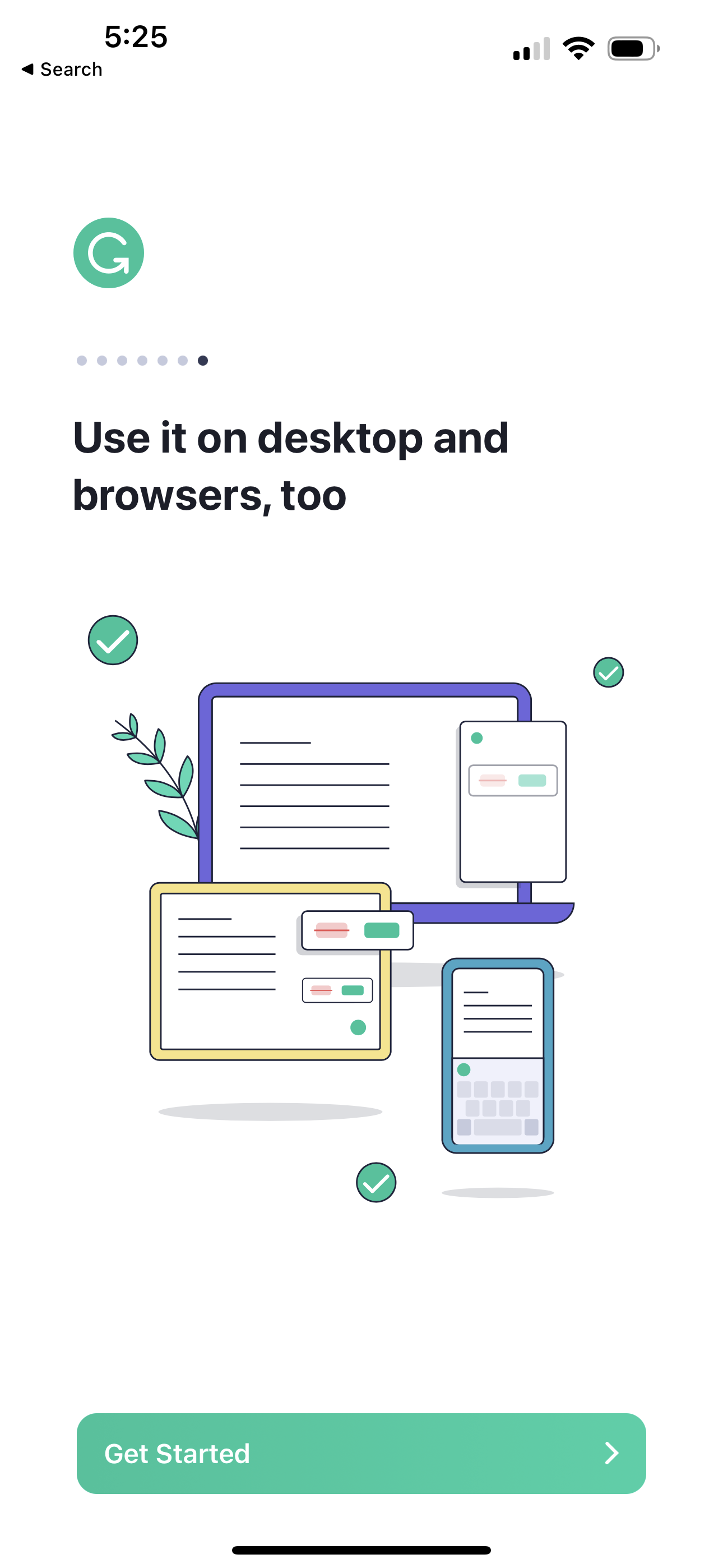
grammarly screenshots
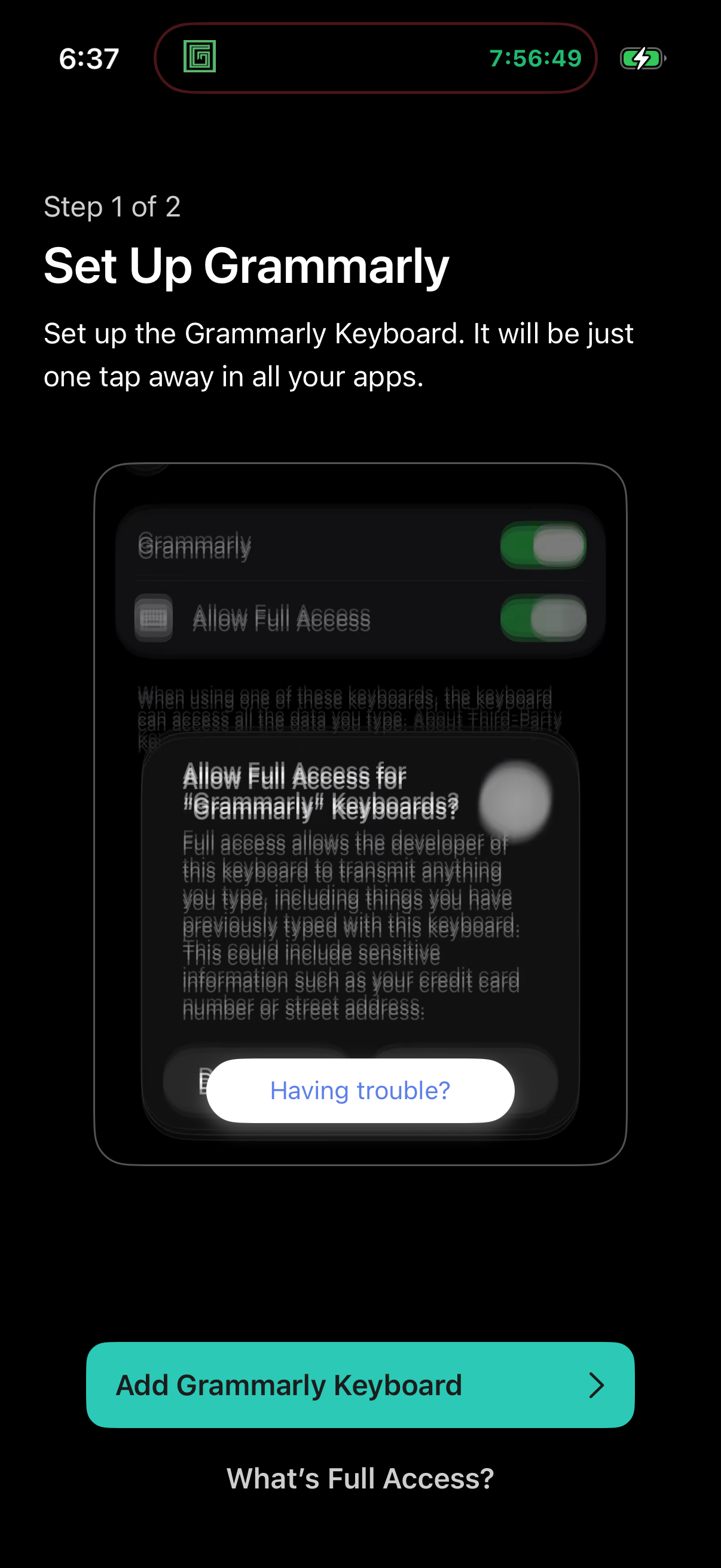
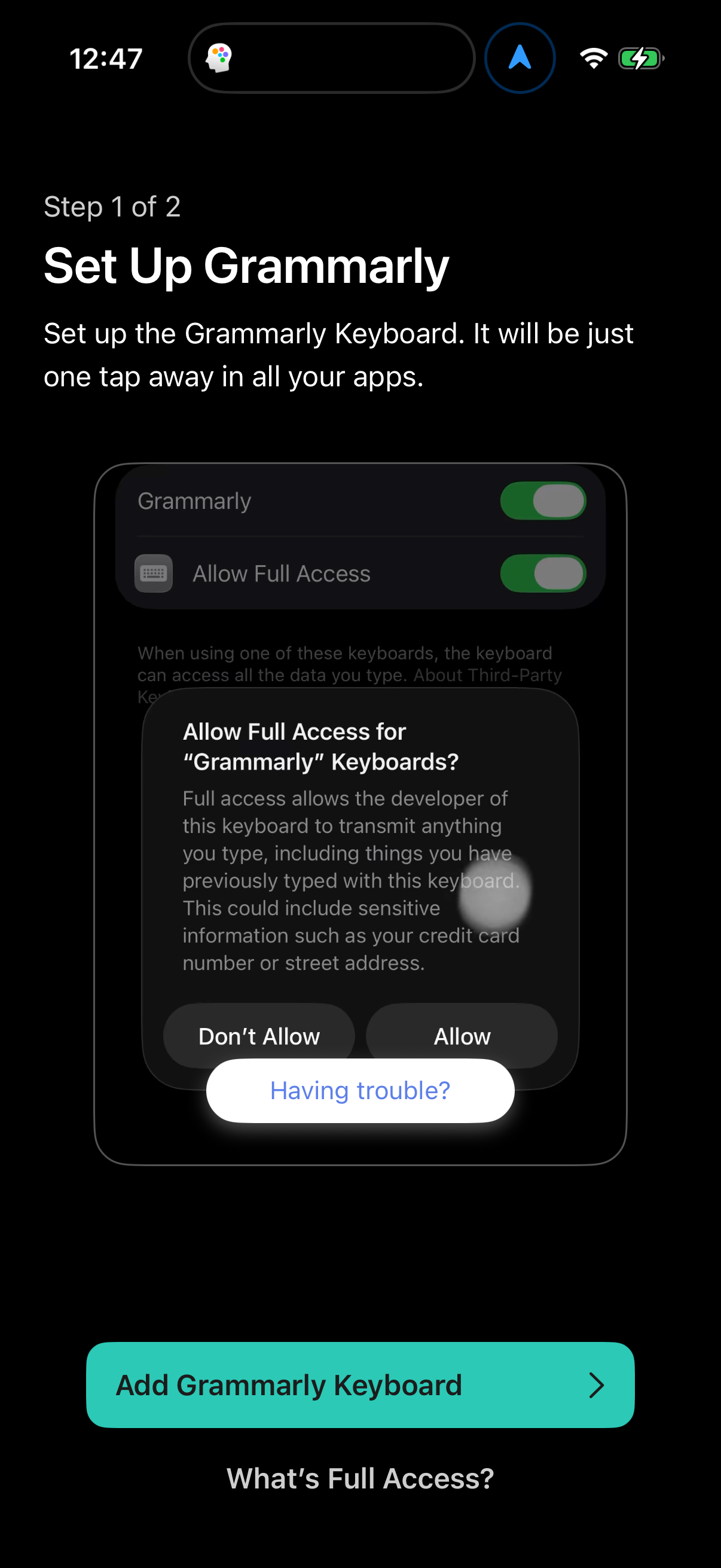
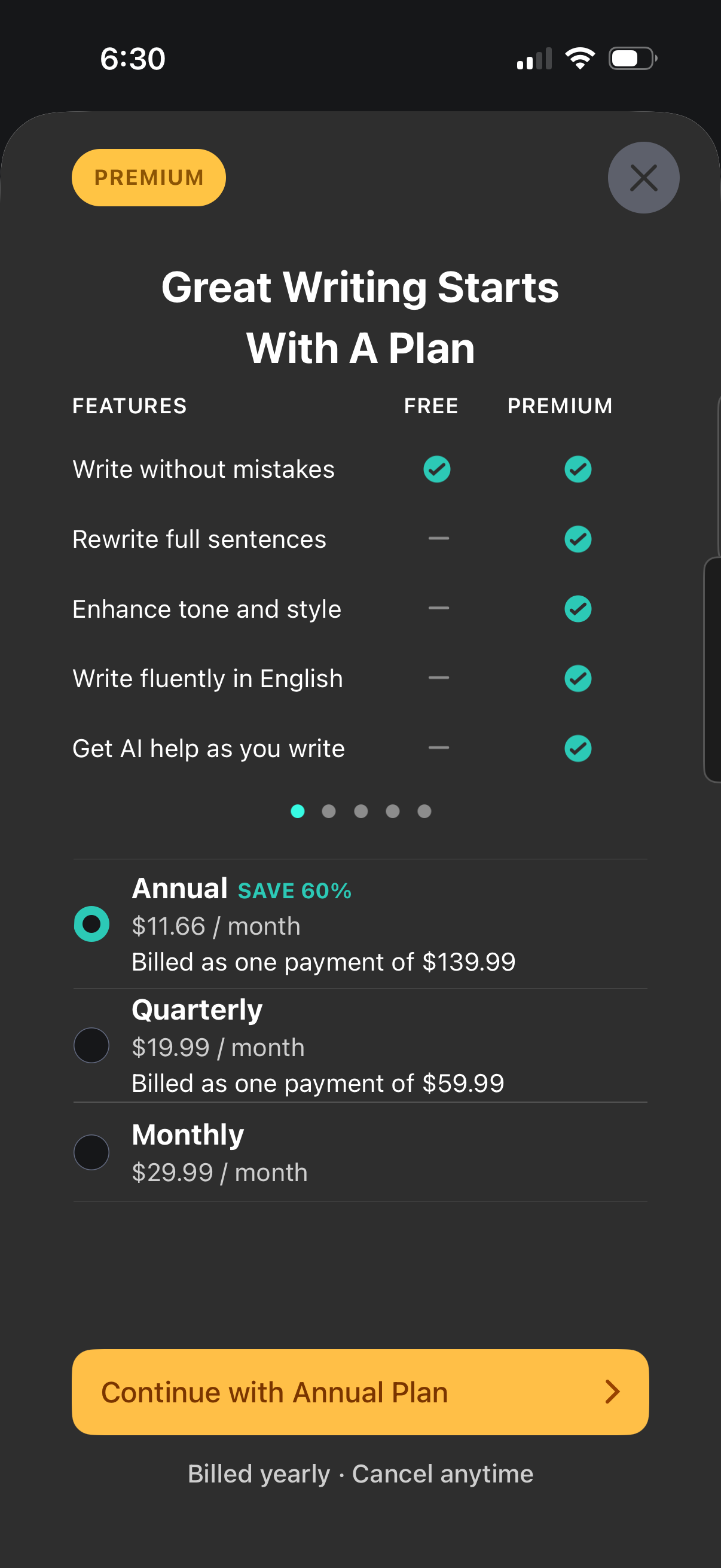
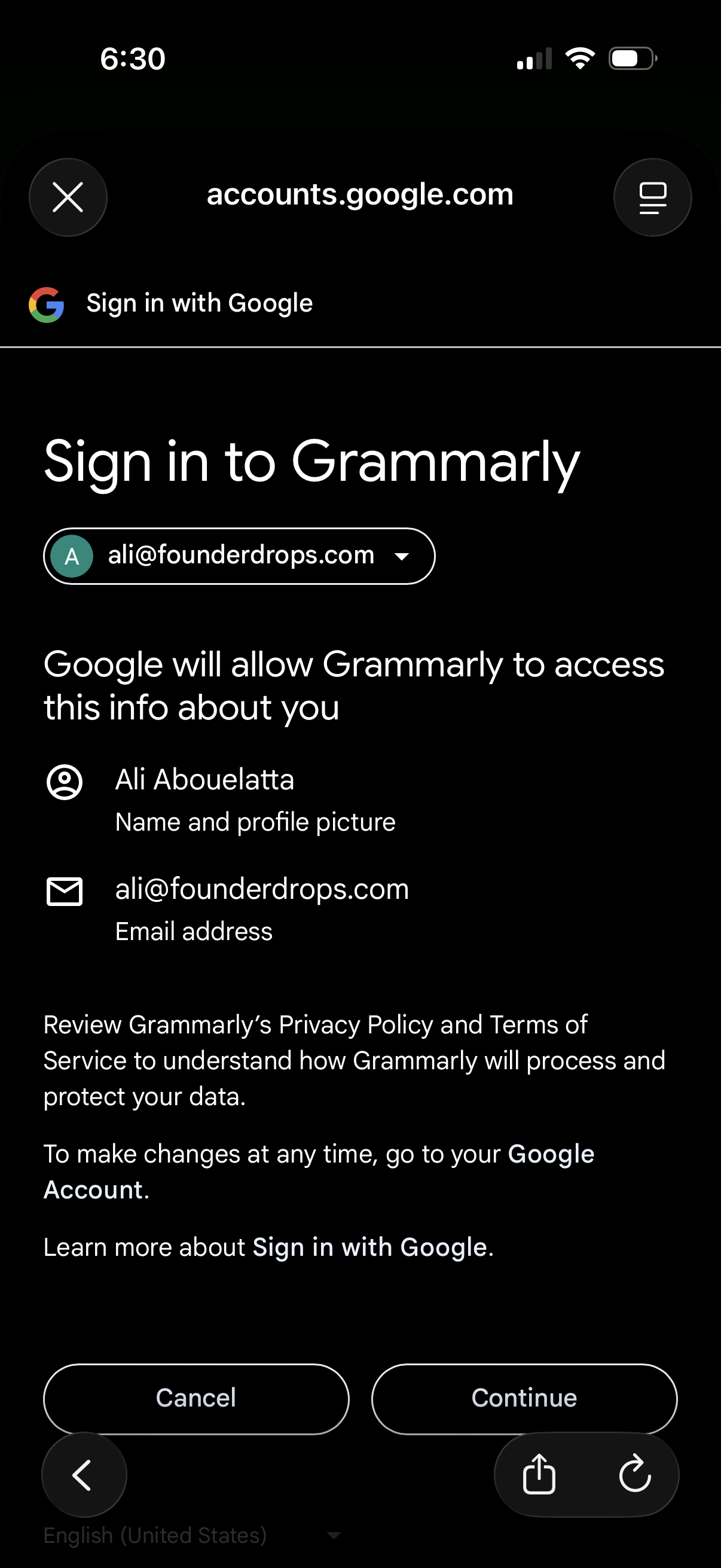
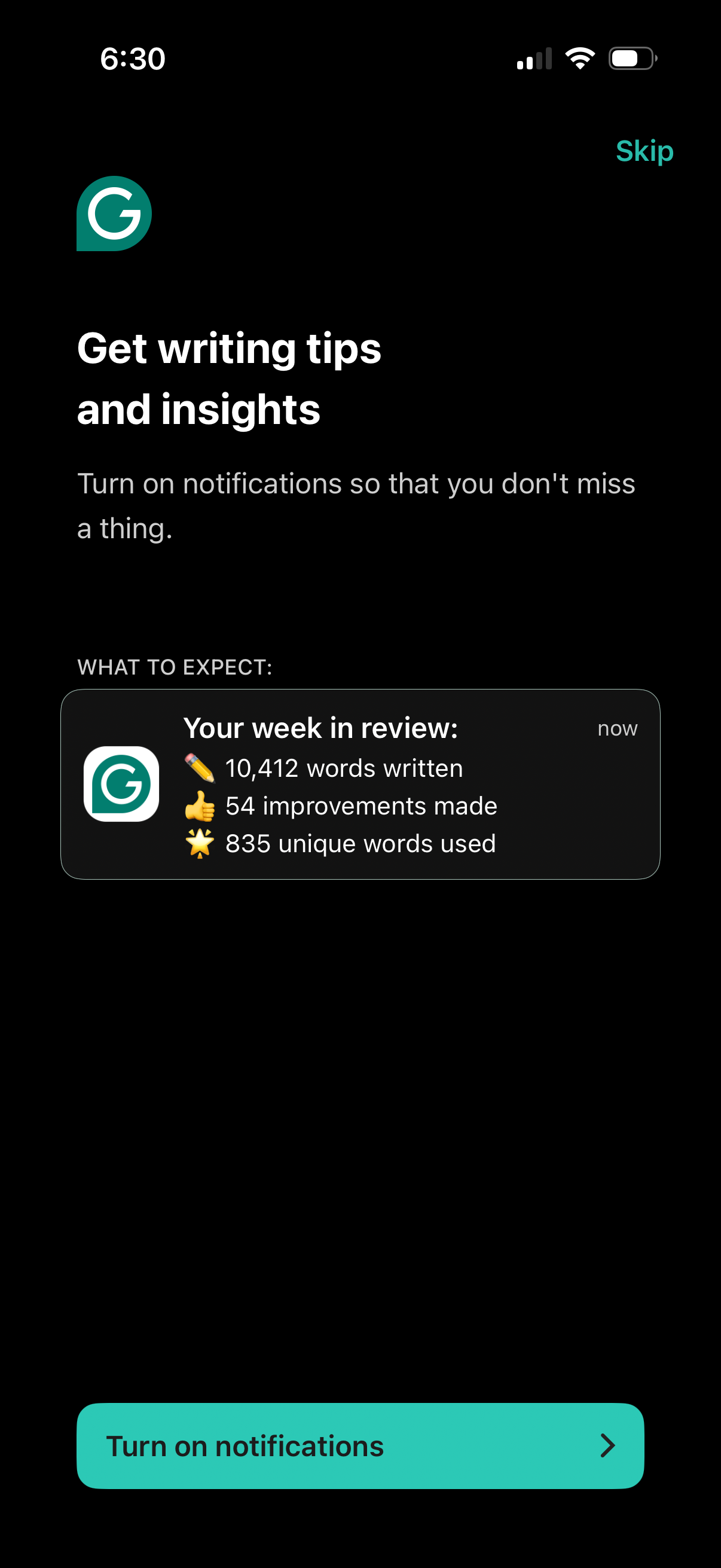
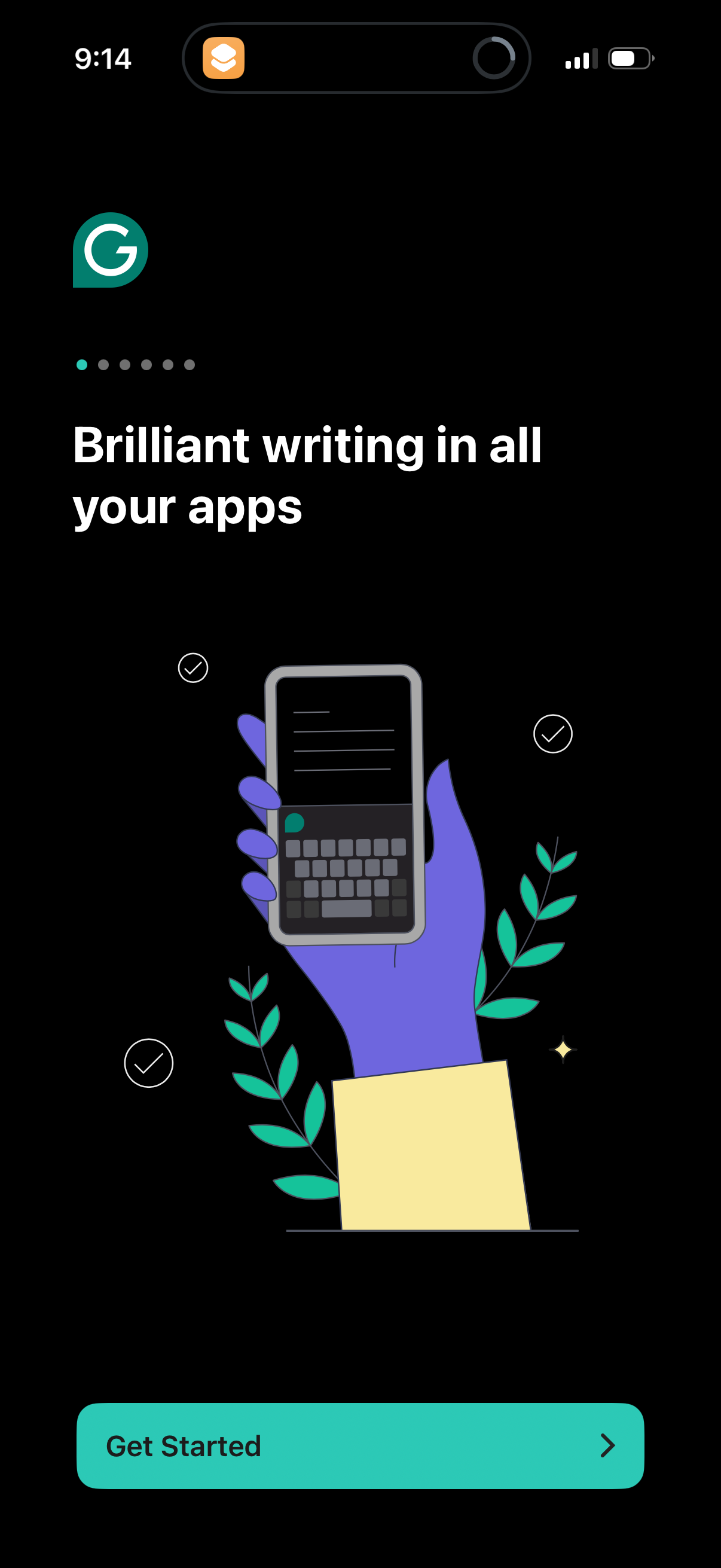
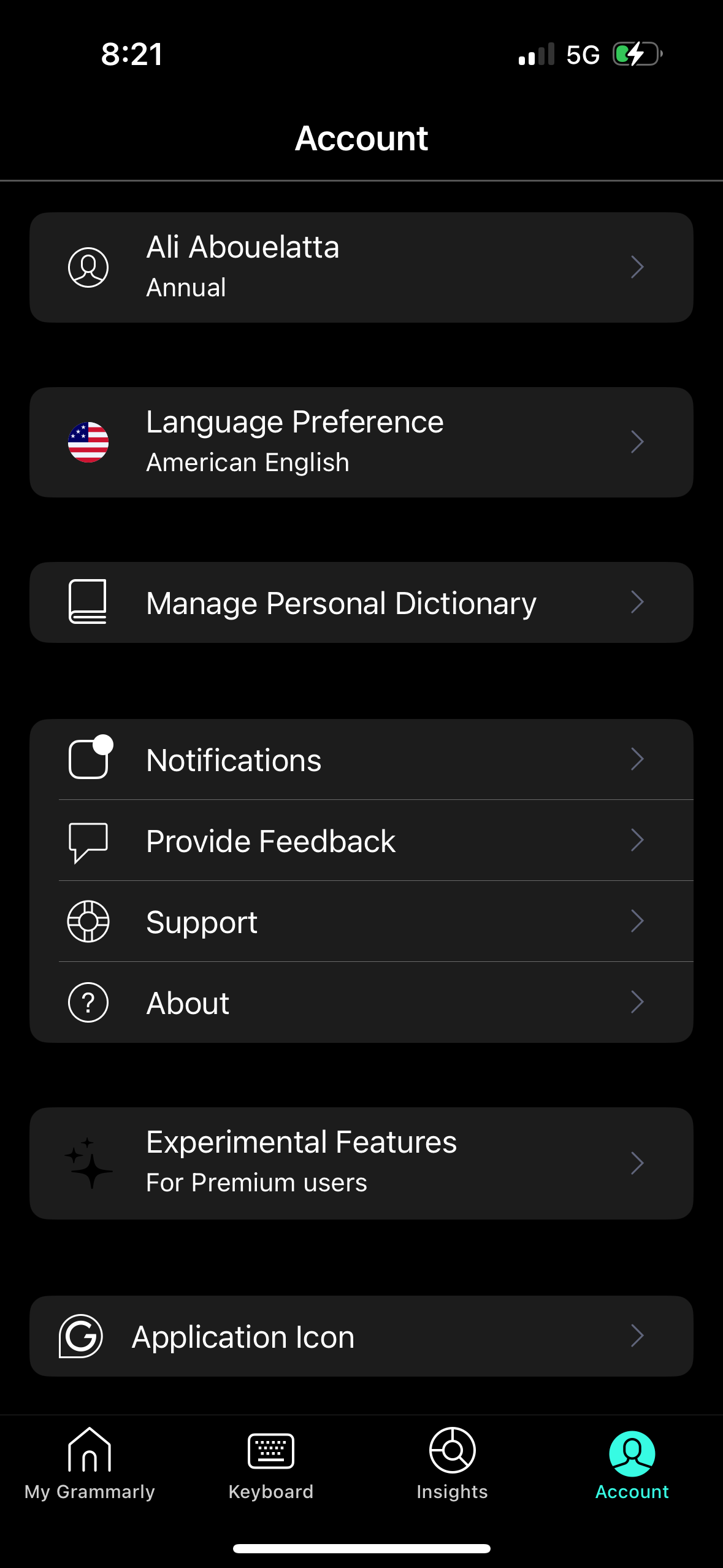
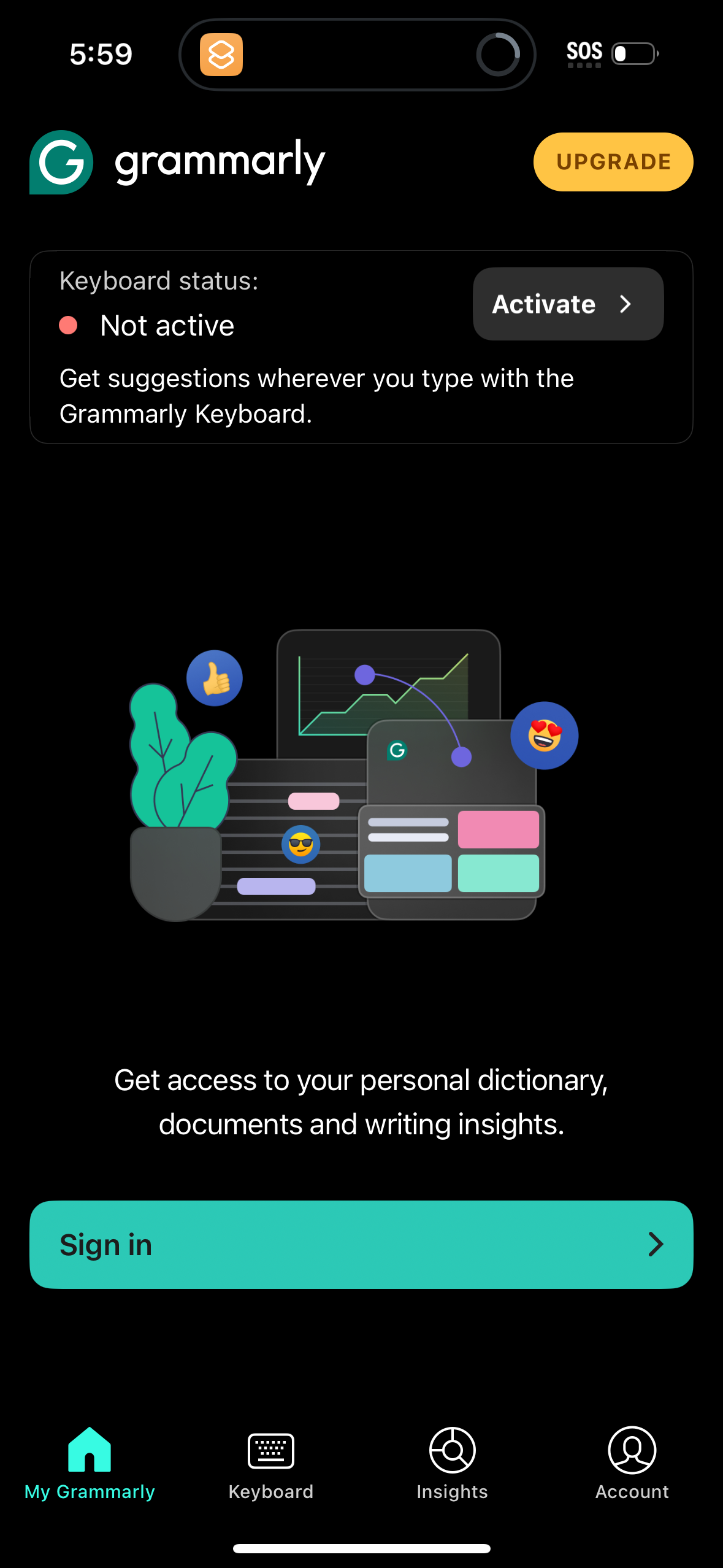
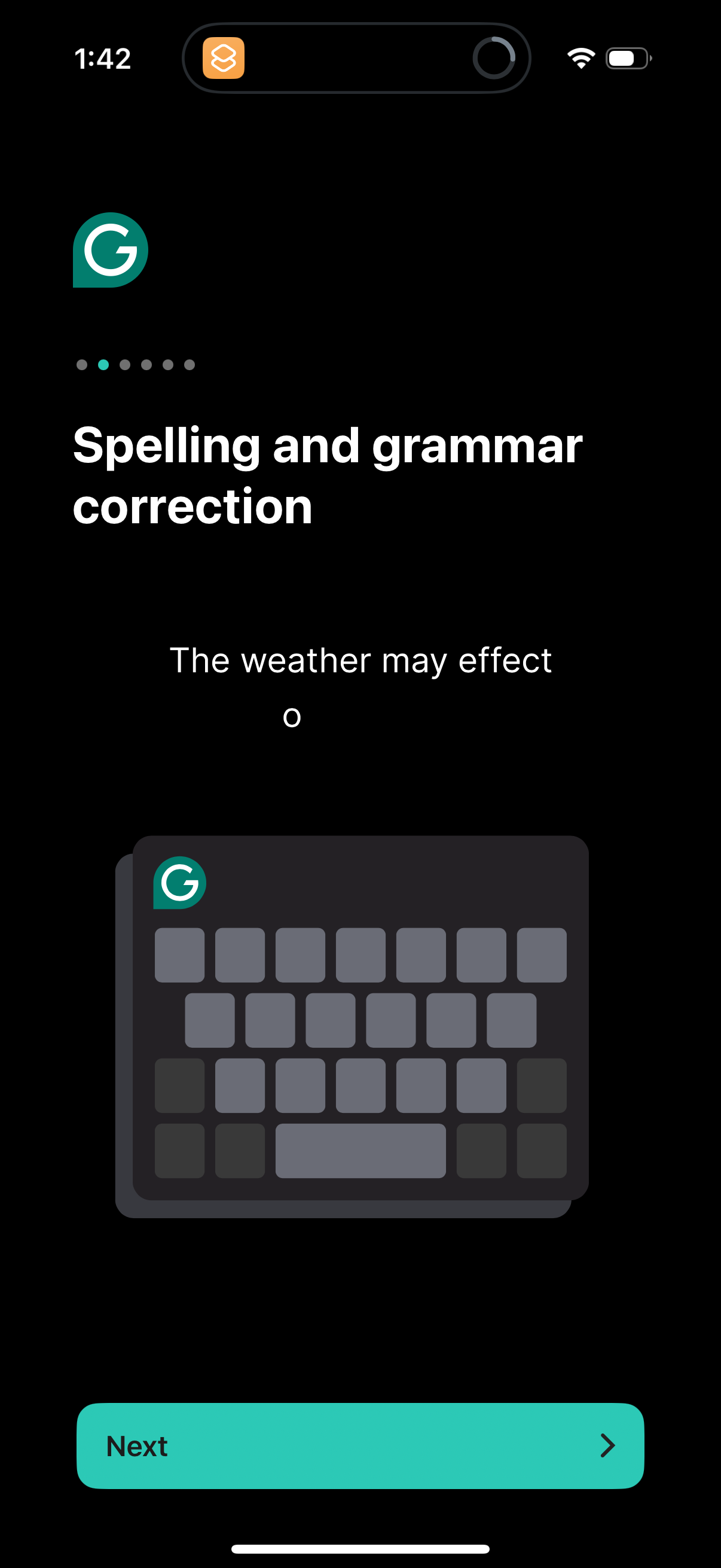
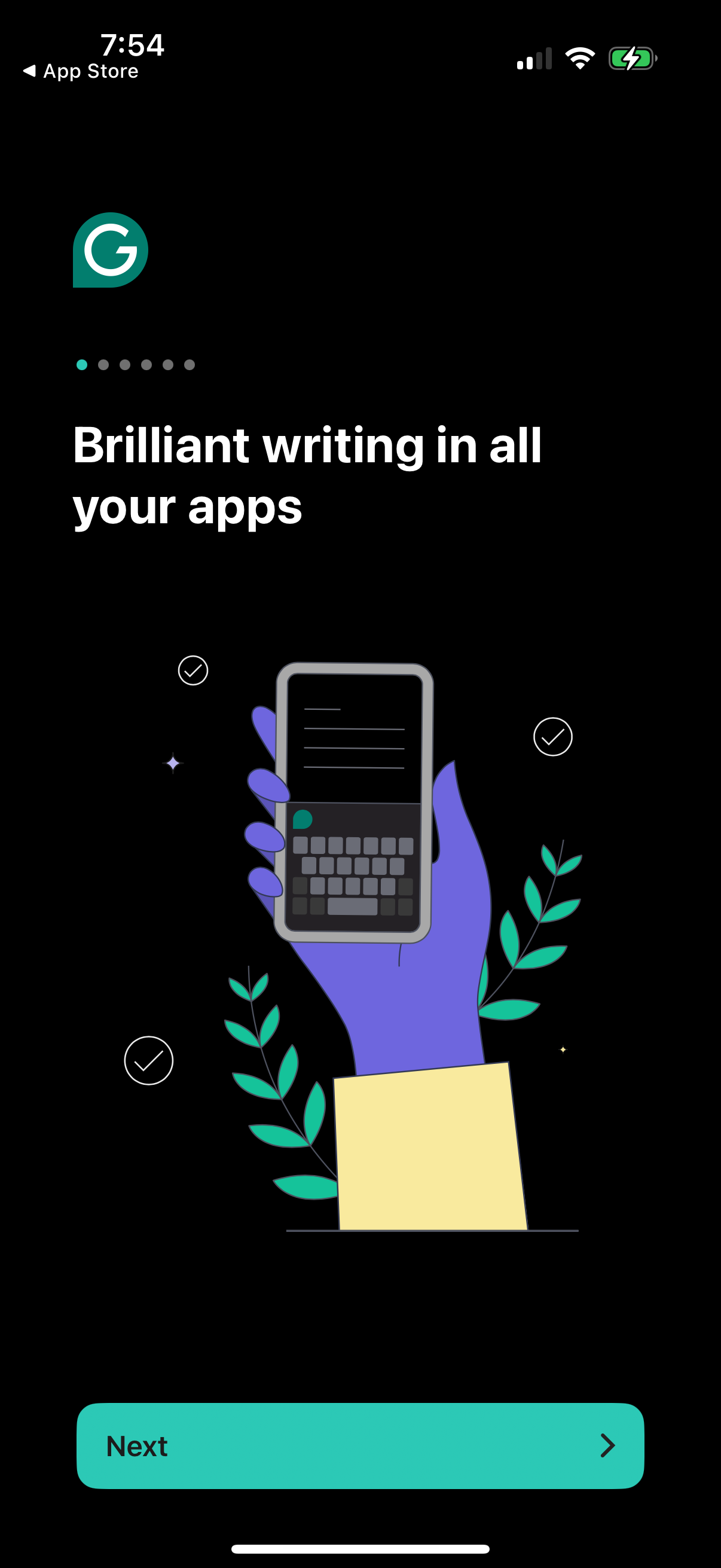
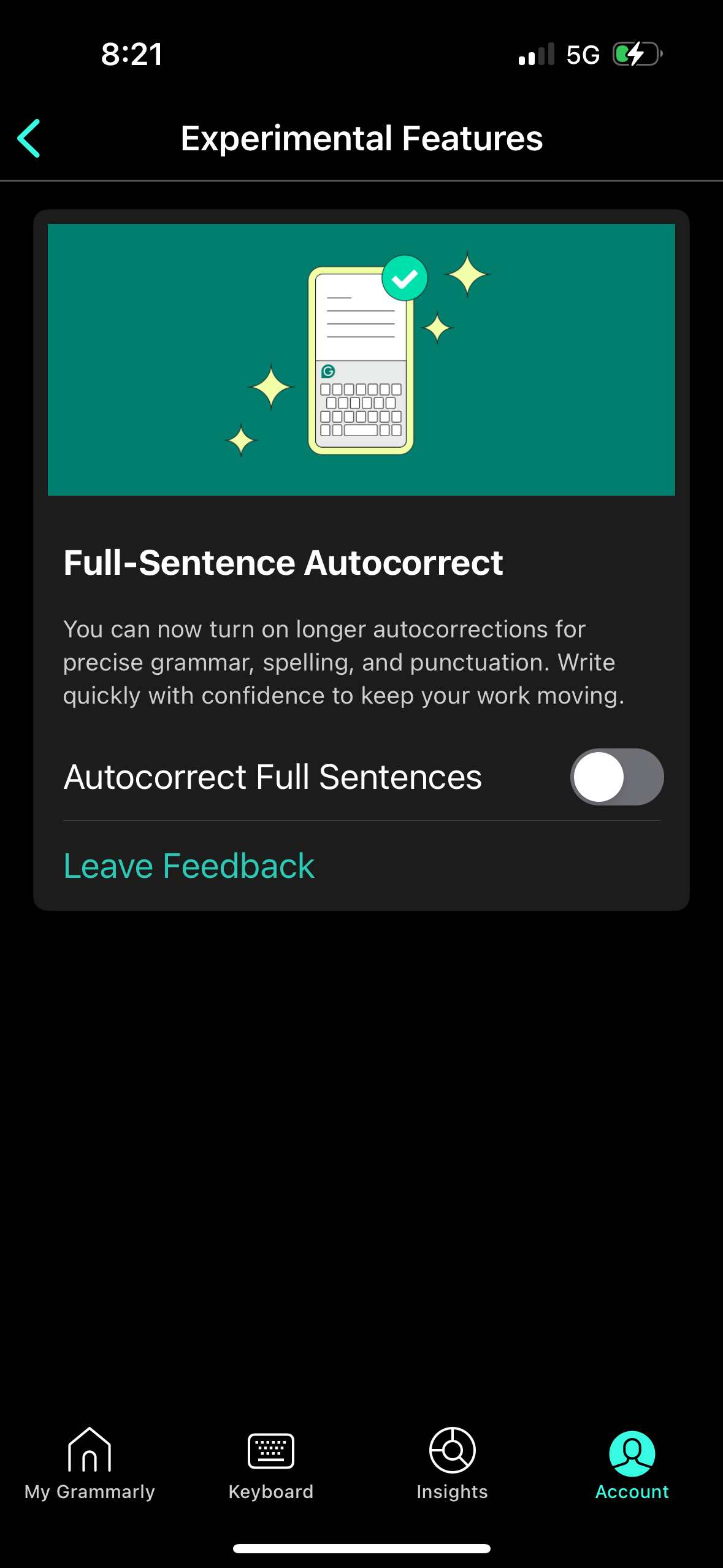
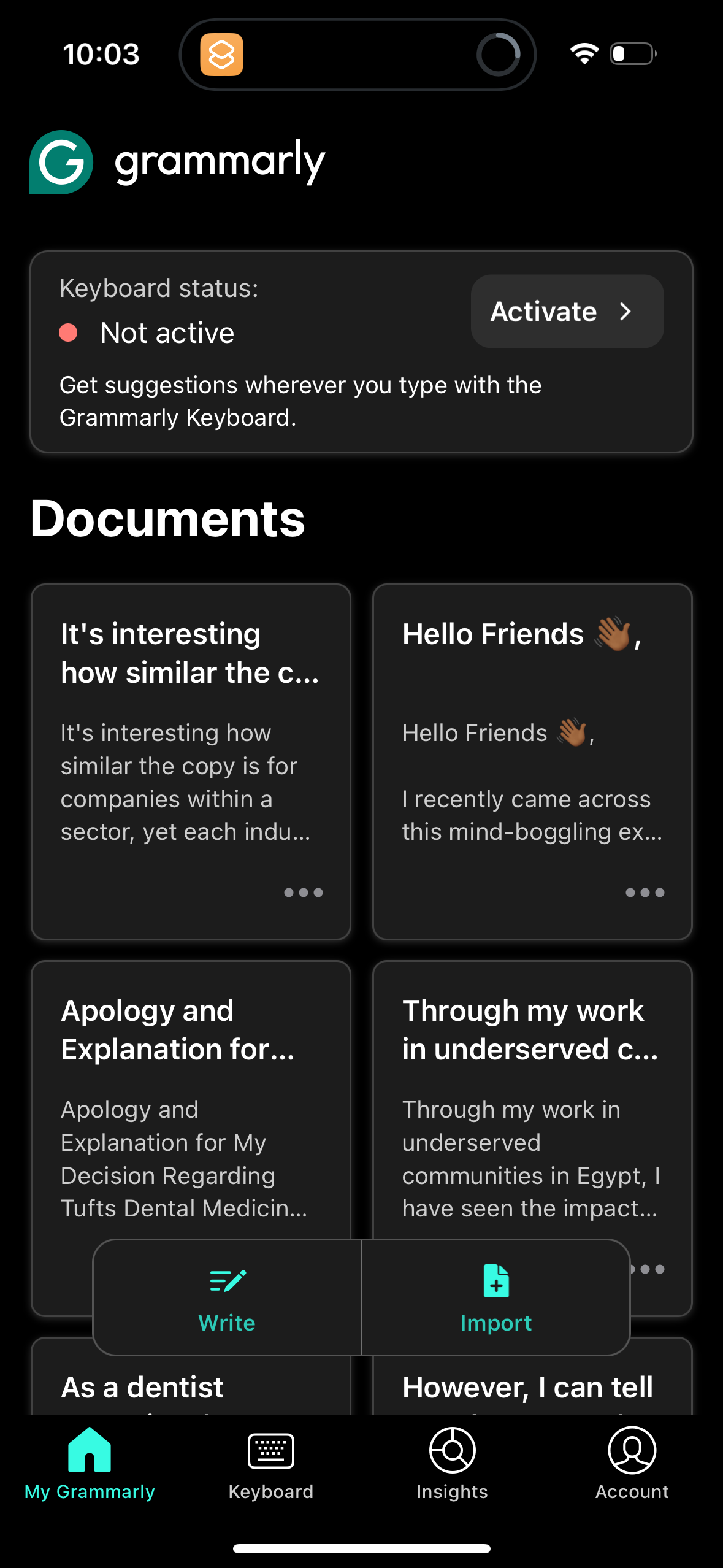
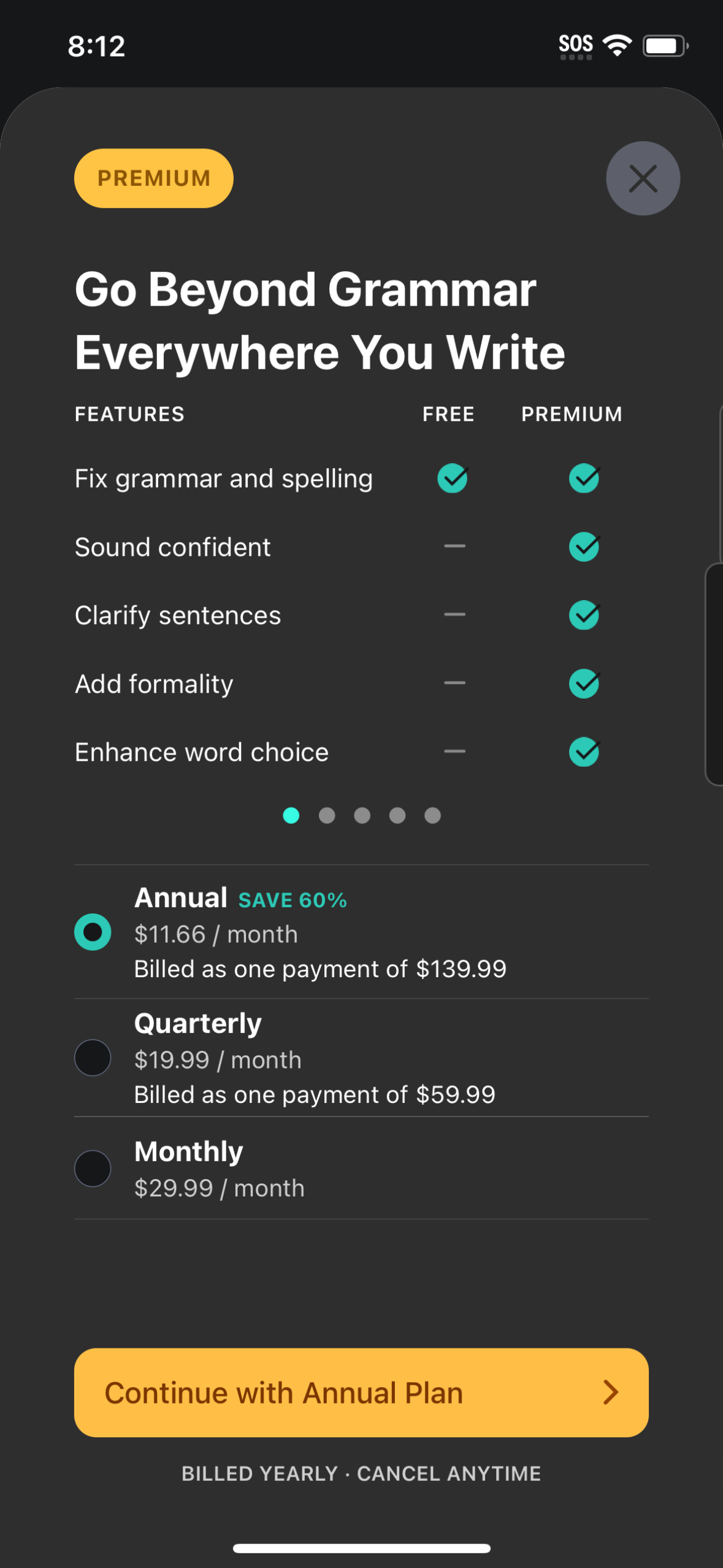
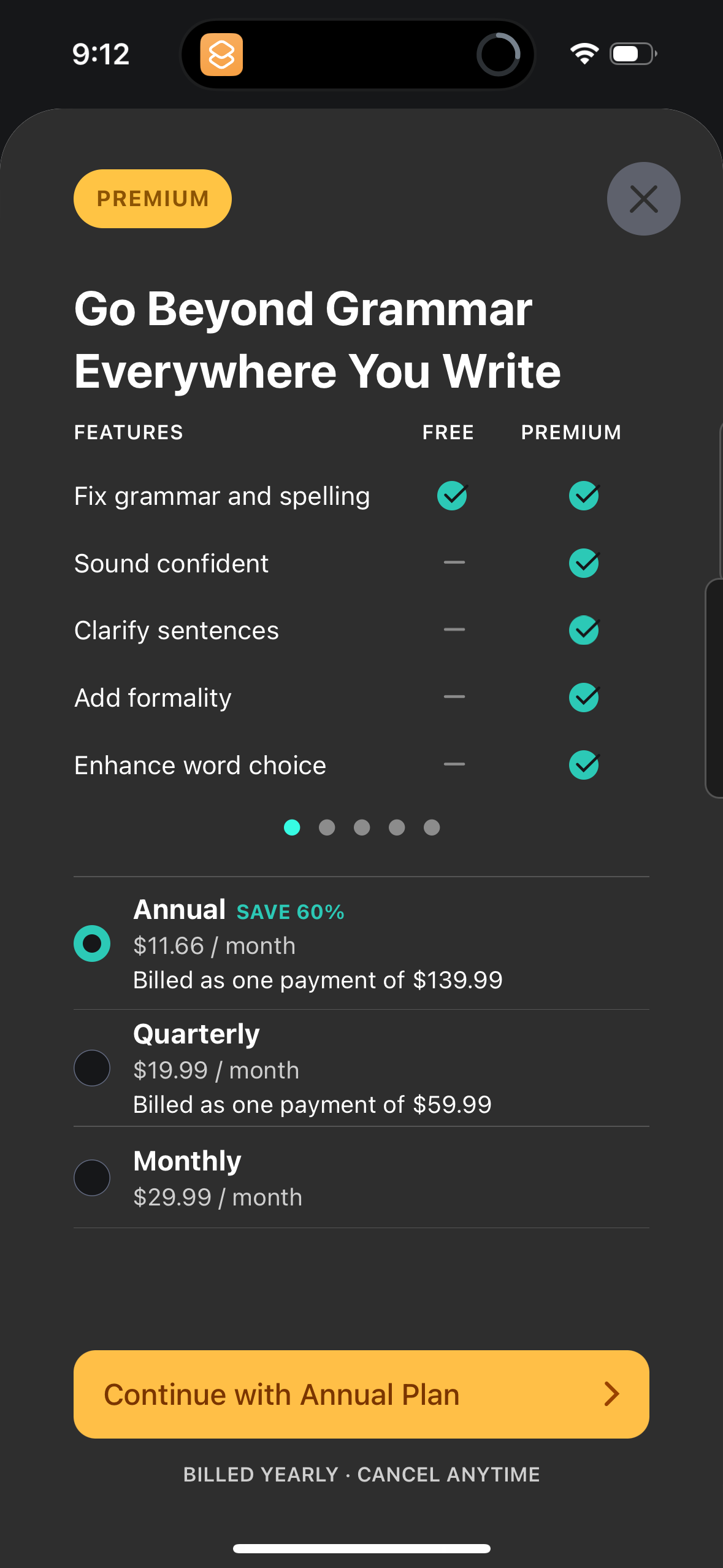
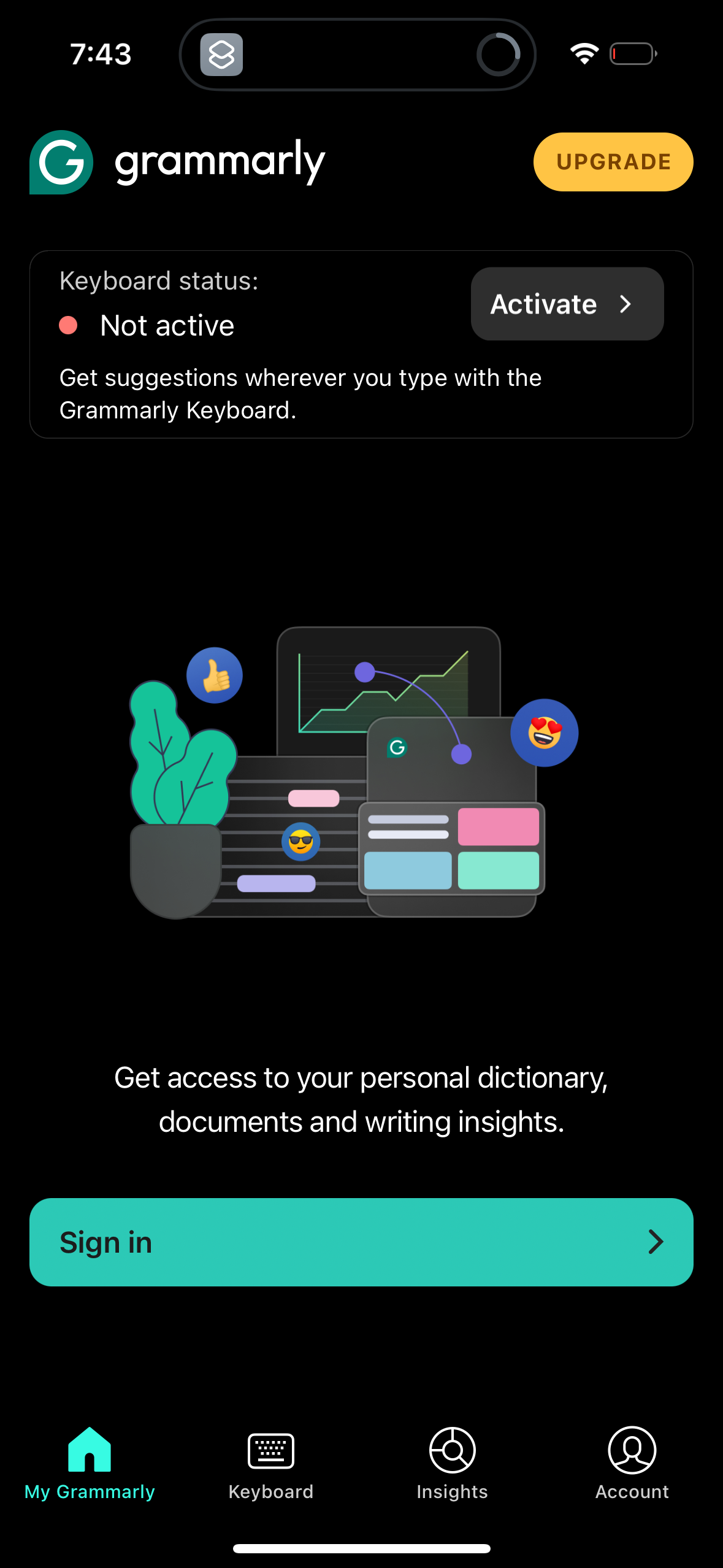
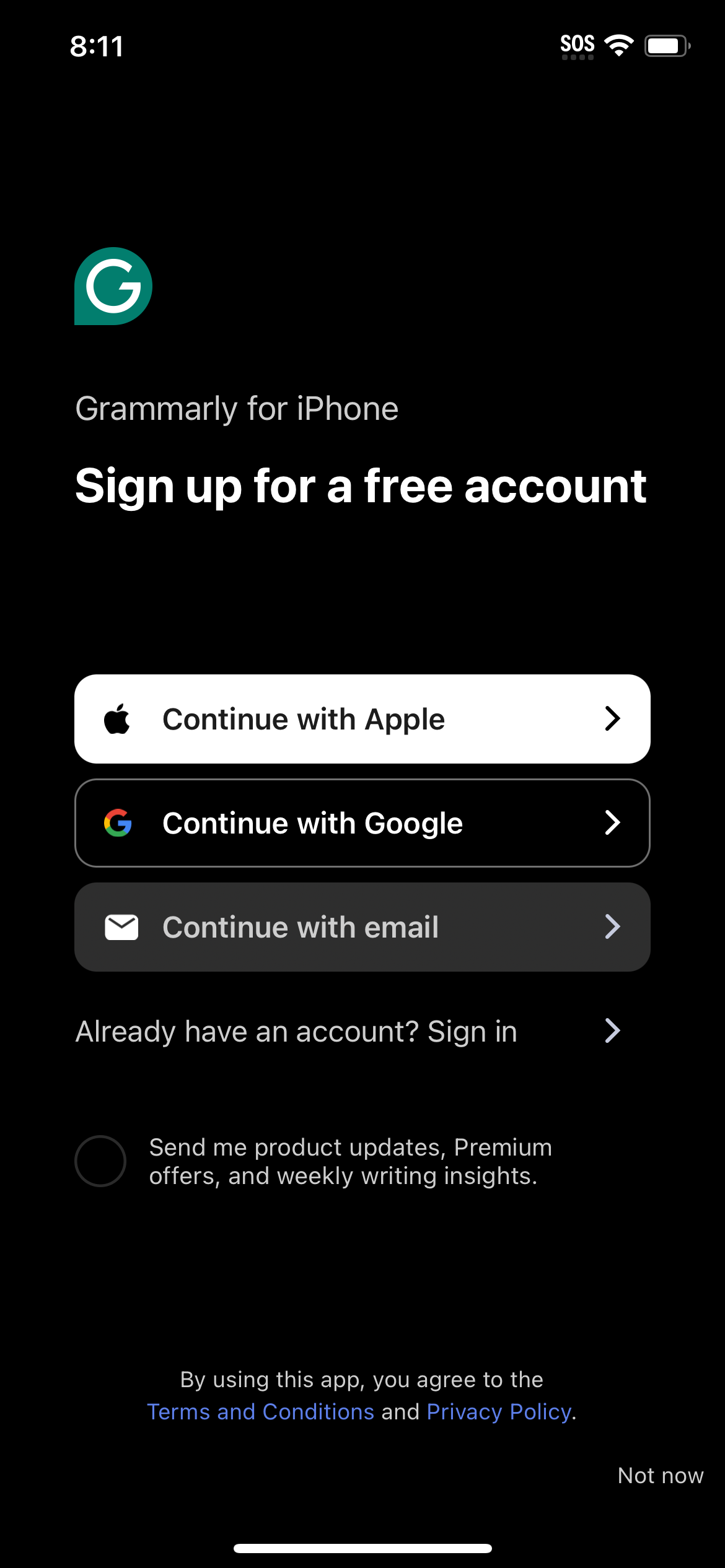
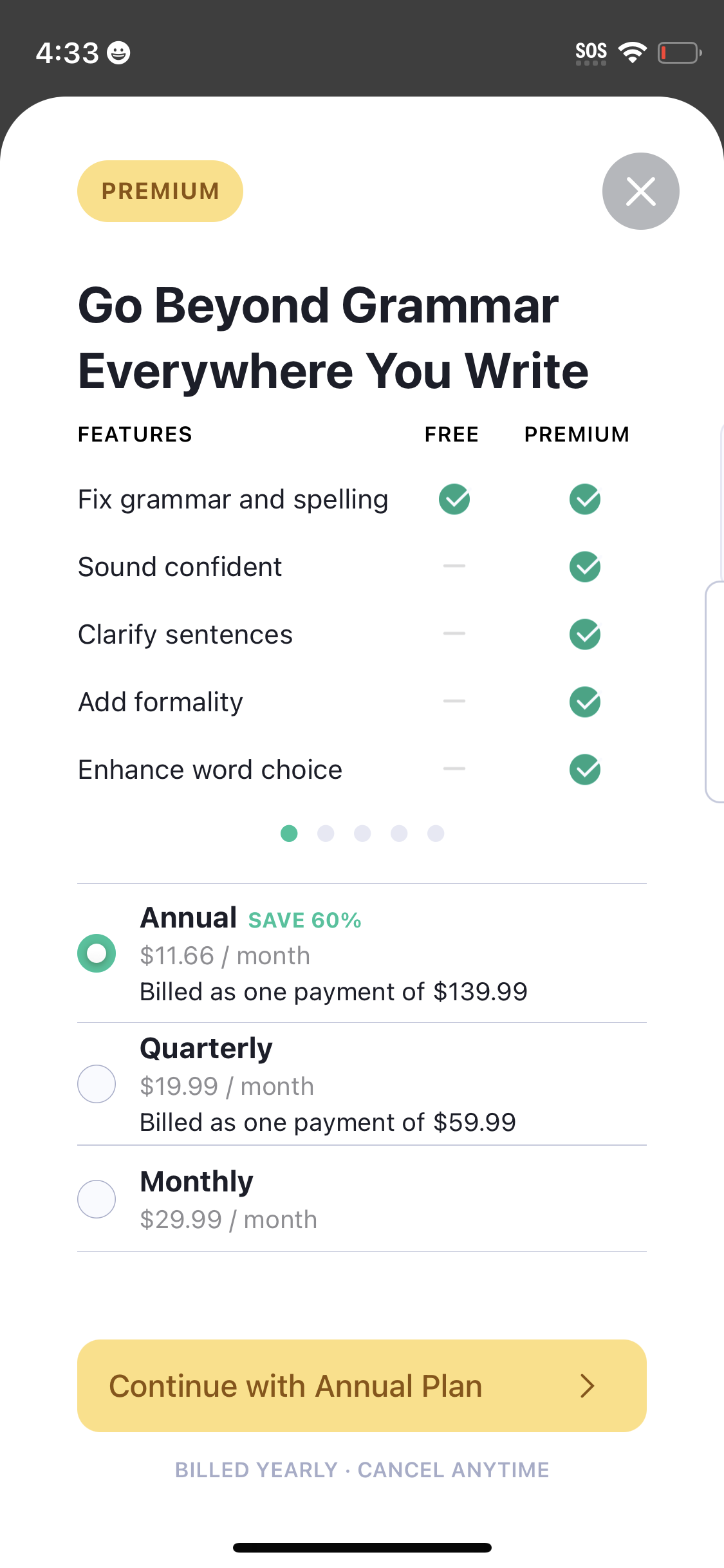
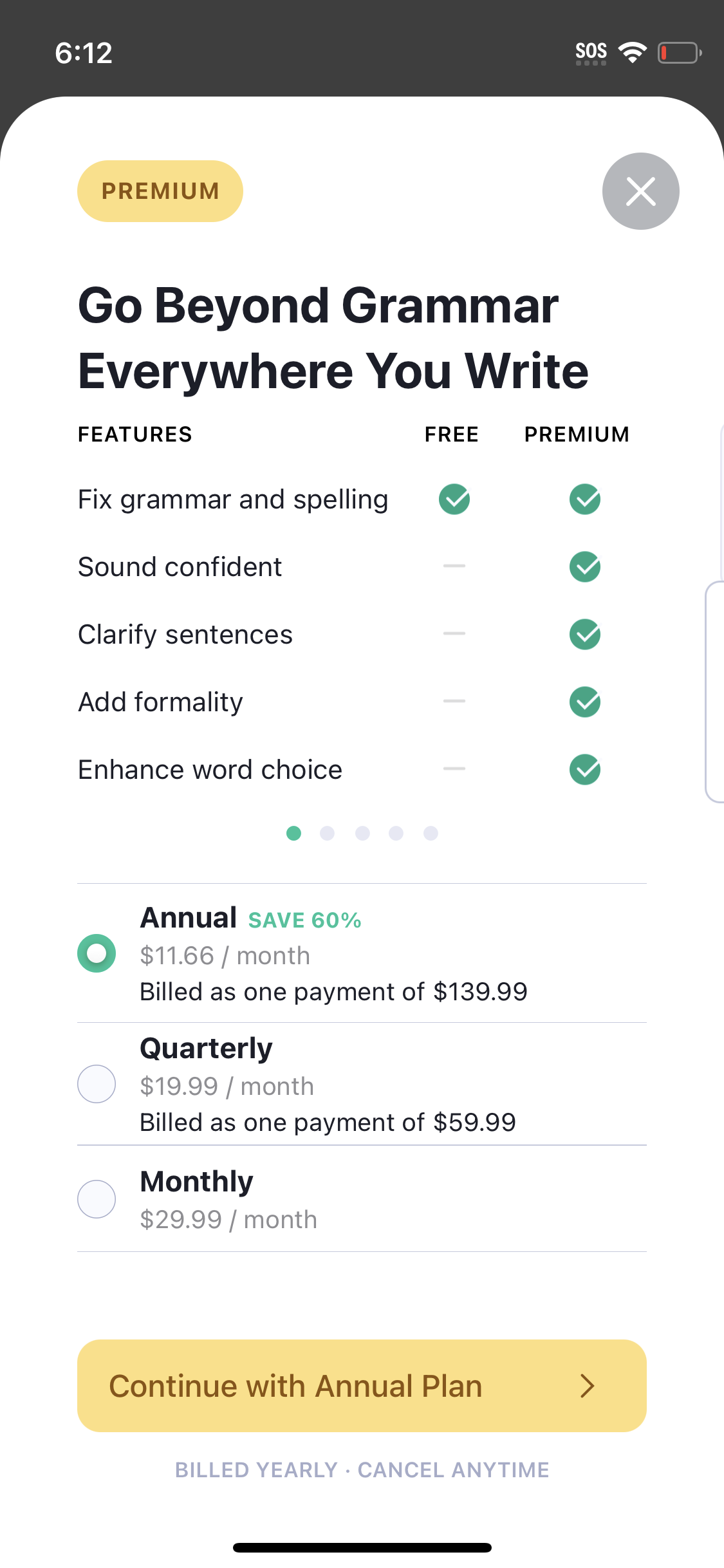
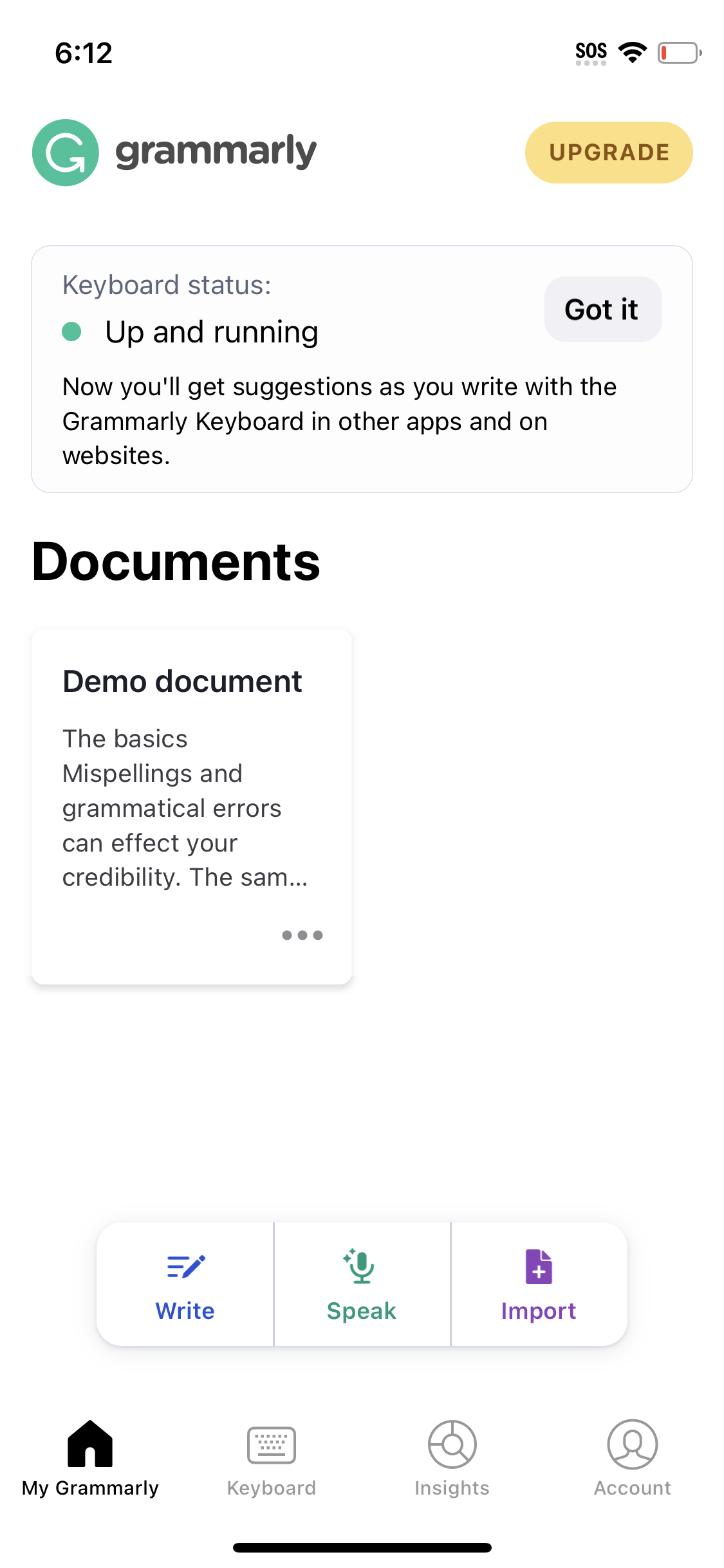
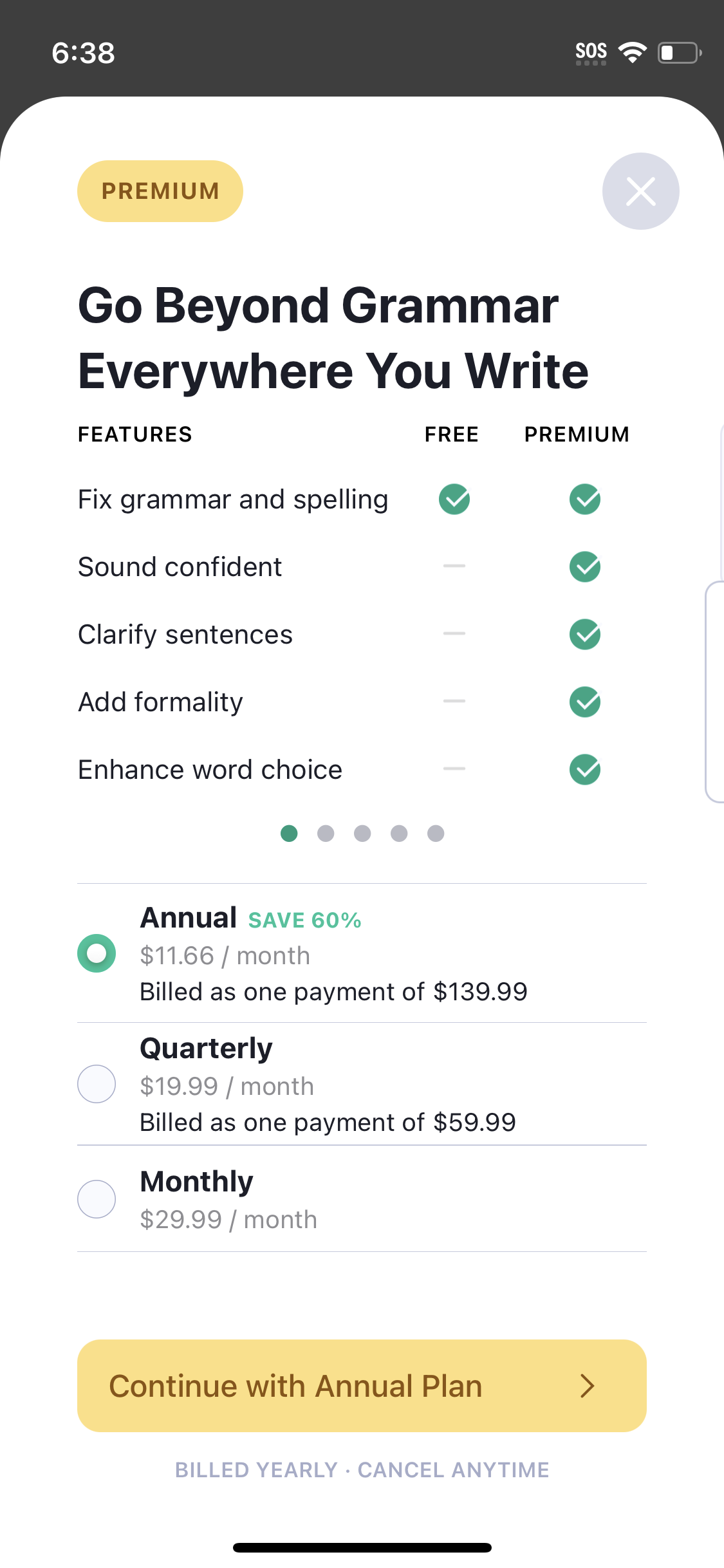
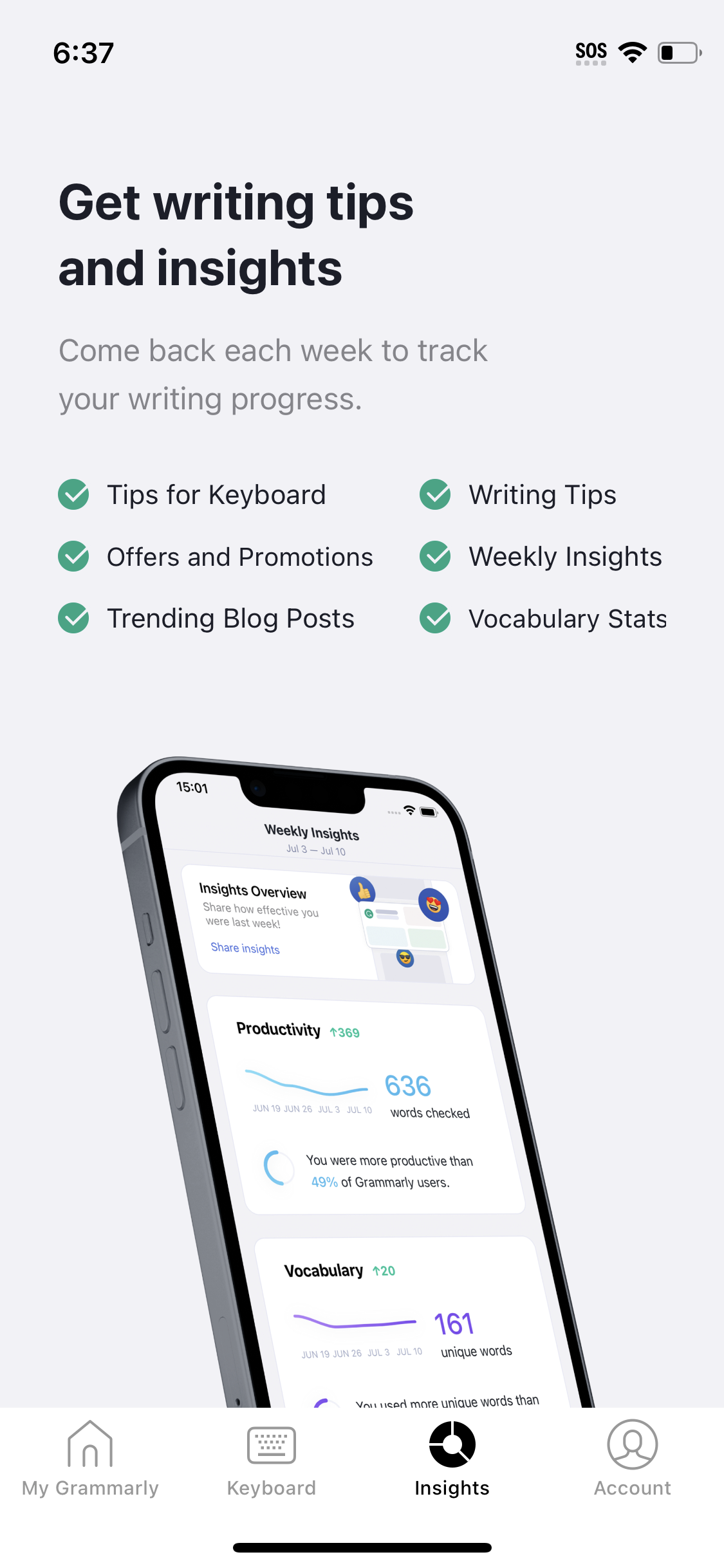
Explore up to date profile, onboarding, dashboard, paywall, and reviews flows from grammarly and more on Lazyweb.
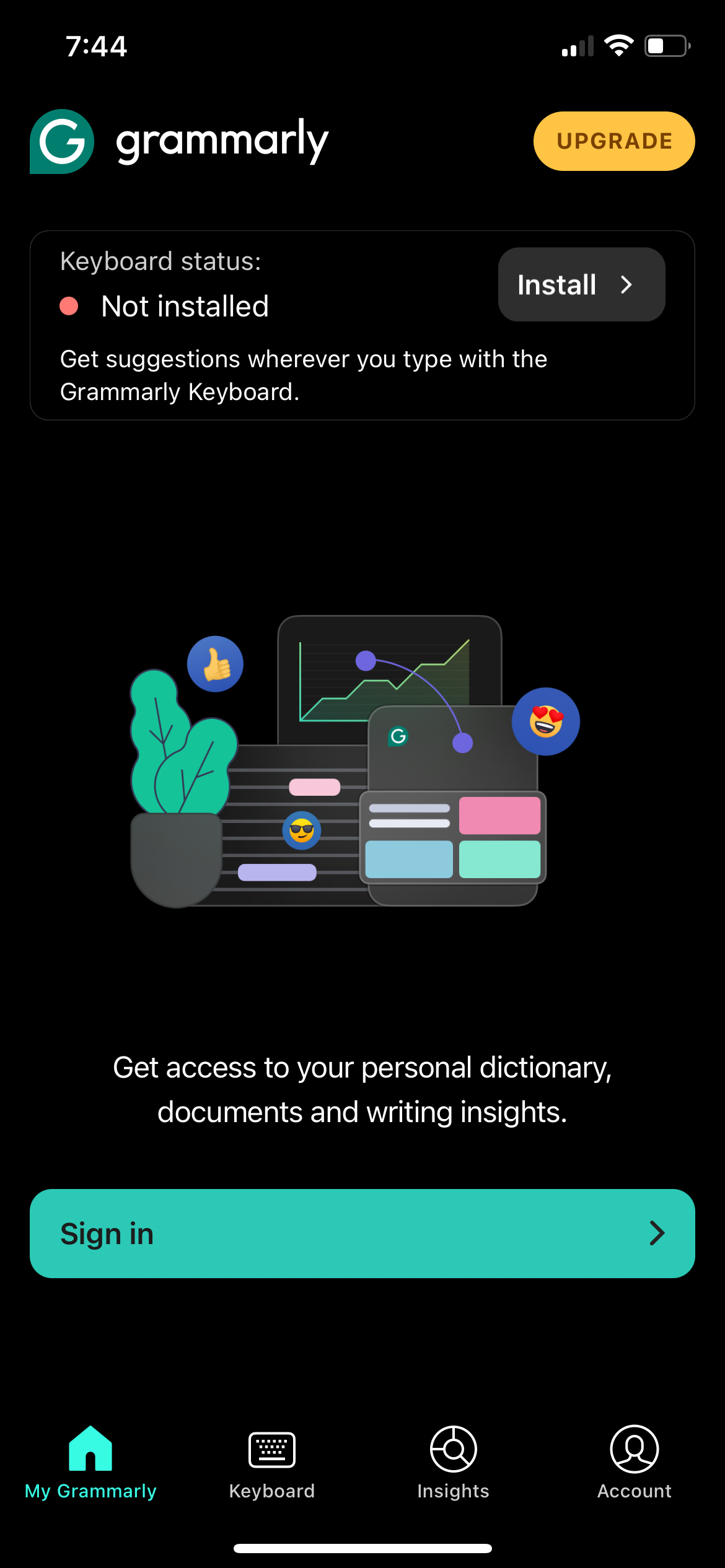
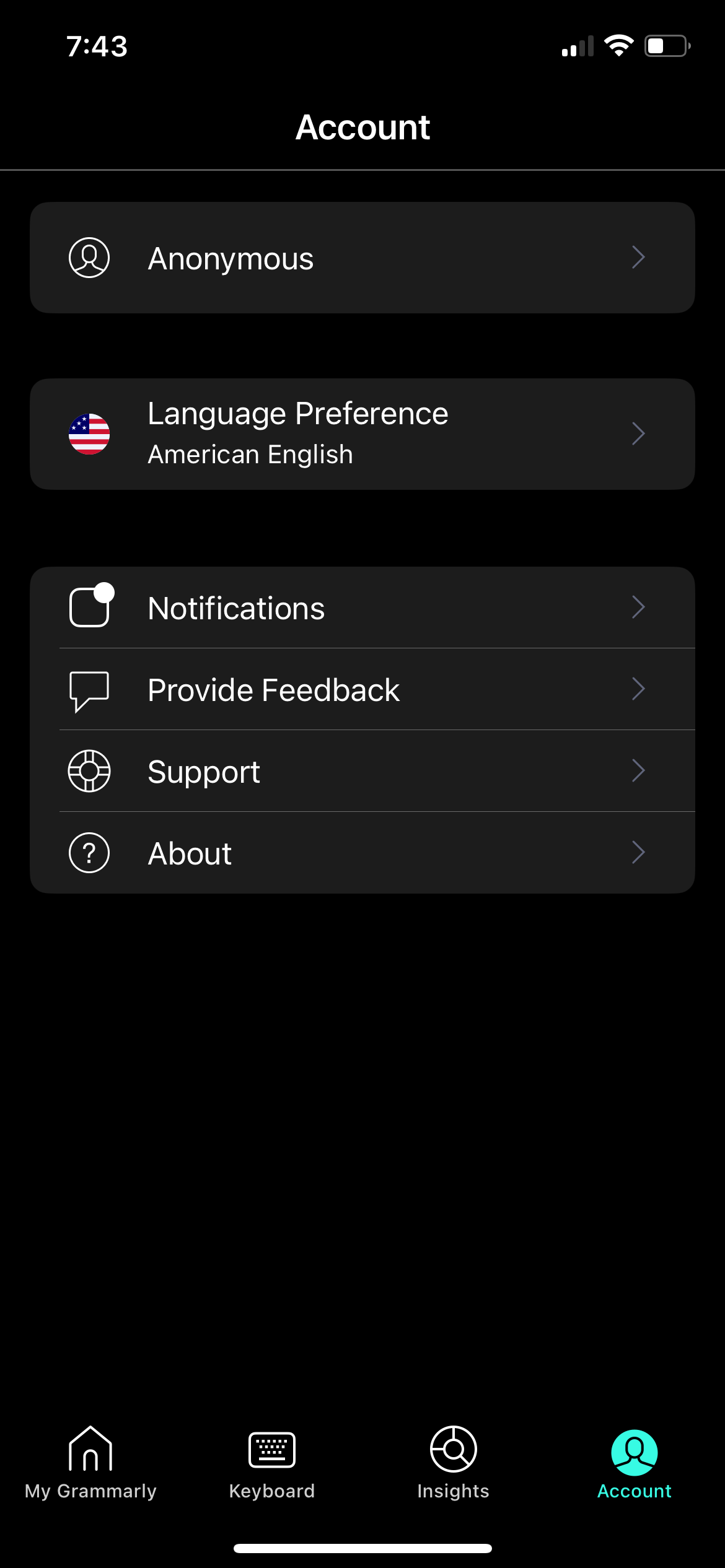
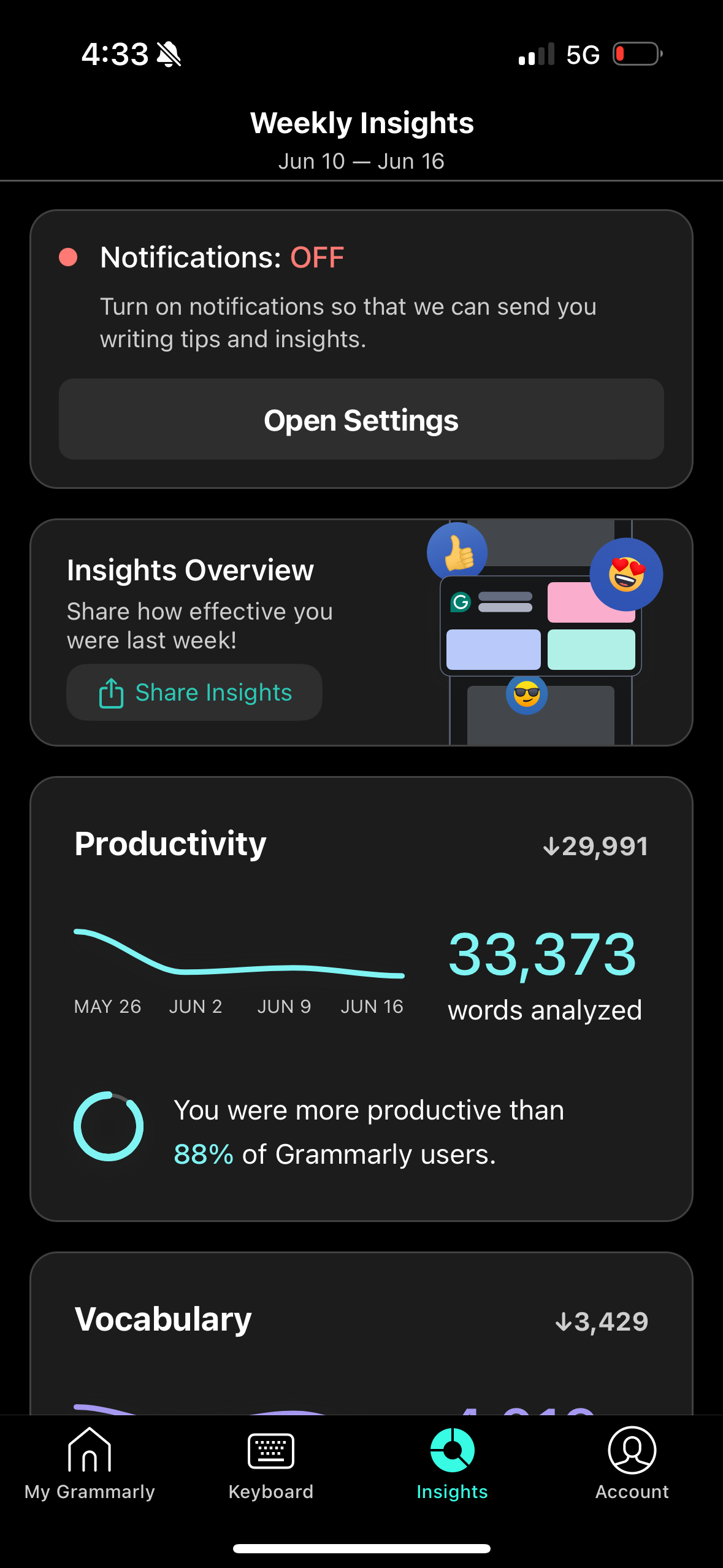
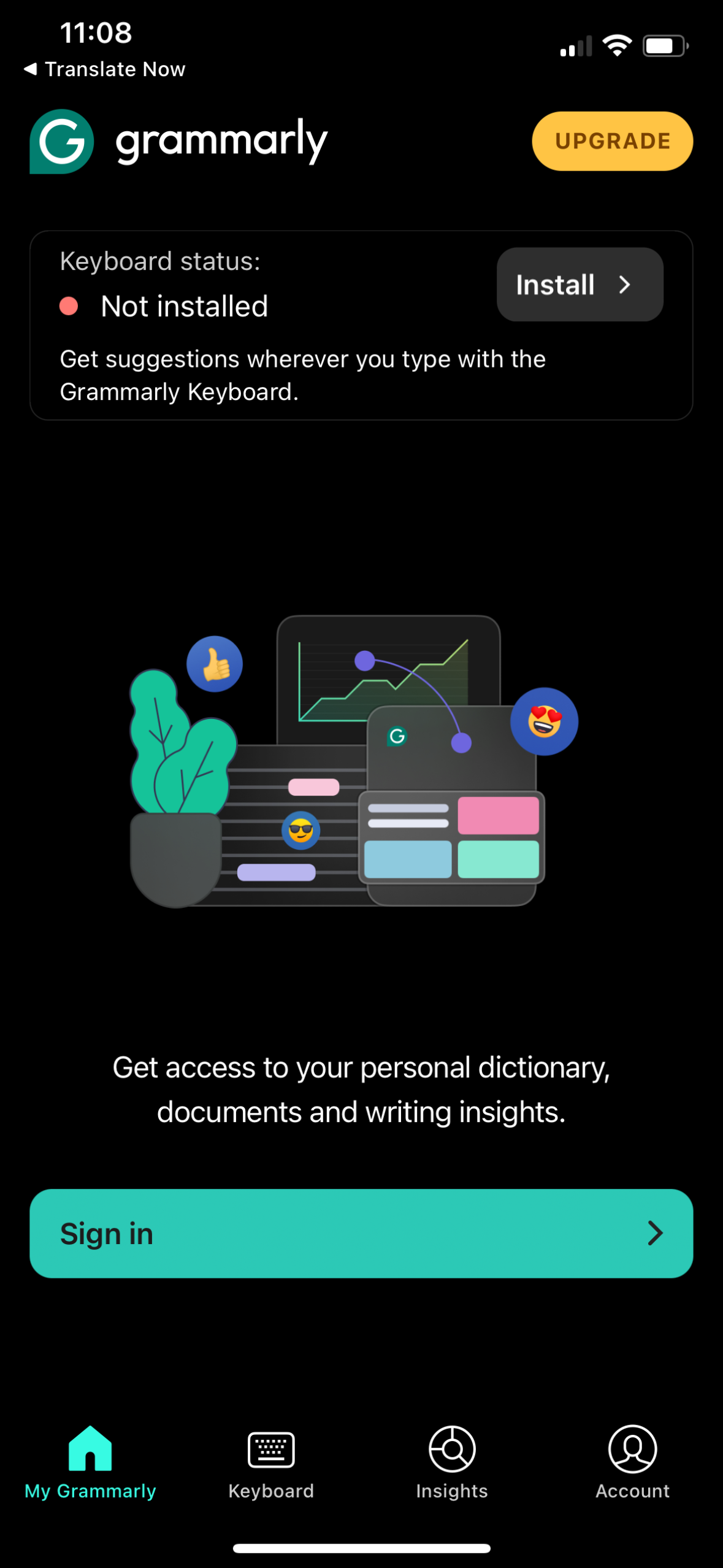
grammarly app screenshots and user flows
Browse grammarly screens, user flow examples, and UI patterns. Explore profile, onboarding, dashboard, paywall, and reviews flows inside Lazyweb's 100k+ screen design research library for competitive analysis and benchmarking.
Lazyweb is a blazing-fast design research library with 100k+ real app screens, user flow examples, UI patterns, and product design patterns for competitive analysis and benchmarking.
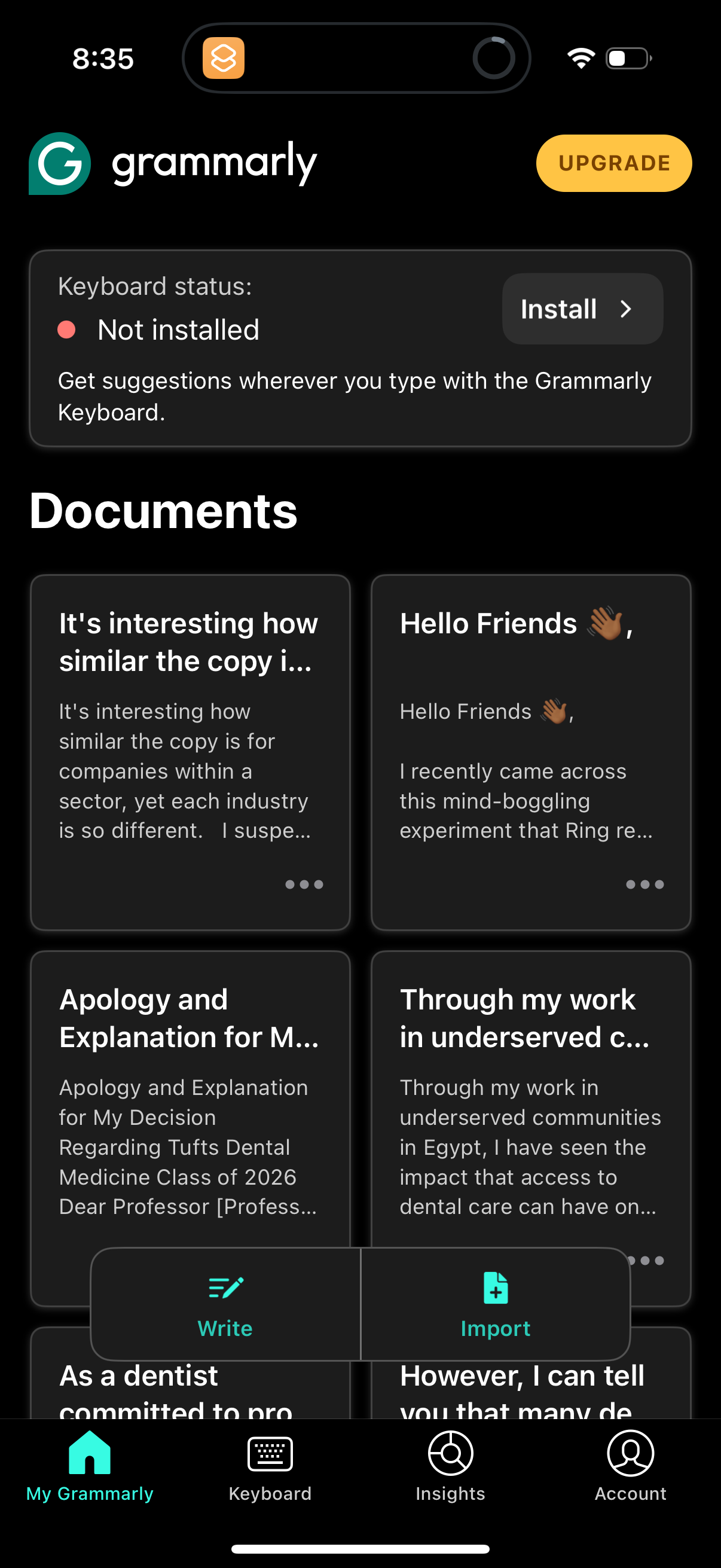
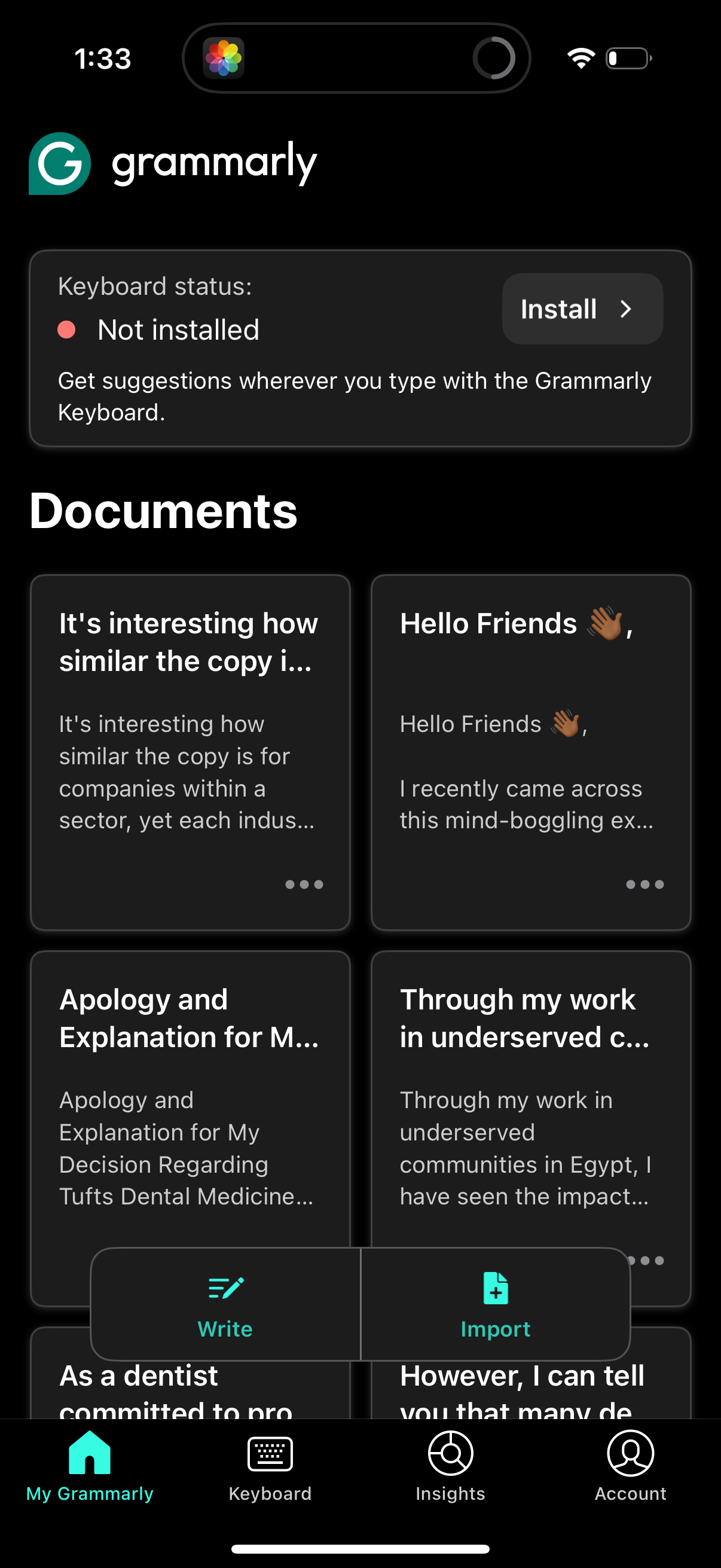
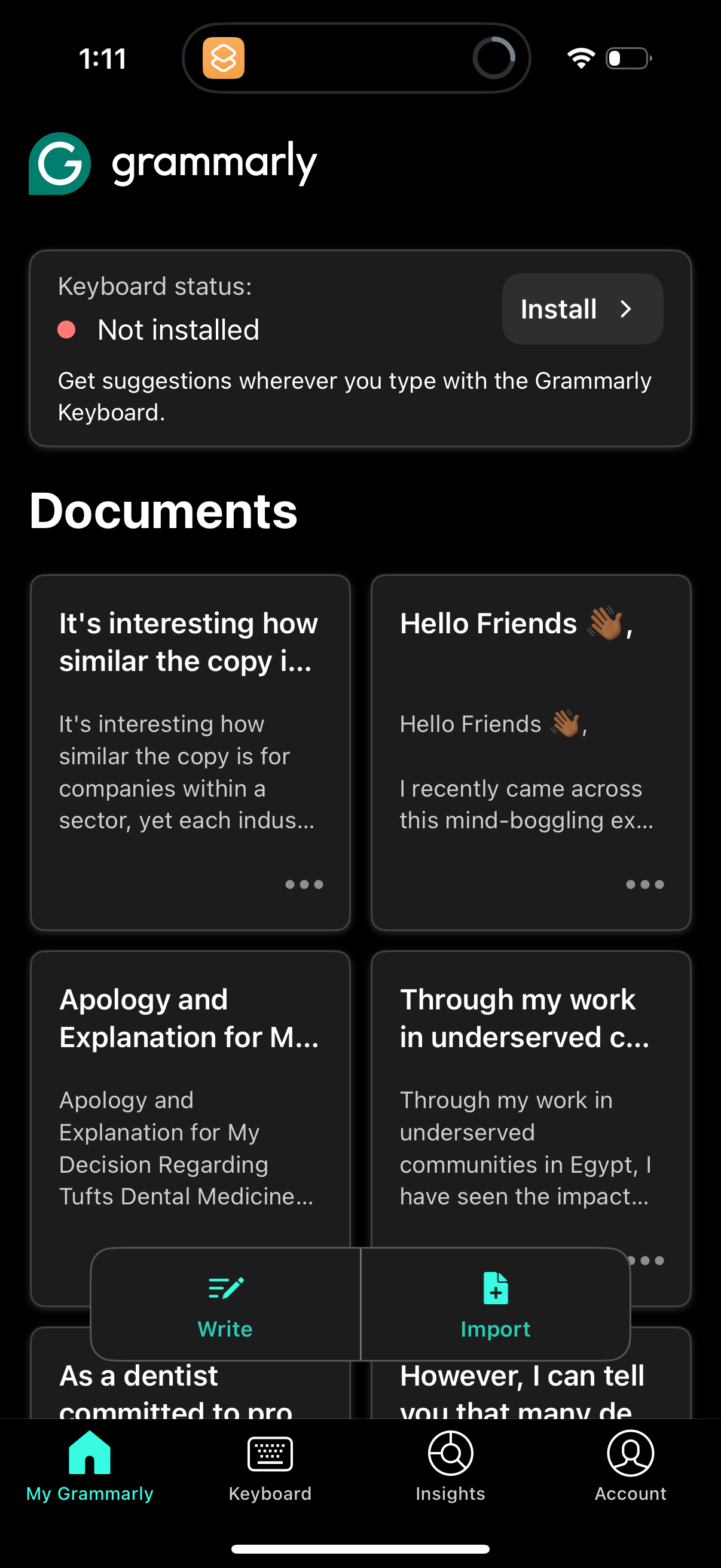
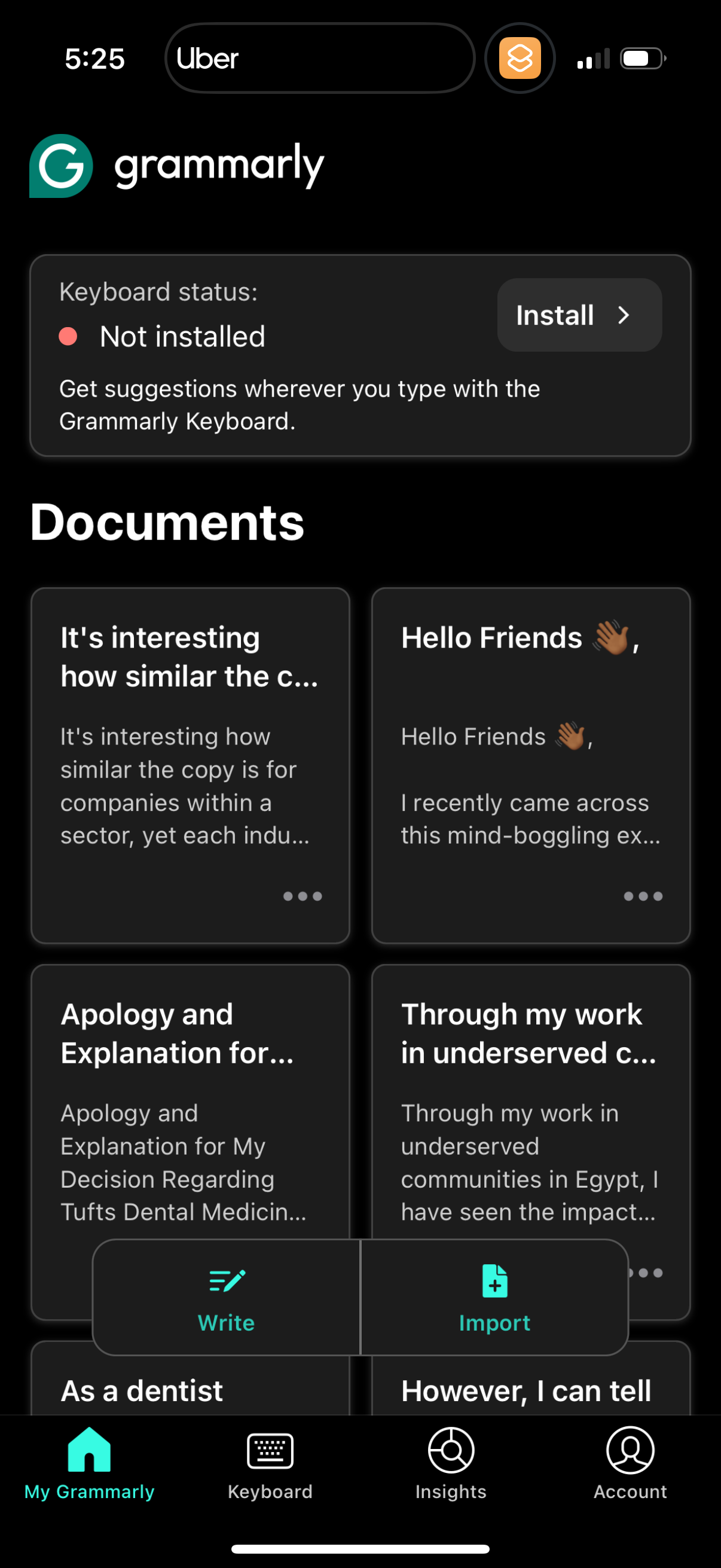
Screenshots
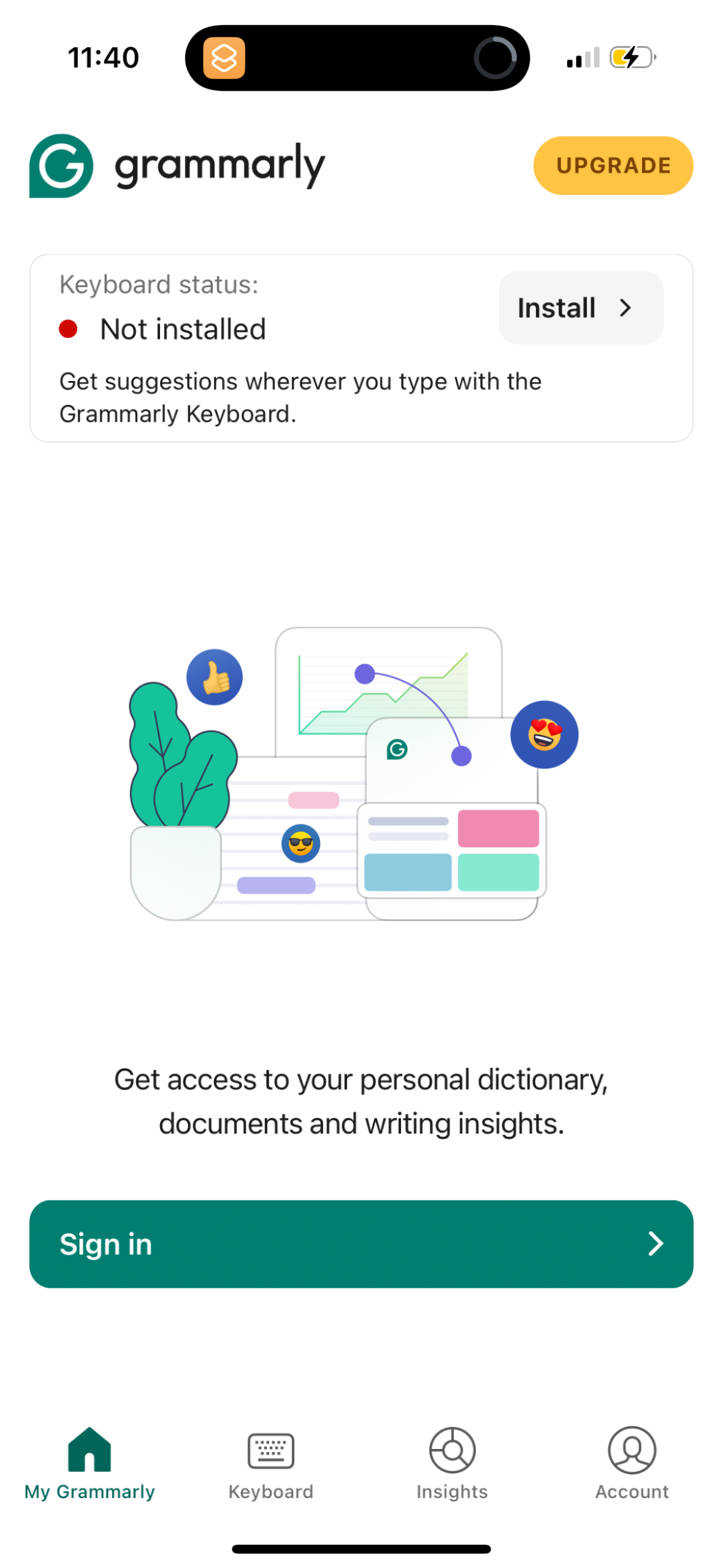
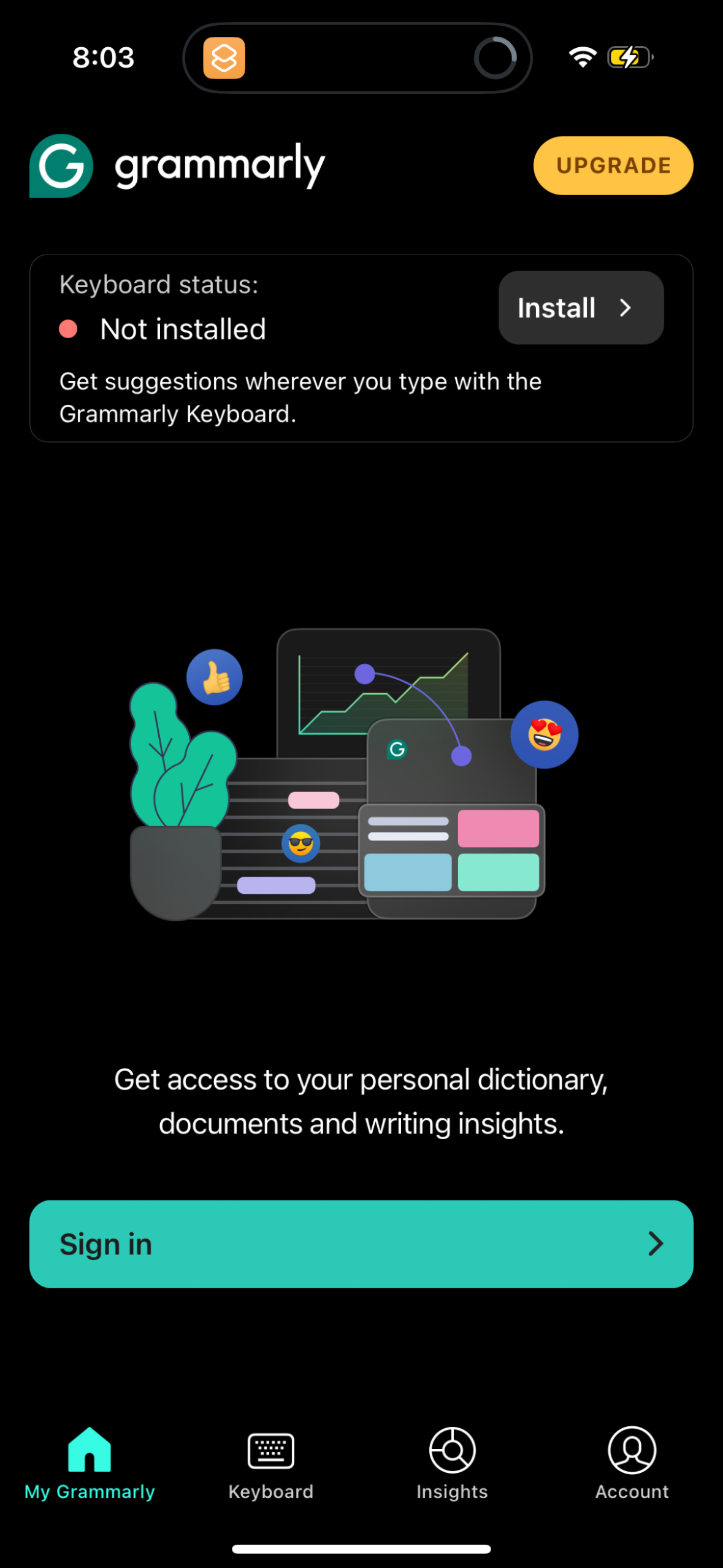
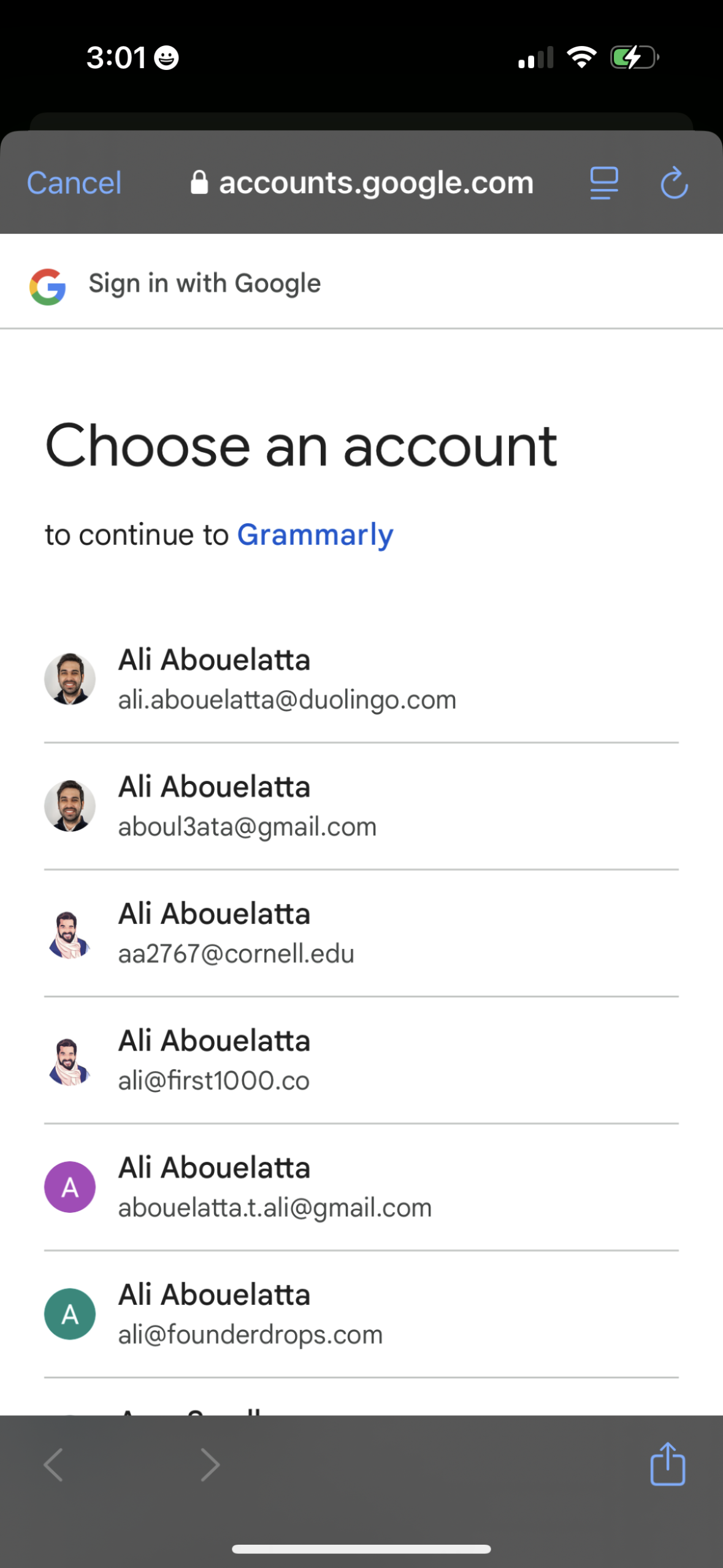
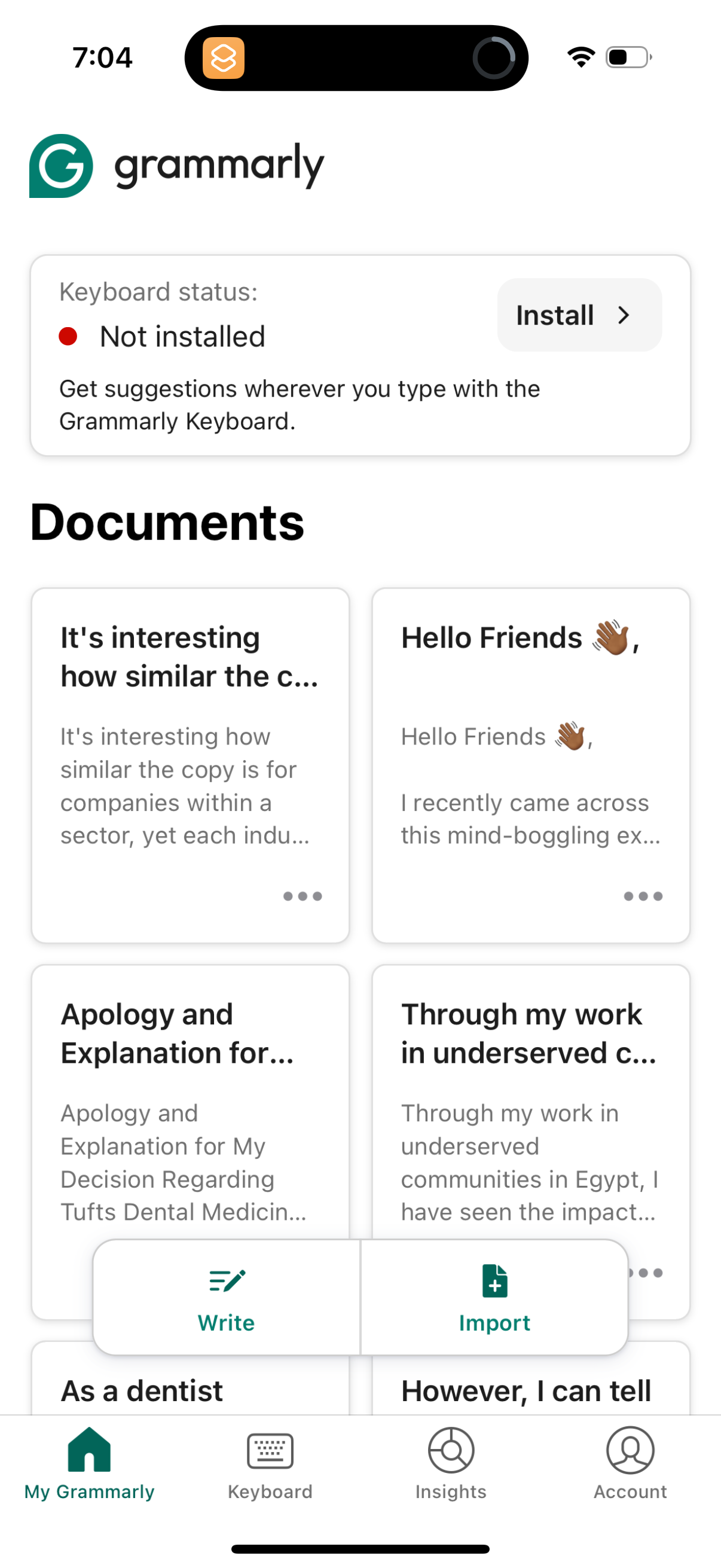
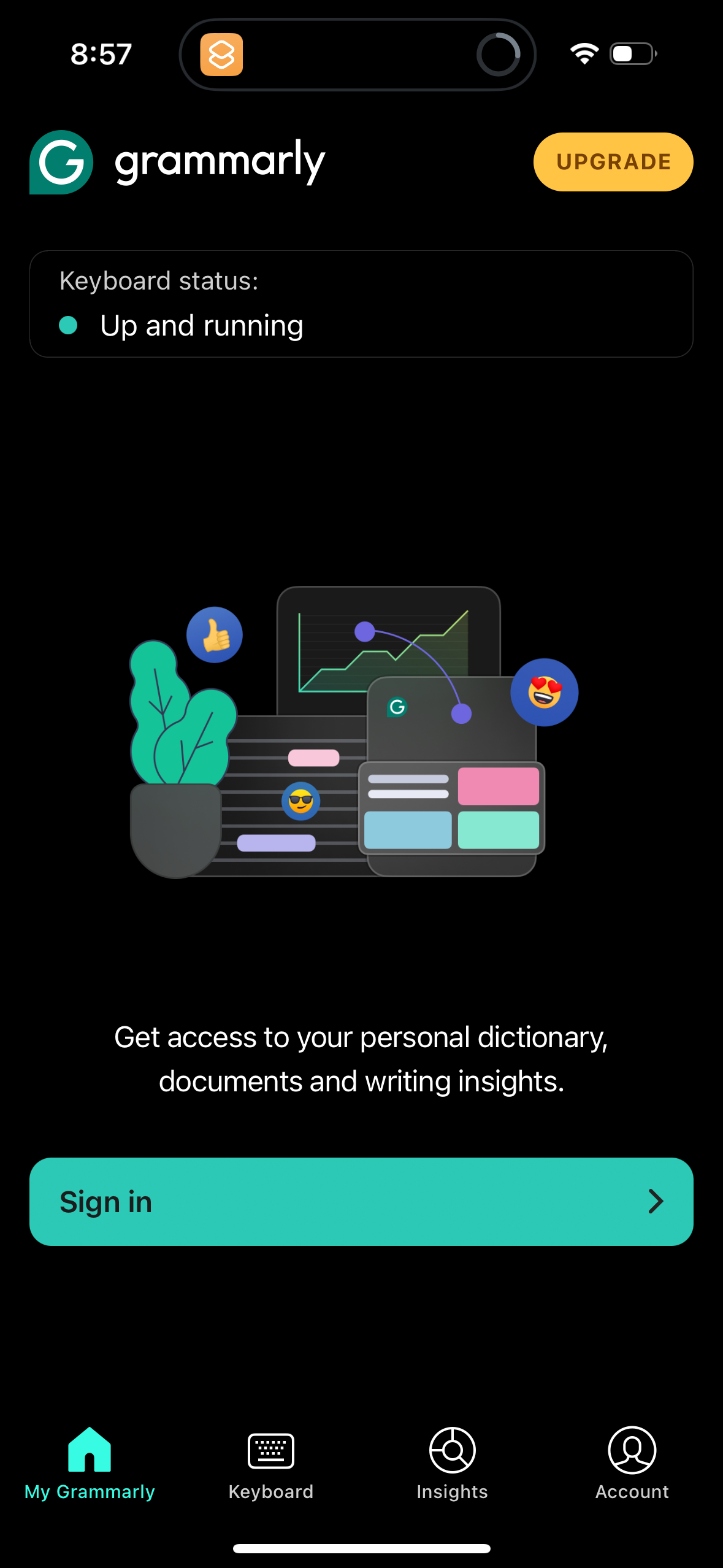
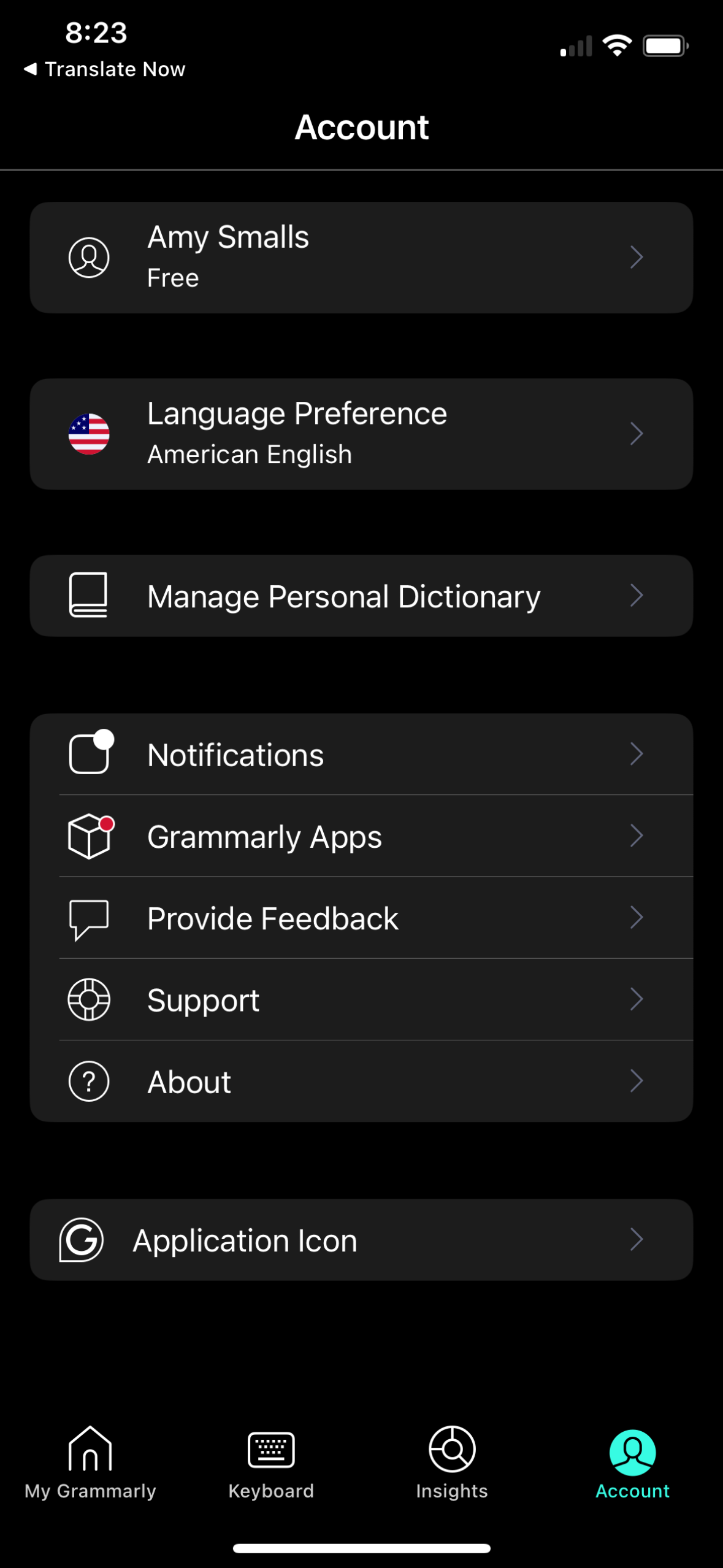
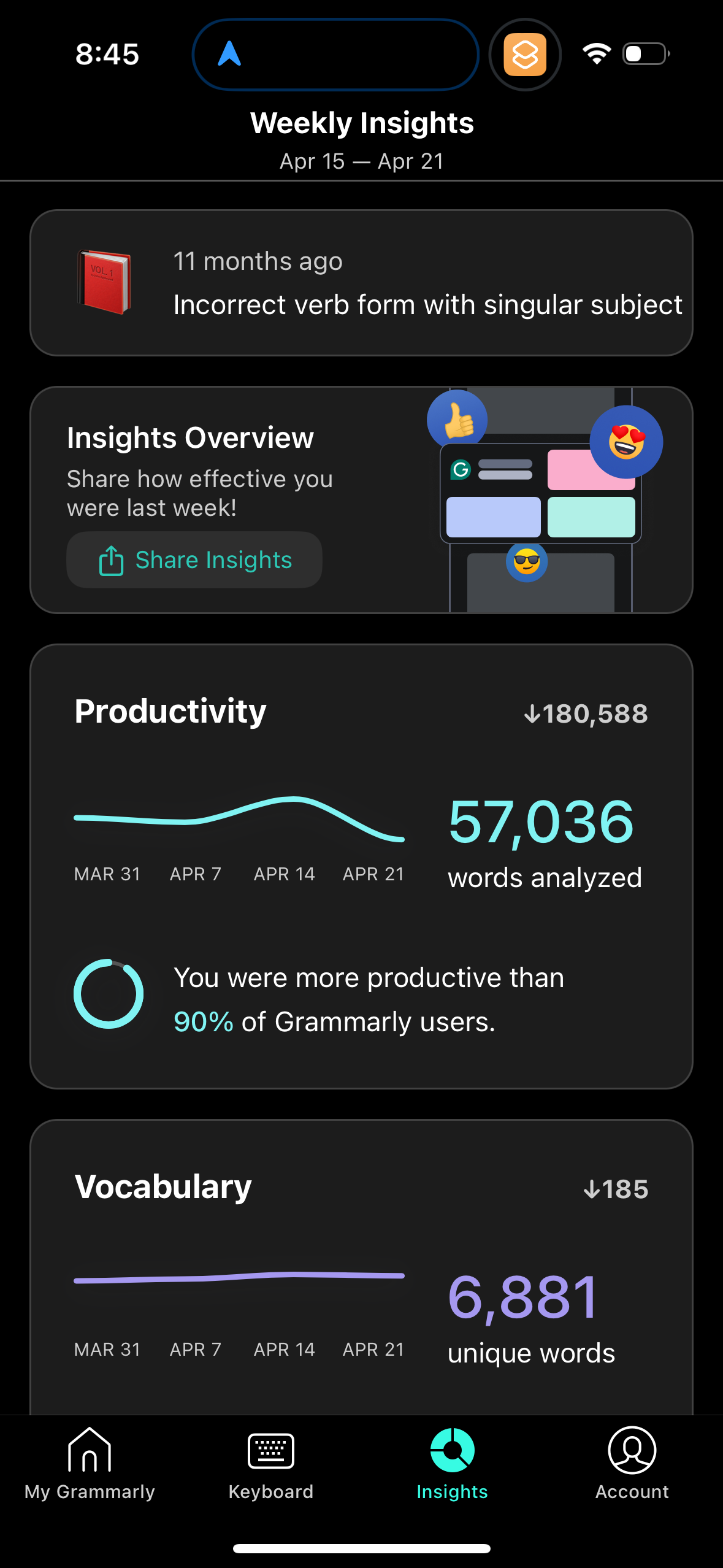
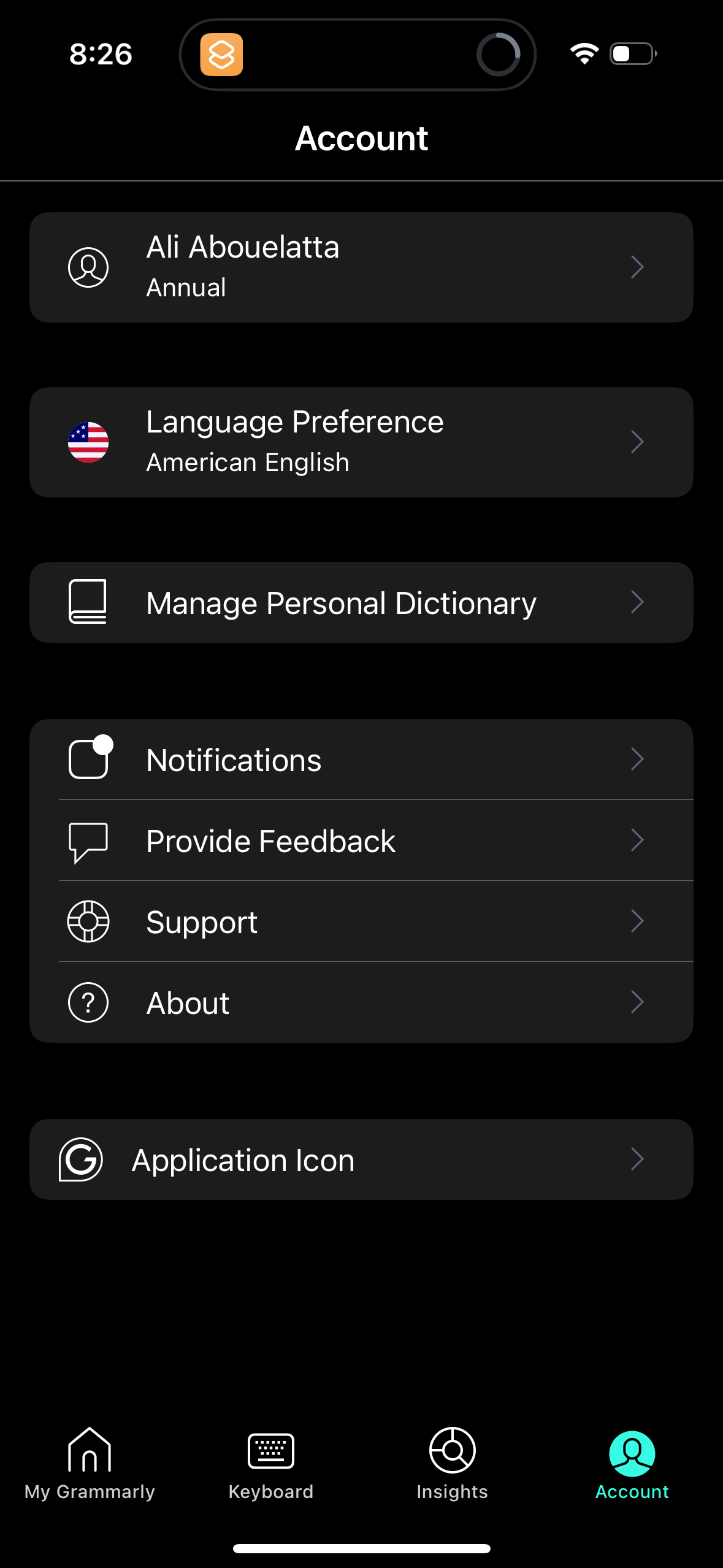
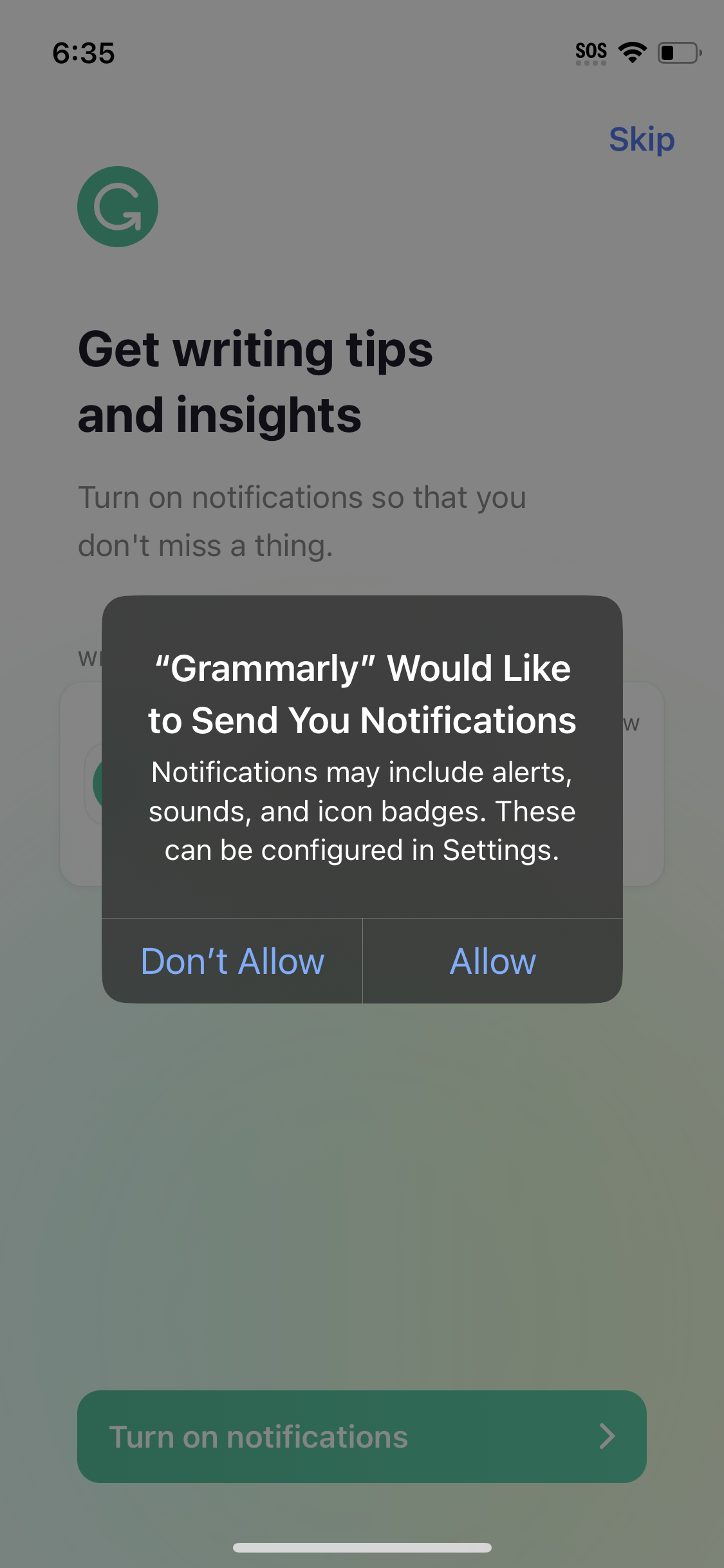
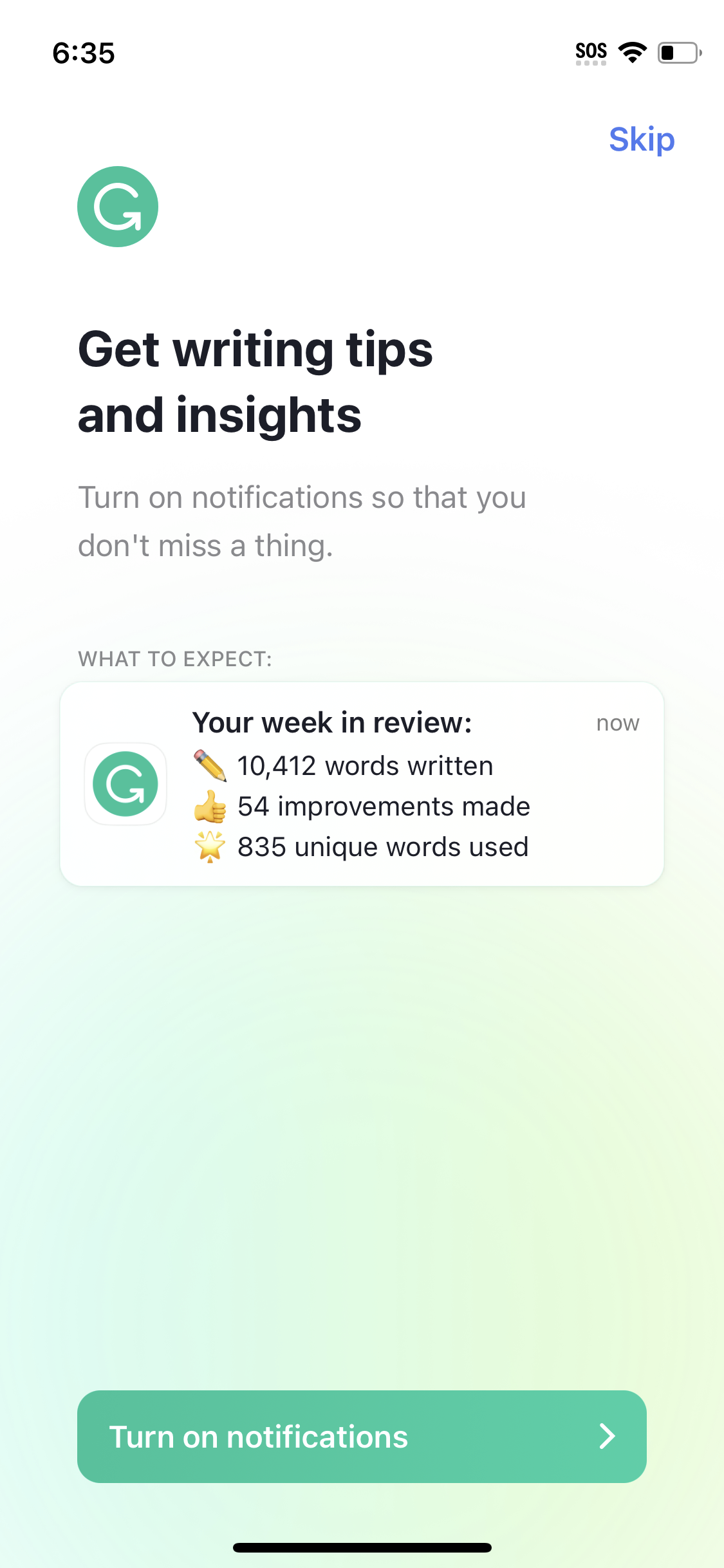
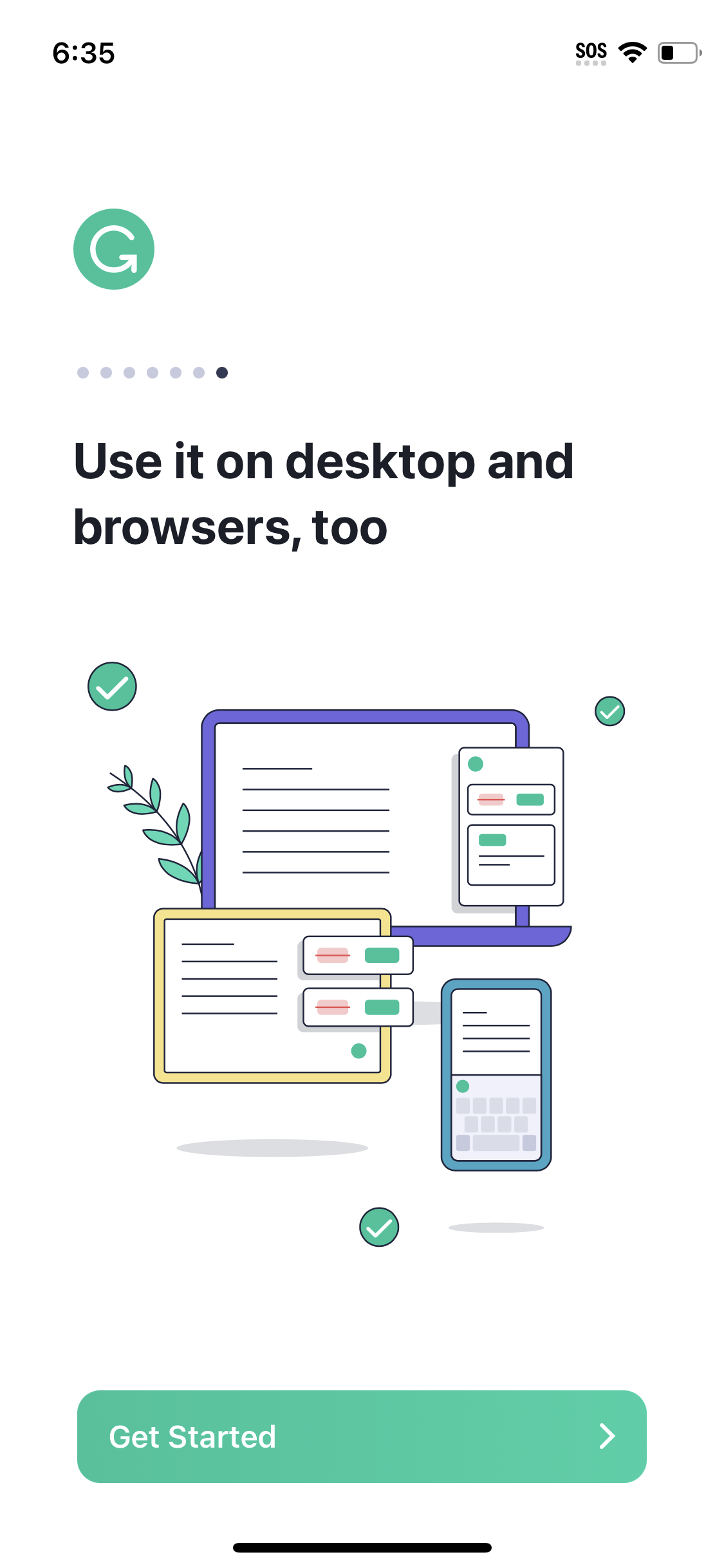
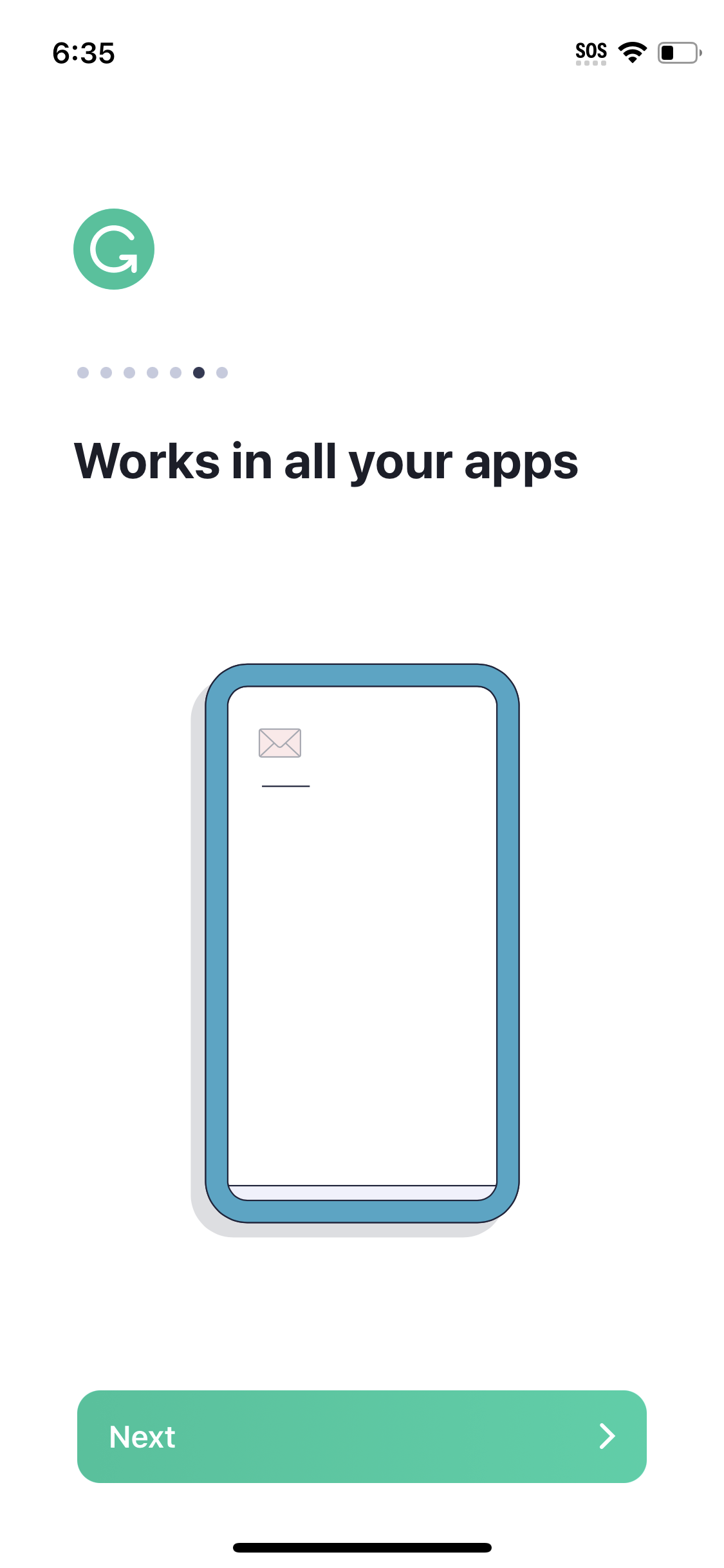
The first 5 screenshots are shown in full. Additional screens are blurred previews.
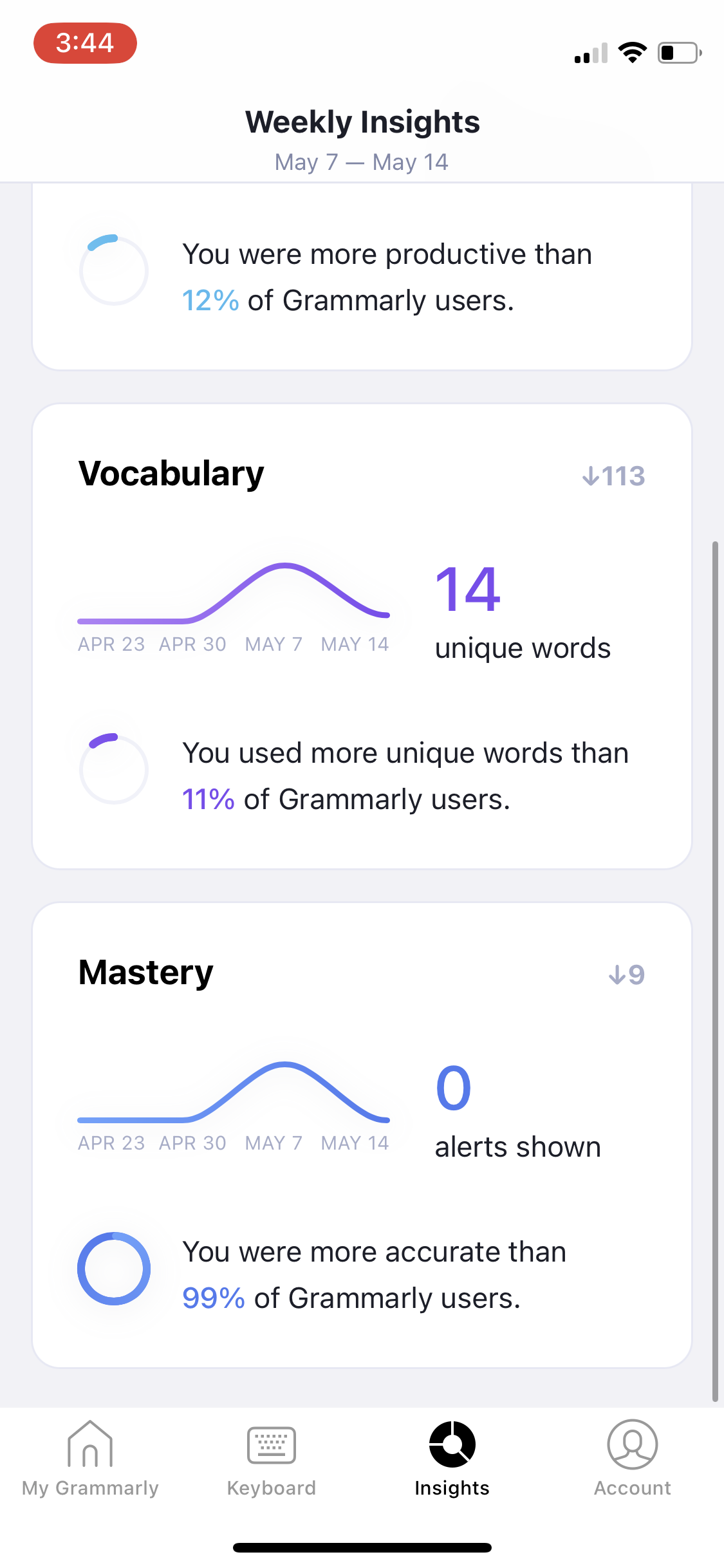
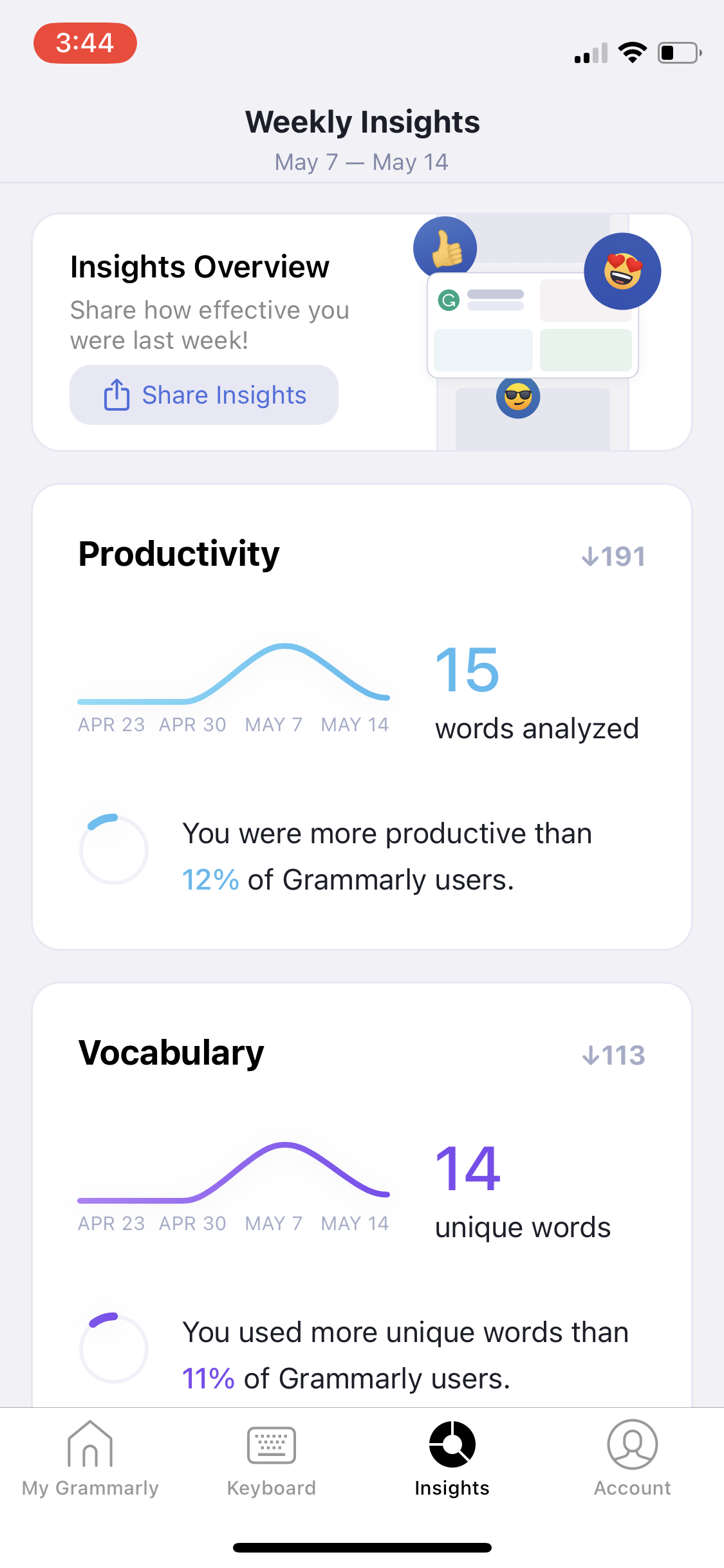
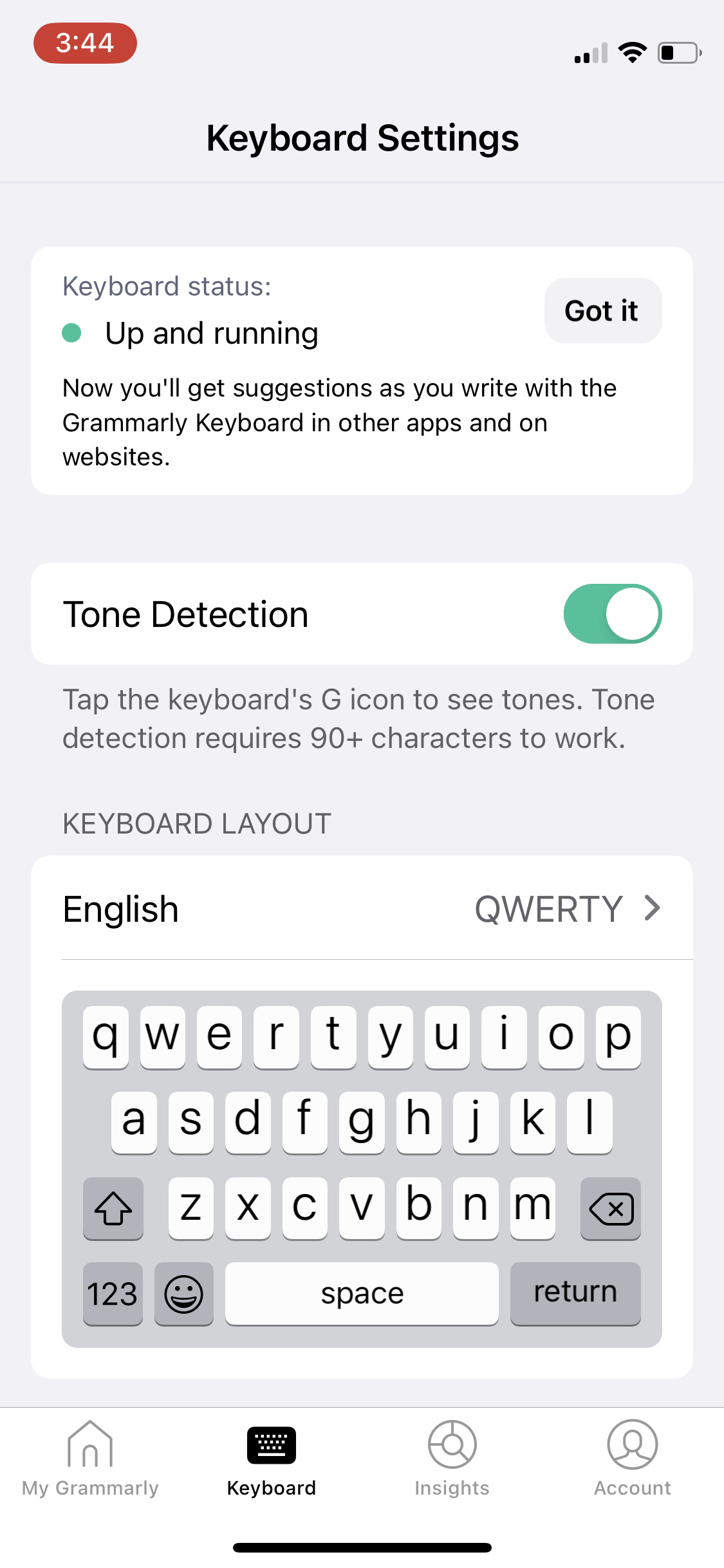
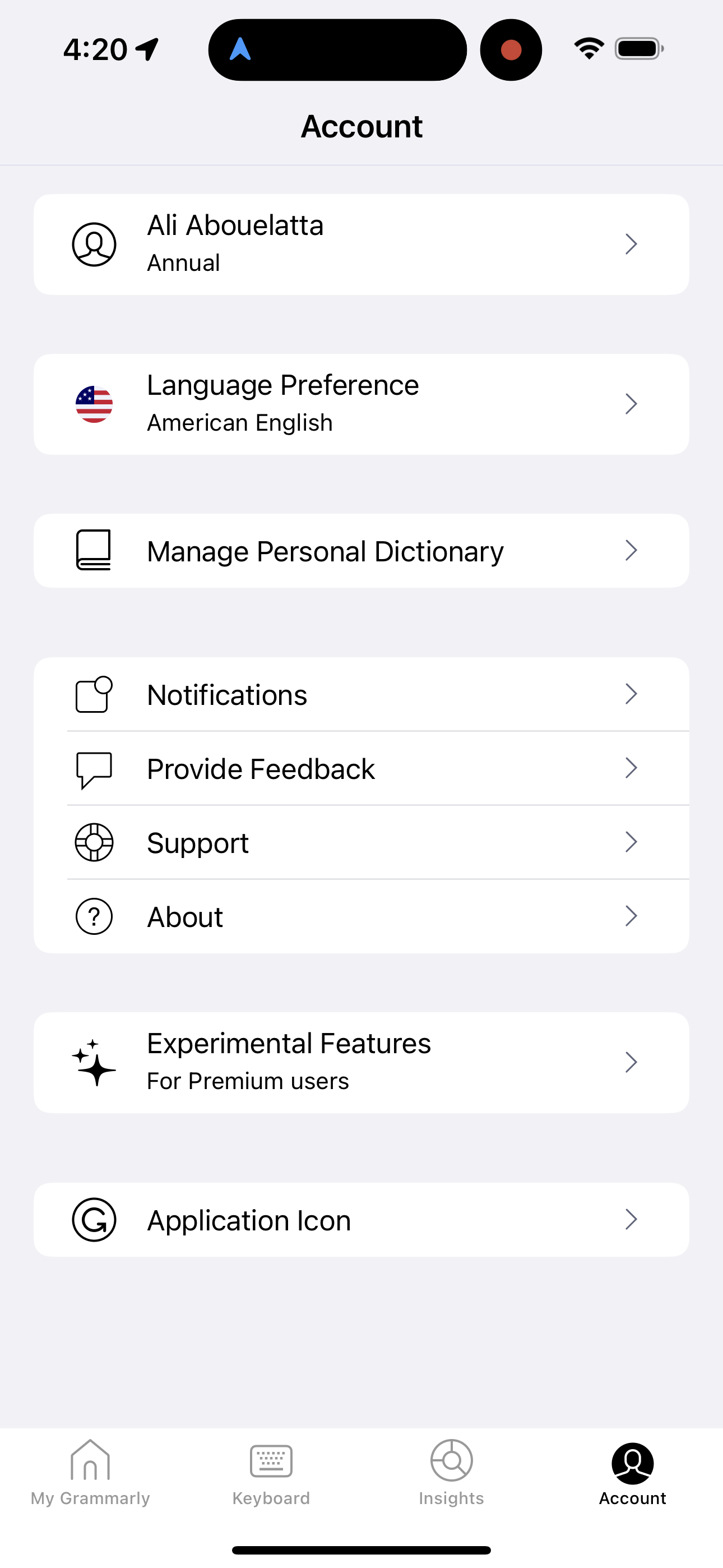
Company metadata
App Store description
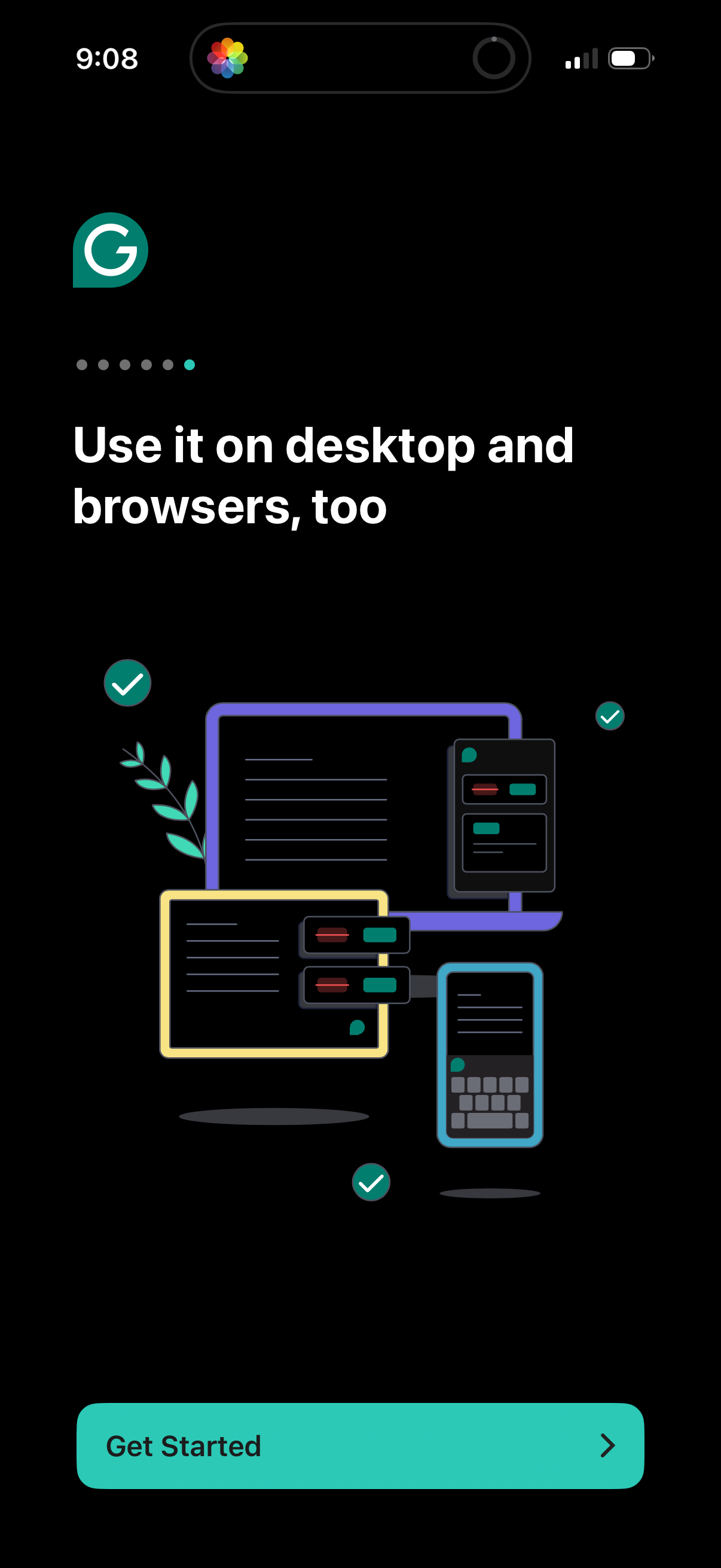
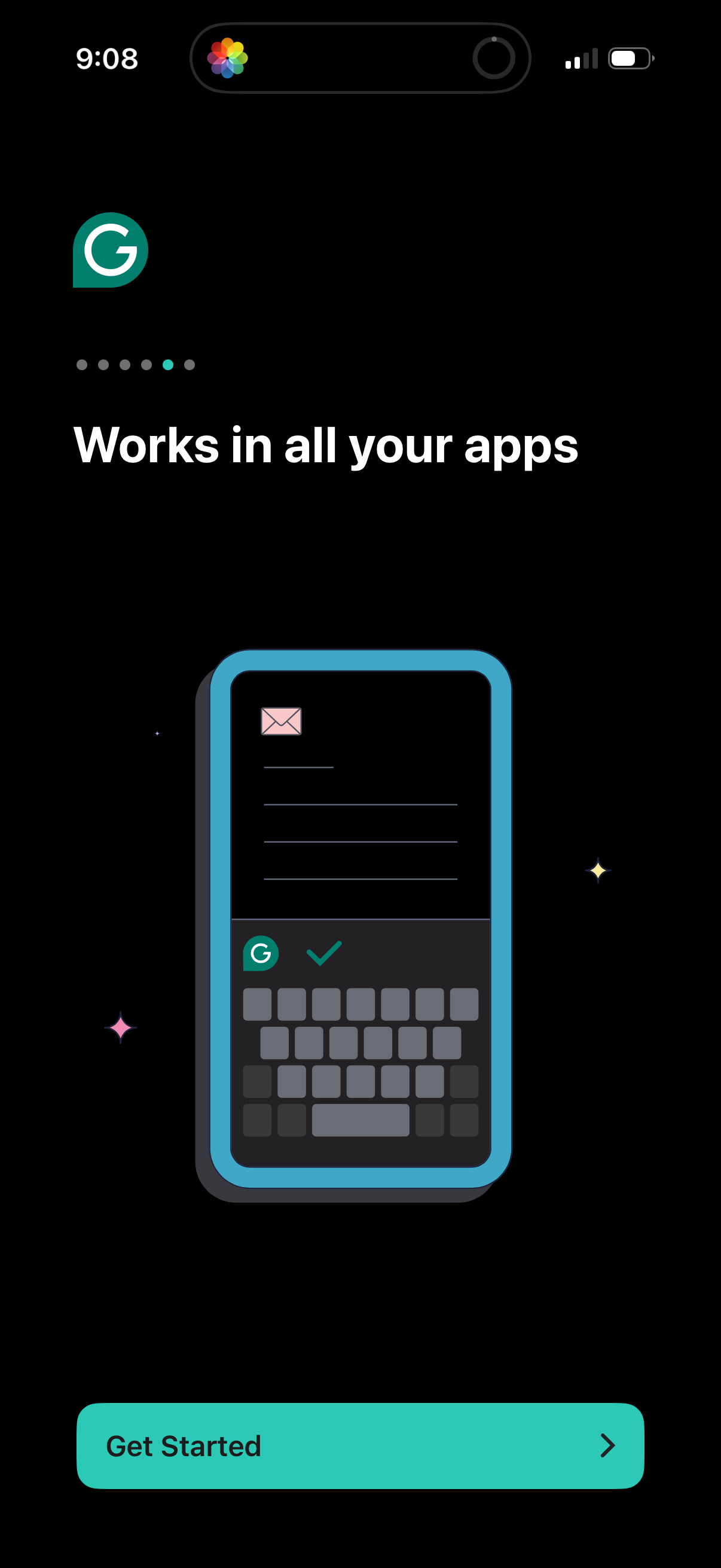
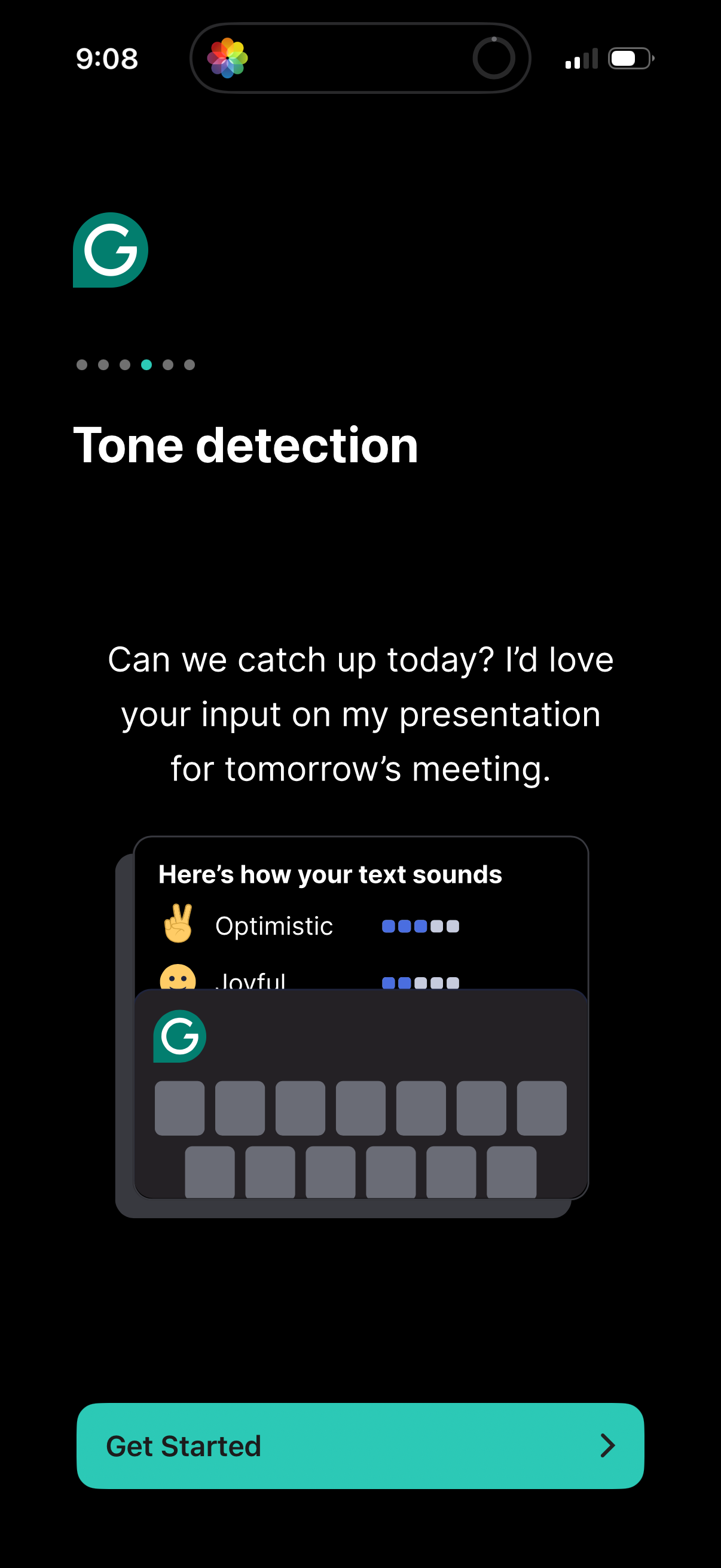
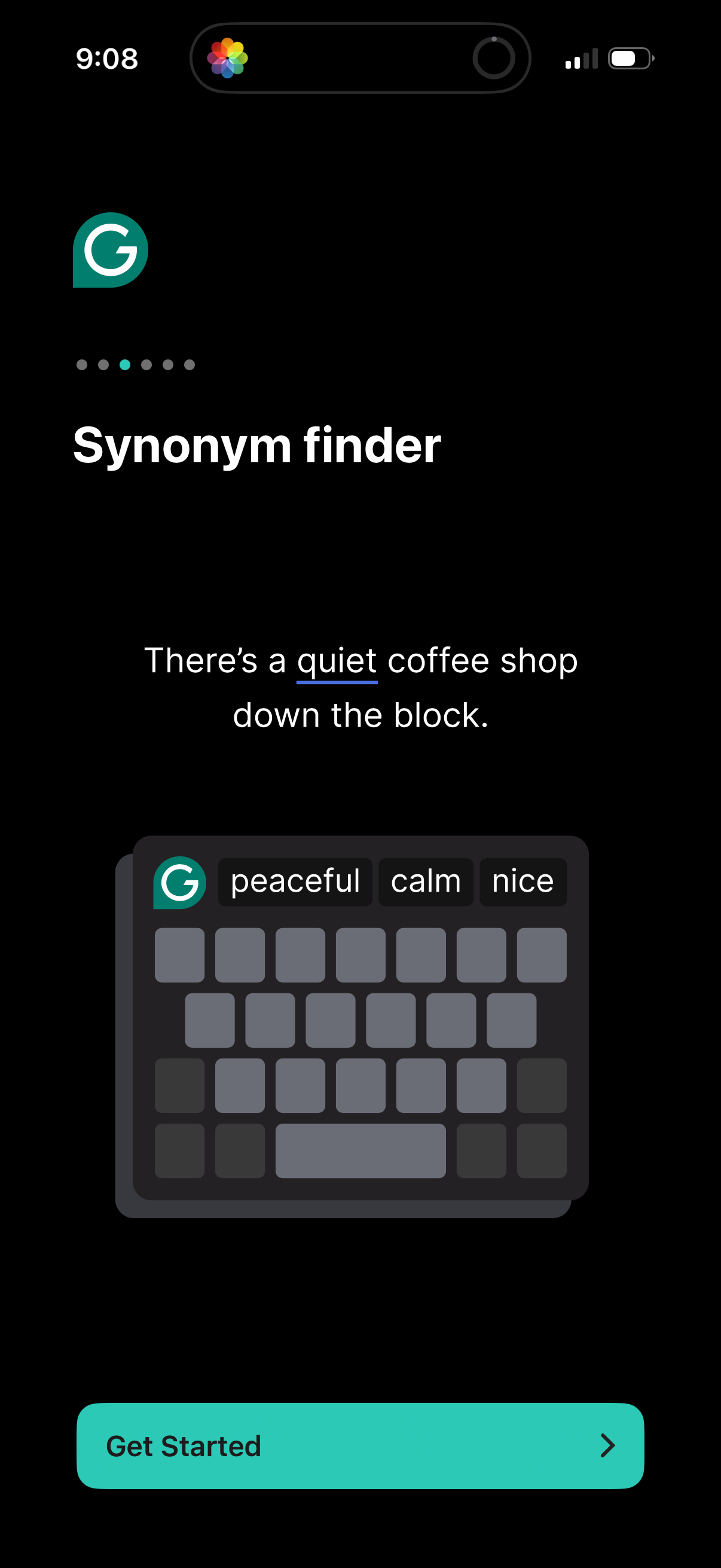
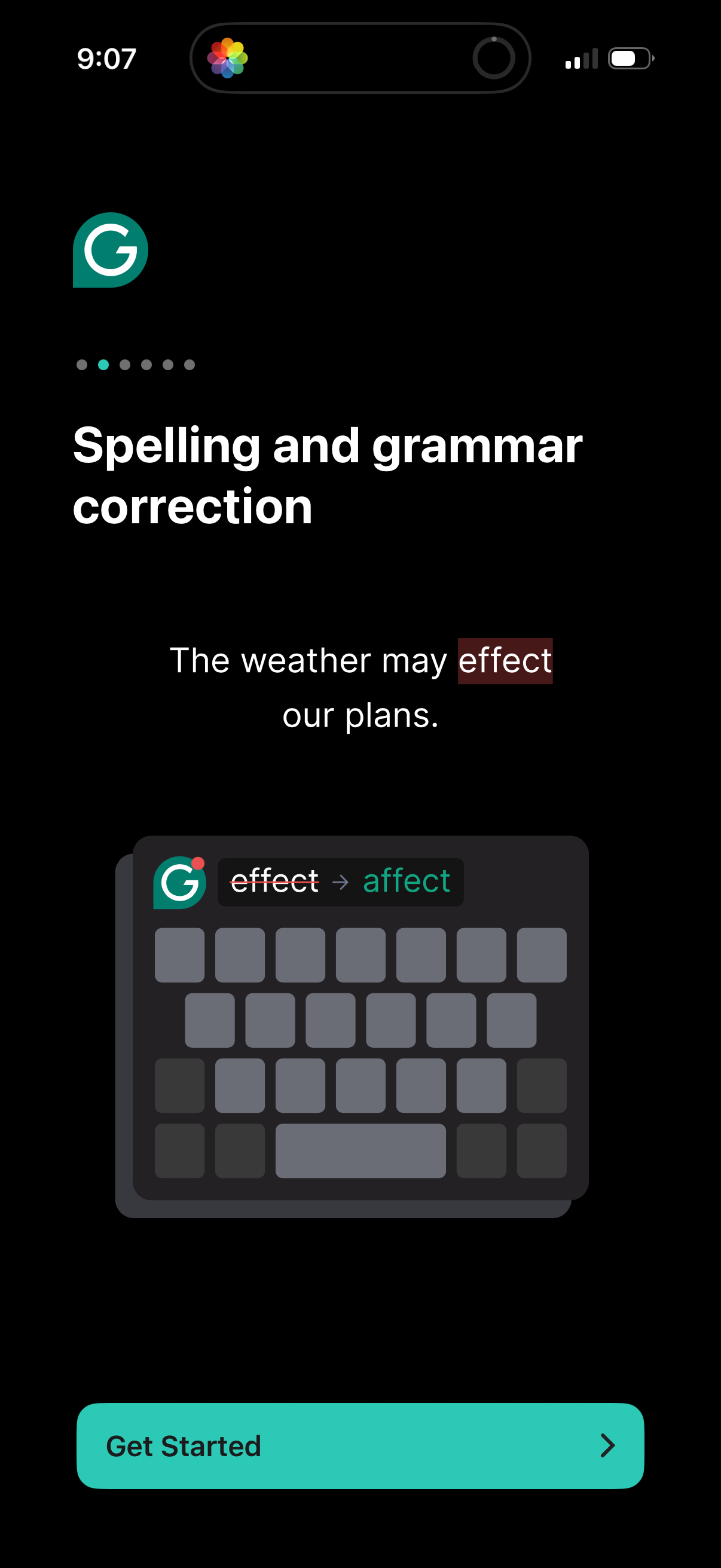
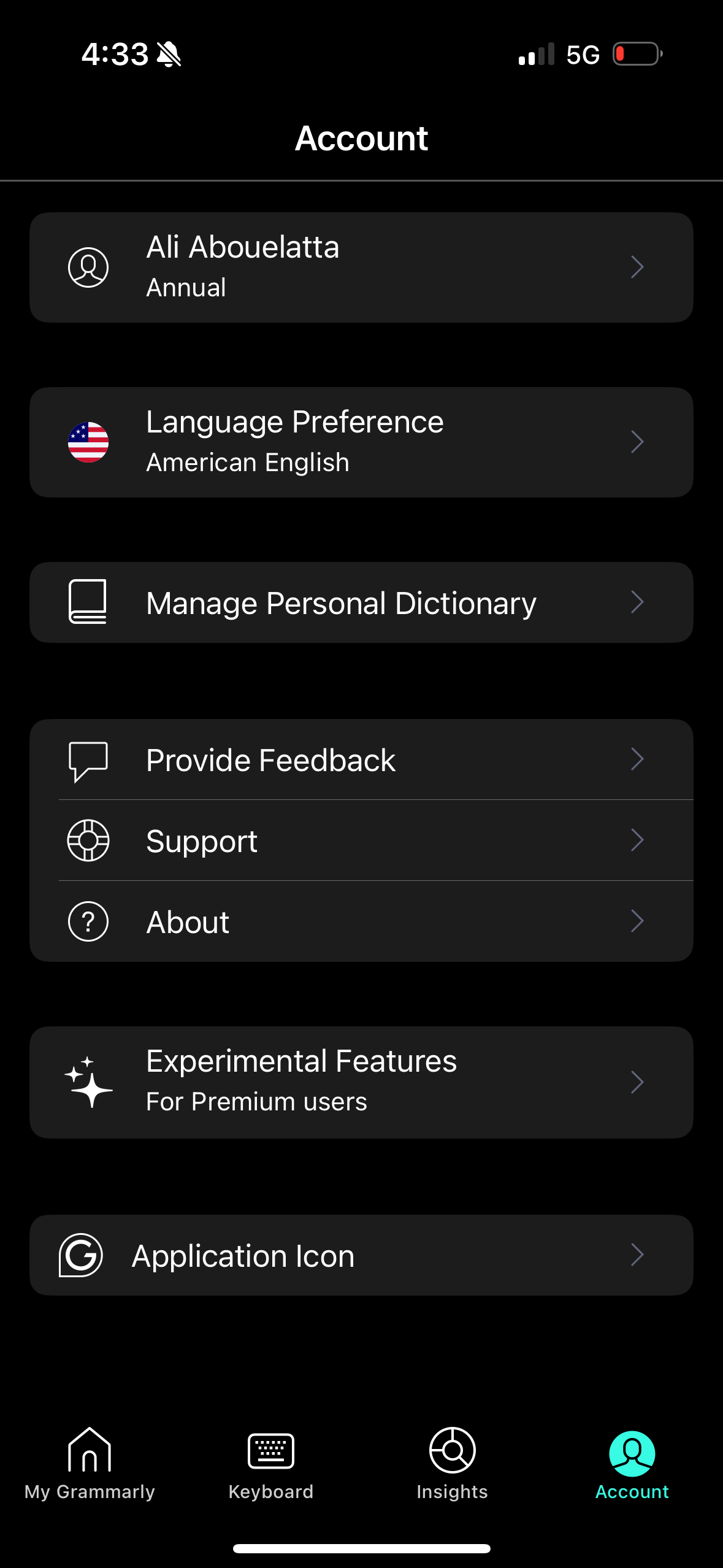
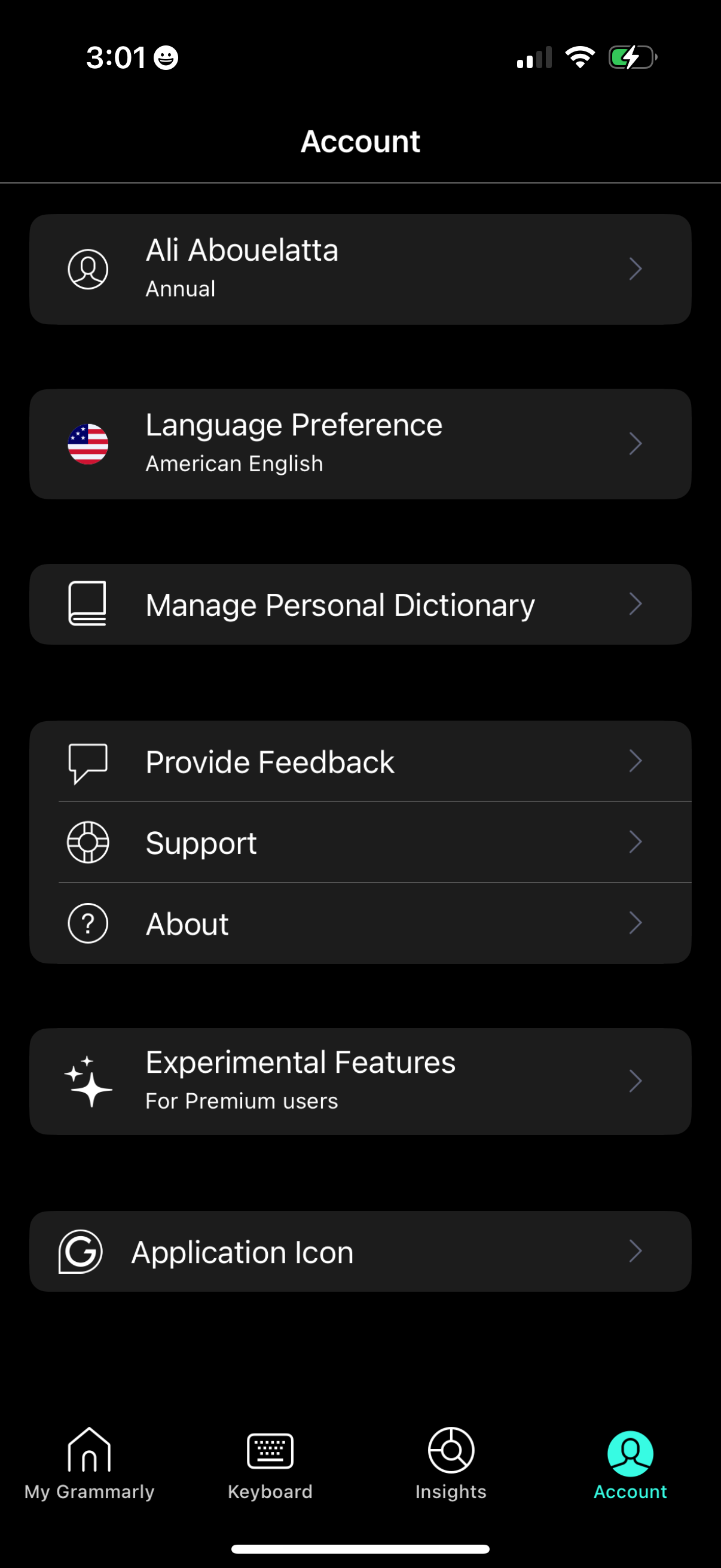
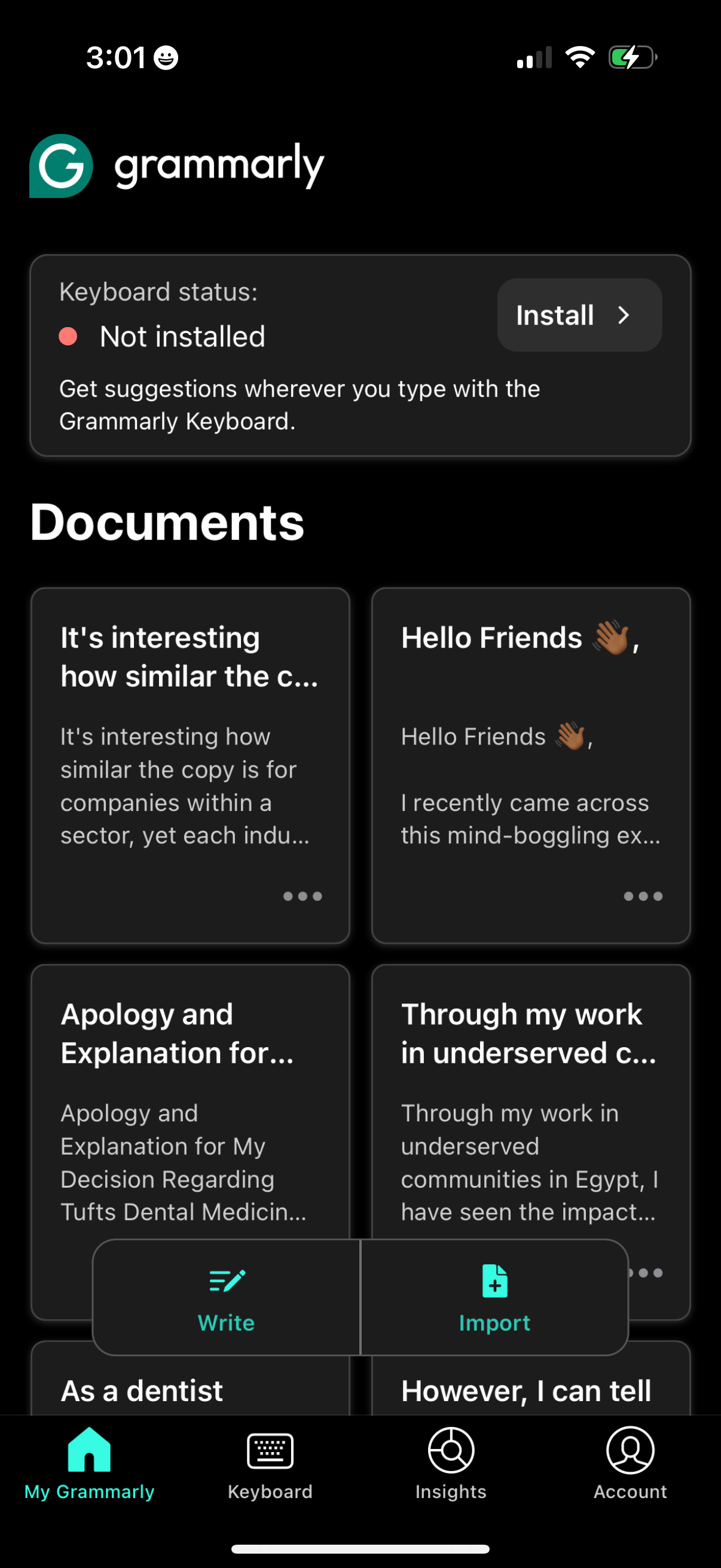
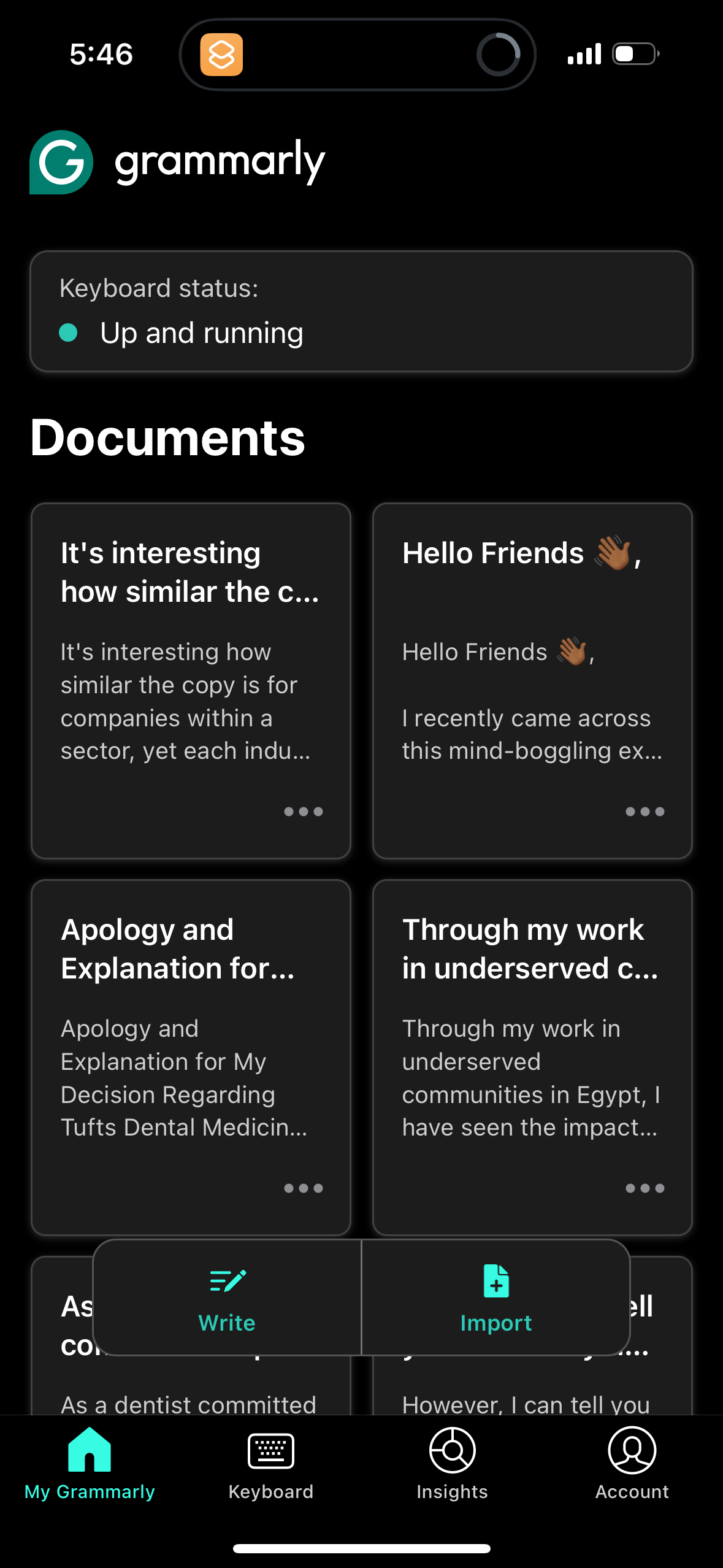
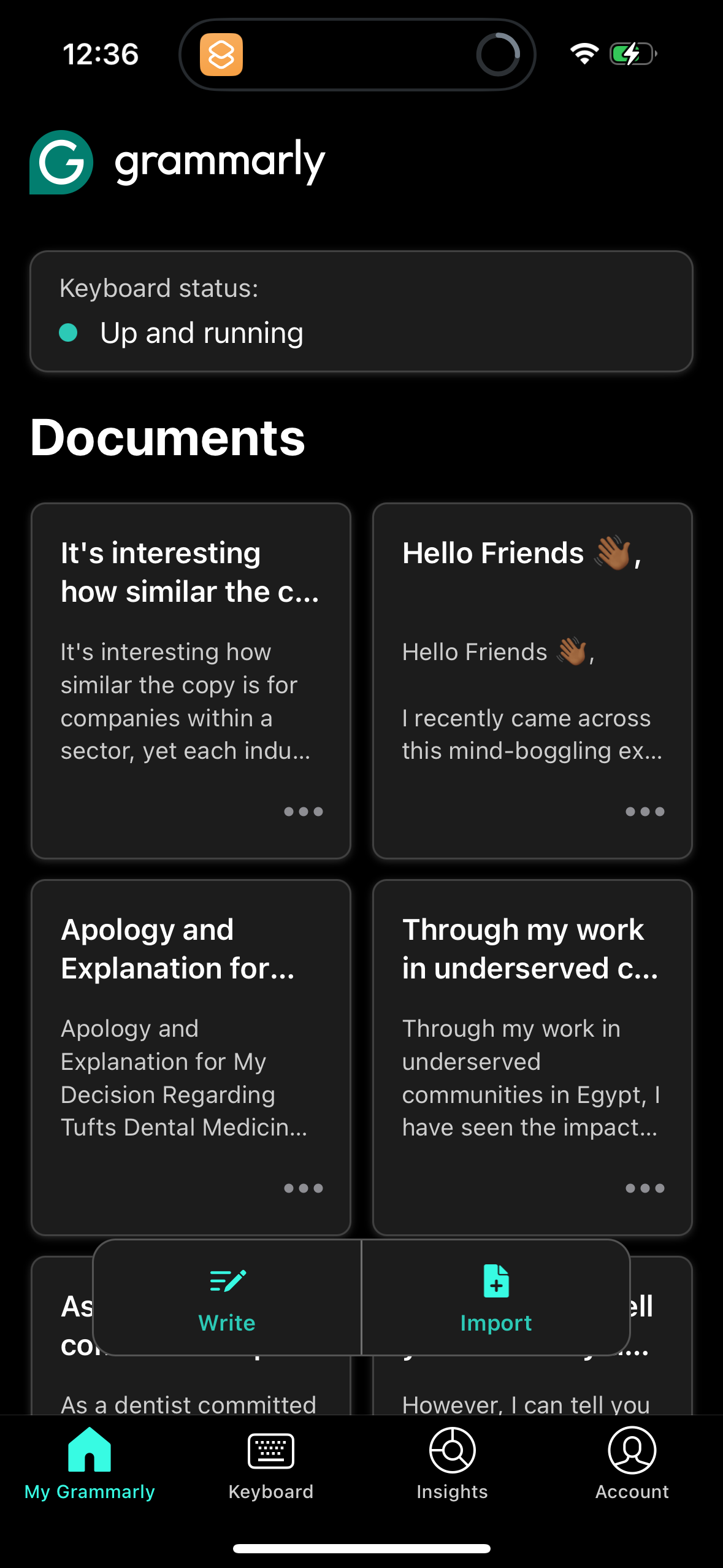
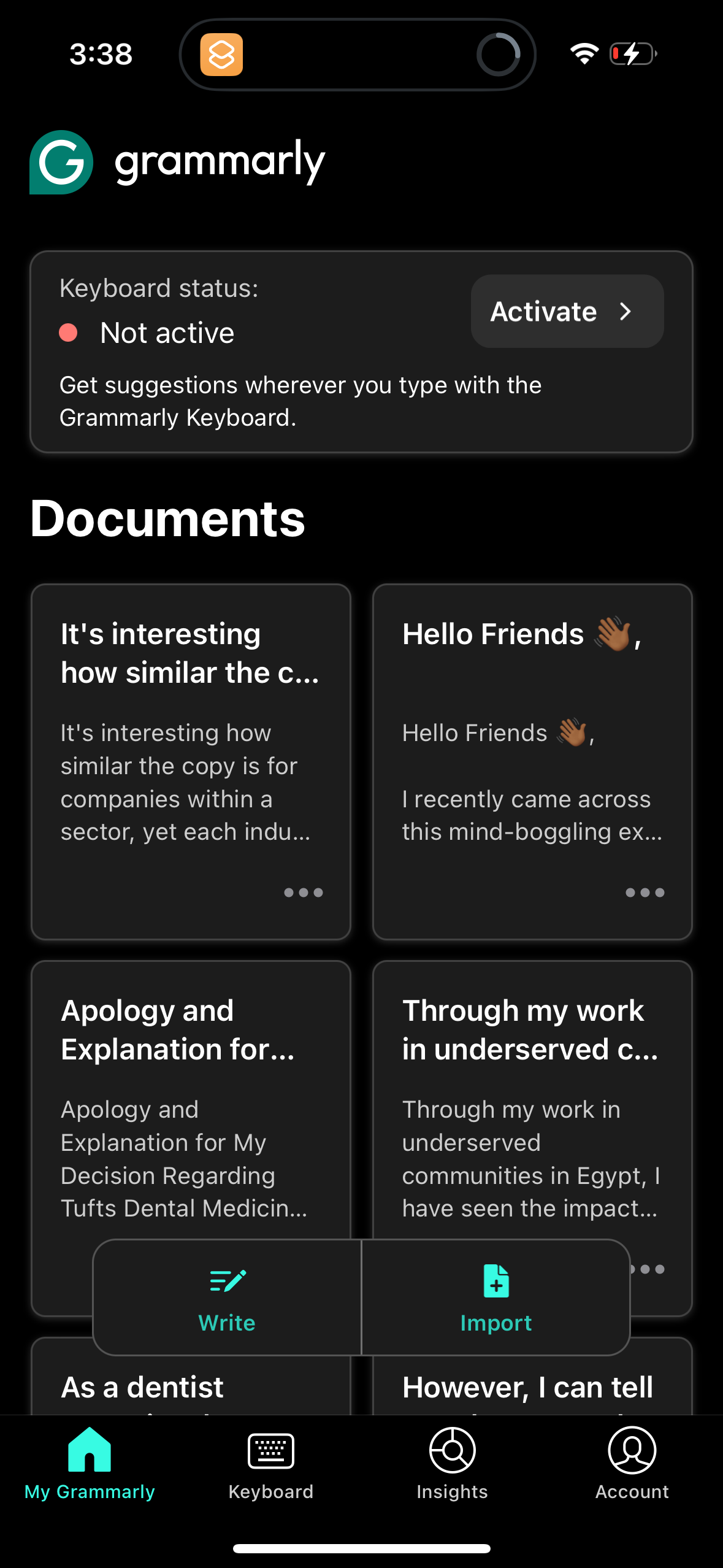
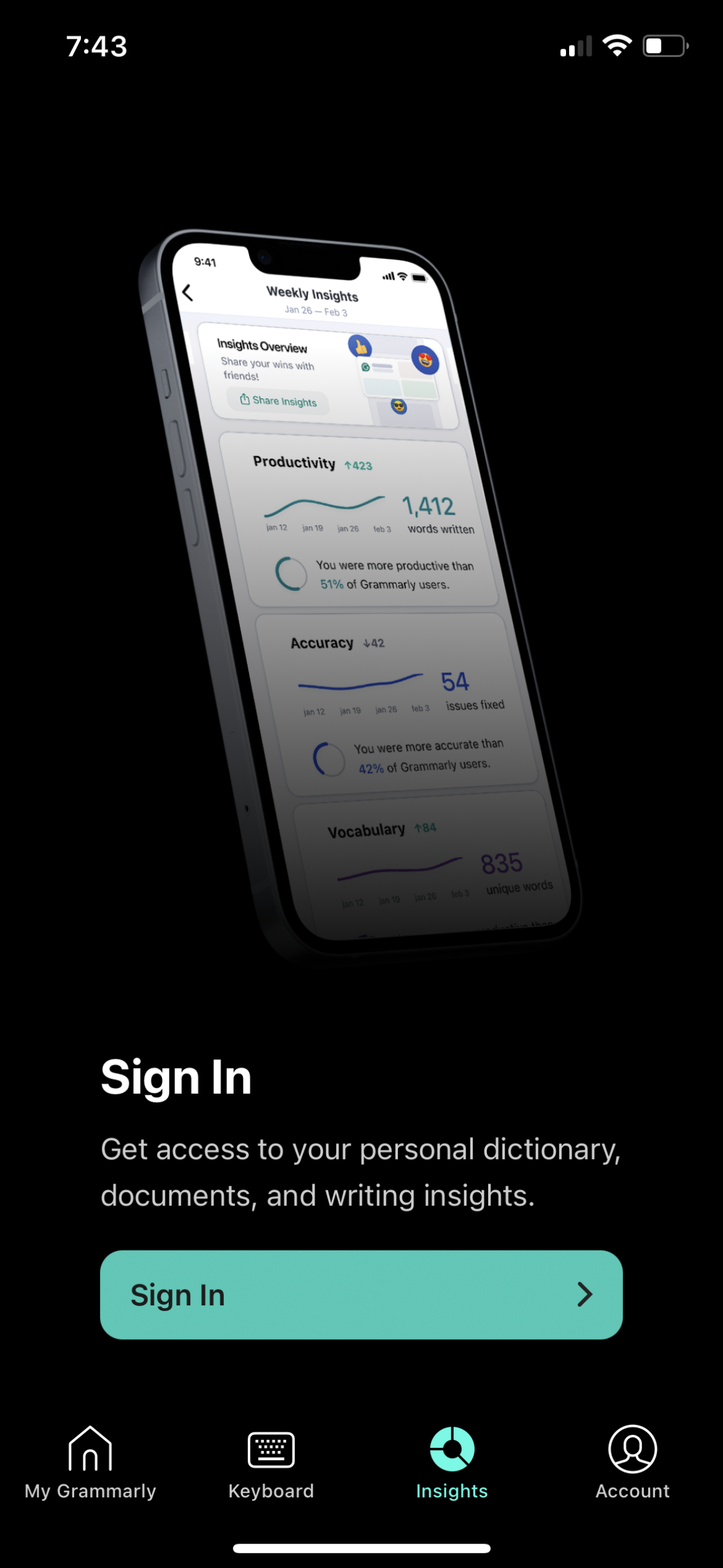
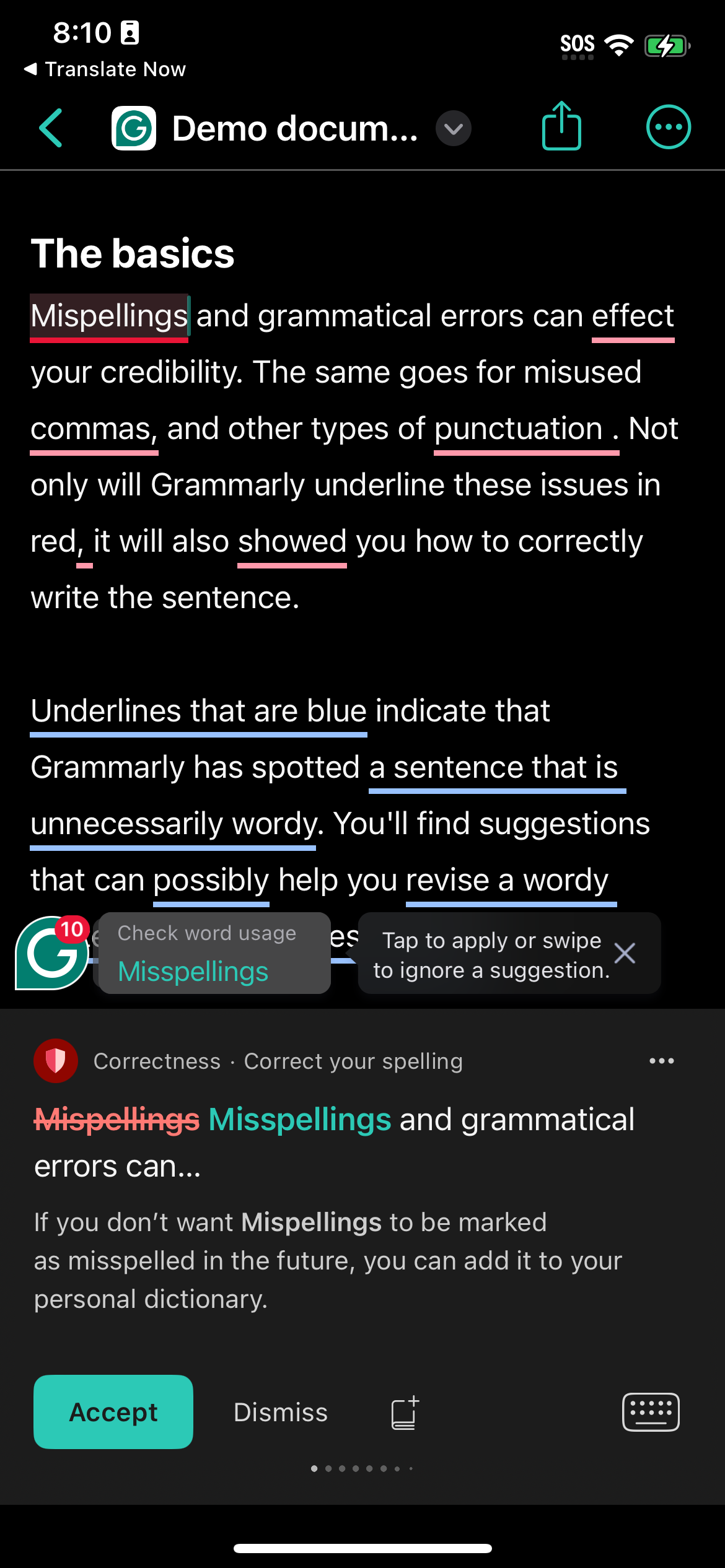
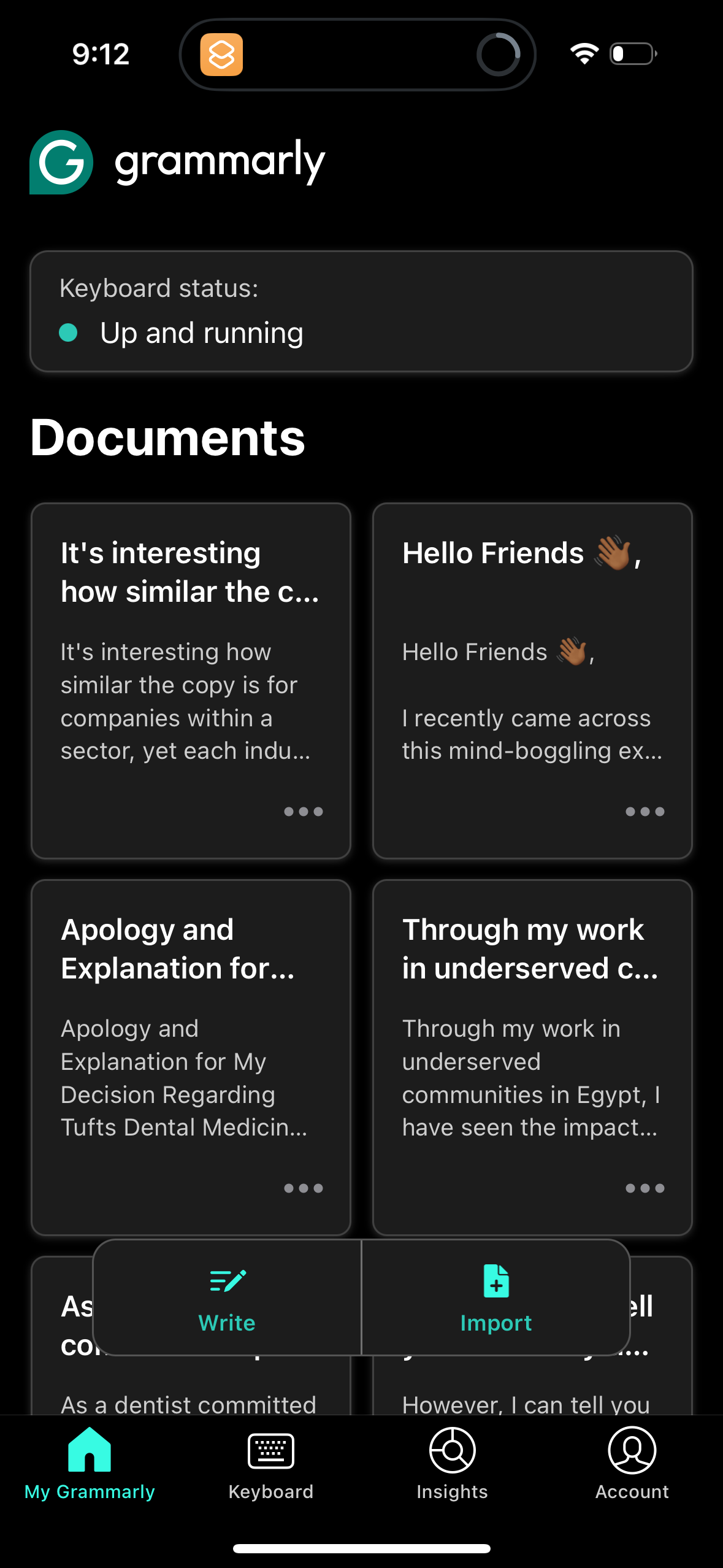
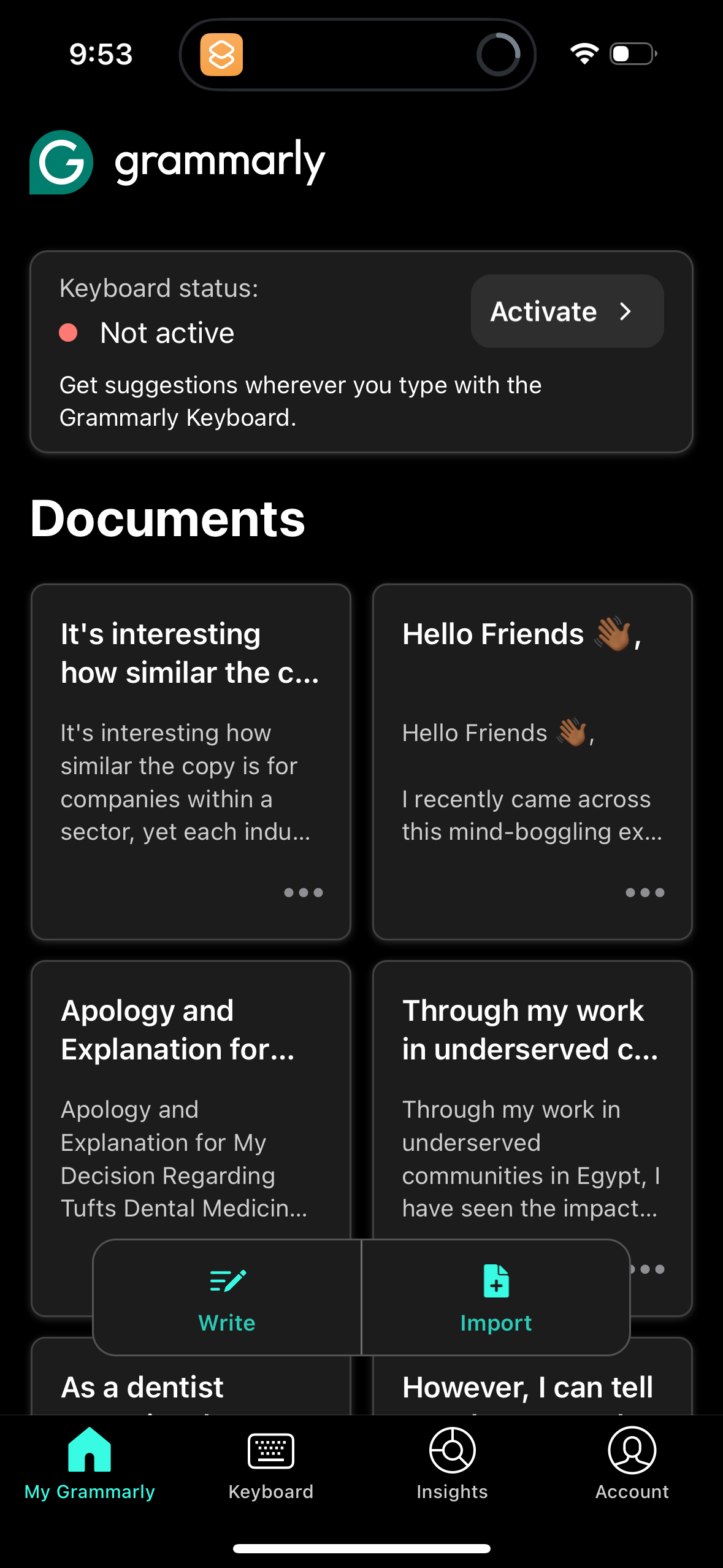
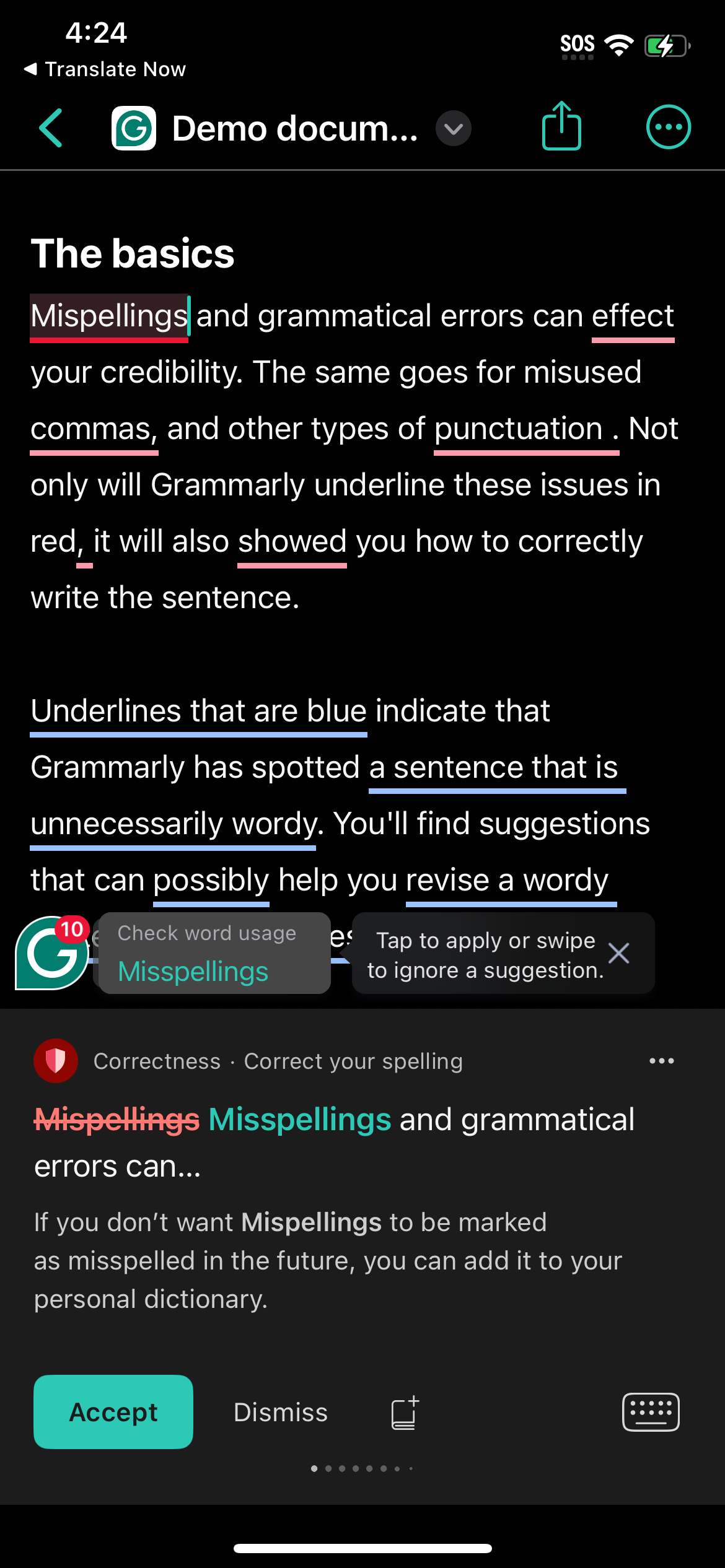
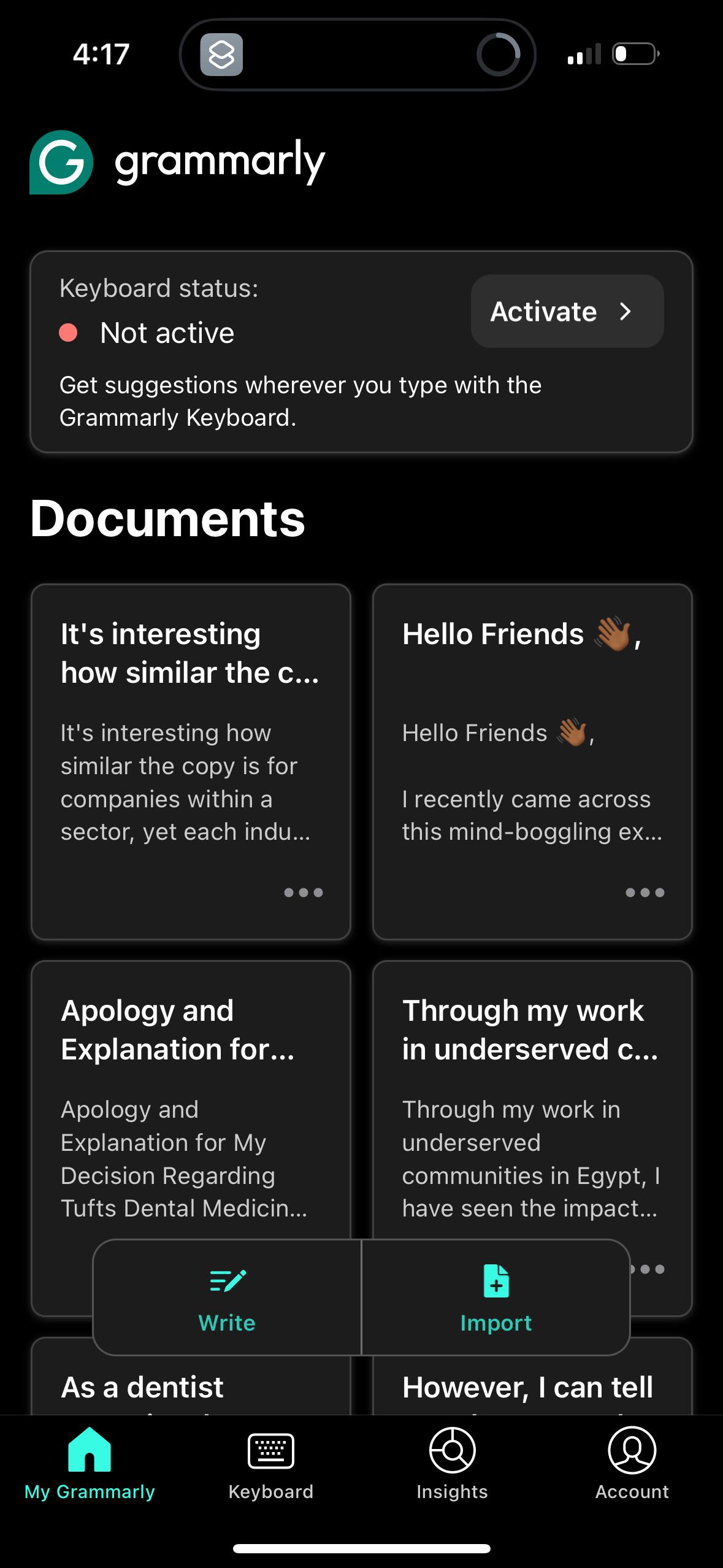
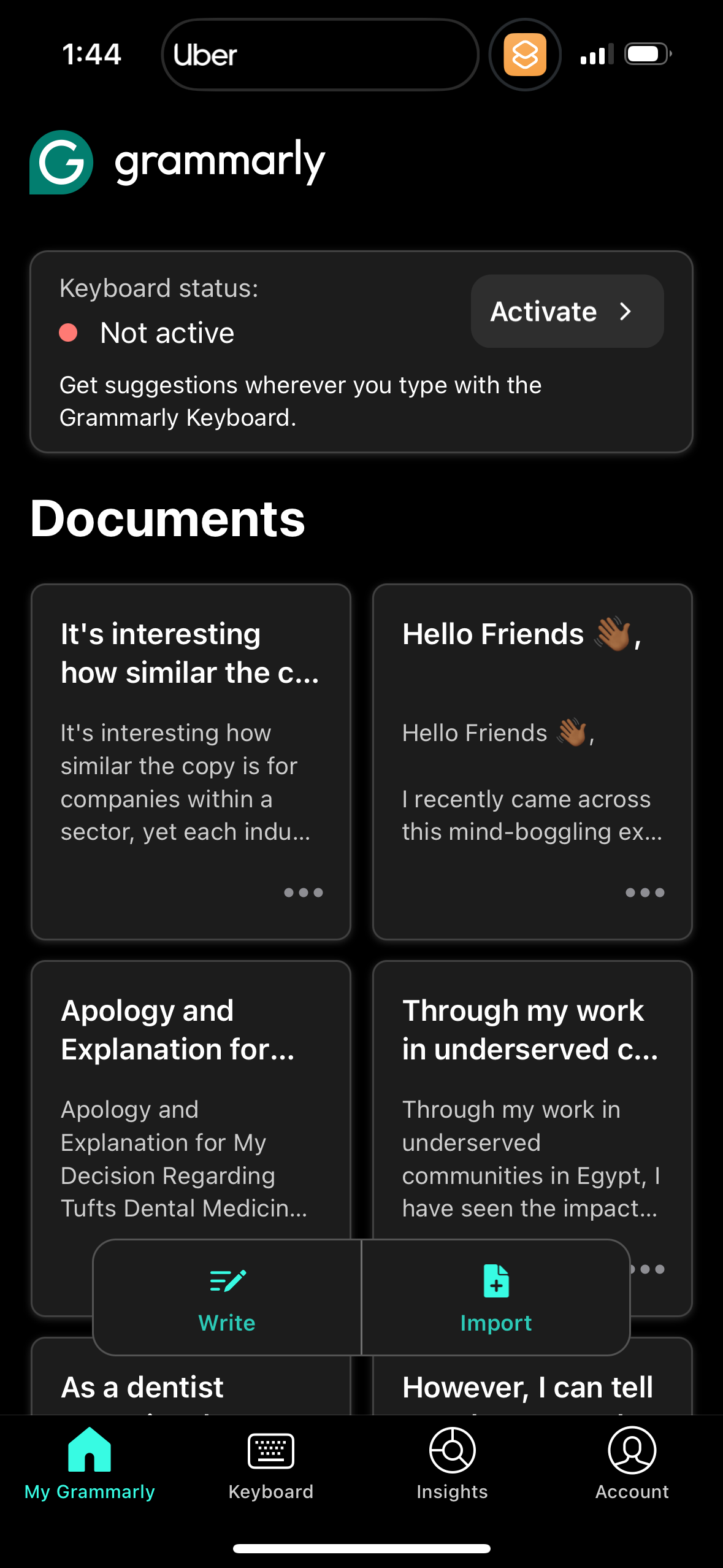
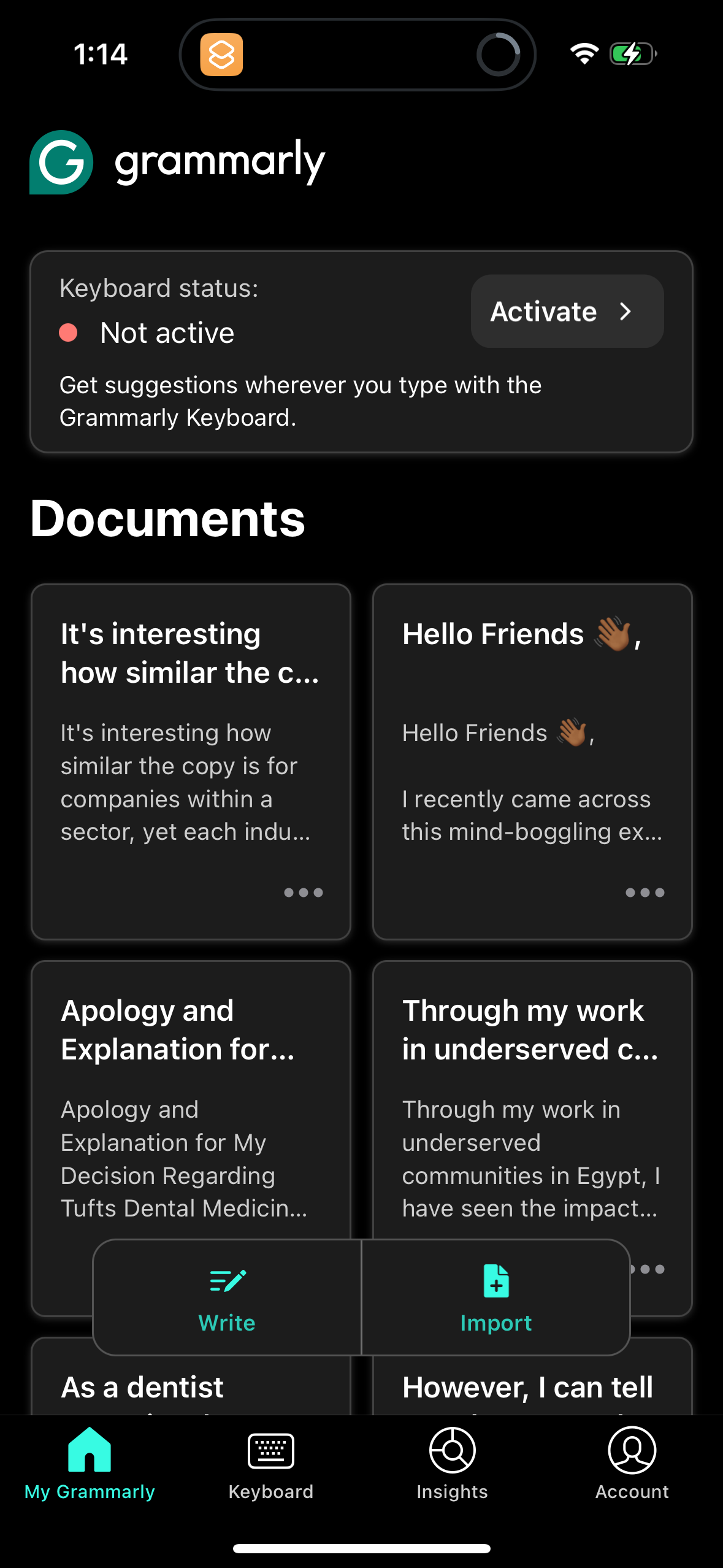
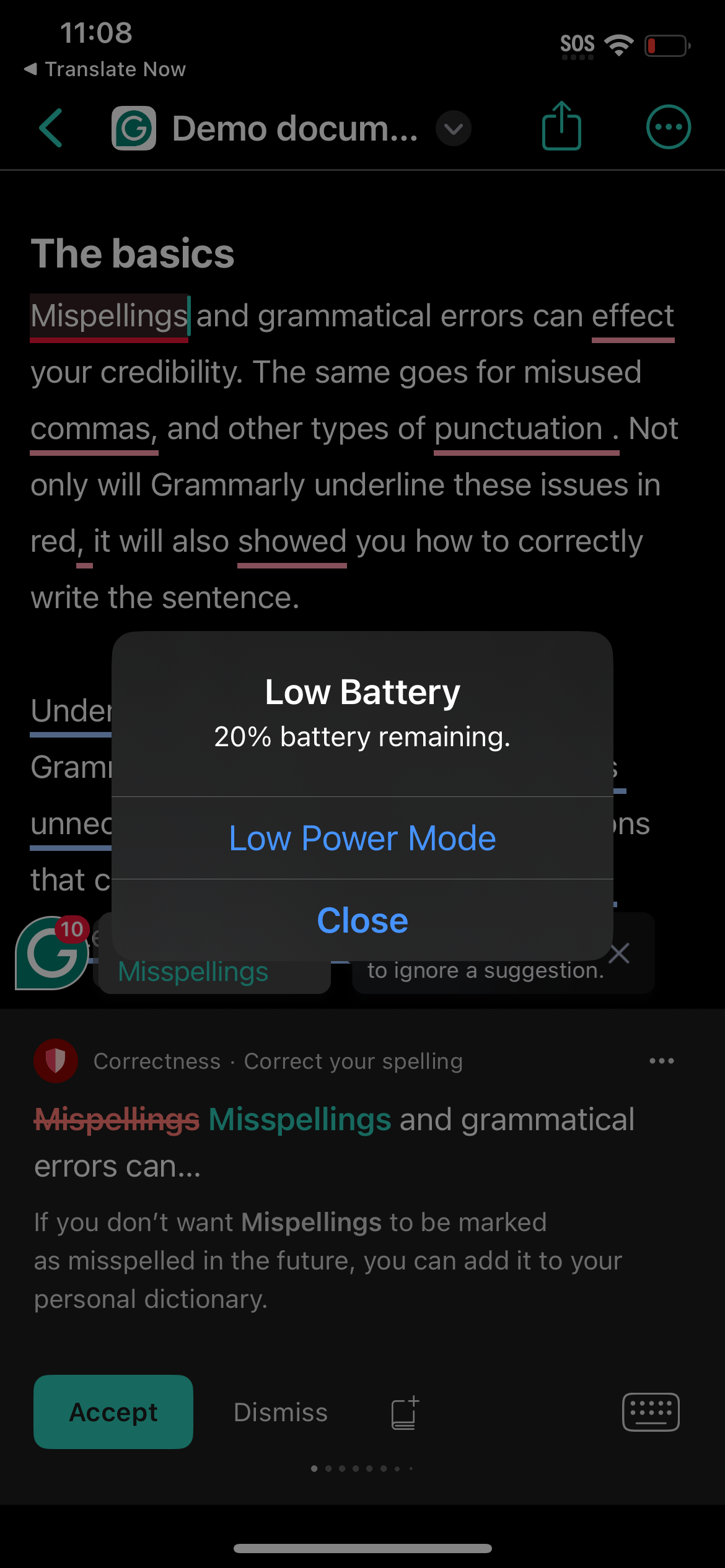
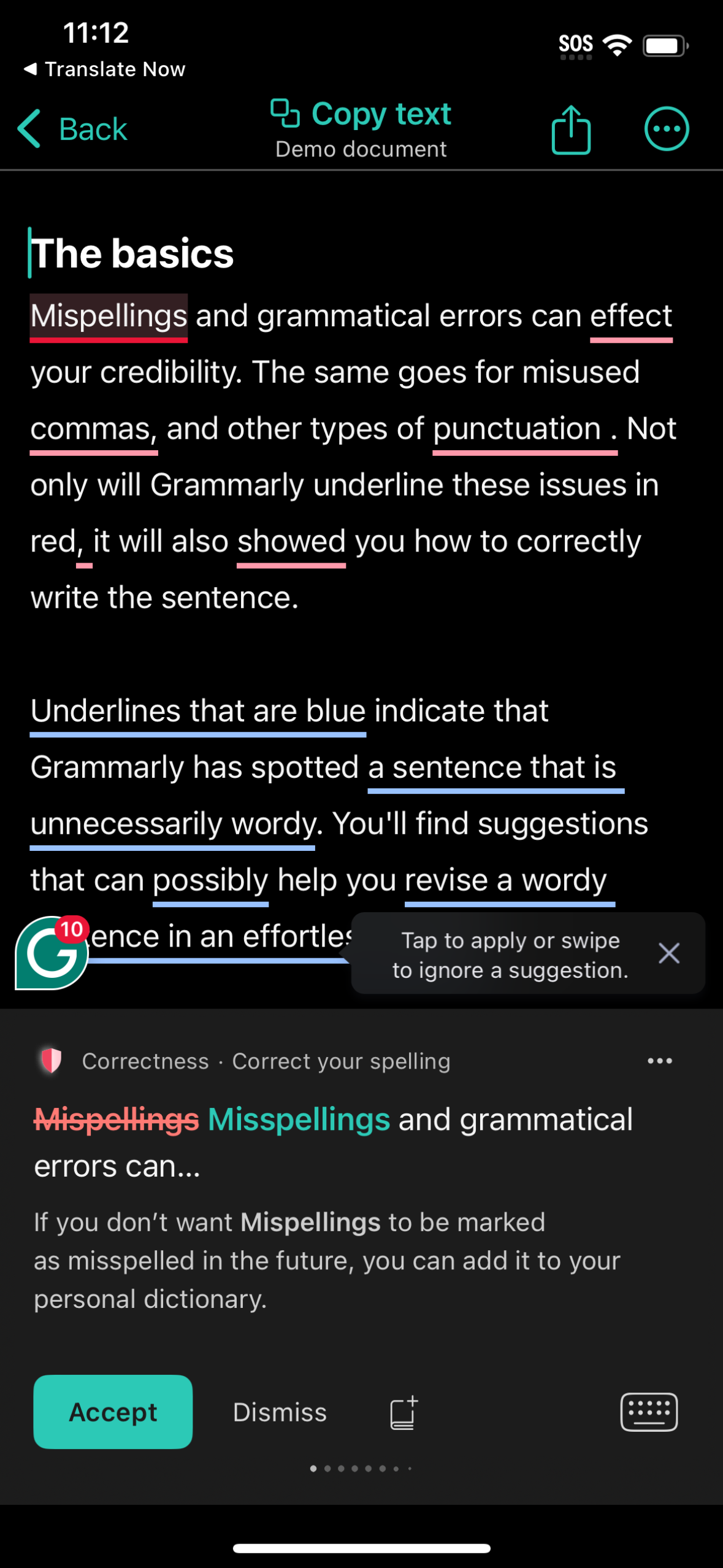
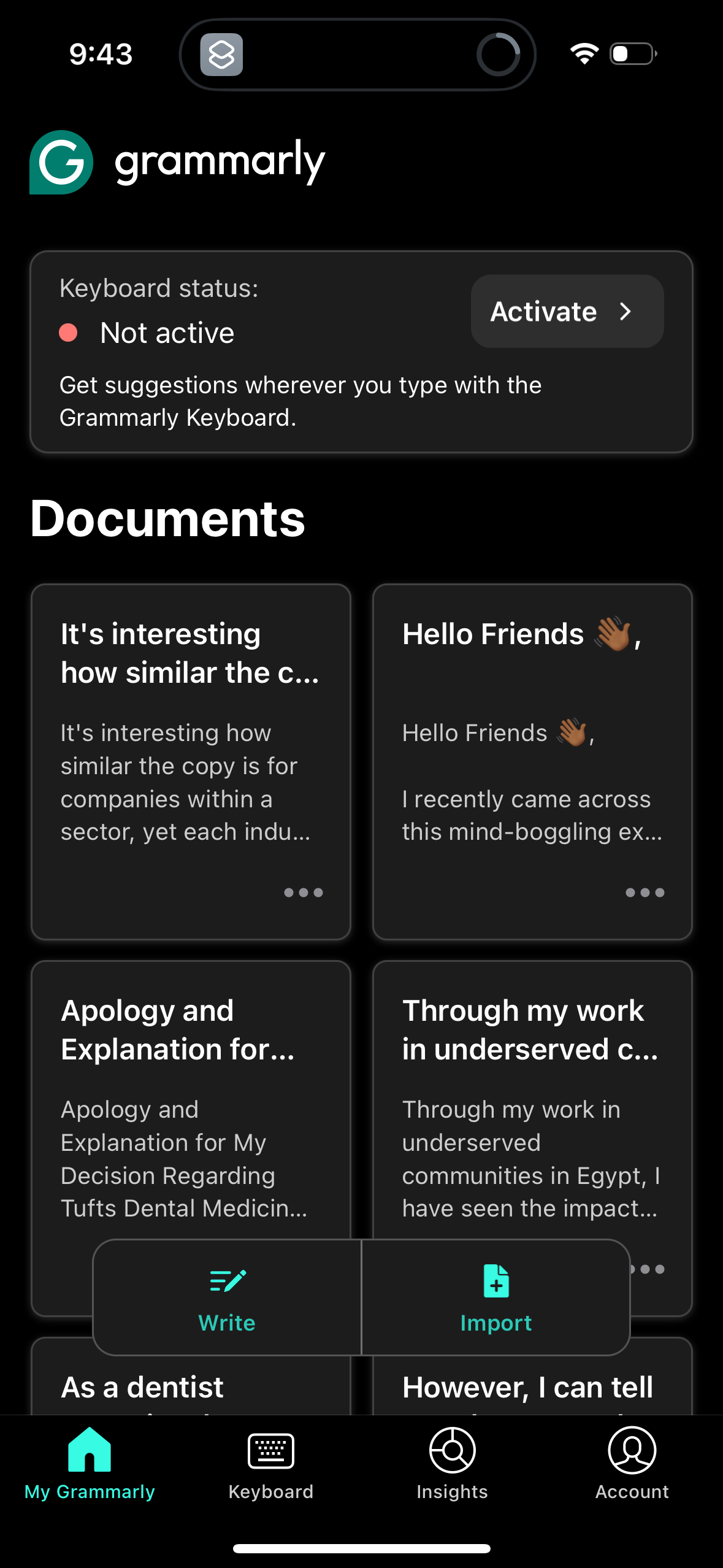
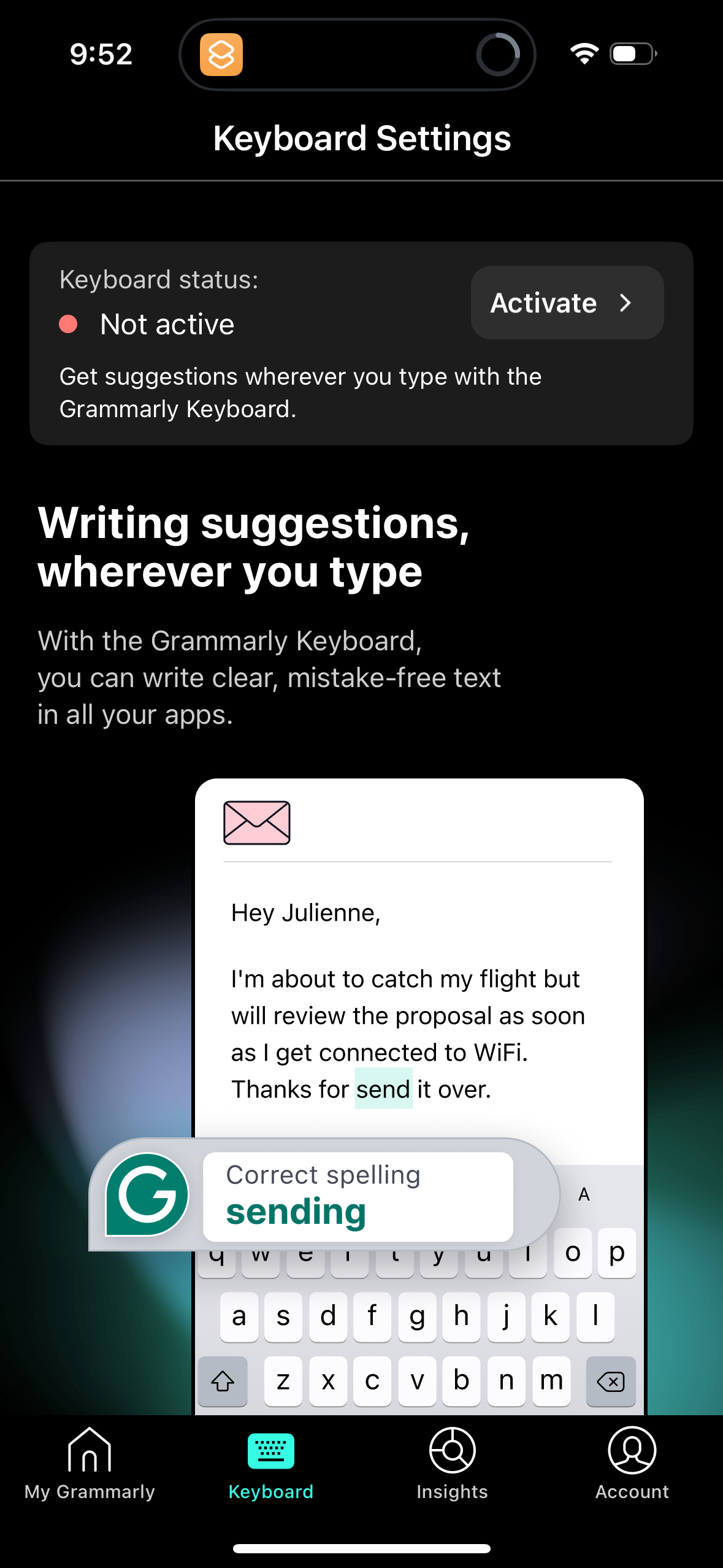
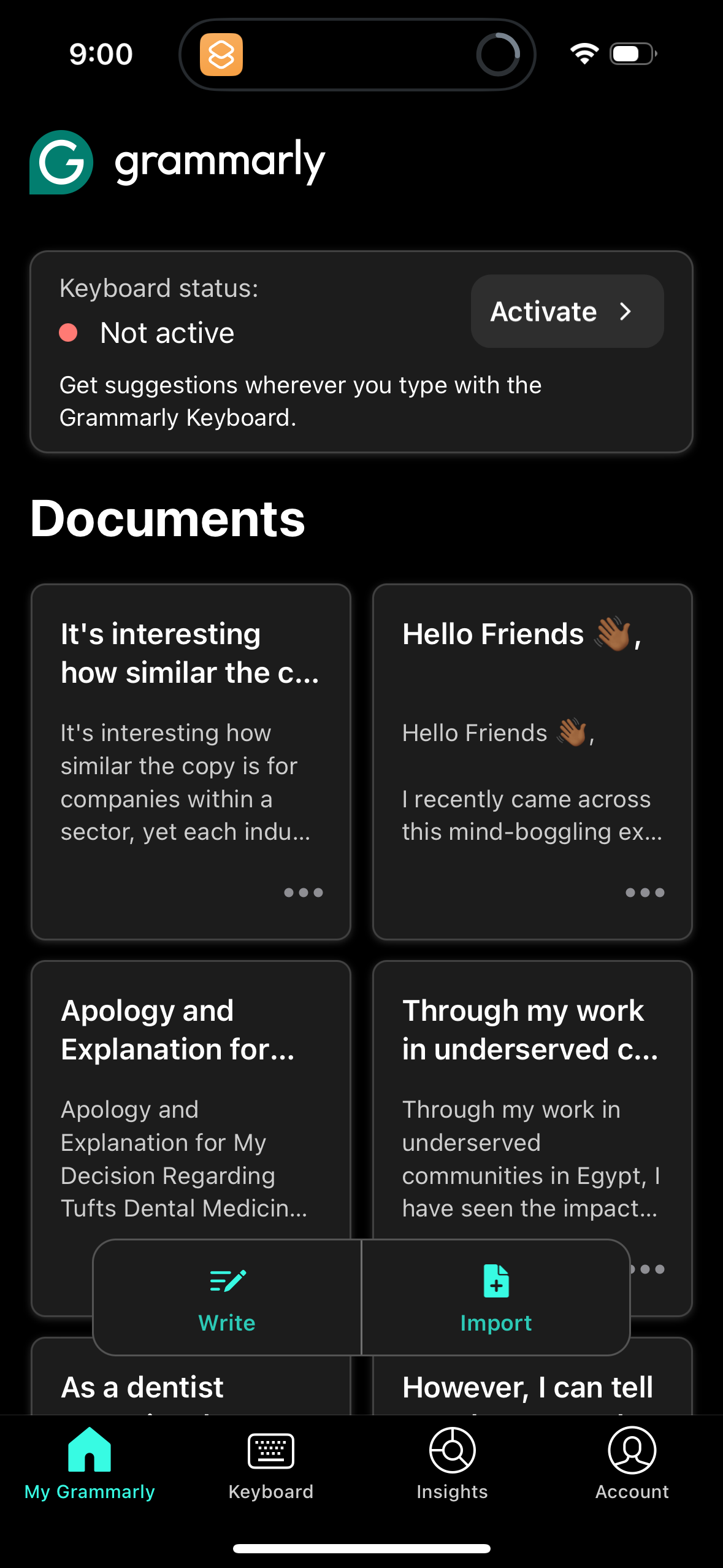
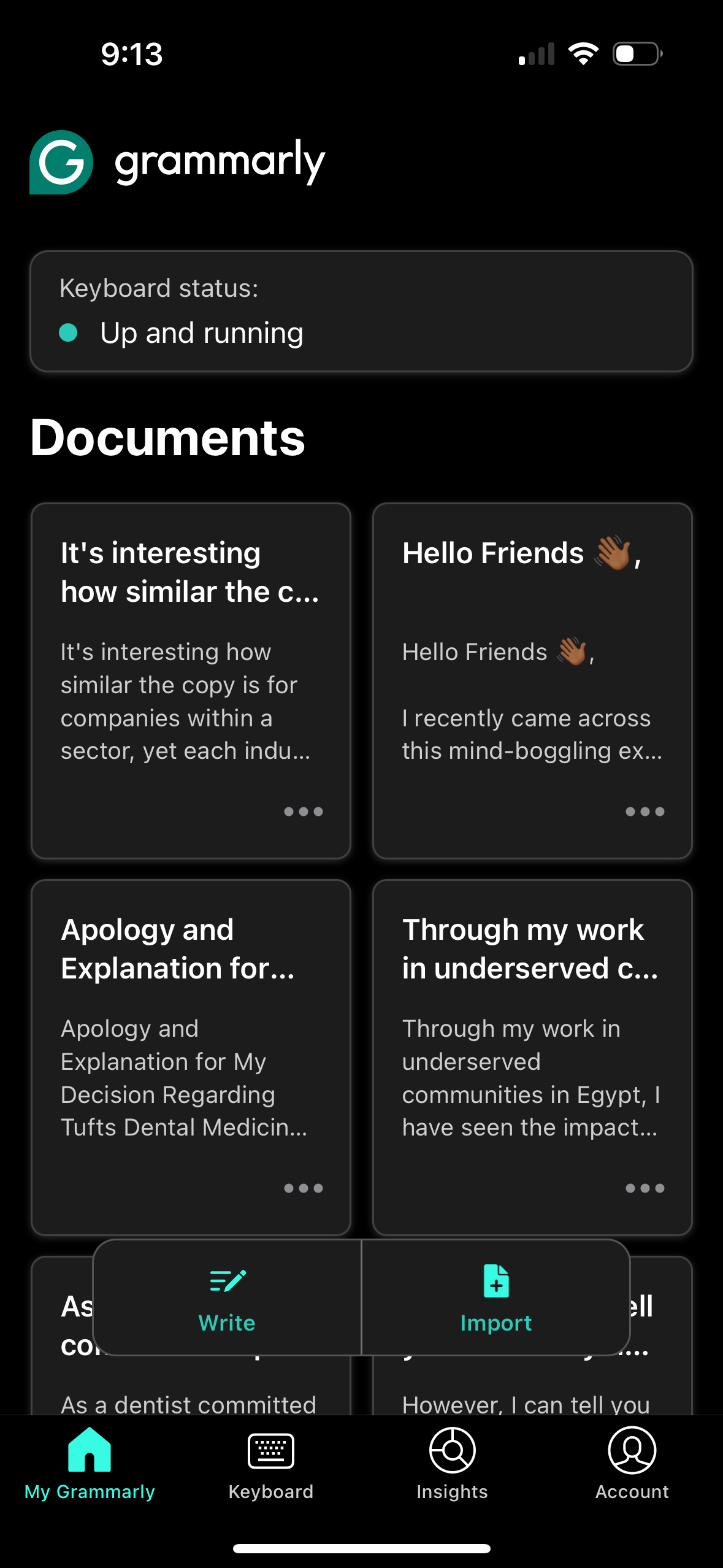
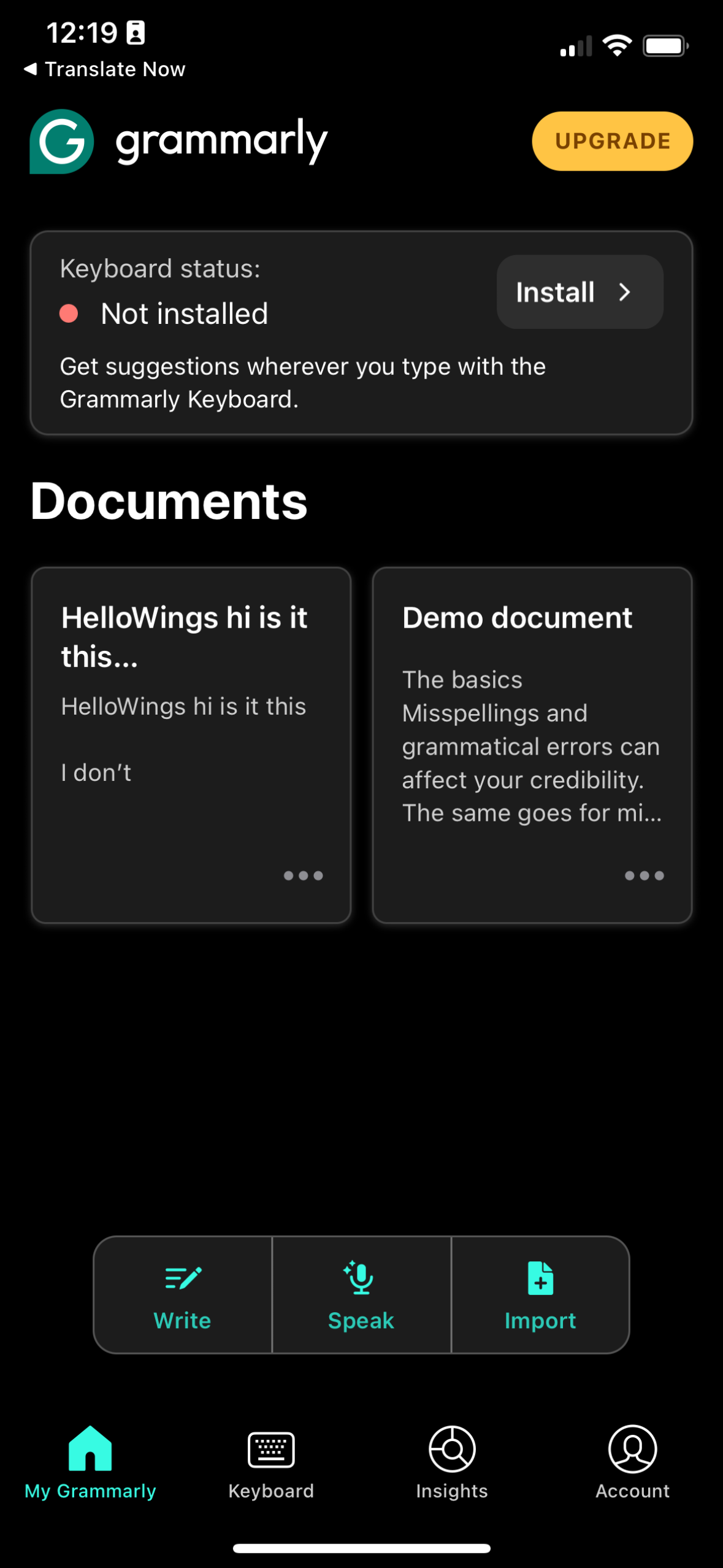
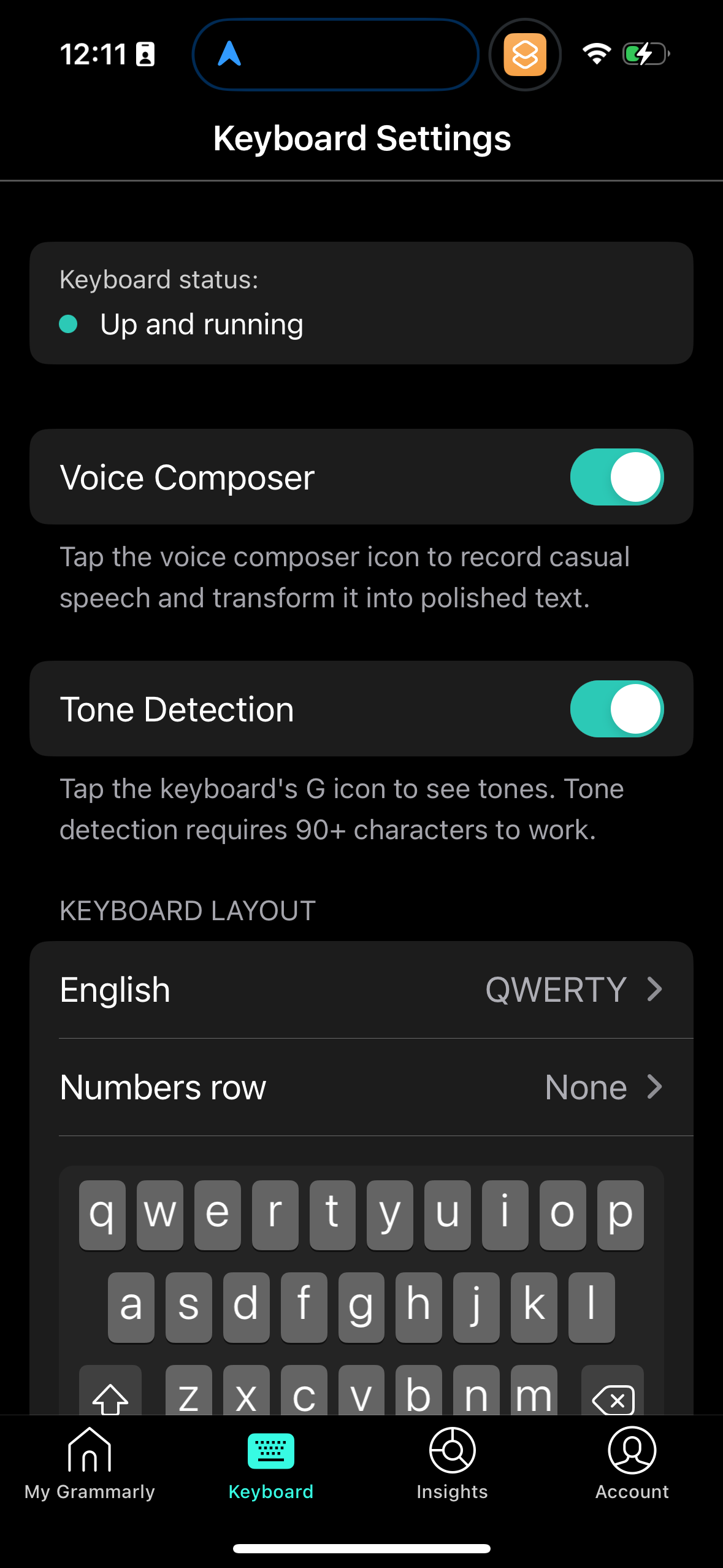
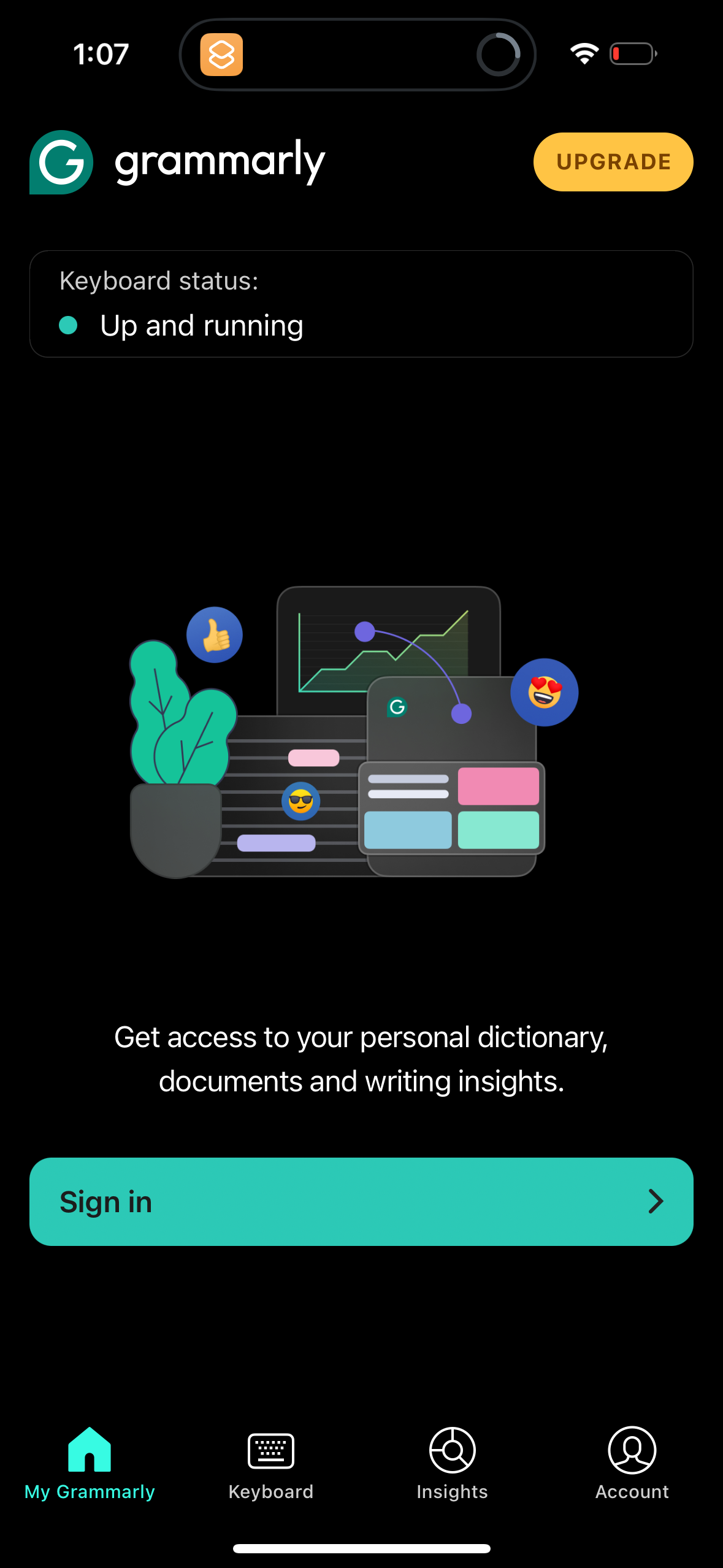
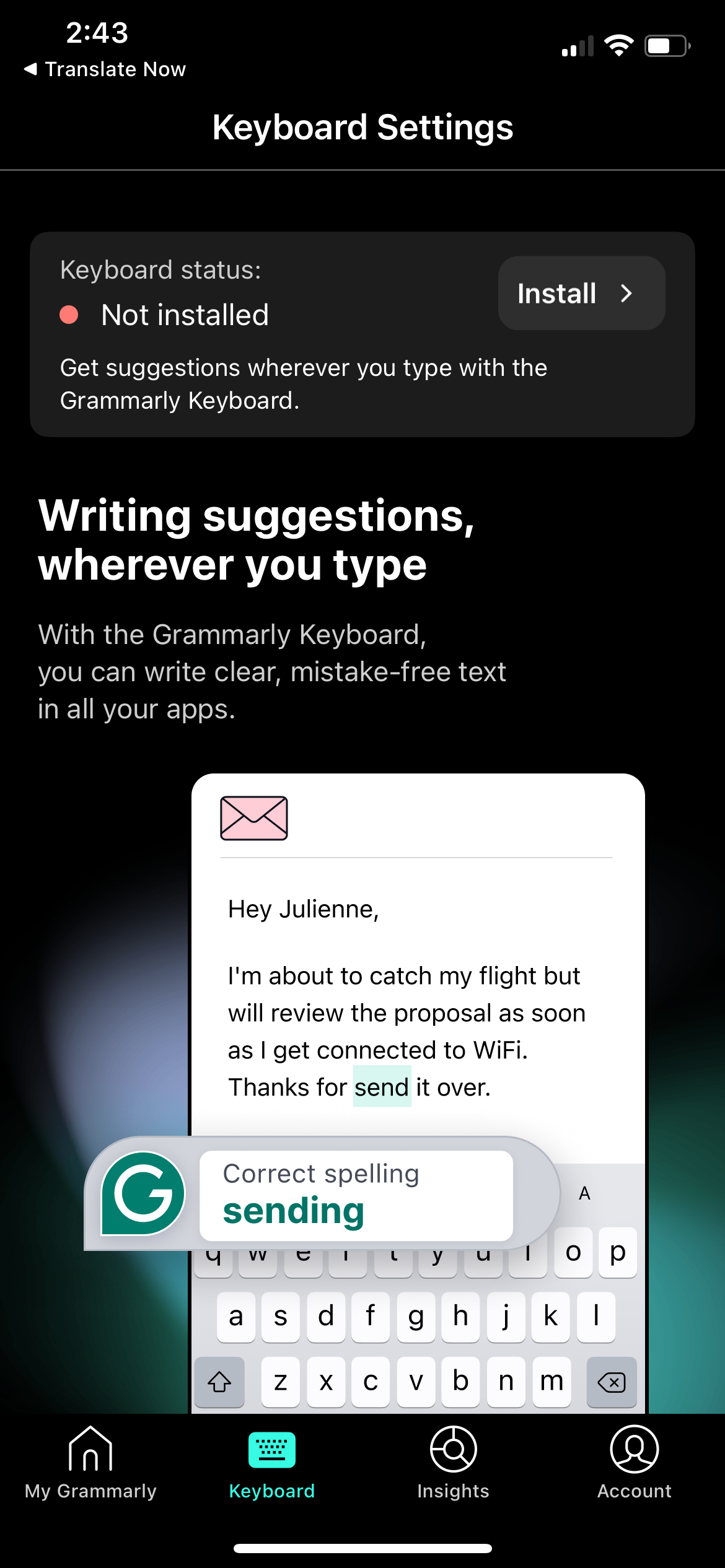
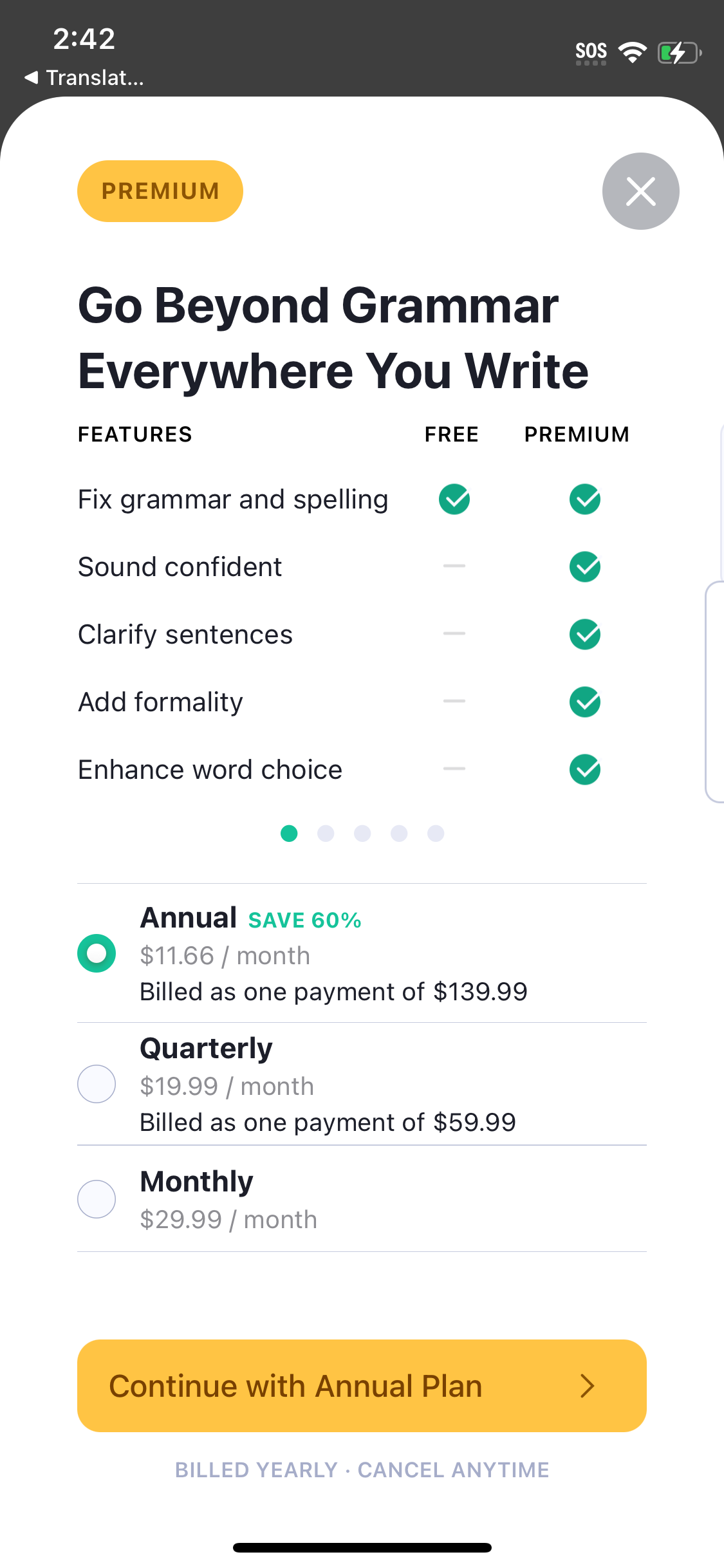
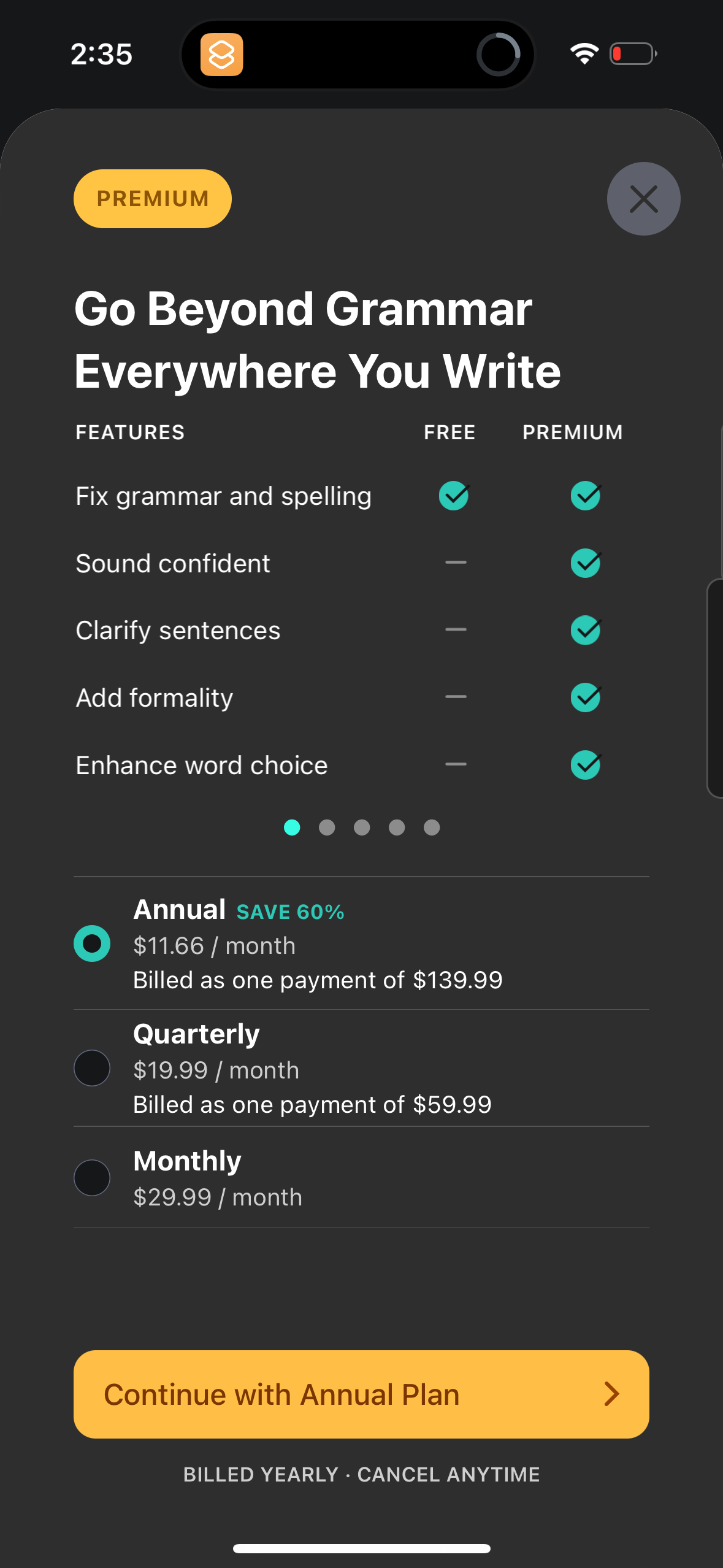
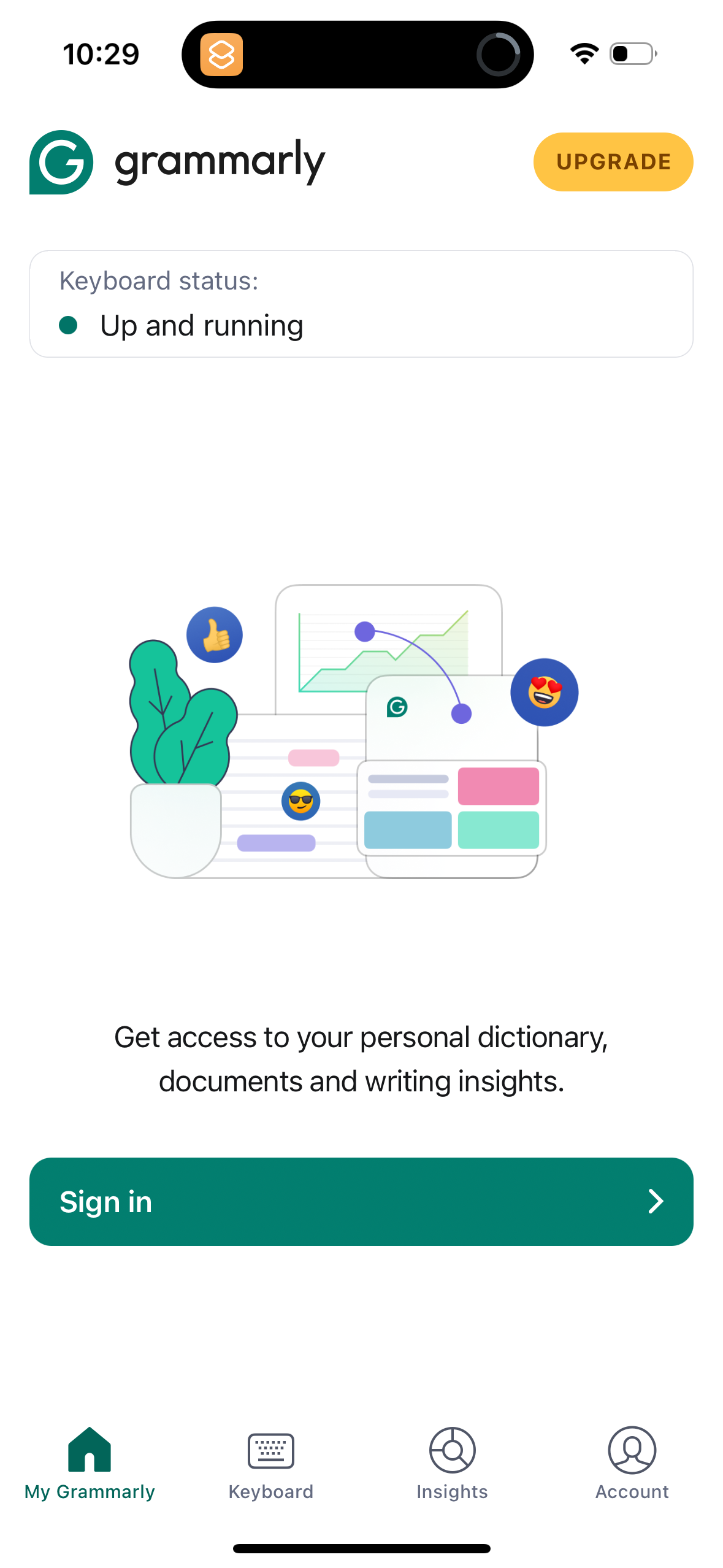
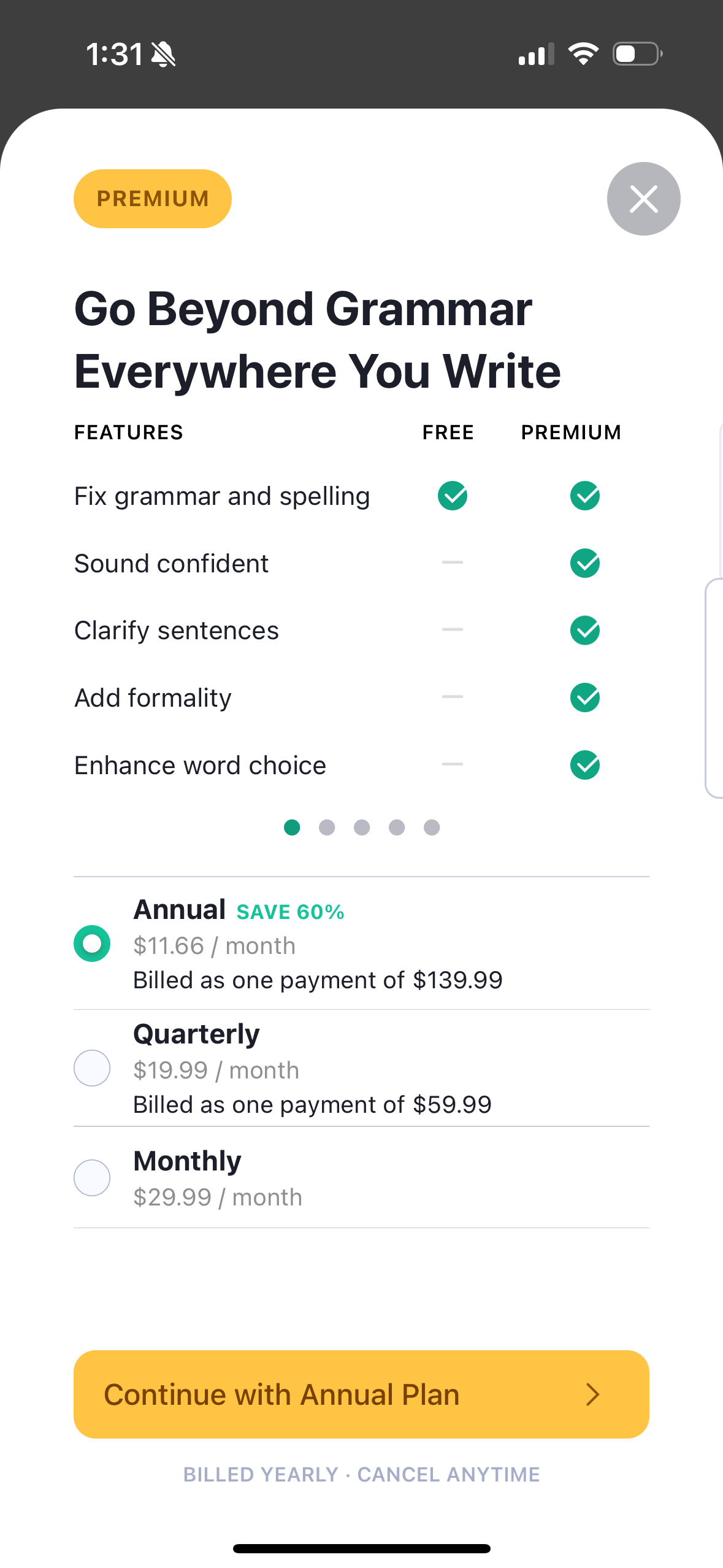
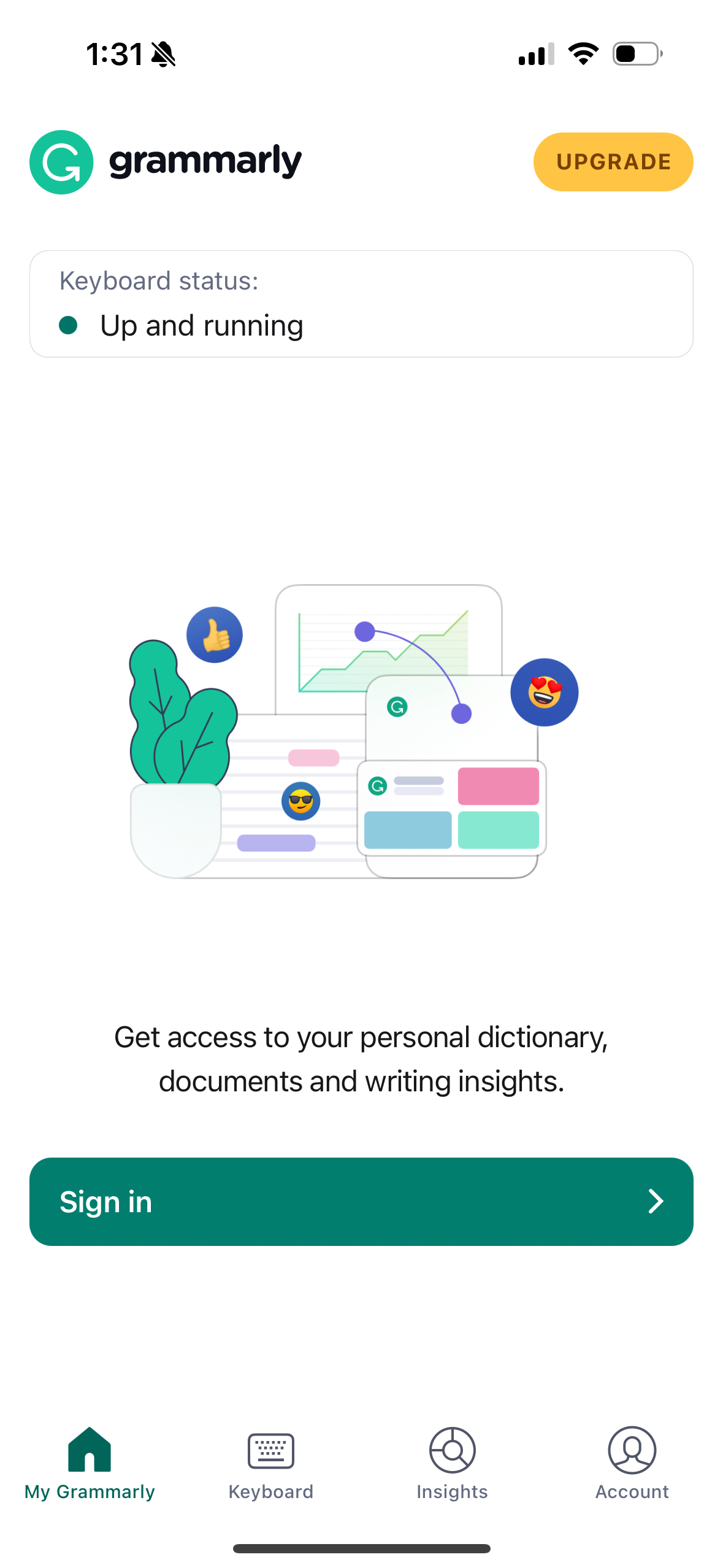
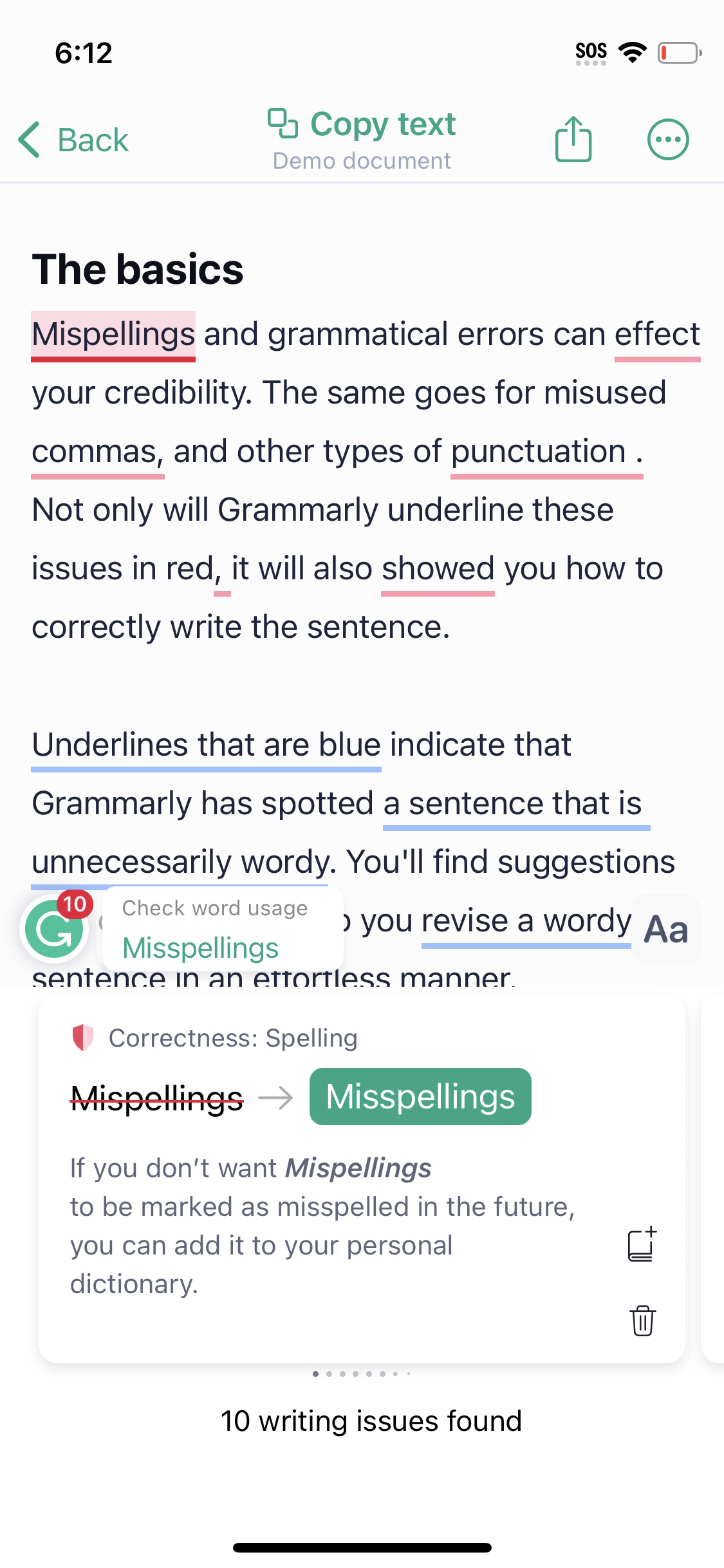
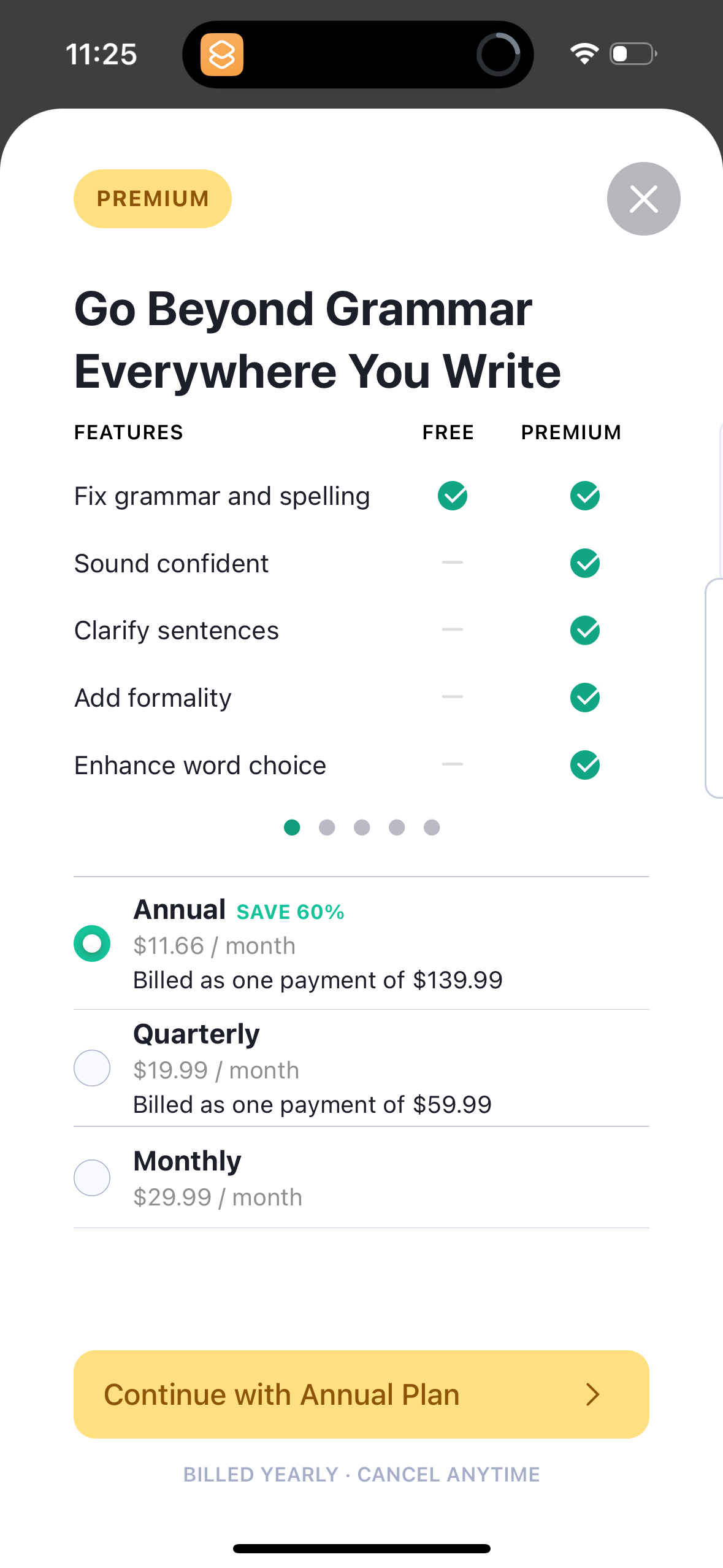
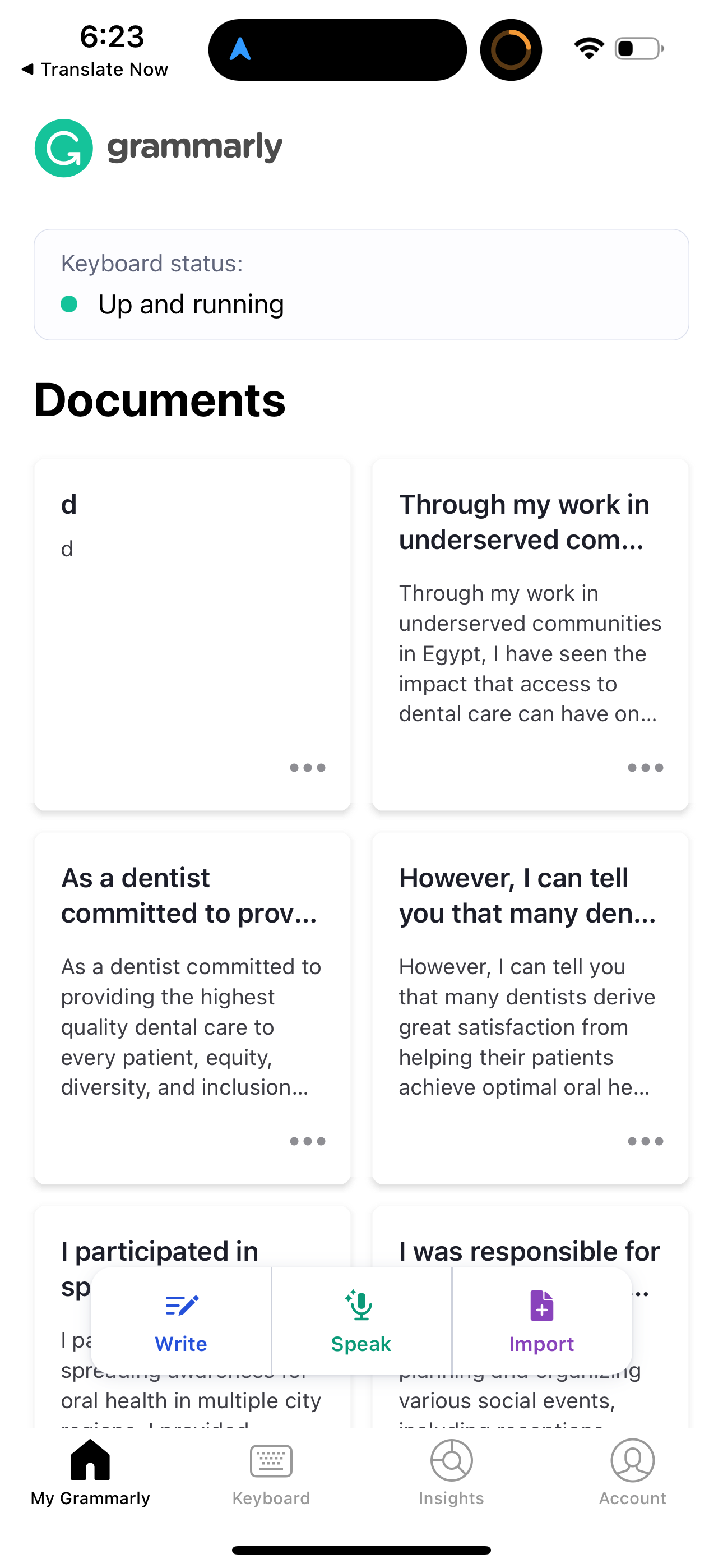
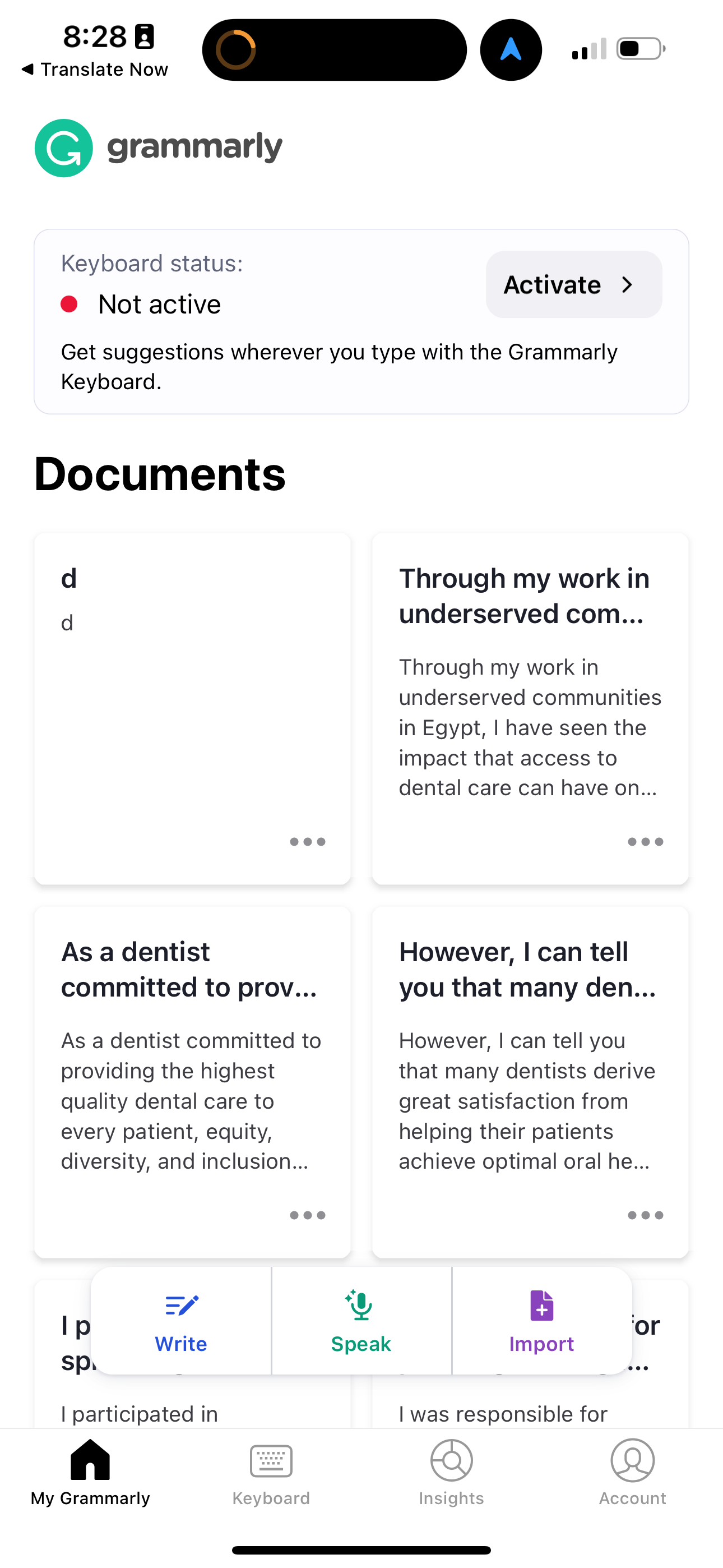
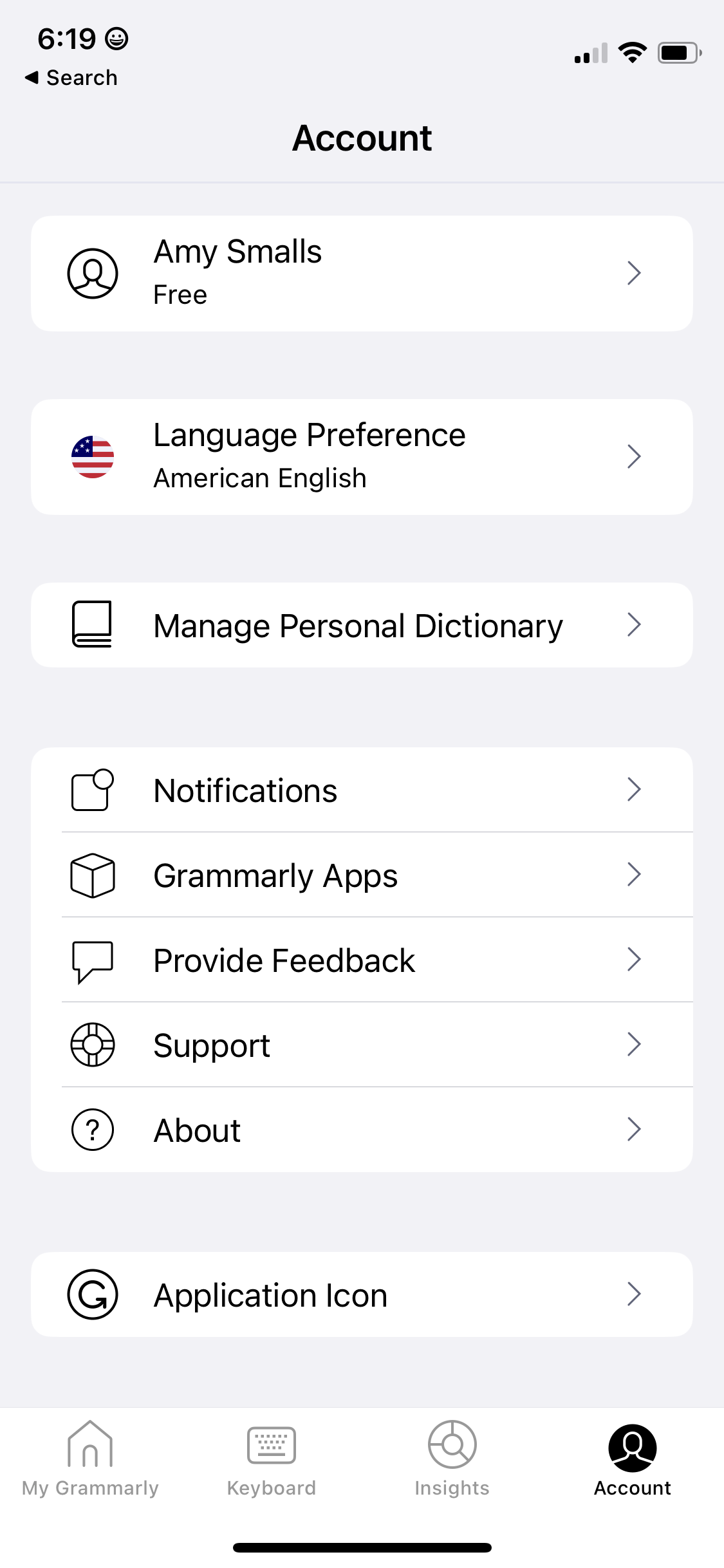
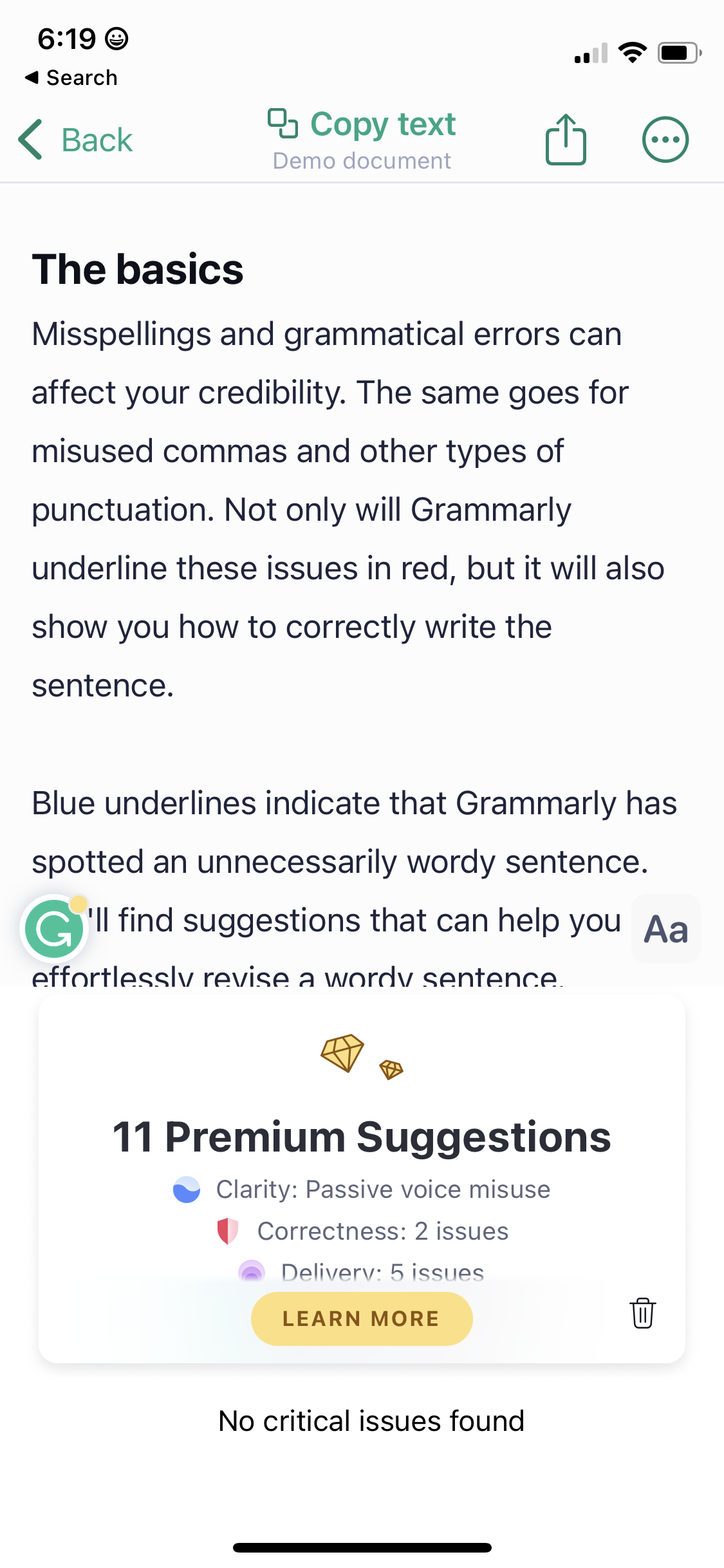
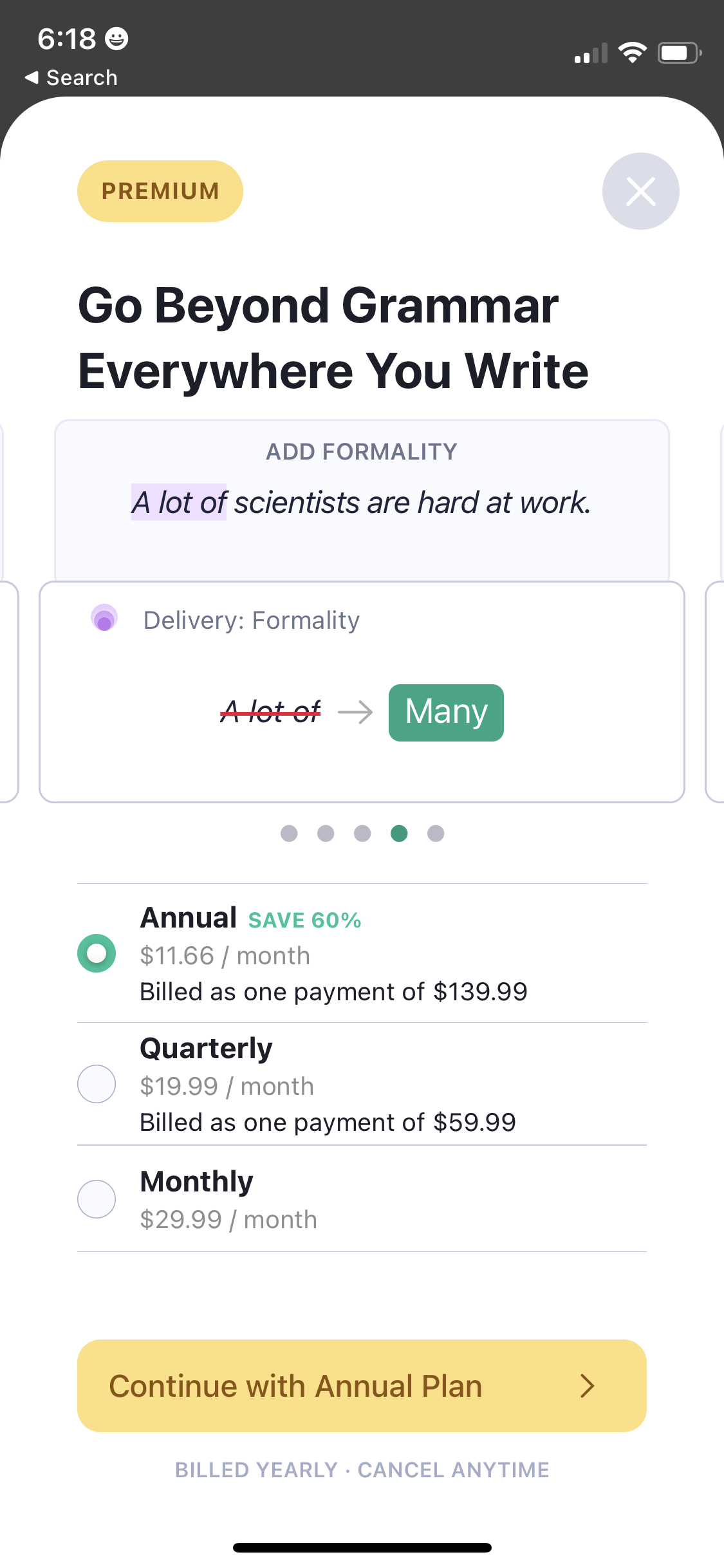
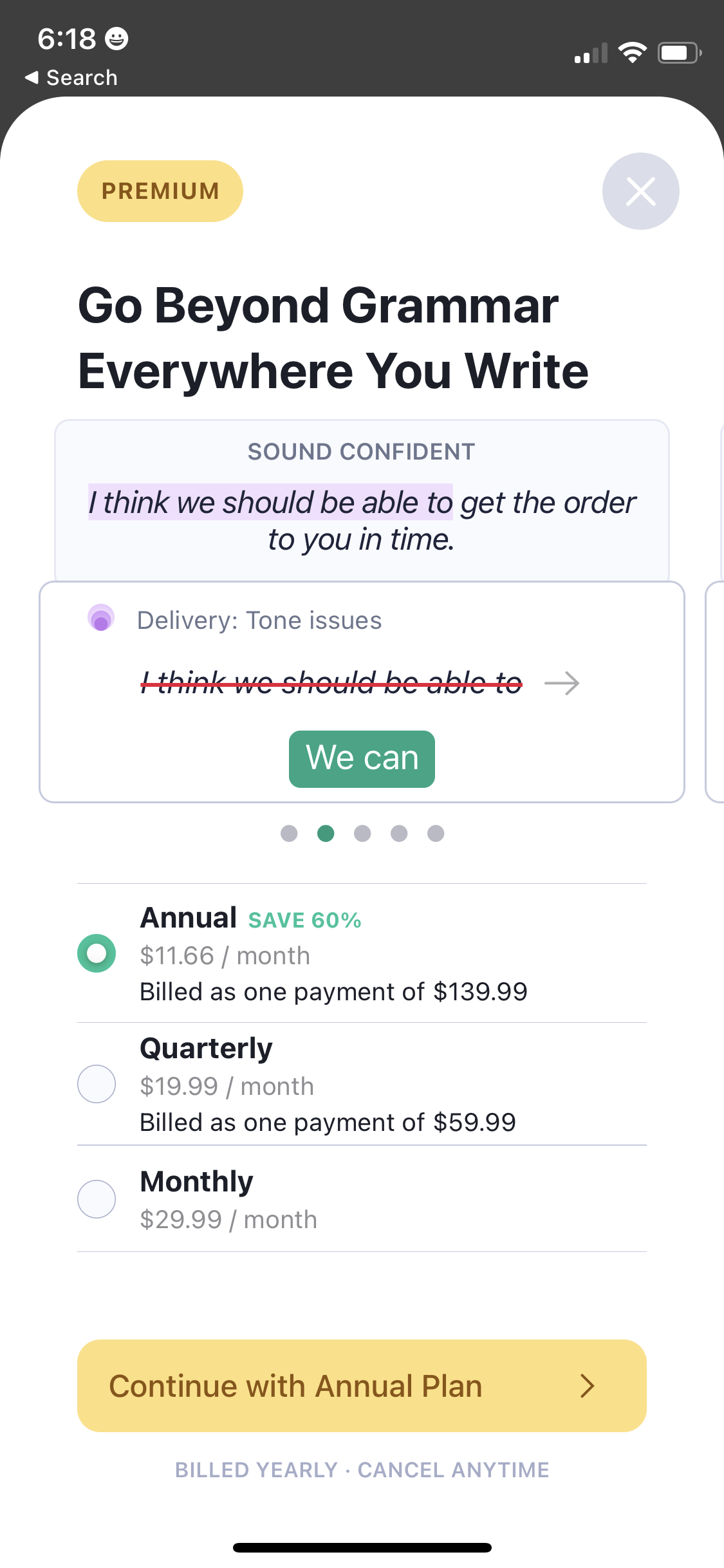
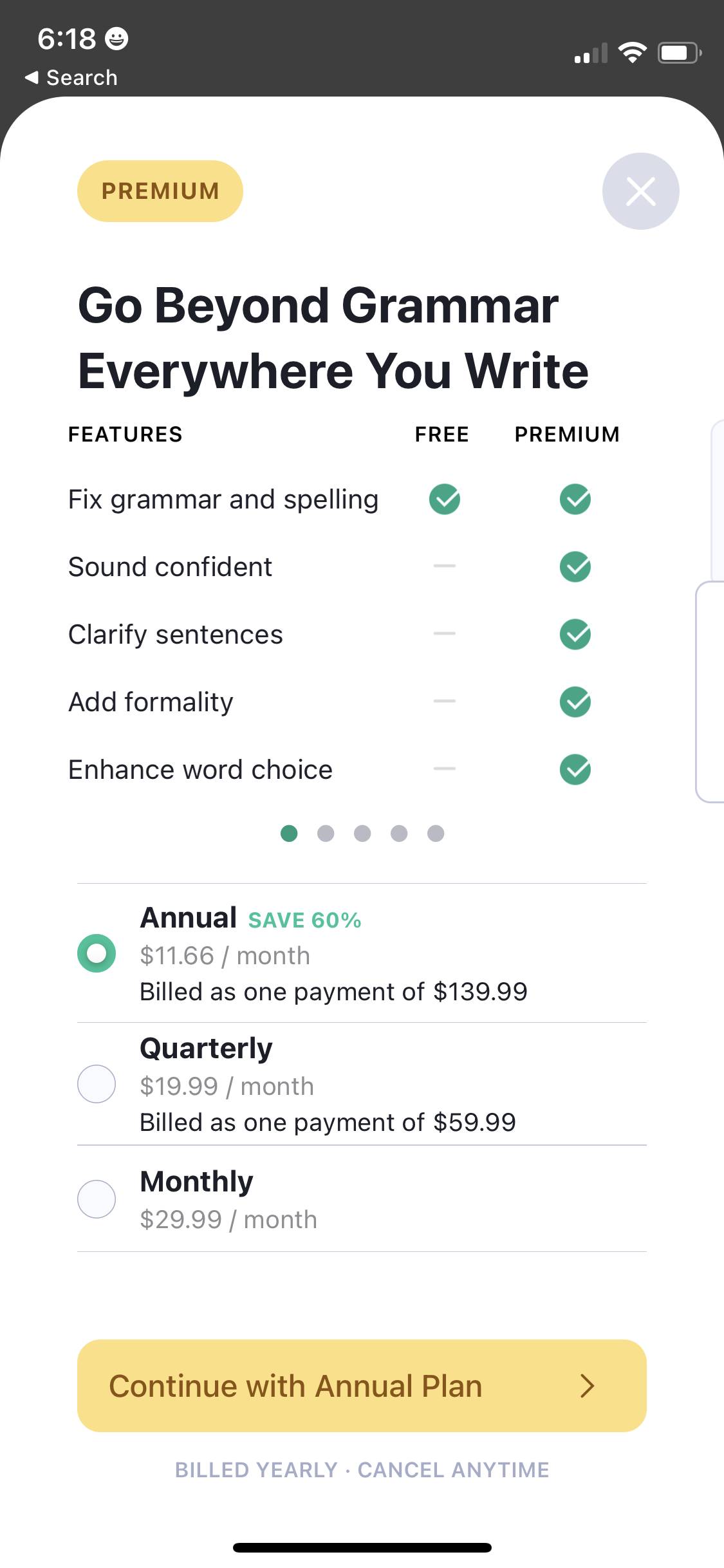
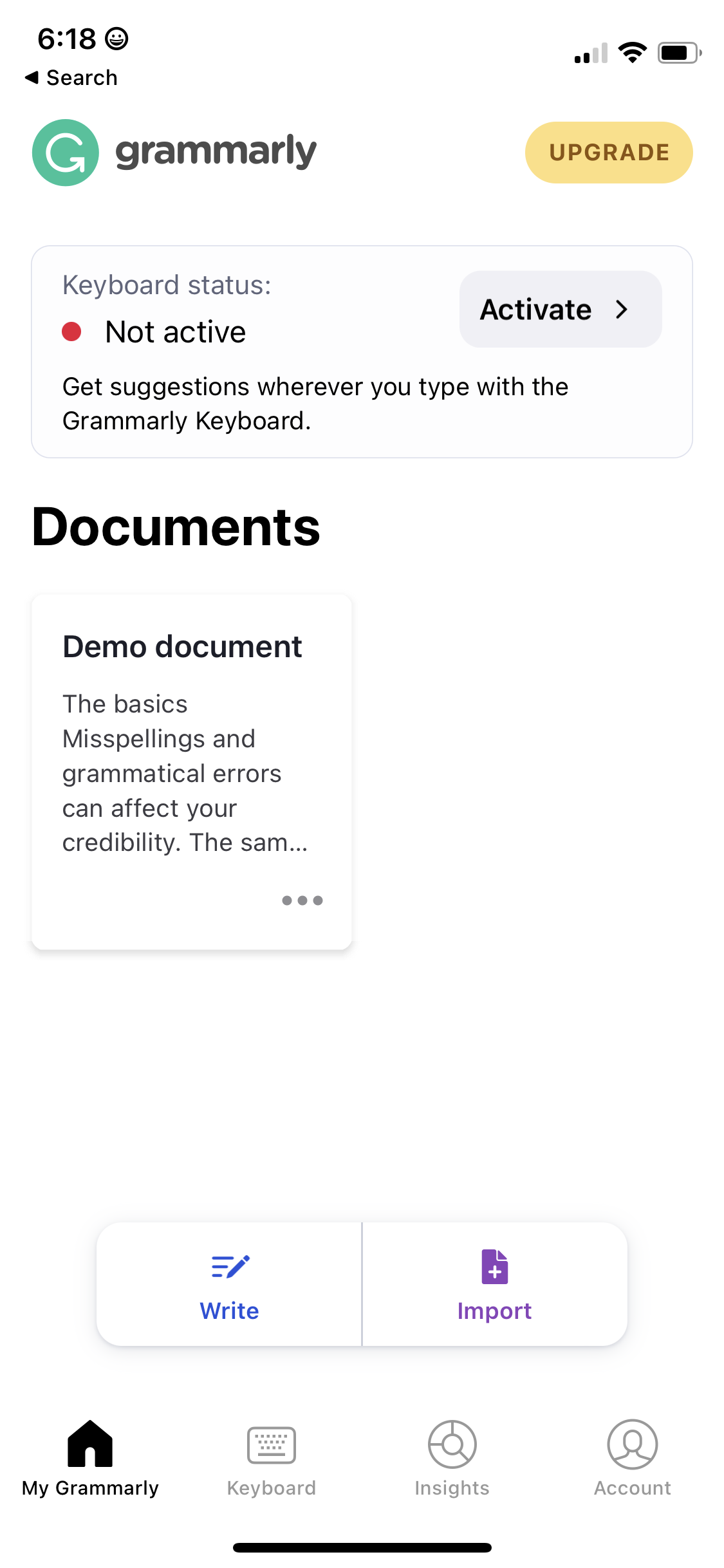
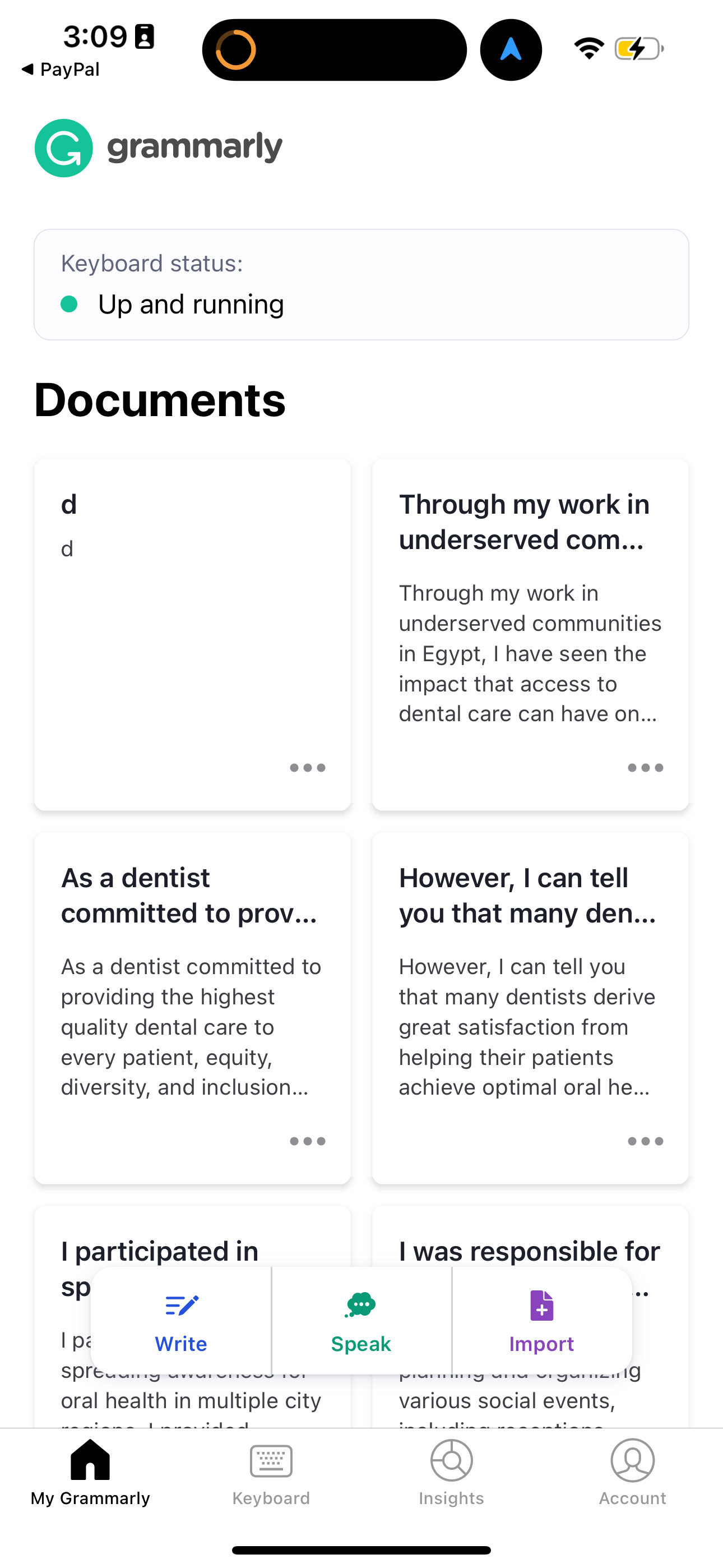
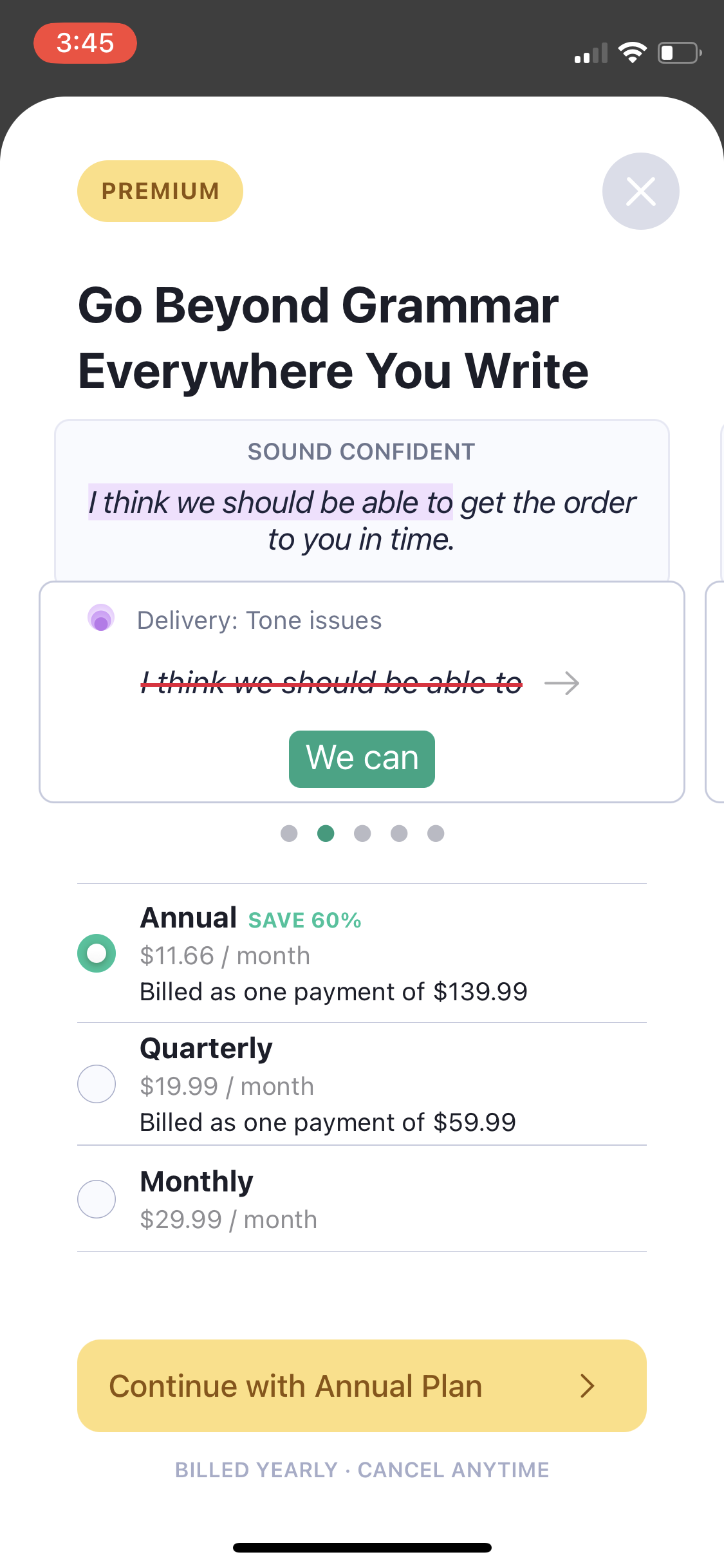
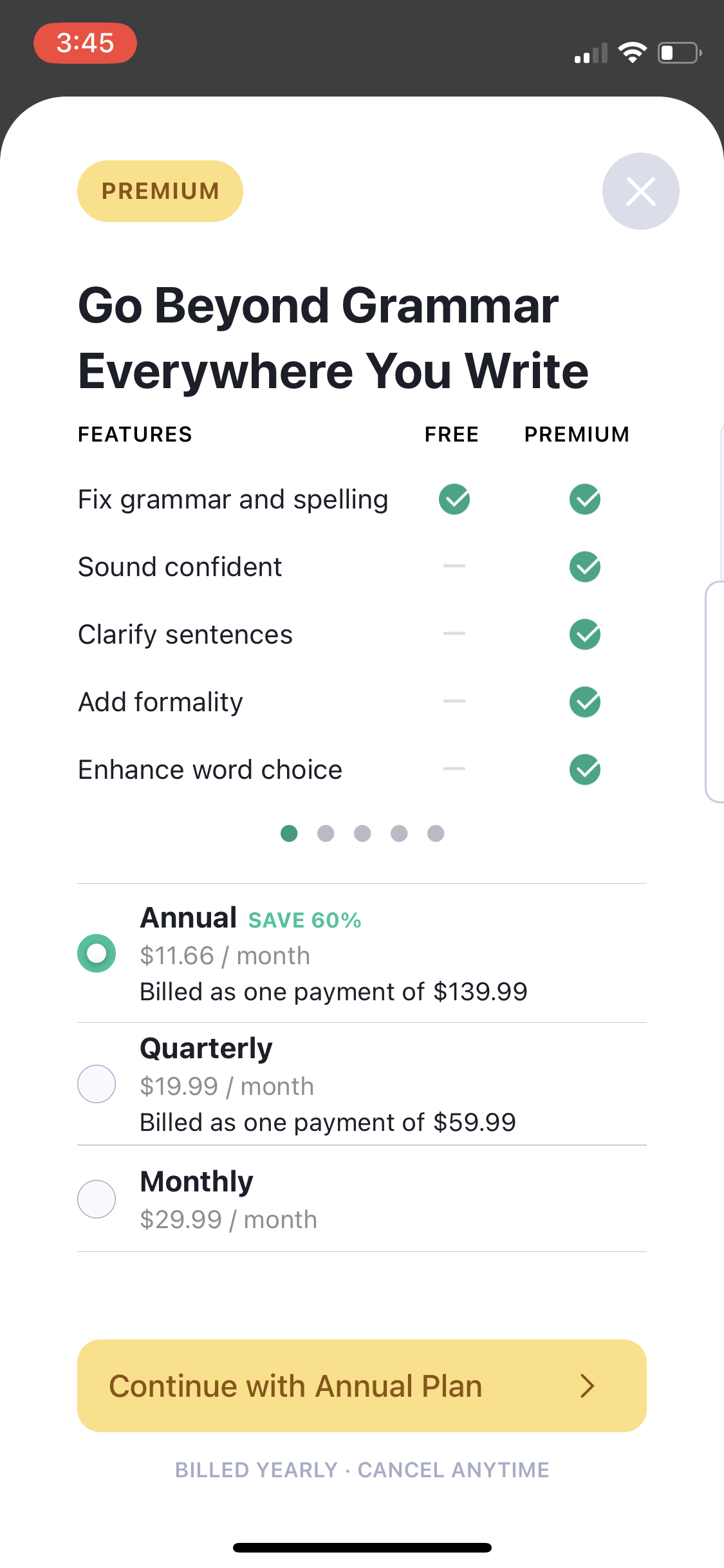
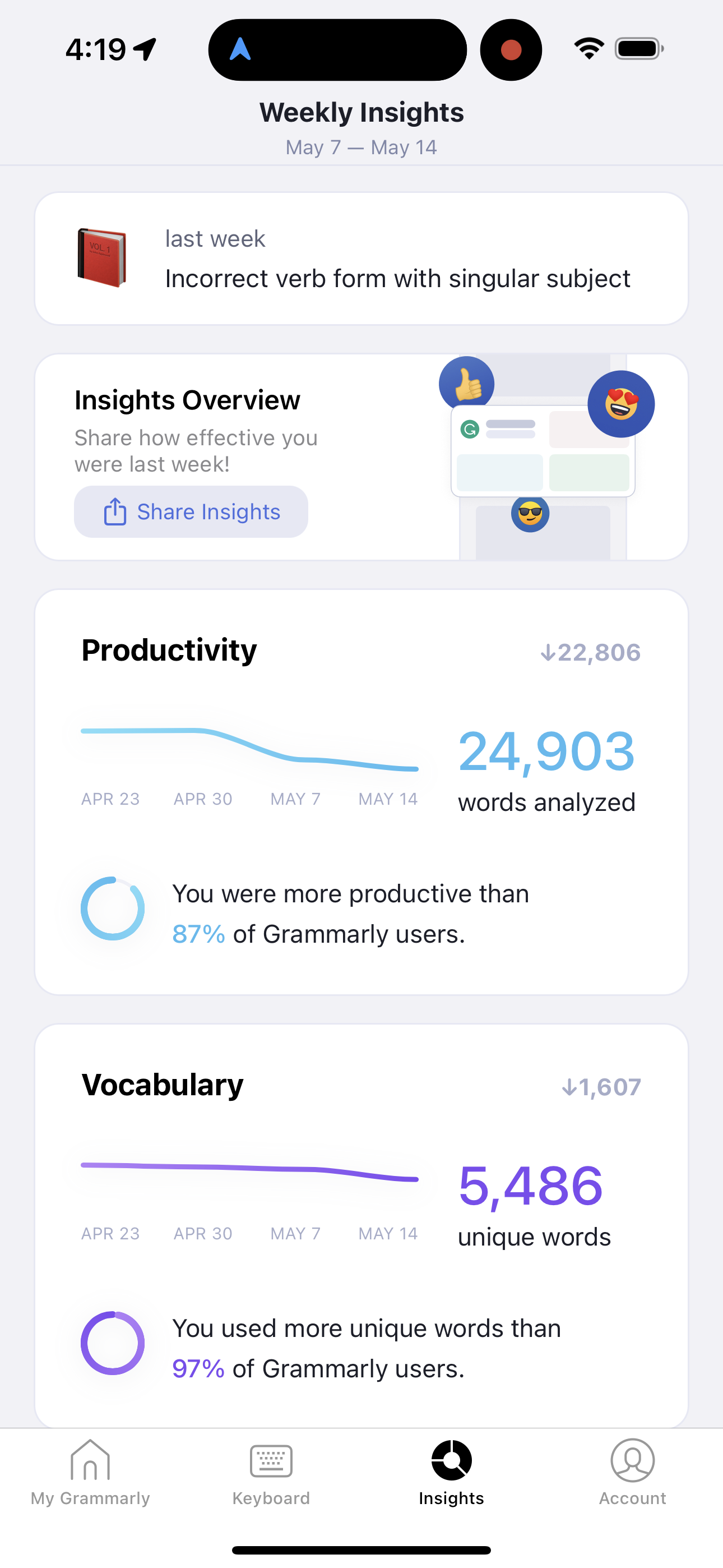
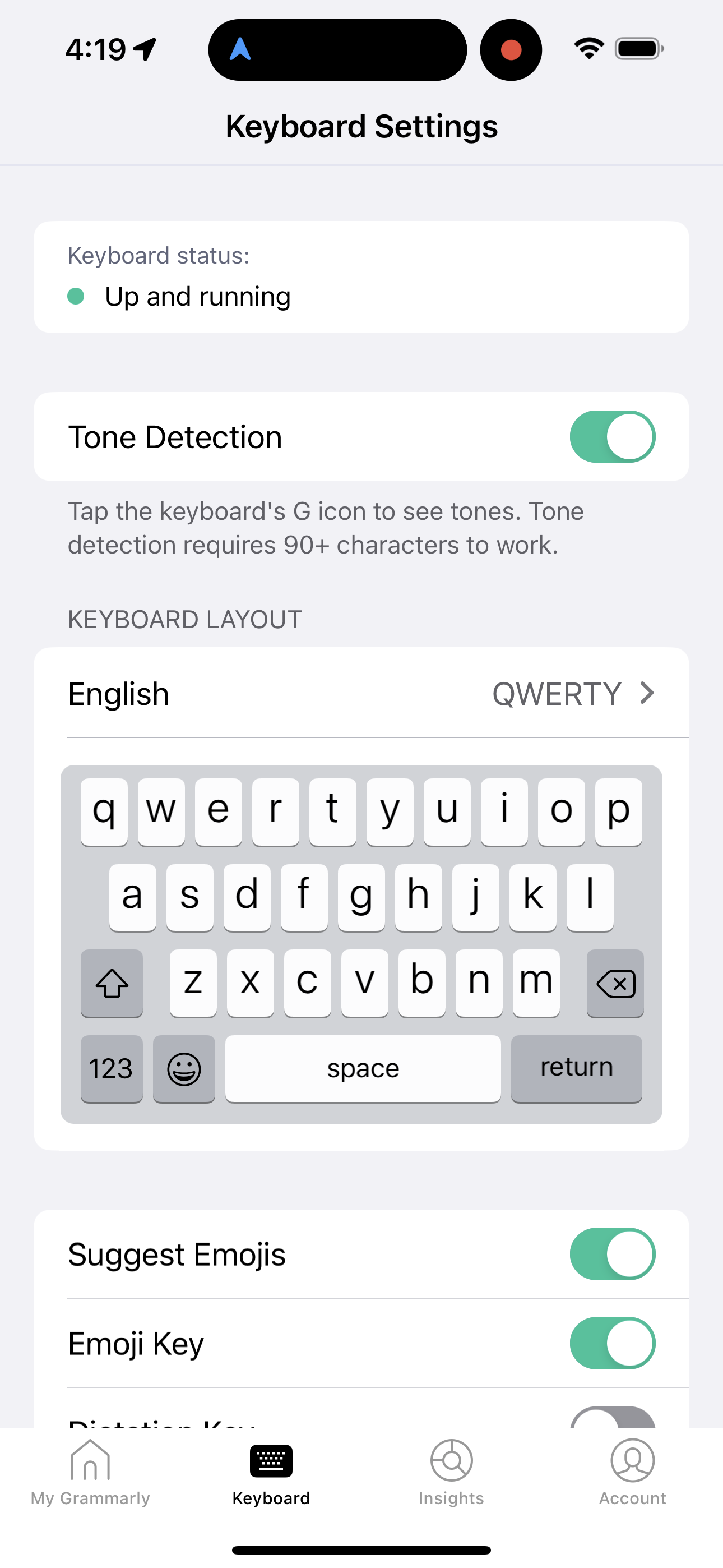
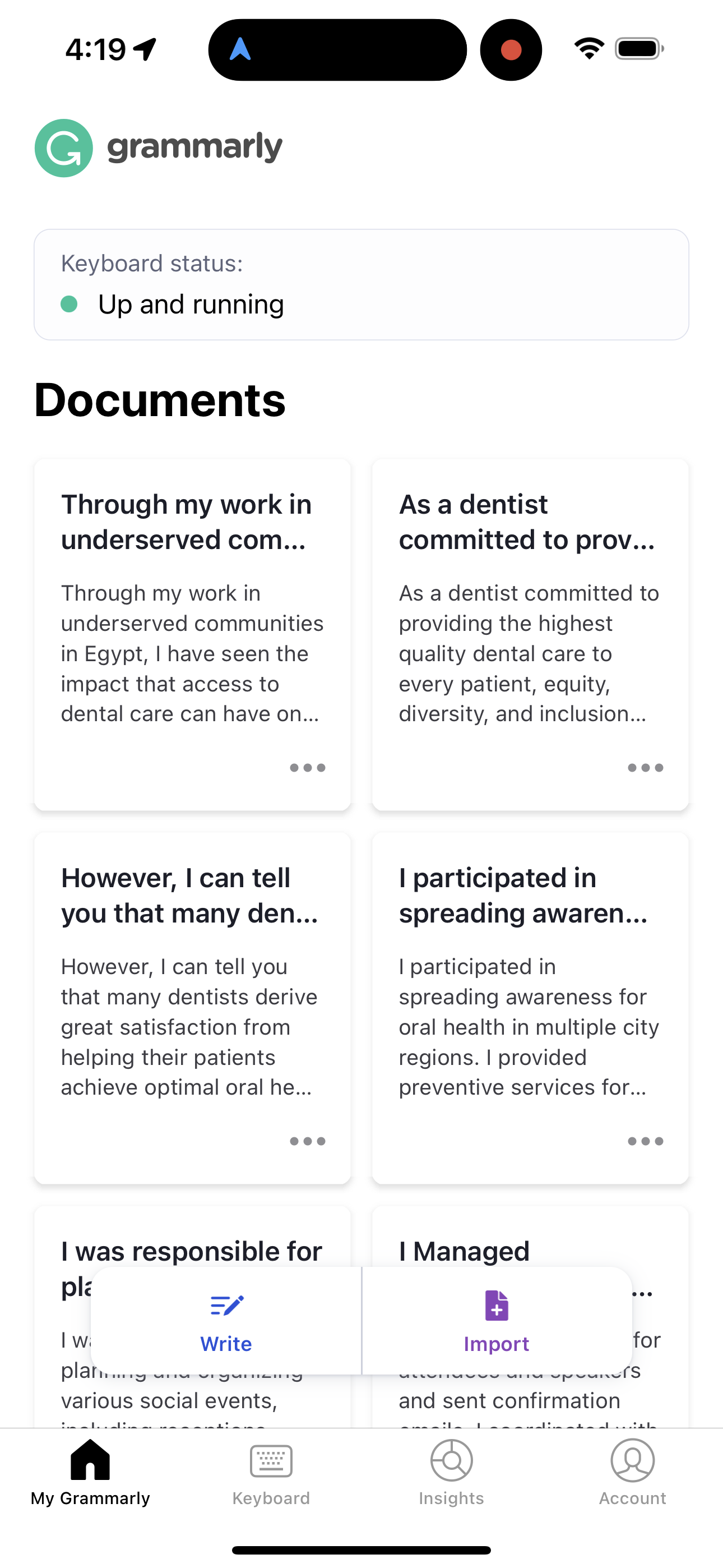
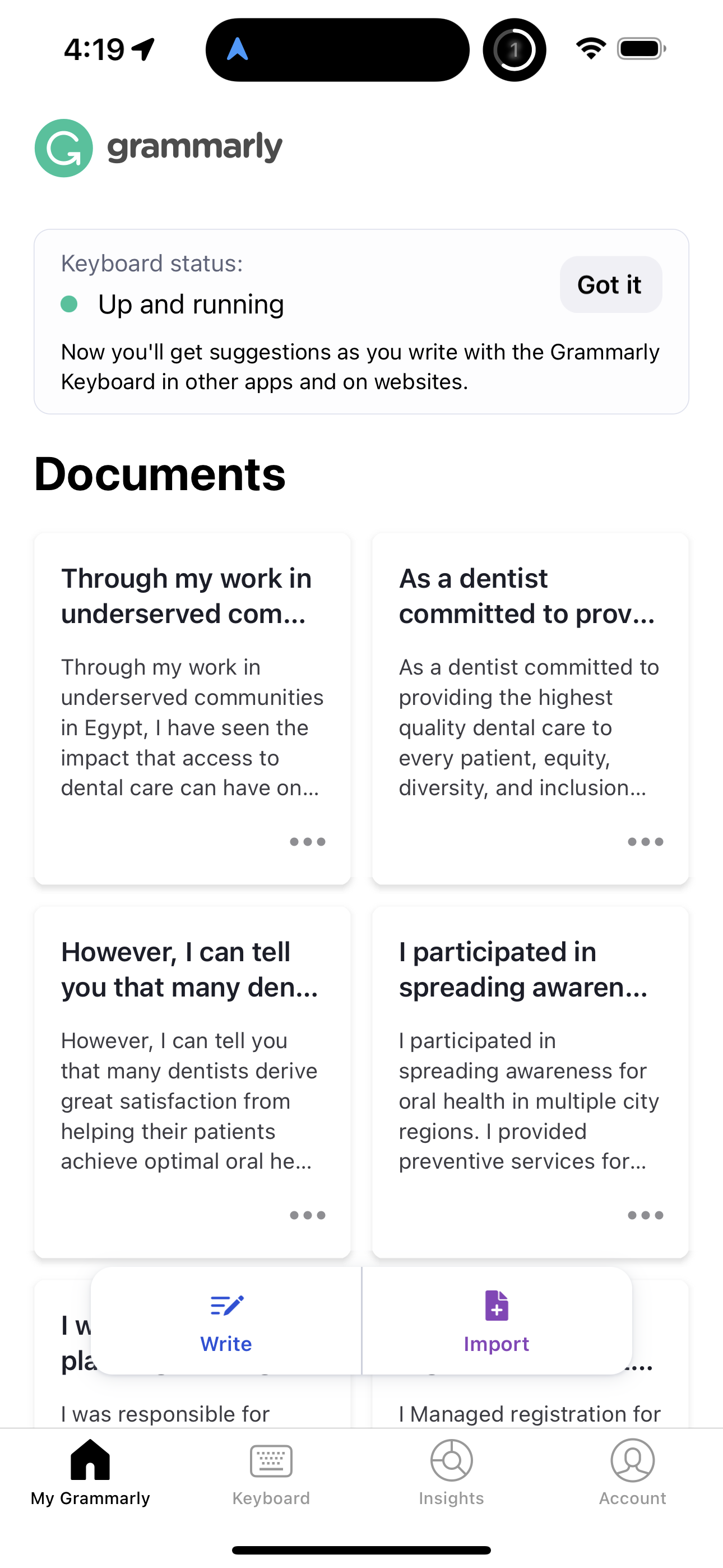
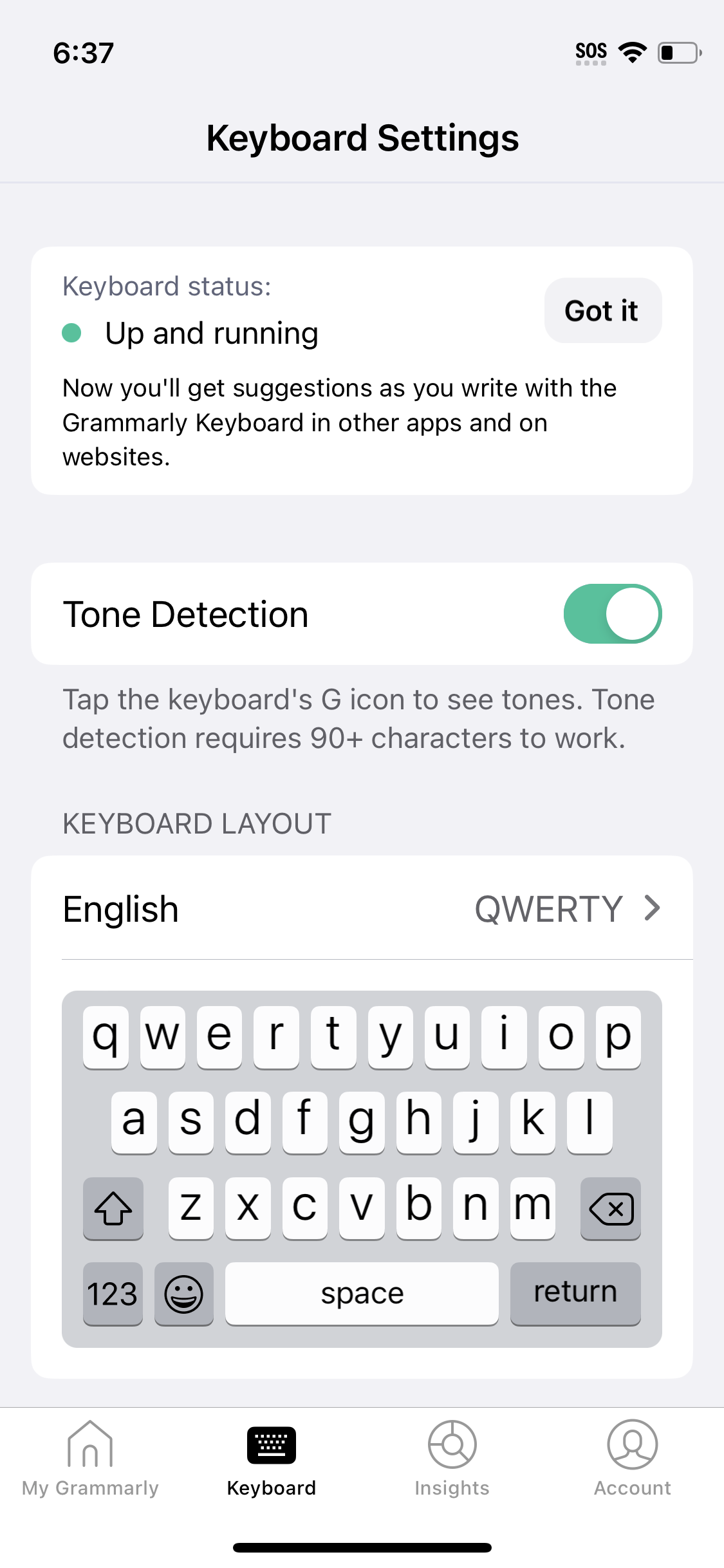
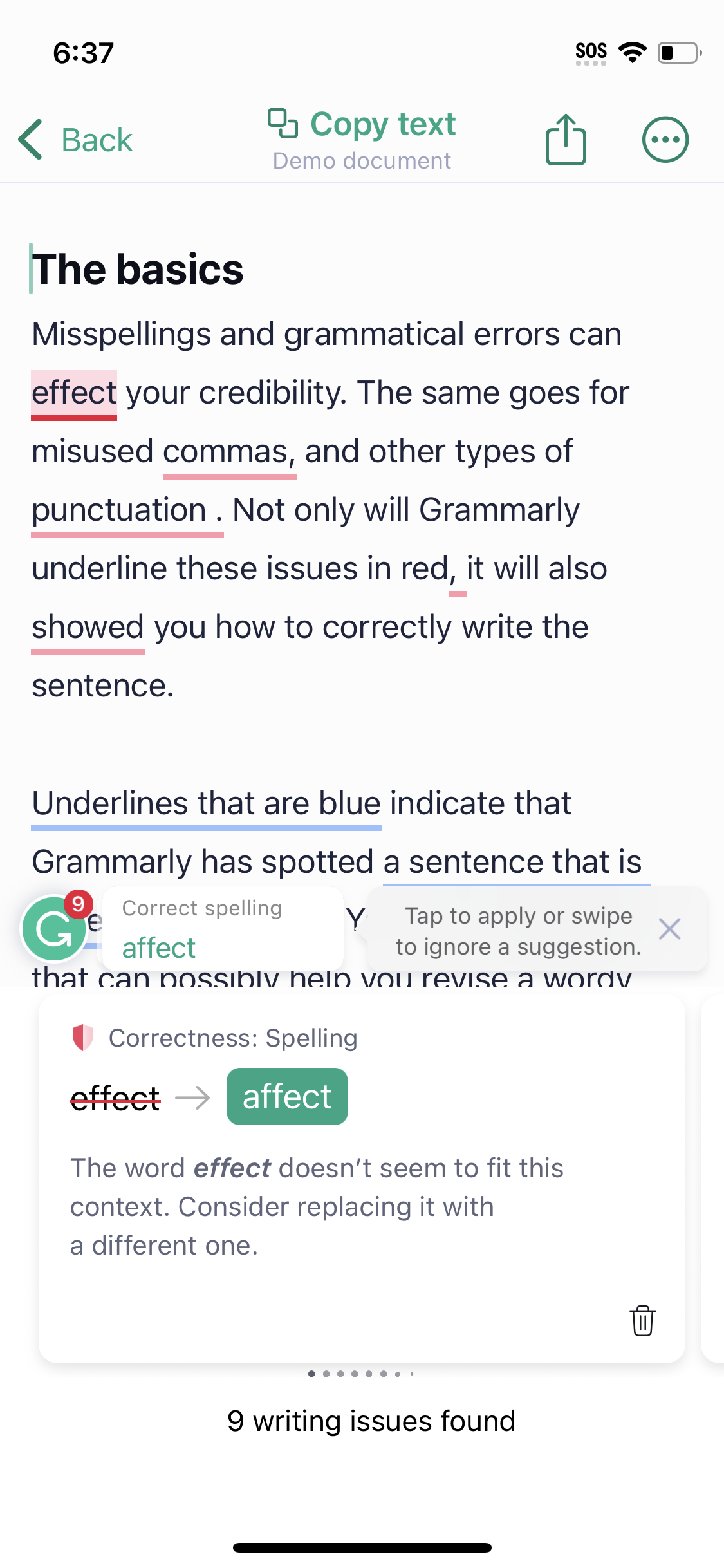
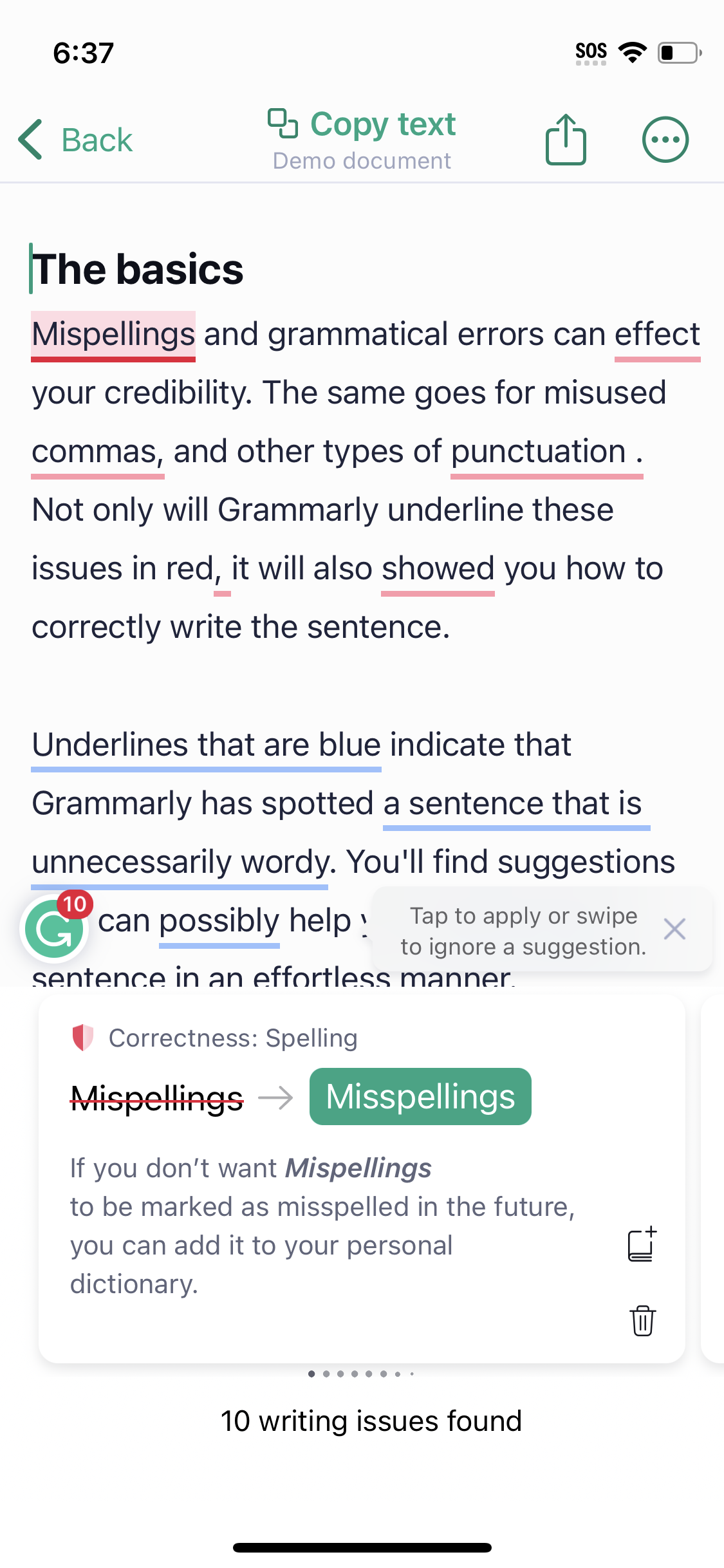
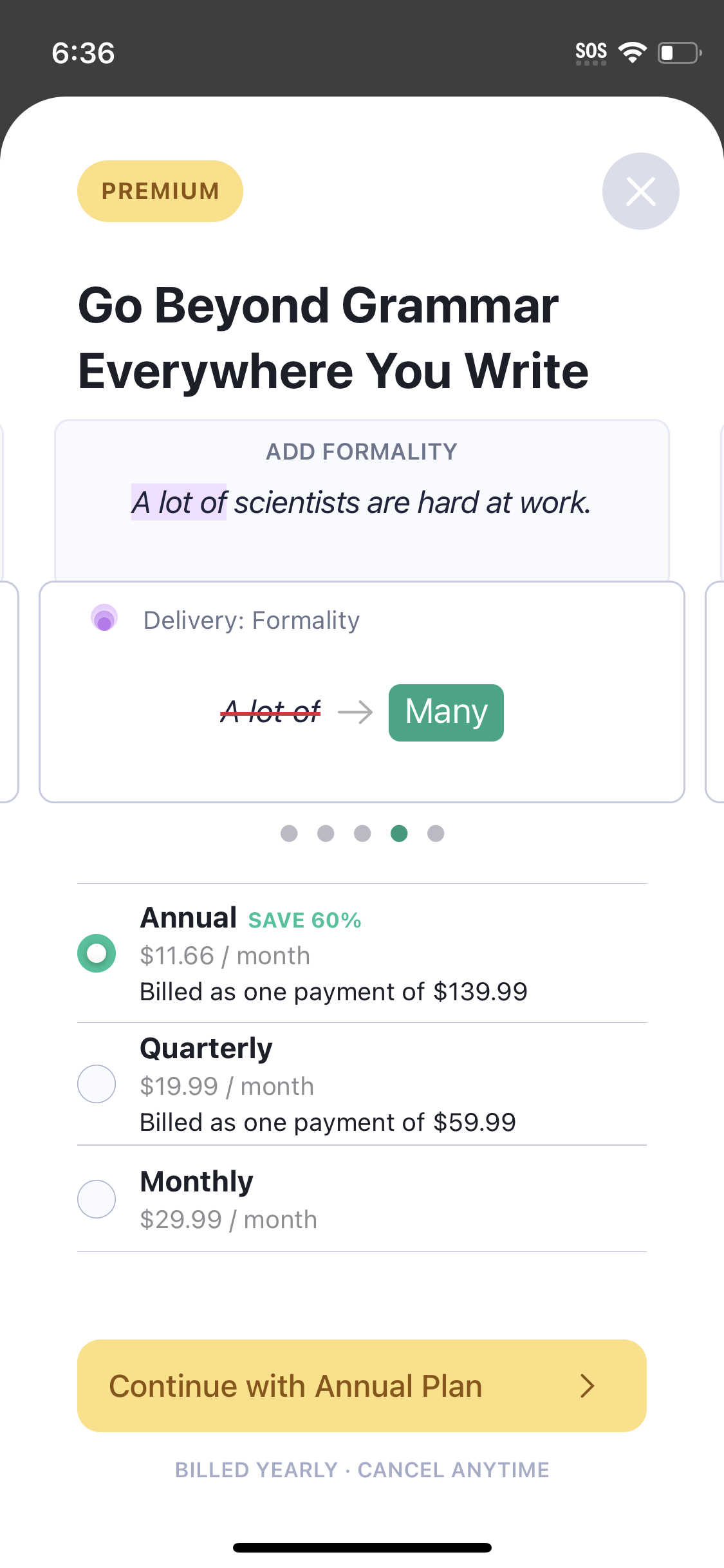
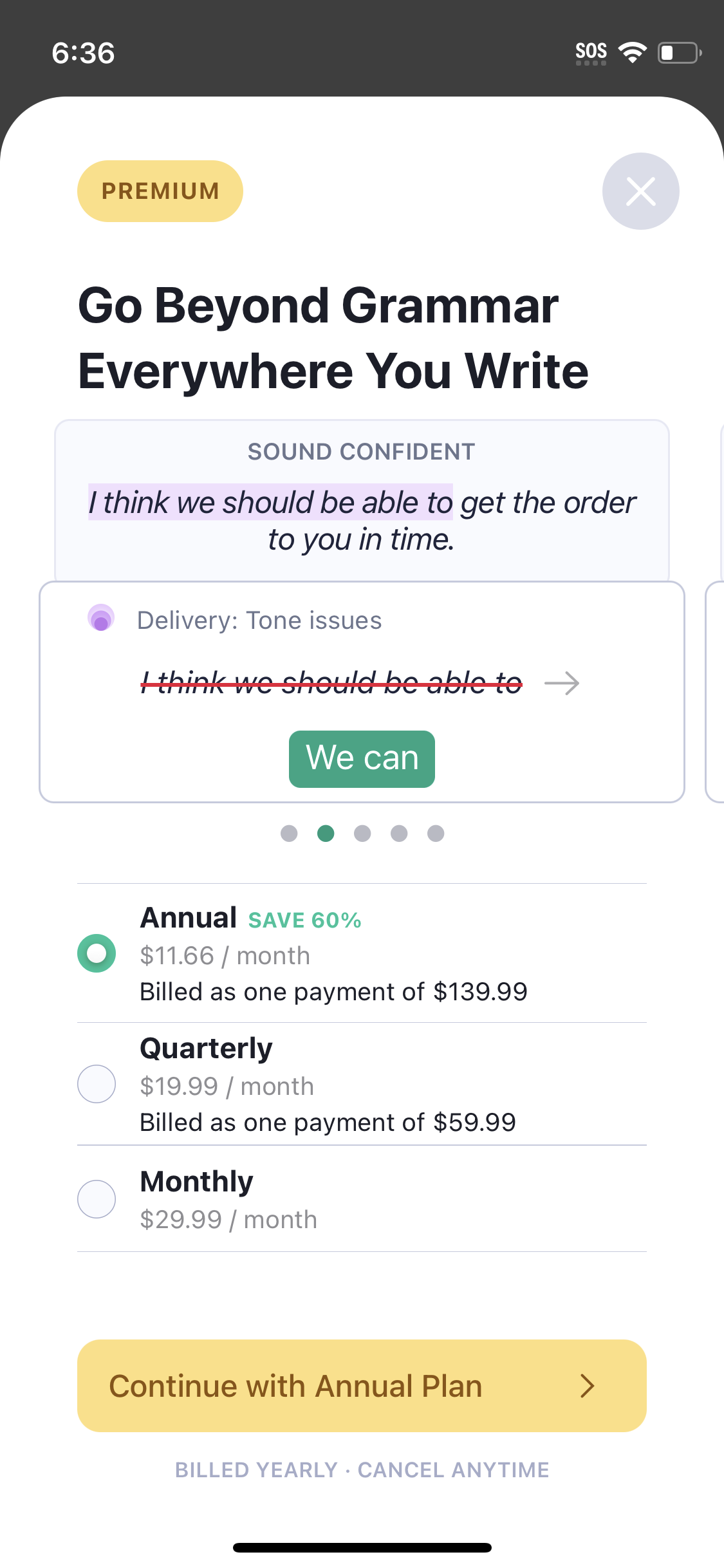
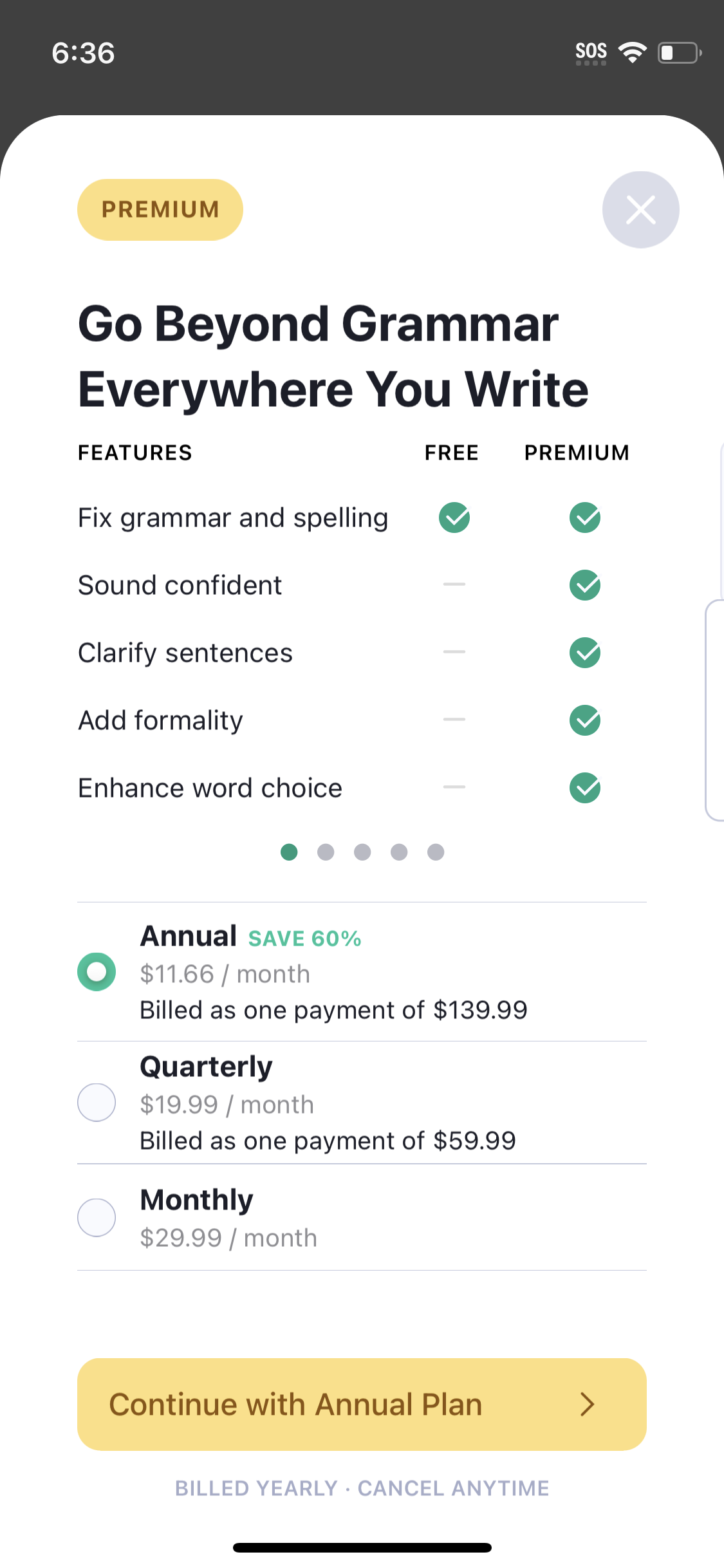
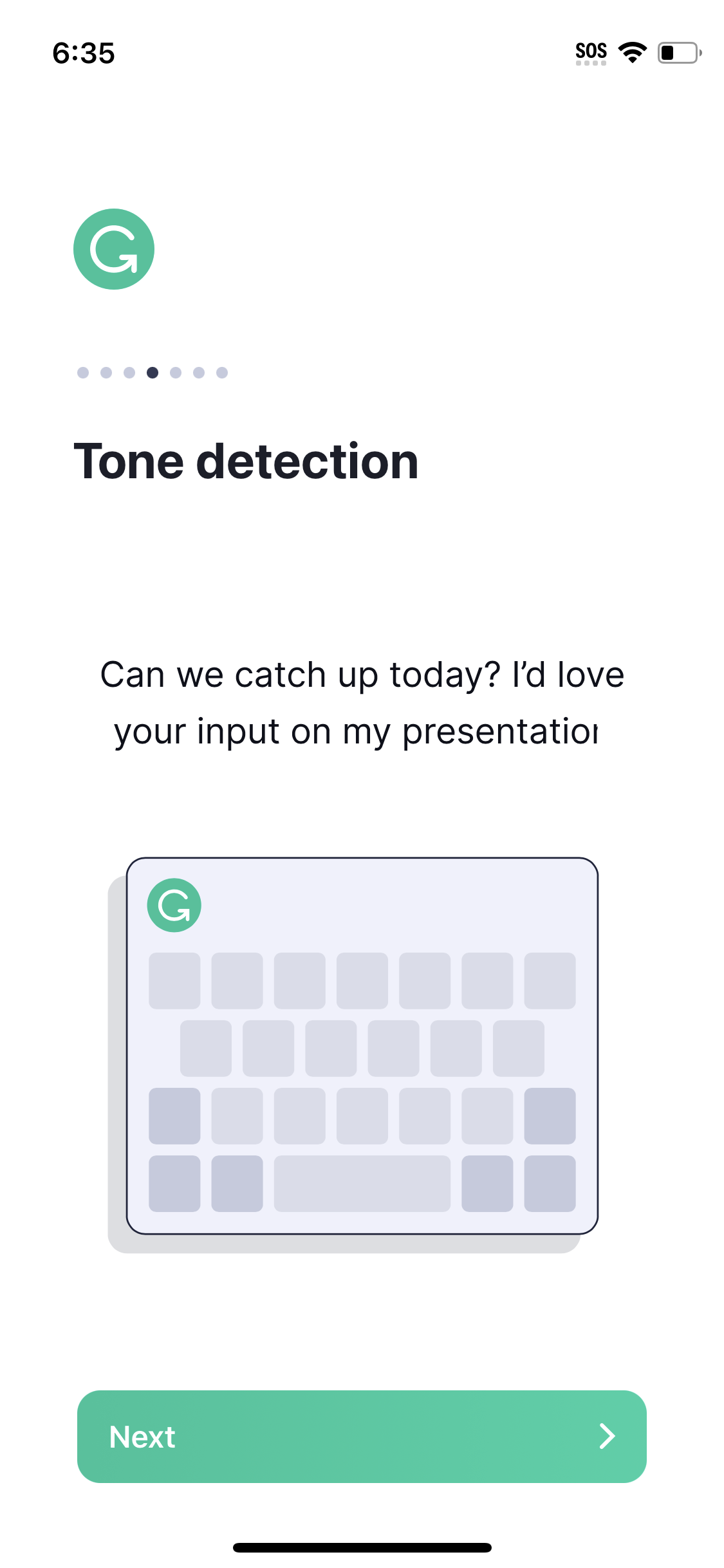
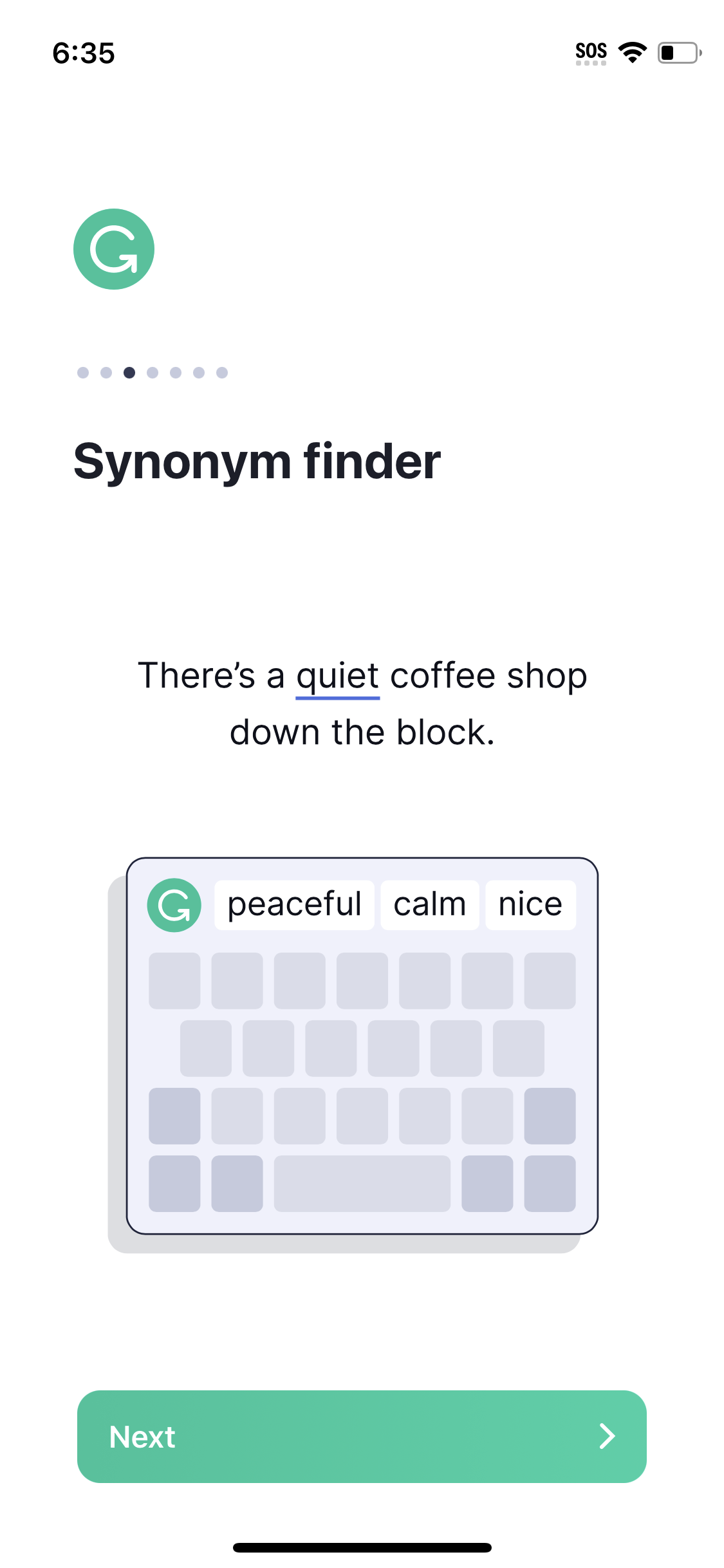
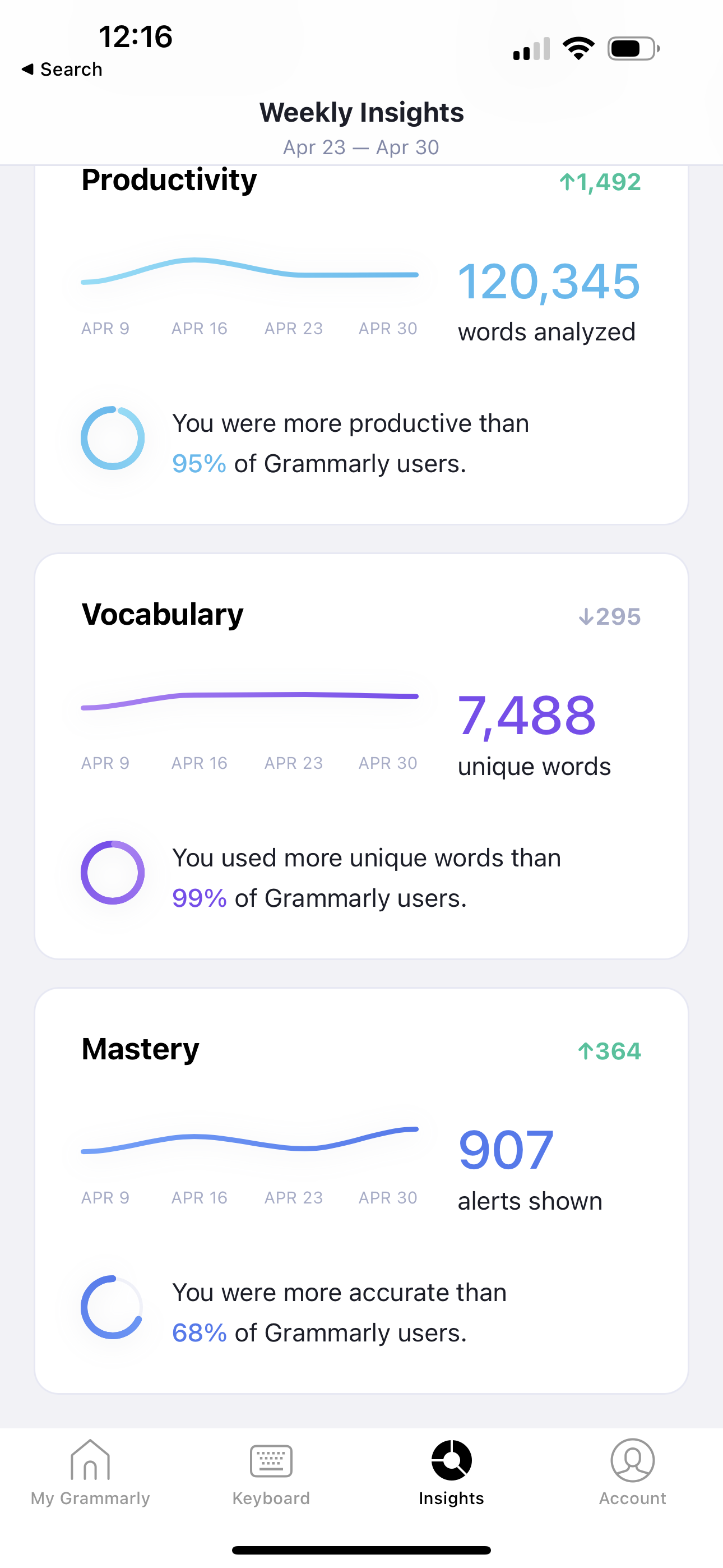
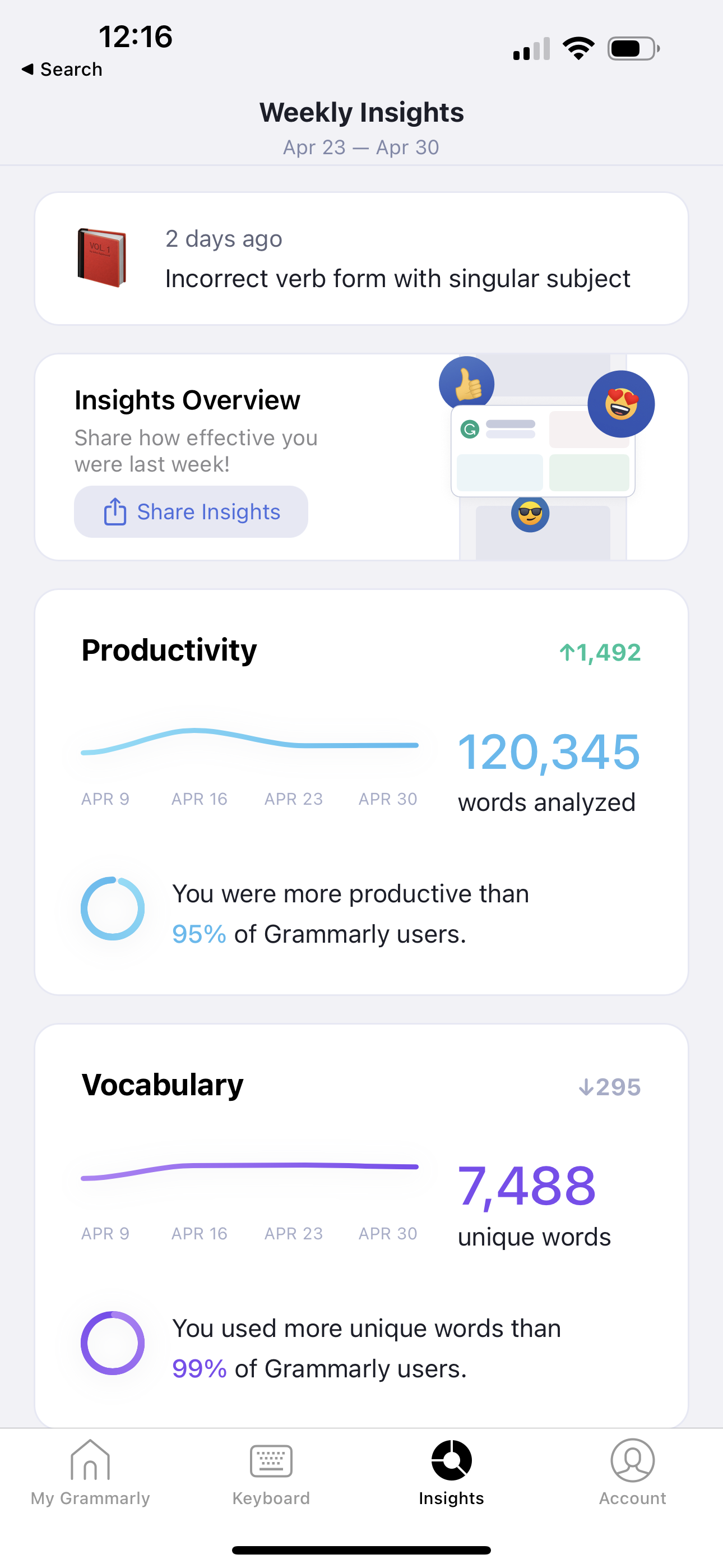
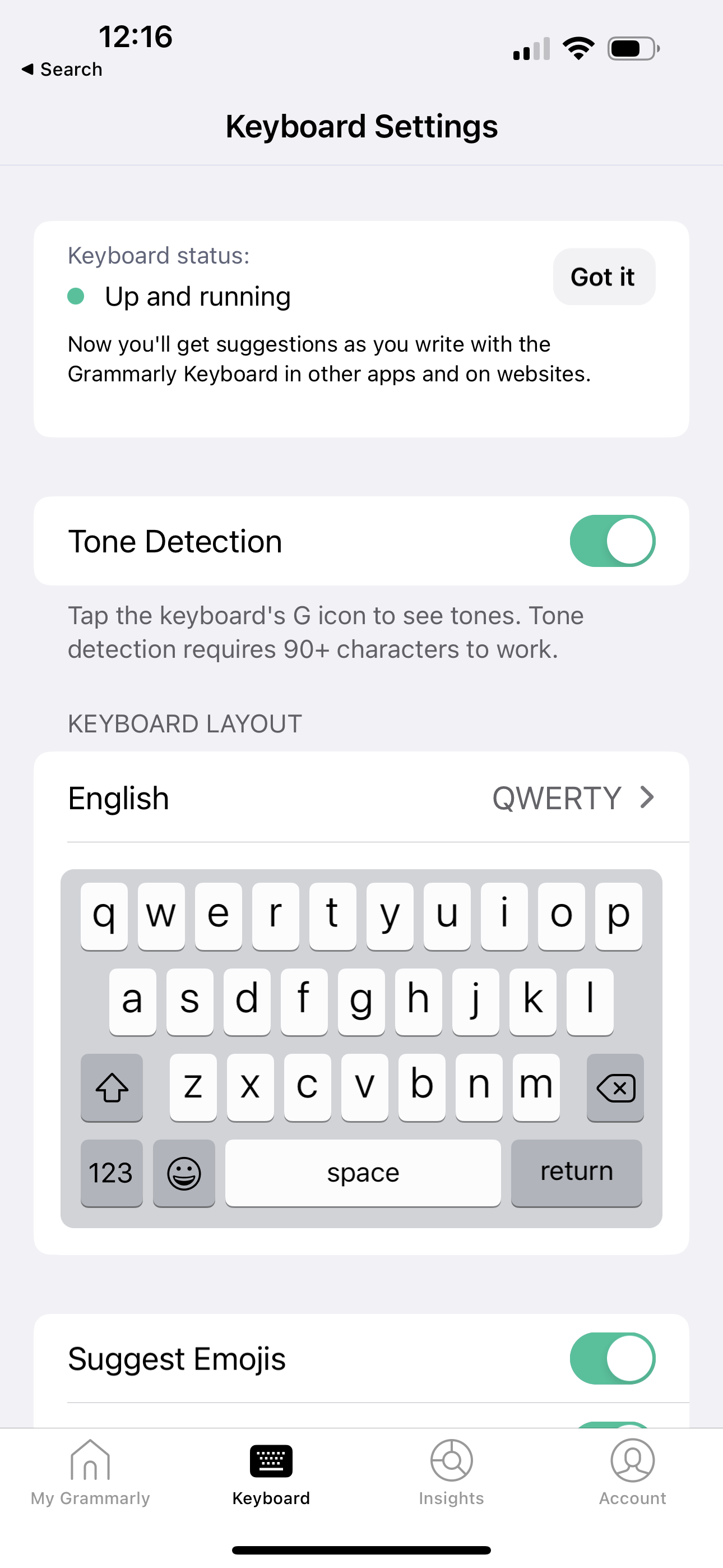
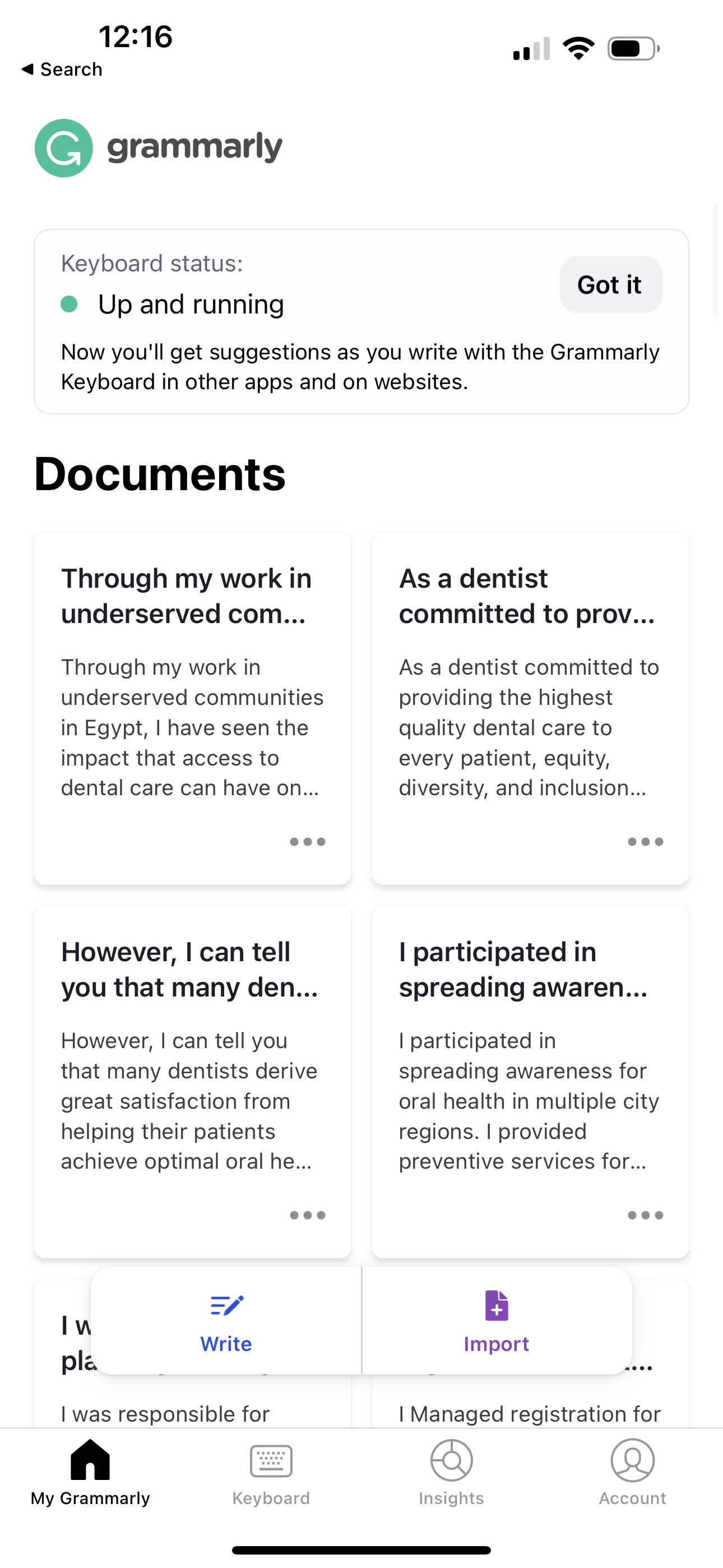
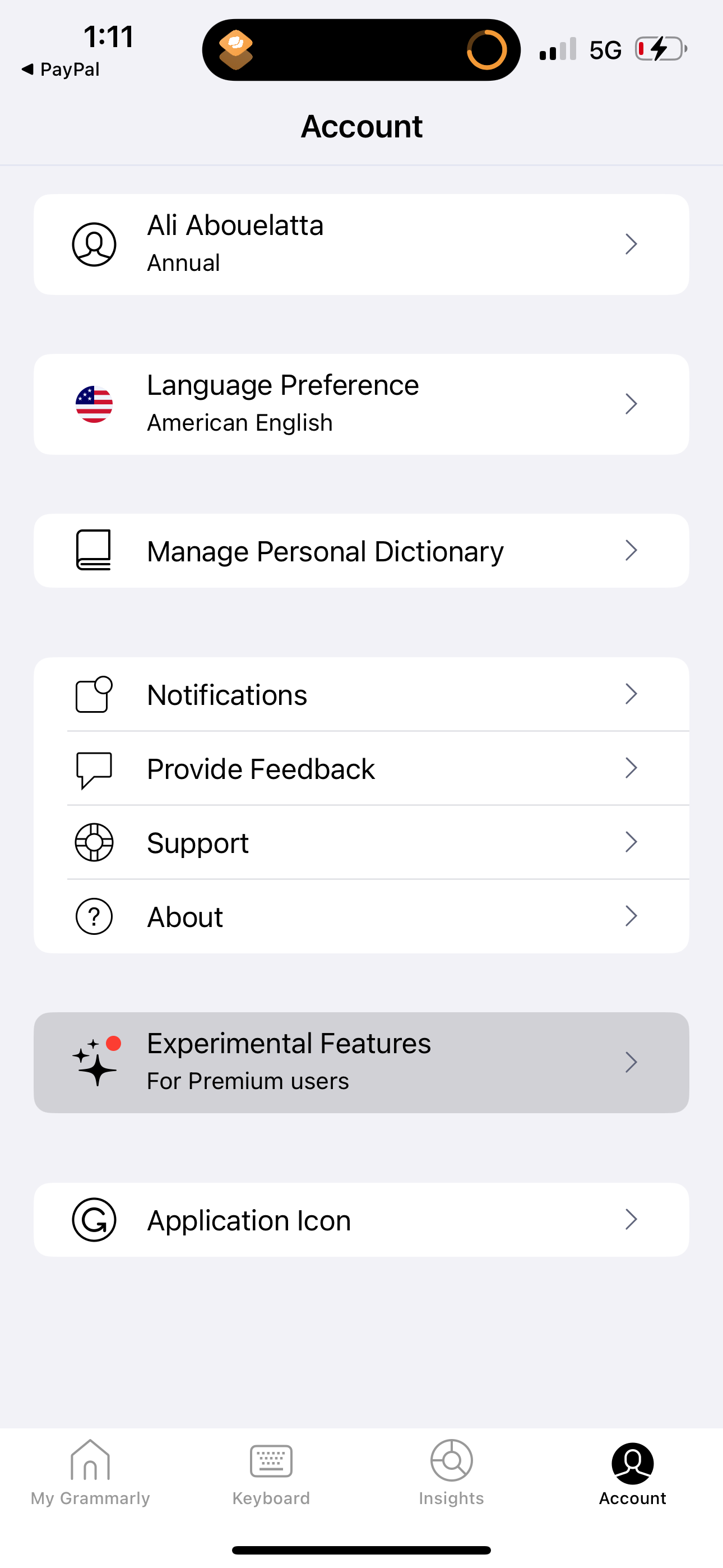
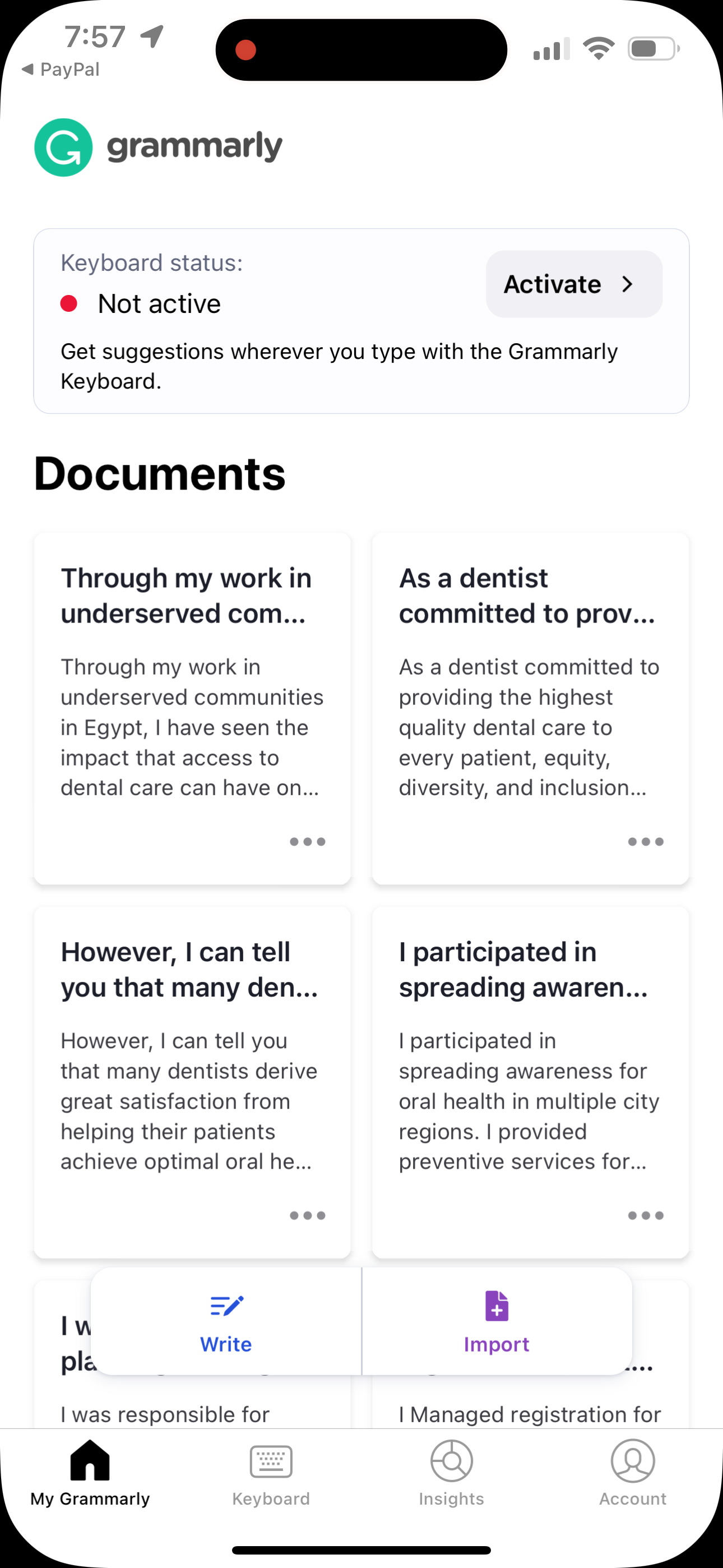
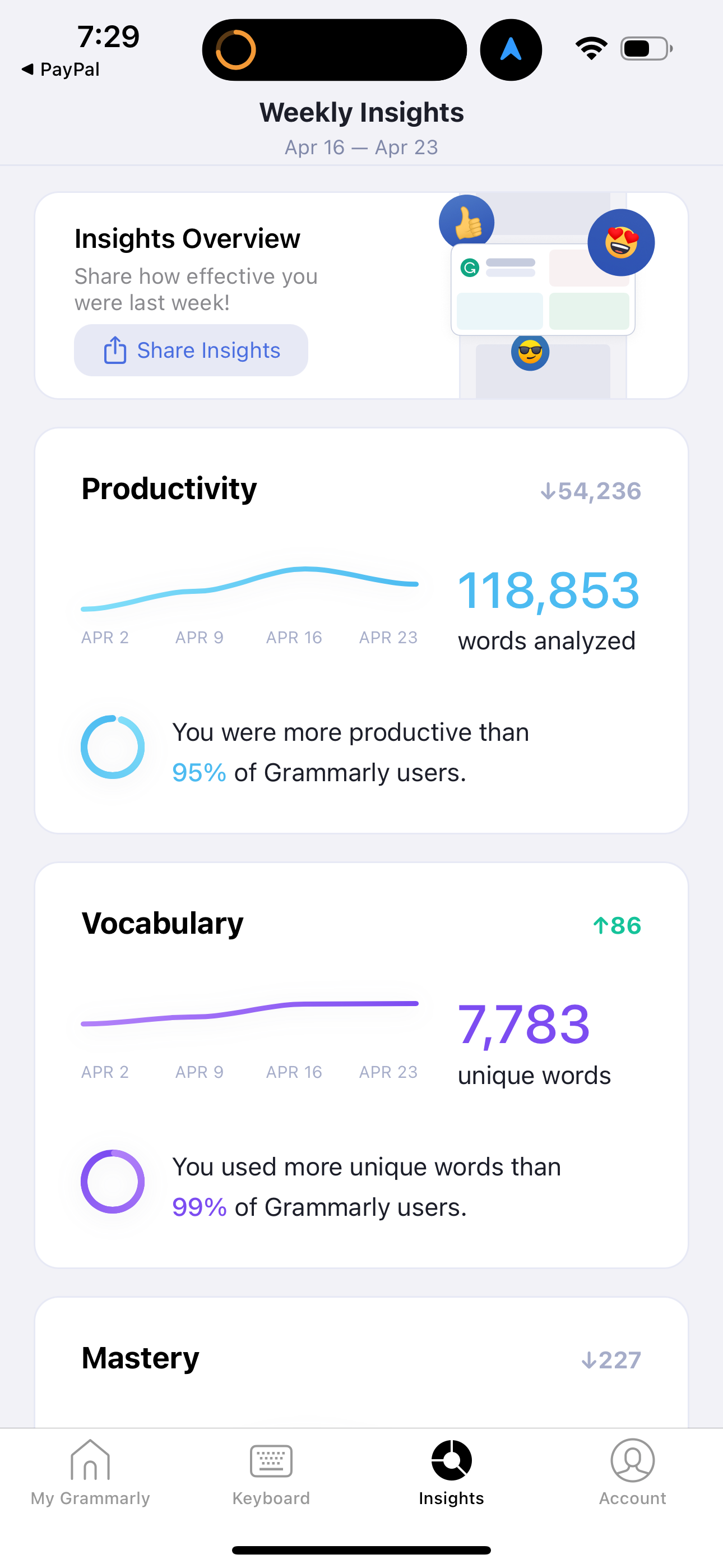
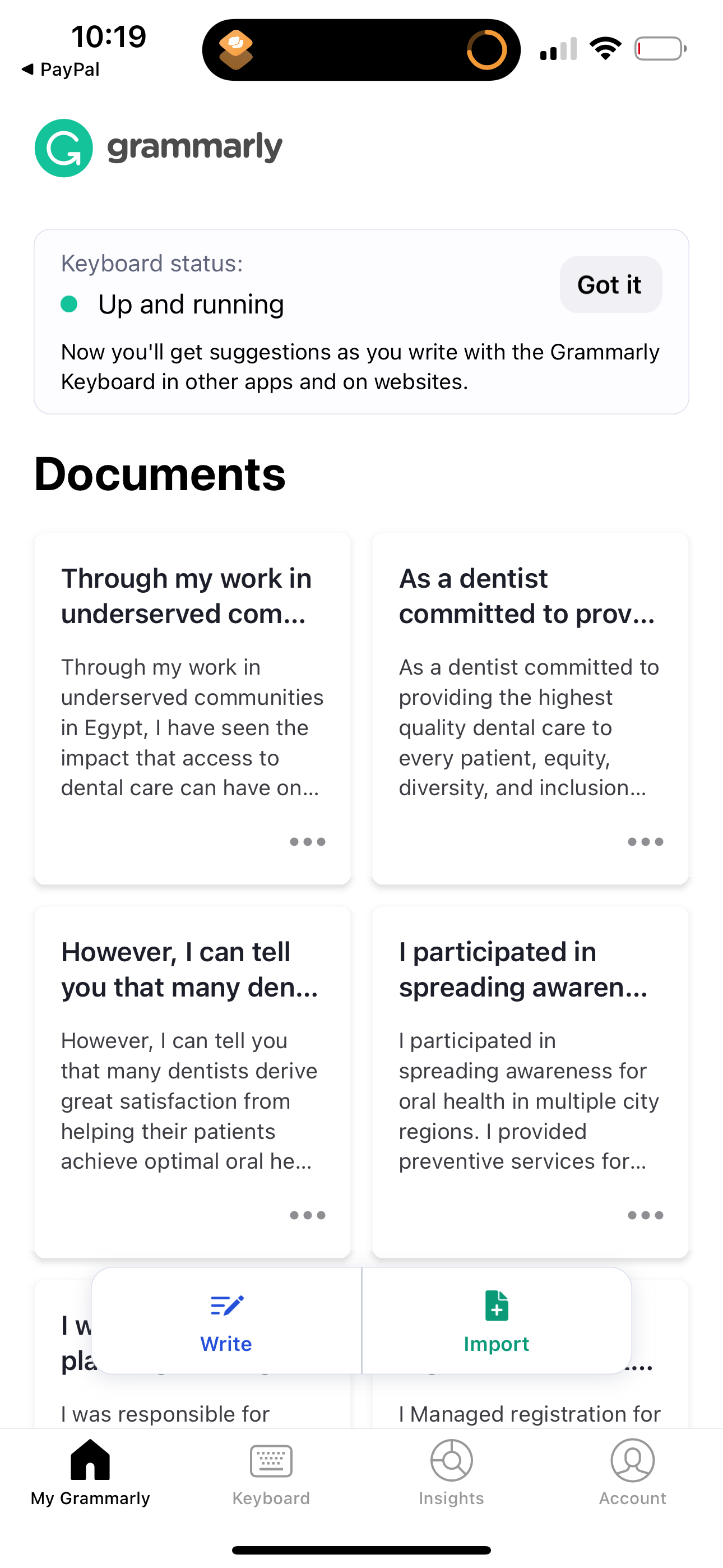
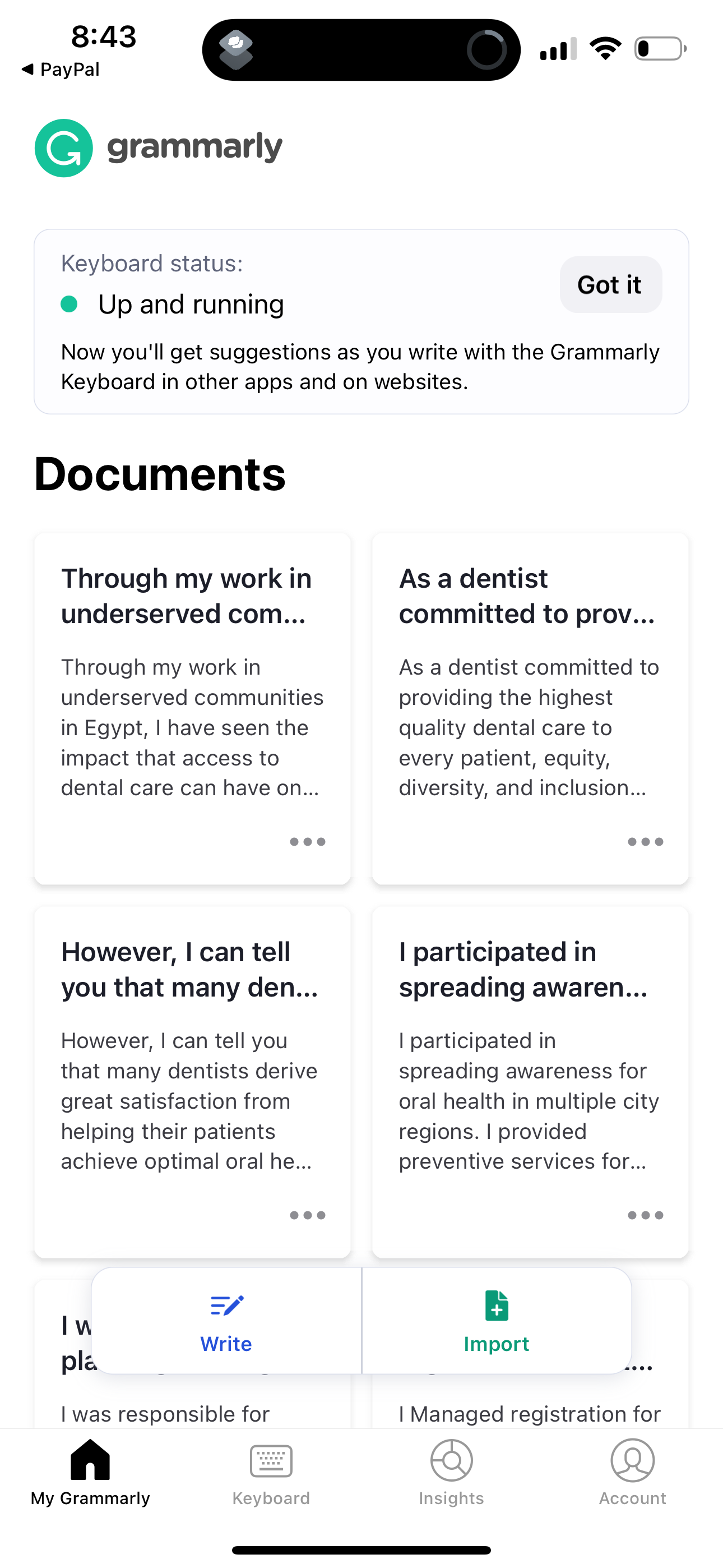
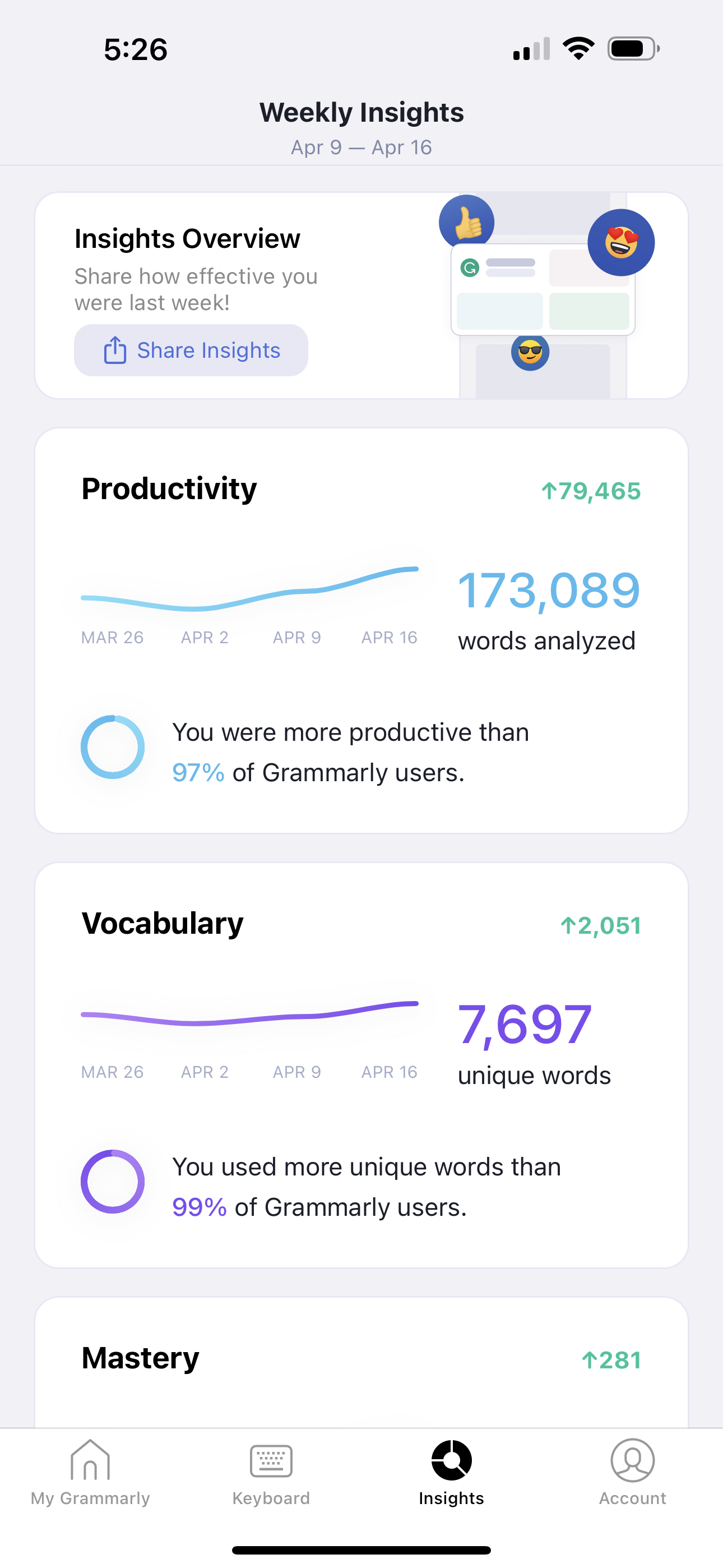
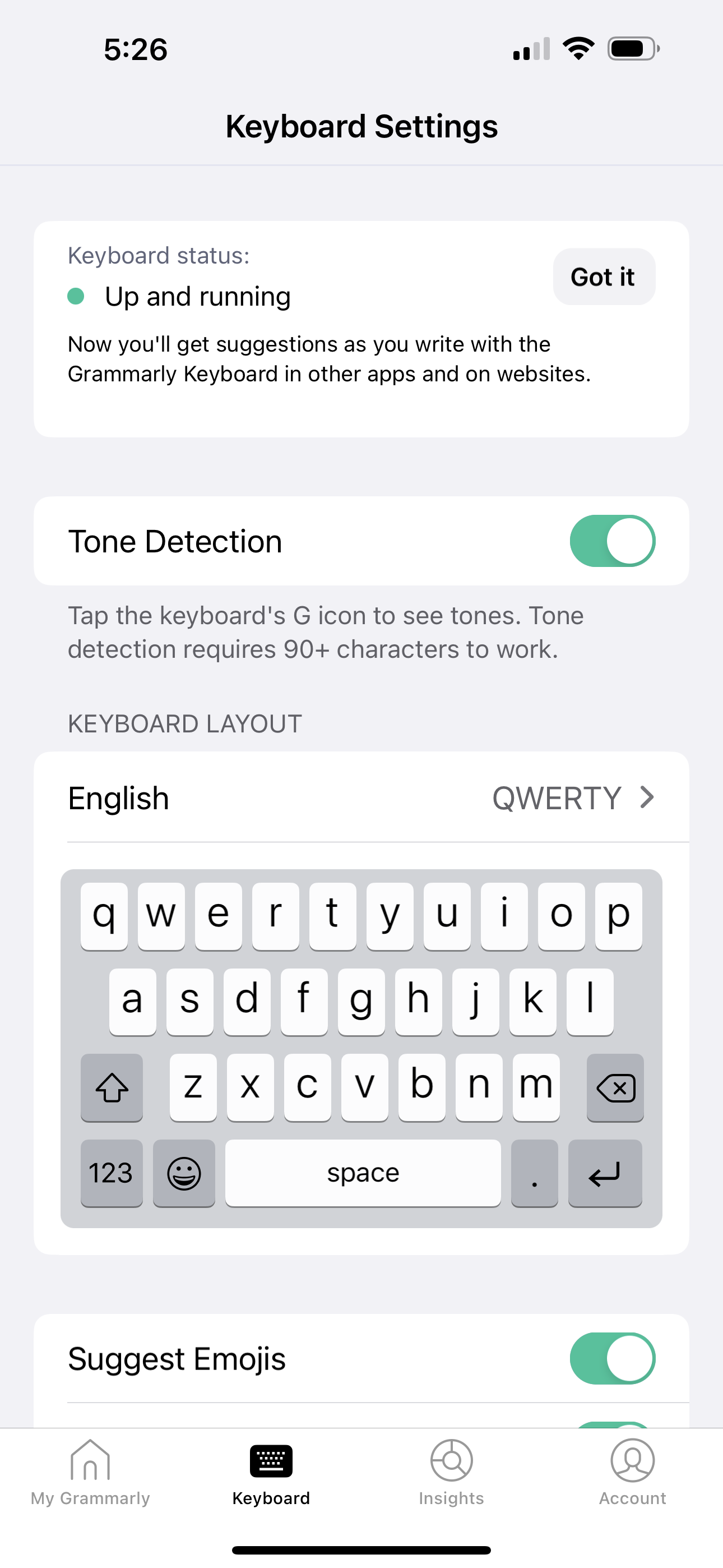
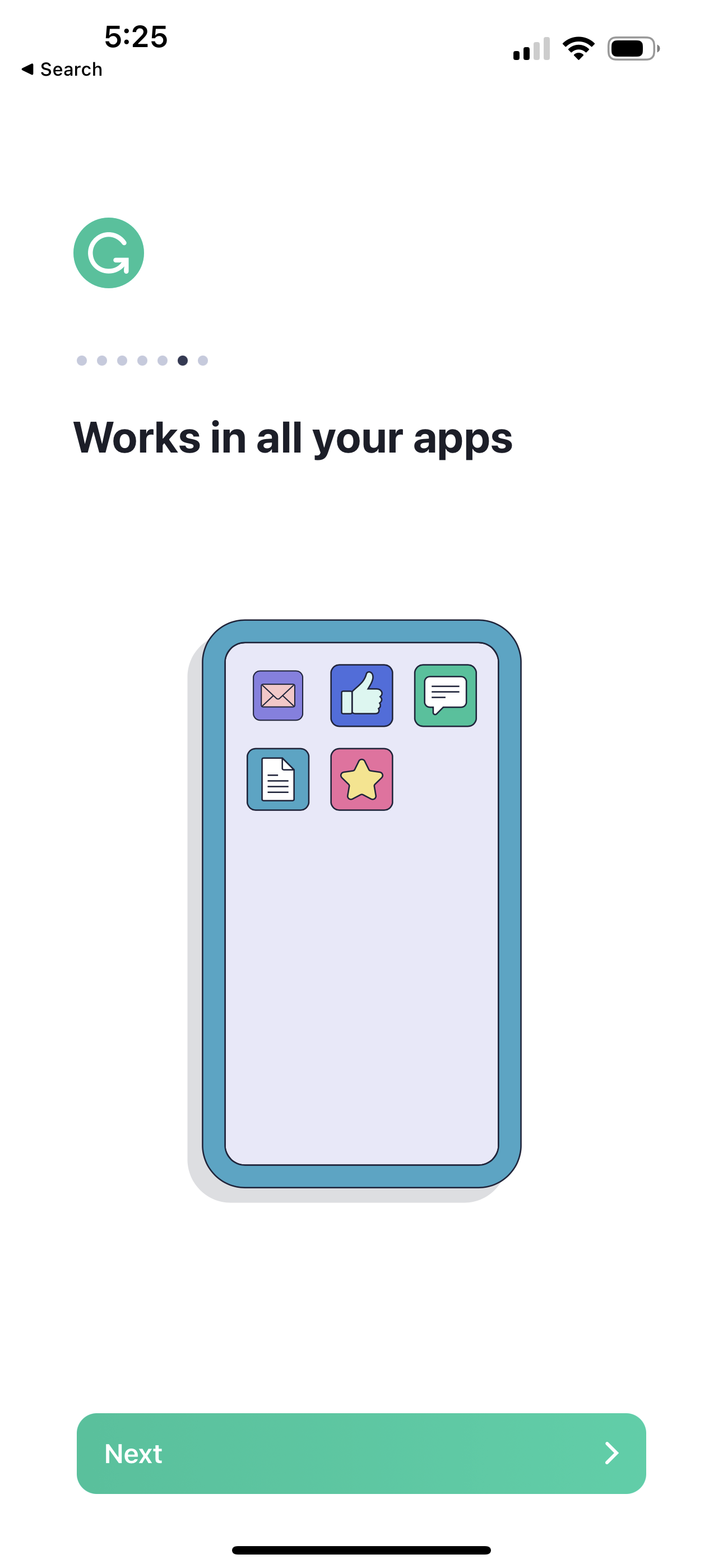
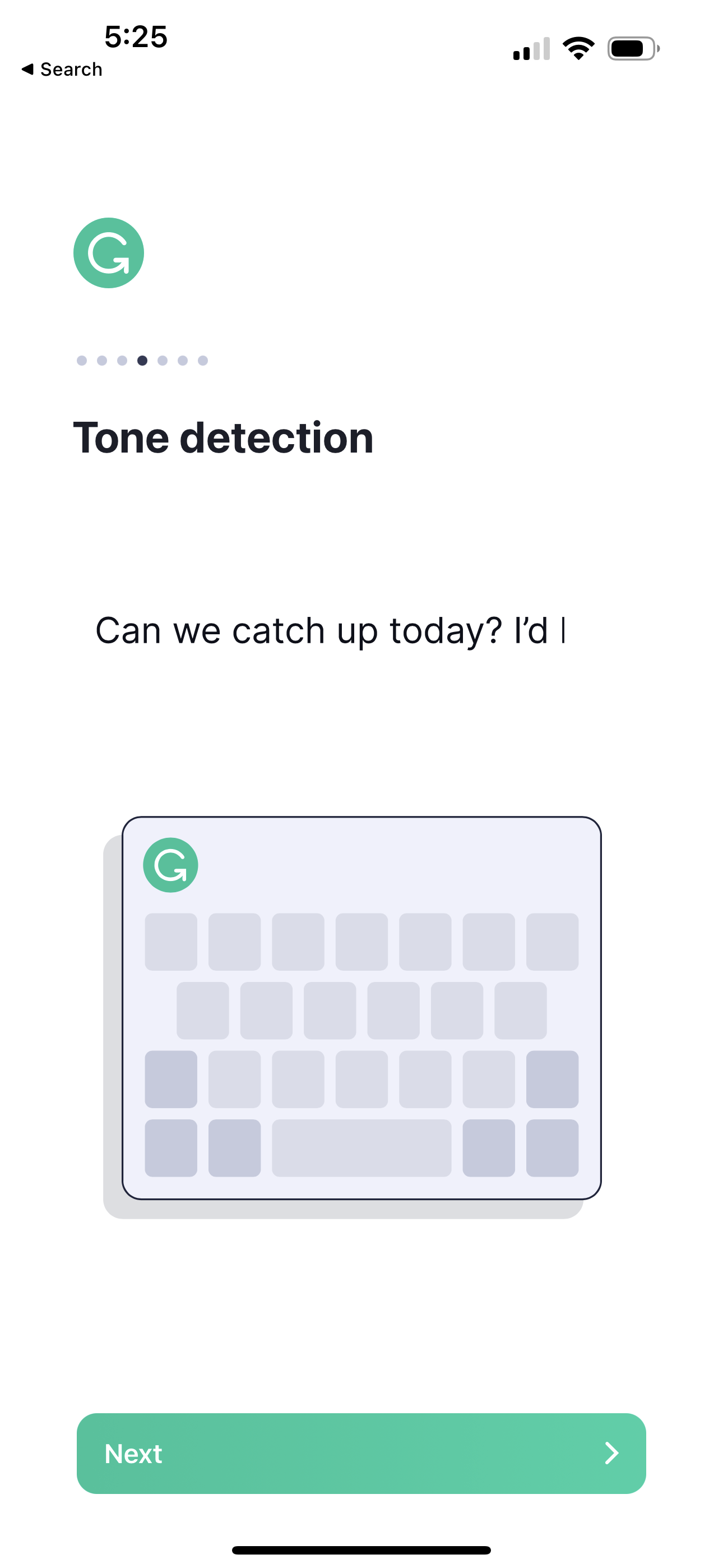
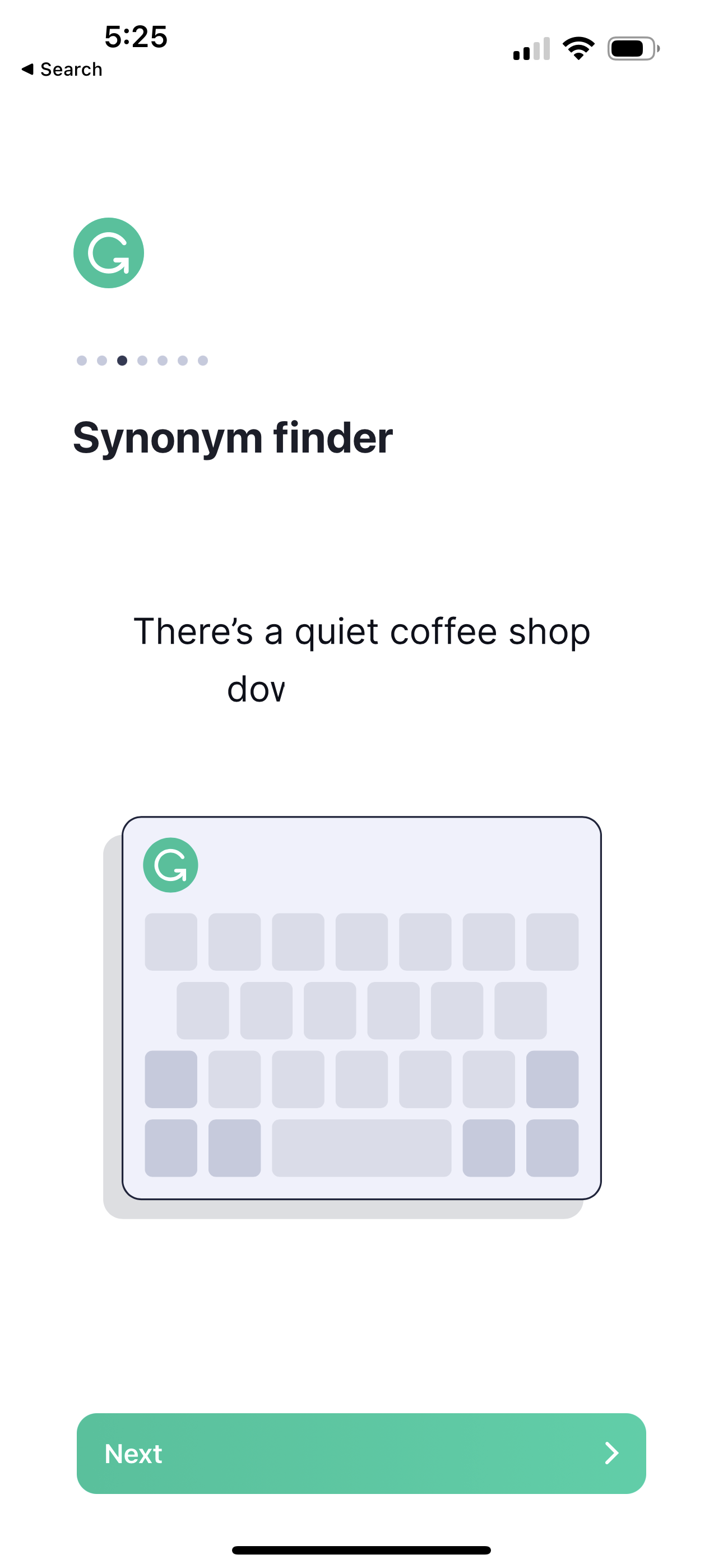
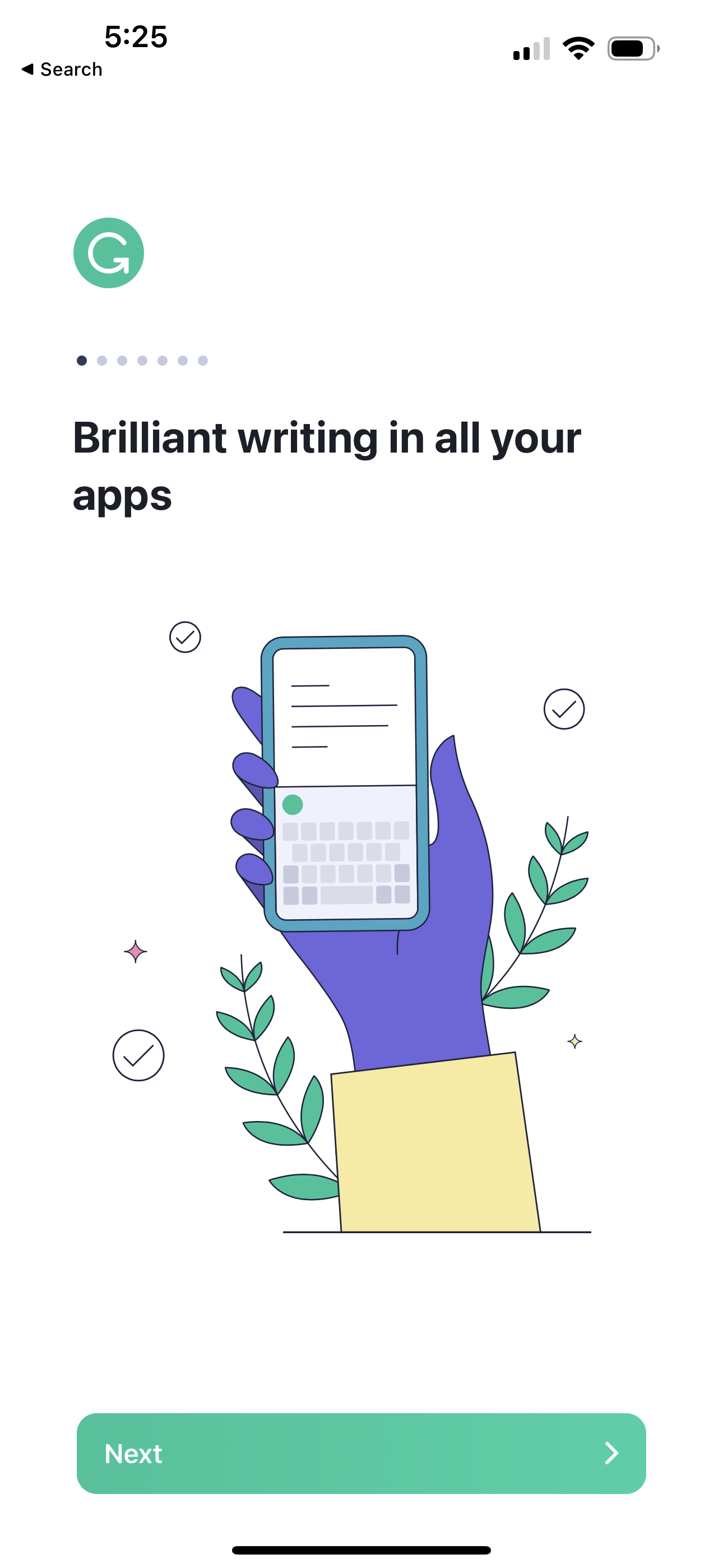
Instantly and easily create smart, polished writing with the Grammarly Keyboard. Designed to deliver real-time writing feedback and provide AI assistance, the Grammarly Keyboard works directly in your iPhone and iPad apps, no copy and paste required. When you join the millions of people using the Grammarly Keyboard, you’ll benefit from: An easy-to-use AI keyboard that works in all your apps - Spelling, grammar, and conciseness suggestions - Vocabulary and clarity recommendations (Premium only) - Tone detection - Tone transformations (Premium only) - Multiword text predictions - Smart autocorrect and swipe typing - Emoji predictions and search bar Generative AI Rewrites - New versions of your entire message in a couple of taps - Versions adjust for length, fluency, tone, and more - Works in all your favorite apps A document editor for long-form writing - Comprehensive writing feedback - Cloud-based document management - Personal writing statistics - Plagiarism and AI detection - Compatible with hardware keyboards A Safari extension for typing on websites - Spelling and grammar checker Further Improve Your Writing With Grammarly Premium Grammarly Premium makes your writing more engaging and effective with advanced suggestions for clarity, conciseness, tone, and vocabulary. Premium works across all your devices; just sign in to enjoy its benefits.
Compare competitors with Lazyweb
Search every screen, flow, and UX pattern in one place.