Download App
Company library
google-maps logo

google-maps screenshots

Explore up to date search, reviews, wishlist, referral, and dashboard flows from google-maps and more on Lazyweb.

search, reviews, wishlist, referral, and dashboard flows 142 screens App screenshots

google-maps app screenshots and user flows

Browse google-maps app screenshots, user flow examples, and UI patterns. Explore search, reviews, wishlist, referral, and dashboard flows for competitive app analysis and design benchmarking with Lazyweb.

Lazyweb is a library of mobile app screenshots, user flow examples, UI patterns, and product design patterns for competitive app analysis and design benchmarking.

Screenshots

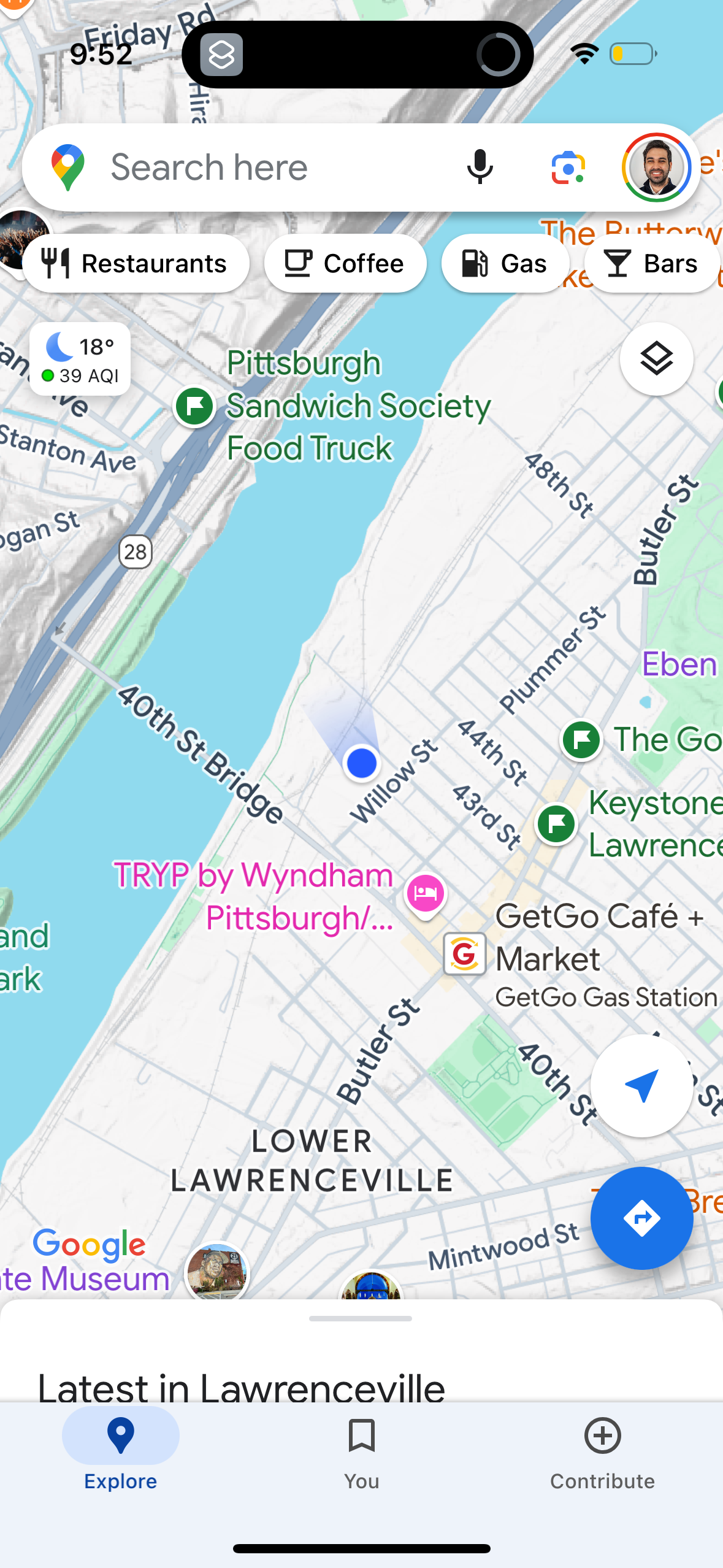
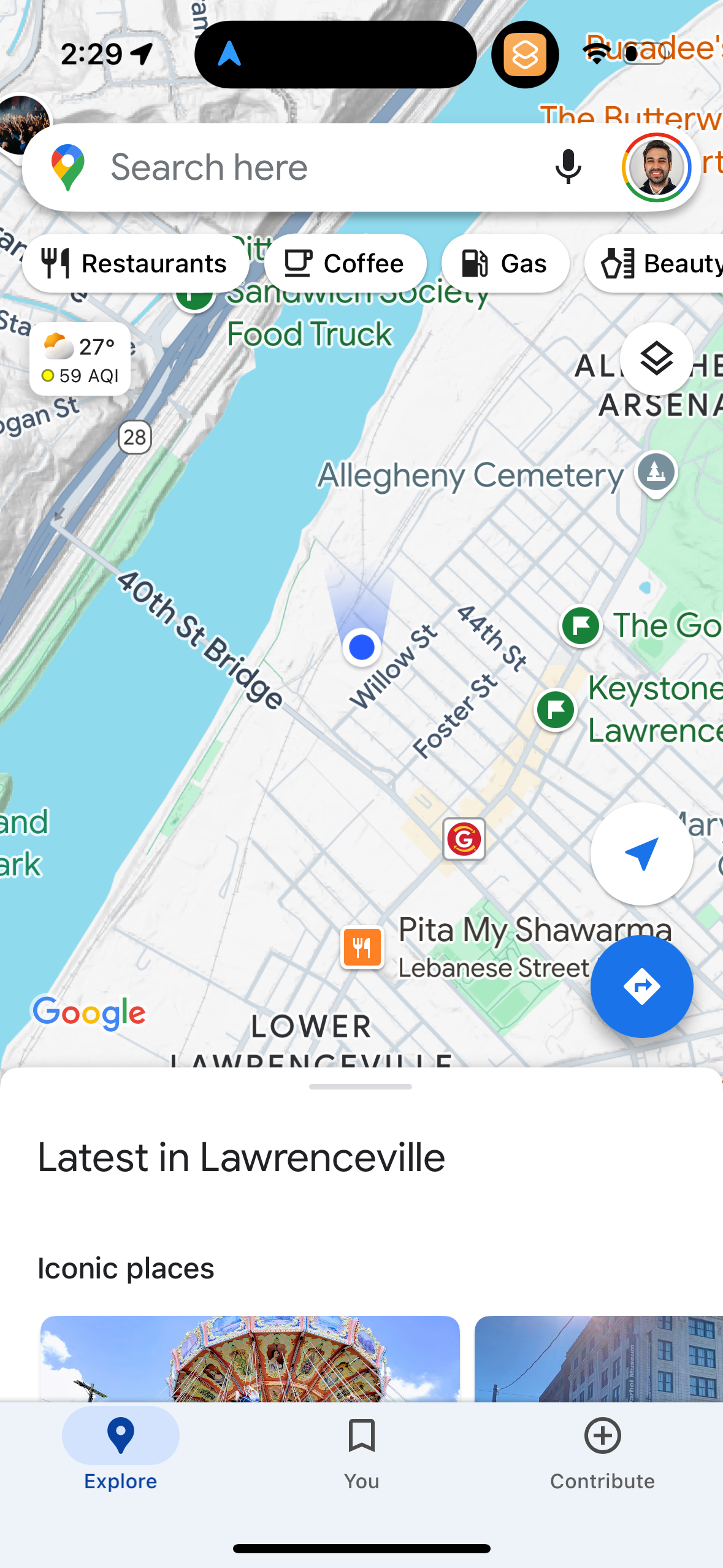
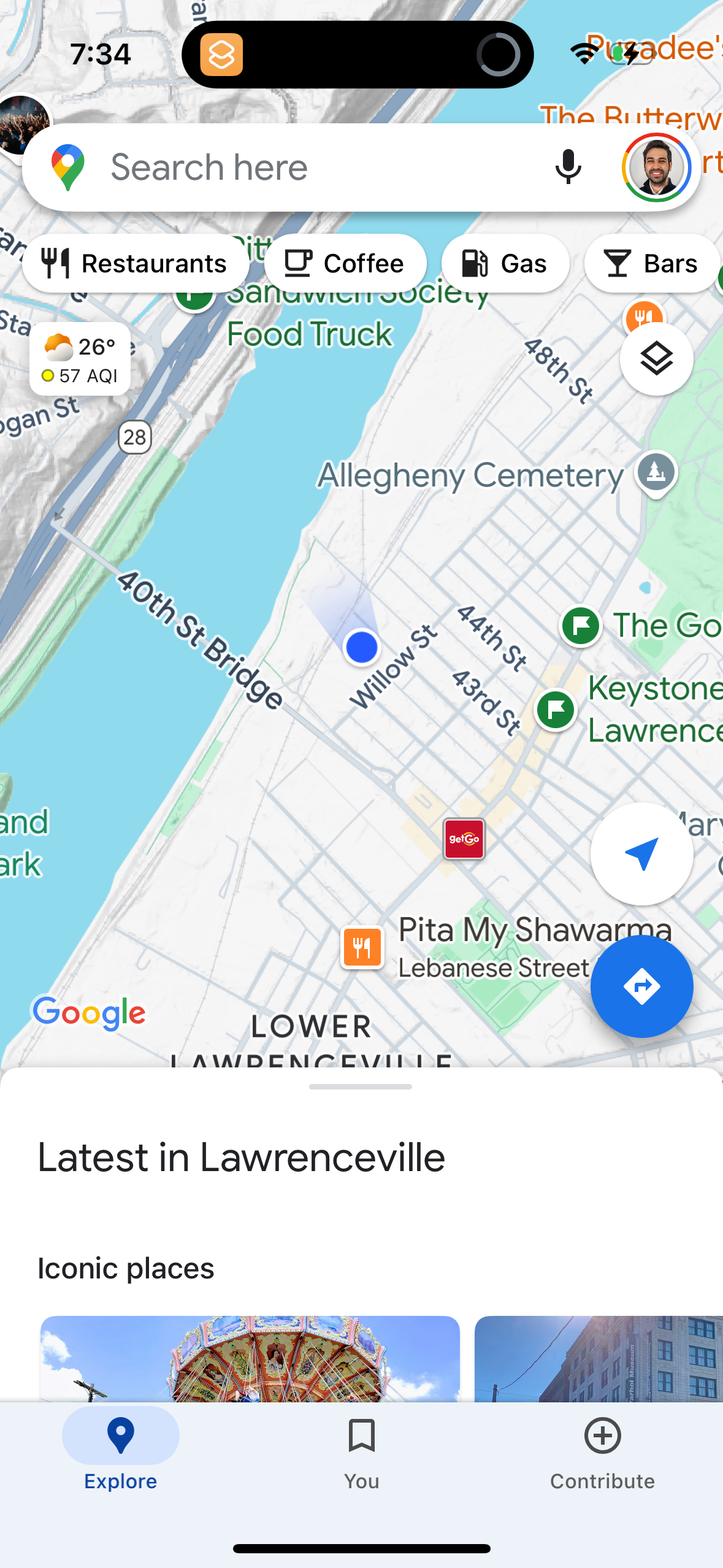
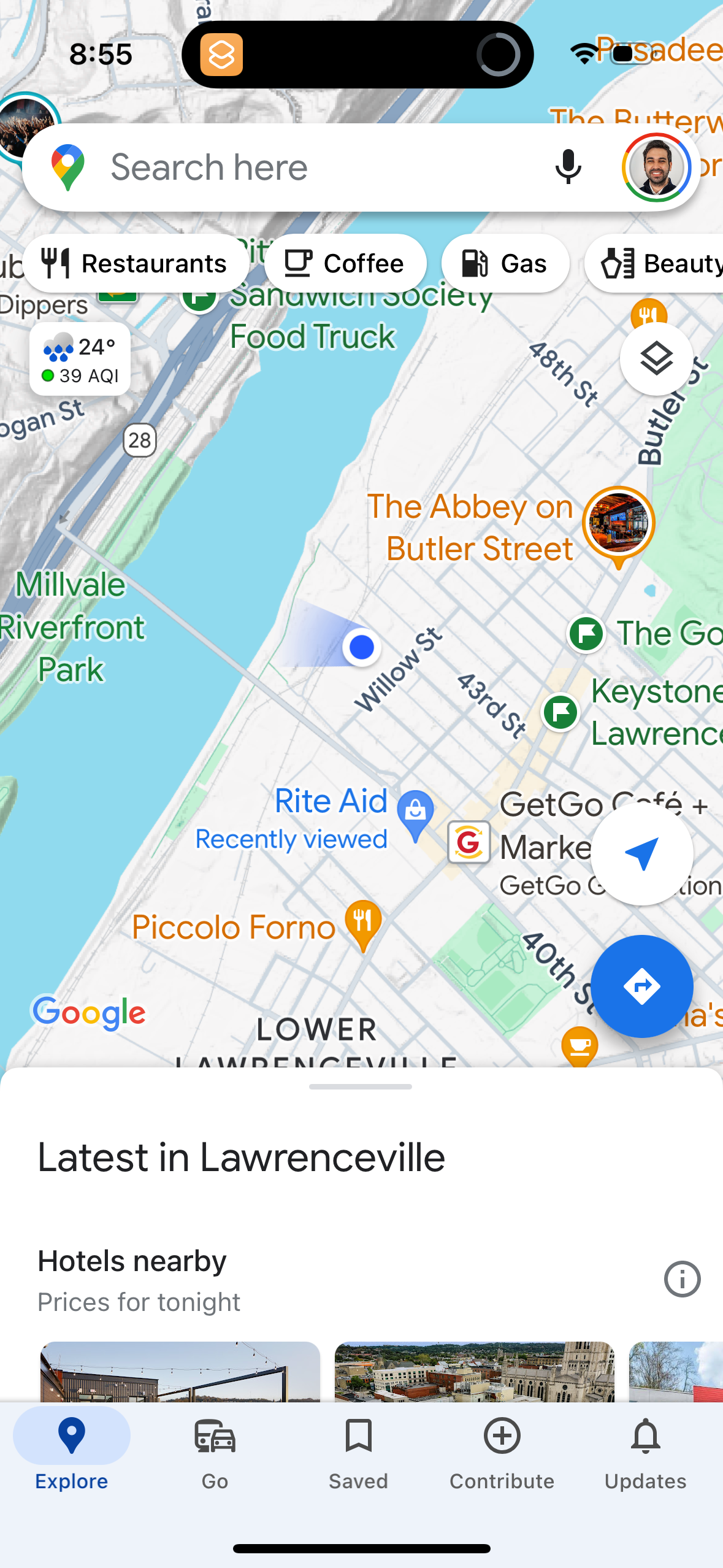
The first 5 screenshots are shown in full. Additional screens are blurred previews.
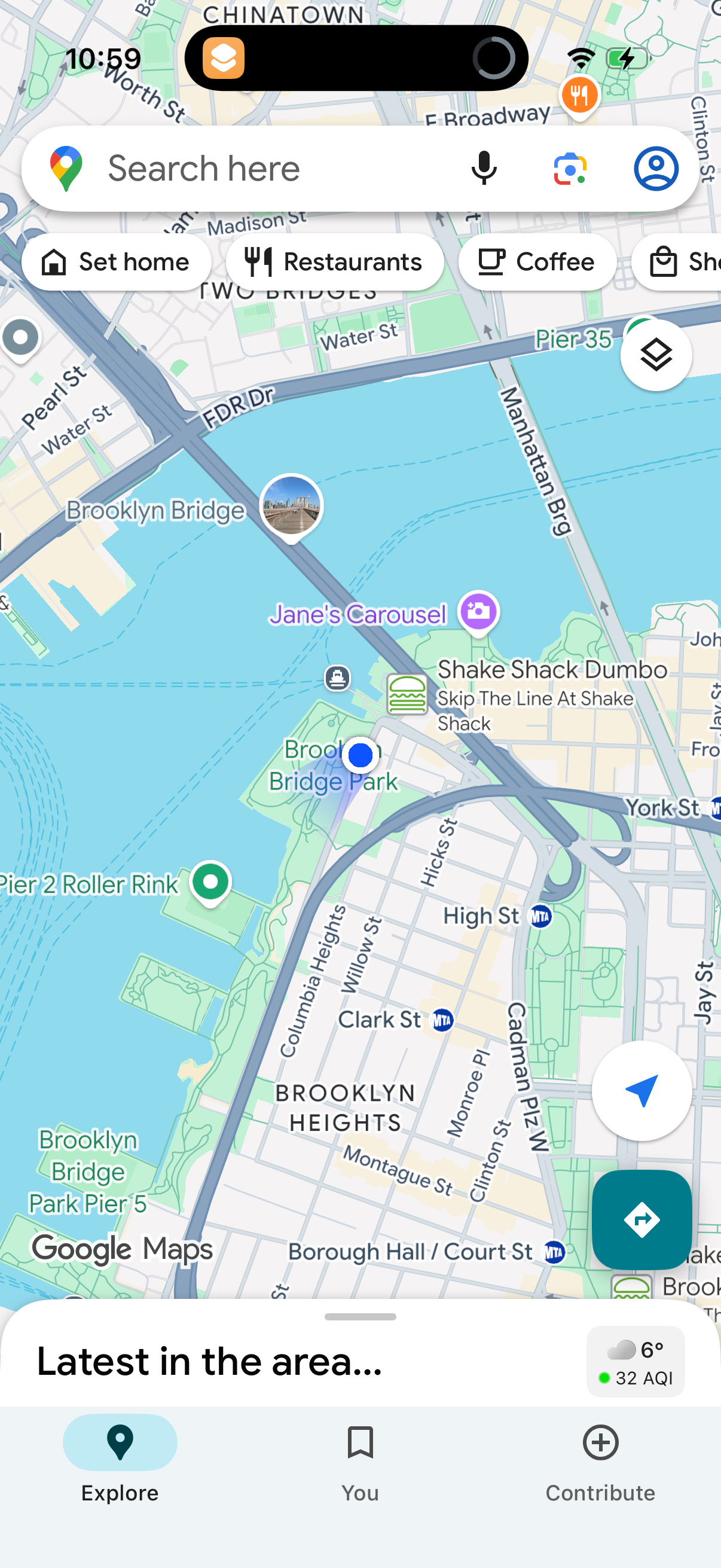
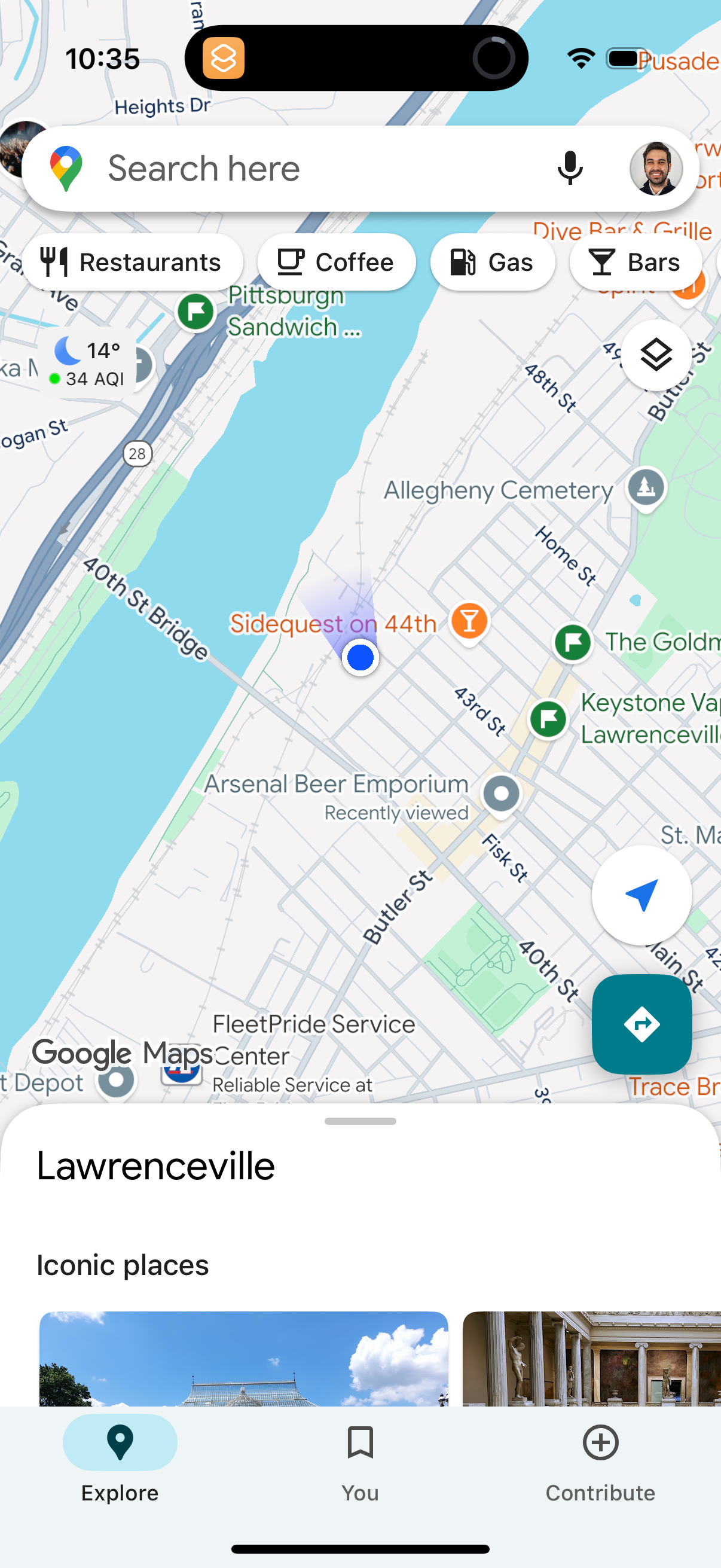
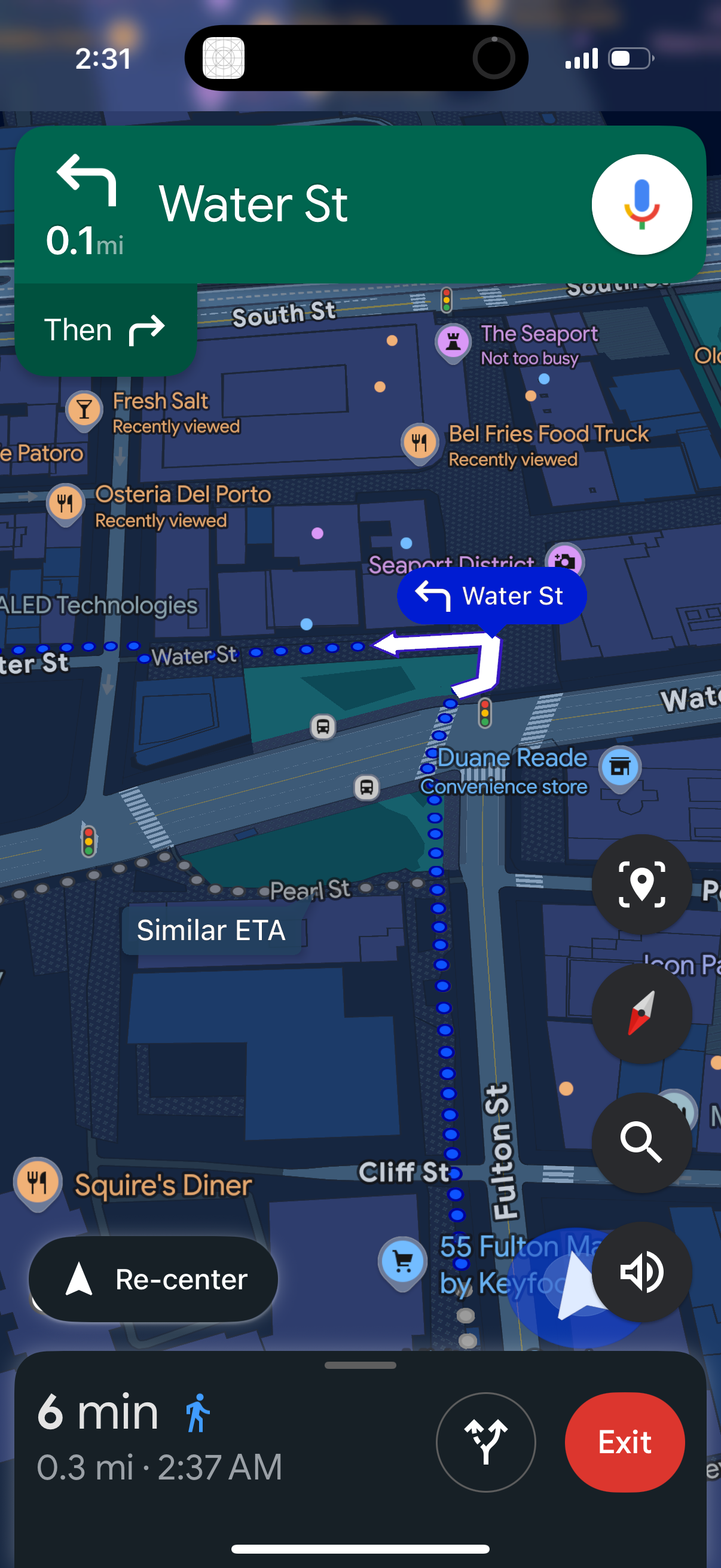
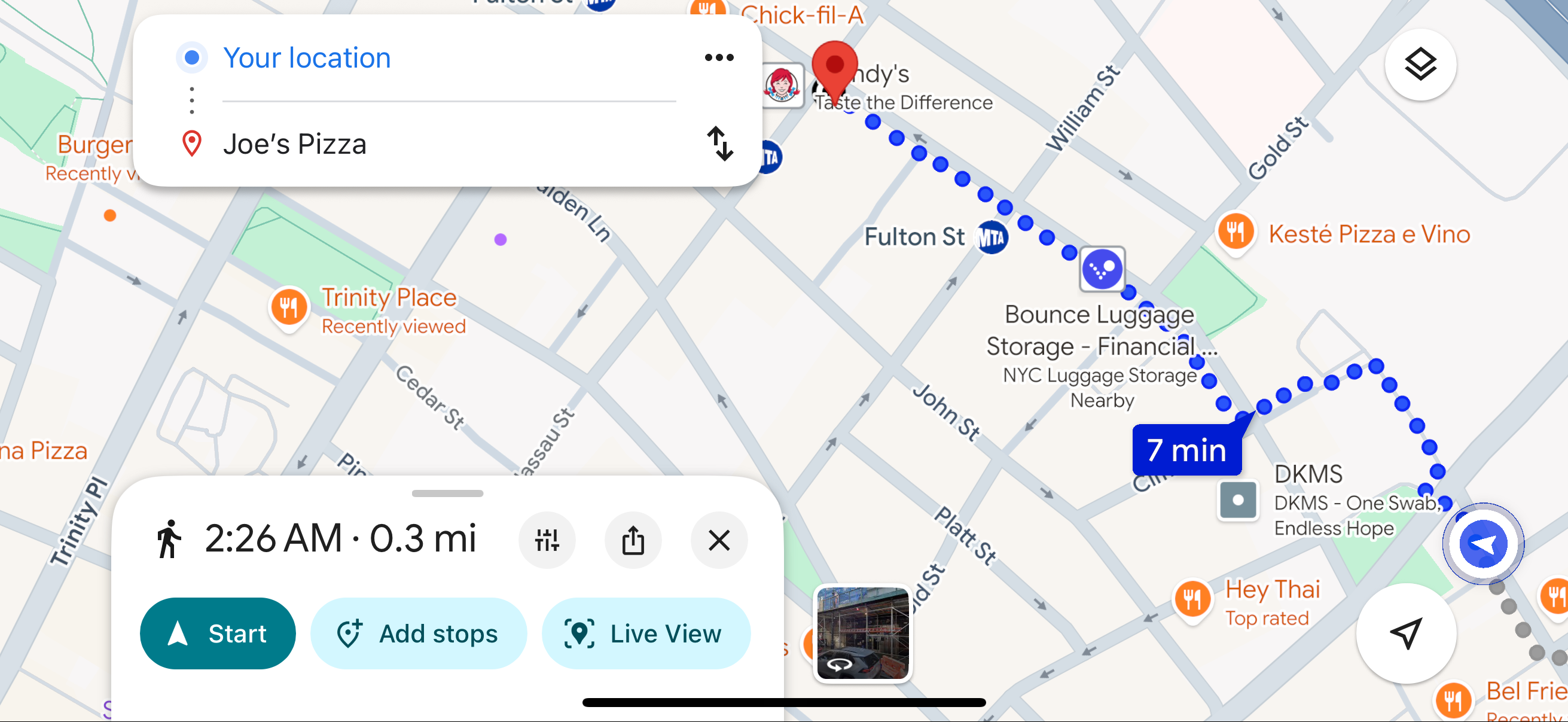
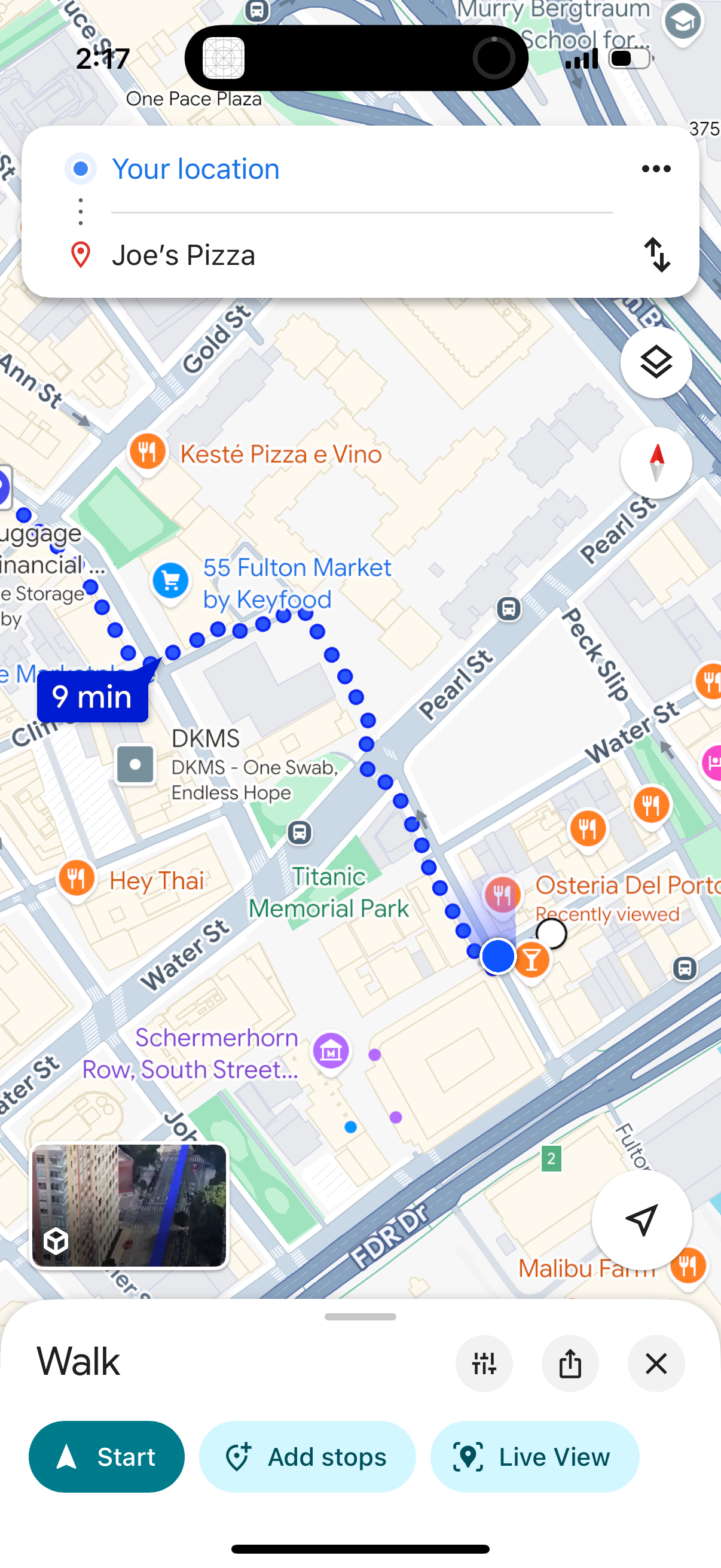
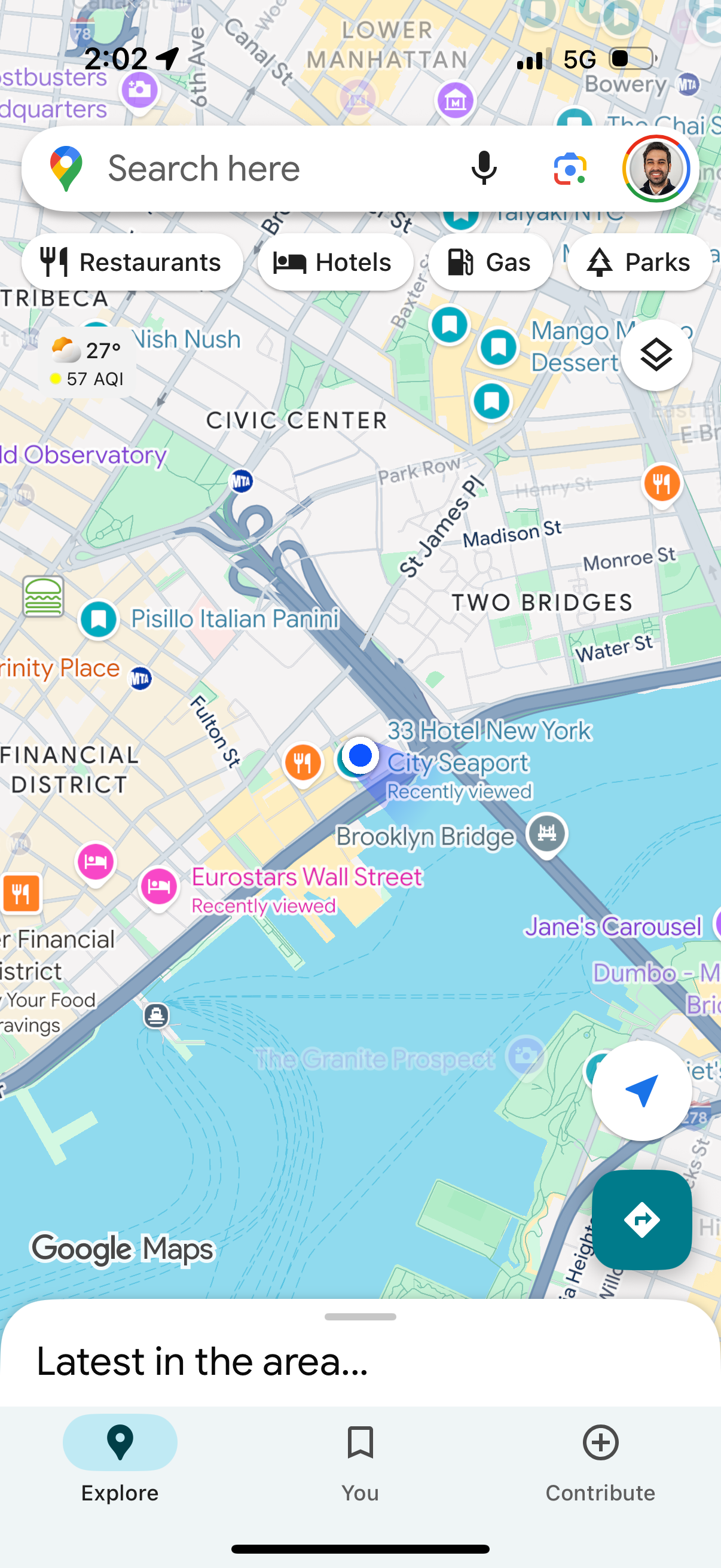
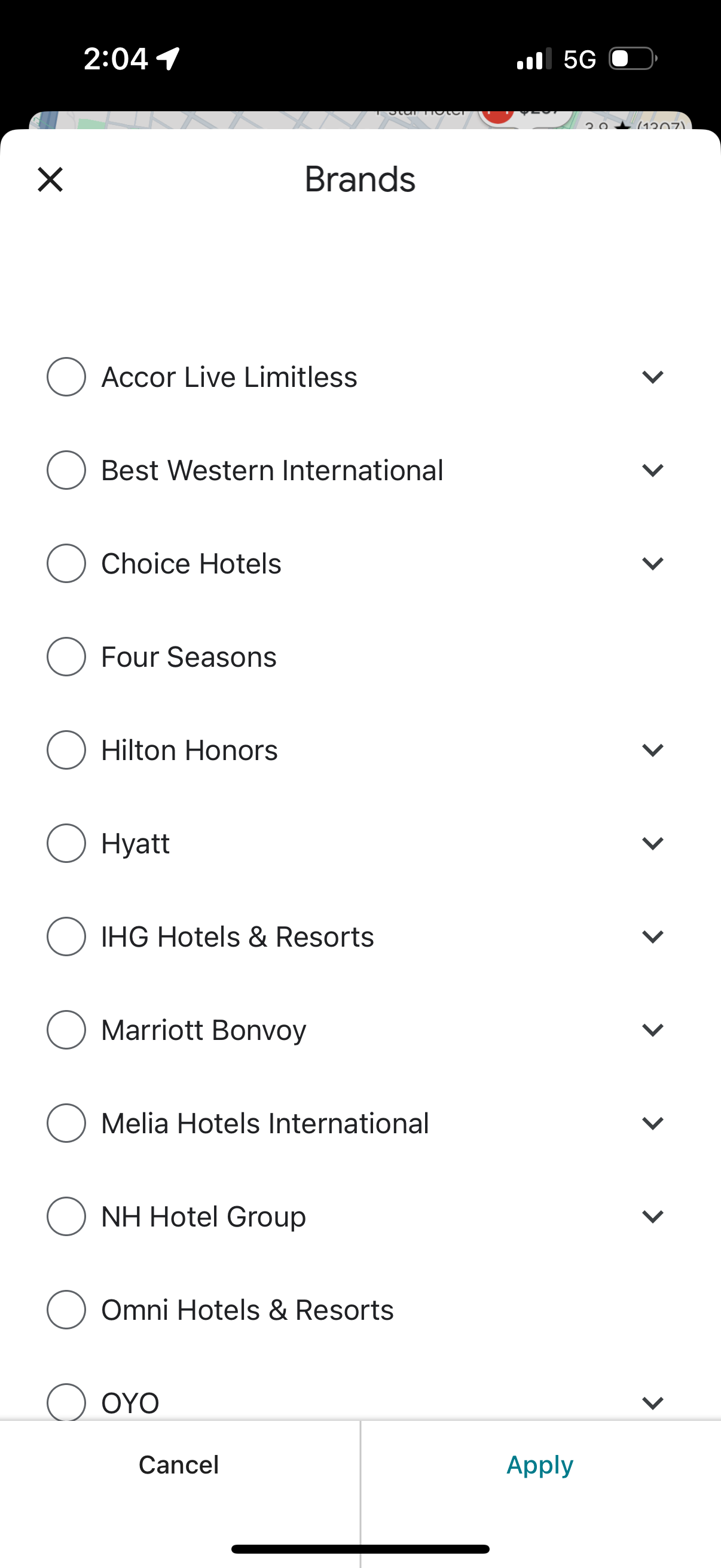
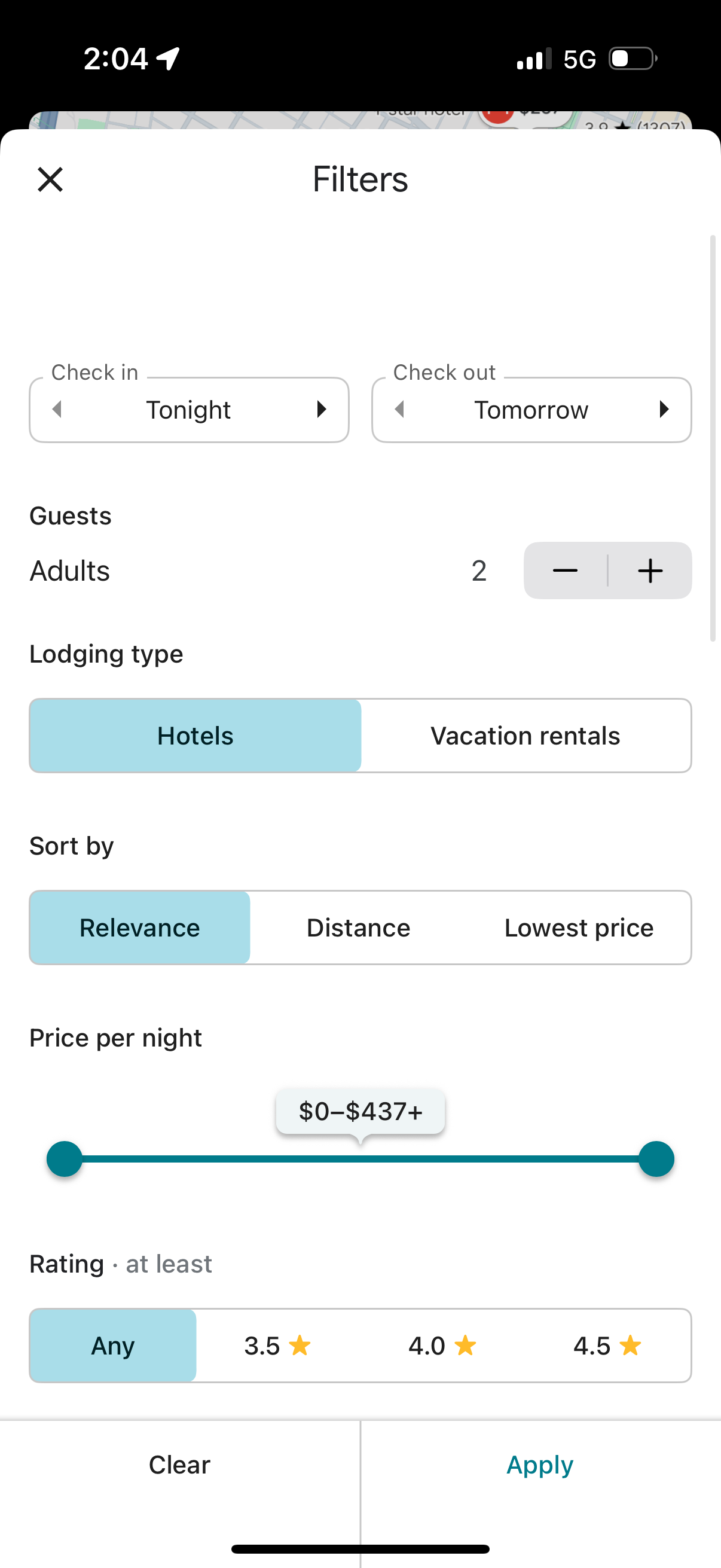
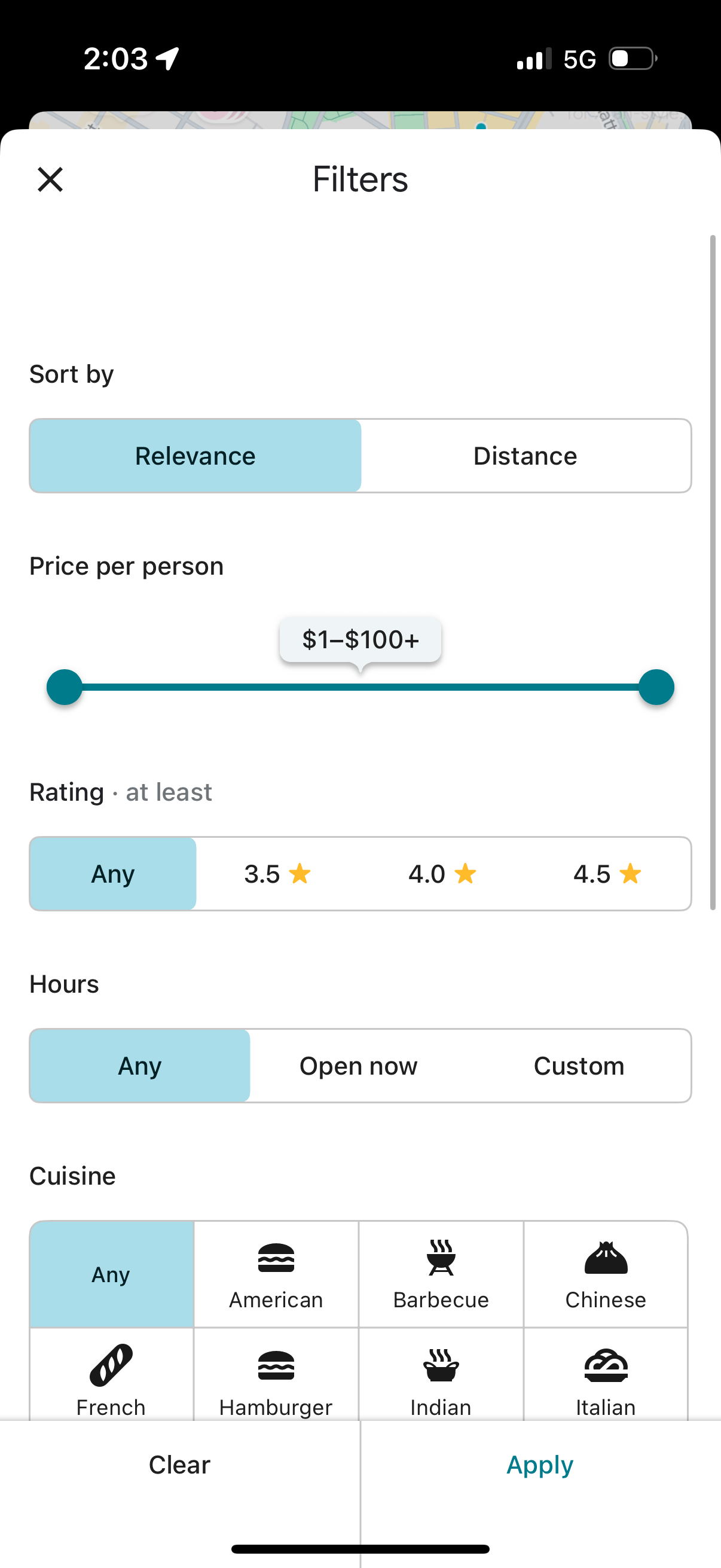
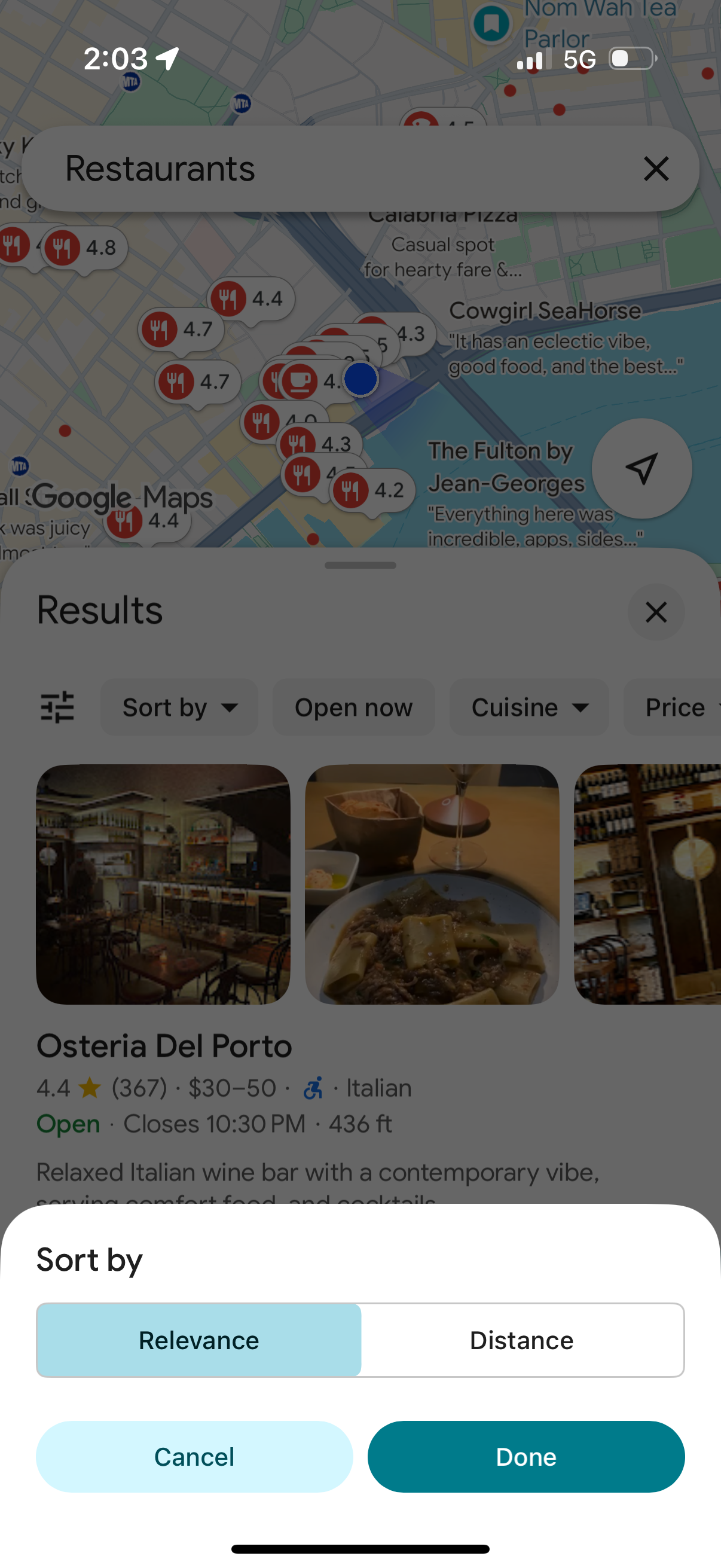
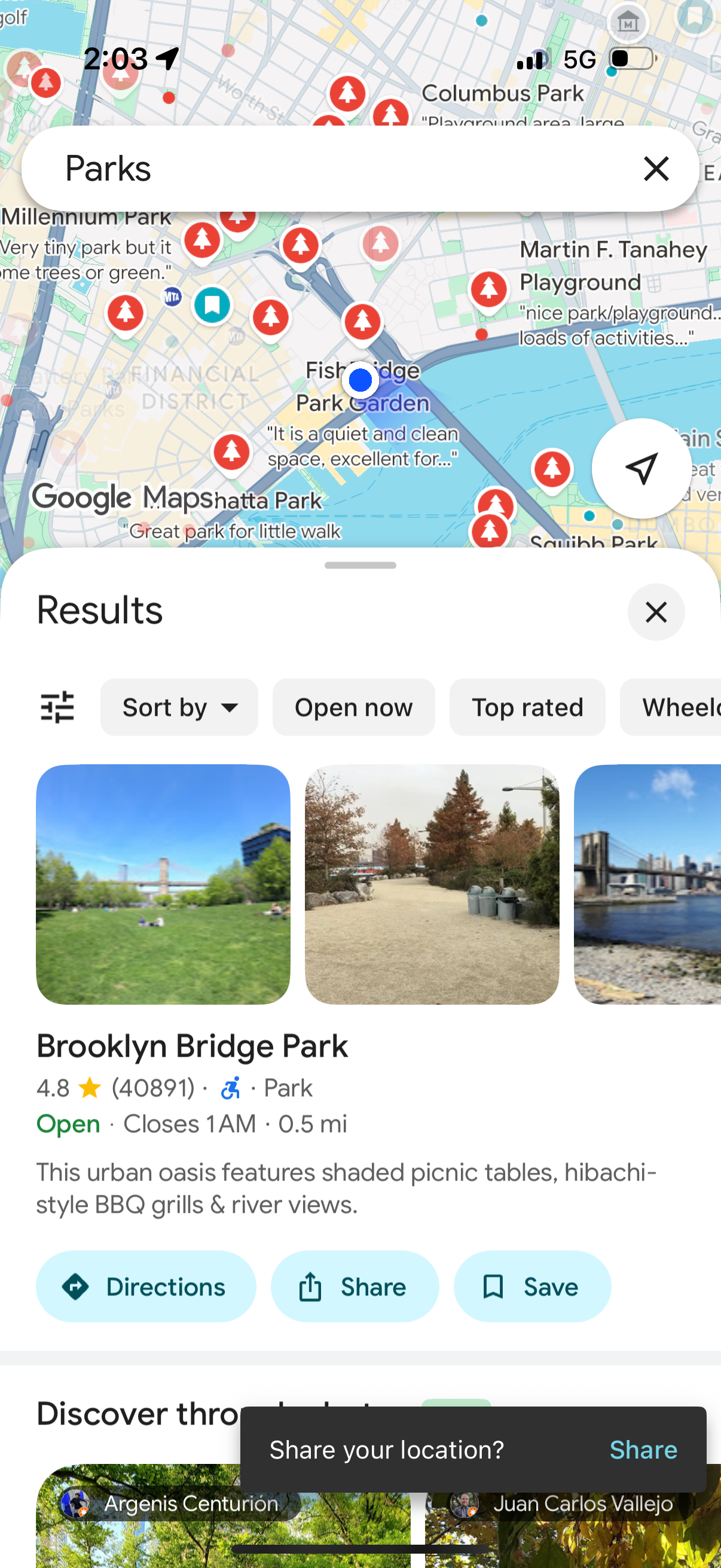
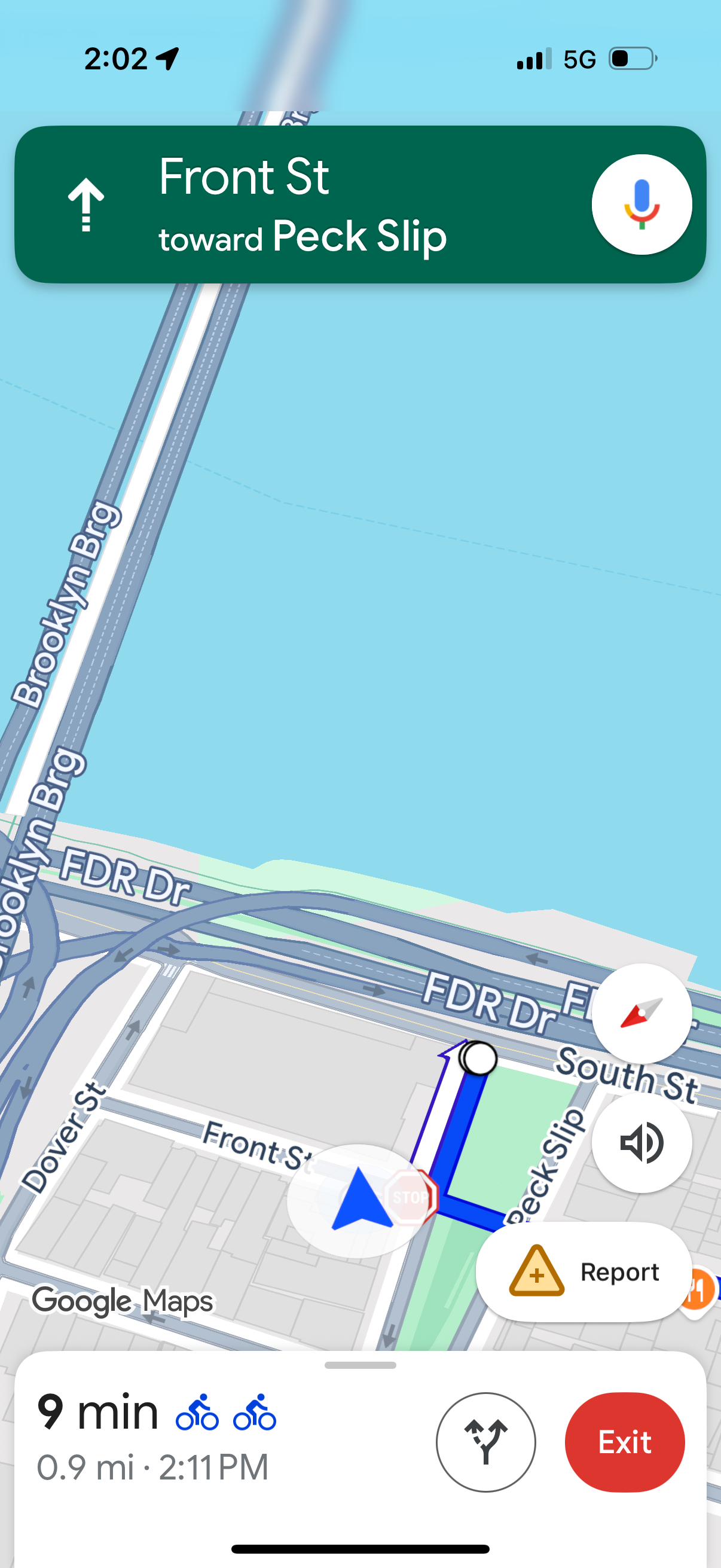
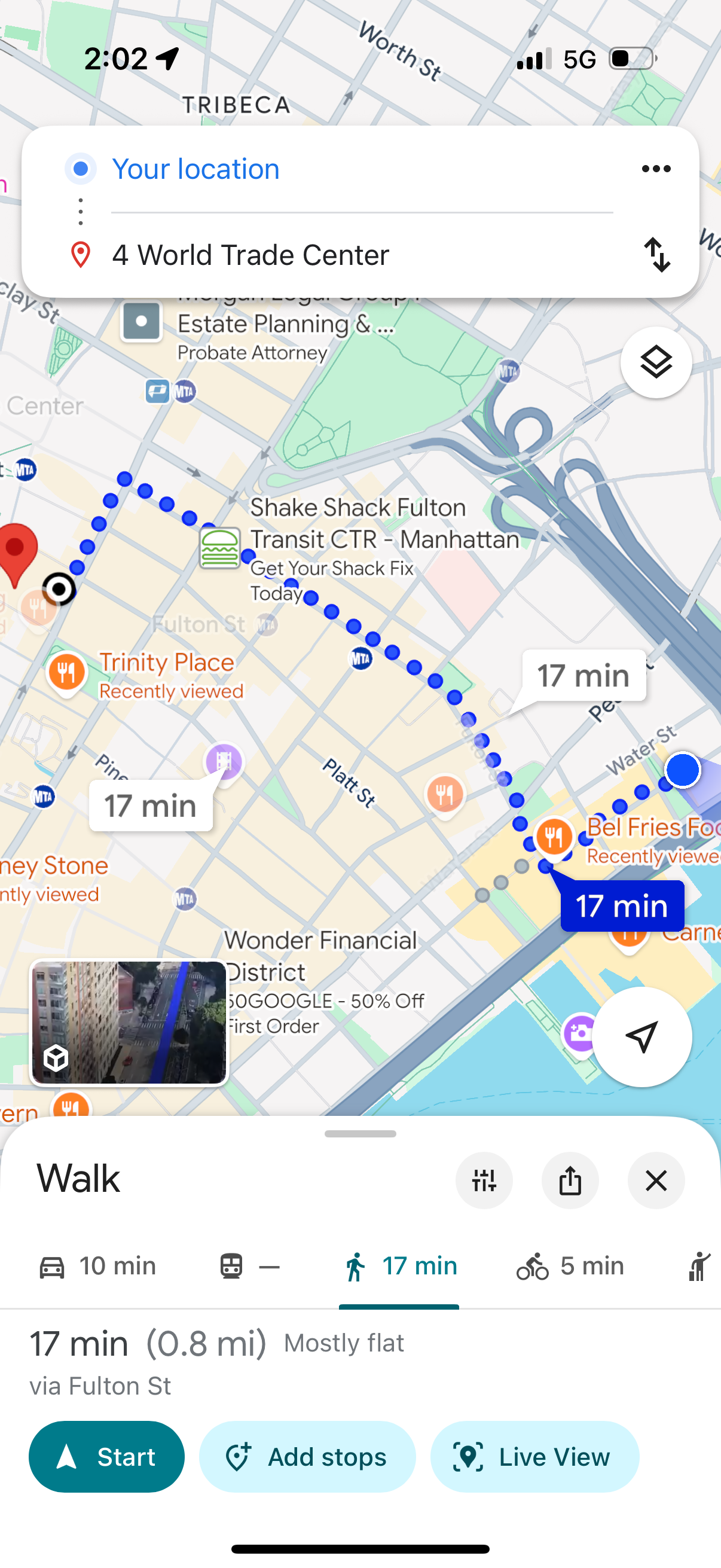
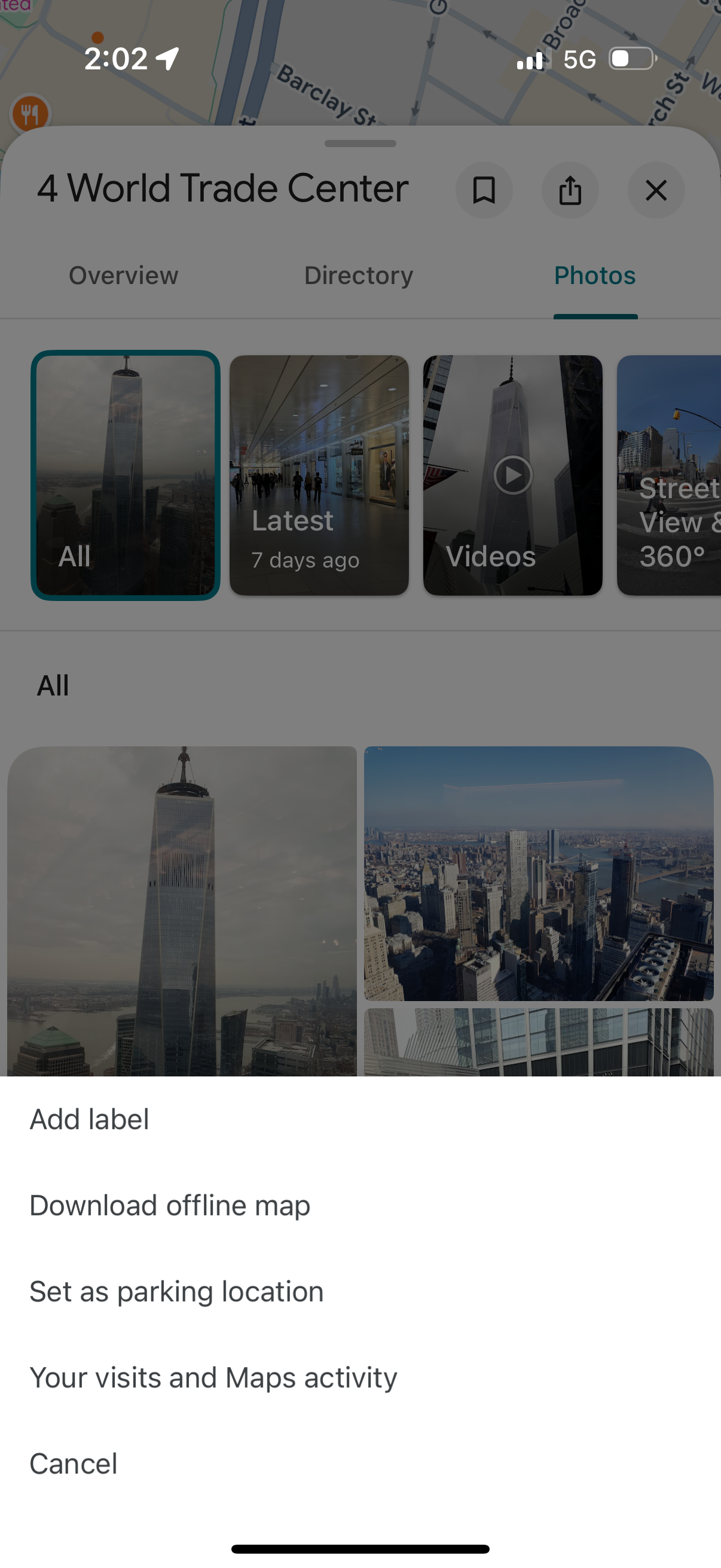
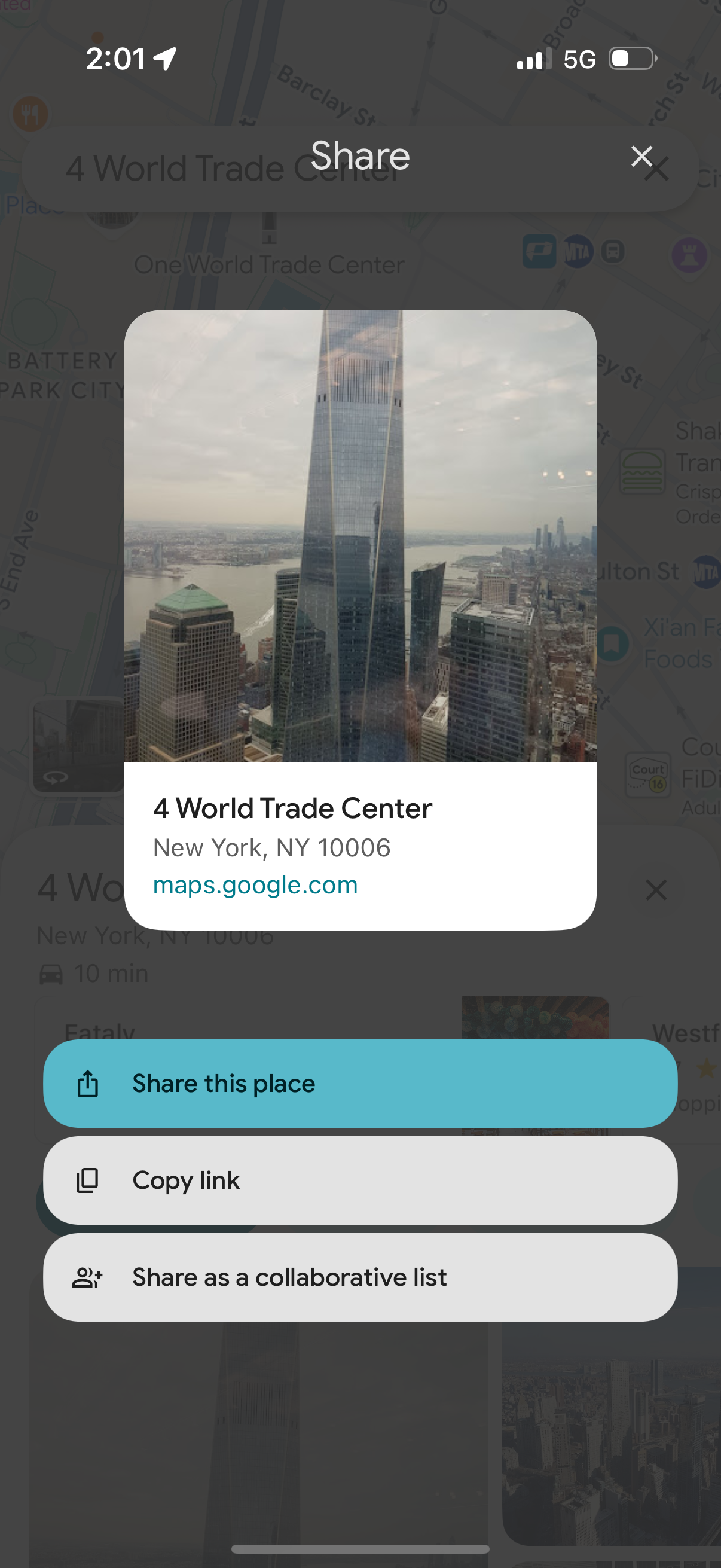
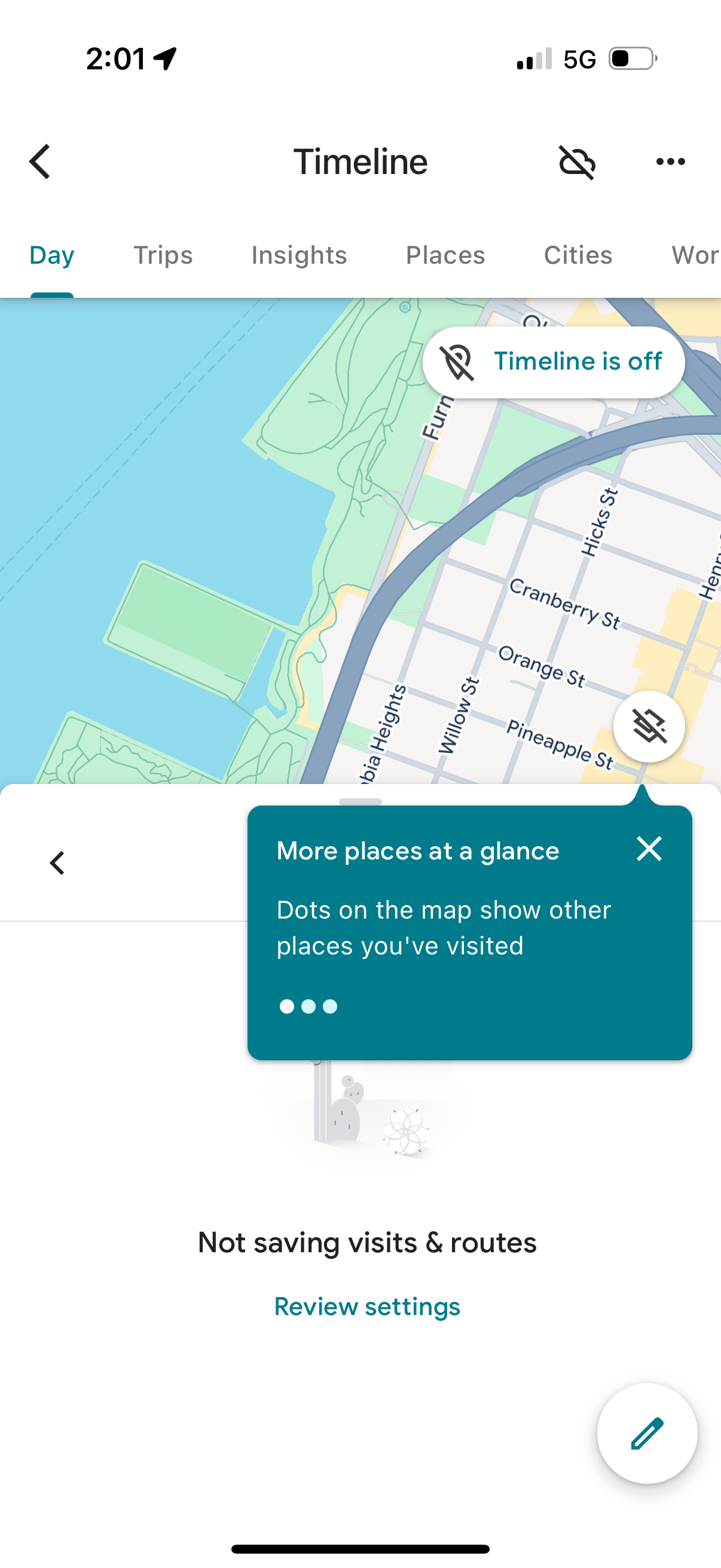
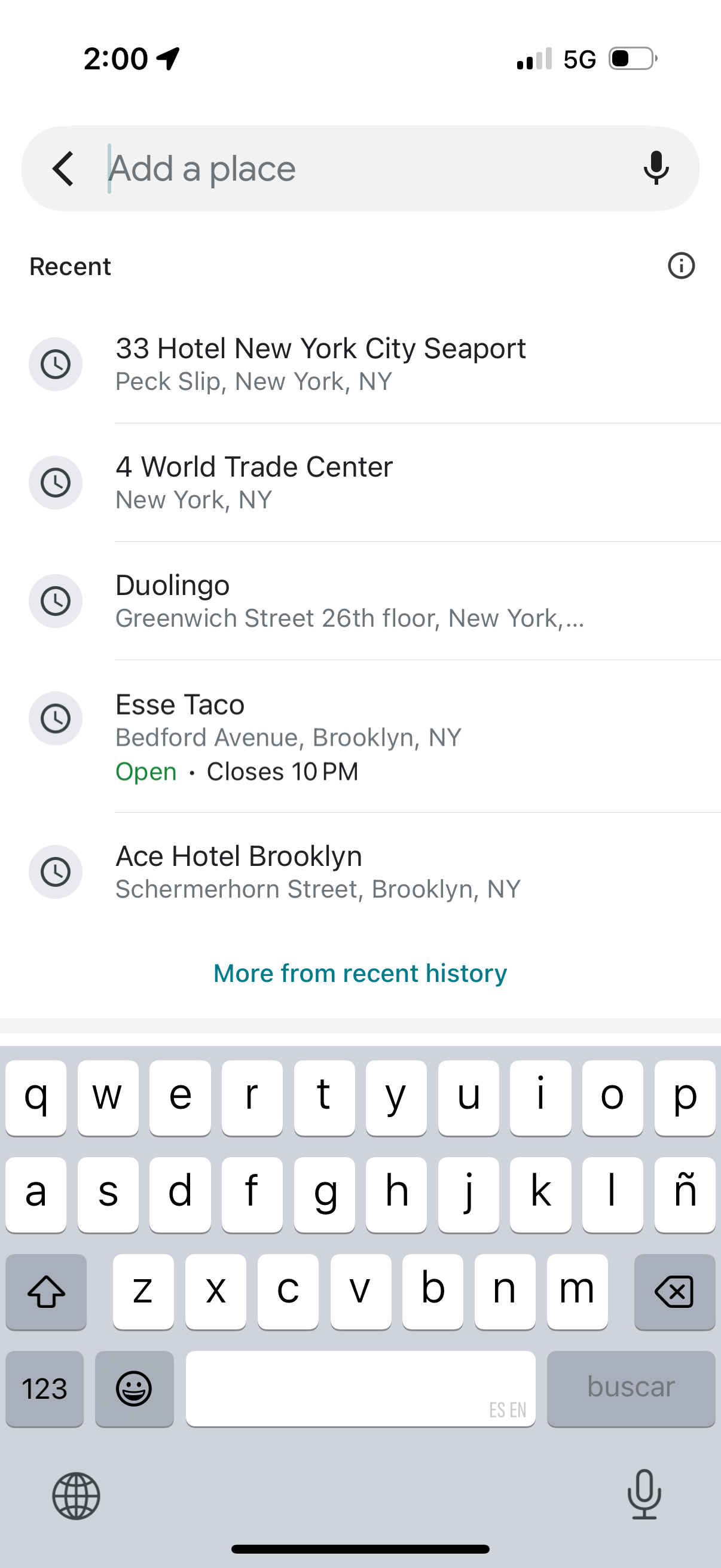
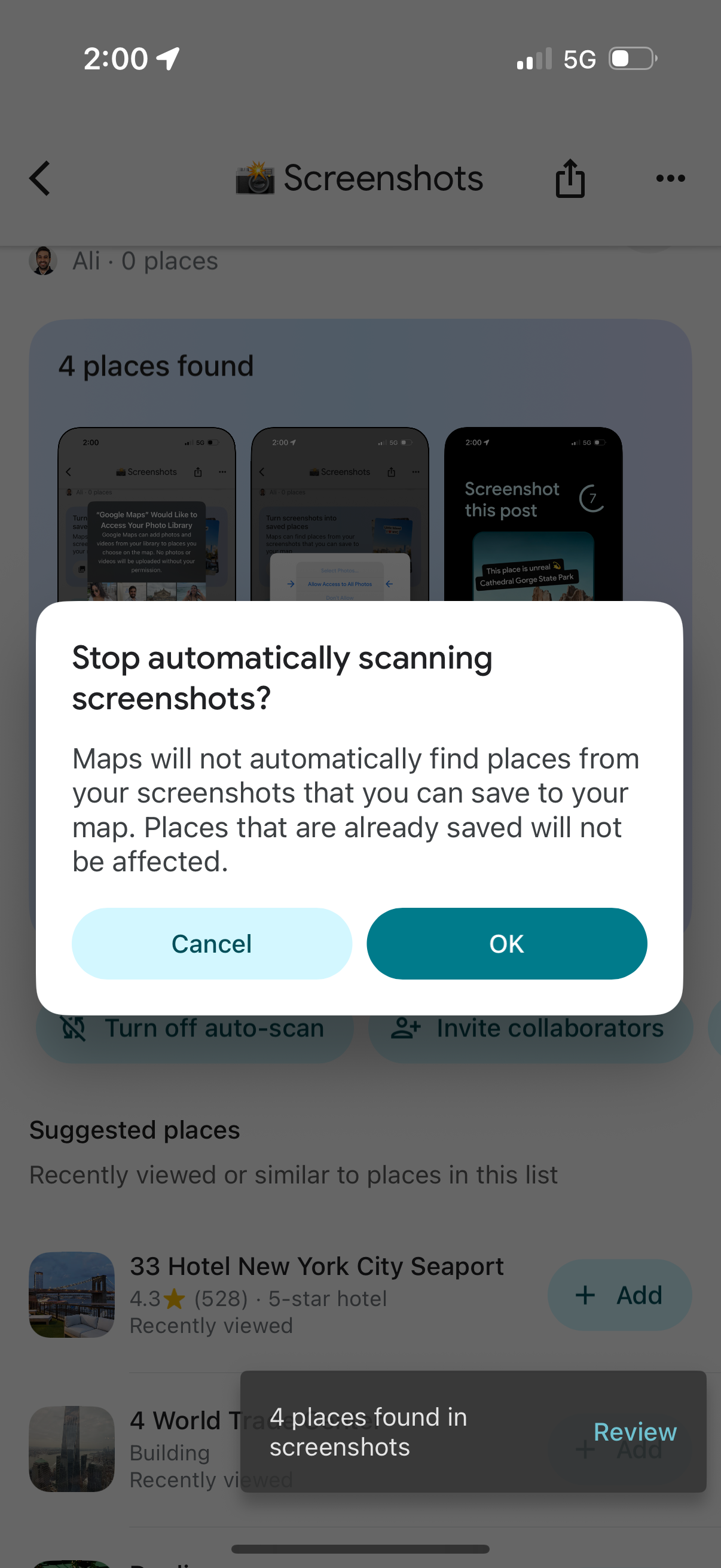
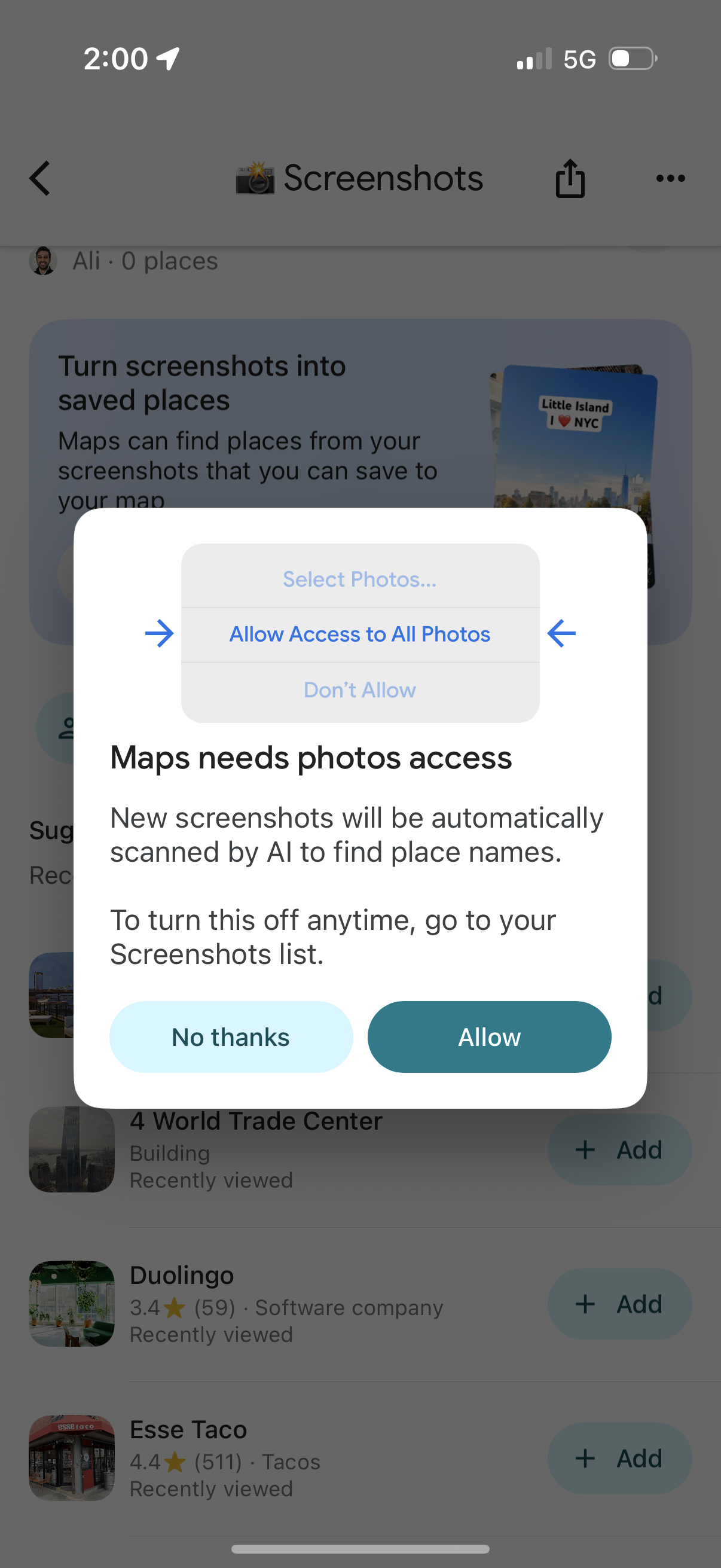
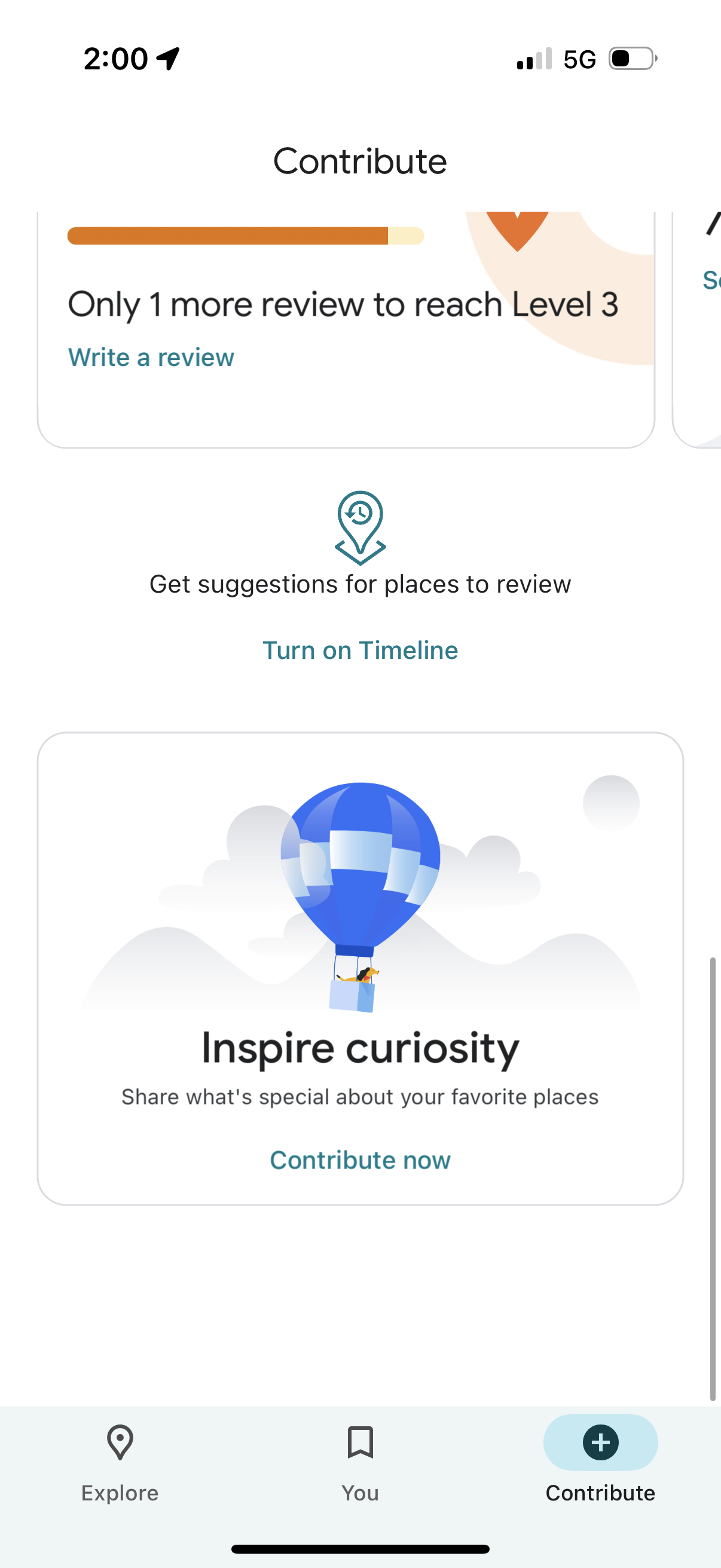
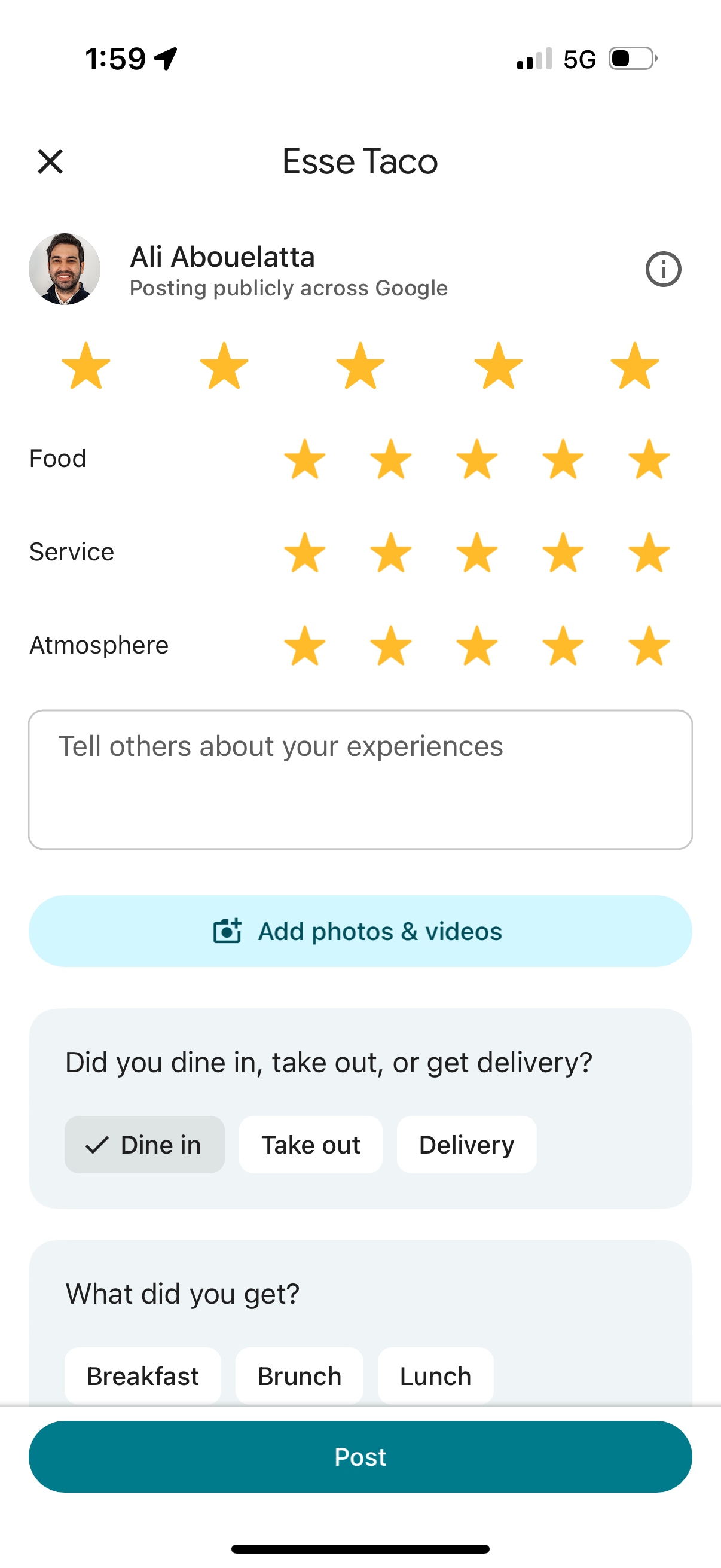
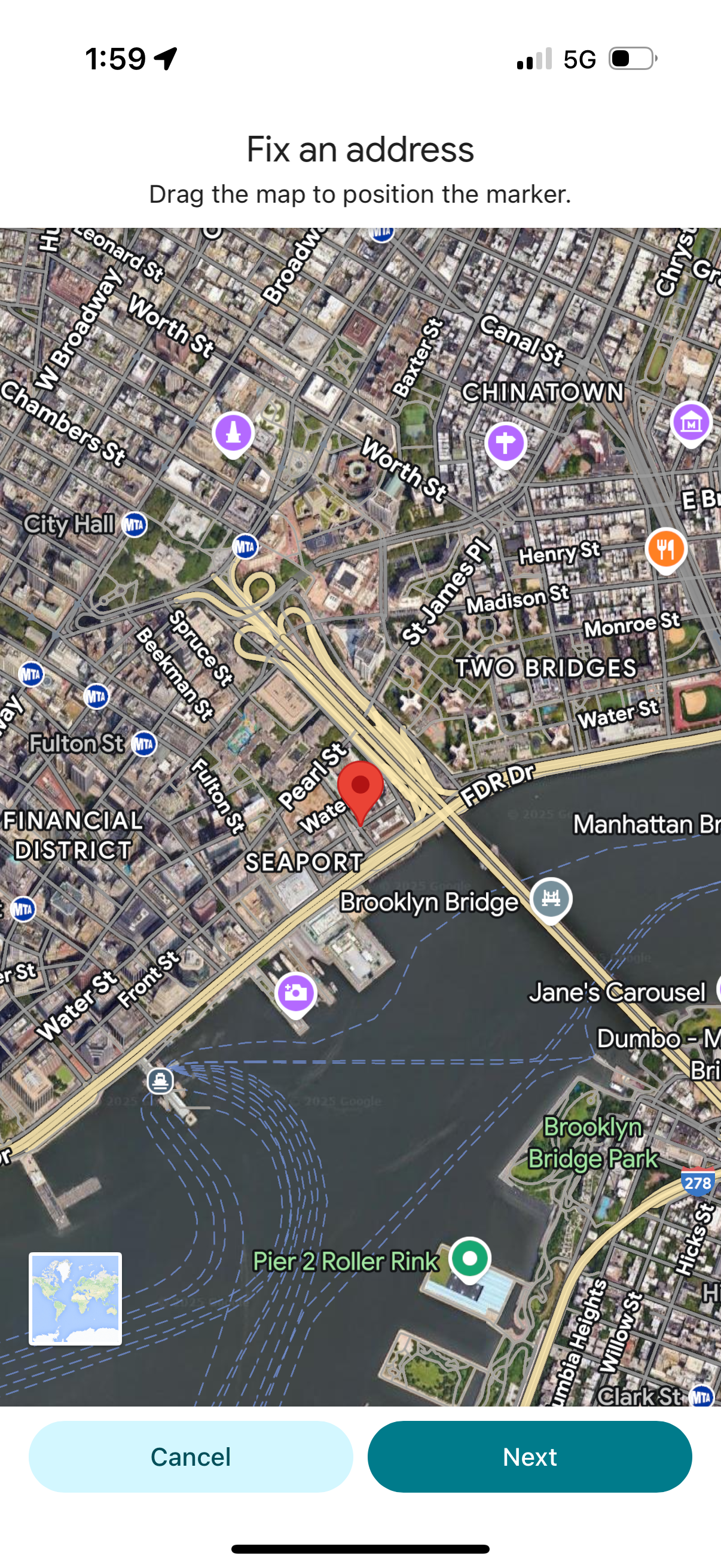
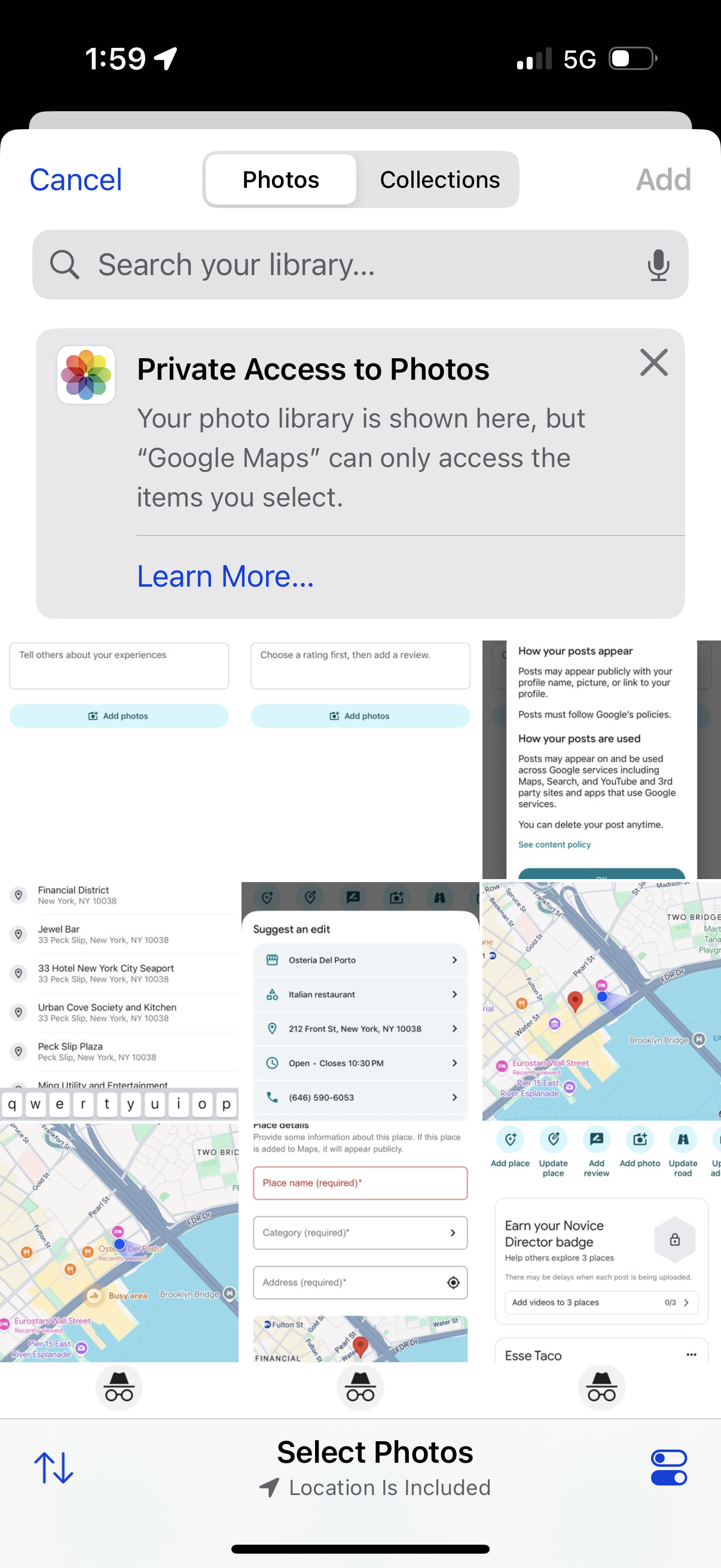
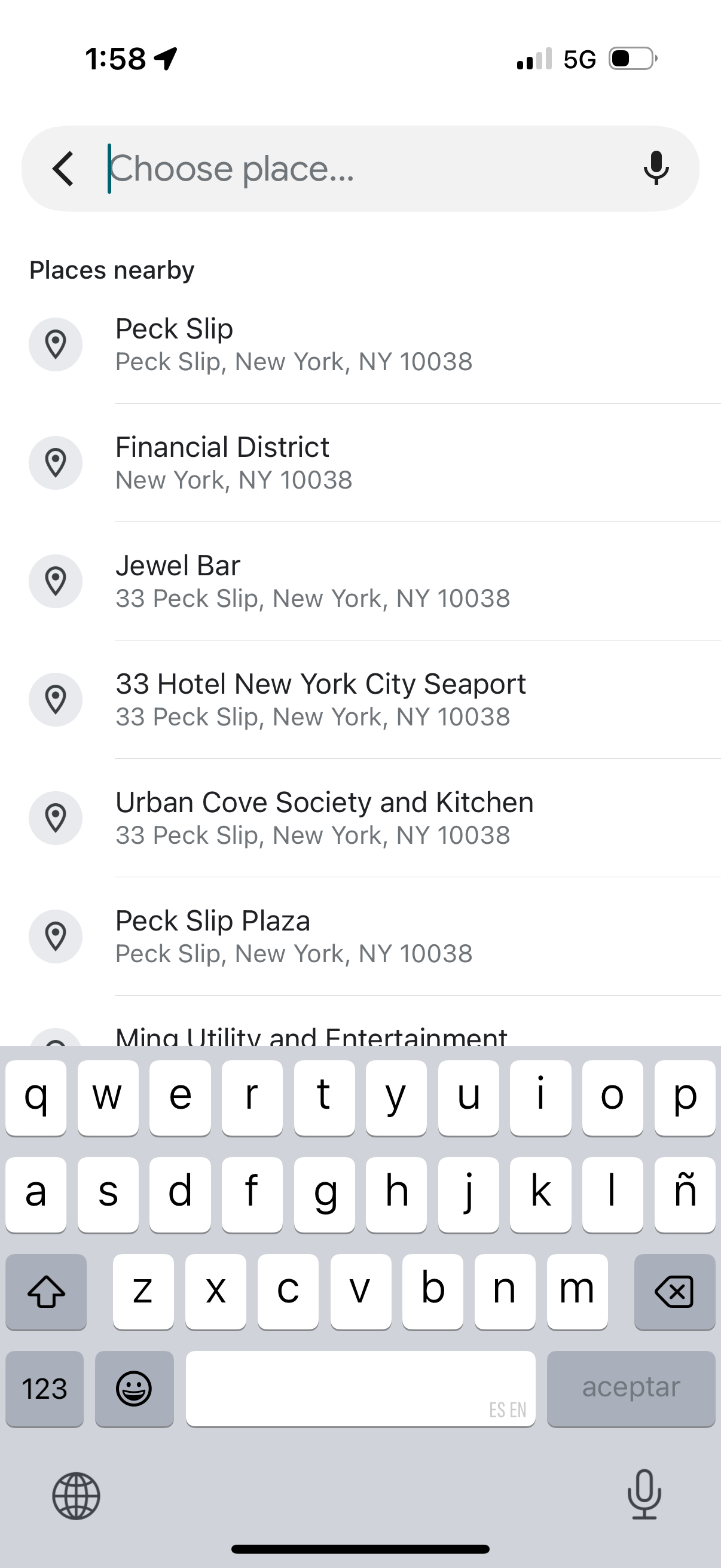
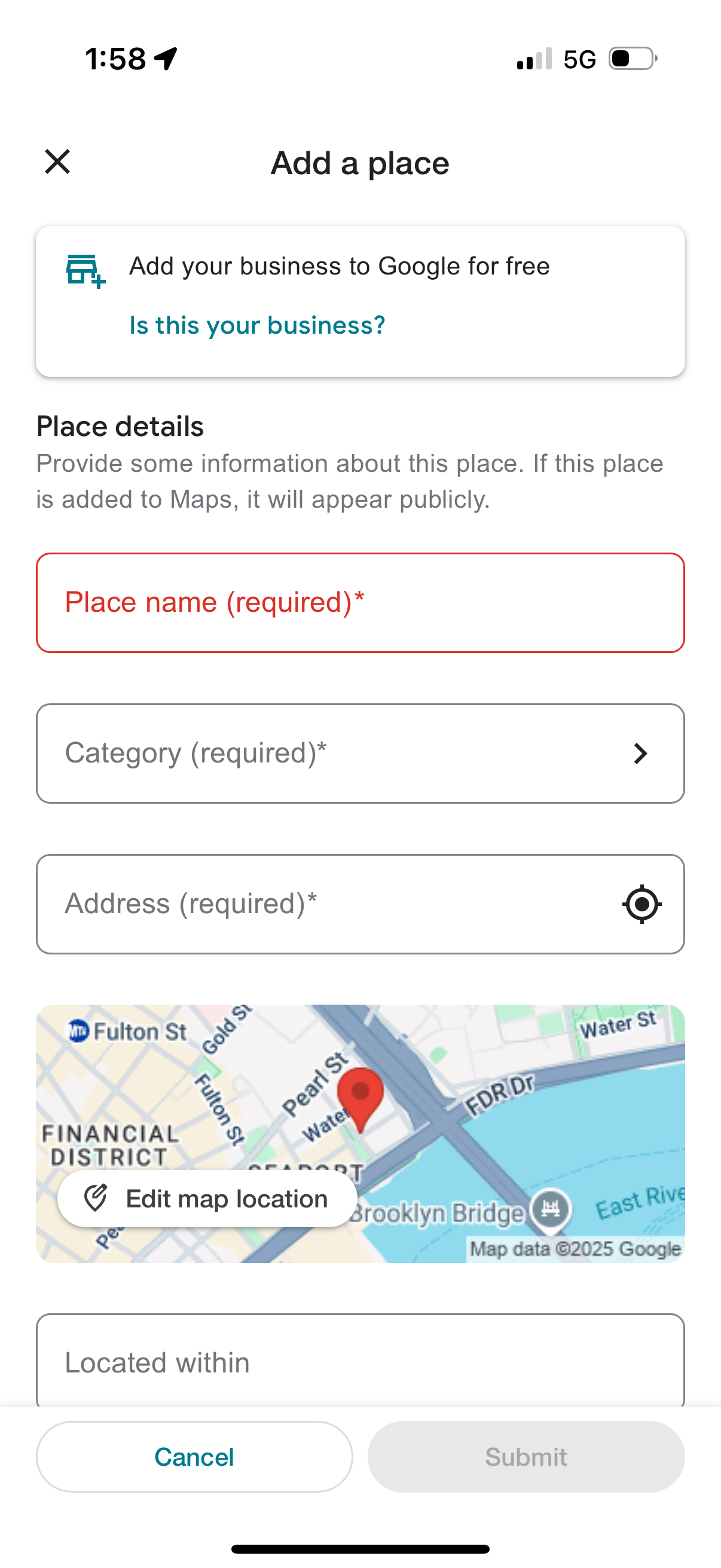
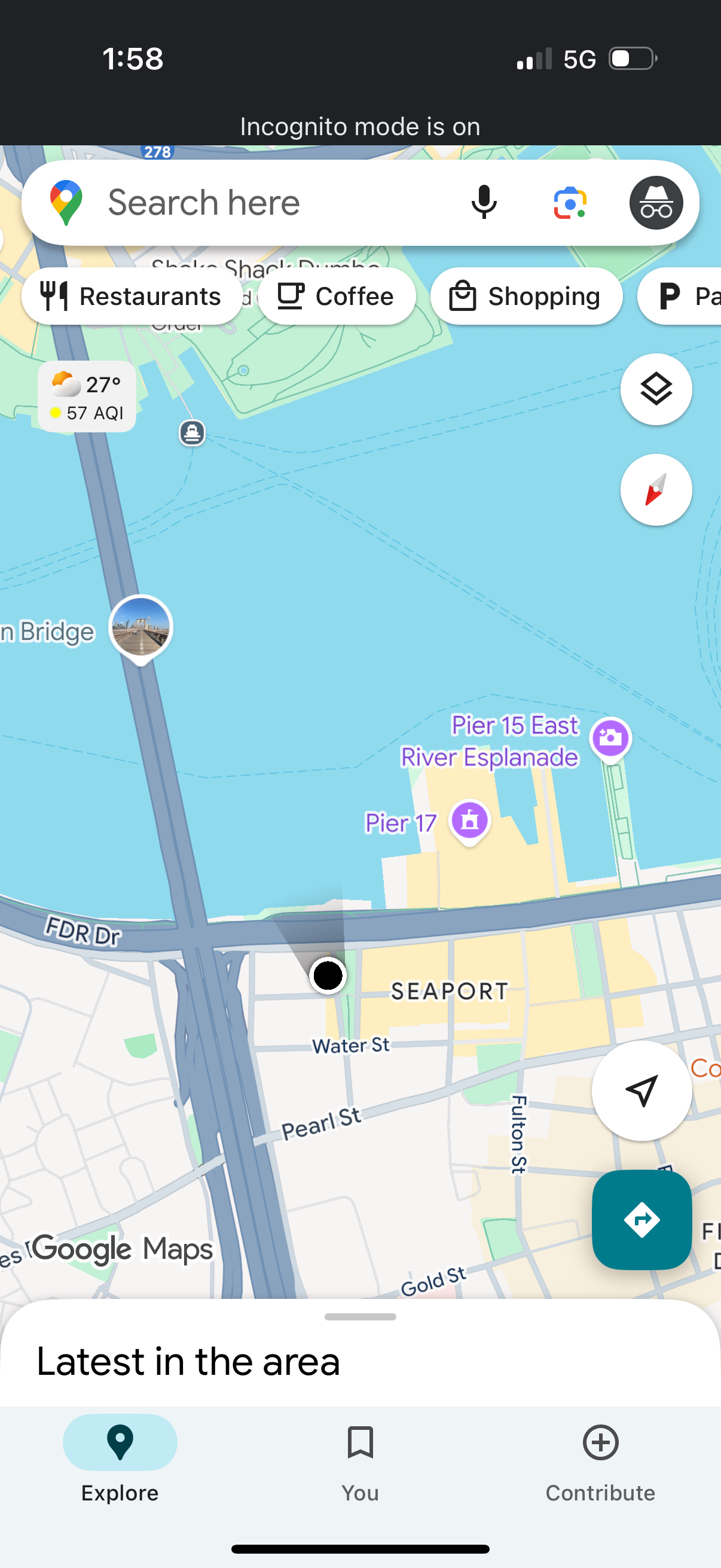
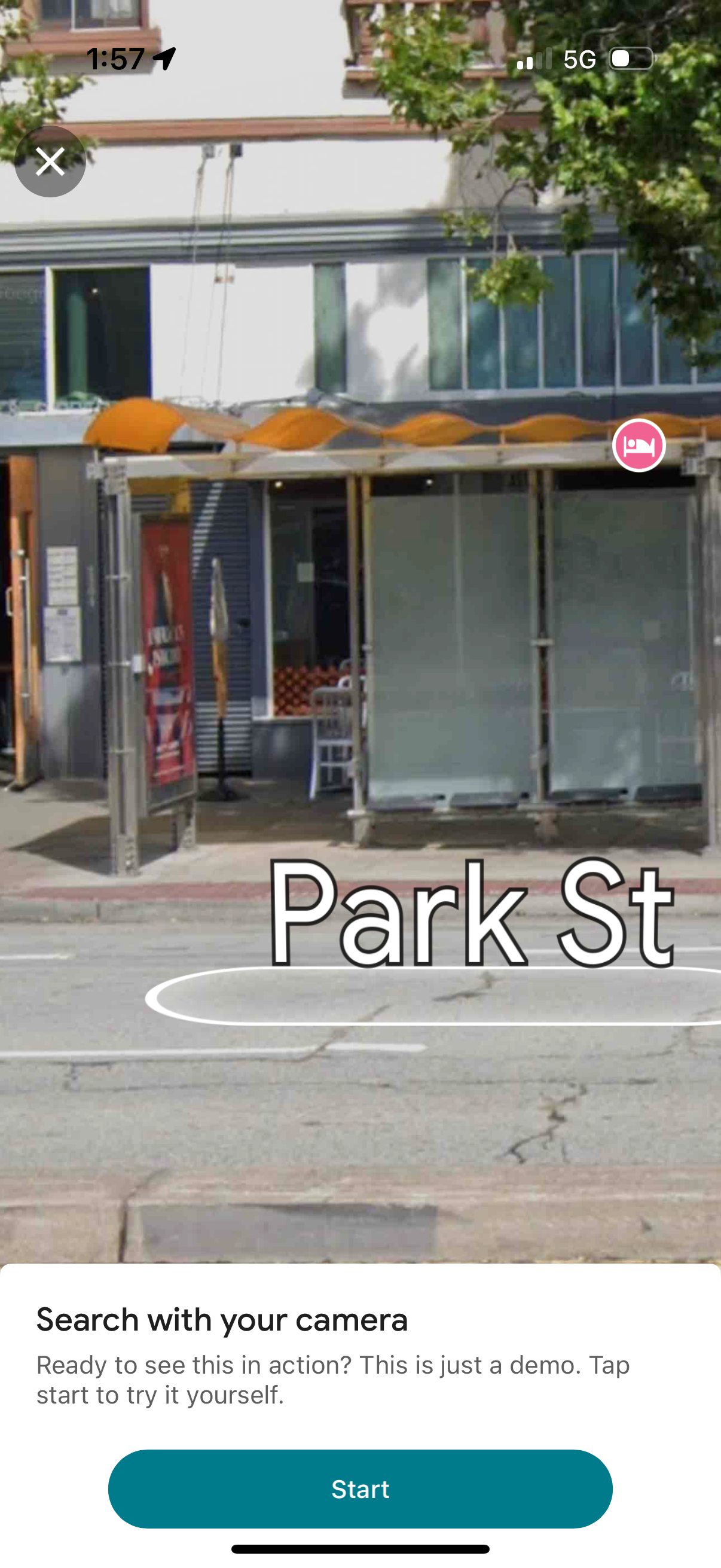
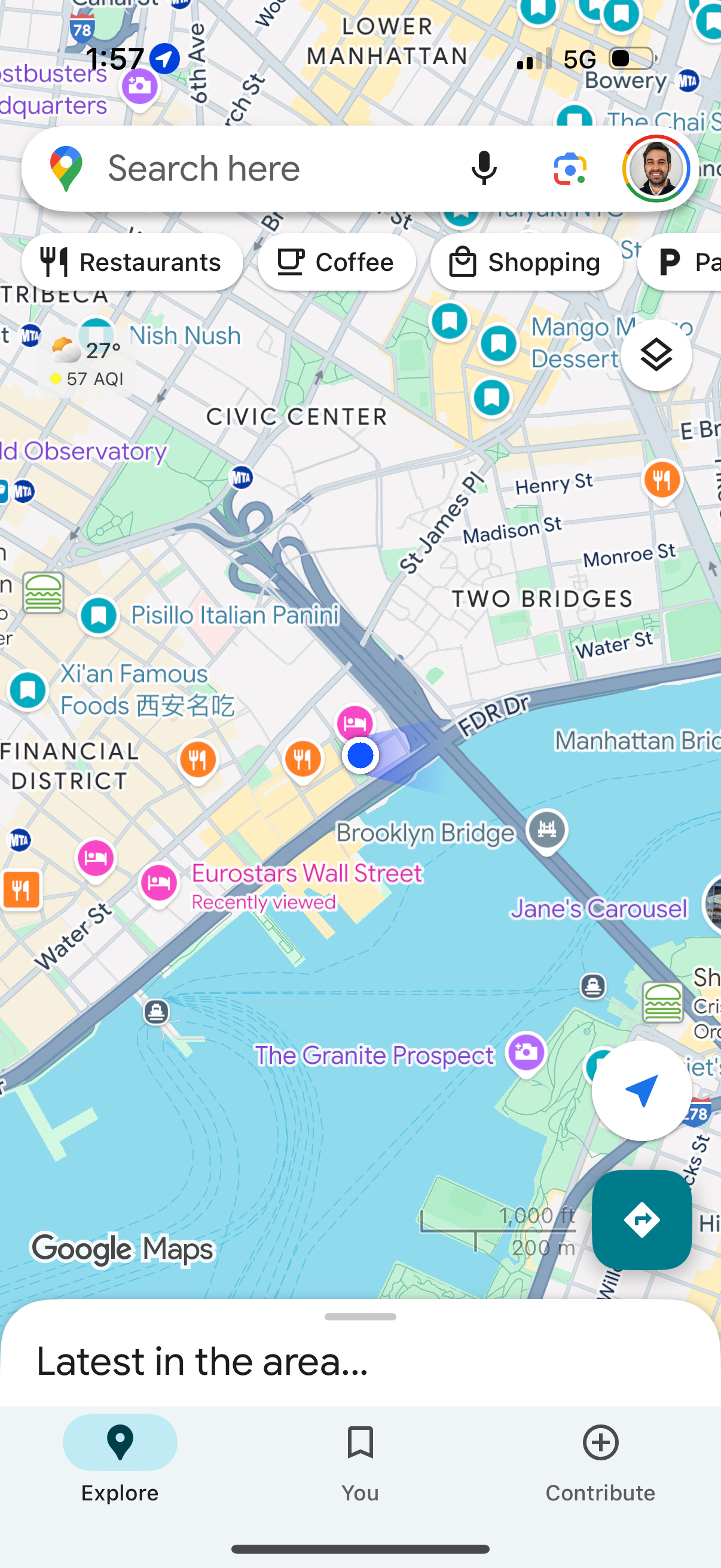
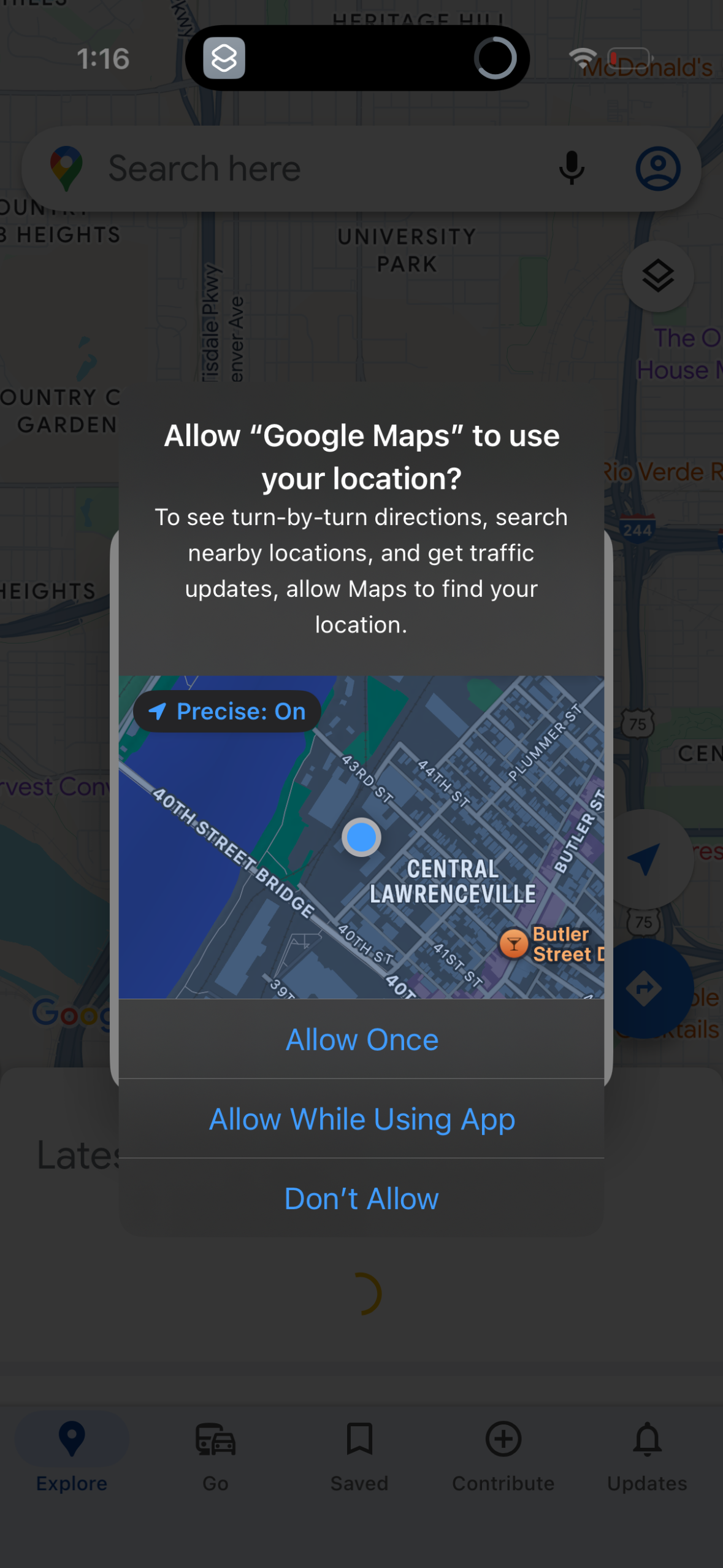
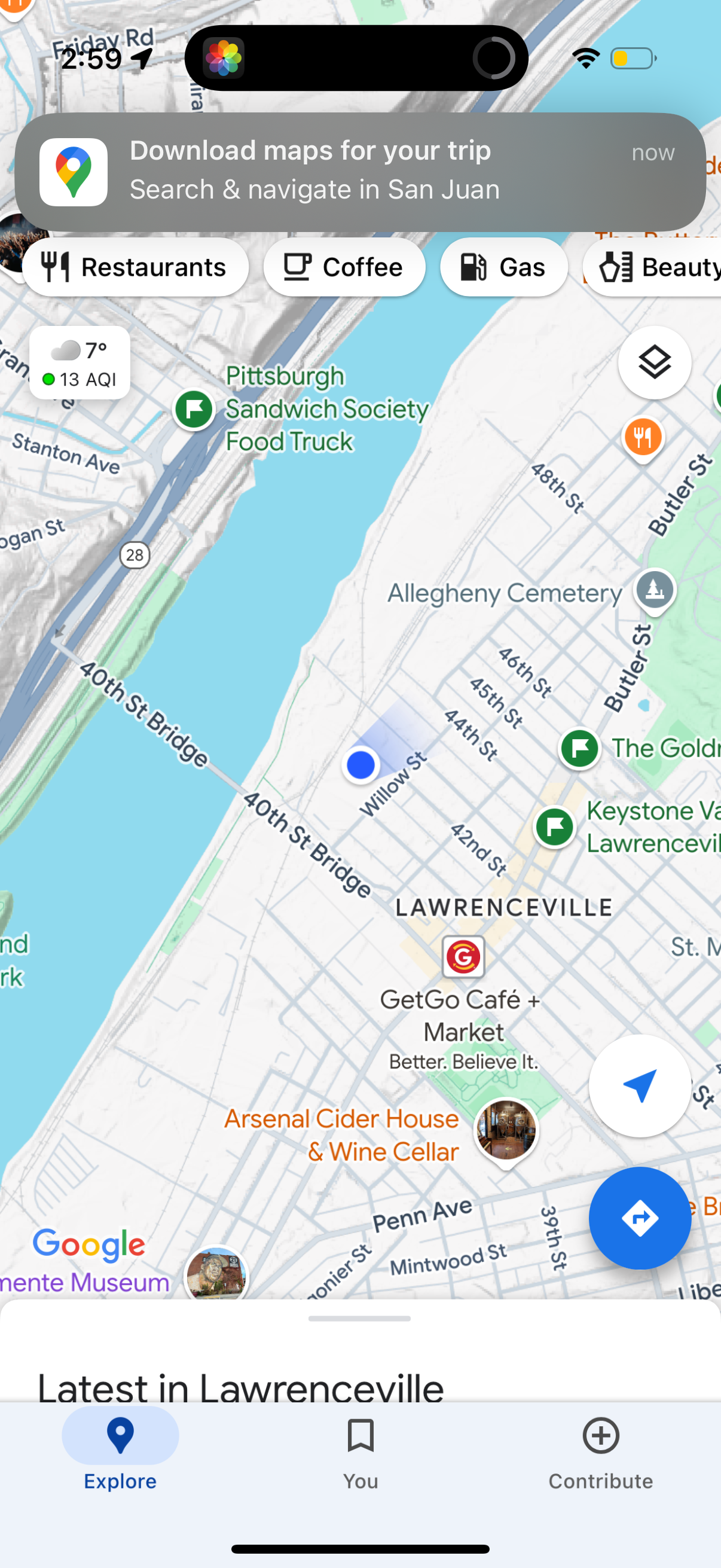
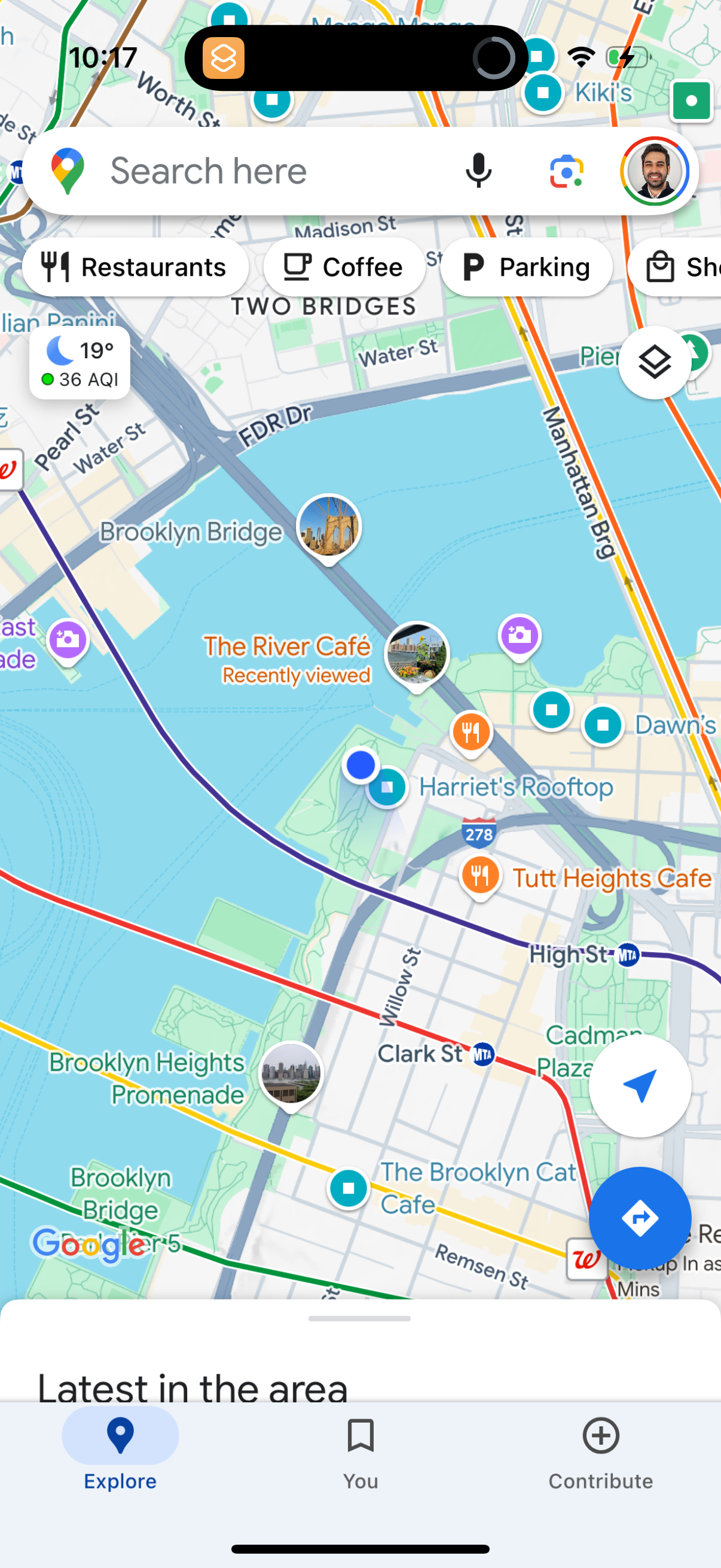
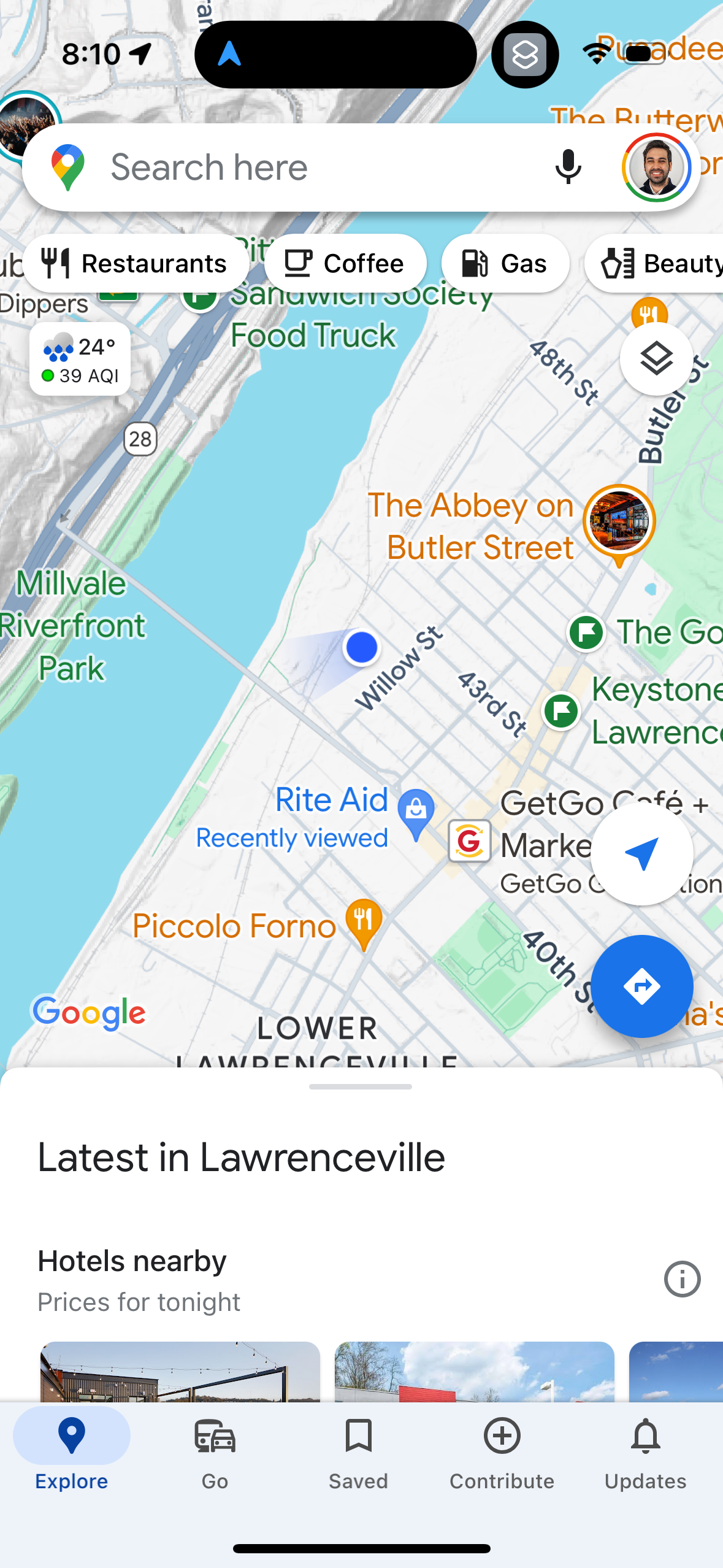
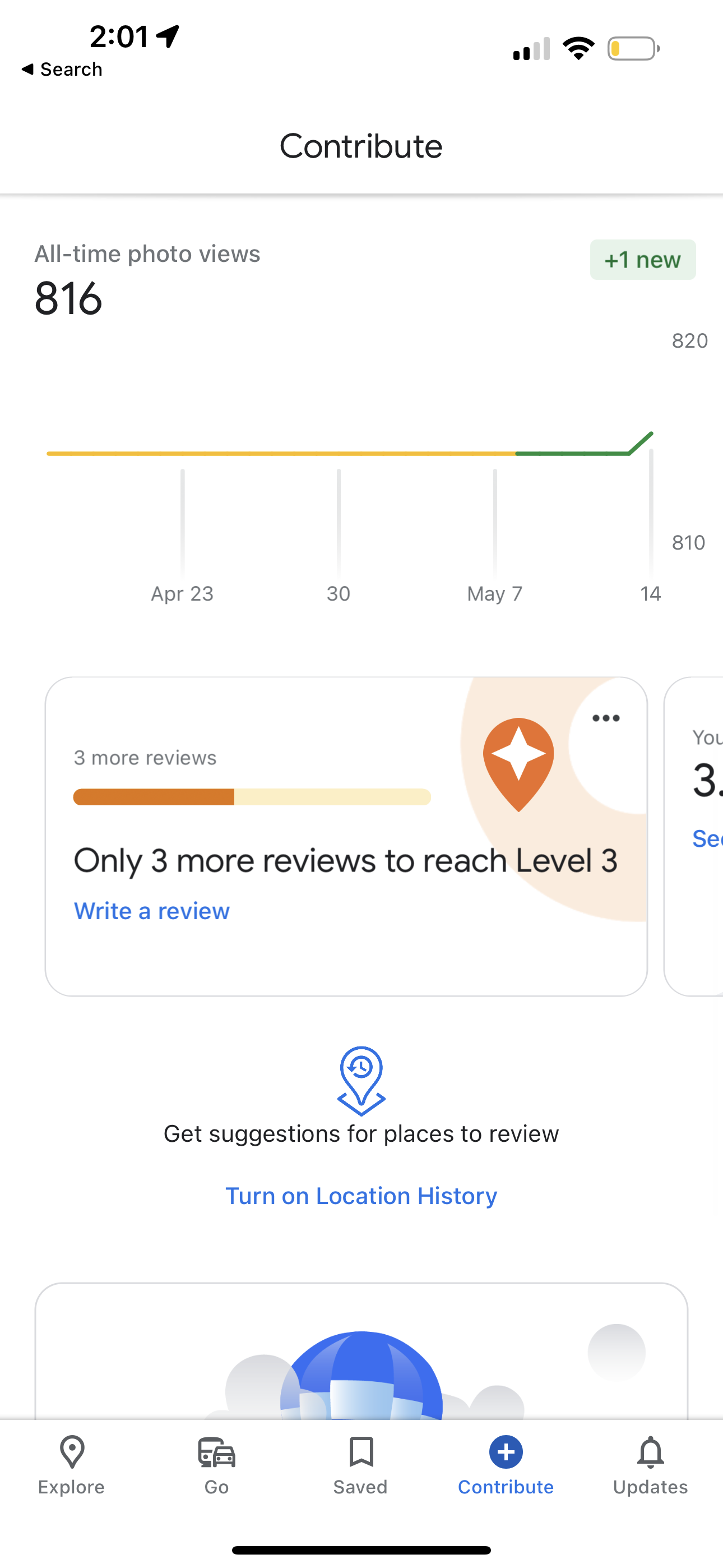
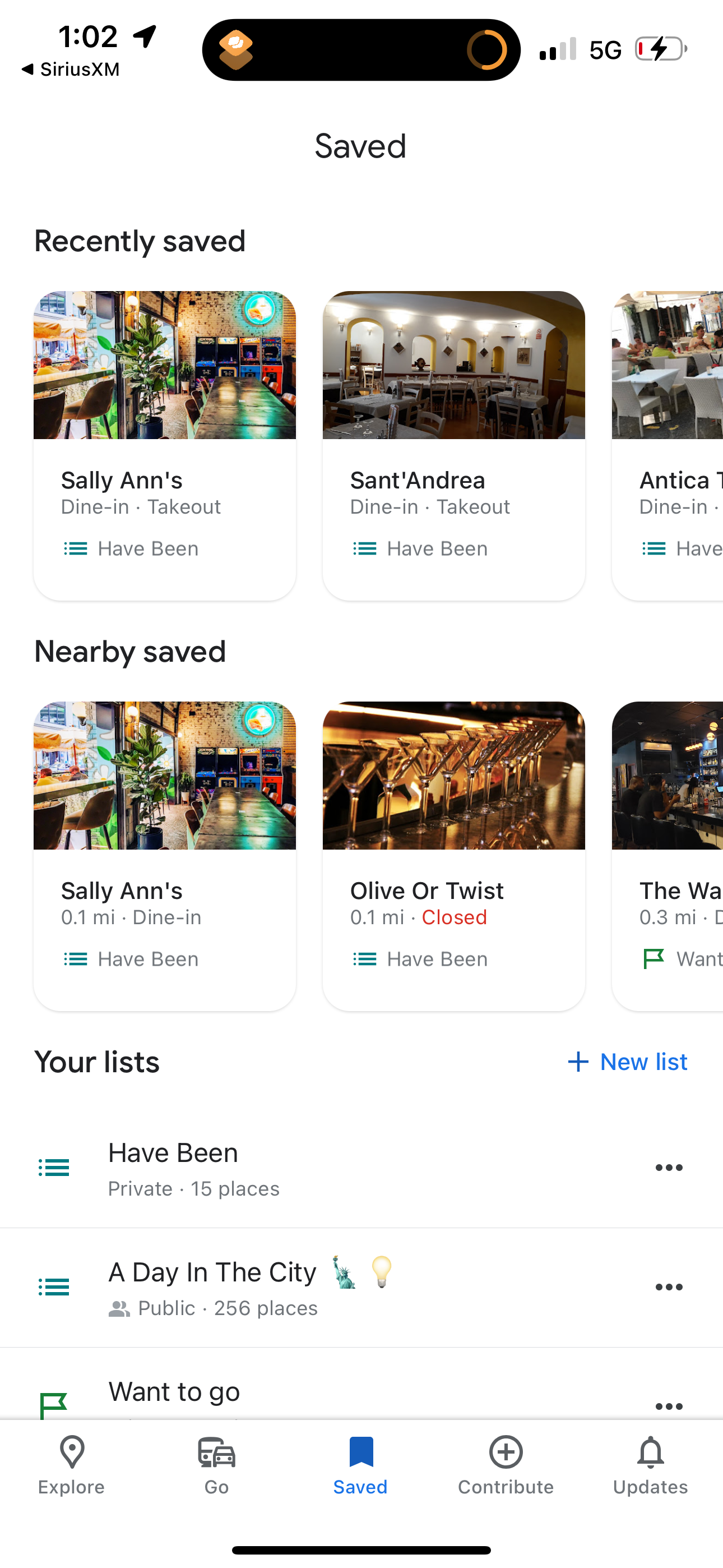
google-maps app screenshot 1
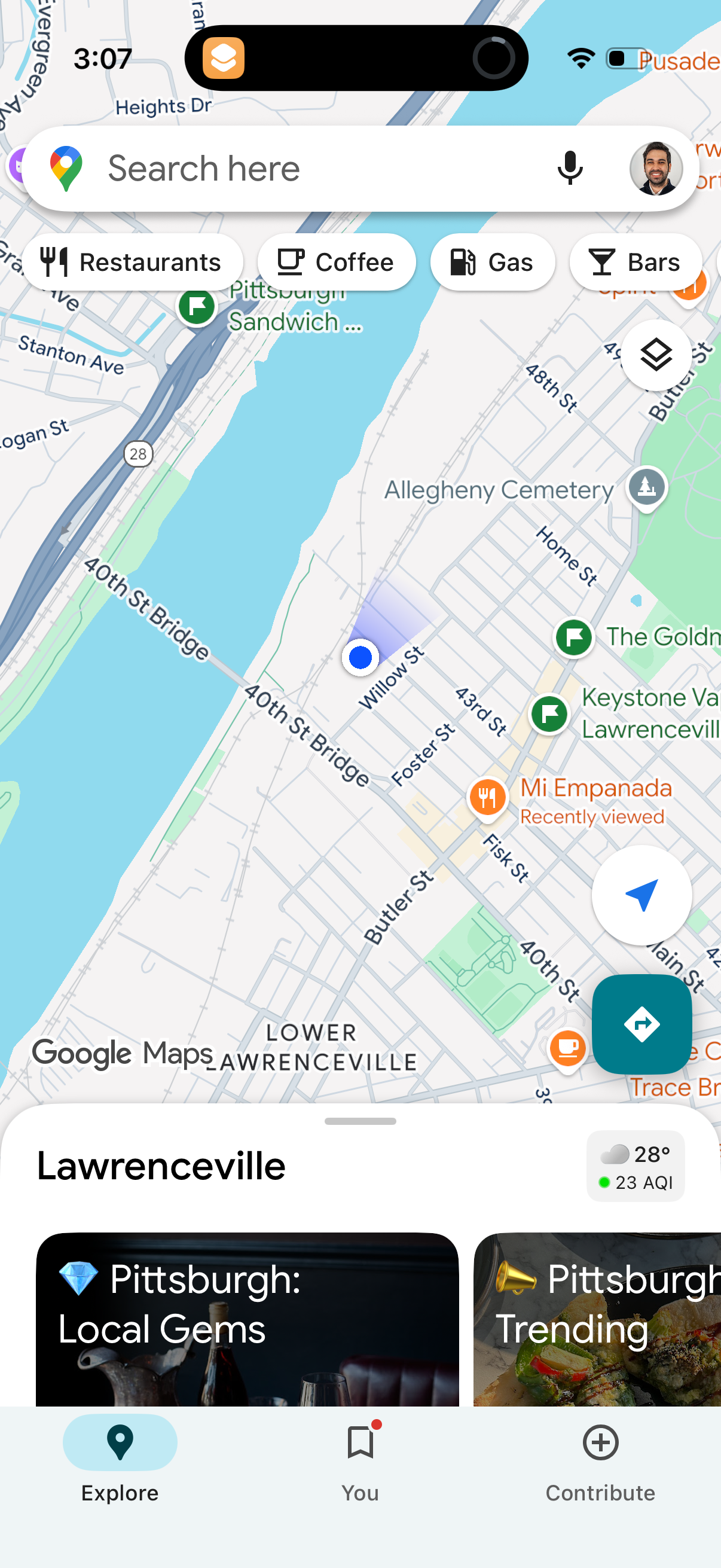
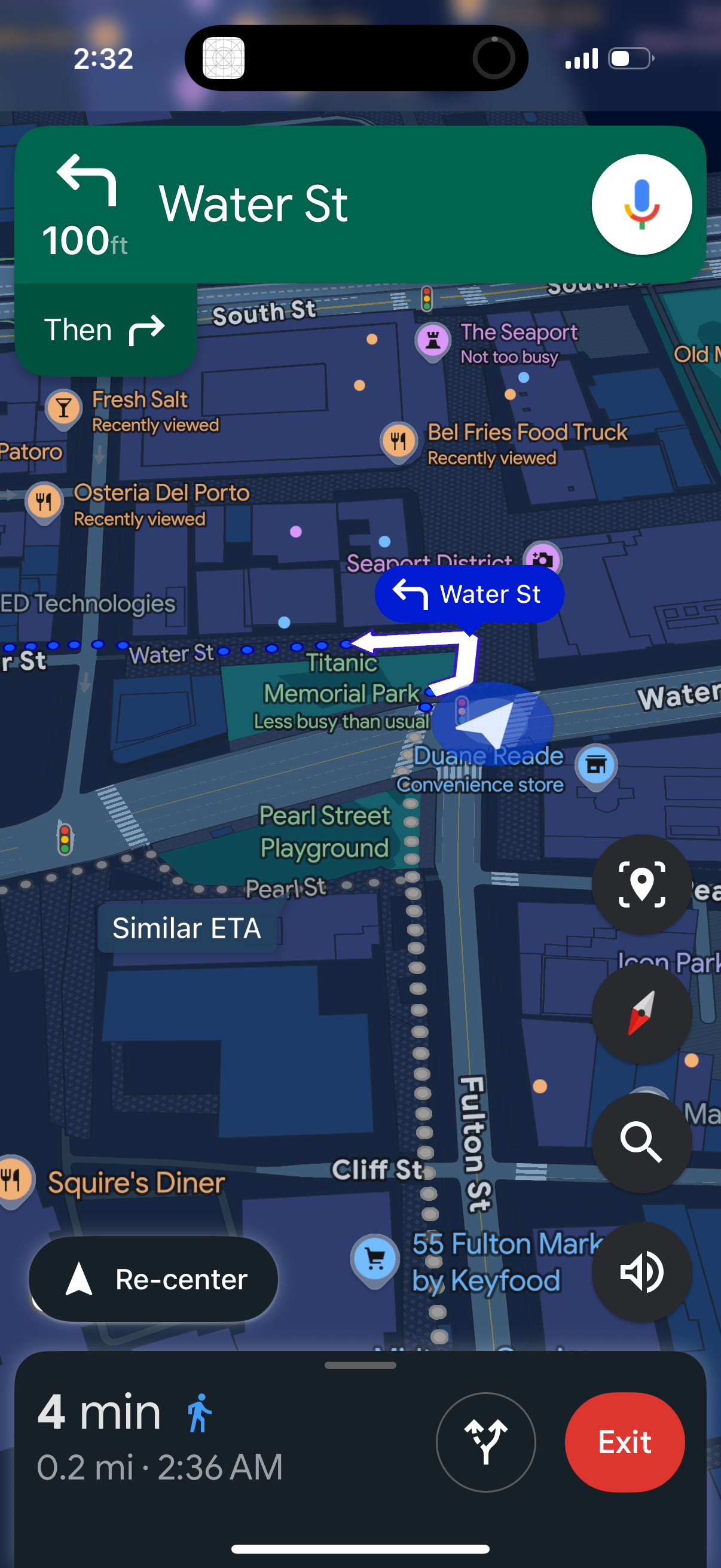
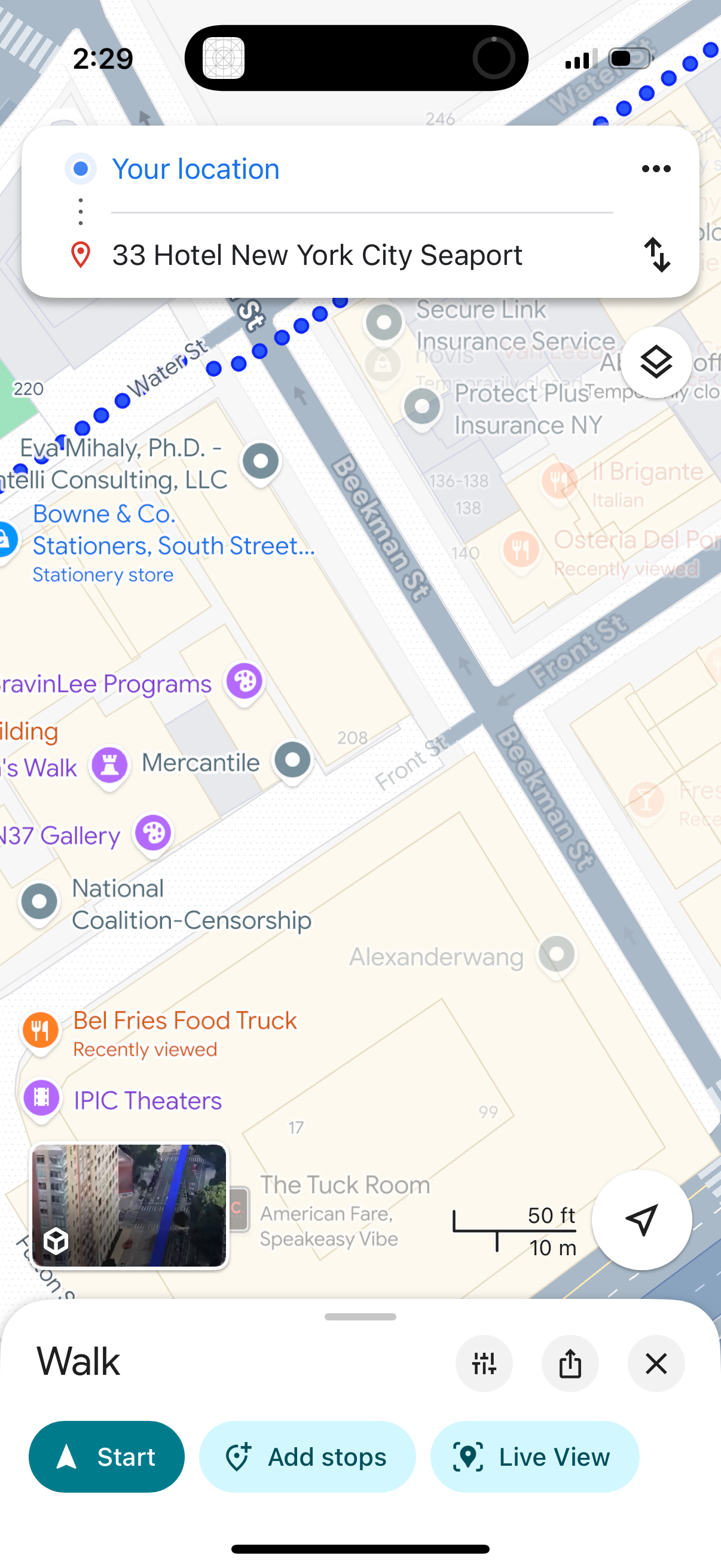
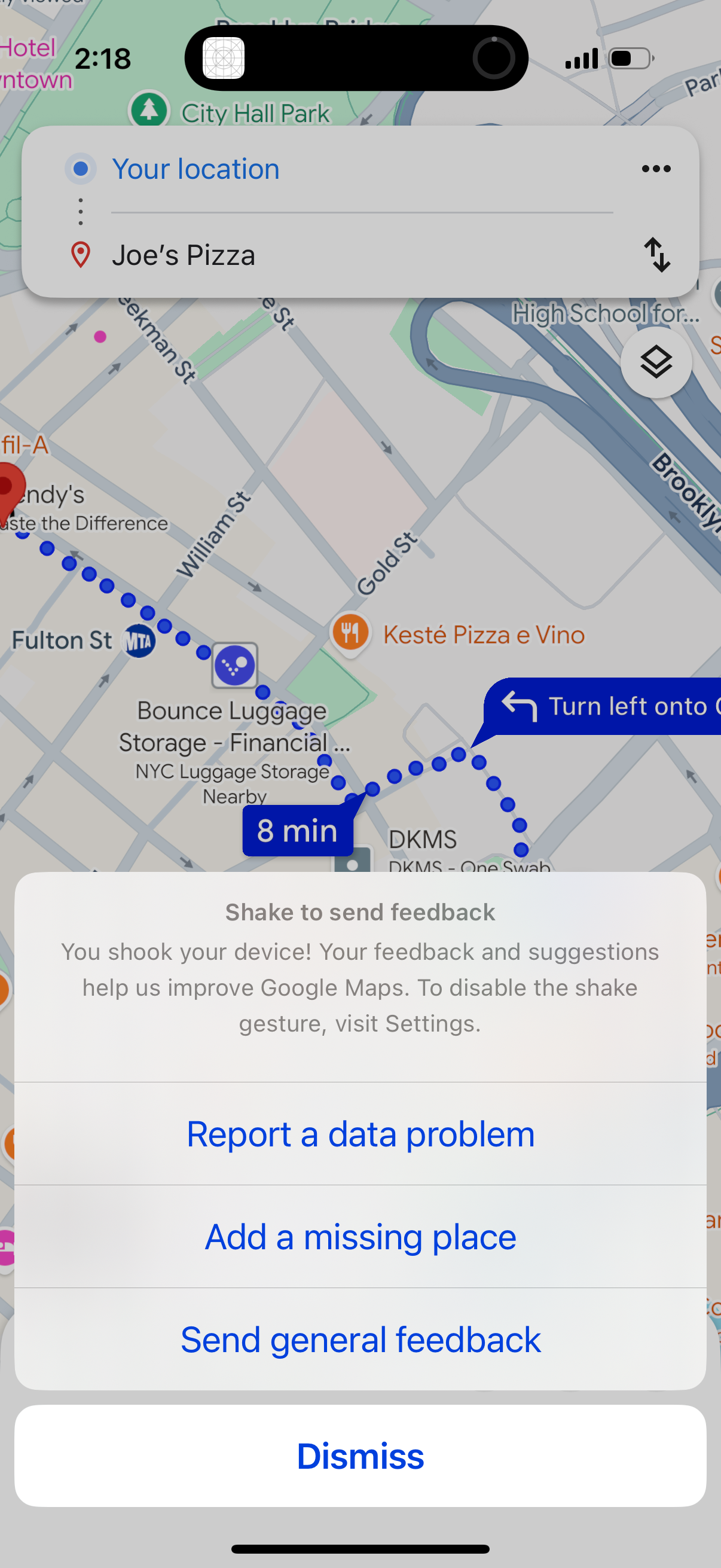
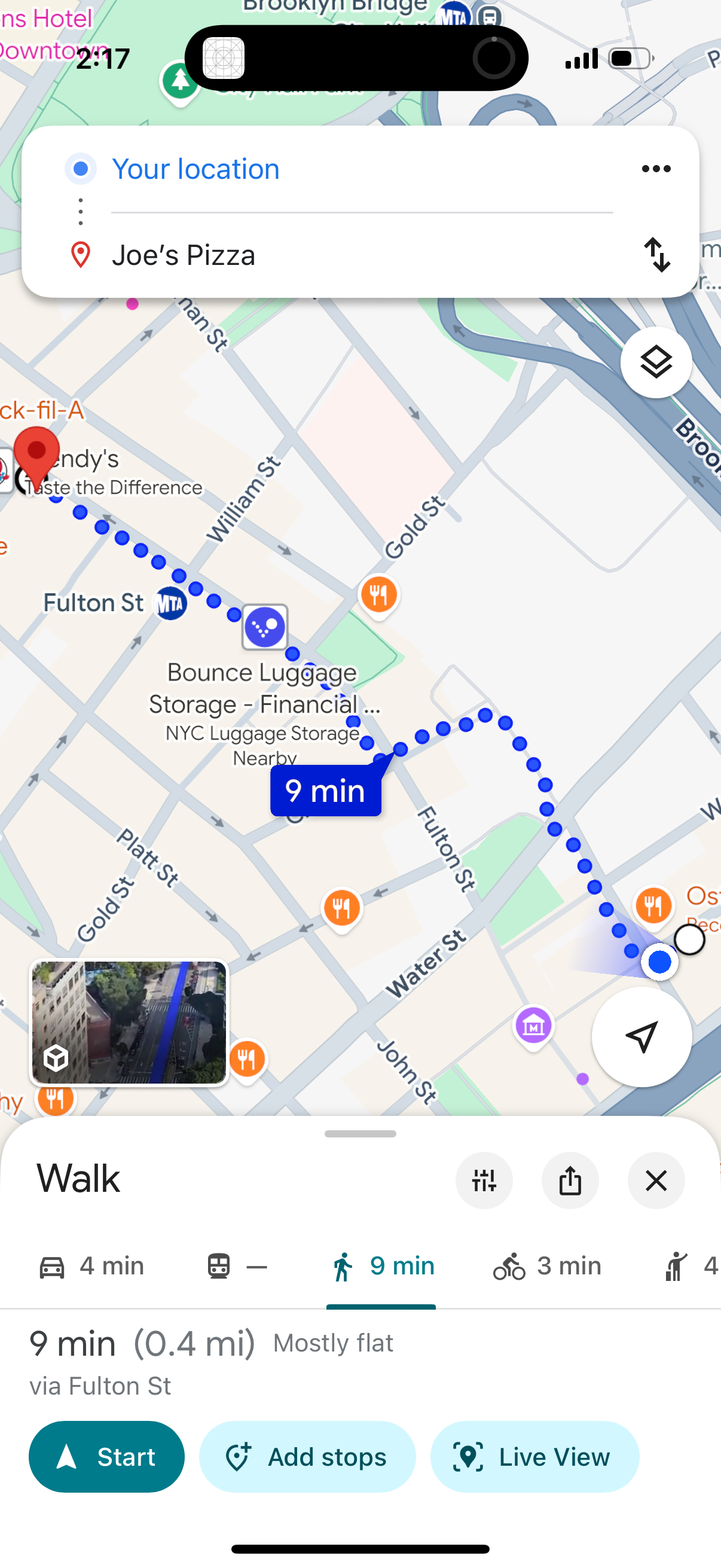
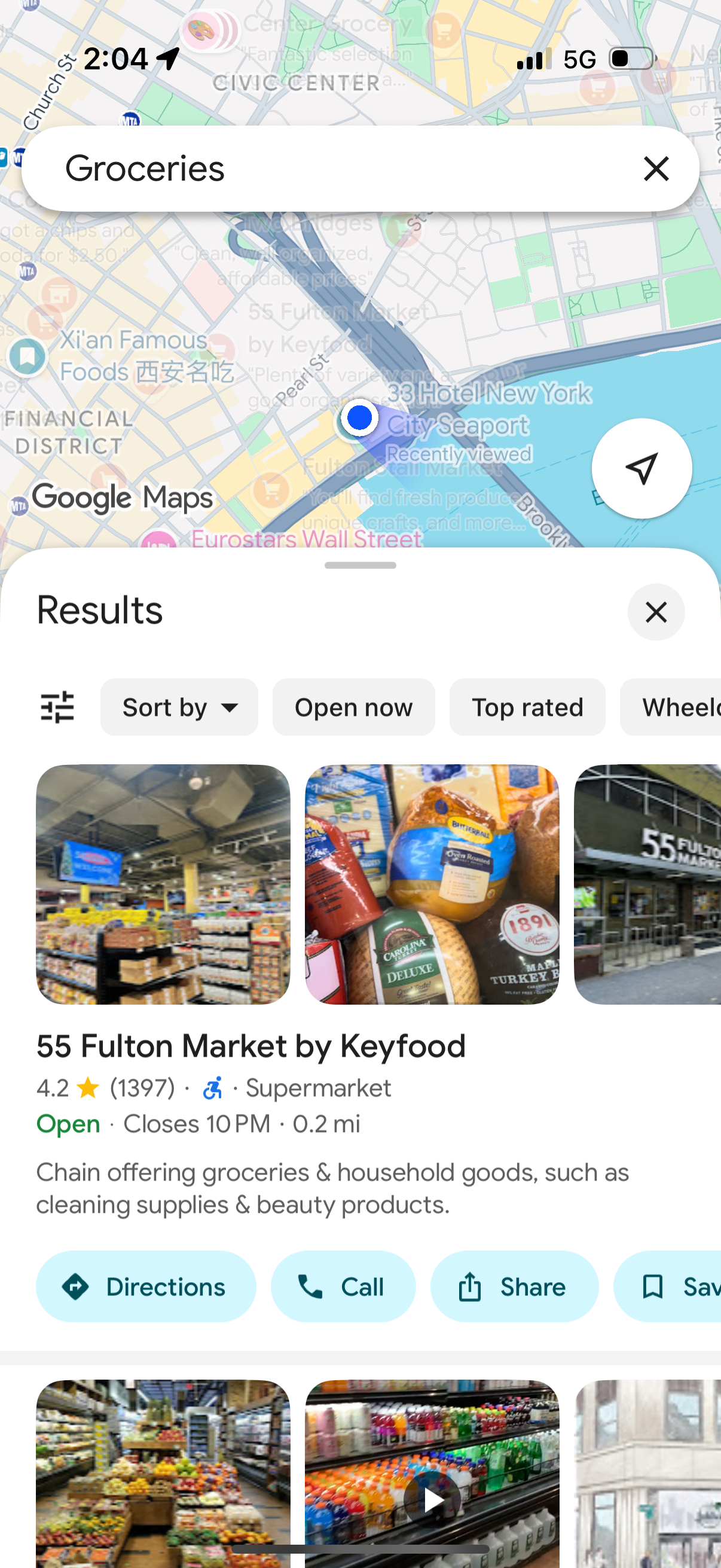
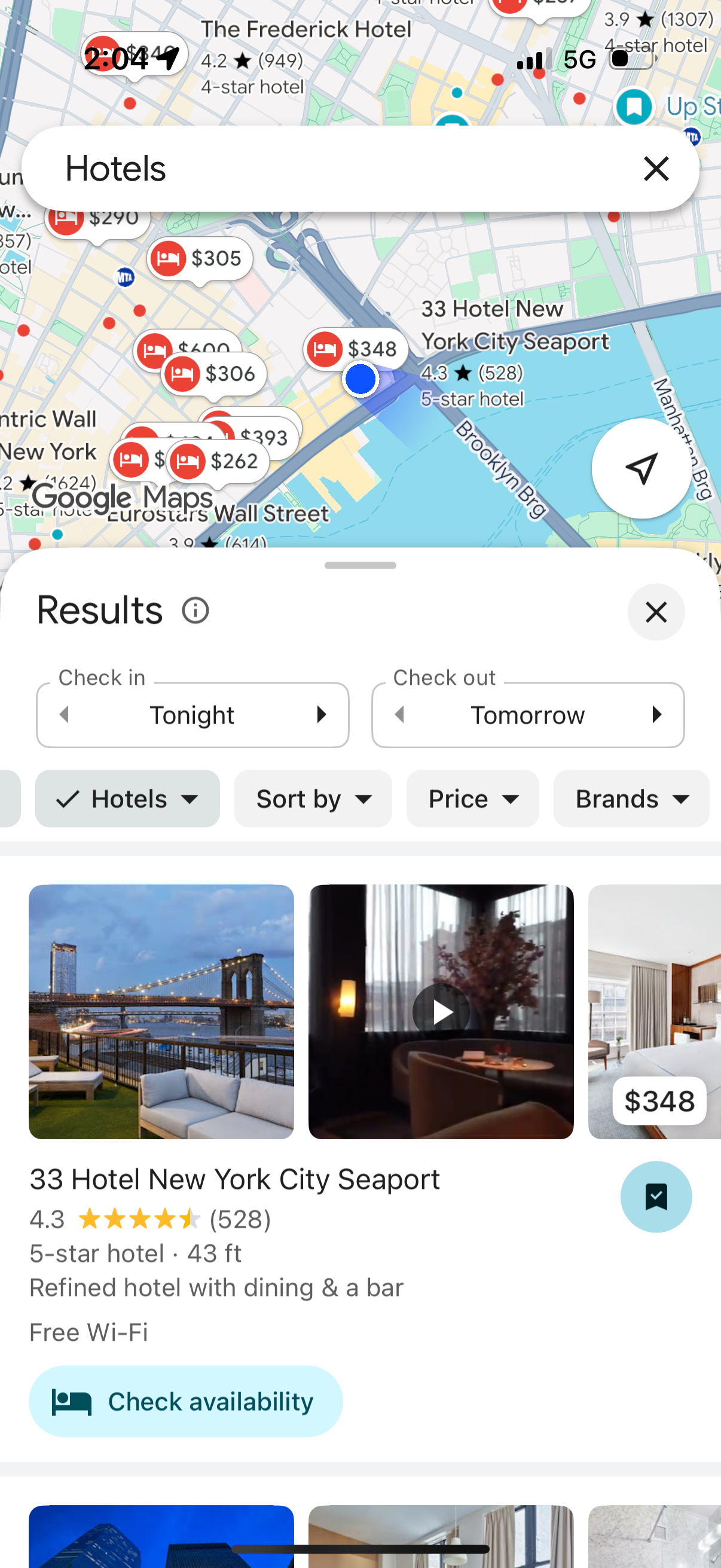
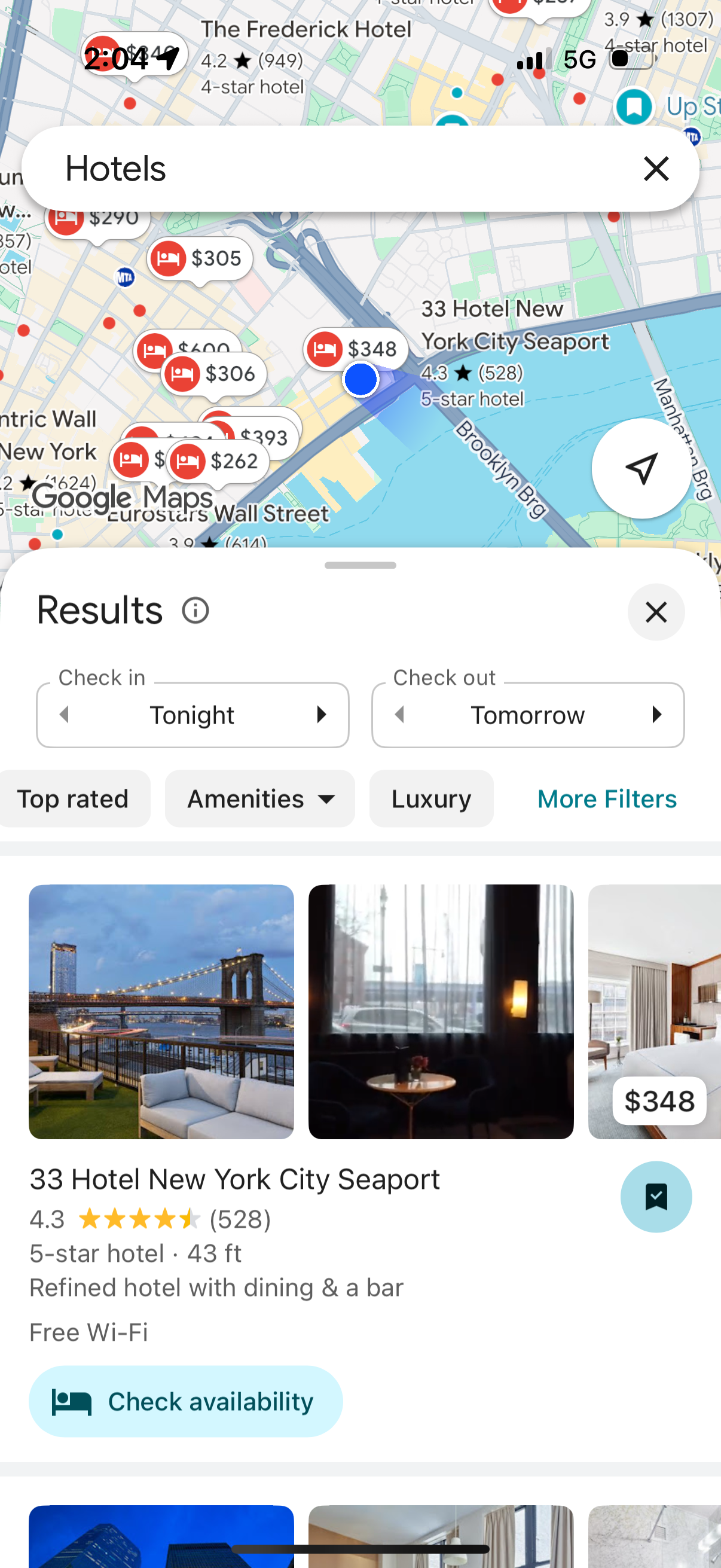
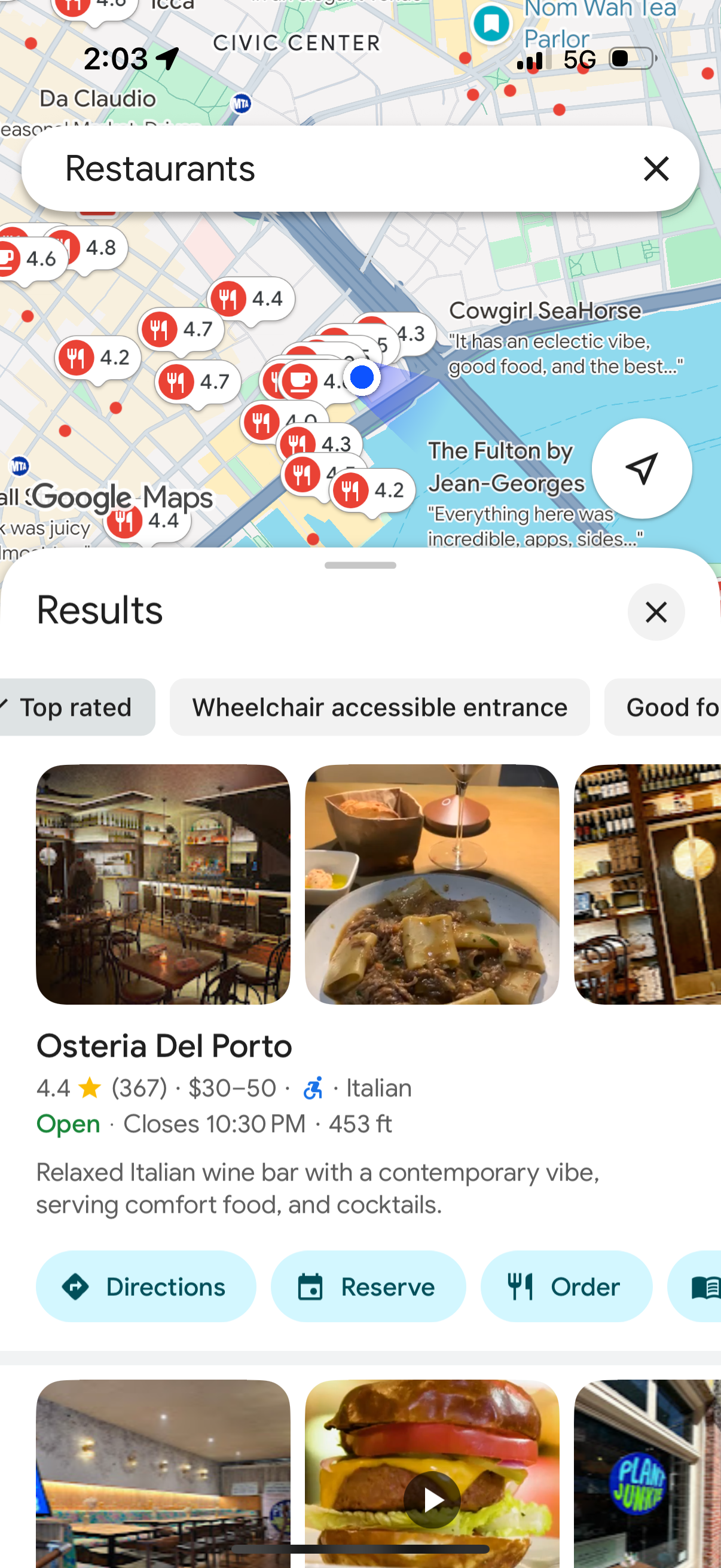
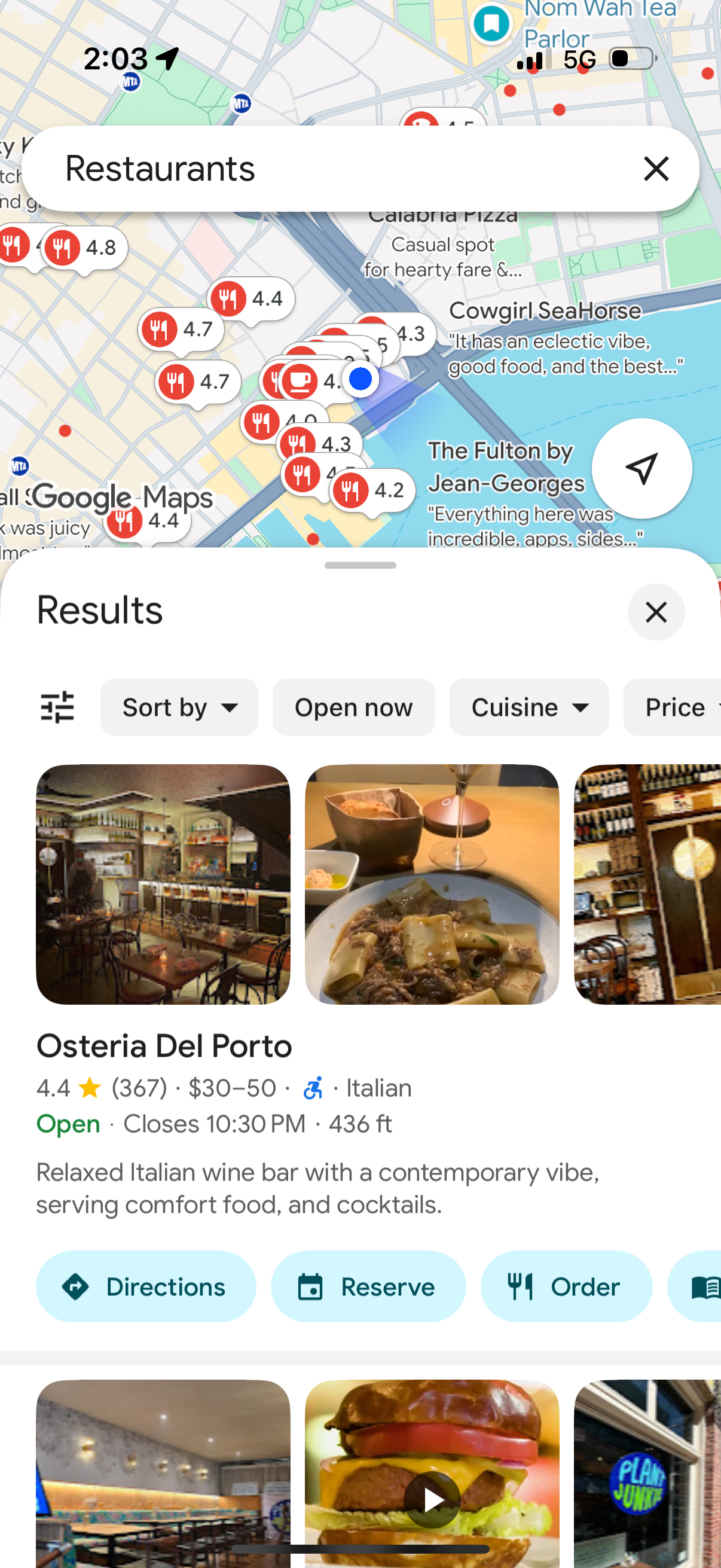
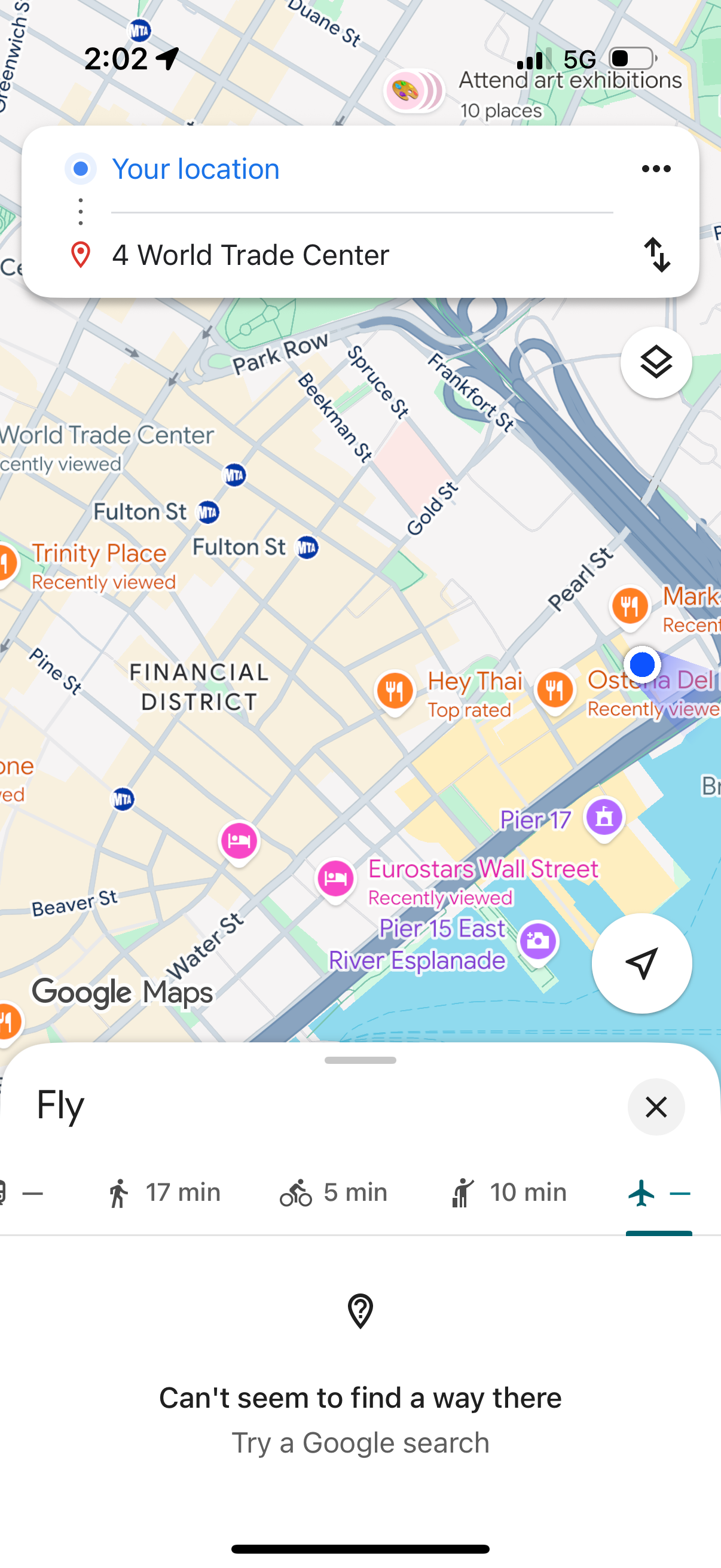
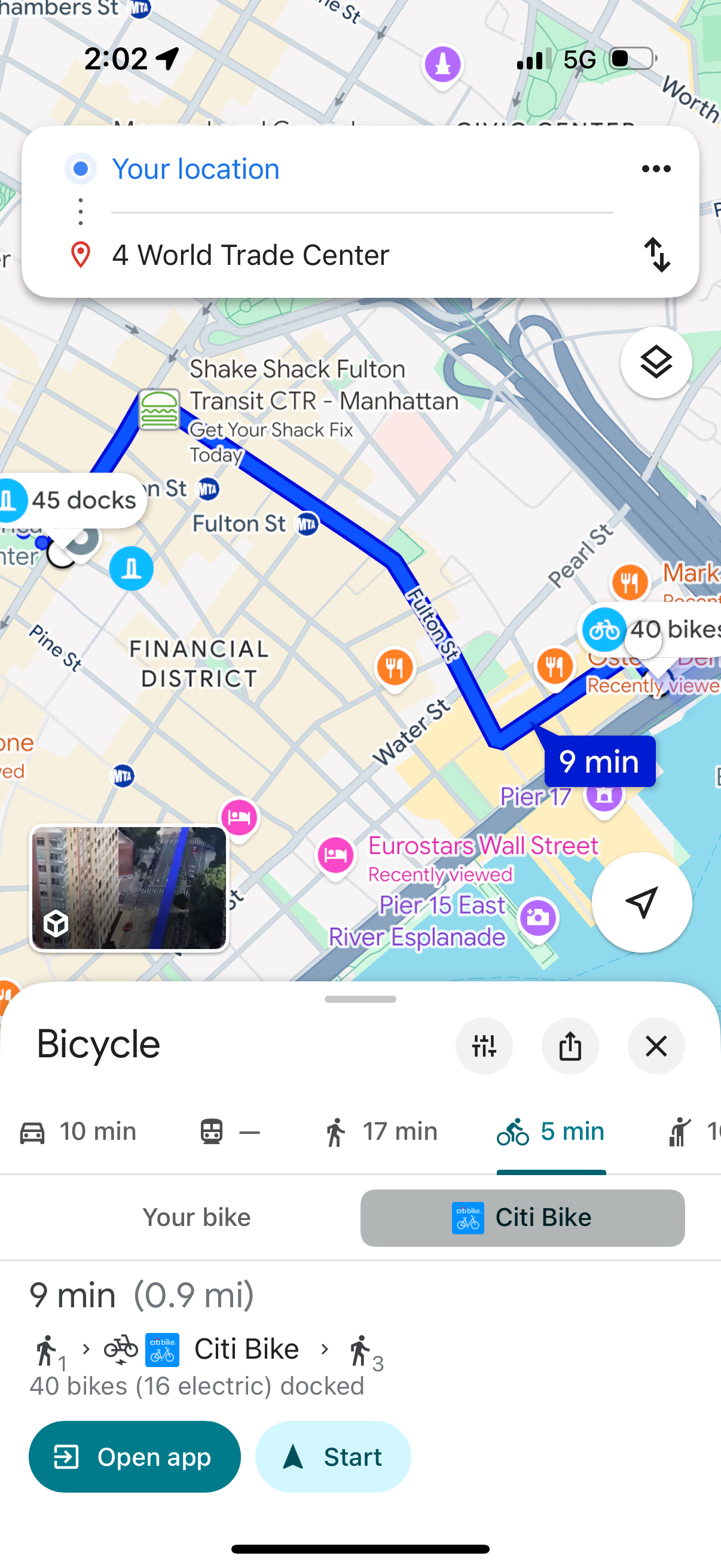
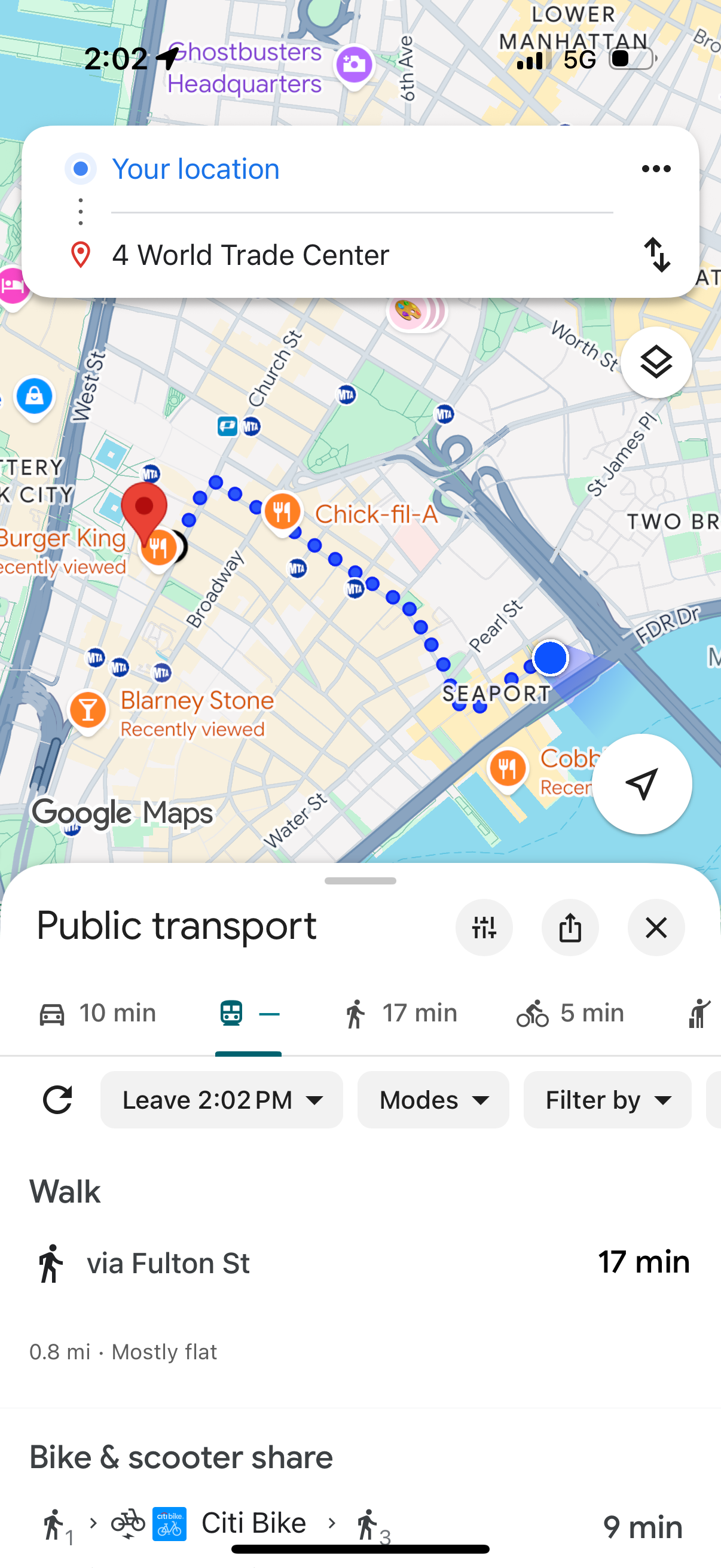
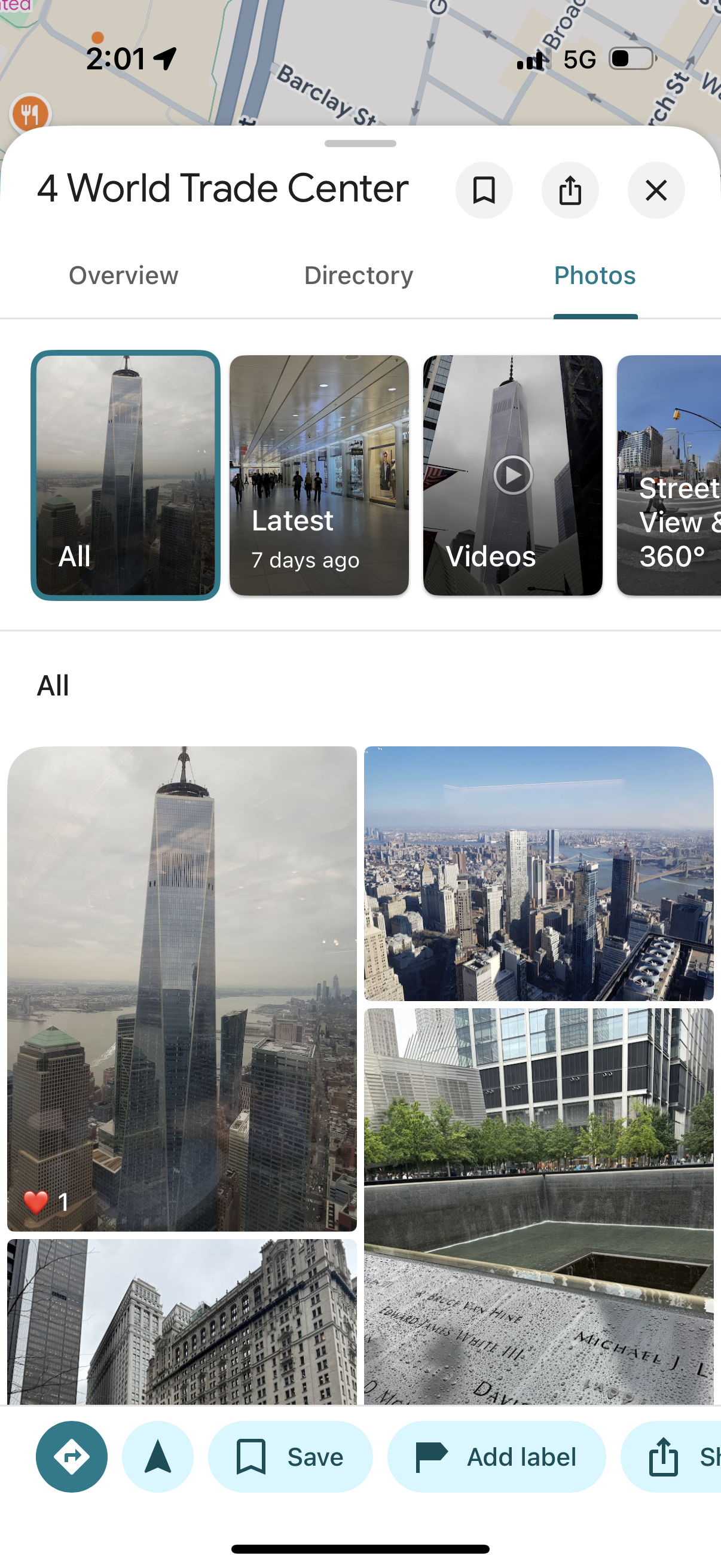
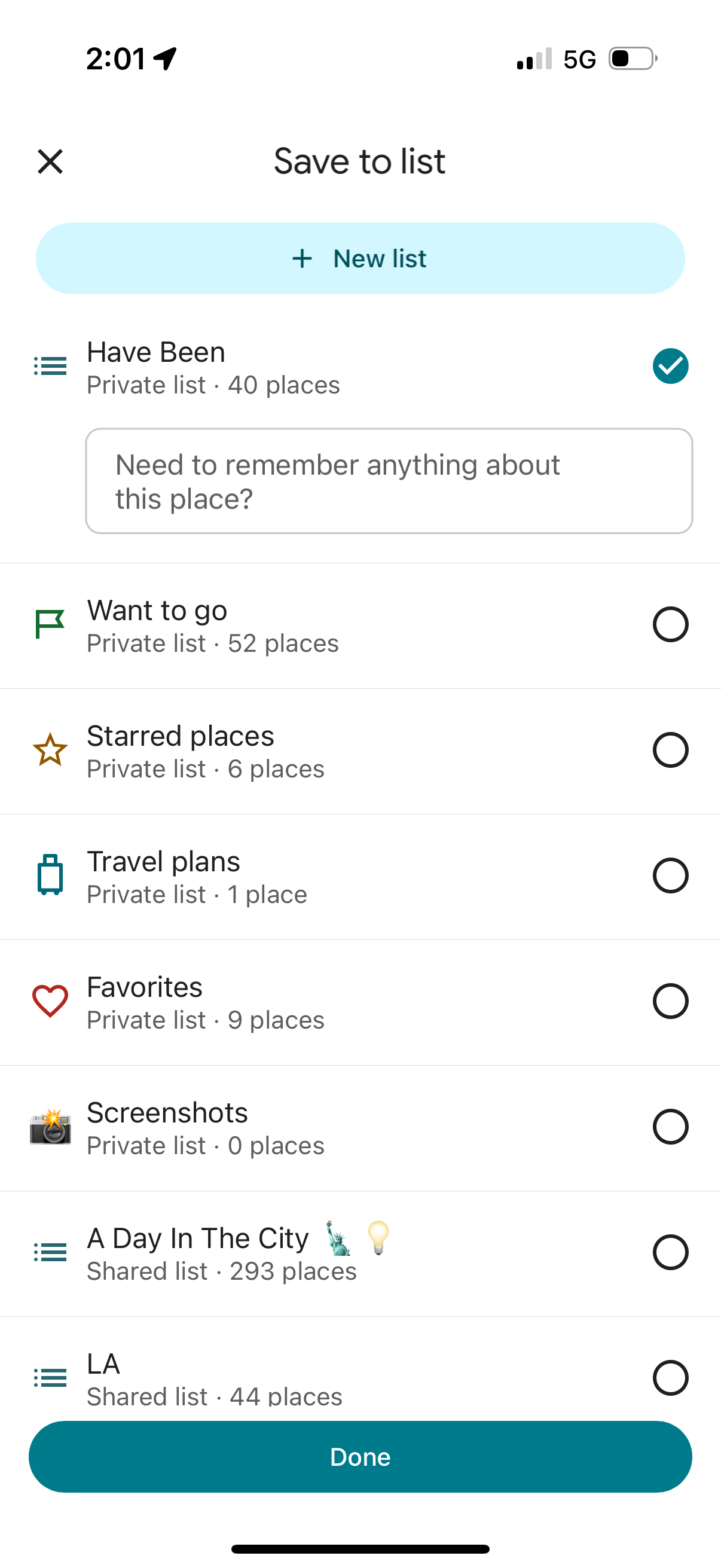
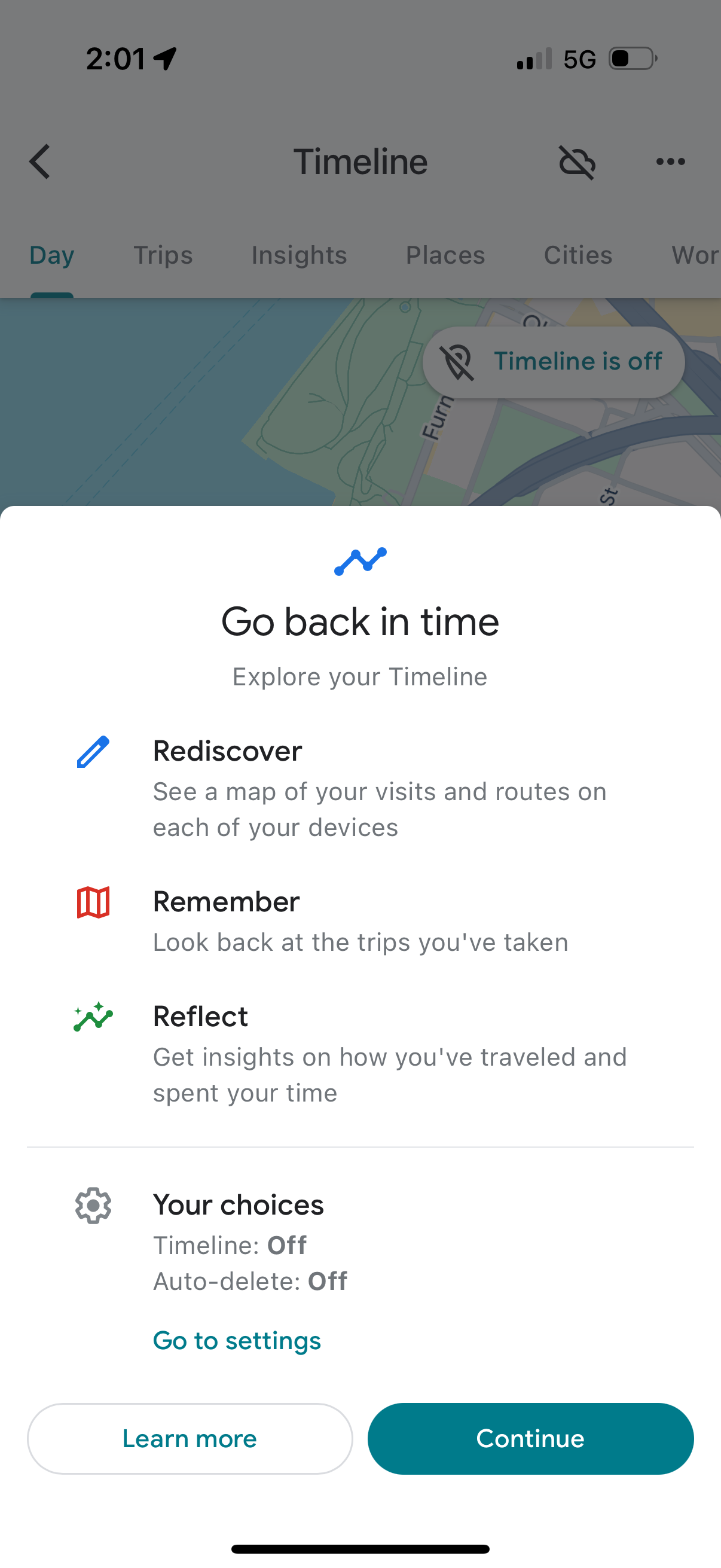
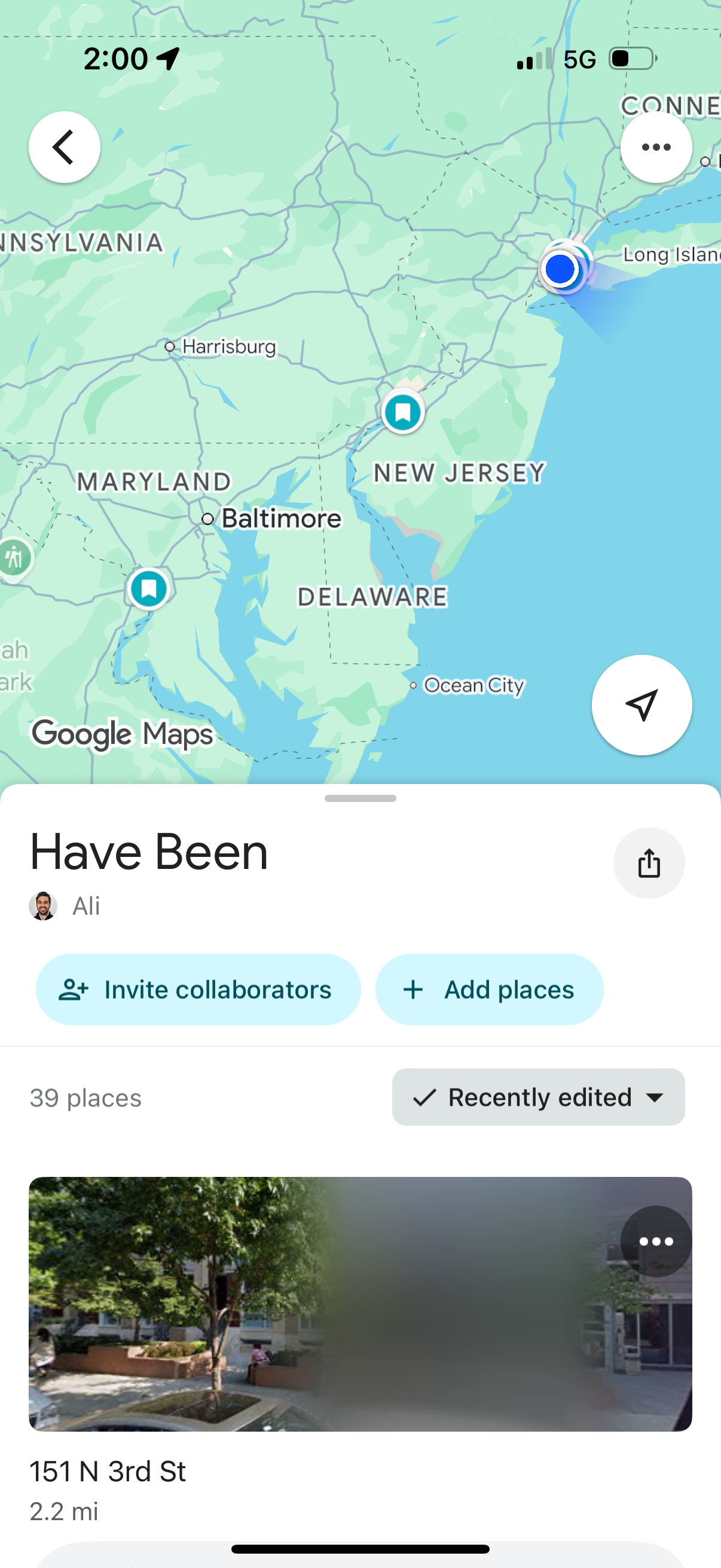
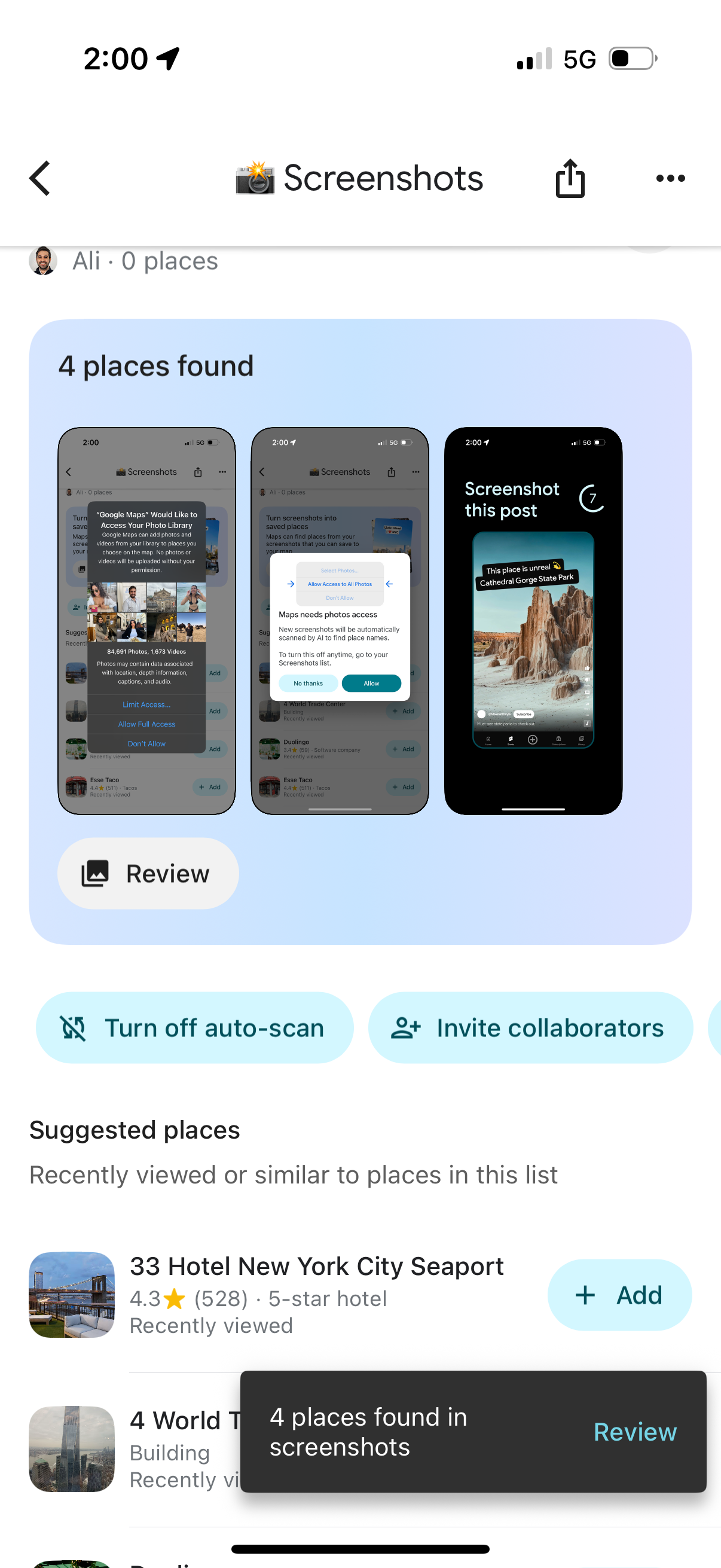
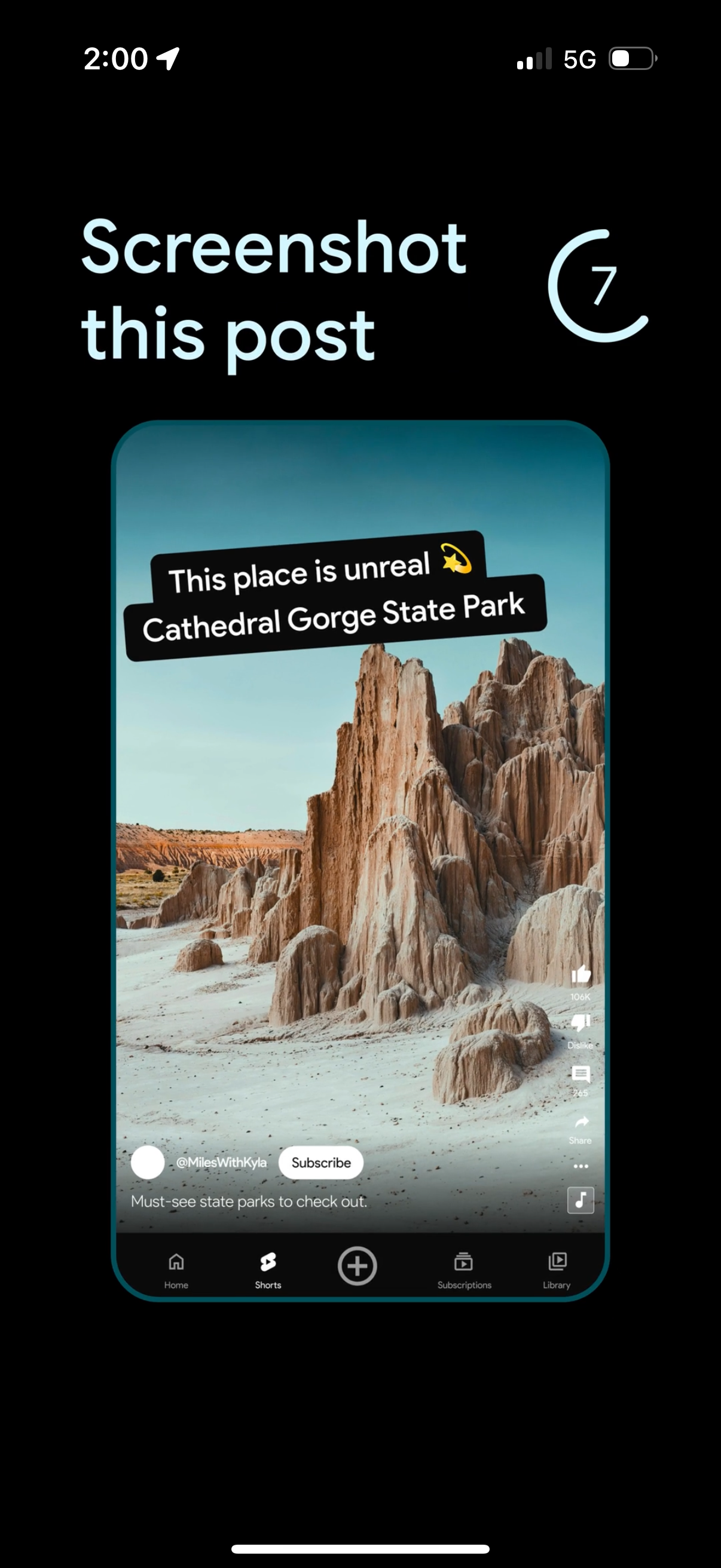
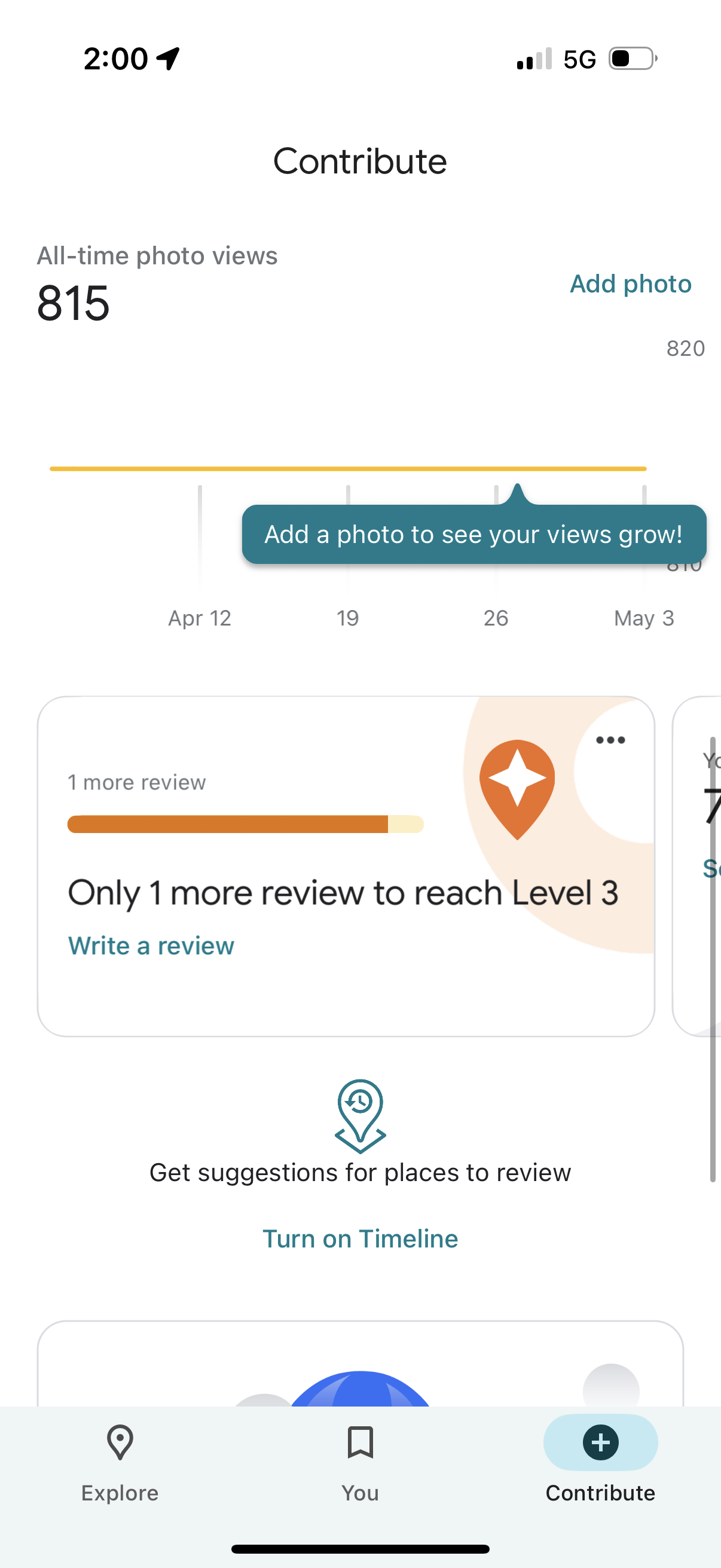
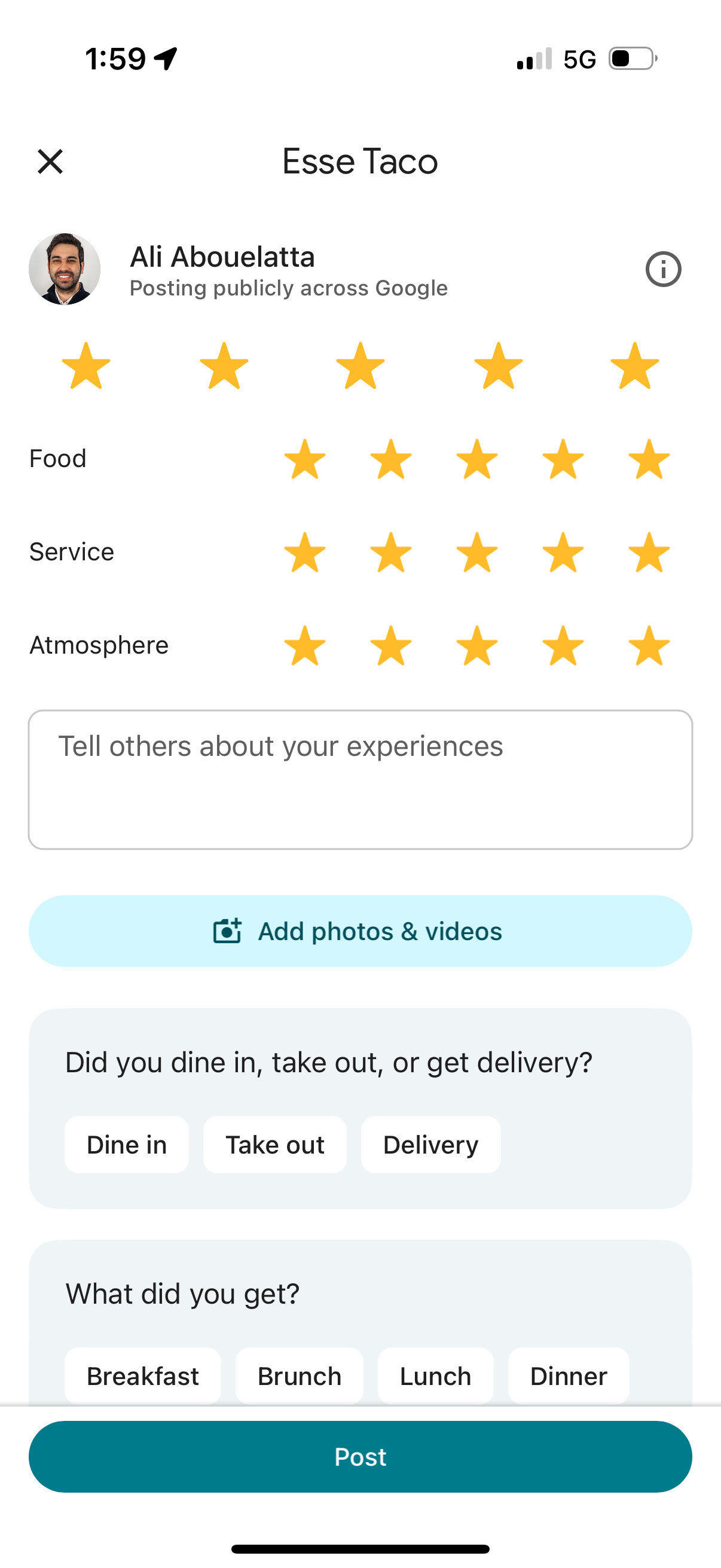
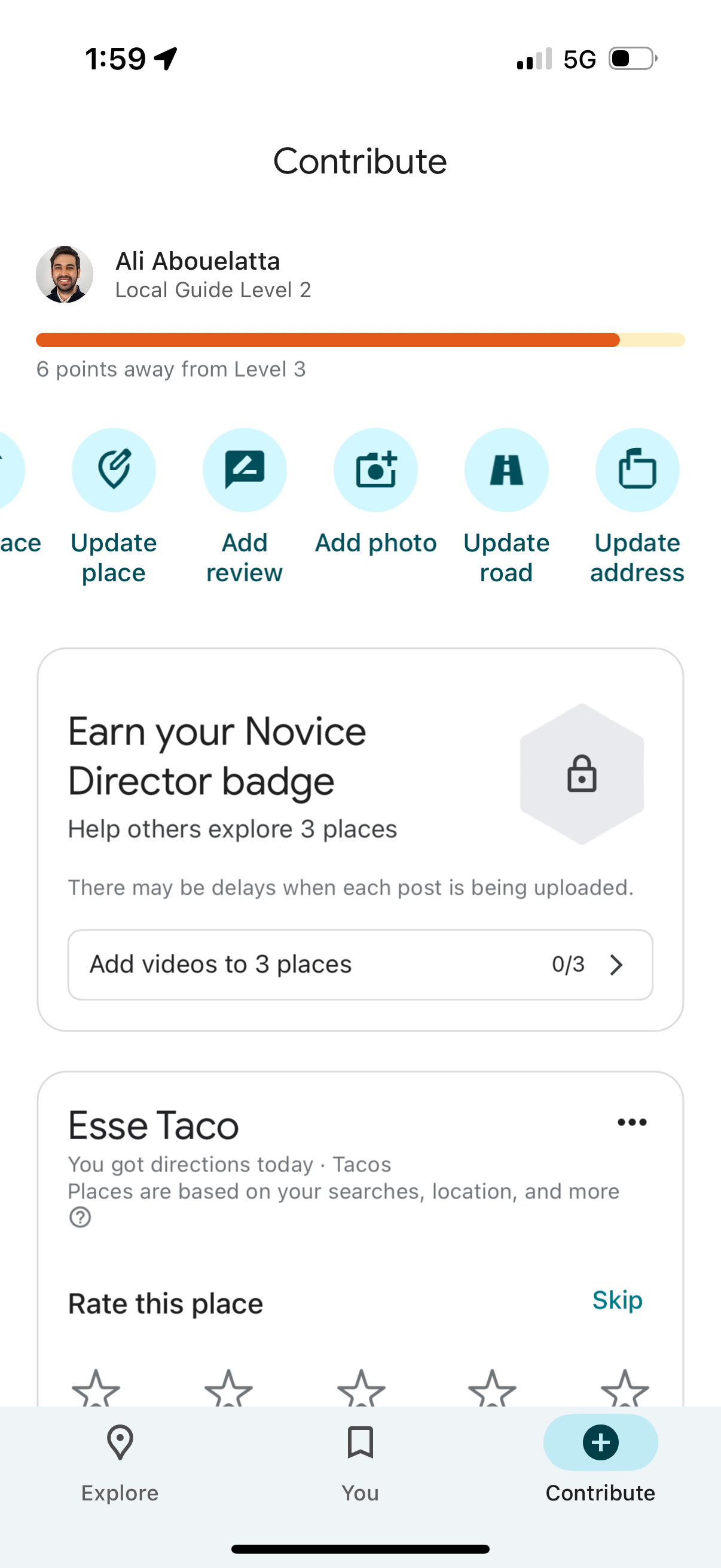
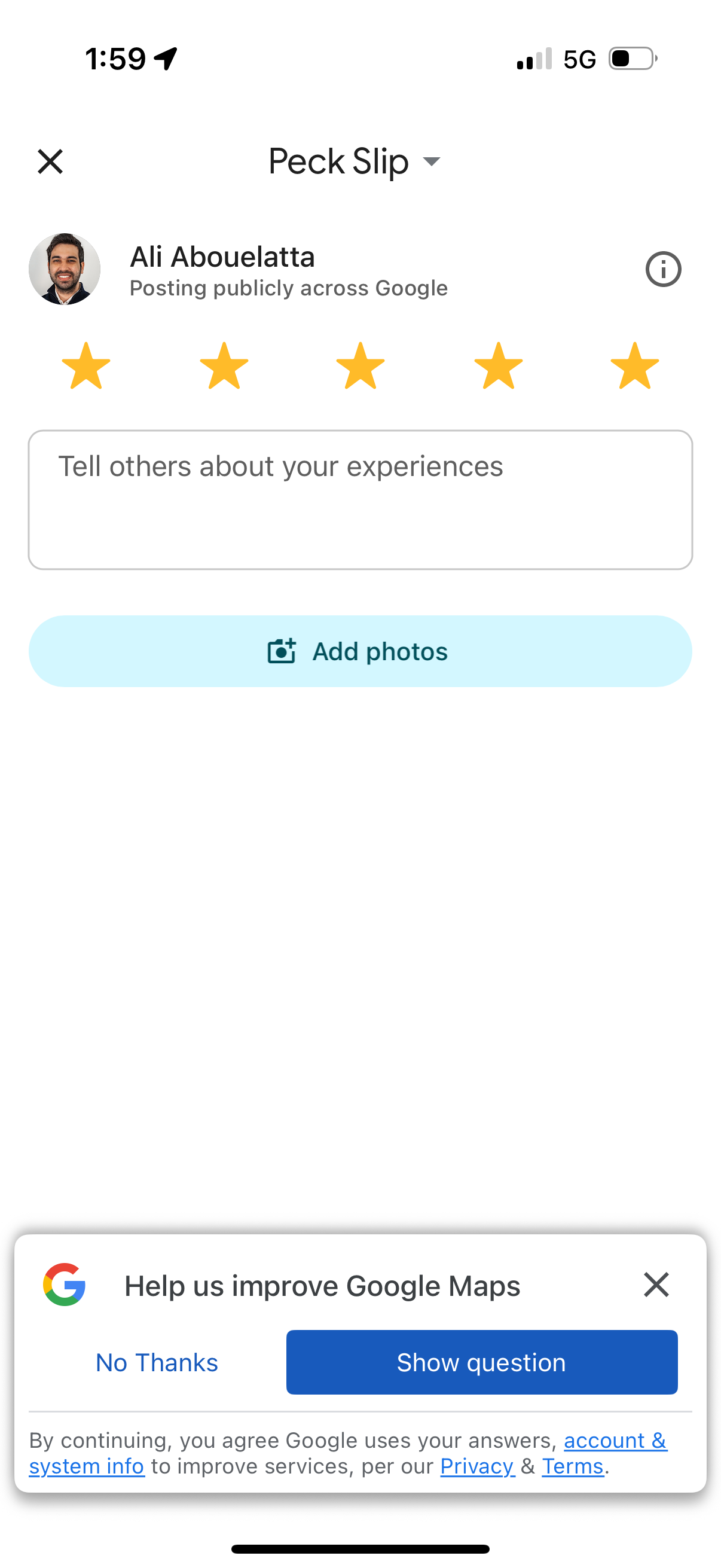
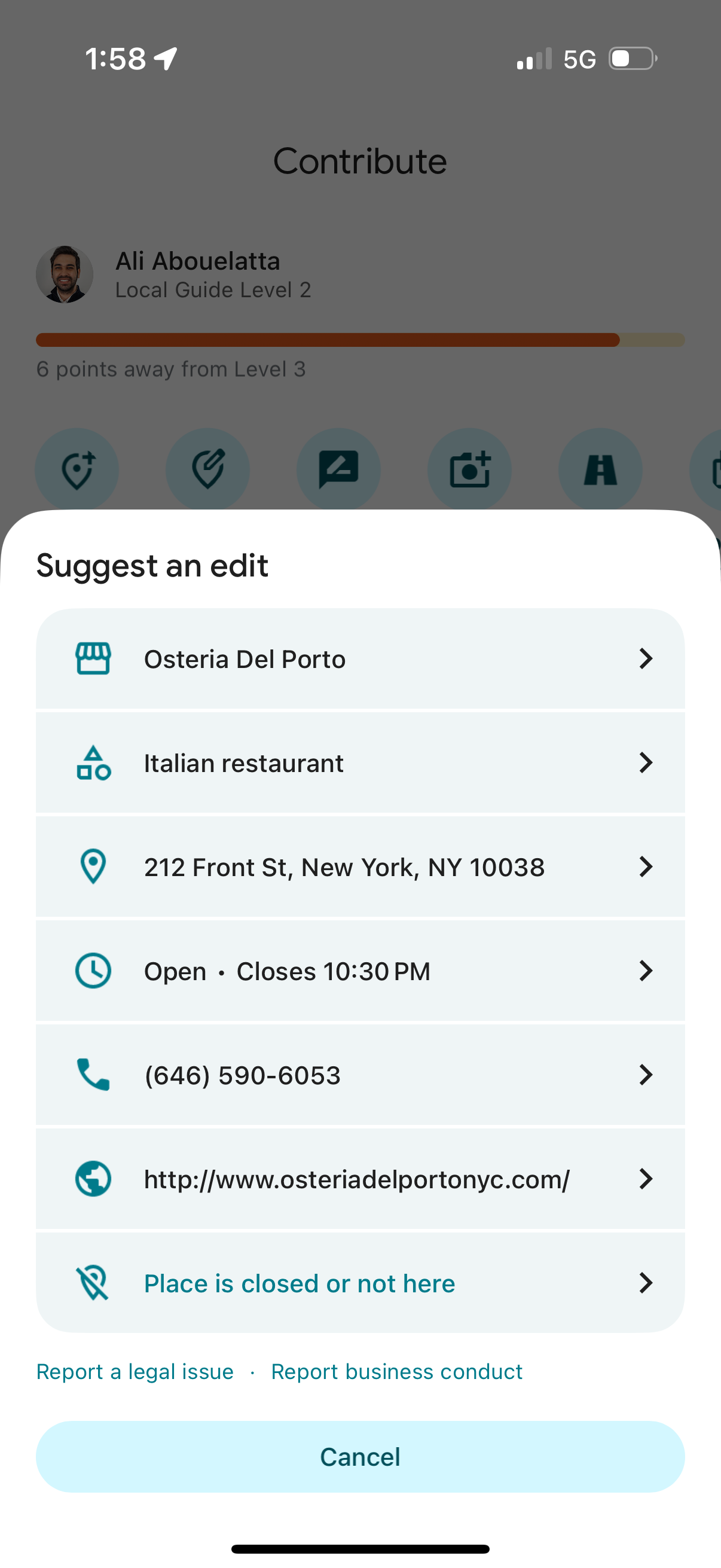
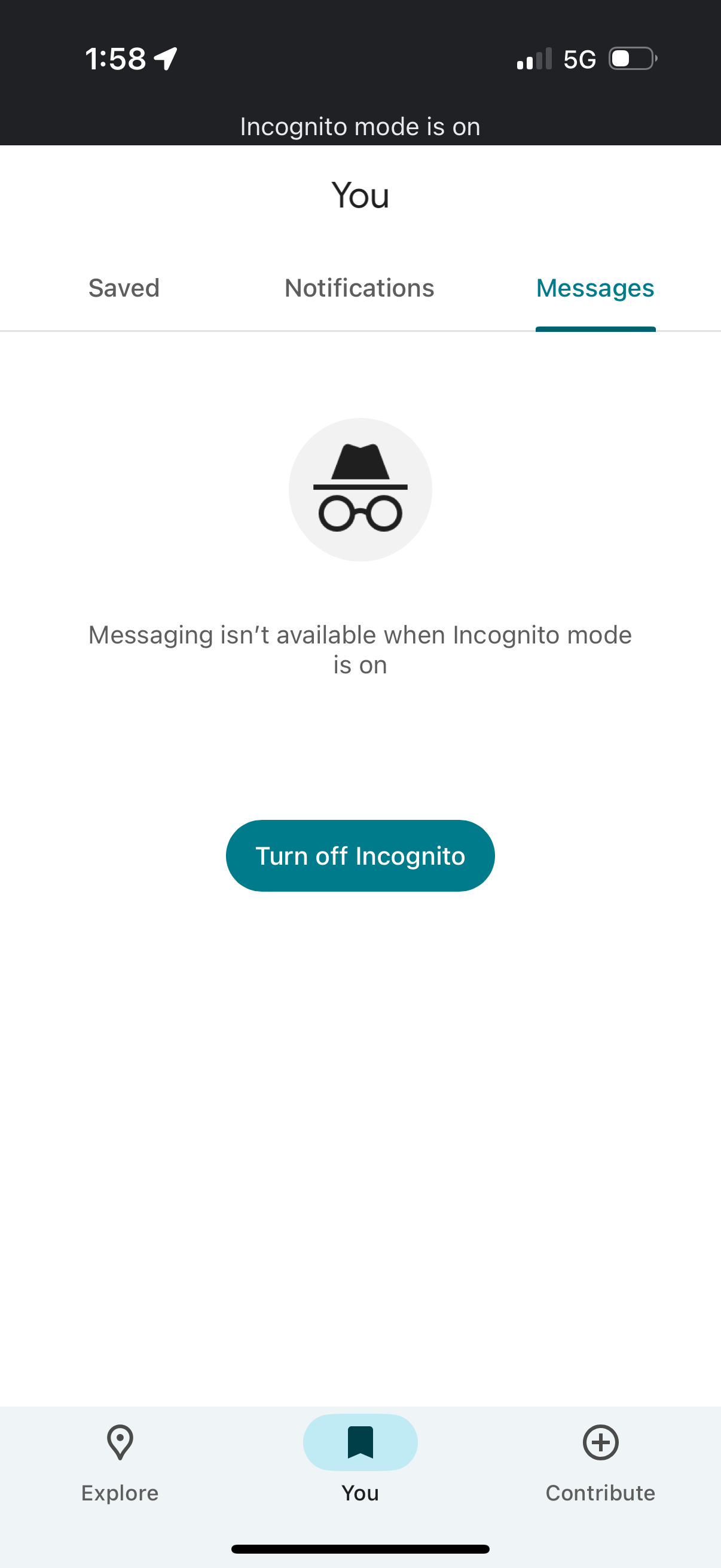
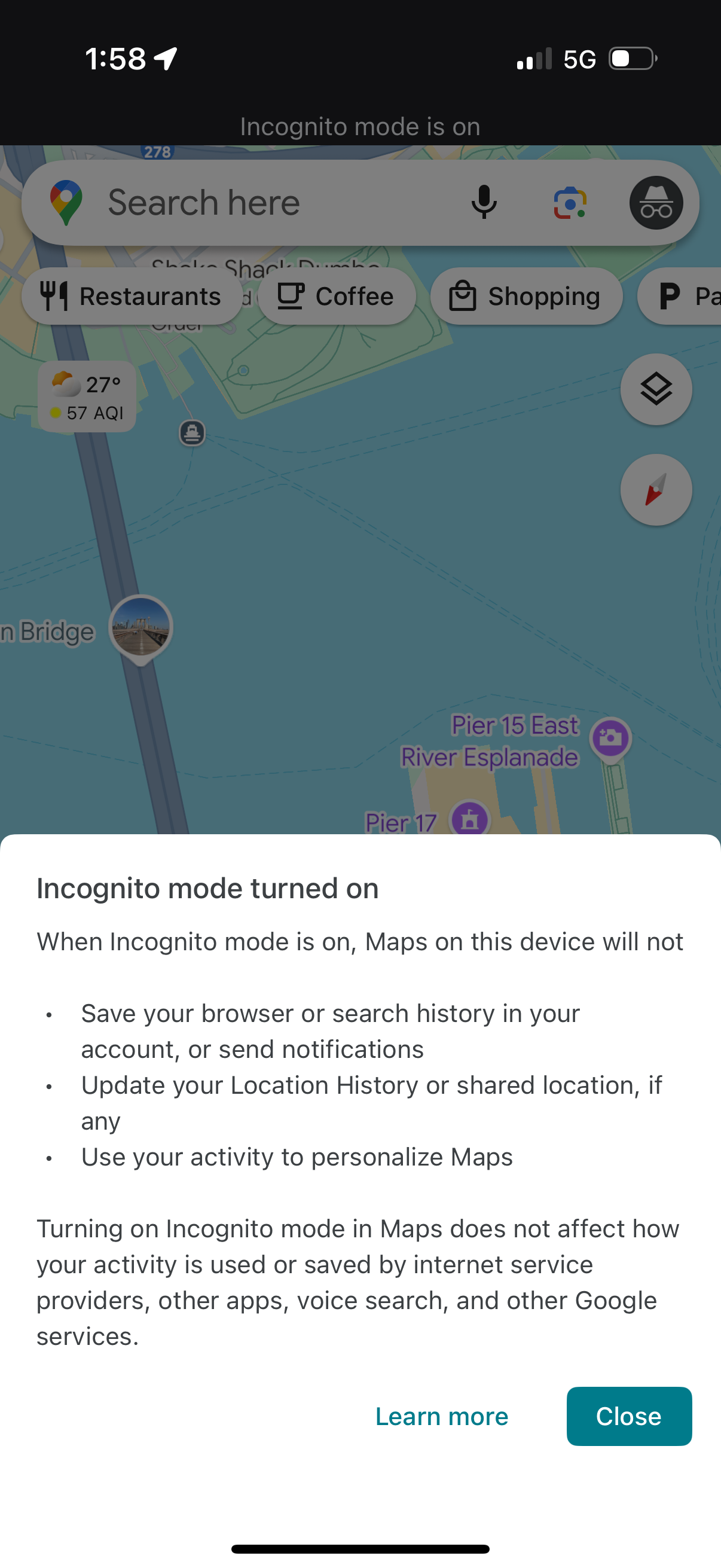
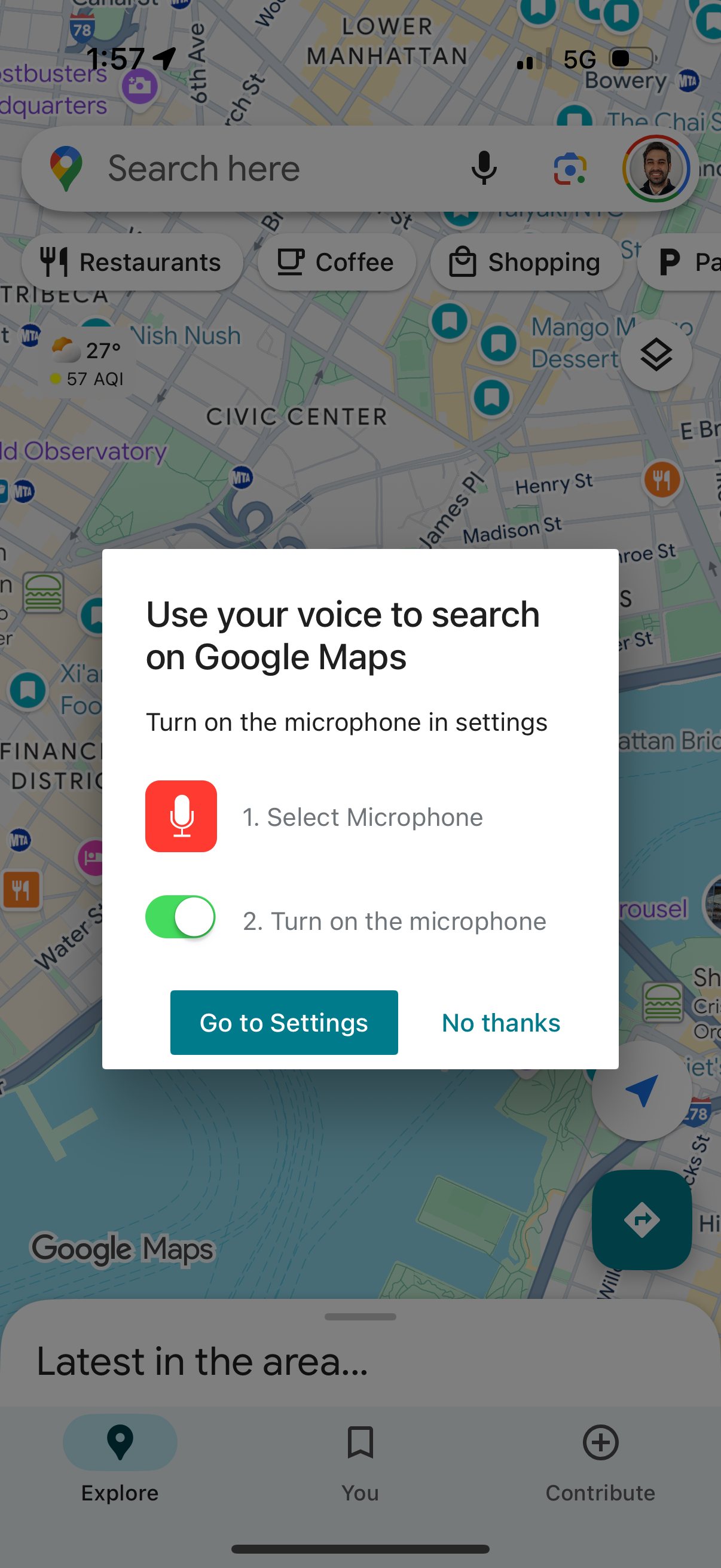
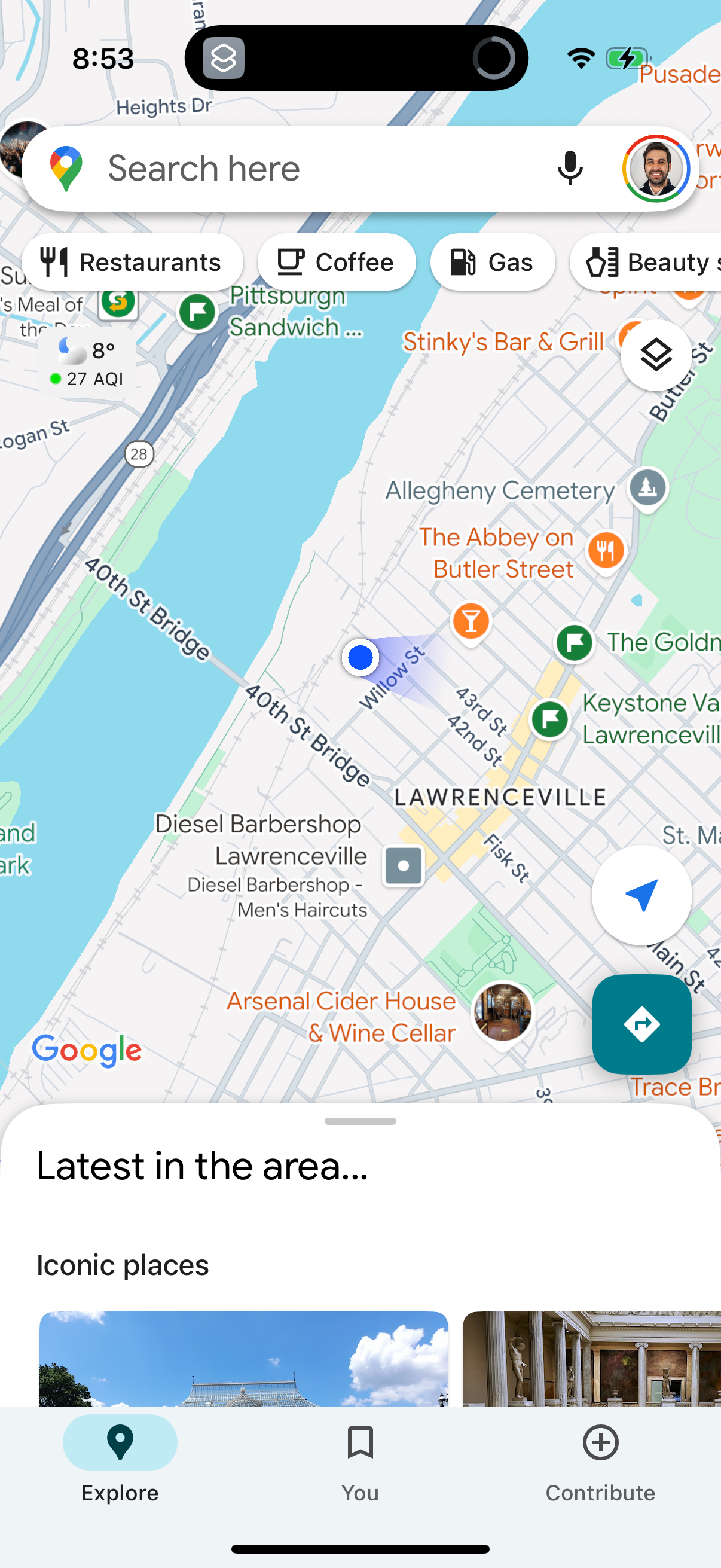
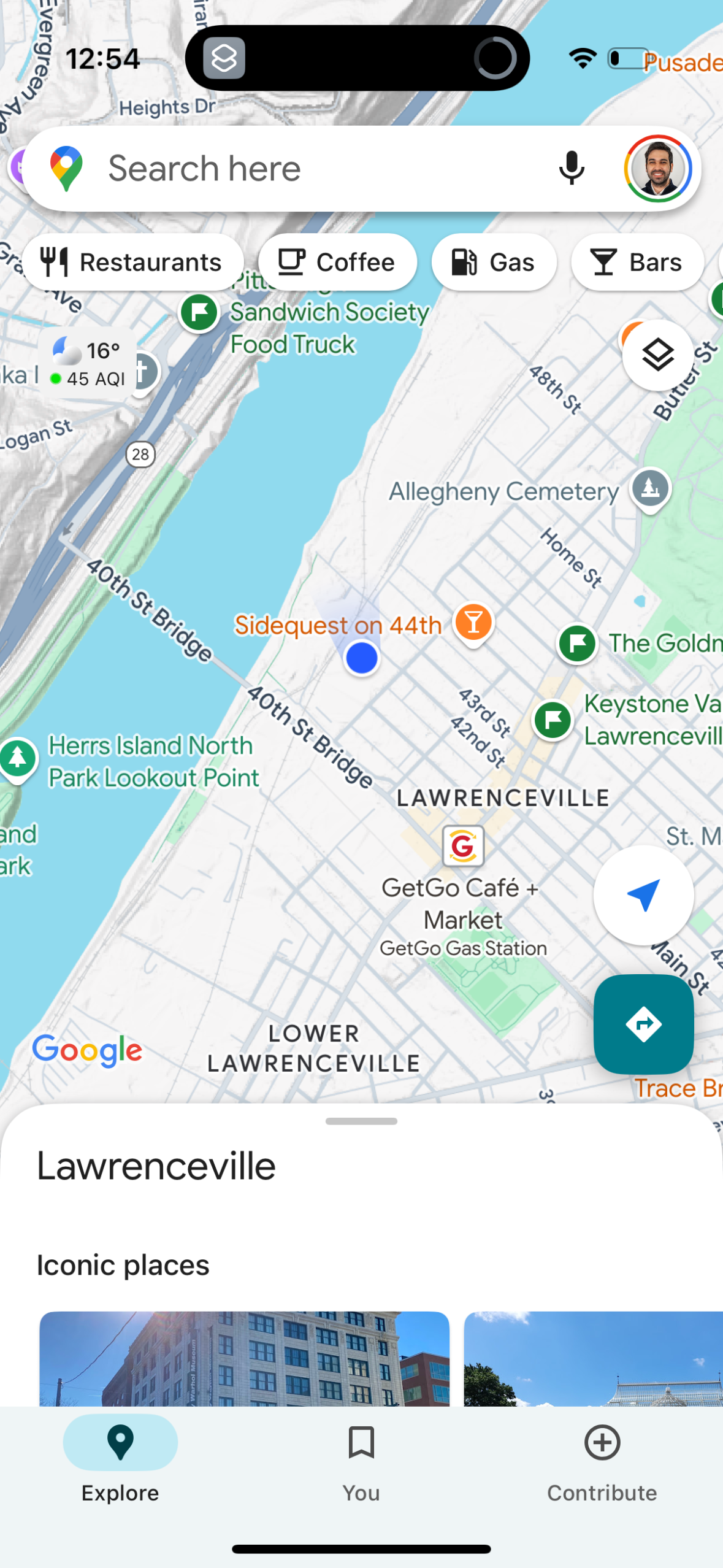
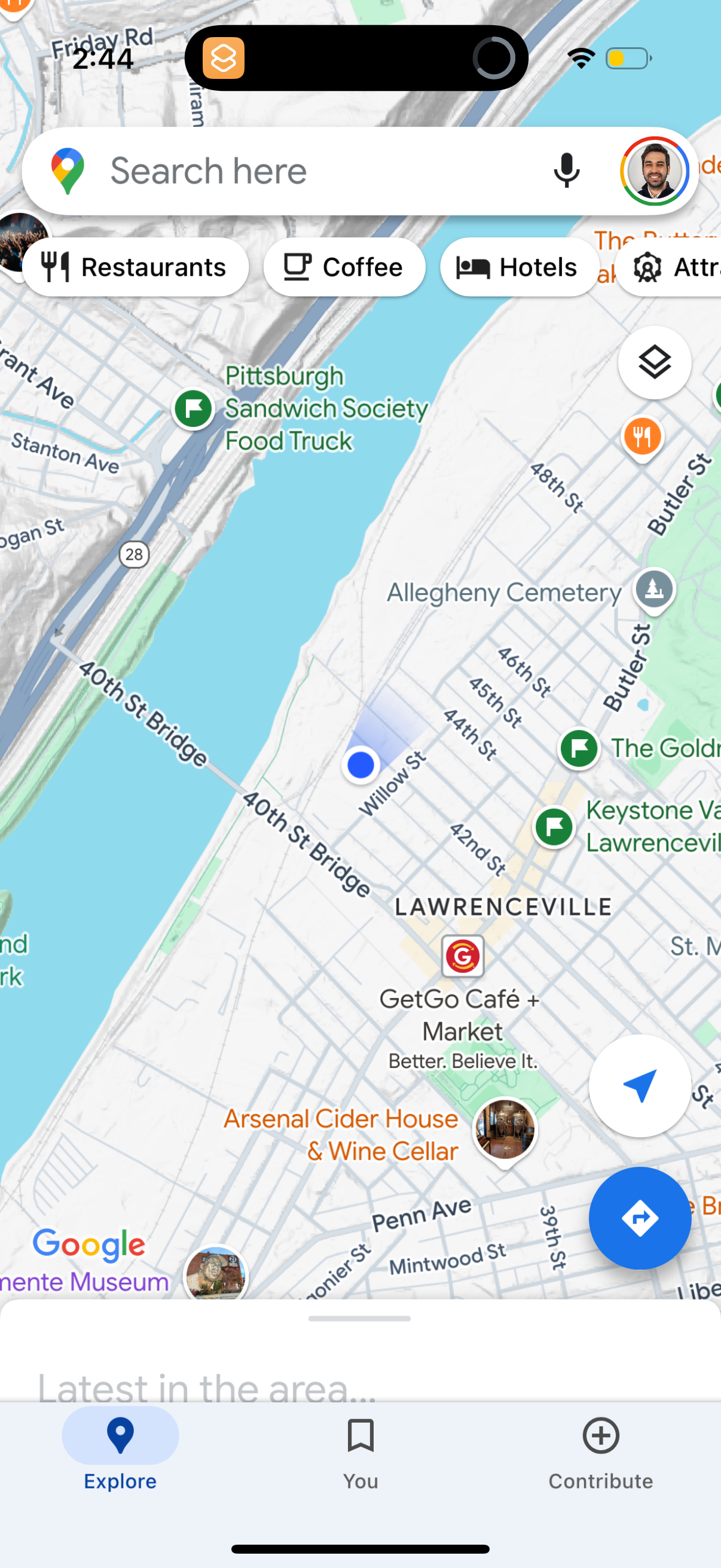
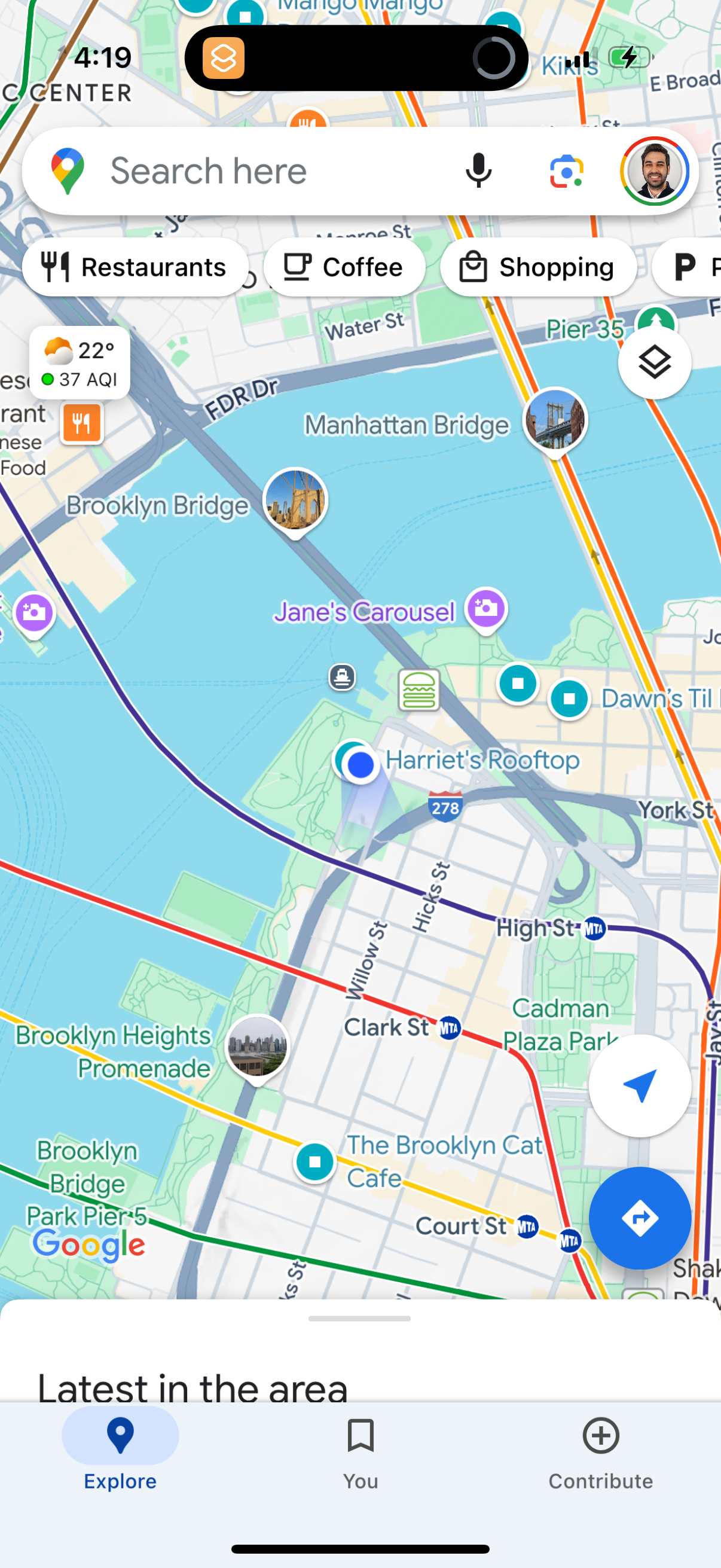
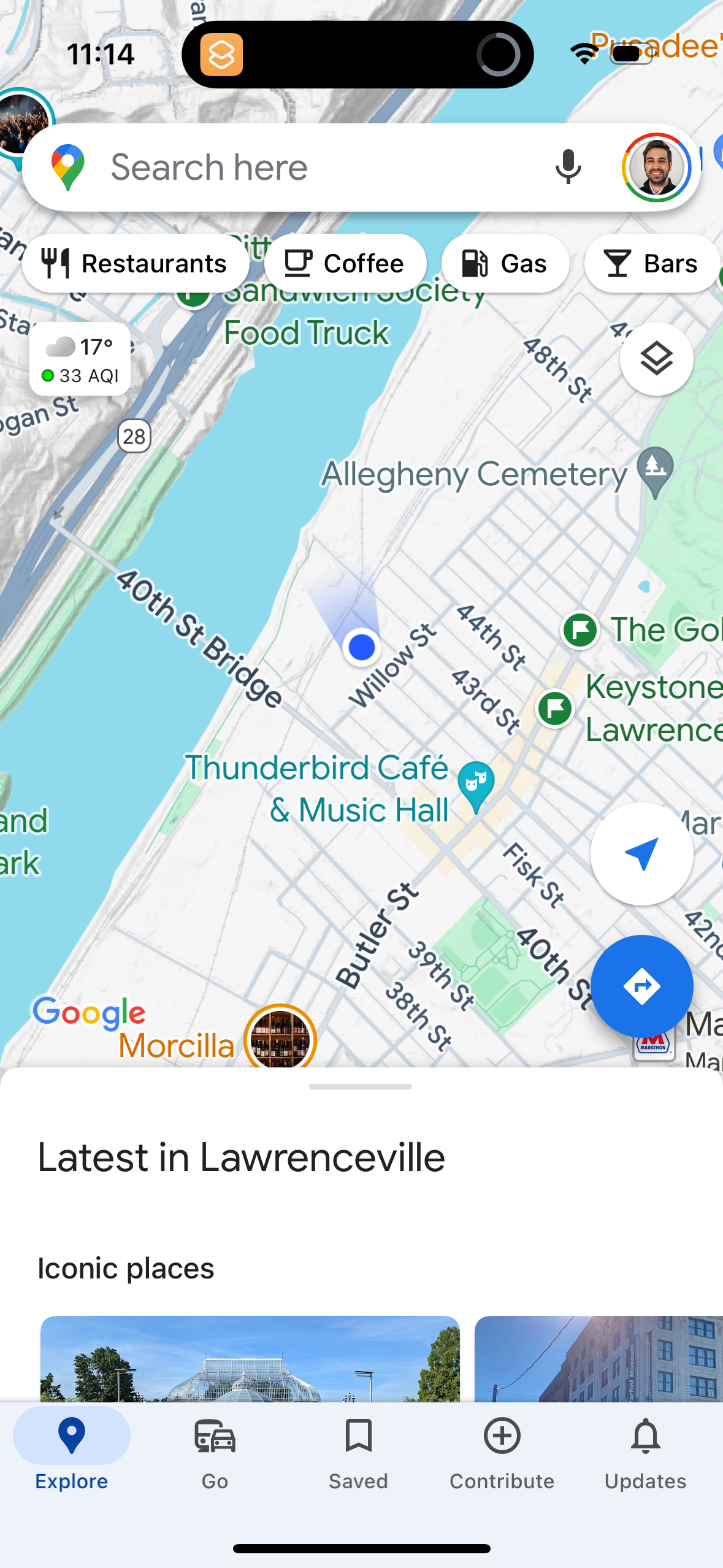
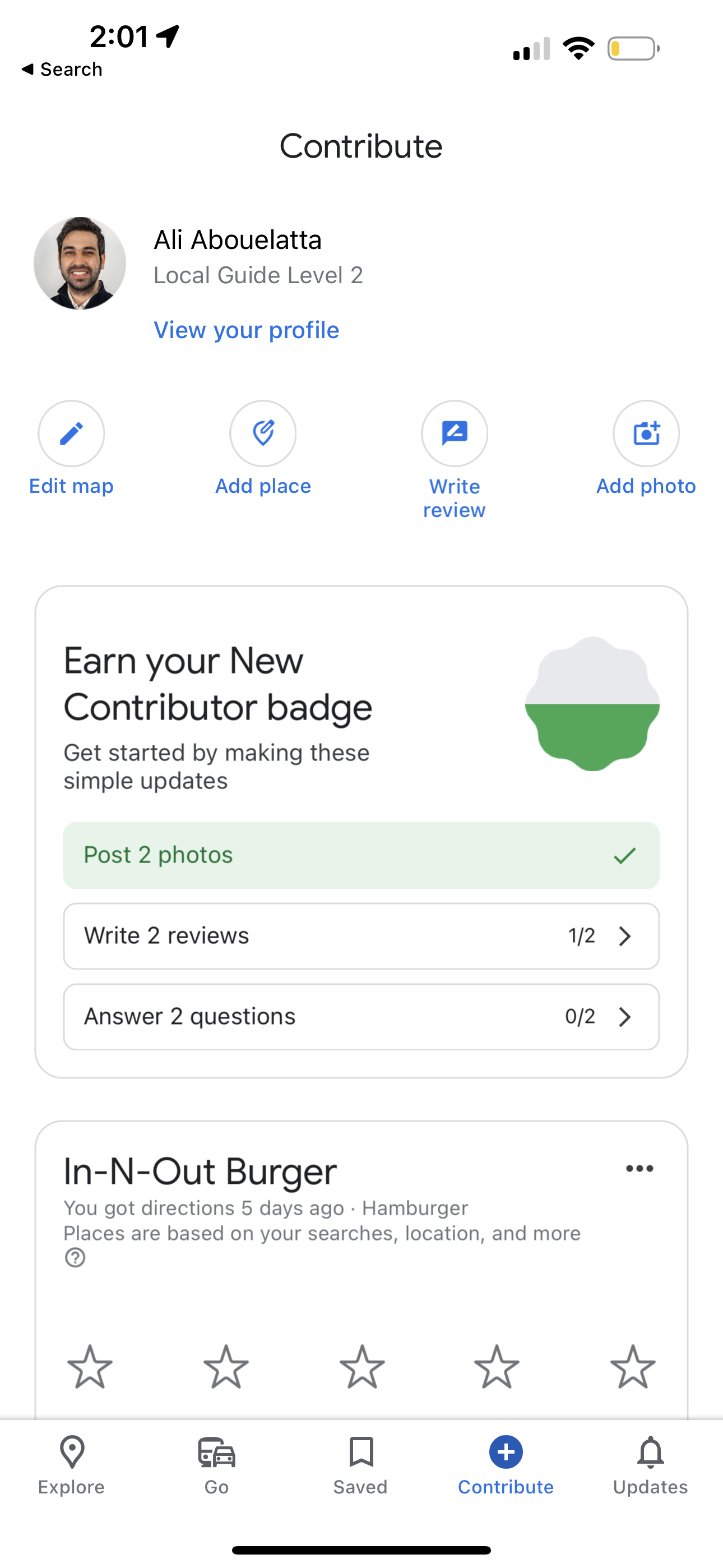
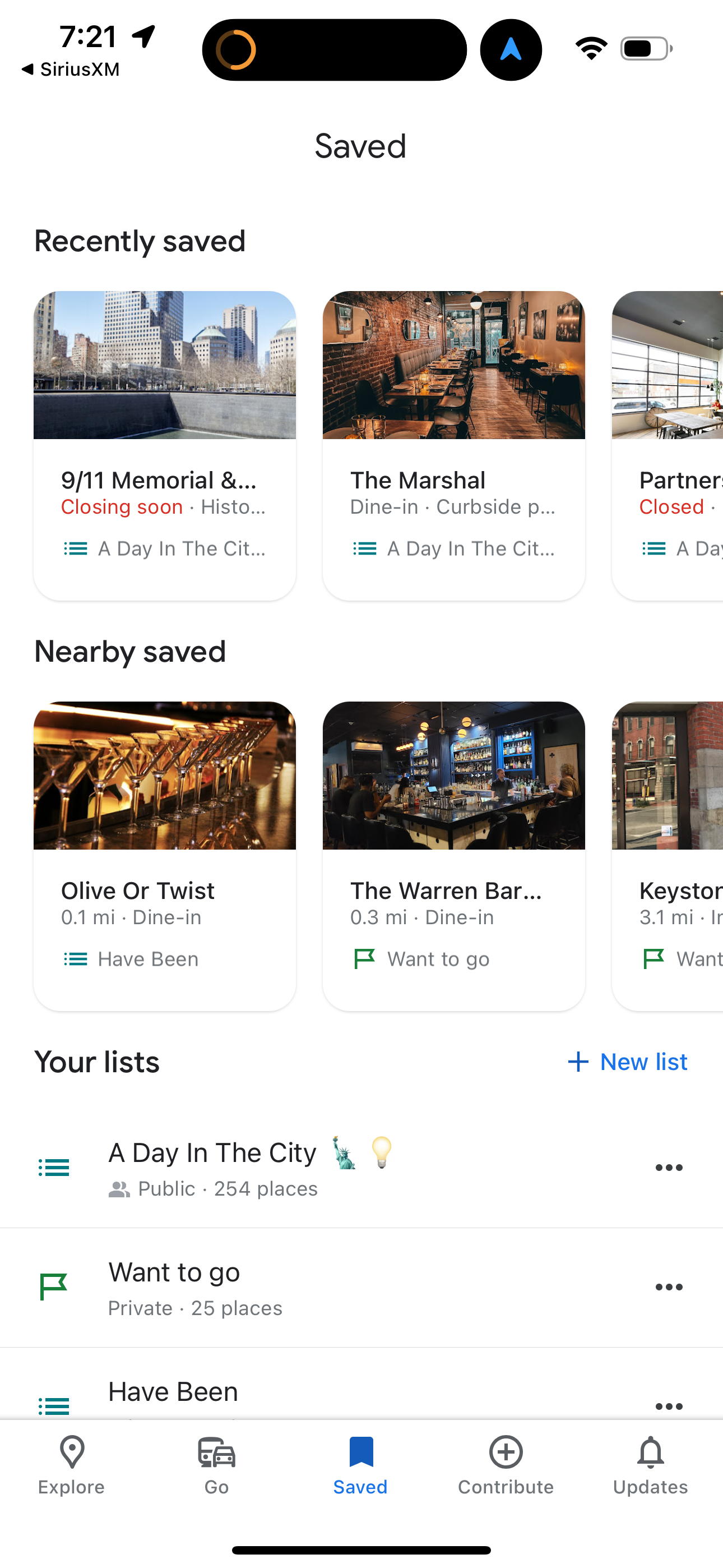
google-maps app screenshot 2
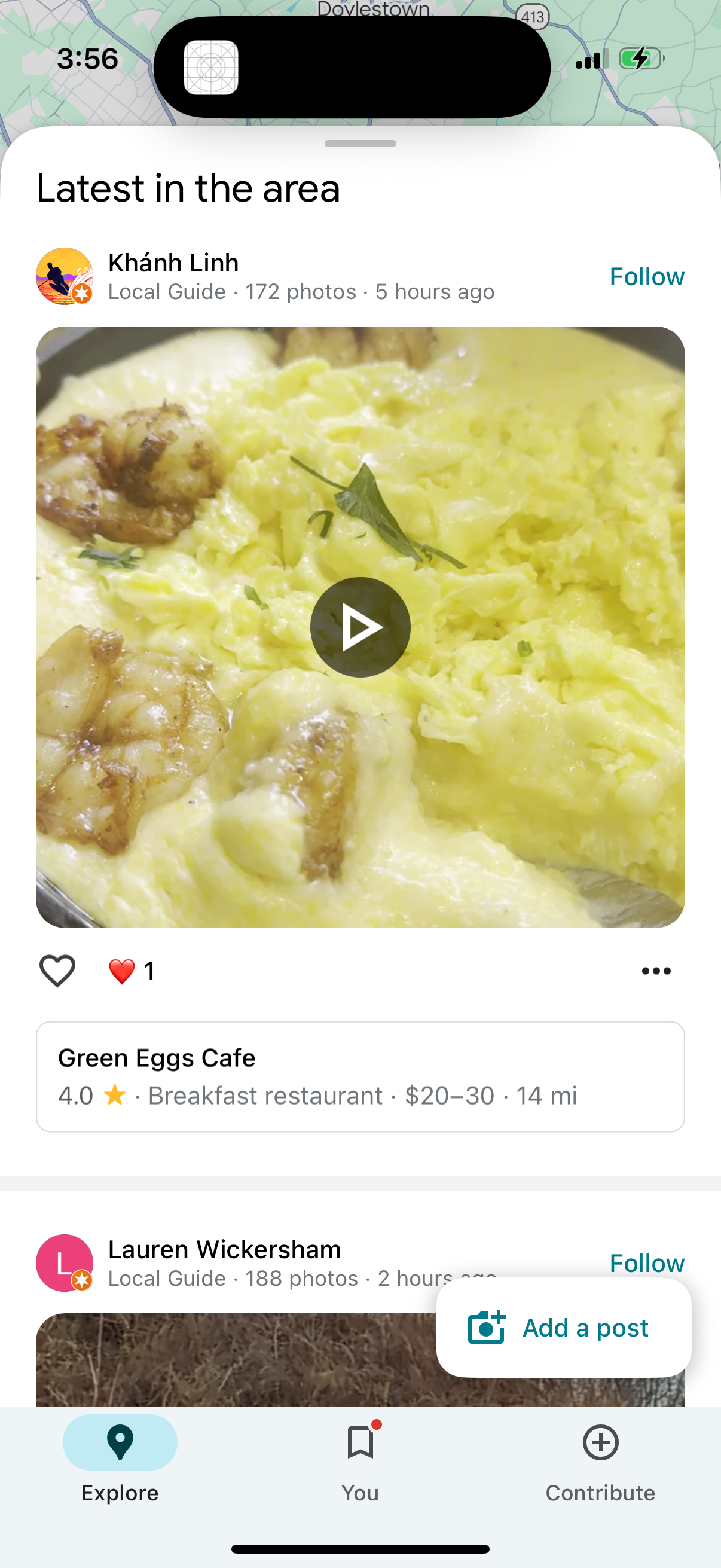
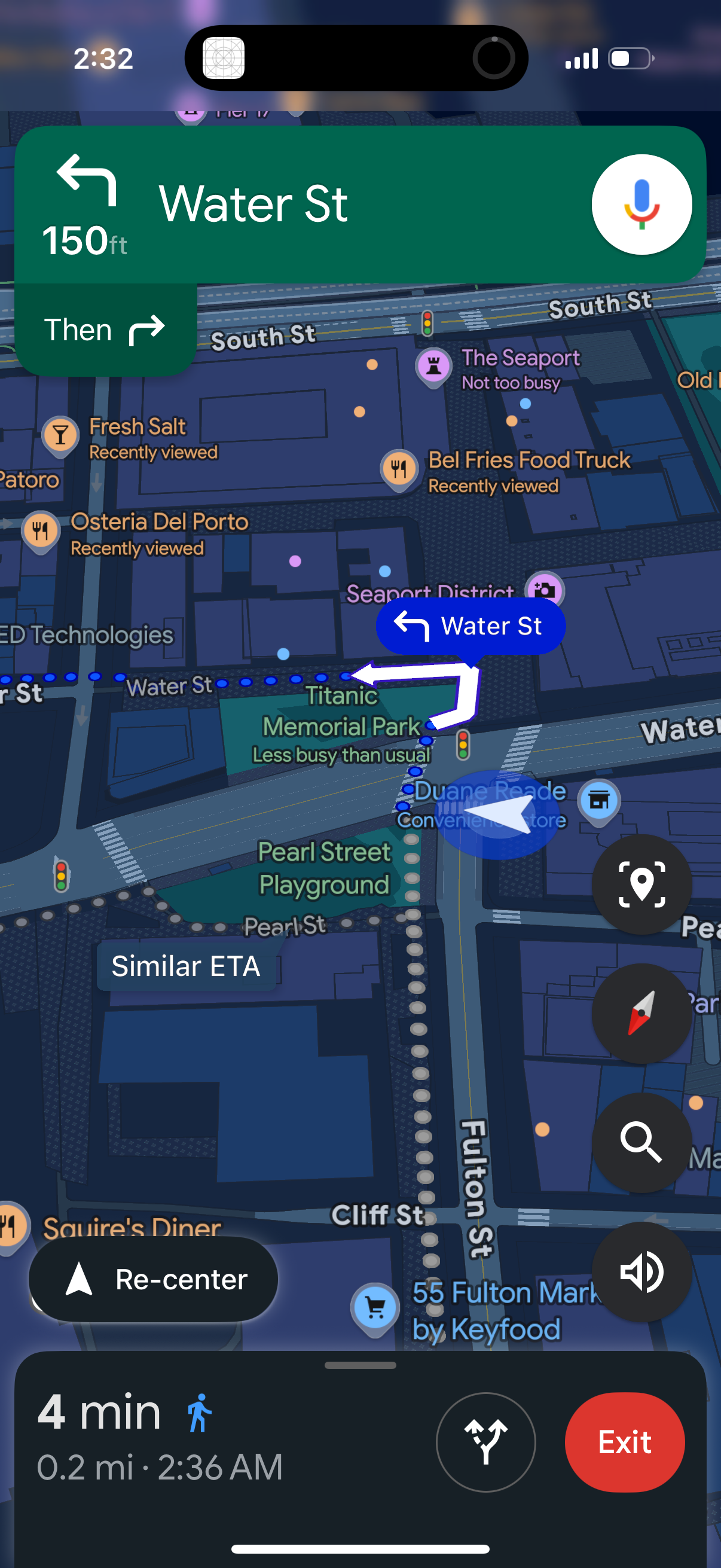
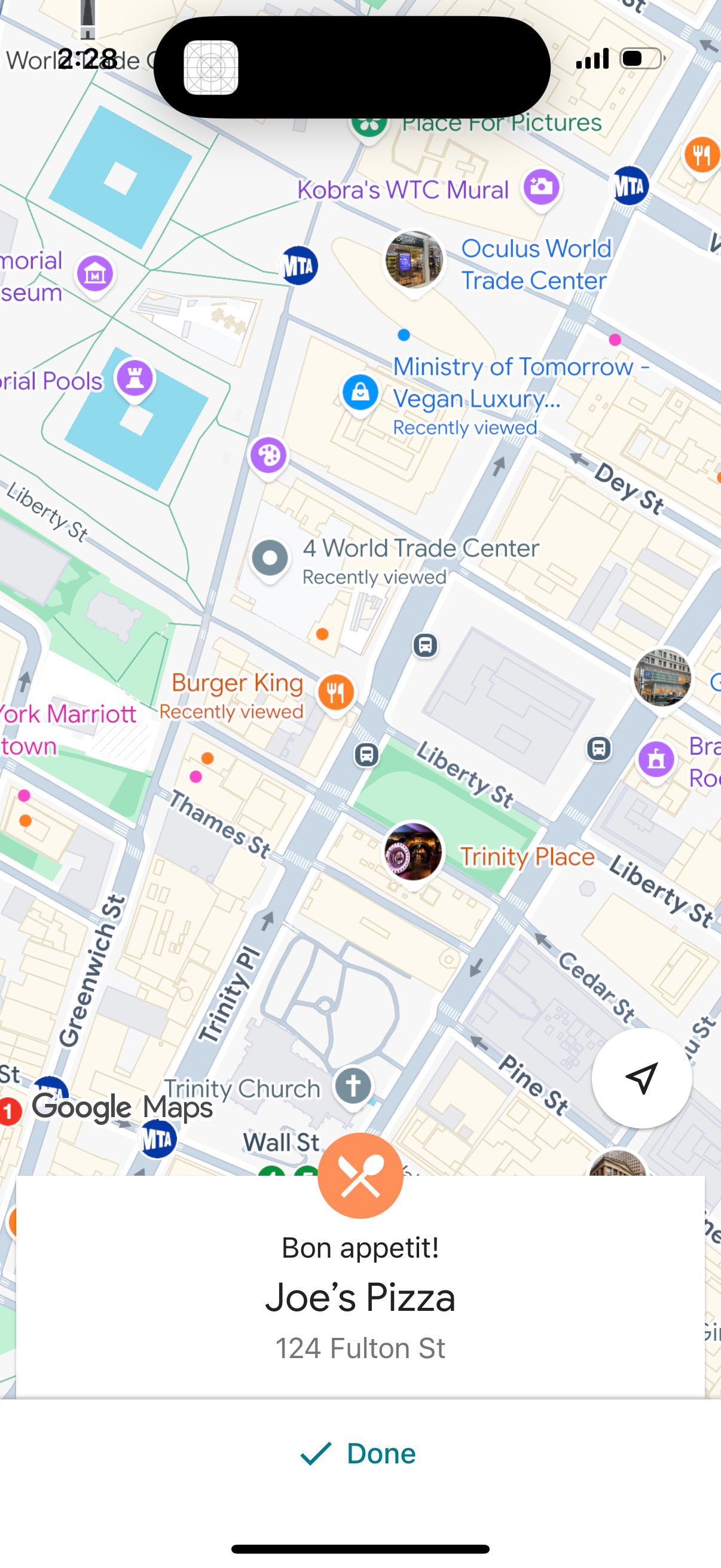
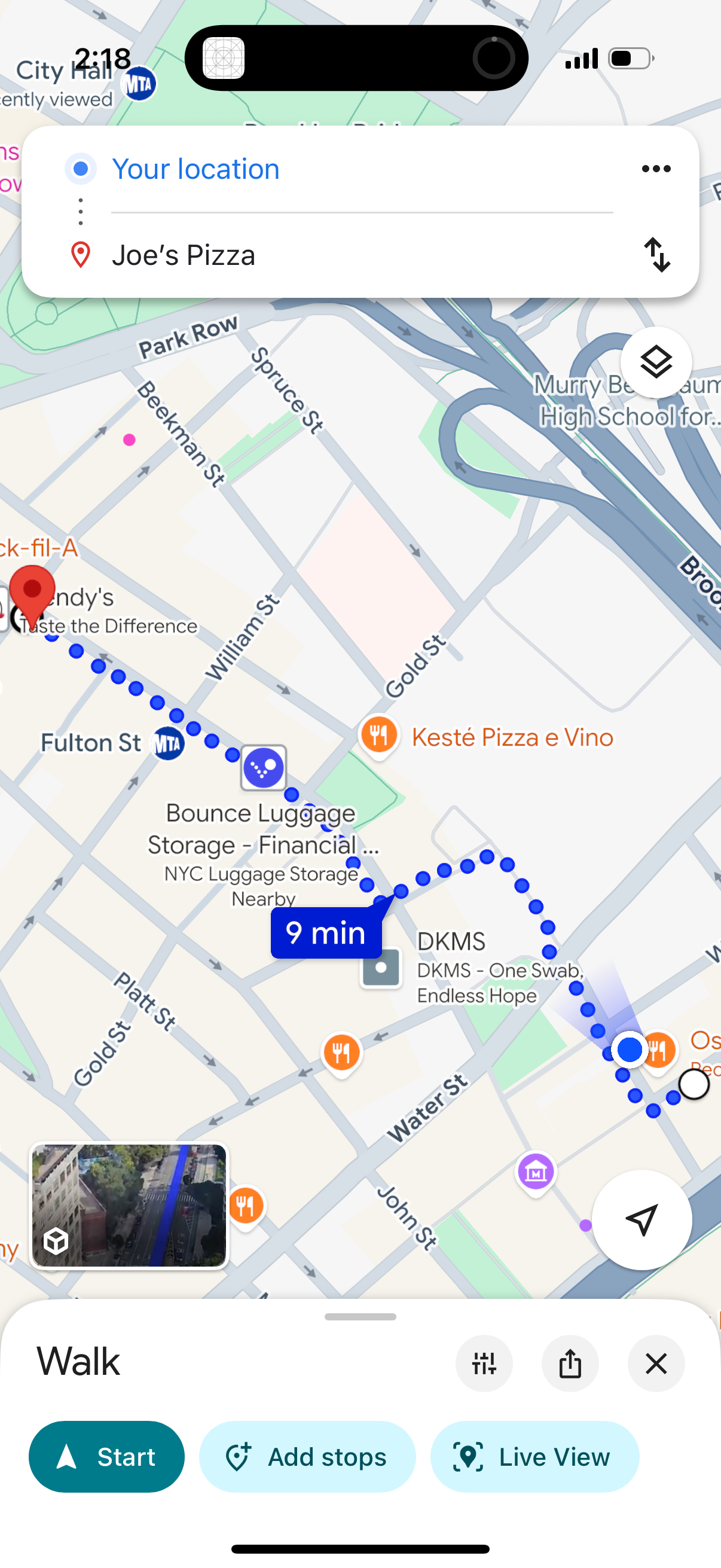
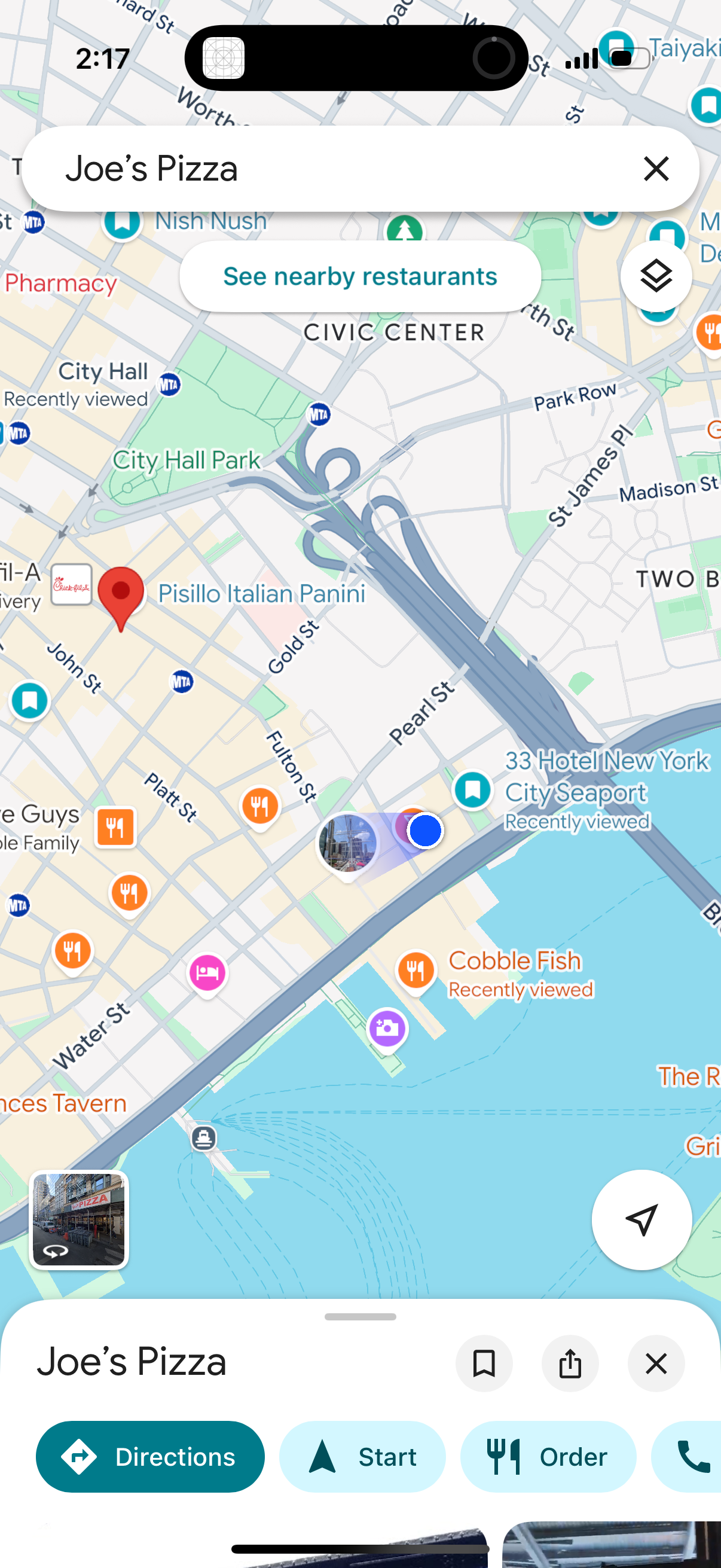
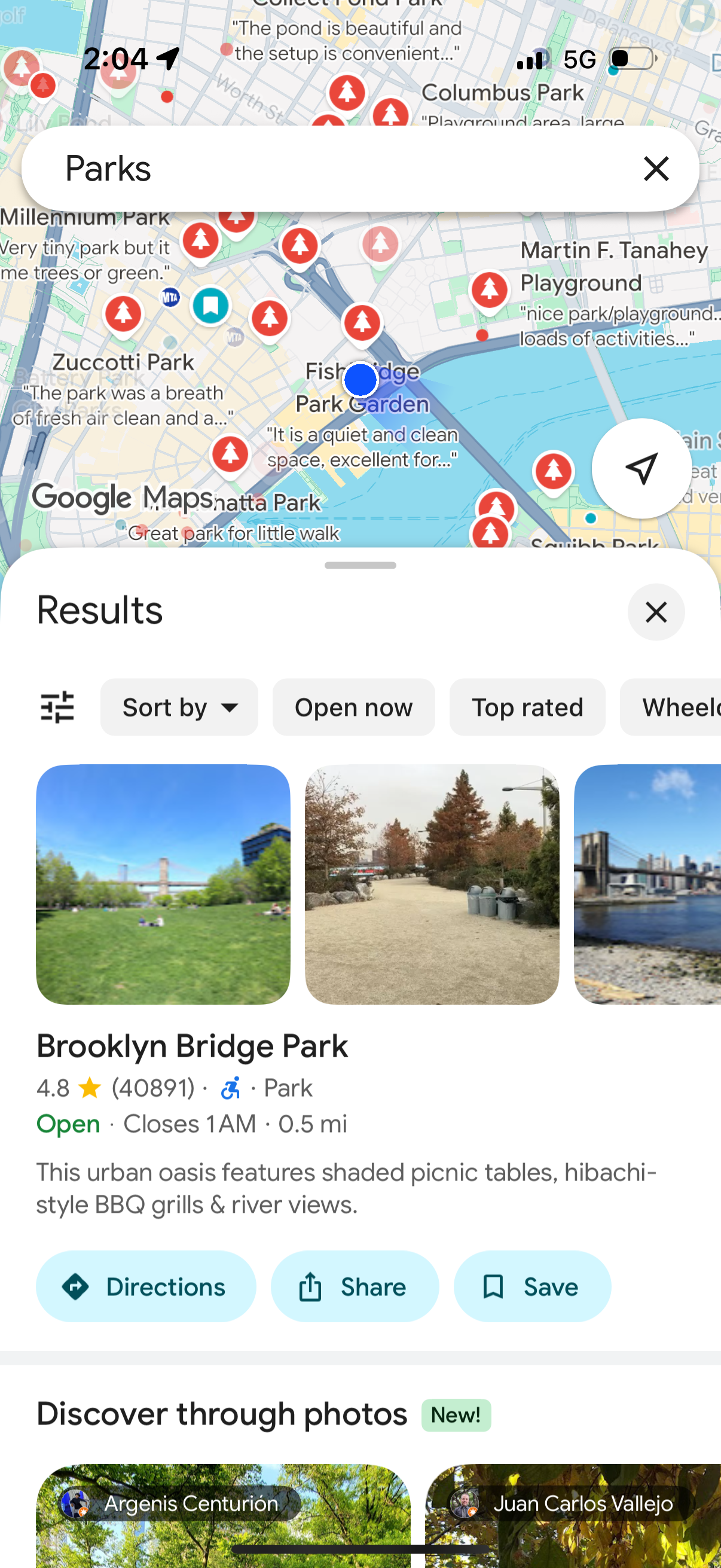
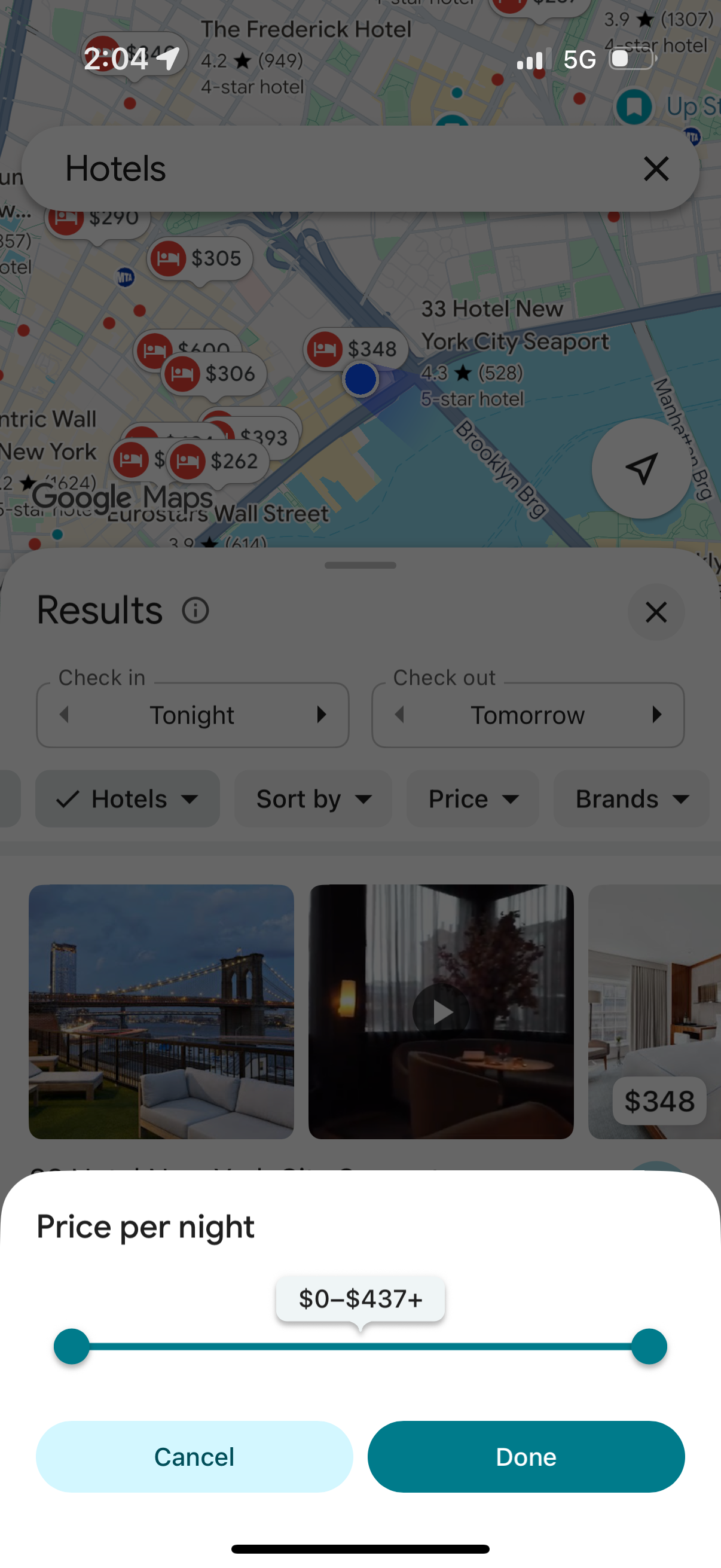
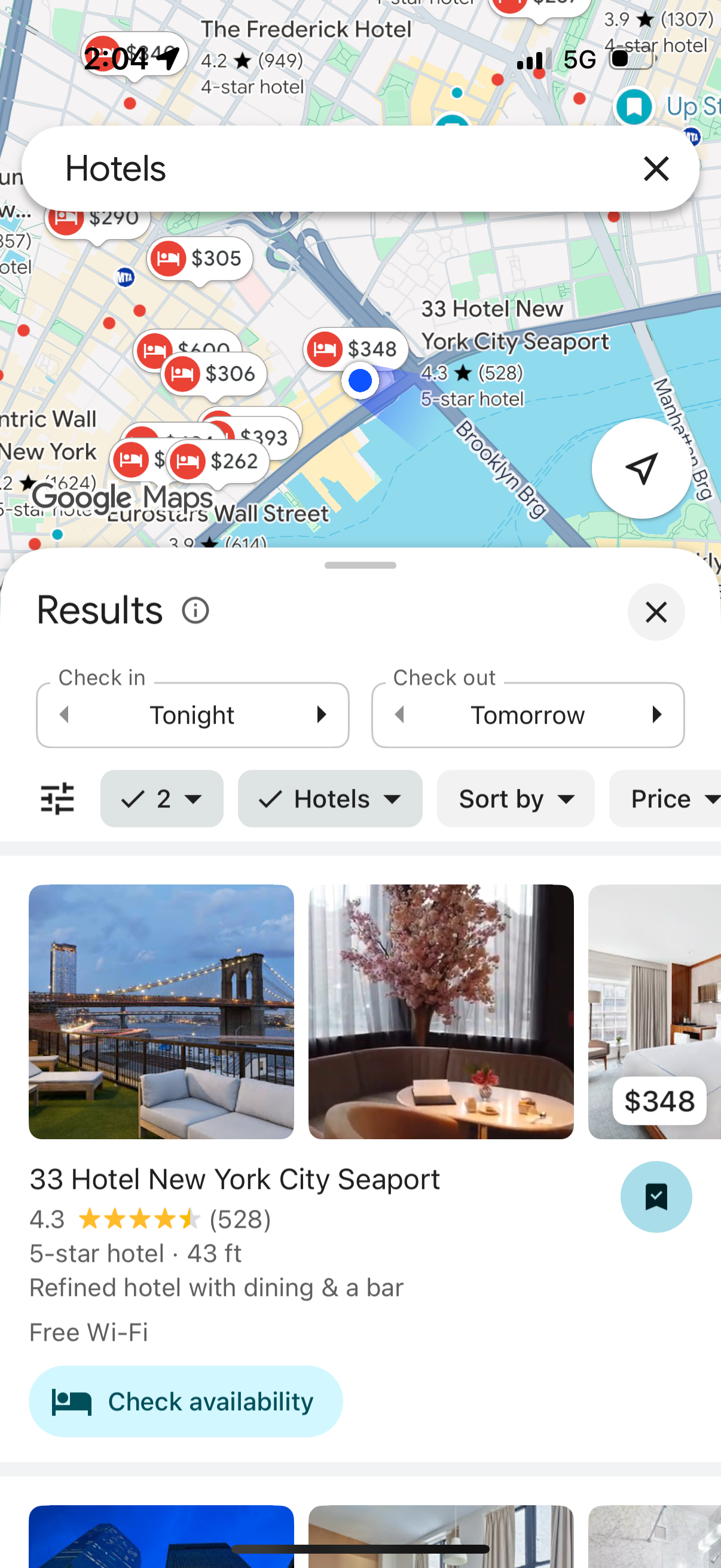
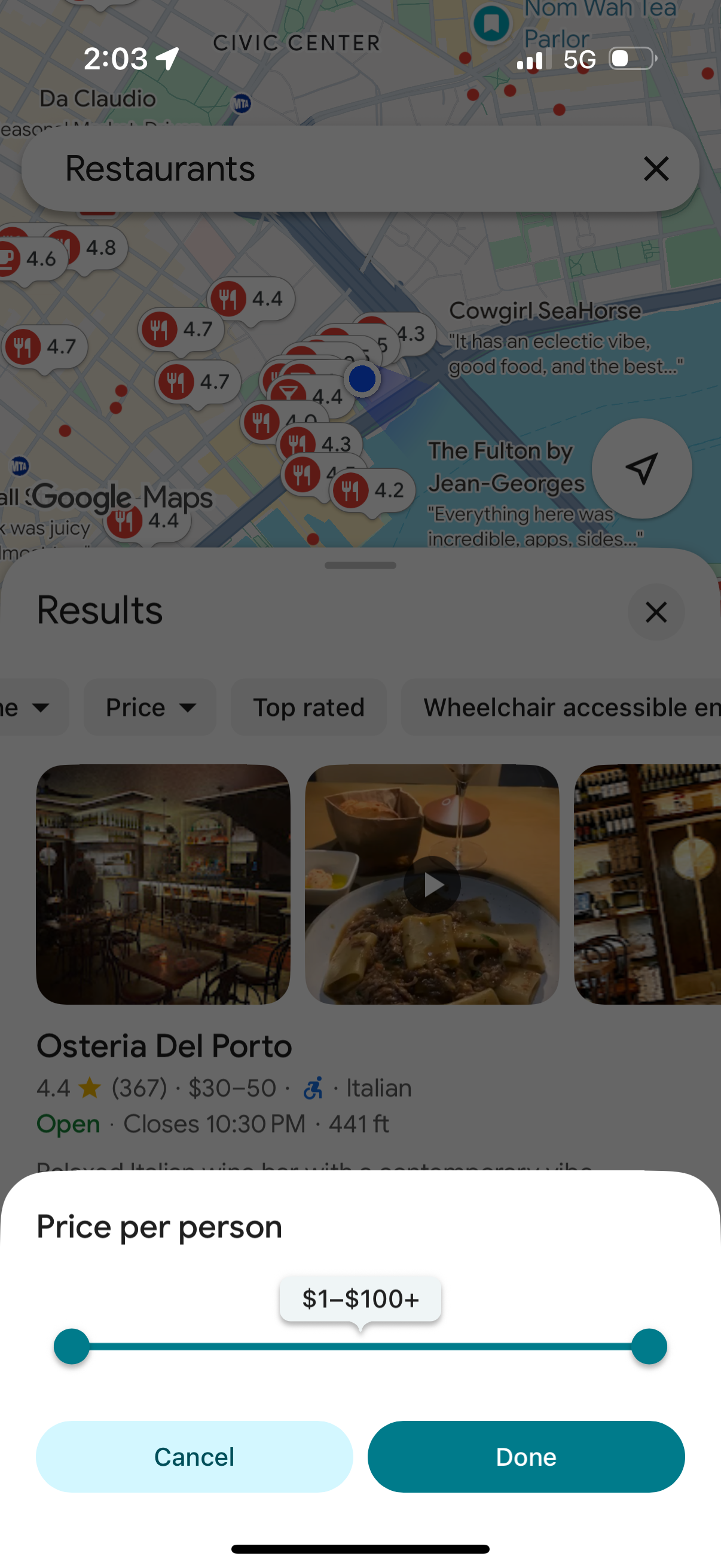
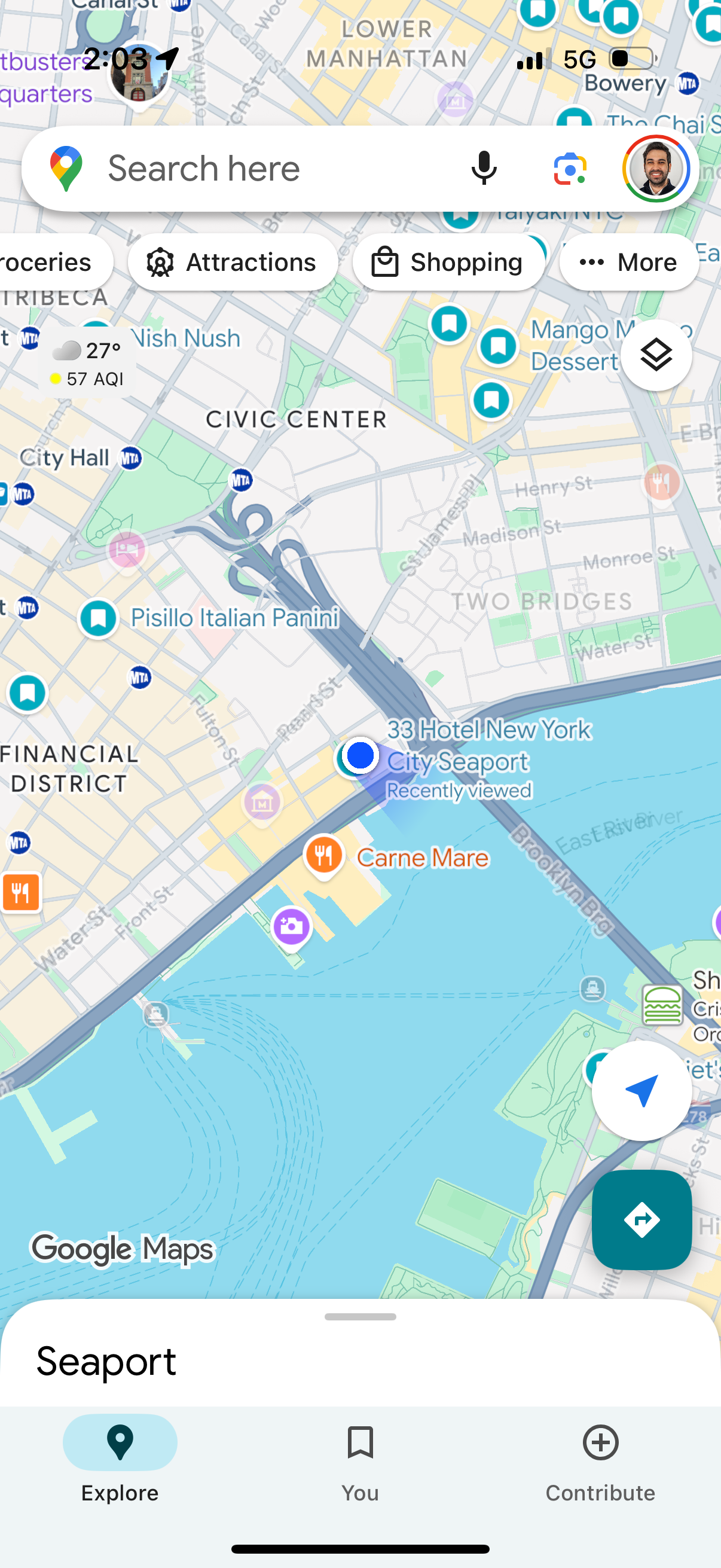
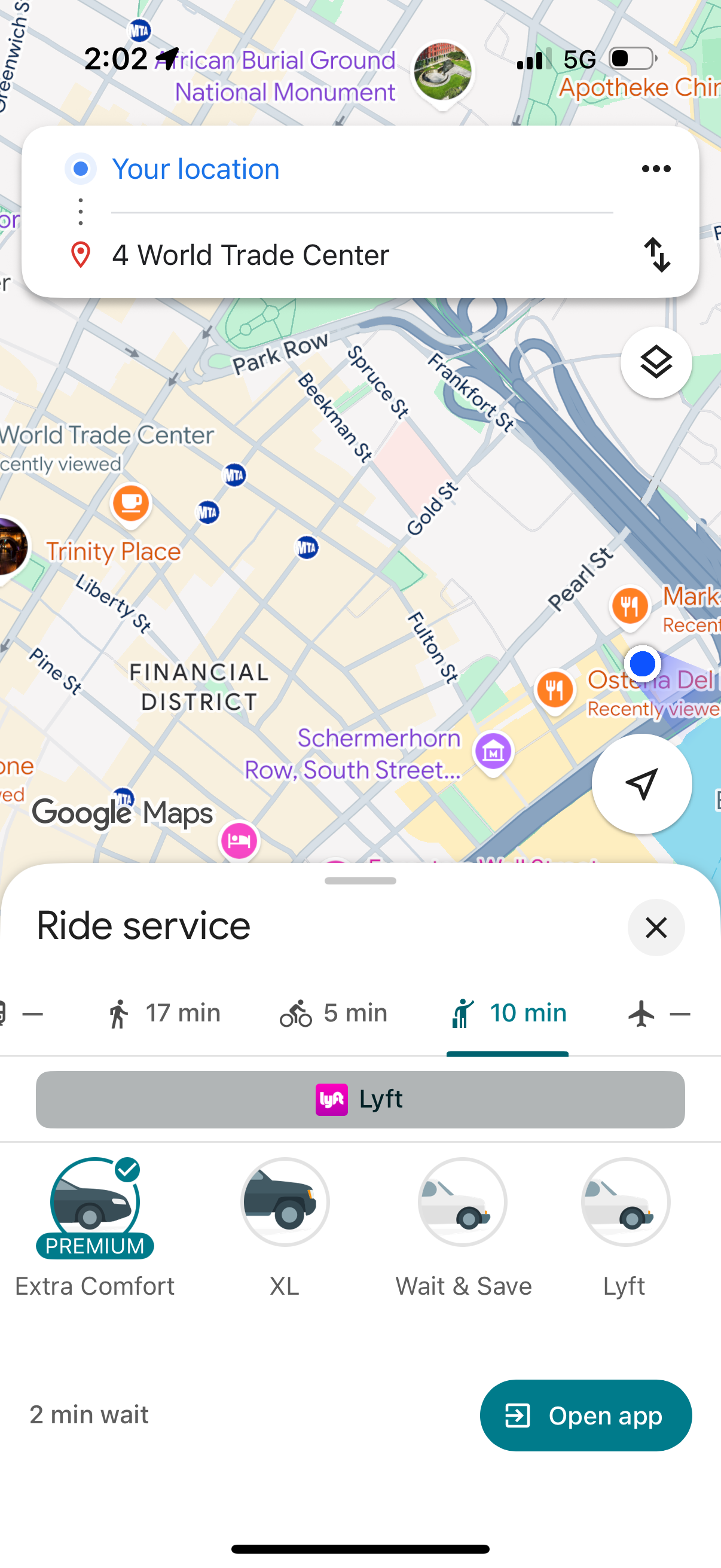
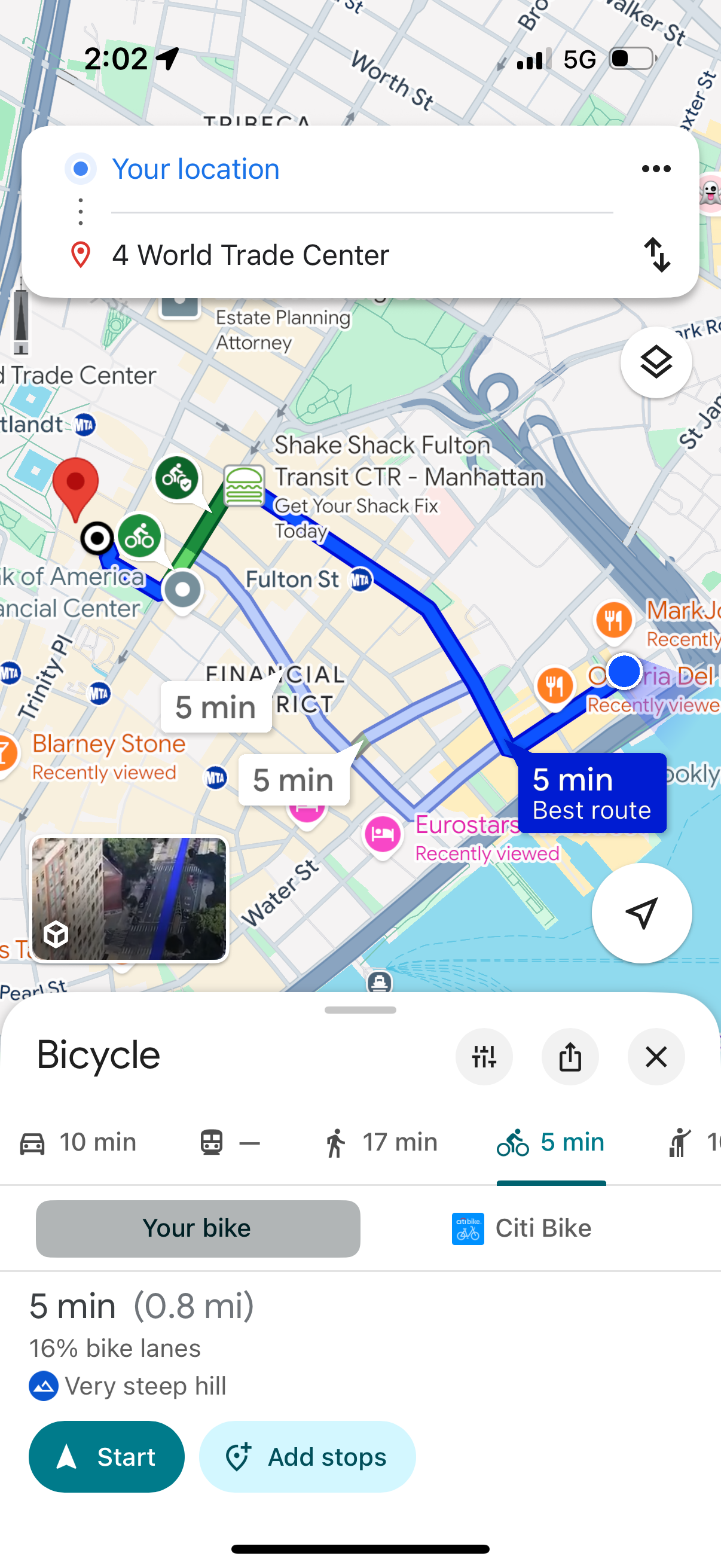
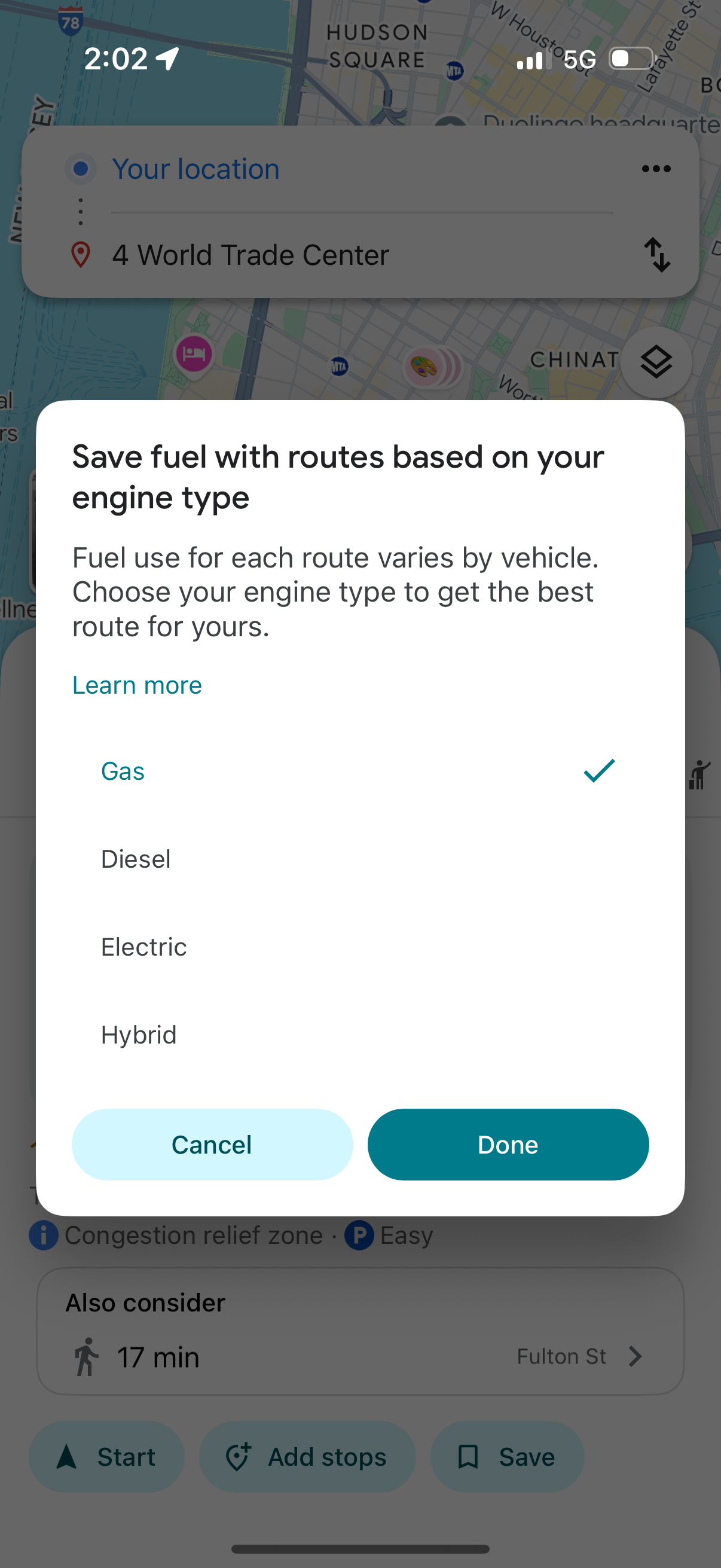
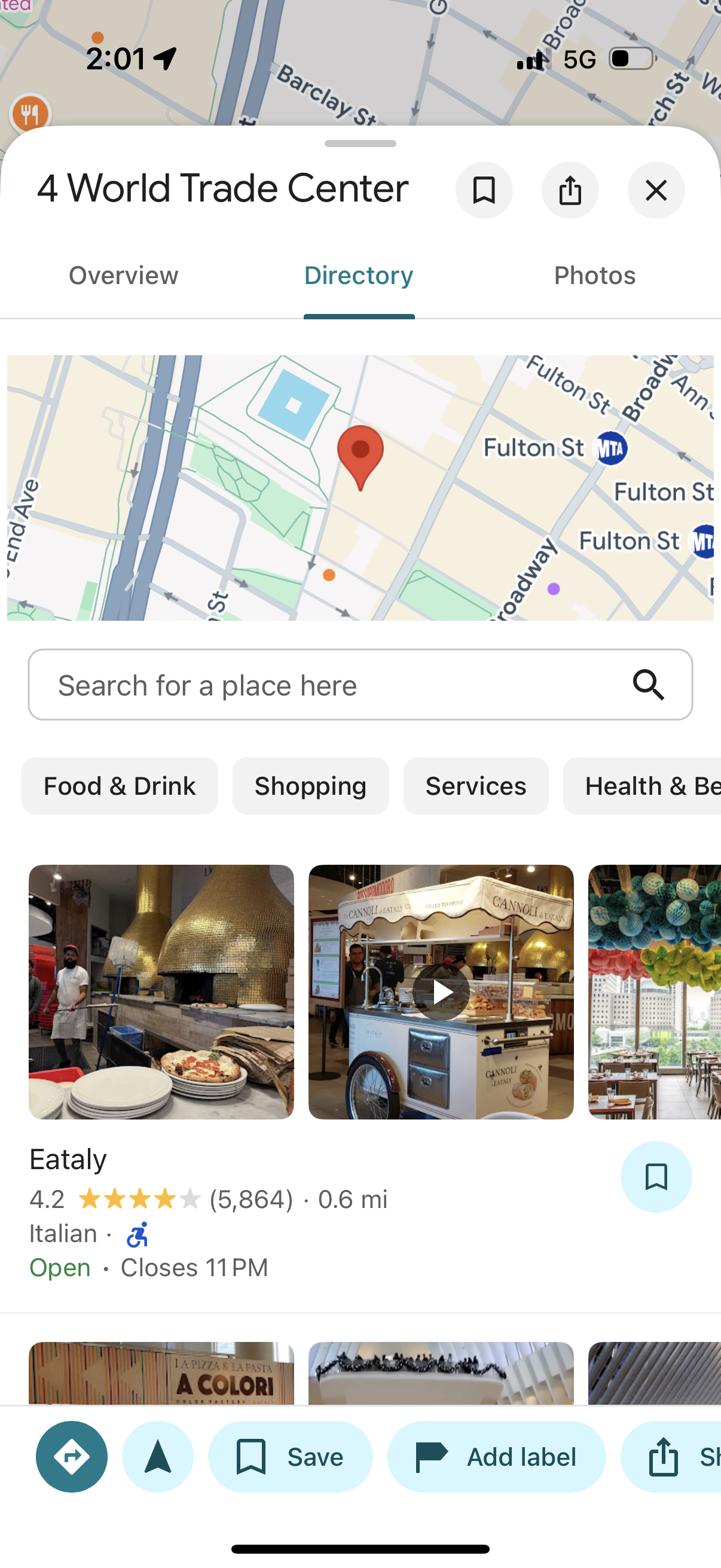
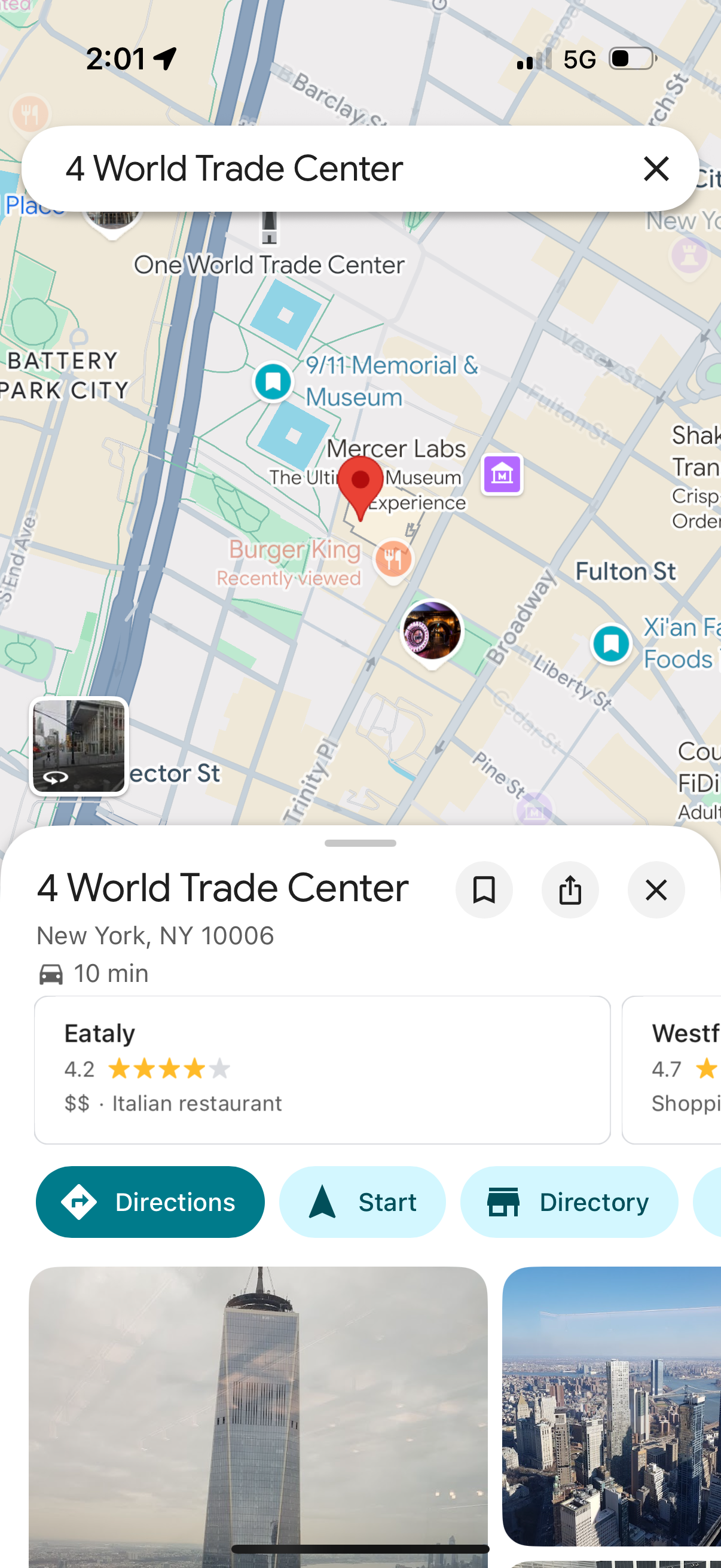
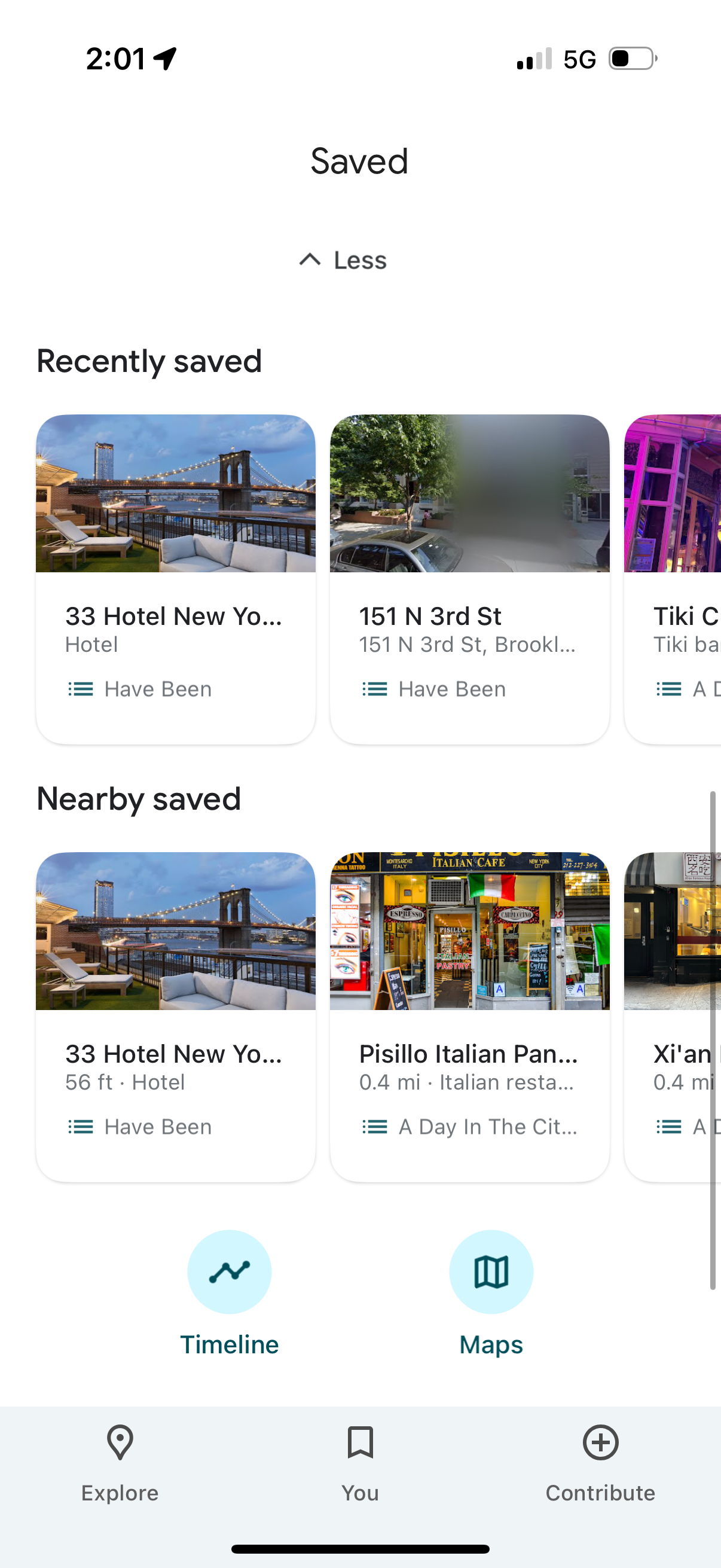
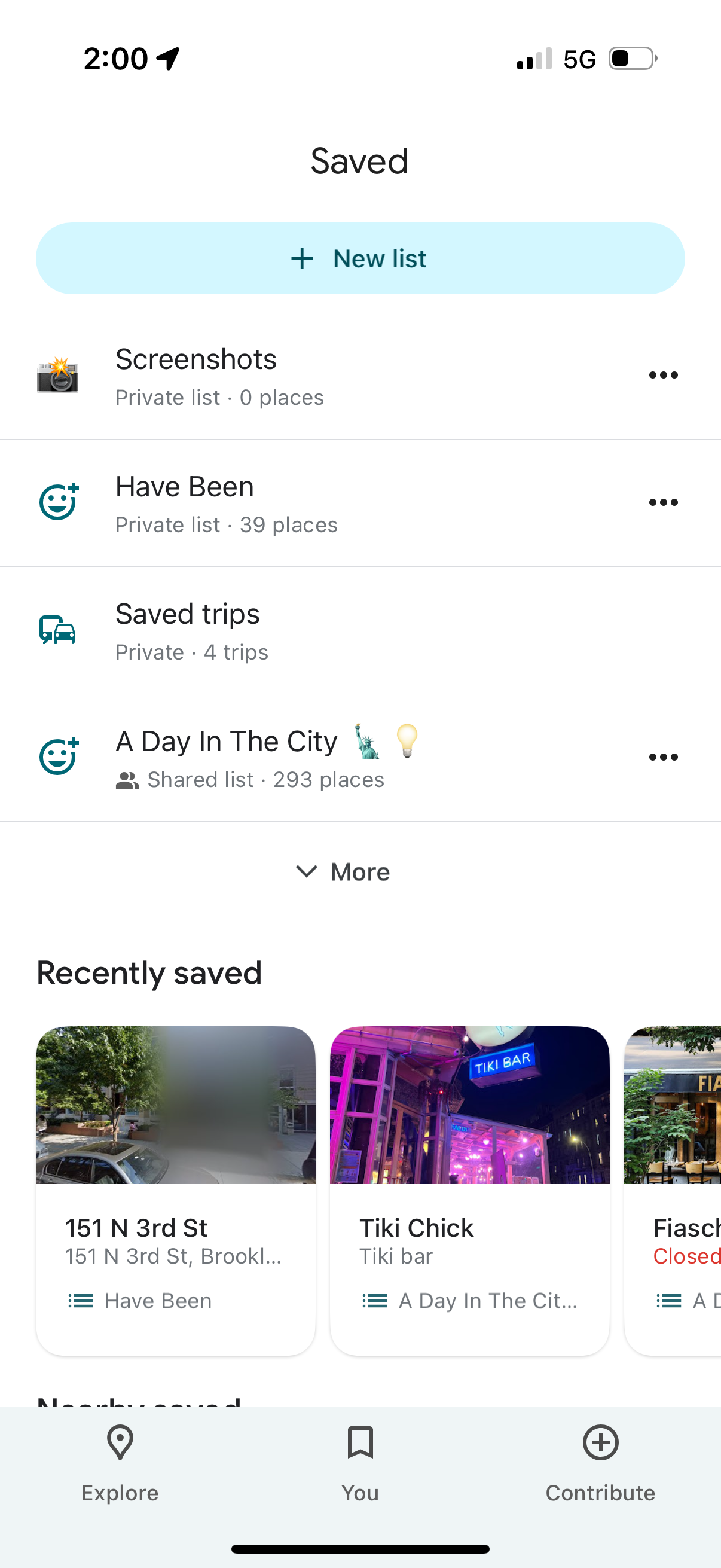
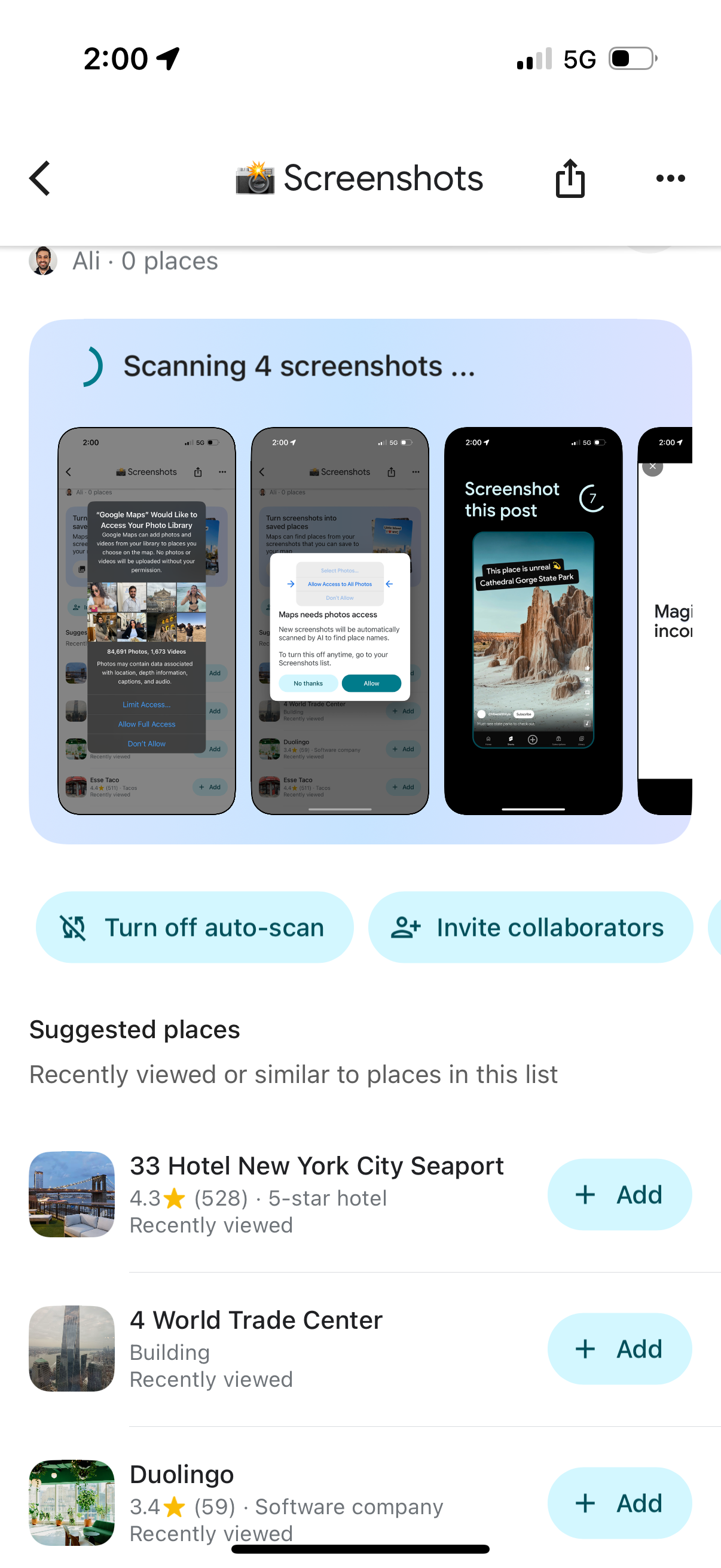
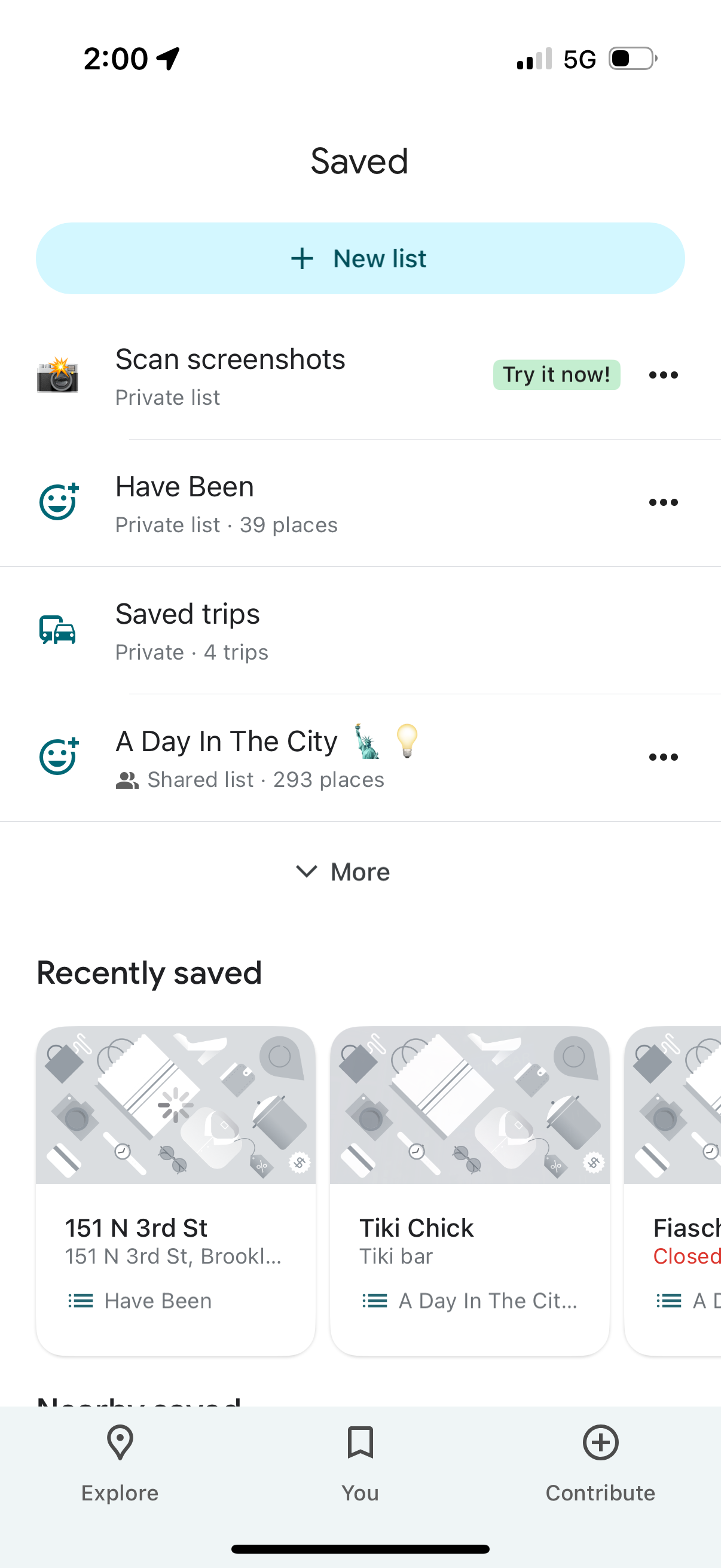
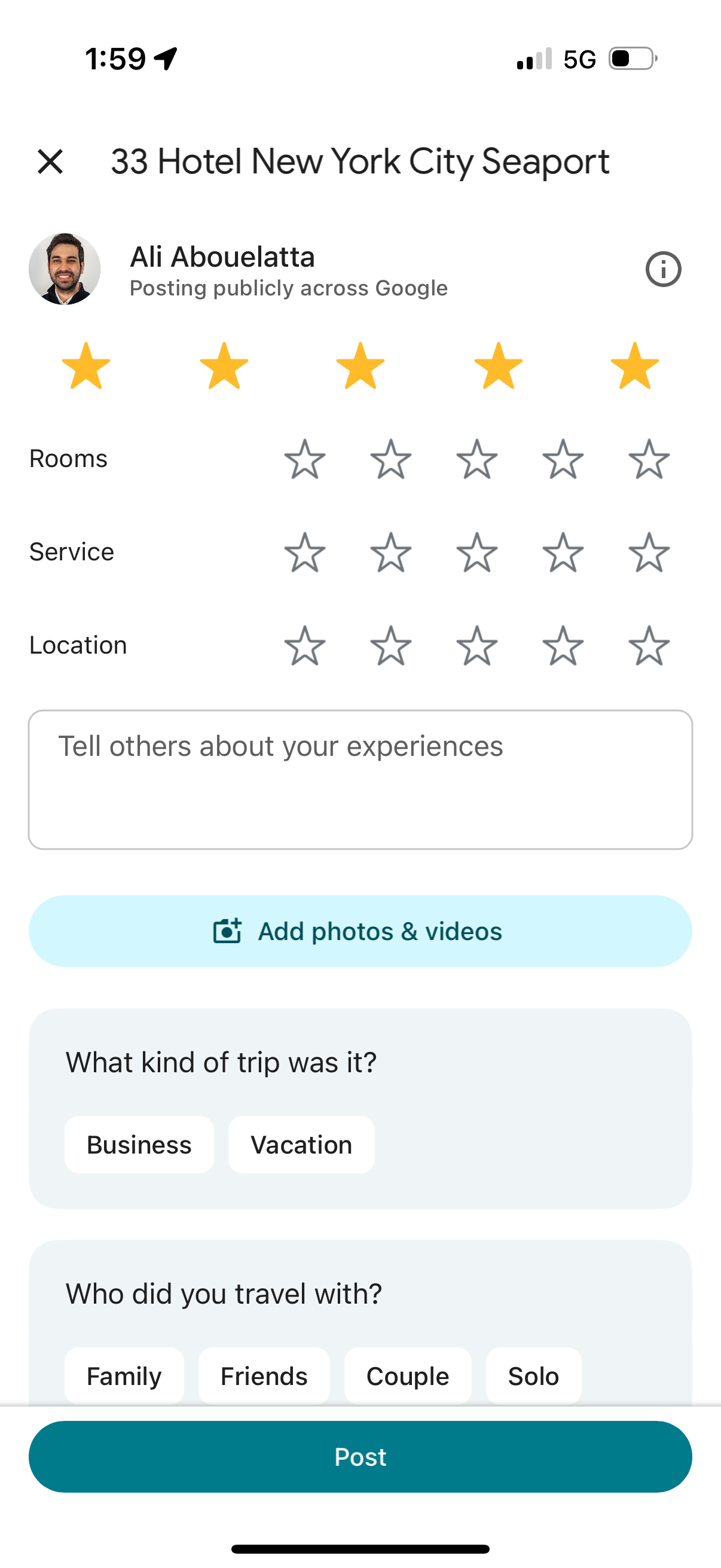
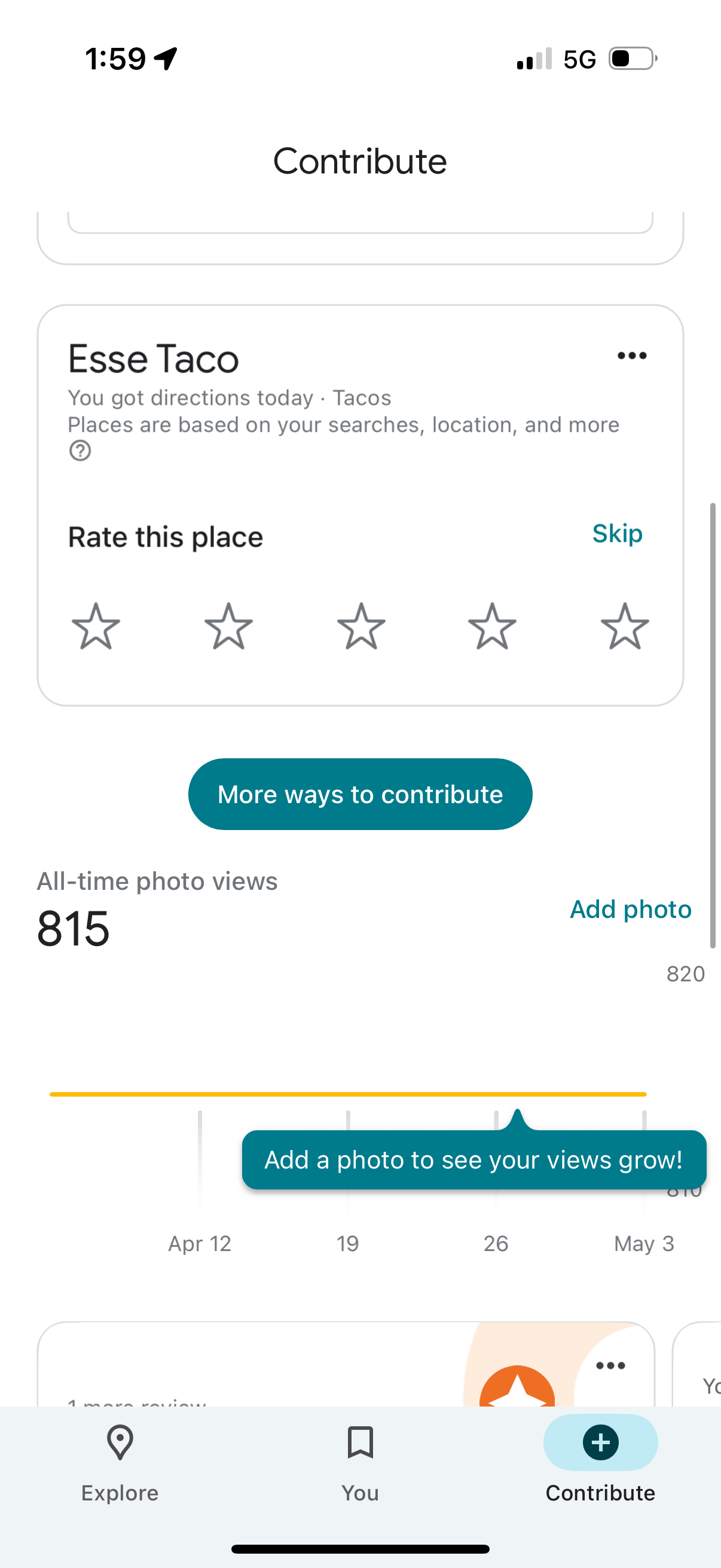
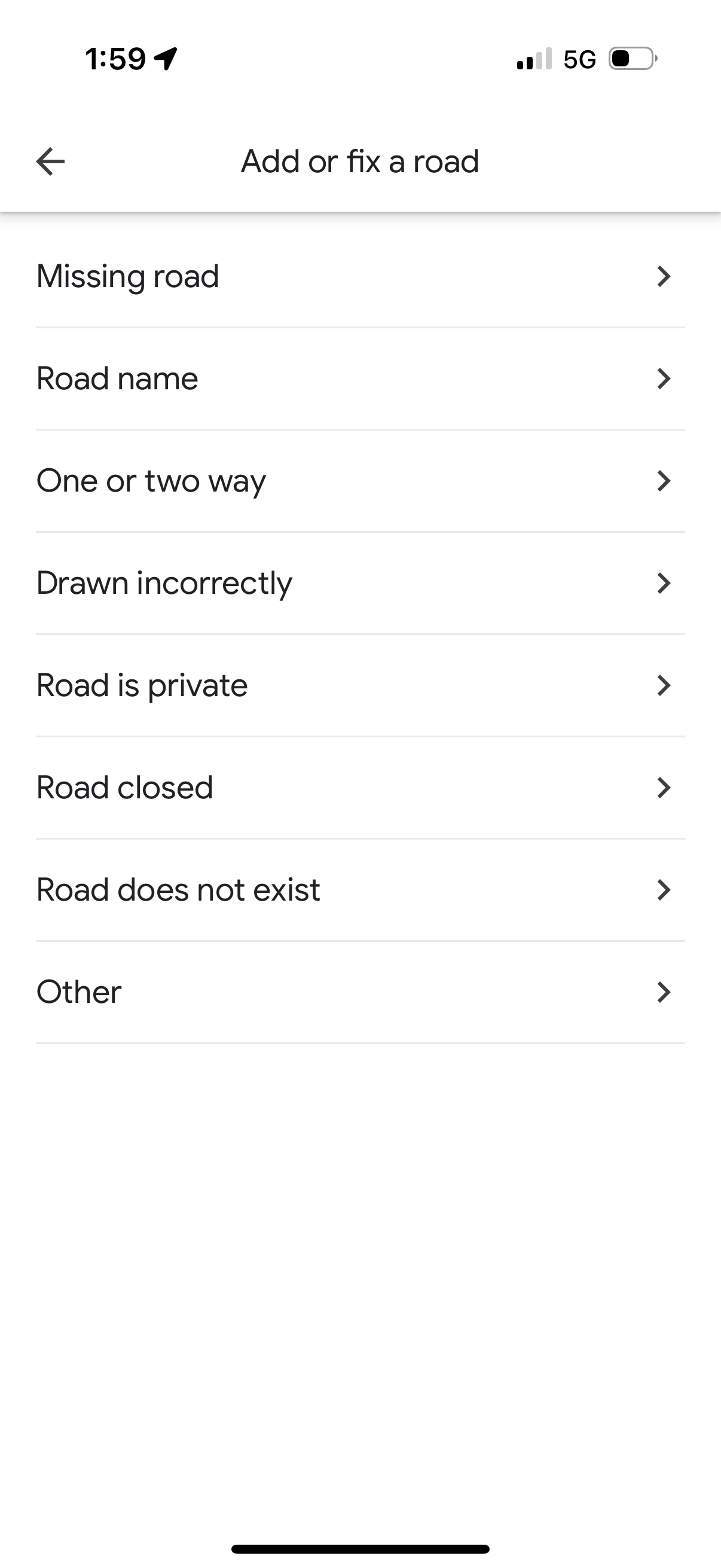
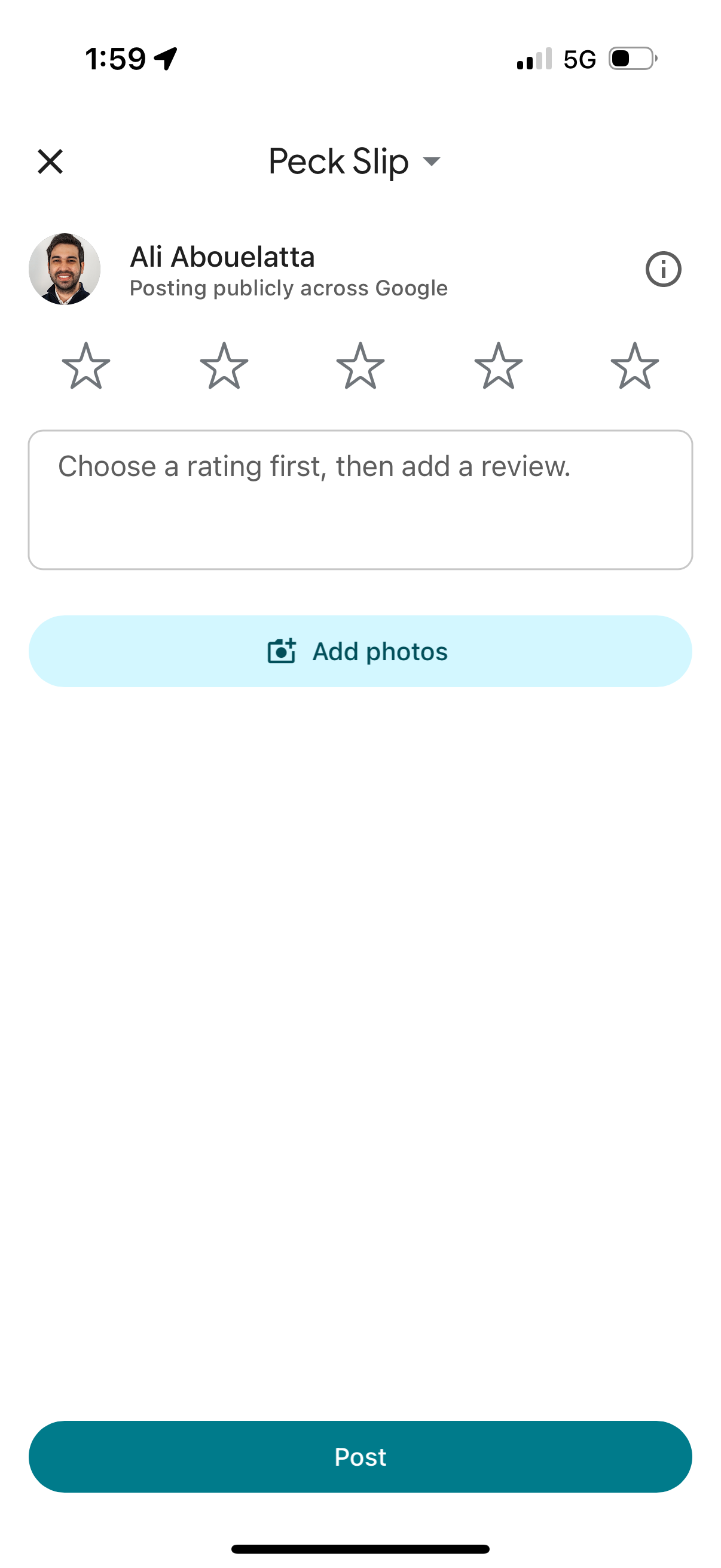
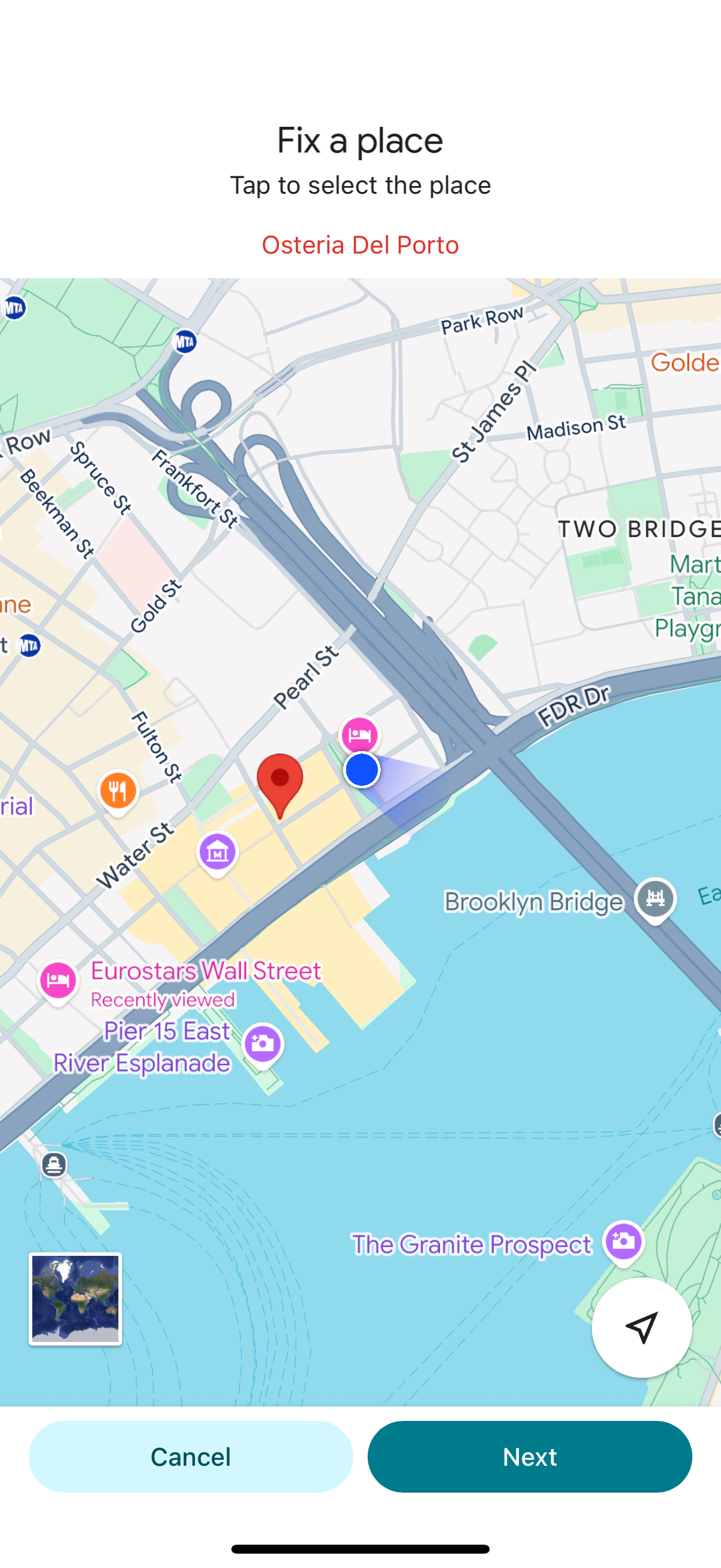
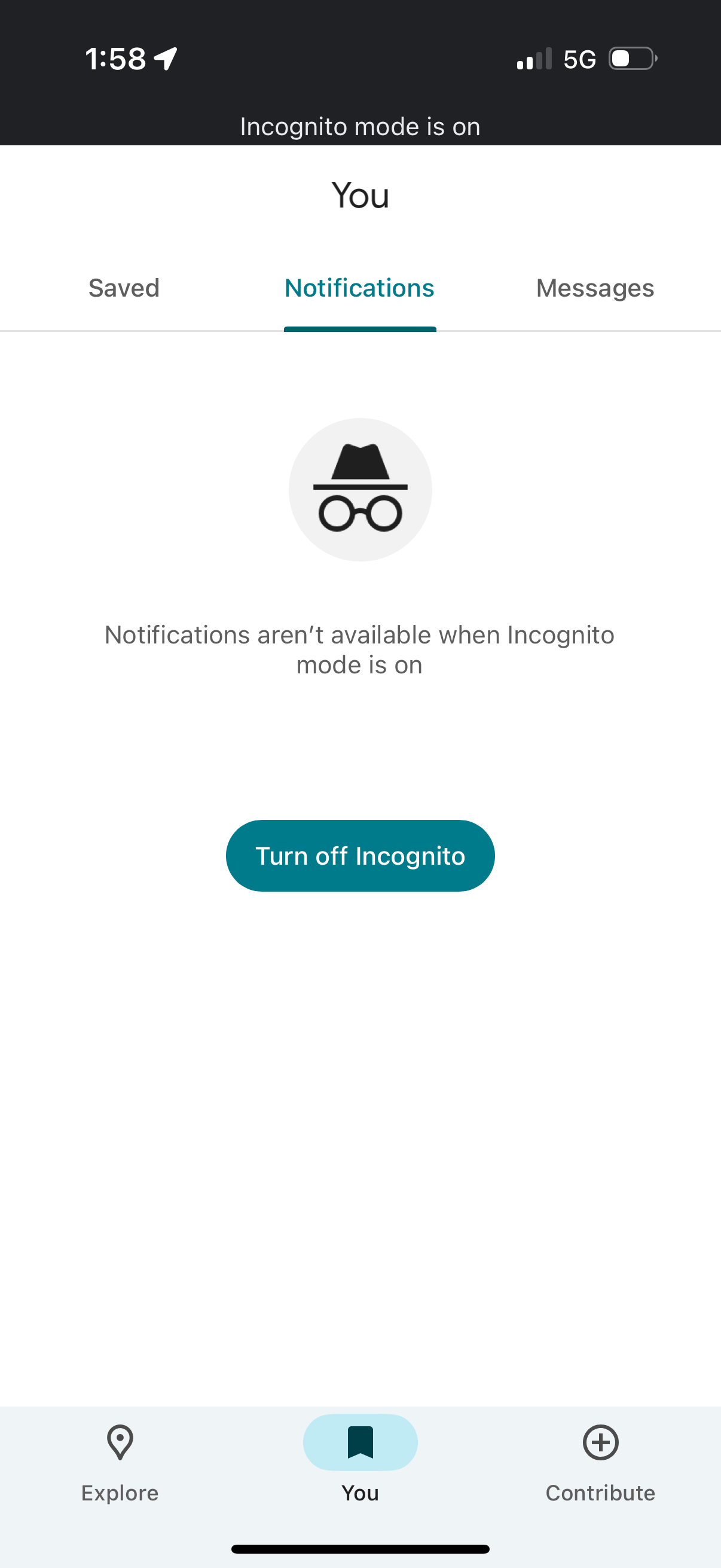
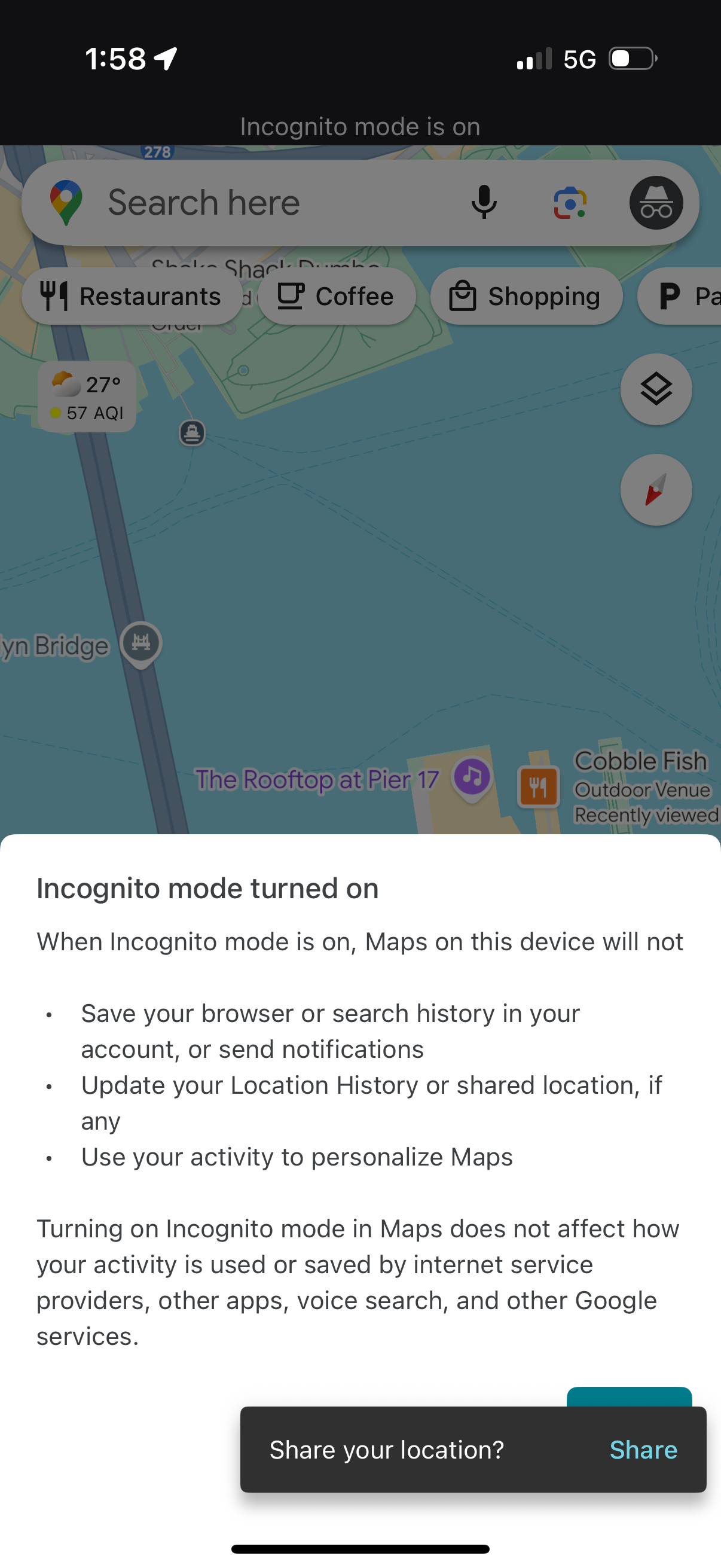
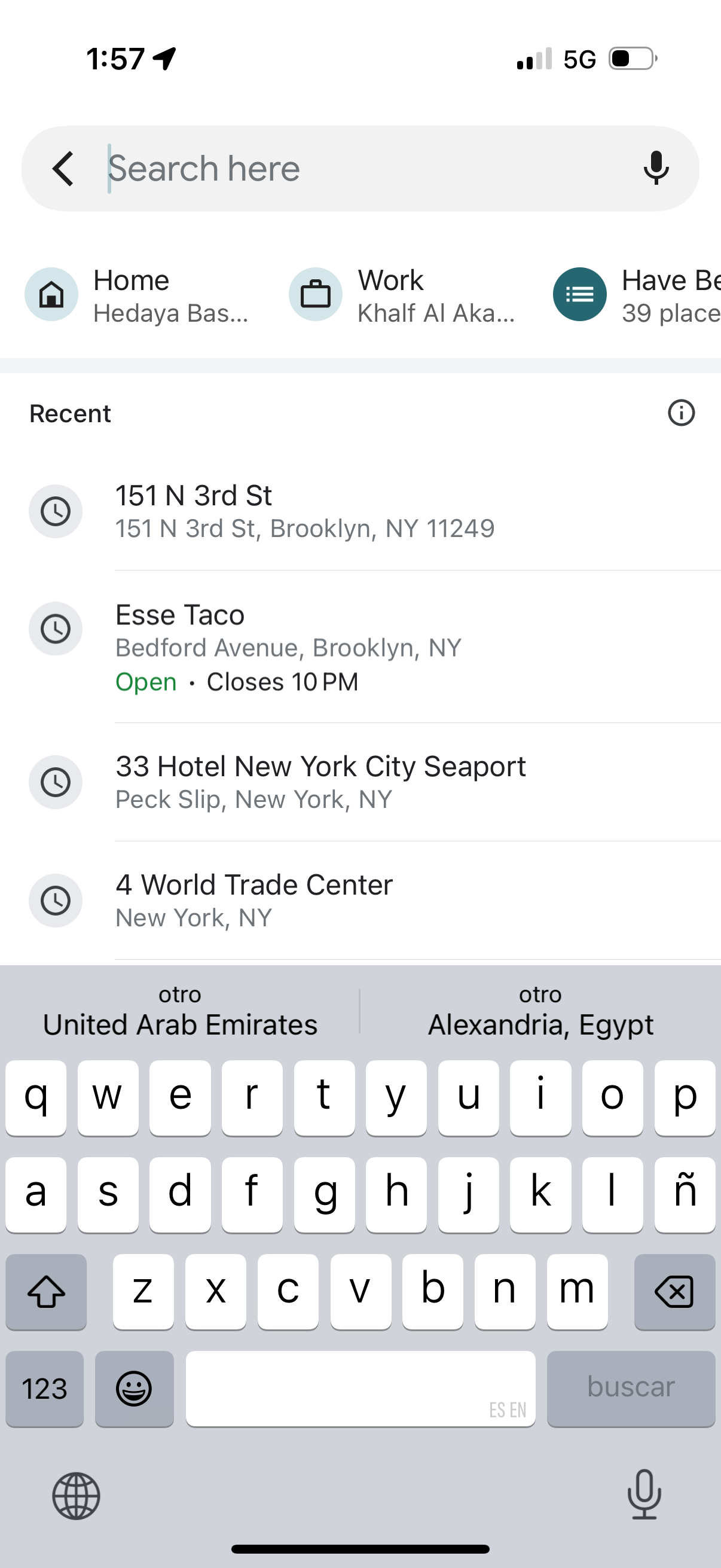
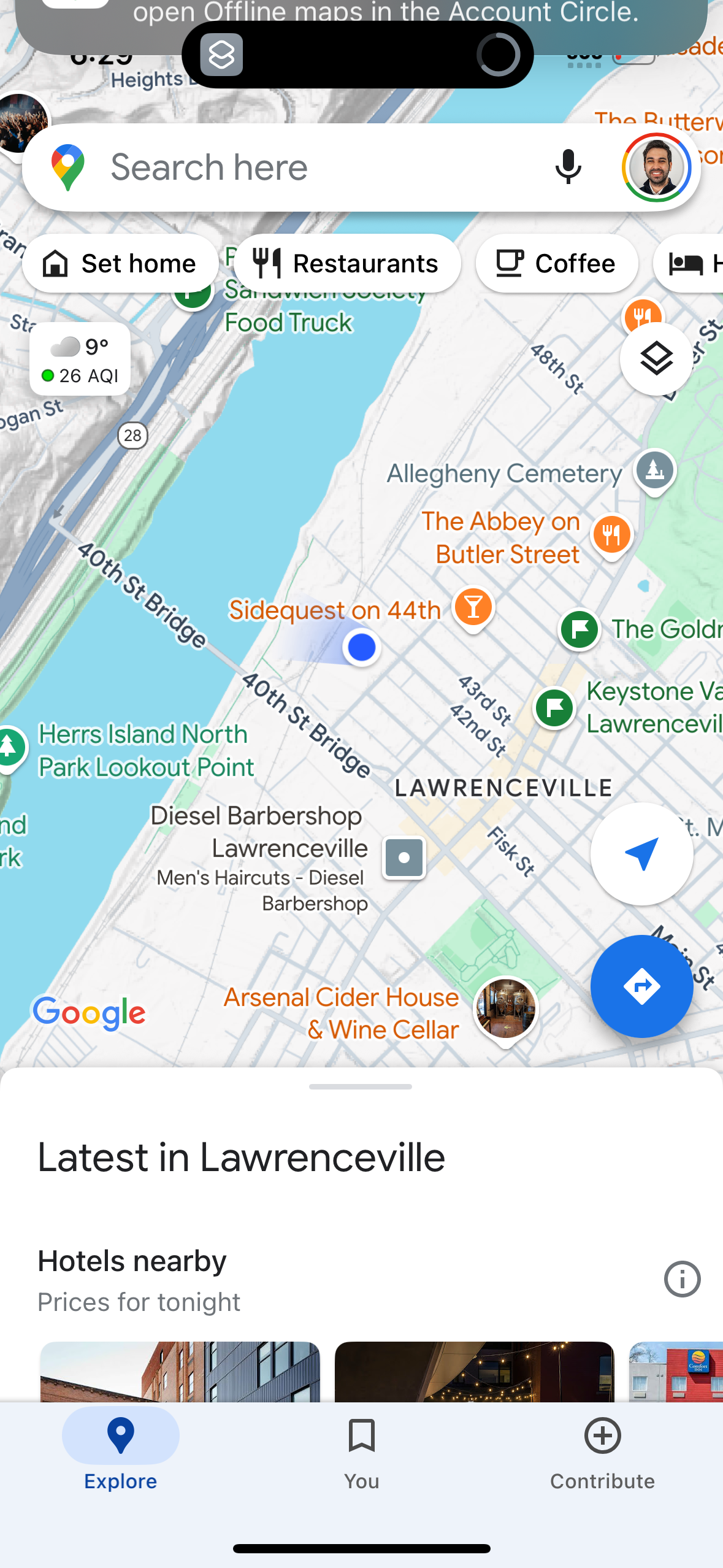
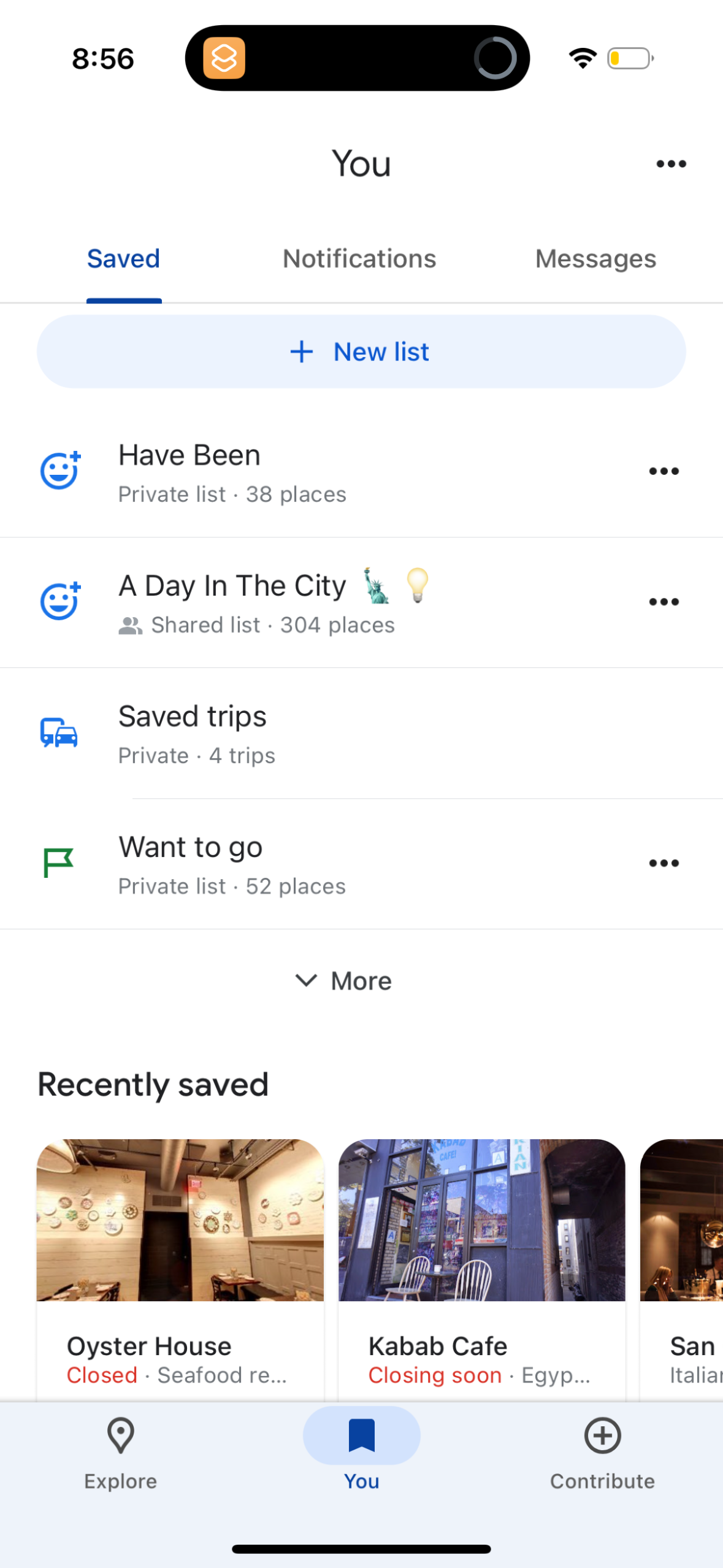
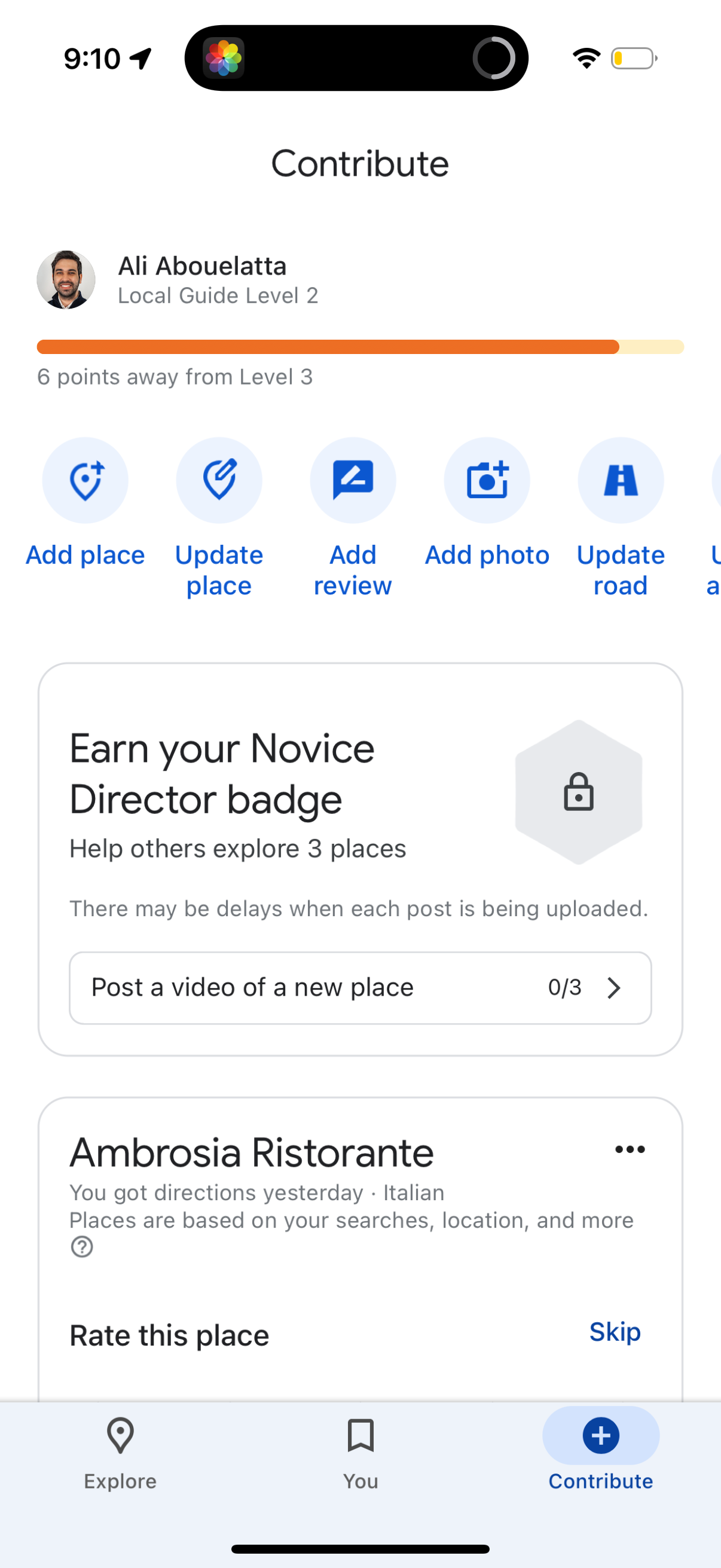
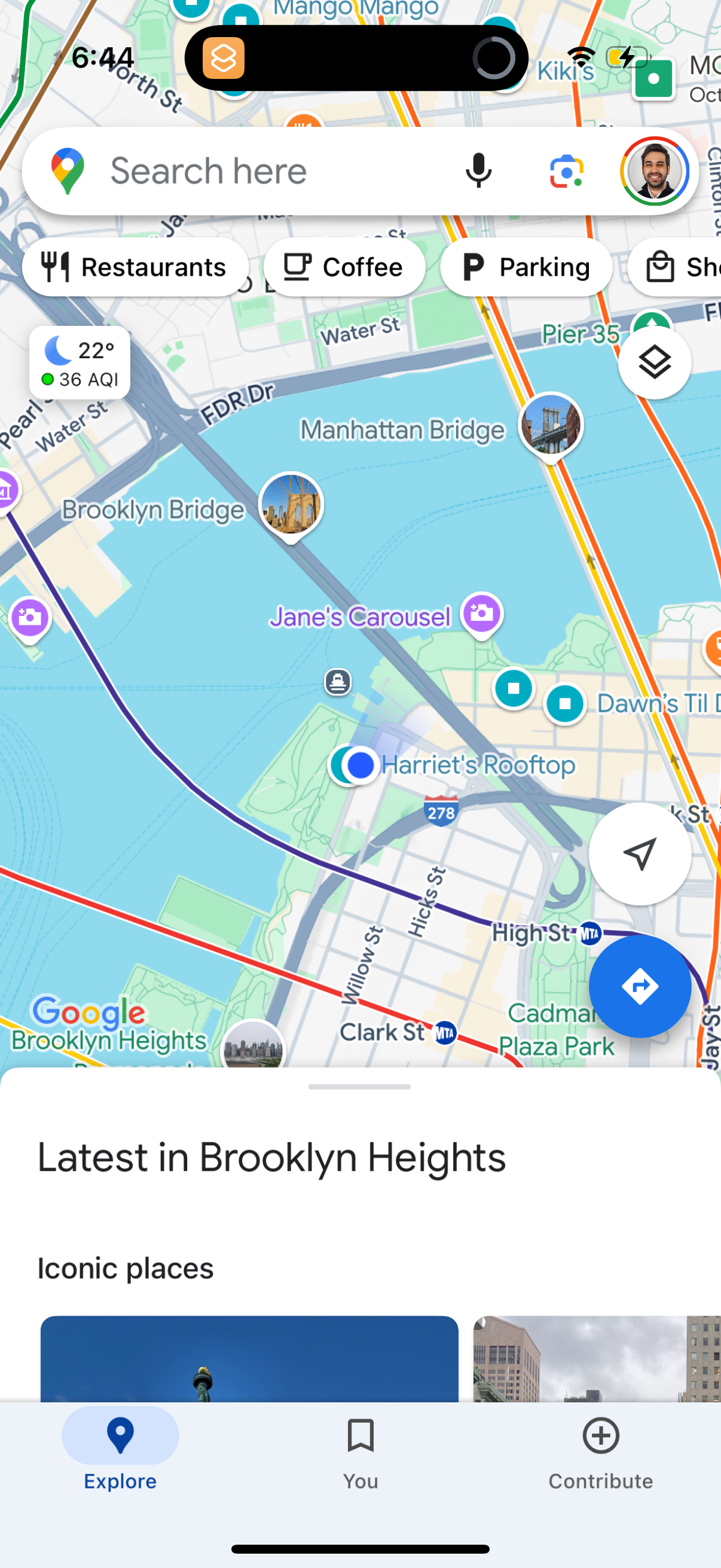
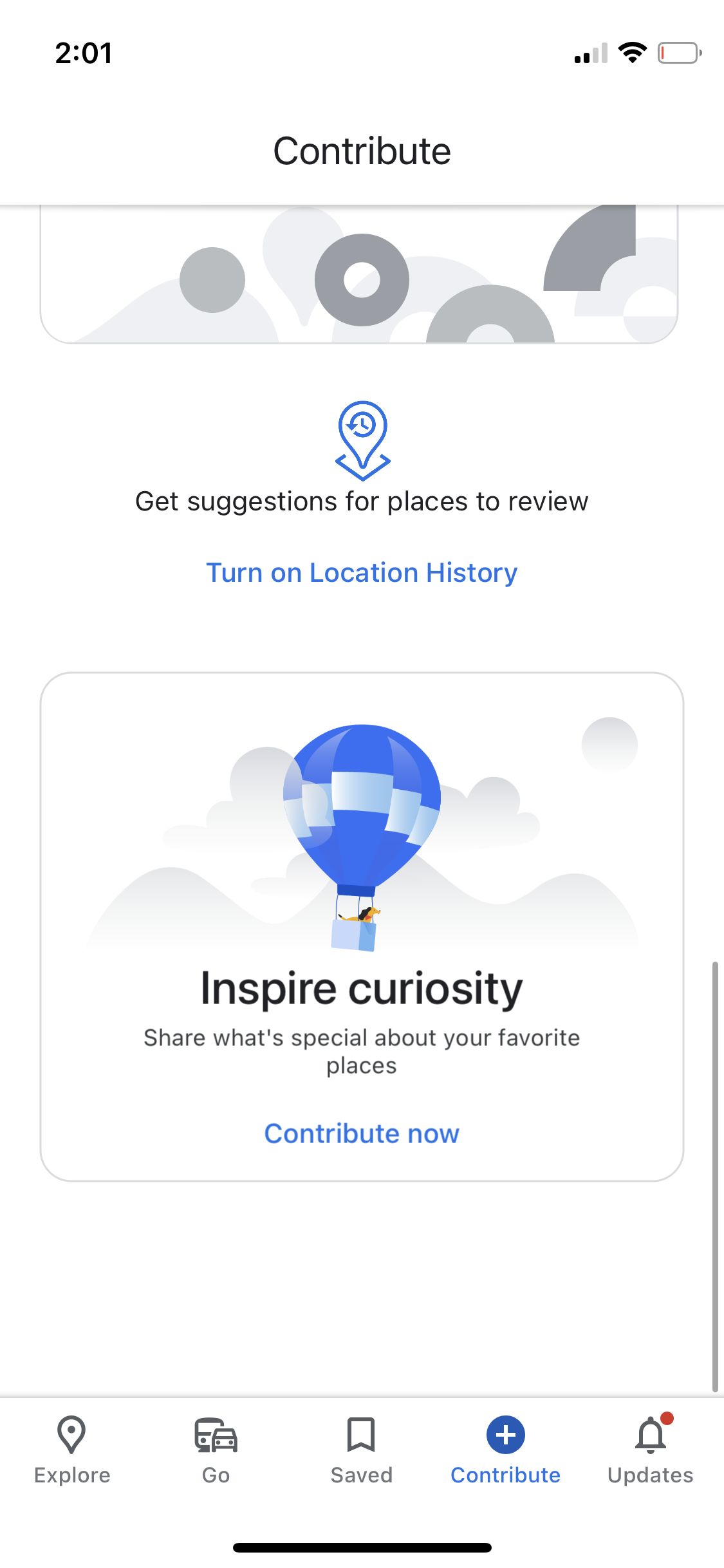
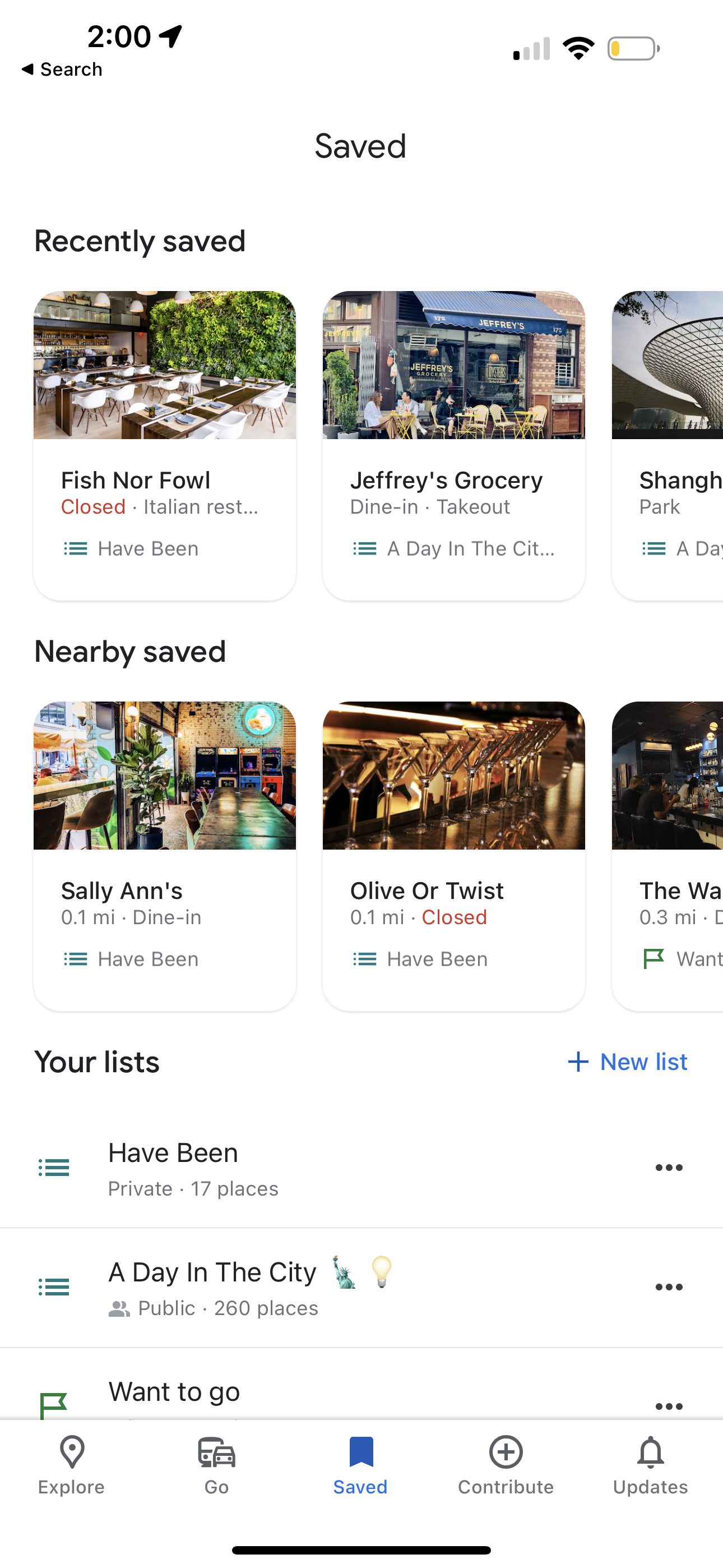
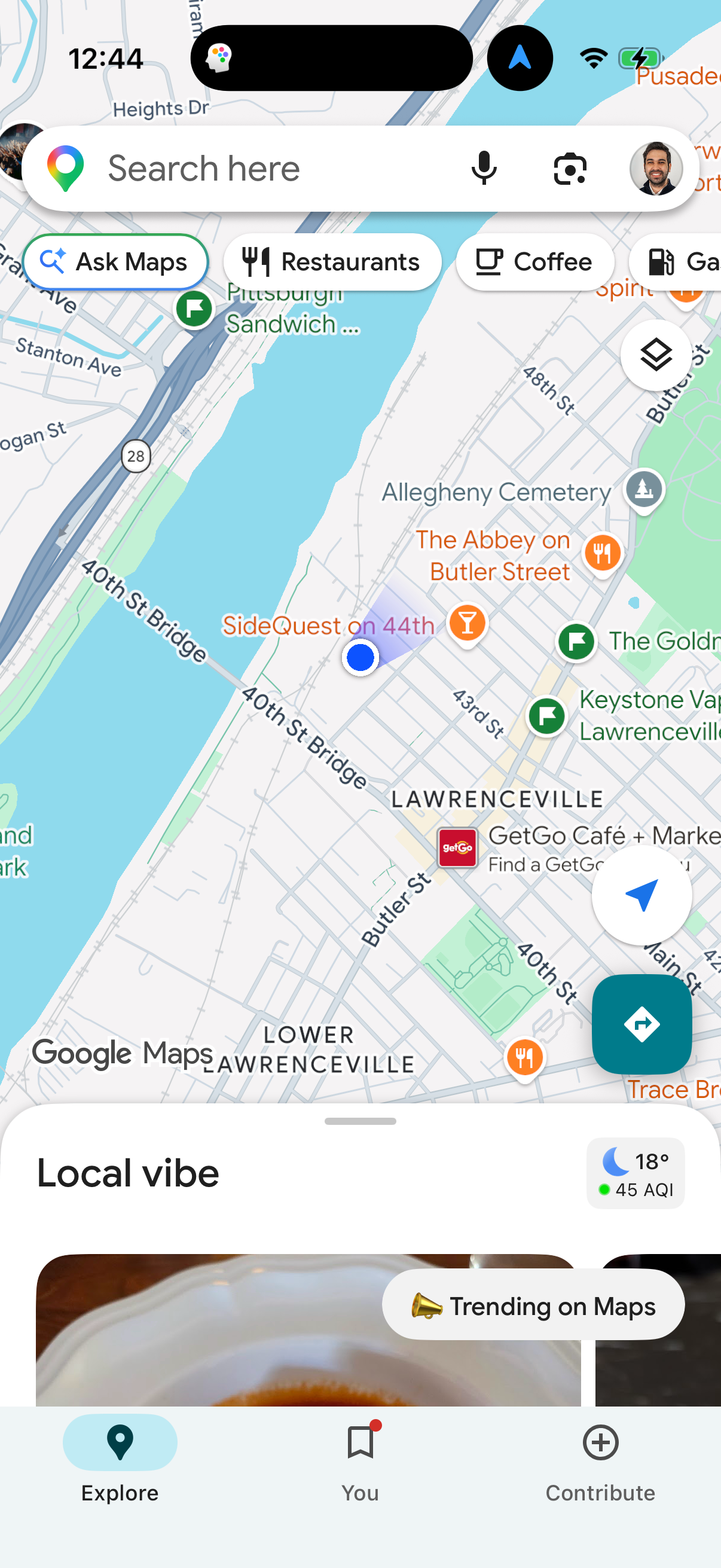
google-maps app screenshot 3
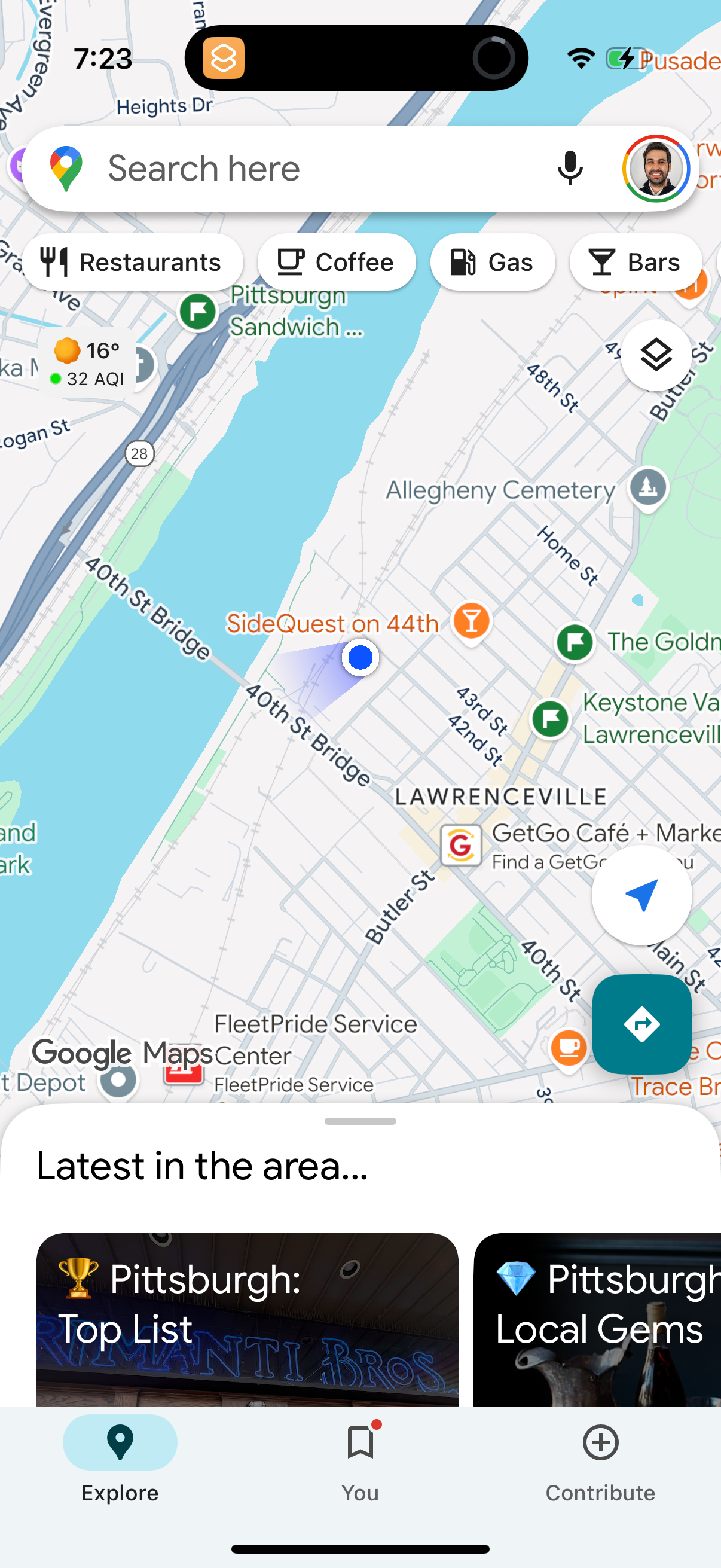
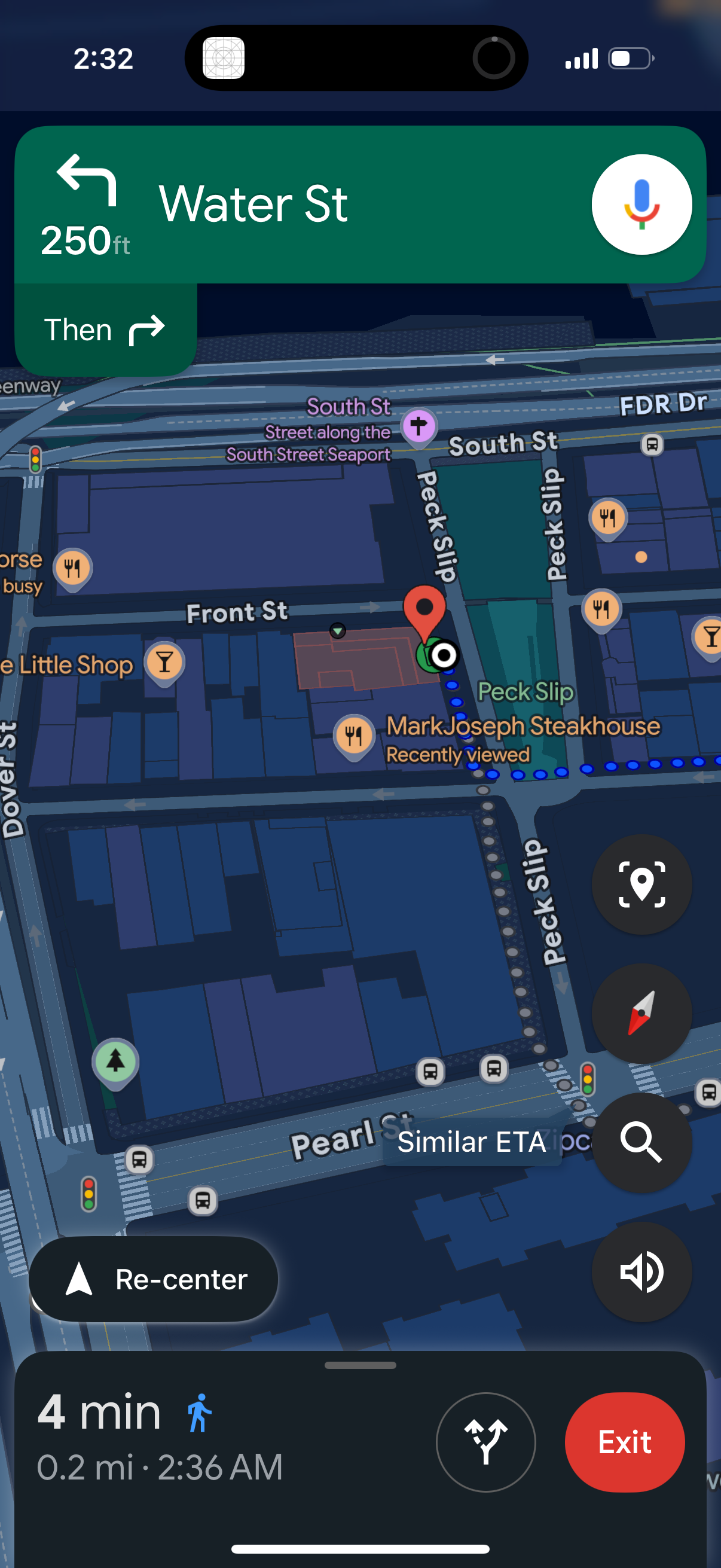
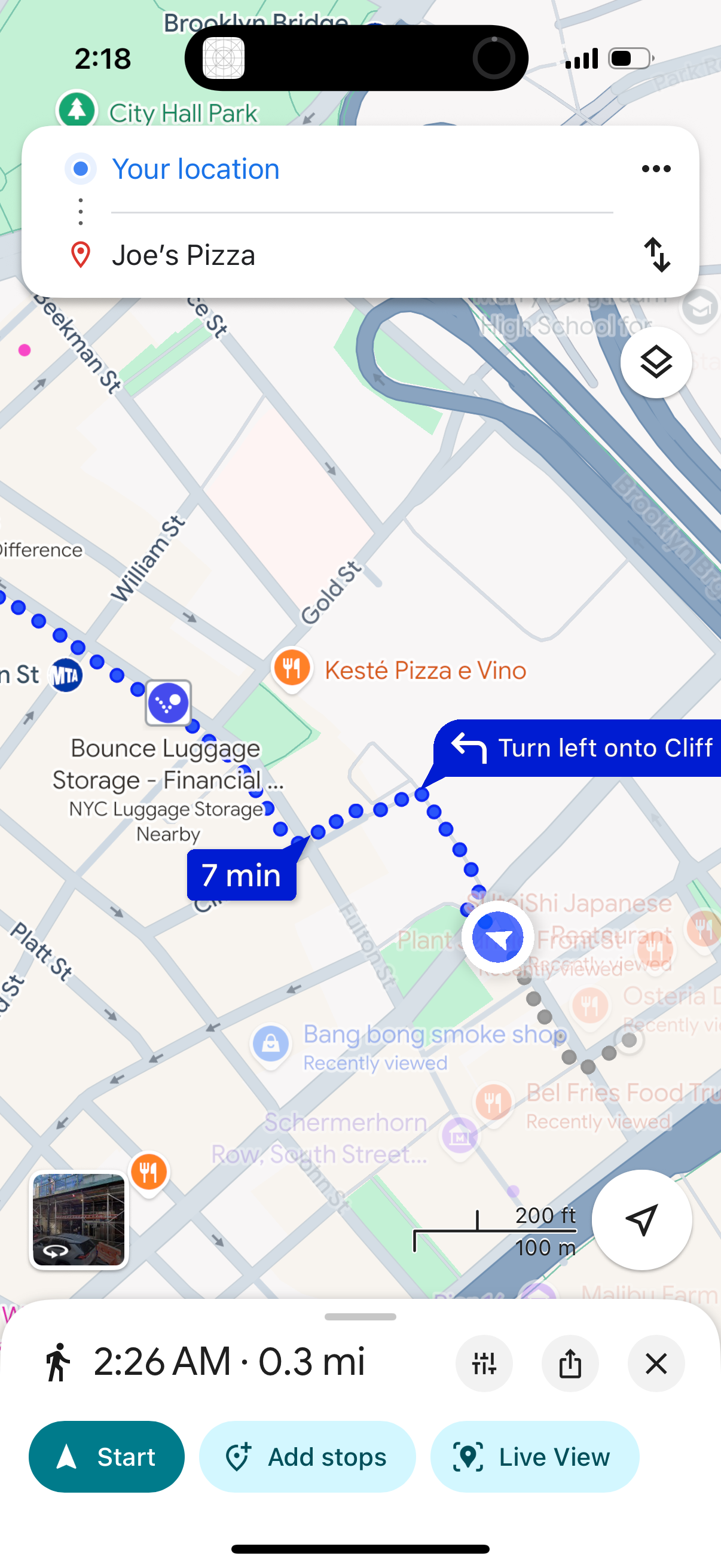
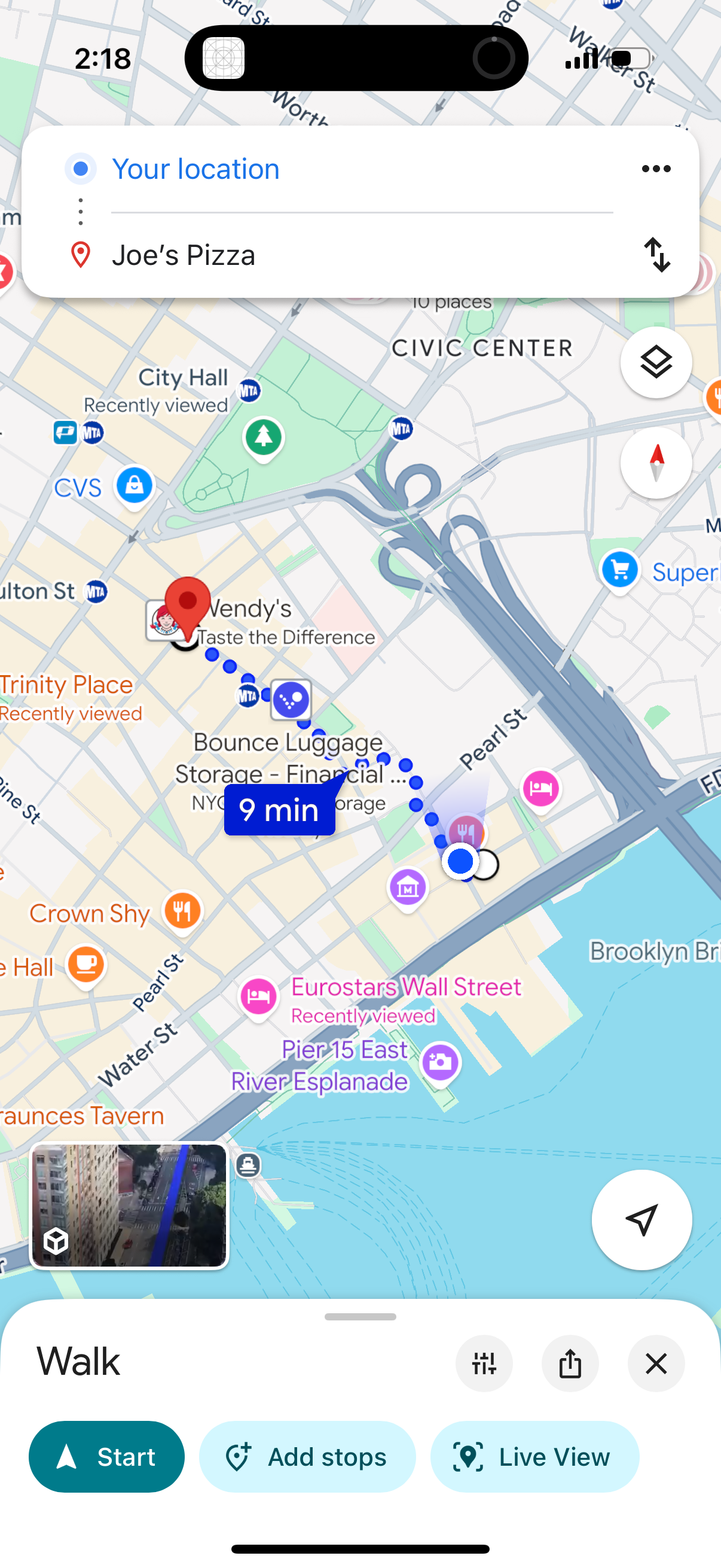
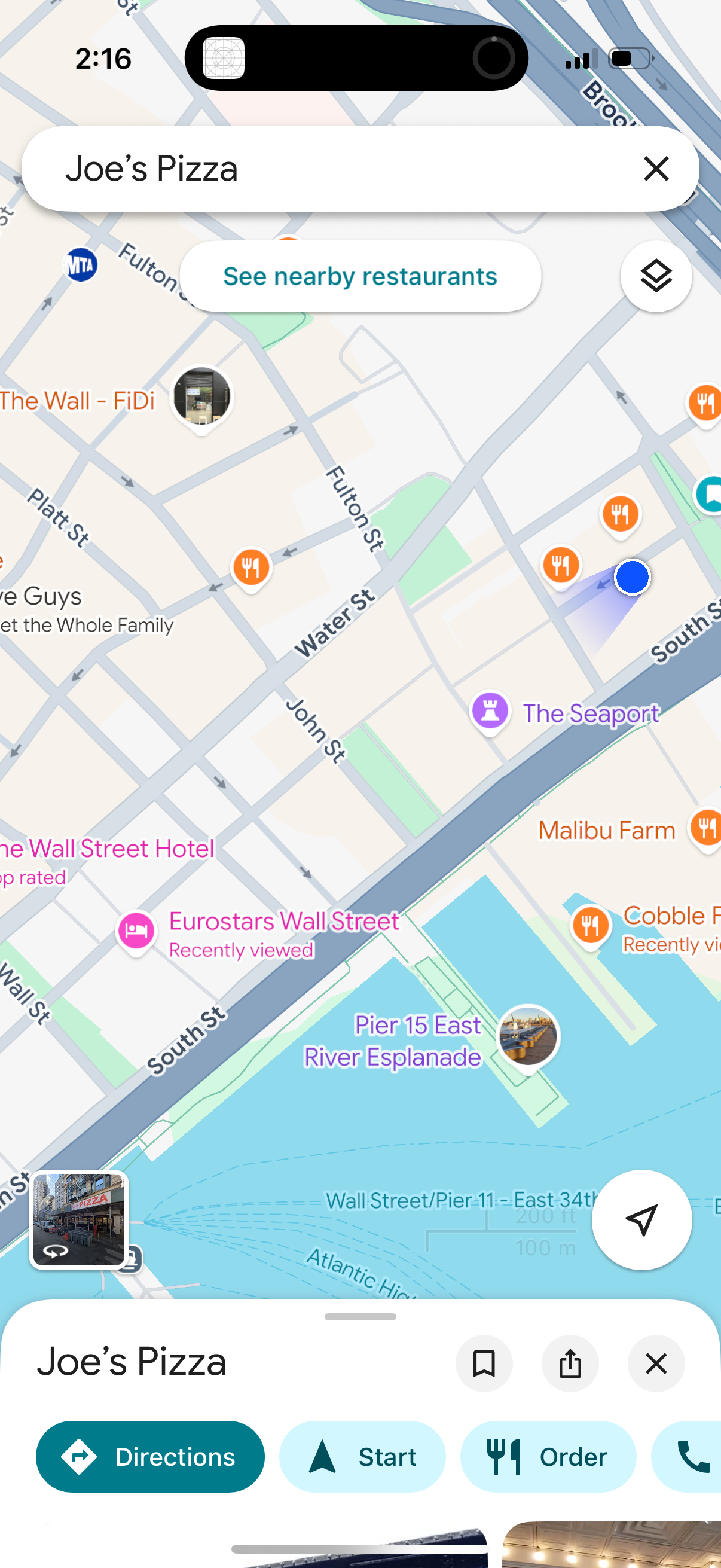
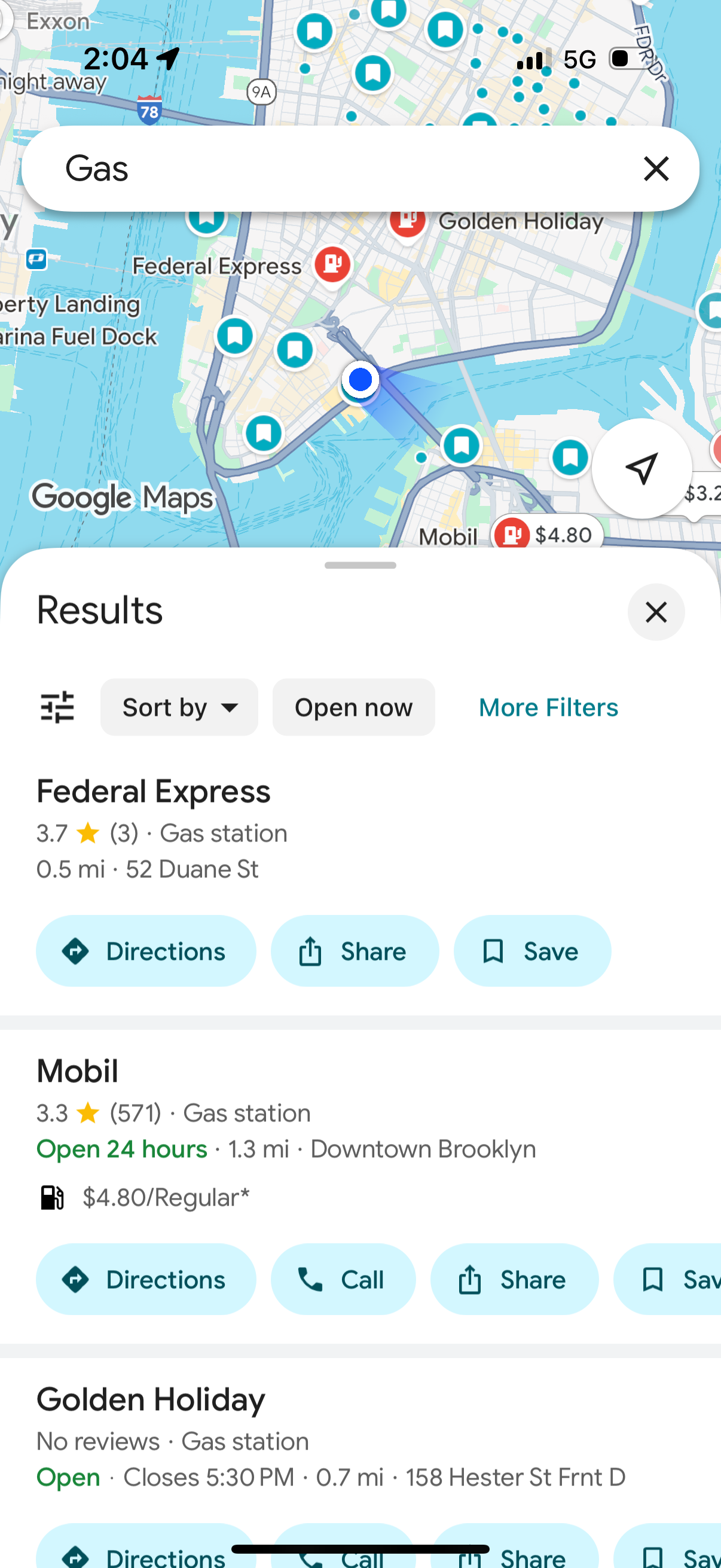
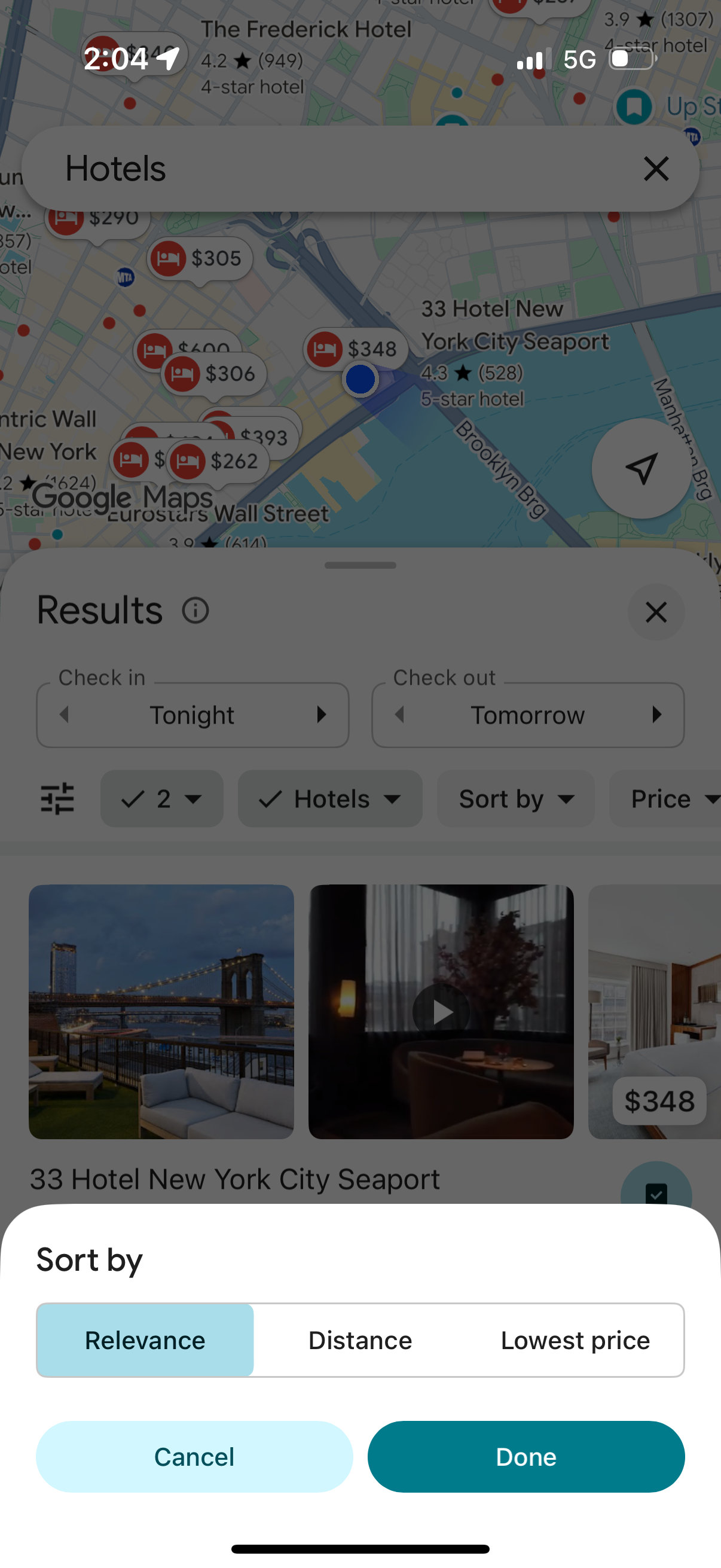
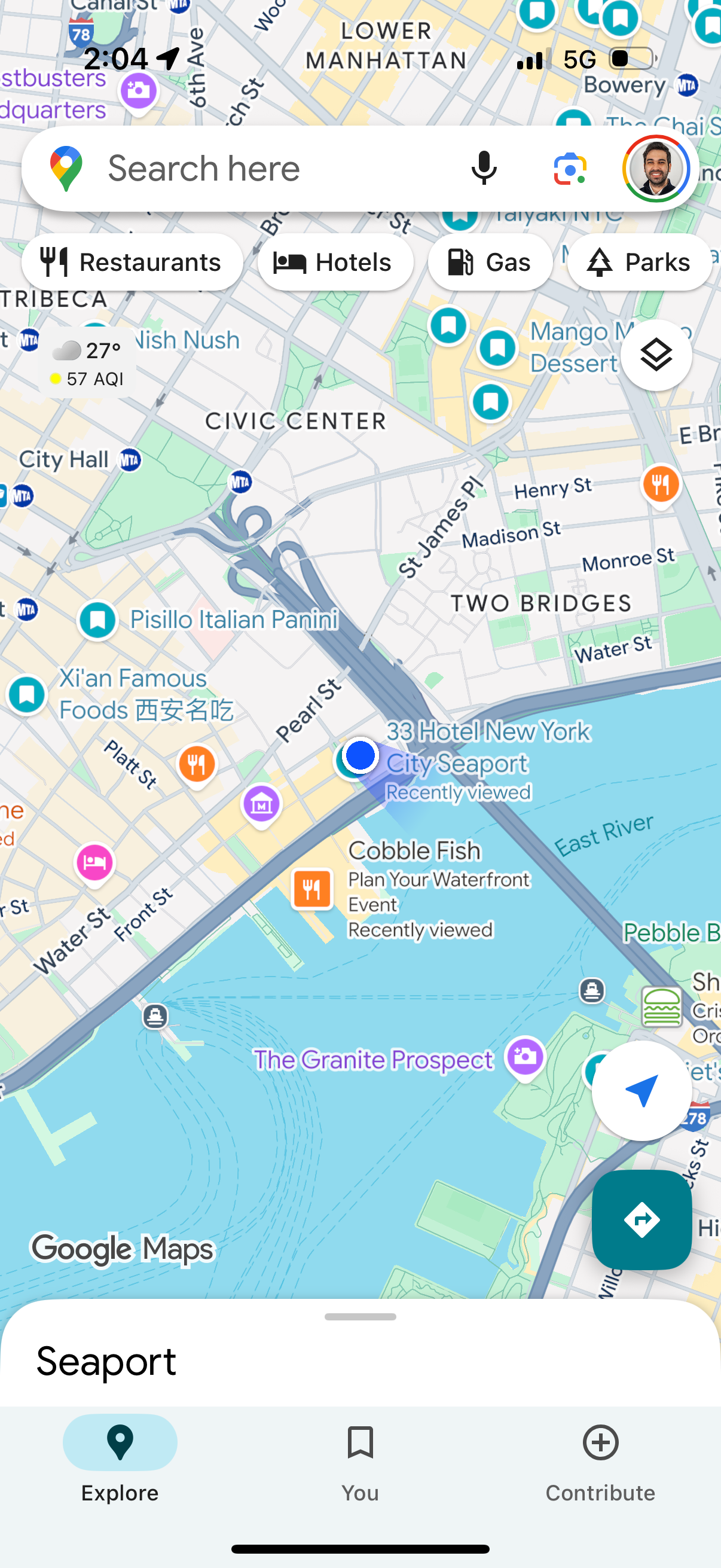
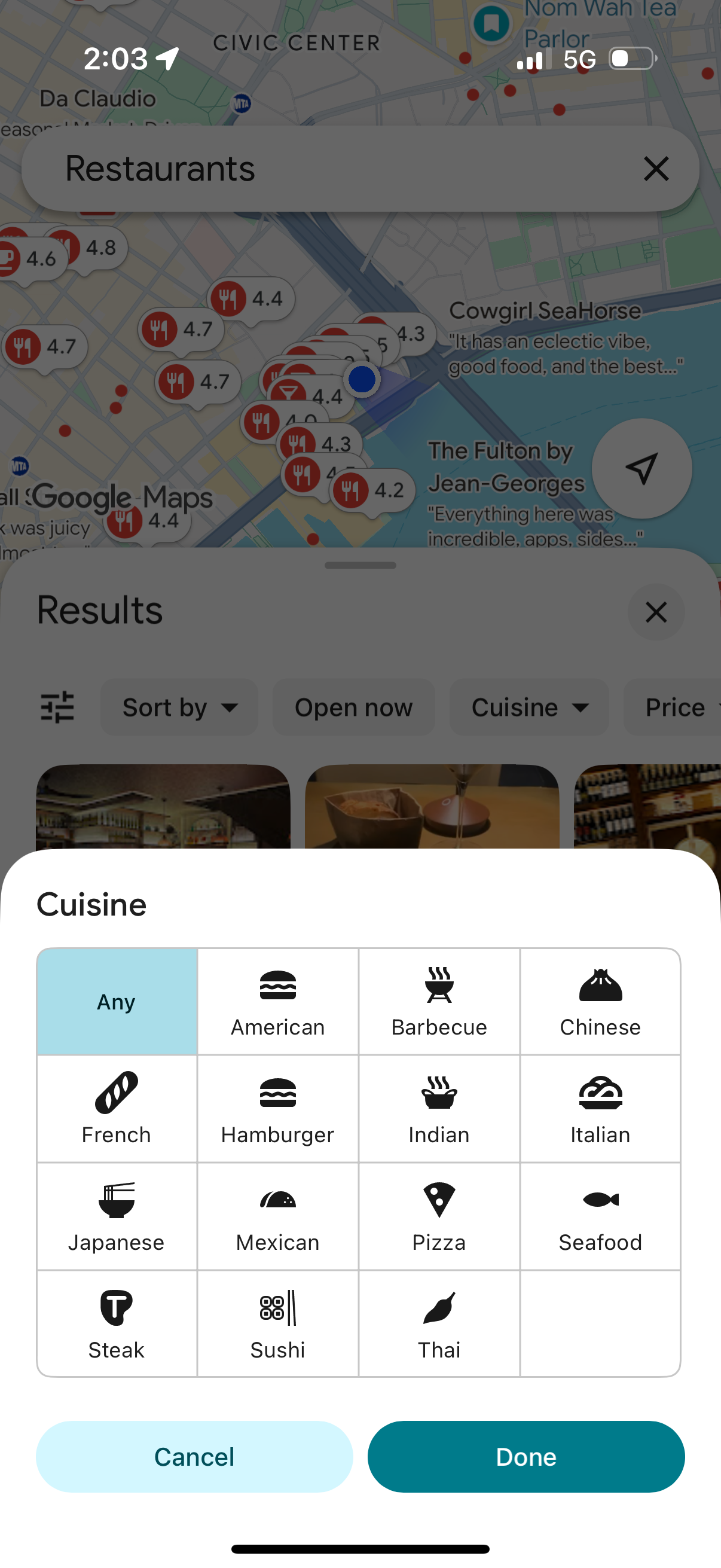
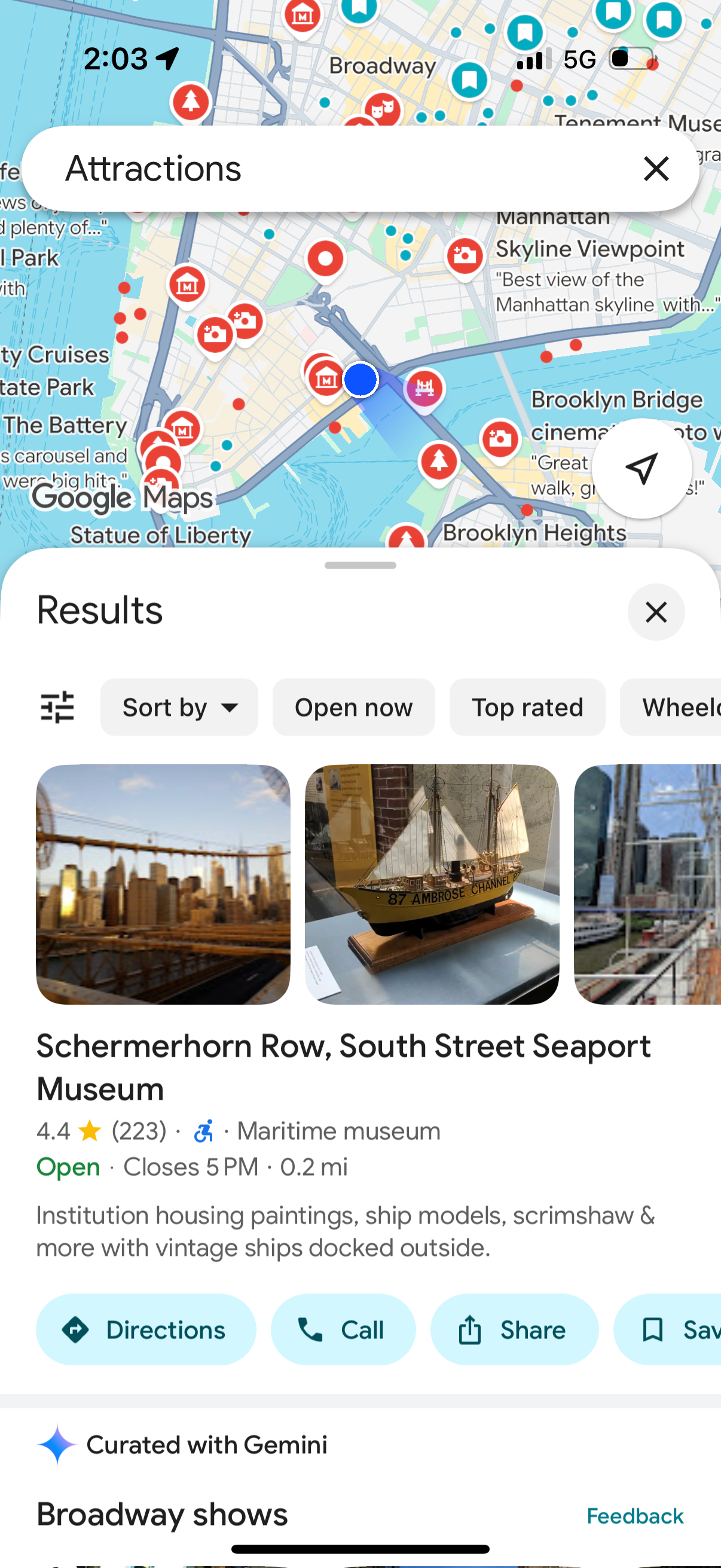
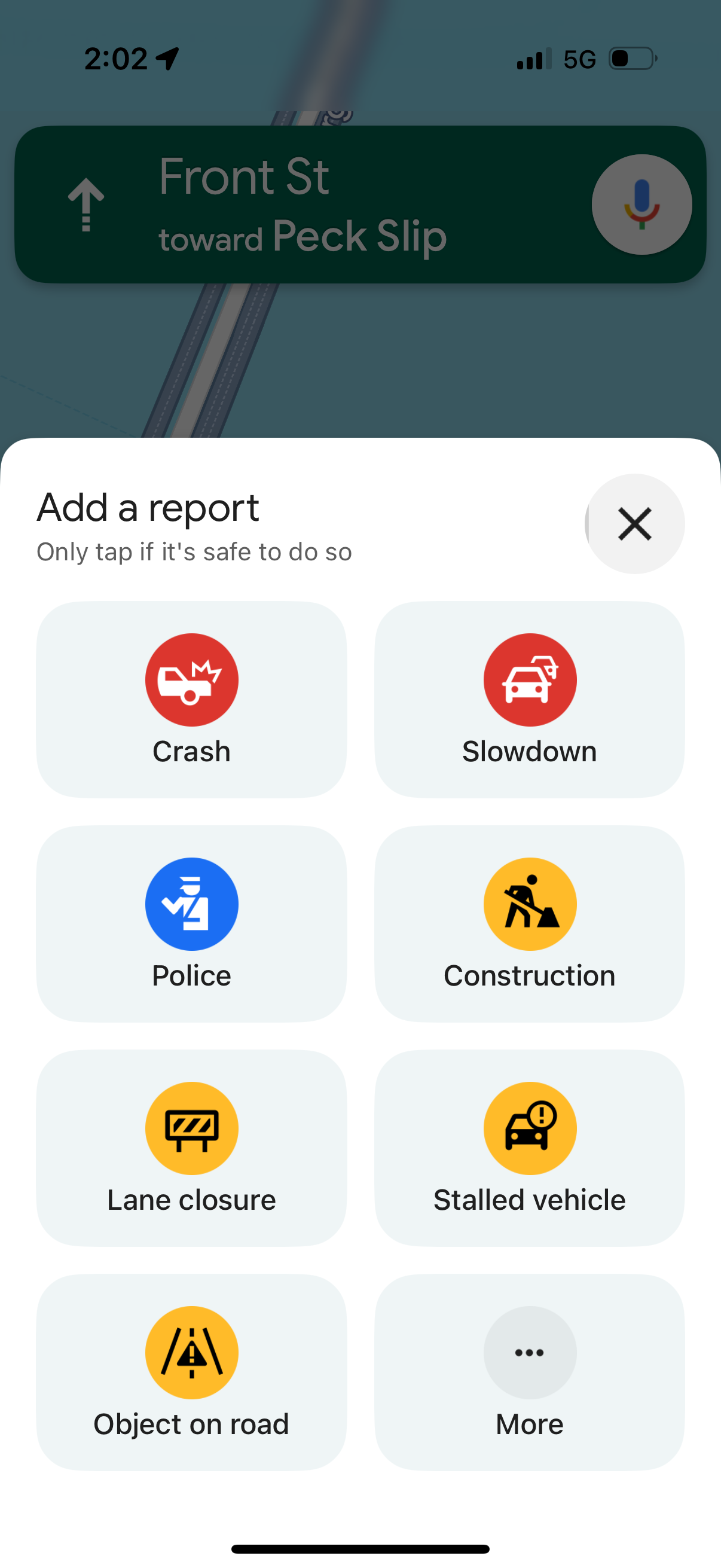
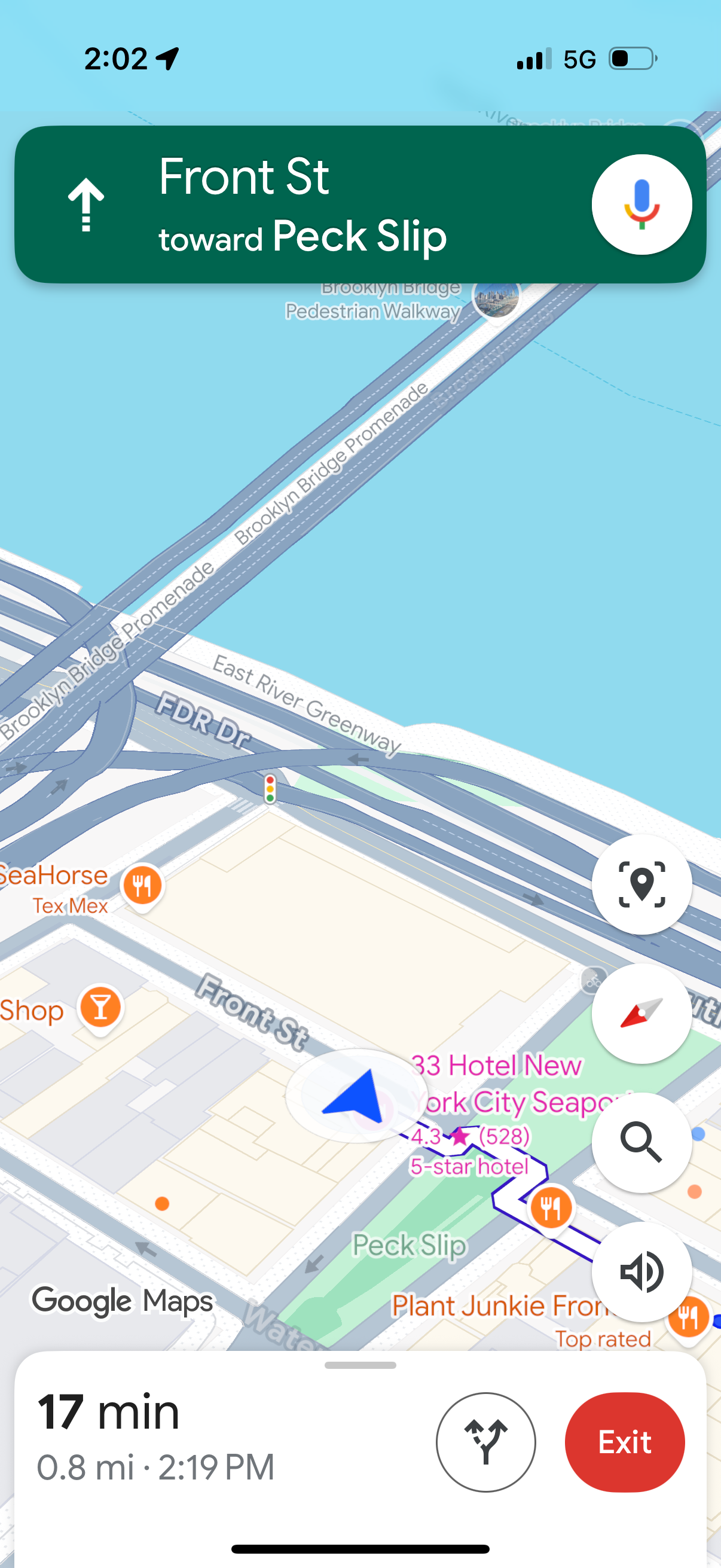
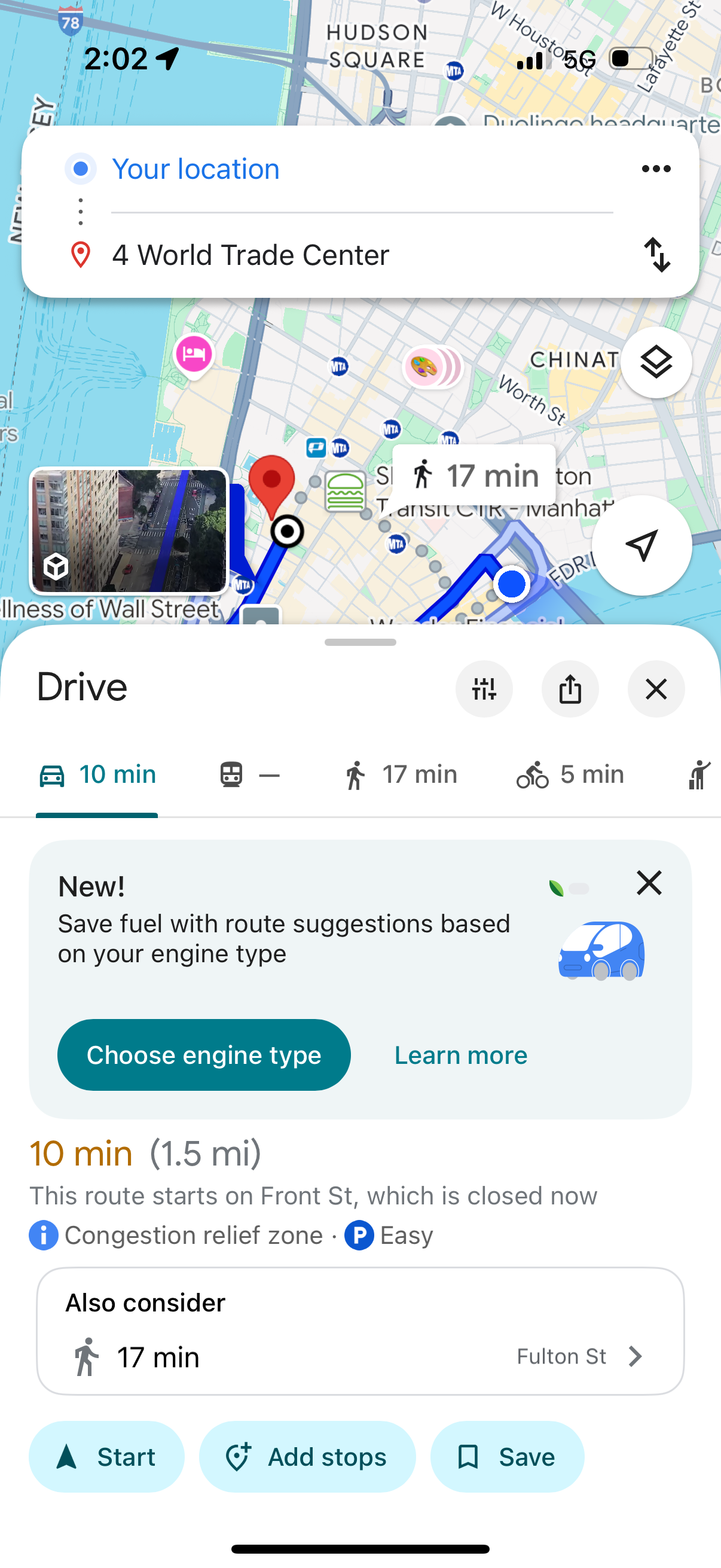
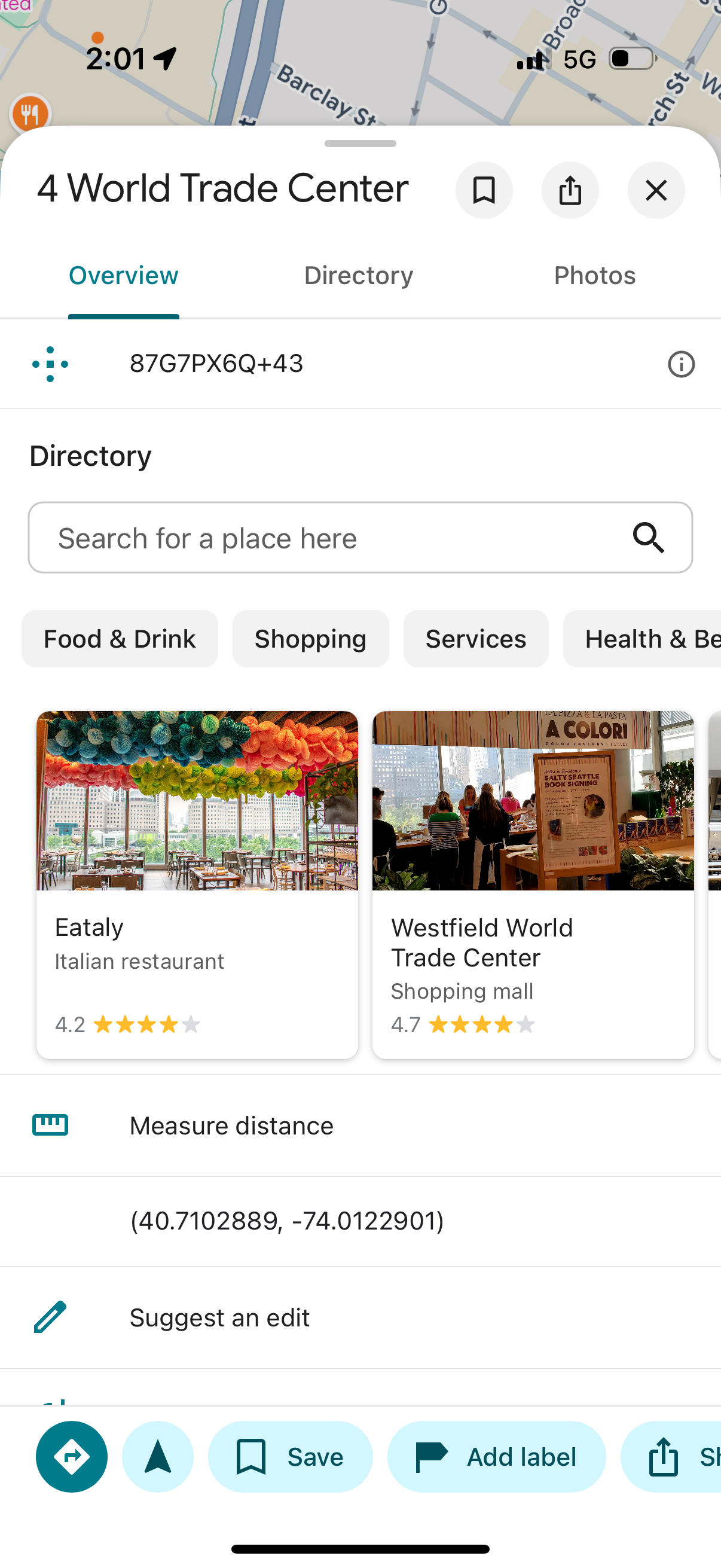
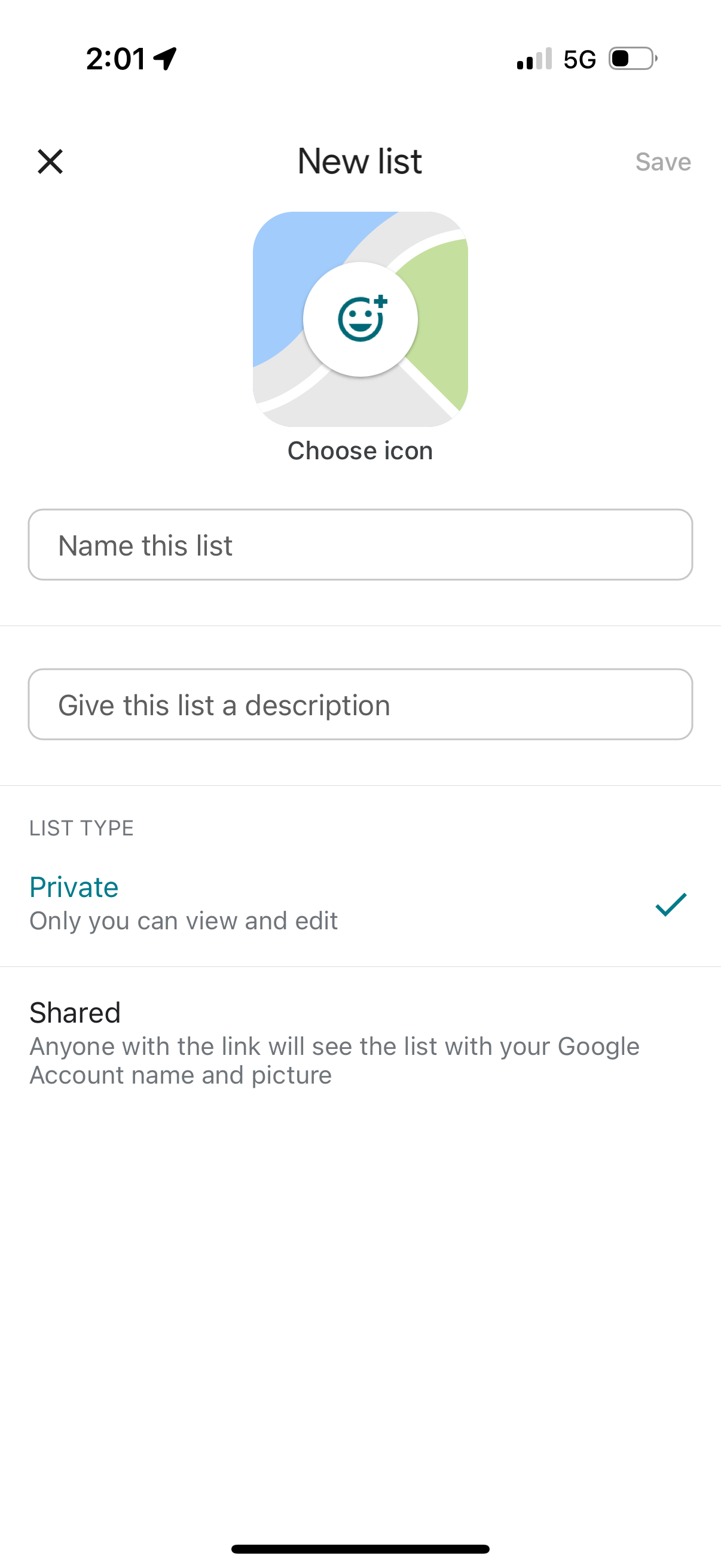
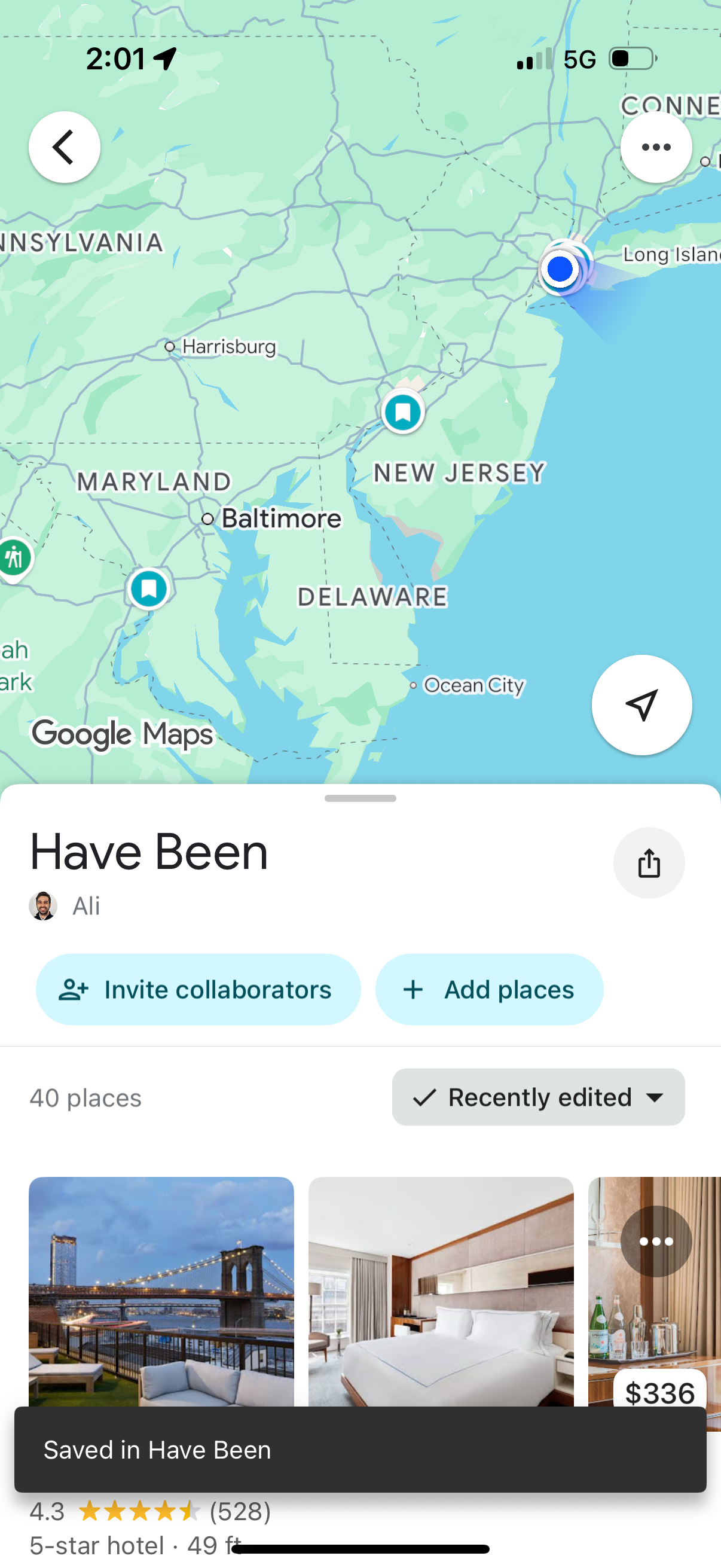
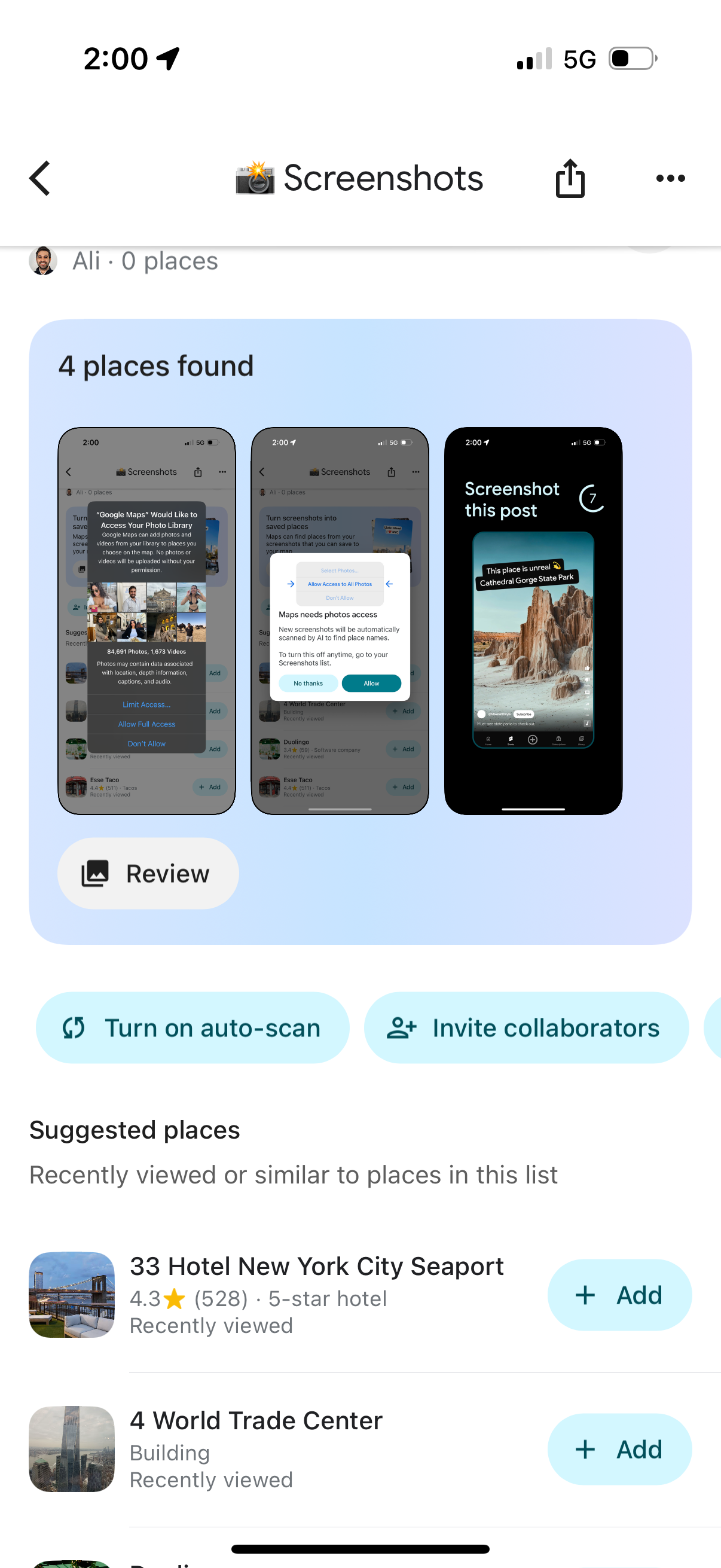
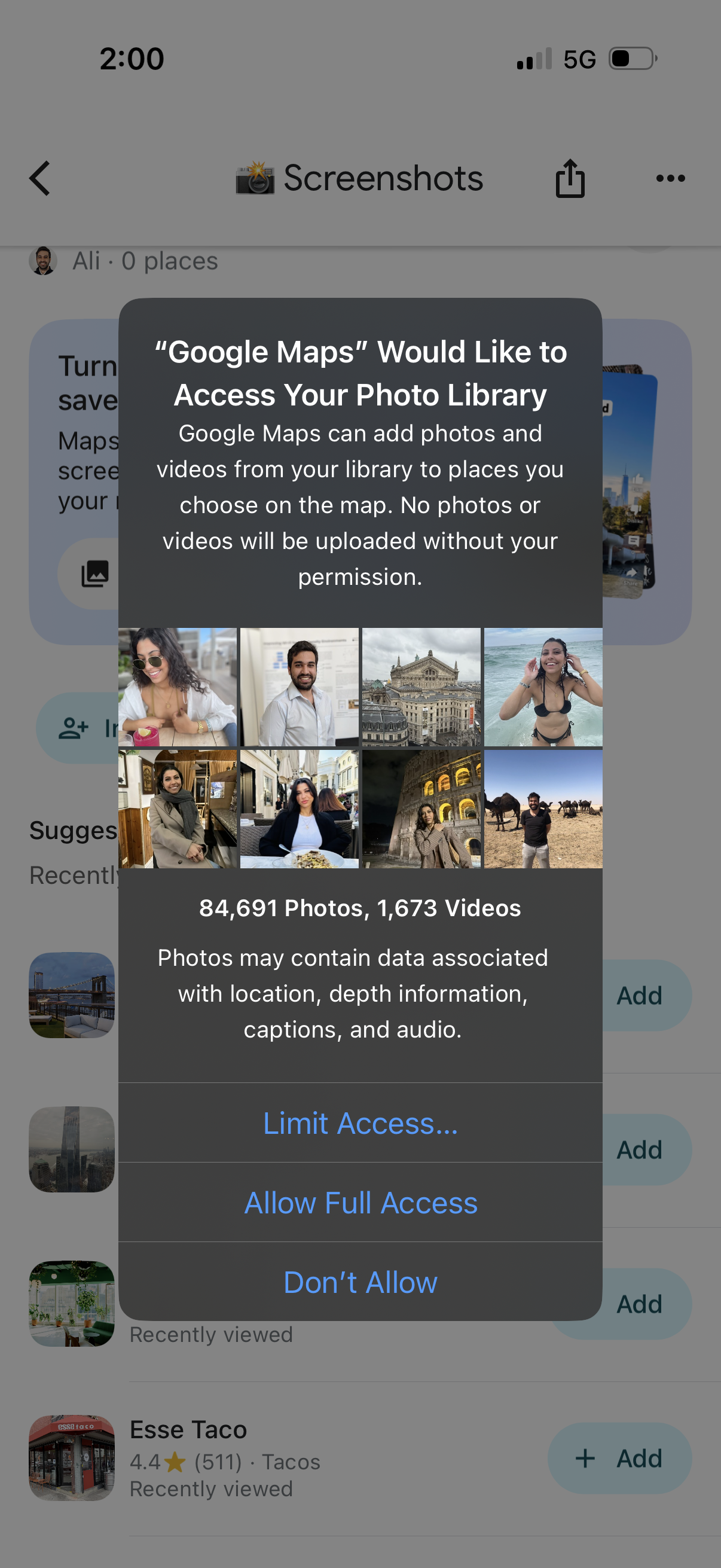
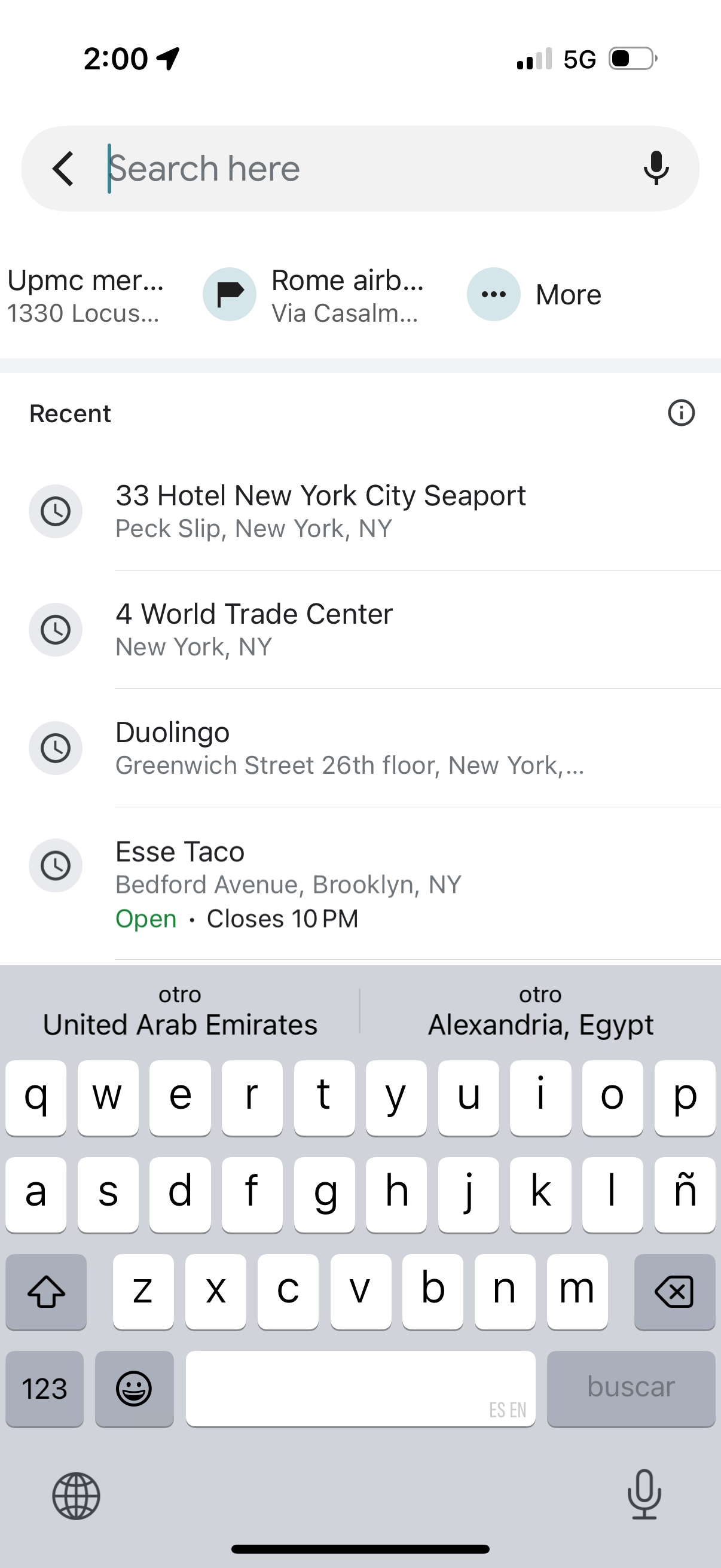
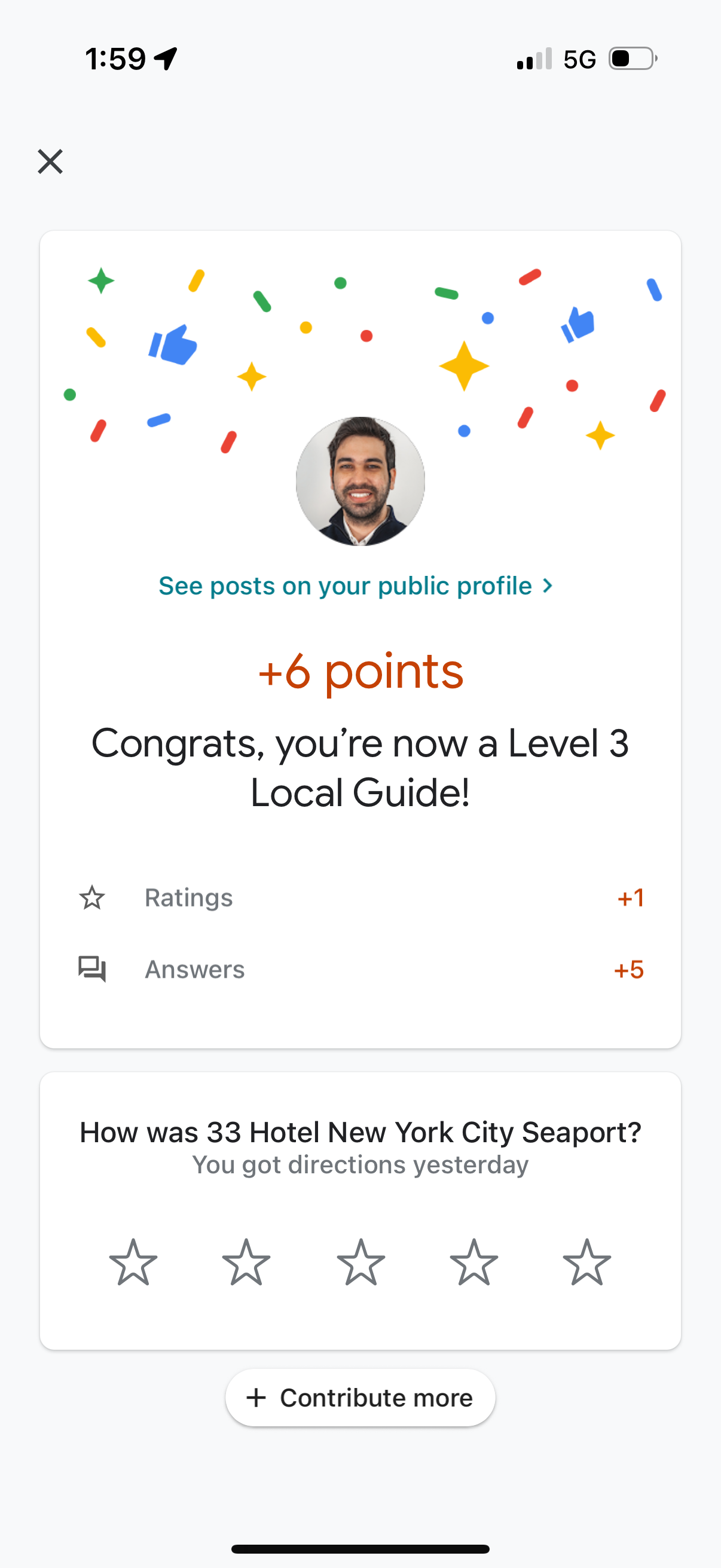
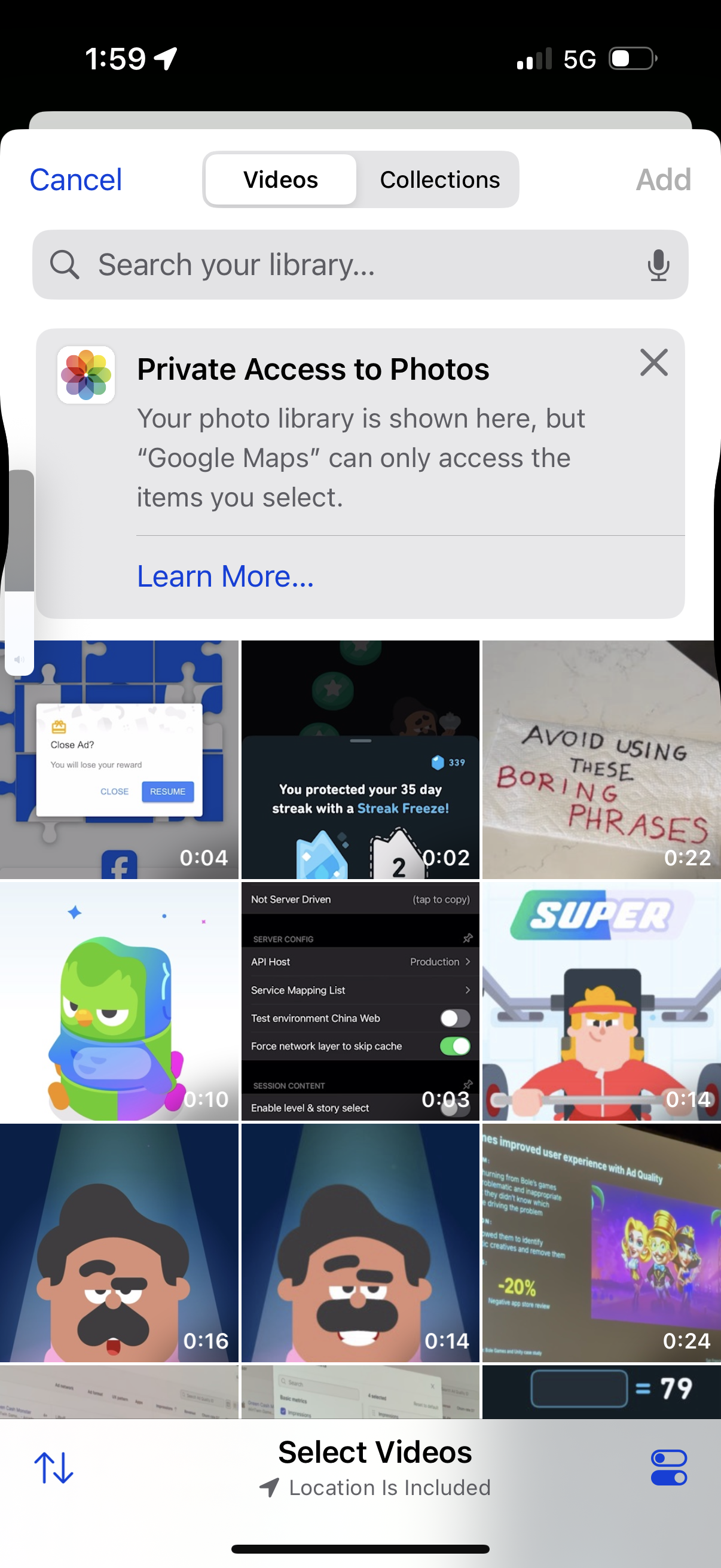
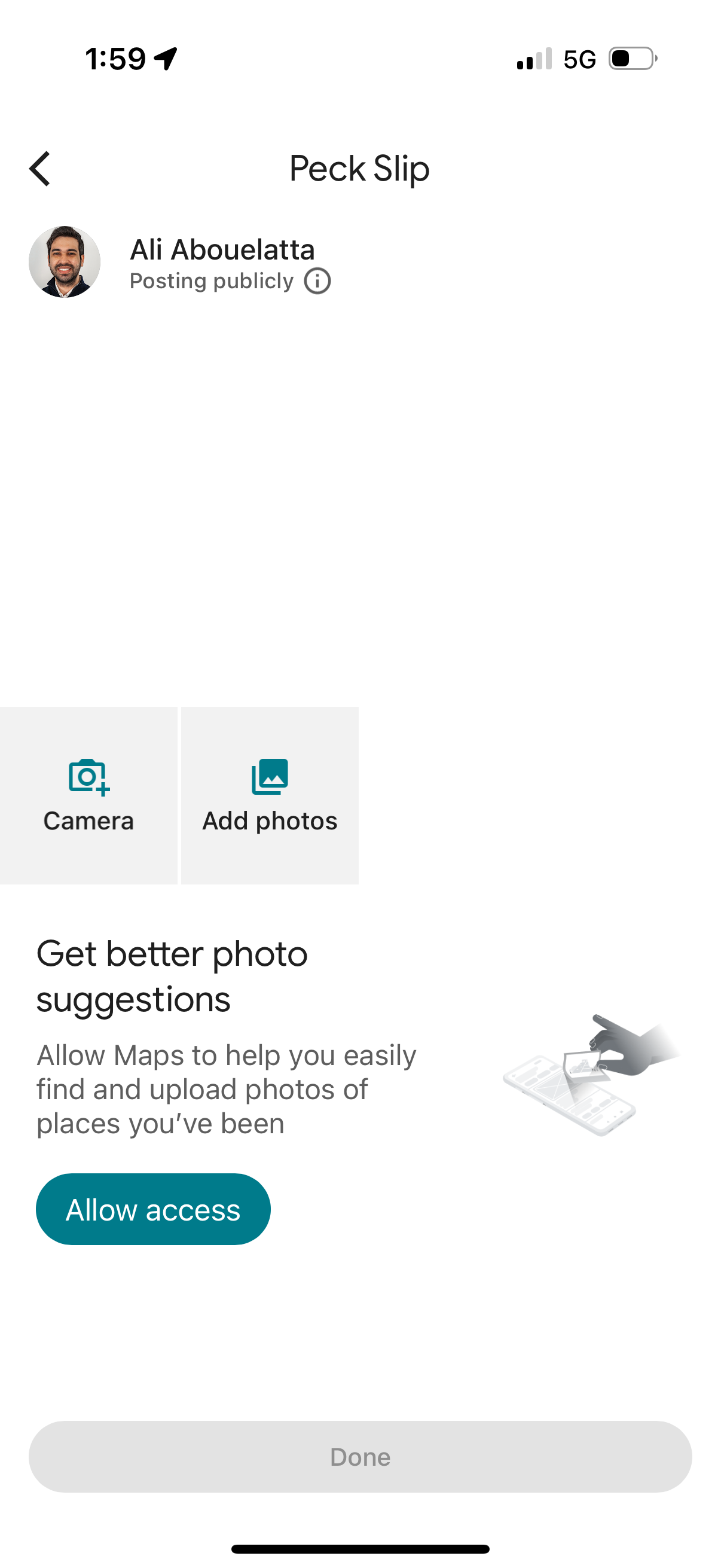
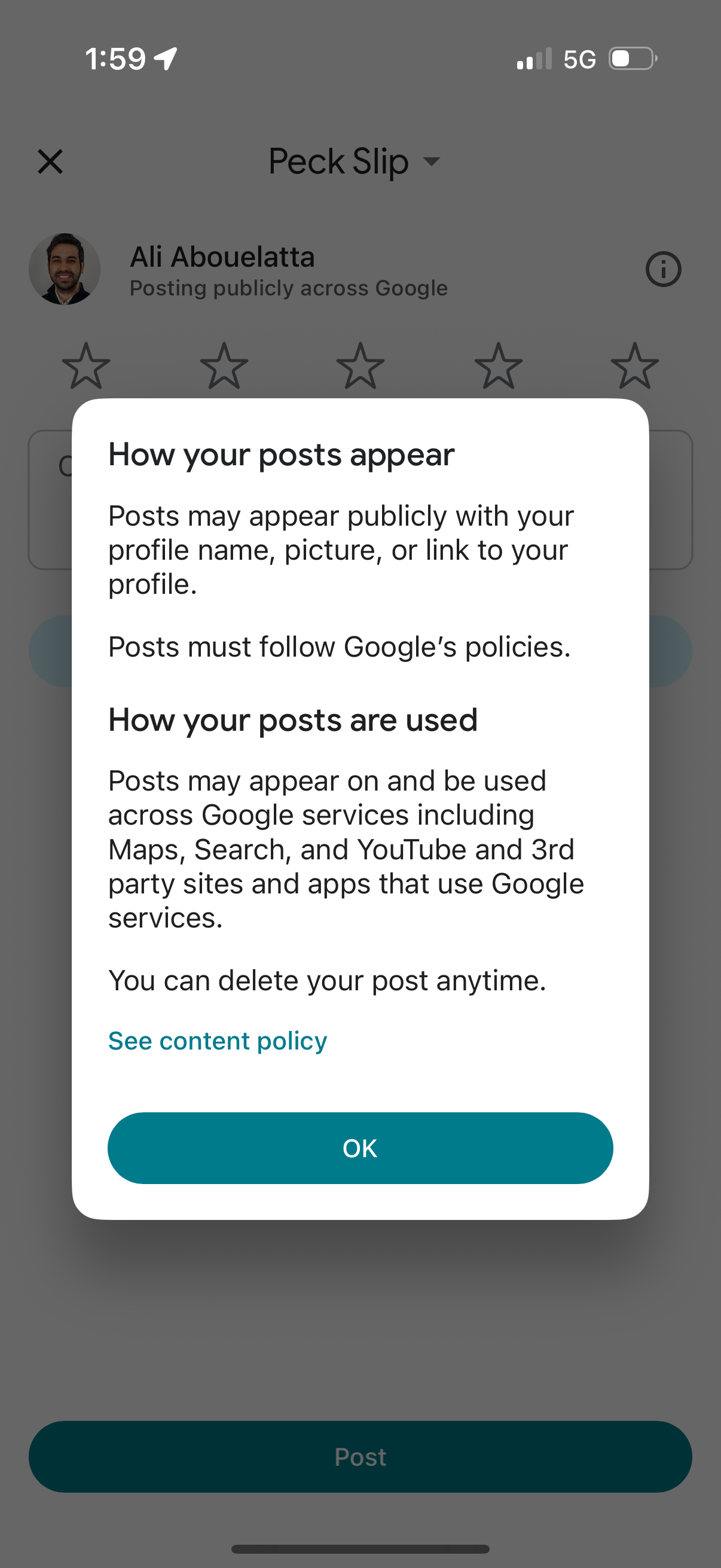
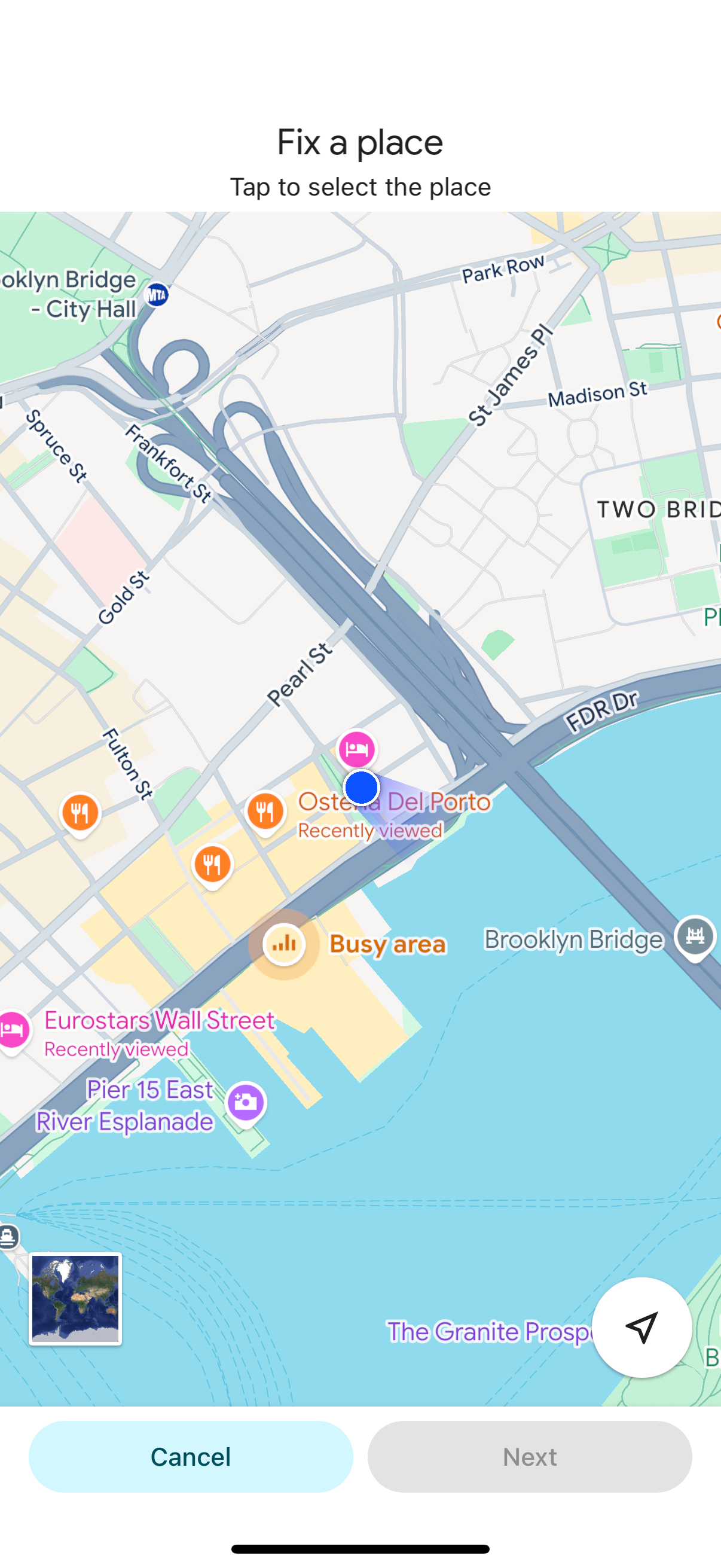
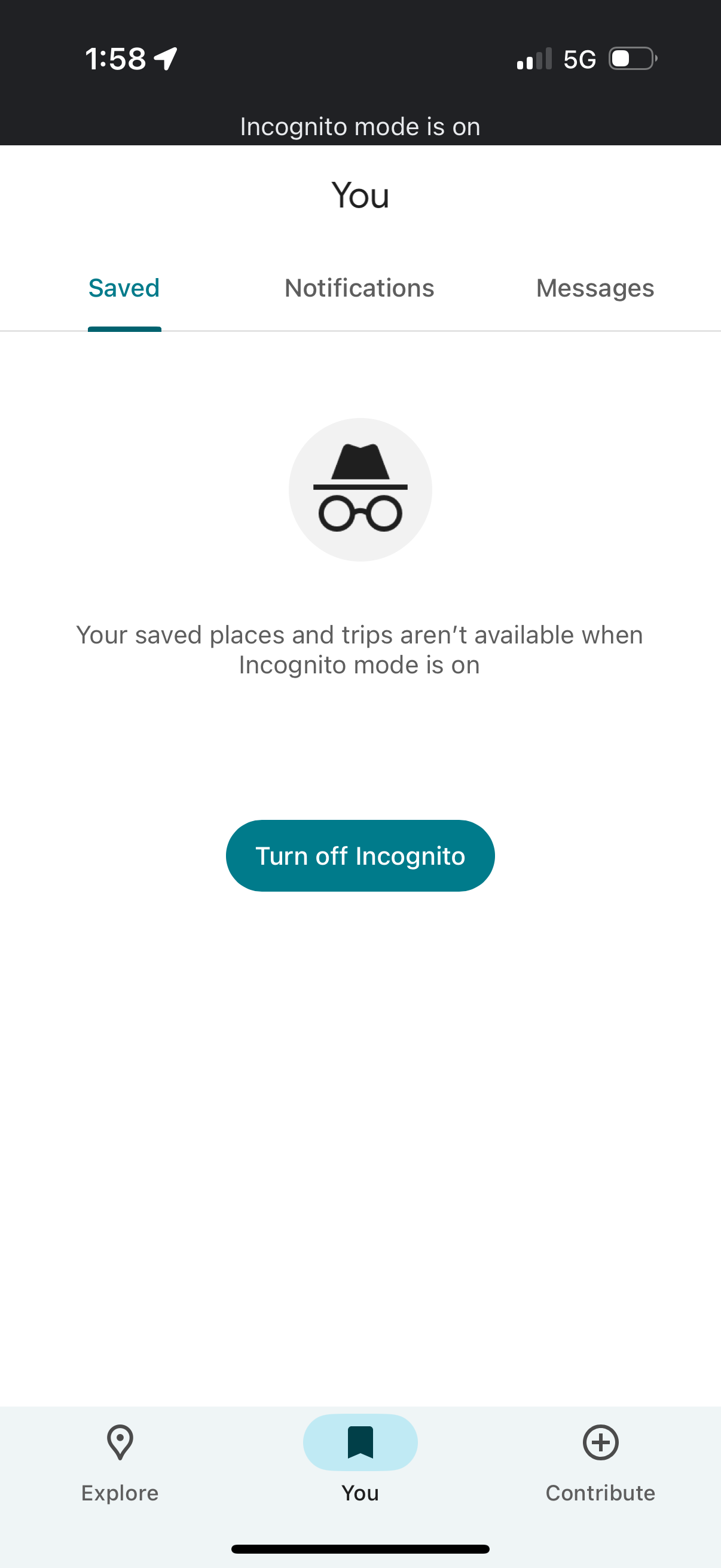
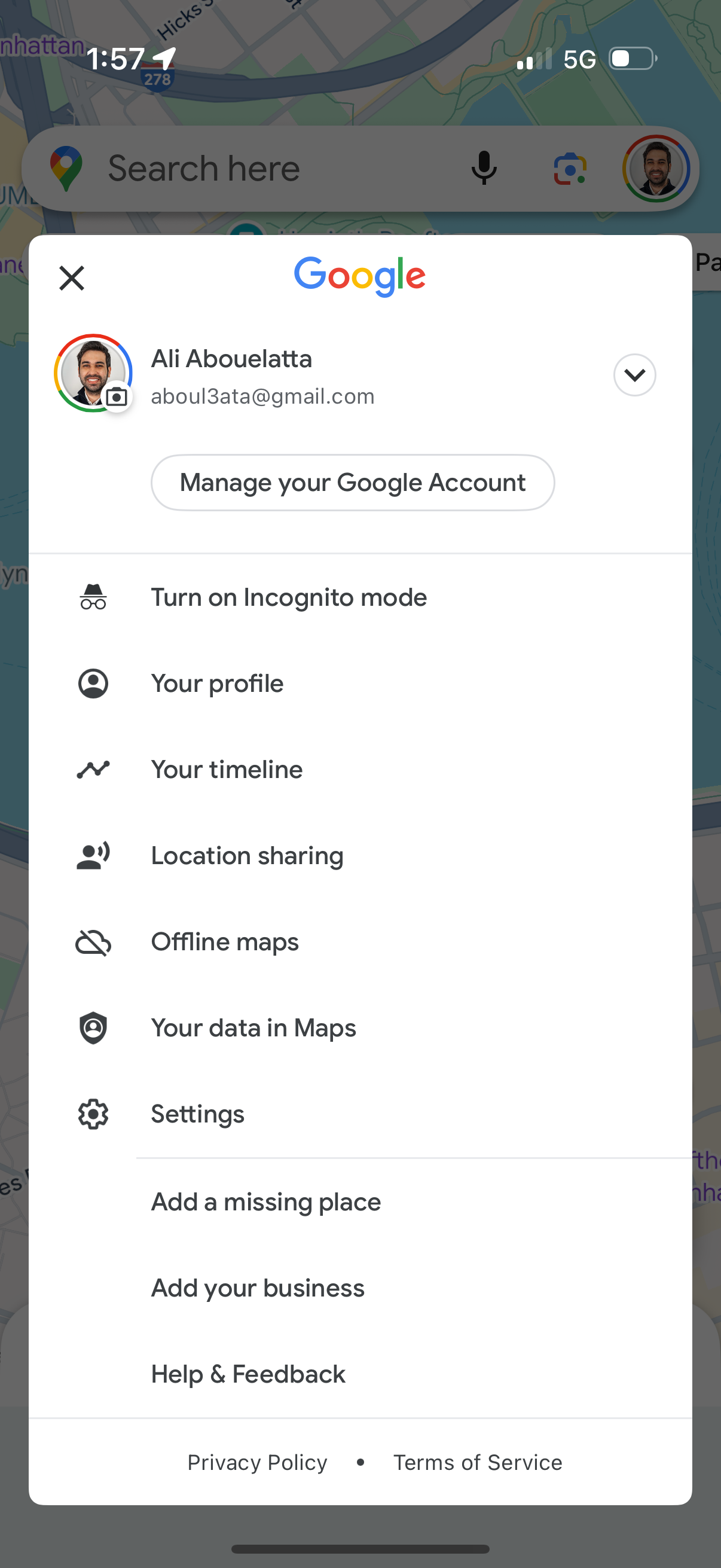
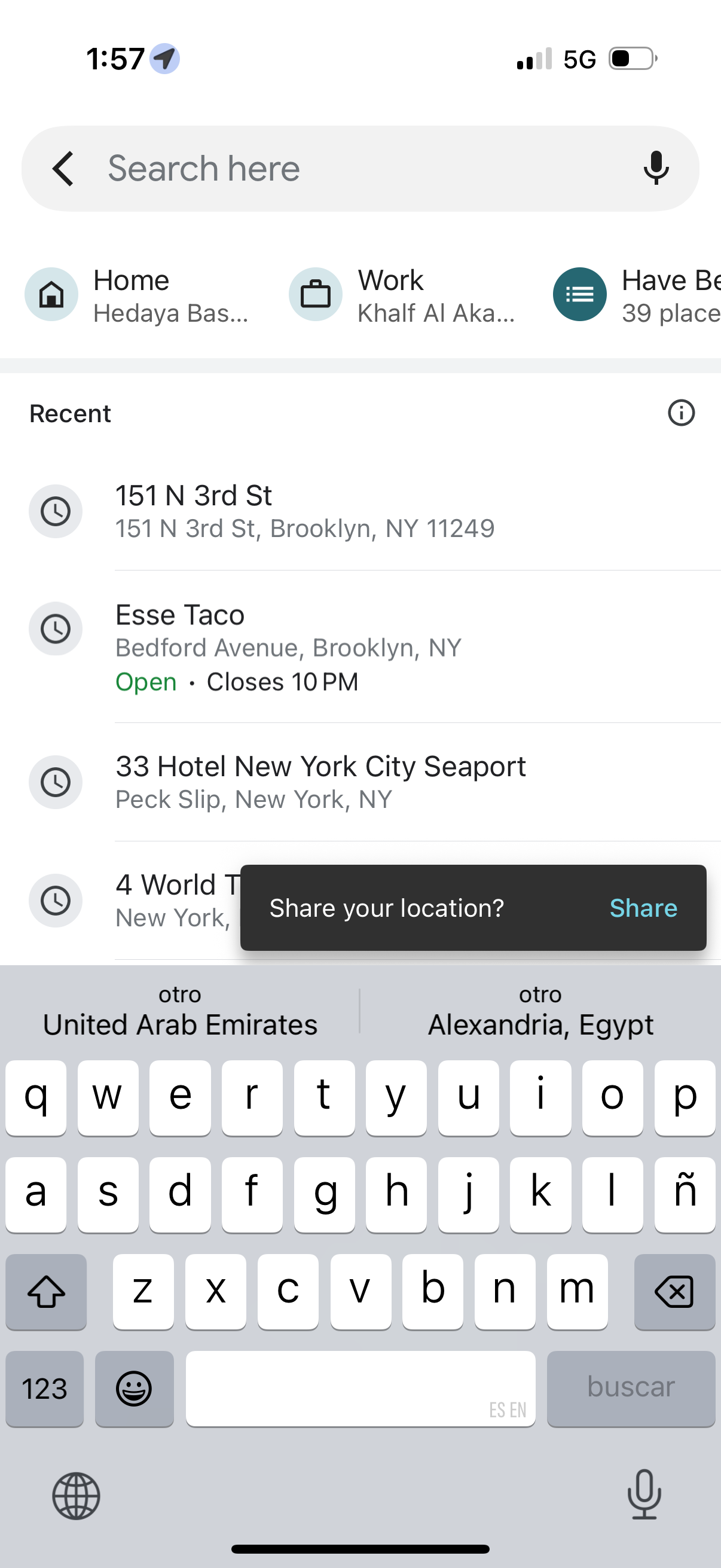
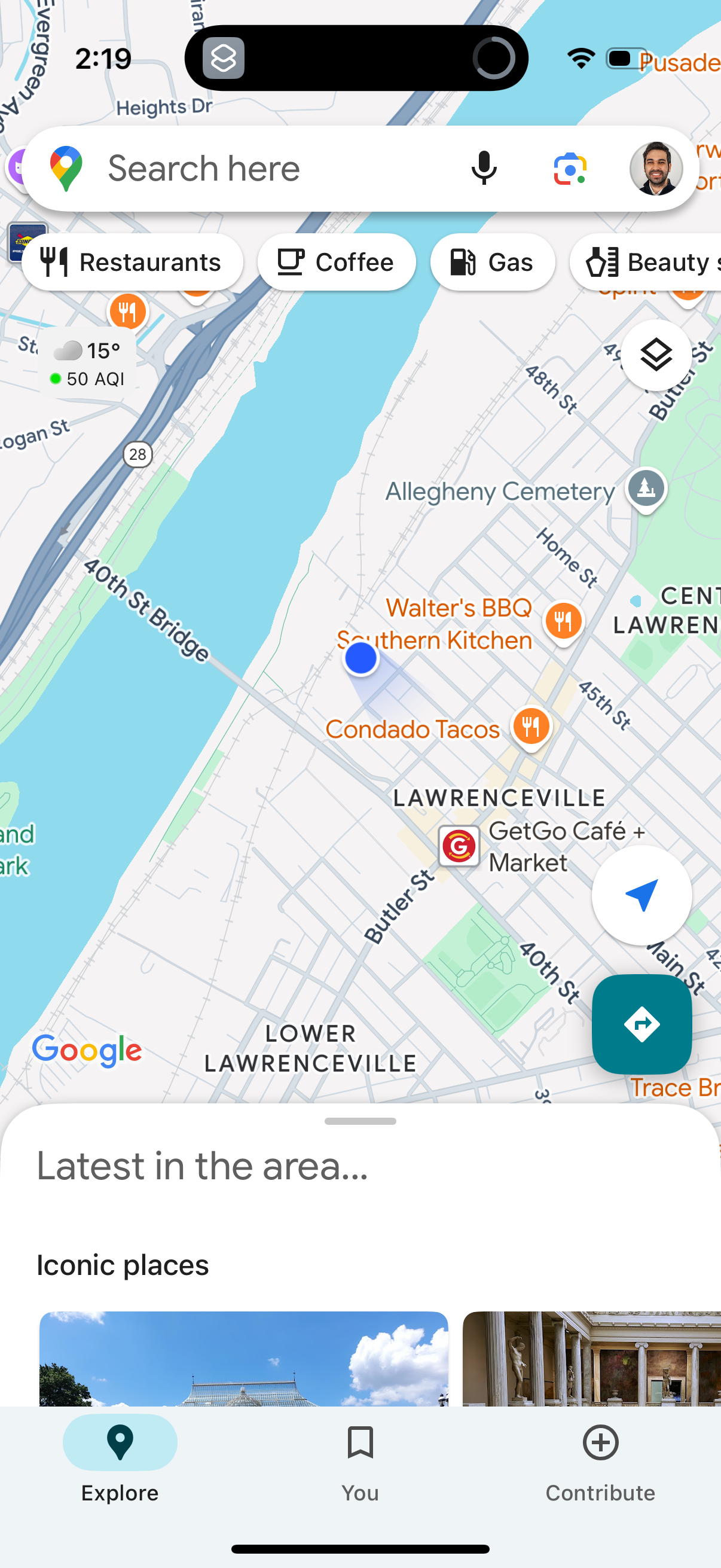
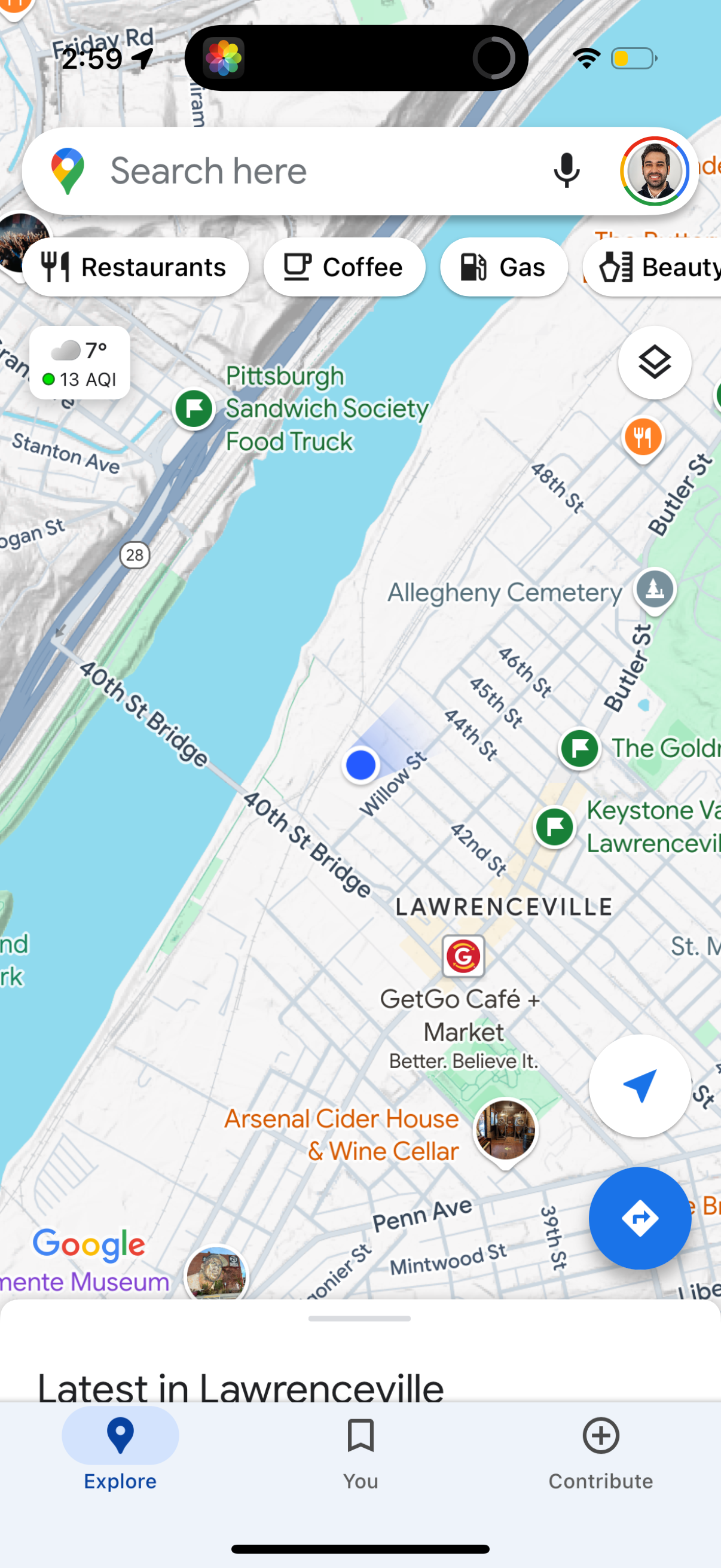
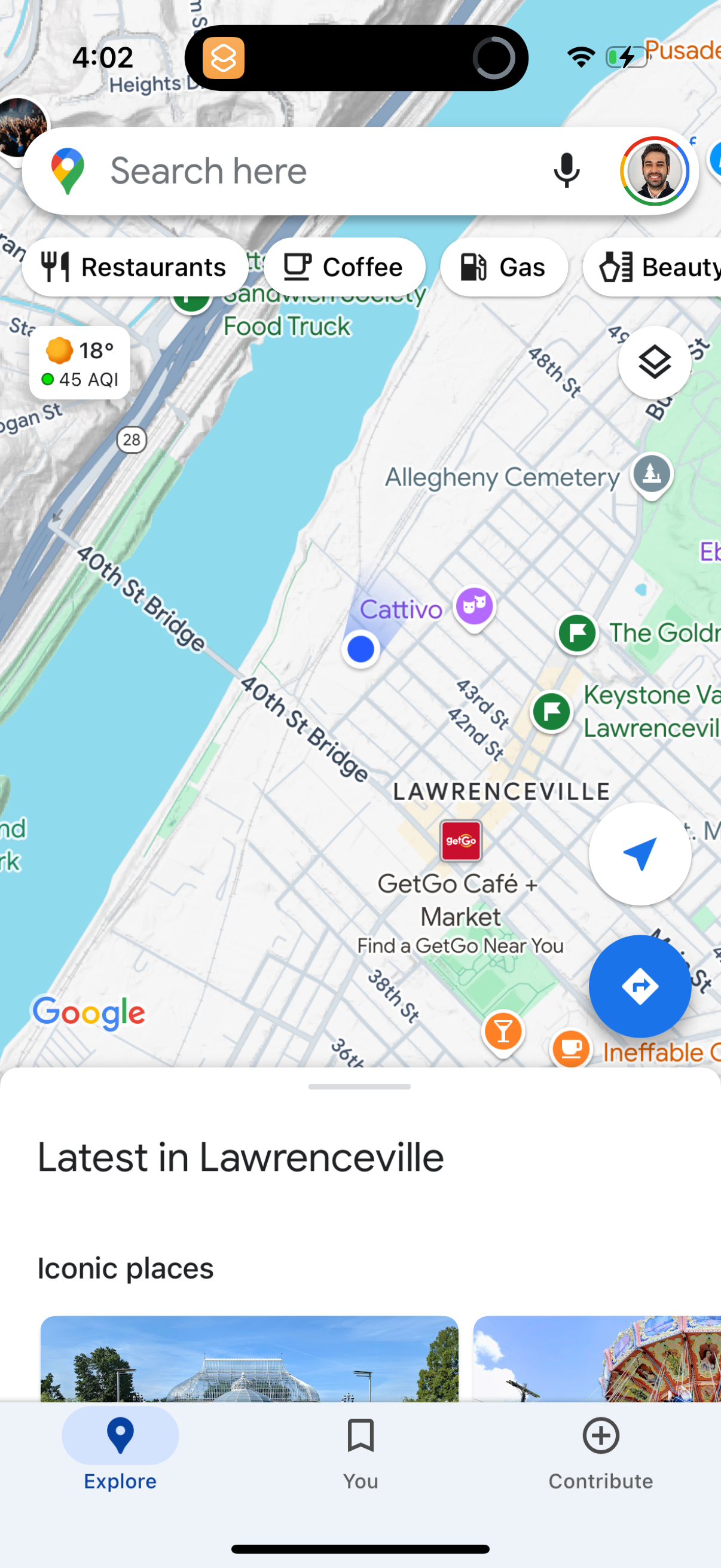
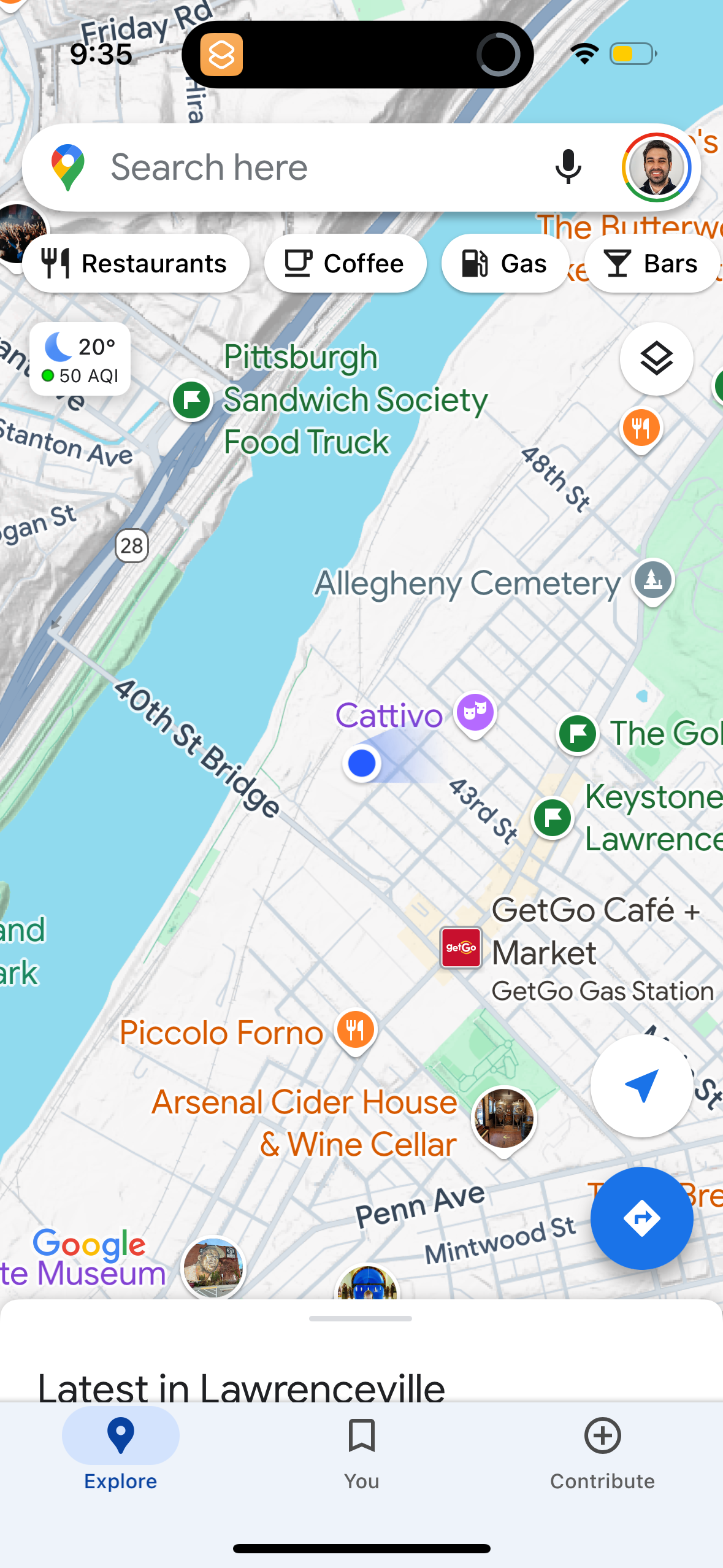
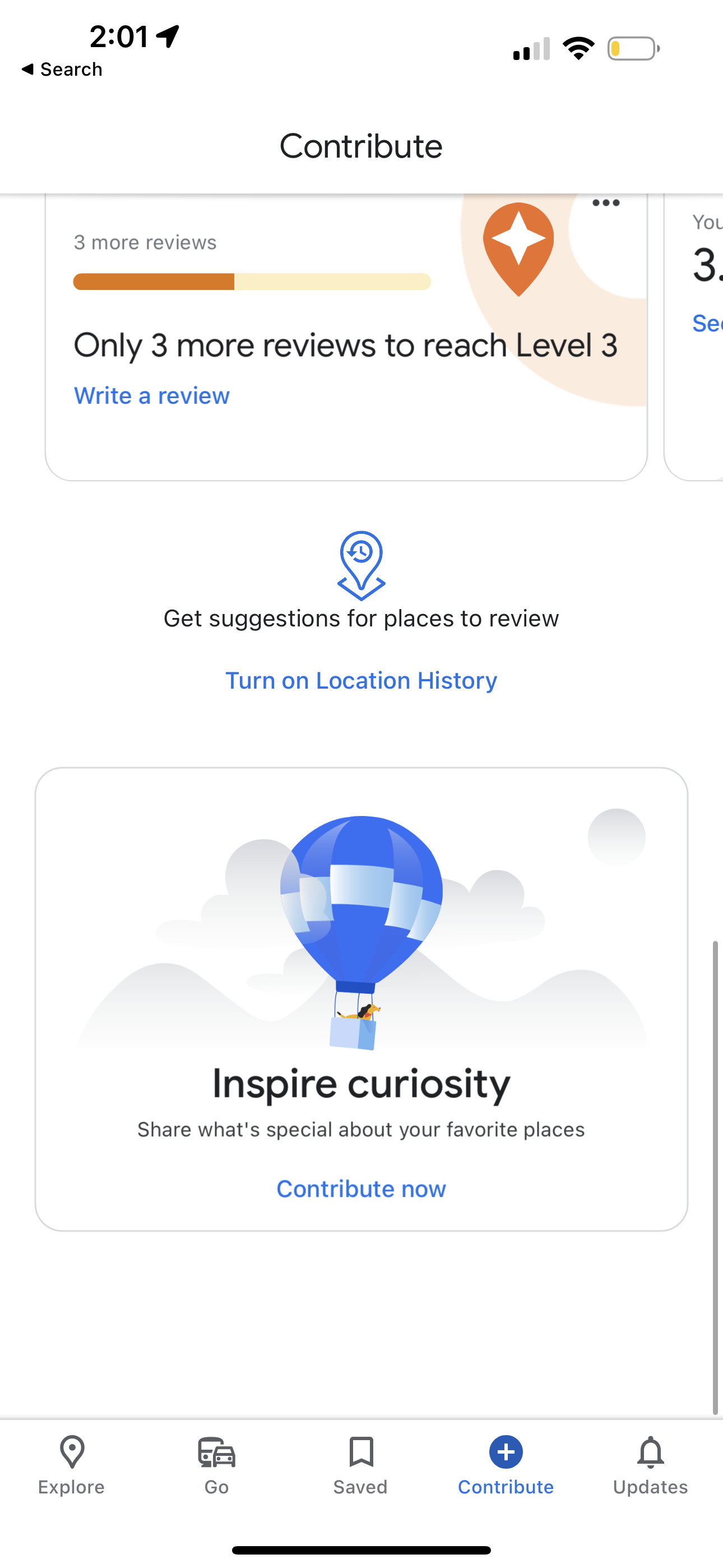
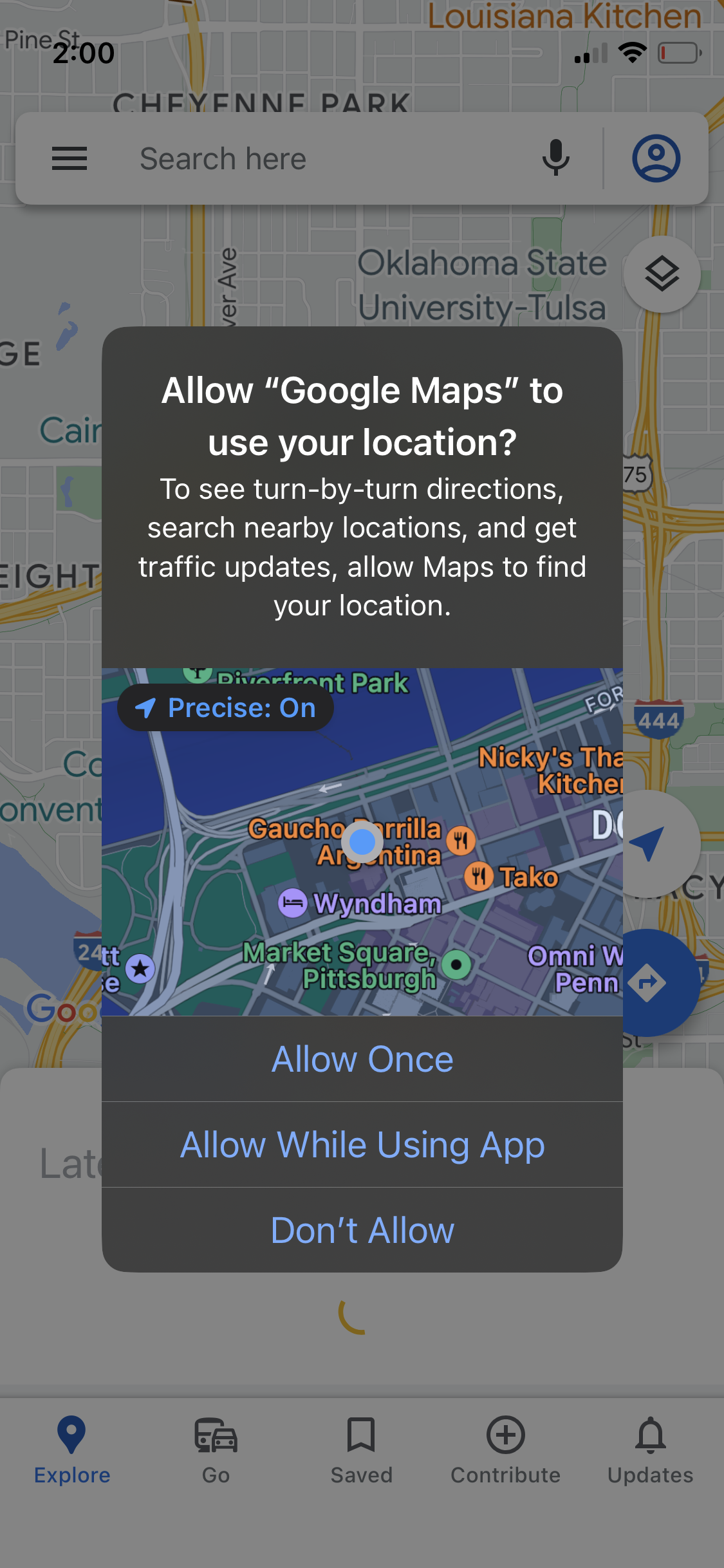
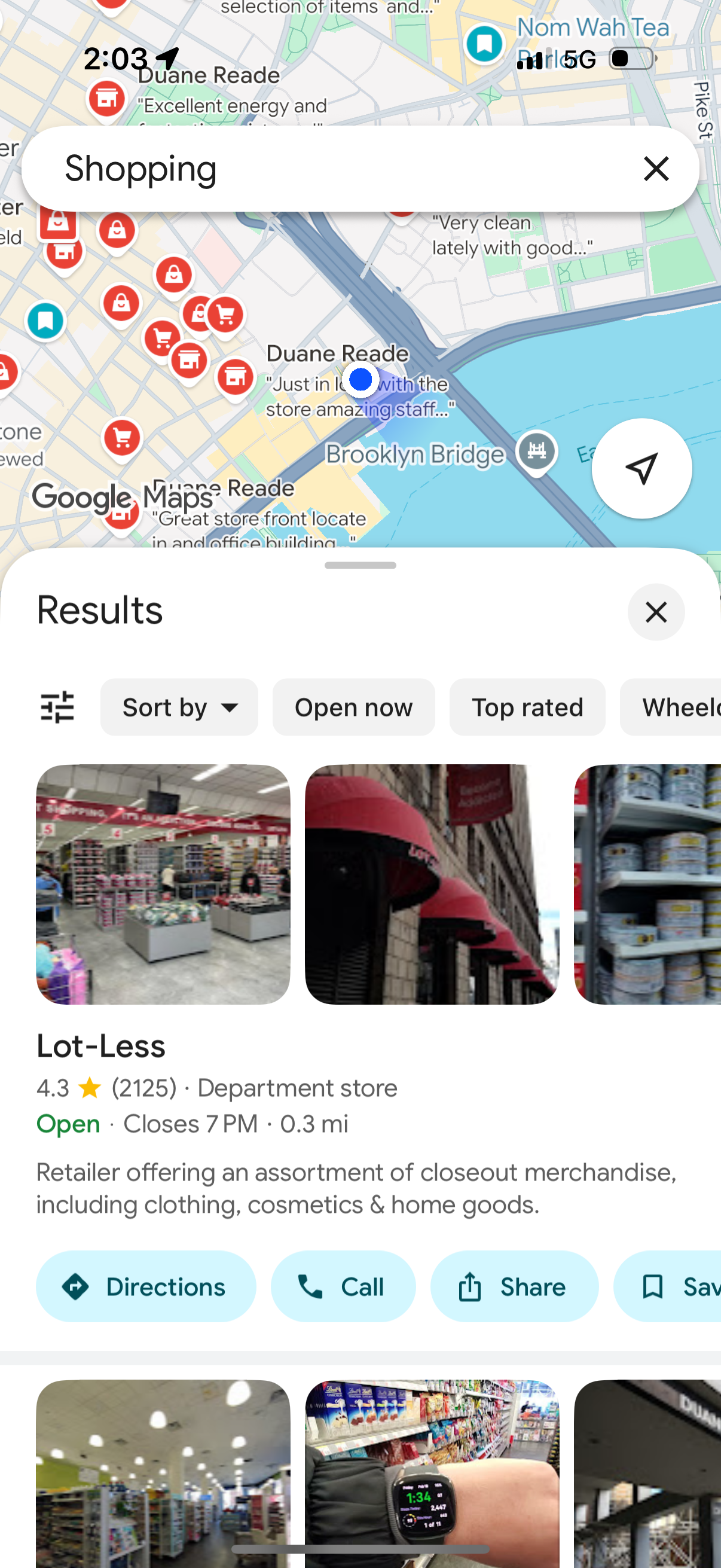
google-maps app screenshot 4
google-maps app screenshot 5
google-maps app screenshot 6
google-maps app screenshot 7
google-maps app screenshot 8
google-maps app screenshot 9
google-maps app screenshot 10
google-maps app screenshot 11
google-maps app screenshot 12
google-maps app screenshot 13
google-maps app screenshot 14
google-maps app screenshot 15
google-maps app screenshot 16
google-maps app screenshot 17
google-maps app screenshot 18
google-maps app screenshot 19
google-maps app screenshot 20
google-maps app screenshot 21
google-maps app screenshot 22
google-maps app screenshot 23
google-maps app screenshot 24
google-maps app screenshot 25
google-maps app screenshot 26
google-maps app screenshot 27
google-maps app screenshot 28
google-maps app screenshot 29
google-maps app screenshot 30
google-maps app screenshot 31
google-maps app screenshot 32
google-maps app screenshot 33
google-maps app screenshot 34
google-maps app screenshot 35
google-maps app screenshot 36
google-maps app screenshot 37
google-maps app screenshot 38
google-maps app screenshot 39
google-maps app screenshot 40
google-maps app screenshot 41
google-maps app screenshot 42
google-maps app screenshot 43
google-maps app screenshot 44
google-maps app screenshot 45
google-maps app screenshot 46
google-maps app screenshot 47
google-maps app screenshot 48
google-maps app screenshot 49
google-maps app screenshot 50
google-maps app screenshot 51
google-maps app screenshot 52
google-maps app screenshot 53
google-maps app screenshot 54
google-maps app screenshot 55
google-maps app screenshot 56
google-maps app screenshot 57
google-maps app screenshot 58
google-maps app screenshot 59
google-maps app screenshot 60
google-maps app screenshot 61
google-maps app screenshot 62
google-maps app screenshot 63
google-maps app screenshot 64
google-maps app screenshot 65
google-maps app screenshot 66
google-maps app screenshot 67
google-maps app screenshot 68
google-maps app screenshot 69
google-maps app screenshot 70
google-maps app screenshot 71
google-maps app screenshot 72
google-maps app screenshot 73
google-maps app screenshot 74
google-maps app screenshot 75
google-maps app screenshot 76
google-maps app screenshot 77
google-maps app screenshot 78
google-maps app screenshot 79
google-maps app screenshot 80
google-maps app screenshot 81
google-maps app screenshot 82
google-maps app screenshot 83
google-maps app screenshot 84
google-maps app screenshot 85
google-maps app screenshot 86
google-maps app screenshot 87
google-maps app screenshot 88
google-maps app screenshot 89
google-maps app screenshot 90
google-maps app screenshot 91
google-maps app screenshot 92
google-maps app screenshot 93
google-maps app screenshot 94
google-maps app screenshot 95
google-maps app screenshot 96
google-maps app screenshot 97
google-maps app screenshot 98
google-maps app screenshot 99
google-maps app screenshot 100
google-maps app screenshot 101
google-maps app screenshot 102
google-maps app screenshot 103
google-maps app screenshot 104
google-maps app screenshot 105
google-maps app screenshot 106
google-maps app screenshot 107
google-maps app screenshot 108
google-maps app screenshot 109
google-maps app screenshot 110
google-maps app screenshot 111
google-maps app screenshot 112
google-maps app screenshot 113
google-maps app screenshot 114
google-maps app screenshot 115
google-maps app screenshot 116
google-maps app screenshot 117
google-maps app screenshot 118
google-maps app screenshot 119
google-maps app screenshot 120
google-maps app screenshot 121
google-maps app screenshot 122
google-maps app screenshot 123
google-maps app screenshot 124
google-maps app screenshot 125
google-maps app screenshot 126
google-maps app screenshot 127
google-maps app screenshot 128
google-maps app screenshot 129
google-maps app screenshot 130
google-maps app screenshot 131
google-maps app screenshot 132
google-maps app screenshot 133
google-maps app screenshot 134
google-maps app screenshot 135
google-maps app screenshot 136
google-maps app screenshot 137
google-maps app screenshot 138
google-maps app screenshot 139
google-maps app screenshot 140
google-maps app screenshot 141
google-maps app screenshot 142

Company metadata

CategoryNavigation
SubcategoryMaps & Transit
TaglineFind local businesses, view maps and get driving directions in Google Maps.
Business modelAdvertising, Cross-subsidized Funnel / Companion App
Product archetype2-sided Marketplace, Consumer
Growth engineNetwork effects (social graph), Hardware/Distribution bundling, Paid performance marketing, PR, Word of mouth
Active users2,000,000,000
Money raised$1,239,681,475
Public companyYes
Market leaderYes

App Store description

Explore and navigate the world with confidence using Google Maps. Find the best routes with live traffic data and real-time GPS navigation for driving, walking, cycling, and public transport. Discover over 250 million businesses and places - from restaurants and shops to everyday essentials – with photos, reviews, and helpful information. Navigate the world, the way you want: • Get to where you need to go with fuel‑efficient route options • Find the best route with real‑time, turn‑by‑turn voice, and on screen navigation • Save time with automatic rerouting based on live traffic, incidents, and road closures • Catch the bus, train, and ride‑share effortlessly, with real‑time updates • Find bike or scooter rentals to get around more easily Plan trips and experiences effortlessly: • Preview an area before you go (e.g. parking, entrances) with Street View • Use Immersive View to experience what landmarks, parks and routes look like, and even check the weather so you can be ready in advance • Create custom lists of your favorite saved places and share with others • Order delivery and takeout, make reservations, and book hotels • Don't get lost with offline maps in an area with bad signal • Search for local places and things to do, and decide based on user reviews and photos Discover and explore like a local: • Explore with confidence knowing 500 million users contribute and keep the map up to date each year • Avoid the crowds by seeing how busy a place is before you get there • Use Lens in Maps to see walking directions overlaid on the real world • Filter restaurants by cuisine, hours, price, rating and more • Ask questions about a place, from dishes to parking, and get quick answers Some features not available in all countries or cities Navigation isn’t intended to be used by oversized or emergency vehicles
Compare competitors with Lazyweb

Search every screen, flow, and UX pattern in one place.

Download Mac App