_jpg_pixar.png)
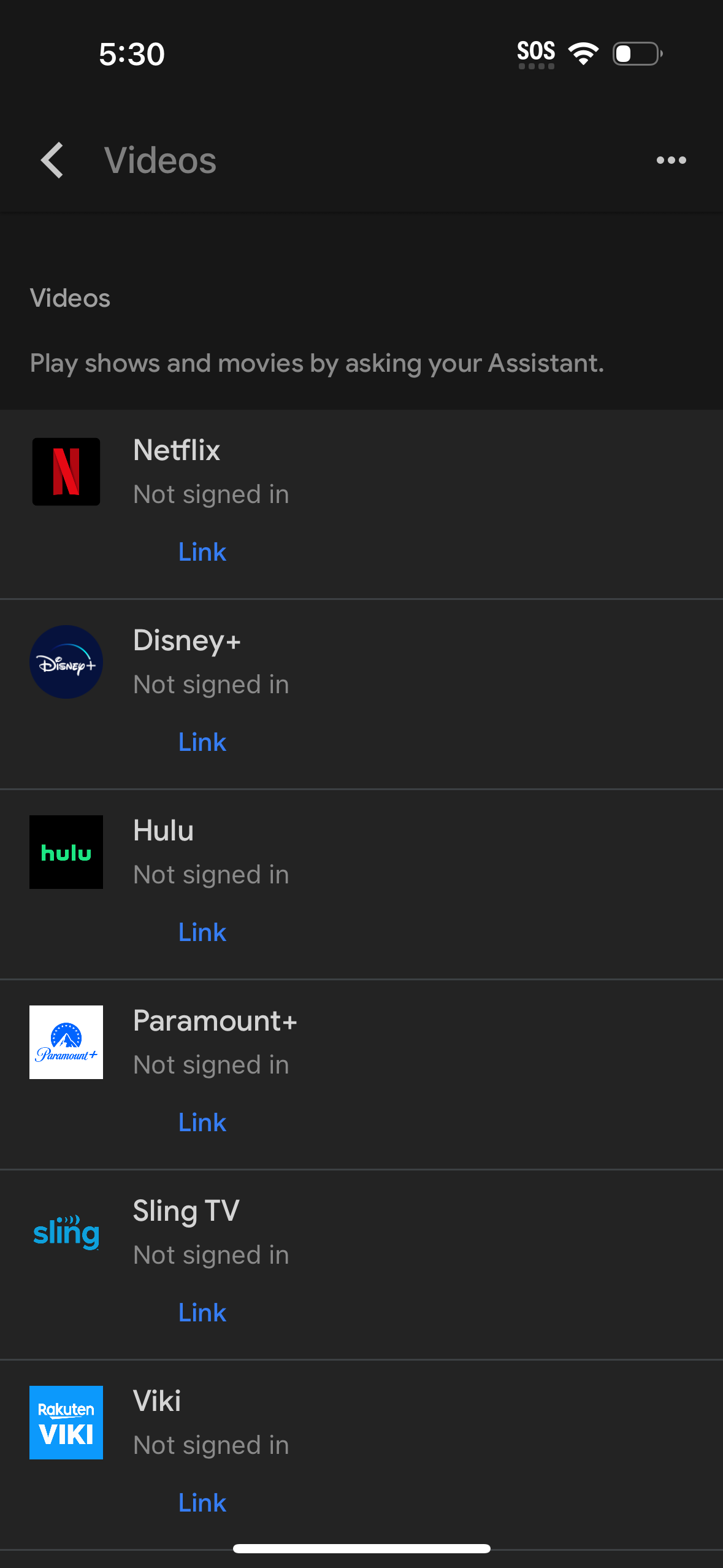
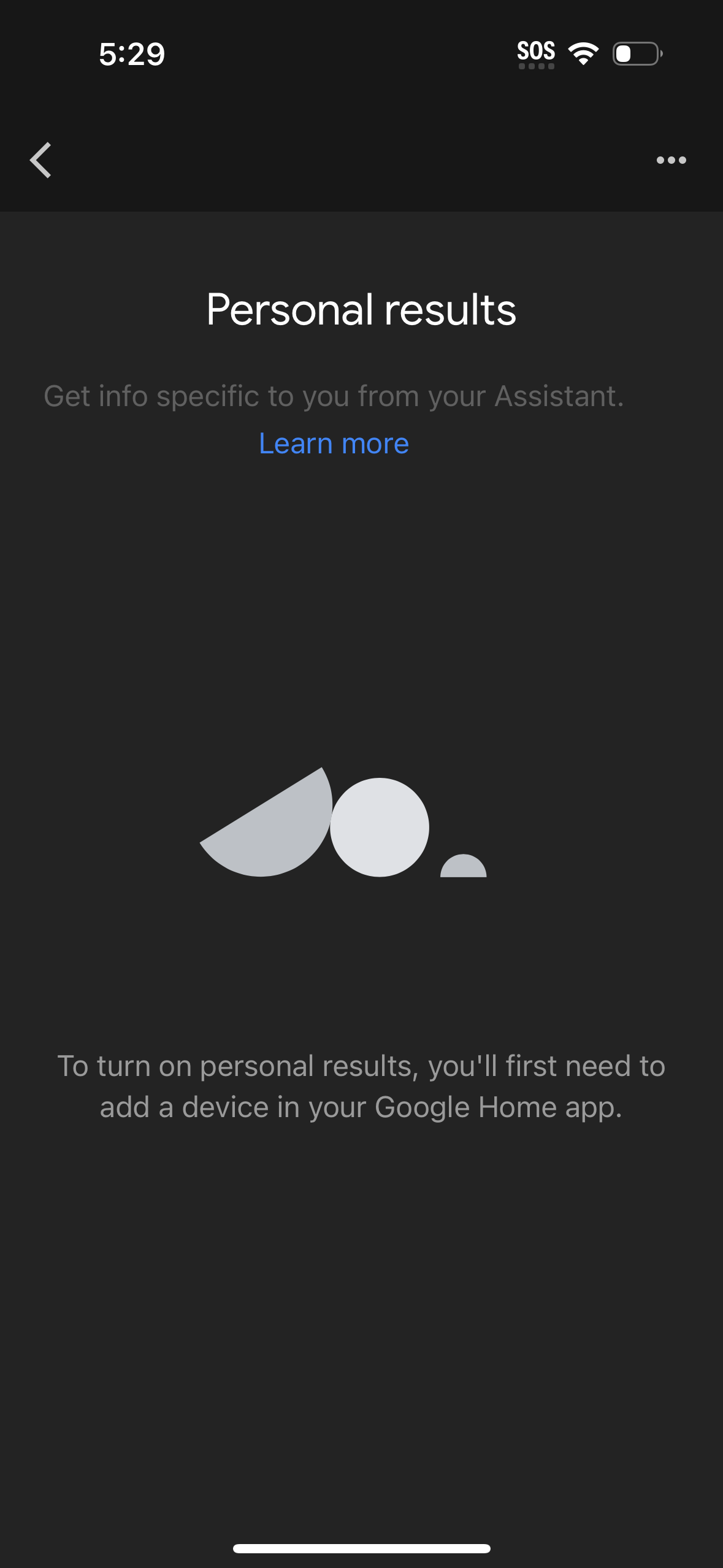
google-assistant screenshots
Explore up to date settings, profile, dashboard, onboarding, and messaging flows from google-assistant and more on Lazyweb.
google-assistant app screenshots and user flows
Browse google-assistant screens, user flow examples, and UI patterns. Explore settings, profile, dashboard, onboarding, and messaging flows inside Lazyweb's 100k+ screen design research library for competitive analysis and benchmarking.
Lazyweb is a blazing-fast design research library with 100k+ real app screens, user flow examples, UI patterns, and product design patterns for competitive analysis and benchmarking.
Screenshots
The first 5 screenshots are shown in full. Additional screens are blurred previews.








Company metadata
App Store description
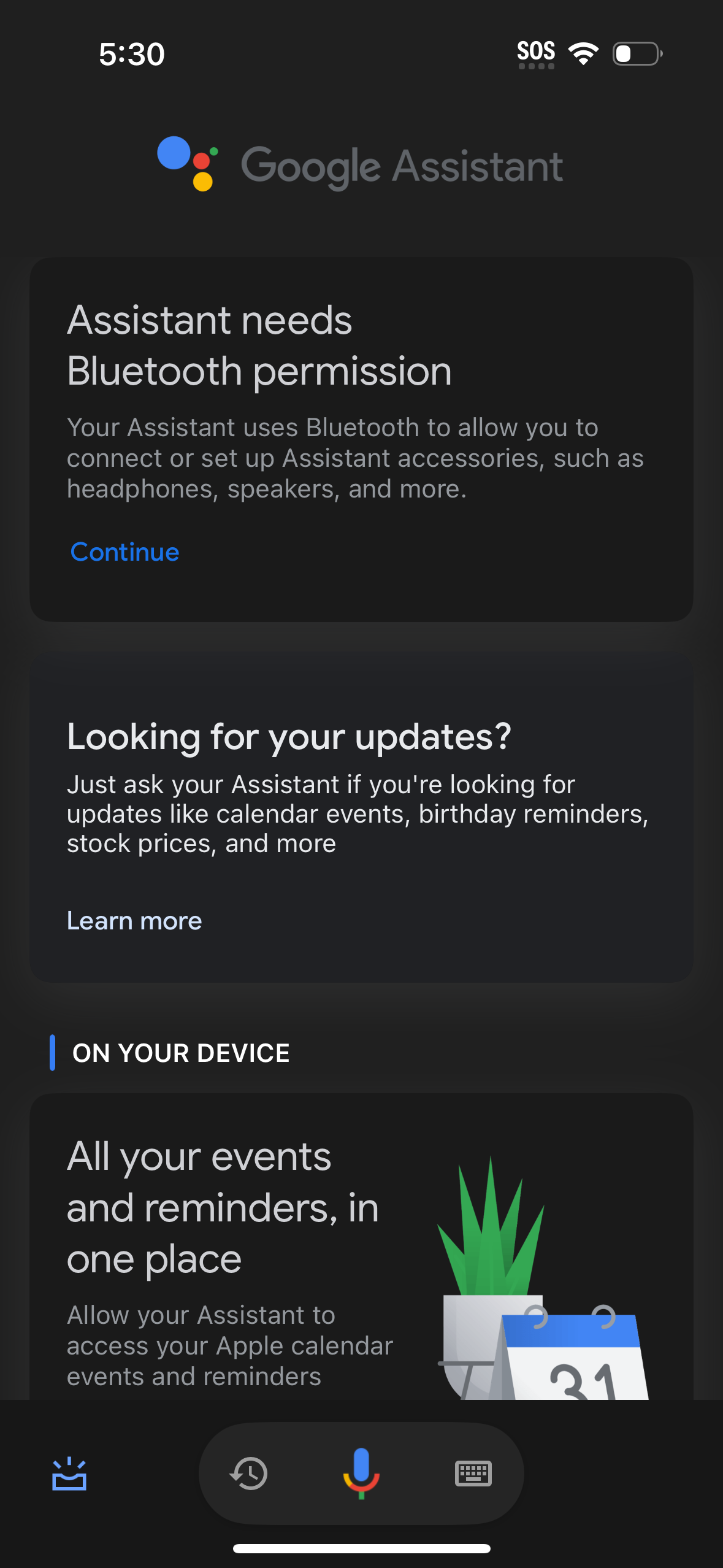
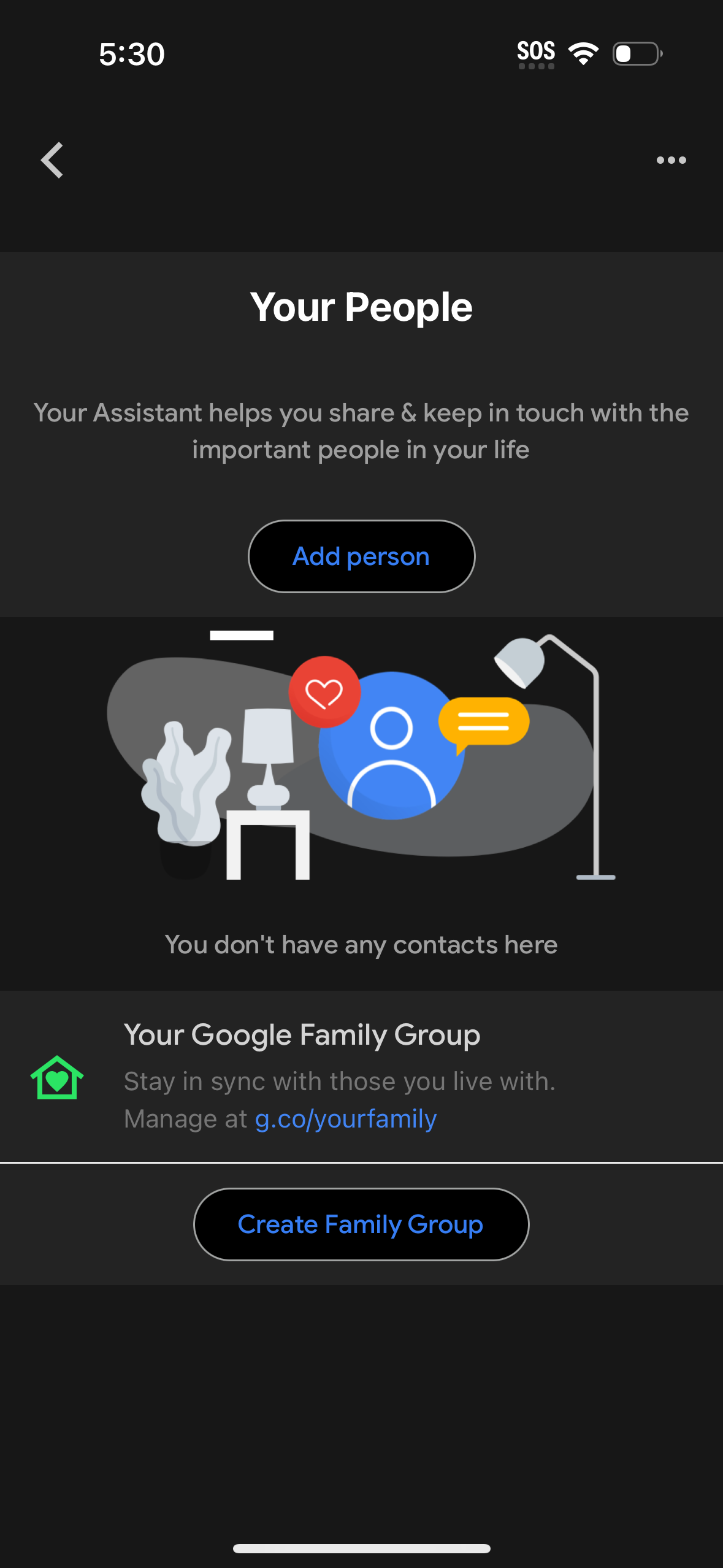
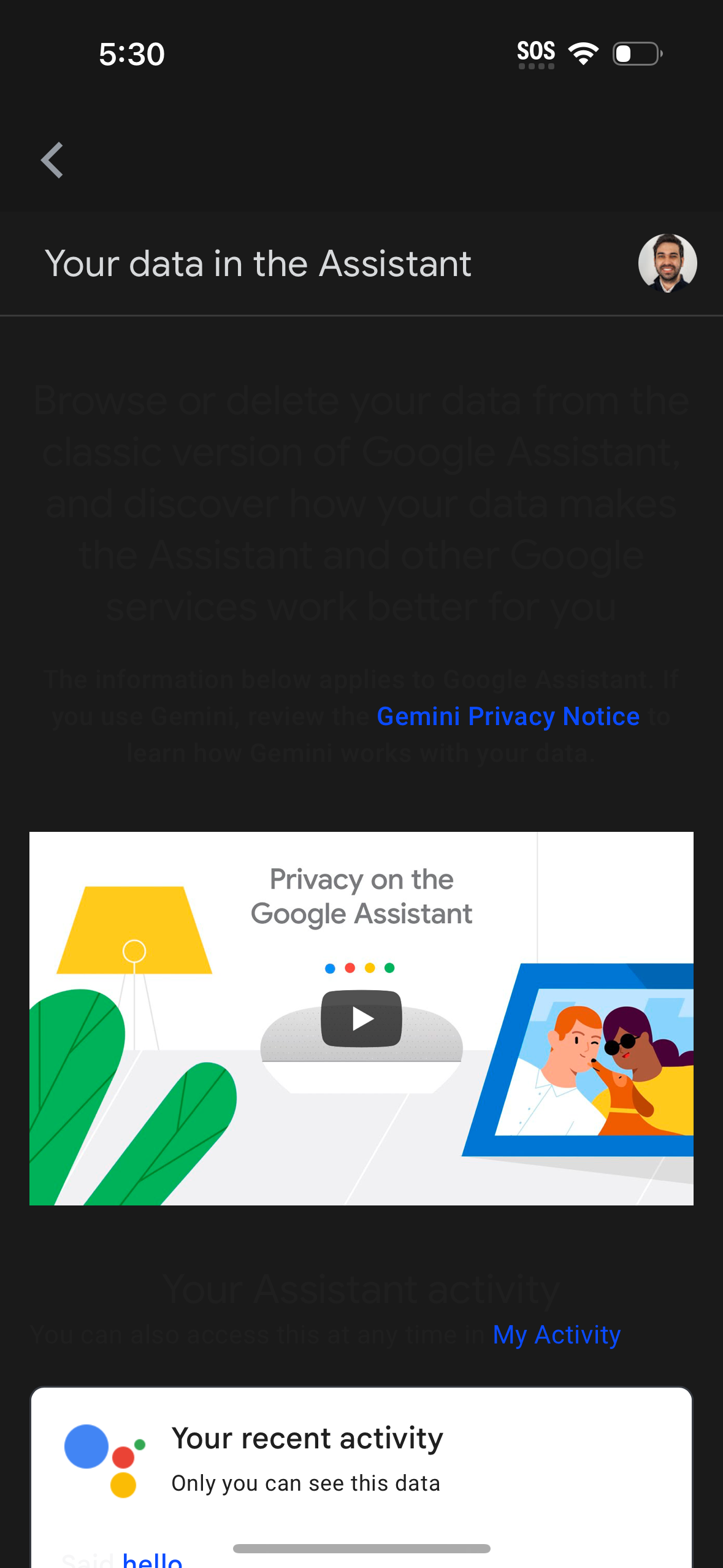
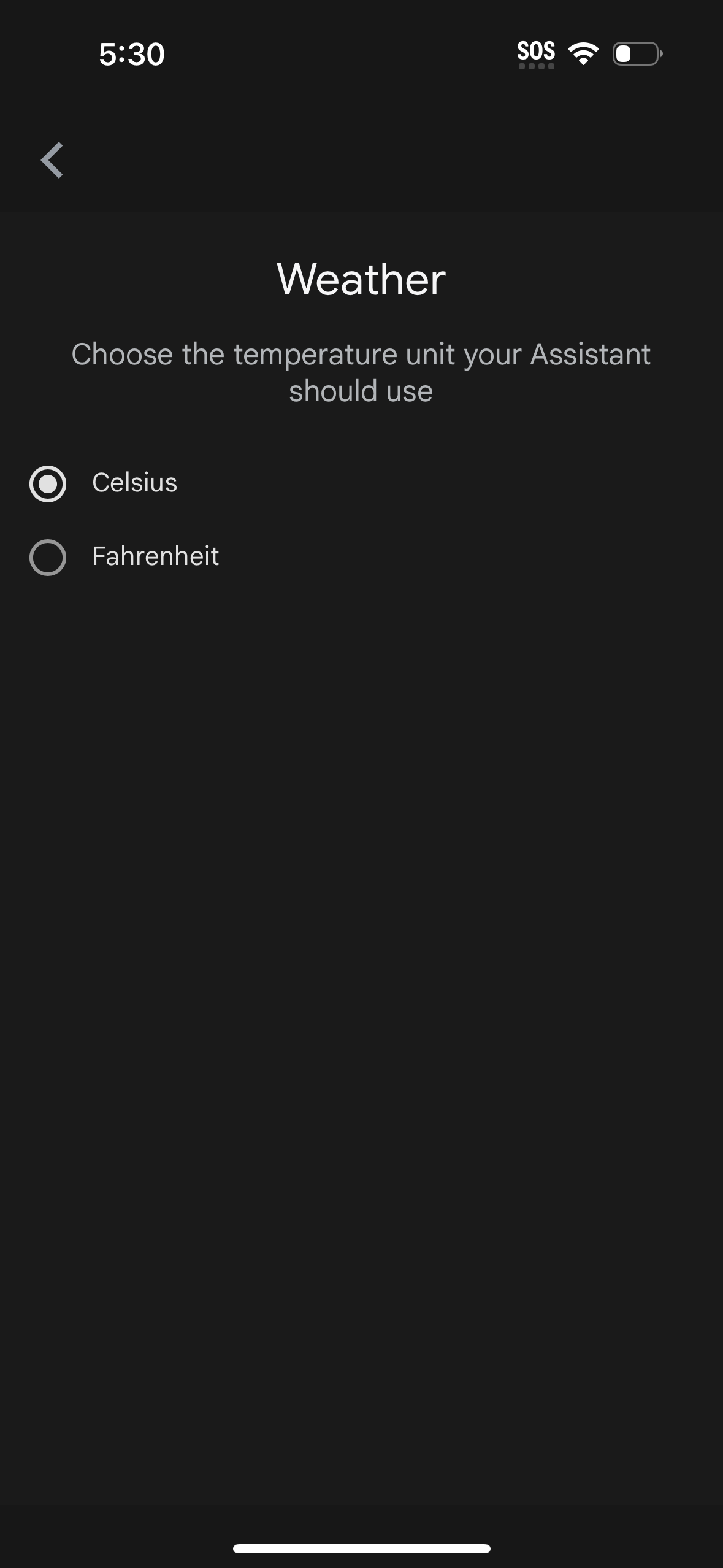
Google Assistant helps you get everyday tasks done more easily and is thoughtfully designed to offer help throughout your day while keeping your information private, safe and secure. Set reminders, get quick answers, find directions with Google Maps, and more while on-the-go with the help of your Google Assistant. With the Assistant app, you can: - Send text messages (e.g. "Text Kat \"I’m on my way\"") - Set reminders (e.g. "Remind me to buy a birthday gift for Sarah") - Play music (e.g. "Play jazz music on YouTube") - Navigate places (e.g. "Navigate to the nearest coffee shop") - Weather information (e.g. "What’s the weather today") - Learn more about your privacy controls (e.g., "Where can I change my privacy settings?") - Delete your recent Google Assistant activity (e.g., "Delete what I said this week")
Compare competitors with Lazyweb
Search every screen, flow, and UX pattern in one place.