goodnotes screenshots
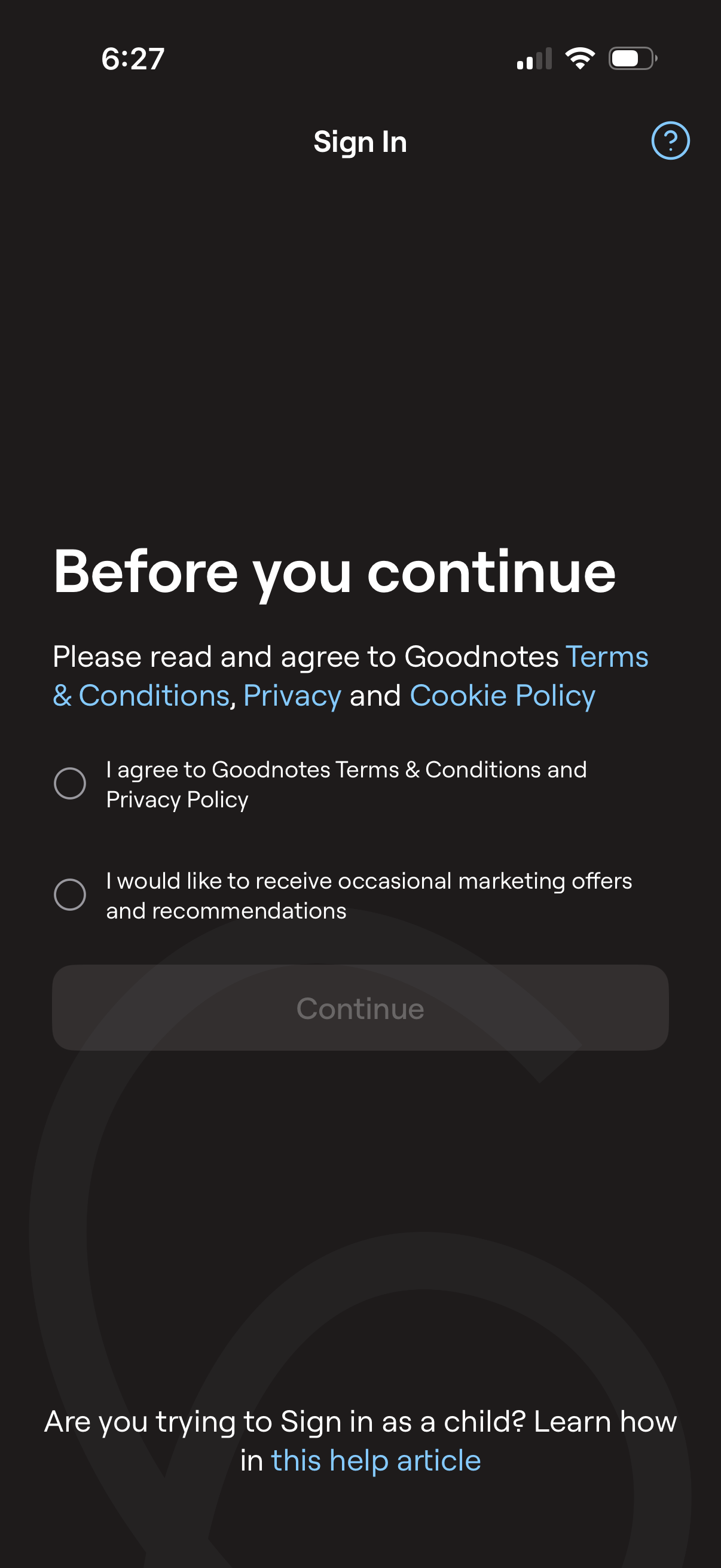
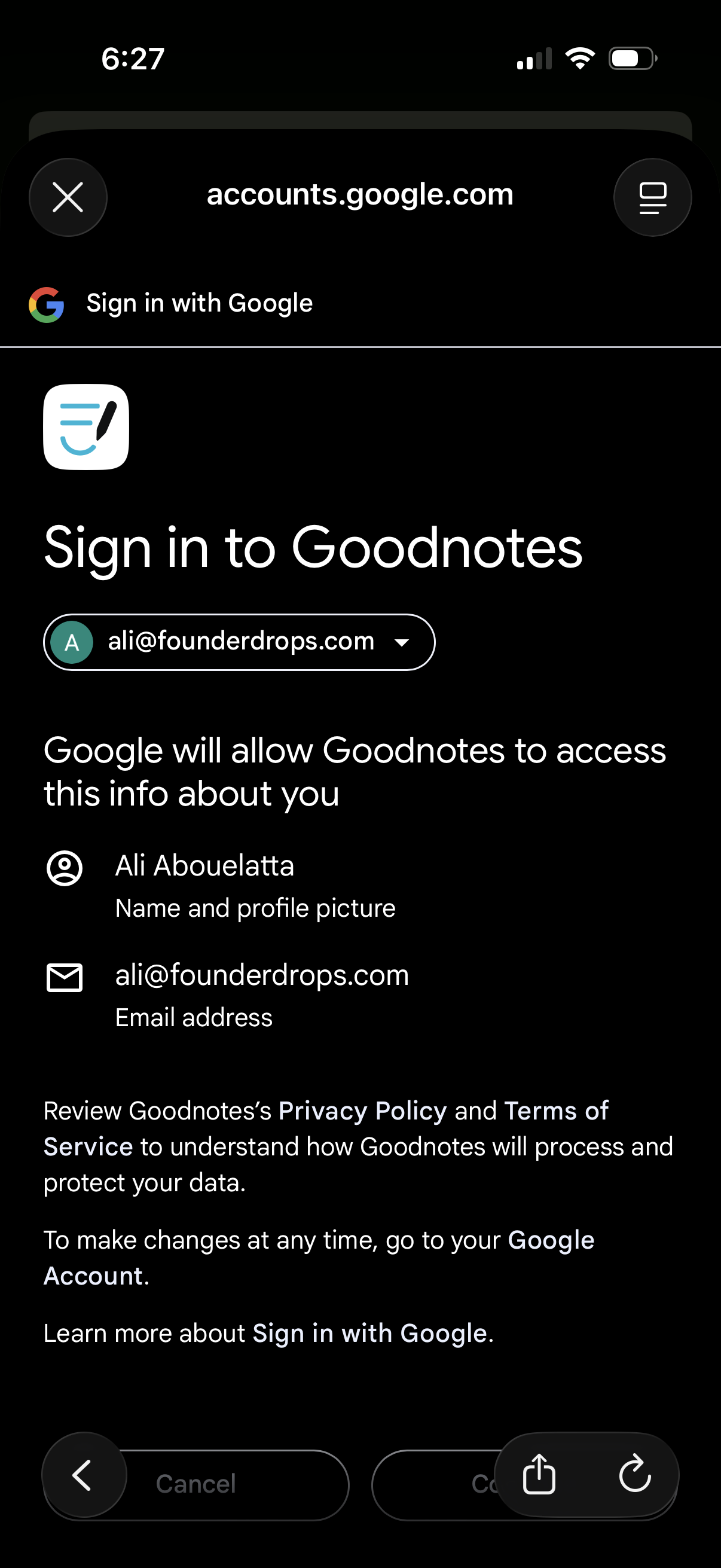
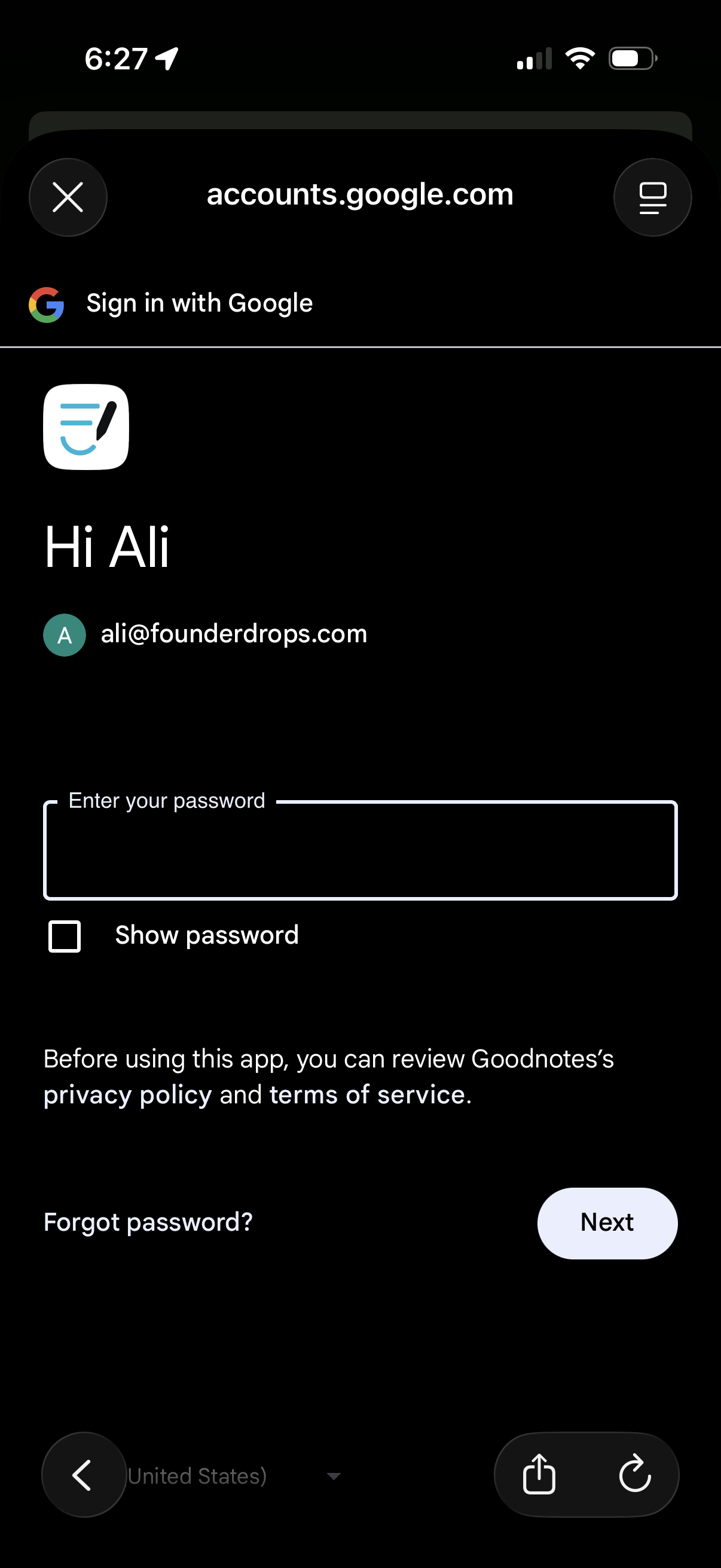
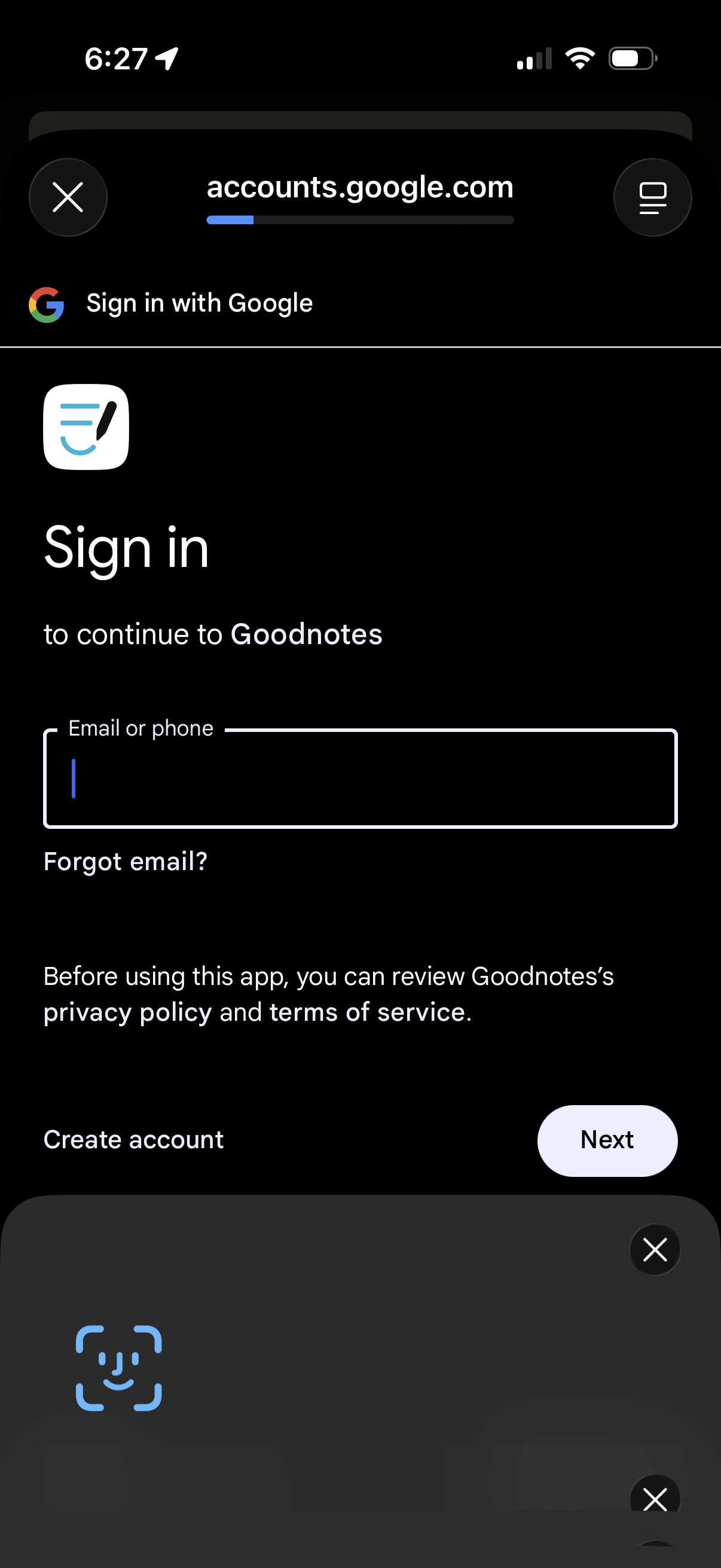
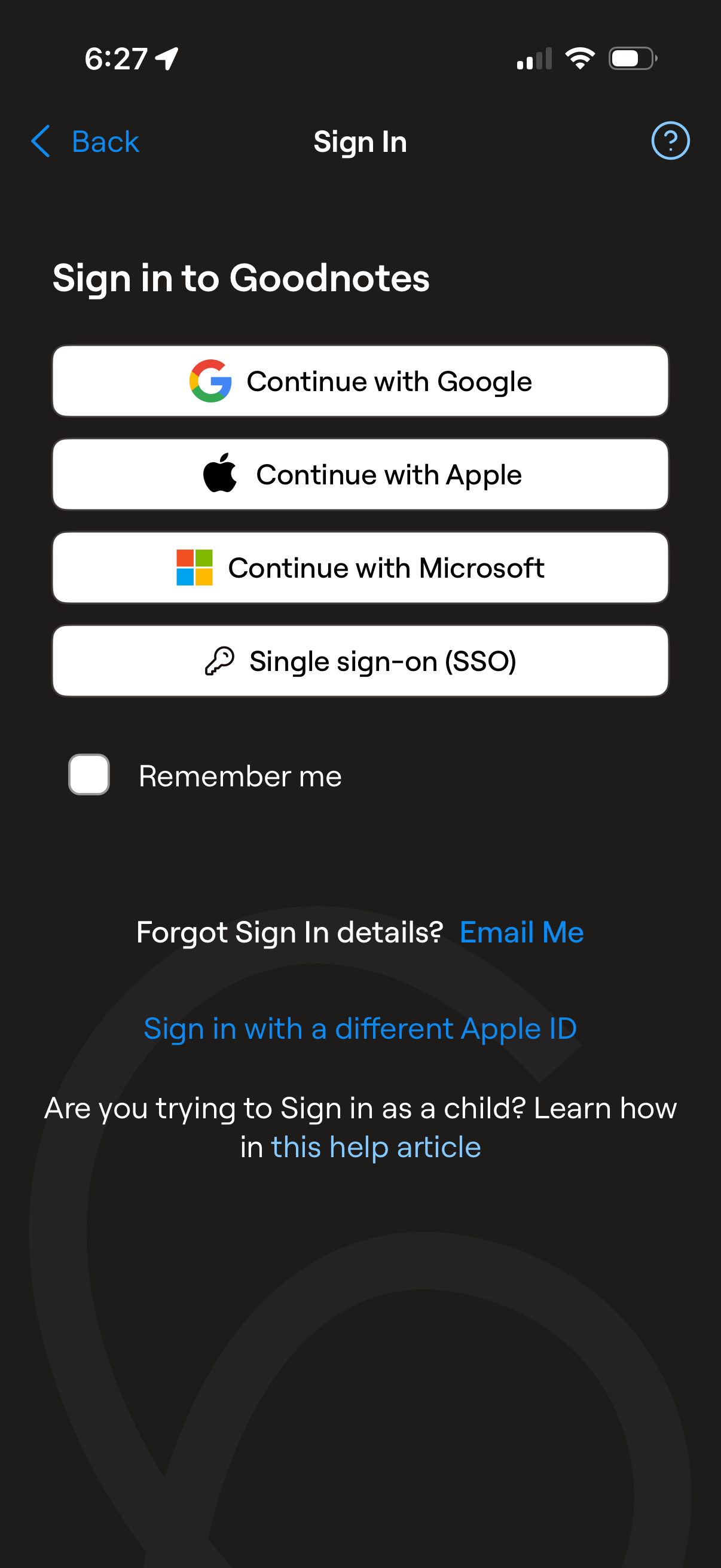
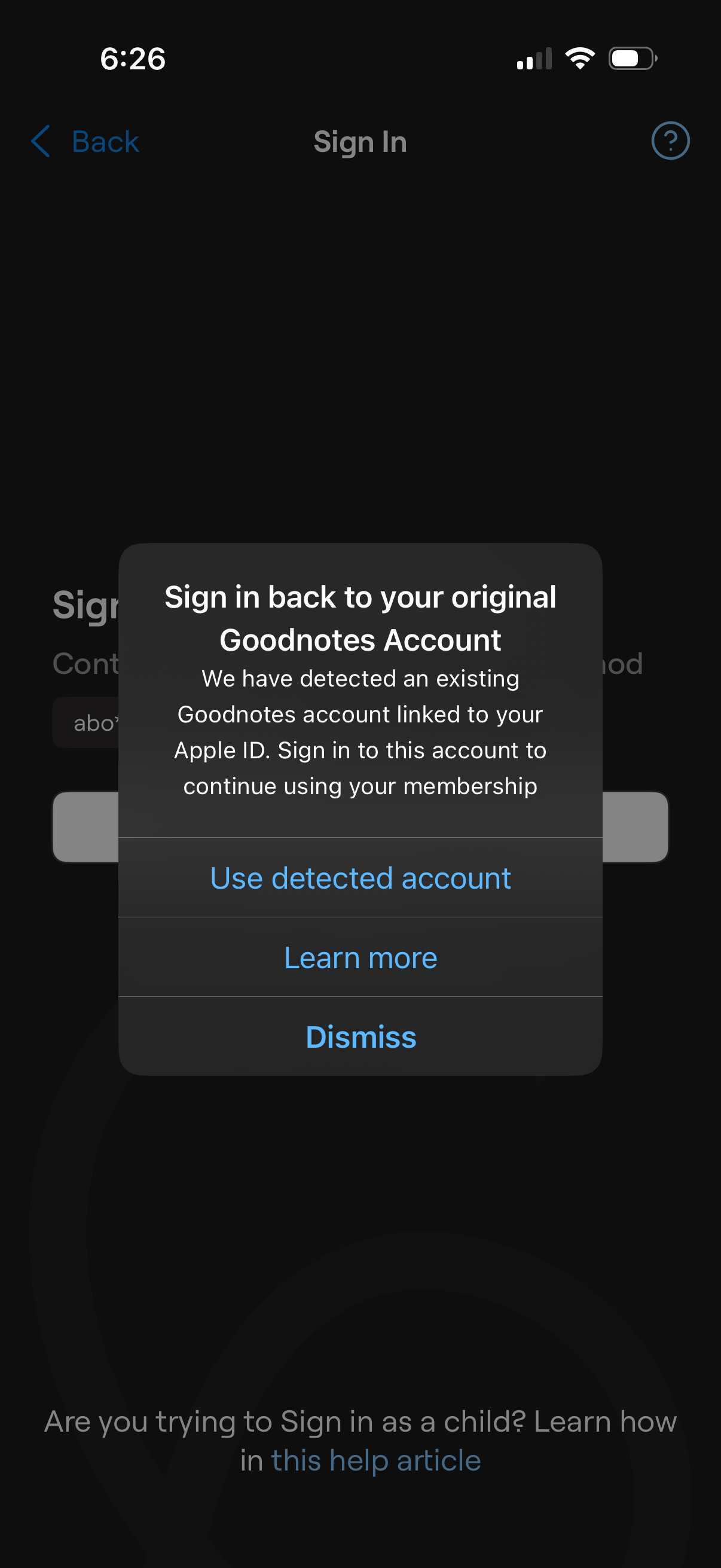
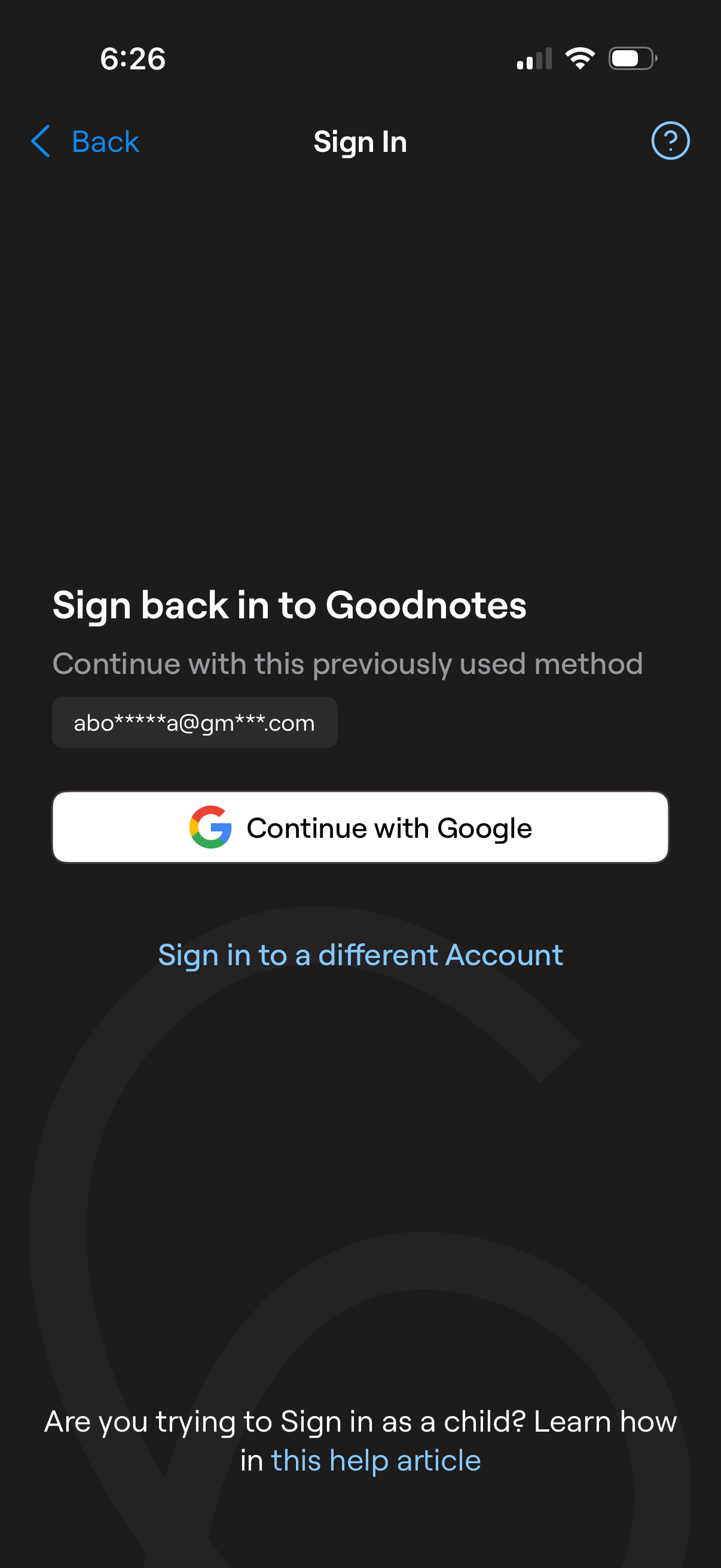
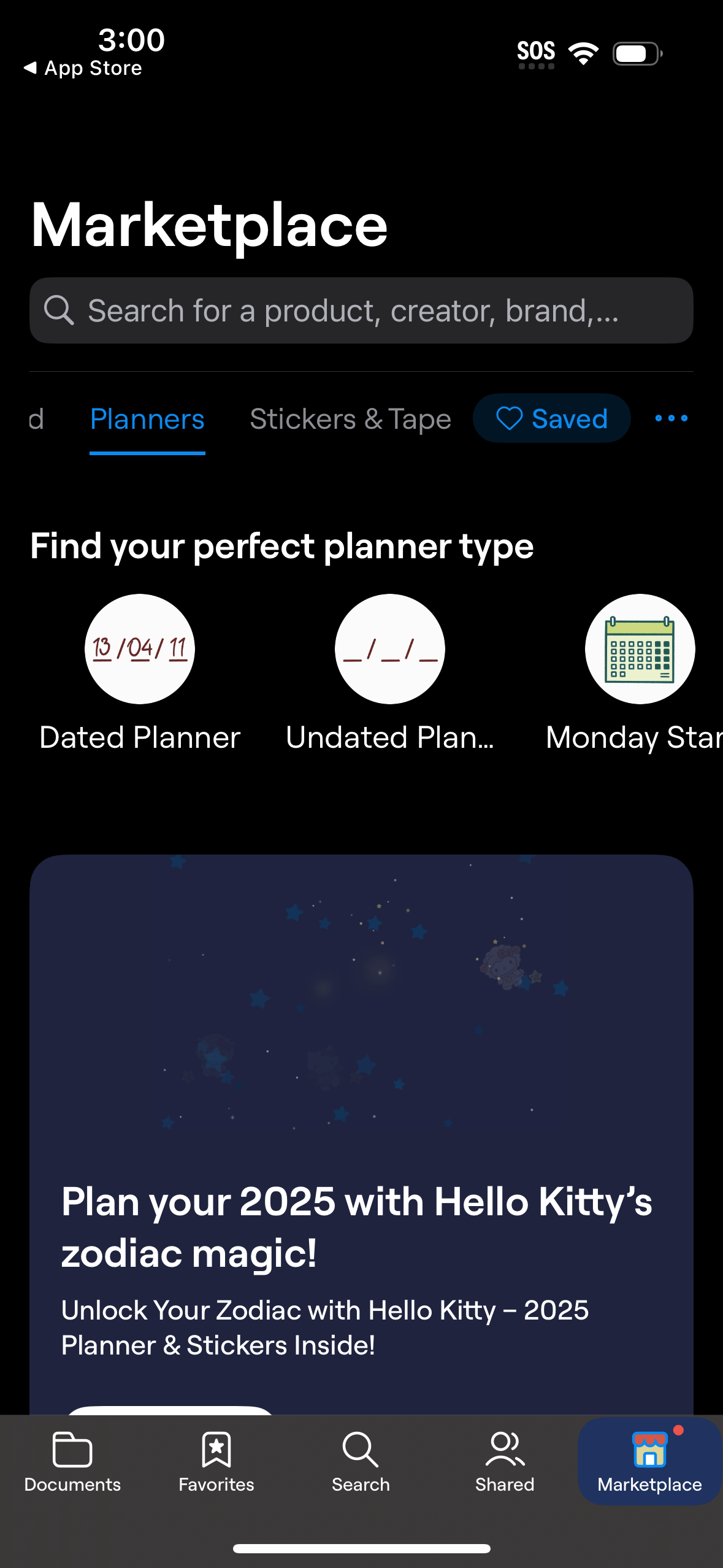
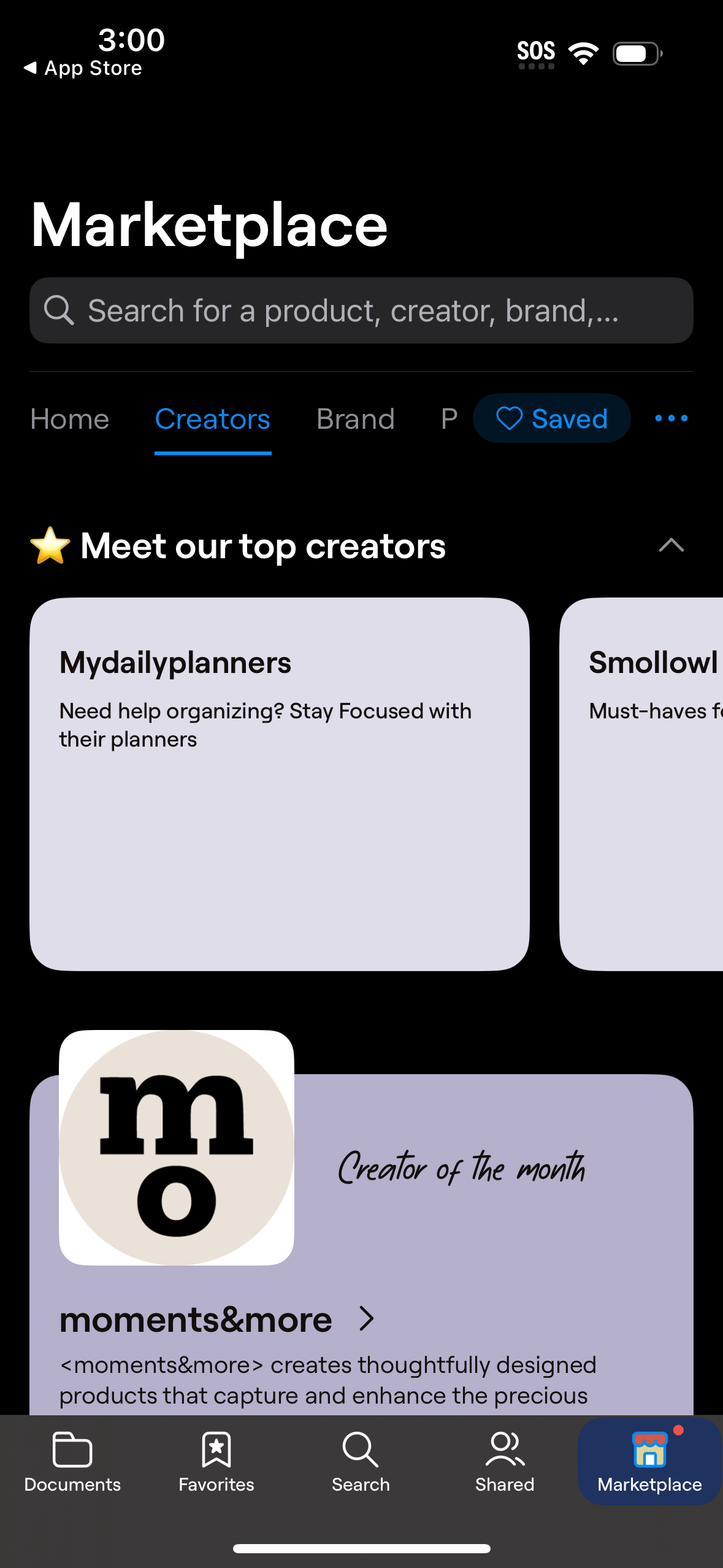
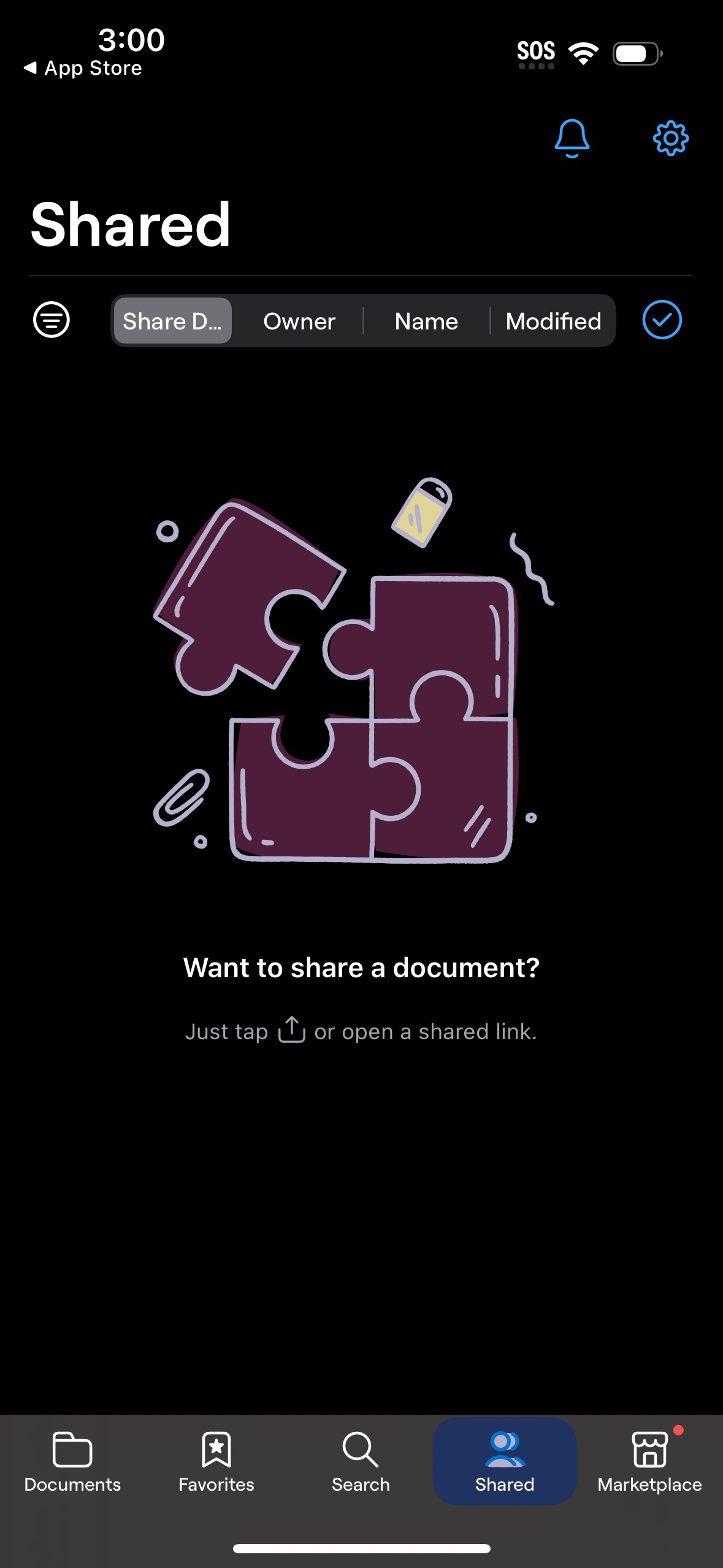
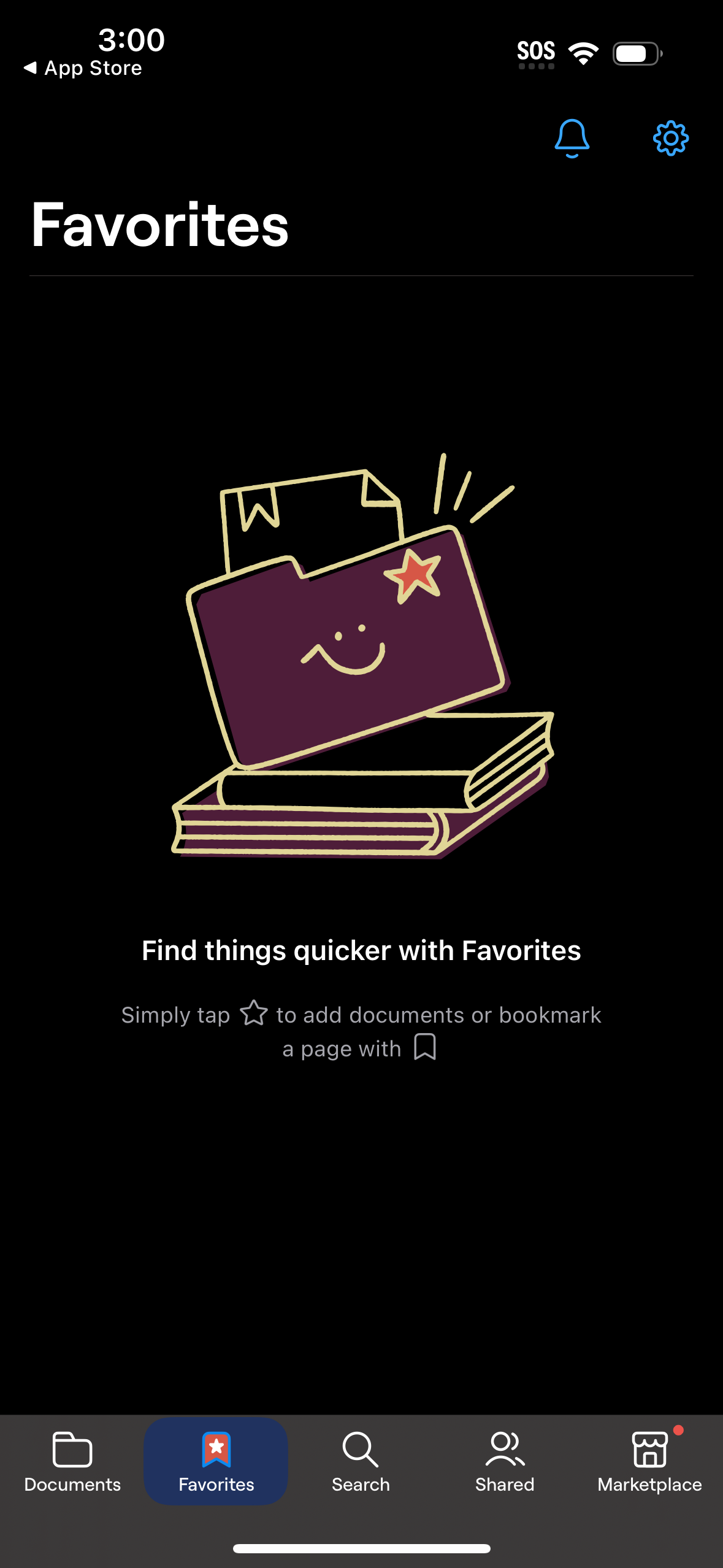
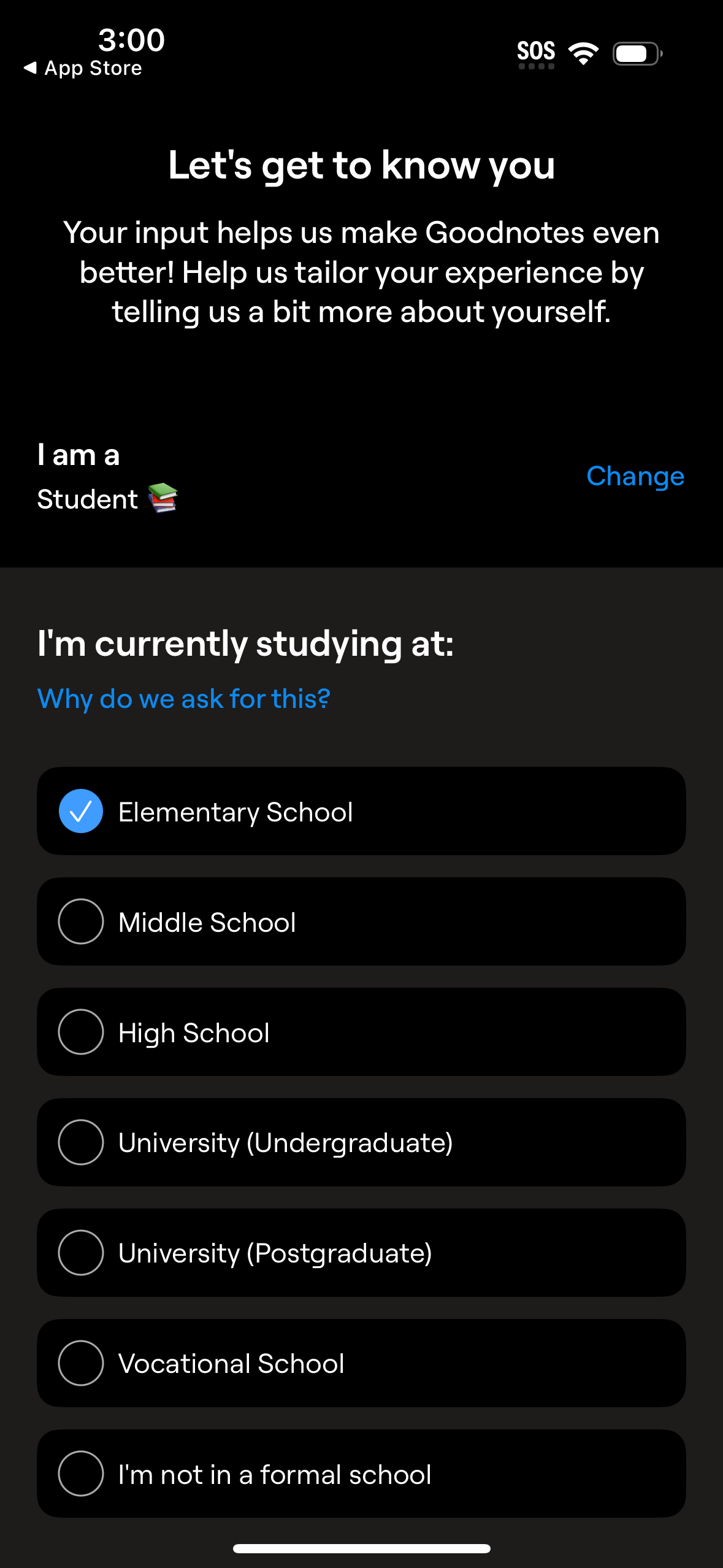
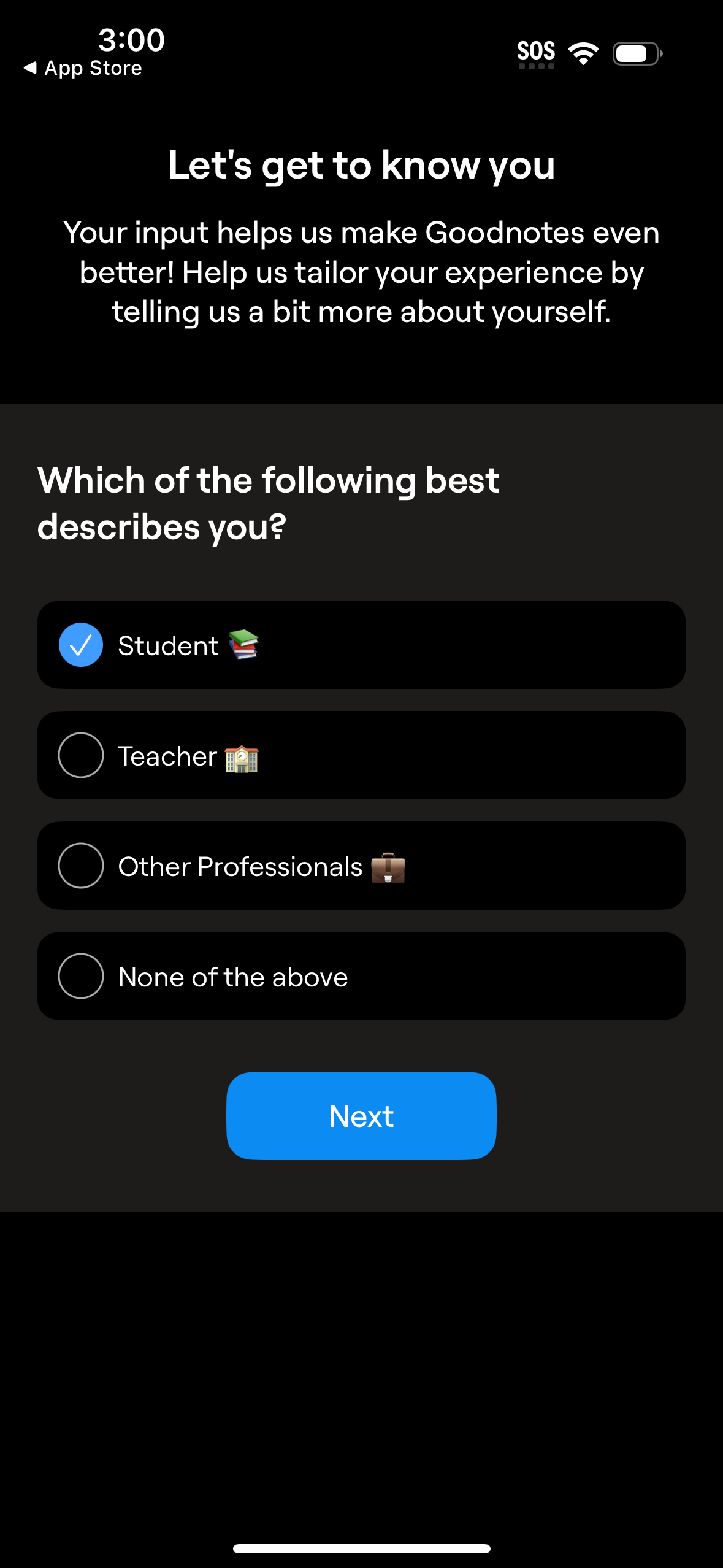
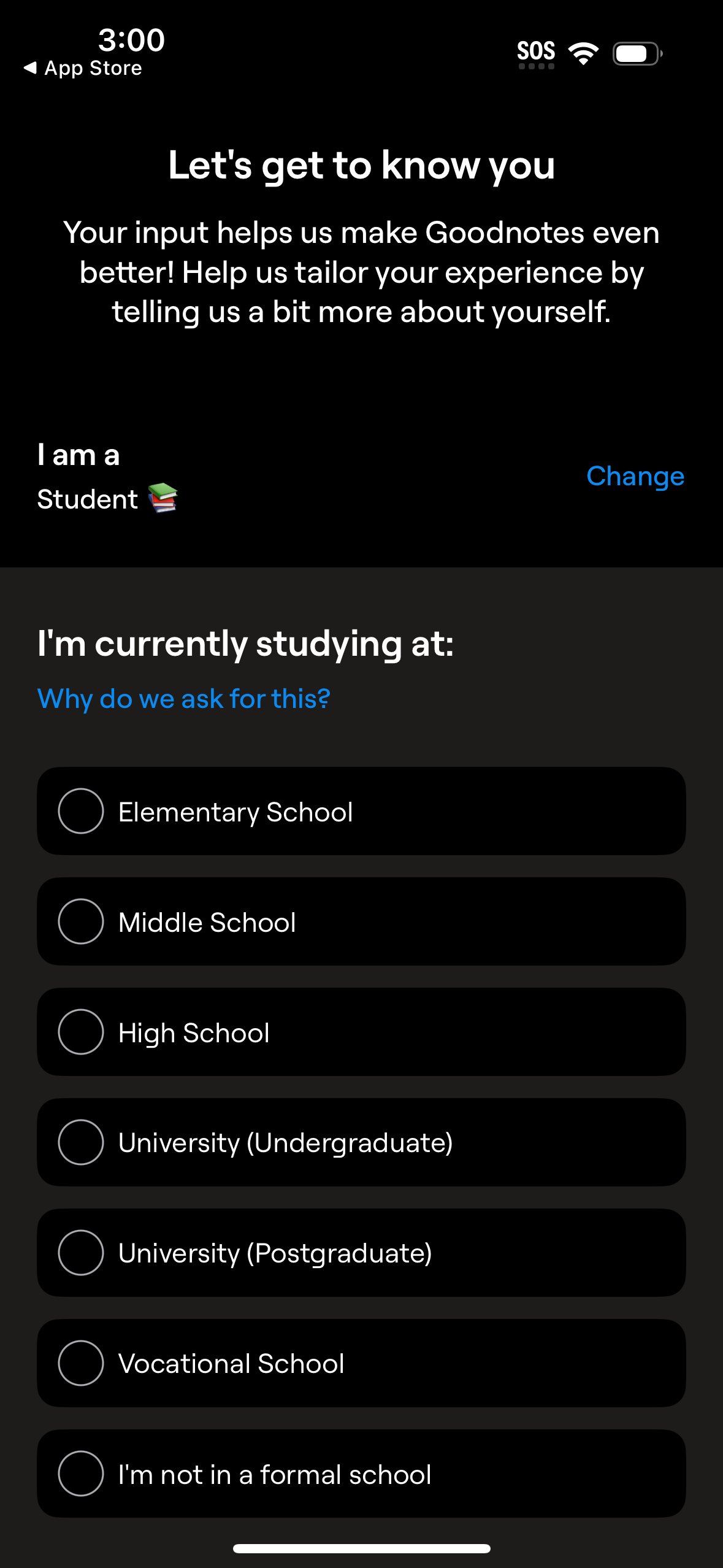
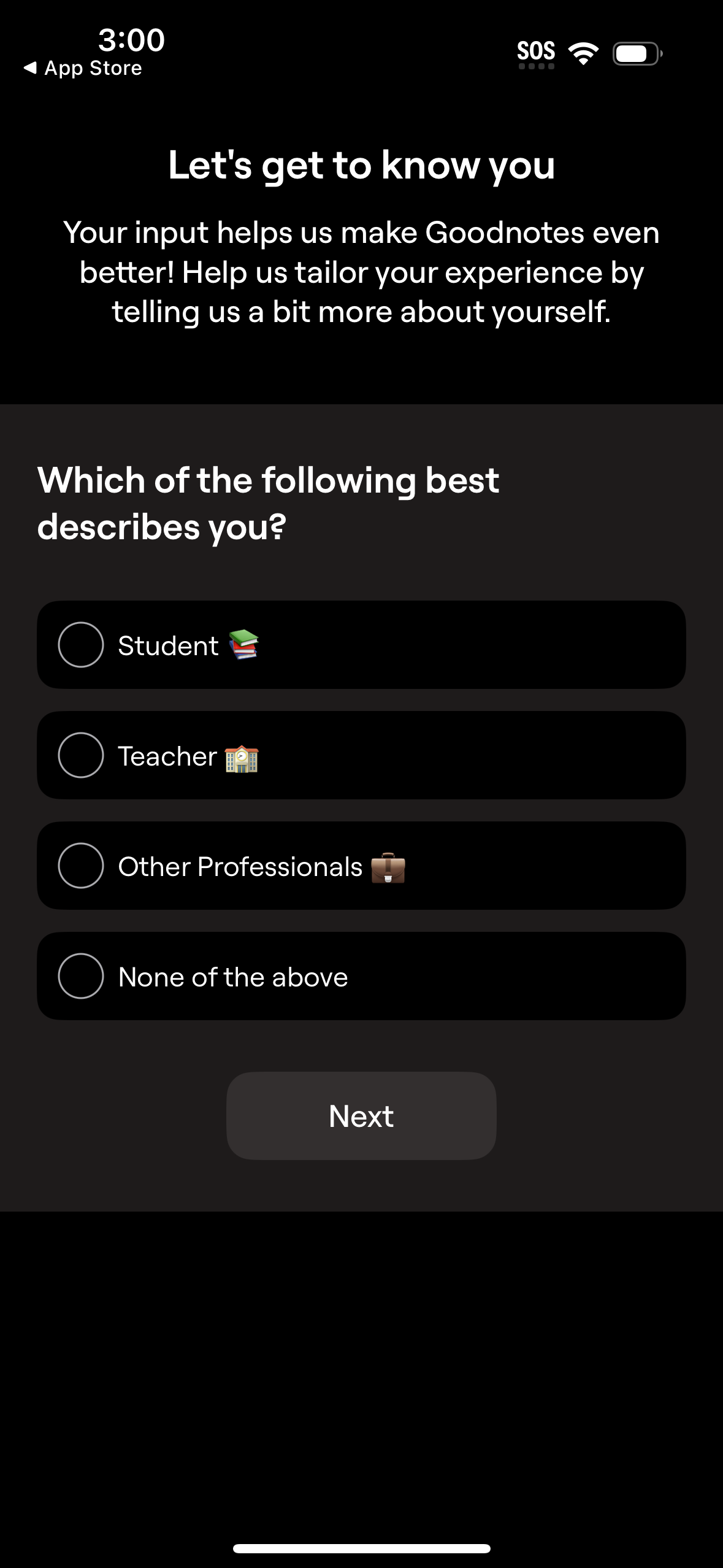
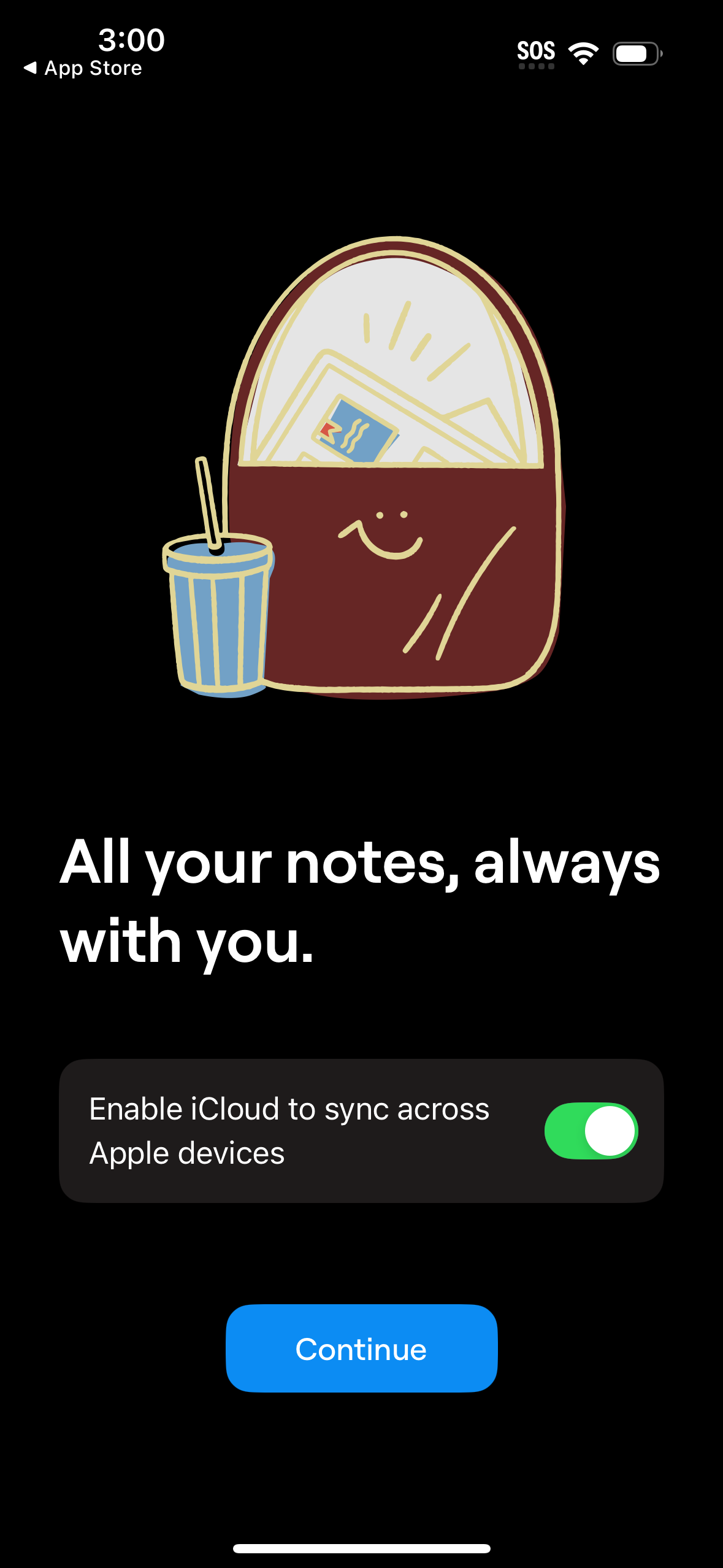
Explore up to date profile, onboarding, login, search, and dashboard flows from goodnotes and more on Lazyweb.
goodnotes app screenshots and user flows
Browse goodnotes screens, user flow examples, and UI patterns. Explore profile, onboarding, login, search, and dashboard flows inside Lazyweb's 100k+ screen design research library for competitive analysis and benchmarking.
Lazyweb is a blazing-fast design research library with 100k+ real app screens, user flow examples, UI patterns, and product design patterns for competitive analysis and benchmarking.
Screenshots
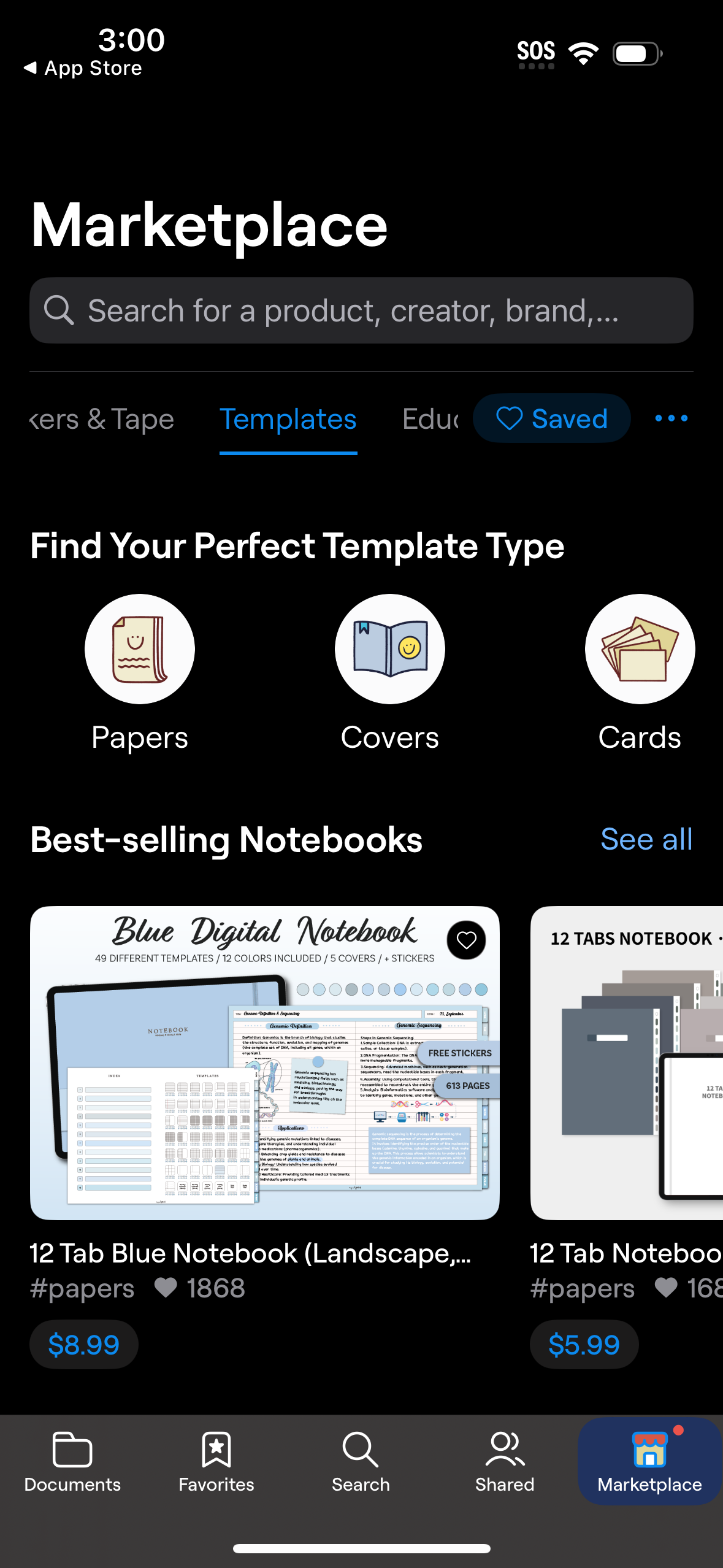
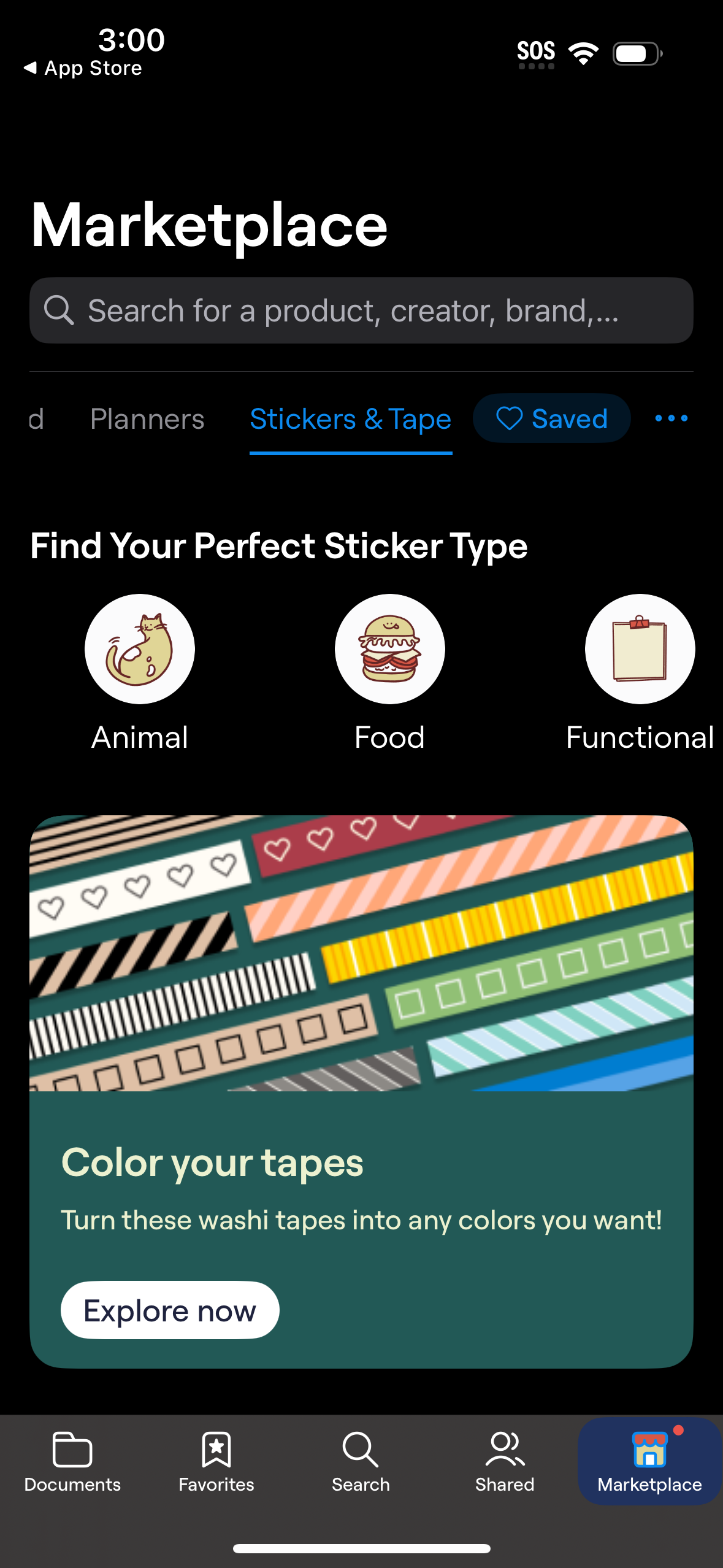
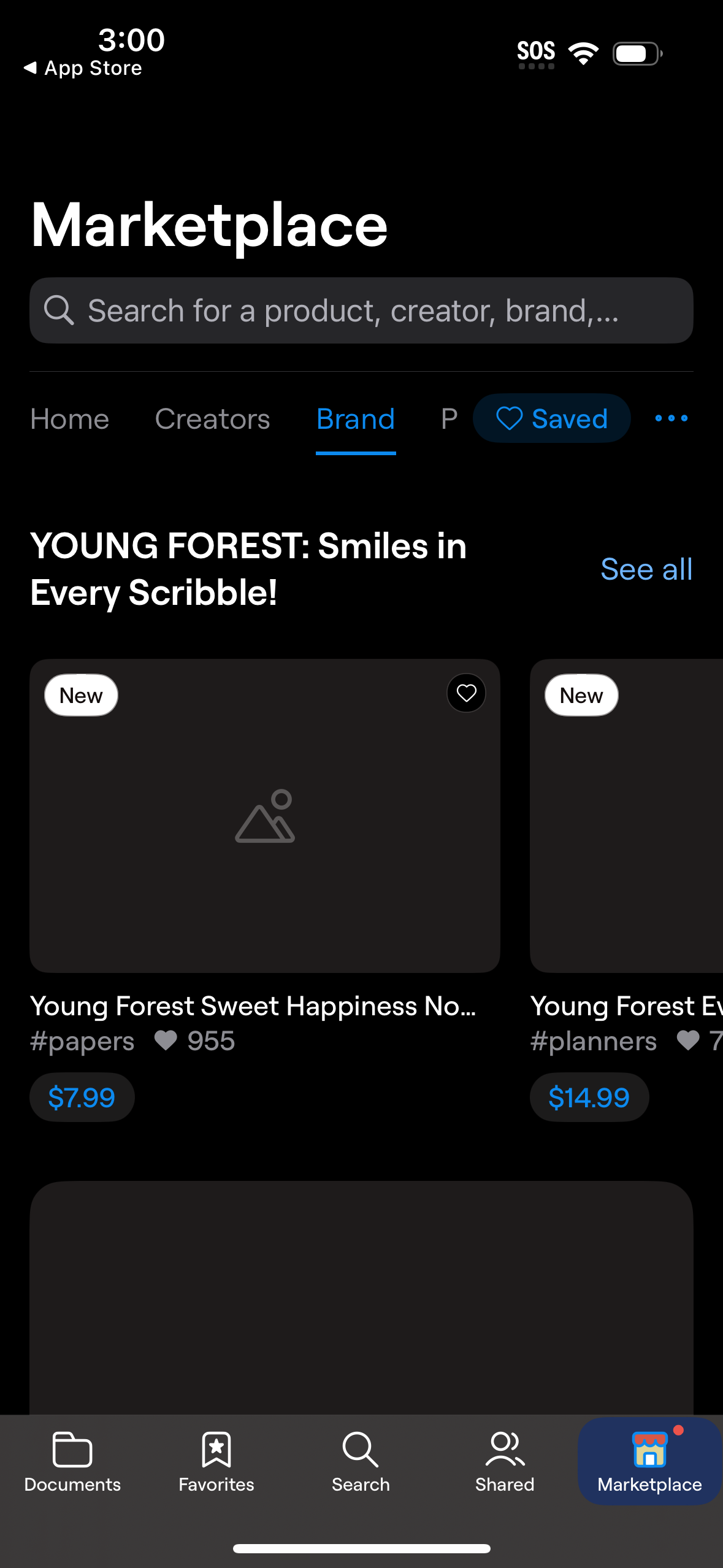
The first 5 screenshots are shown in full. Additional screens are blurred previews.










Company metadata
App Store description
Goodnotes has always been the place to capture your ideas — from quick notes to big plans. Now, it goes further. With powerful AI and new ways to capture information, Goodnotes helps you connect the dots, unlock insights, and turn ideas into action. *Existing Goodnotes 5 users can continue to use Goodnotes 5 indefinitely or upgrade to the new Goodnotes. Either way, your notes are safe!* For professionals: Increase productivity at work ■ Whiteboard + Goodnotes AI: One of our most requested features — brainstorm, mind-map, and diagram freely on an infinite canvas that grows with your ideas. Enhanced diagramming tools and real-time collaboration make it easy for teams to workshop, ideate, and problem-solve together, while Goodnotes AI helps you capture and organize key takeaways instantly. ■ Goodnotes AI Audio & Meetings: Stay fully present in every conversation while Goodnotes does the work for you. AI‑powered transcription and live summarization automatically capture discussions and structure them into clear meeting minutes. After the meeting, merge transcripts with your own notes to create polished, shareable documents in seconds. ■ Text Documents + AI: Create documents that think with you. Enjoy a superior typing experience with rich inline blocks, build on ideas with external insights, and collaborate seamlessly with teammates. With AI‑powered summarization, automated note generation, and transcript support, you can turn rough notes and meetings into finished content faster than ever. ■ Present your notes, slides, and content directly from Goodnotes when you connect your device via AirPlay or HDMI to an external screen. ■ Use Laser Pointer to guide your audience’s attention during your presentation. ■ Export your notes to email, print, or share them anywhere as PDFs. ■ Send a link to your notebooks to work on the same notes directly — perfect for asynchronous work or collaborative brainstorming. ■ Import documents by emailing them to your custom Goodnotes email. For students: Ace your exams with ease ■ Record audio notes that are magically synced to the moment you write — perfect for lectures or presentations. ■ Search and instantly find any of your notes from any class. ■ Study and practice straight from your notes with Study Sets — flashcards built on active recall and spaced repetition. ■ Use AI to summarize, shorten, change the tone of your words, and perfect your typed text. For planners: Let your creativity flow ■ Customize the size and color of your paper templates to create the template you want. ■ Add, create, or import stickers, stamps, washi tapes, images, and more Digital notebooks: unlimited notebooks for the price of a single physical one. ■ Combine handwriting and typed text on one page, alongside images, stickers, diagrams, and doodles. ■ Create digital notebooks with customizable paper templates, including Blank Paper, Ruled Paper, Cornell Paper, Checklists, Planners, and more. ■ Navigate long documents with ease. PDF tables of contents are automatically imported; or create custom outlines yourself. ■ Back up all your notes to Google Drive, Dropbox, or OneDrive, and use iCloud to sync across iPad, iPhone, and Mac — so your notes are always safe. ■ Edit your writing by resizing it, changing the text color, or moving it to another spot on the page. Privacy Policy: https://www.goodnotes.com/privacy-policy Terms and Conditions: https://www.goodnotes.com/terms-and-conditions
Compare competitors with Lazyweb
Search every screen, flow, and UX pattern in one place.