
DJI-mimo screenshots
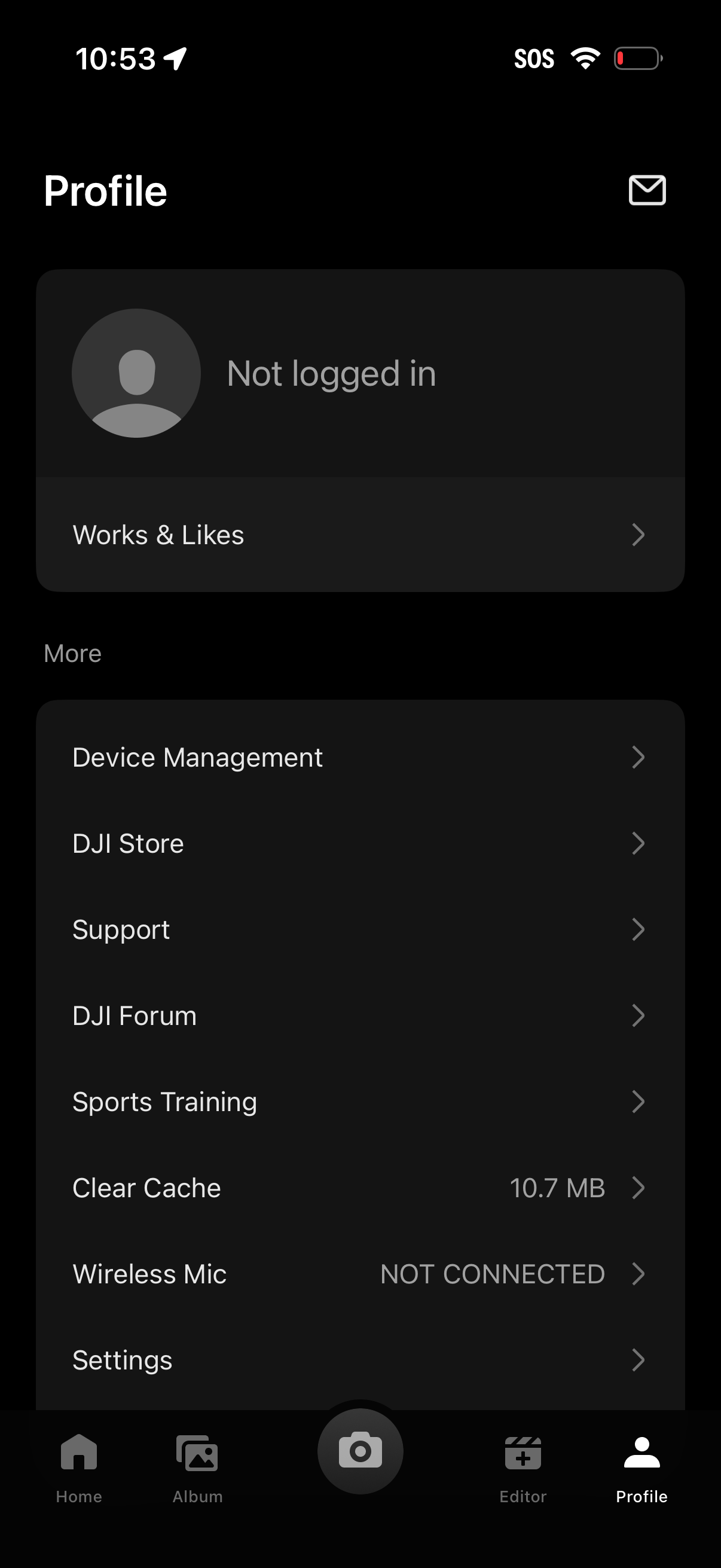
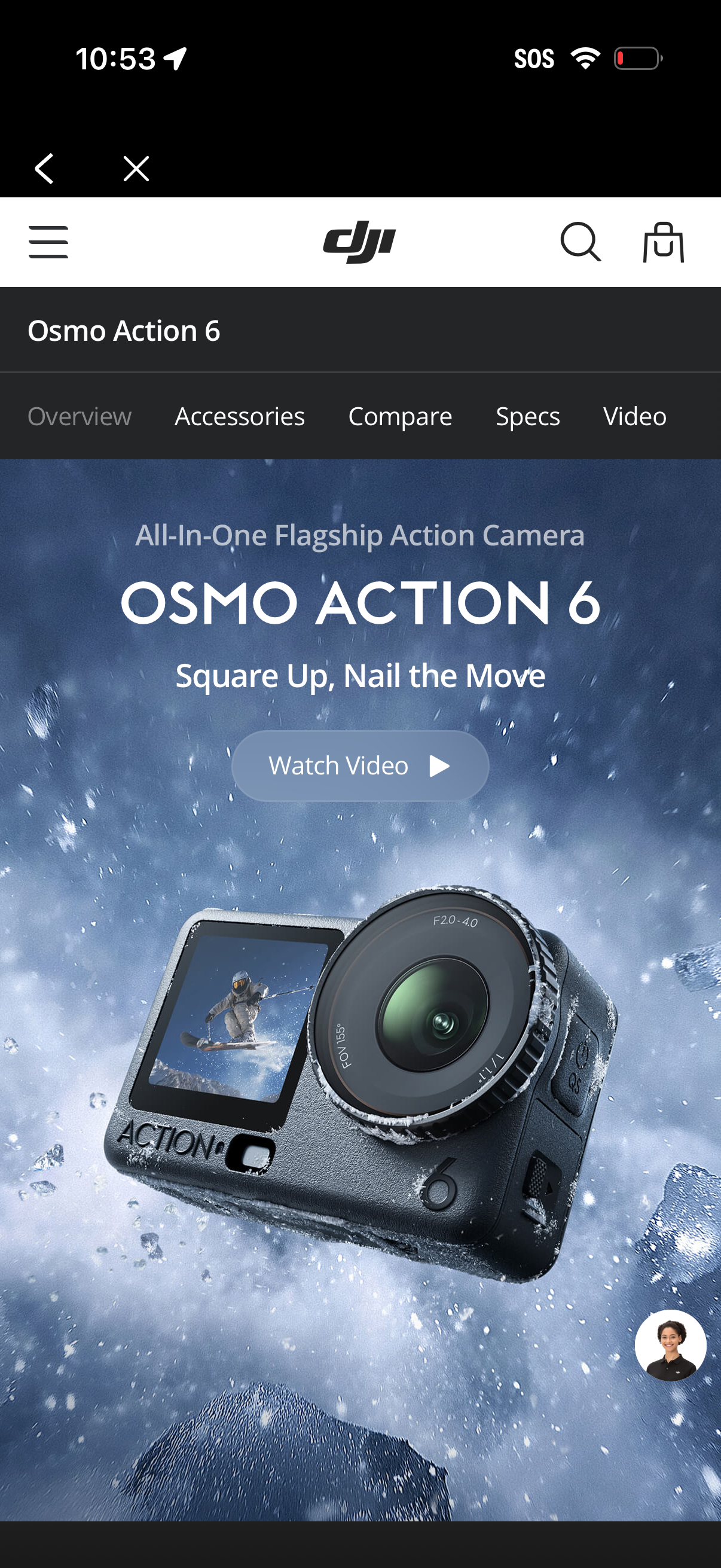
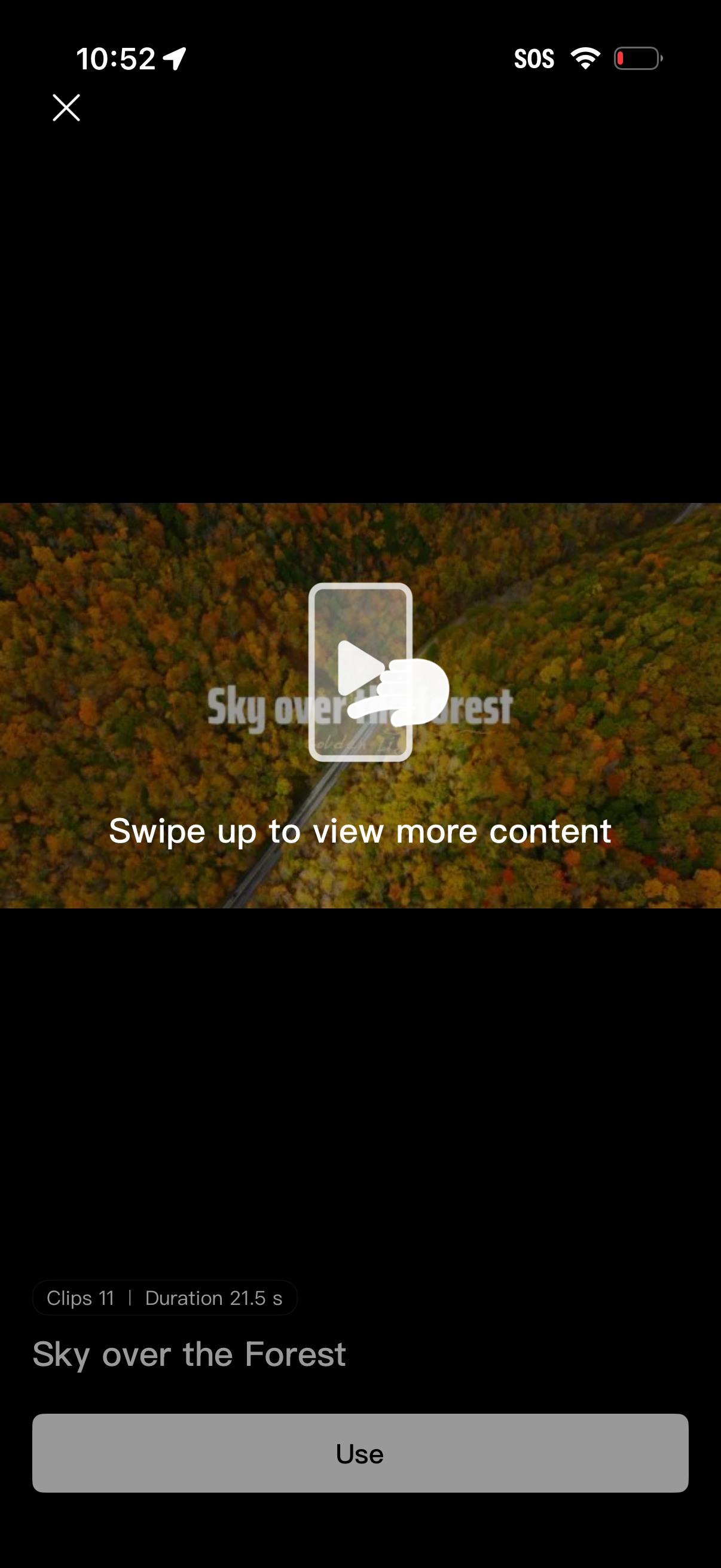
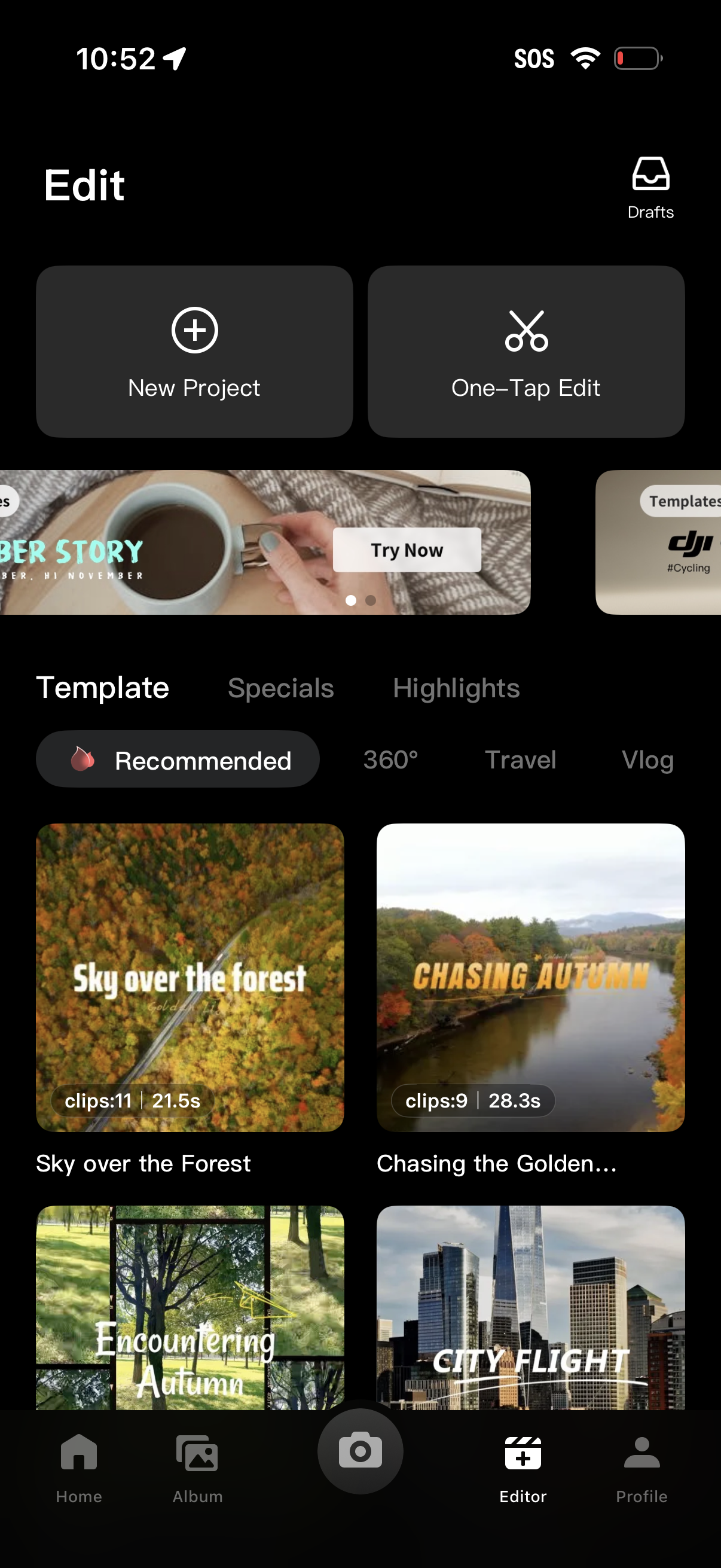
Explore up to date profile, dashboard, settings, search, and cart flows from DJI-mimo and more on Lazyweb.
DJI-mimo app screenshots and user flows
Browse DJI-mimo screens, user flow examples, and UI patterns. Explore profile, dashboard, settings, search, and cart flows inside Lazyweb's 100k+ screen design research library for competitive analysis and benchmarking.
Lazyweb is a blazing-fast design research library with 100k+ real app screens, user flow examples, UI patterns, and product design patterns for competitive analysis and benchmarking.
Screenshots
The first 5 screenshots are shown in full. Additional screens are blurred previews.
Company metadata
App Store description
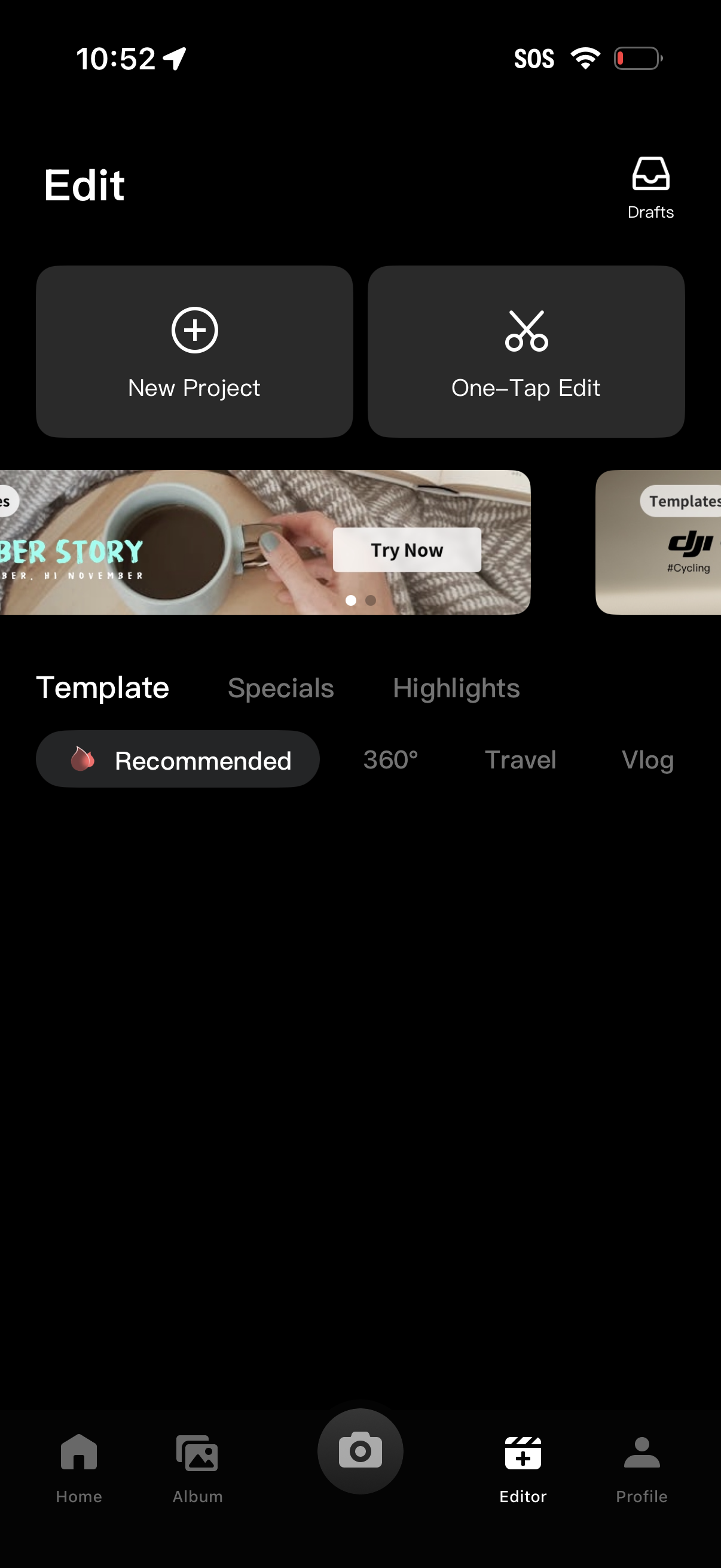
As the all-in-one app made specifically for the DJI Osmo Pocket handheld gimbal, Osmo Action camera, Osmo Mobile 3, DJI OM4 and DJI Pocket2, Mimo offers HD live view during recording, intelligent features such as My Story for quick editing, and other tools not available with a handheld stabilizer alone. Mimo lets you capture, edit, and share the best of your moments, right from your fingertips. Highlights: 1. Supports HD live view and 4K video recording. 2. Controls Osmo Pocket, Osmo Action or Osmo Mobile 3 via Bluetooth or Wi-Fi. 3. My Story video templates designed by professionals allow you to edit your videos in a single tap. 4. Precise face identification and real-time Beautify mode enhances photos and videos instantly. 5. Upload and share videos with just a tap. 6. Advanced video editing functions: Trim and split clips, adjust playback speed, reverse, and more. 7. Tune image quality to meet your needs: Brightness, saturation, contrast, color temperature, vignette, and sharpness. 8. Multiple filters, music templates, and watermark stickers finish your videos with a unique flair.
Compare competitors with Lazyweb
Search every screen, flow, and UX pattern in one place.