
bluenote screenshots
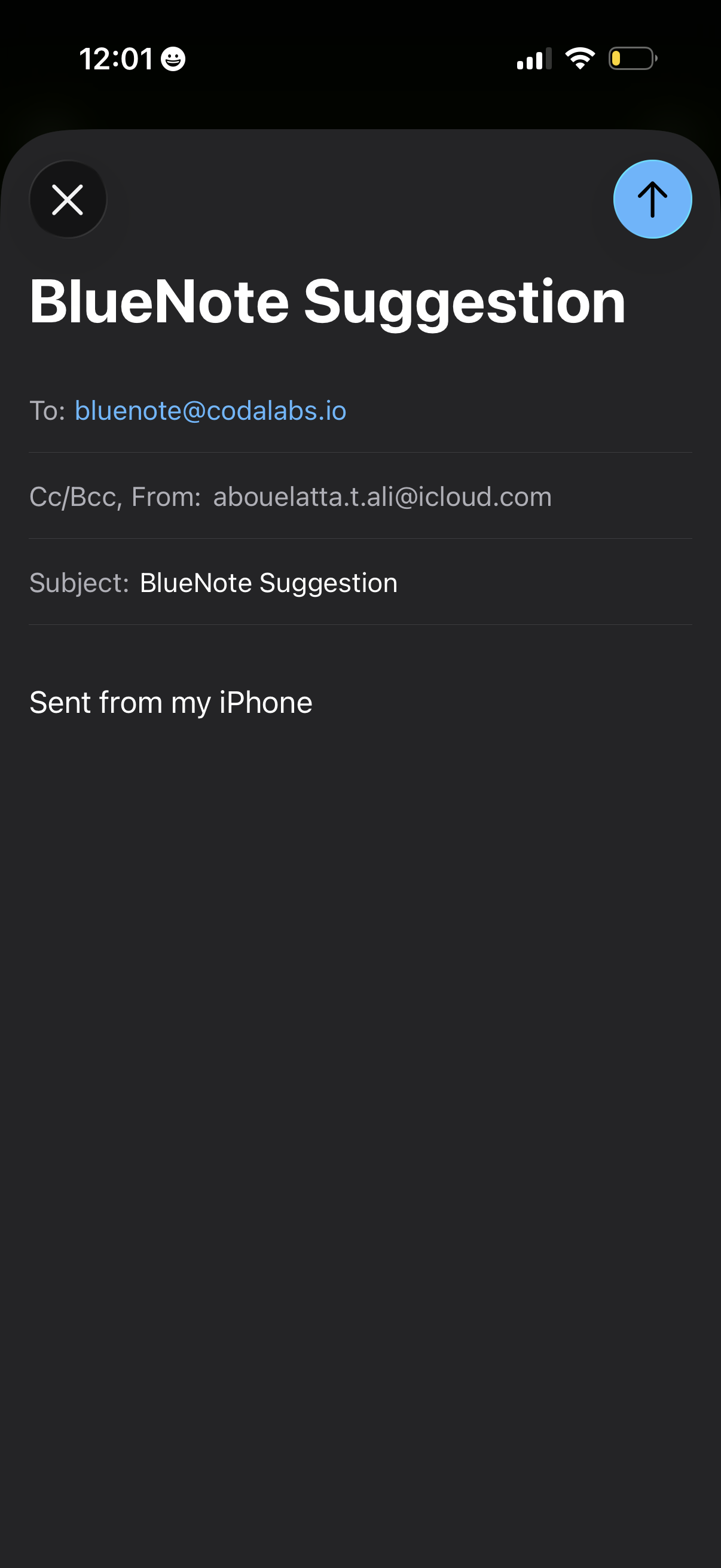
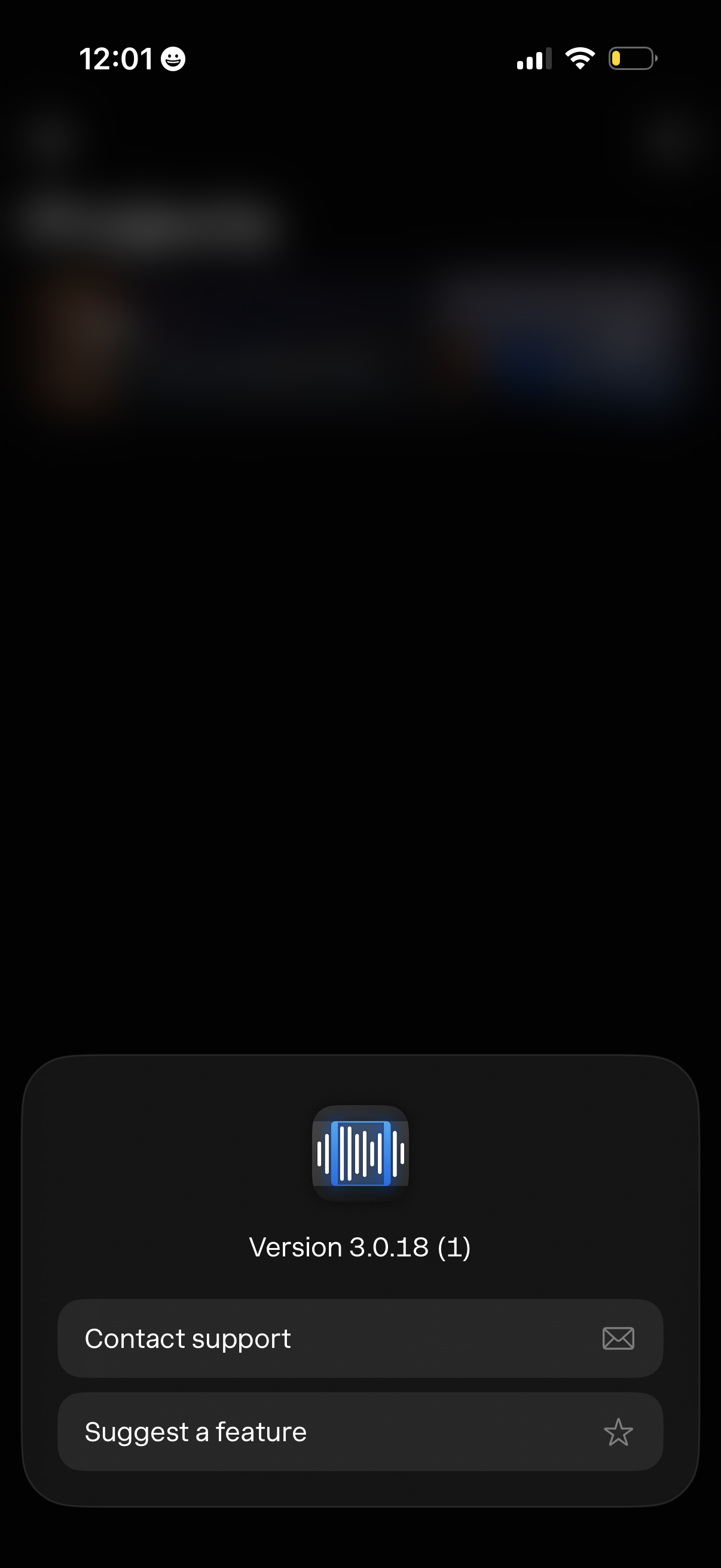
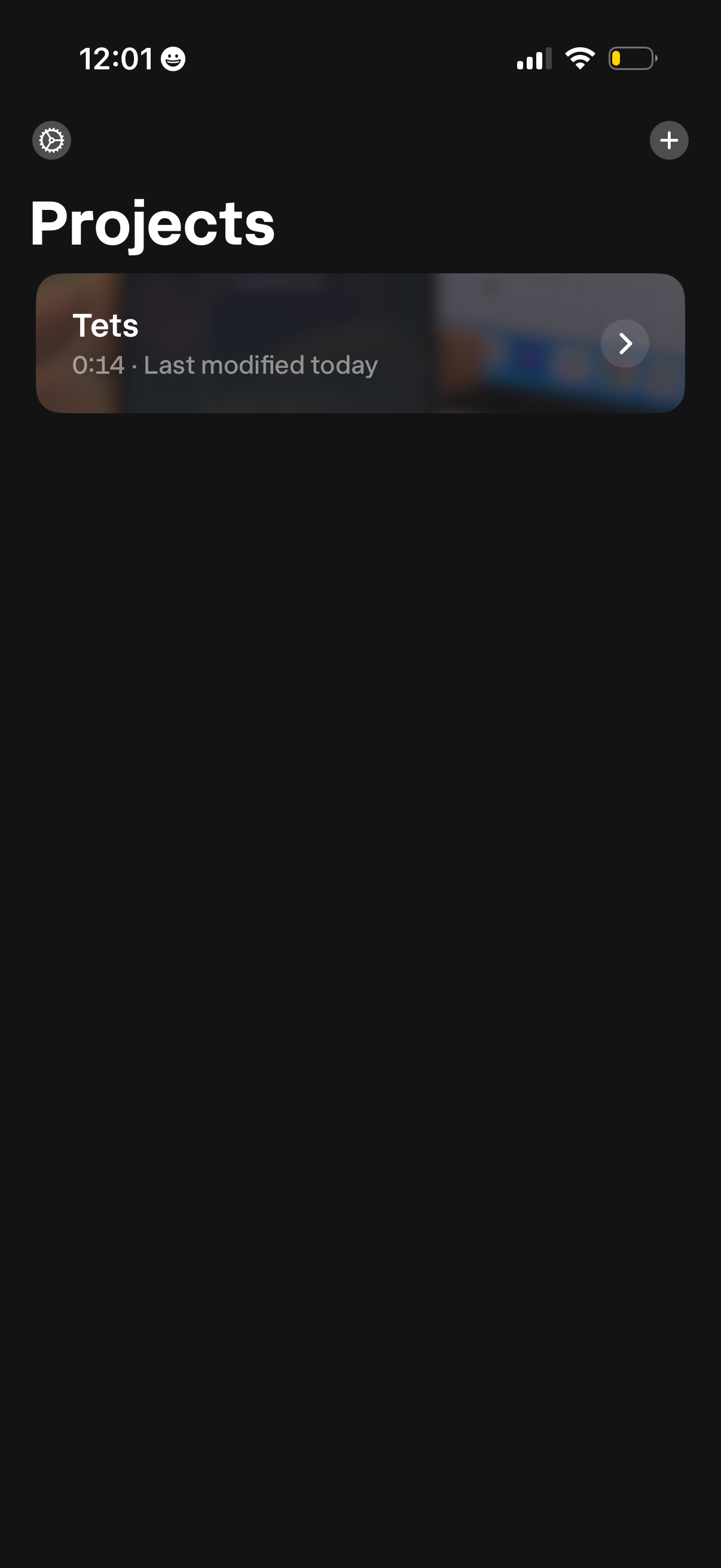
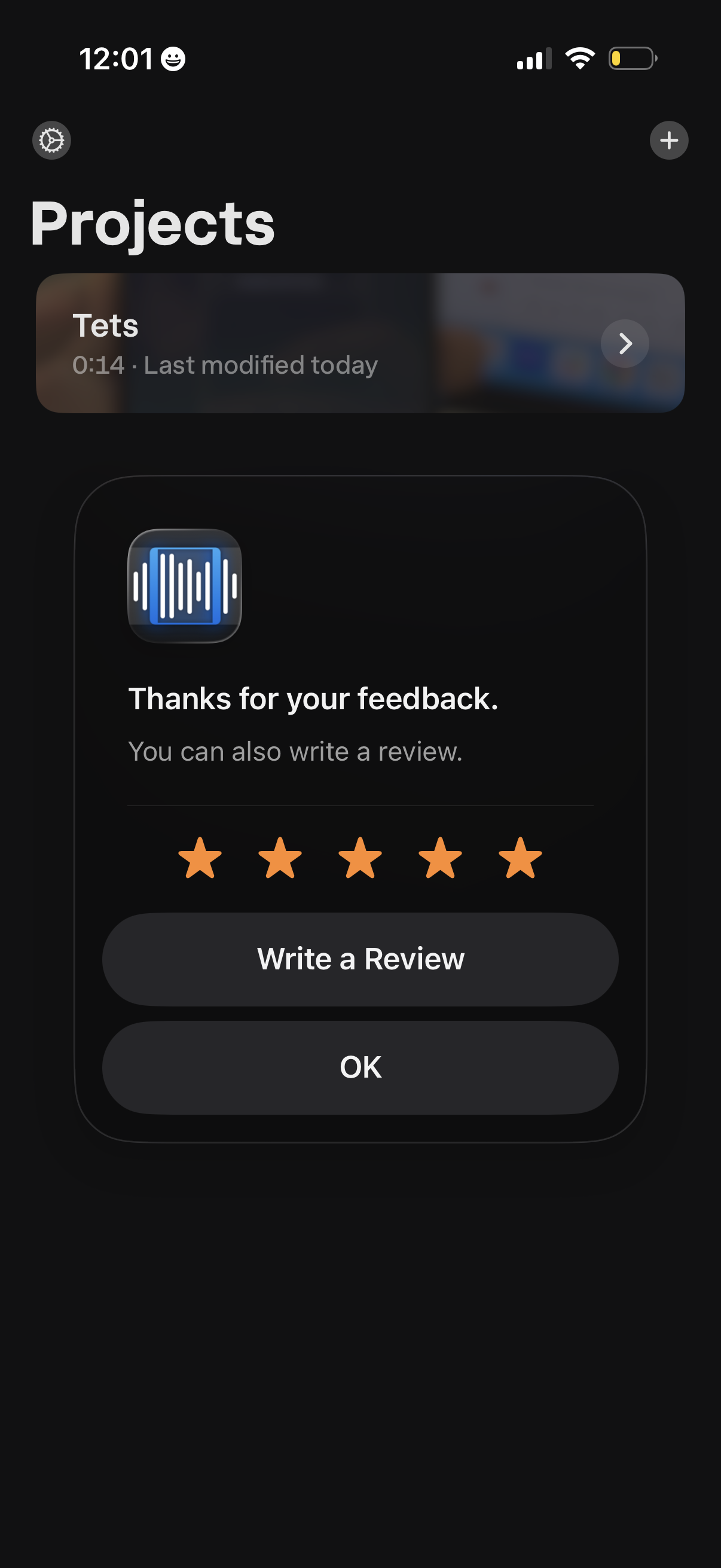
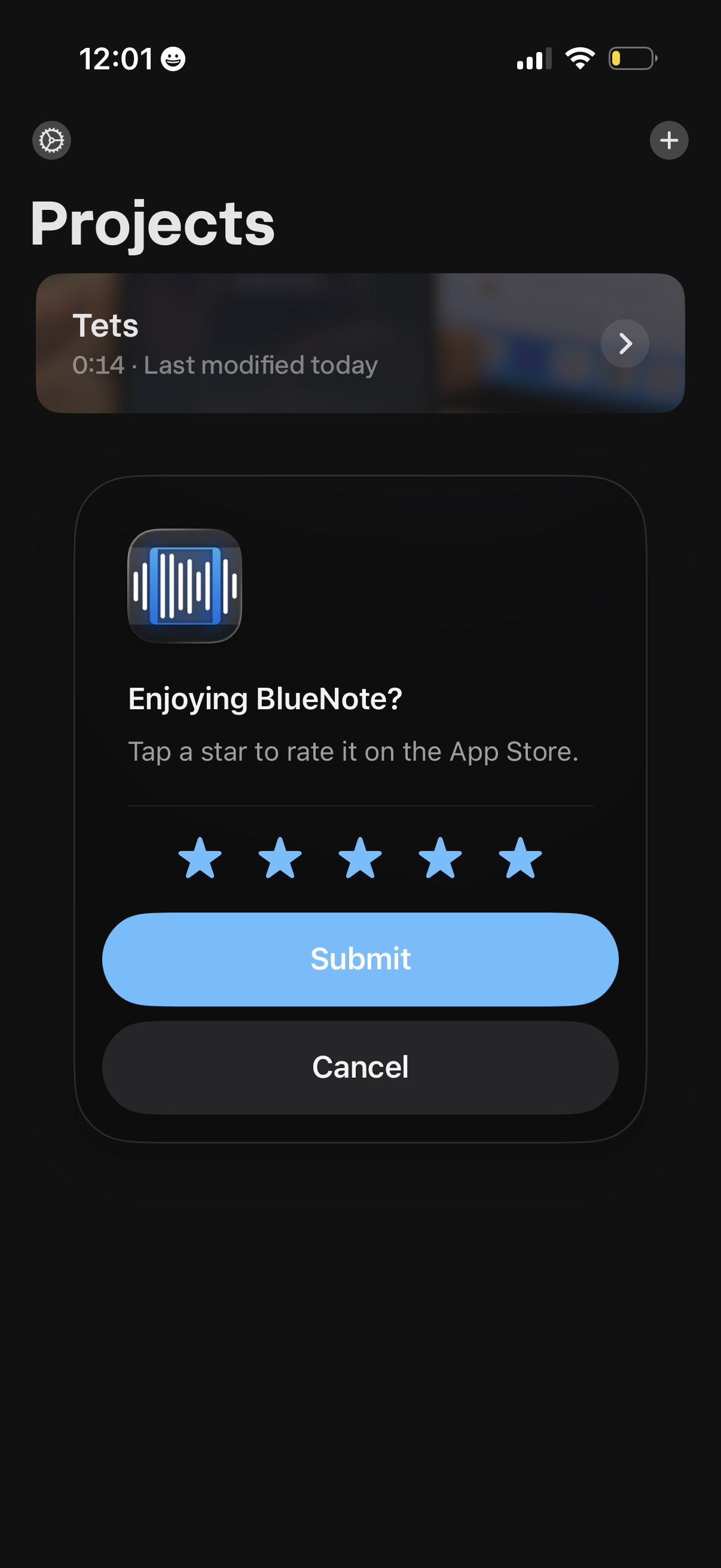
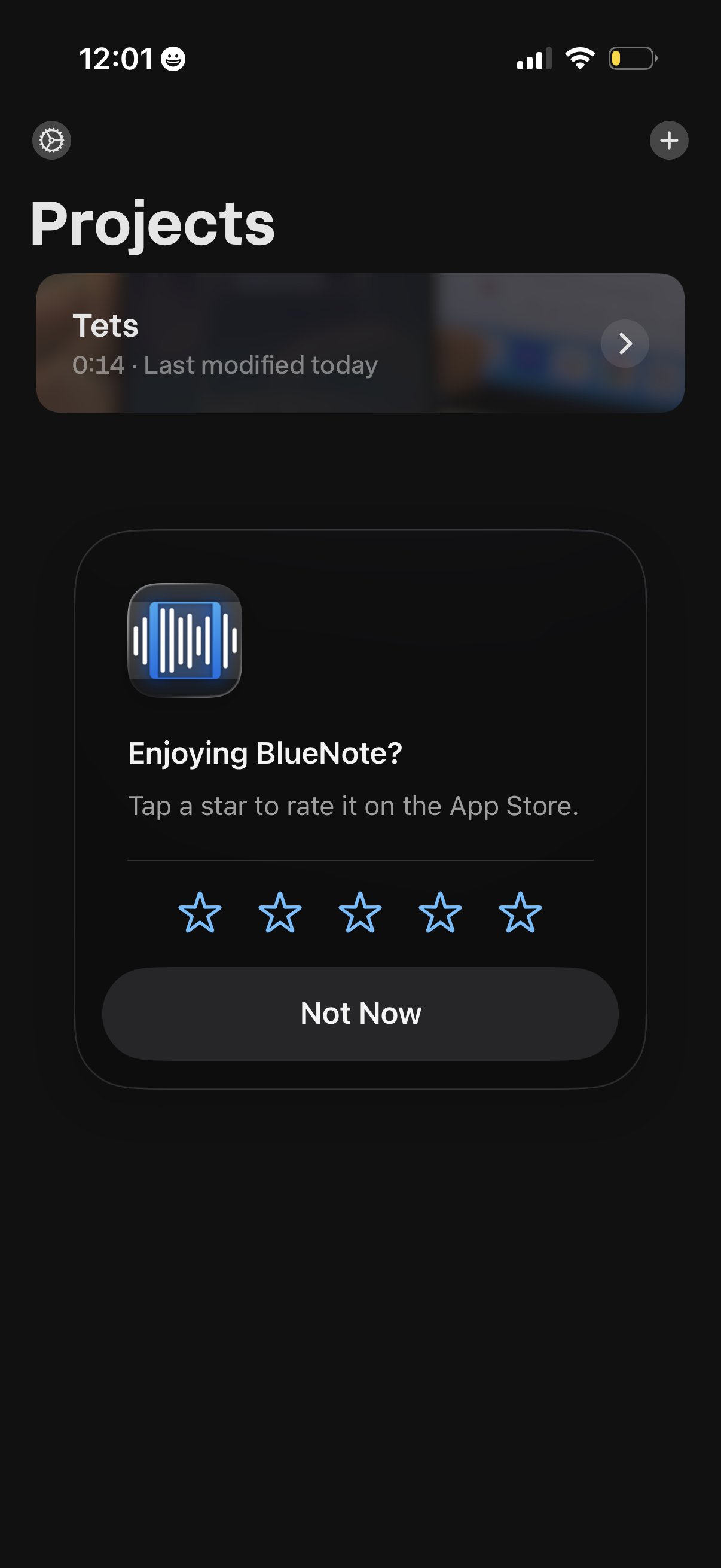
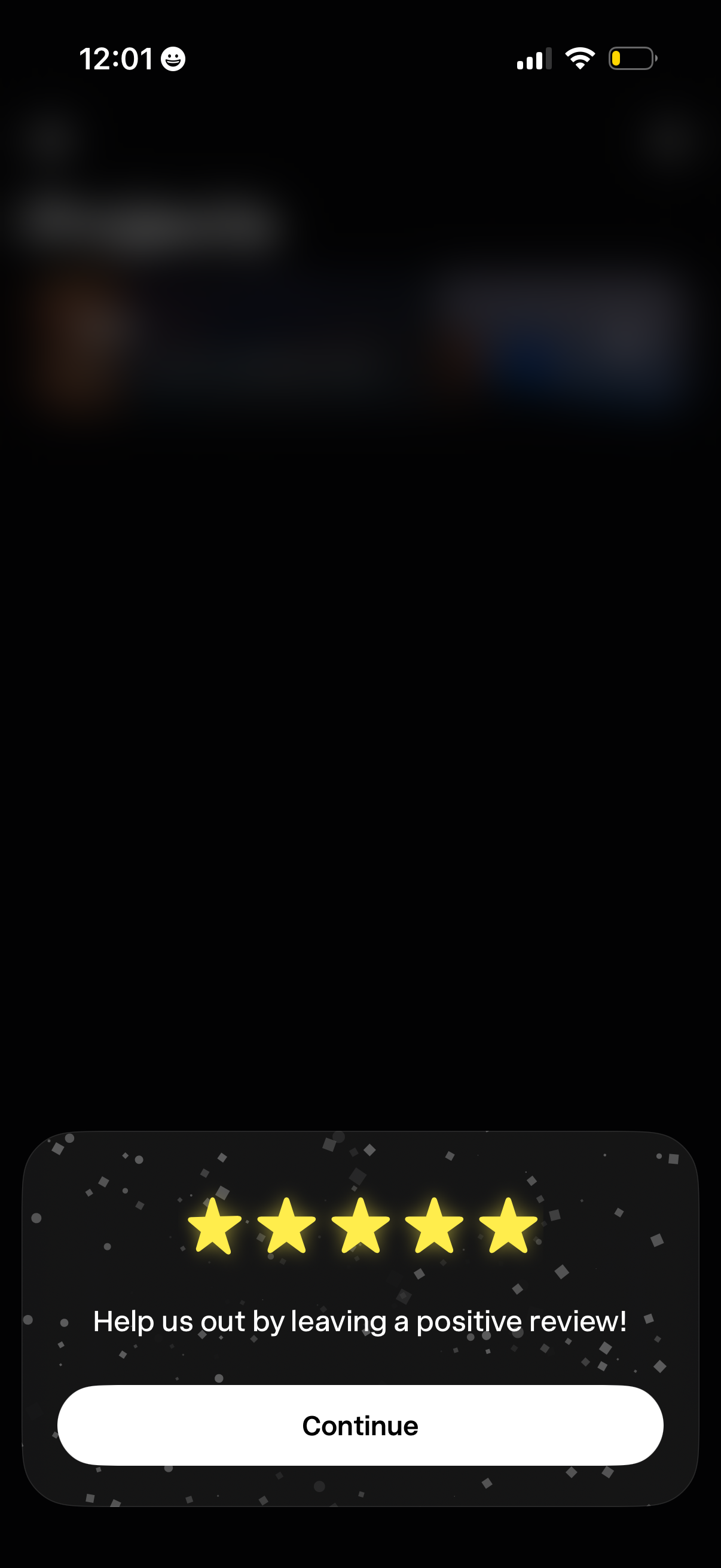
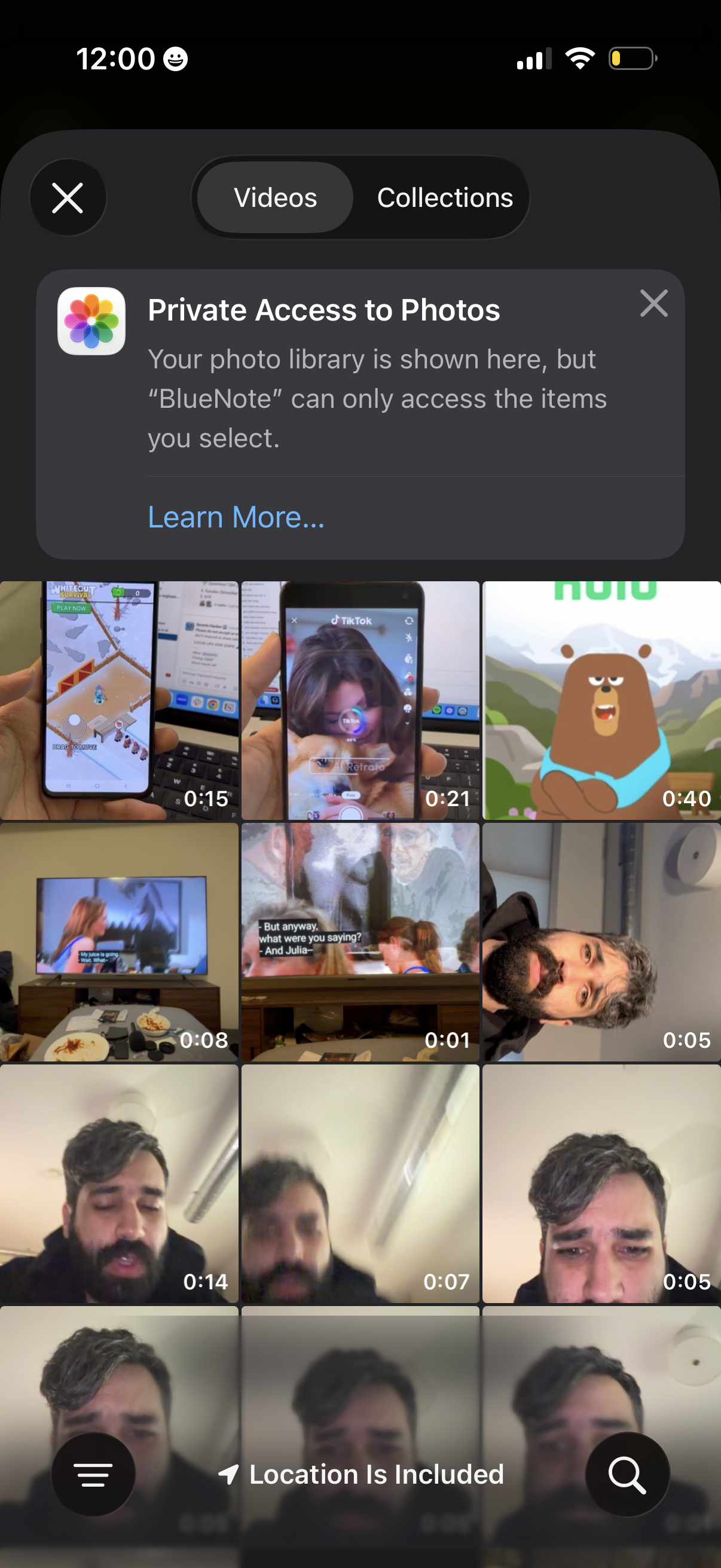
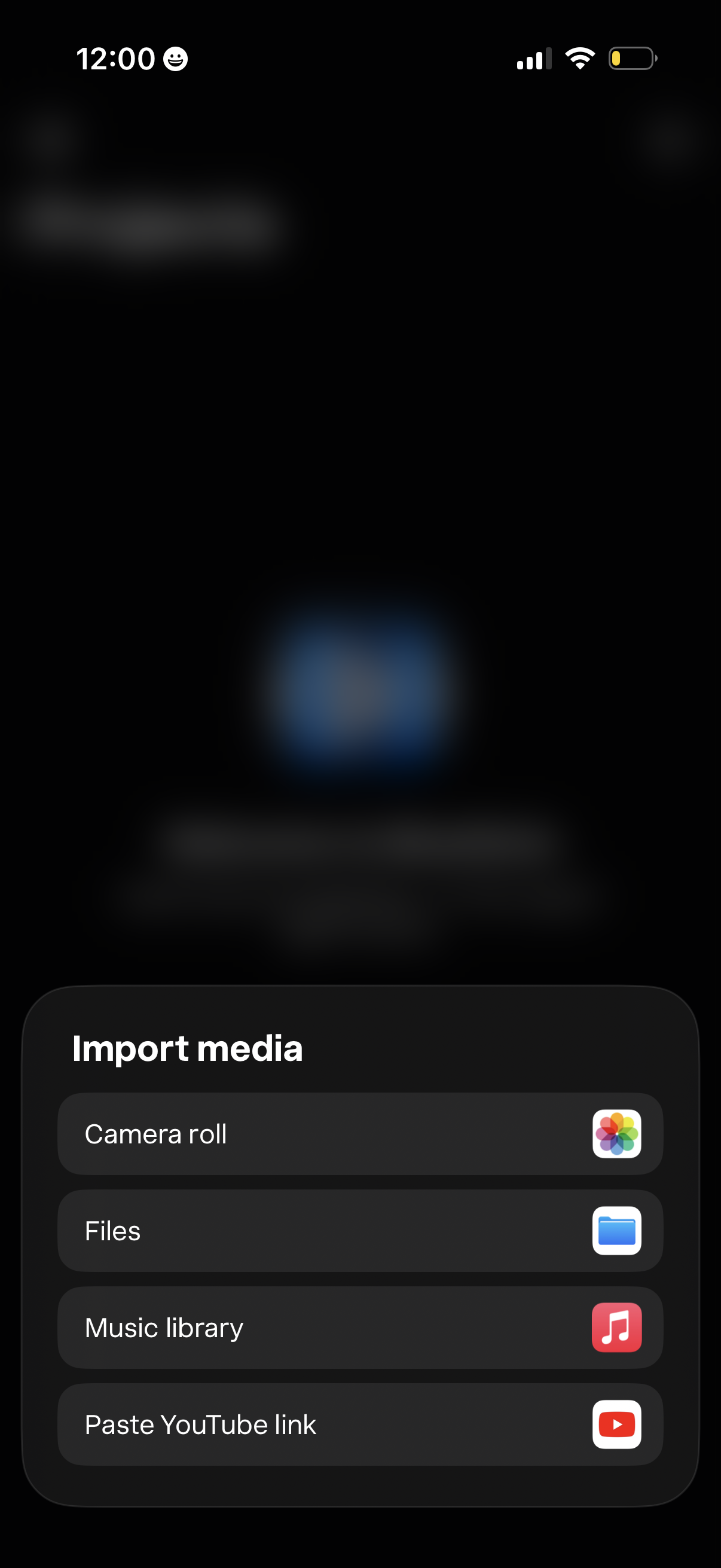
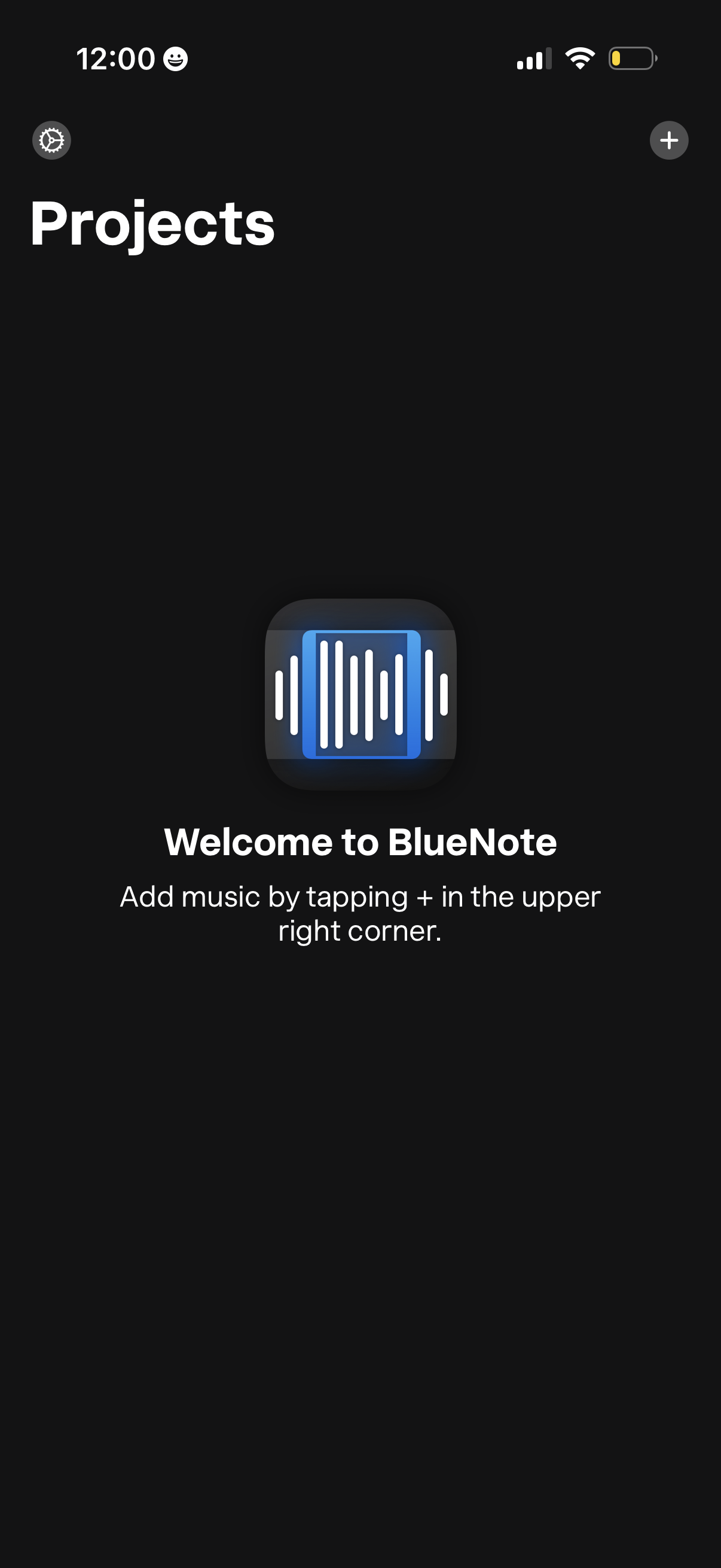
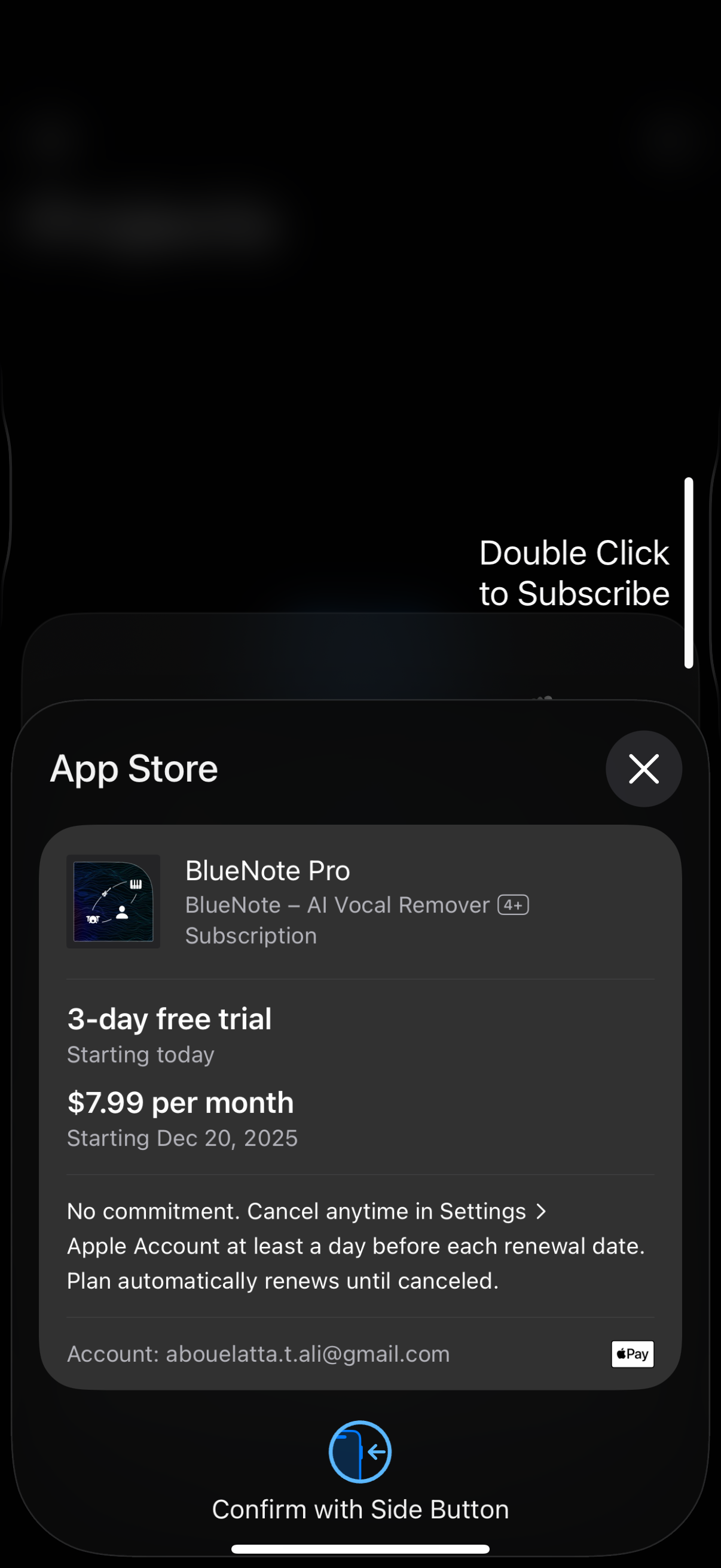
Explore up to date reviews, settings, dashboard, wishlist, and paywall flows from bluenote and more on Lazyweb.
bluenote app screenshots and user flows
Browse bluenote screens, user flow examples, and UI patterns. Explore reviews, settings, dashboard, wishlist, and paywall flows inside Lazyweb's 100k+ screen design research library for competitive analysis and benchmarking.
Lazyweb is a blazing-fast design research library with 100k+ real app screens, user flow examples, UI patterns, and product design patterns for competitive analysis and benchmarking.
Screenshots
The first 5 screenshots are shown in full. Additional screens are blurred previews.
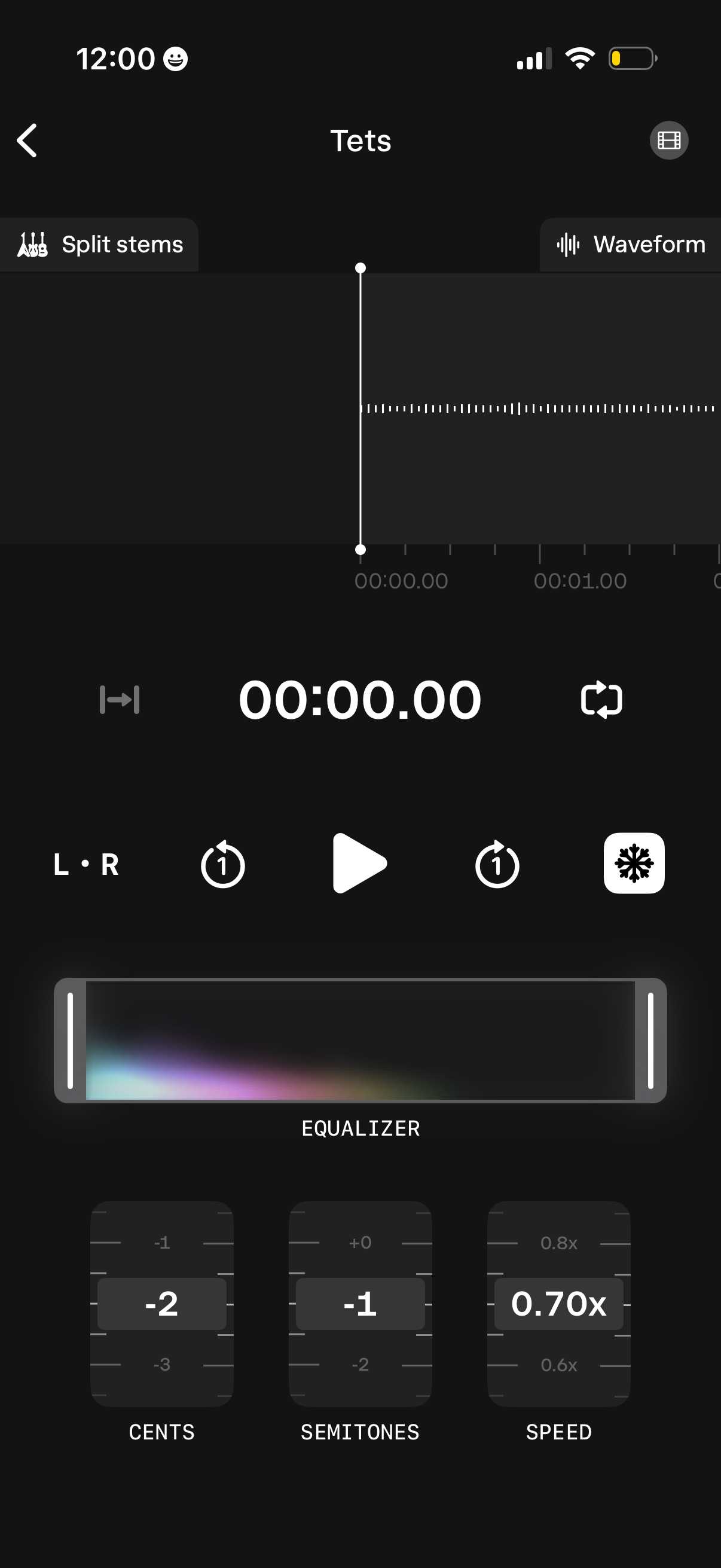
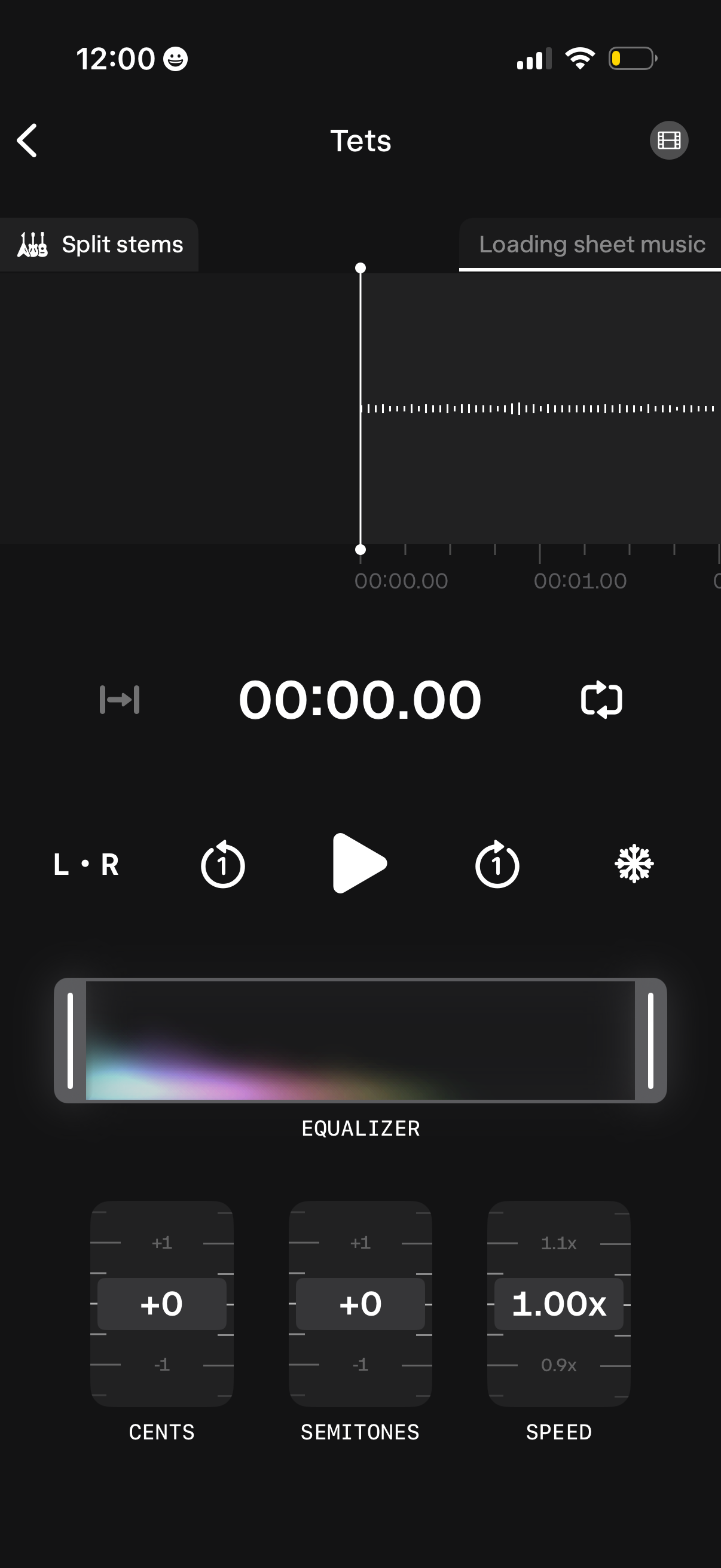
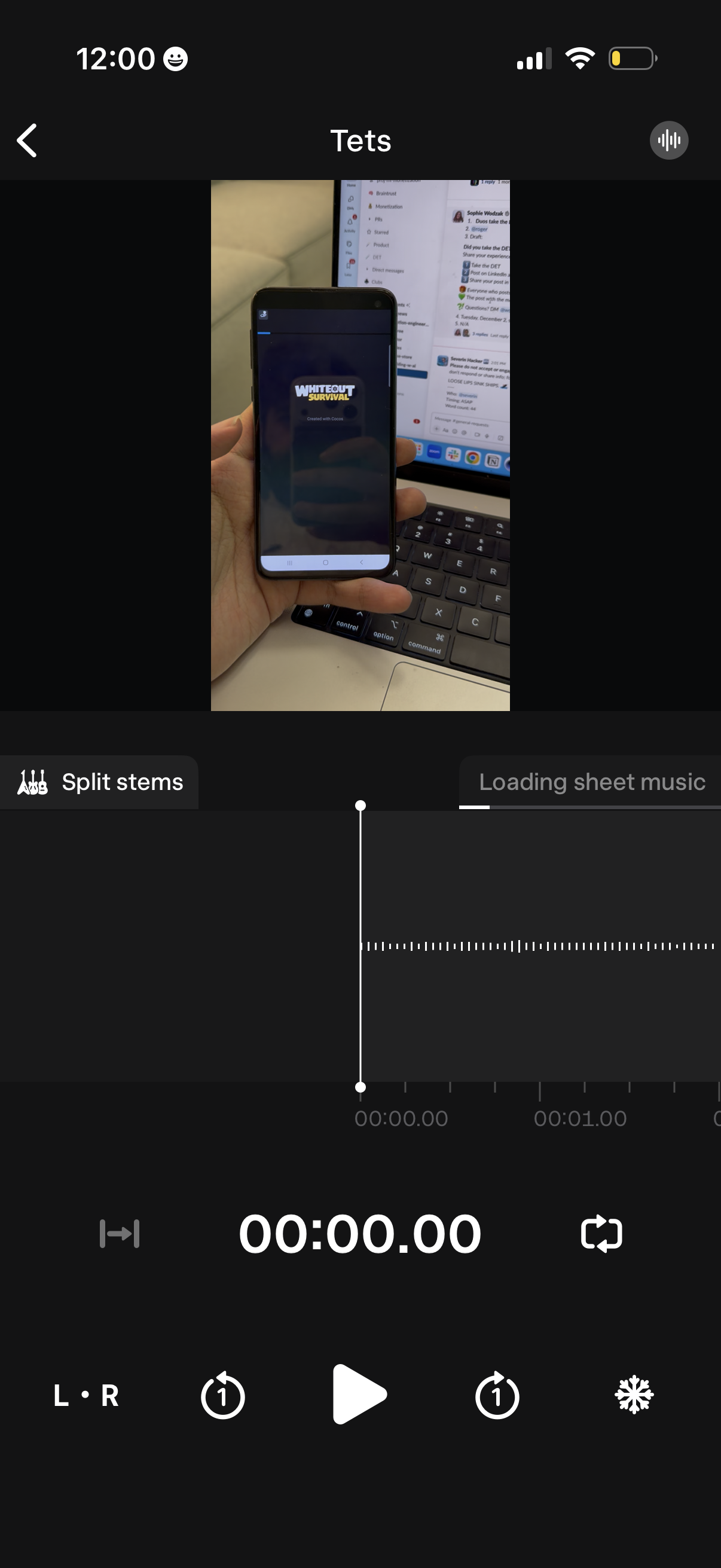
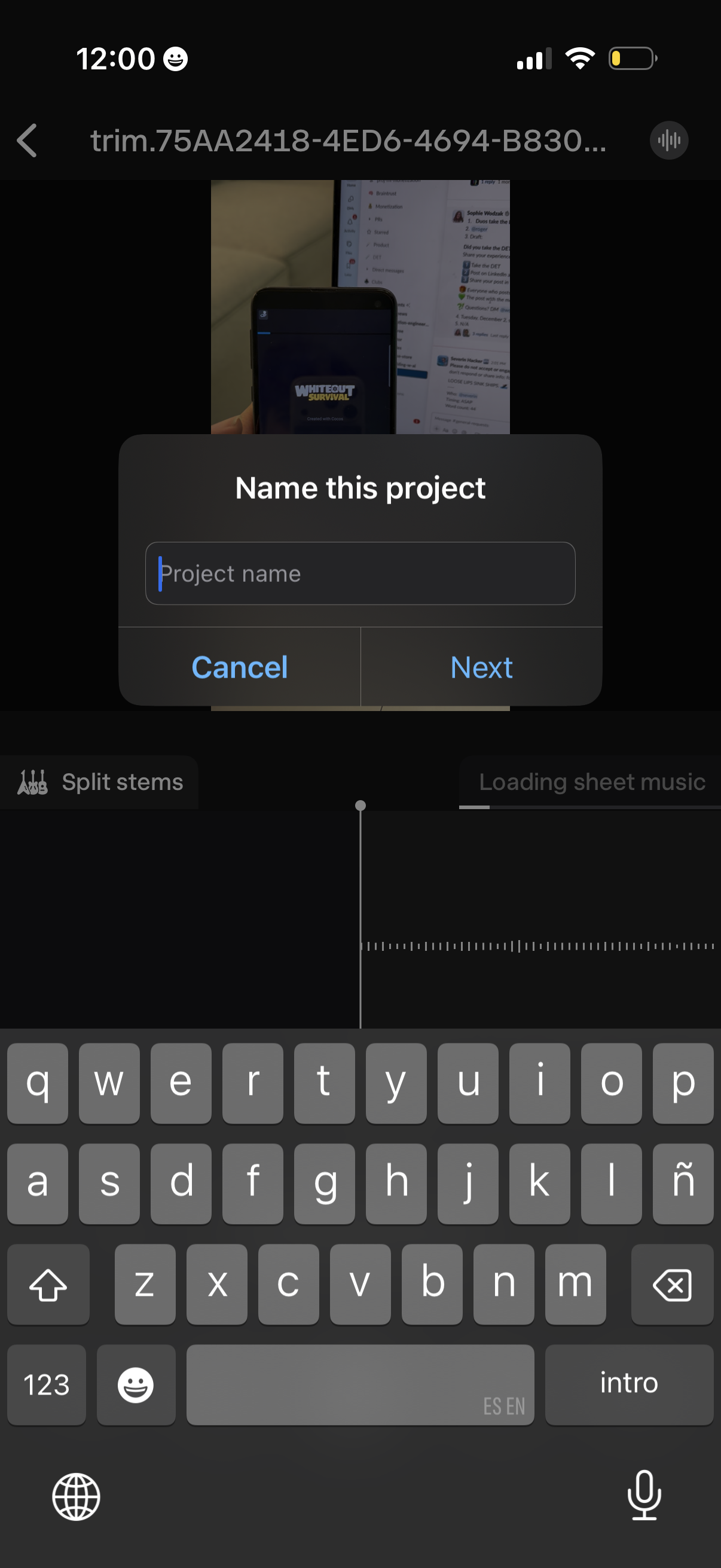
Company metadata
App Store description
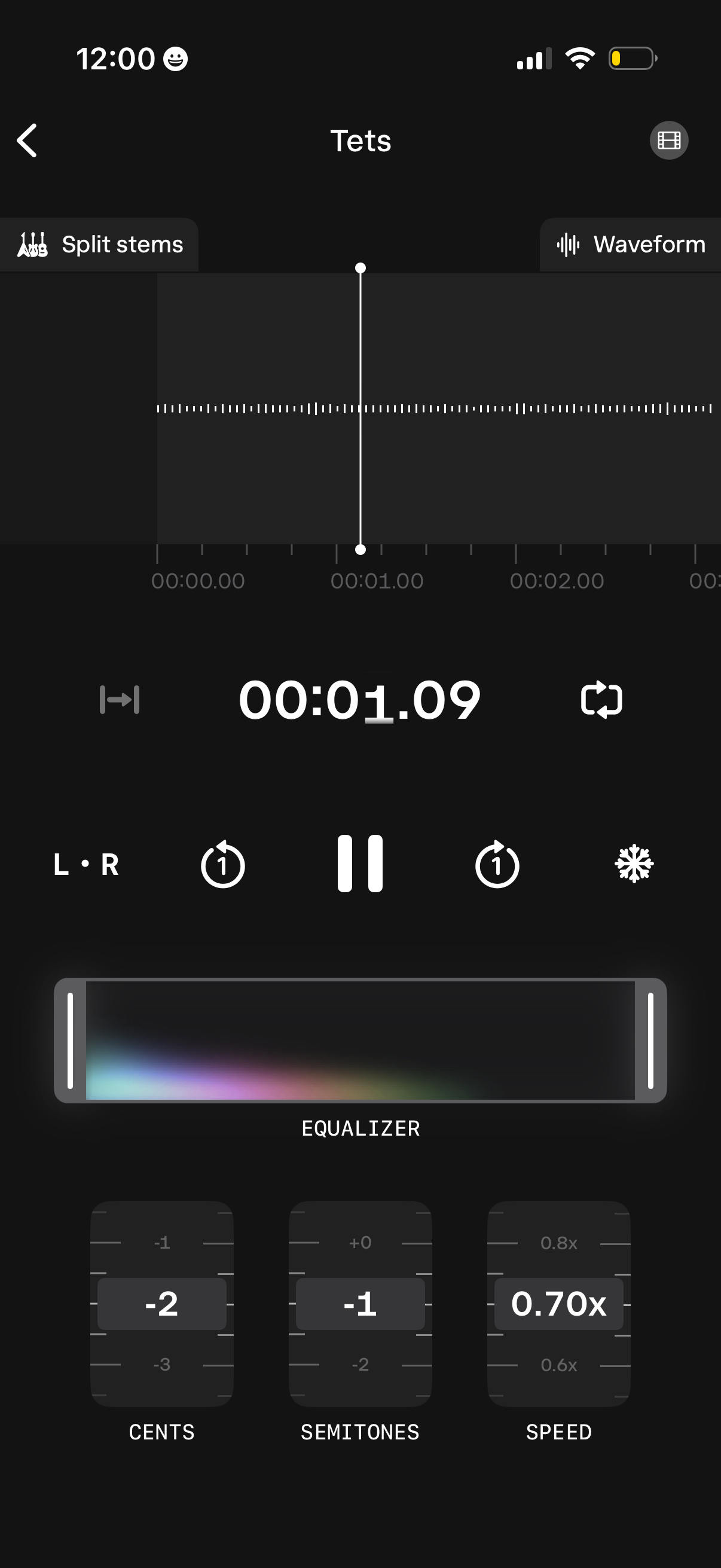
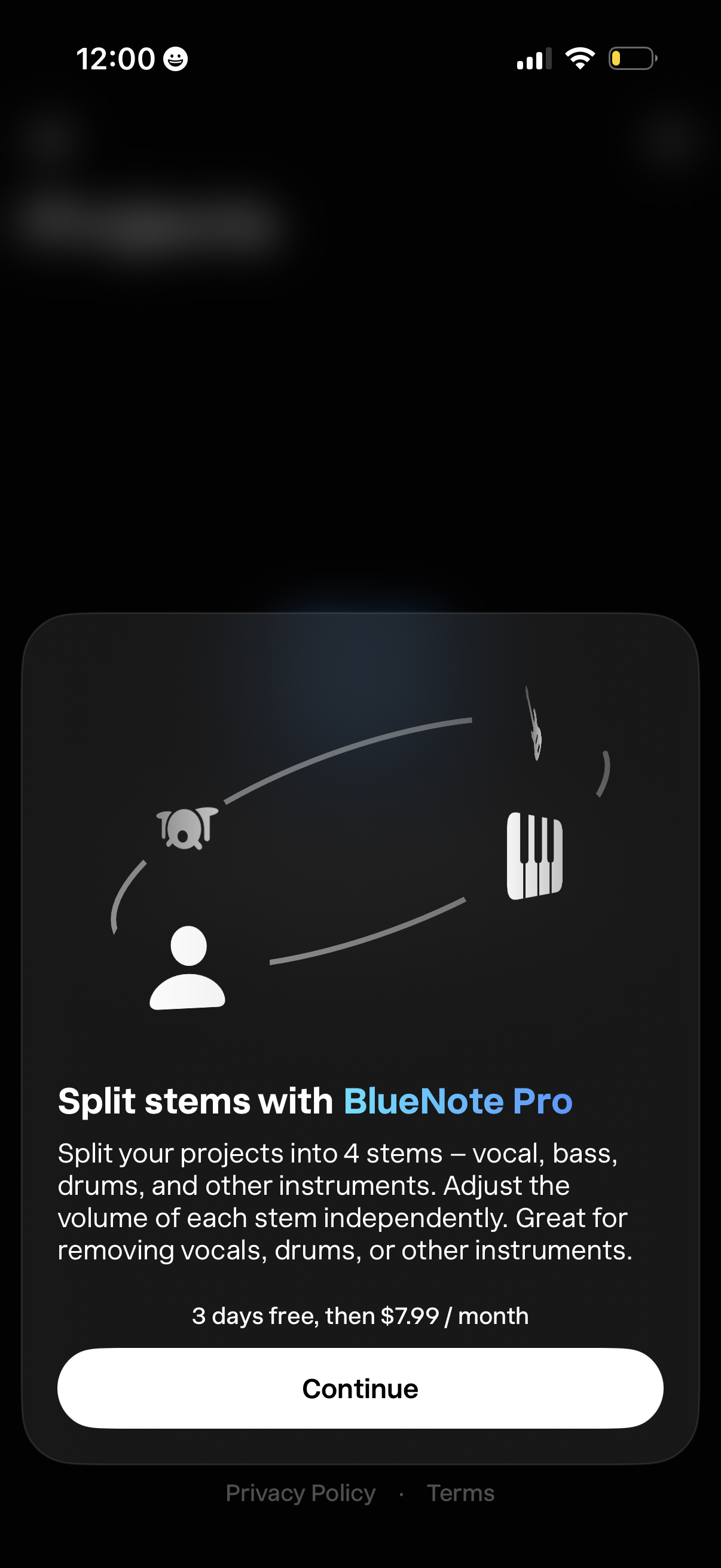
BlueNote is a simple tool that helps you learn music by ear. Features: Stem Split: Split your projects into 4 stems – bass, vocals, drums, and other instruments. Adjust the volume of each stem independently. Great for removing vocals, drums, or other instruments. Sheet music: Get sheet music for any audio or video. Works best with piano-like instruments. Speed Control: Slow down or speed up playback without altering pitch, perfect for intricate solos. Pitch Adjustment: Change the pitch to match your instrument or preferred key. Audio Freeze: Pause at any point to dissect complex rhythms and notes. Looping Audio: Seamlessly loop specific sections of any audio or video. Audio & Video Integration: Add your choice of audio or video files to transcribe. Video Zoom: Zoom in on videos for detailed visual analysis of fingerings and techniques. Advanced EQ: Customize your listening experience with high pass and low pass filters. Stereo Channel Isolation: Focus on left or right audio channels to hear nuanced components of the solo. Project Management: Organize your transcriptions efficiently with a user-friendly interface.
Compare competitors with Lazyweb
Search every screen, flow, and UX pattern in one place.