
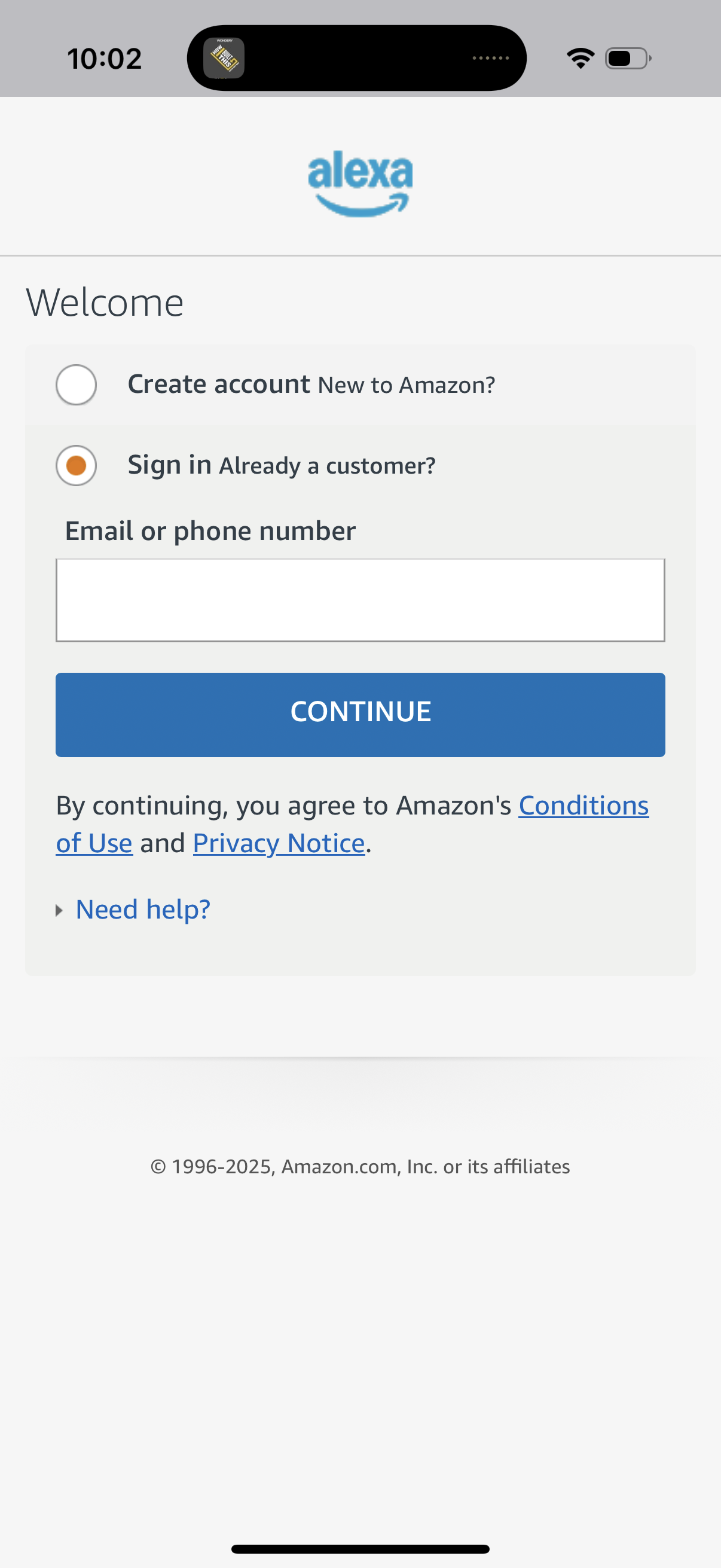
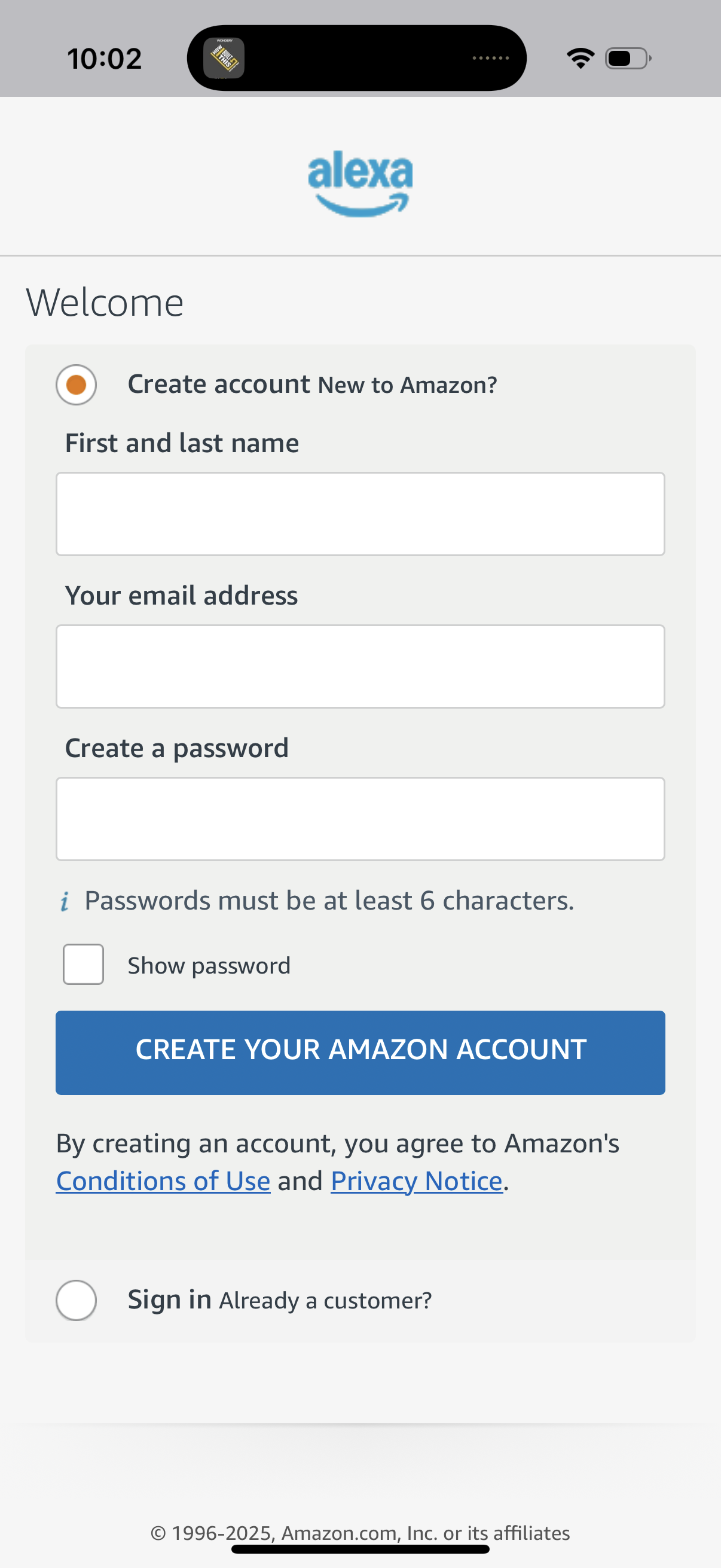
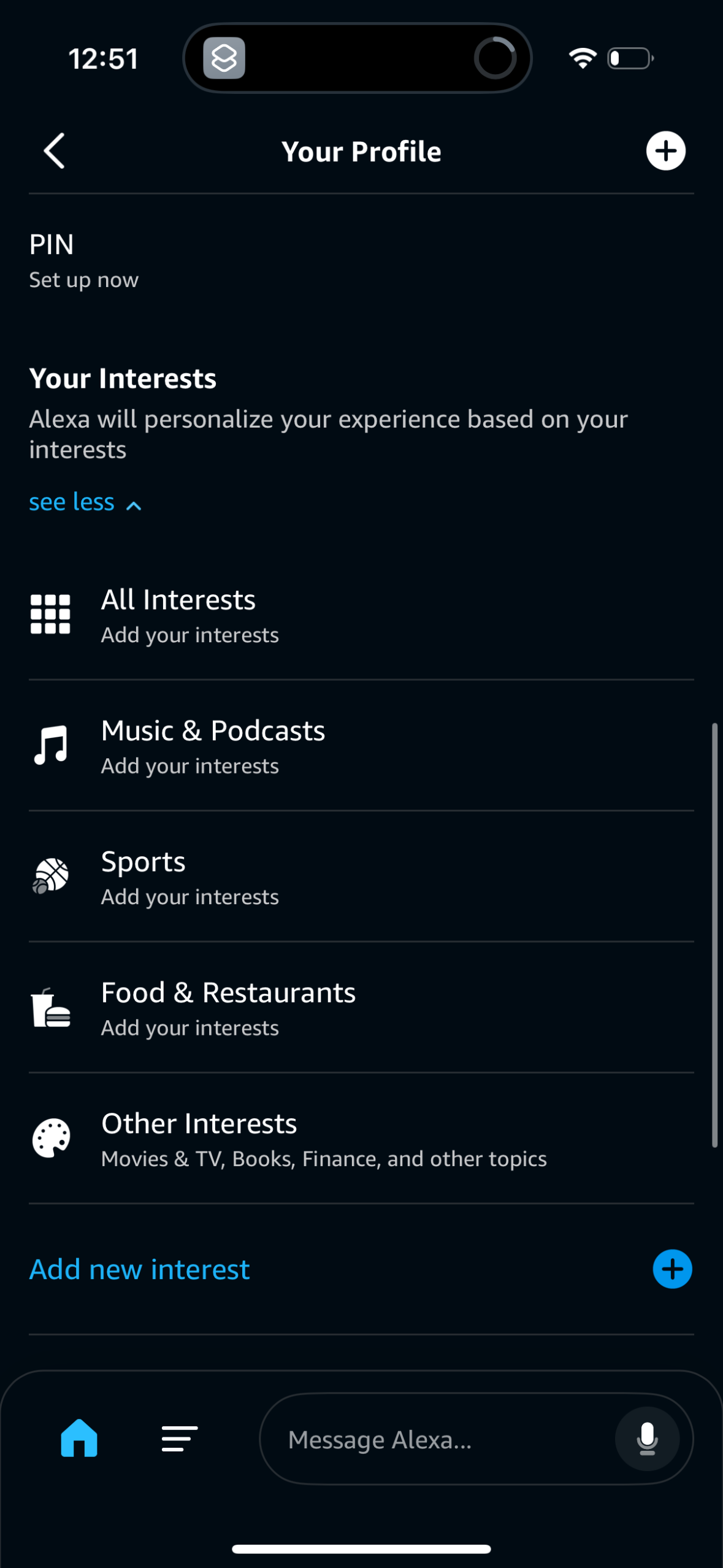
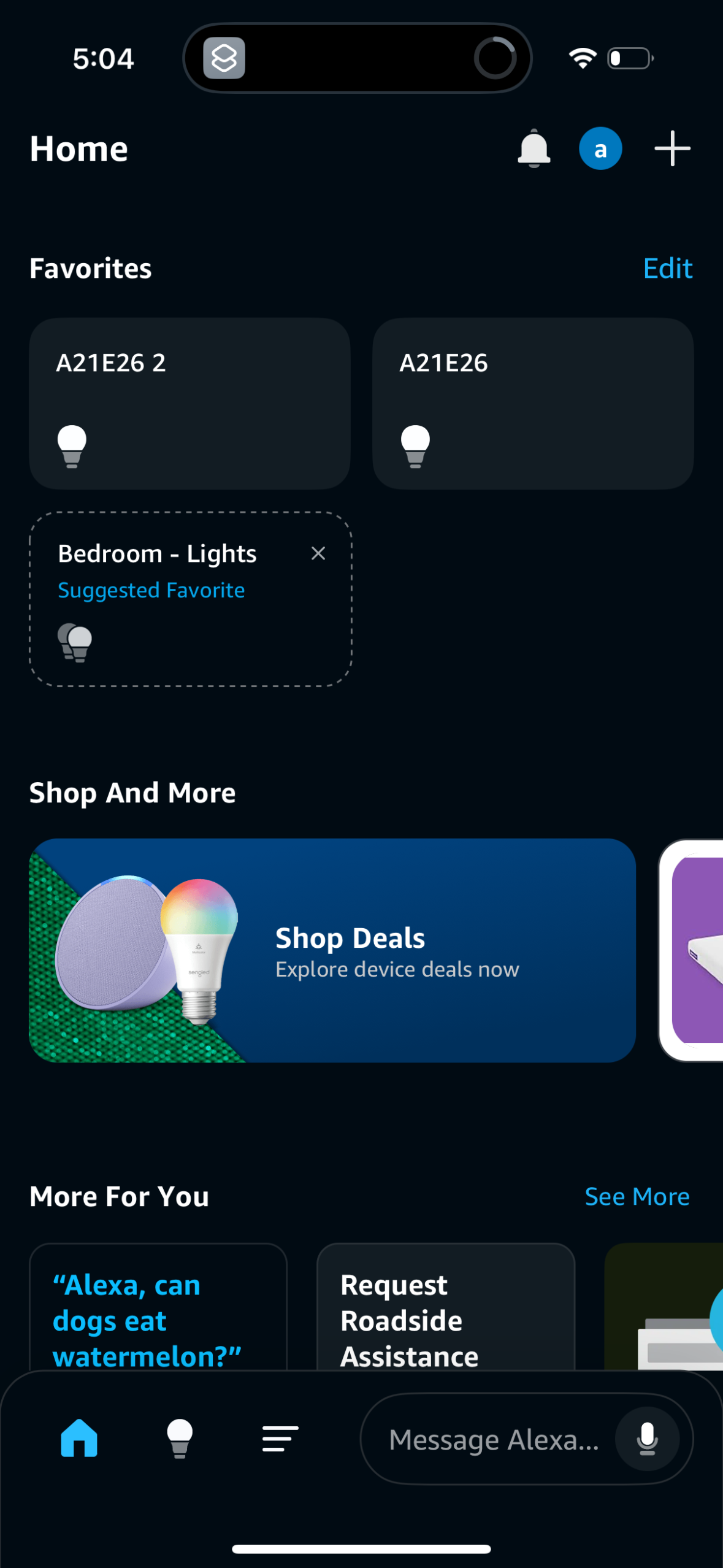
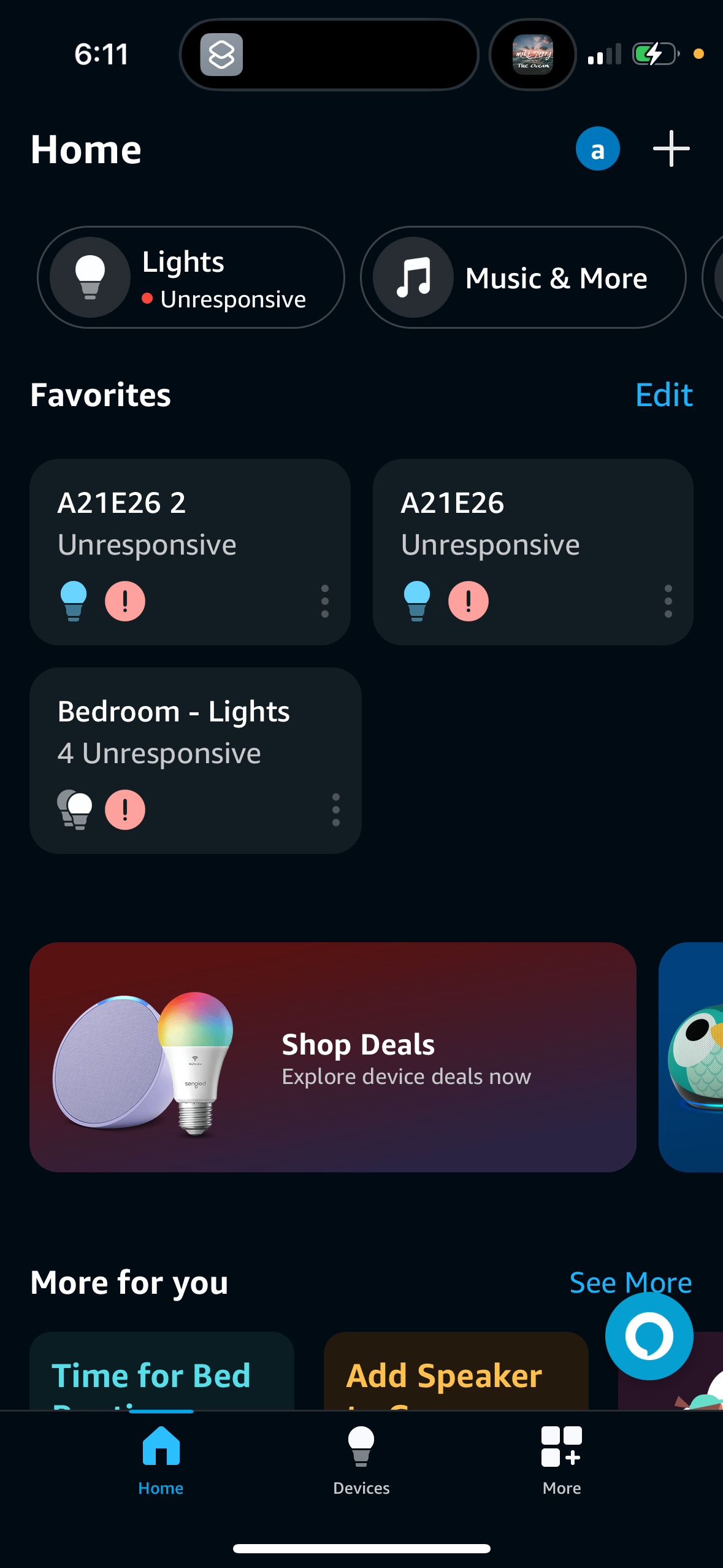
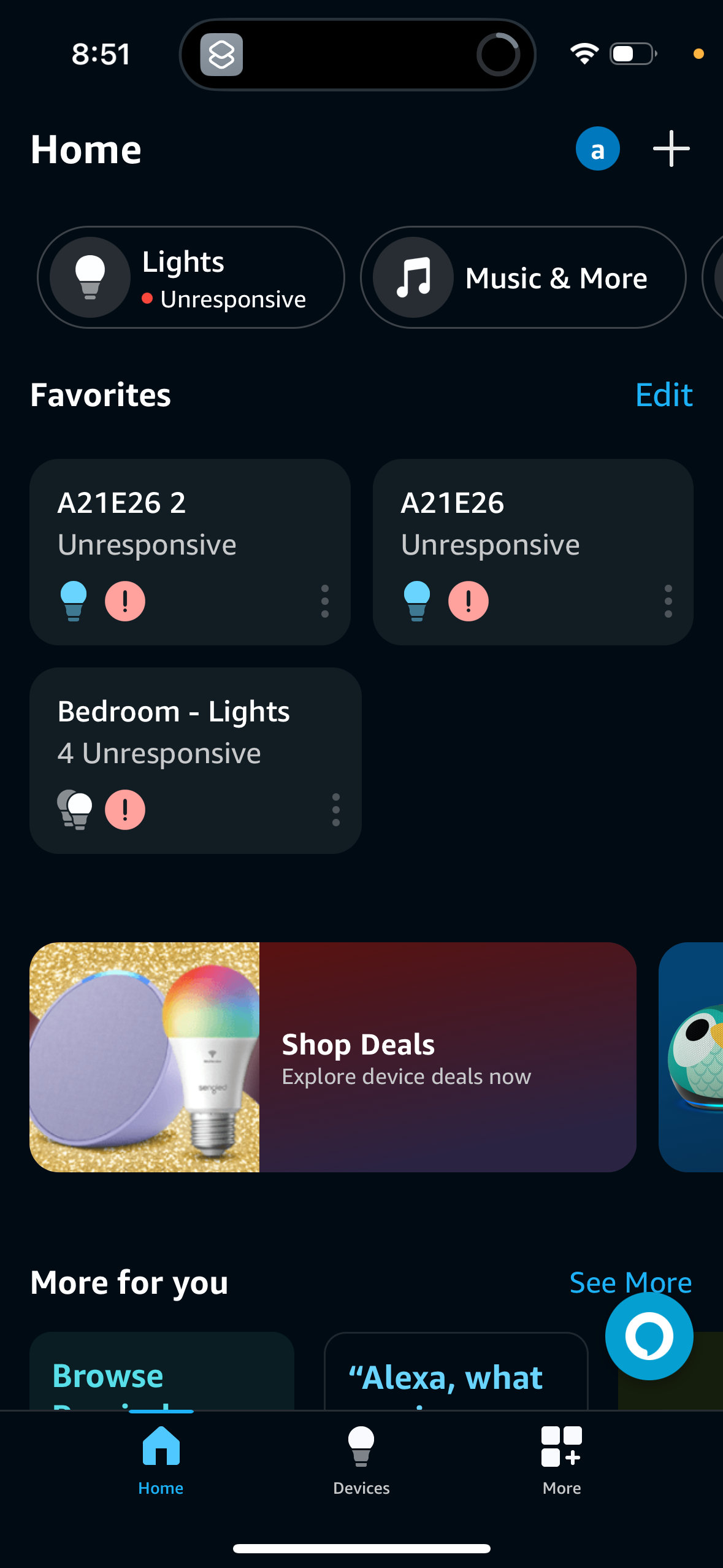
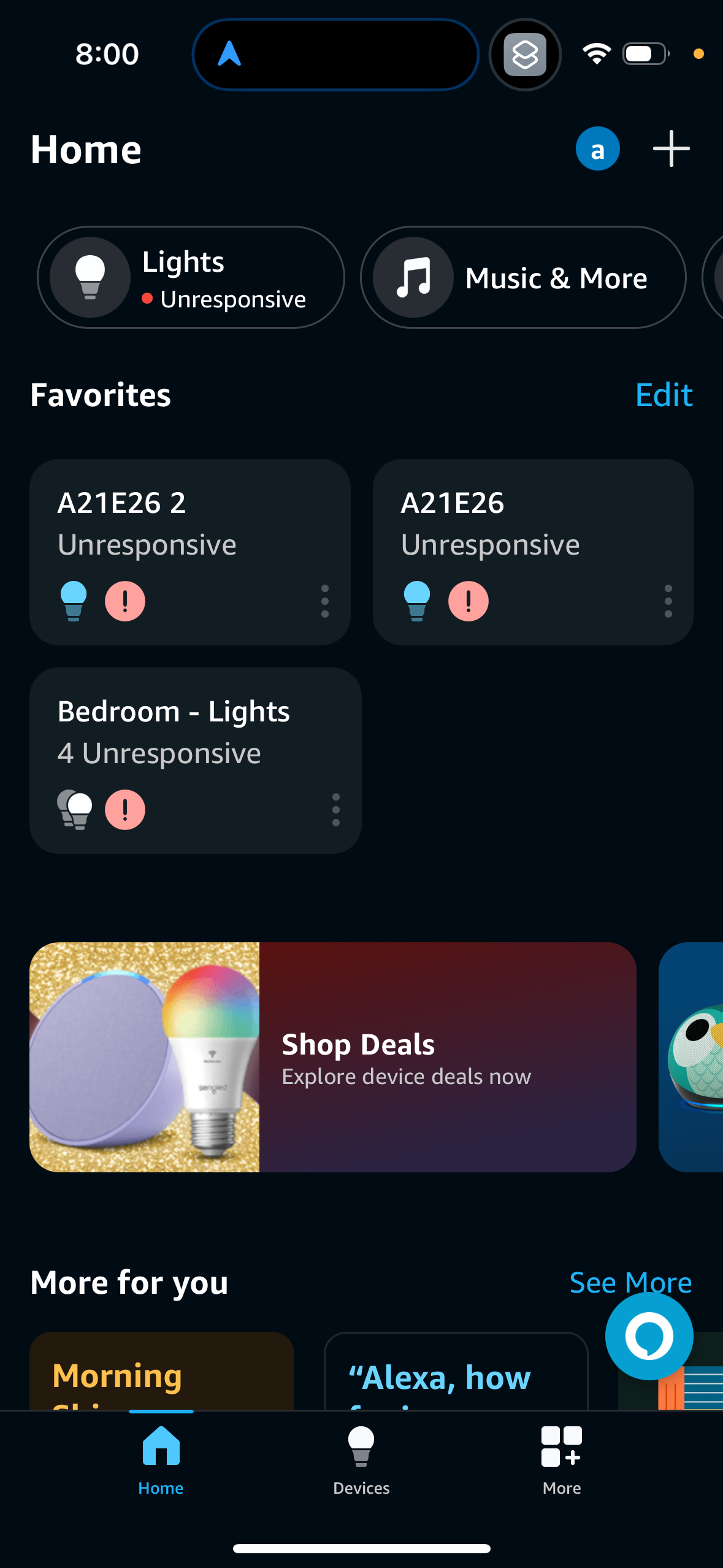
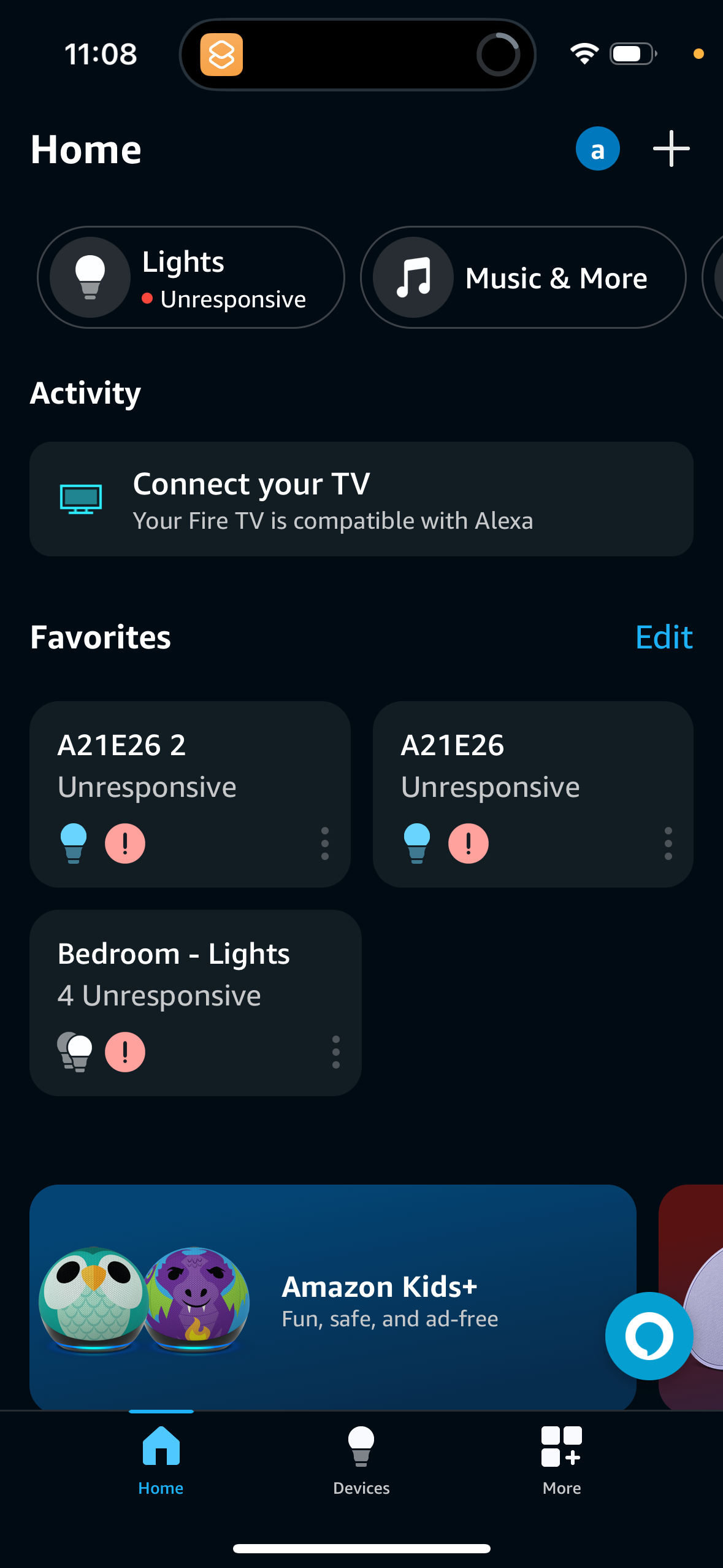
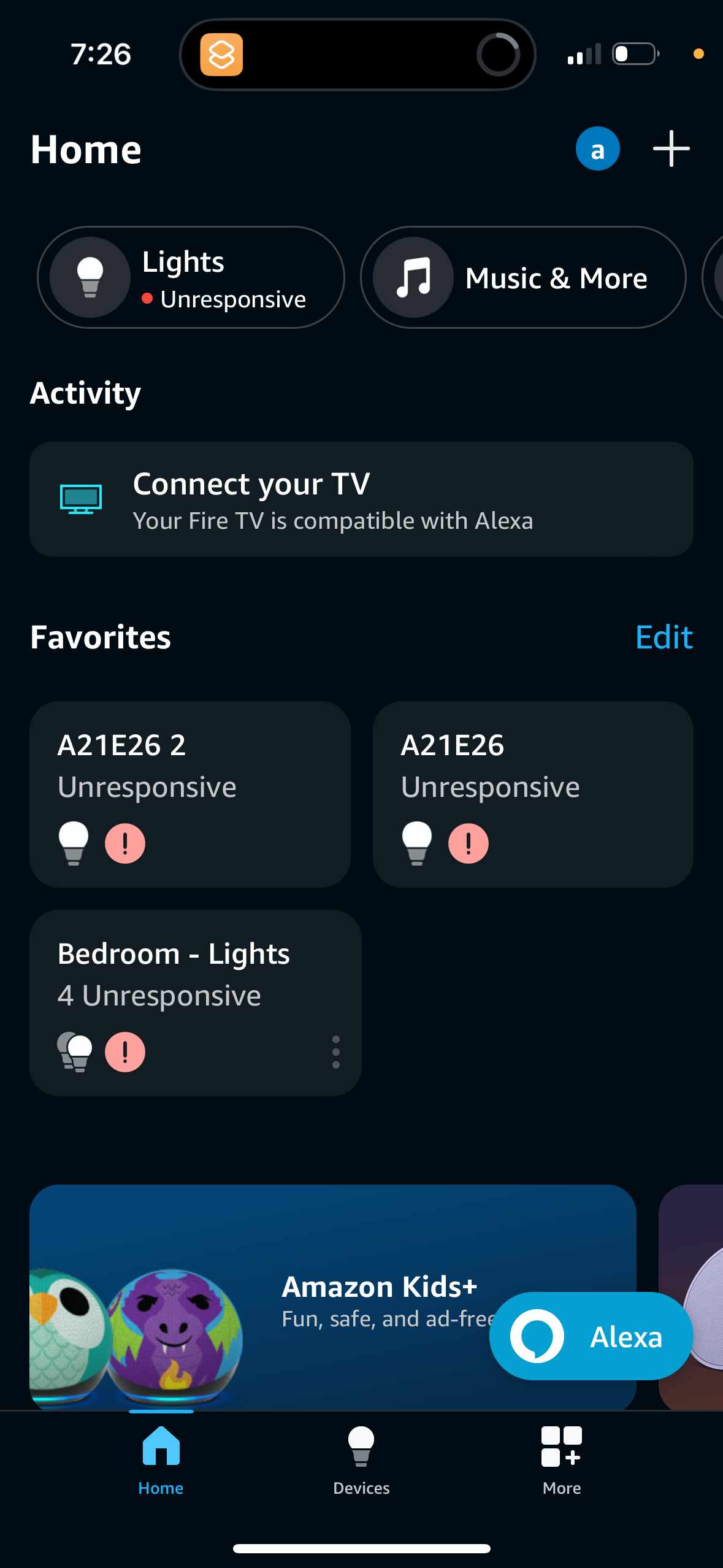
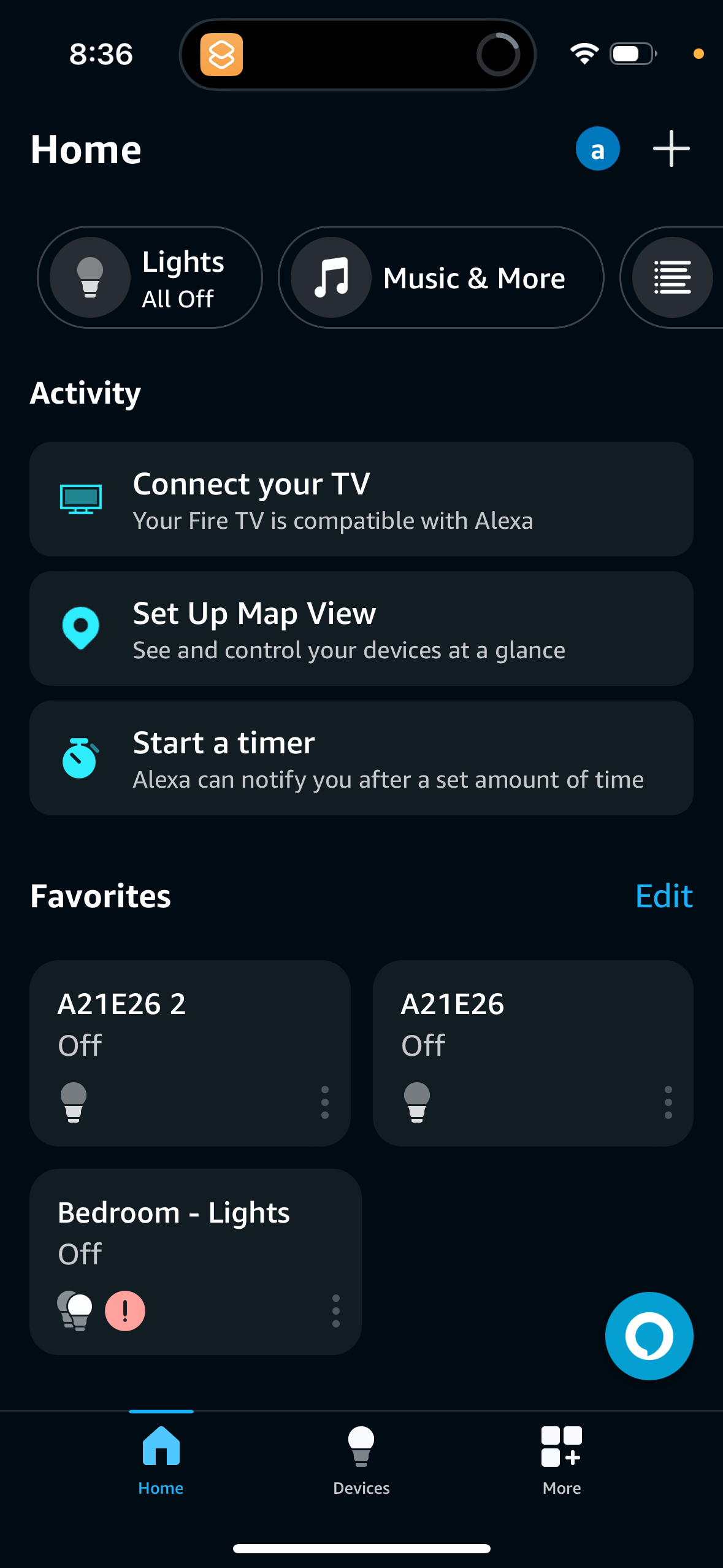
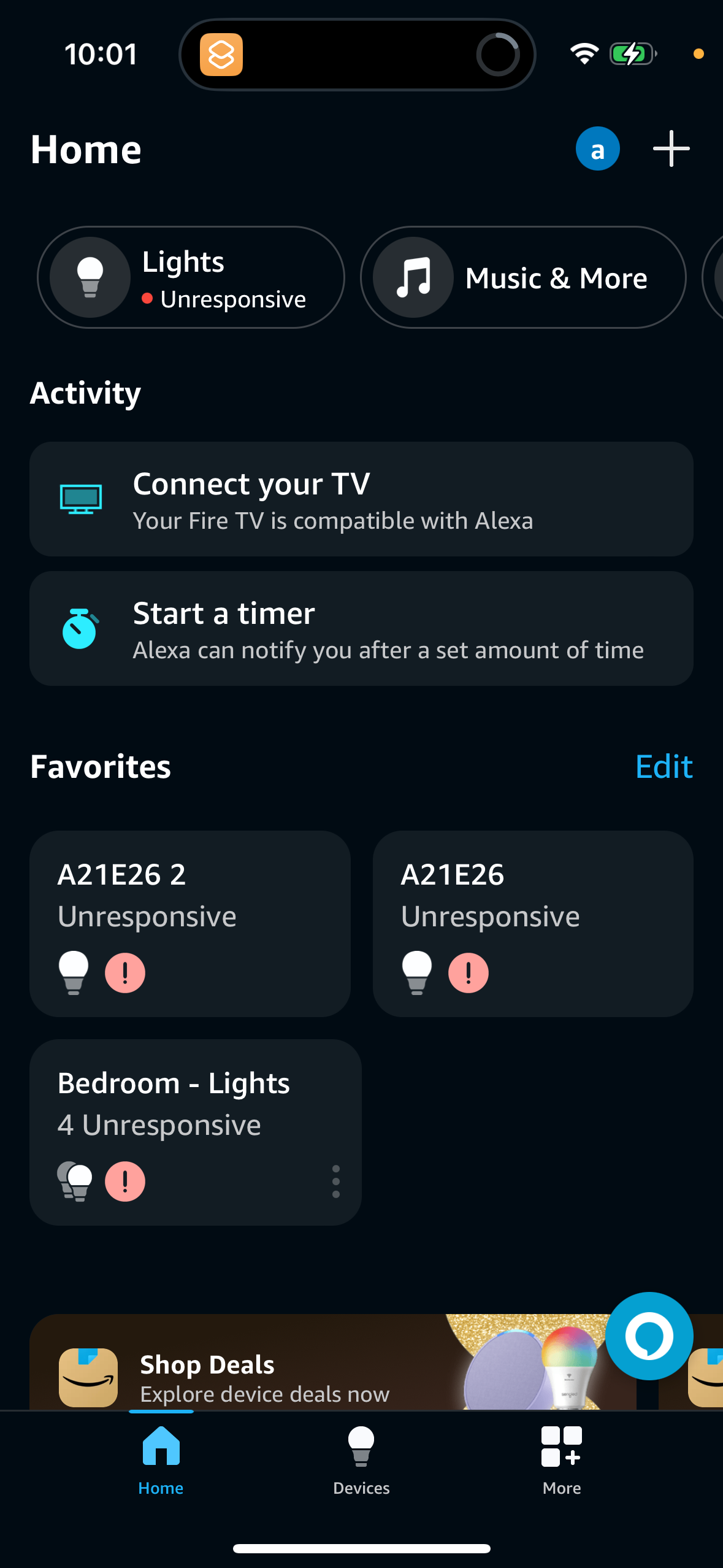
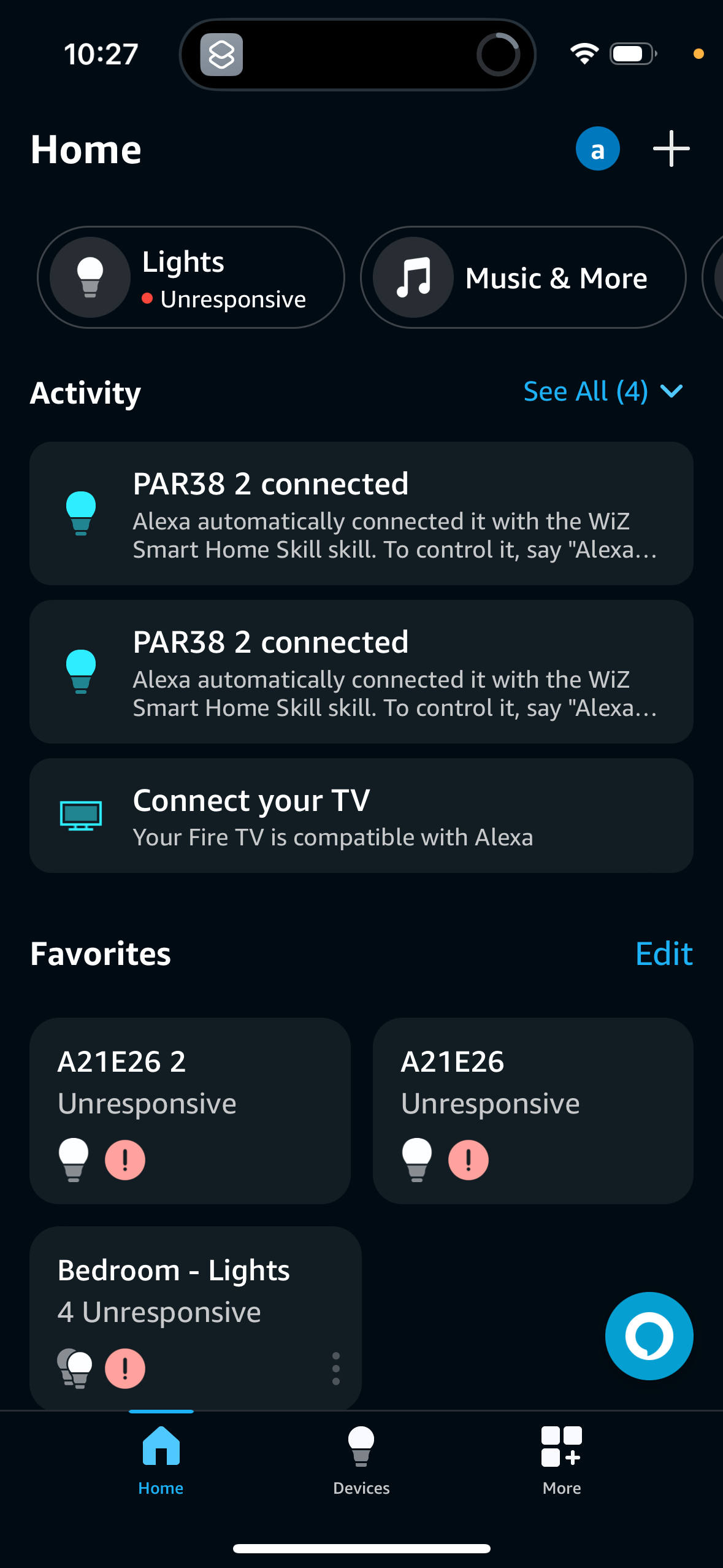
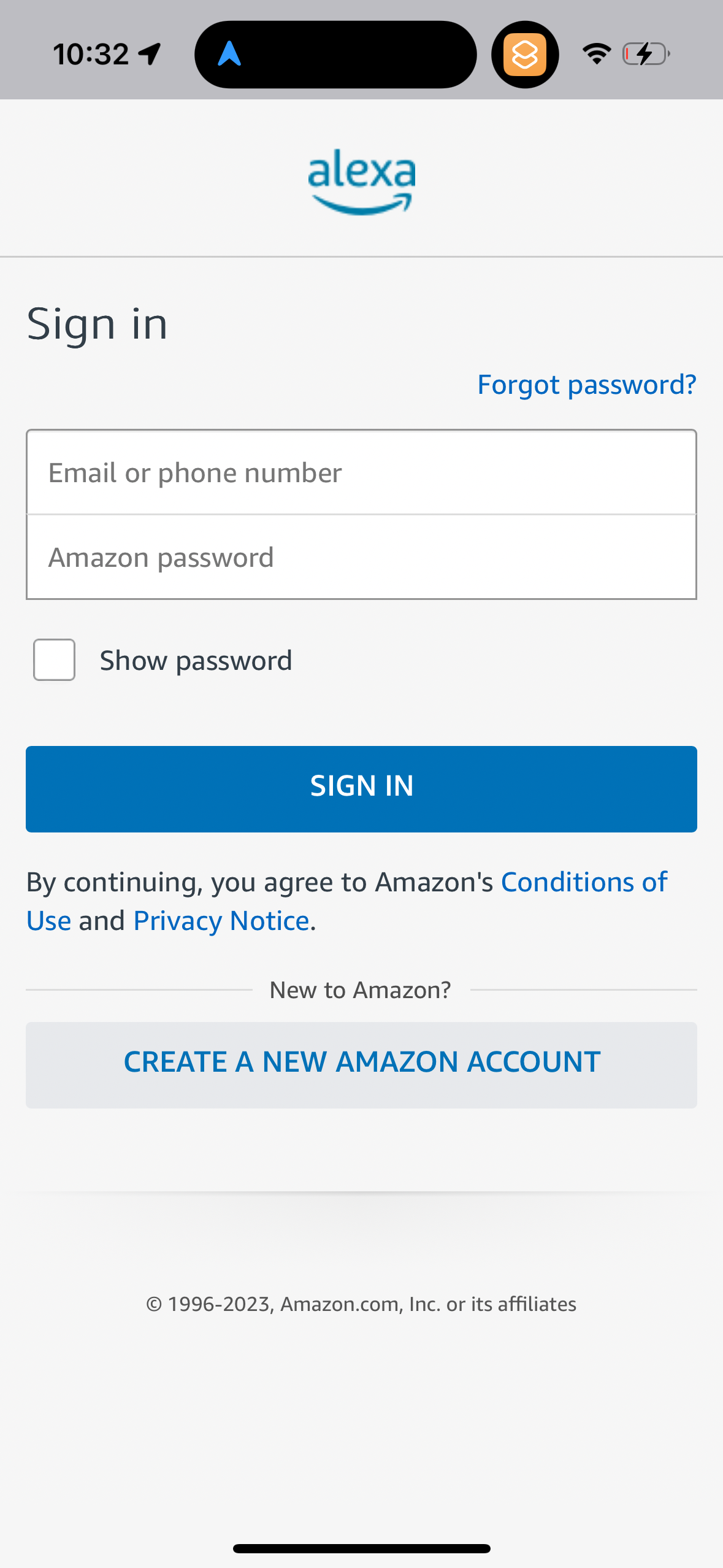
alexa screenshots
Explore up to date profile, dashboard, notifications, onboarding, and login flows from alexa and more on Lazyweb.
alexa app screenshots and user flows
Browse alexa screens, user flow examples, and UI patterns. Explore profile, dashboard, notifications, onboarding, and login flows inside Lazyweb's 100k+ screen design research library for competitive analysis and benchmarking.
Lazyweb is a blazing-fast design research library with 100k+ real app screens, user flow examples, UI patterns, and product design patterns for competitive analysis and benchmarking.
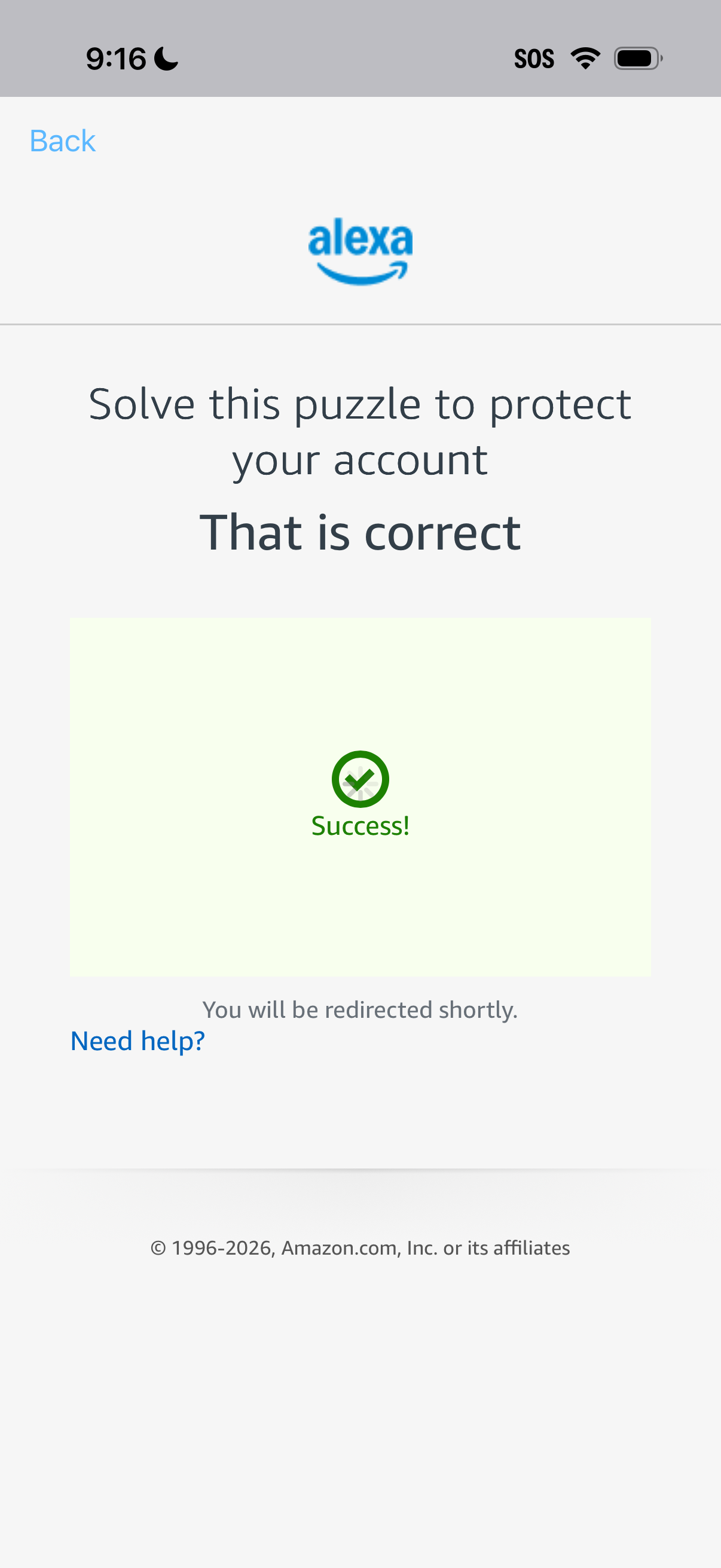
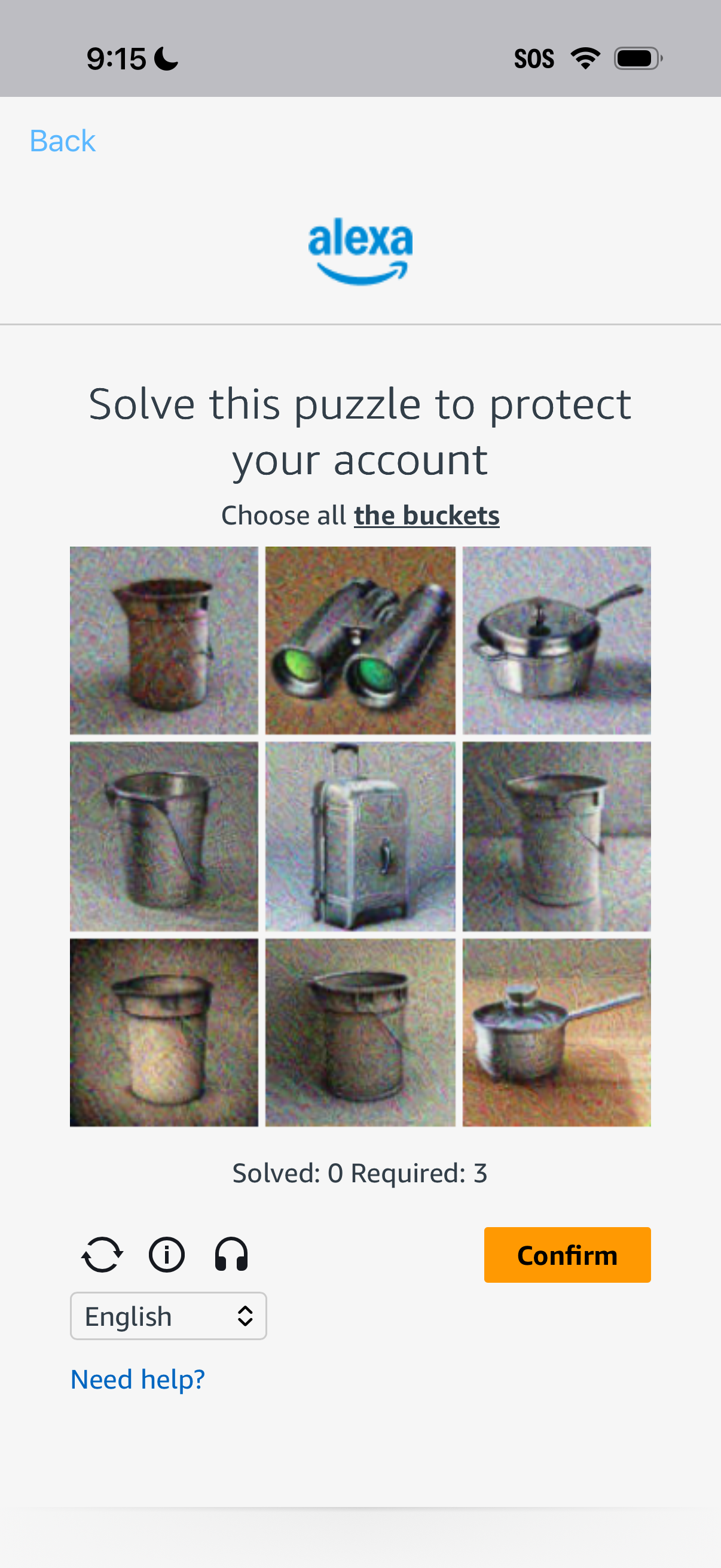
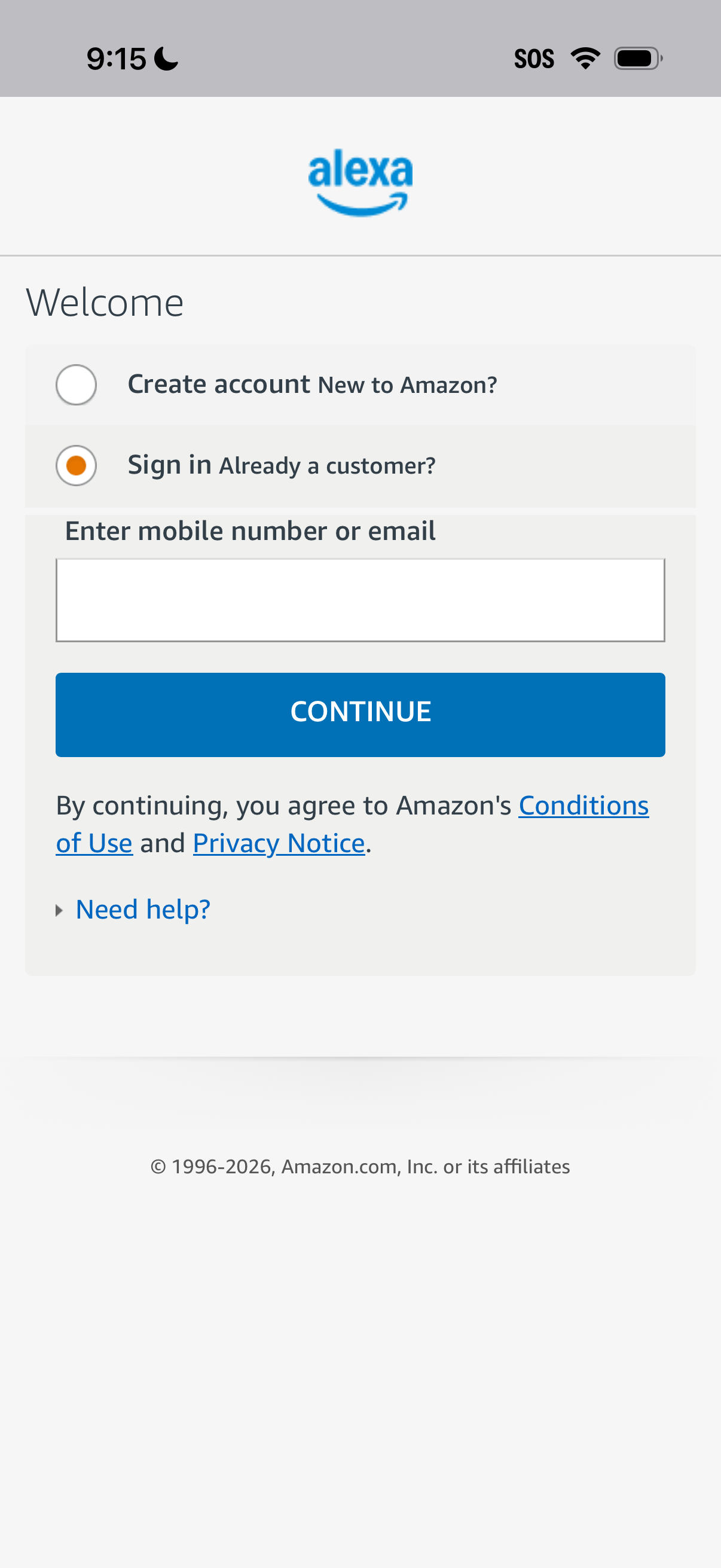
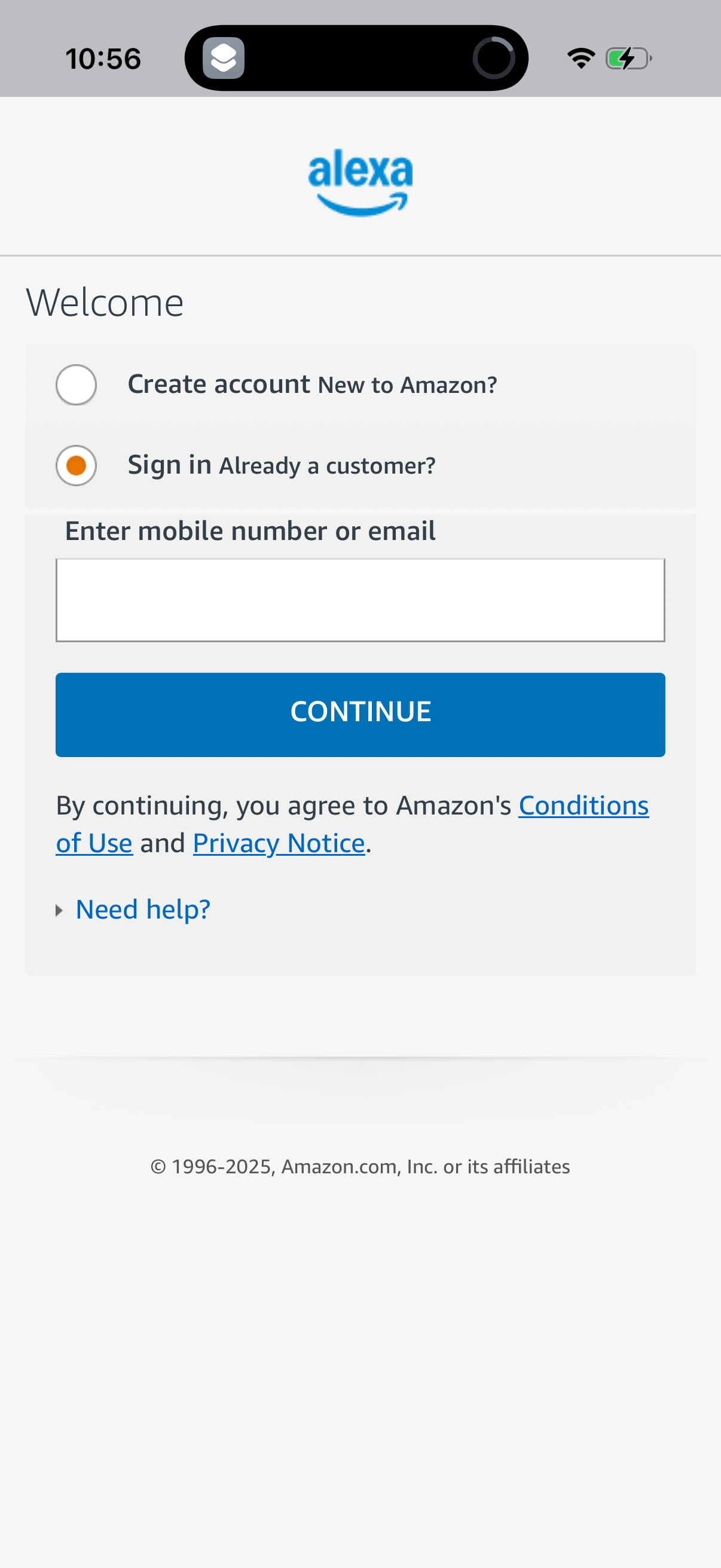
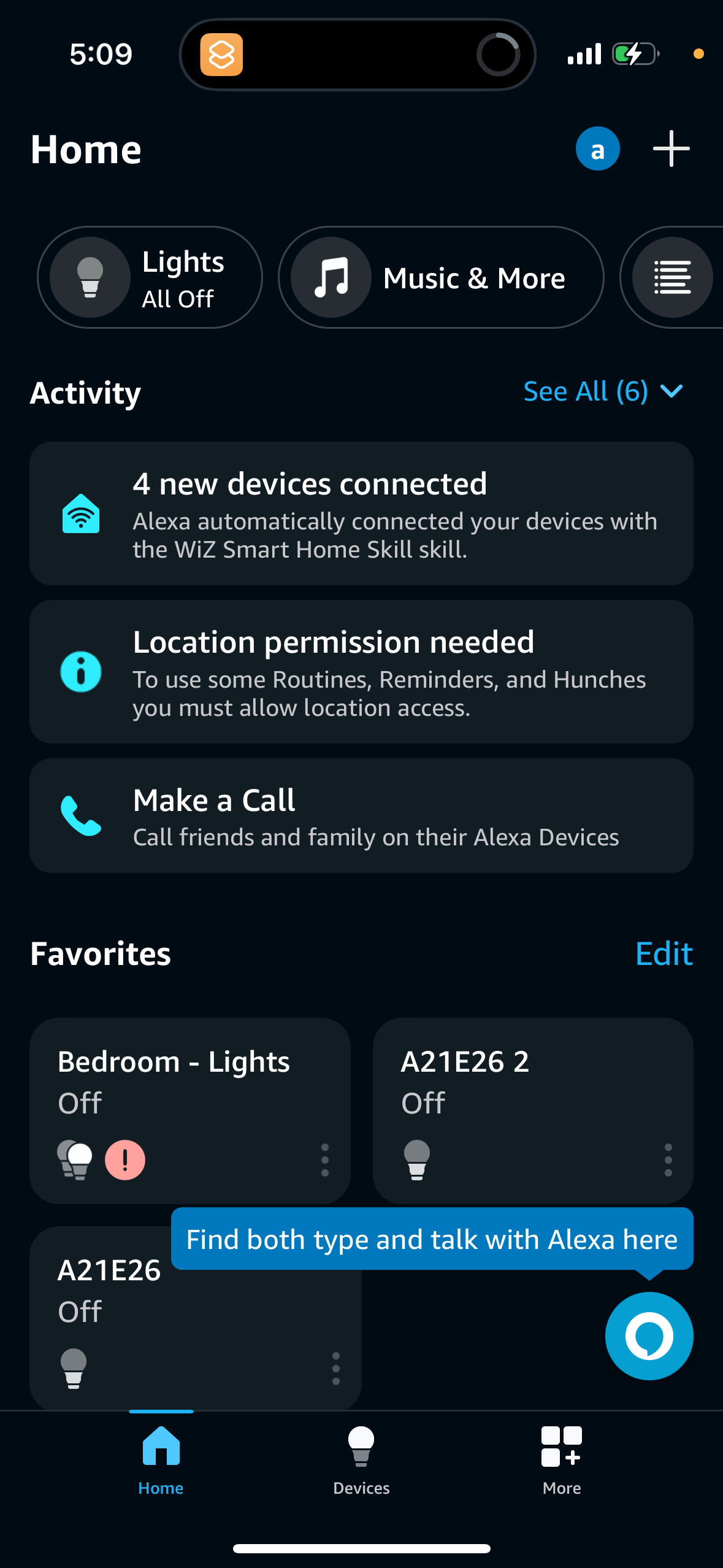
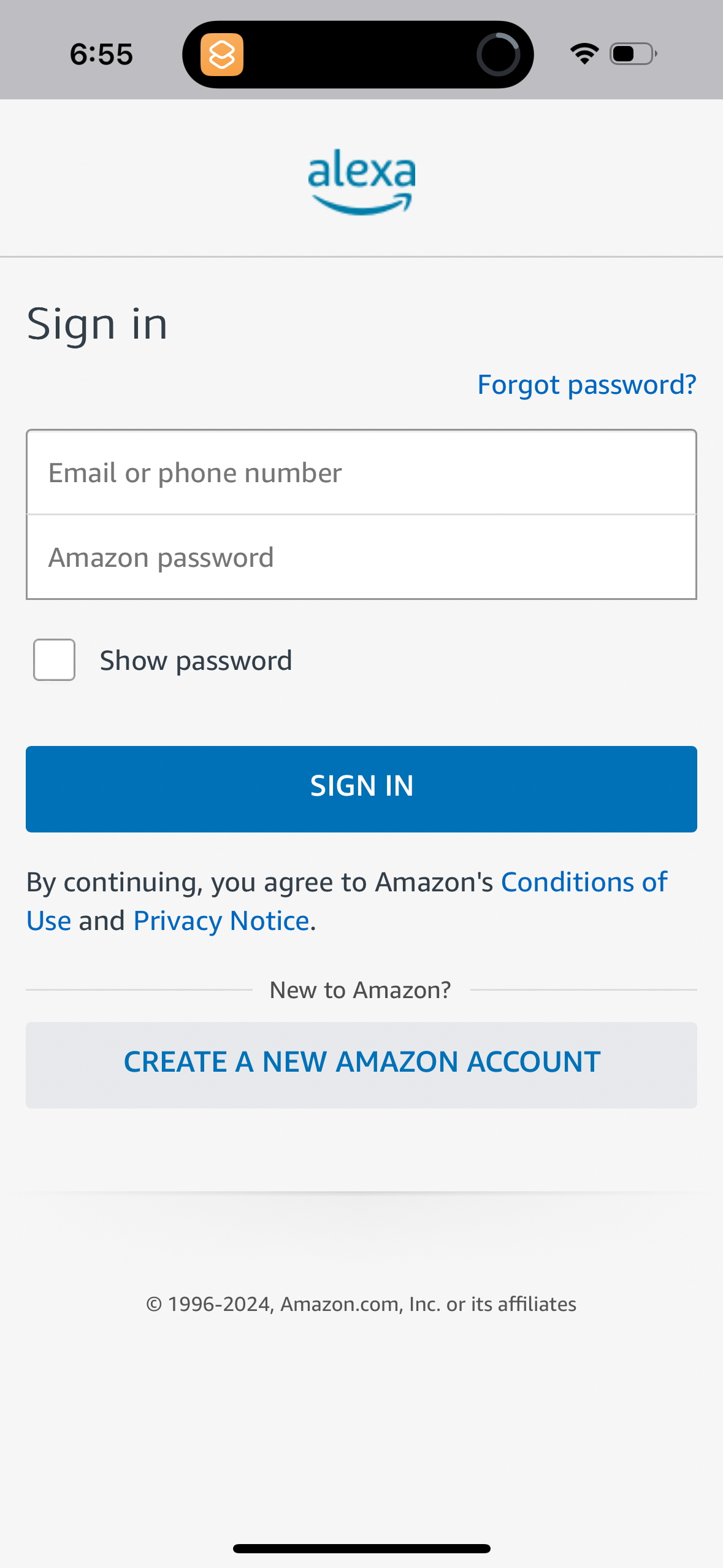
Screenshots
The first 5 screenshots are shown in full. Additional screens are blurred previews.

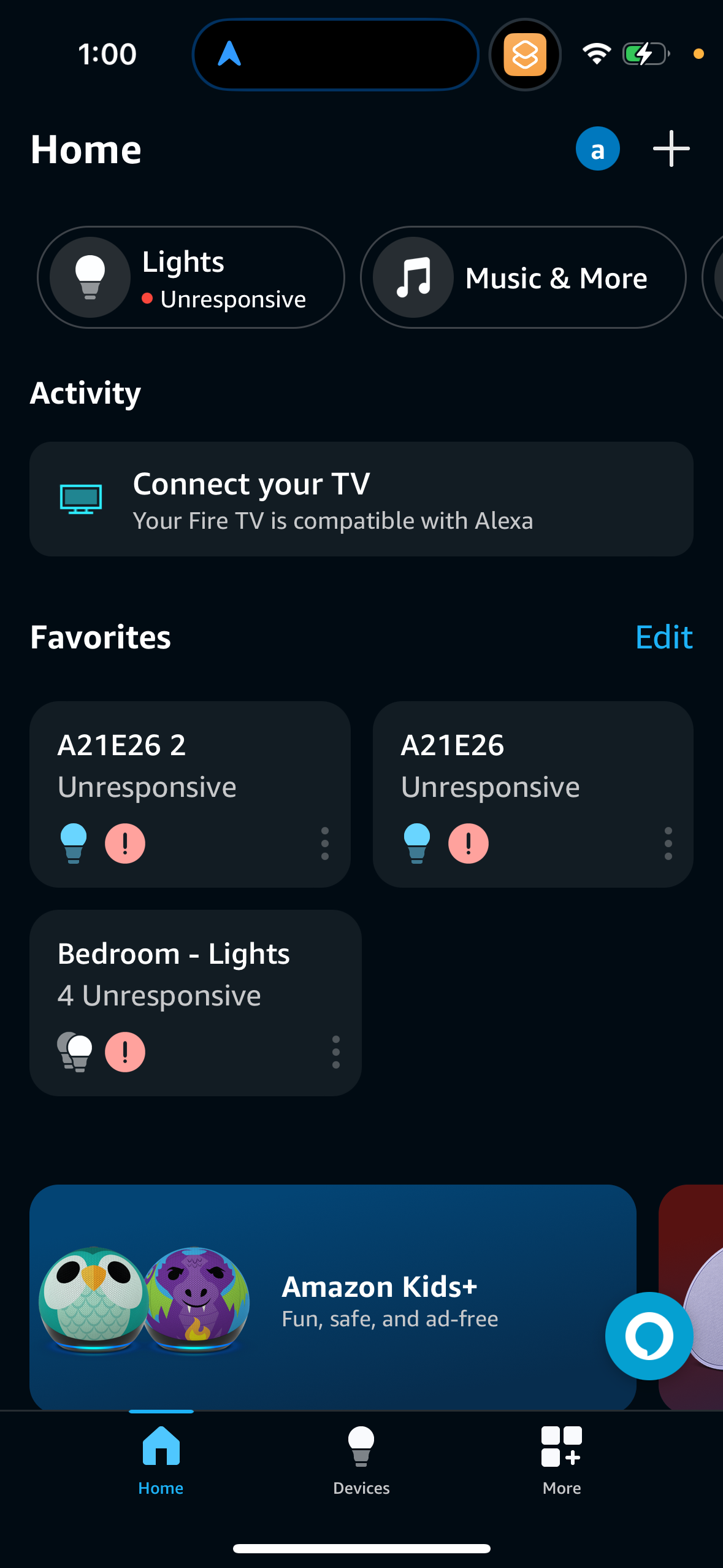
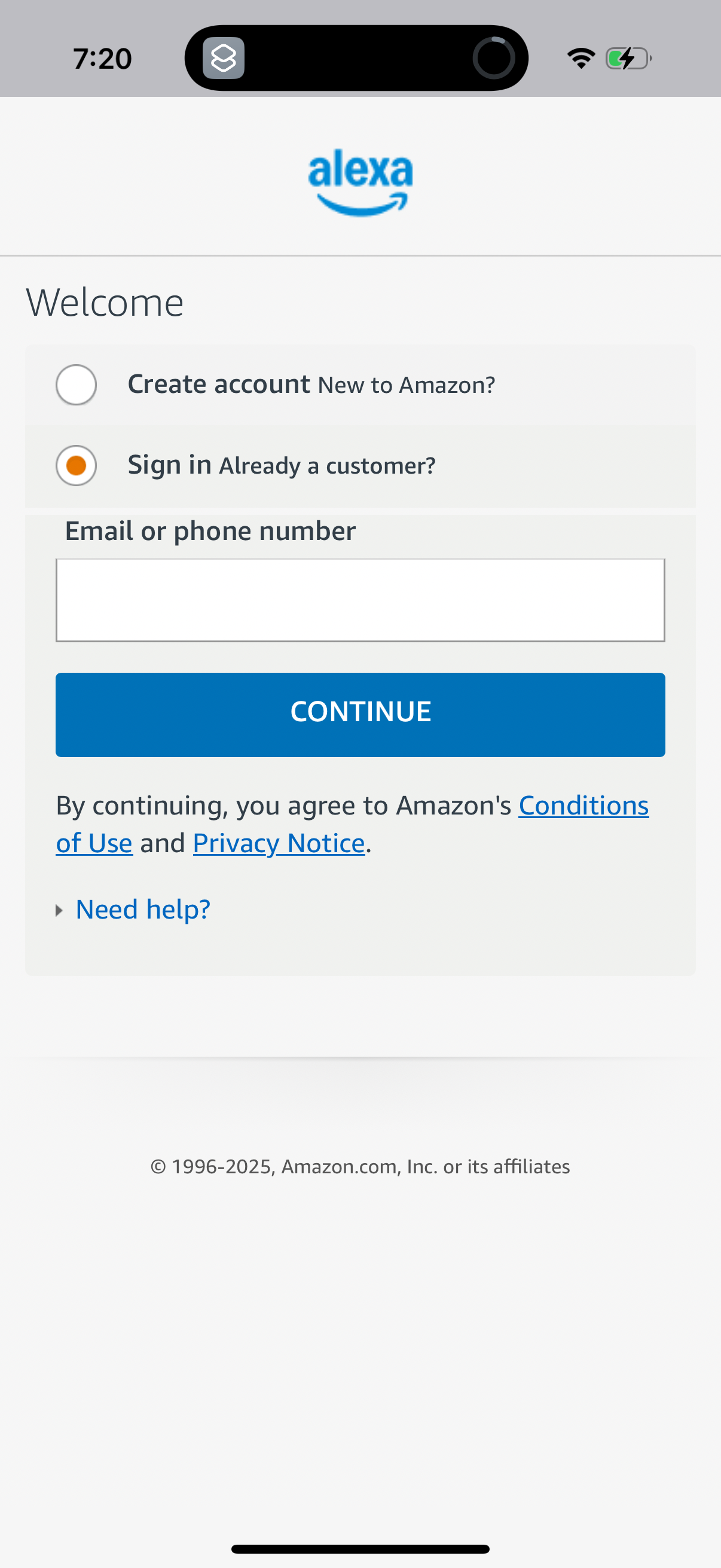
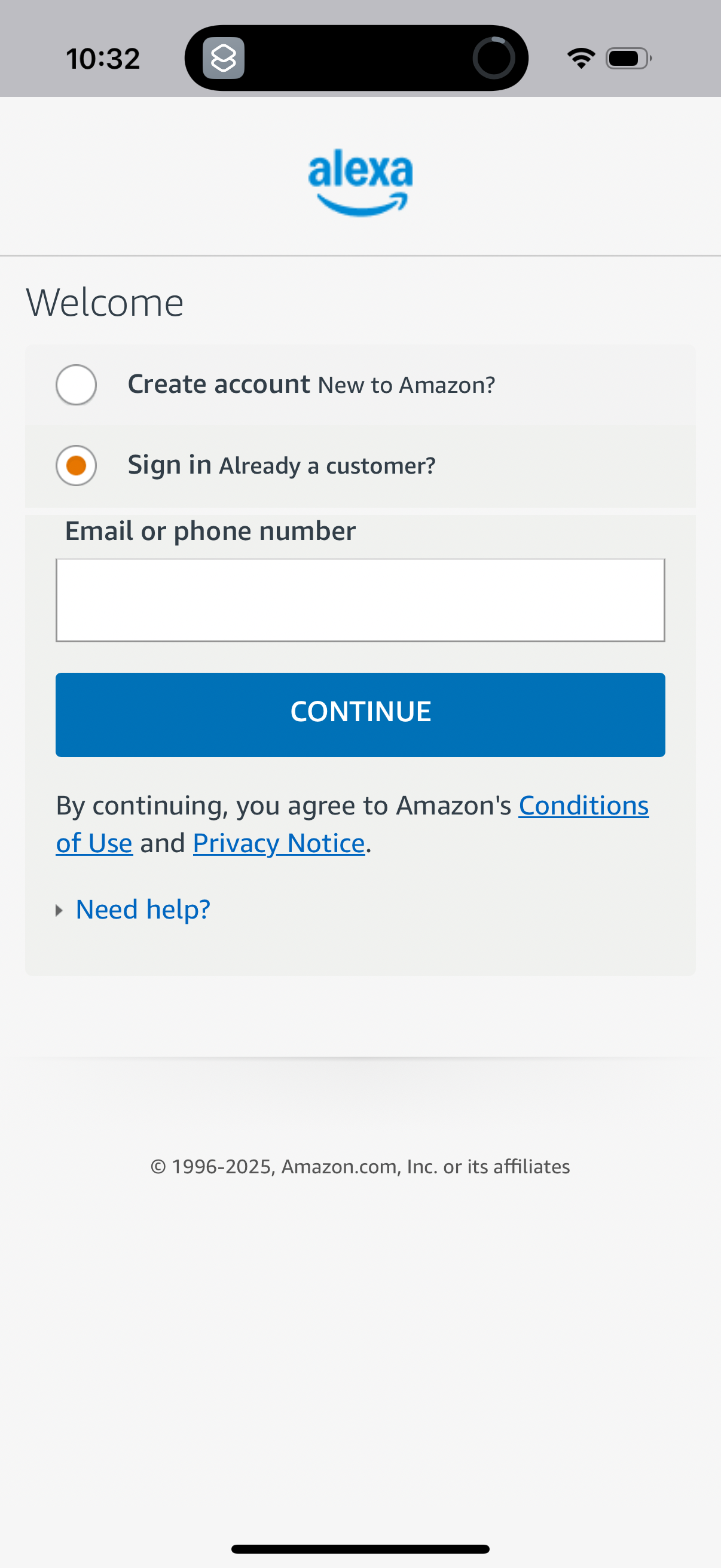
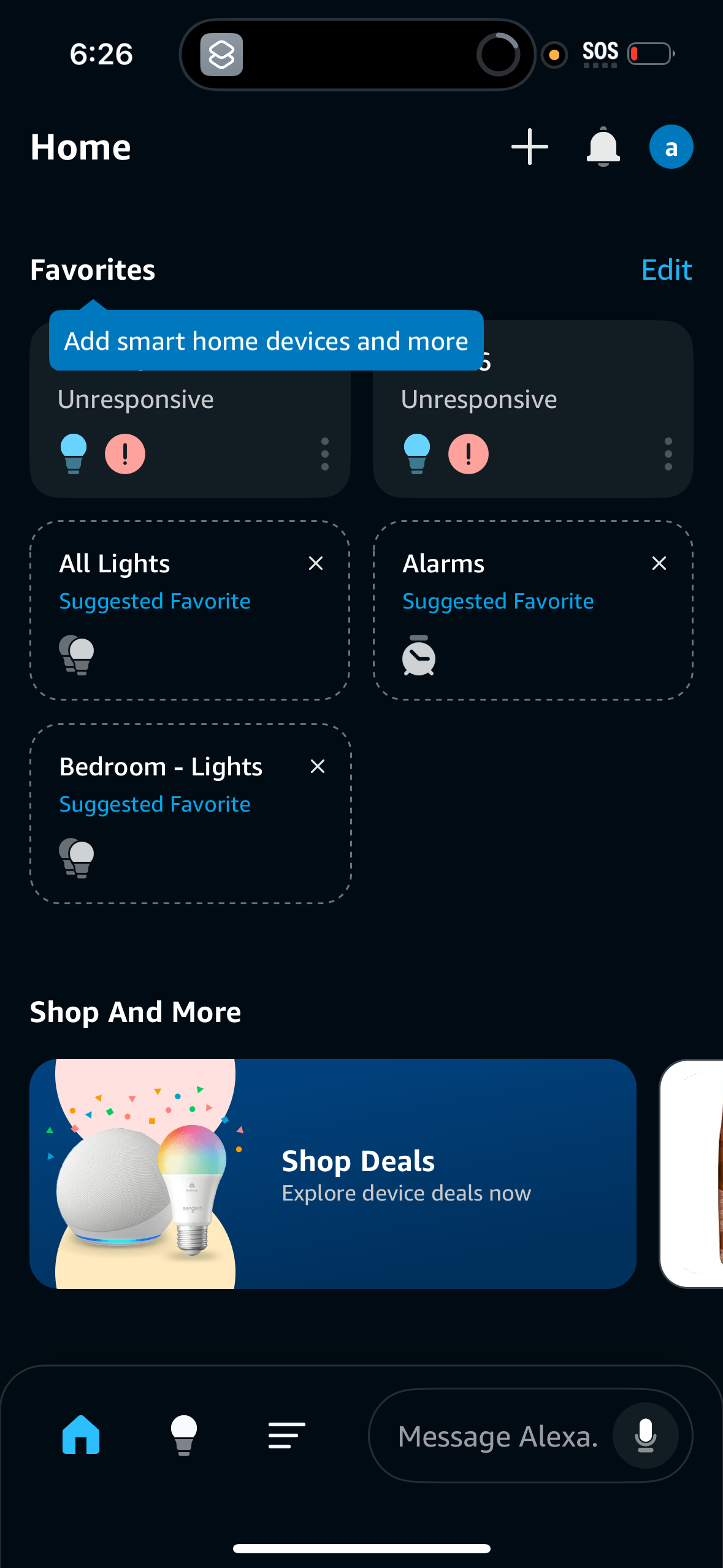
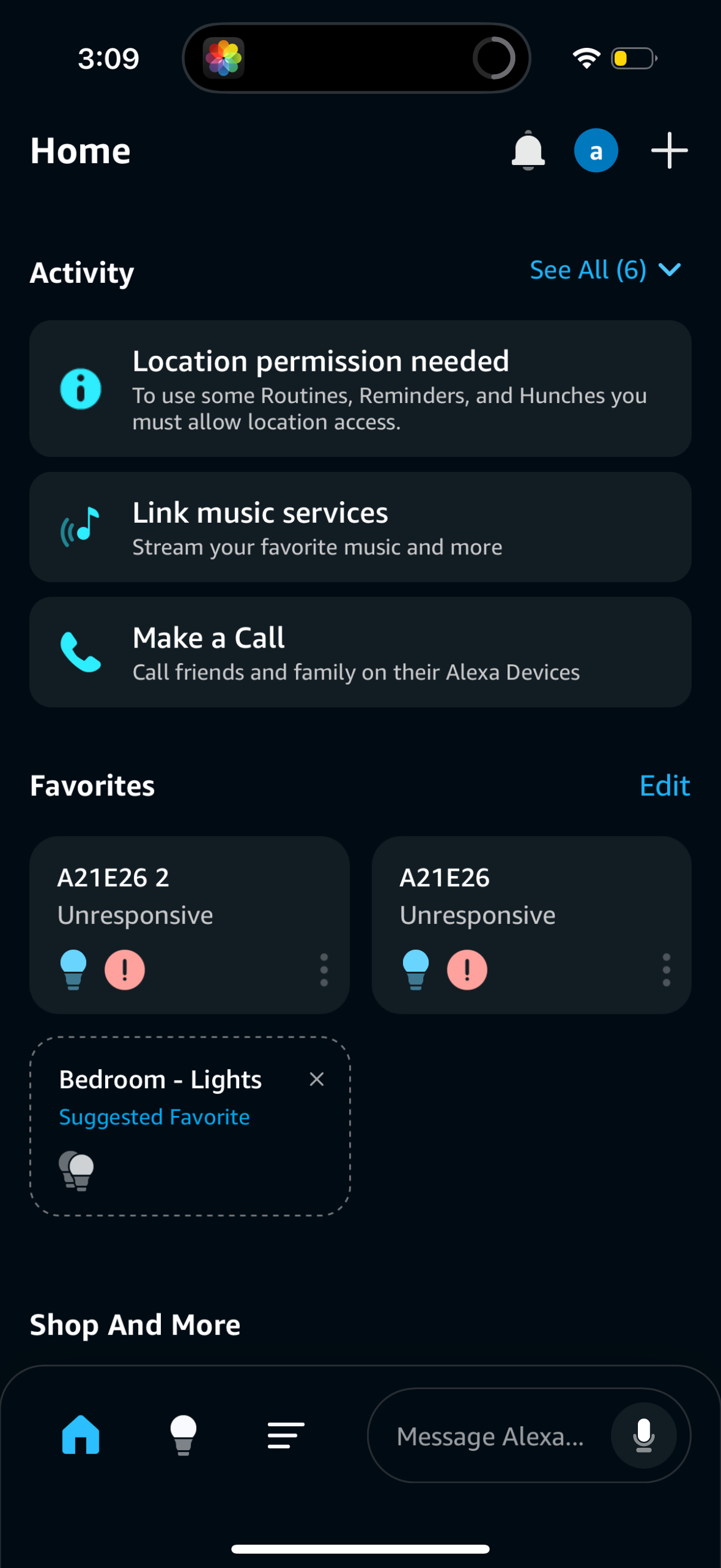
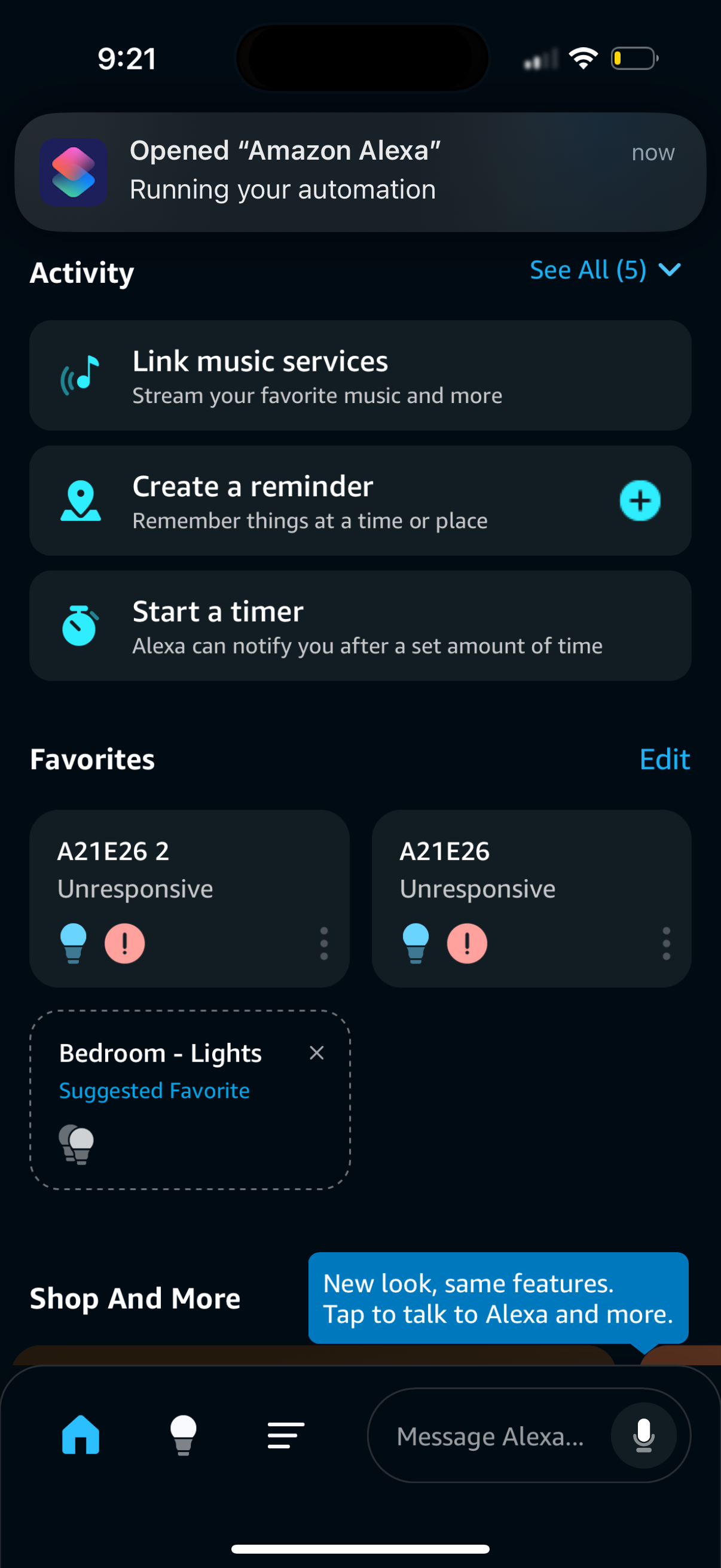
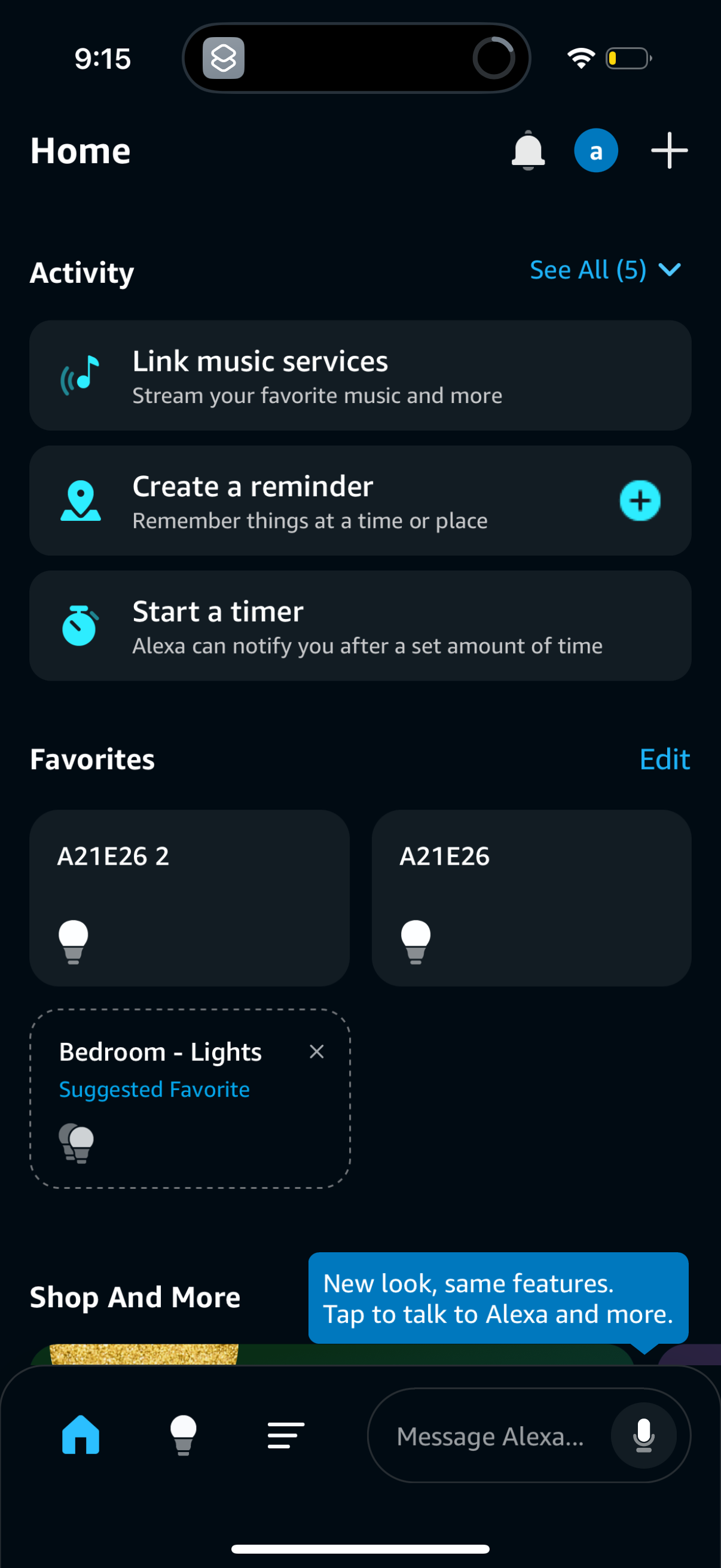
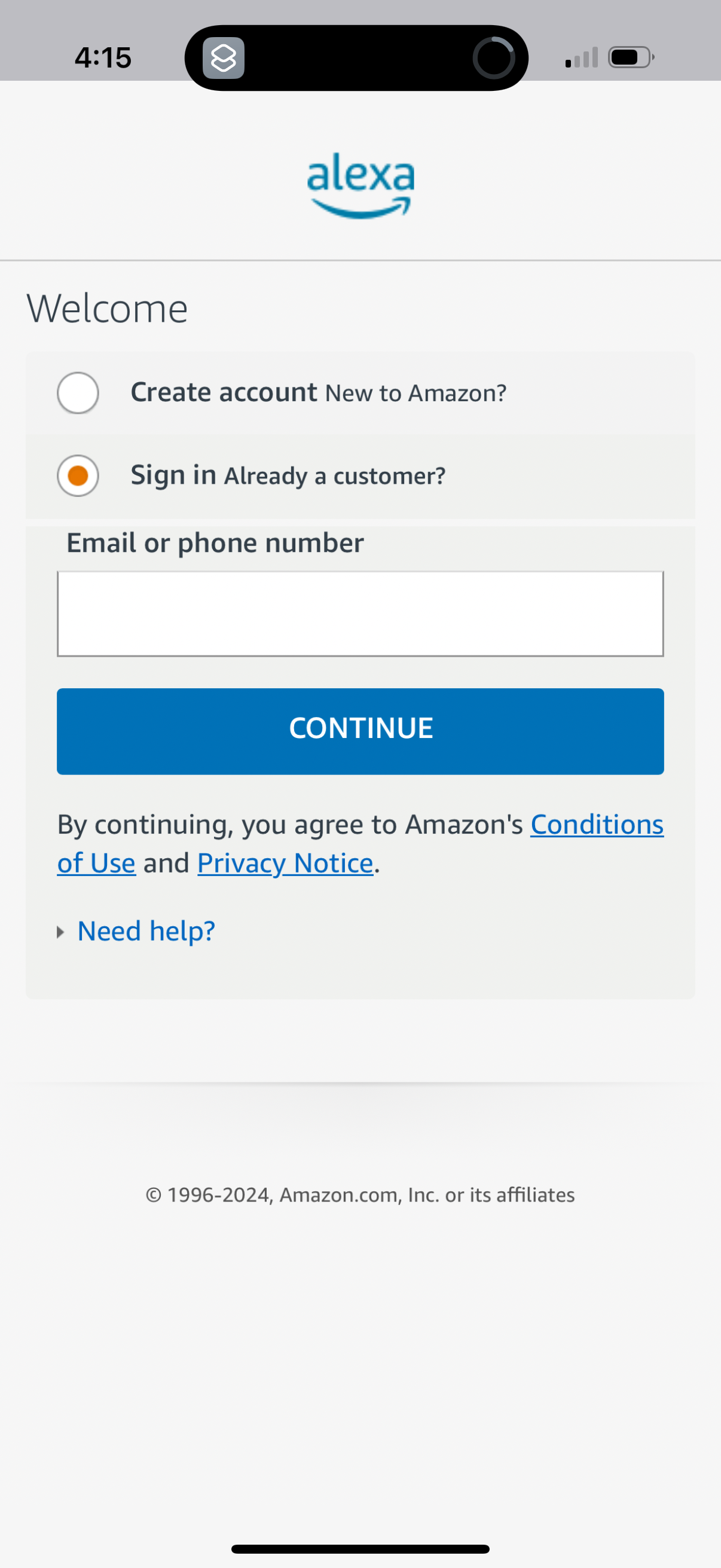
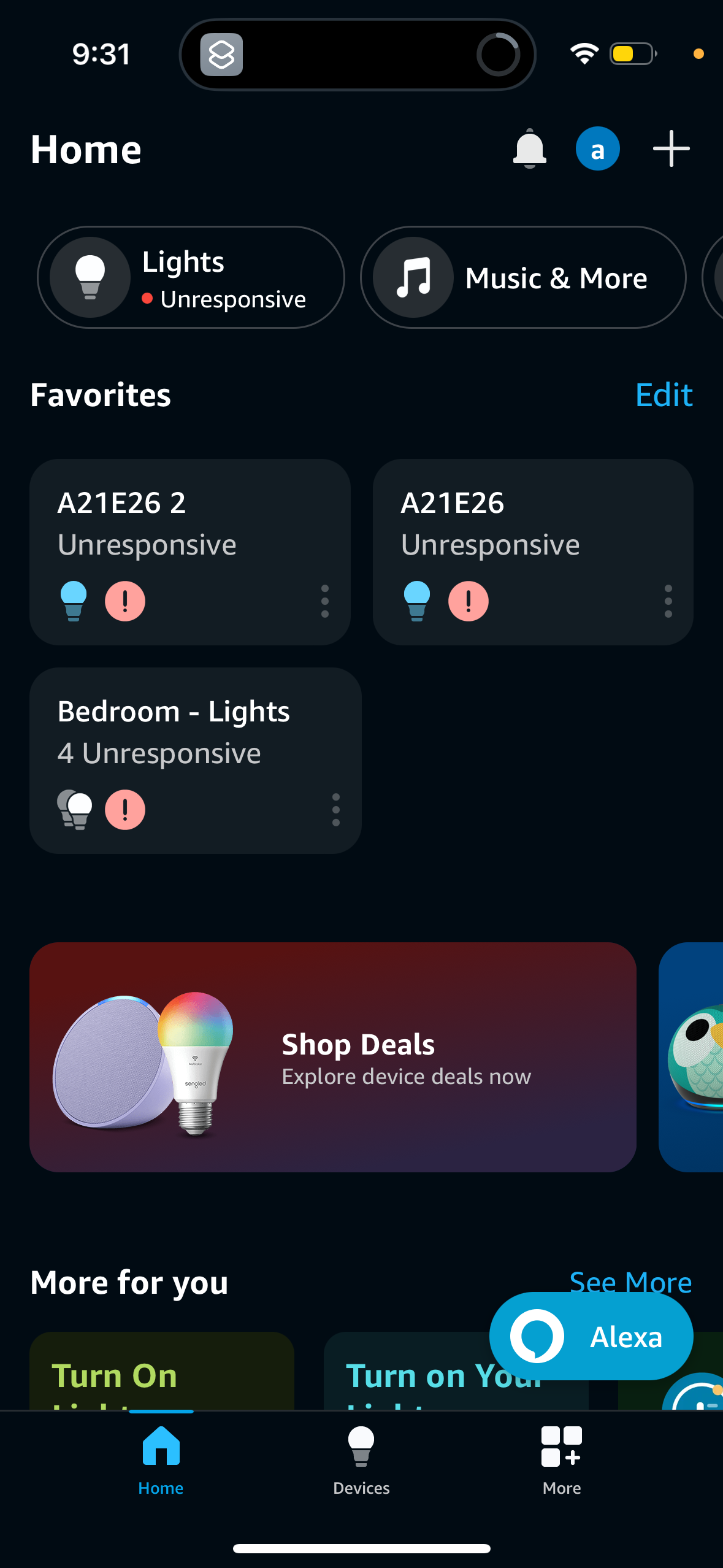
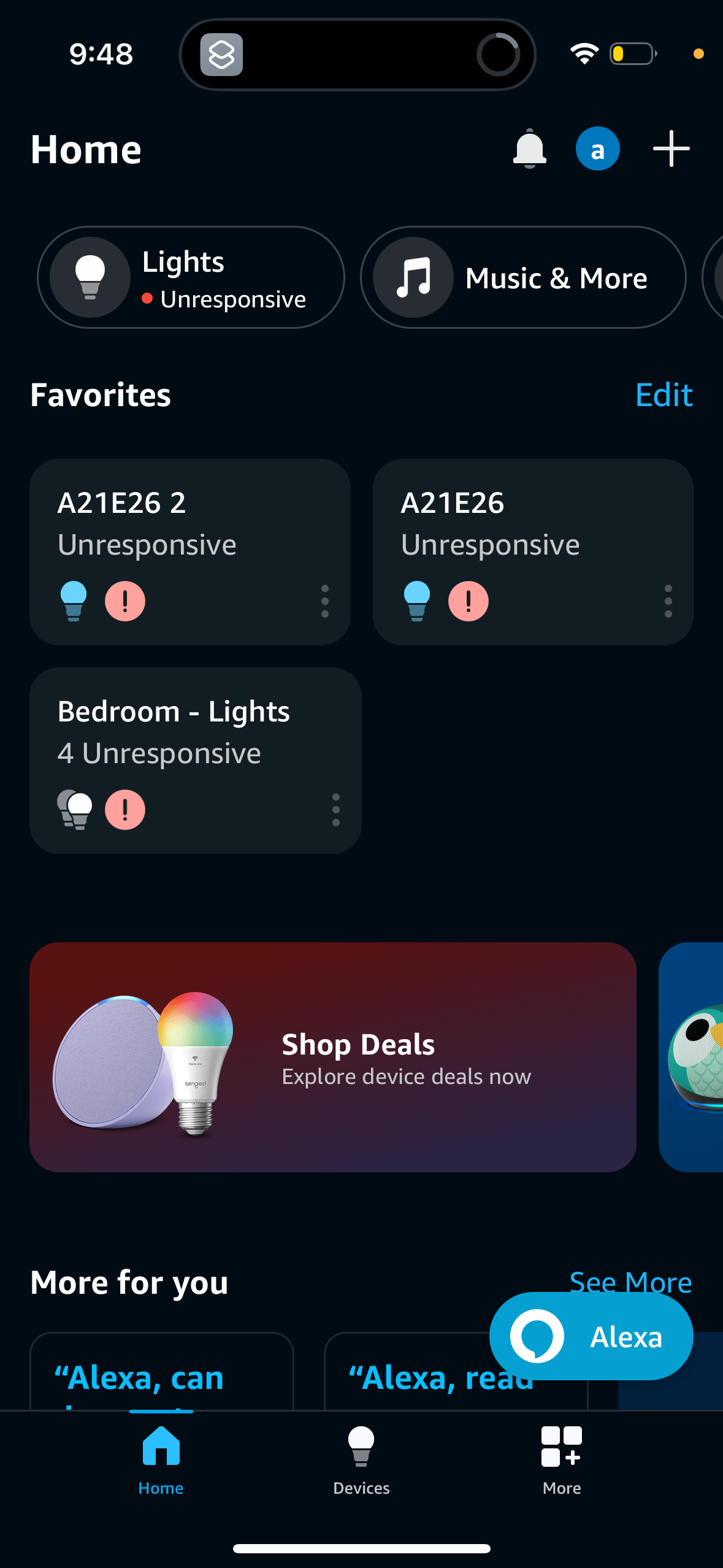
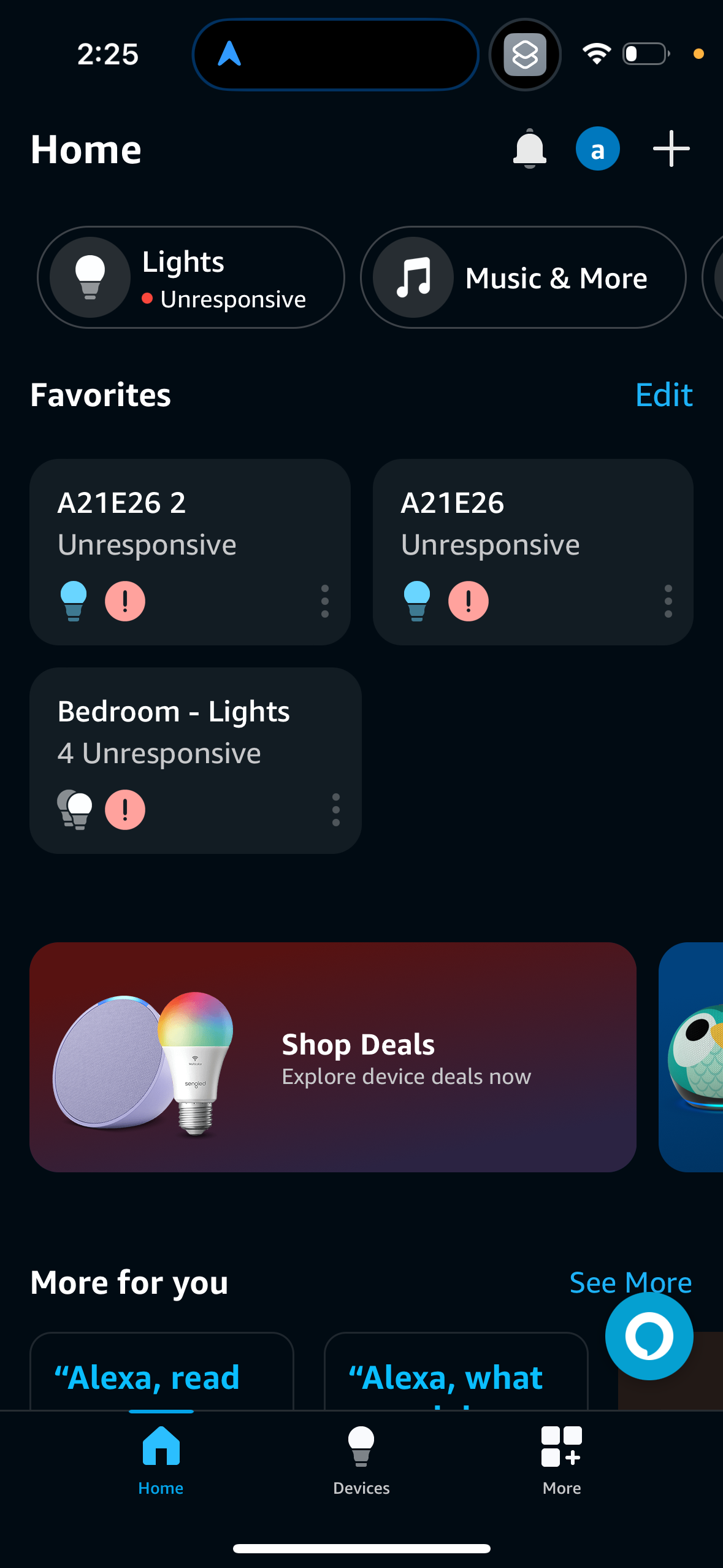
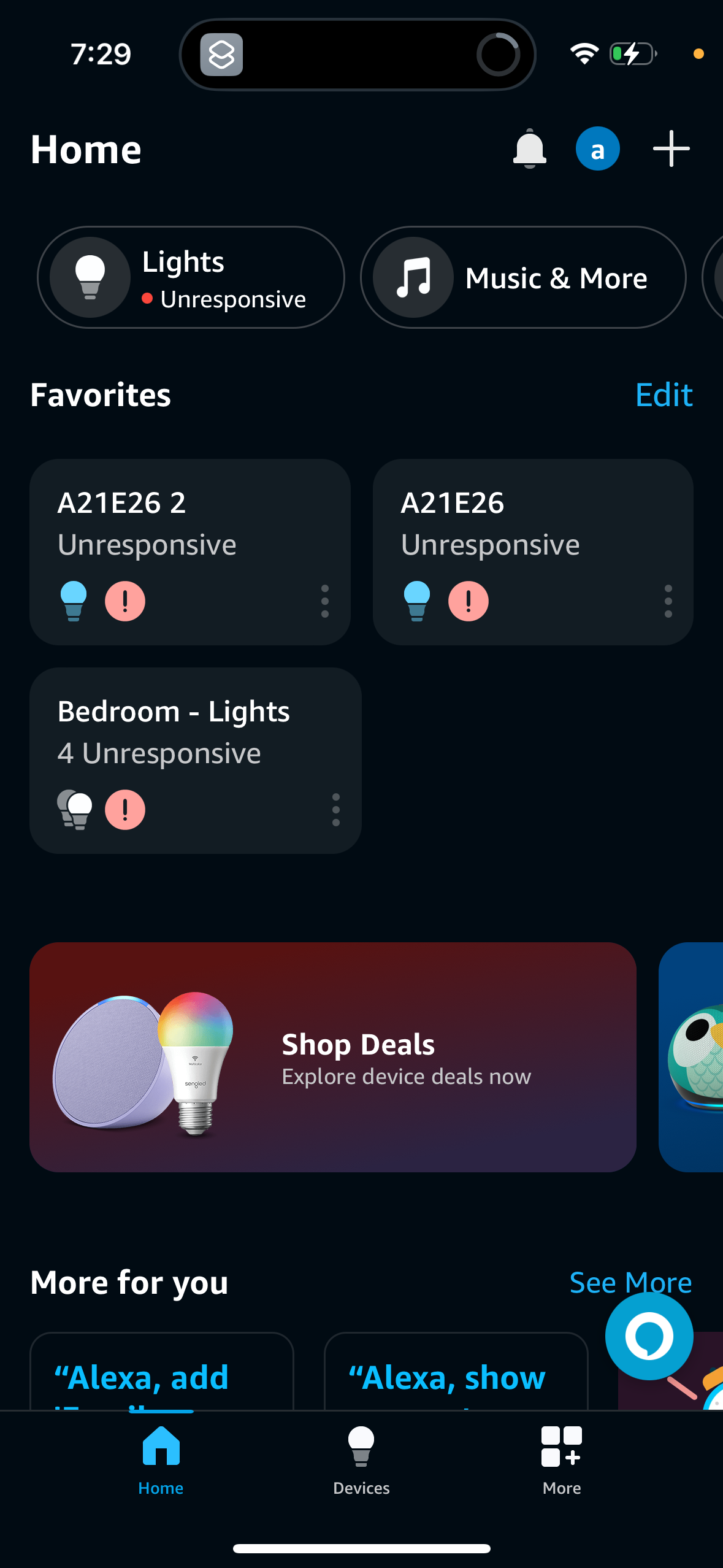
Company metadata
App Store description
Use the Amazon Alexa app to manage Alexa-enabled devices, control music playback, view shopping lists on the go, keep track of upcoming reminders, check on active timers and much more. When you enable hands-free with Alexa, you can talk to Alexa by simply saying “Alexa” when the app is on your screen. The more you use Alexa, the more she adapts to your voice, vocabulary and personal preferences. DISCOVER MORE • Get more out of your Echo device through personalized feature recommendations from Alexa • Discover and enable recommended Alexa skills • Pick up where you left off directly from the home feed with lists, shopping, or recently played Music and Books. MANAGE YOUR DEVICES • Set up your Alexa-enabled devices, control or check status of your compatible smart lights, locks and thermostats at home or on the go • Create routines to automate your smart home devices. MUSIC & BOOKS • Connect to music services like Amazon Music, Pandora, Spotify, TuneIn, and iHeartRadio. Choose a song or playlist and listen on your Alexa-enabled devices • Create speaker groups to play music across your compatible Echo devices for multi‑room music. ORGANIZE YOUR DAY • View and edit shopping and to‑do lists on the go, get weather and news updates, manage timers and alarms, and more. STAY CONNECTED • Use Drop In from your app to connect instantly with your compatible Echo devices, like a two‑way intercom • Call or message supported Alexa‑enabled devices, at no additional cost. By using this app, you agree to Amazon’s Conditions of Use (www.amazon.com/conditionsofuse), Privacy Notice (www.amazon.com/privacy), and all of the terms found here (www.amazon.com/alexaterms).
Compare competitors with Lazyweb
Search every screen, flow, and UX pattern in one place.