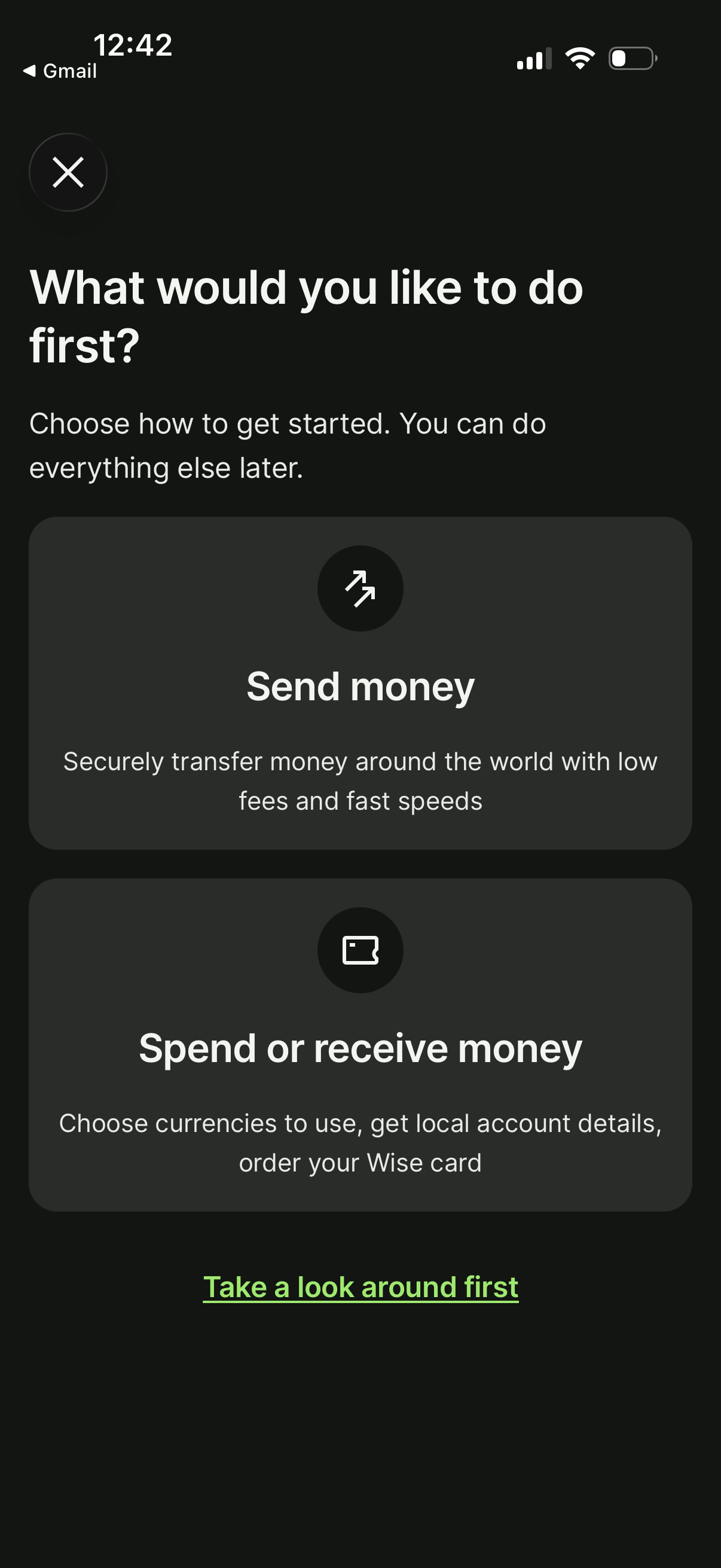
Onboarding start screen for a money transfer app asking “What would you like to do first? ” with two primary action cards: Send money (international transfers) and Spend or receive money (choose currencies, get local account details, order a card).
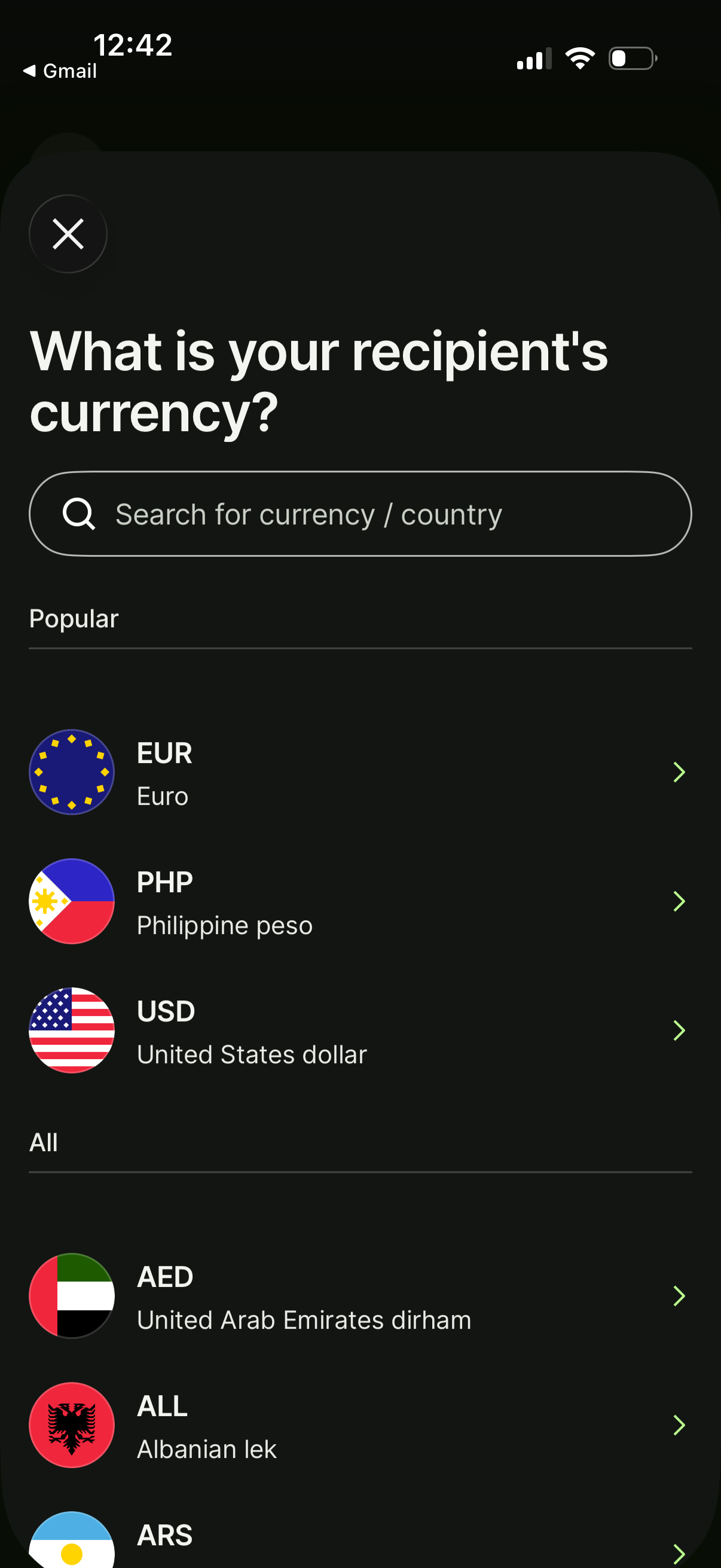
Currency selection screen for sending money that asks “What is your recipient’s currency? ” and lets users search by currency or country.
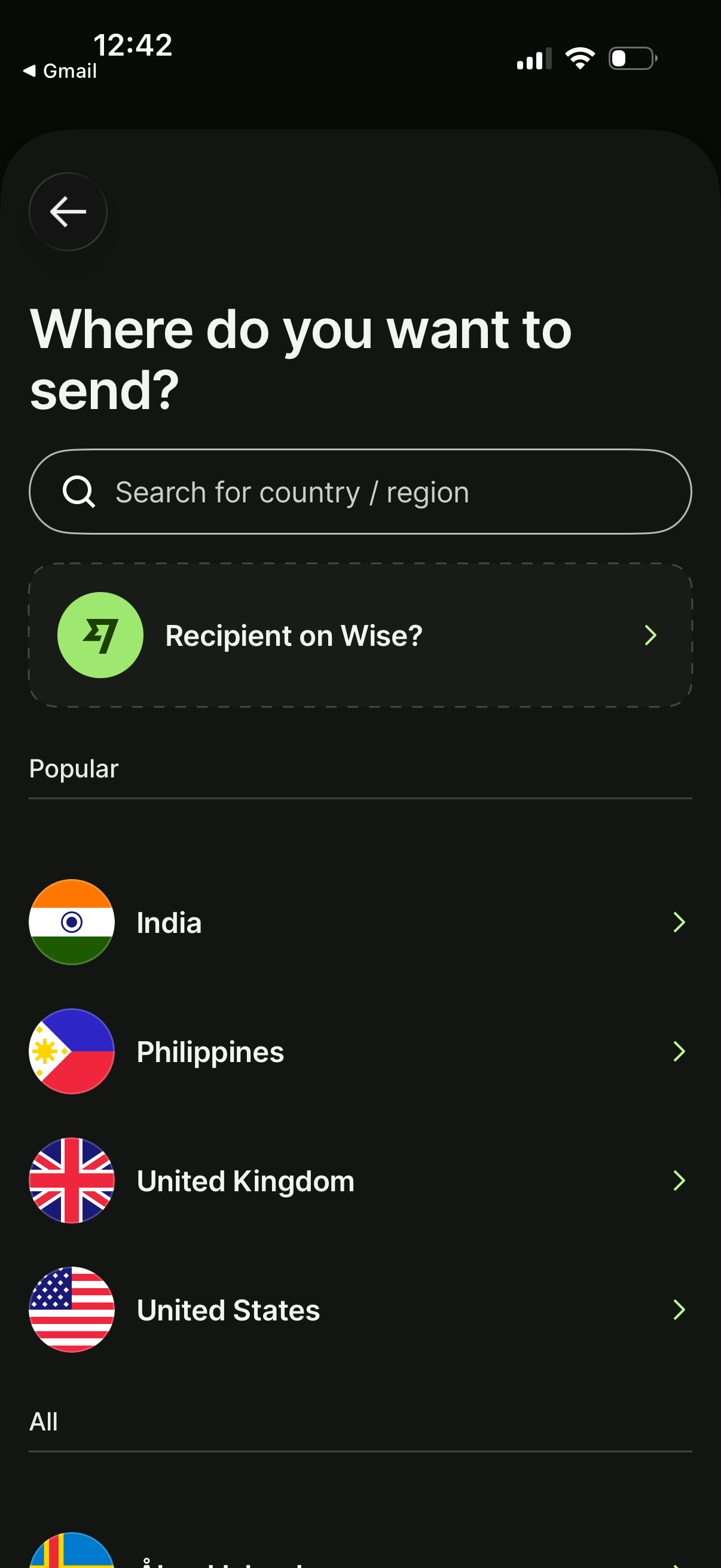
International money transfer destination selection screen asking “Where do you want to send? ” with a search field for country/region, an option to send to a recipient on the service, and a scrollable list of popular countries to choose from.
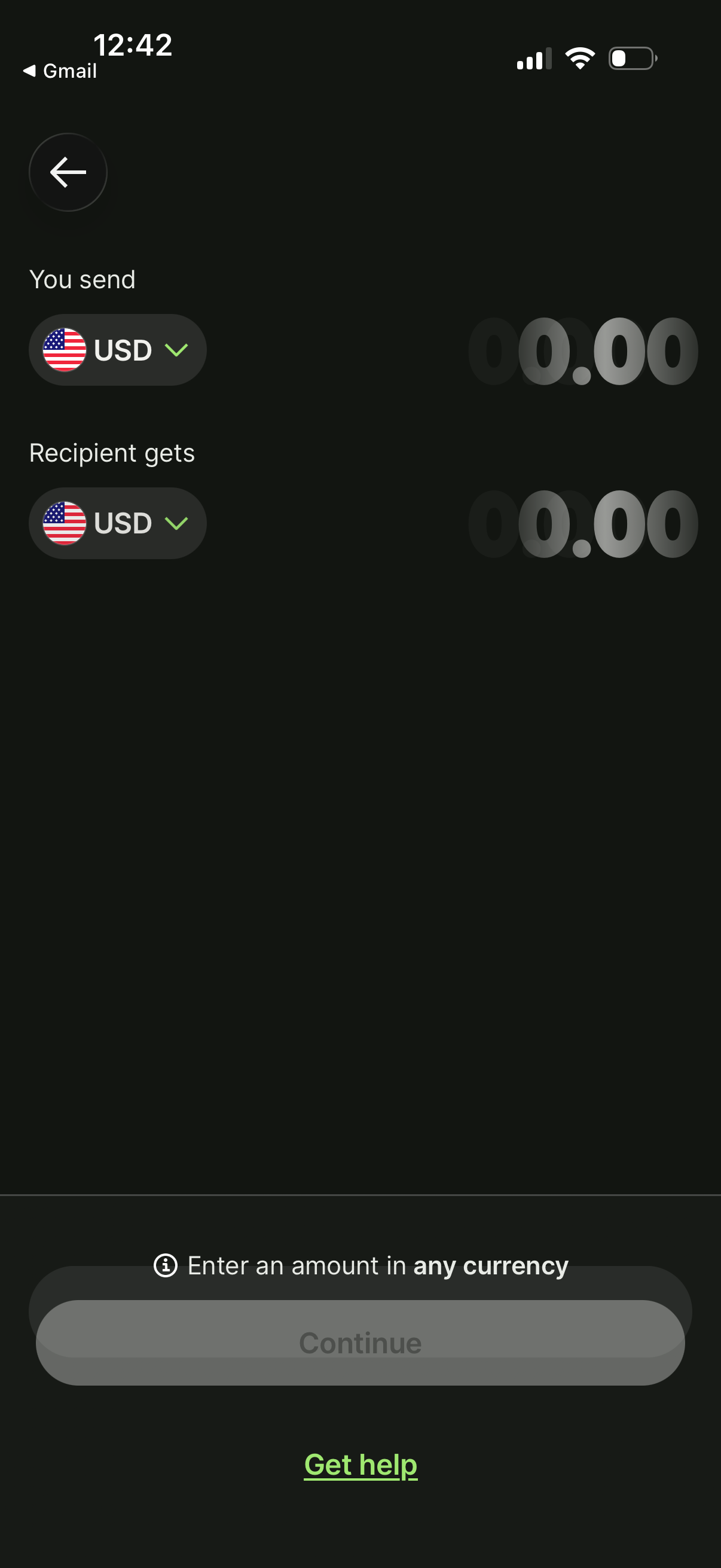
Money transfer amount entry screen showing “You send” and “Recipient gets” fields with selectable currencies (flag and dropdown) and large amount inputs to preview conversion. Includes an info note about entering an amount in any currency, a disabled Continue button until an amount is entered, and a Get help link.
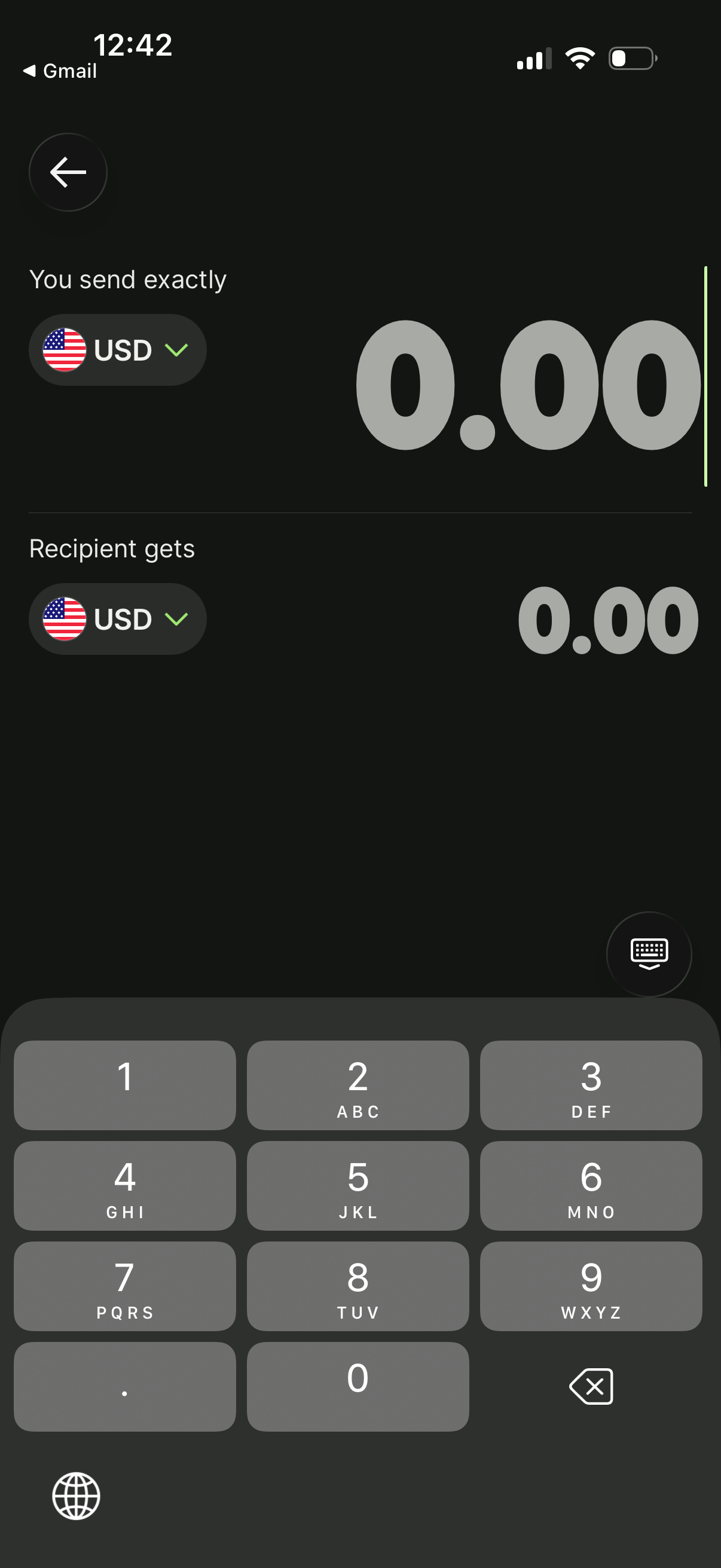
Money transfer amount entry screen showing “You send exactly” and “Recipient gets” fields with large numeric input, allowing users to choose send and receive currencies via dropdowns (flags) and enter the amount using a number keypad to see the converted recipient amount.
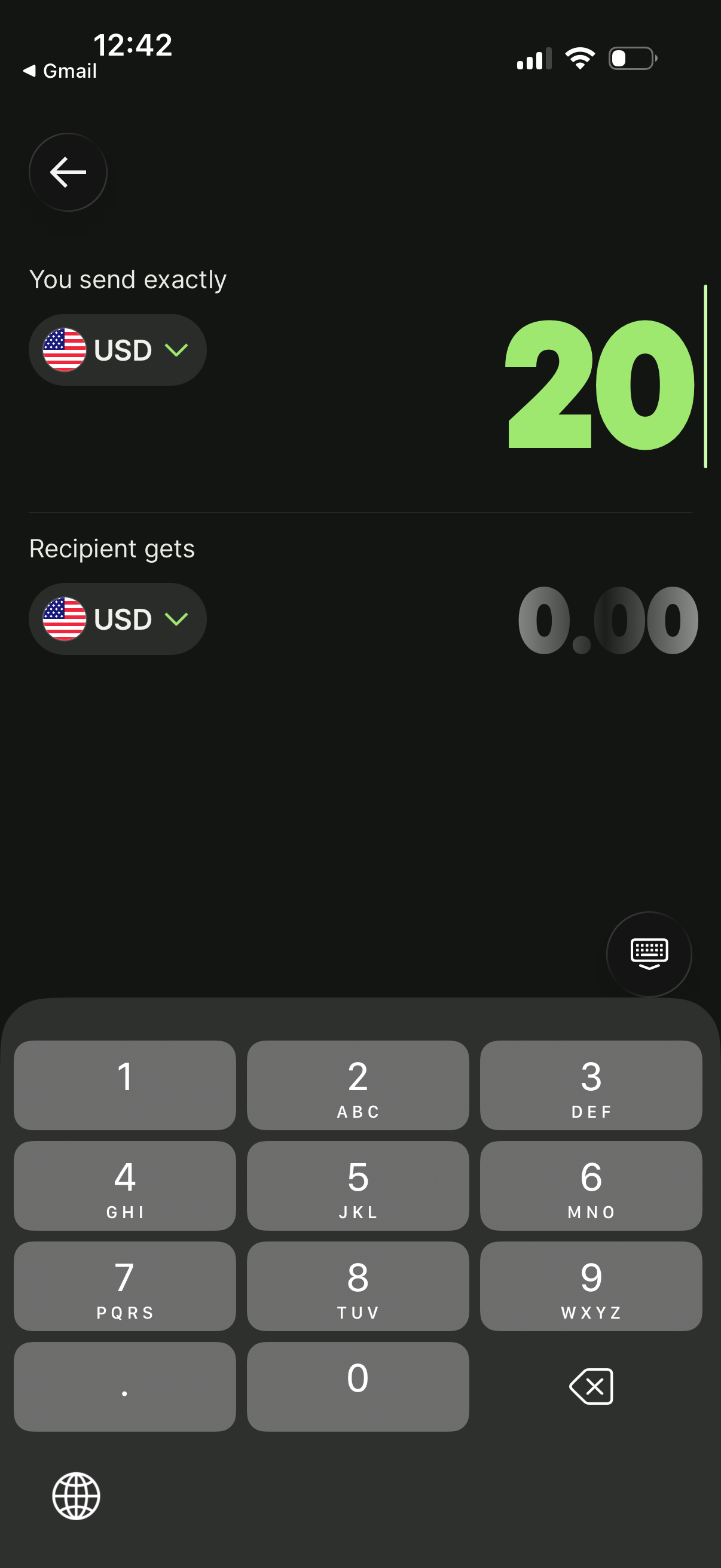
Money transfer amount entry screen showing “You send exactly” and “Recipient gets” fields with selectable currencies (flag dropdowns) and a large numeric input for the send amount. Users can type an amount via a keypad and see the recipient amount calculated, supporting currency conversion preview.
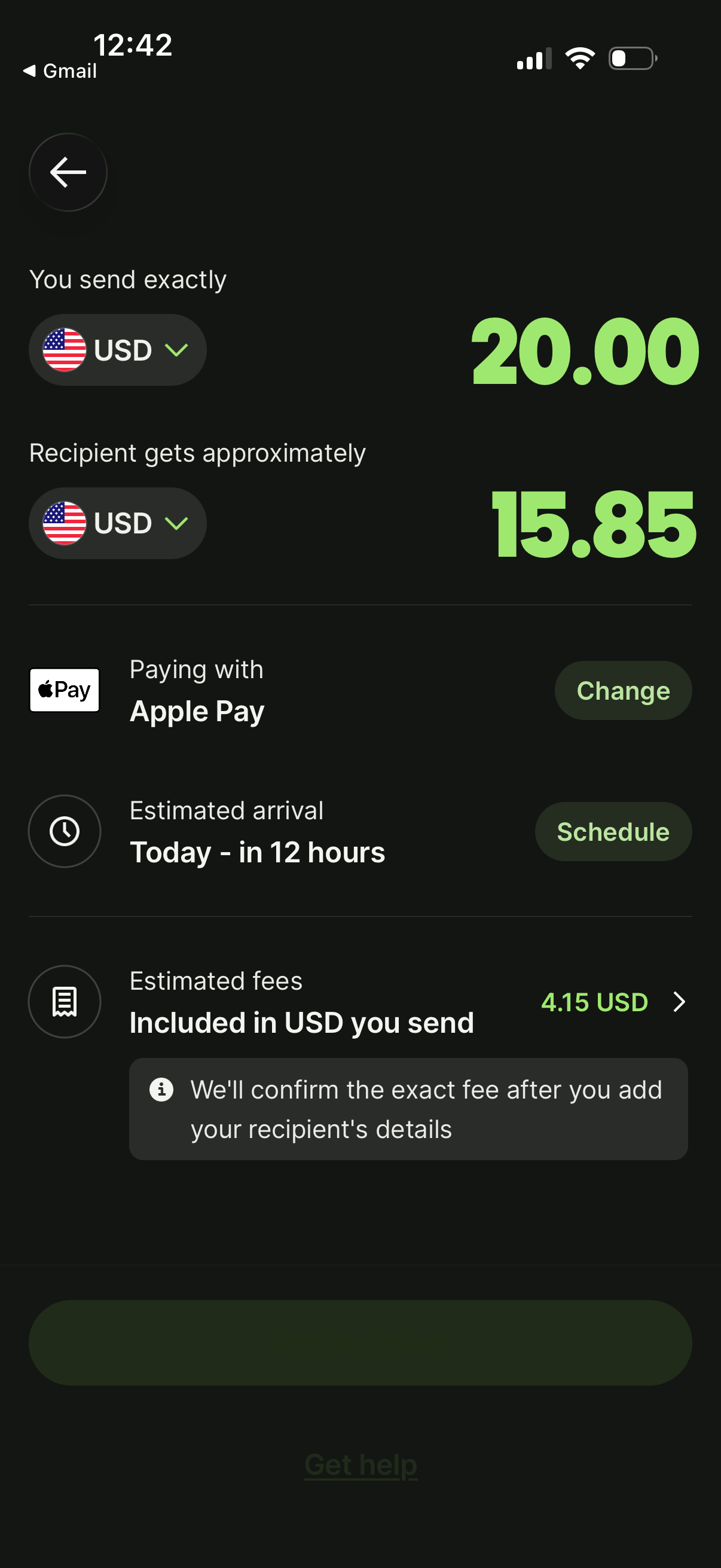
Money transfer amount confirmation screen showing how much you send and the recipient receives approximately with currency selectors and exchange rate preview. It includes payment method selection (Apple Pay) with a change option, estimated arrival with scheduling, and fee breakdown included in the amount sent.
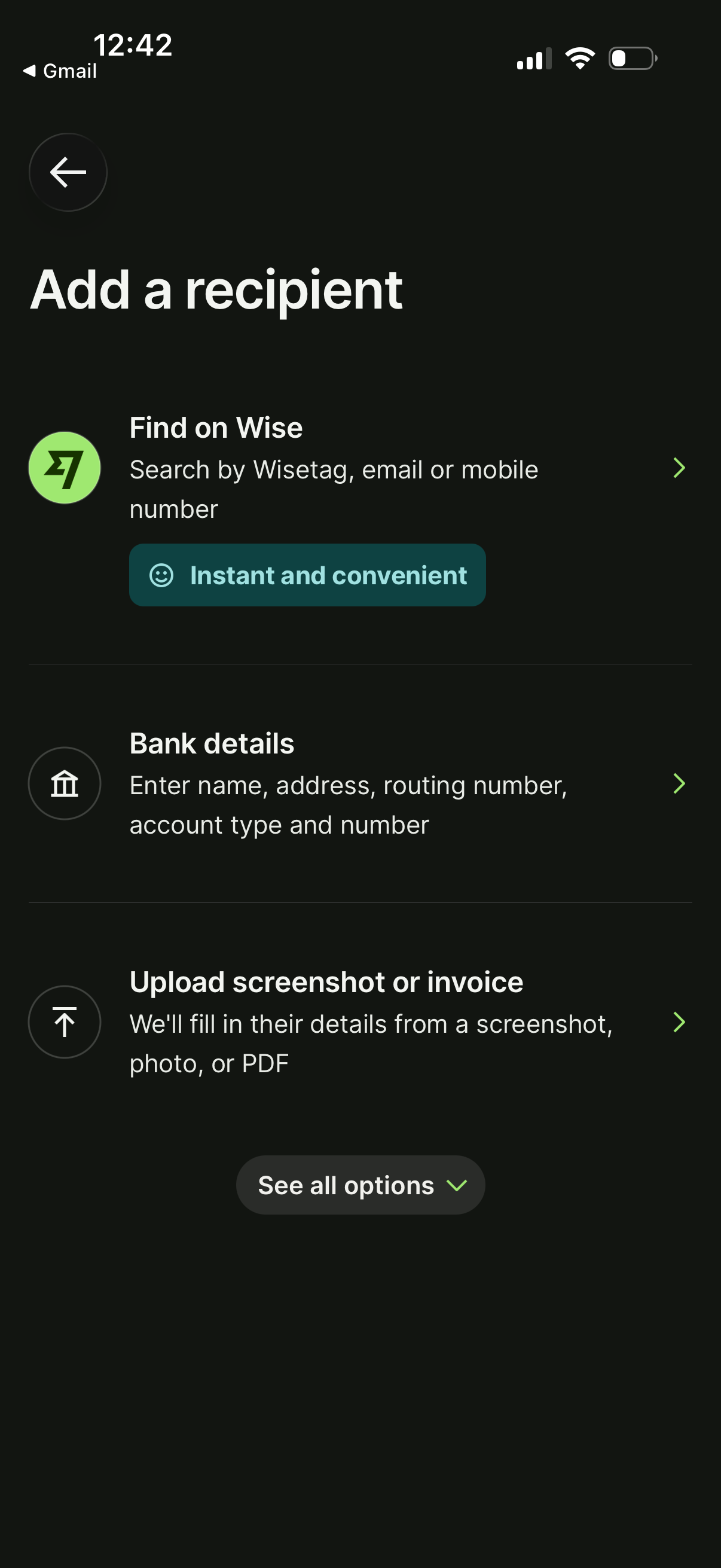
Recipient selection screen for sending money, letting users add a new recipient by searching within the service using username/email/phone, manually entering bank account details, or uploading a screenshot/invoice to auto-fill details. Includes a “see all options” control to expand additional recipient-add methods.