register account
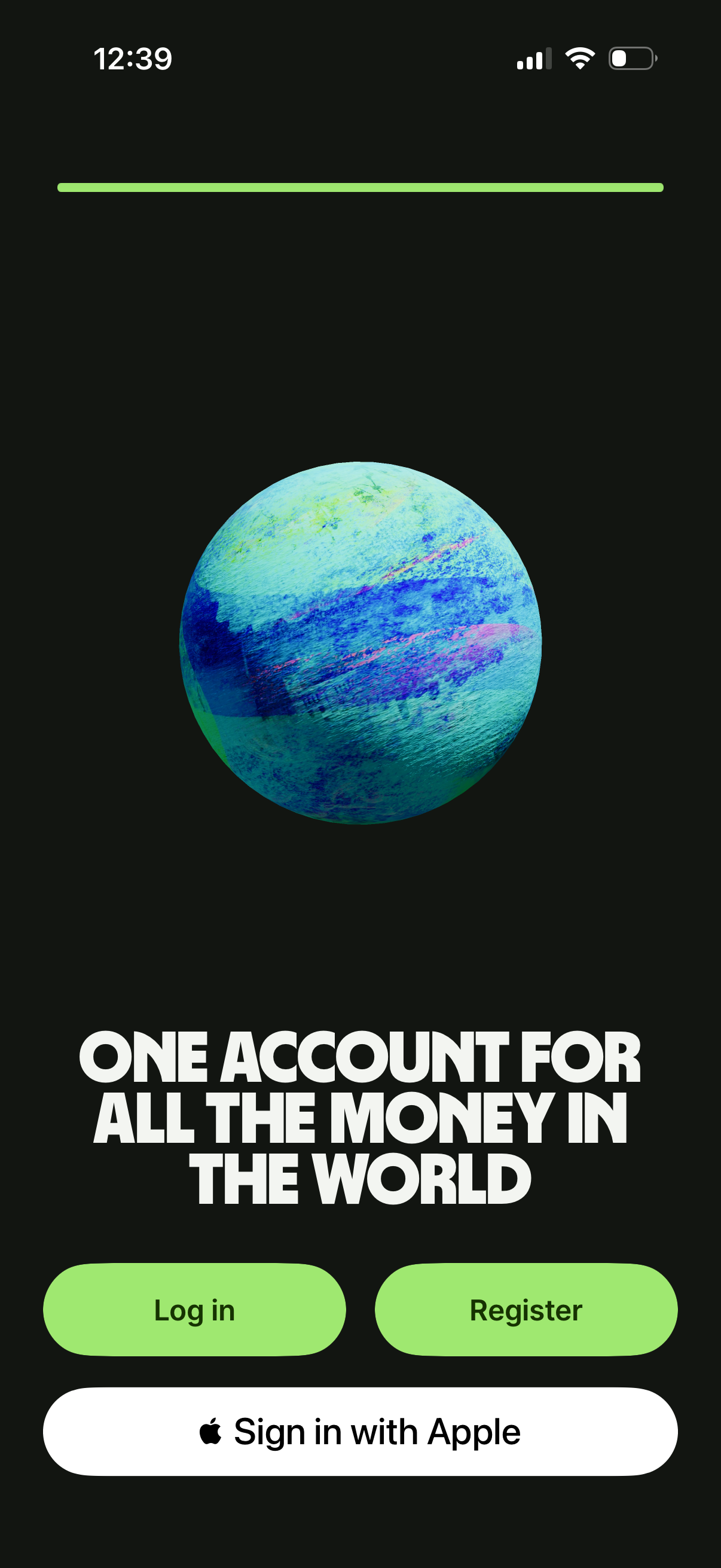
Finance app onboarding/welcome screen with a bold value proposition headline and hero illustration, prompting users to authenticate. Primary actions include Log in, Register (sign up), and a “Sign in with Apple” social login option.
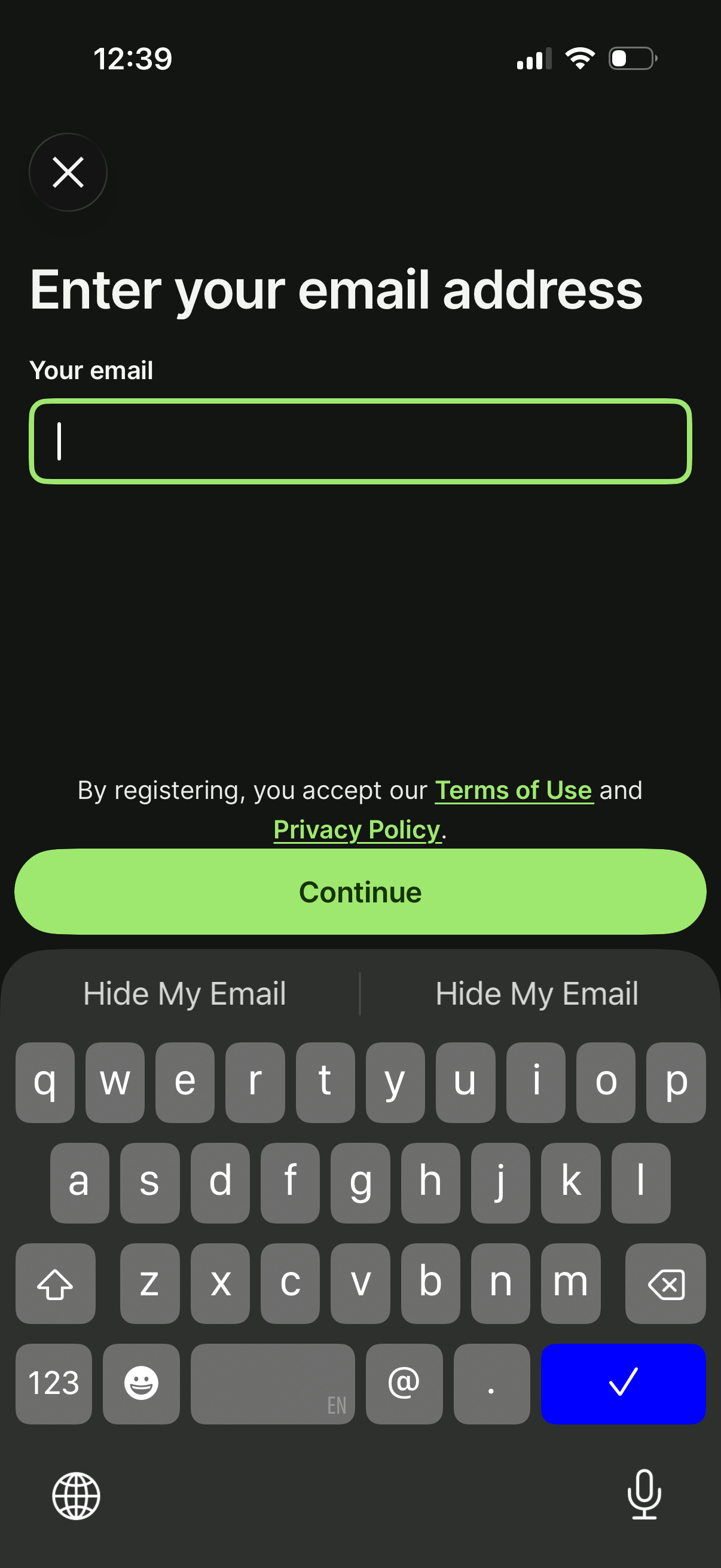
Email entry screen for sign up or registration, prompting the user to enter their email address in a single input field with a primary Continue button. Includes links to Terms of Use and Privacy Policy and a close icon to dismiss the flow.
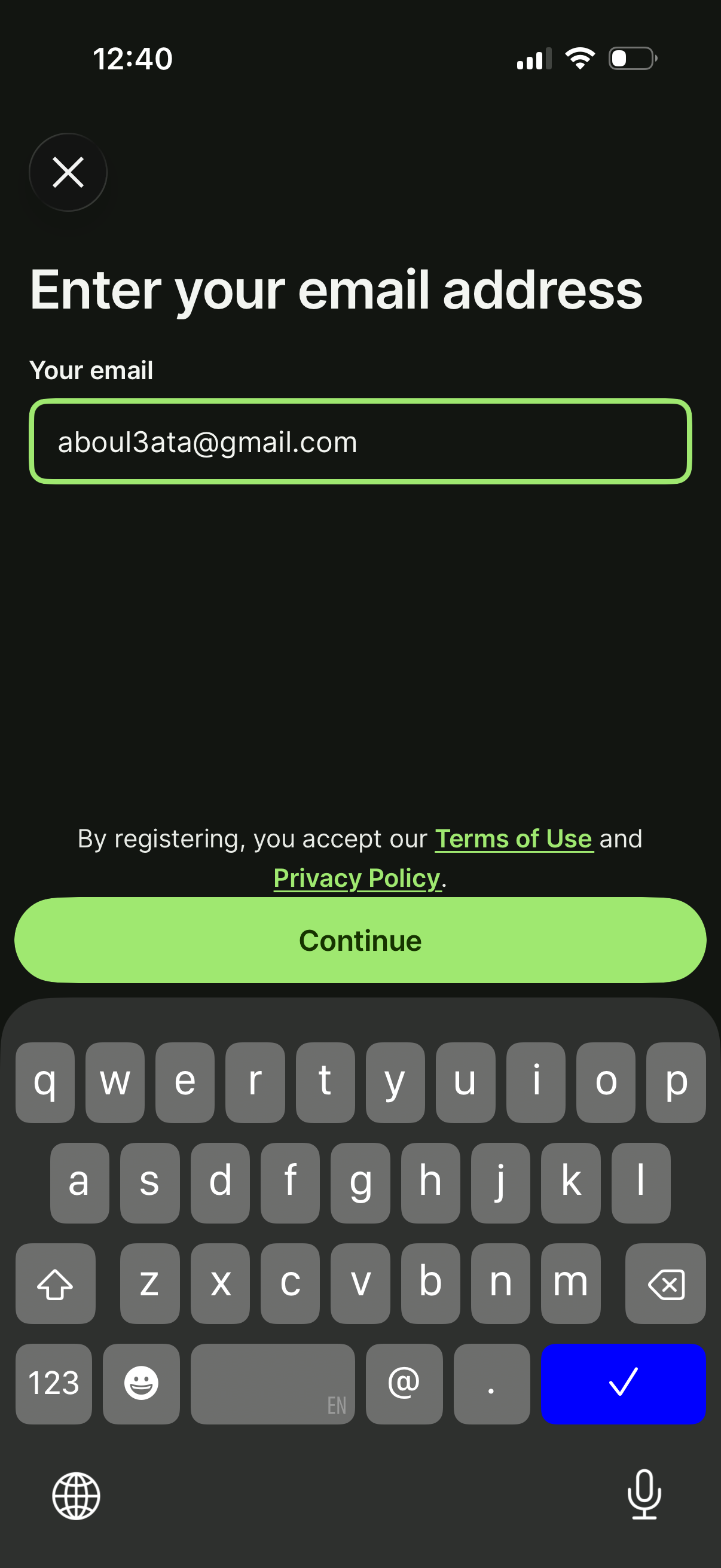
Email entry screen for account registration or sign-in, featuring a single email input field and a primary Continue button to proceed. Includes links to Terms of Use and Privacy Policy and a close icon to exit the flow.

Minimal dark loading or splash screen for a finance/payments feature, showing a centered green dollar icon with no other navigation or actions visible. Indicates the app is launching or processing a money-related task.

Minimal dark loading or splash screen for a finance/payment app, showing only a centered euro currency icon while the app initializes with no visible actions or navigation.
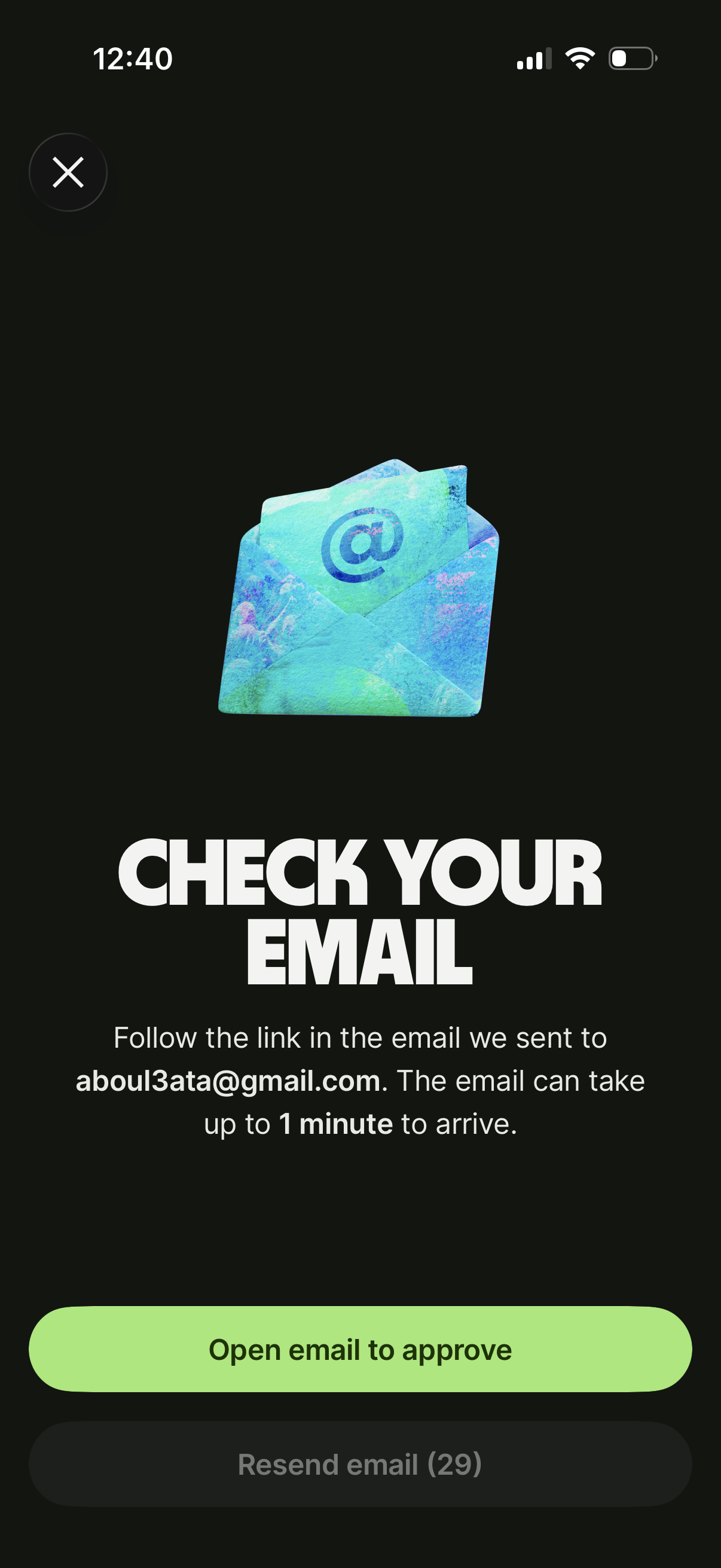
Email verification prompt screen telling the user to check their inbox and follow an approval link, including a primary button to open the email app. Provides resend email action with a countdown timer and a close (X) to exit.