enter personal details
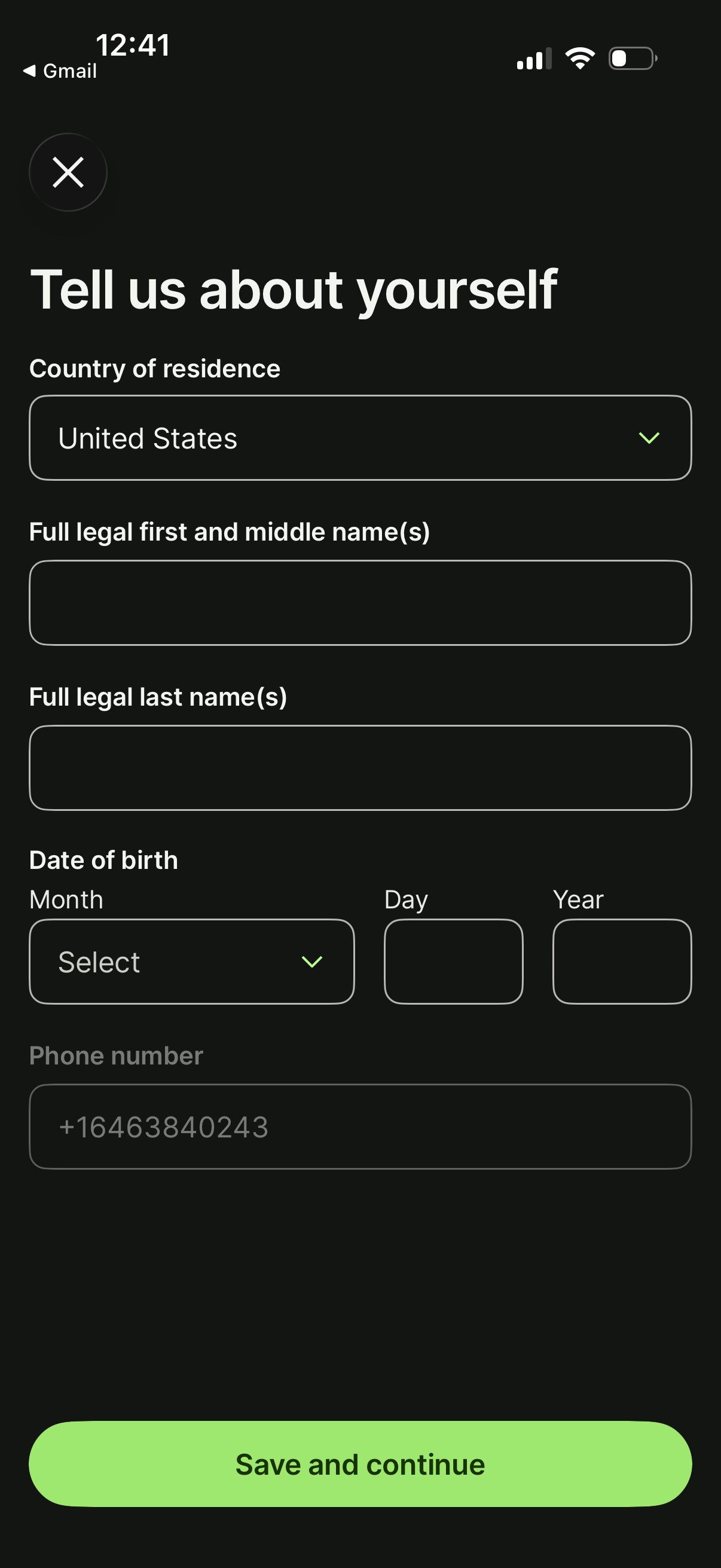
Personal information onboarding form asking the user to enter country of residence, full legal first/middle and last name, date of birth (month/day/year), and phone number. Includes a dismiss/close icon and a primary “Save and continue” button to proceed.
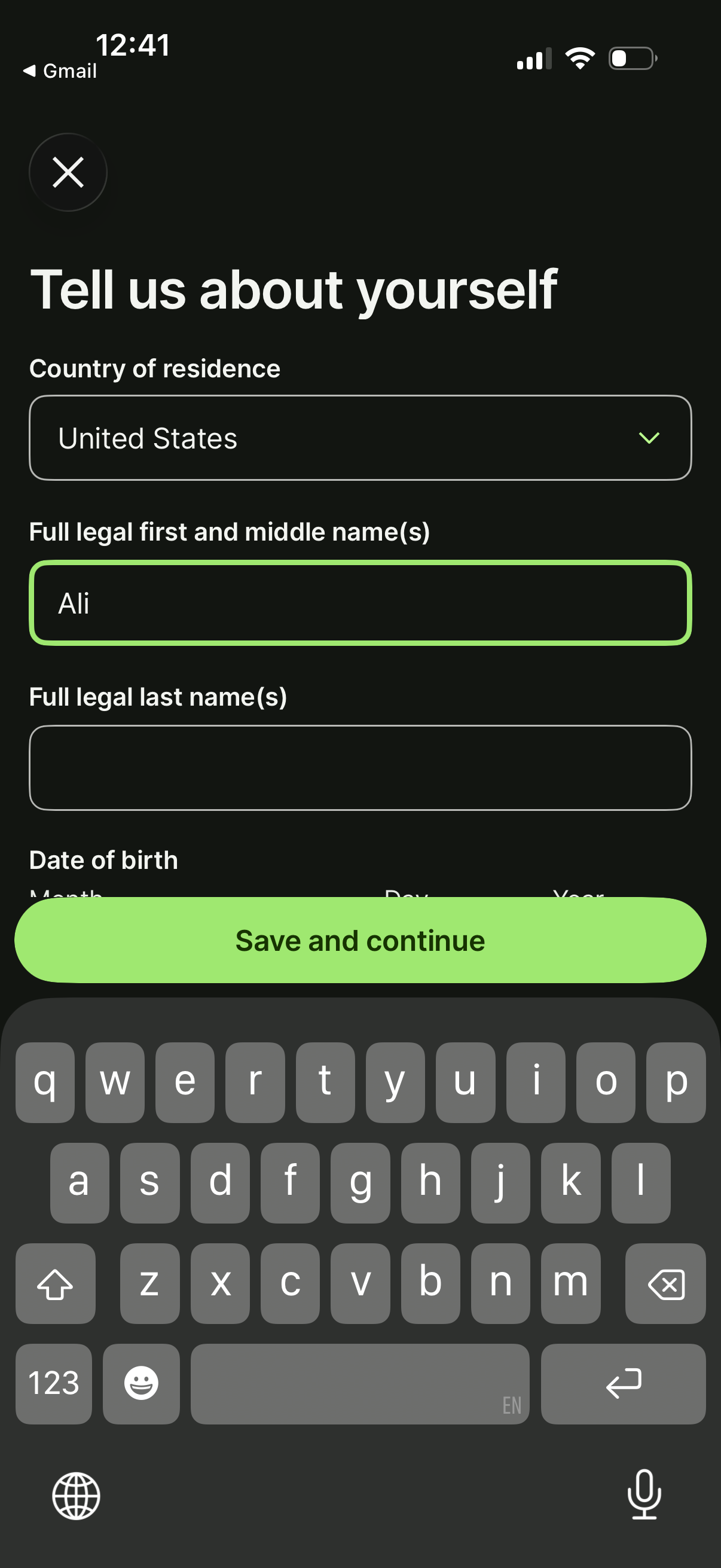
User profile onboarding form asking for personal details, including a country-of-residence dropdown, full legal first/middle and last name fields, and date of birth inputs. A prominent “Save and continue” button submits the information, with an X icon to close the screen.
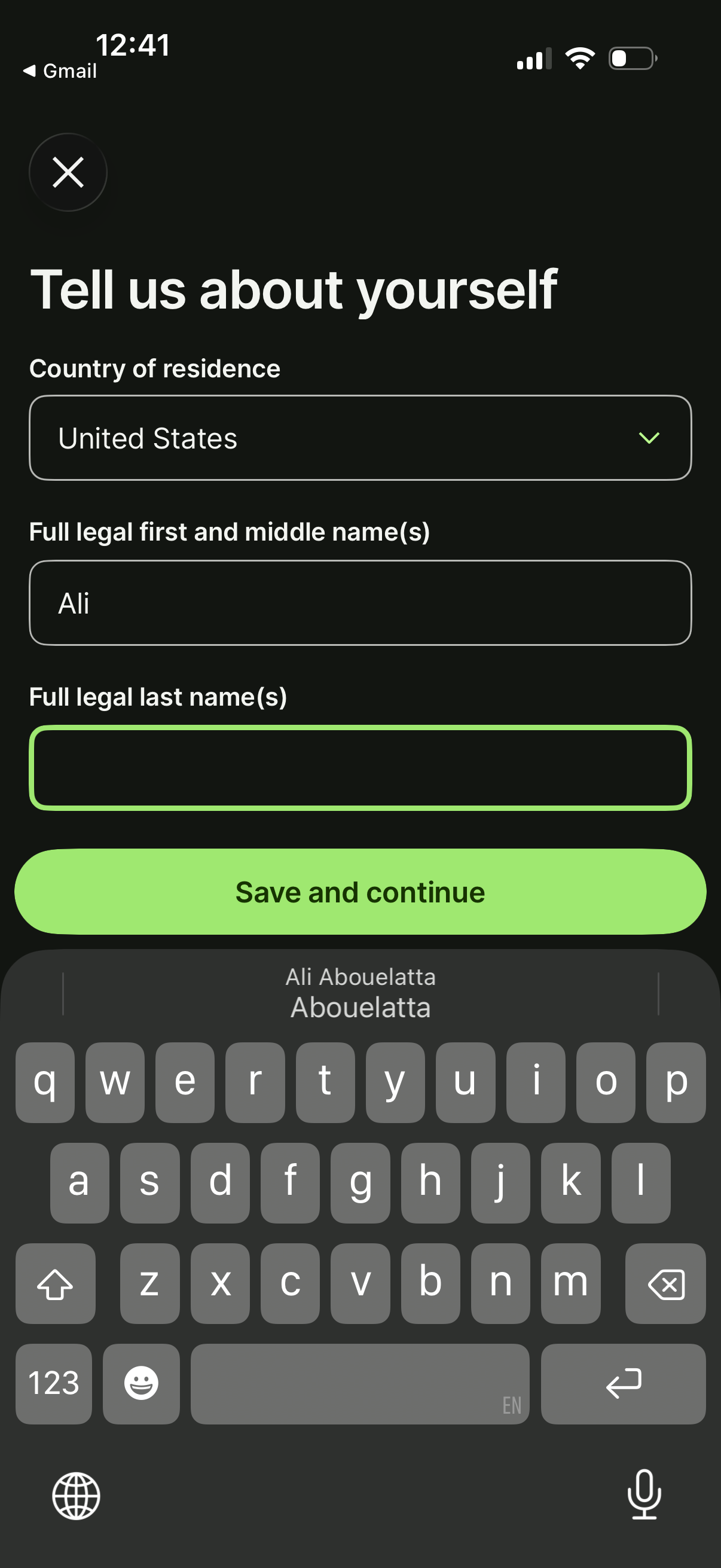
User onboarding form asking for personal details, including a country of residence dropdown and fields for full legal first/middle name and last name. Primary action is a “Save and continue” button with a close icon to exit the flow.
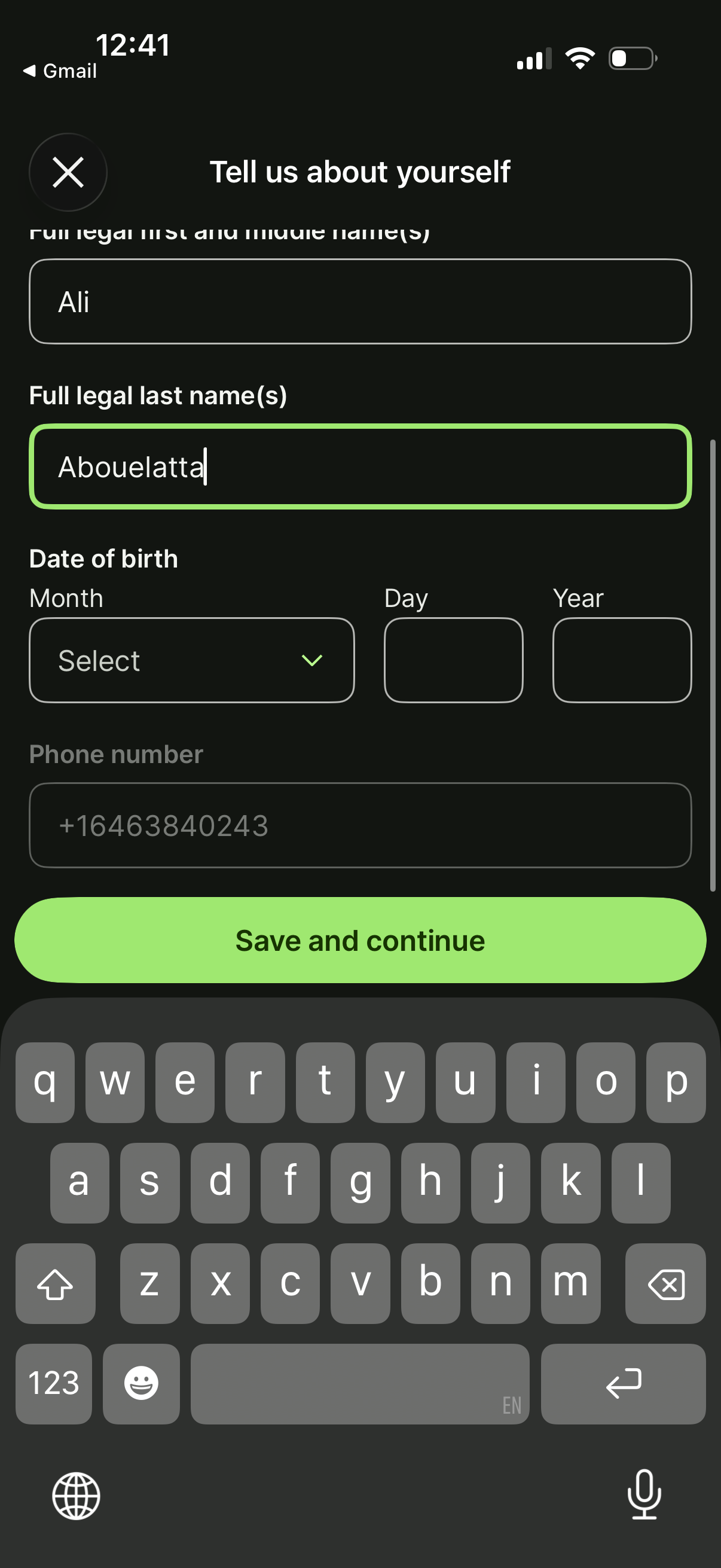
Account setup/profile onboarding form asking the user to “Tell us about yourself” by entering full legal first and last name, date of birth (month/day/year selectors), and phone number. Includes a close button and a primary “Save and continue” call to action to submit the personal details.
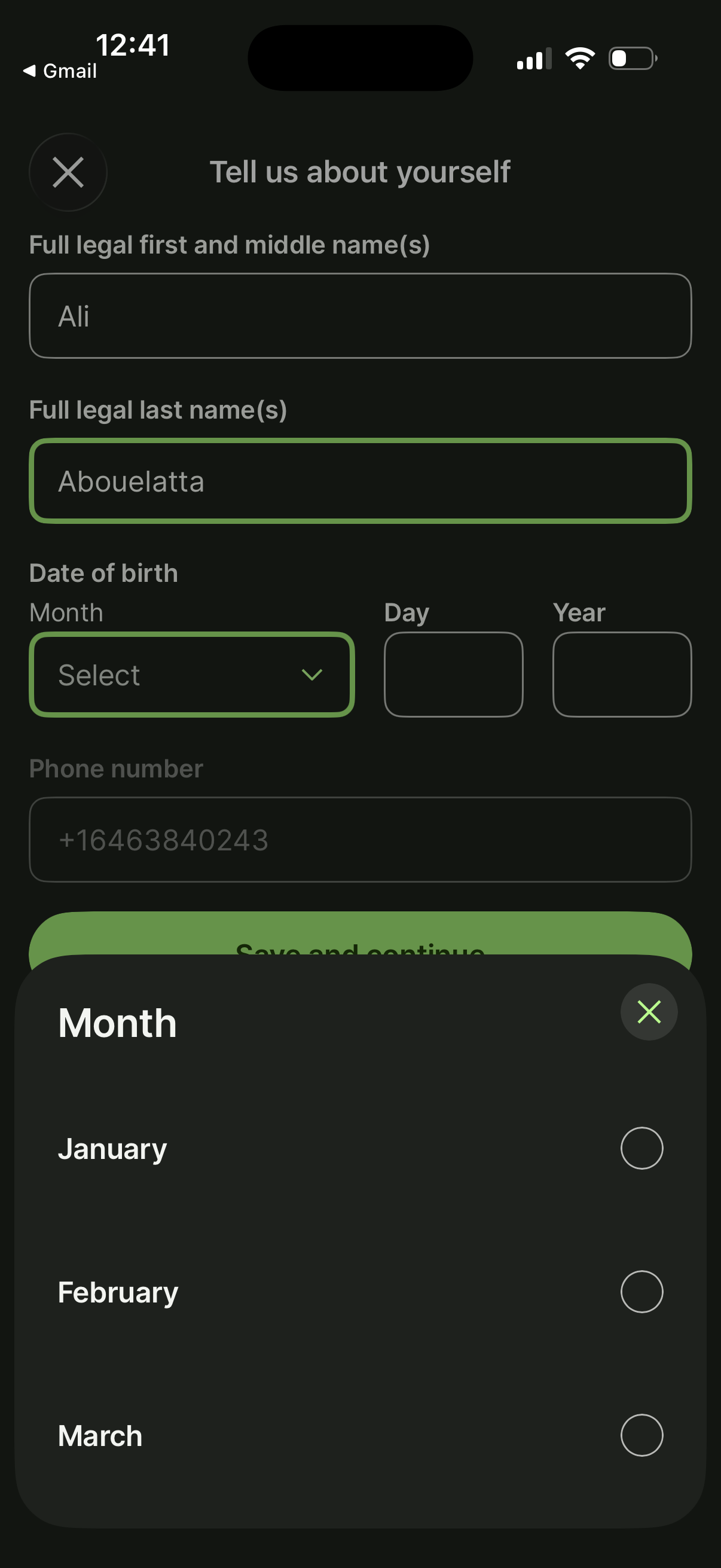
User onboarding/profile form asking for personal details including legal first/middle name, legal last name, date of birth, and phone number, with a “Save and continue” primary action. A bottom-sheet modal is open for selecting the birth month from a list with radio options and a close button.
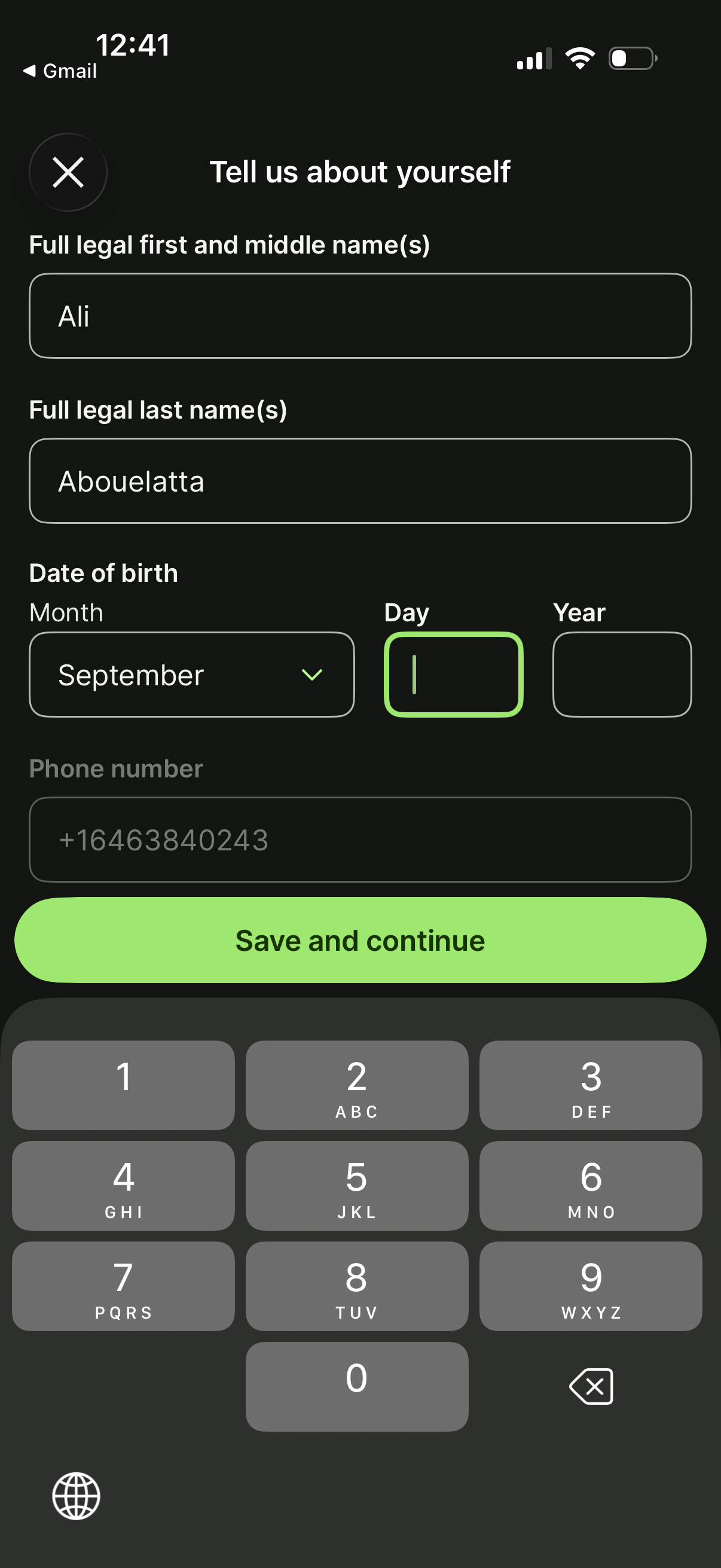
User onboarding profile form asking for full legal first/middle name, last name, and date of birth with separate month dropdown and day/year fields, plus a prefilled phone number. Includes a close (X) button and a primary “Save and continue” action to submit the personal details.
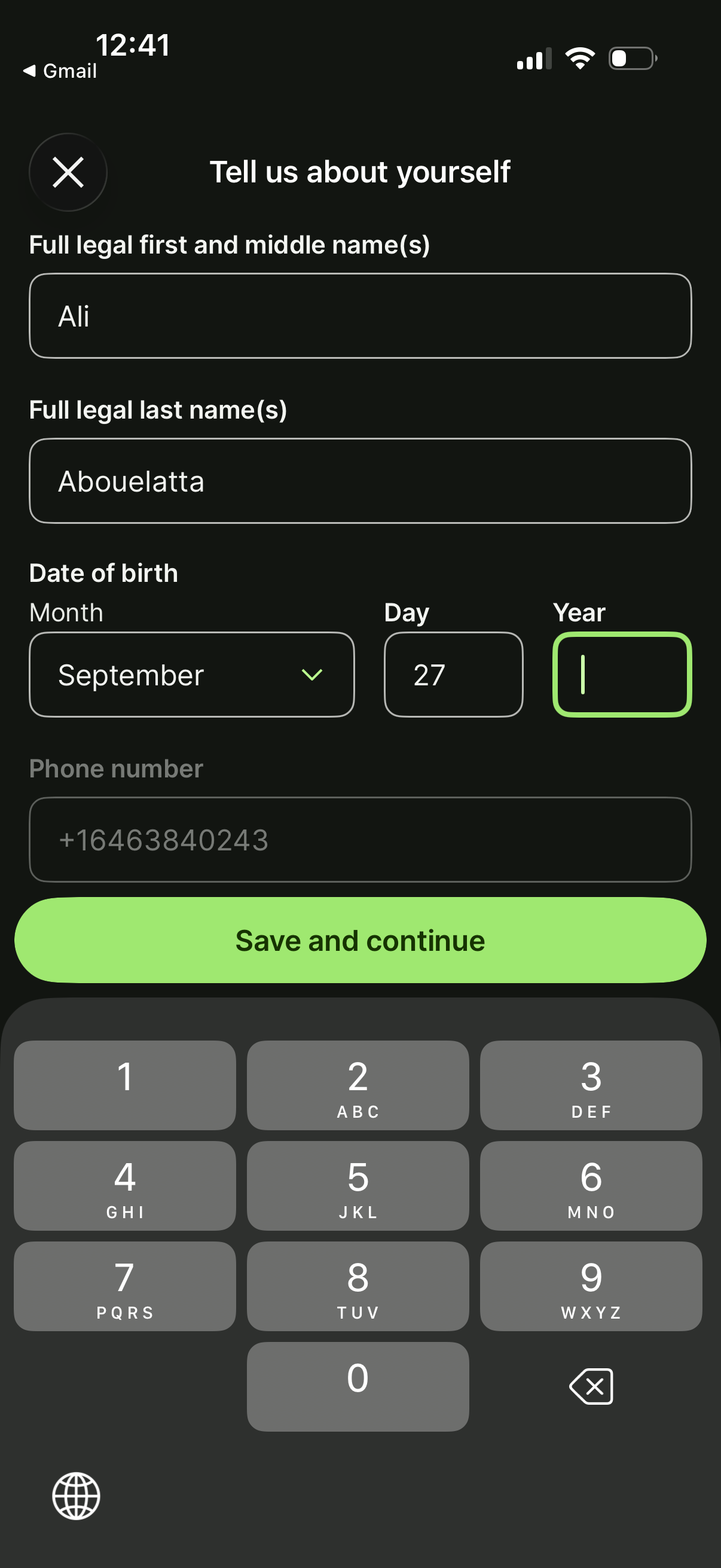
Personal information onboarding form asking for full legal first/middle name and last name, date of birth via month/day/year fields, and a phone number. Includes a close icon to exit and a primary “Save and continue” button to submit the details.