Sign in

Welcome/login screen for a vacation rental booking app promoting “Find your happy place,” with an option to close and multiple sign-in methods. Users can continue with Apple, Google, Facebook, or email, with links to Privacy Policy and Terms of Service.

Google OAuth “Sign in with Google” account chooser screen that lists saved Google accounts with avatars and signed-out status to continue logging into a third-party site. Users can select an existing account, use another account, or close the sign-in flow.
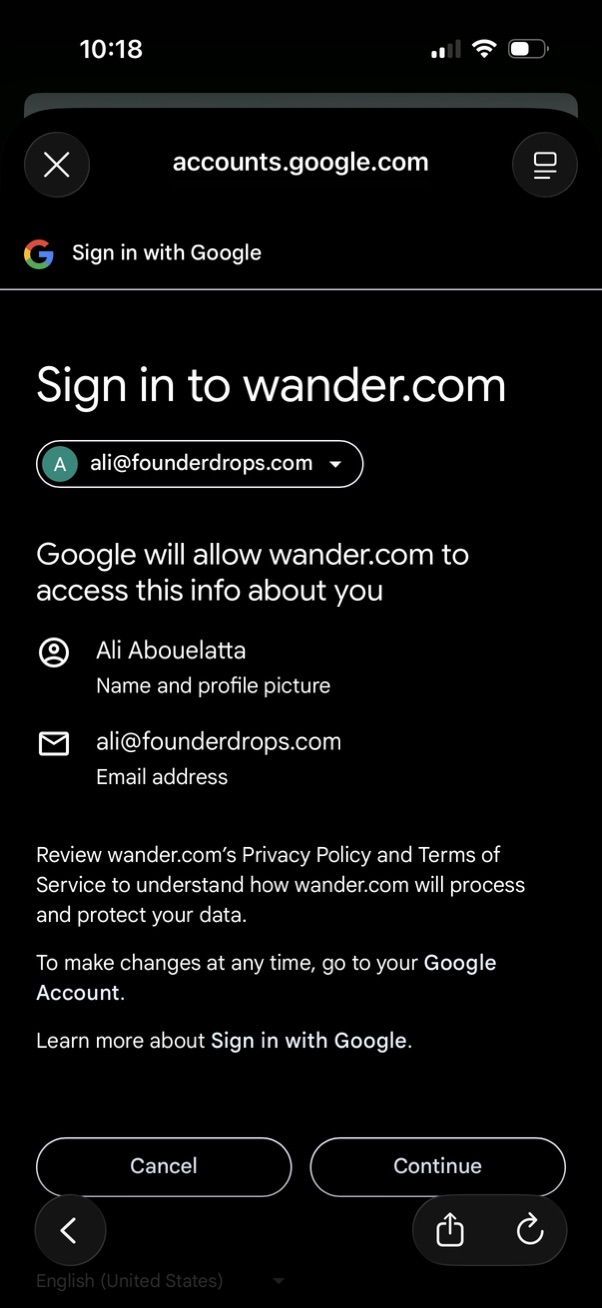
Google OAuth “Sign in with Google” consent screen for signing into a third‑party site (wander. com), showing the selected Google account and the personal info requested (name/profile picture and email address).
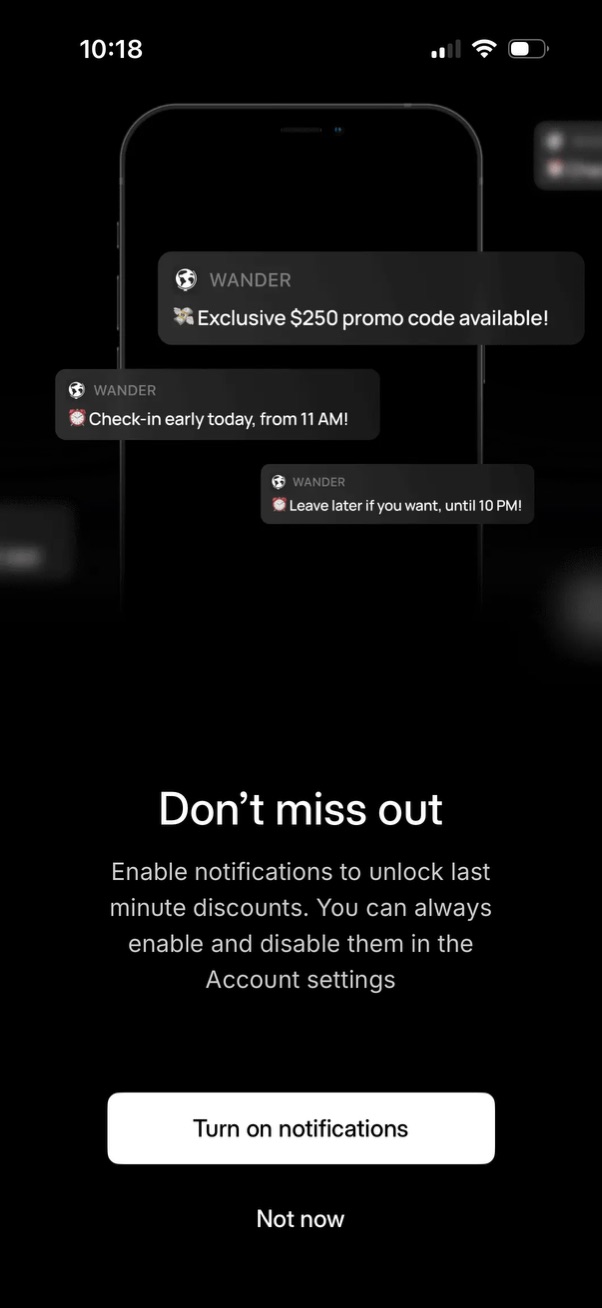
Notification permission prompt screen encouraging users to enable push notifications to receive last-minute discounts, promo codes, and travel stay reminders like early check-in and late checkout. Provides primary CTA to “Turn on notifications” and a secondary “Not now” option with note that notifications can be managed in account settings.
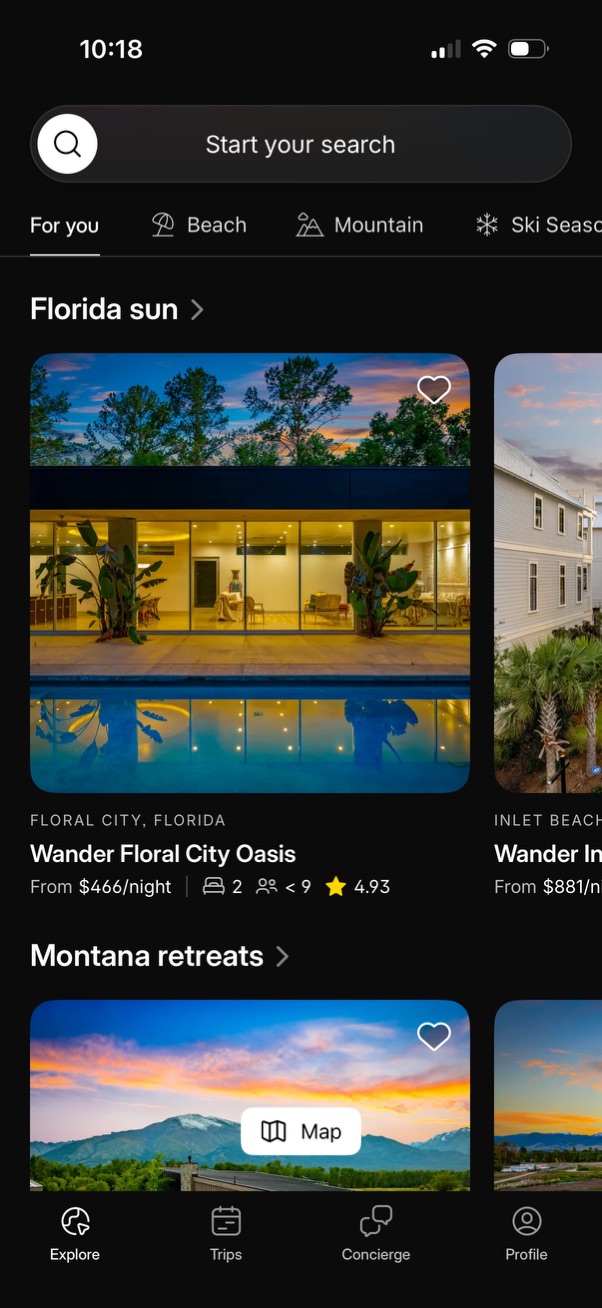
Travel accommodation explore home screen with a top search bar and category tabs, showing curated destination sections and property cards with large photos, favorite/heart button, location, price per night, guest/bed info, and rating. Includes a map CTA within listings and a bottom navigation bar for Explore, Trips, Concierge, and Profile.