manage notifications
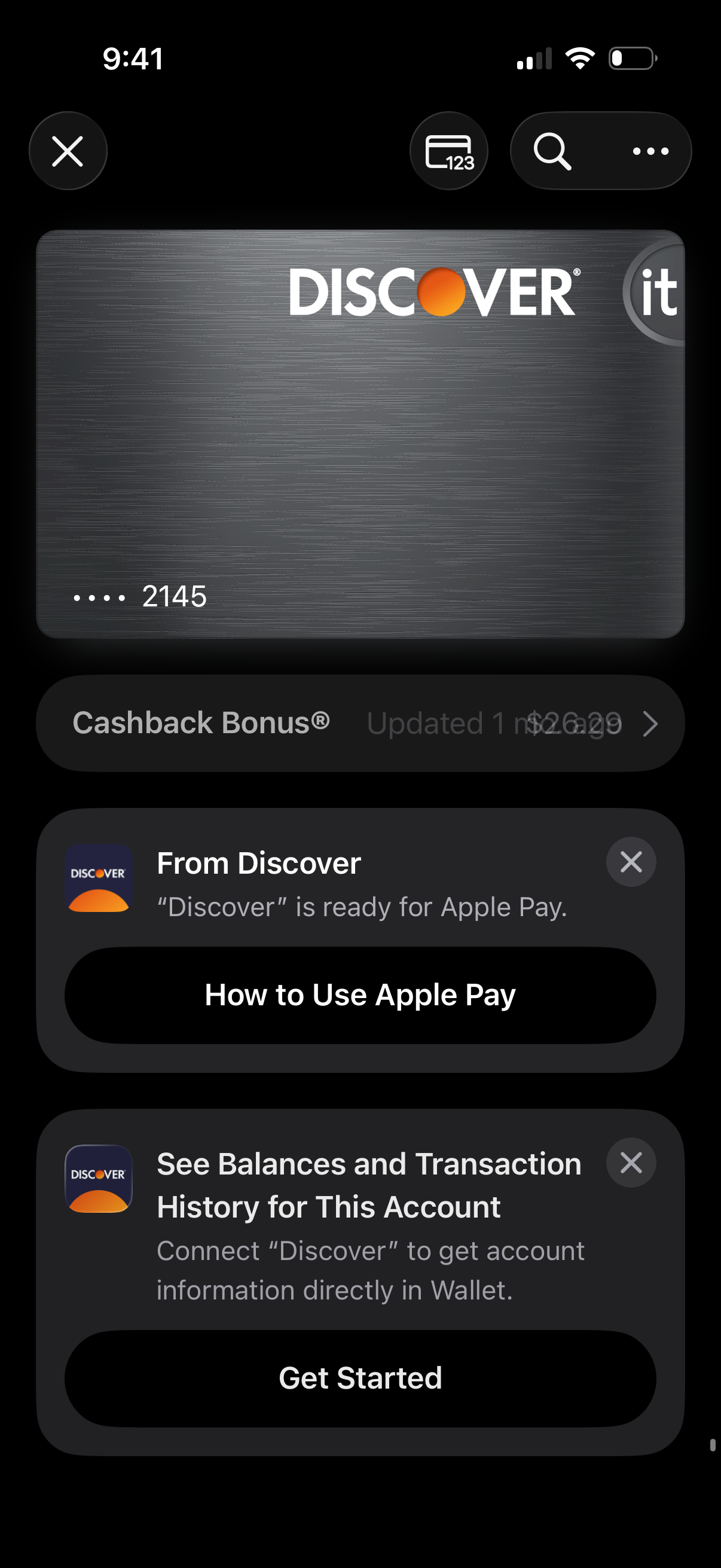
Digital wallet card detail screen showing a credit card preview with actions to view card number, search, and more options. Below are promotional and onboarding cards prompting the user to learn how to use Apple Pay and connect the card account to view balances and transaction history, with primary CTA buttons.
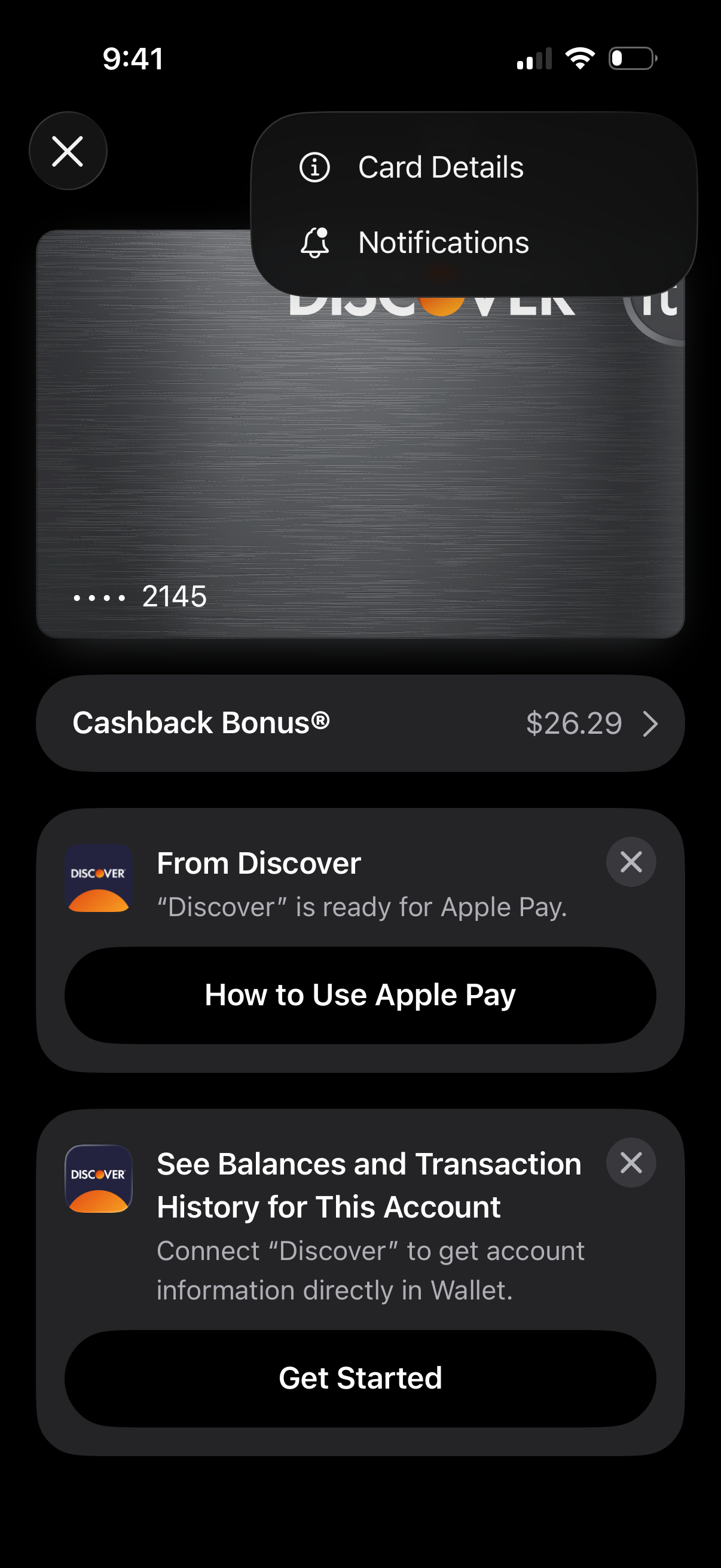
Digital wallet credit card screen showing a selected card with a more-options menu for Card Details and Notifications, plus a rewards row displaying Cashback Bonus balance. The page also promotes card setup actions like learning how to use Apple Pay and connecting the account to view balances and transaction history, with call-to-action buttons and dismiss controls.
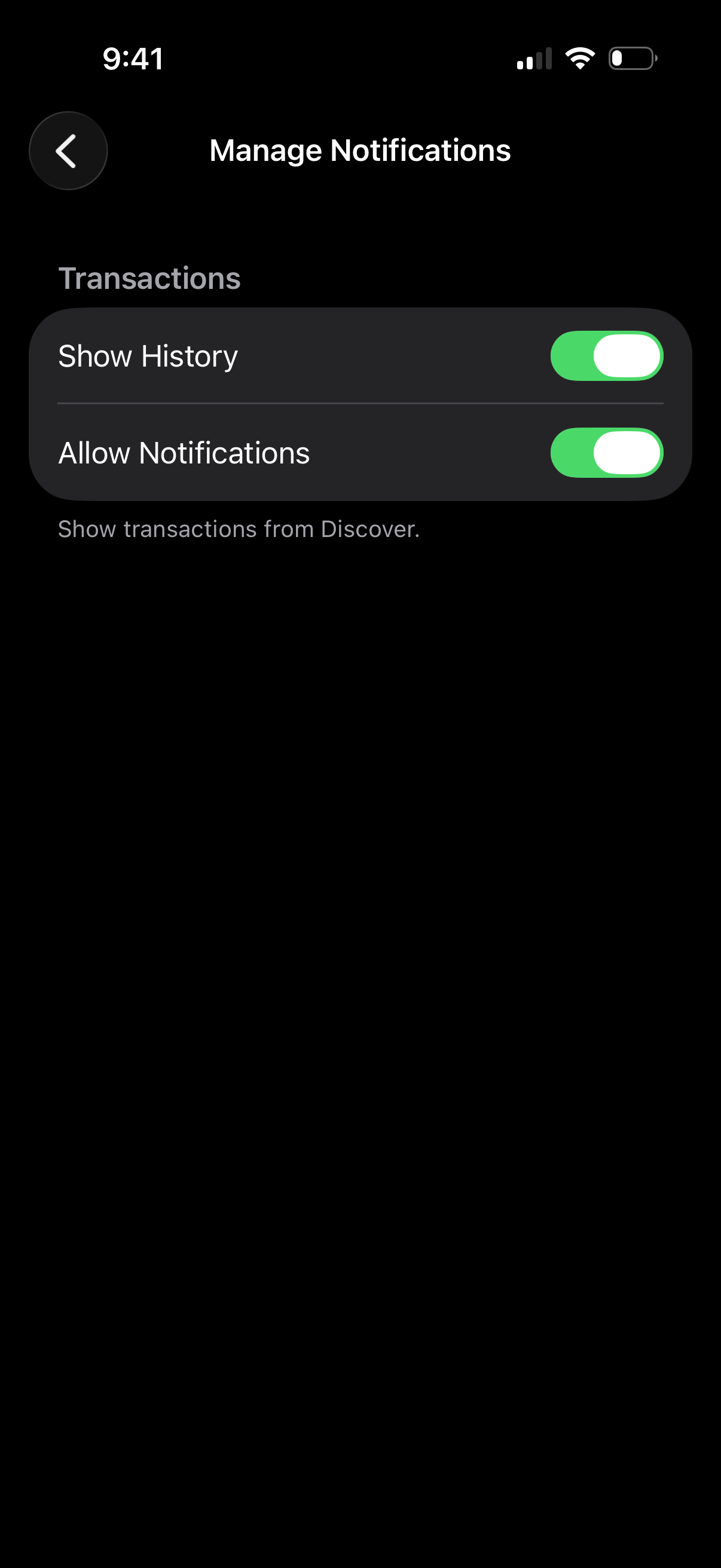
Manage Notifications settings screen for transaction updates, letting users toggle switches to show transaction history and enable/disable notifications for transactions. Includes a back navigation control and brief helper text describing what transactions will be shown.