create from template
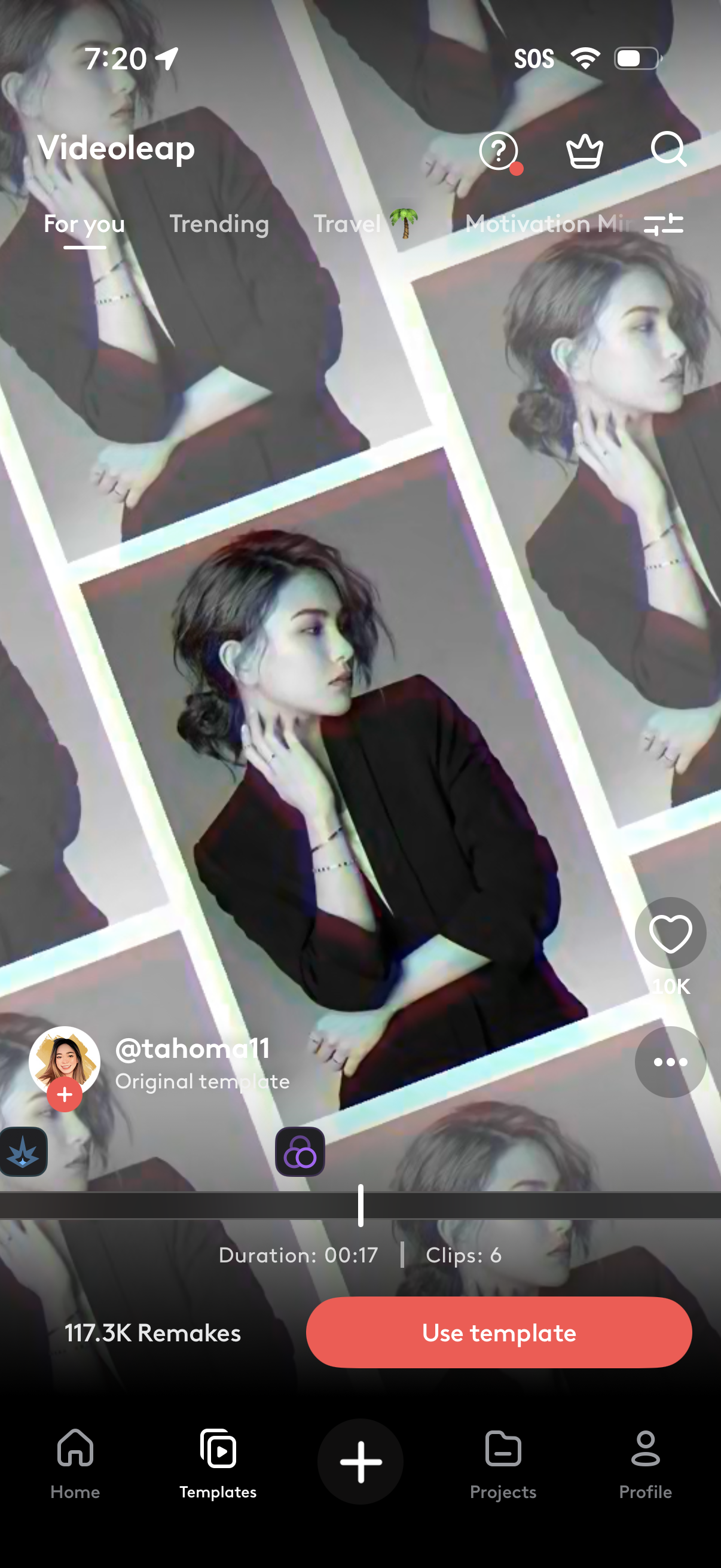
Video editing app template detail screen showing a preview of the selected template with creator info, likes, and remix count, plus timeline controls indicating duration and number of clips. Main actions include using the template, favoriting, opening more options, and navigating template categories with search and filters.
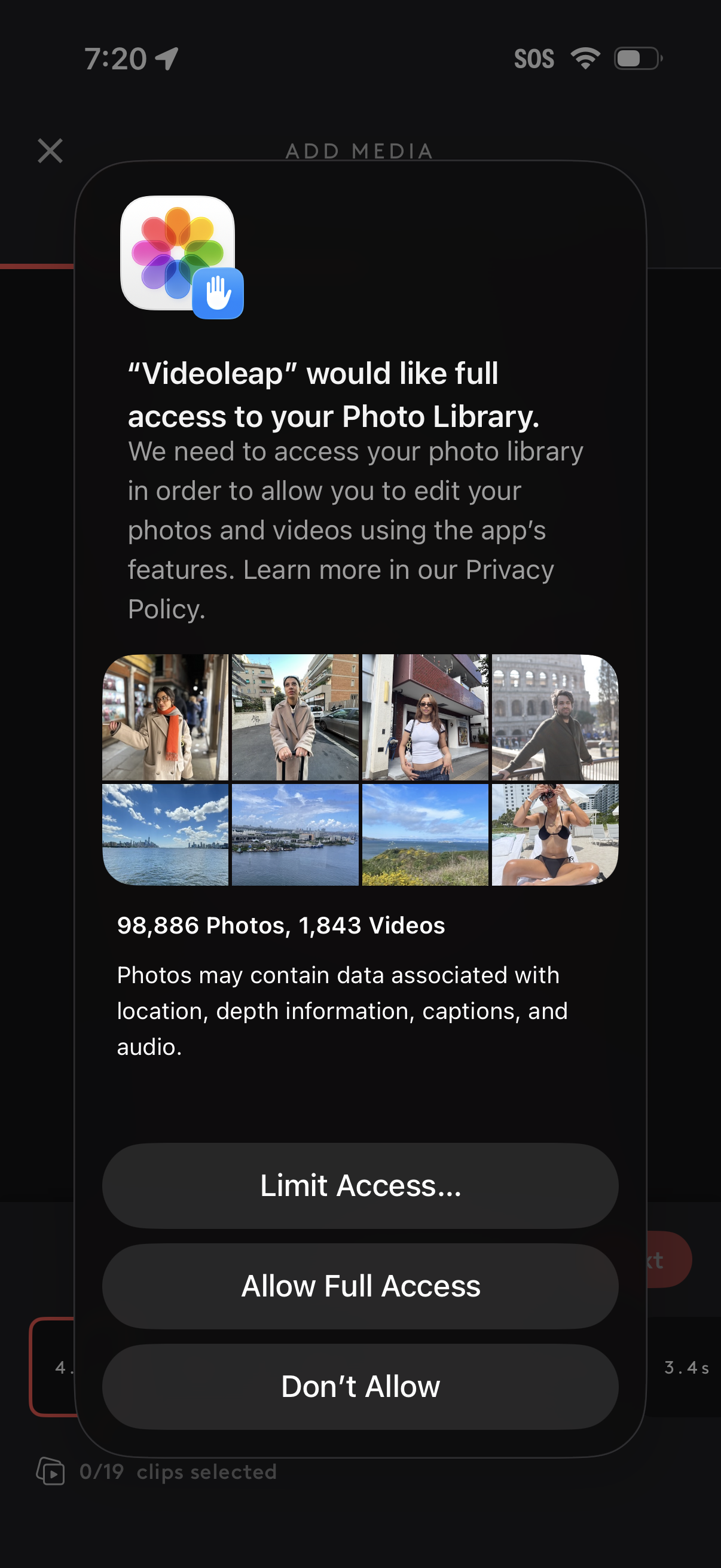
iOS system permission modal requesting Photo Library access for a video editing app while adding media, showing a preview grid and counts of photos/videos and explaining privacy use. User can choose Limit Access, Allow Full Access, or Don’t Allow.
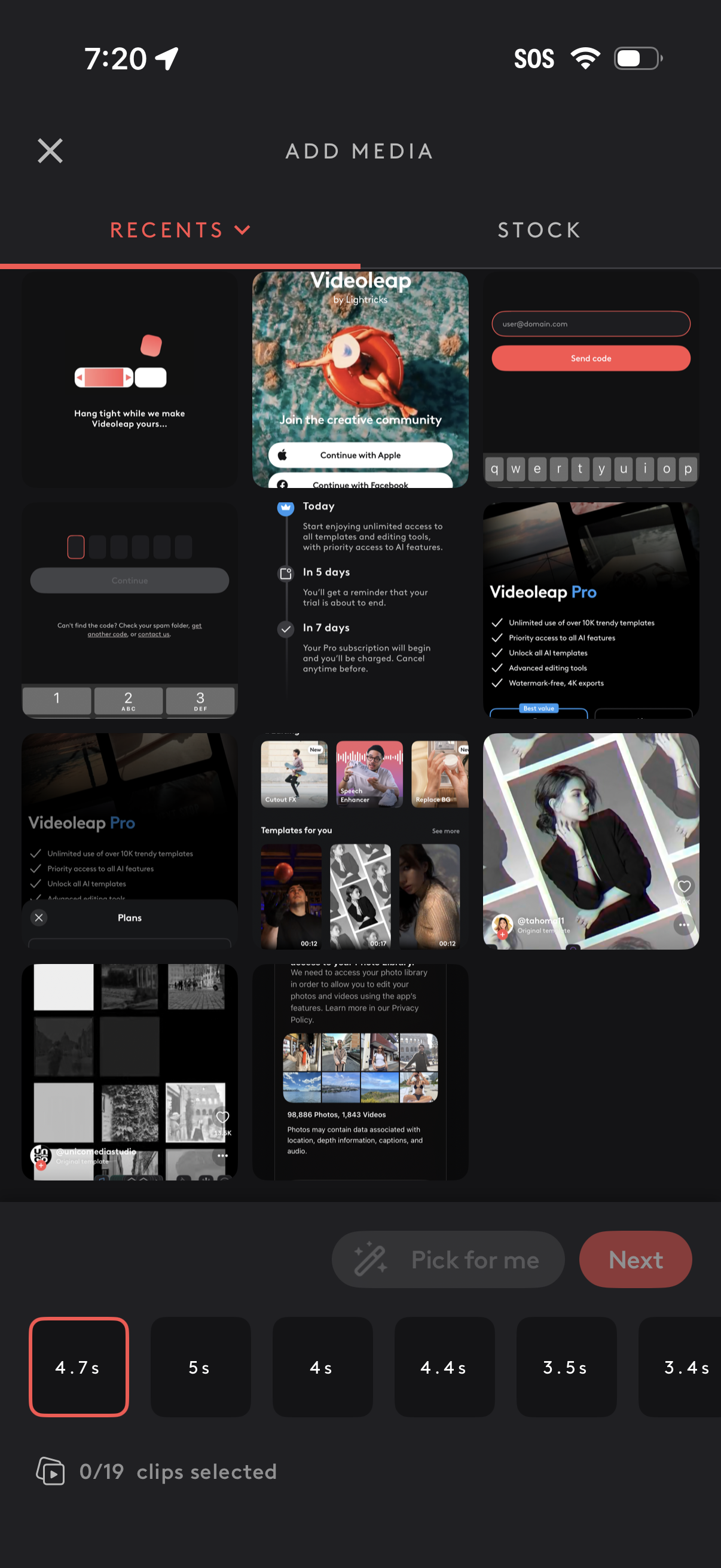
Media picker screen for a video editor showing an “Add Media” gallery with tabs for Recents and Stock, where users browse and select photos/videos as clips for a project. Includes a horizontal strip to set clip durations, a clip selection counter, and primary actions like Pick for me and Next to proceed.
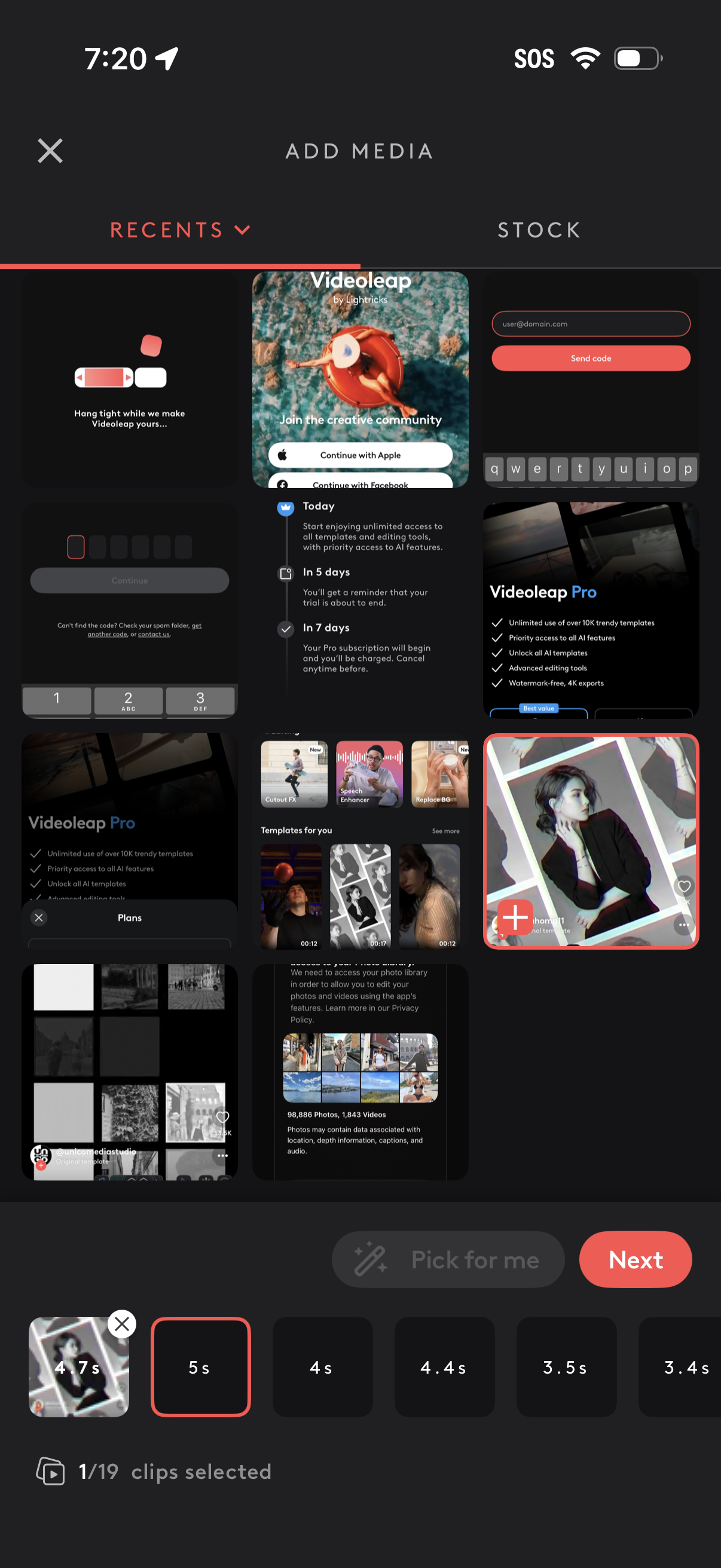
Media picker screen for a video editor where users add media from Recents or Stock, browse a grid of photos/videos, and select clips with a thumbnail strip and duration options. Shows selected clip count with controls like “Pick for me” and a primary “Next” button to proceed, plus a close/cancel action.
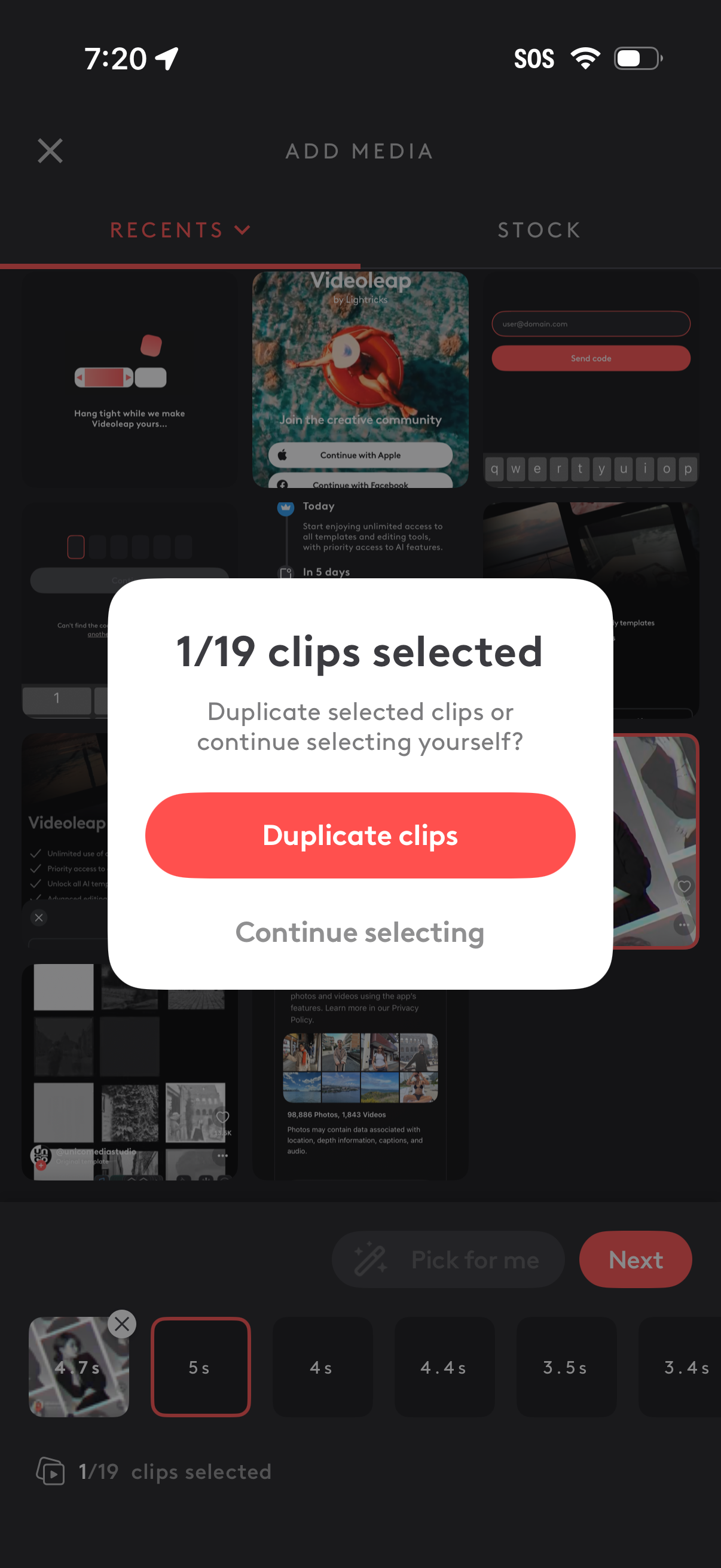
Media picker screen in a video editing app showing selected clips count (1/19) and a confirmation modal asking whether to duplicate the selected clips or continue selecting. Background includes a Recents/Stock source switch, clip thumbnails with durations, and navigation actions like Next.
A full-screen download progress state showing a circular percentage indicator (0%) with “Downloading…” status text. Includes a single primary action to cancel the download.
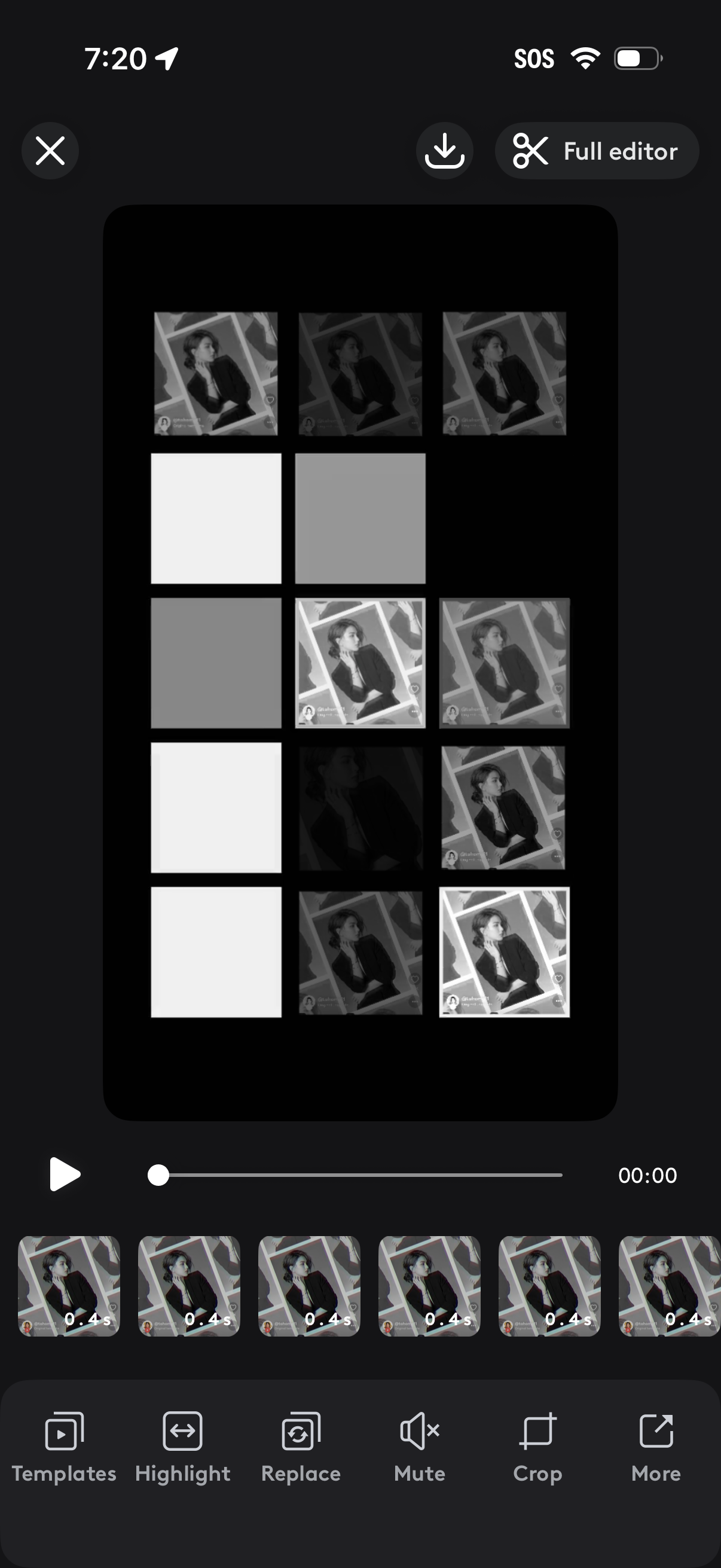
Mobile video editing screen for a collage-style template, showing a preview canvas with multiple tiles and a timeline of short clips to arrange. Users can play/pause and scrub, open the full editor or download, and use bottom tools like Templates, Highlight, Replace media, Mute audio, Crop, and More.