read widget guide

Settings screen for an app with sections for Cosmetics and General, offering customization options like pattern gallery, themes, and app icons plus controls for tweaks, tag management, sound and haptics toggles, backups, and unlocking all features. Also includes Help & feedback links such as widget guide and contact/support via email or Twitter.
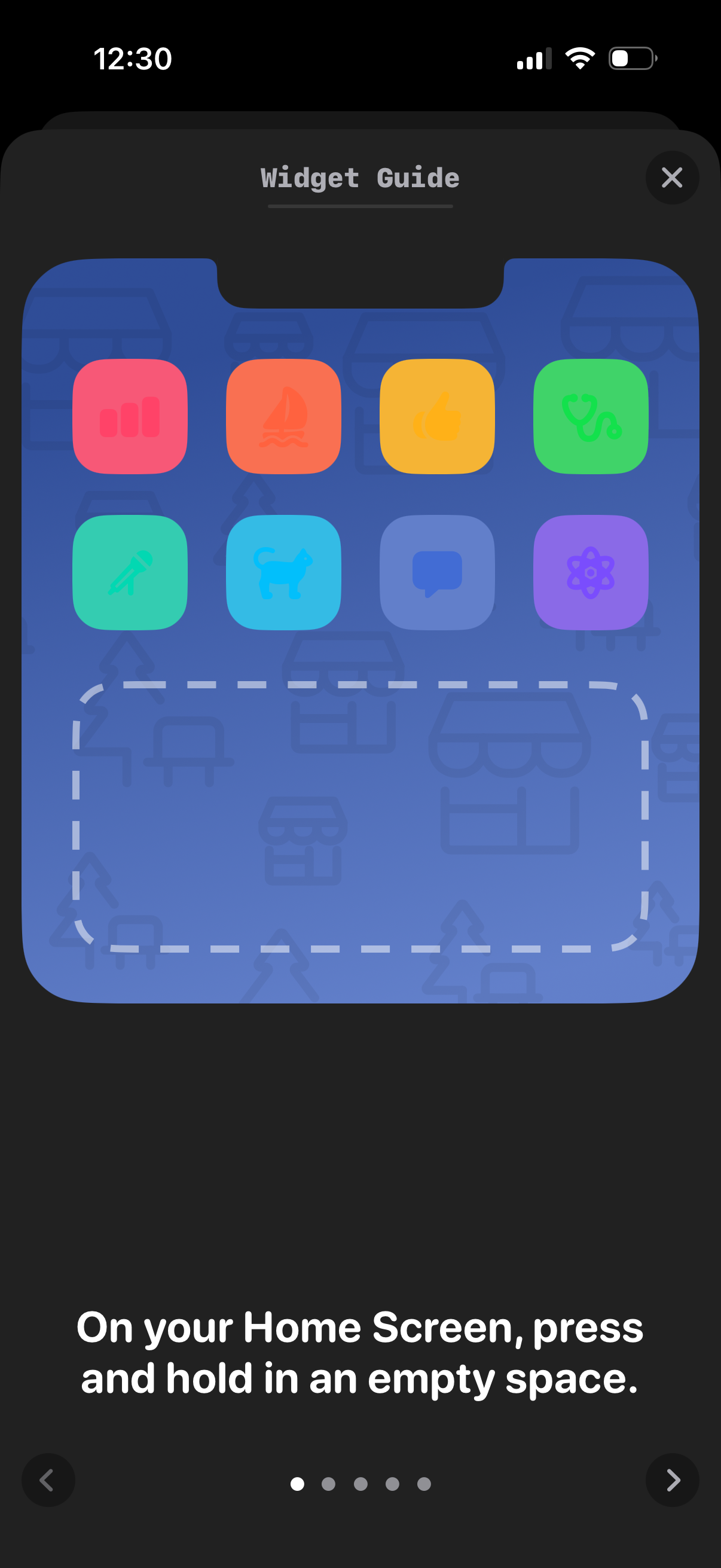
Widget guide onboarding screen that teaches users how to add app widgets to the iOS Home Screen, showing a sample grid of app icons and an empty widget placeholder area. Includes a step instruction (“press and hold in an empty space”), progress dots, back/next navigation arrows, and a close button.
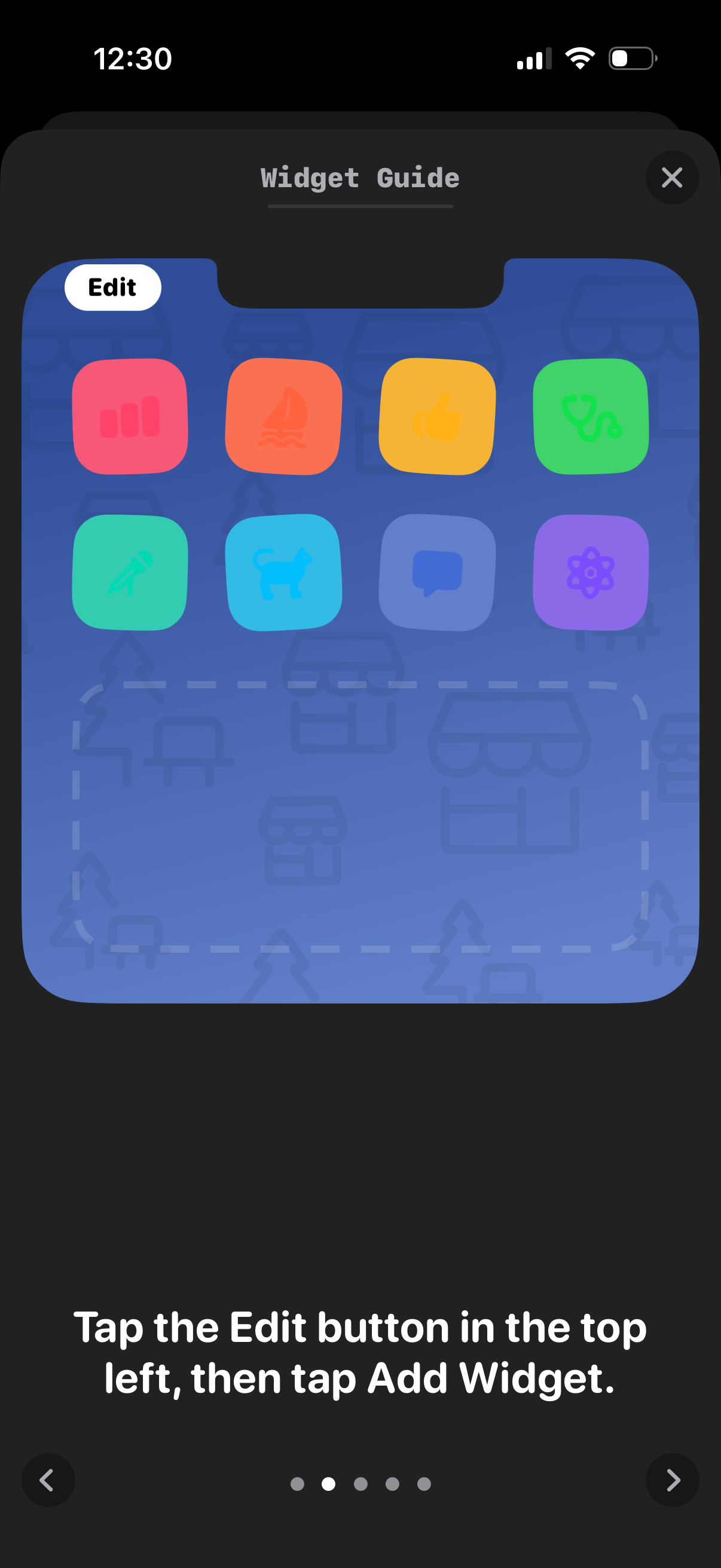
Widget guide tutorial screen showing a preview of the home screen with app icons and an Edit button, instructing users to tap Edit and then Add Widget to add a widget. Includes step navigation dots, back/next arrows, and a close button to exit the walkthrough.
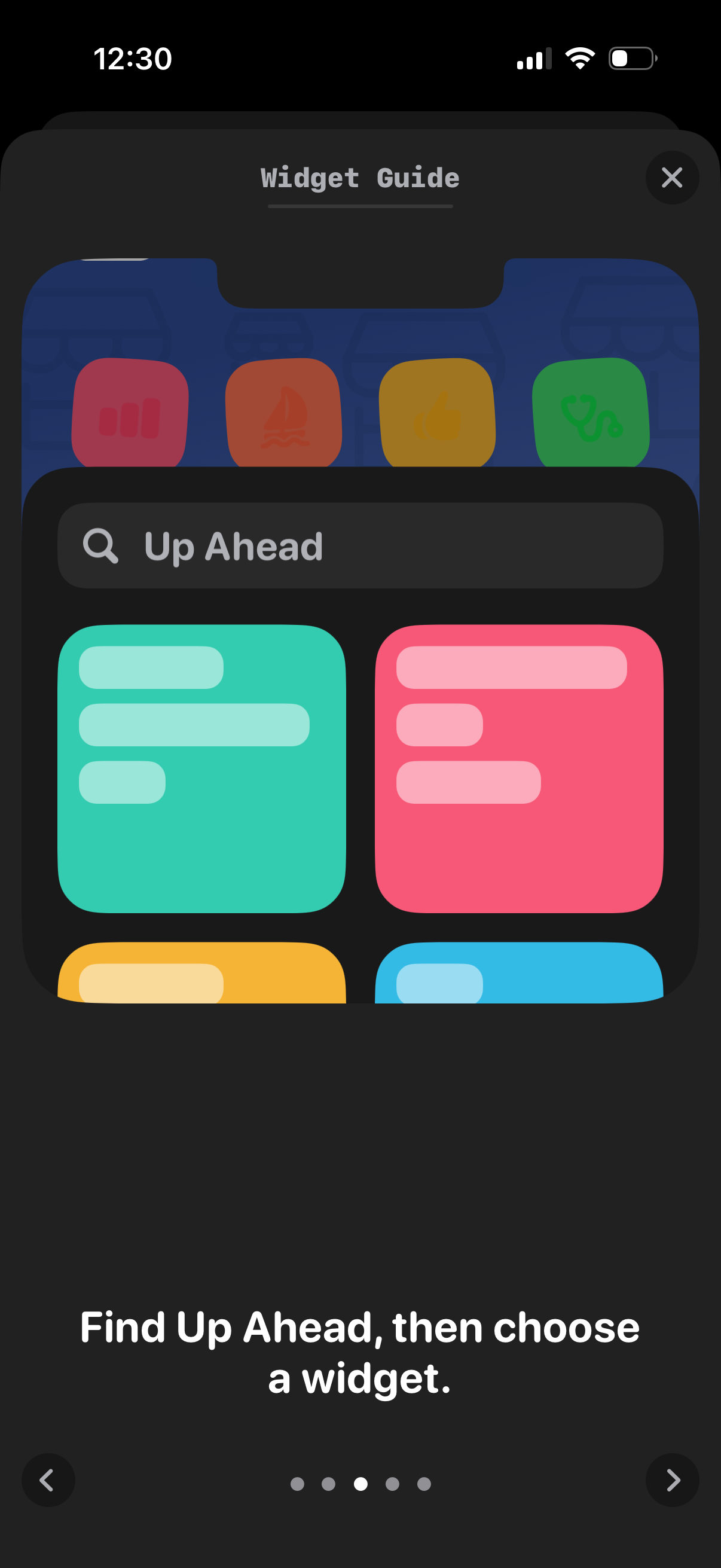
Onboarding tutorial modal for adding a home screen widget, showing a “Widget Guide” with a close button and an example widget picker search for “Up Ahead” with widget options. Instructional text guides the user to find the app in the widget list and choose a widget, with pagination dots and navigation arrows to step through the guide.

Onboarding “Widget Guide” screen showing example home screen widgets for countdowns and upcoming events, with instructions to place widgets and tap Done. Includes a Done button and close control within a modal-style tutorial carousel.

Widget guide onboarding screen showing an iOS home screen with a countdown widget example and a long-press context menu to edit it. Provides instructional text “Press and hold a widget to customize it,” with pagination dots and back/next navigation controls.