tune haptics strength
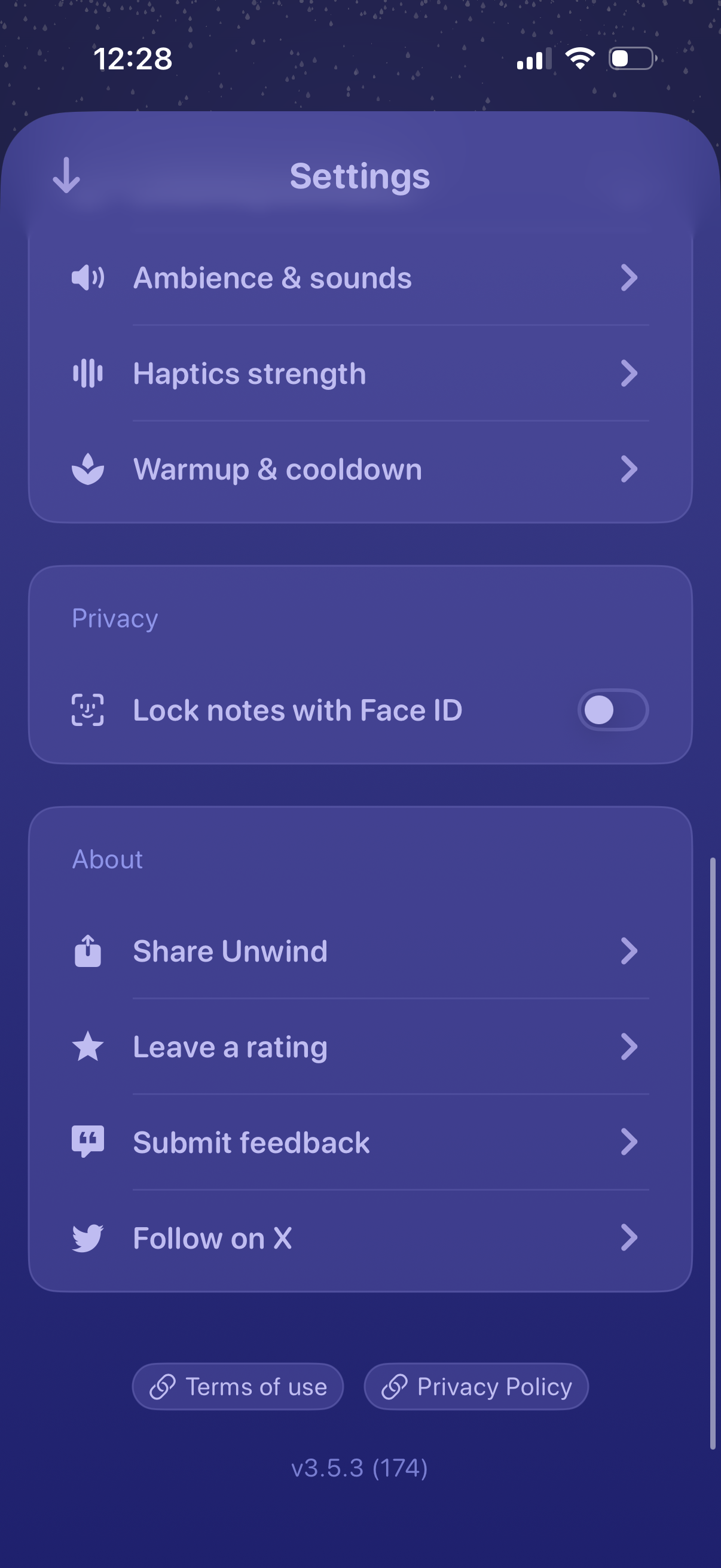
App settings screen with navigation to ambience & sounds, haptics strength, and warmup/cooldown preferences, plus a privacy toggle to lock notes with Face ID. Includes about/support actions like share app, leave a rating, submit feedback, follow on X, and links to terms of use and privacy policy.
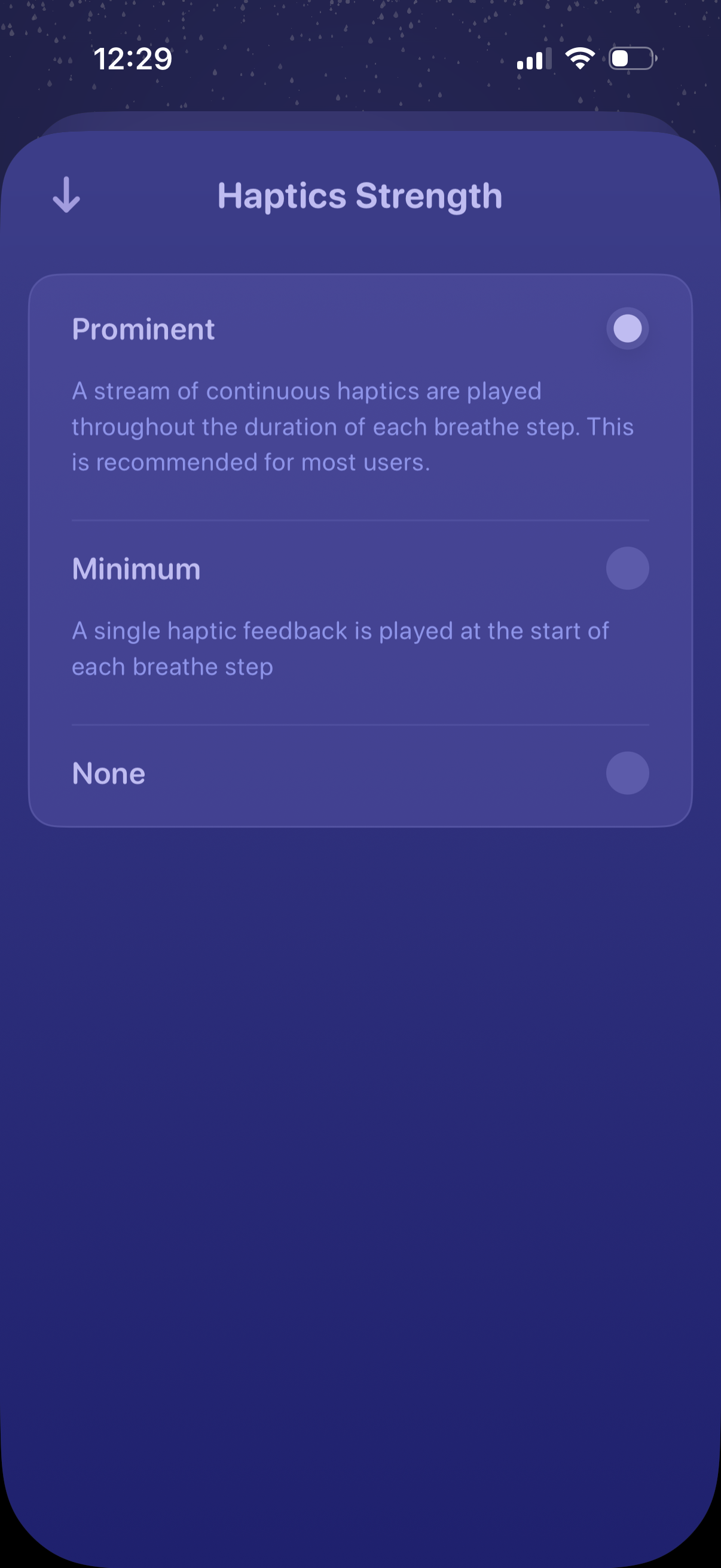
Settings screen for adjusting haptics strength for a guided breathing feature, with radio options for Prominent (continuous haptics), Minimum (single haptic at start of each step), or None. Includes a back arrow to return after selecting the preferred vibration feedback level.
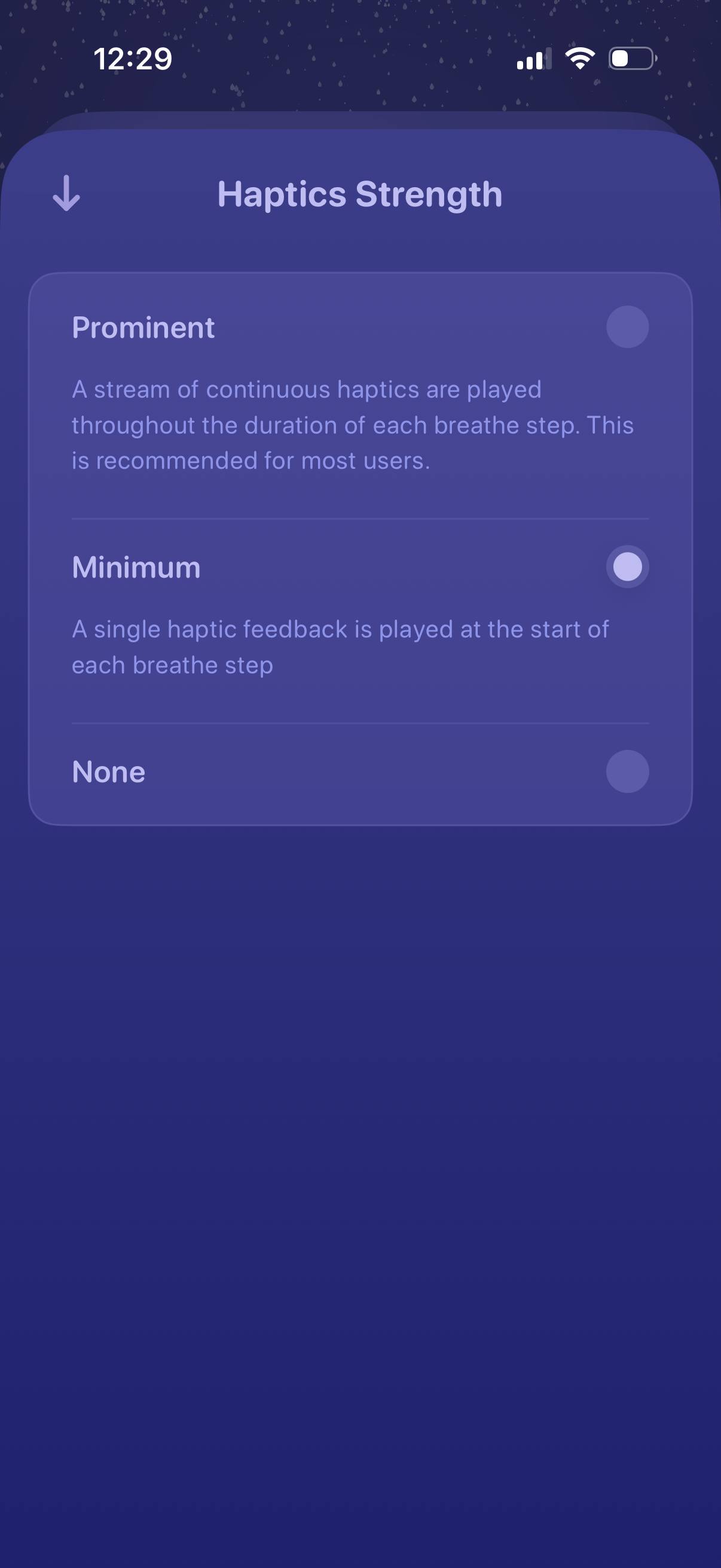
Settings screen for adjusting haptics strength in a breathing or mindfulness feature, with radio-style options for Prominent, Minimum, or None. Includes short descriptions of how each haptic mode behaves during each breathe step and a back navigation control.