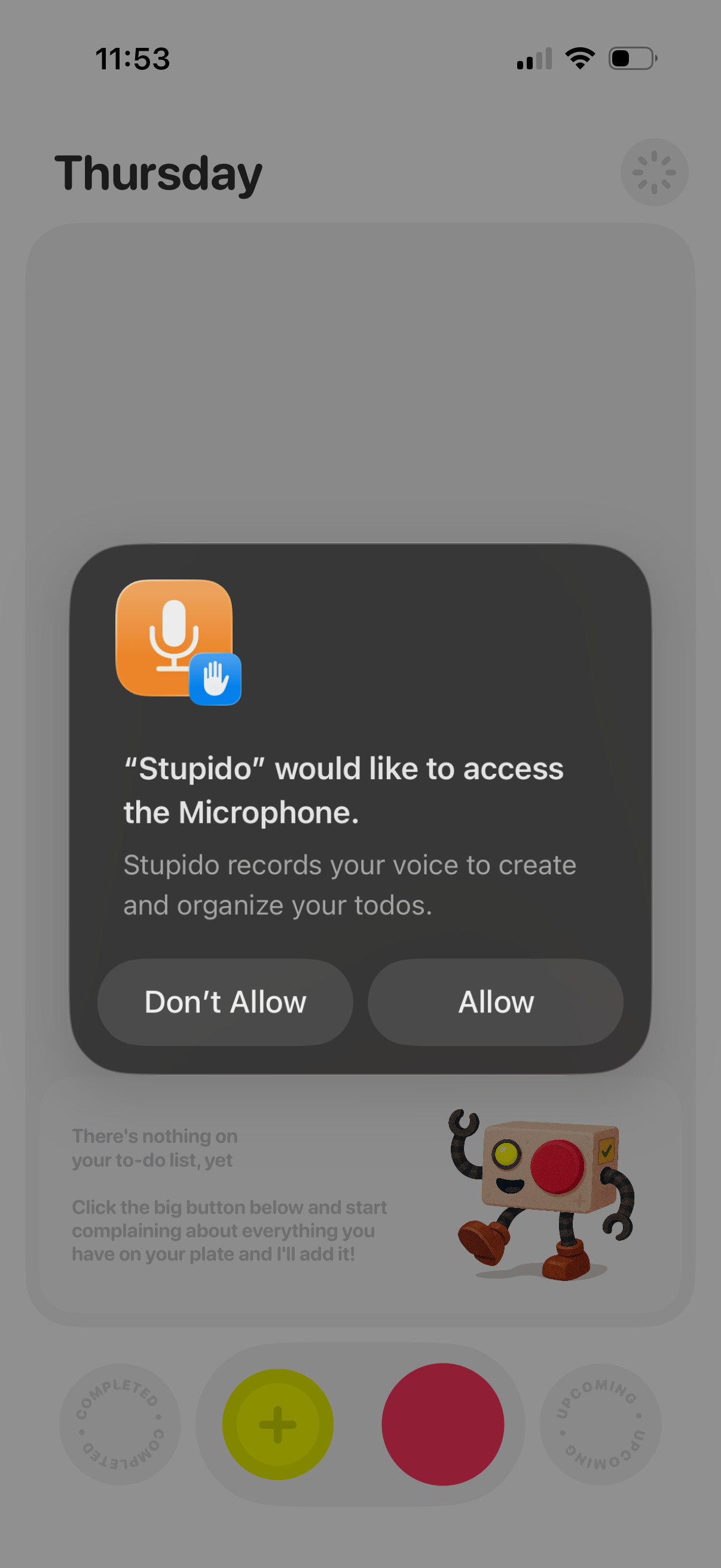
iOS system permission modal requesting microphone access for a voice-driven to-do app, explaining that audio will be recorded to create and organize tasks. The dialog presents primary actions to Allow or Don’t Allow.
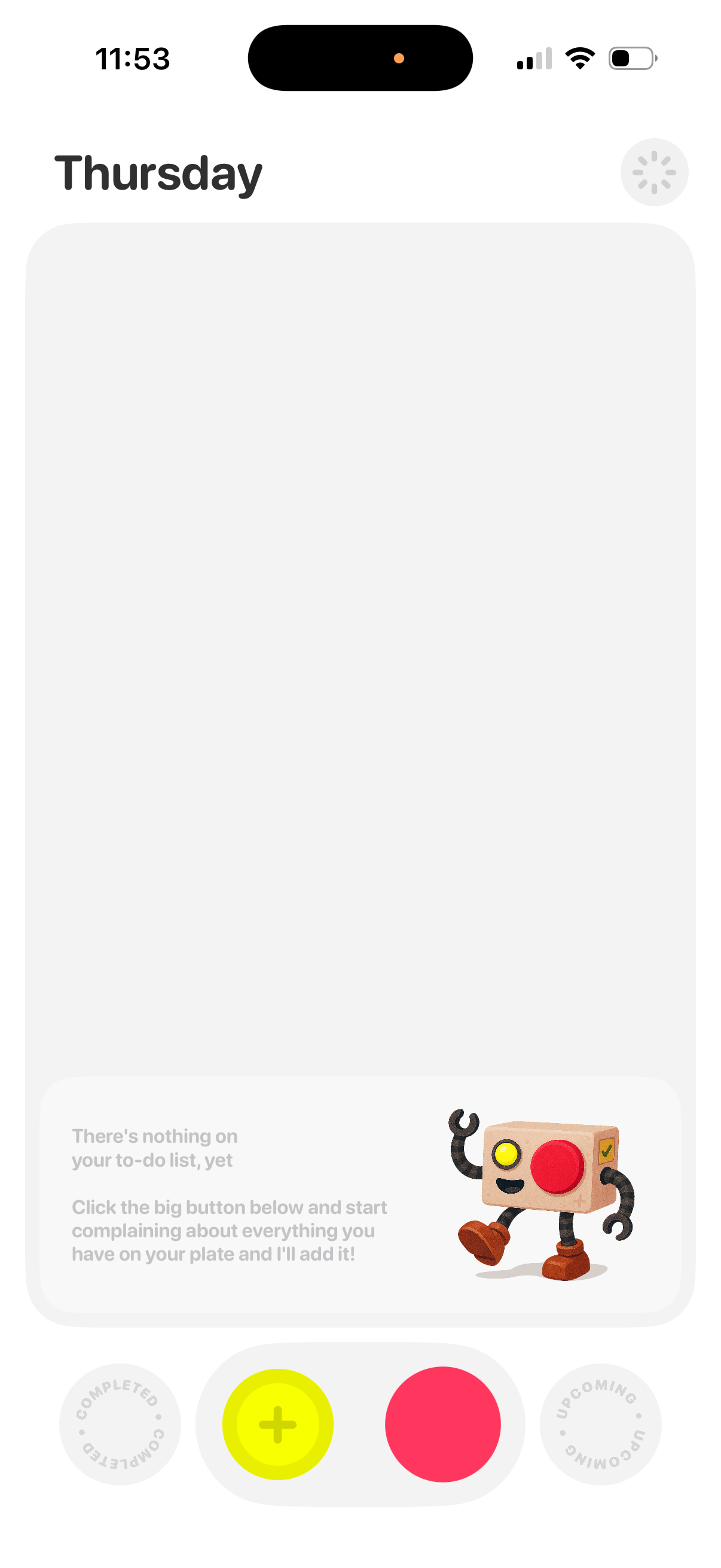
Daily to-do list dashboard for a specific day showing an empty state message when there are no tasks yet. Includes a prominent central add/new task button at the bottom with toggles to switch between completed and upcoming task views.
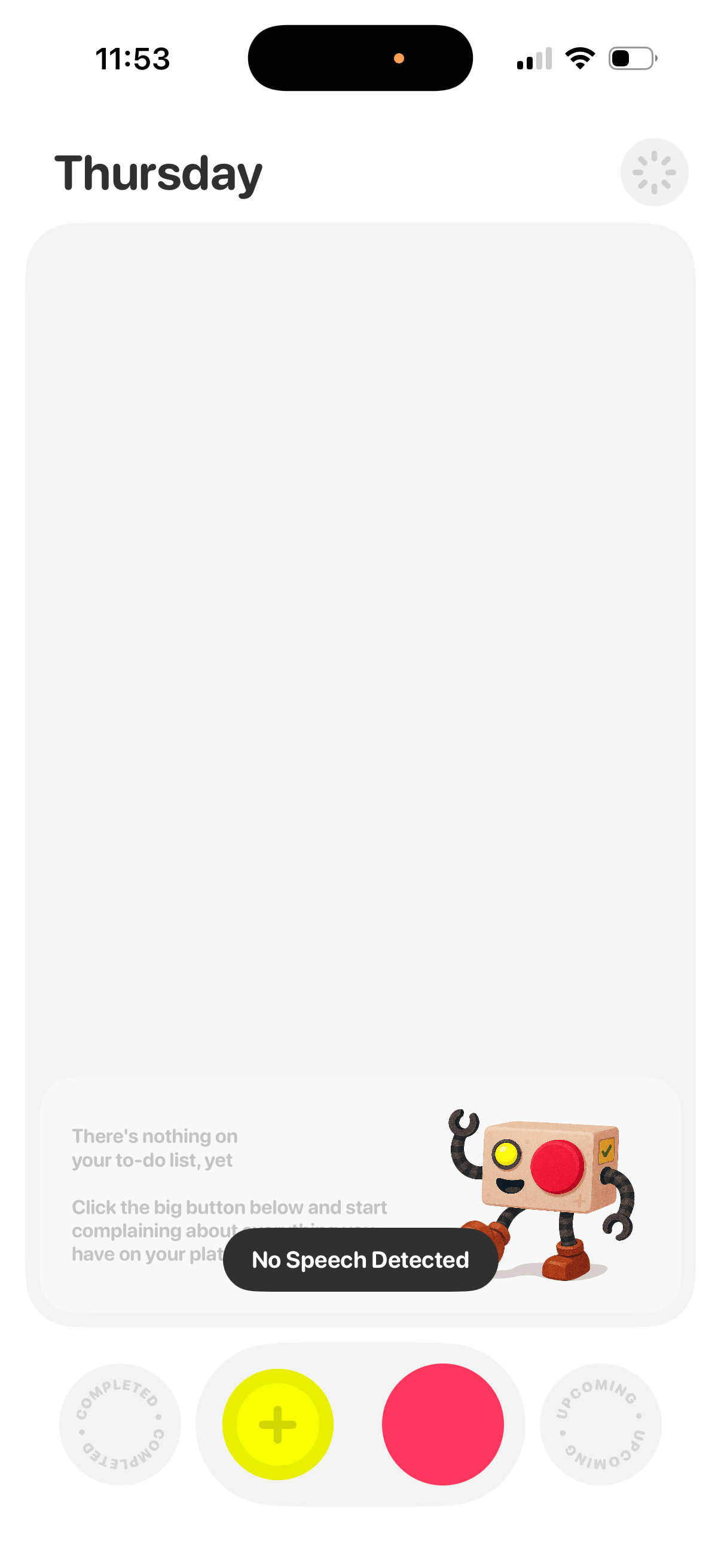
Daily task planner screen for Thursday showing an empty to‑do list state with an illustration and a “No Speech Detected” voice input status. A large central button lets users add a new task (including via voice), with quick tabs to view completed and upcoming items.
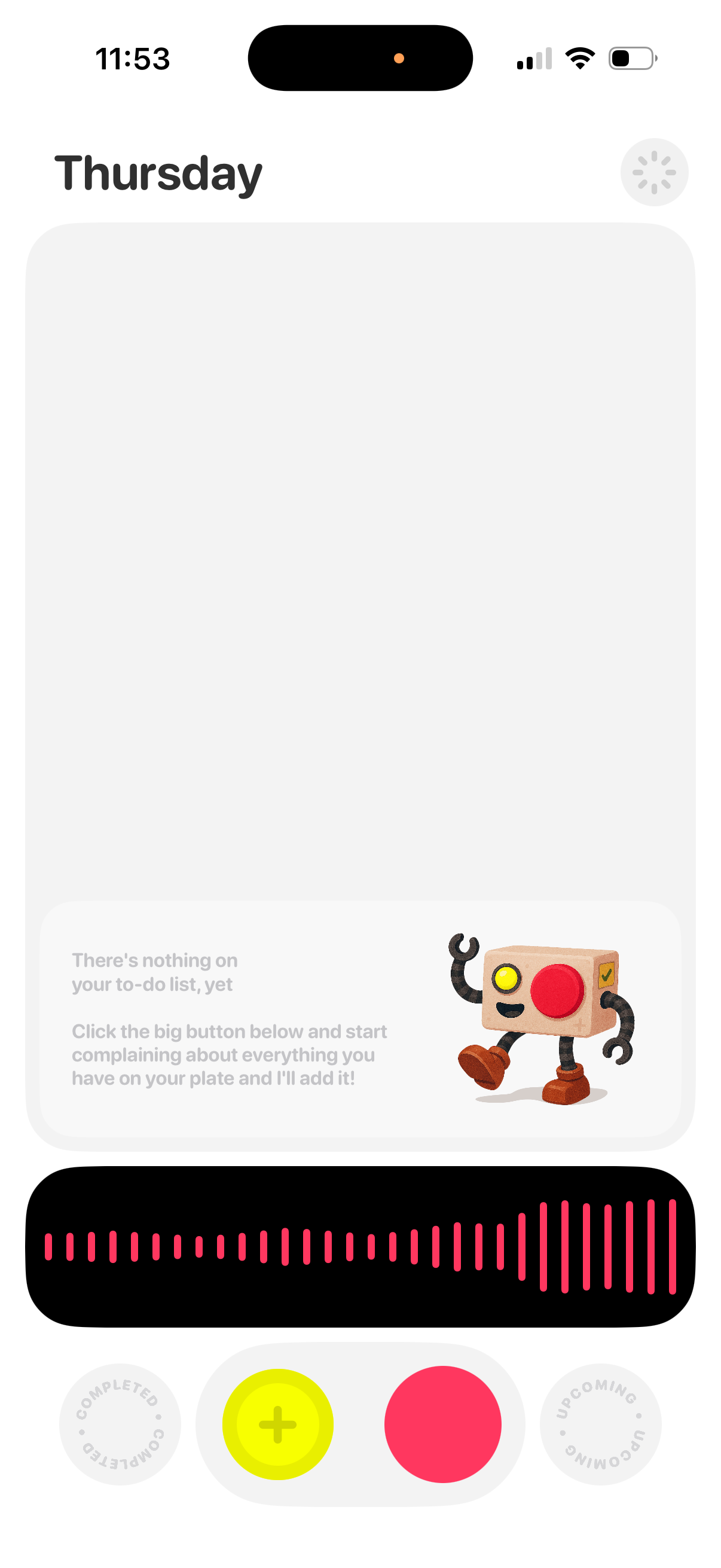
Daily to-do list screen organized by day, showing an empty-state message when there are no tasks and a voice/audio waveform area for recording or dictating items. Bottom controls include a large add (+) button to create a new task, plus tabs for viewing completed and upcoming tasks.