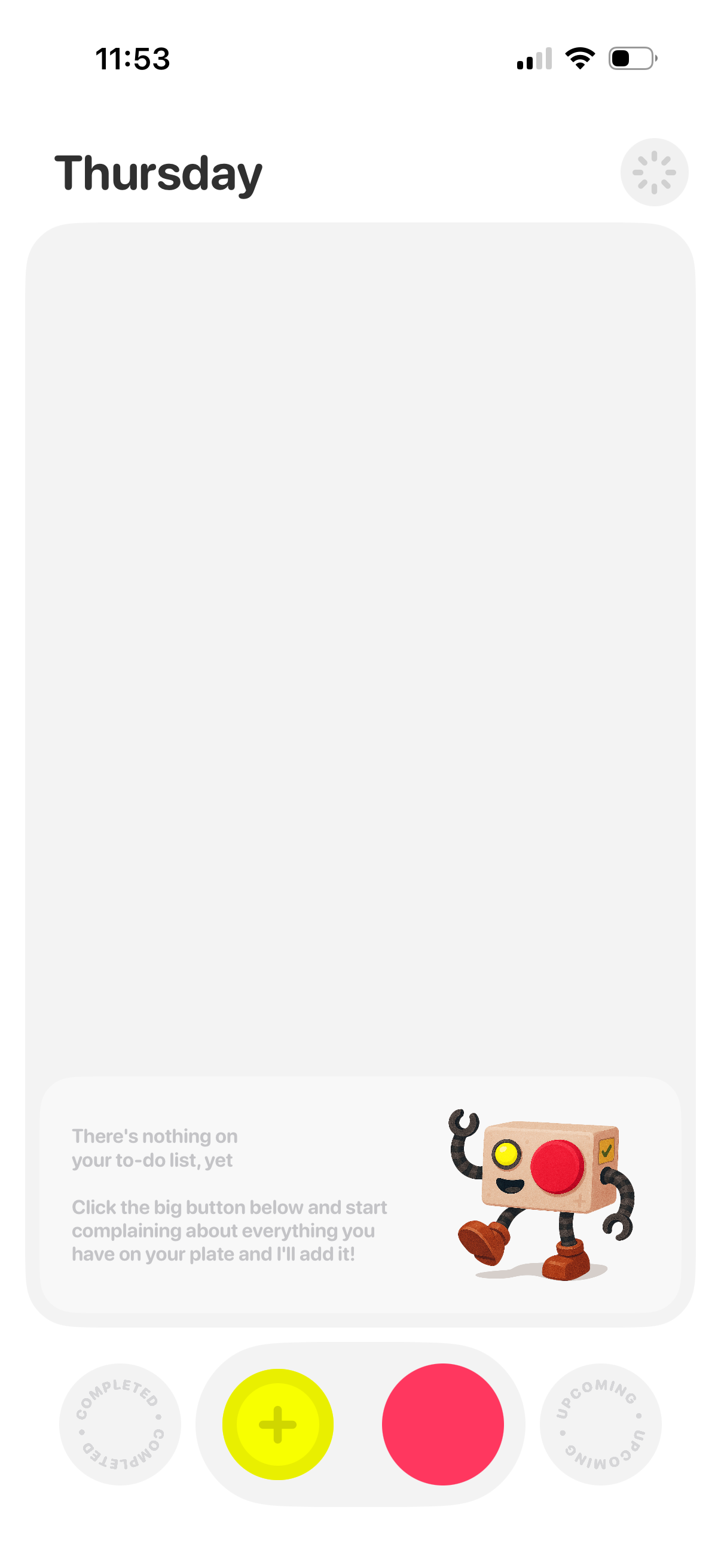
Daily to-do list home screen showing an empty state for the selected day (Thursday) with a prompt indicating no tasks yet. A large bottom action area with a prominent add (+) button enables creating a new task, alongside tabs/filters for viewing completed and upcoming items.
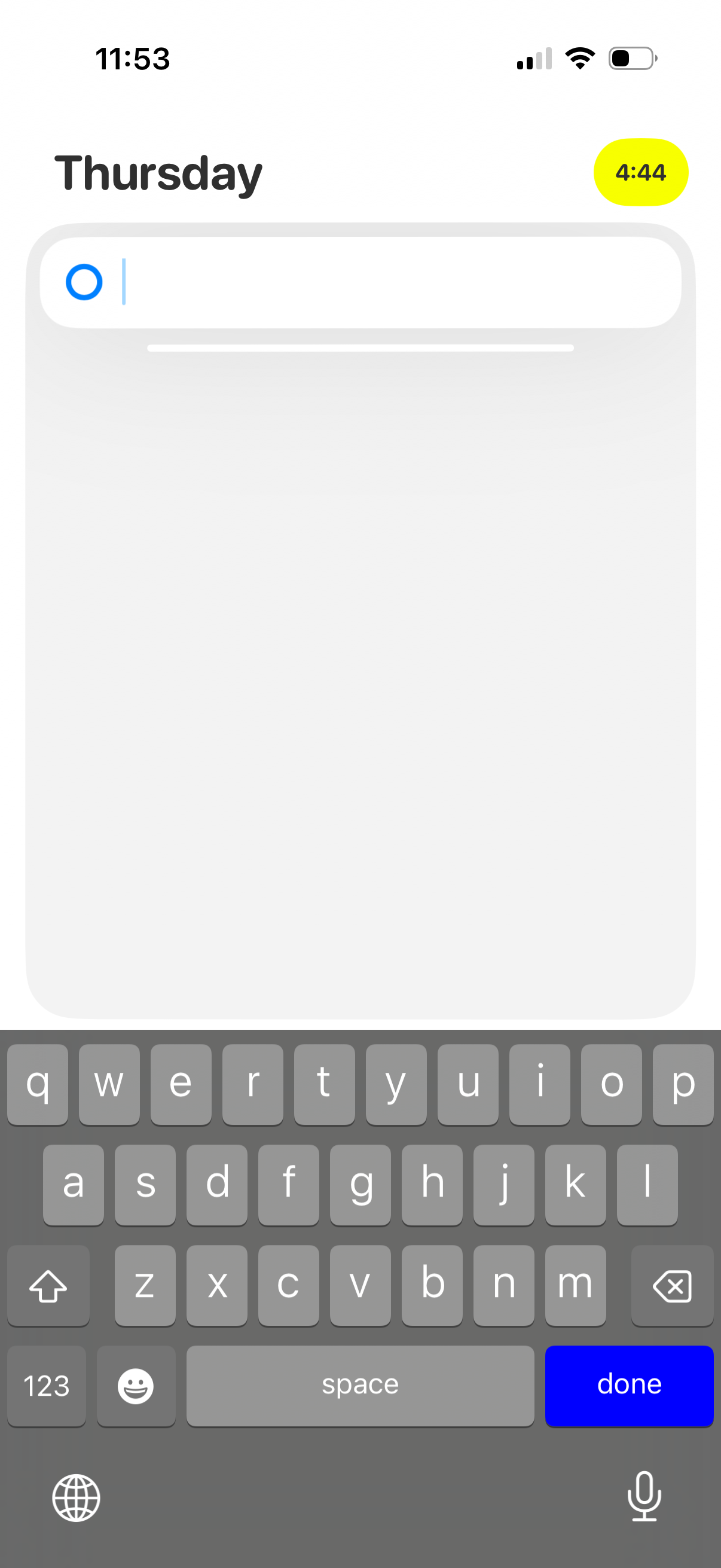
Minimalist daily planner or journal screen labeled with the day (“Thursday”), featuring a large empty note area and a top text input field with keyboard open for quickly adding a task or entry. A small timer/status pill appears in the corner, suggesting timed focus or time tracking while typing.
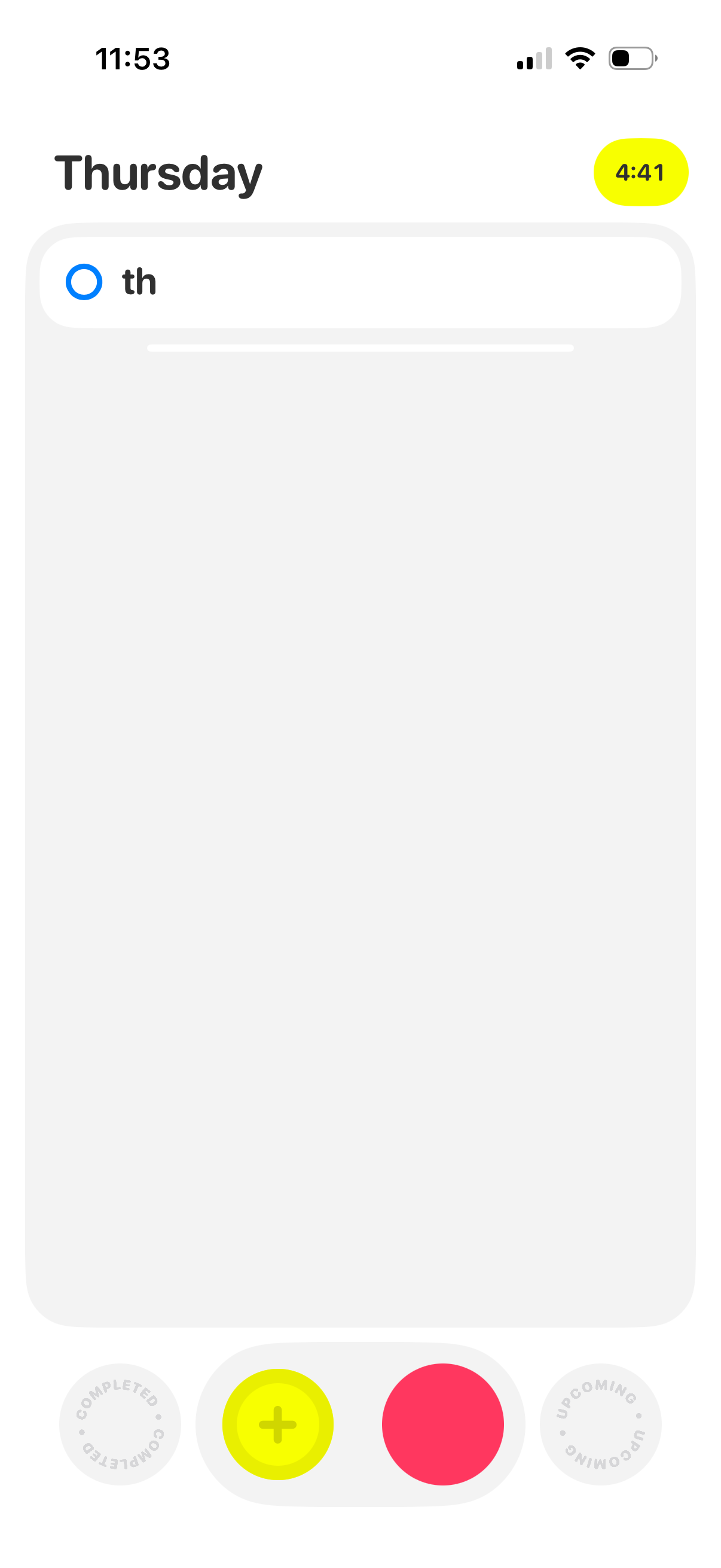
Daily task planner screen showing the day header with a large empty card for listing items and a text field to start typing a new task. Bottom navigation includes a prominent add (+) button and toggles to switch between completed, current, and upcoming tasks.
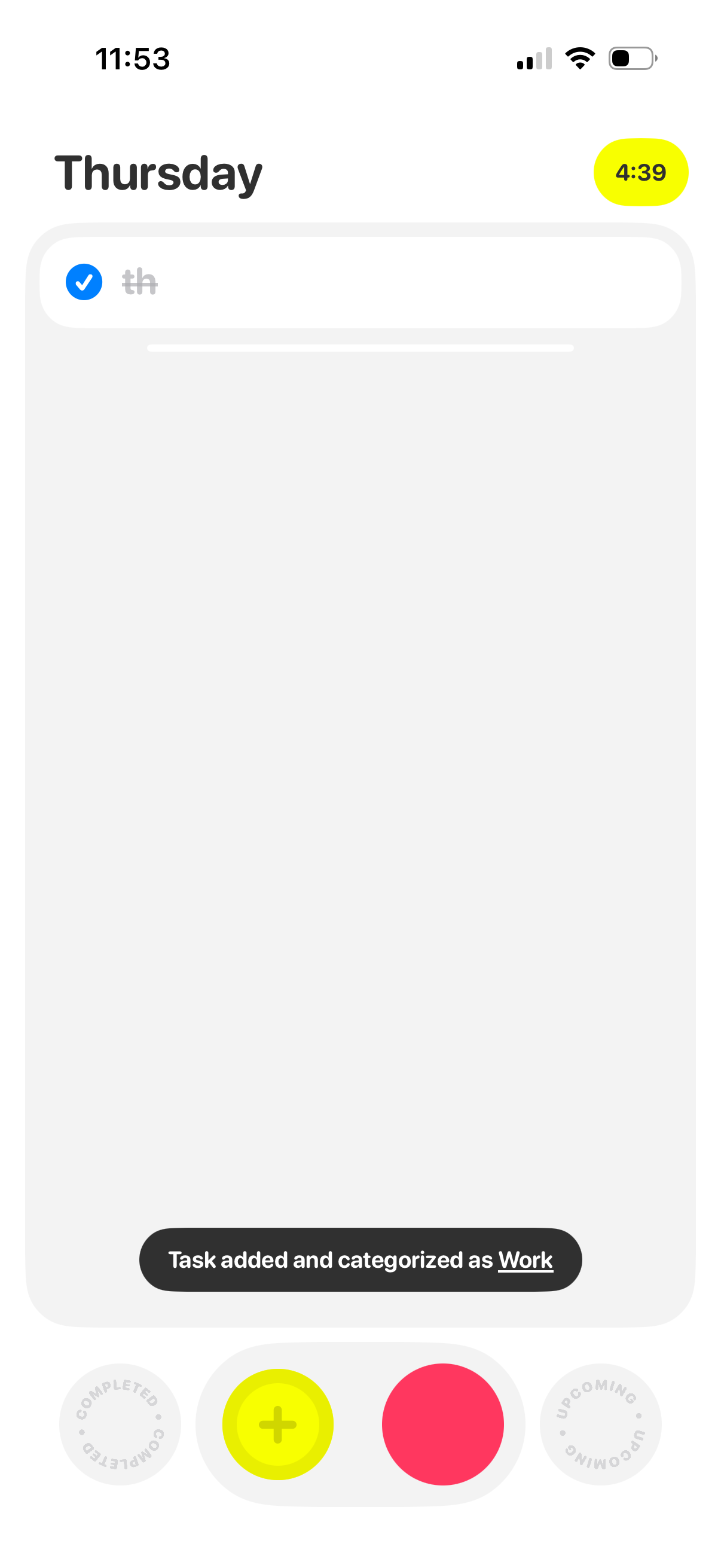
Minimalist daily to-do list screen for Thursday with a single task input field and completion checkbox, plus a toast confirming a task was added and categorized as Work. Bottom action bar includes an add (+) button and navigation between completed and upcoming tasks.