Sign In
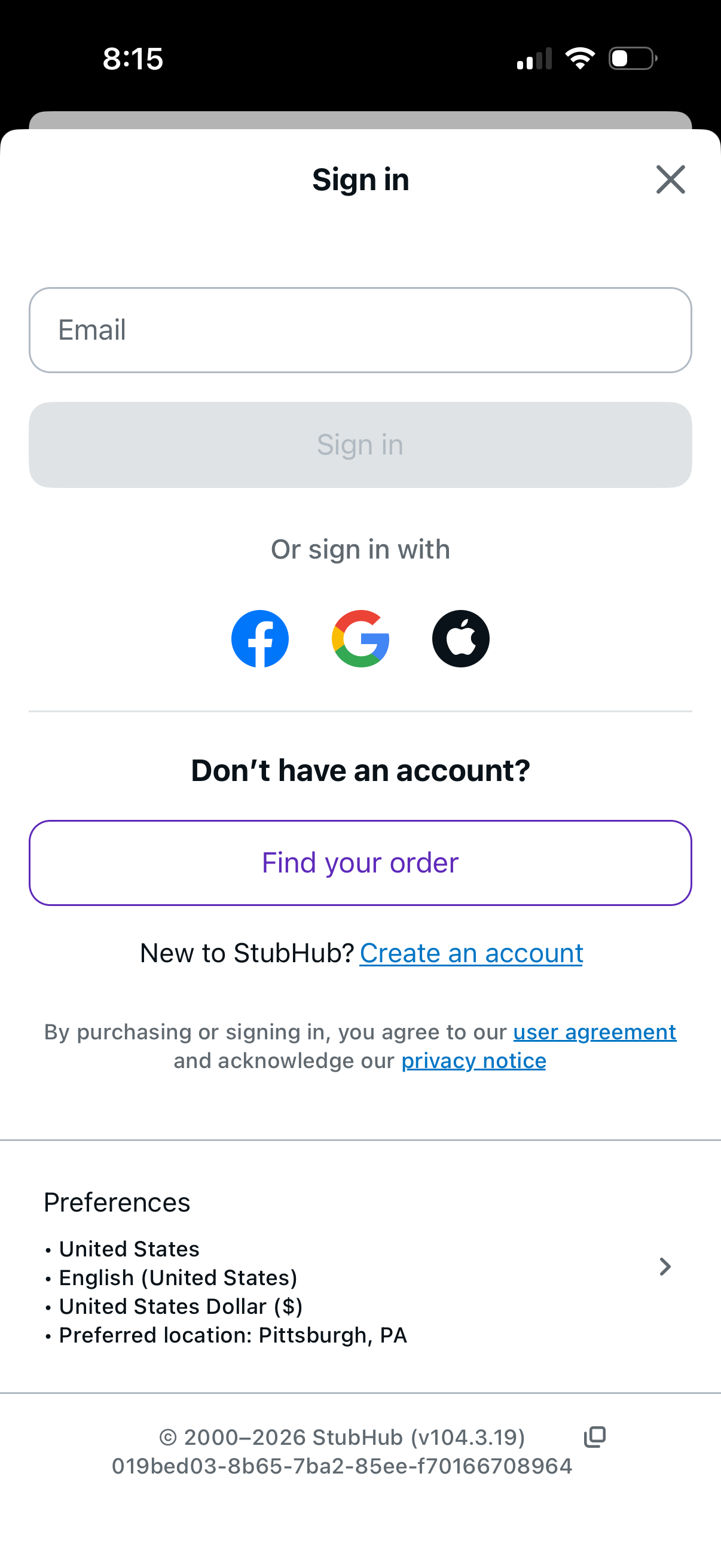
Modal sign-in screen with an email input and primary “Sign in” button, plus social login options for Facebook, Google, and Apple. Provides alternatives to find an order without an account and a link to create a new account, with user agreement and privacy notice links.
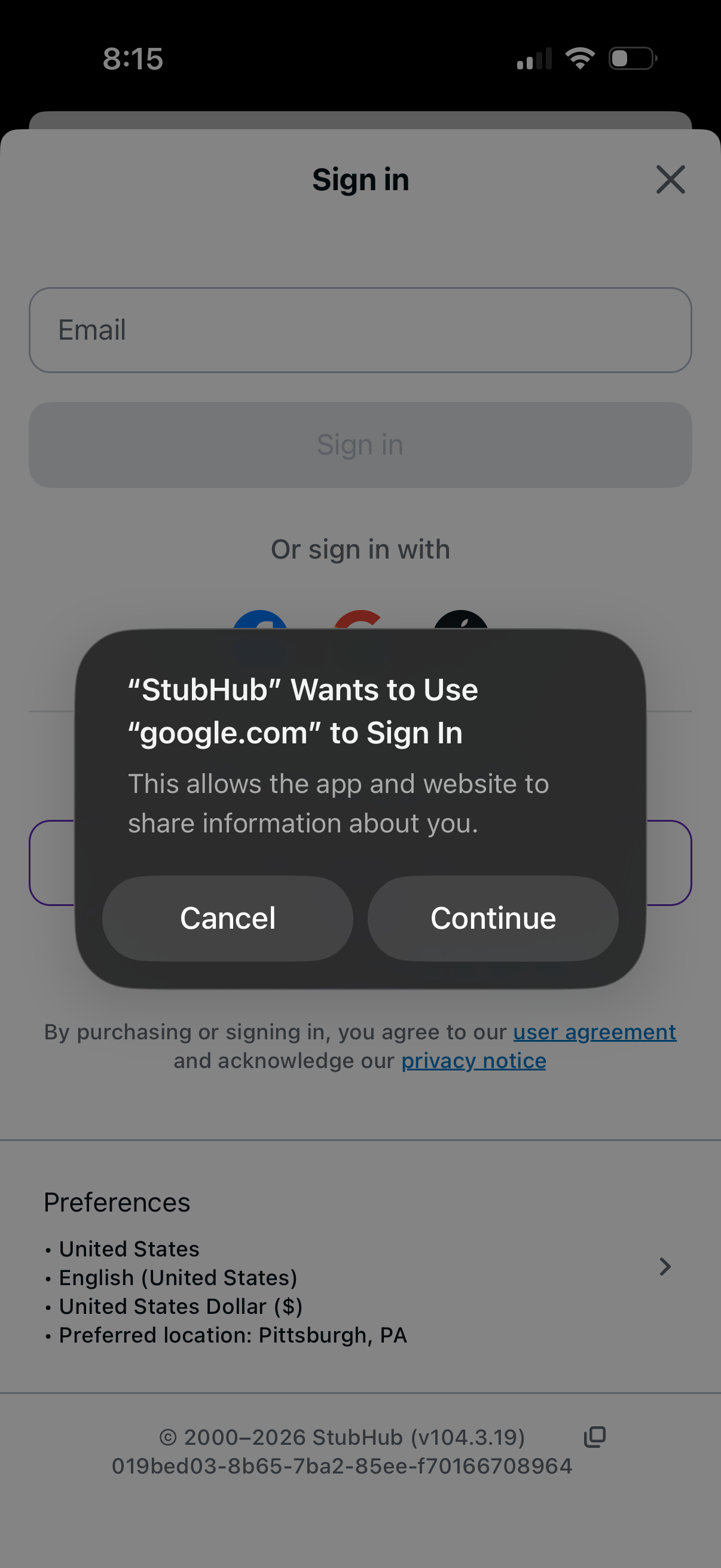
A sign-in screen with an email field and alternative social login options is shown with an iOS permission dialog asking to use an external domain (Google) for authentication. The modal overlay prompts the user to confirm or cancel the third-party sign-in before continuing.
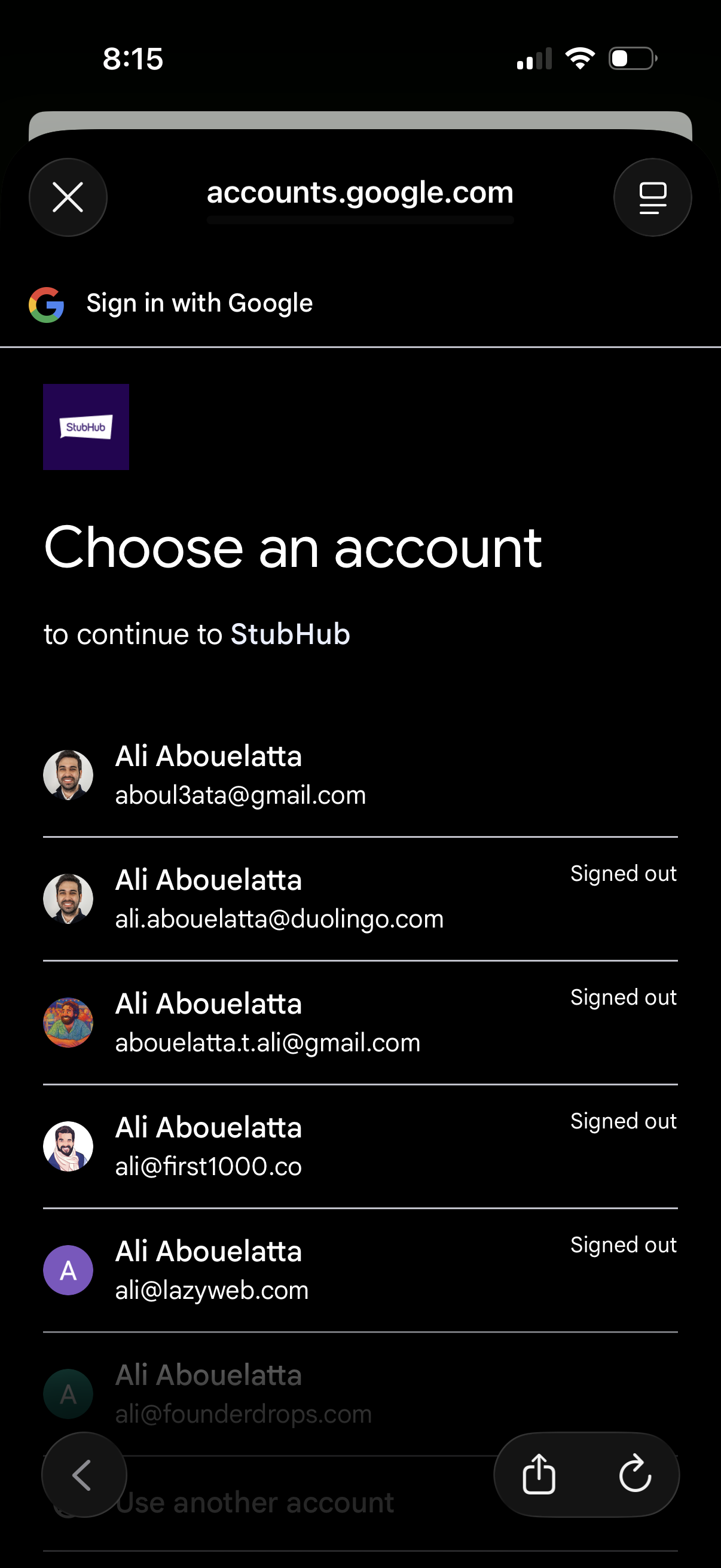
Google Sign-In account chooser screen prompting the user to select a Google account to continue to a third-party app, showing a list of saved accounts with avatars, email addresses, and signed-out status. Users can tap an account to sign in, use another account, or close the authentication flow.
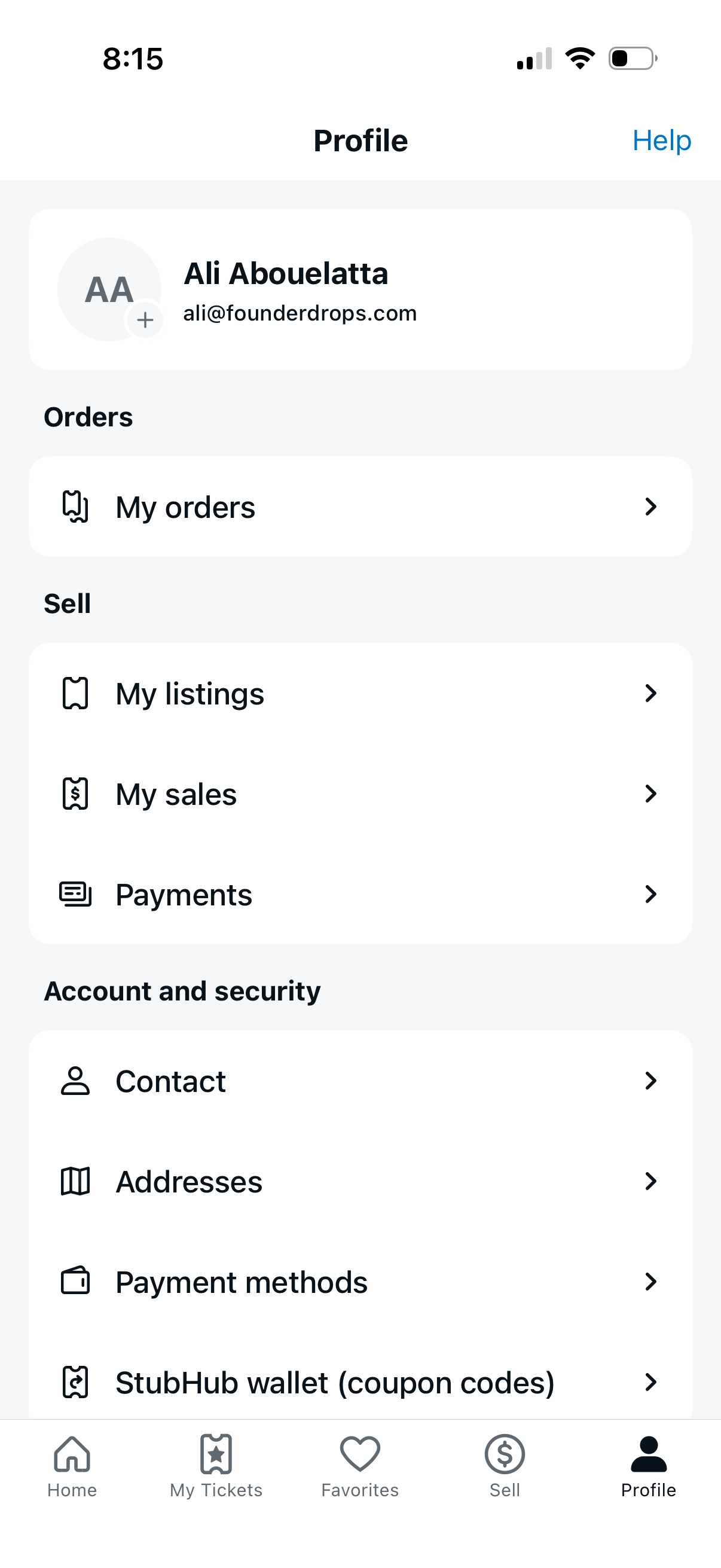
Profile/account hub screen for a marketplace app showing the user’s name and email and a Help link, with navigation to manage orders (My orders) and selling tools (My listings, My sales, Payments). Includes account and security settings shortcuts for contact details, addresses, payment methods, and wallet/coupon codes, plus a bottom tab bar for Home, My Tickets, Favorites, Sell, and Profile.