Sign in
Branded splash/loading screen with a centered app logo on a festive holiday-themed background. No user actions or navigation elements are shown, indicating the app is launching.
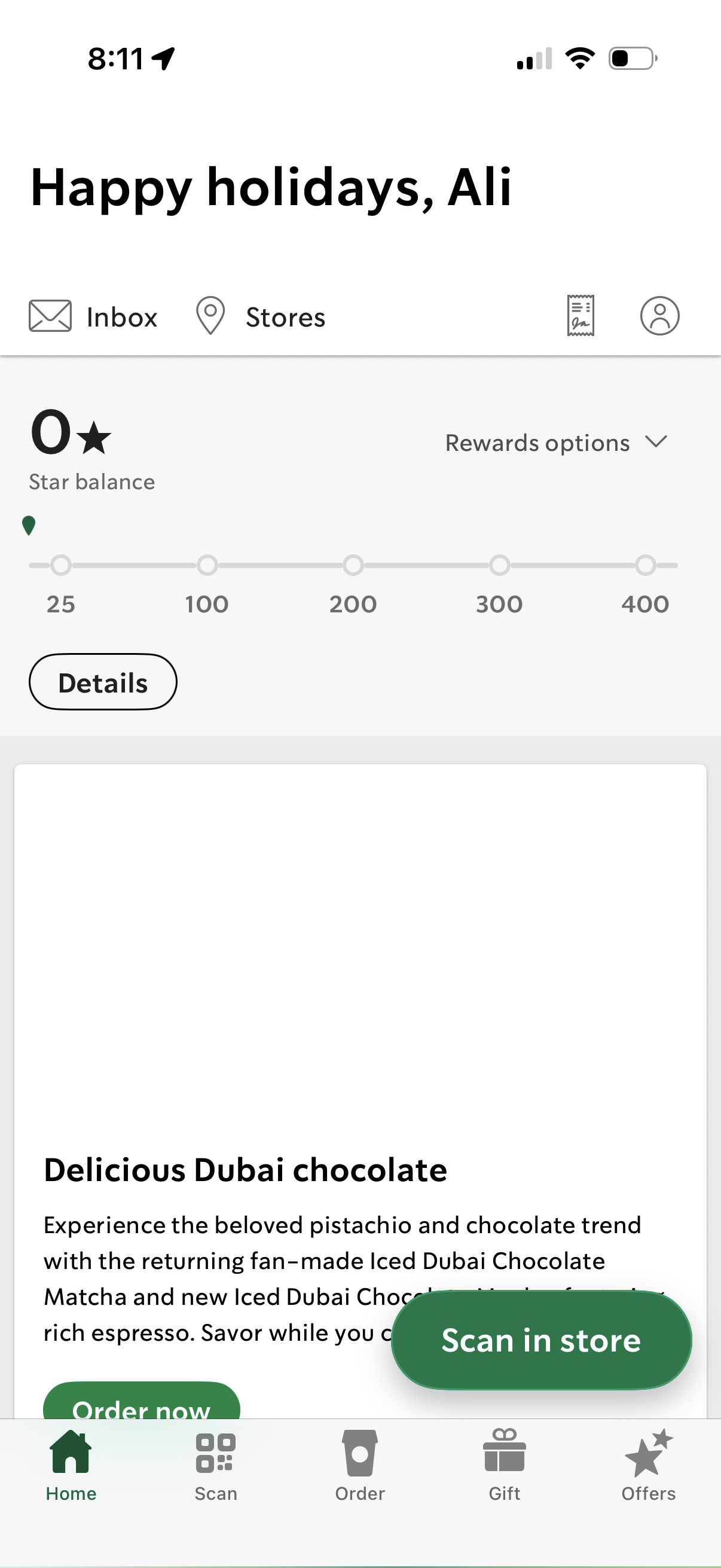
Home dashboard of a coffee loyalty app showing the user’s rewards star balance with a progress tracker, rewards options dropdown, and a details button, plus shortcuts to inbox, store locator, and account. Promotional card encourages ordering or scanning in store, with bottom navigation for Home, Scan, Order, Gift, and Offers.
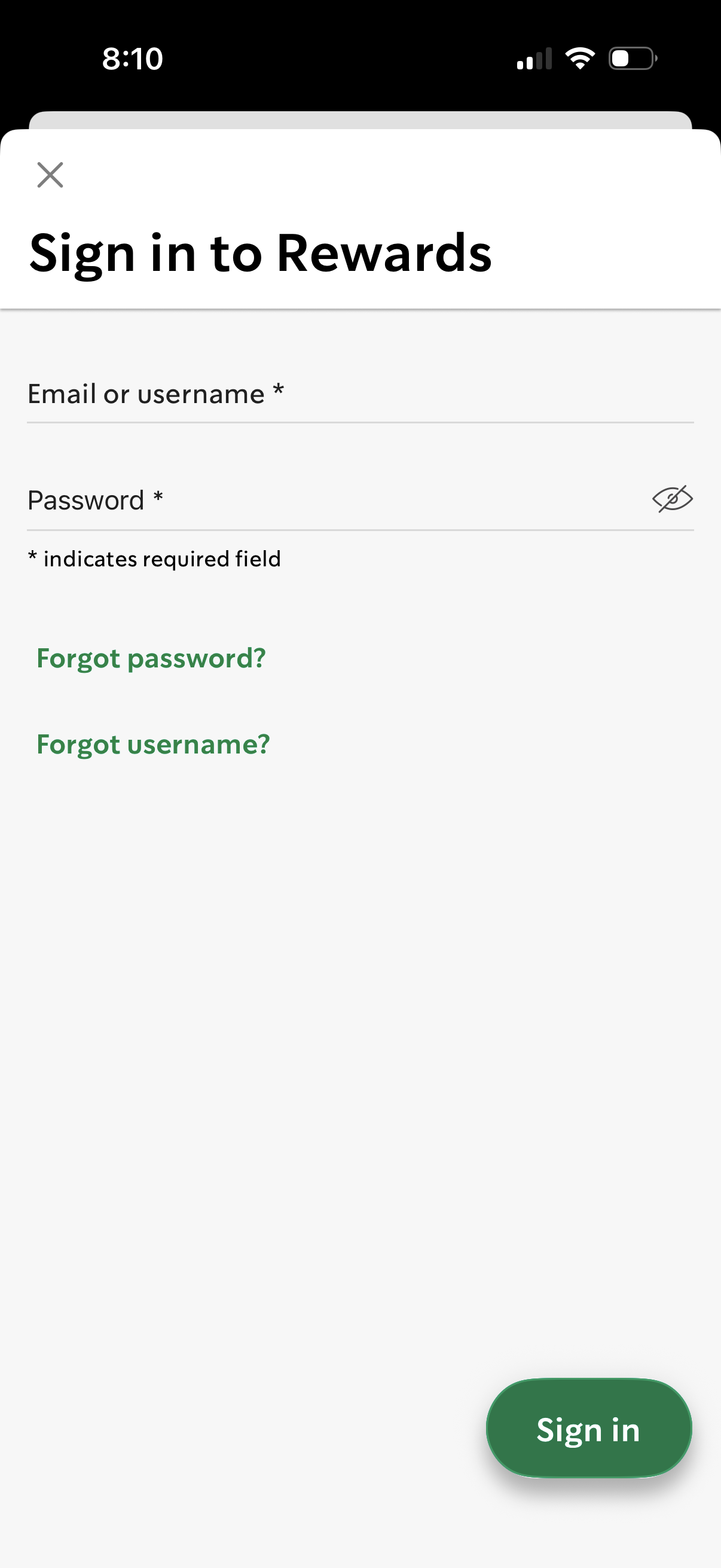
Rewards program sign-in screen with required email/username and password fields, including a password visibility toggle. Provides “Forgot password?
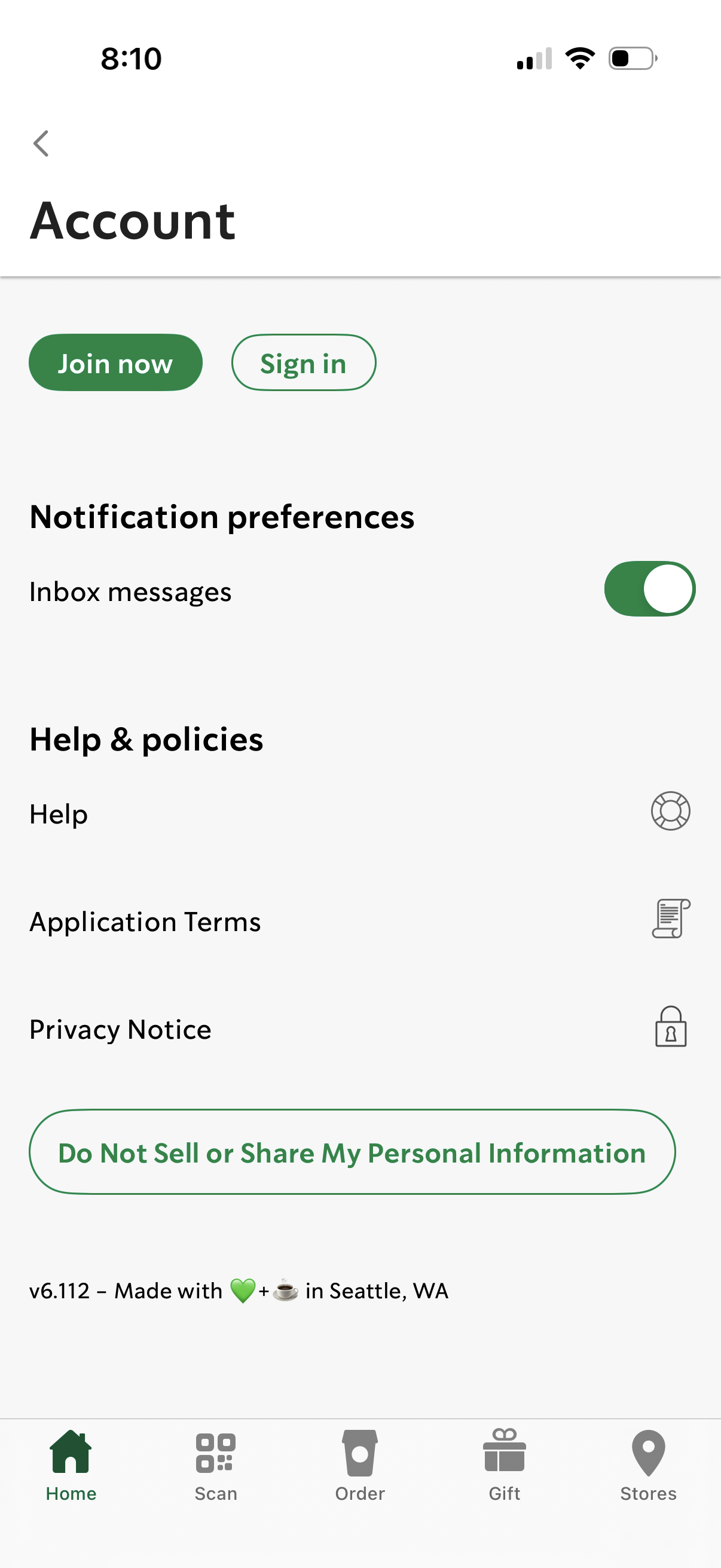
Account settings screen for a mobile app with primary actions to join now or sign in, plus a notification preference toggle for inbox messages. Includes help and policy links (Help, Application Terms, Privacy Notice) and a prominent privacy opt-out button to “Do Not Sell or Share My Personal Information.
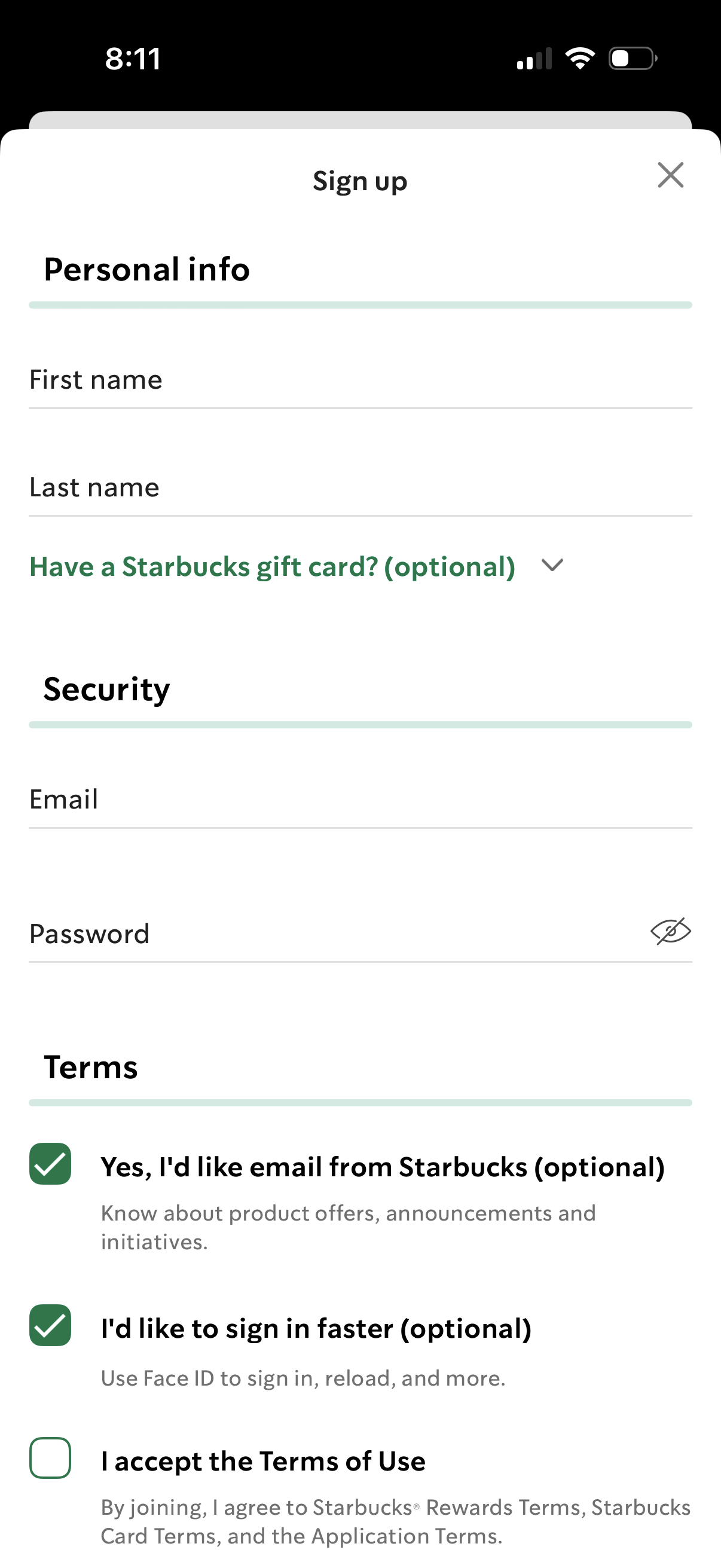
Sign up registration form collecting personal information (first and last name) and security details (email and password with show/hide toggle), with an optional dropdown to add a gift card. Includes terms and consent checkboxes for marketing emails, enabling faster sign-in with Face ID, and accepting the terms of use, plus a close button to dismiss the flow.
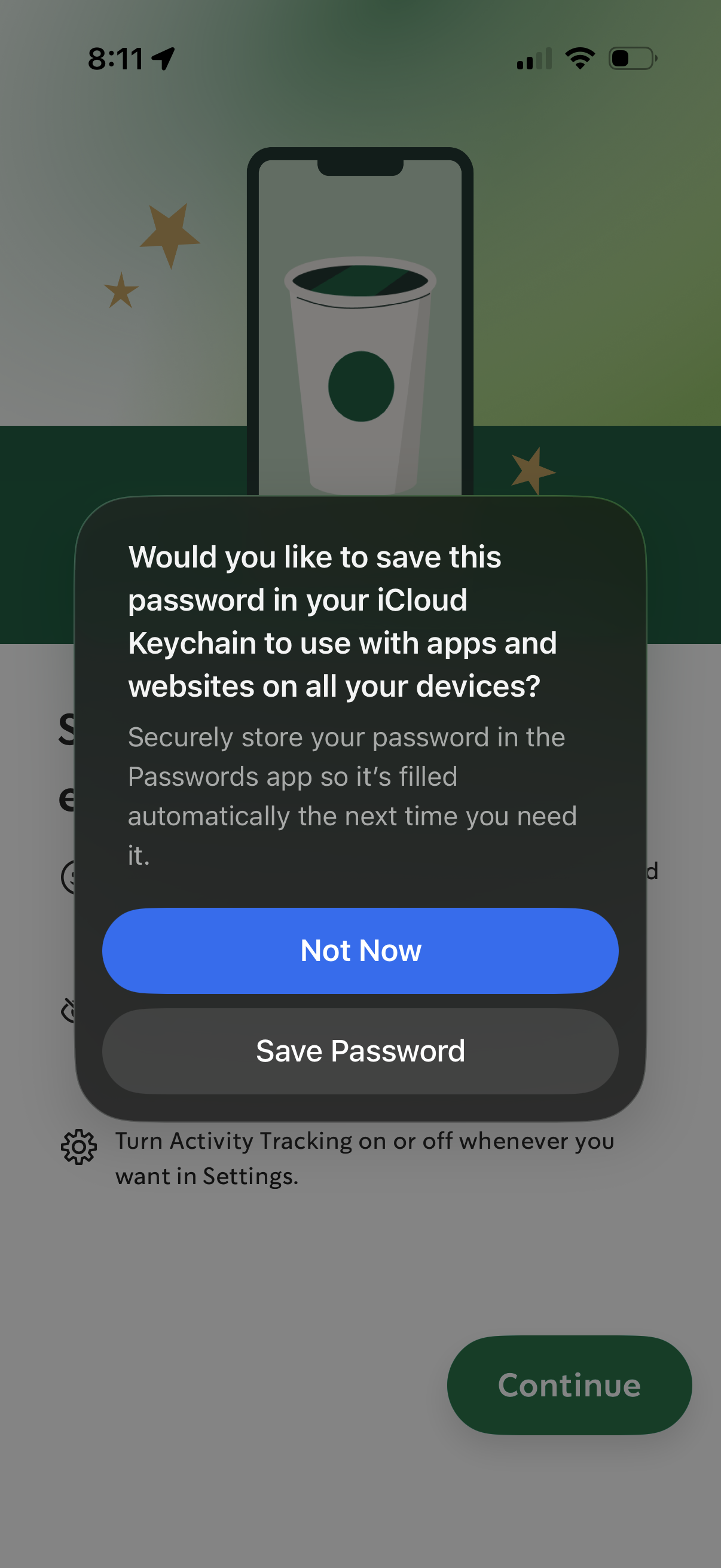
iOS system modal prompting the user to save a newly entered password to iCloud Keychain for autofill across apps and websites. The dialog offers primary actions to Save Password or choose Not Now while the underlying onboarding/setup screen is dimmed.
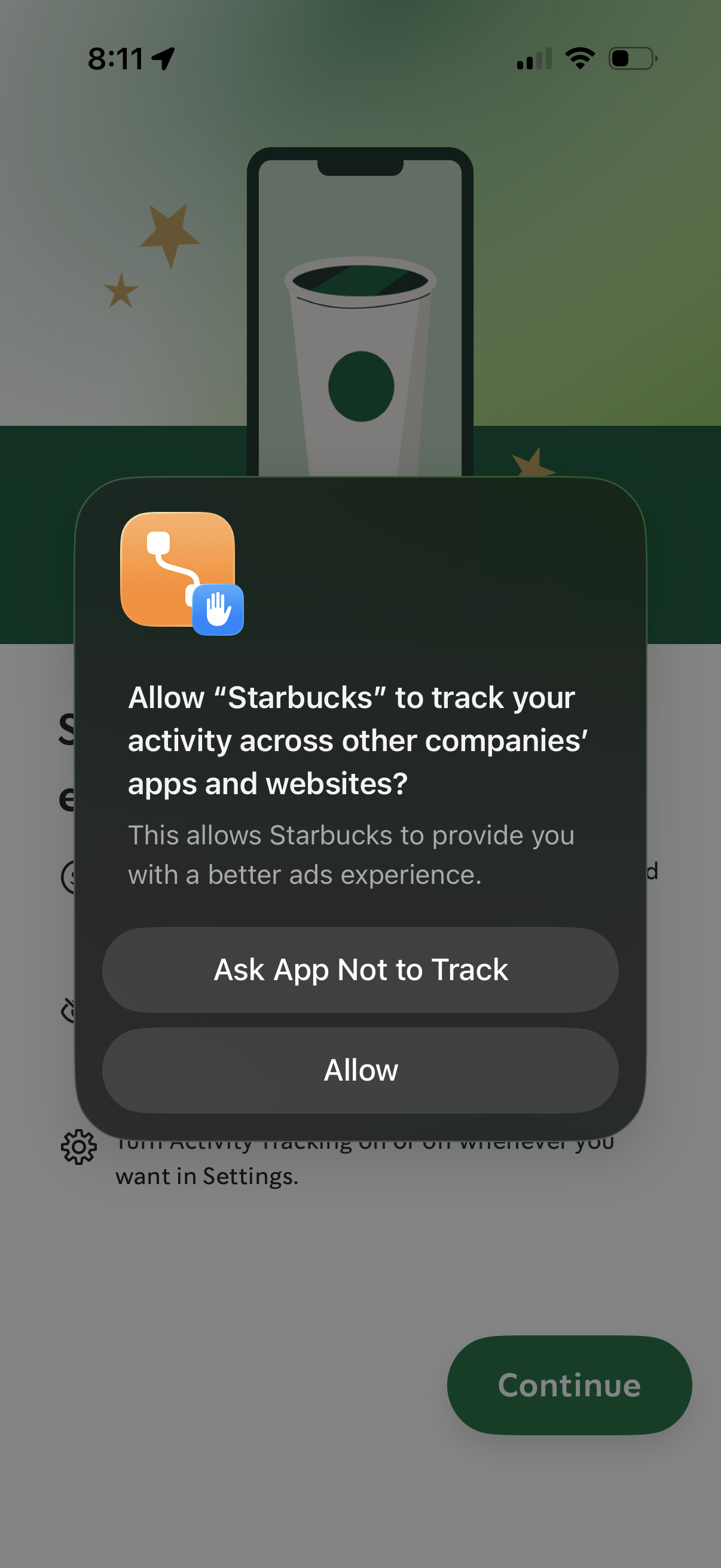
iOS App Tracking Transparency permission pop-up asking whether to allow the app to track user activity across other companies’ apps and websites for advertising. Modal presents two actions: “Ask App Not to Track” or “Allow,” overlaying an onboarding screen with a Continue button.
Home dashboard of a coffee loyalty app showing the user’s rewards star balance with a progress tracker, rewards options dropdown, and a details button, plus shortcuts to inbox, store locator, and account. Promotional card encourages ordering or scanning in store, with bottom navigation for Home, Scan, Order, Gift, and Offers.