Sign in
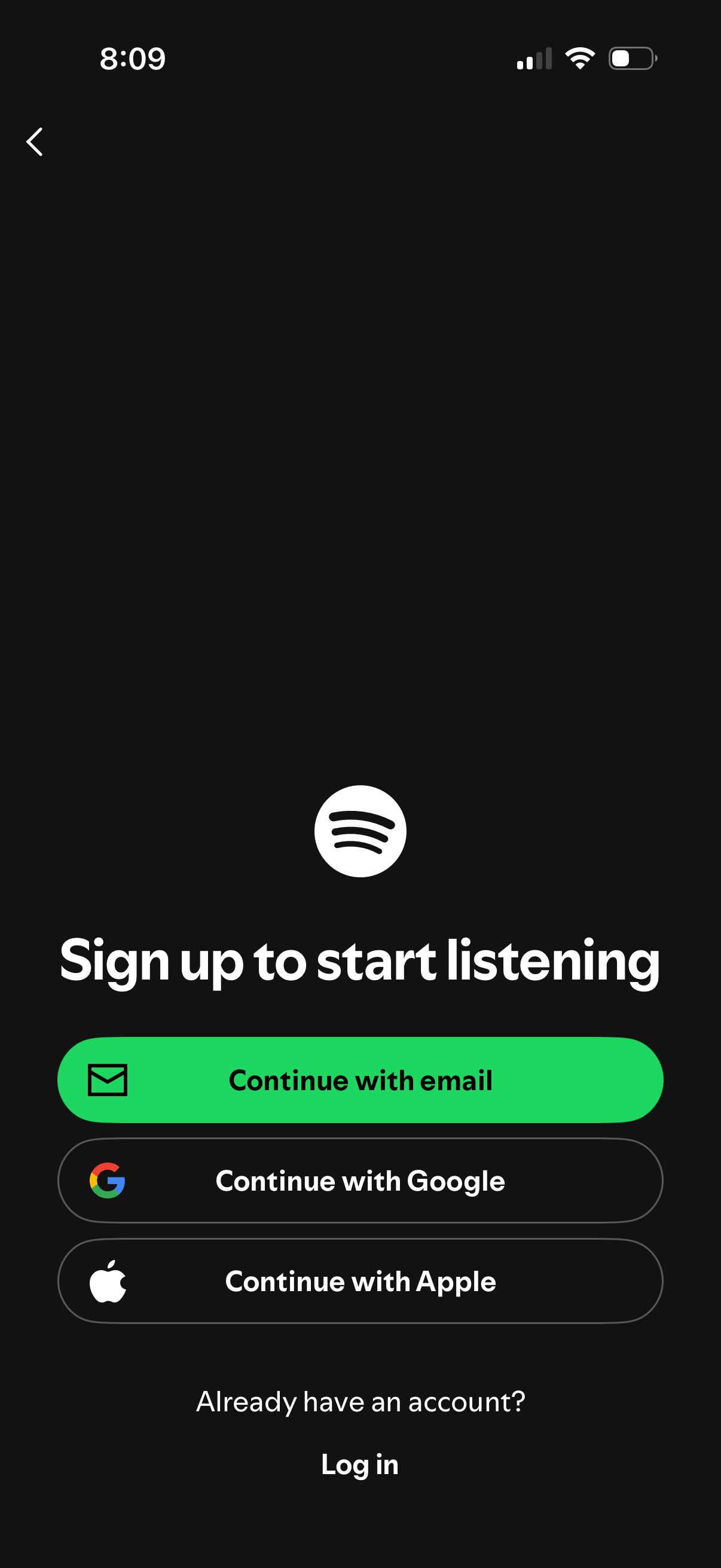
Music streaming app sign-up screen prompting users to “Sign up to start listening,” offering authentication options to continue with email, Google, or Apple. Includes a back button and a link for existing users to log in.
Music streaming app sign-up screen prompting users to “Sign up to start listening,” offering authentication options to continue with email, Google, or Apple. Includes a back button and a link for existing users to log in.
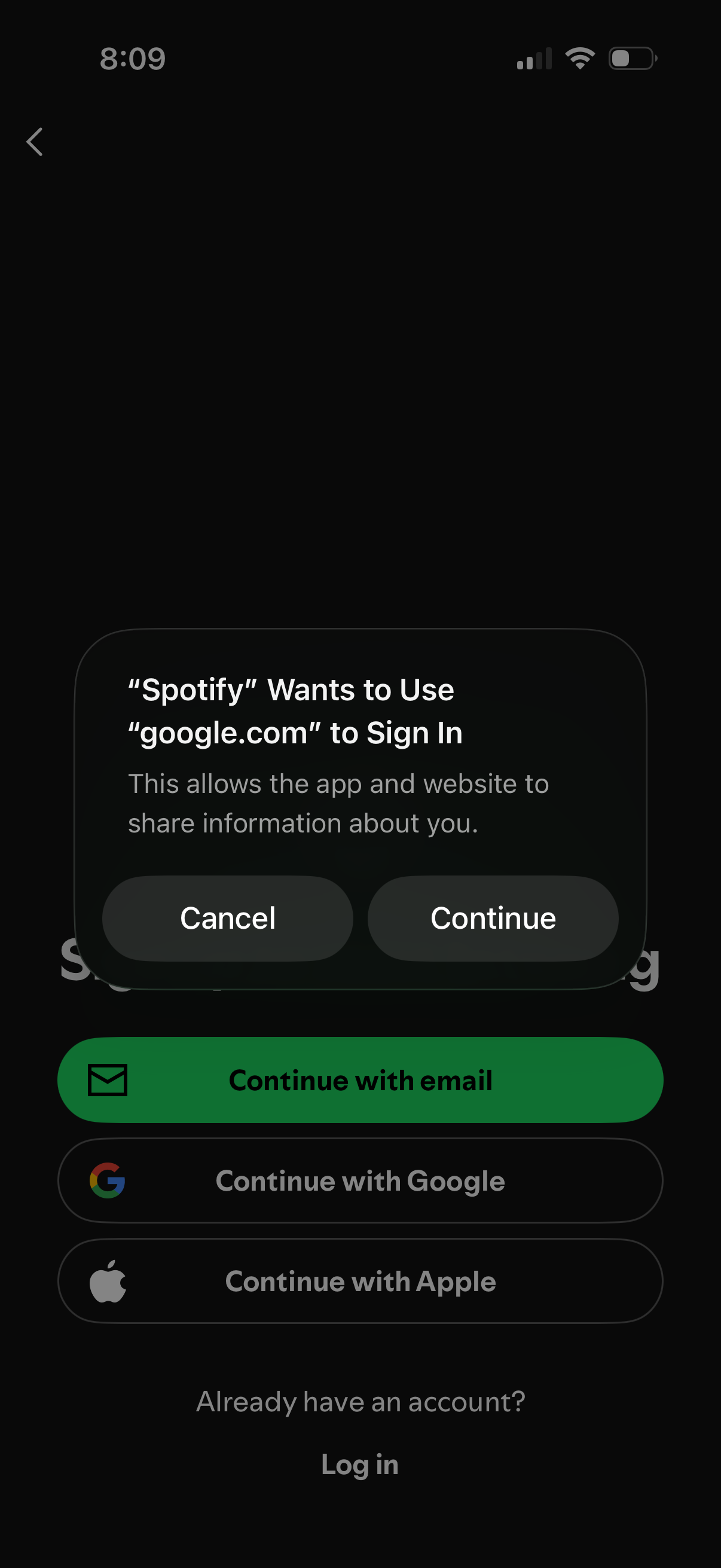
A login/sign-up screen with options to continue with email, Google, or Apple, overlaid by an iOS permission alert confirming the app wants to use a web domain to sign in and share information. The modal provides primary actions to Cancel or Continue for the external sign-in flow.
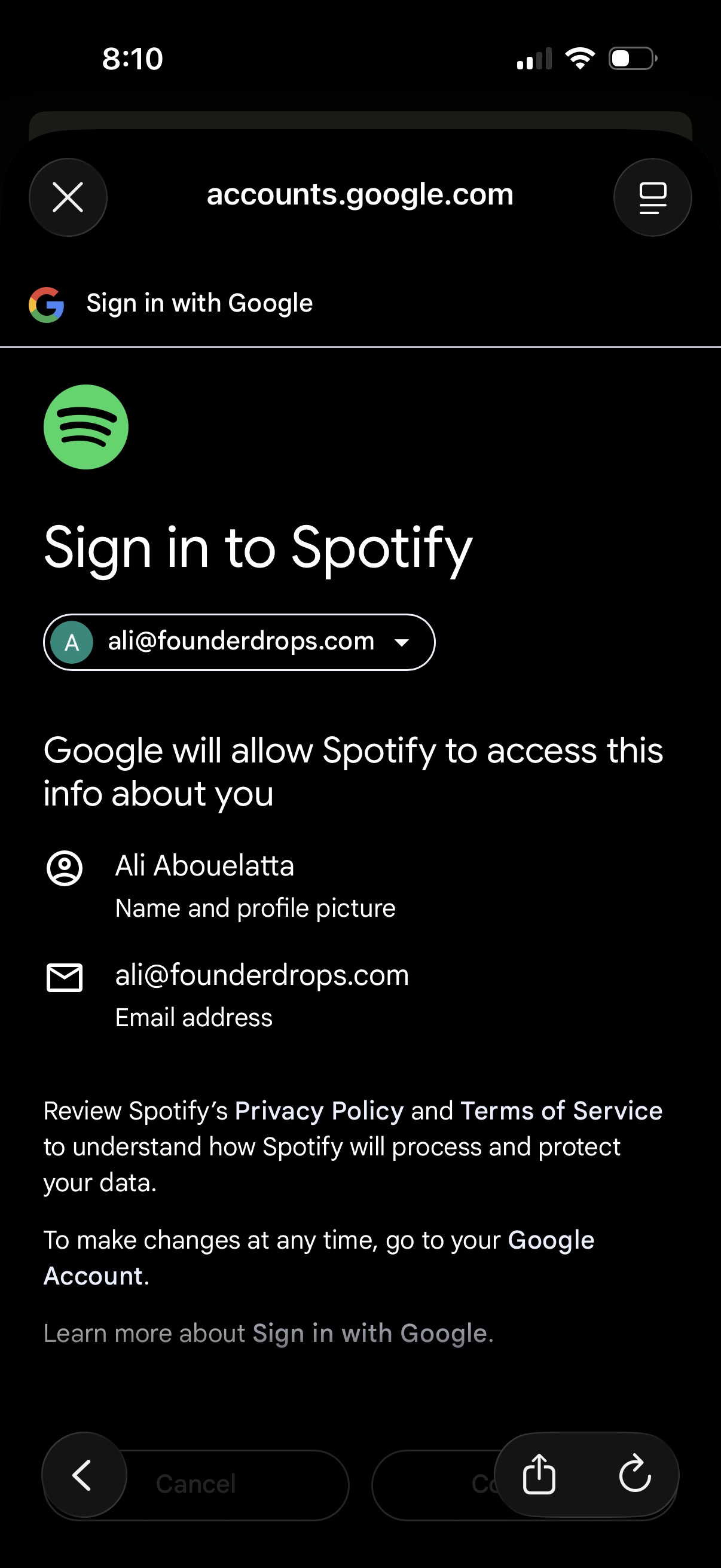
Google OAuth “Sign in with Google” consent screen for signing into Spotify, showing the selected Google account/email and the personal info Spotify will access (name/profile picture and email address). Includes links to privacy policy/terms and actions to cancel or continue to complete the login authorization.
Google OAuth “Sign in with Google” consent screen for signing into Spotify, showing the selected Google account/email and the personal info Spotify will access (name/profile picture and email address). Includes links to privacy policy/terms and actions to cancel or continue to complete the login authorization.
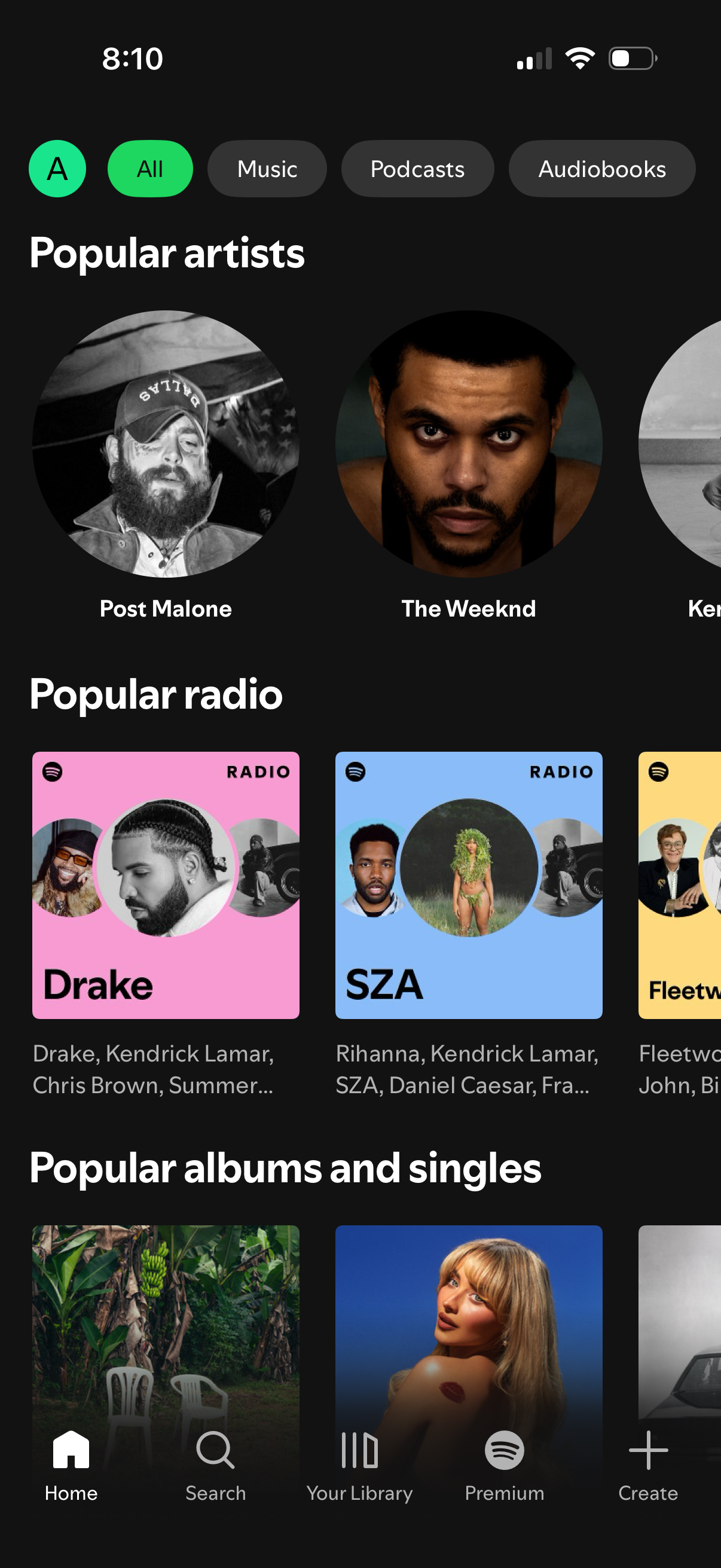
Music streaming browse/search screen with category filter chips (All, Music, Podcasts, Audiobooks) showing personalized discovery sections like Popular artists, Popular radio stations, and Popular albums and singles with tappable cards. Bottom tab navigation provides quick access to Home, Search, Your Library, Premium, and Create.