Onboarding
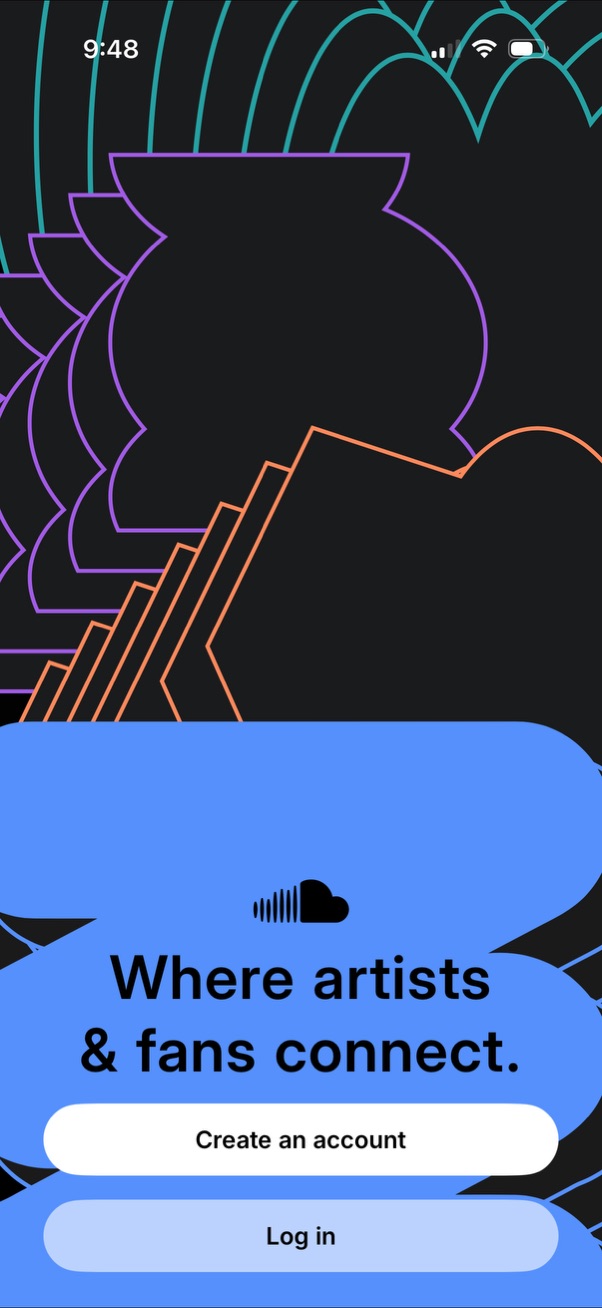
App welcome/onboarding screen for a music or creator community with the tagline “Where artists & fans connect,” offering primary authentication actions via prominent buttons to Create an account or Log in. The screen uses a branded illustration background and serves as an entry point to sign up or access an existing account.

Authentication screen prompting users to sign in or create an account with social login options (Continue with Facebook, Google, or Apple) or by entering an email address/profile URL and tapping Continue. Includes links to Terms of Use and Privacy Policy and a “Need help?

Google OAuth “Sign in with Google” webview login screen for continuing to a third-party app, featuring an email/phone input field and “Forgot email? ” link.
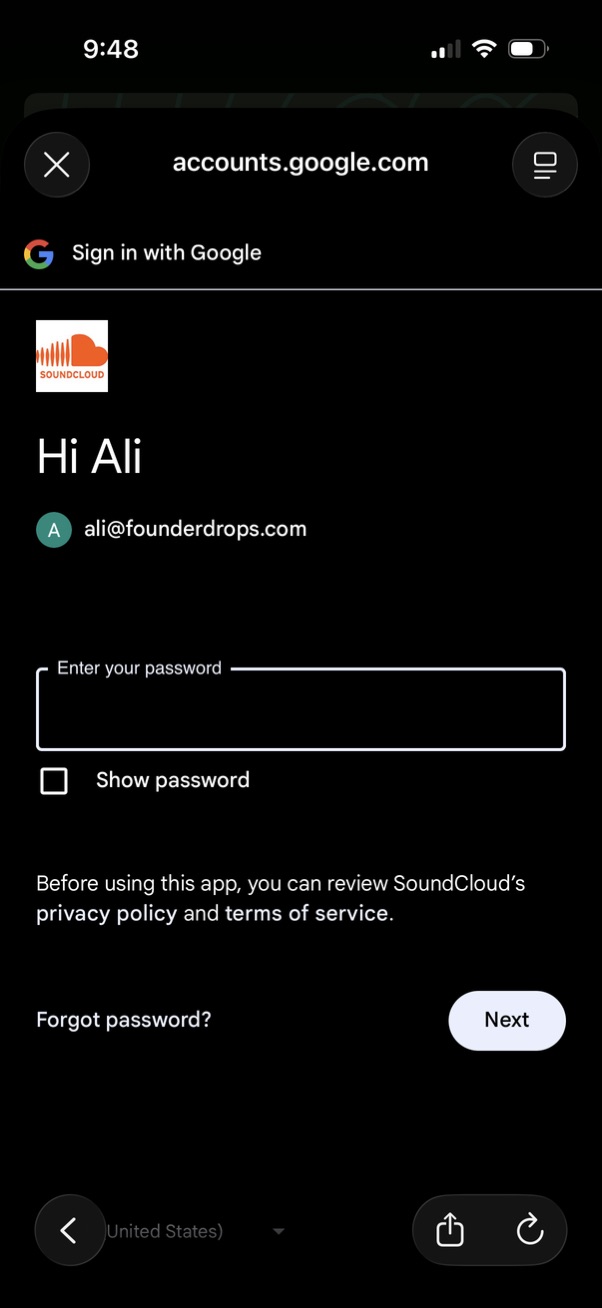
Third-party Google sign-in password step for connecting to an app, showing the selected Google account, a password input field with “show password” toggle, links to privacy/terms and “forgot password,” and a primary “Next” button to continue authentication.
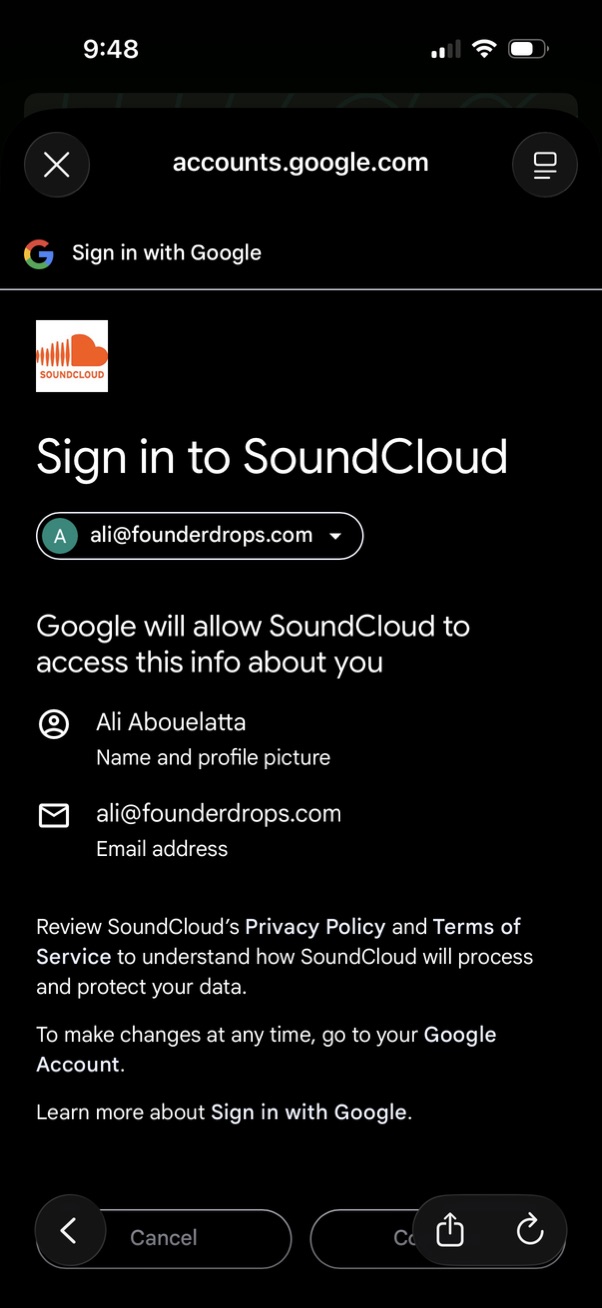
Google OAuth “Sign in with Google” consent screen for logging into SoundCloud, showing the selected Google account and the permissions/data SoundCloud will access (name/profile picture and email). Includes links to privacy policy and terms plus actions to cancel or continue sign-in.
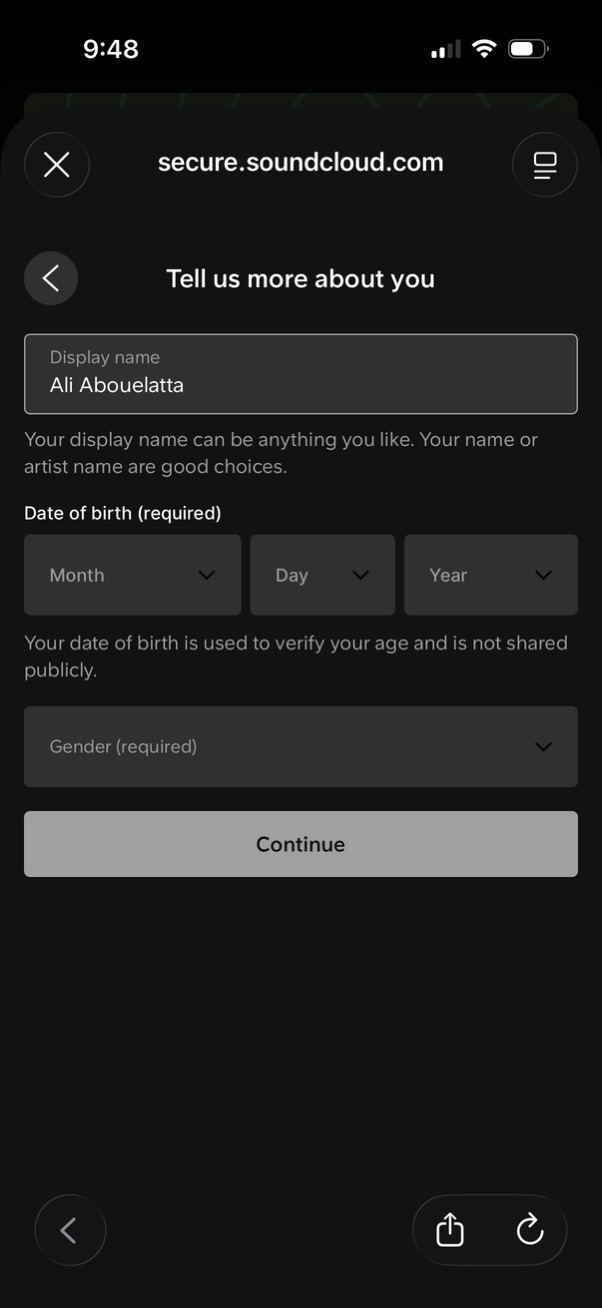
Account signup onboarding form asking the user to “Tell us more about you,” with fields for display name, required date of birth (month/day/year dropdowns) and required gender selection. Includes navigation controls and a primary Continue button to proceed after entering profile details for age verification.
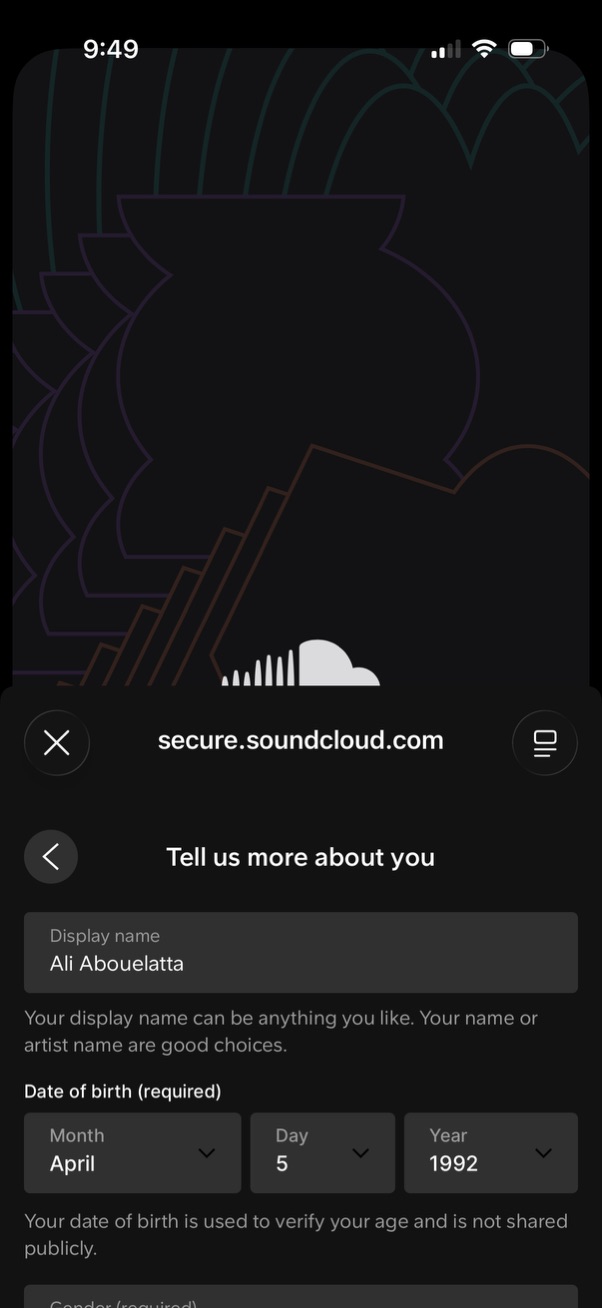
Account onboarding profile form asking the user to “Tell us more about you,” with fields for display name and required date of birth selected via month/day/year dropdowns. Screen includes navigation controls to go back or close the flow while collecting age verification details.

Music app onboarding preference screen prompting users to “Select 3 artists you like” to personalize recommendations, featuring a search bar, a grid of selectable artist avatars with names, and a Skip option to bypass the step.

Music onboarding preference screen prompting users to select 2 favorite artists, with a search bar and a grid of artist profile images/names that can be tapped to select (checkmark indicator). Includes Done action to confirm and continue.

Music app permission prompt encouraging users to turn on push notifications to stay updated on an artist’s new tracks and exclusive releases. Provides primary CTA to enable notifications and a secondary “Maybe later” option to dismiss.

iOS system prompt requesting permission for the SoundCloud app to send push notifications, explaining alerts/sounds/badges and offering actions to Allow, Allow in Scheduled Summary, or Don’t Allow. The app’s background screen encourages enabling notifications with an option to enable now or maybe later.
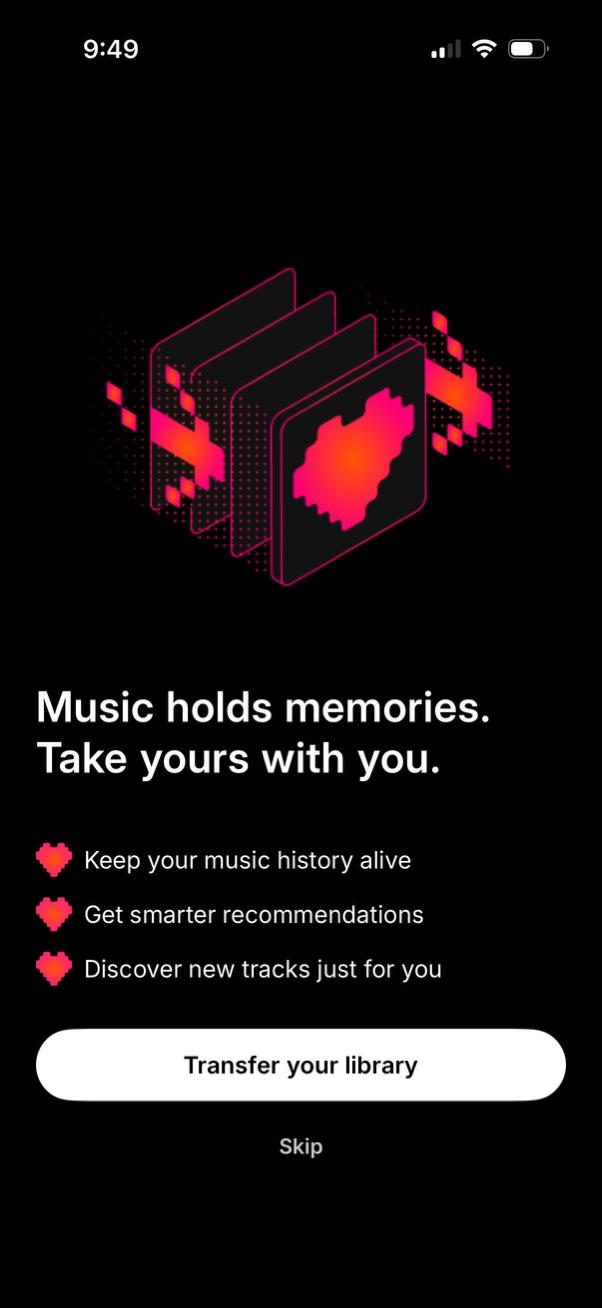
Onboarding prompt for a music app encouraging users to transfer their music library to keep listening history and get better recommendations and personalized discovery. Provides a primary CTA button to “Transfer your library” and a secondary “Skip” option.
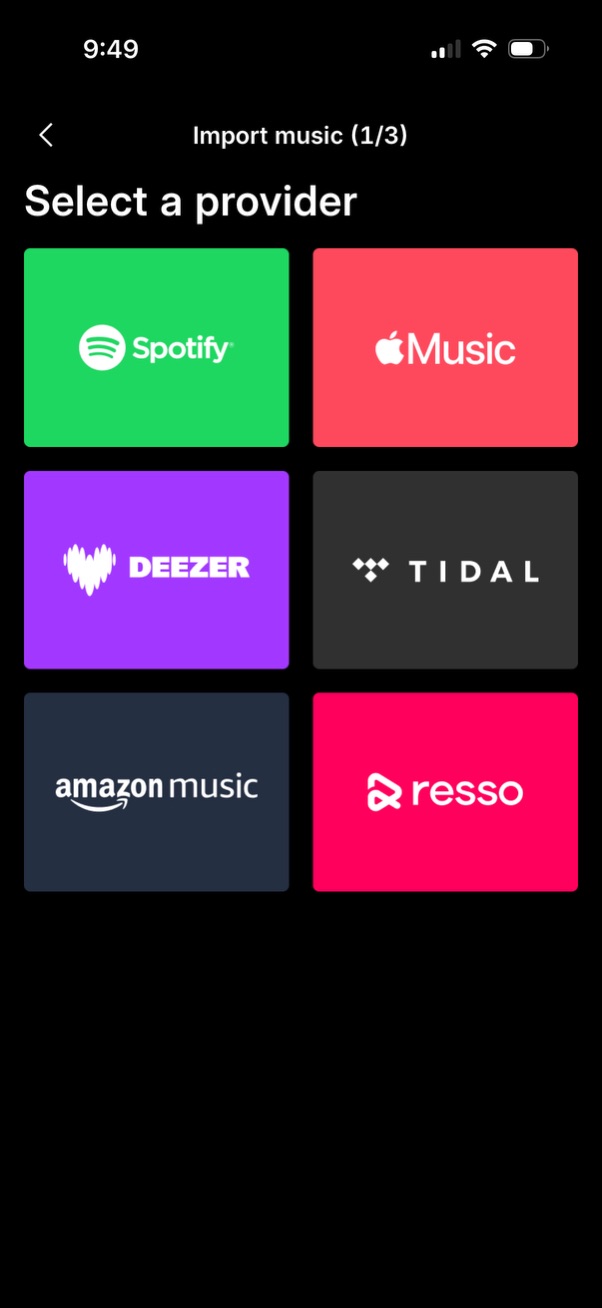
Music import onboarding step that asks the user to select a streaming provider to connect for transferring their library. Displays a grid of provider tiles (Spotify, Apple Music, Deezer, TIDAL, Amazon Music, Resso) with a back button and progress indicator (1/3).

Subscription paywall screen promoting premium access with a 7-day free trial for ad-free, offline listening and a monthly price disclaimer. Primary CTA starts the free trial, with a secondary option to continue on the web (showing savings) and a close button to dismiss the modal.

Personalized music discovery home screen showing recommended content sections like “More of what you like” with related-track album cards, “We think you’ll like” suggested songs in a list with overflow menus, and curated “Mix” playlists. Includes actions to listen ad-free/upgrade, access downloads/playlist options via icons, and bottom navigation for Home, Feed, Search, Library, and Upgrade.