Onboarding

AI app welcome/login screen with a branded splash illustration and primary CTA to continue using an existing ChatGPT account, plus an option to use a different account and links to Terms and Privacy Policy for consent.
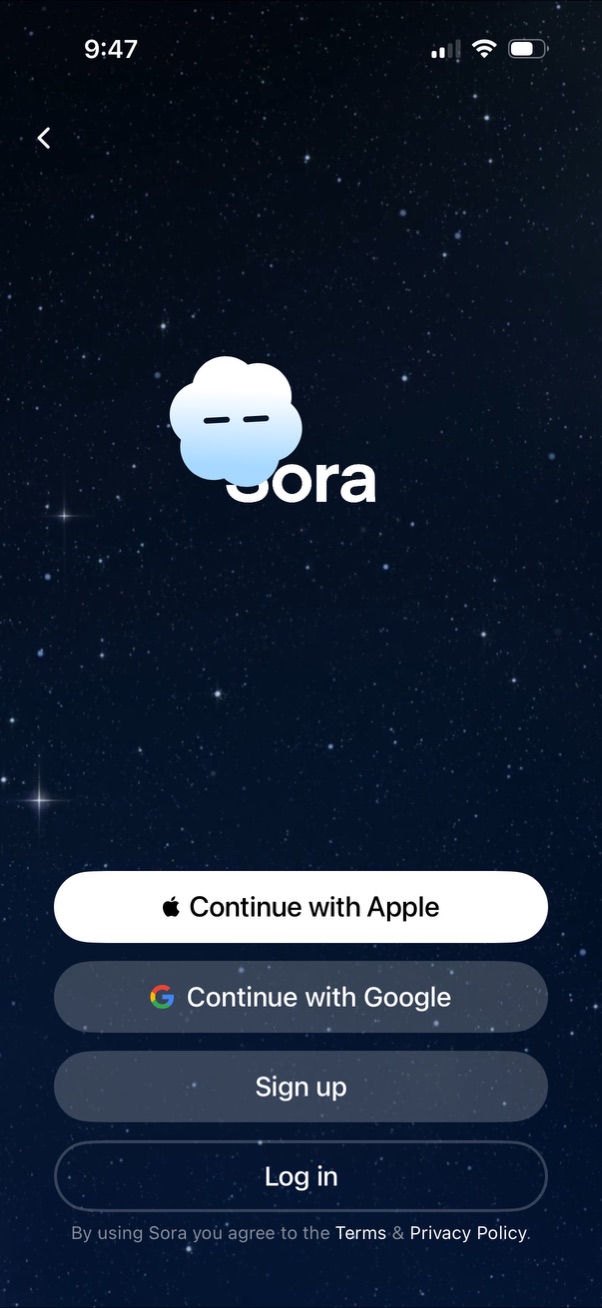
Authentication welcome screen with app logo on a full-screen background, offering primary sign-in options via Continue with Apple and Continue with Google plus secondary actions to Sign up or Log in. Includes a back button and consent text linking to Terms and Privacy Policy.

Login/sign-up screen for an app showing third-party authentication options (Continue with Apple, Continue with Google) plus email Sign up and Log in buttons, along with Terms & Privacy links. An iOS web-based sign-in permission dialog overlays the page, asking to allow the app to use an external domain to sign in with Cancel and Continue actions.
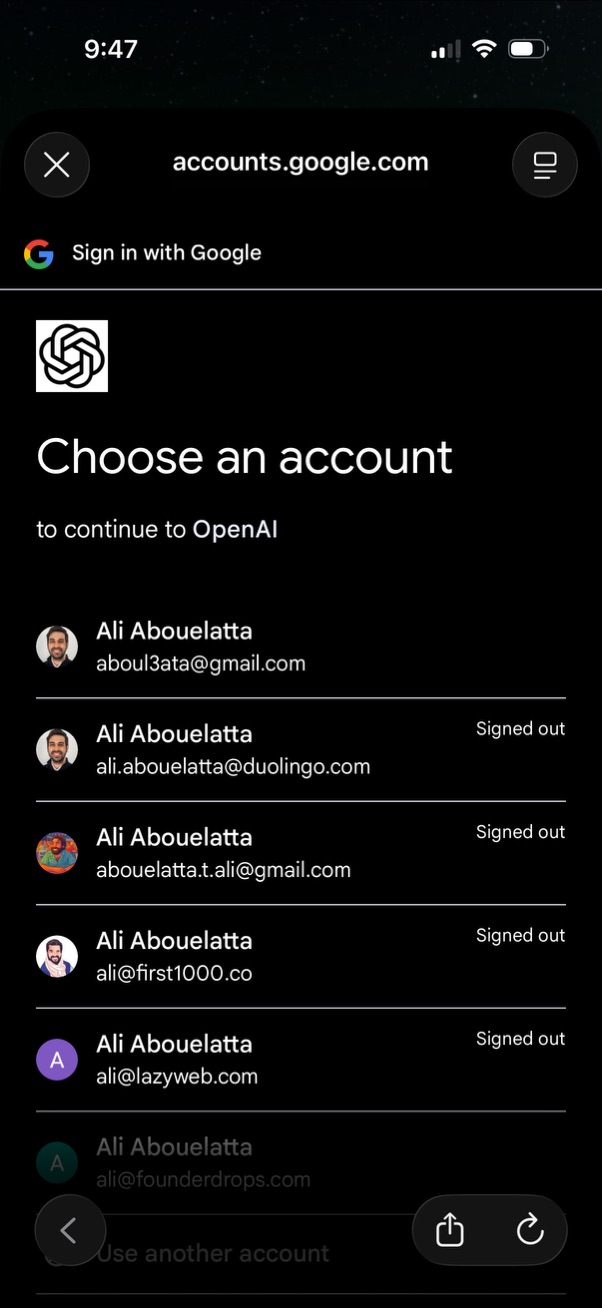
Google OAuth “Sign in with Google” account chooser screen for continuing to a third-party app, showing a list of saved Google accounts with avatars, email addresses, and signed-in/signed-out status. Users can select an account to authenticate, use another account, or close the sign-in modal.

App launch splash screen showing the Sora logo and app name centered on a starry background, serving as an initial loading/branding screen before entering the app.
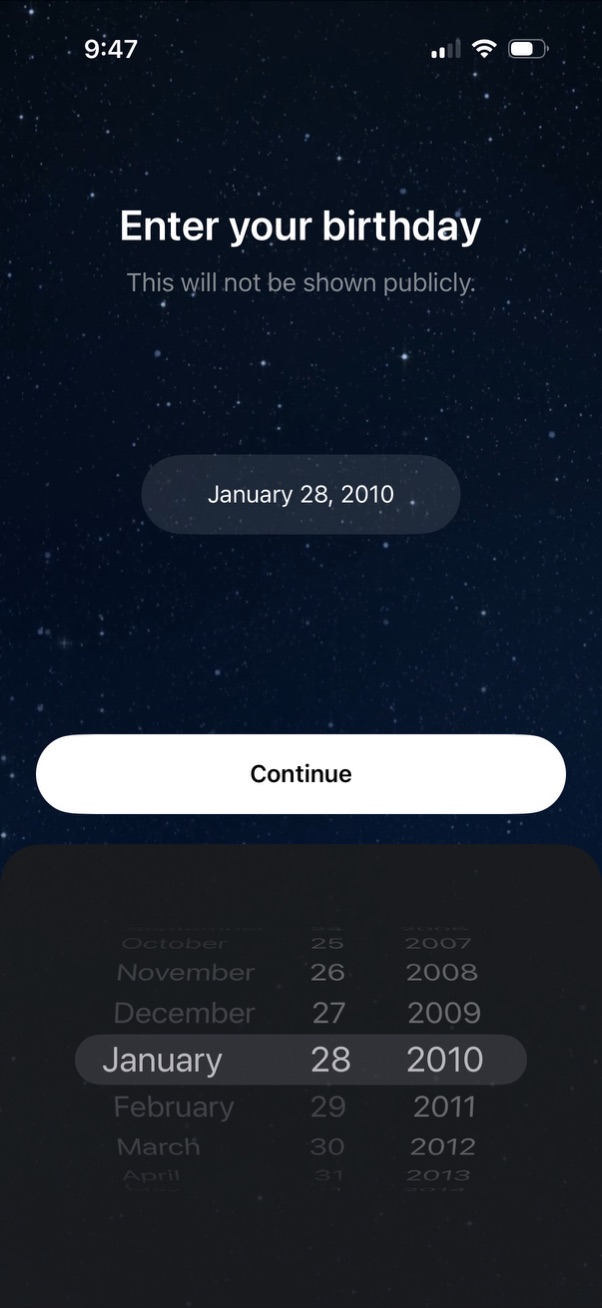
Account signup onboarding screen prompting the user to enter their birthday with a privacy note that it won’t be shown publicly. Uses an iOS-style date picker (month/day/year) and a primary Continue button to proceed.

Onboarding account creation screen prompting the user to create a username, showing a character limit requirement (3–20 characters) with a single text input field. Includes a primary “Continue” button to proceed after entering the username.

Profile setup screen previewing how the user will appear to others, with an avatar placeholder to add a profile photo and an option to edit the display name. Primary action is a Continue button to proceed.
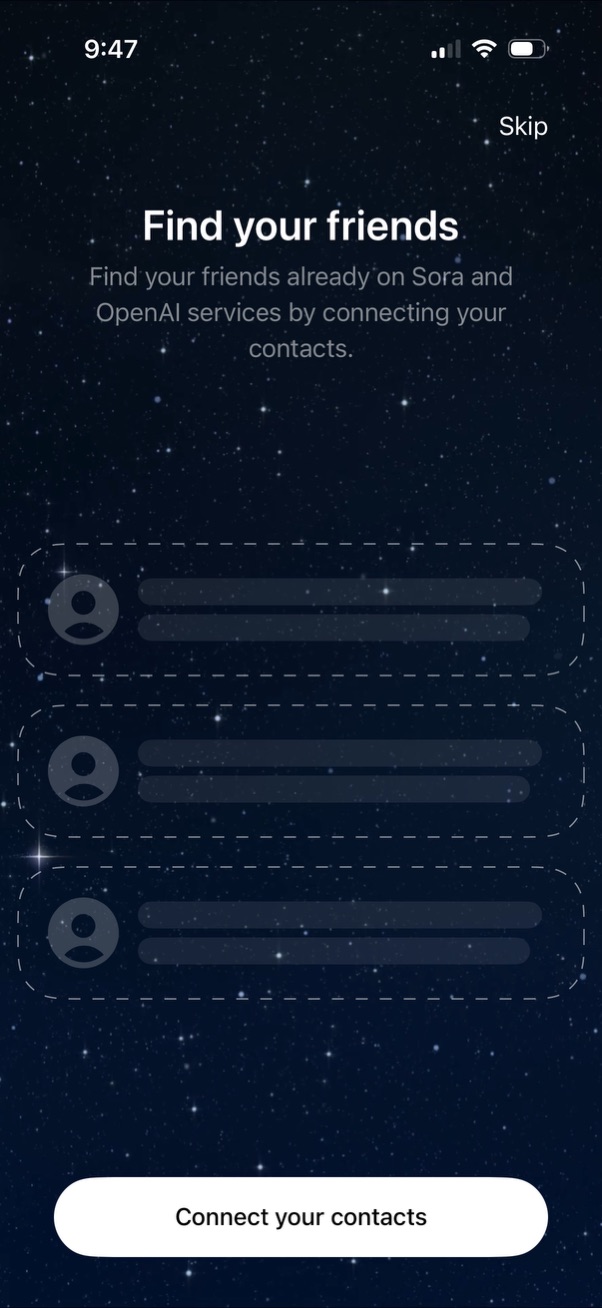
Onboarding screen prompting users to find friends by connecting their phone contacts to discover people already using the service. Includes a primary “Connect your contacts” call-to-action and an option to skip.

Onboarding consent screen explaining how users can let others add their likeness and voice to AI-generated videos, with a “Learn more” link and an example video preview. Primary CTA is “Get started” with an option to skip.

Content advisory onboarding screen warning users they are entering an AI-generated video feed where recognizable people may appear but events are not real, with brief notes about sharing/remixing and terms/privacy. Primary action is a prominent “Start watching” button with a back navigation option.
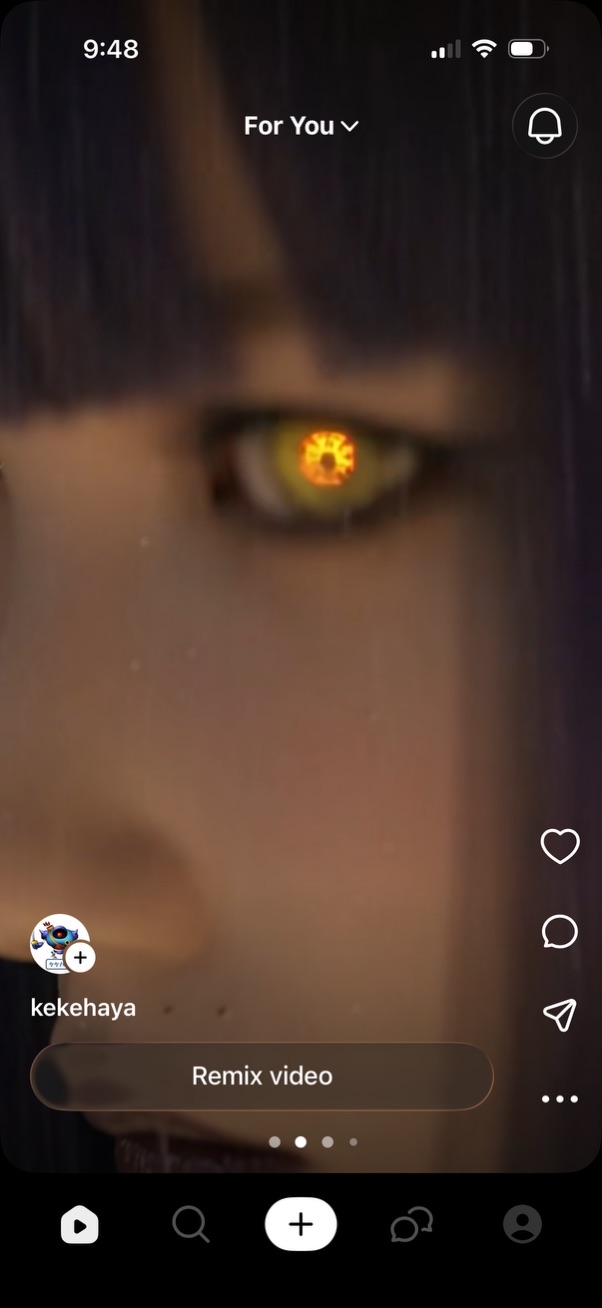
Vertical short-form video feed on a “For You” tab showing a full-screen reel with creator info and a prominent “Remix video” call-to-action. Right-side social actions include like, comment, share, and more options, with top notifications and bottom navigation to home, search, create/post, messages, and profile.