complete onboarding questions
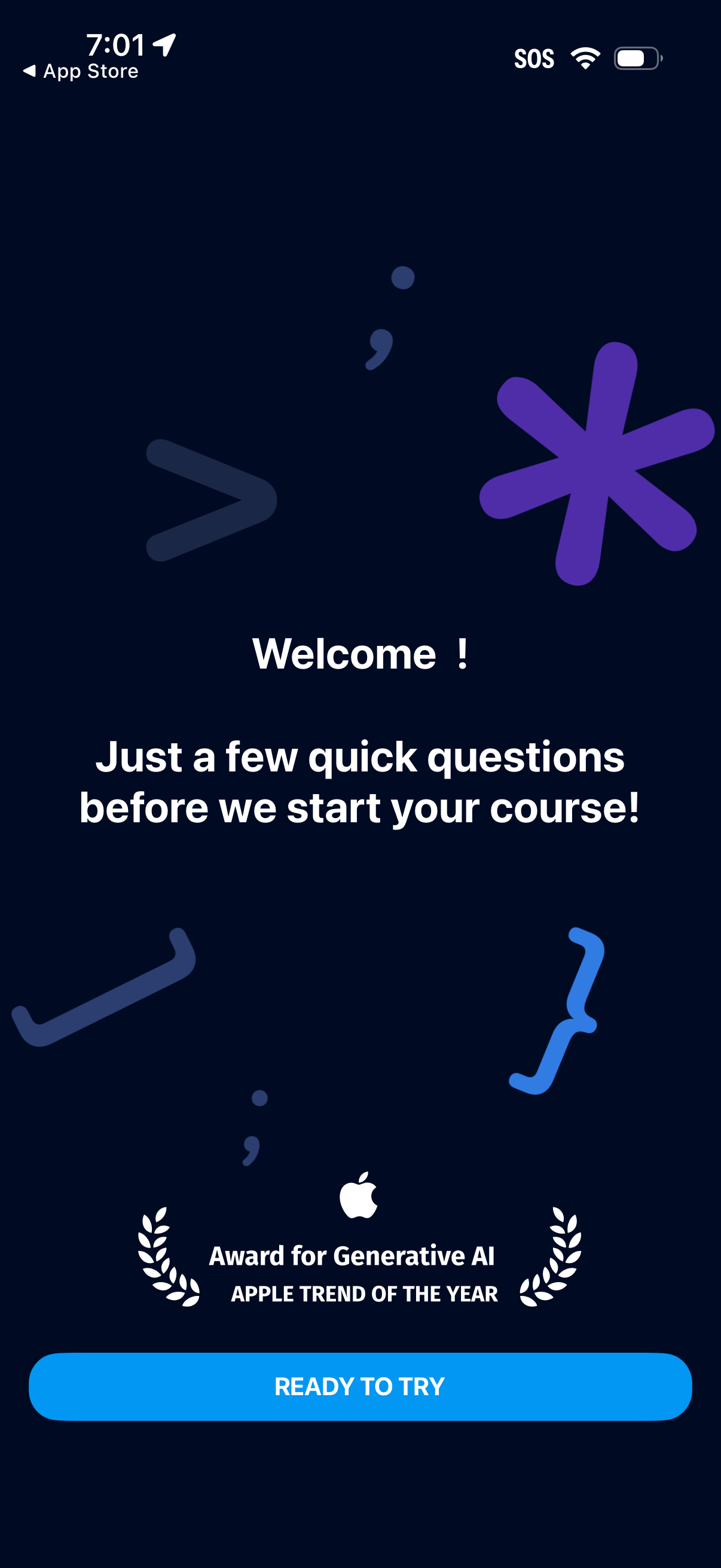
Welcome onboarding intro screen for a learning/course app that tells users they’ll answer a few quick questions before starting their course. Includes a prominent primary CTA button “Ready to try” to begin the setup questionnaire.
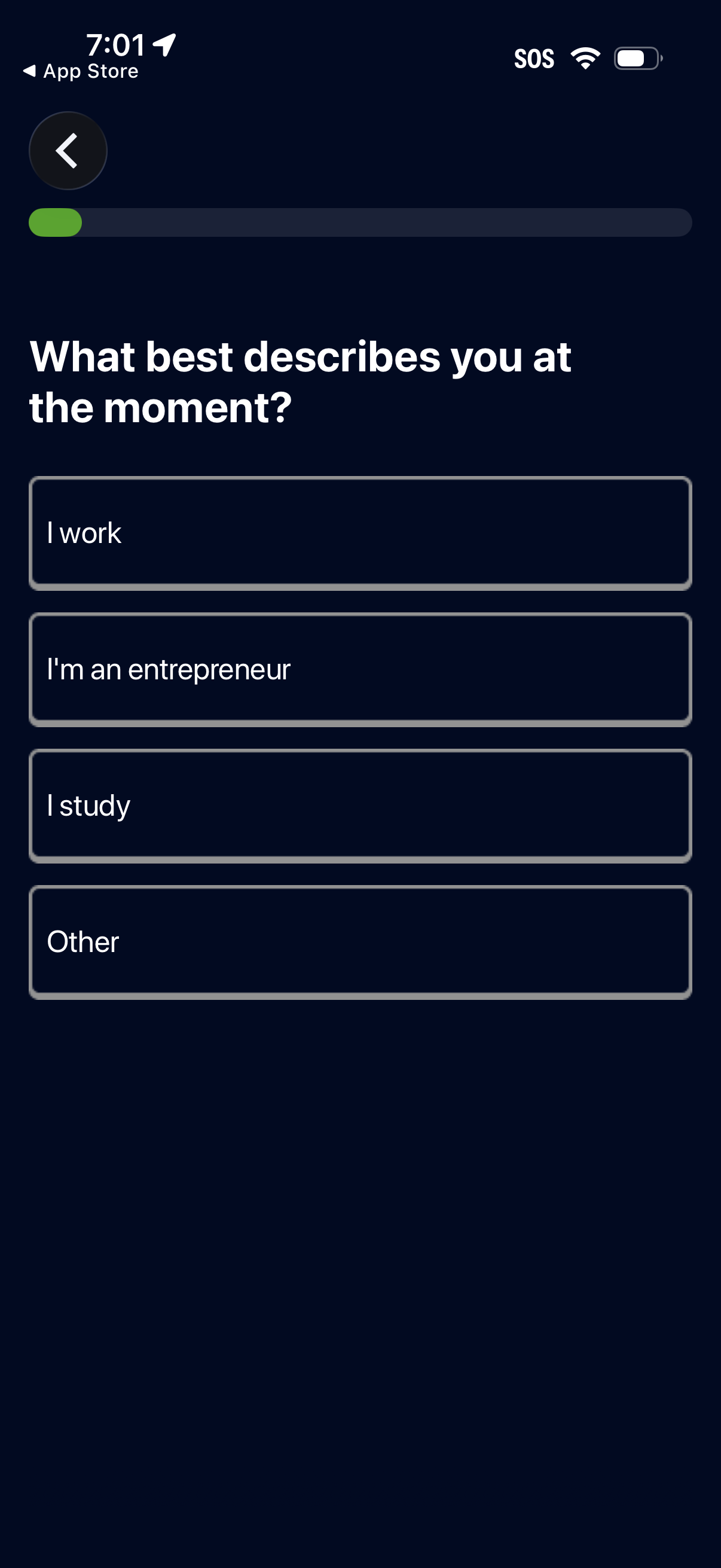
Onboarding questionnaire screen asking the user to select what best describes them right now, with single-choice options like I work, I’m an entrepreneur, I study, or Other. Includes a progress indicator at the top and a back button to navigate to the previous step.
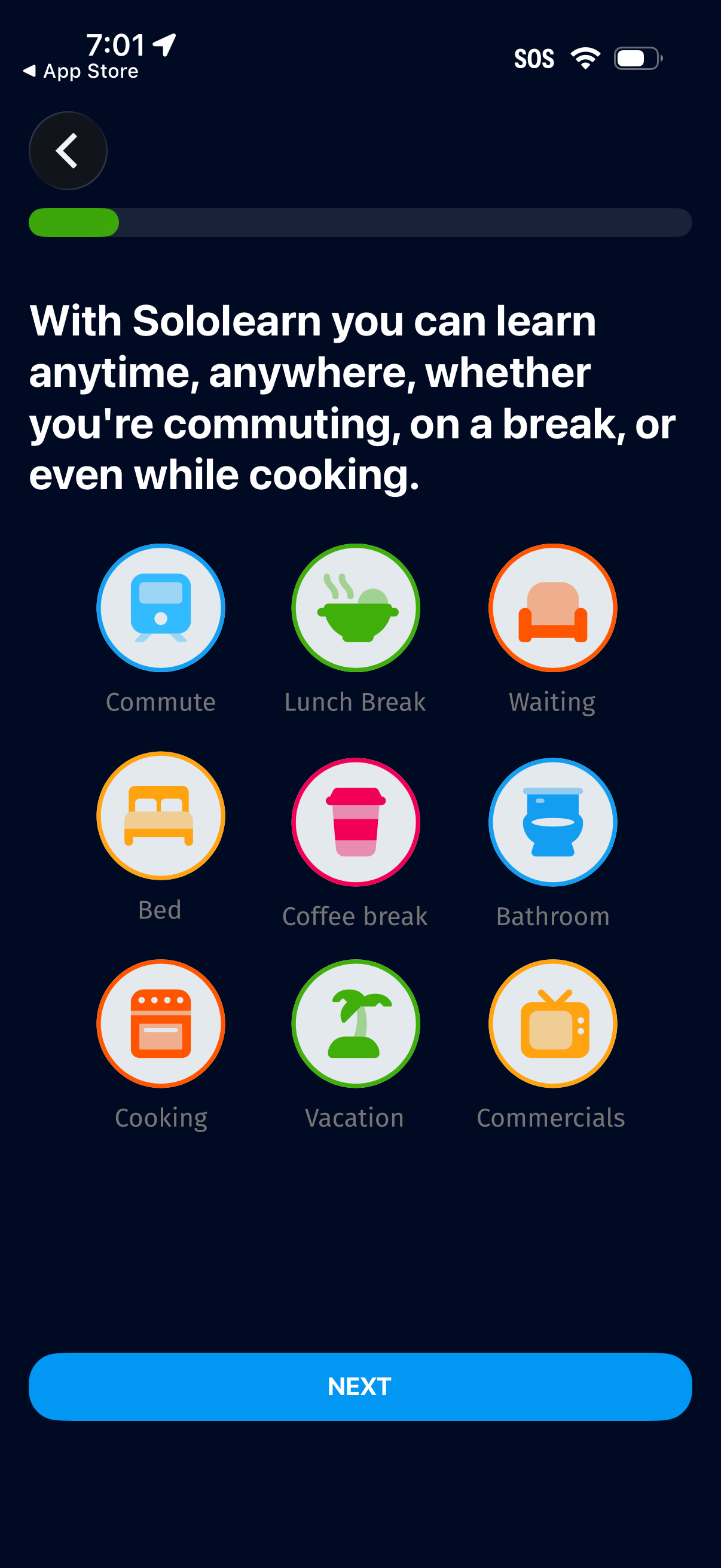
Onboarding preference screen for a learning app asking when the user wants to learn, showing a grid of selectable context options like commute, lunch break, waiting, bed, coffee break, bathroom, cooking, vacation, and commercials. Includes a progress indicator, back button, and a prominent Next call-to-action to continue setup.
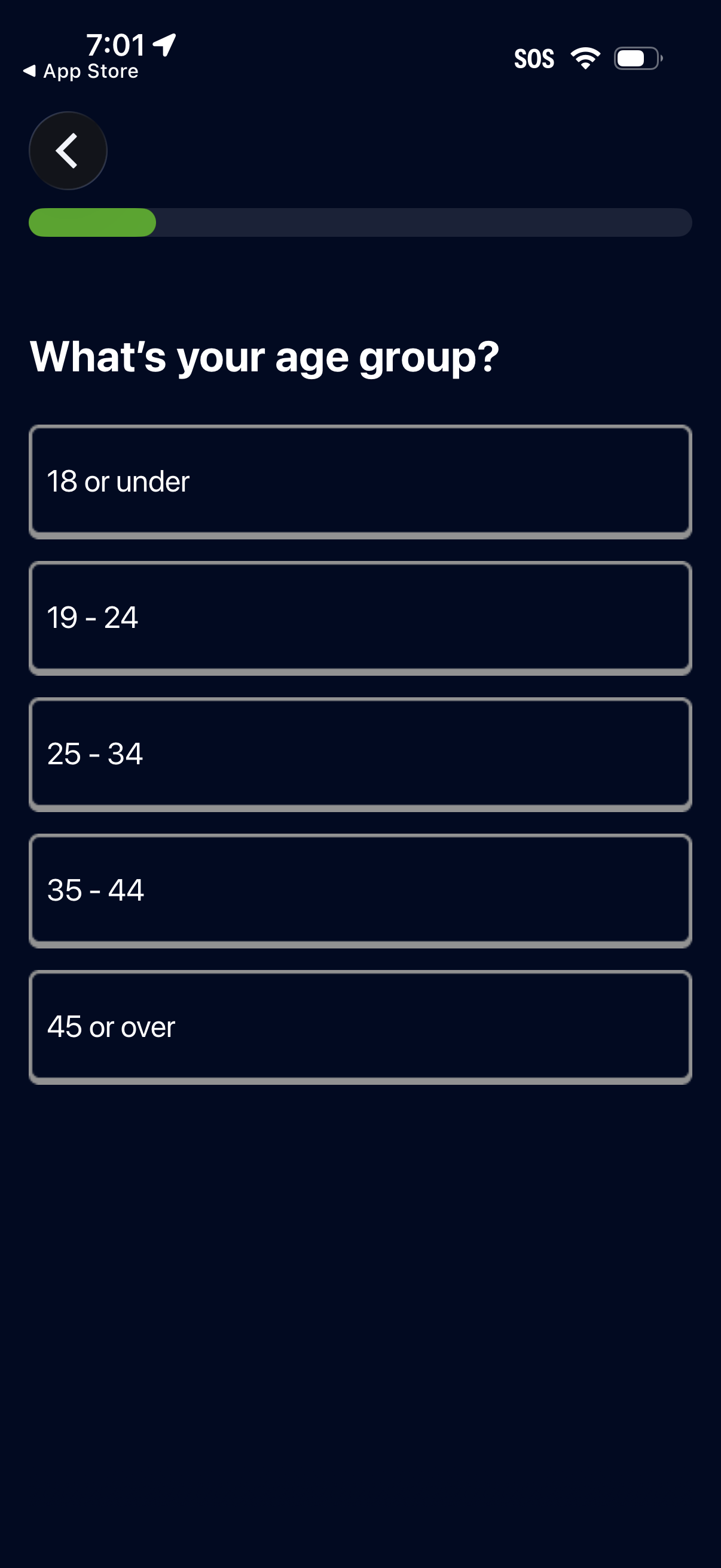
Onboarding demographic question screen asking the user to select their age group, with a progress indicator and back button. Users choose from large tap options such as 18 or under, 19–24, 25–34, 35–44, or 45 or over.
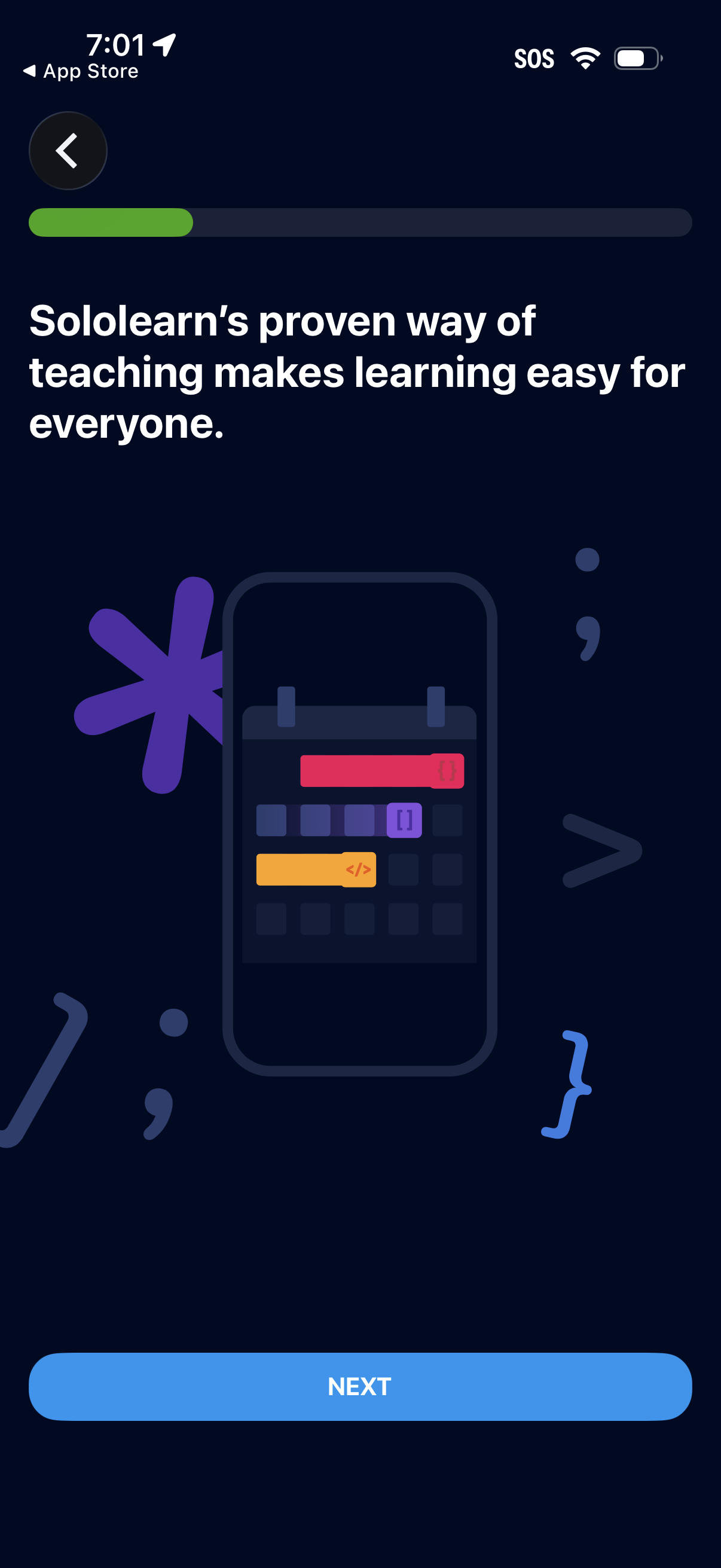
Onboarding carousel screen for a learning app highlighting the value proposition with an illustration, progress indicator, and a large “Next” button to advance to the next intro step, plus a back arrow for navigation.
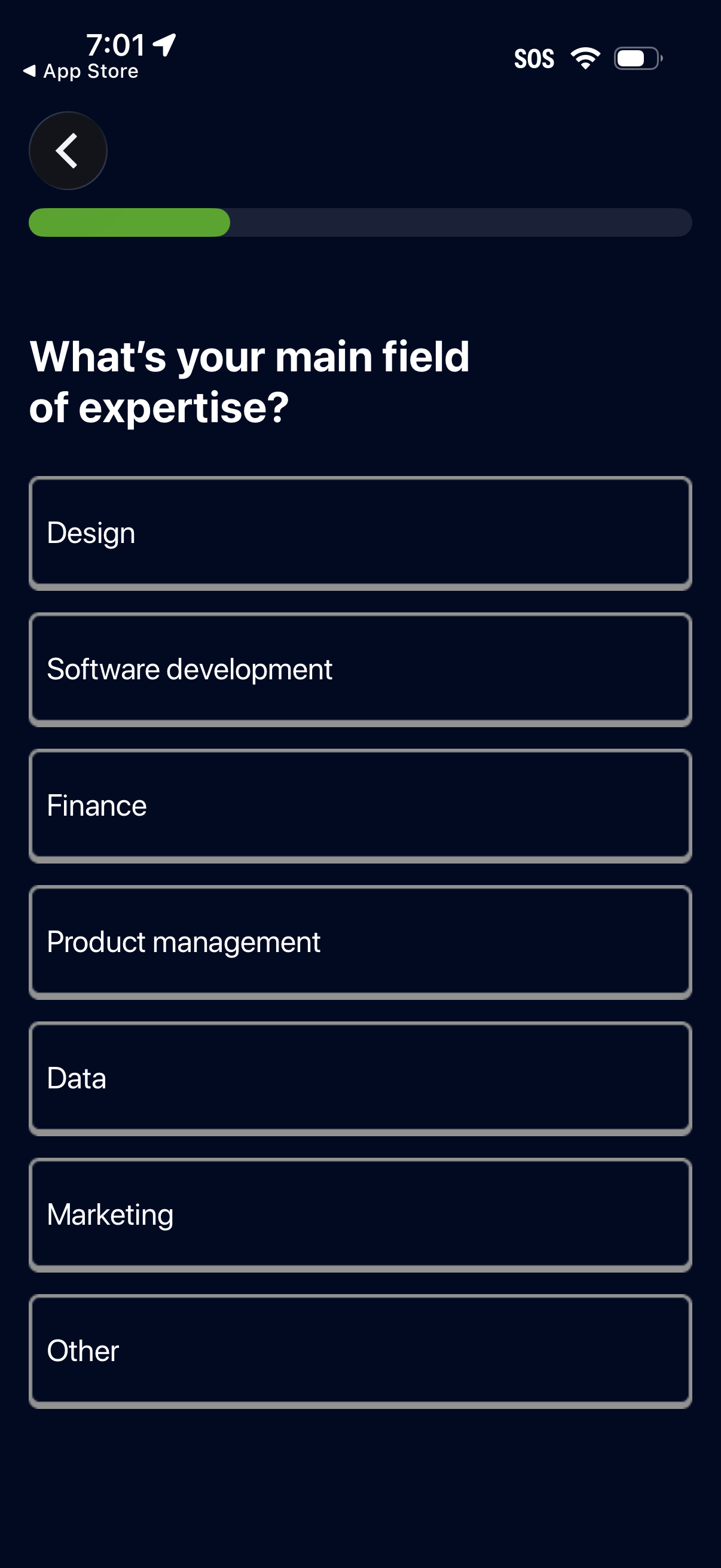
Onboarding step that asks the user to select their main field of expertise, shown with a progress indicator and back button. Provides a single-choice list of categories such as Design, Software development, Finance, Product management, Data, Marketing, and Other.
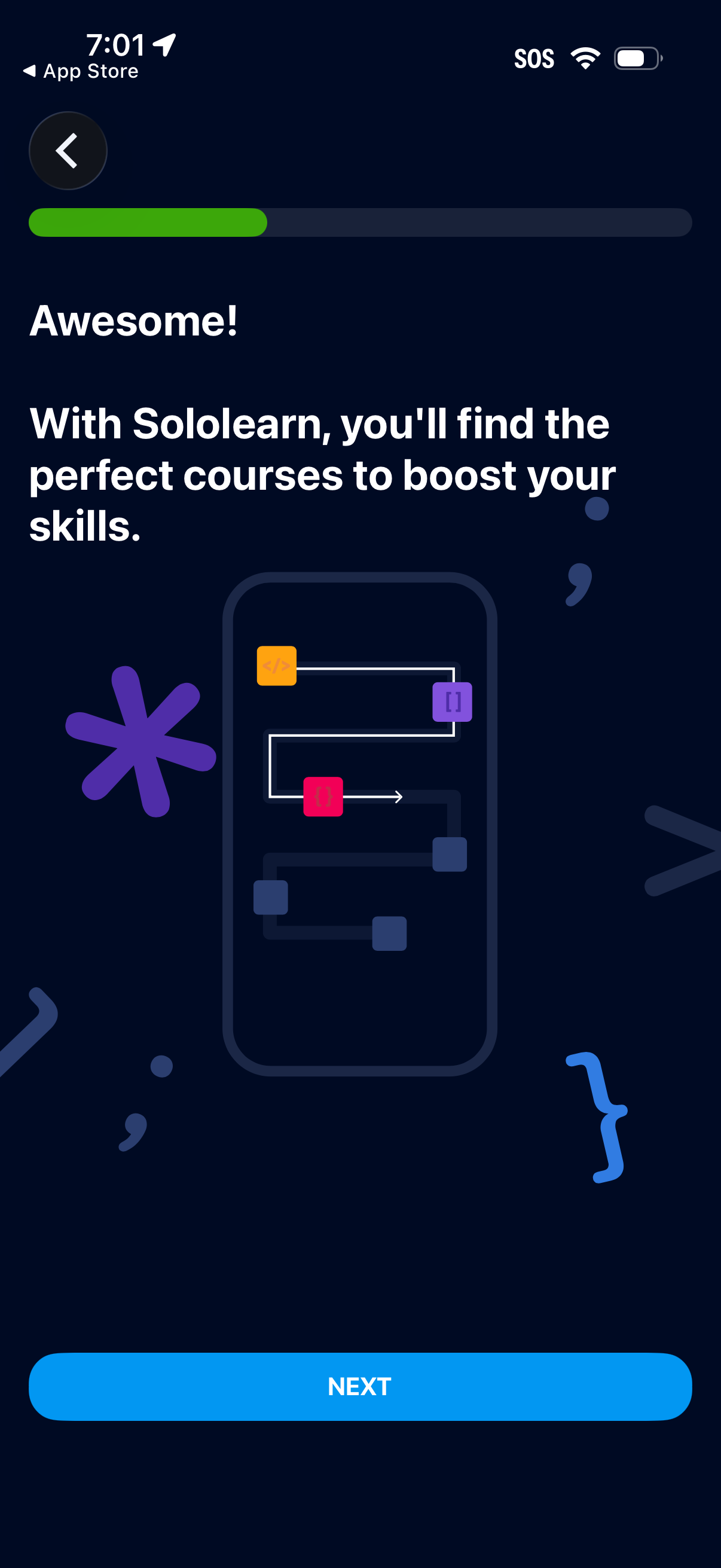
Onboarding welcome screen for a learning/courses app, showing a progress indicator, brief value proposition text about finding courses to boost skills, and an illustration. Primary actions are navigating back and tapping a prominent “Next” button to continue the onboarding flow.
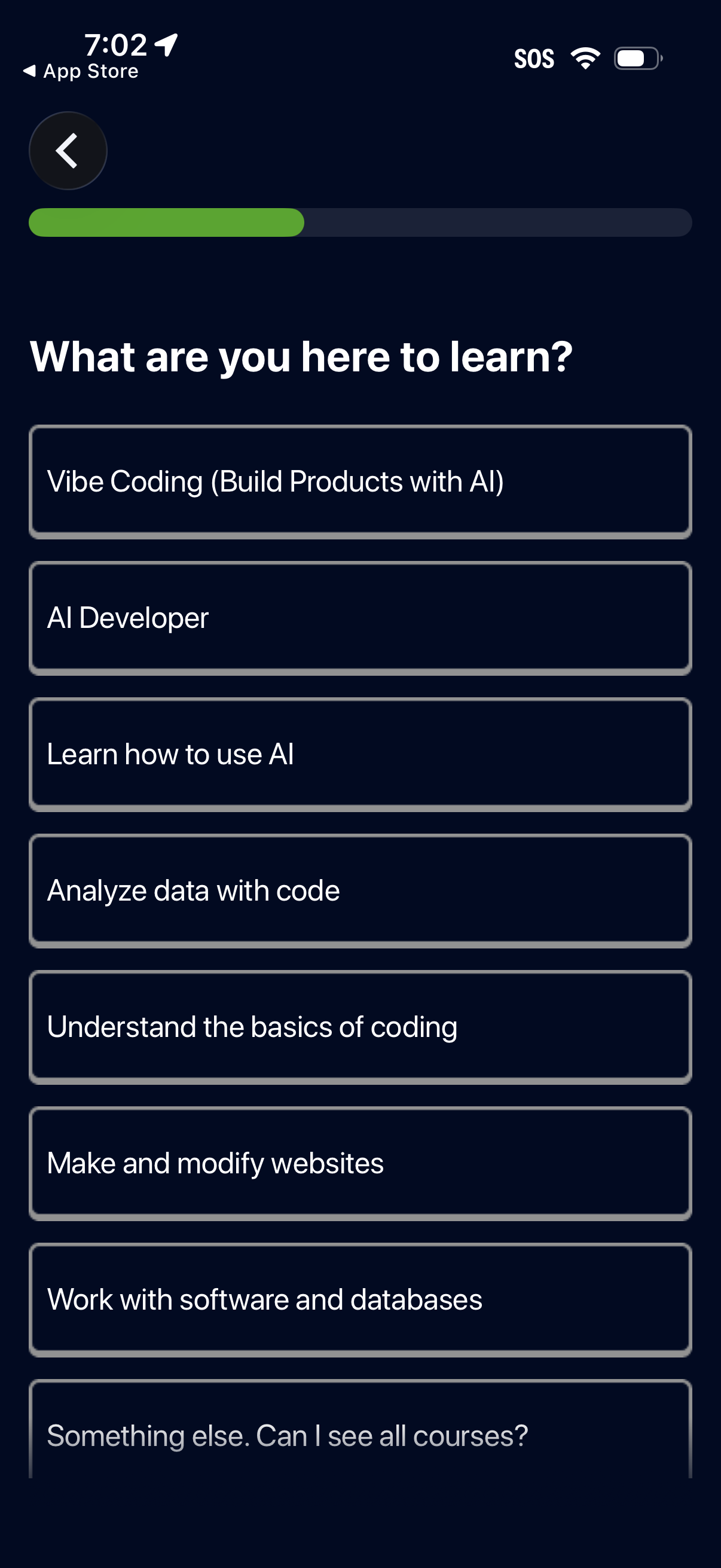
Onboarding interest selection screen for a learning/courses app asking “What are you here to learn? ” with a progress indicator and back button.
Minimal splash/loading screen with a centered developer-style code symbol logo on a dark background, shown during app launch with no user actions or navigation controls.
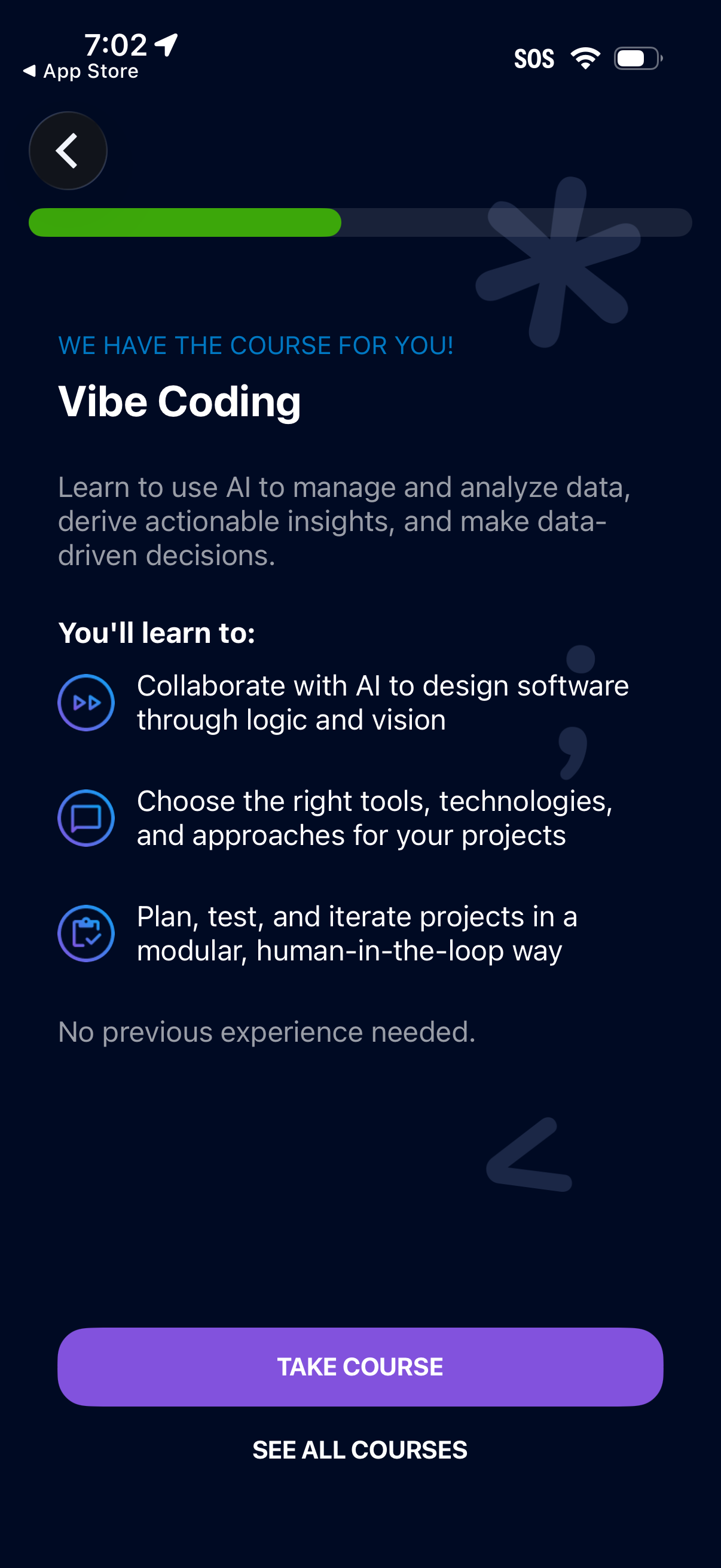
Course recommendation detail screen for an AI learning app showing the suggested course “Vibe Coding” with a brief description and a “You’ll learn to” list of key skills. Primary actions include a prominent “Take course” CTA and a secondary link to “See all courses,” with a back button and progress indicator.
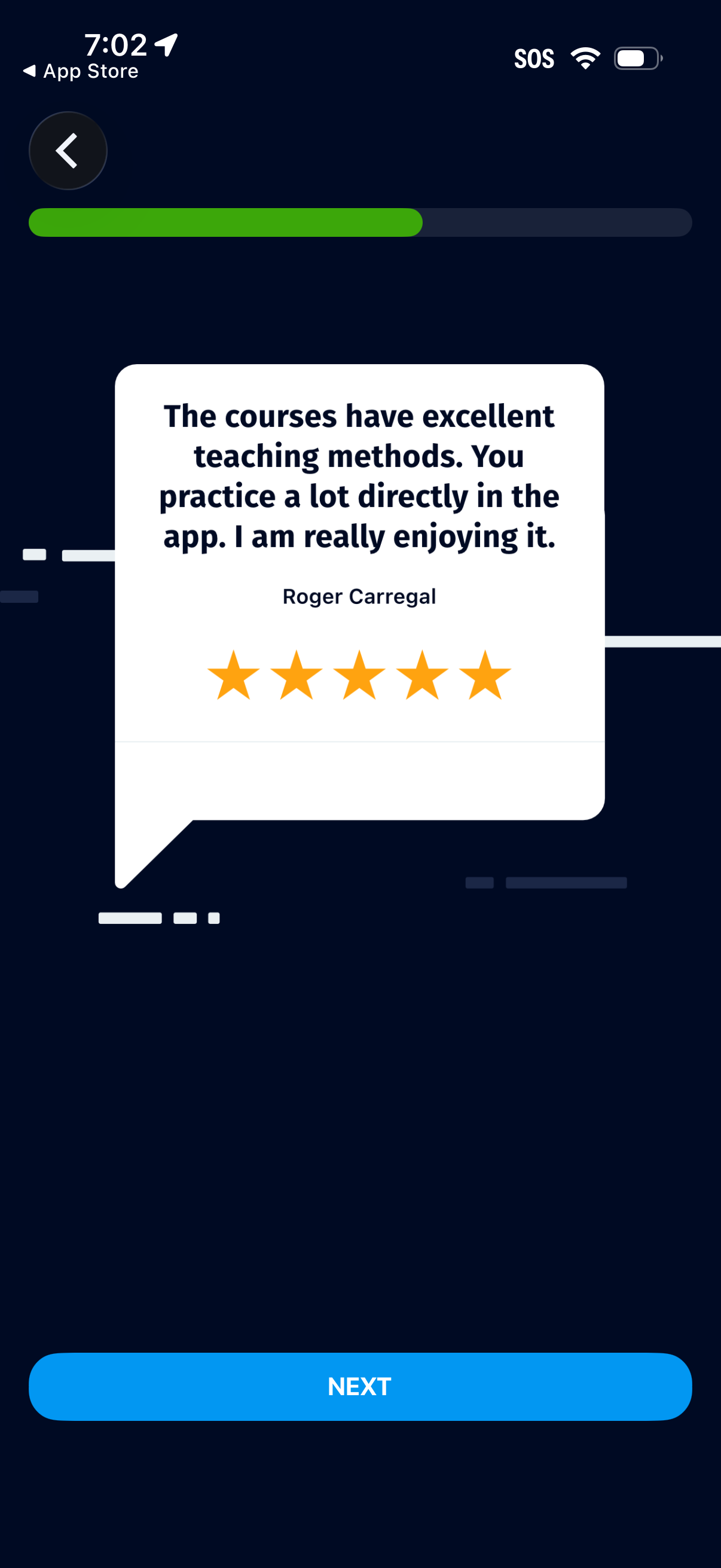
Onboarding or feature-intro screen showcasing a customer testimonial with a 5-star rating in a speech-bubble card and a progress indicator at the top. Primary action is a “Next” button to continue through the onboarding flow, with a back button to return.
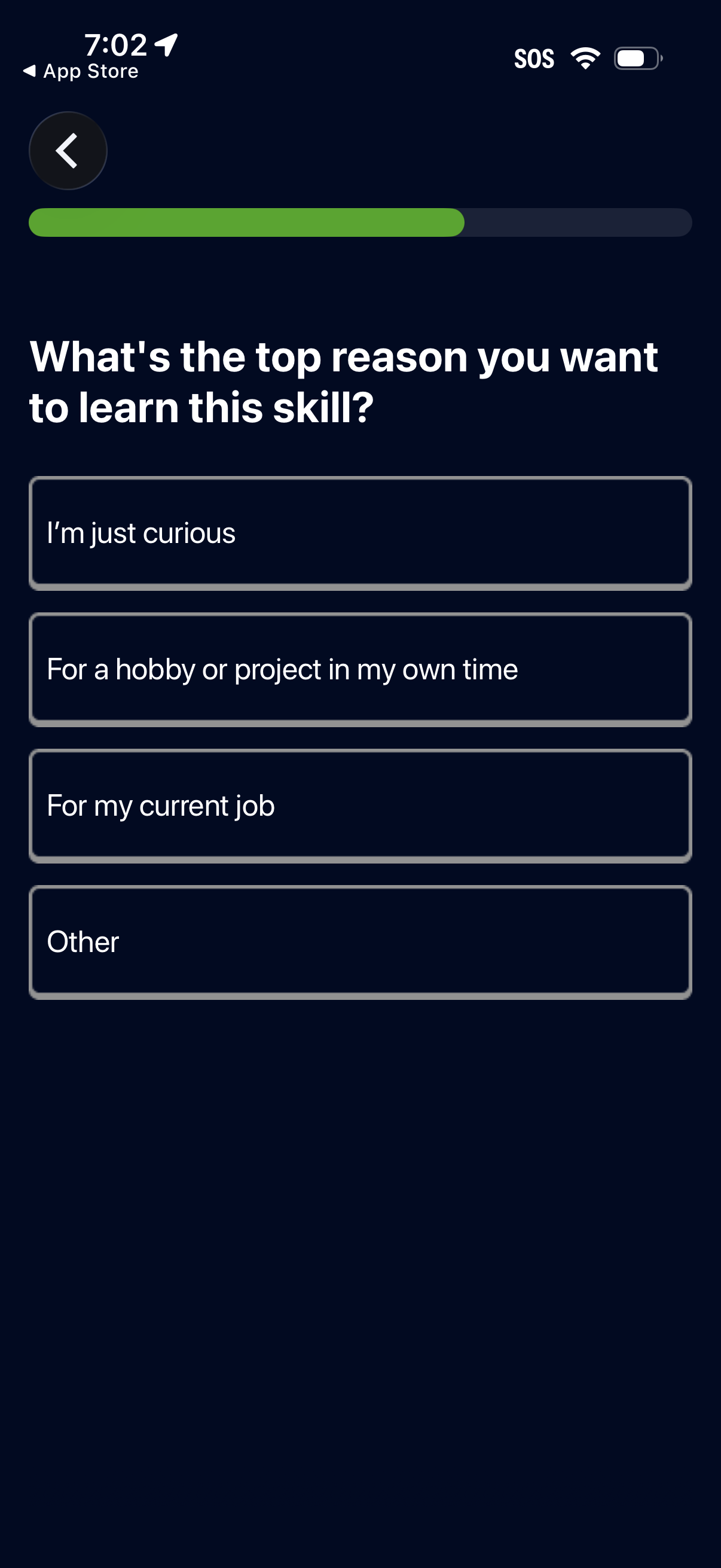
Onboarding survey screen for a learning app asking the user’s main reason for wanting to learn a skill, with a progress indicator and back button. Users choose one option from multiple-choice answers such as curiosity, hobby/personal project, current job, or other.
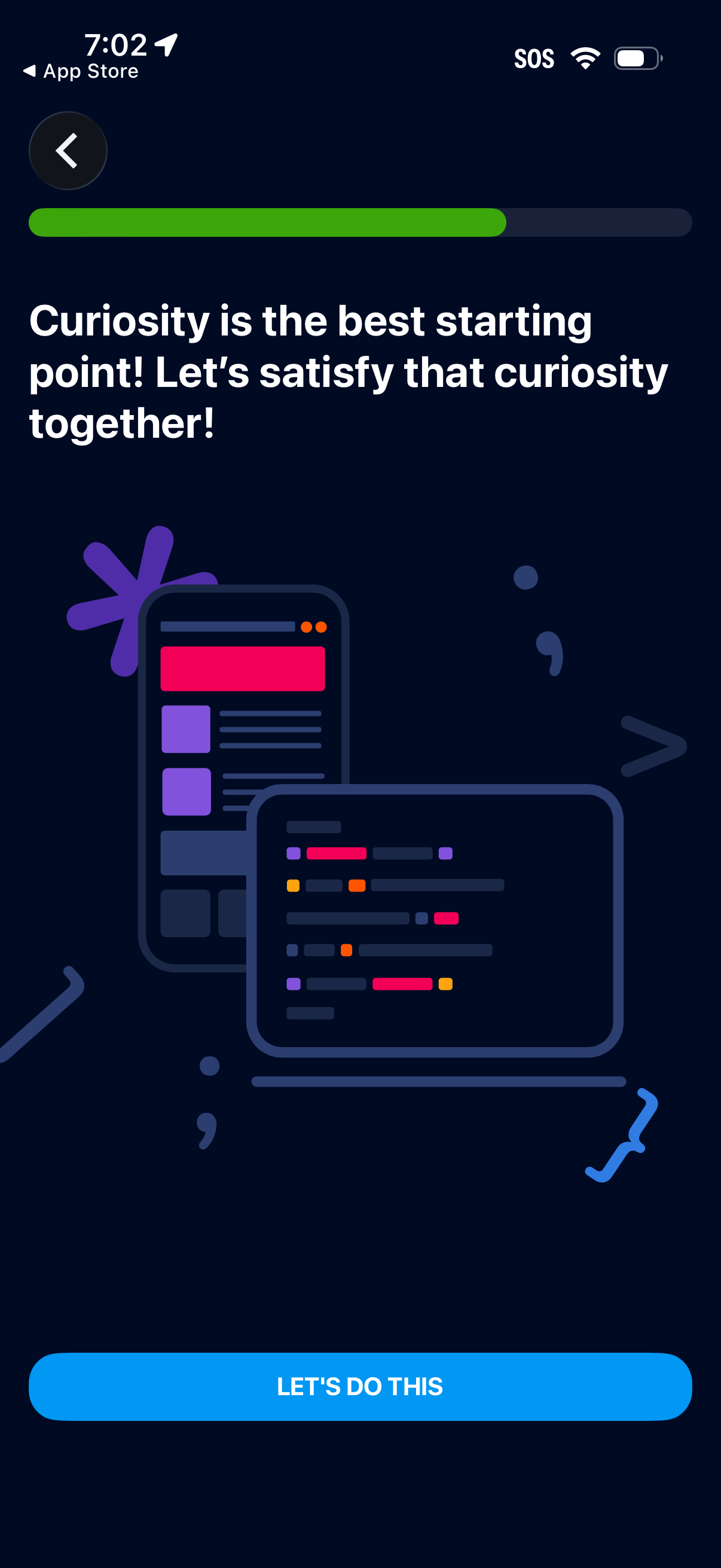
Onboarding welcome screen with a motivational headline, a progress indicator at the top, and a primary call-to-action button to start the setup (“Let’s do this”), plus a back arrow to return to the previous step. This screen introduces the app experience and prompts the user to begin the onboarding flow.
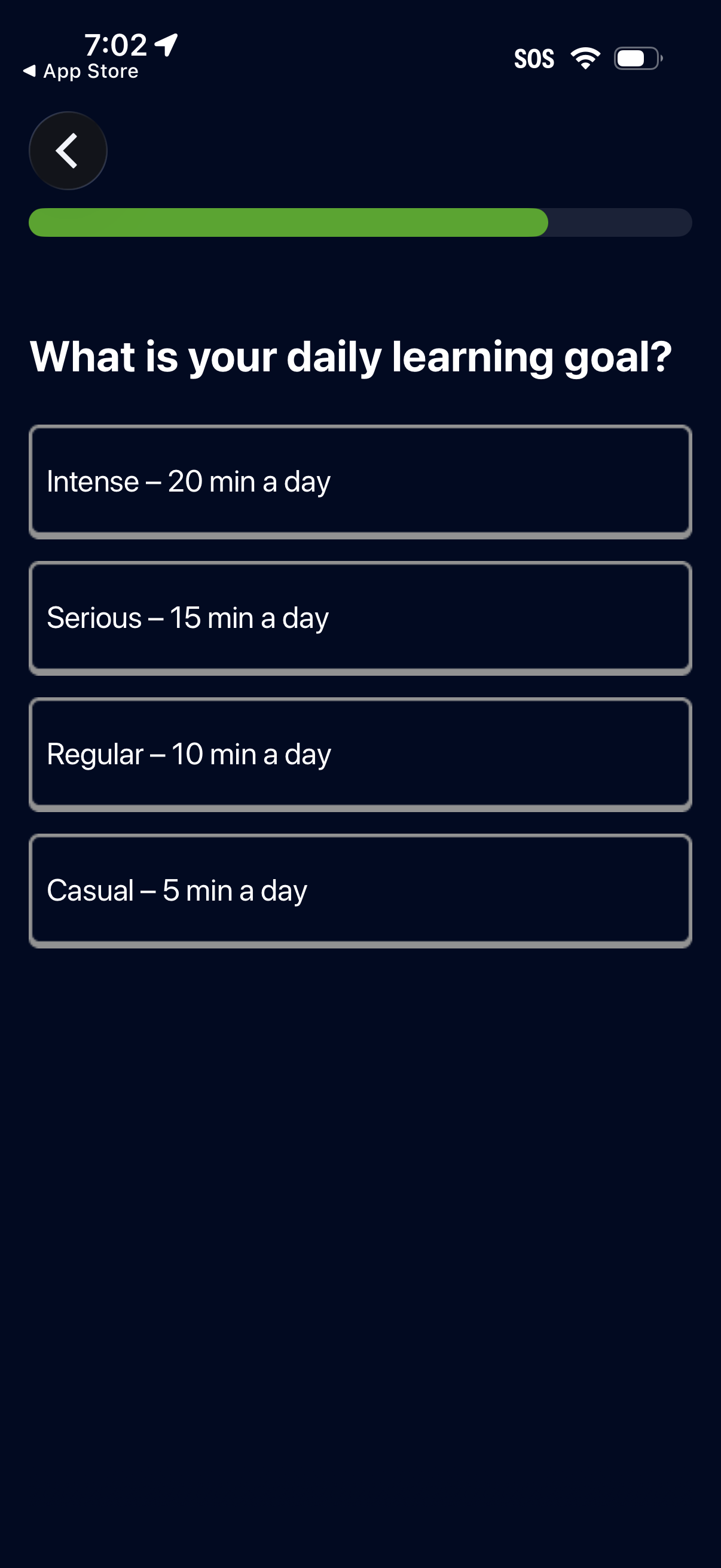
Onboarding goal-setting screen for a learning app asking users to choose a daily learning time commitment, with selectable options from casual (5 min/day) to intense (20 min/day). Includes a progress indicator and back navigation to move through the setup flow.
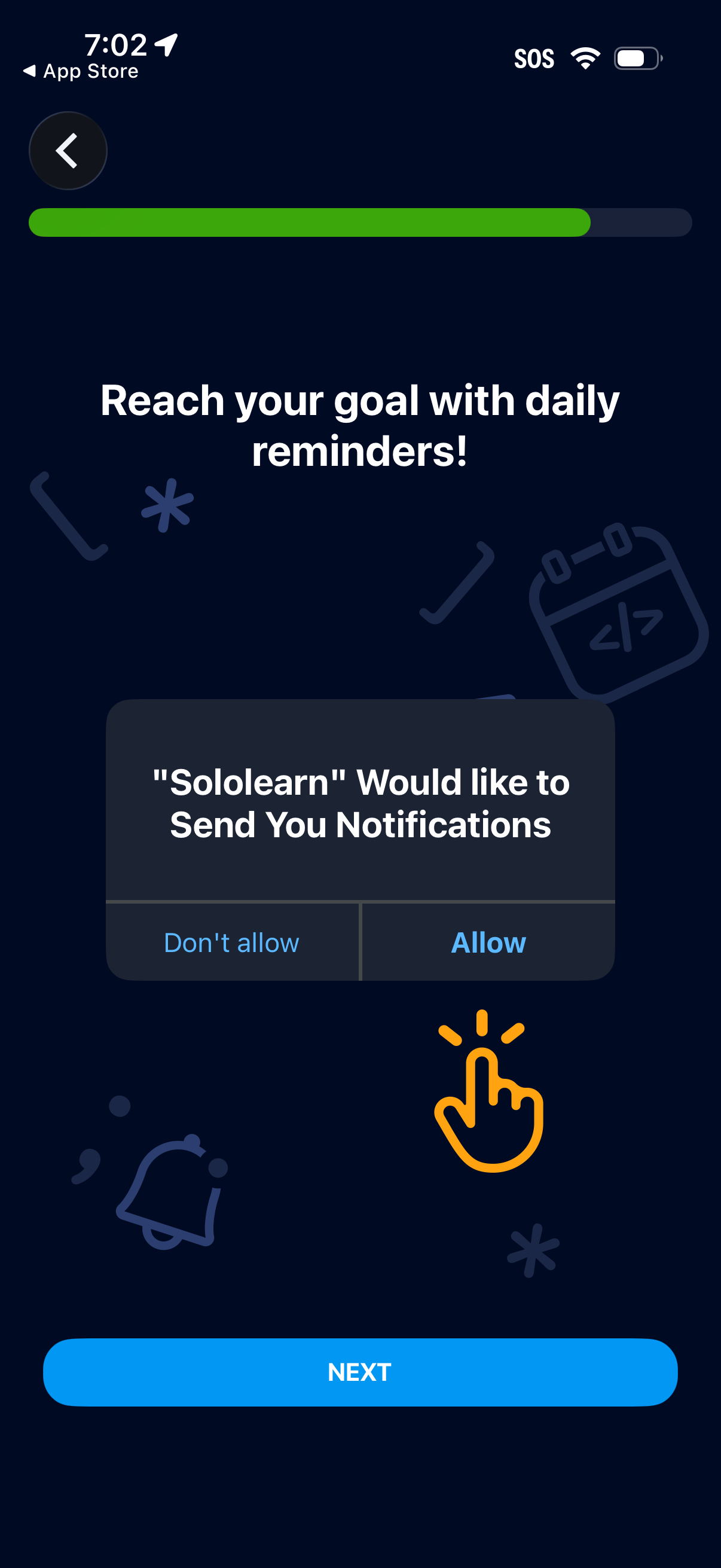
Onboarding screen prompting users to enable push notifications for daily reminders to help reach goals, showing the iOS system permission modal with Allow and Don’t allow options. Includes a progress indicator, back button, and a primary Next CTA to continue setup.
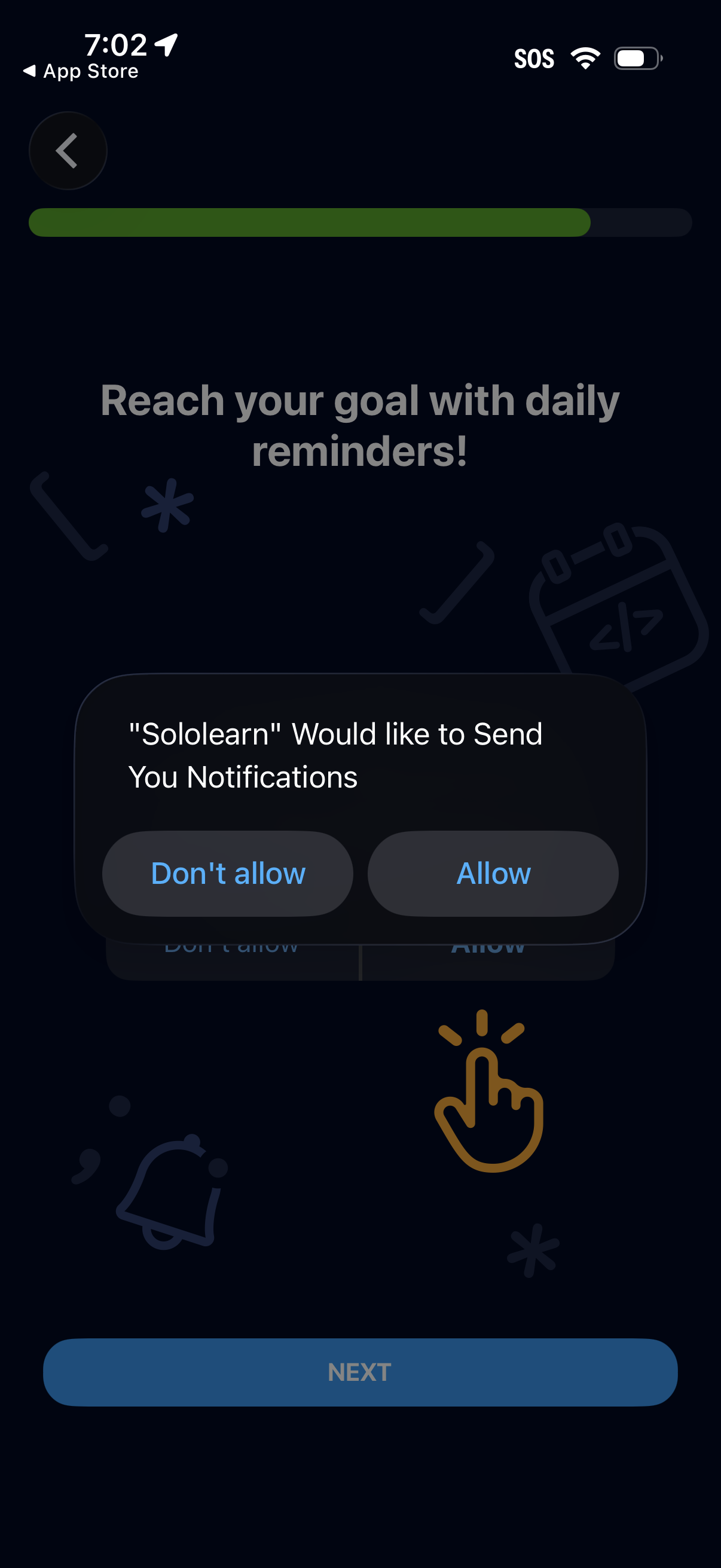
Onboarding screen prompting the user to enable daily reminder notifications to help reach a goal, showing the iOS permission dialog to allow or deny notifications. Includes a progress indicator, back navigation, and a Next button to continue setup.
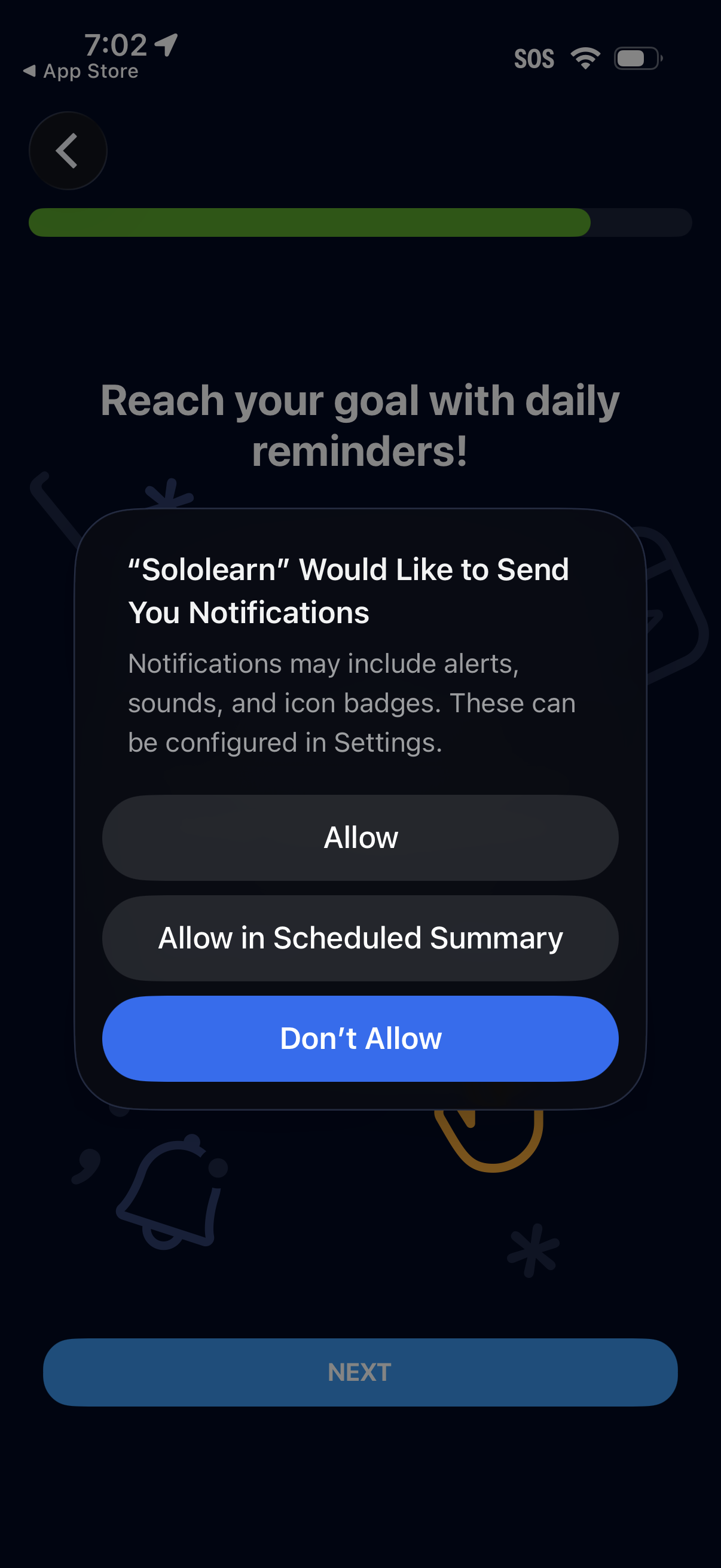
Onboarding screen prompting the user to enable daily reminder push notifications, shown with the iOS system permission dialog offering Allow, Allow in Scheduled Summary, or Don’t Allow. A progress indicator and a disabled “Next” button sit behind the modal while the user decides on notification permissions.
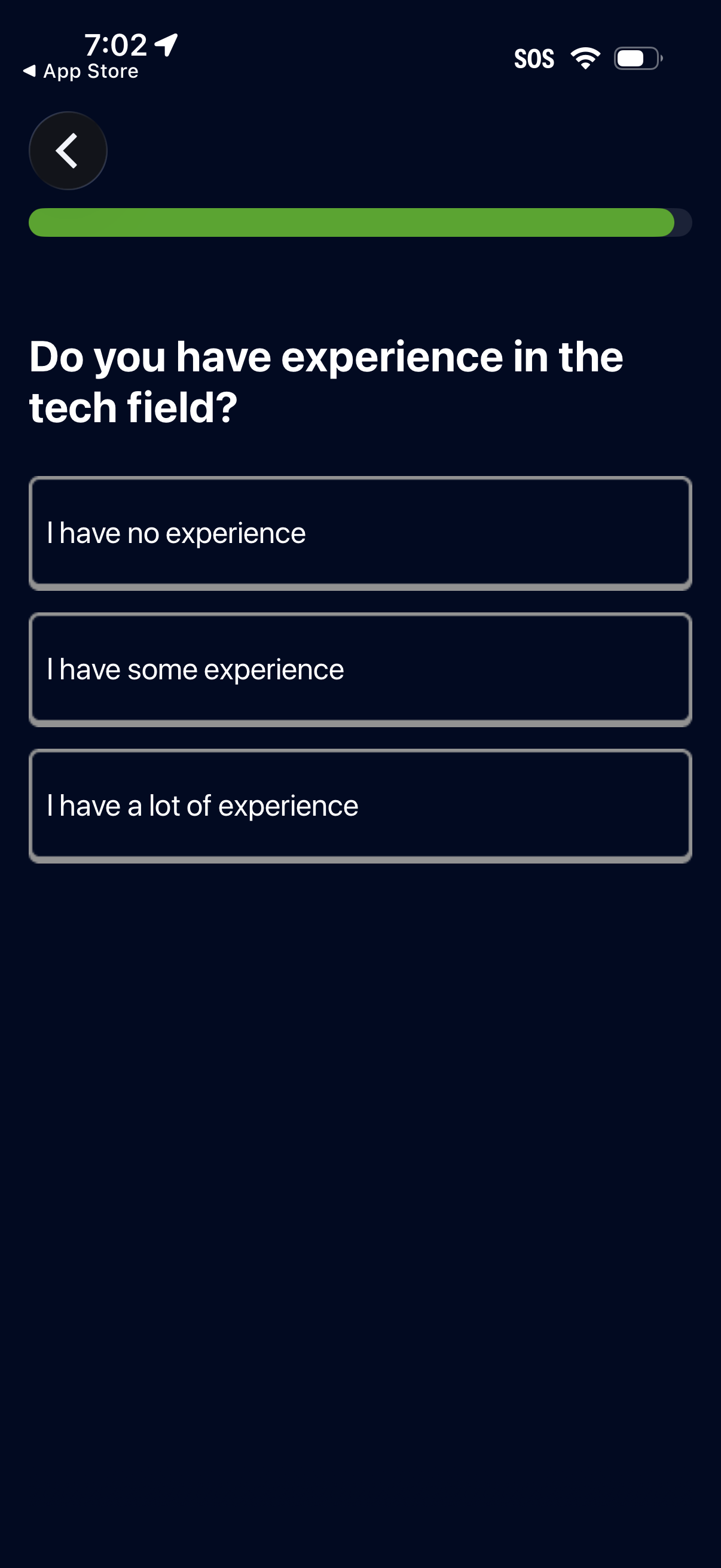
Onboarding survey screen asking the user to select their level of experience in the tech field, with a progress bar and back navigation. Users choose one of three options: no experience, some experience, or a lot of experience.
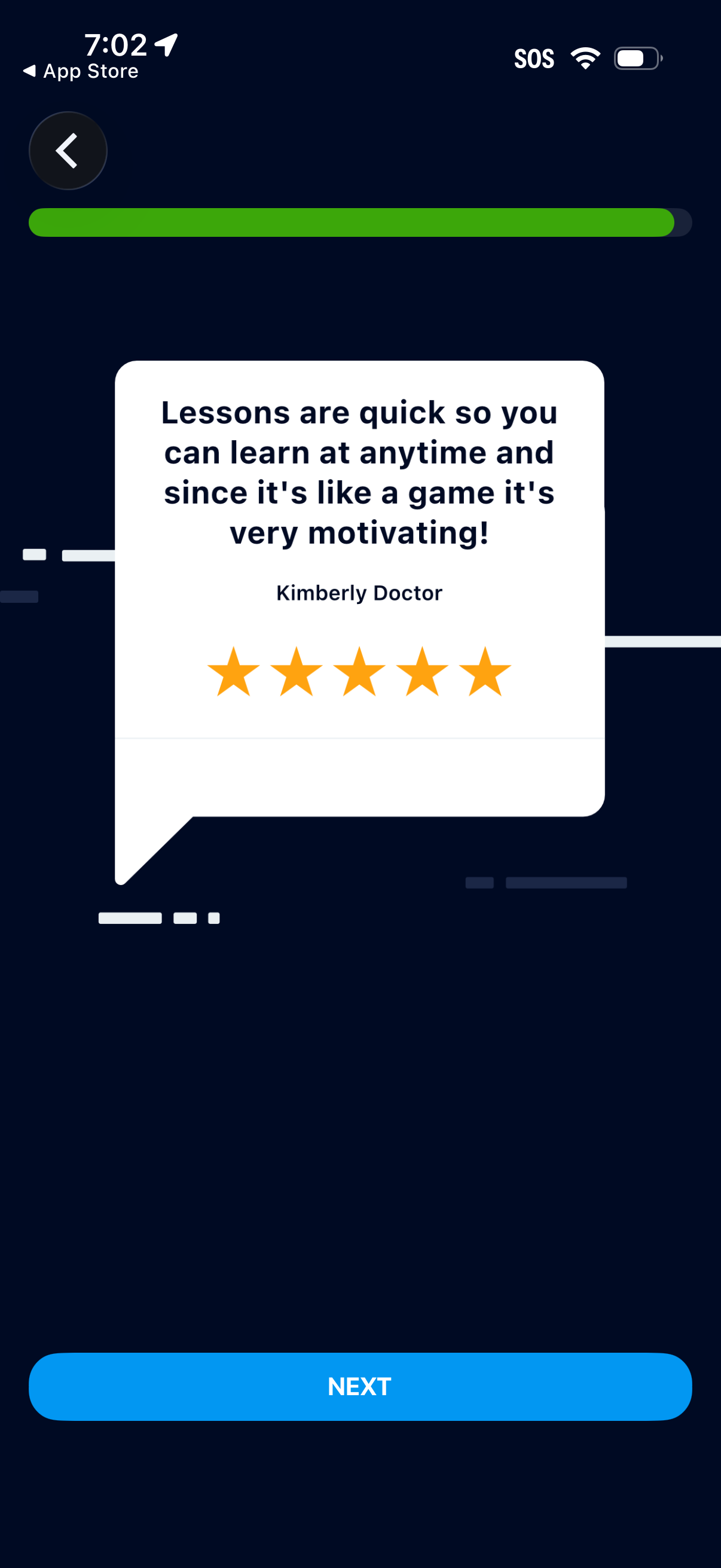
Onboarding or intro carousel screen showing a customer testimonial card with a five-star rating to build trust in a learning app. Includes a progress indicator, back navigation, and a prominent “Next” button to continue through setup.
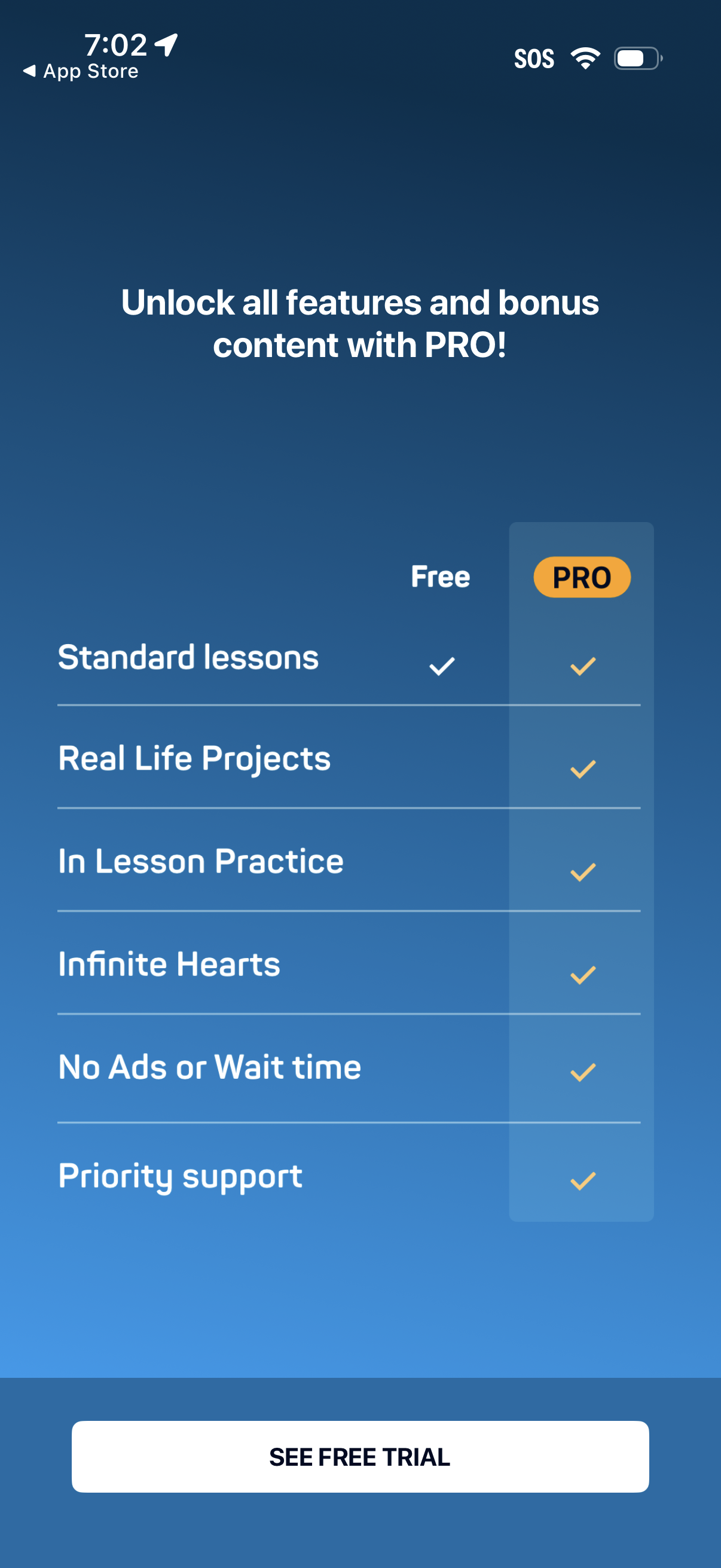
Subscription upsell paywall screen promoting a PRO plan with a feature comparison table between Free and Pro (standard lessons vs premium perks like real-life projects, practice, infinite hearts, no ads/wait time, priority support). Includes a primary call-to-action button to view/start a free trial.
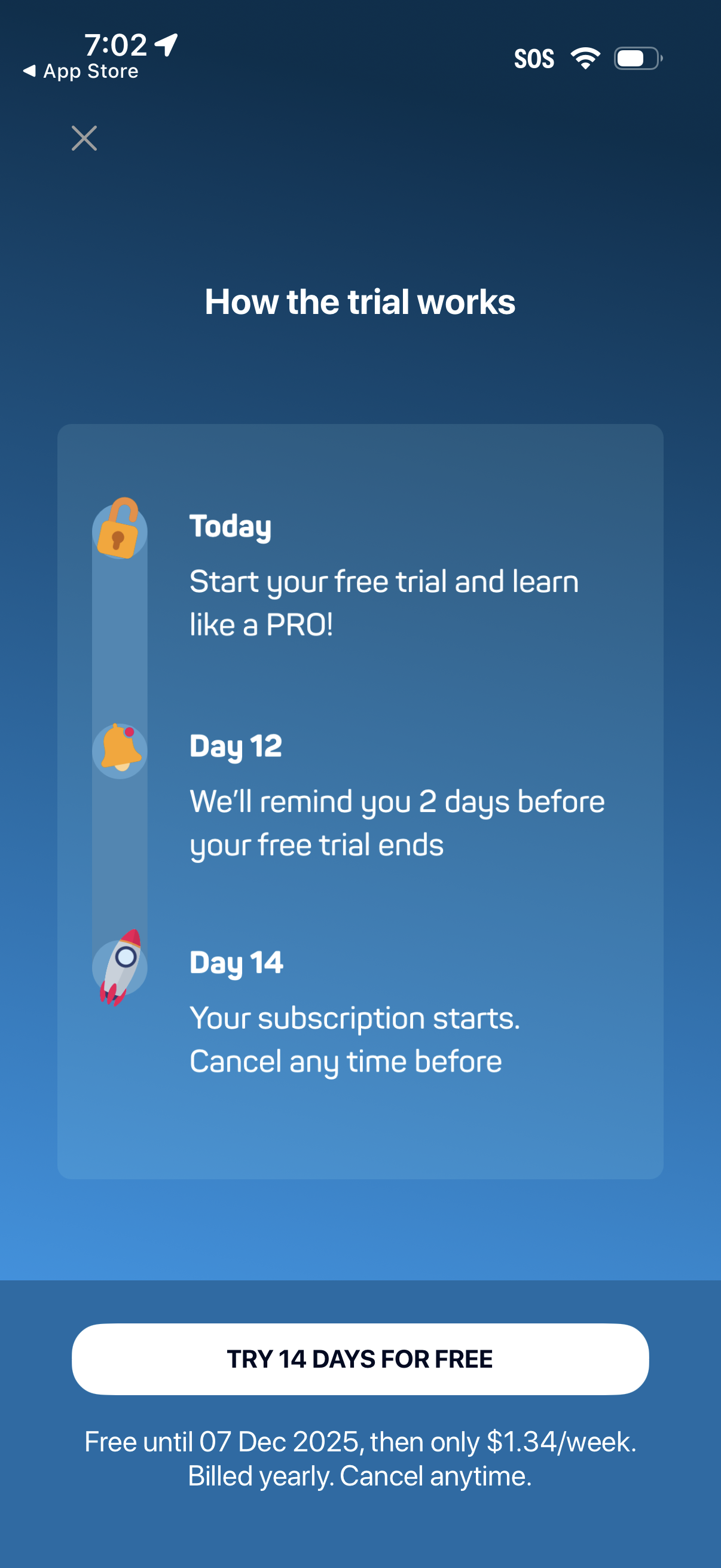
Subscription paywall explainer screen showing how a 14‑day free trial works with a timeline (today start trial, reminder before trial ends, subscription starts on day 14 and can cancel anytime). Includes primary CTA to “Try 14 days for free” plus pricing, billing frequency, and cancellation terms.
Onboarding completion confirmation screen for an education or learning app, telling the user setup is finished and prompting them to get ready for their first lesson. Minimal celebratory illustration with no additional actions or form fields besides continuing to start the initial lesson.