browse community
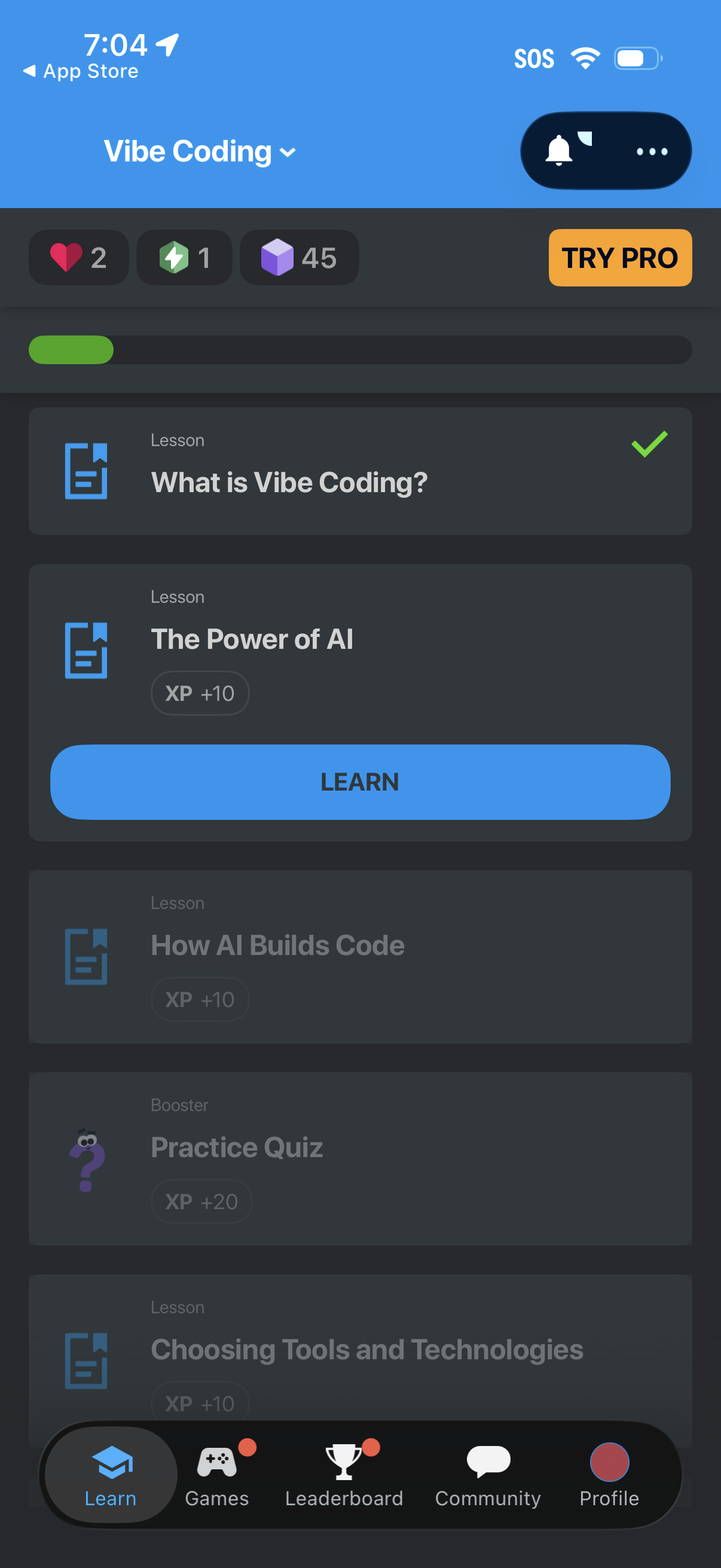
Course learning dashboard for a “Vibe Coding” track showing progress, currency/XP counters, and a scrollable list of lessons with completion status and locked/unlocked items. Users can start the next lesson via a large “Learn” CTA, access notifications and more options, and see a “Try Pro” upgrade prompt with bottom navigation to Learn, Games, Leaderboard, Community, and Profile.
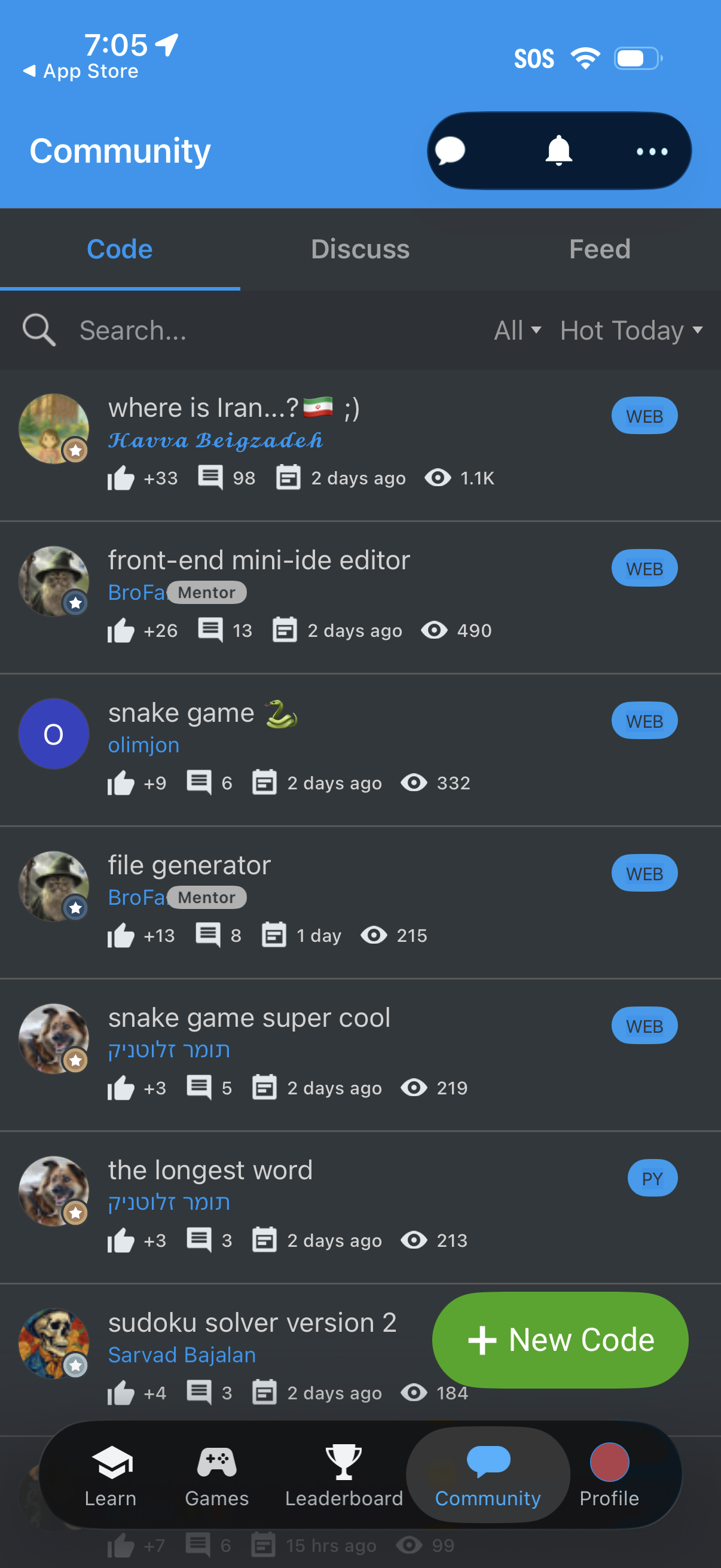
Community browsing screen showing a list of user posts/projects under a “Code” tab with a search bar, sort filters, and per-item engagement stats (likes, comments, time, views) plus language/type tags. Includes top icons for messages/notifications, bottom navigation to other sections, and a prominent “New Code” button to create and publish a new code post.
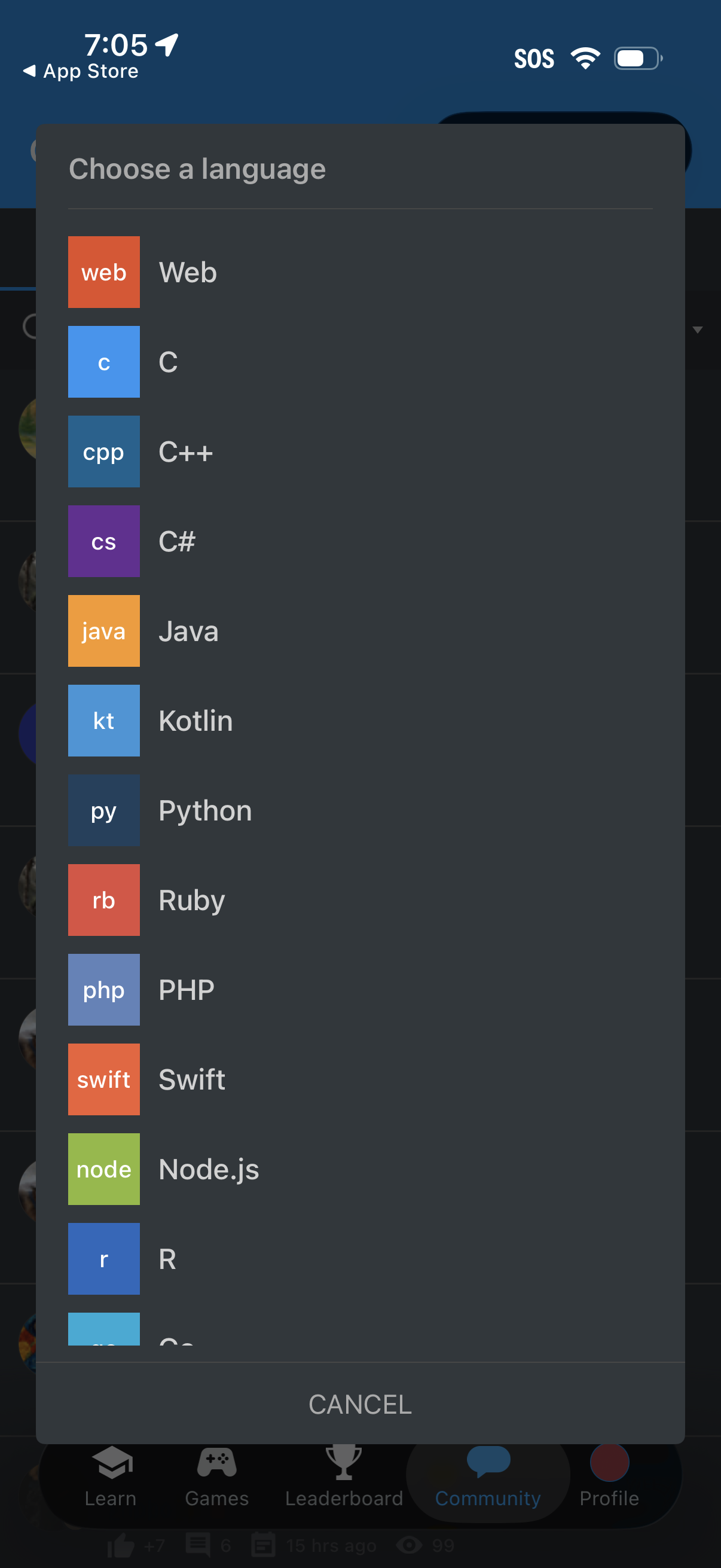
A modal “Choose a language” selection dialog presenting a scrollable list of programming languages (Web, C, C++, C#, Java, Kotlin, Python, Ruby, PHP, Swift, Node. js, R) with icons for each option.
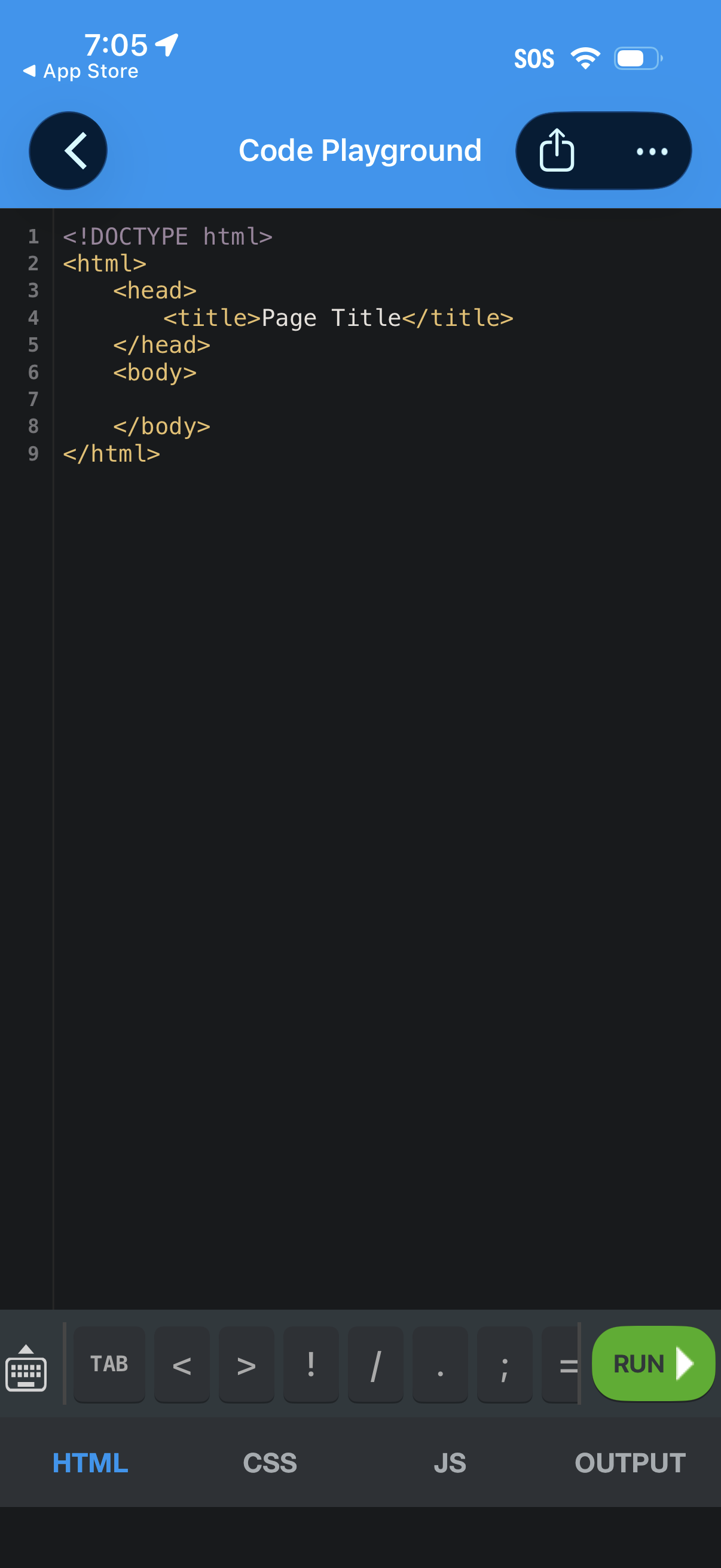
Mobile code playground editor showing an HTML file with syntax-highlighted lines, a bottom tab bar to switch between HTML, CSS, JS, and Output, and a green Run button to execute the code. Top navigation includes back, share, and more options for managing the project.
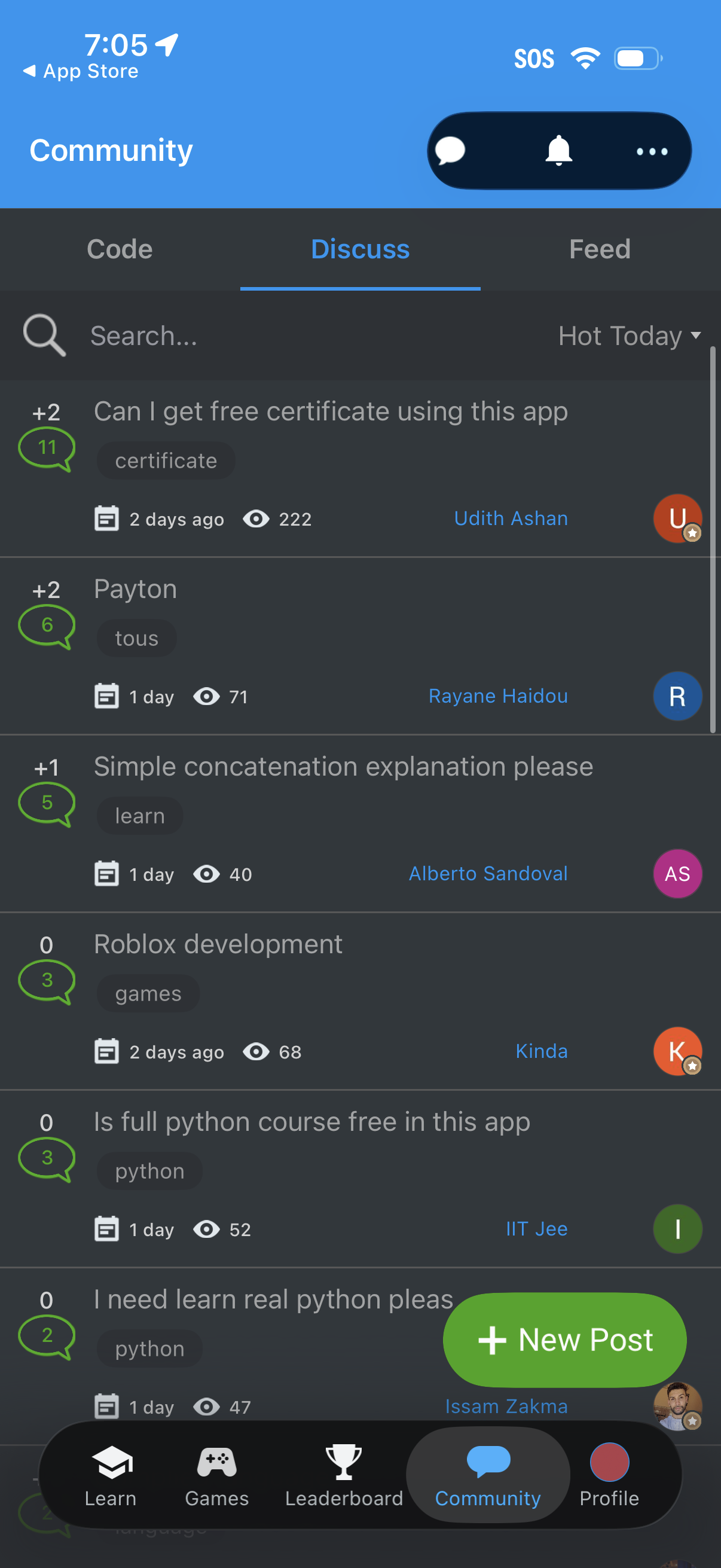
Community discussion forum screen showing a searchable list of posts with tags, reply counts, timestamps, view counts, and author avatars, with sorting (e. g.
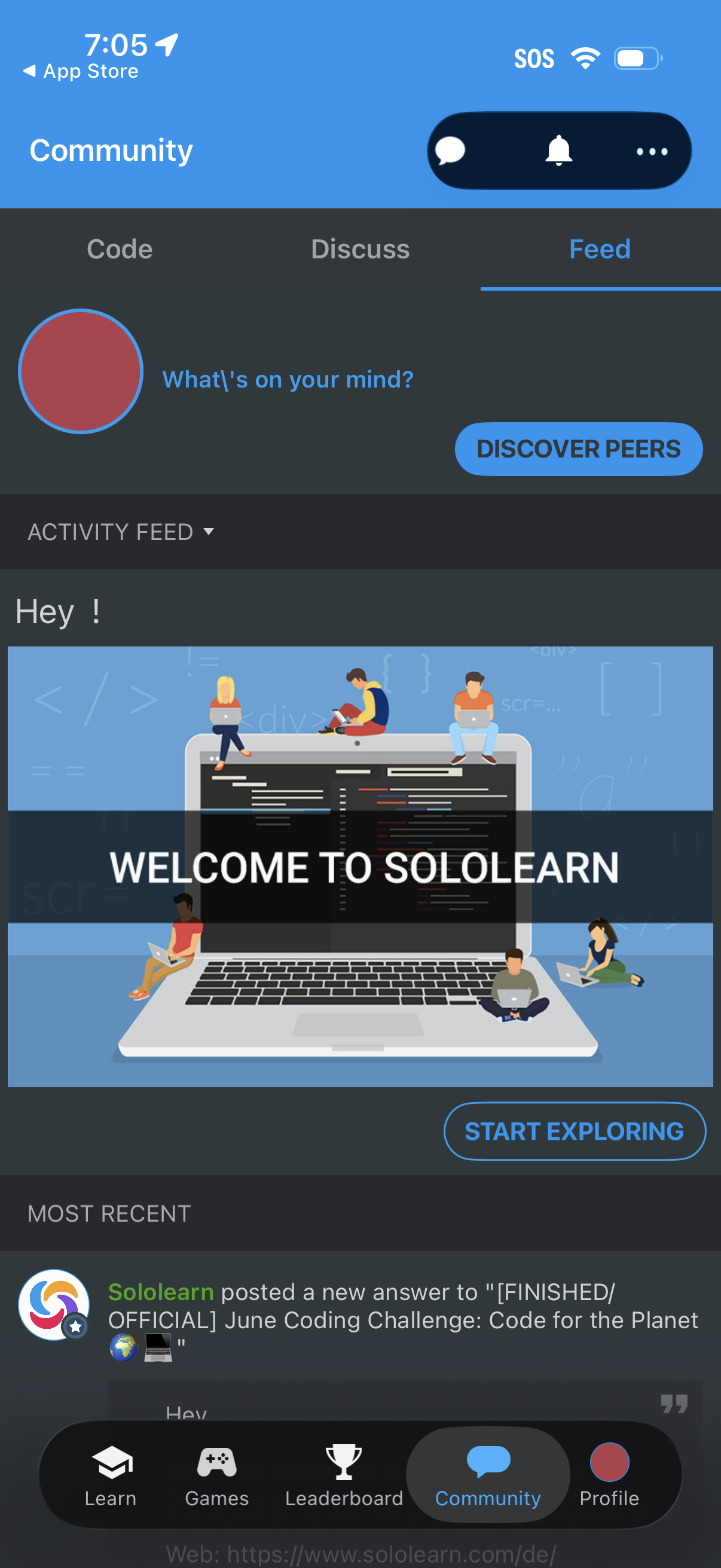
Community feed screen in a learning app with tabs for Code, Discuss, and Feed, showing an activity feed and a prompt to post (“What’s on your mind? ”).