browse help articles
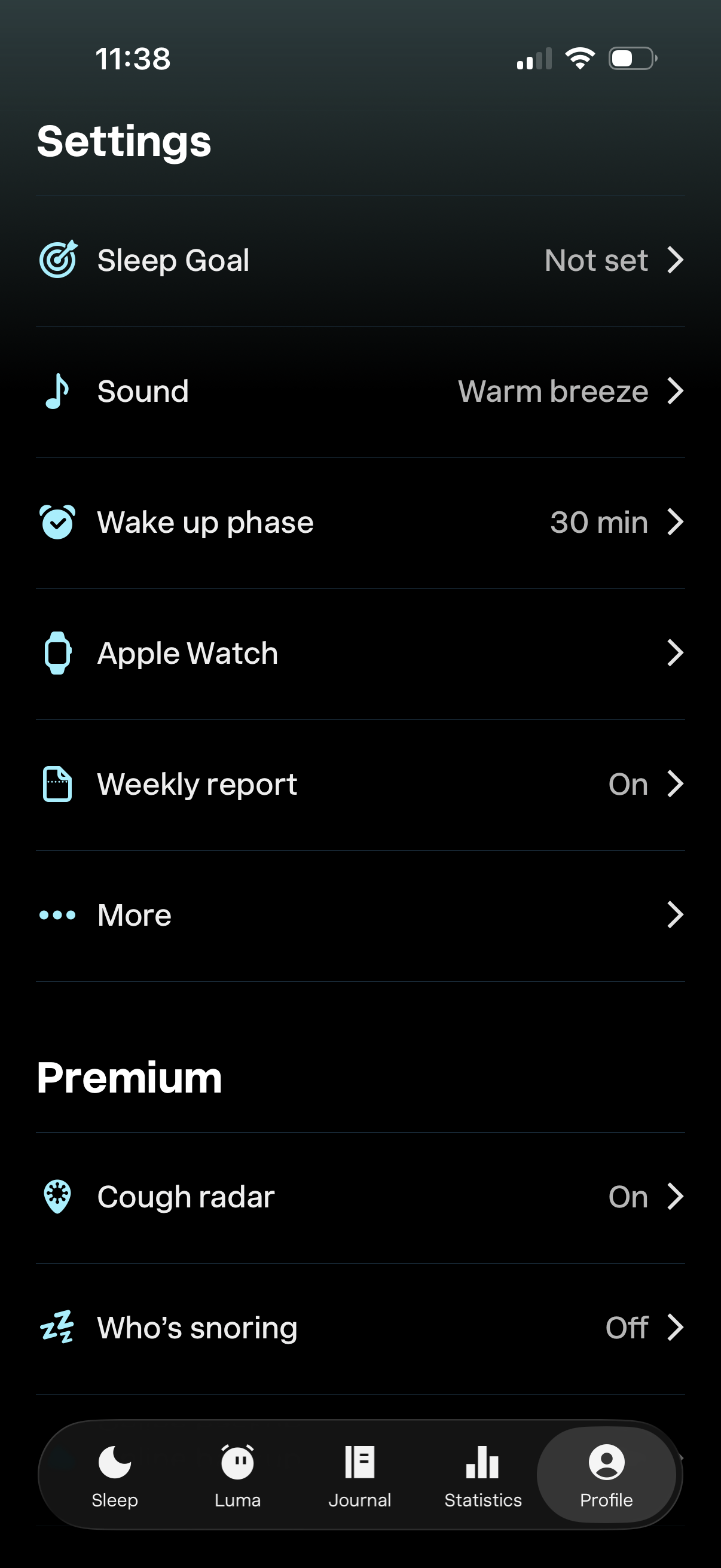
Settings screen for a sleep tracking app where users can configure sleep goal, select a sleep sound, set wake-up phase duration, connect an Apple Watch, and enable weekly reports. Includes premium feature toggles like cough radar and “who’s snoring,” plus navigation to more options.
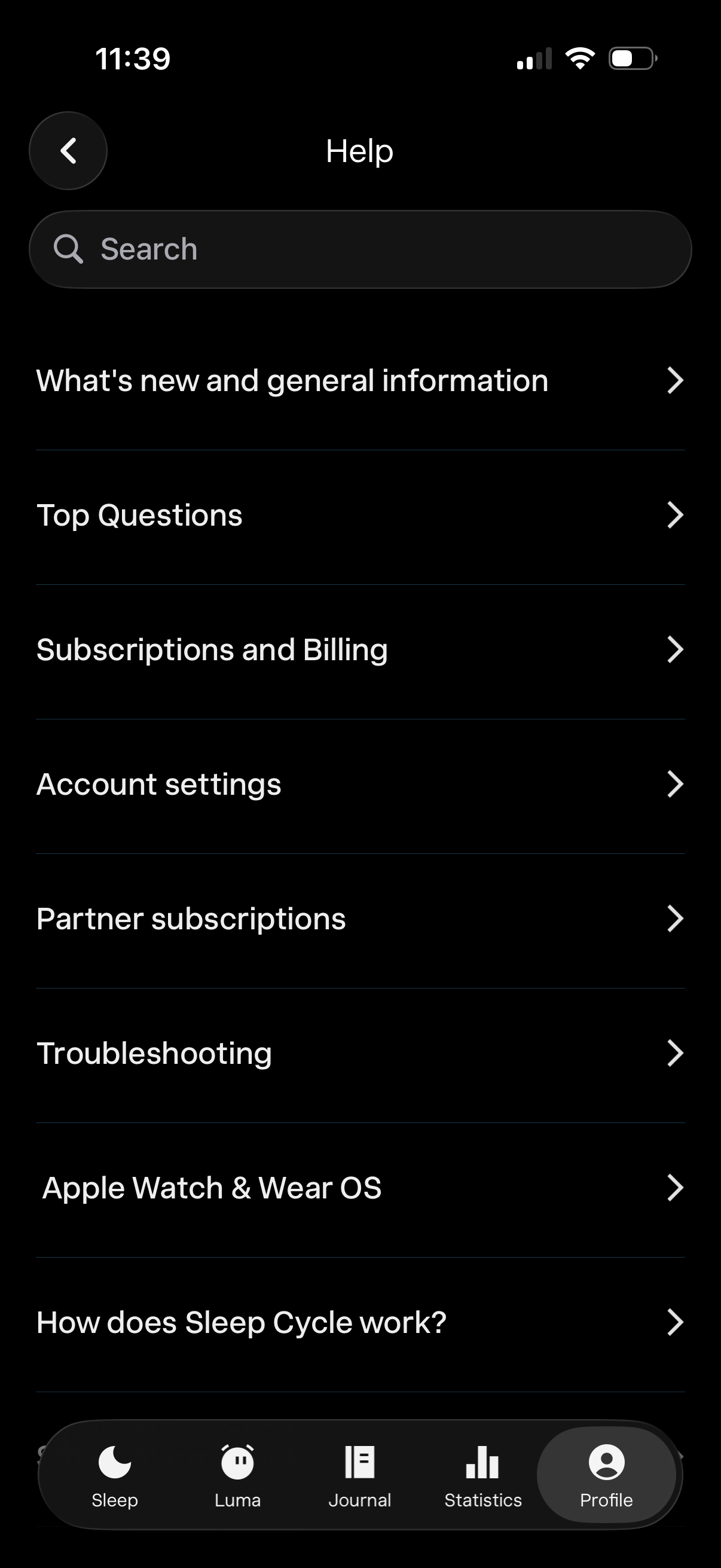
Help and support screen with a search bar and a list of FAQ categories such as what’s new, top questions, subscriptions and billing, account settings, partner subscriptions, troubleshooting, wearable device support, and “how it works. ” Users can tap any category to browse help articles or use search to find answers.
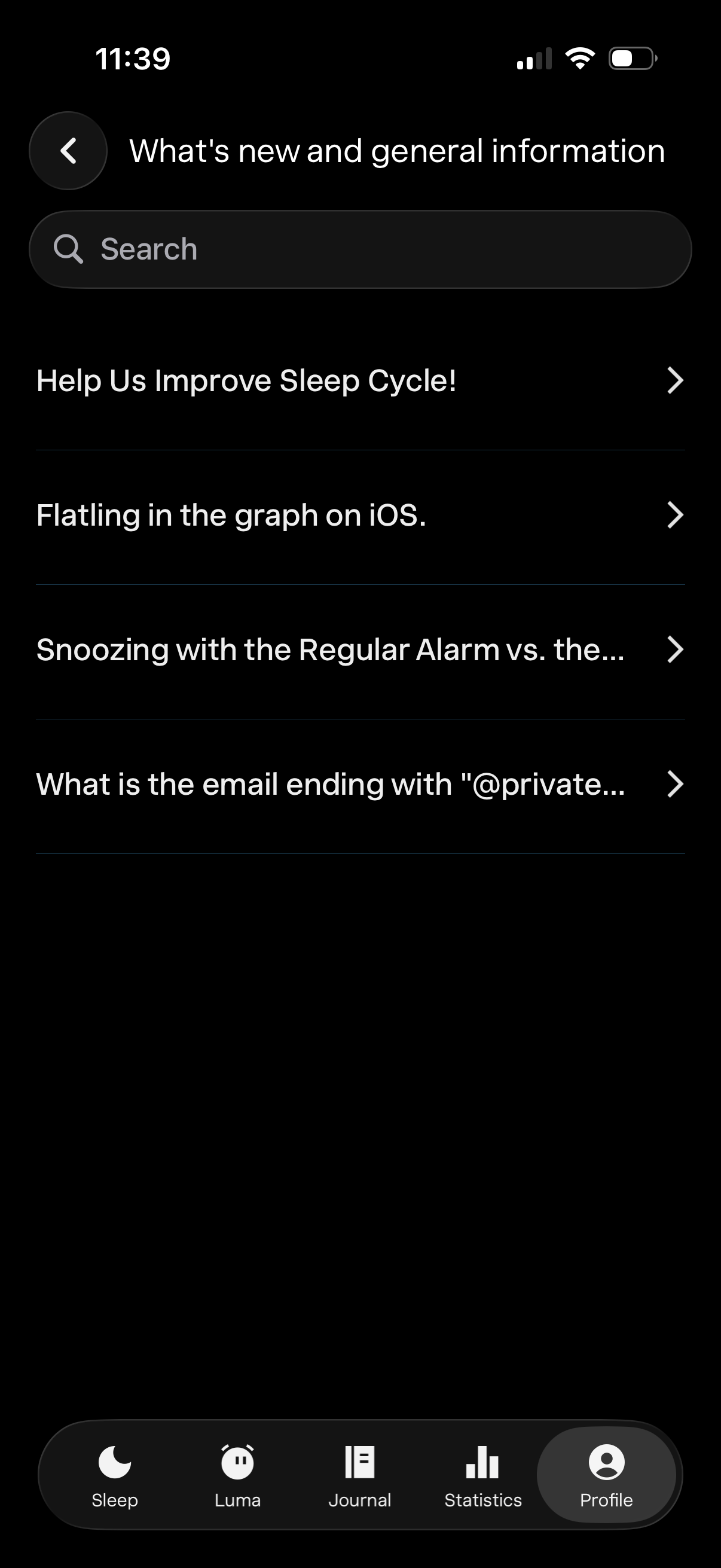
Help center or FAQ list screen showing “What’s new and general information,” with a search bar and tappable article rows (e. g.
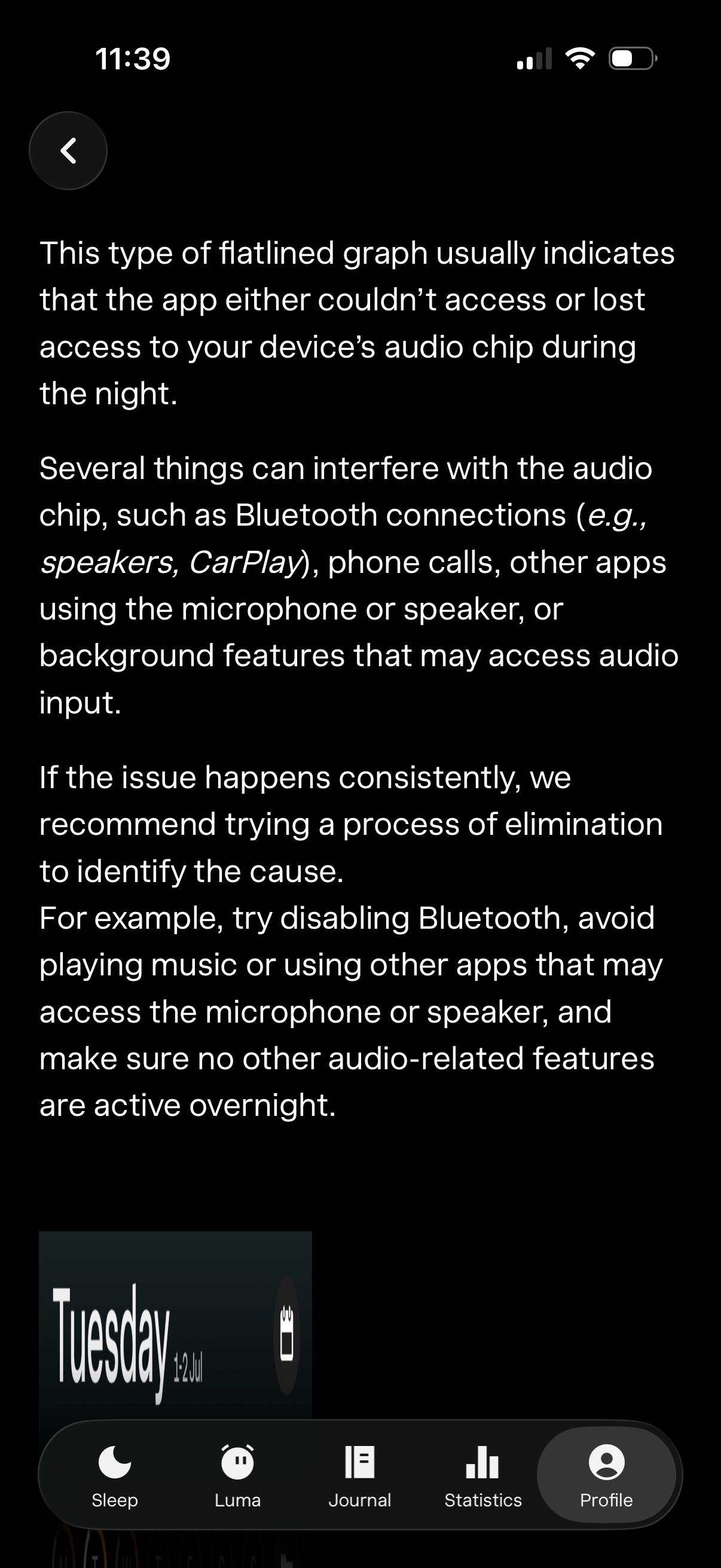
Help and troubleshooting information screen in a sleep/audio tracking app explaining that a flattened recording graph means the app lost access to the device’s audio chip overnight. It lists common causes like Bluetooth connections, phone calls, and other apps using the microphone/speaker, and recommends steps such as disabling Bluetooth and avoiding other audio features during sleep.