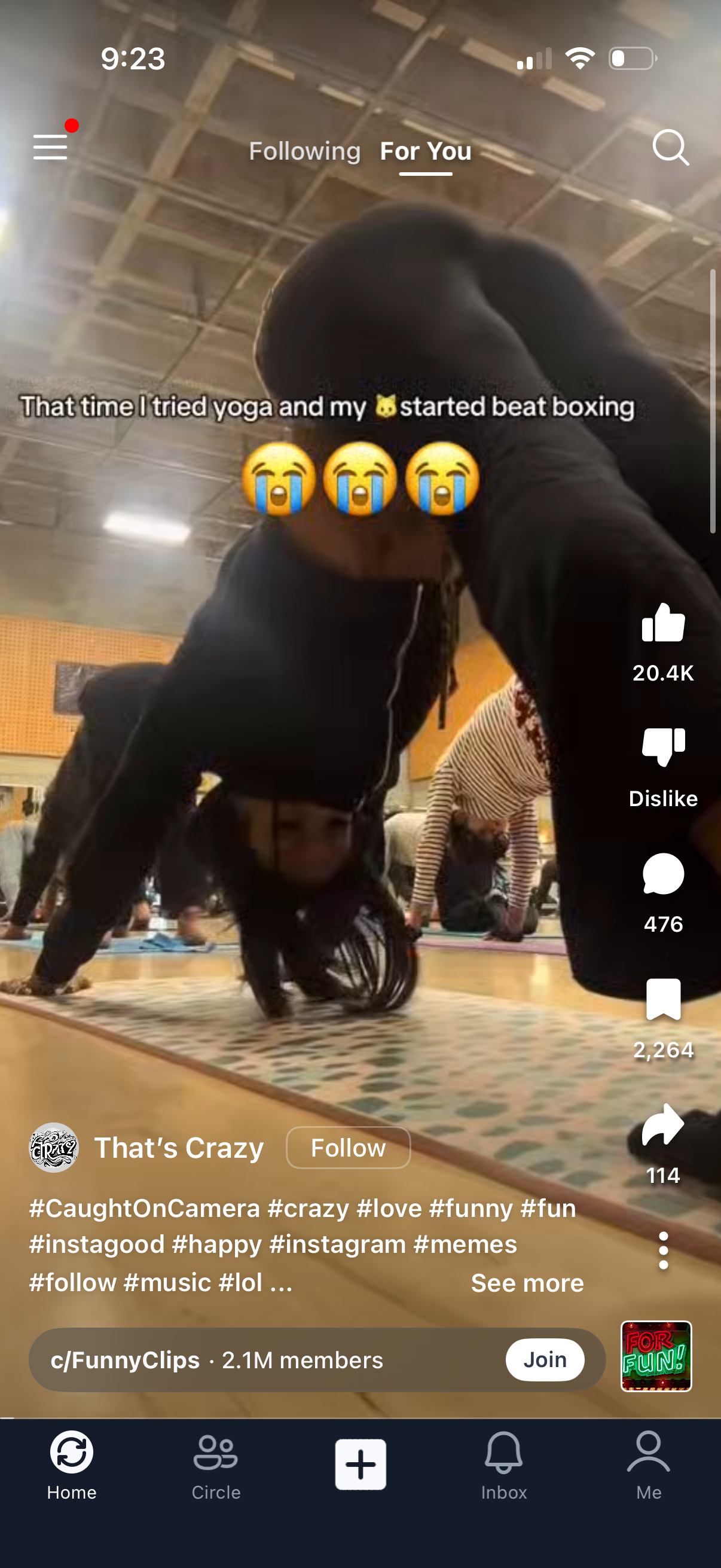
Short-form vertical video feed on a “For You” tab with an overlaid caption and creator info plus a Follow button. Right-side actions allow liking, disliking, commenting, saving, and sharing, with a search icon, menu access, hashtag/description text with “see more,” and a bottom navigation bar including Home, community, create (+), Inbox, and profile.
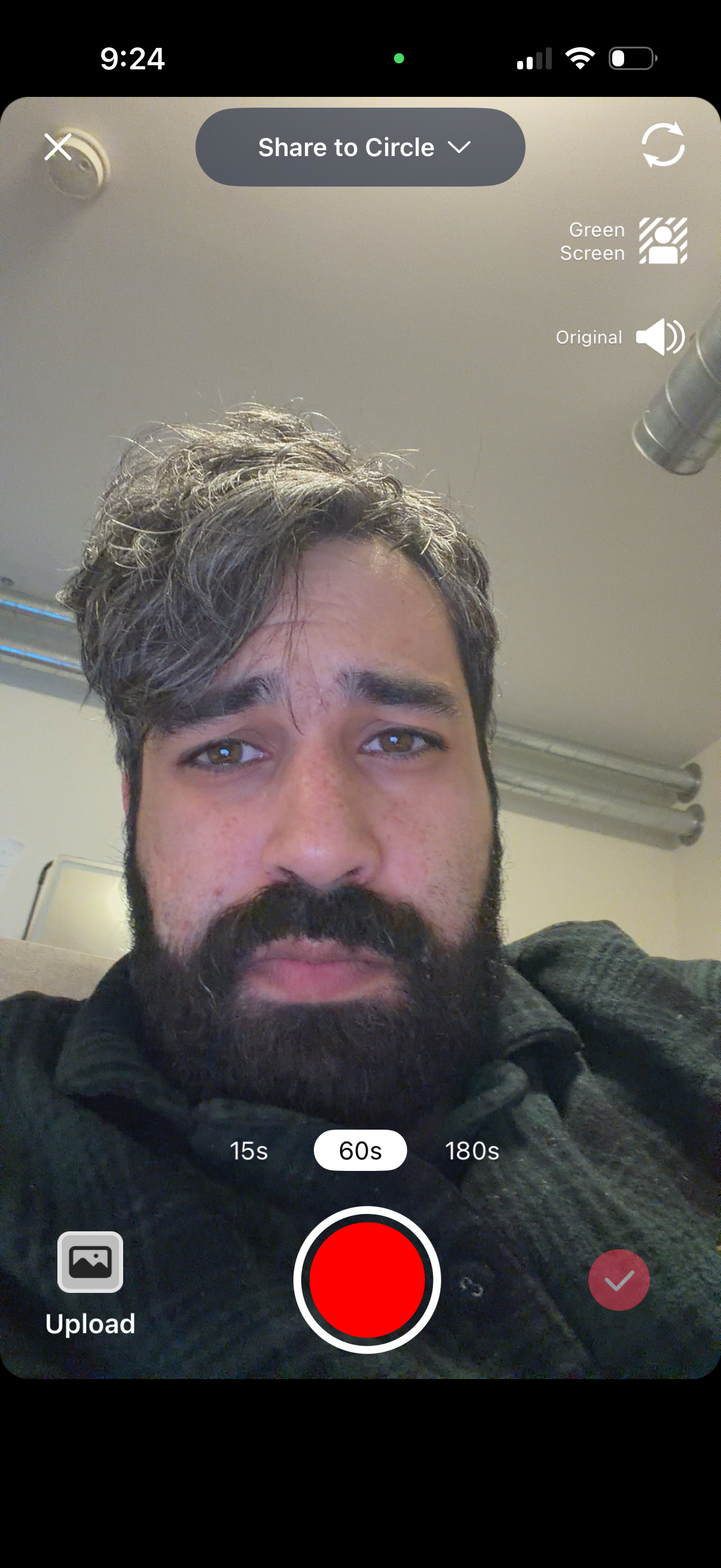
Front-facing camera recording screen for creating and sharing a short video to a selected circle, with a large record button and selectable duration presets (15s, 60s, 180s). Includes options to flip the camera, toggle green screen effect and original audio, upload media from gallery, and confirm/submit the recording.
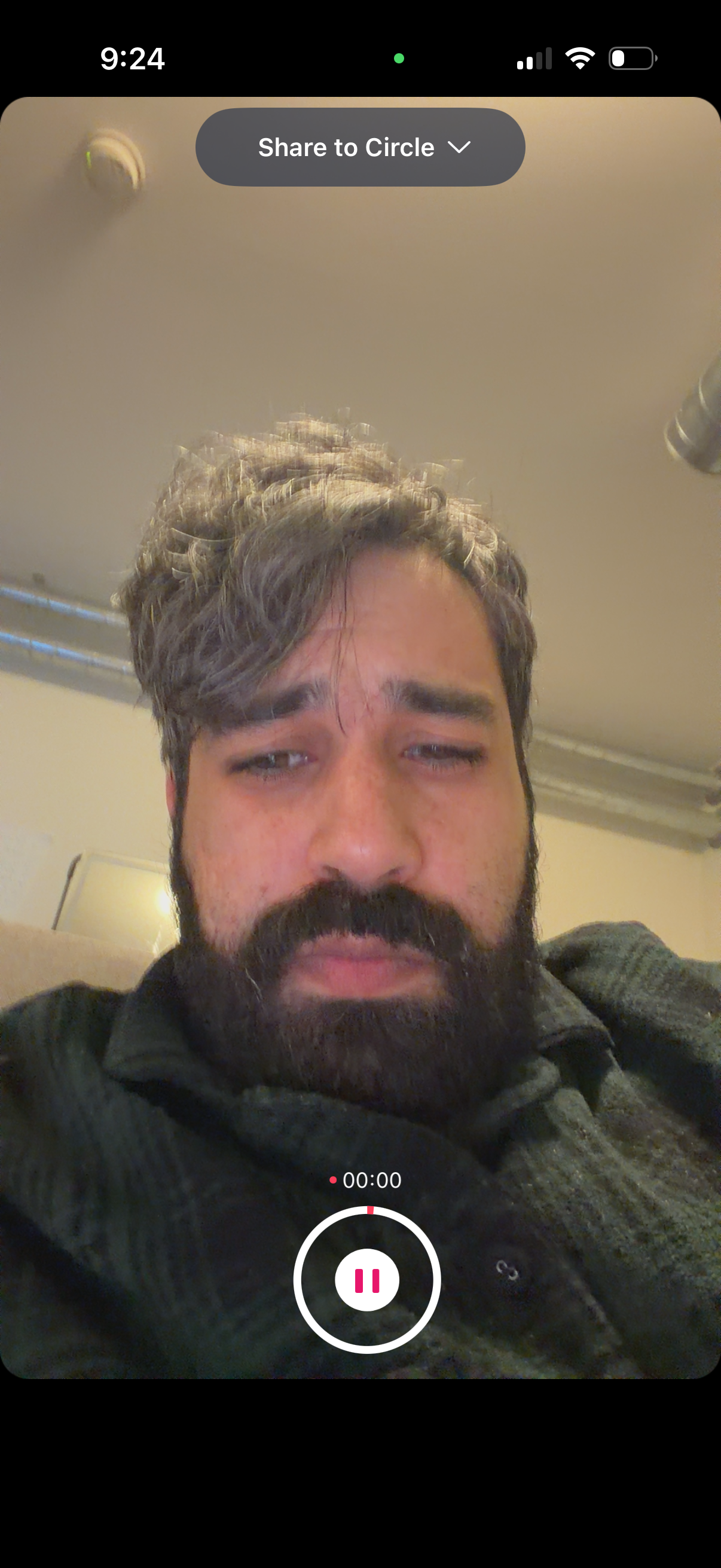
Front-facing camera story/video recording screen with a live selfie preview and a top dropdown to choose the sharing audience (“Share to Circle”). Shows an active recording timer and prominent pause/record control at the bottom for capturing and sharing a short video update.
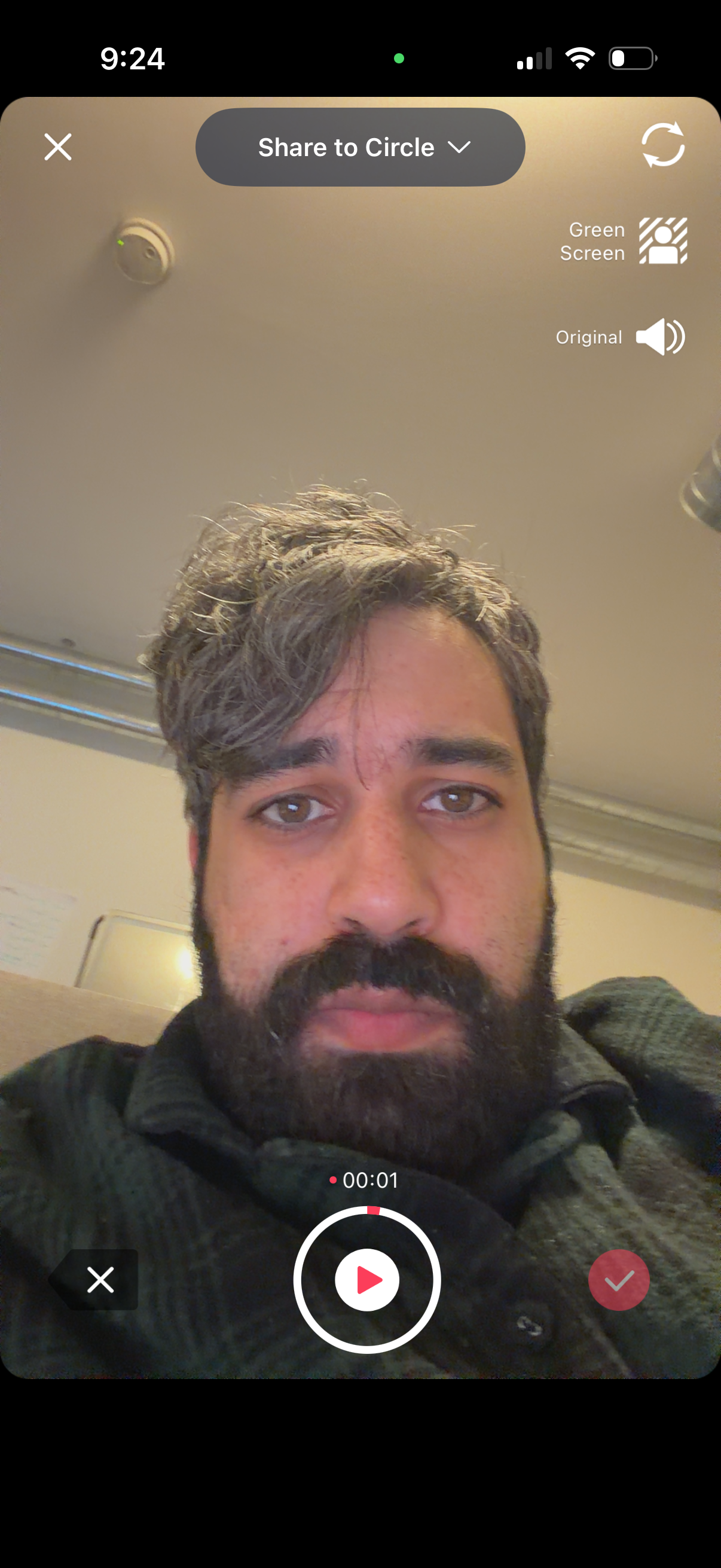
Front-facing camera recording screen for creating a short video story, showing a live selfie preview with controls to share to a selected circle/audience. Includes toggles for green screen effect and original audio, a flip camera button, a record/play button with timer, and cancel/confirm actions.