learn about monetization
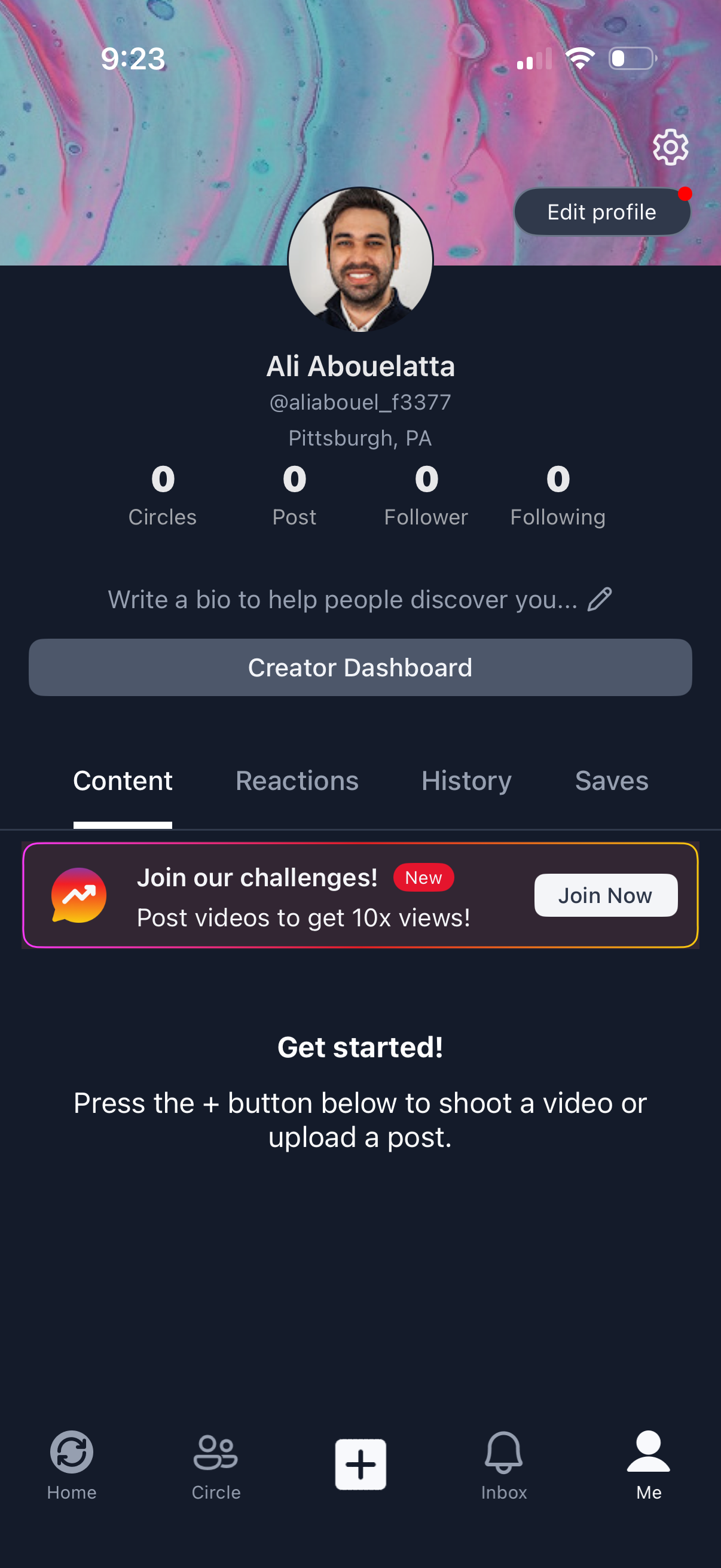
User profile screen in a social video app showing avatar, display name/username, location, and stats for circles, posts, followers, and following, with a prompt to add a bio. Primary actions include Edit profile, settings, a Creator Dashboard button, tabbed sections for Content/Reactions/History/Saves, and onboarding to create a post via the central + button, plus a promotional banner to join challenges.
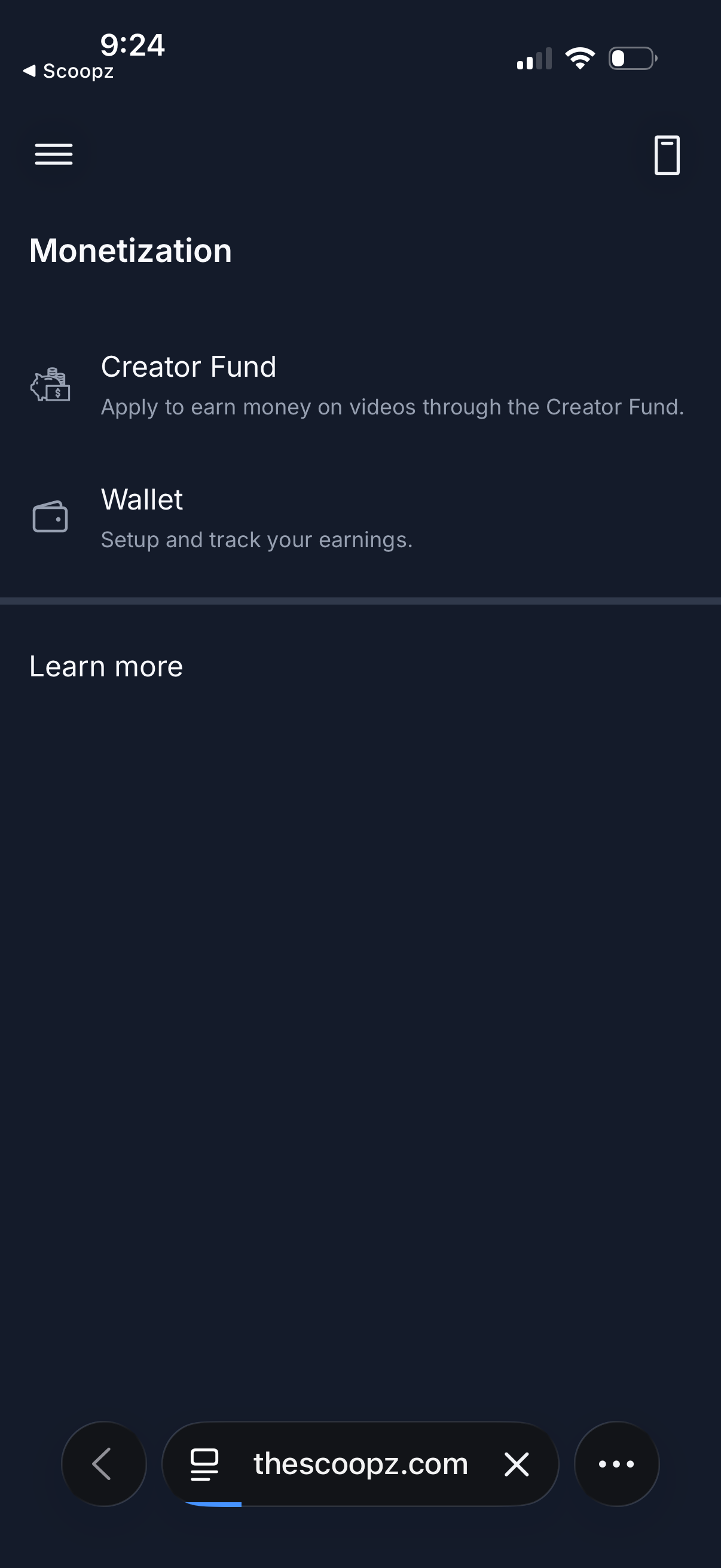
Monetization settings screen for a creator/video platform showing options to apply for the Creator Fund to earn money on videos and to open a Wallet to set up and track earnings. Includes a “Learn more” section plus navigation icons like a hamburger menu and device/preview button.
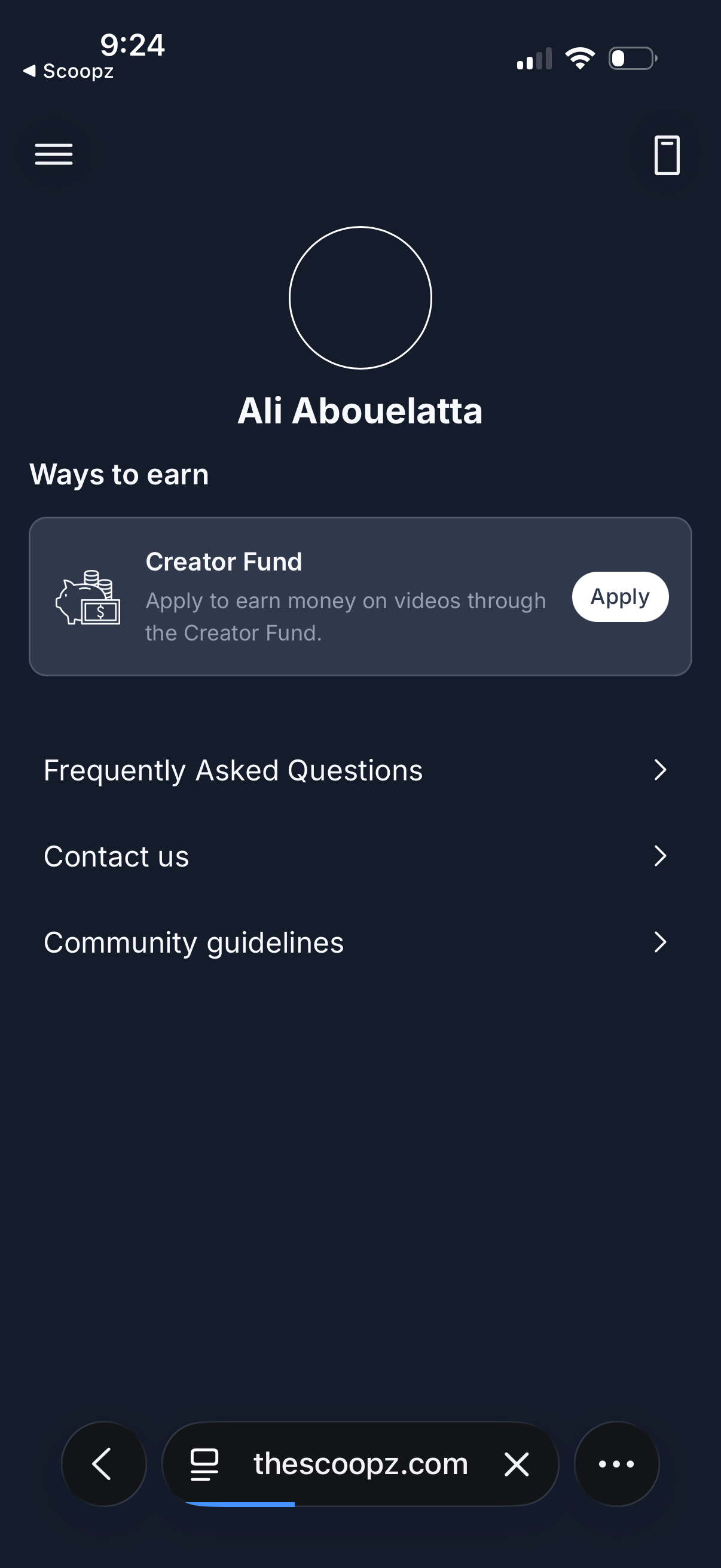
Creator monetization and earnings settings screen showing “Ways to earn” with a Creator Fund card and an Apply button to start earning money on videos. Includes help and support links for Frequently Asked Questions, Contact us, and Community guidelines, with a menu icon for navigation.
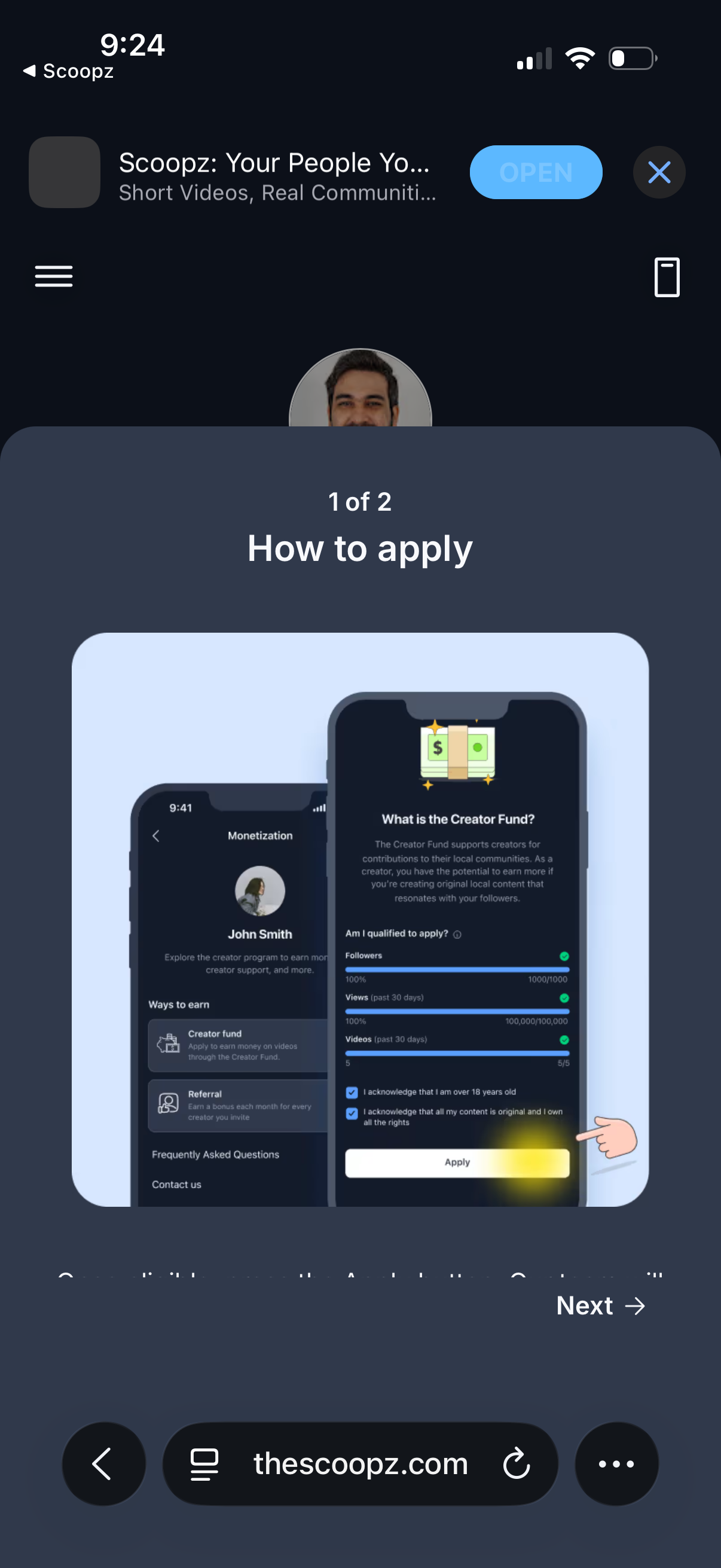
In-app onboarding carousel explaining how to apply for a creator monetization fund, showing eligibility requirements and an apply button in a preview image. Includes step indicator (1 of 2) with a Next action to continue through the tutorial.
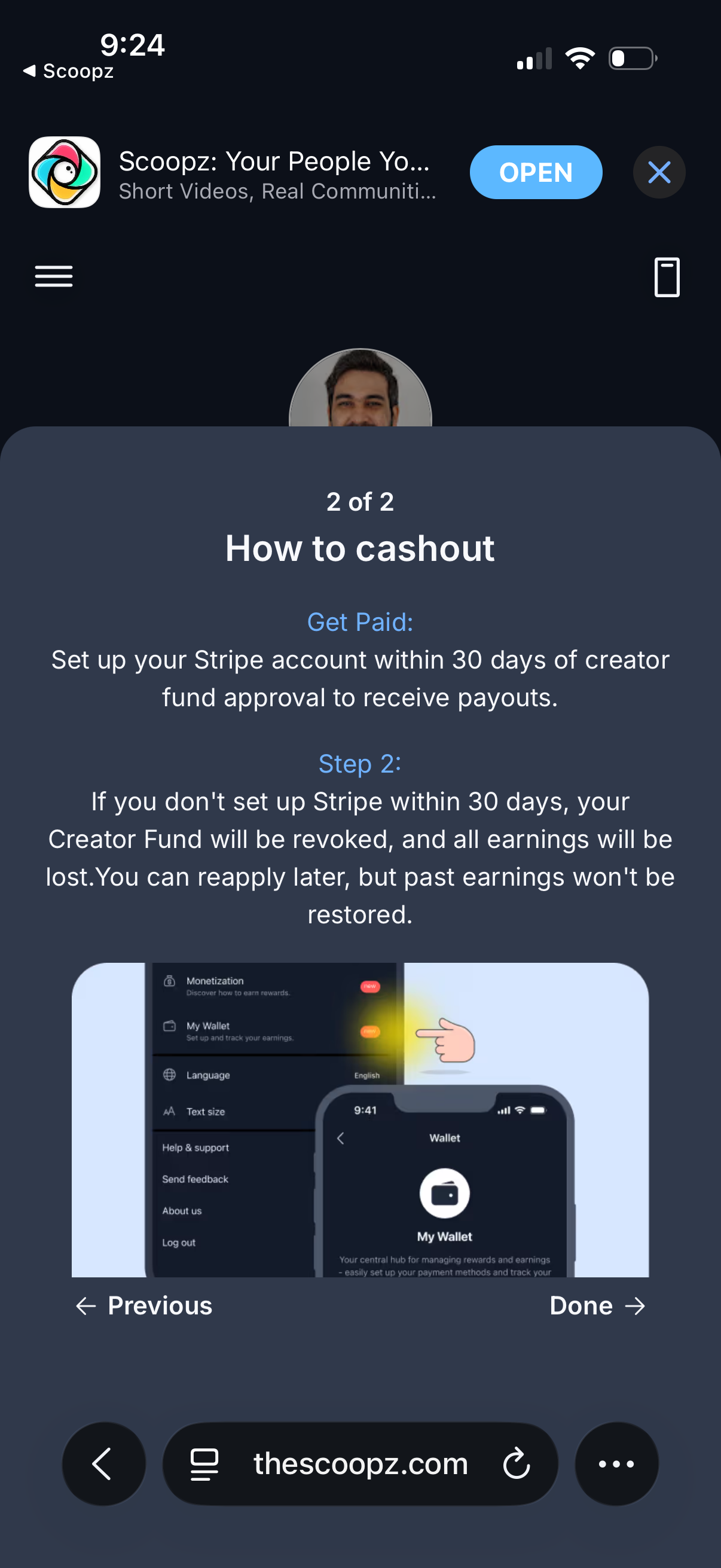
In-app onboarding/tutorial modal titled “How to cashout” explaining creator fund payouts and requiring users to set up a Stripe account within 30 days, warning that earnings will be lost if not completed. The overlay shows an illustrative screenshot and provides navigation controls with Previous and Done to finish the walkthrough.
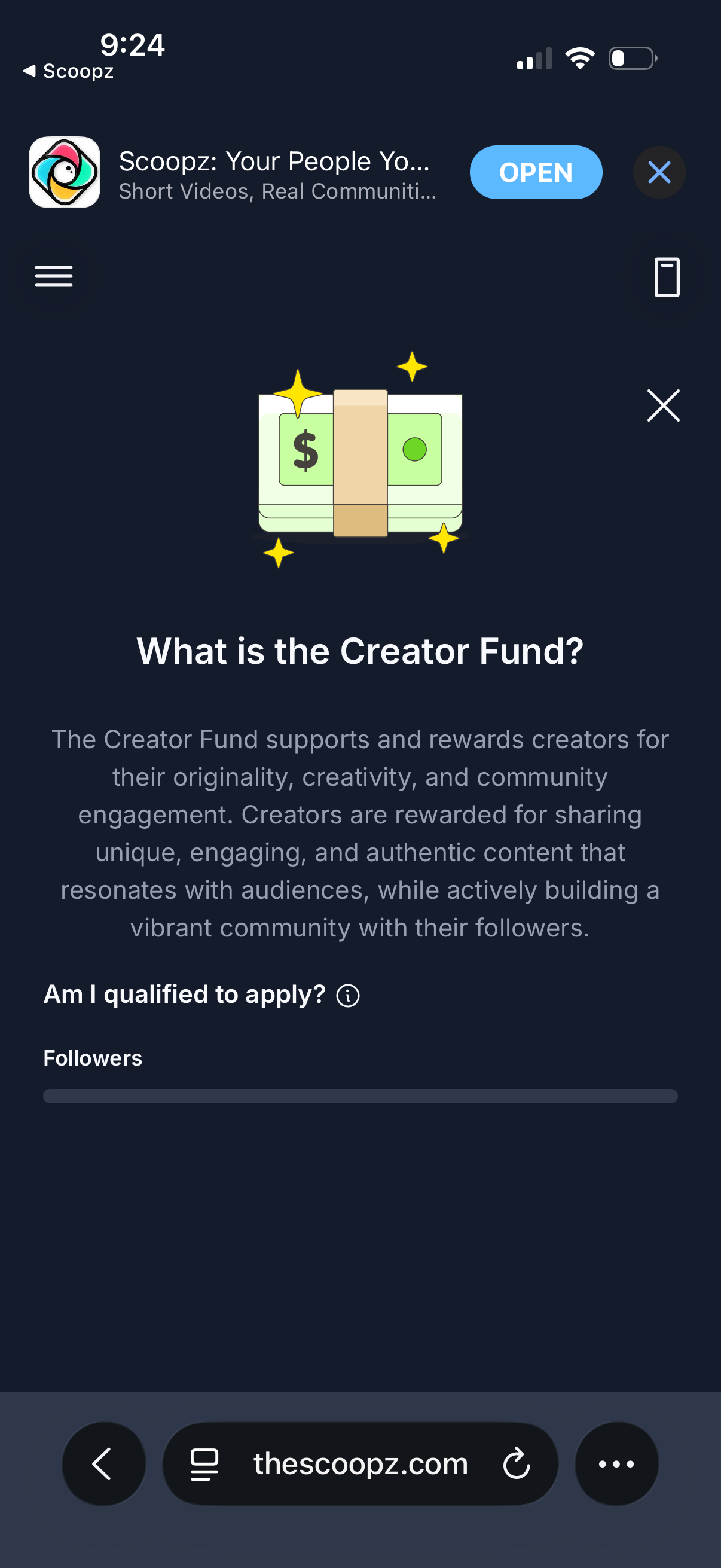
Informational onboarding screen explaining a Creator Fund program that rewards creators for originality and community engagement. Includes a “Am I qualified to apply?