adjust privacy settings
1
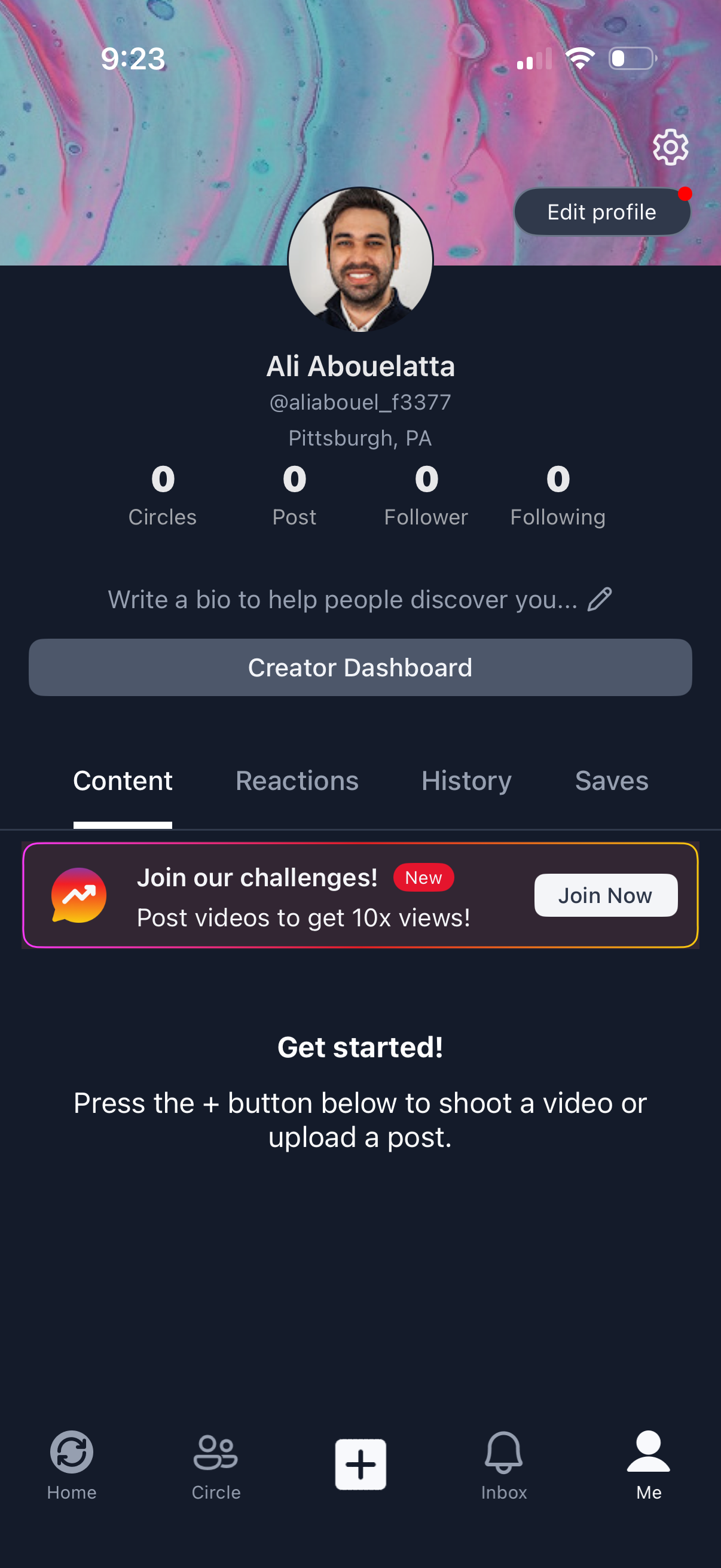
User profile screen in a social video app showing avatar, display name/username, location, and stats for circles, posts, followers, and following, with a prompt to add a bio. Primary actions include Edit profile, settings, a Creator Dashboard button, tabbed sections for Content/Reactions/History/Saves, and onboarding to create a post via the central + button, plus a promotional banner to join challenges.
2
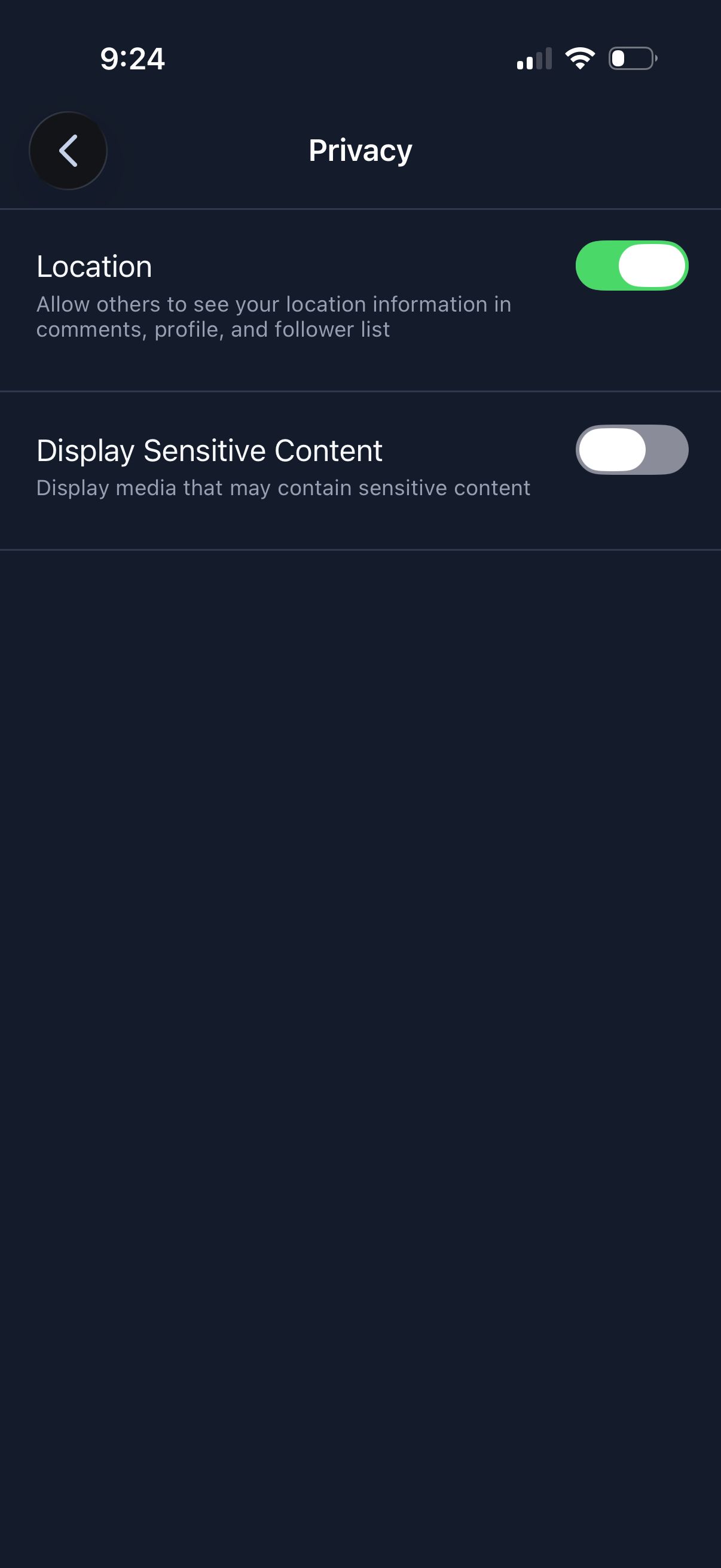
Privacy settings screen with toggle controls to manage visibility and content preferences, including enabling/disabling sharing your location in profile/comments and choosing whether to display sensitive media content. Includes a back navigation button and simple list layout for quick privacy adjustments.