1
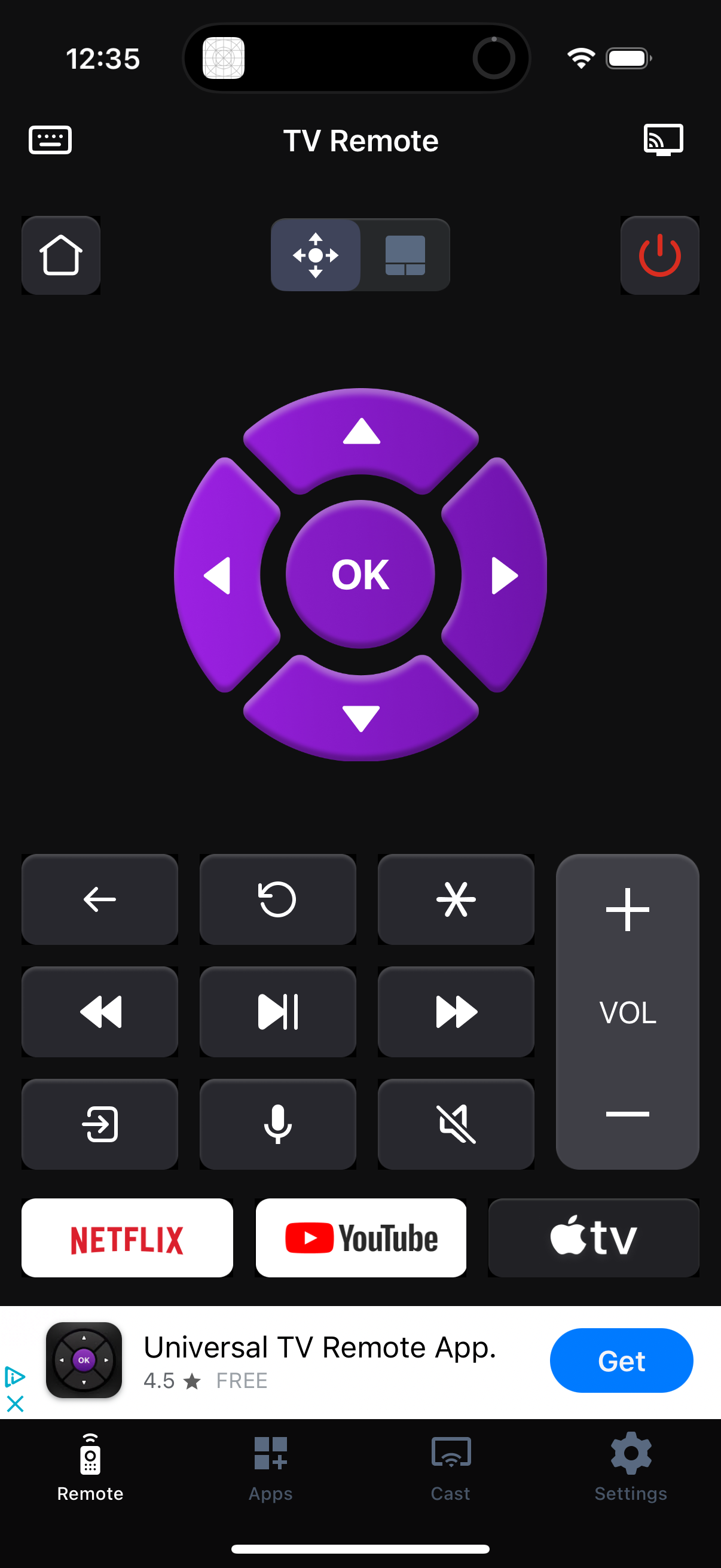
TV remote control screen in a mobile app featuring a large directional pad with OK/select, home and power buttons, and toggle between D‑pad and touchpad modes. Includes playback controls, back/replay and options buttons, mic/voice input and mute, a vertical volume slider, and quick-launch buttons for streaming apps with bottom navigation for Remote, Apps, Cast, and Settings.
2
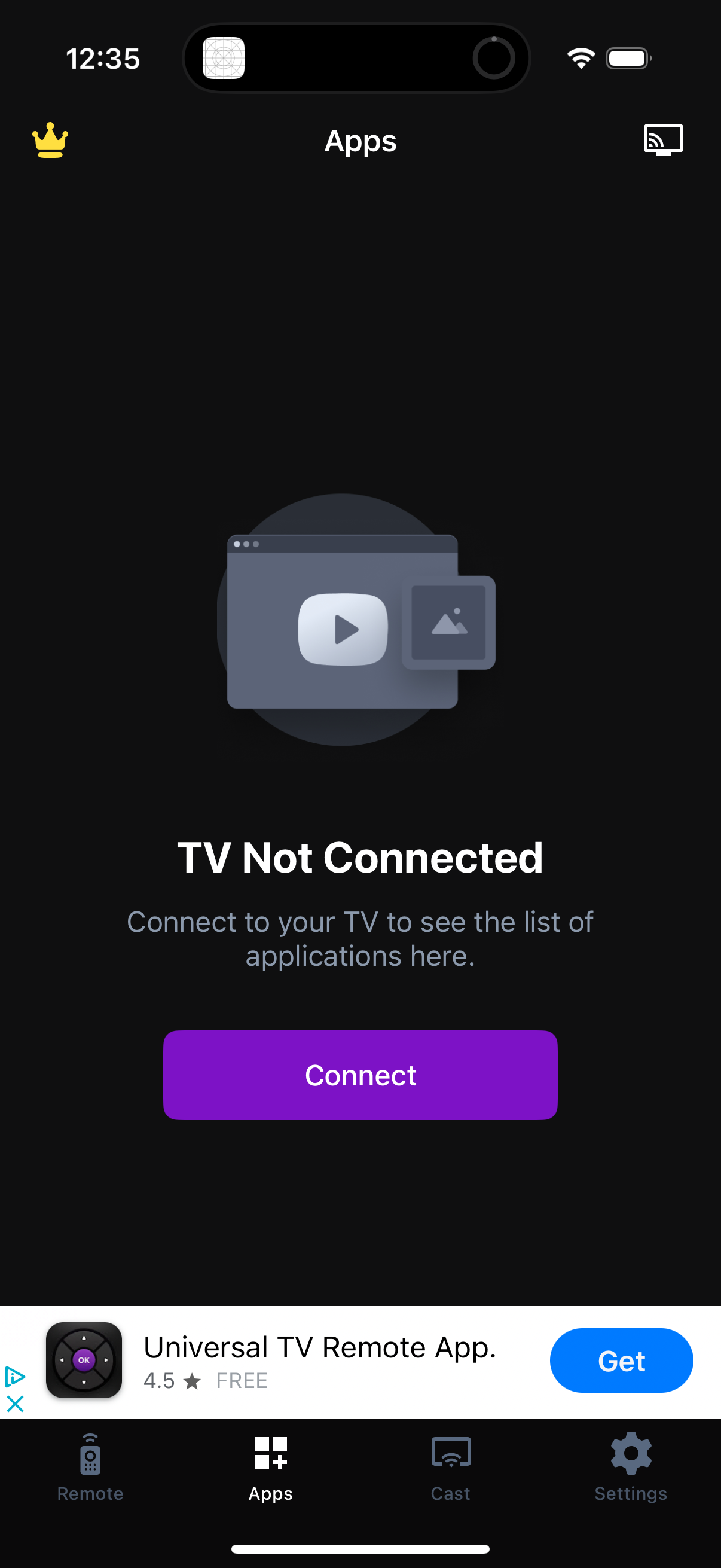
Apps tab of a TV remote/casting app showing an empty state when no TV is connected, explaining that you must connect to view the list of TV applications. Includes a prominent “Connect” button and bottom navigation for Remote, Apps, Cast, and Settings.