Gold Card Sign up
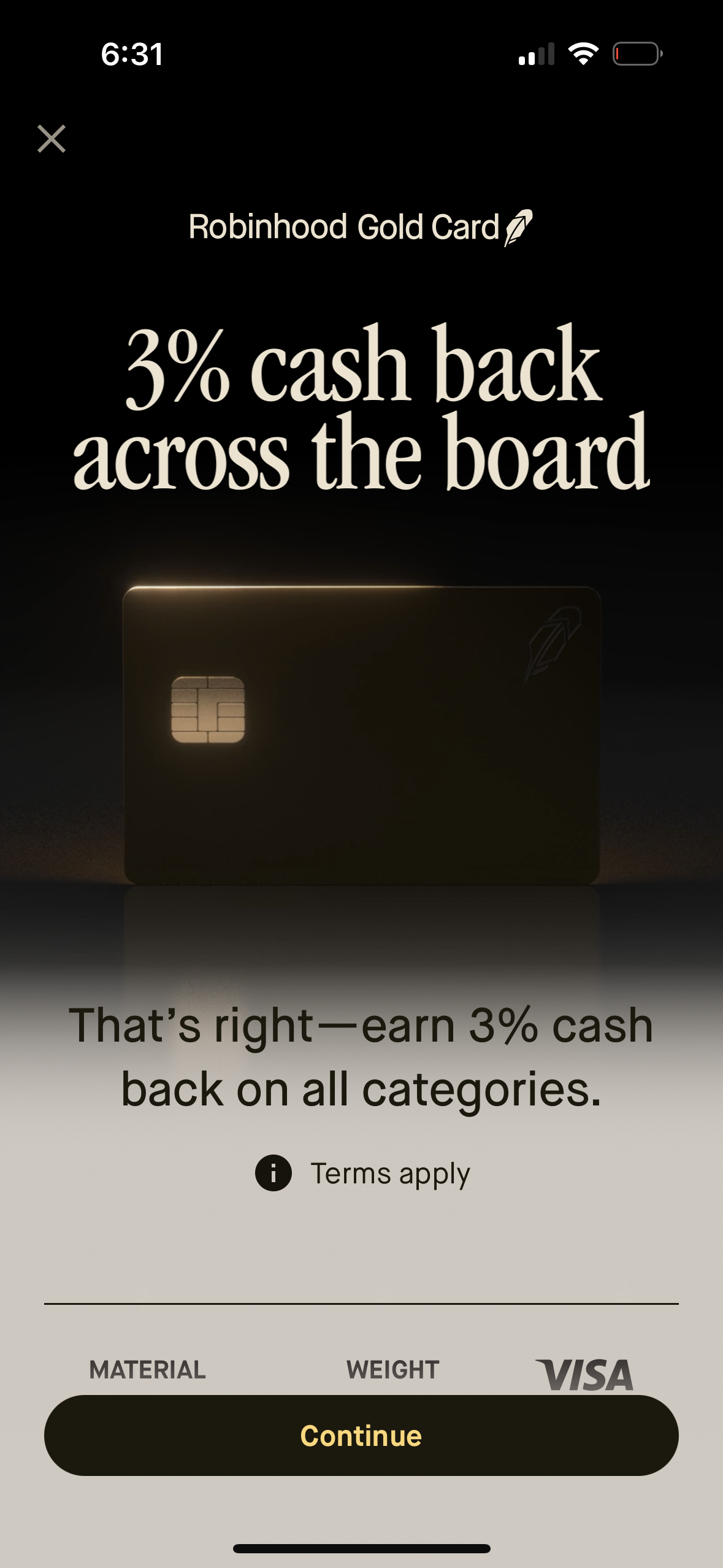
Promotional onboarding screen for a credit card rewards feature highlighting “3% cash back across the board” for all spending categories, with terms info and a primary Continue button to proceed with card signup or application. Includes a close icon and card visual branding for a Visa card.
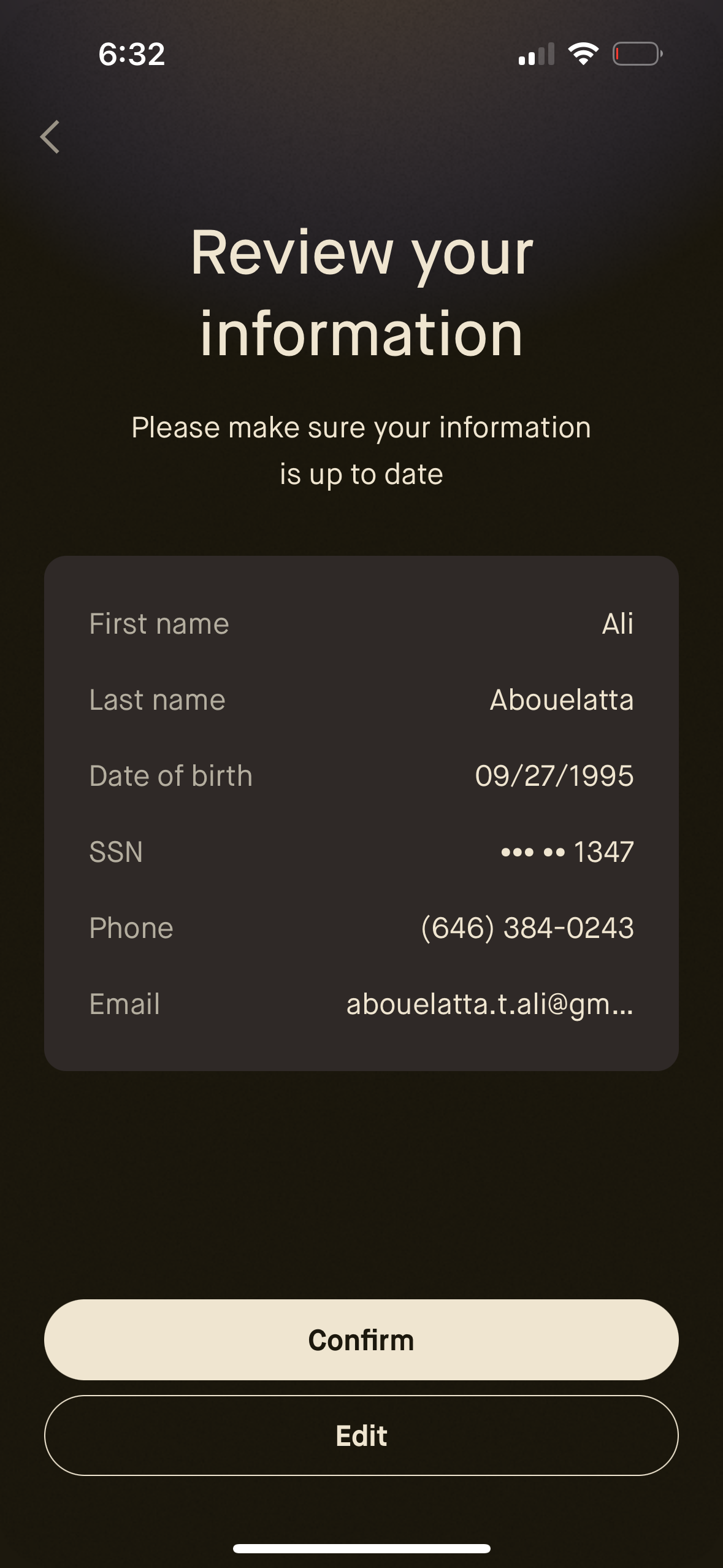
Account verification screen prompting the user to review personal information (name, date of birth, masked SSN, phone, email) to ensure it’s up to date. Provides primary actions to Confirm the details or Edit the information before proceeding.
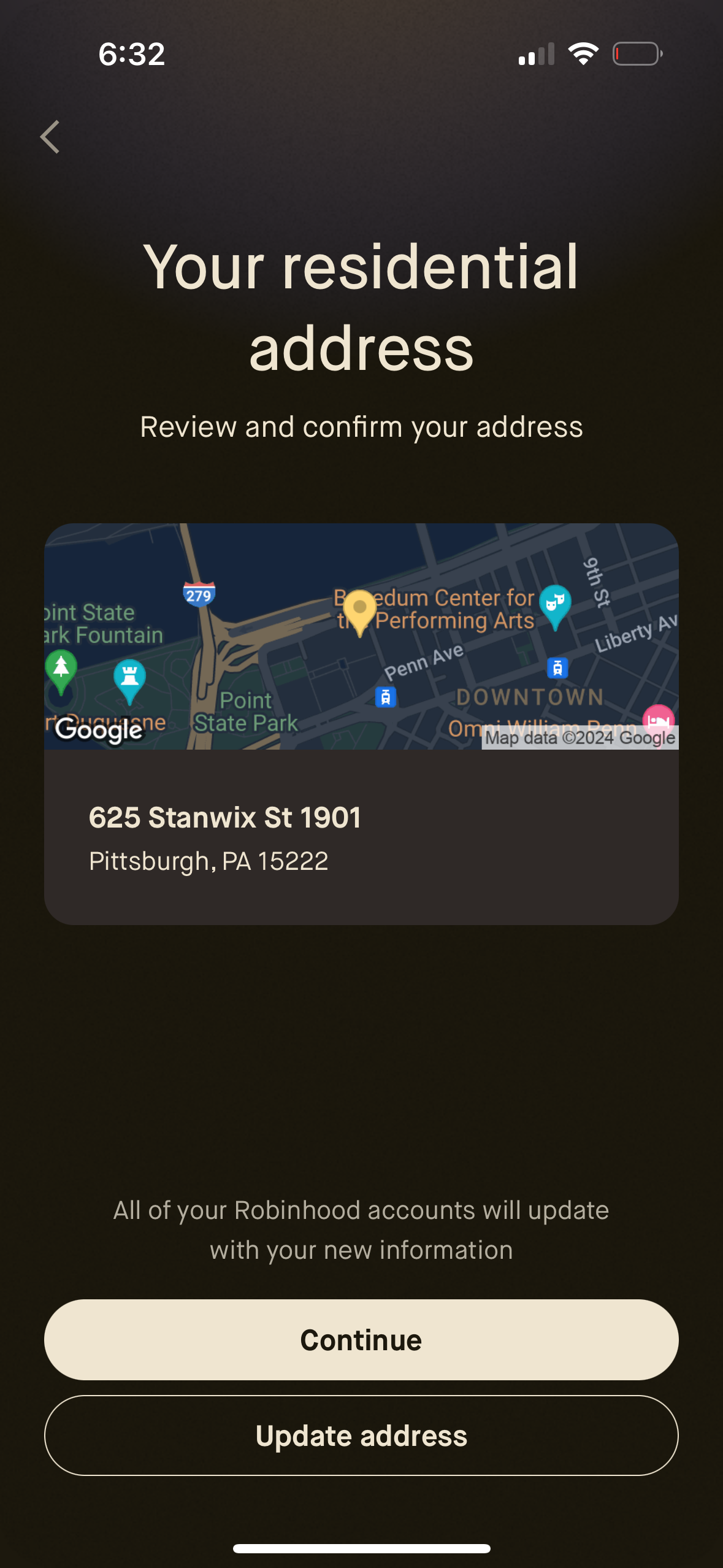
Residential address confirmation screen showing a map preview and the selected address details, prompting the user to review and confirm their location. Primary actions include continuing to save the address or choosing “Update address” to edit it, with a back navigation option.
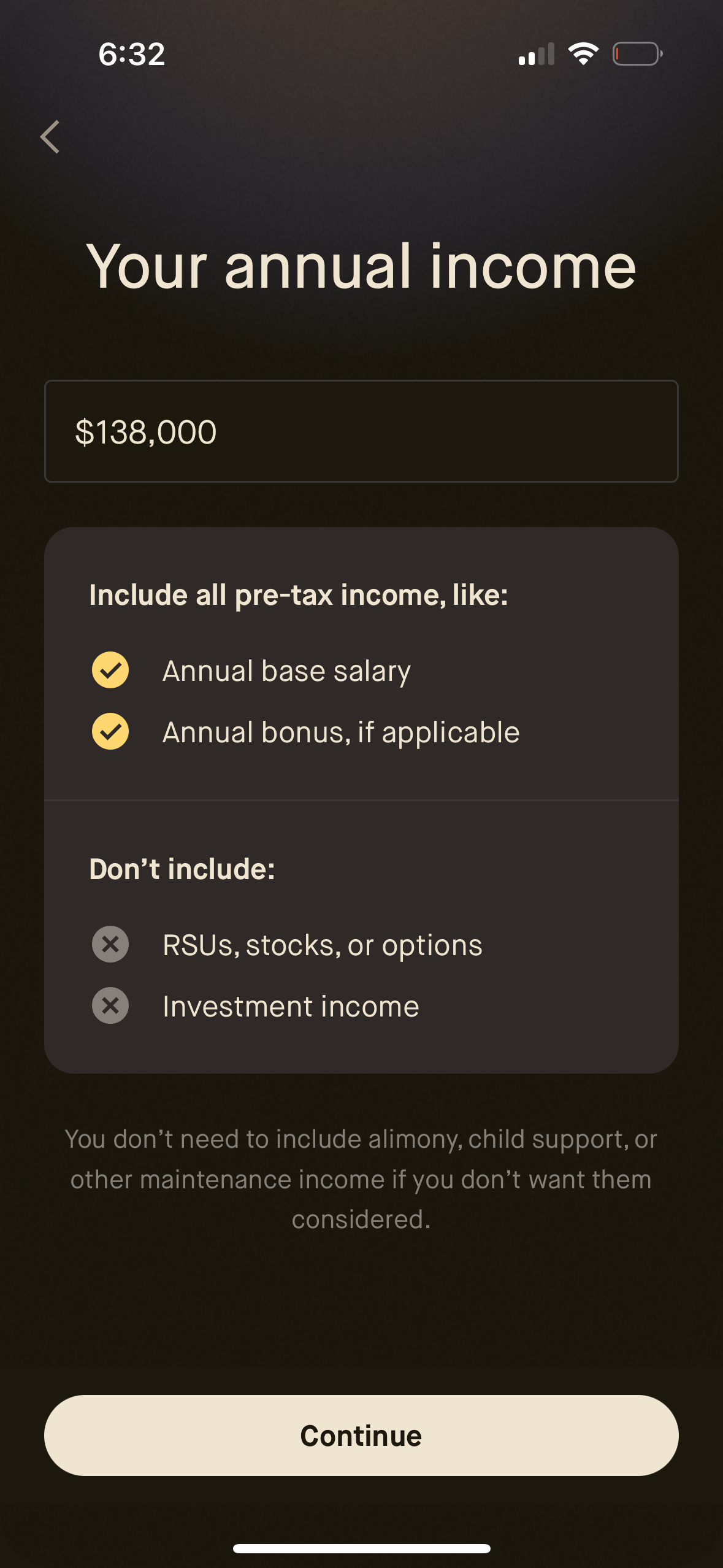
Income verification form screen asking the user to enter their annual pre-tax income with a currency input field. Provides guidance on what to include or exclude (salary, bonus vs RSUs, investments) and a primary Continue button to proceed.
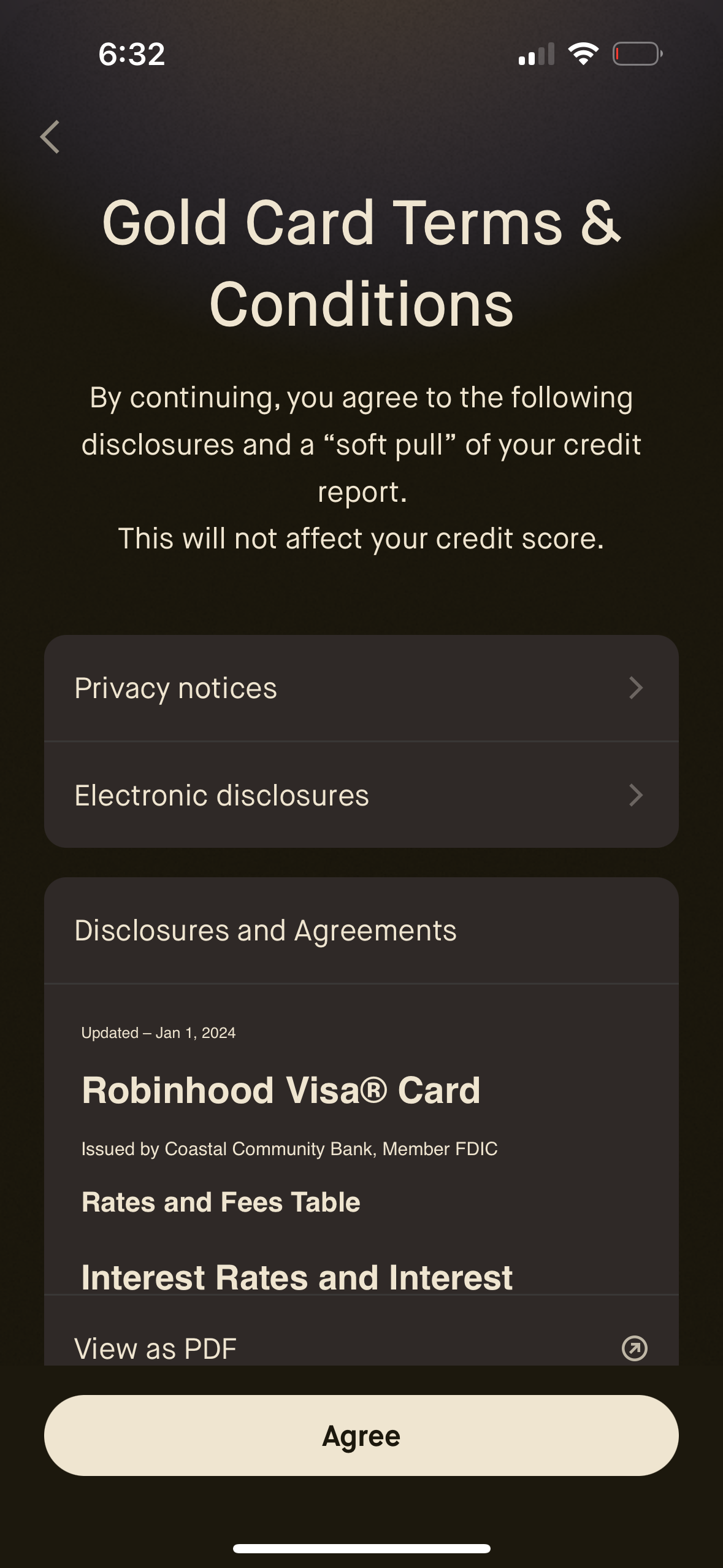
Terms and conditions consent screen for applying to a gold credit card, explaining that proceeding authorizes disclosures and a soft credit check that won’t impact credit score. Users can open privacy notices, electronic disclosures, and full disclosures/agreements (including view as PDF) before tapping an “Agree” button to continue.

A minimal loading or processing screen showing an animated icon and the message “Just a moment…” while the app completes a task or fetches content. This acts as an in-between waiting state with no actions available other than waiting.