select country of residence
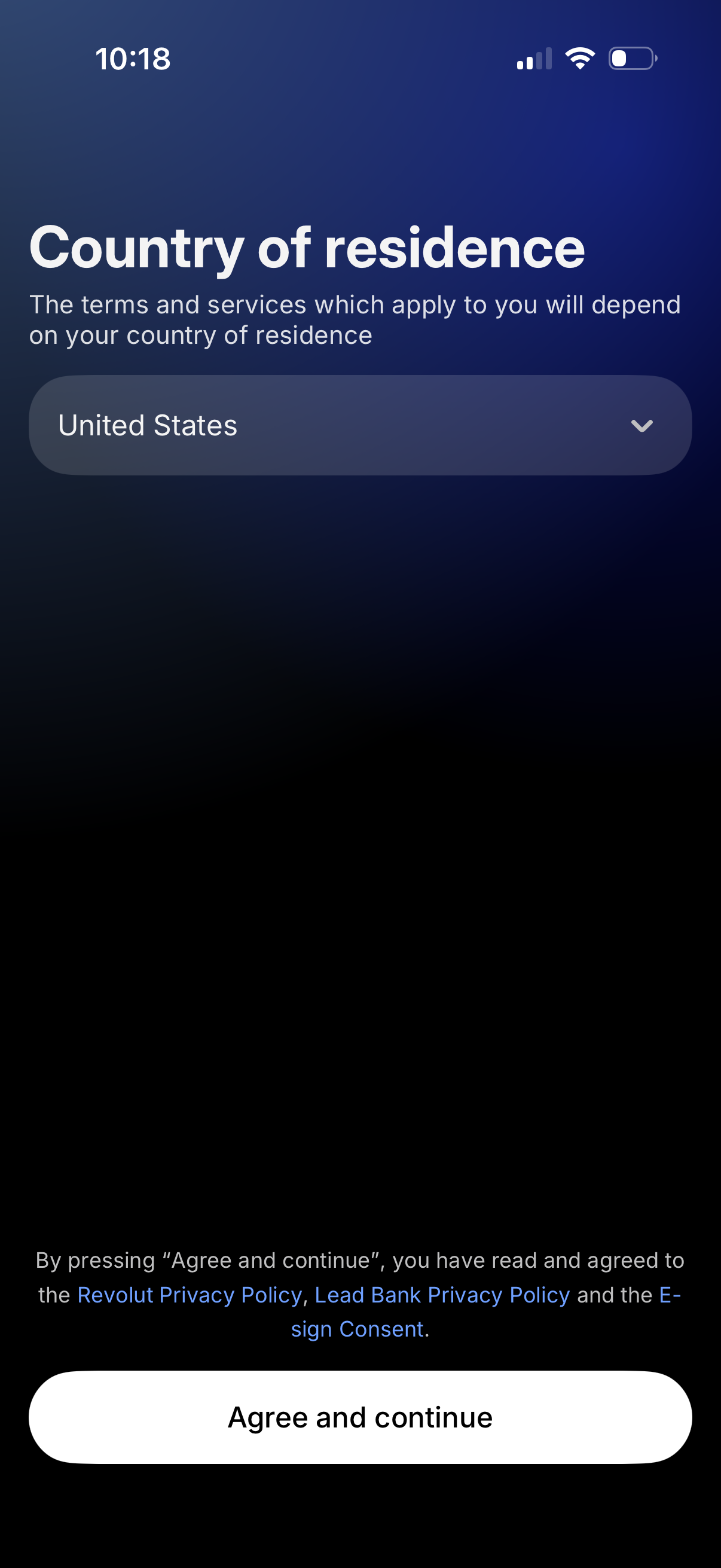
Onboarding screen asking the user to select their country of residence from a dropdown to determine applicable terms and services. Includes links to privacy policies and e-sign consent with a primary “Agree and continue” button to proceed.
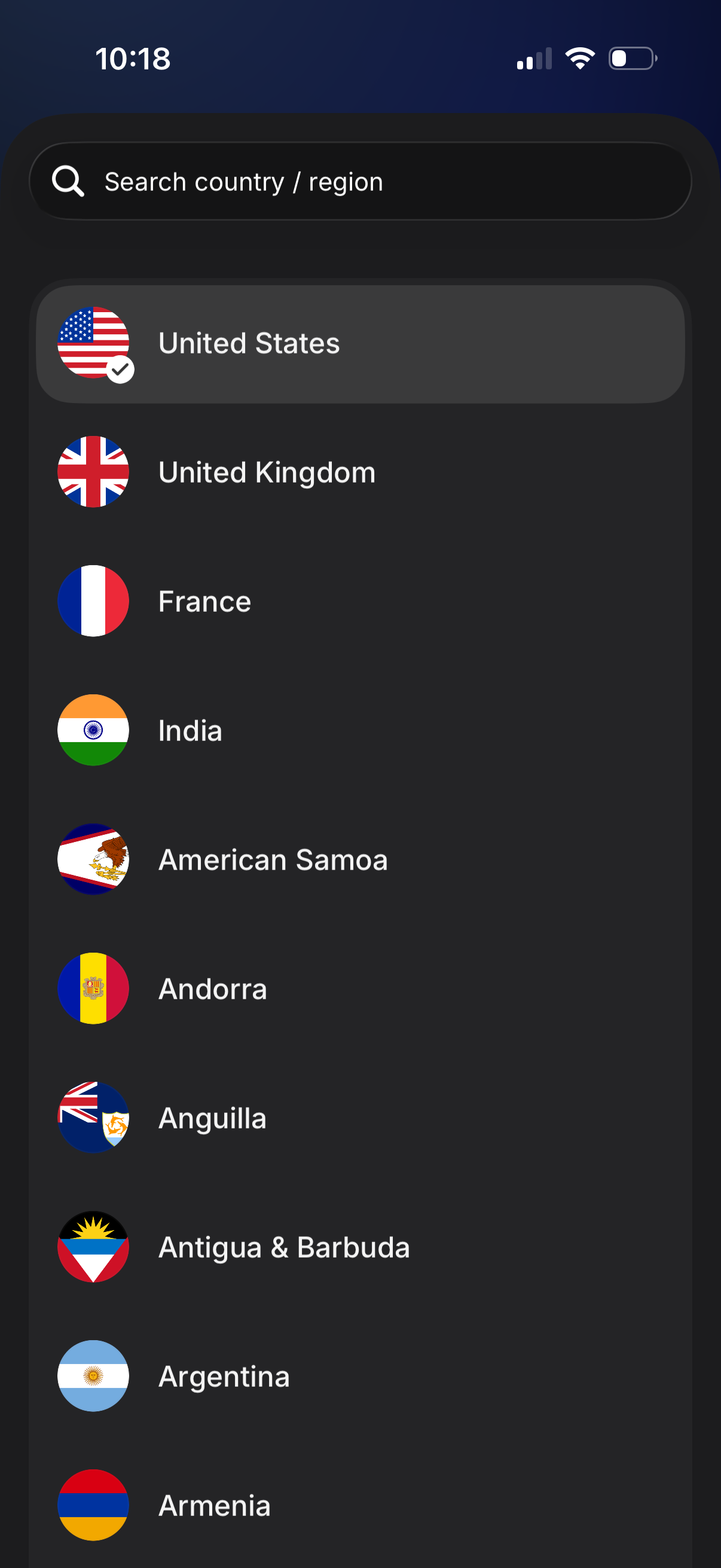
Country/region selection screen with a search bar to quickly find locations and a scrollable list of countries displayed with flags. The currently selected country is highlighted with a checkmark to confirm the user’s region setting.
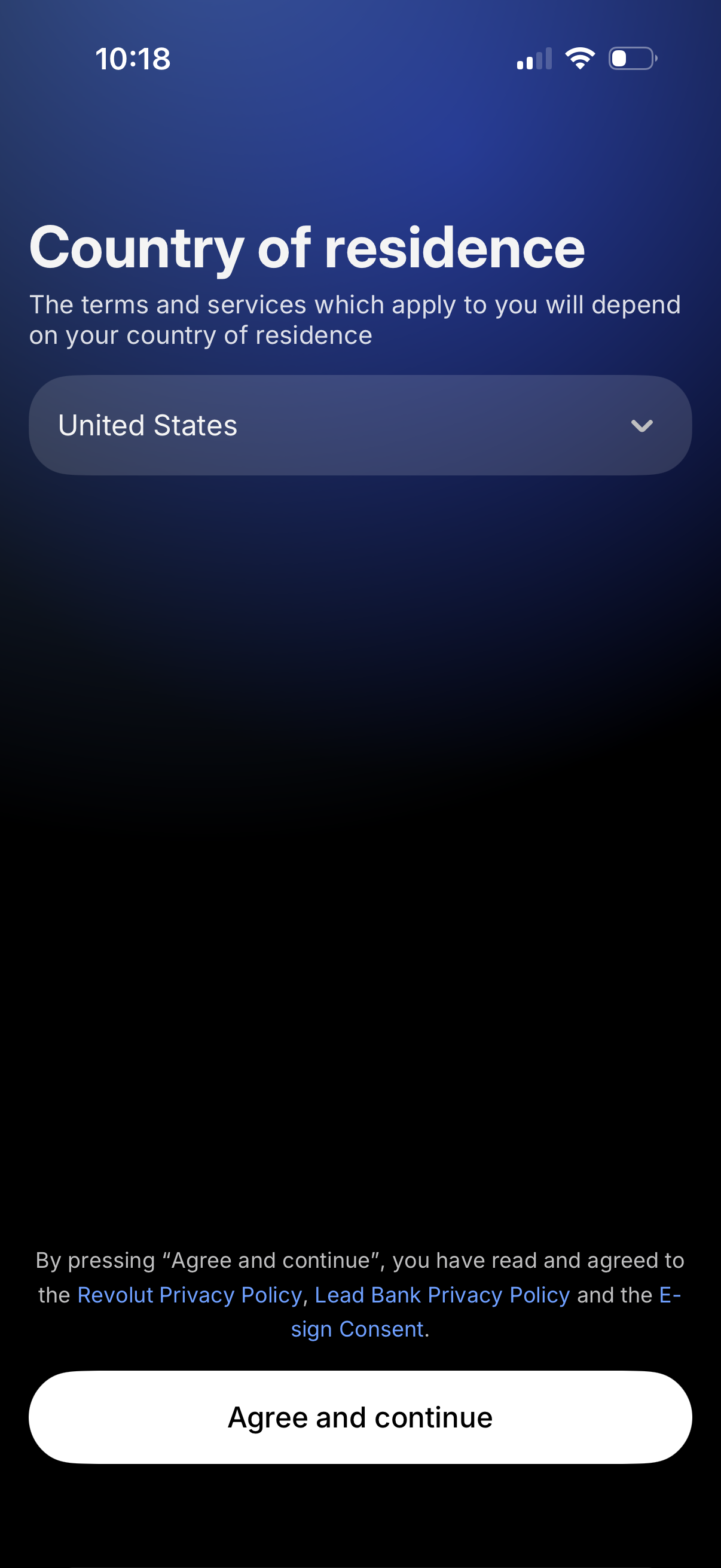
Onboarding compliance screen asking the user to select their country of residence via a dropdown, explaining that terms and services depend on the selected country. Includes privacy policy and e-sign consent links and a primary “Agree and continue” button to accept and proceed.
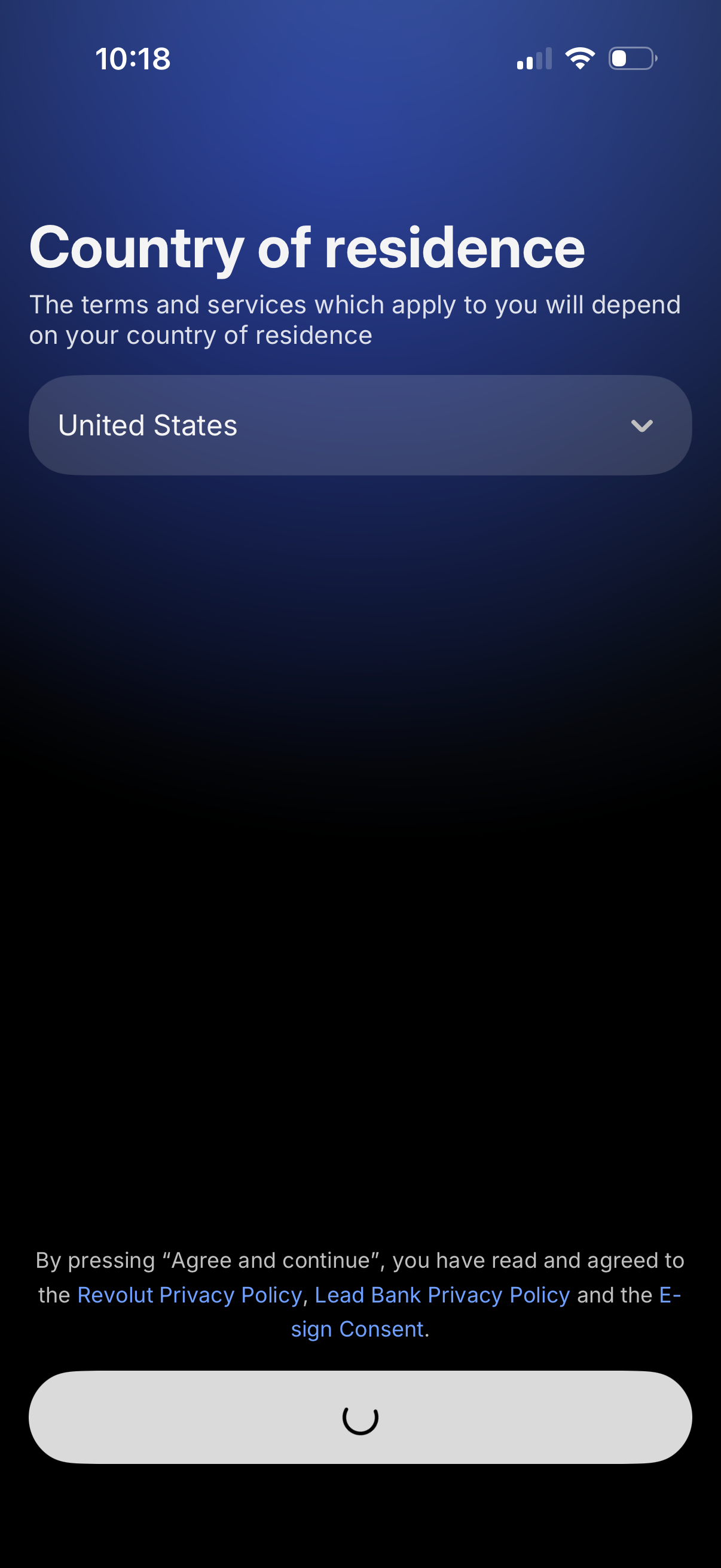
Onboarding compliance screen prompting the user to select their country of residence from a dropdown to determine applicable terms and services. Includes legal consent text linking to privacy policies and e-sign consent, with an “Agree and continue” action to proceed.