Sign Up
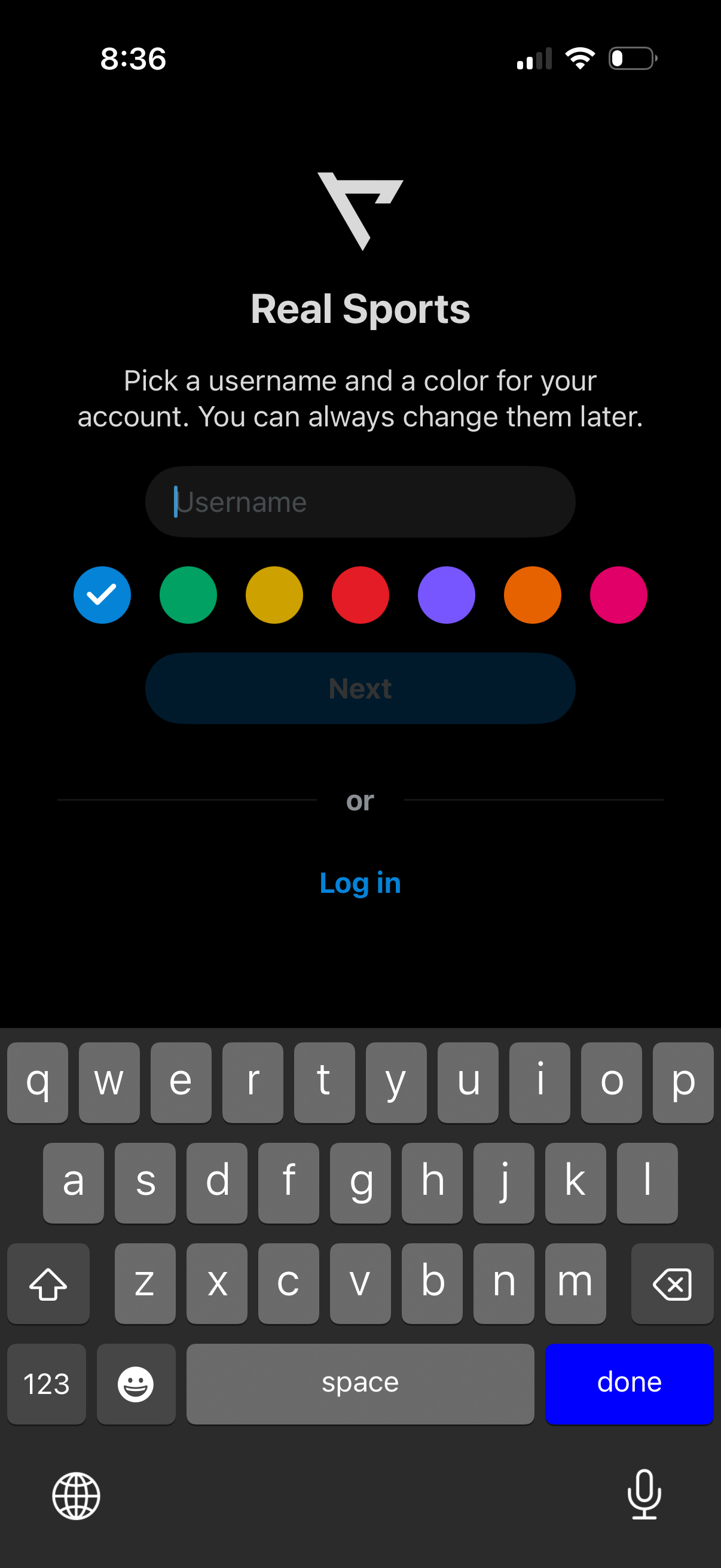
Account setup screen prompting the user to choose a username and select a profile color from multiple swatches, with a primary “Next” button to continue. Includes an alternative “Log in” link for existing users.
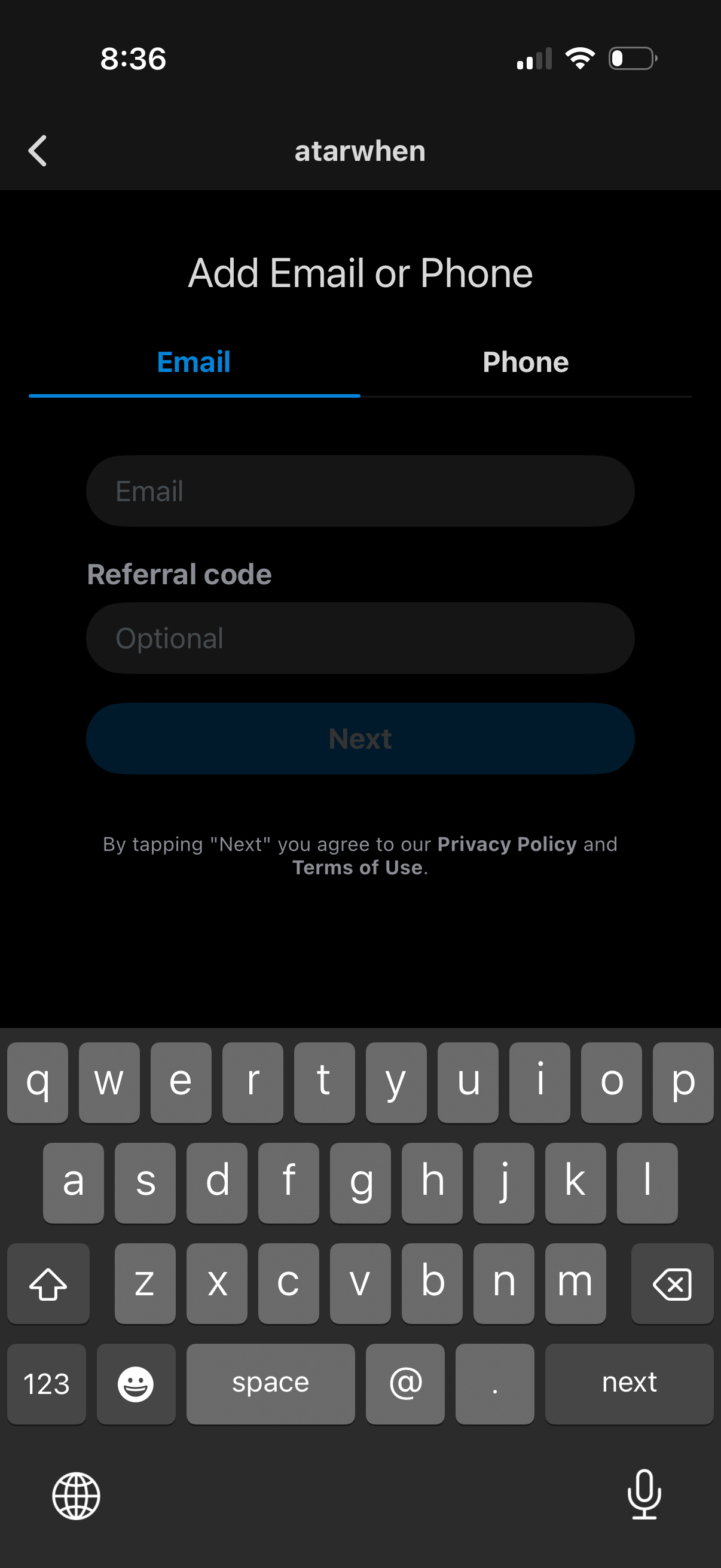
Account signup screen prompting the user to add an email address or switch to phone number via tabs, with input fields and an optional referral code. Includes a primary “Next” button and disclosure that continuing agrees to the Privacy Policy and Terms of Use.
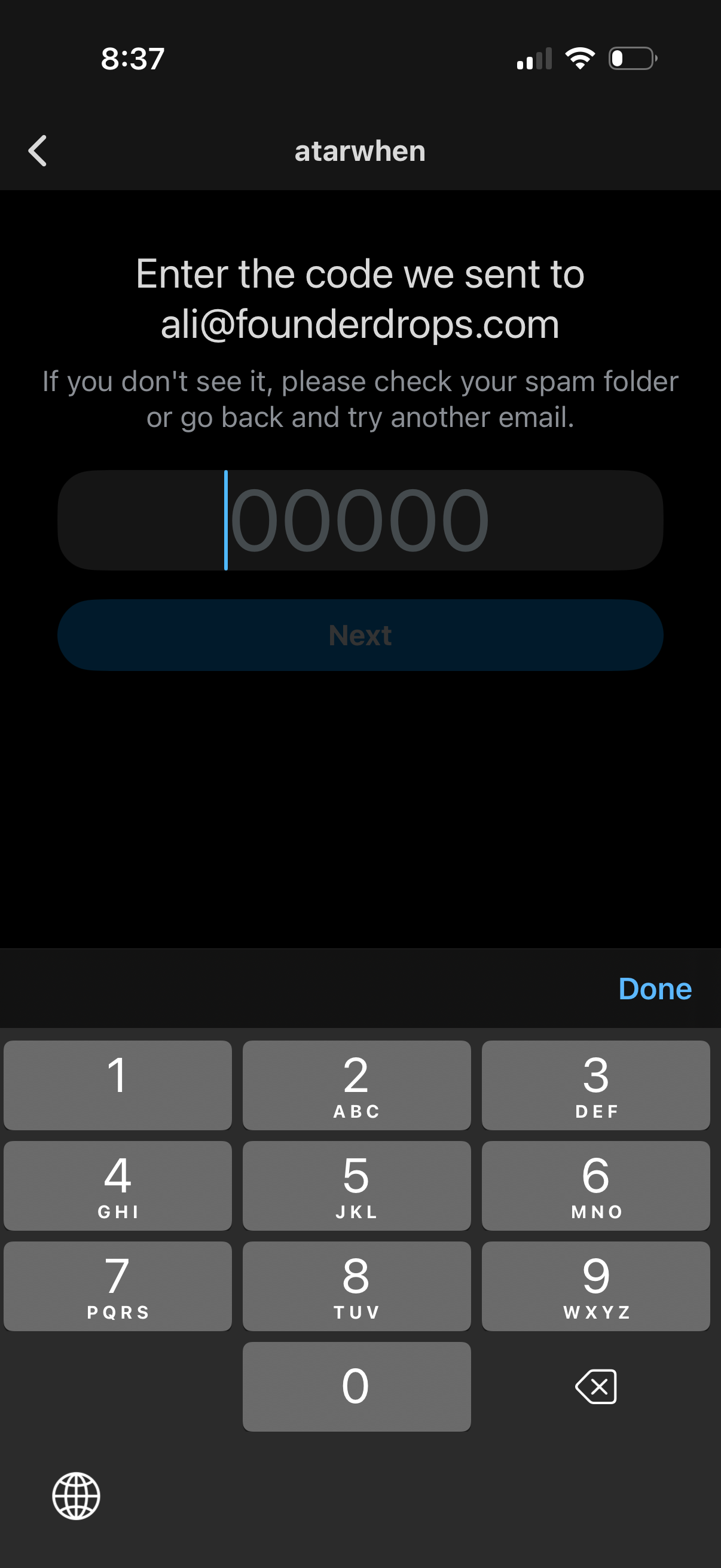
Email verification screen prompting the user to enter a 5-digit one-time passcode sent to their email, with guidance to check spam or try another email. Includes a numeric code input field and a disabled/enabled “Next” button to continue the sign-in process.

Sign-up onboarding screen prompting the user to create a password for their new account, with a password input field and an eye icon to toggle visibility. Includes a primary “Sign up” button to continue and a back navigation option.
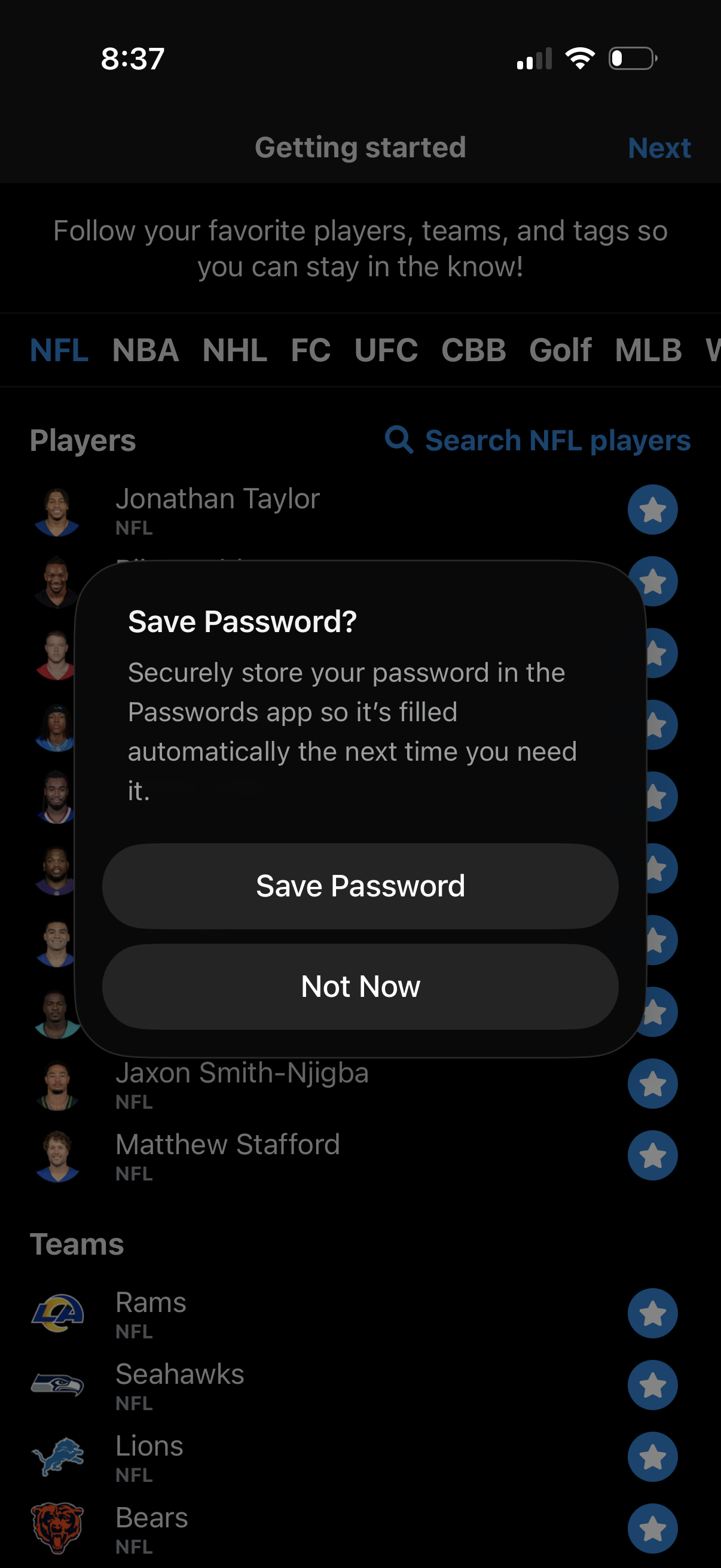
Onboarding “Getting started” screen for a sports app where users follow favorite leagues via tabs and search/select NFL players and teams, starring items to follow before tapping Next. An iOS modal prompt overlays the page asking to save the password with primary and secondary actions (Save Password, Not Now).
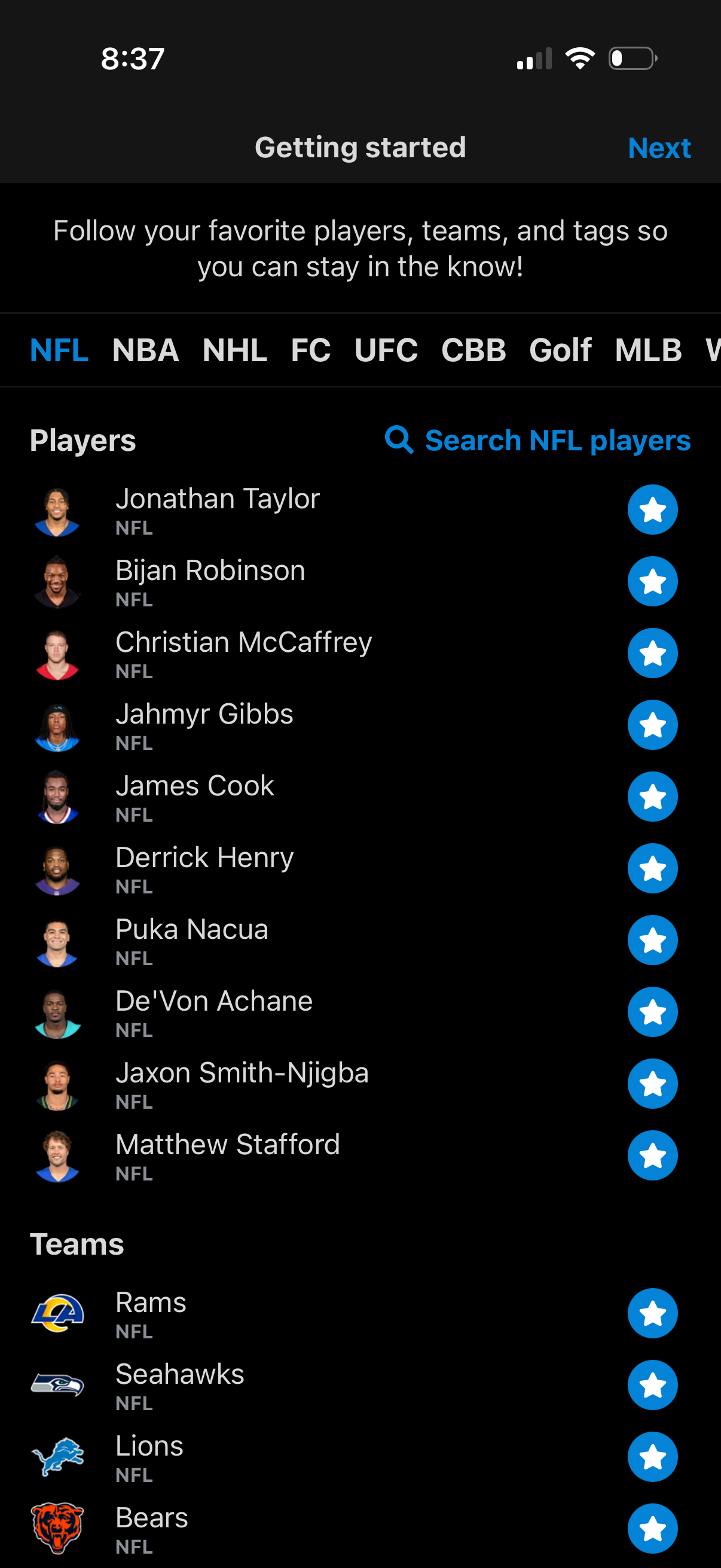
Onboarding “Getting started” screen for a sports app prompting users to follow favorite players, teams, and tags, with a horizontal league selector and searchable list of NFL players and teams. Users can tap star icons to follow items and proceed via a Next button.
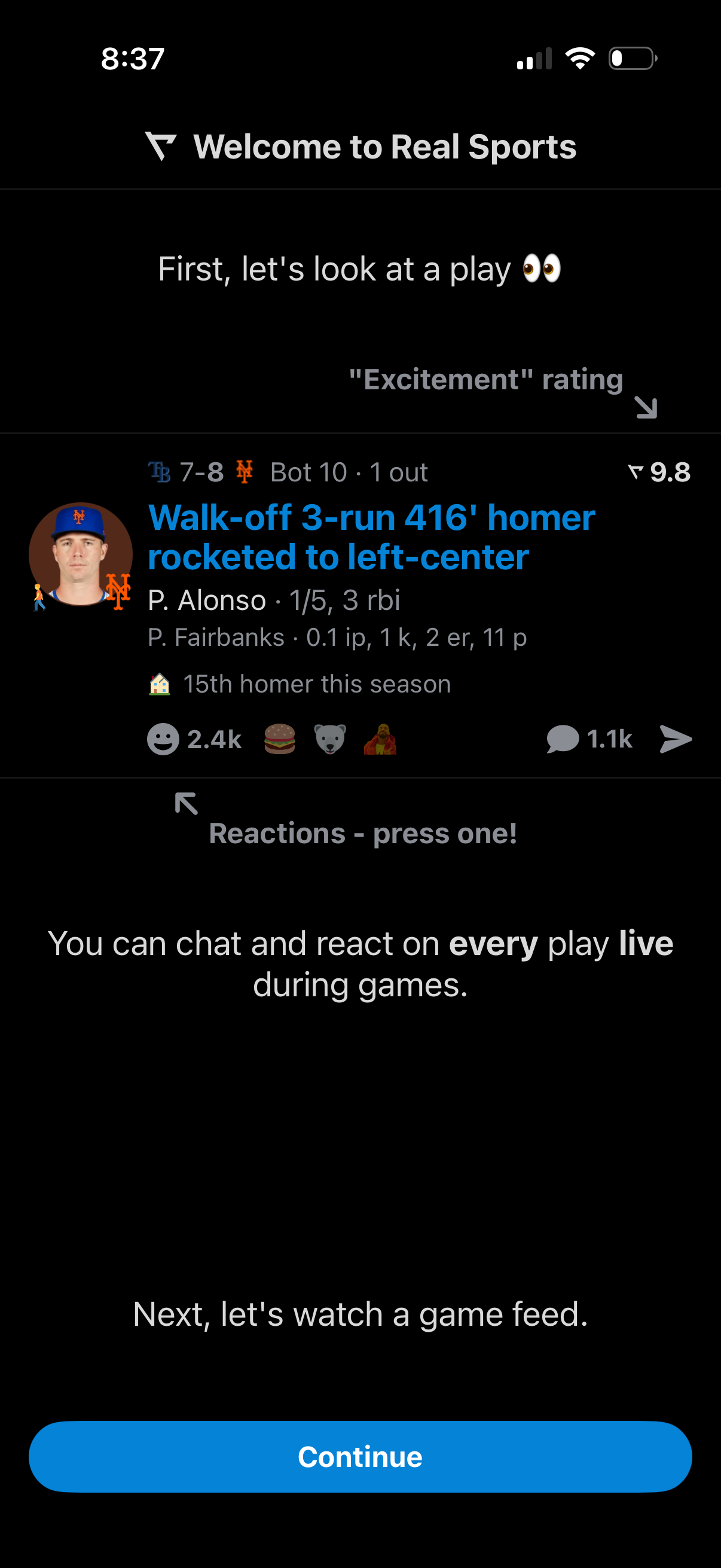
Onboarding tutorial screen for a live sports app that previews a single play card with an “excitement” rating, game situation, highlight headline, and reaction/chat counts, teaching users they can react and chat on every play during games. Includes a primary Continue button to proceed to watching the game feed.
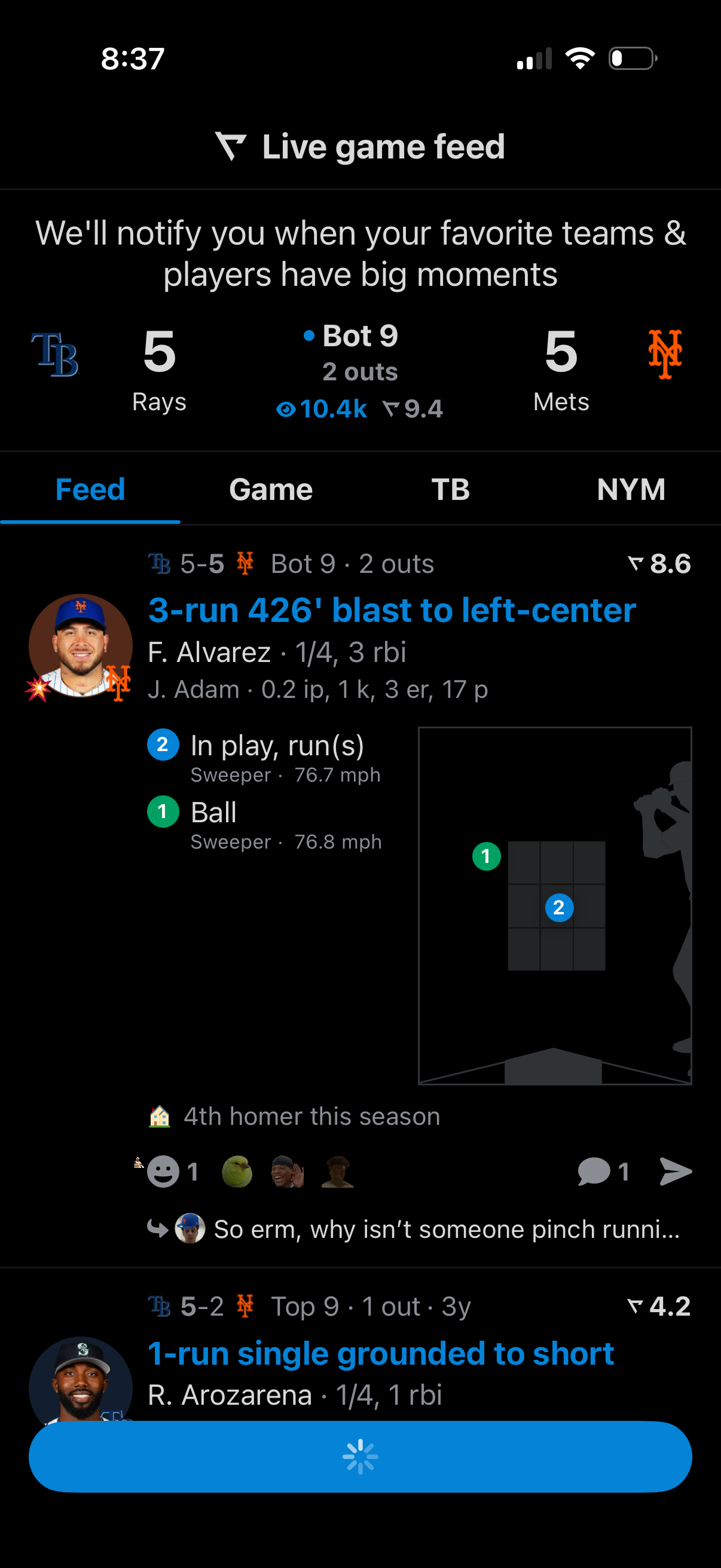
Live baseball game feed screen showing the current score, inning and outs for a matchup, with a scrolling play-by-play timeline of key moments like home runs and singles. Includes tabs to switch between Feed, Game, and team views, plus rich event details such as player stats, pitch speed, strike-zone chart, reactions, and comments.
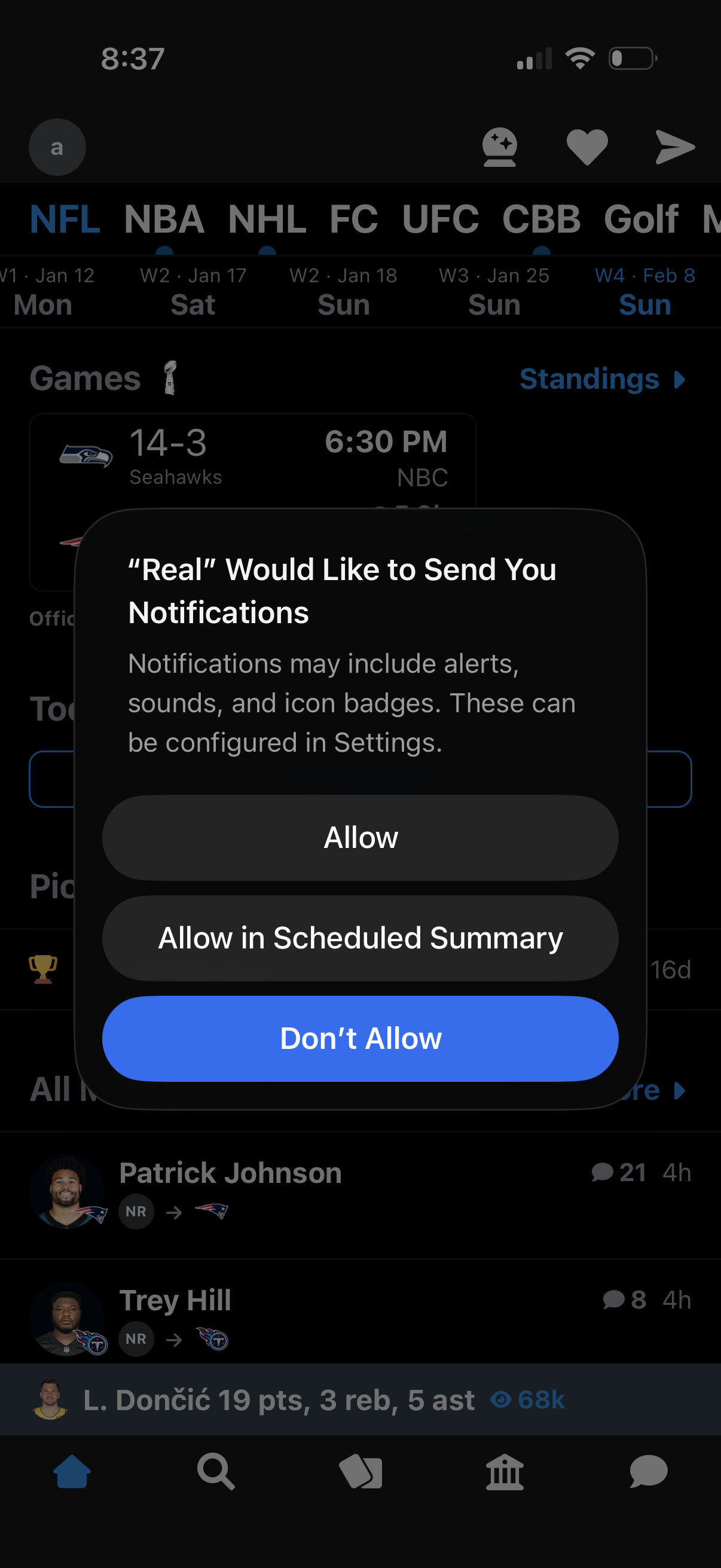
iOS system permission modal prompting the user to enable push notifications for the app, explaining alerts/sounds/badges and offering actions to Allow, Allow in Scheduled Summary, or Don’t Allow. The dialog overlays a sports app home screen with league tabs, games/standings, and feed content in the background.