Sign Up
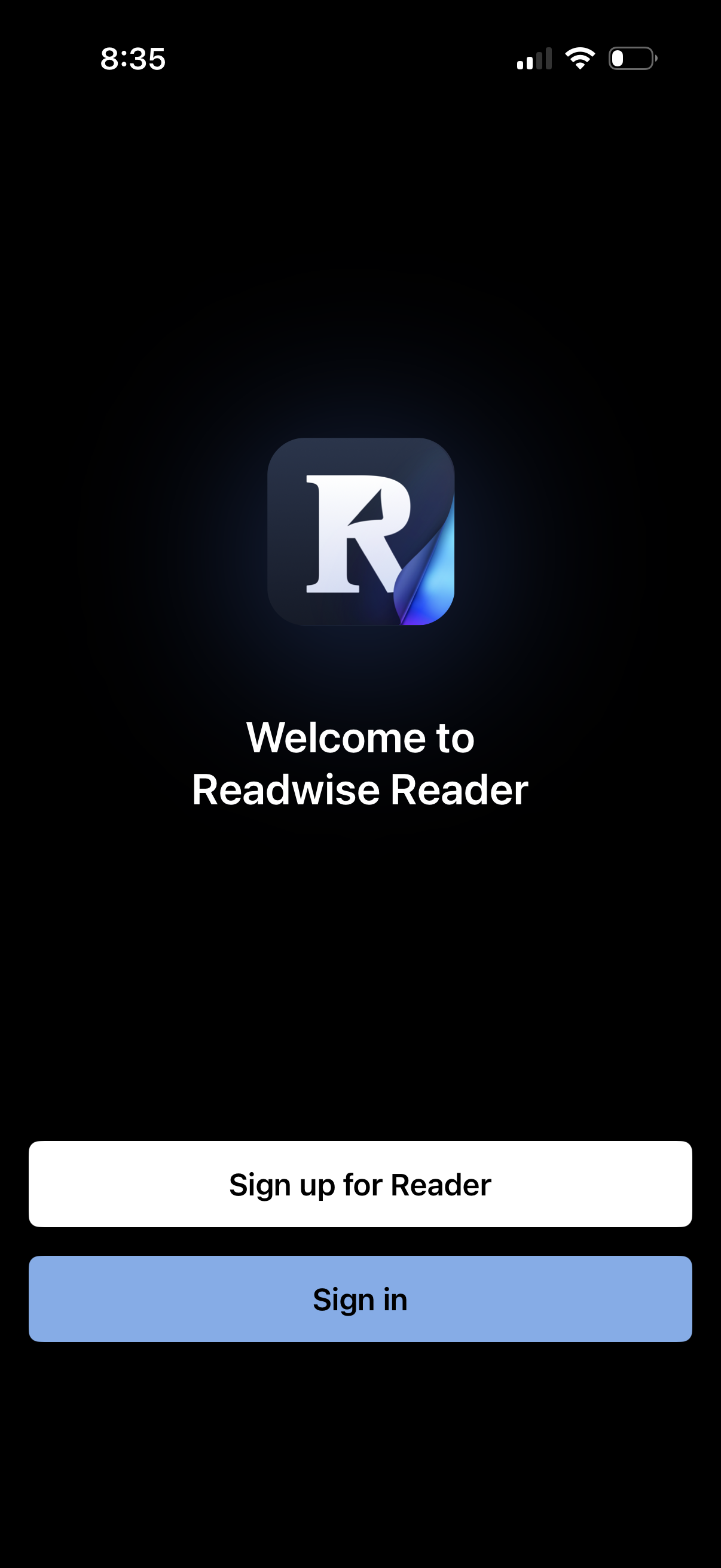
Welcome screen for a reading app showing the app logo and a greeting, with primary authentication actions to Sign up for Reader or Sign in. Dark-themed onboarding splash used to enter the app via account creation or login.
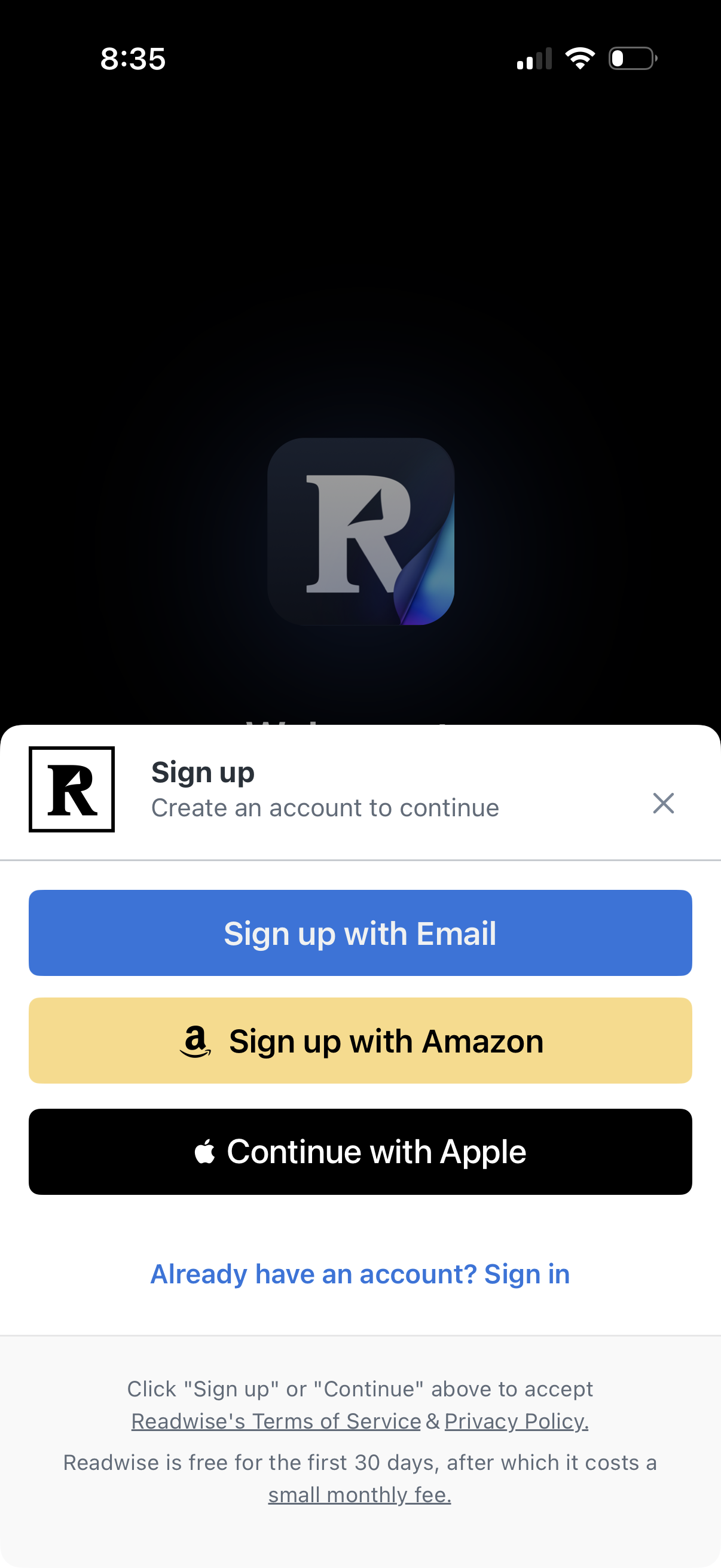
Sign-up onboarding modal prompting users to create an account to continue, with primary buttons to sign up with Email, Amazon, or Apple and a link to sign in if they already have an account. Includes close (X) dismissal and terms/privacy plus free trial and pricing disclosure text.
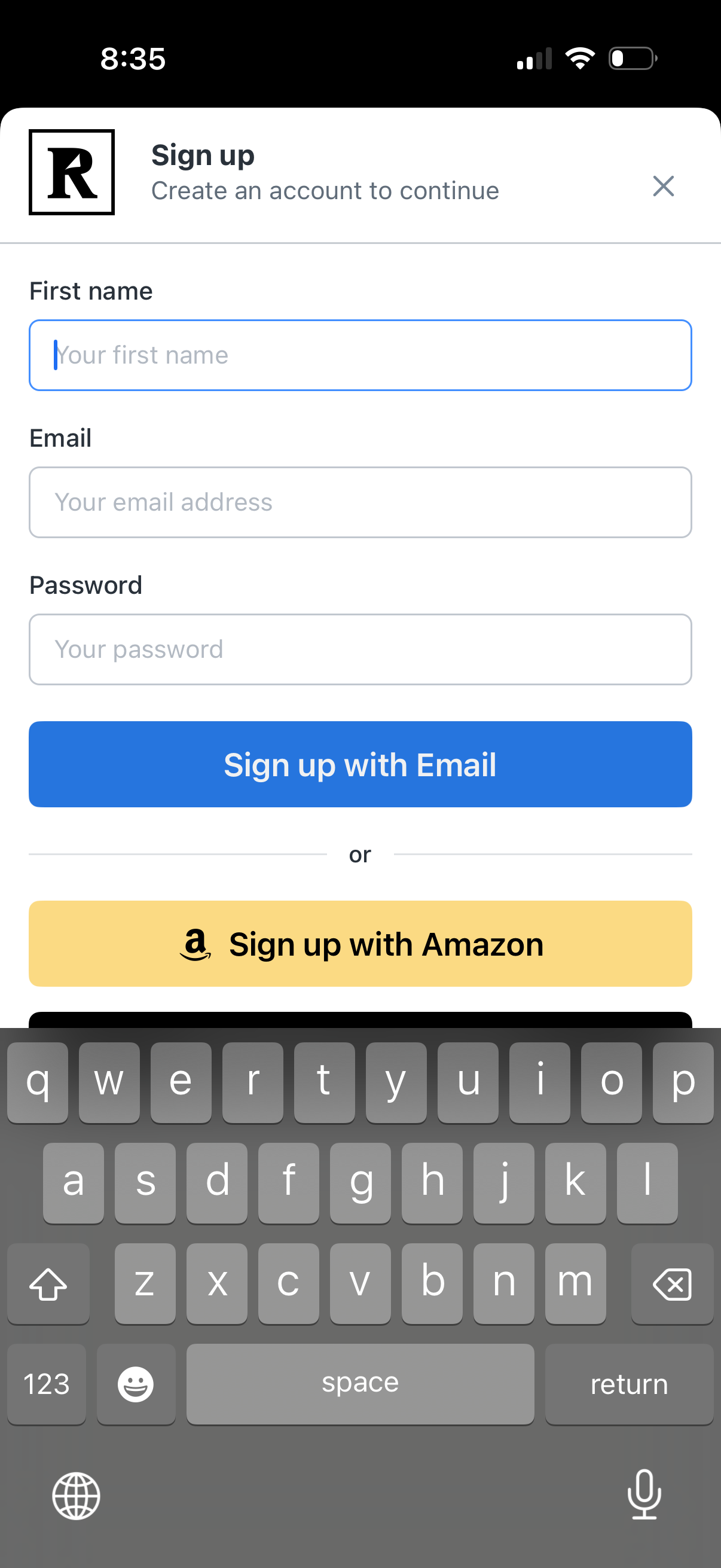
Sign-up screen for creating an account with form fields for first name, email, and password. Primary action is “Sign up with Email,” with an alternative option to sign up using Amazon and a close button to dismiss the modal.
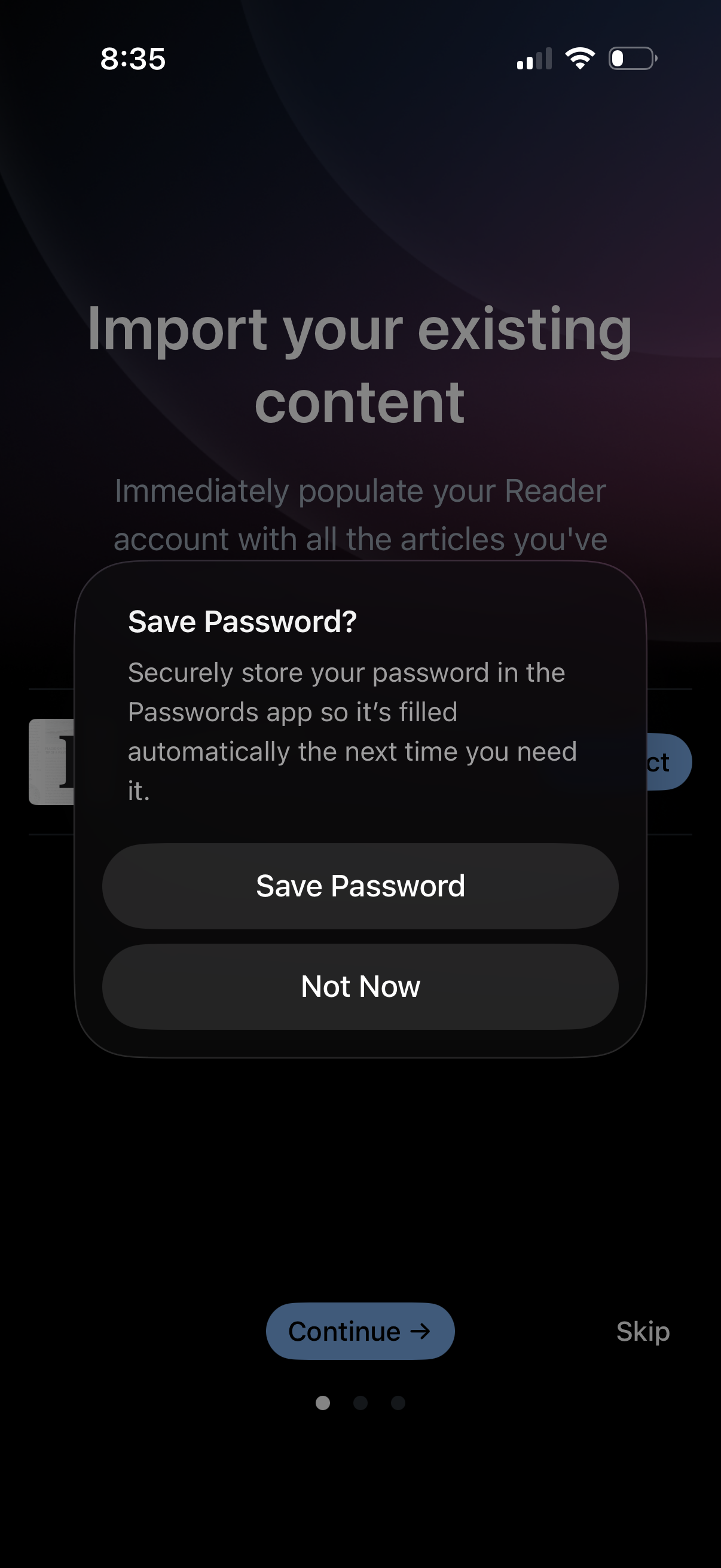
Onboarding screen prompting users to import existing content into a reading app, with options to continue or skip. A system modal overlays the screen asking to save the account password to the device password manager with “Save Password” or “Not Now” actions.
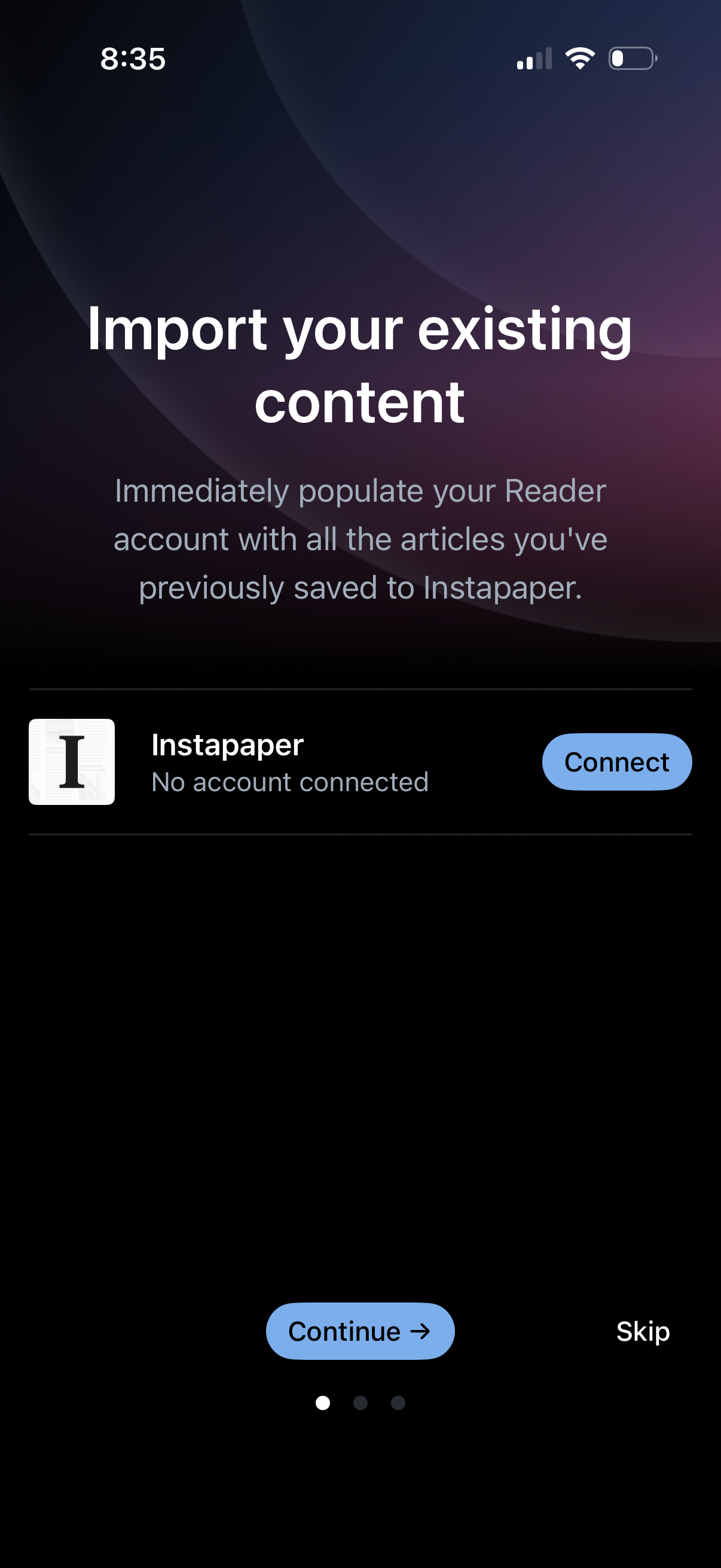
Onboarding screen prompting users to import existing saved articles by connecting an Instapaper account to populate their reader library. Includes a “Connect” action for Instapaper plus “Continue” and “Skip” navigation options.
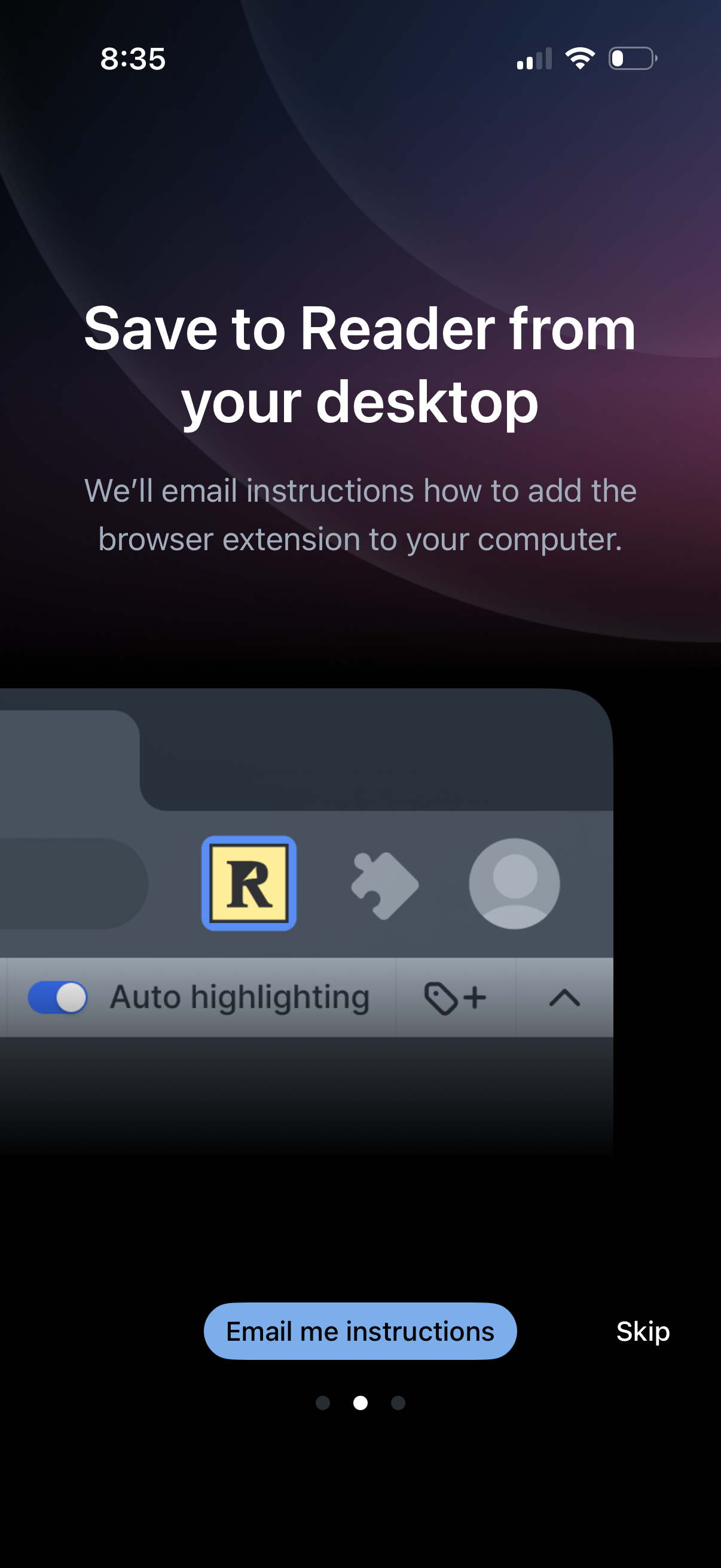
Onboarding screen prompting users to set up “Save to Reader” from their desktop by installing a browser extension, offering to email setup instructions. Primary actions are “Email me instructions” or “Skip” to continue.
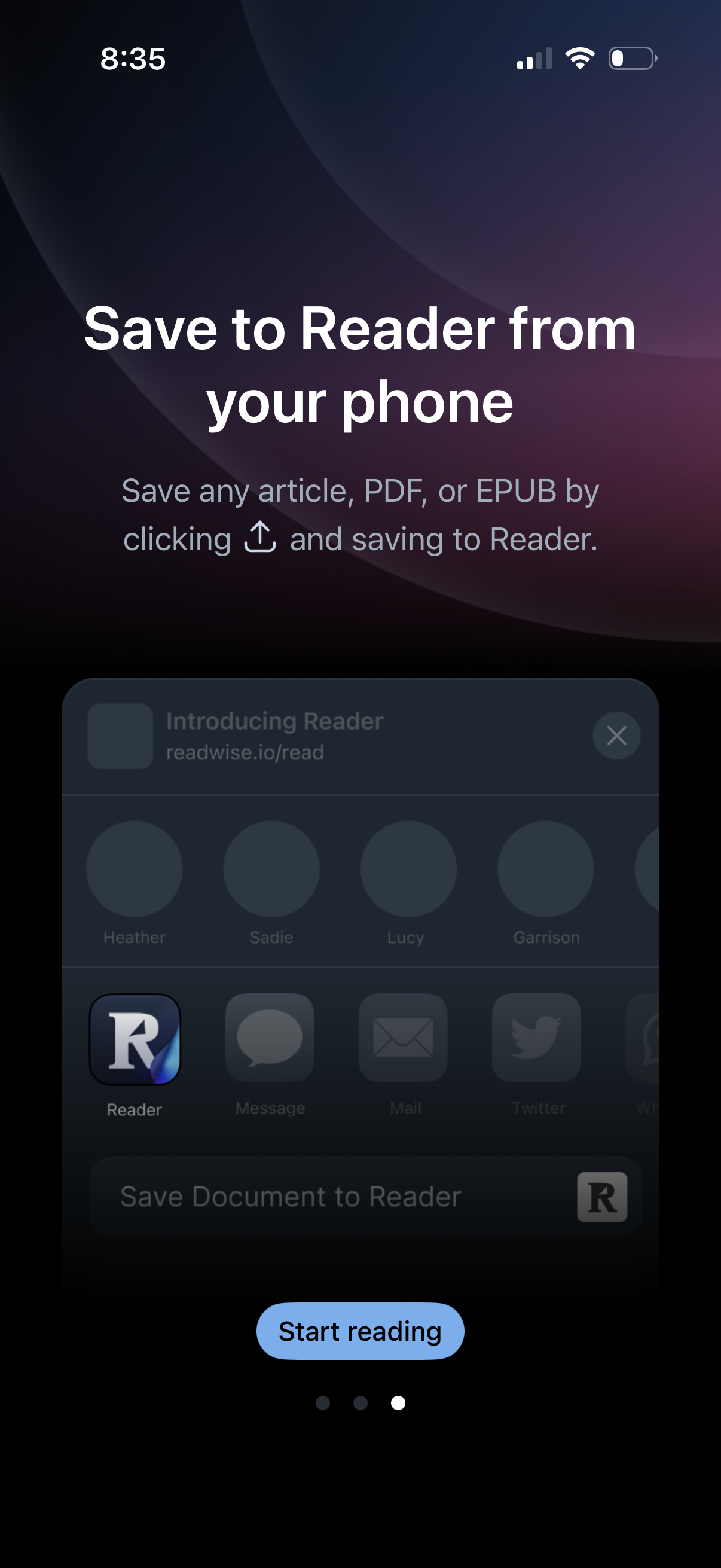
Onboarding/instruction screen explaining how to save articles, PDFs, or EPUBs to the app from a phone using the iOS share sheet (“Save to Reader”). Includes a primary “Start reading” CTA to proceed.
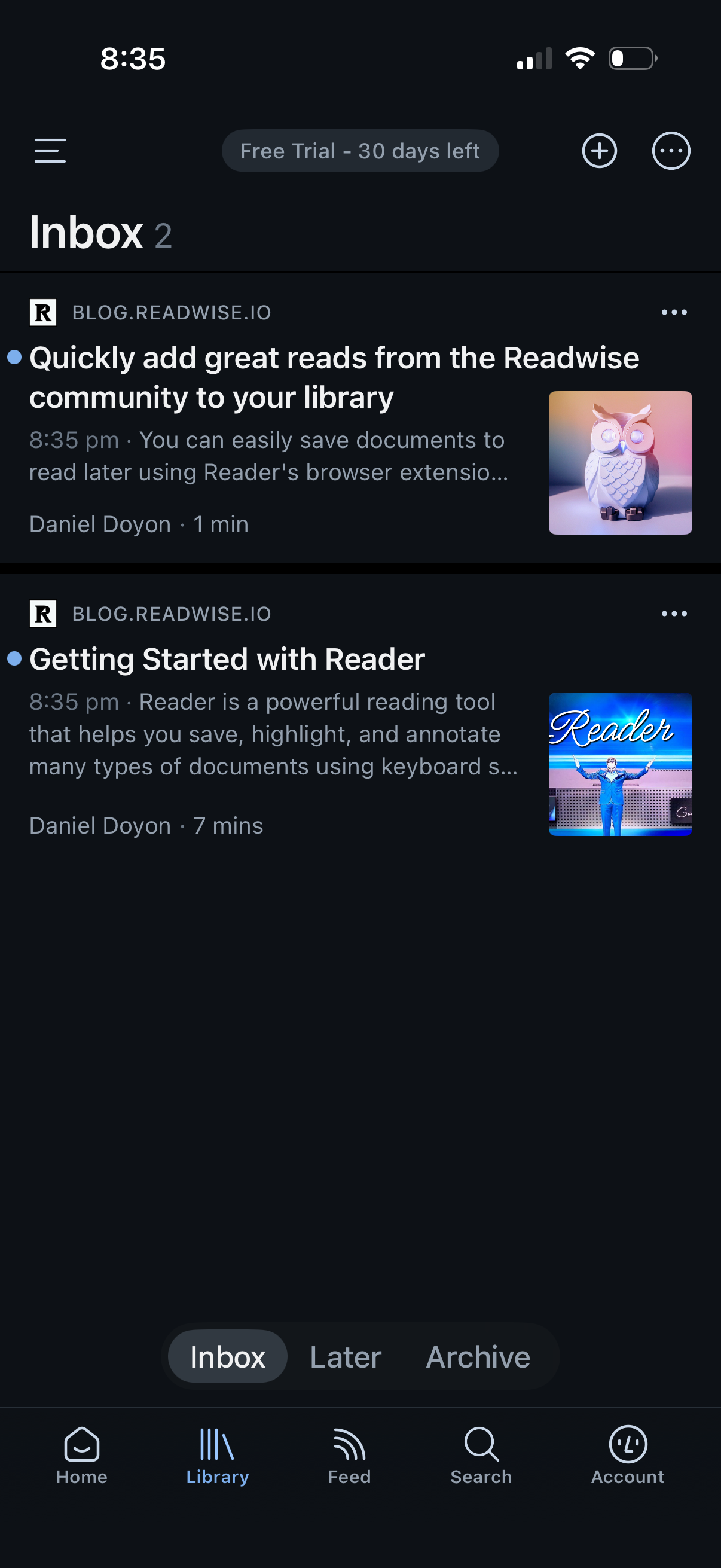
Library inbox screen for a read-it-later app showing a list of saved articles with source, title, snippet, time, read length, and thumbnail previews, plus overflow actions per item. Includes tabs to switch between Inbox, Later, and Archive, and top actions to add new content and open more options.